
In early 2024, Microsoft moved a useful mouse feature from PowerToys to Windows 11's Settings app, allowing users to toggle the mouse cursor crosshair for better accessibility without resorting to third-party apps. However, shortly after, Microsoft pulled this feature, quoting the need to fix some bugs. Nearly a year and a half later, the mouse crosshair is back in Windows 11.
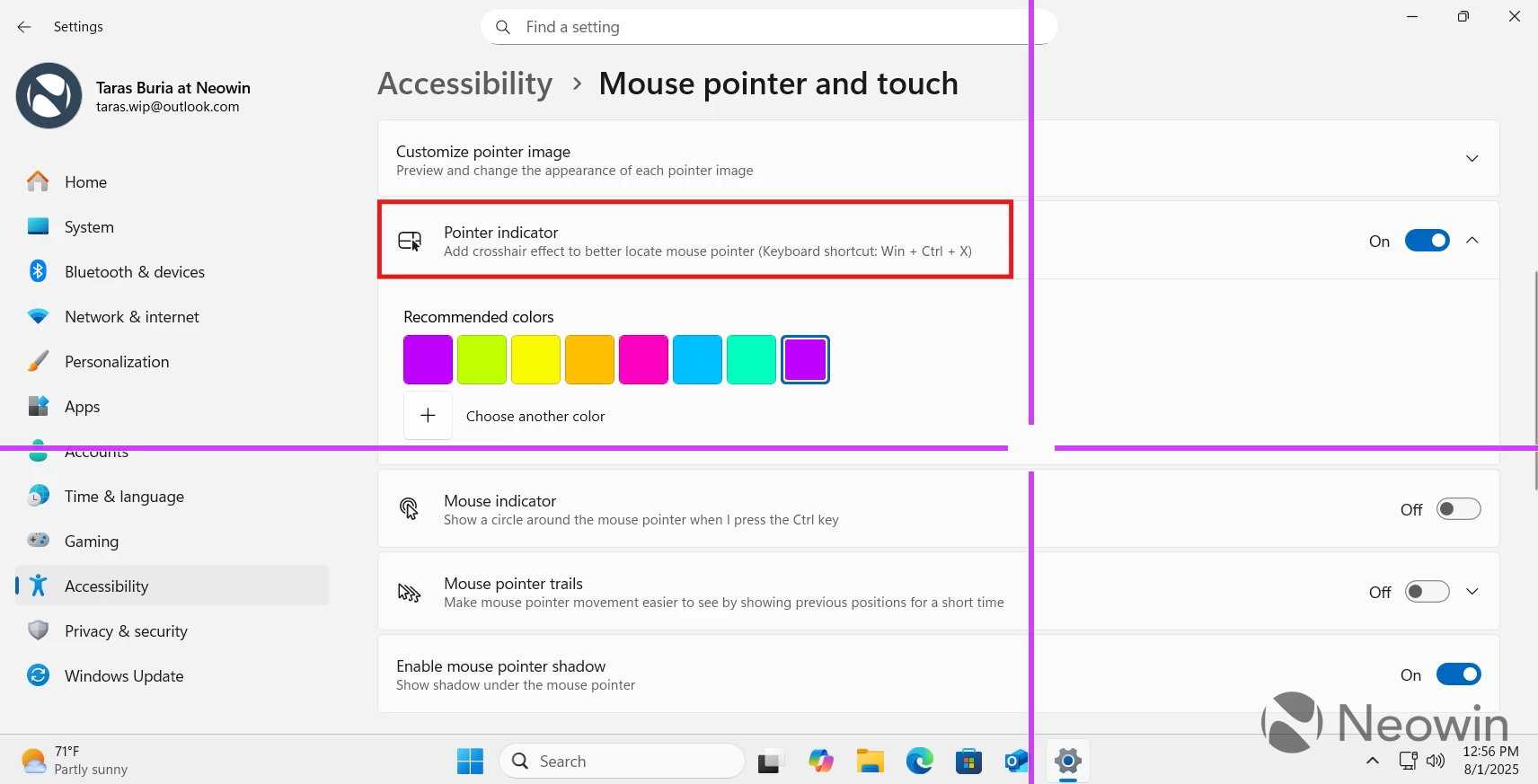
Windows 11 build 27913, which arrived in the Canary Channel this week, quietly brought back the ability to enable mouse crosshair in accessibility settings. You can turn it on and customize the color of the crosshair so that you can always see where the cursor is. Microsoft has not mentioned that in the release notes, and the change was only spotted by the sharp-eyed Windows insider @phantomofearth on X.
If you are running Windows 11 build 27913, you can turn on the mouse crosshair by heading to Settings > Accessibility > Mouse Pointer and Touch > Pointer Indicator. Note that the feature is available to all insiders, and it does not require toggling on any feature IDs. However, it has yet to make its way to the public Windows 11 version.
The mouse crosshair is a part of Microsoft's PowerToys utility set. Some of them have already made it to Windows 11, and Microsoft should consider doing the same for more tools. Recently, I published a story about five useful PowerToys utilities that Microsoft should make standard in Windows 11.
Other changes in build 27913 include the centered search box for the Settings app, wallpaper fixes, and more. Notably, the update also removed the Windows Vista startup sound, which oddly made its way to the Canary Channel after being fixed in the Dev and Beta. You can find the full changelog for build 27913 in our dedicated article here.


















3 Comments
Load the comments and join the conversation!
Read the comments, ask the editors questions, show respect and join the conversation.