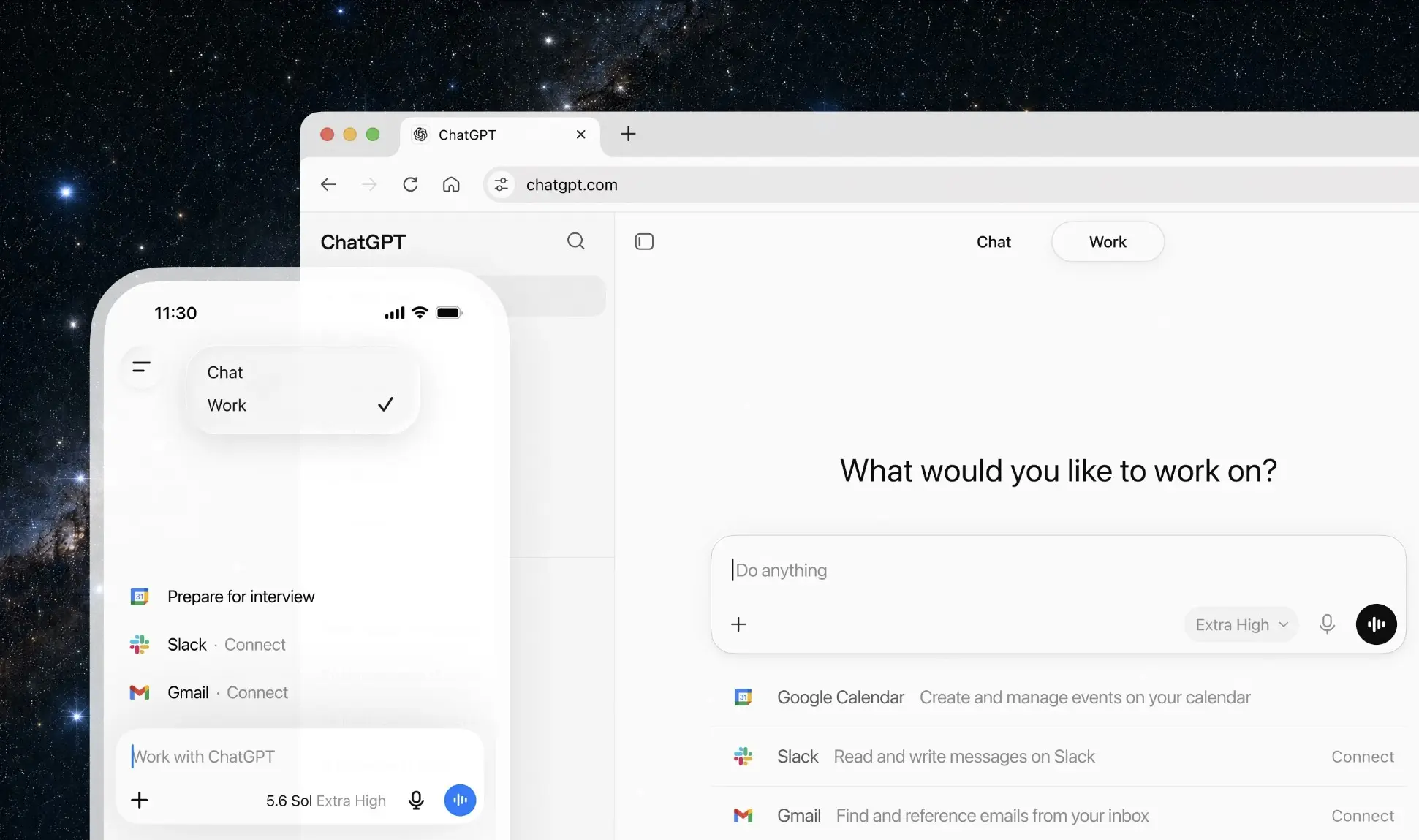
Alongside the new GPT-5.6 series model family, OpenAI today announced ChatGPT Work, a new agentic experience in ChatGPT designed to handle work across apps, files, and workflows. ChatGPT Work can gather data from different sources and create artifacts, such as spreadsheets, slide decks, documents, and web apps.
ChatGPT Work is powered by OpenAI’s latest GPT-5.6 model, allowing it to reason through multi-step tasks and create outputs that follow requested templates and reference files. It is important to note that Anthropic, Microsoft, and Google already offer a ChatGPT Work-like AI experience for business and enterprise customers.
ChatGPT Work can connect to popular enterprise tools such as Slack, Microsoft Teams, Google Drive, SharePoint, email, calendars, CRMs, and project trackers through plugins. Users can also mention a specific app in a prompt using “@” to direct ChatGPT to pull context from that source.
OpenAI also announced the public beta of Sites, through which users can turn any information into interactive sites or web apps, including dashboards, project trackers, launch calendars, internal portals, and reports. ChatGPT can keep these sites fresh as the underlying data changes.
ChatGPT Work is now rolling out to ChatGPT Pro, Enterprise, and Edu plan users on mobile and web. It will be coming to ChatGPT Plus and Business users over the next few days.
As expected, OpenAI today announced that it is merging the Codex app into the ChatGPT desktop app. Through the power of the Codex harness, the ChatGPT desktop app can now use local files and apps to get things done. For web-based work, there is a new built-in browser.
On desktop, ChatGPT is getting a built-in browser and Computer Use capabilities, allowing it to work across local files, apps, tools, and websites. OpenAI is also merging the Codex app into the new ChatGPT desktop app. Codex will continue to exist as a coding agent, but it will now sit inside the broader ChatGPT desktop experience.
Just like in the Codex app, the new Scheduled Tasks feature will enable ChatGPT to perform an action once, repeat it on a schedule or when an event occurs, or monitor for changes over time. For example, a user can set a task to send a summary of customer feedback emails to relevant teams.
OpenAI is also releasing an updated Chrome extension that will allow users to use ChatGPT directly in Chrome’s sidebar. With this, OpenAI is also discontinuing the standalone Atlas browser.
The unified ChatGPT desktop app is now available globally today for Mac and Windows for all ChatGPT users for free. The existing Codex app installations will be updated to become the new ChatGPT desktop app.
Developers who prefer the Codex experience can make Codex the default view when they open the desktop app and choose the Codex logo as the app icon. The existing version of the ChatGPT desktop app will be renamed ChatGPT Classic.