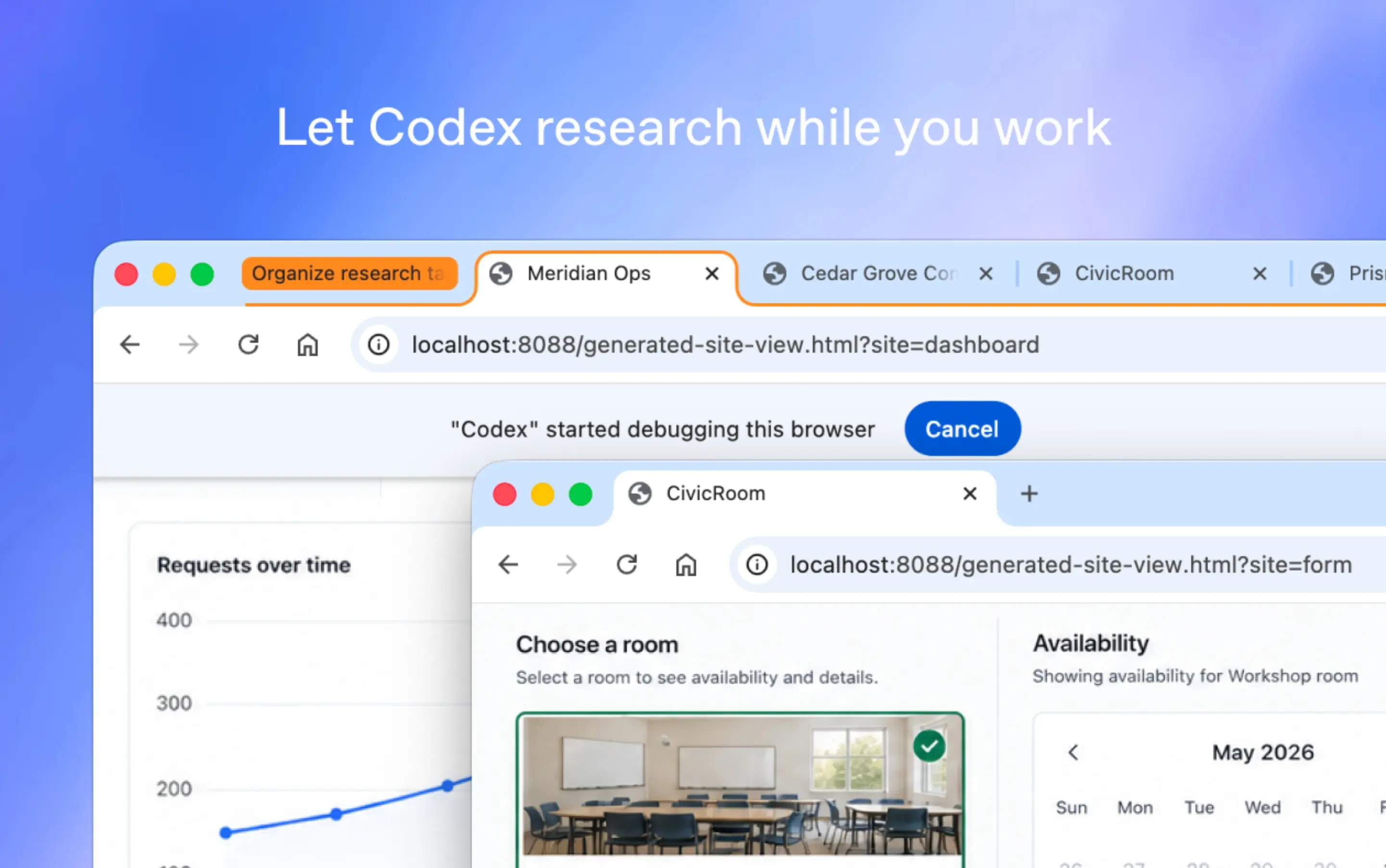
OpenAI has announced that Codex can now work directly in Google Chrome on macOS and Windows. With the new Chrome extension, Codex can use signed-in browser sessions to complete tasks across websites and web apps without taking over the user’s browser like existing 'computer use' sessions.
This new Chrome integration will allow Codex to complete browser-based work, including navigating structured pages, completing complex data entry flows, checking dashboards, debugging browser flows, and more. Through this new Chrome extension, Codex can also work across multiple Chrome tabs in the background. Tasks are organized in Chrome tab groups, so the browser work related to a specific Codex thread stays grouped together.
Codex now works directly in Chrome on macOS and Windows.
— OpenAI (@OpenAI) May 7, 2026
It’s even better at working with apps and sites in Chrome, and now works in parallel across tabs in the background without taking over your browser.
To get started, install the Chrome plugin in the Codex app. pic.twitter.com/pjtHd9gC69
Here's how the Chrome integration works:
- To use the new integration, users should install the Codex plugin from the Chrome Web Store. The setup process is available under Plugins in the Codex app. After approving Chrome’s permission prompts, users can open Chrome and confirm that the Codex extension is shown as connected.
- Once setup is complete, users can start a new Codex thread. Codex will decide which tool to use depending on the task. For example, it can use dedicated plugins when an integration is available, Chrome when it needs access to a signed-in website (LinkedIn, Salesforce, Gmail, etc.), and the in-app browser for local development servers, file-backed previews, localhost, and more.
- Users can also invoke Chrome directly in a prompt. For example: @Chrome open Salesforce and update the account from these call notes. If Chrome is not already open, Codex can open it automatically.
The Codex Chrome extension is available today in the Codex app on macOS and Windows in all regions except the EU and UK. OpenAI says support for those regions is coming soon.


















0 Comments
Load the comments and join the conversation!
Read the comments, ask the editors questions, show respect and join the conversation.