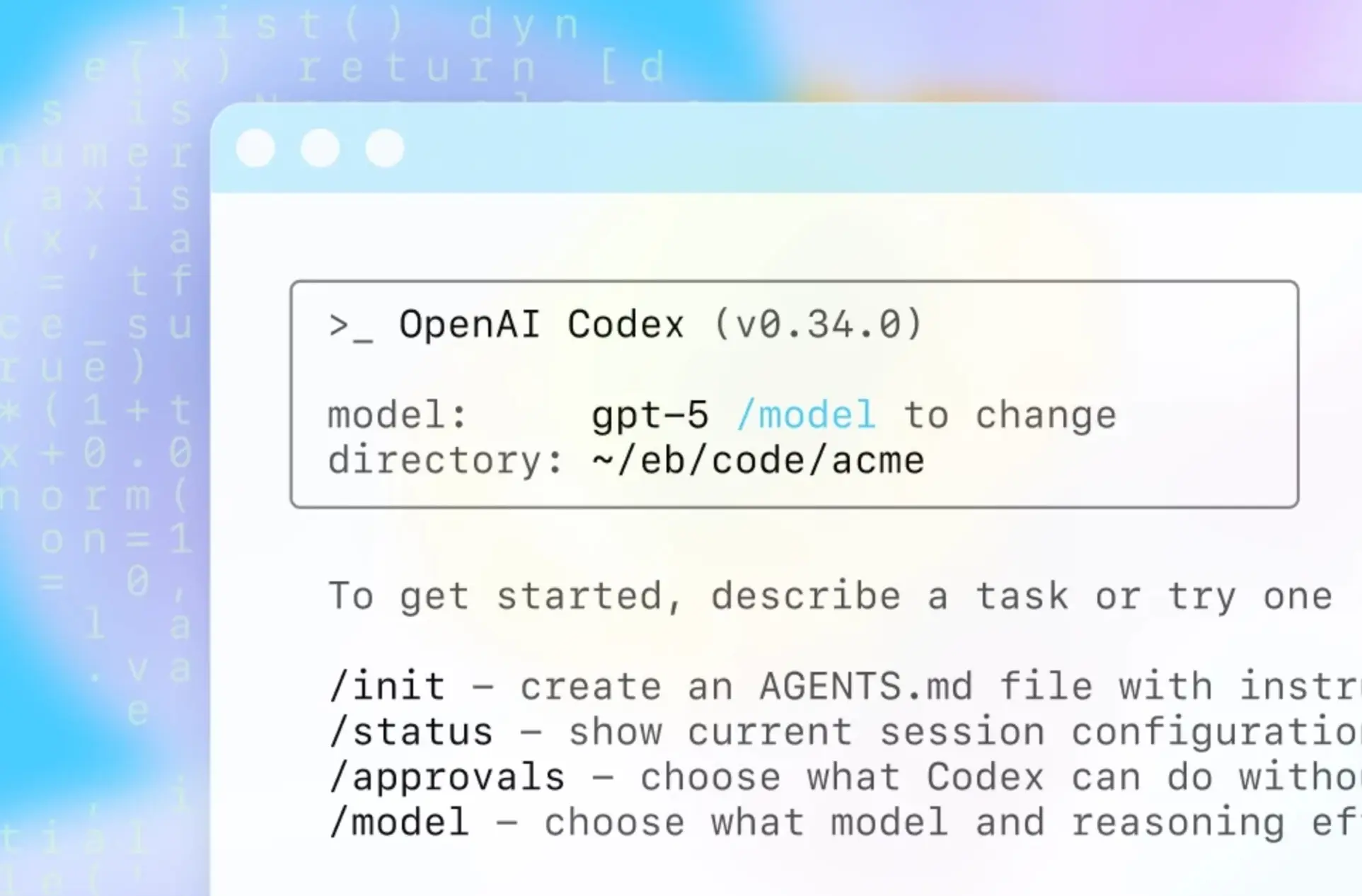
Codex is OpenAI’s family of AI coding tools that enables developers to use both cloud-based and local coding agents. In May last year, OpenAI announced a cloud-based Codex software engineering agent that can perform multiple software engineering tasks in parallel. Later, in August, OpenAI launched new Codex extensions for VS Code, Cursor, and other VS Code forks.
The Codex extension lets developers use Codex alongside their IDE and delegate tasks to Codex Cloud or a local Codex coding agent. Today, OpenAI announced that the Codex extension is now available for JetBrains IDEs, including Rider, IntelliJ IDEA, PyCharm, and WebStorm. Once installed, users can sign in with ChatGPT, an API key, or a JetBrains AI subscription.
Codex now runs inside @jetbrains IDEs
— OpenAI Developers (@OpenAIDevs) January 22, 2026
Plan, write, test, review, and ship code without leaving your code editor
Starting today, you can use Codex with your ChatGPT plan in IntelliJ, PyCharm, WebStorm, and Rider, powered by GPT-5.2 Codex pic.twitter.com/kpPtdZ4hbF
Here’s how Codex works inside JetBrains IDEs:
- The AI Assistant plugin is not installed or enabled by default in JetBrains IDEs, so developers must install and enable it first by following the instructions provided by JetBrains.
- On JetBrains IDE version 2025.3 and later, Codex is available directly in the AI Chat within the AI Assistant plugin.
- The agent picker menu allows developers to select the new Codex option.
- JetBrains supports the following authentication options for Codex:
- JetBrains AI: Use Codex as part of your JetBrains AI subscription.
- ChatGPT: Sign in with an existing ChatGPT account.
- Bring Your Own Key (BYOK): Connect to Codex using your own OpenAI API key.
- Once signed in, developers can start assigning coding tasks directly from within the IDE.
For JetBrains AI customers, including those in the free trial or free tier version, Codex is now available for free for a limited time. This promo will be available until the allocated promotional credits have been used up. After that, Codex usage will start consuming AI Credits.