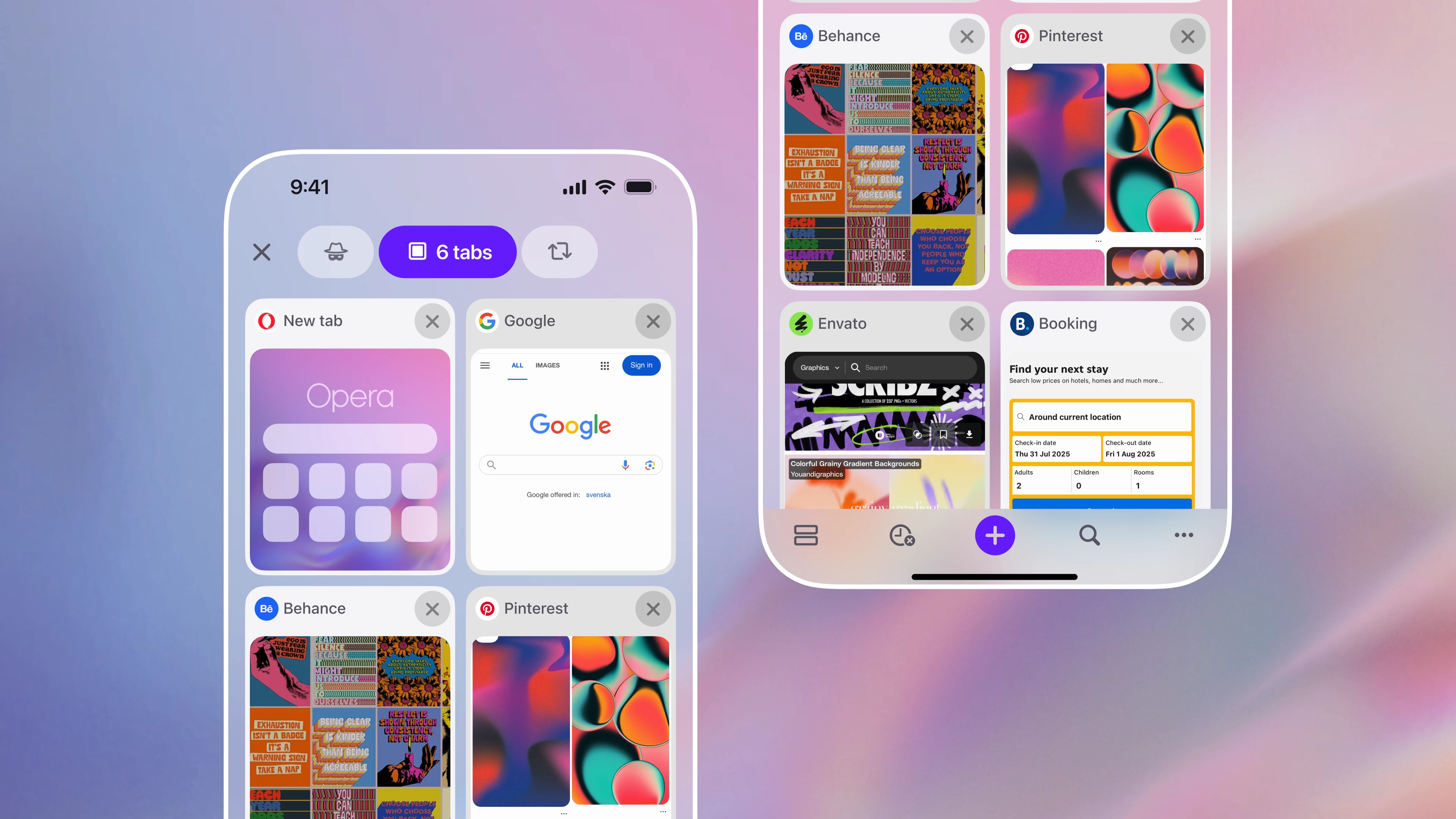
Opera is rolling out a new update for its browser on iOS, aiming to give users a much better tab management system that outrivals other browsers.
With the latest update, Opera One offers the following improvements for your tabs:
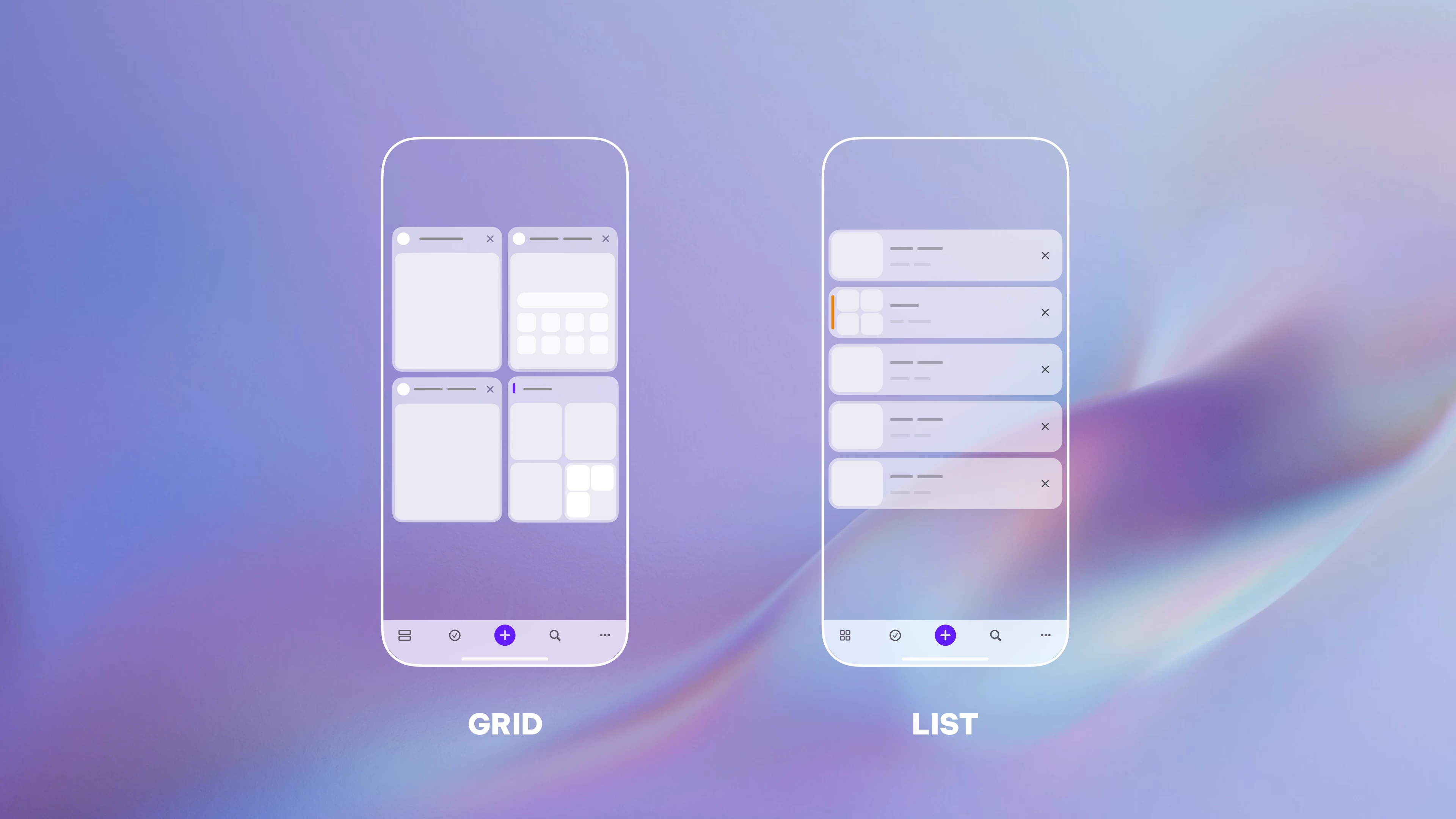
- Tab layouts: You can switch between Grid view and List view. The first option lets you preview your tabs, while the second layout caters to tab hoarders by keeping more tabs on the screen. To switch between Grid view and List view, tap the bottom-left button on the tab gallery.
- Tab groups: Opera One now lets you create tab groups to keep everything organized. Work, travel, recreation, family, or something else. Long-press a tab, select additional pages for your group, and then give it a name and color.
- Tab search: If you are lost in a hundred open tabs and need to find something, just use tab search to locate the page you need by tapping the search button in the tab gallery.
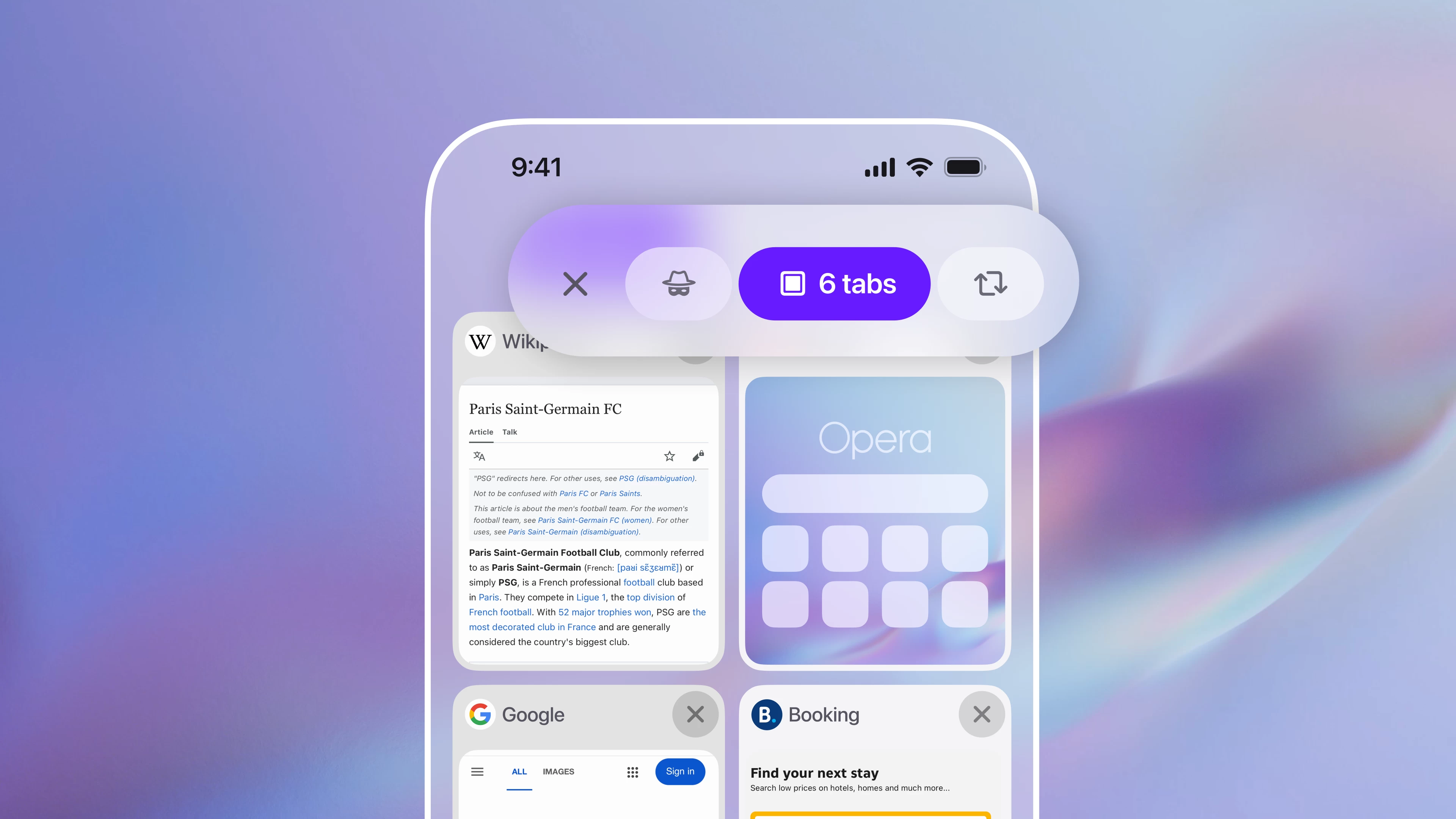
- Improved navigation: It is now easier to switch to private mode or synced tabs. Just swipe left or right.
Here is what Jona Bolin, Product Manager of Opera One for iOS, said about the update:
"We"re all excited about the launch of the new iPhones, but here we"re even more excited about fixing the tab issue on iOS. Some people say we"re too much into tab overload, and indeed we are - because we can control it."
While the improved tab management system is the main focus of the update, developers added a bit more. You can now customize what appears in the browser"s menu to keep it organized. Also, Opera"s built-in Aria AI now has a new home in the middle of the bottom bar and improved answers with more information on various topics.
The updated Opera One for iPhone and iPad is now available for download for free from the App Store.