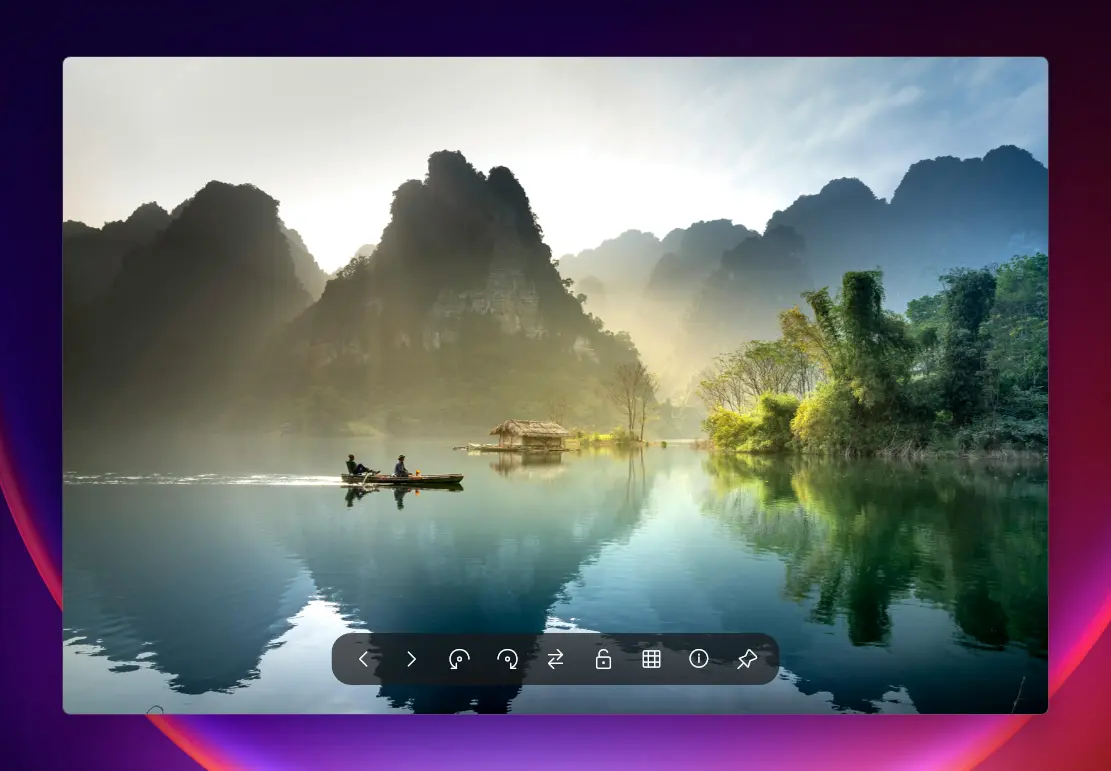
QuickView is the fastest image viewer for Windows, designed to open all your photos instantly. It supports popular formats like WebP, AVIF, JPEG XL, PNG, JPEG, TIFF, RAW, and PSD, making it perfect for photographers, designers, and everyday users. With lightning-fast load times and zero-lag previews, QuickView handles everything from small icons to massive 8K images effortlessly. Drag and drop files to view them instantly, zoom and pan smoothly, and enjoy a clutter-free interface built for speed and simplicity.
QuickView also makes managing and analyzing images easy. You can preview thousands of photos instantly, view real-time color and brightness, and check image details without slowing down your computer. It automatically fixes common file issues and works perfectly offline, so your images stay private. QuickView supports multiple languages, is portable, and requires no installation.
QuickView key features:
- Blazing Fast Loading – Open images instantly with zero lag.
- Modern Format Support – View WebP, AVIF, JPEG XL, and more.
- RAW File Ready – Handle photos from all major cameras effortlessly.
- Classic Format Friendly – Supports PSD, PNG, JPEG, TIFF, and BMP.
- Drag-and-Drop Convenience – Open files instantly without menus.
- Multilingual Interface – Works in English, Chinese, Japanese, German, Spanish, and Russian.
- Portable & Lightweight – Single executable, no installation required.
- Mass Image Preview – Instantly view thousands of images with HUD Photo Wall.
- Real-Time Color Tools – RGB histograms and color analysis overlays.
- Accurate Metadata – View EXIF and file information instantly.
- Smart File Fixes – Automatically repair incorrectly saved files.
- Fast or Full-Quality Toggle – One-click RAW preview adjustment.
- Smooth Navigation – Zoom, pan, and scroll without slowdowns.
- Privacy Focused – Fully offline operation keeps your images secure.
QuickView 3.2.5 changelog:
New Features
- Span Displays (Video Wall): New "Span Across Monitors" feature (Ctrl+F11) allows the window to instantly stretch across all available displays, perfect for video walls or ultra-wide viewing.
- Modern D2D Rename Dialog: Replaced the legacy Windows GDI rename dialog with a fully hardware-accelerated Direct2D version that matches the application"s dark theme.
- Help Overlay: Added a built-in keyboard shortcut guide (F1).
- Window Rounded Corners: New toggle in Settings -> View to enable/disable Windows 11-style rounded window corners.
- AVX2 Detection: Added start-up check for AVX2 instruction set support to ensure compatibility with optimized decoders.
Precision UI & Typography
- Binary Search Text Truncation: Completely rewrote the text shortening engine. Using a binary search algorithm, filenames in dialogs and the Info Panel now use every available pixel, eliminating wasted space and "..." artifacts for long filenames (especially CJK).
- Pixel-Perfect 100% Zoom: Fixed scaling logic to ensure images of ALL sizes (from 16px icons to 50MP RAWs) render crisp and accurate at 100% zoom.(#6 )
- Smart Double-Click: Double-clicking now rationally adapts to context:
- Fullscreen: Exits Fullscreen.
- Windowed: Toggles between "Fit to Window" and "100% View".(#9)
- Info Panel Zoom: The Info Panel now displays the current Zoom percentage.(#6 )
- Zoom Snap Damping: Added configurable damping mechanics for "Magnetic Zoom", making it feel more organic.
- Robust Auto-Hide: Optimized toolbars and navigation arrows to hide reliably (100% success rate) even when the mouse exits the window rapidly.
Core Architecture
- Unified Window Controls: Moved all window control rendering (Minimize/Maximize/Close) into the UIRenderer pipeline for consistent styling and correct behavior in Fullscreen/Maximized modes.
- Unified Zoom Logic: Decoupled zoom logic from window resizing, fixing "fighting" issues between user input and auto-fit logic.
- Portable Mode Polish: Improved logic for switching between Portable and Install modes, ensuring cleaner registry handling.(#6)
Bug Fixes
- Scaling Anomalies: Fixed visual glitches when high-DPI scaling was active.
- Gallery Tooltips: Fixed issue where image dimensions would show as 0x0 in gallery tooltips.
- RAW Toggle: Fixed state persistence issue where the "Force RAW Decode" setting wasn"t saving correctly.
- Cursor Visibility: Fixed Navigation Arrows remaining visible even when the cursor was set to hidden.
- Settings UI: Fixed layout displacement of the "Back" arrow in the General settings tab.
- Icon Display:Fix Missing Icon Fonts(#6 )
Download: QuickView 3.2.5 | 2.7 MB (Open Source)
View: QuickView Website | Github | Screenshot