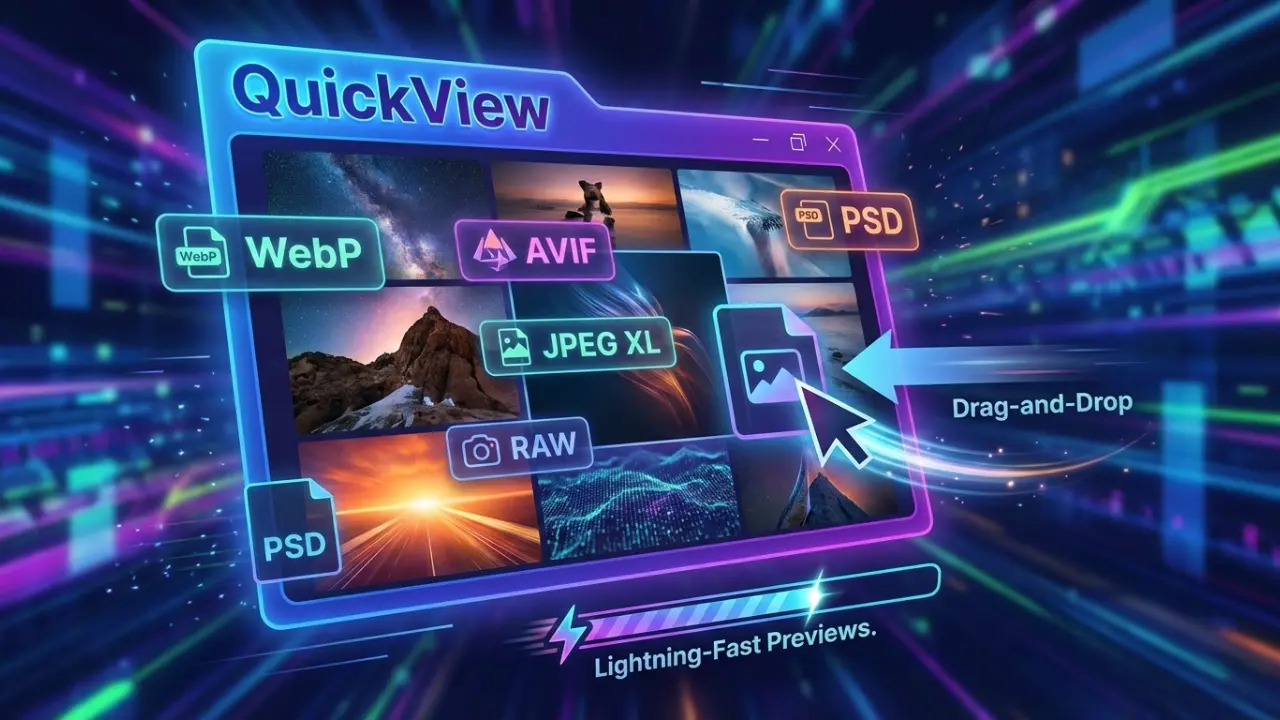
QuickView is the fastest image viewer for Windows, designed to open all your photos instantly. It supports popular formats like WebP, AVIF, JPEG XL, PNG, JPEG, TIFF, RAW, and PSD, making it perfect for photographers, designers, and everyday users. With lightning-fast load times and zero-lag previews, QuickView handles everything from small icons to massive 8K images effortlessly. Drag and drop files to view them instantly, zoom and pan smoothly, and enjoy a clutter-free interface built for speed and simplicity.
QuickView also makes managing and analyzing images easy. You can preview thousands of photos instantly, view real-time color and brightness, and check image details without slowing down your computer. It automatically fixes common file issues and works perfectly offline, so your images stay private. QuickView supports multiple languages, is portable, and requires no installation.
QuickView key features:
- Blazing Fast Loading – Open images instantly with zero lag.
- Modern Format Support – View WebP, AVIF, JPEG XL, and more.
- RAW File Ready – Handle photos from all major cameras effortlessly.
- Classic Format Friendly – Supports PSD, PNG, JPEG, TIFF, and BMP.
- Drag-and-Drop Convenience – Open files instantly without menus.
- Multilingual Interface – Works in English, Chinese, Japanese, German, Spanish, and Russian.
- Portable & Lightweight – Single executable, no installation required.
- Mass Image Preview – Instantly view thousands of images with HUD Photo Wall.
- Real-Time Color Tools – RGB histograms and color analysis overlays.
- Accurate Metadata – View EXIF and file information instantly.
- Smart File Fixes – Automatically repair incorrectly saved files.
- Fast or Full-Quality Toggle – One-click RAW preview adjustment.
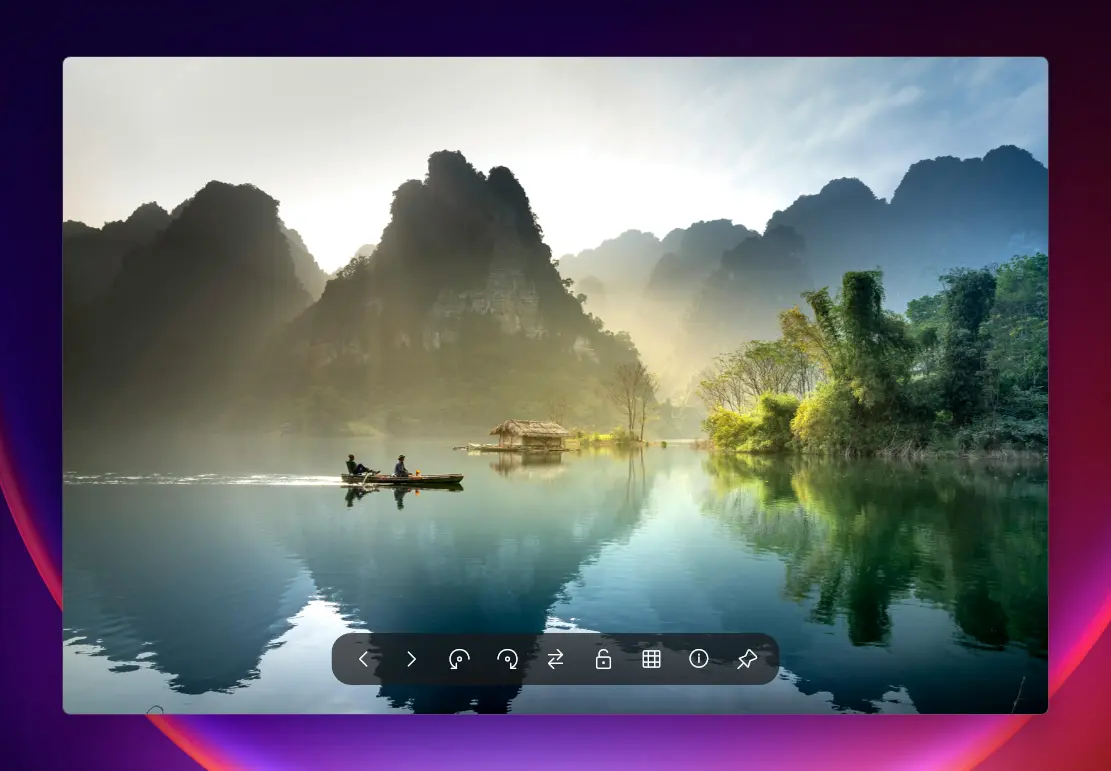
- Smooth Navigation – Zoom, pan, and scroll without slowdowns.
- Privacy Focused – Fully offline operation keeps your images secure.
QuickView v5.3.0 changelog:
QuickView v5.3.0 focuses on improving UI consistency, refining user interaction, and ensuring a clean system footprint.
Vectorized UI Icons
- Migrated the remaining UI icons to the GeekIcon vector engine.
- Improved Consistency: Icons are now rendered using Direct2D paths, ensuring they look the same across different Windows versions and DPI settings.
- Font Dependency Removed: The application no longer relies on specific icon fonts for its core interface.
Windows Integration & Cleanup
- Deep Uninstallation: Added a new --uninstall flag for comprehensive registry (HKCU) and application data cleanup.
- Improved Installer: The Inno Setup installer now automatically purges legacy .old files and the AppData folder upon removal, ensuring a zero-footprint uninstallation.
- WinGet Automation: Optimized the submission pipeline to use standard installers, resolving previous validation issues and improving accessibility via winget install QuickView.
- Default Photo Viewer: Enhanced support for Windows 11 "Default Apps" settings via full Capability registration.
Interaction & Animation
- Frame Counter (#167): Added a basic frame index display to the animation progress bar for GIF and WebP files.
- Hand Cursor Panning (#160): Added a hand cursor when dragging images that are larger than the window.
- Thumb Wheel Support (#156): Added support for vertical/horizontal mouse thumb wheels.
- Zoom Cycle: Refined the zoom hotkey/double-click behavior to cycle through common scaling modes.
HDR & Color (Experimental)
- Luminance Handling (#131): We have adjusted how peak luminance is detected on HDR monitors by prioritizing system-level reports. Note: This is an initial attempt to address "washed out" colors, and we are still evaluating its effectiveness across different hardware.
Download: QuickView 64-bit | Portable 64-bit | ~5.0 MB (Open Source)
Download: QuickView ARM64 | Portable ARM64
View: QuickView Website | Github | Screenshot
 Get alerted to all of our Software updates on Twitter at @NeowinSoftware

















0 Comments
Load the comments and join the conversation!
Read the comments, ask the editors questions, show respect and join the conversation.