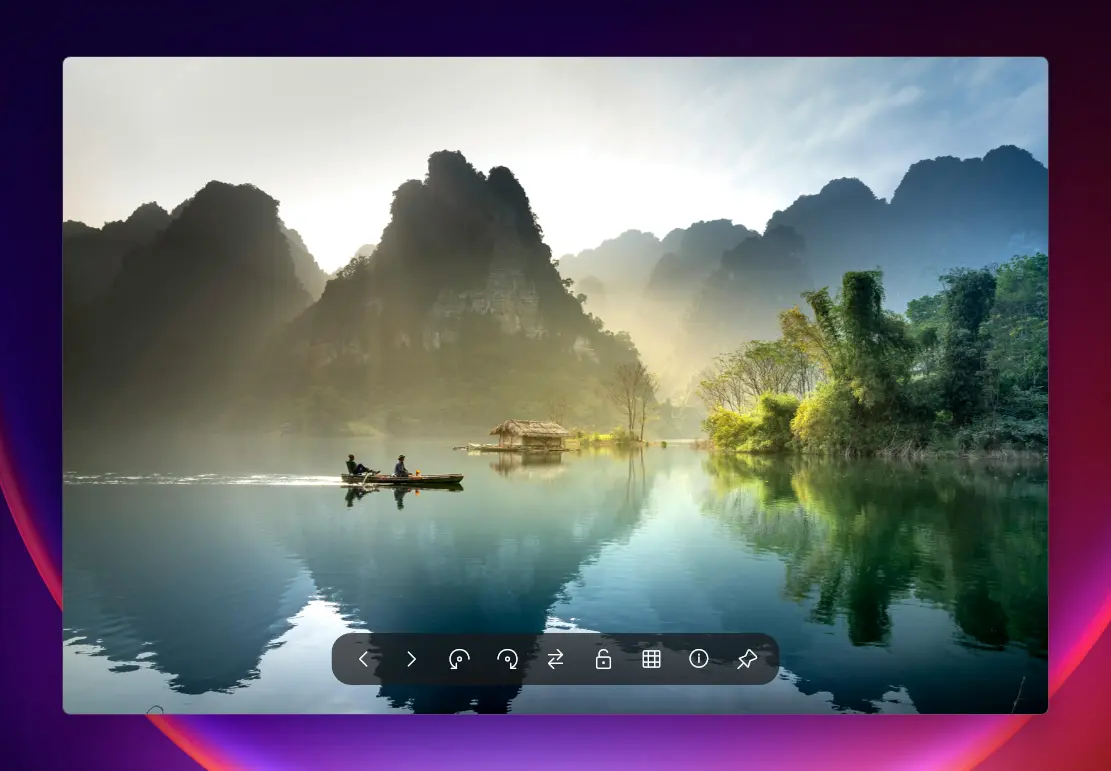
QuickView is the fastest image viewer for Windows, designed to open all your photos instantly. It supports popular formats like WebP, AVIF, JPEG XL, PNG, JPEG, TIFF, RAW, and PSD, making it perfect for photographers, designers, and everyday users. With lightning-fast load times and zero-lag previews, QuickView handles everything from small icons to massive 8K images effortlessly. Drag and drop files to view them instantly, zoom and pan smoothly, and enjoy a clutter-free interface built for speed and simplicity.
QuickView also makes managing and analyzing images easy. You can preview thousands of photos instantly, view real-time color and brightness, and check image details without slowing down your computer. It automatically fixes common file issues and works perfectly offline, so your images stay private. QuickView supports multiple languages, is portable, and requires no installation.
QuickView key features:
- Blazing Fast Loading – Open images instantly with zero lag.
- Modern Format Support – View WebP, AVIF, JPEG XL, and more.
- RAW File Ready – Handle photos from all major cameras effortlessly.
- Classic Format Friendly – Supports PSD, PNG, JPEG, TIFF, and BMP.
- Drag-and-Drop Convenience – Open files instantly without menus.
- Multilingual Interface – Works in English, Chinese, Japanese, German, Spanish, and Russian.
- Portable & Lightweight – Single executable, no installation required.
- Mass Image Preview – Instantly view thousands of images with HUD Photo Wall.
- Real-Time Color Tools – RGB histograms and color analysis overlays.
- Accurate Metadata – View EXIF and file information instantly.
- Smart File Fixes – Automatically repair incorrectly saved files.
- Fast or Full-Quality Toggle – One-click RAW preview adjustment.
- Smooth Navigation – Zoom, pan, and scroll without slowdowns.
- Privacy Focused – Fully offline operation keeps your images secure.
QuickView 4.0.5 changelog:
This maintenance release addresses several deep-seated issues in the Titan Engine"s caching system and significantly improves RAW file support stability and correctness.
Key Fixes
Titan Cache Precision (Aspect Ratio Fix):
- We fixed a regression where ultra-large images (decoded via the Titan Engine) would display incorrect aspect ratios when re-opening them from the memory cache. The engine now explicitly tracks and preserves the original image"s resolution (srcWidth/srcHeight) separately from the scaled preview tiles.
Persistent RAW Orientation:
- RAW files now retain their correct orientation even when hitting the pre-decode cache. We re-engineered the orientation propagation logic to ensure EXIF metadata is preserved across all worker threads and deep-copy operations.
RAW Decoder Stability:
- Fixed a critical "Double Free" crash that could occur with certain RAW files when the embedded JPEG preview extraction failed. Fix #22
UX & Interaction
Smart RAW Toggle (Session-Only):
- The "RAW" button in the toolbar is now a temporary session override. Clicking it allows you to quickly toggle between "Embedded Preview" and "Full RAW Decode" for the current image without altering your global system defaults. Your permanent choice in the Settings menu remains untouched.
Flicker-Free Transitions:
- Refined the bitmap promotion logic to ensure that upgrading from a lower-LOD preview to a high-quality full-resolution image is completely seamless with zero visual flicker. Fix #27
Download: QuickView 4.0.5 | 2.9 MB (Open Source)
View: QuickView Website | Github | Screenshot