I"ve used plenty of dashcams over the years, and what Linus said in a video a while back is certainly true, most dashcams use the same (or a variant of) imaging system resulting in a base level of image quality and video options where available.
That was three years ago of course Have things changed in 2025? In short, yes, we now have dashcams like this Nexus N4 Pro S that comes not only in a high level of fit and finish, but also a wealth of features comprising a combination of onboard controls, optional accessories and software settings to play with.
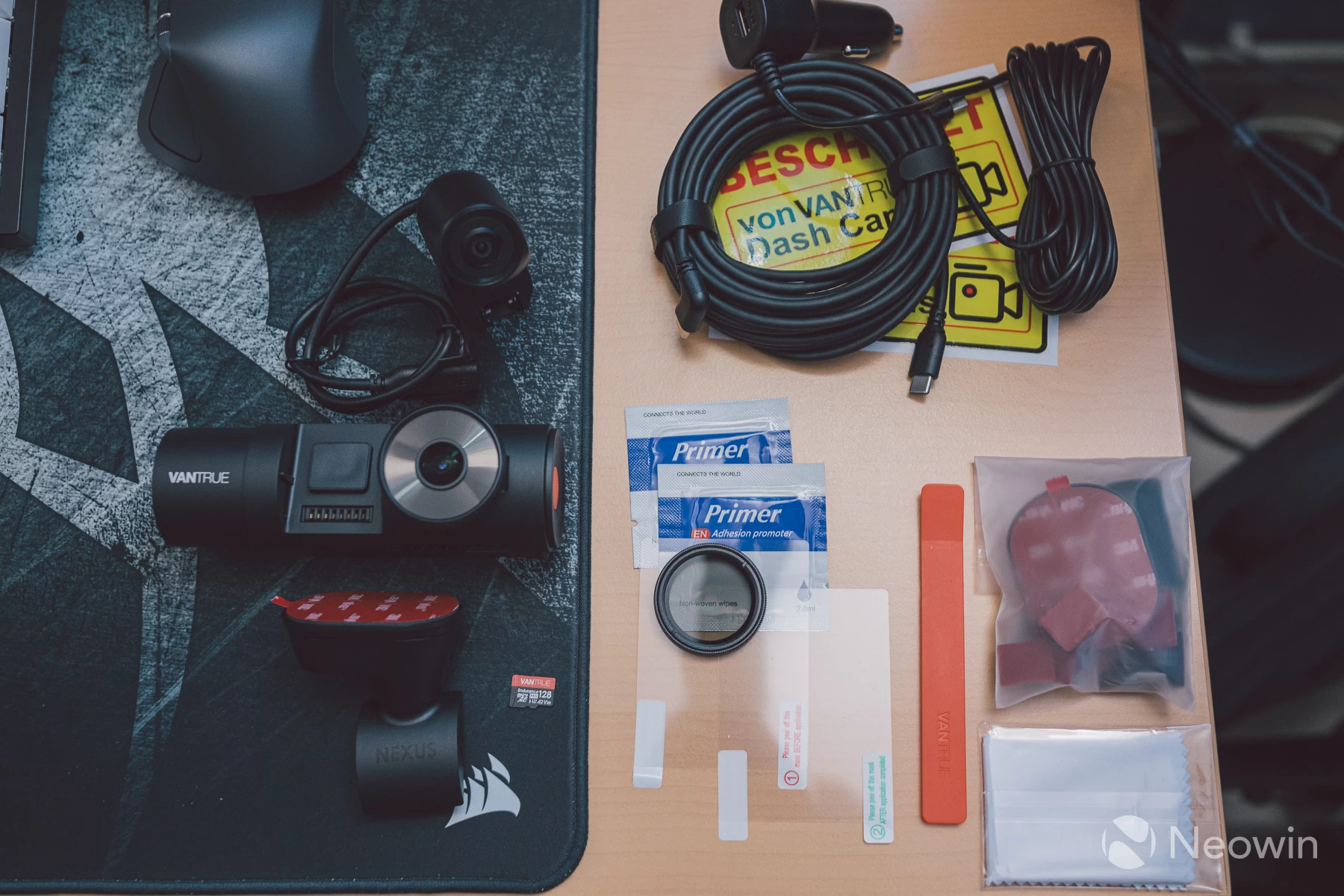
During my time using the N4 Pro S, I don"t think I was able to exhaust the full scope of what it has to offer, but what I did experience has been very impressive, notably the image quality and encoding smoothness given that it was recording at 30fps, which typically results in blurry motion quite often on many dashcams.
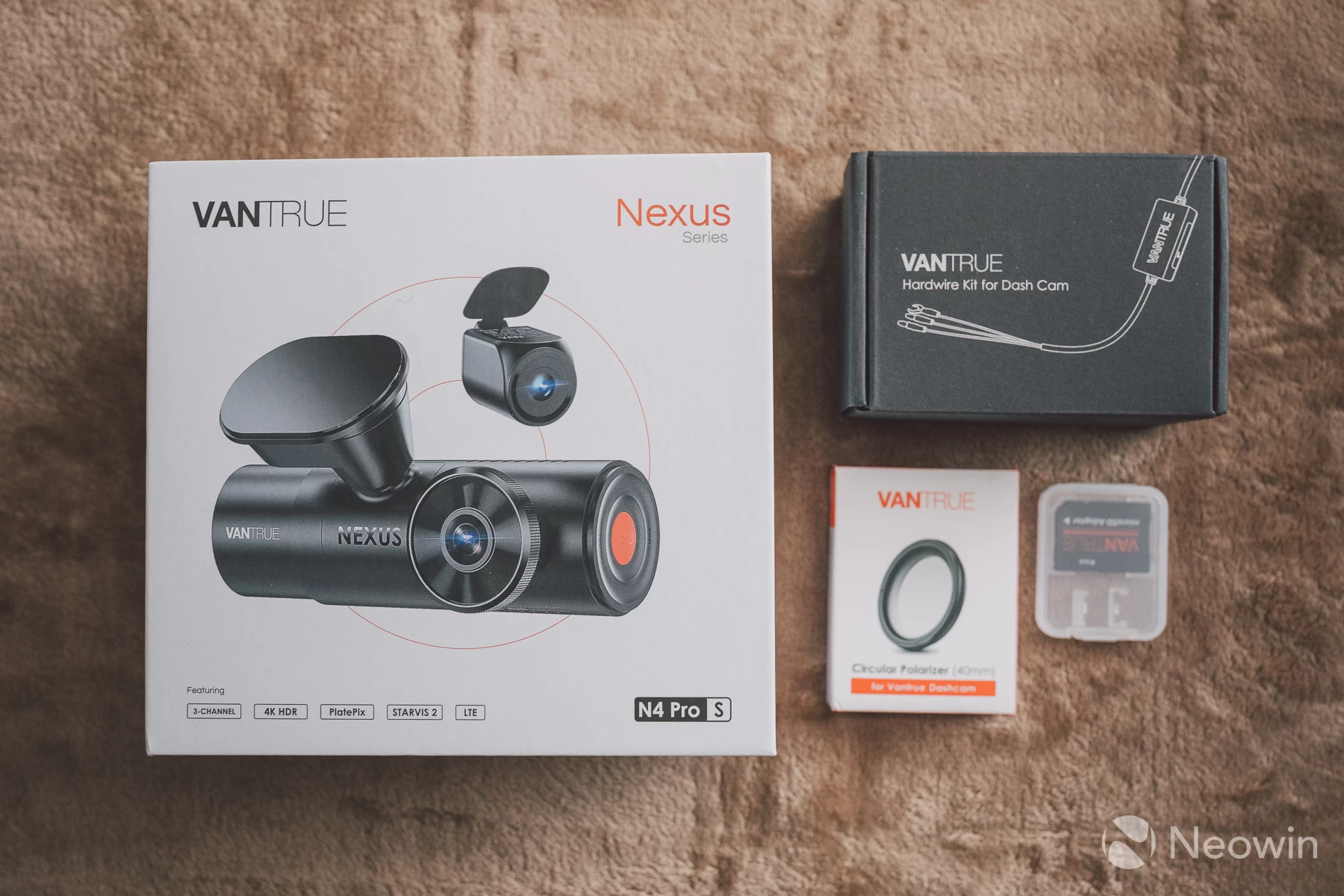
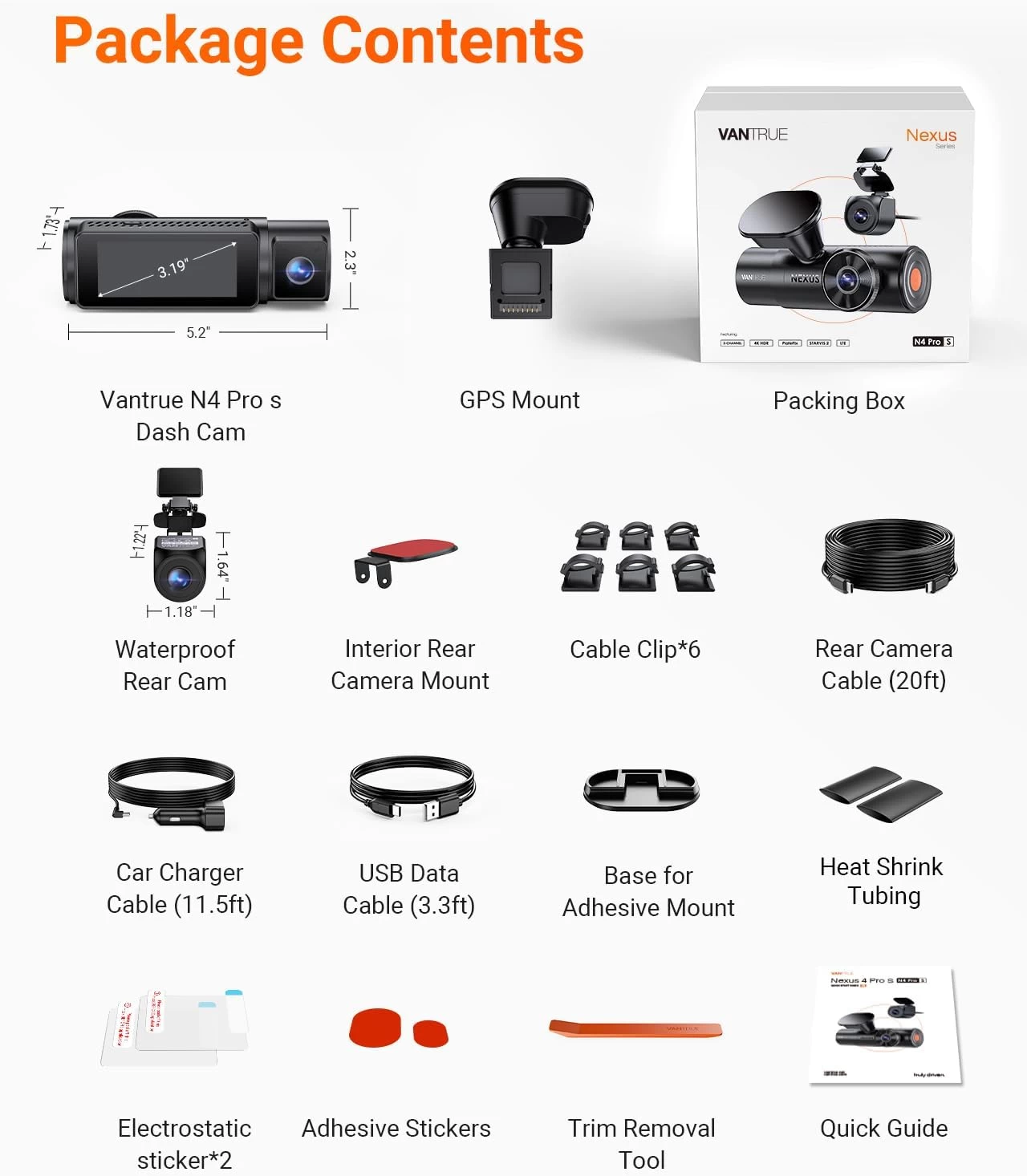
I will say right away that the circular polariser filter is not included in the box, this is an optional extra that Vantrue included in the review sample they sent over to me. Vantrue does offer bundle packages for those interested. The LTE module, hardwire kit and suction mount are also optional extras.
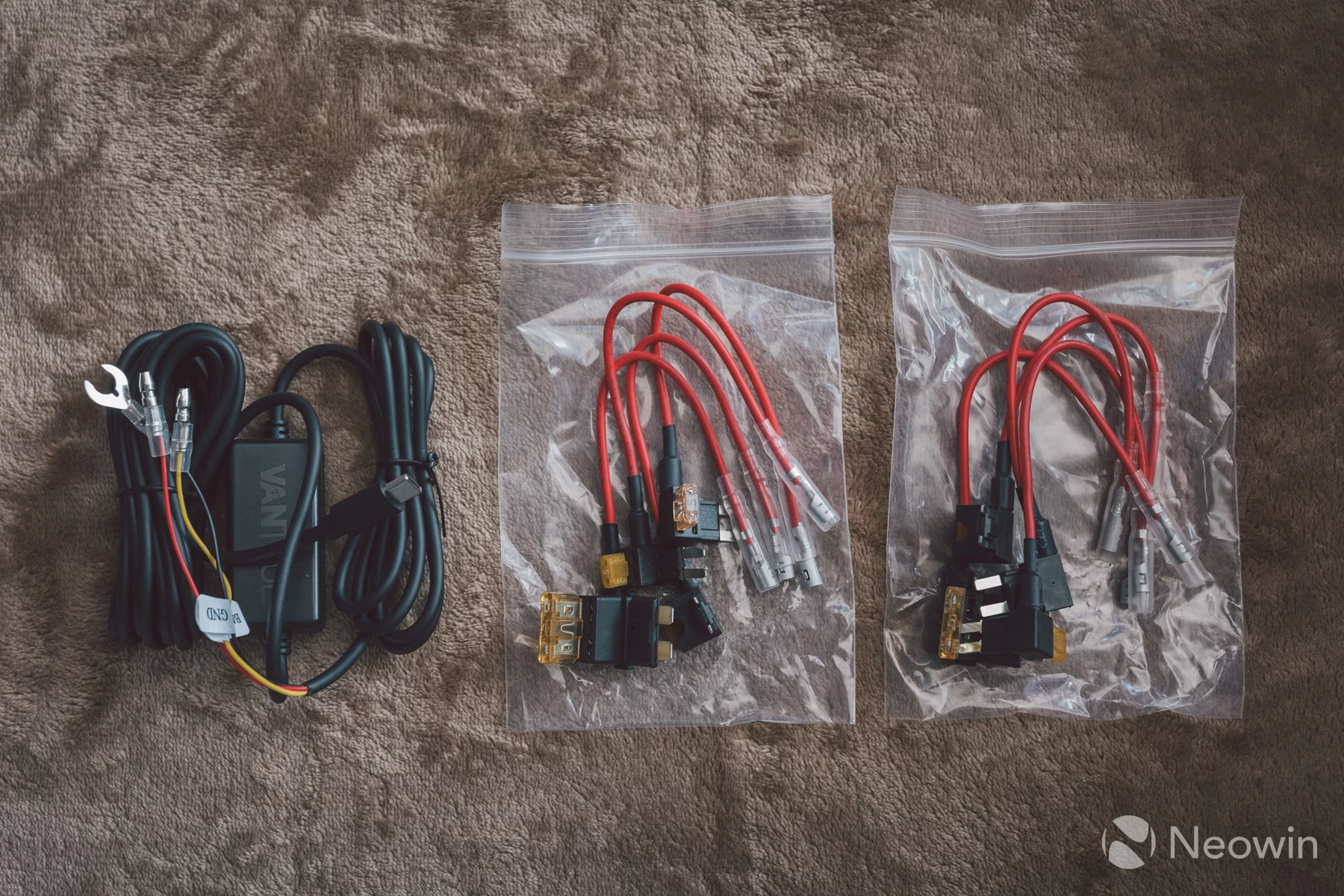
The hardwire kit was included in this review, and was used without issue. This kit includes all the modes of fuse-tap you may need for your vehicle which was great to see.
| Vantrue Nexus N4 Pro S | |
|---|---|
| Imaging sensors | Triple Sony STARVIS 2 consisting of: Front: IMX678 CMOS Cabin: IMX662 CMOS Rear: IMX675 CMOS |
| Max resolutions | 3840x2160 + 1920x1080 + 2560x1440 @ 30fps (front, cabin, rear cams) |
| GPS mount | 8-pin |
| Input voltage | 5V 3A |
| HDR | Triple HDR |
| LTE | Optional extra |
| GPS logger | Yes |
| Privacy mode | Yes |
| Suction mount | Optional extra |
| WiFi | 2.4GHz/5GHz |
| Voice control | Yes |
| Polariser filter | Optional extra |
| IR remote | Optional extra |
| Battery type | Super capacitor |
| Storage | up to 1TB microSD |
| Price | £320 / $379 |
Build quality
Given the price, there is a certain expectation on what the construction quality should be like on something like this. I am happy to report that the N4 Pro S does not disappoint. Everything is screwed or sealed together nicely with no rattling bits, even the main camera that magnetically latches onto the mount slots in like a glove with very little room to wiggle under rough road conditions.
The mount for the rear camera articulates enough that there will be an angle available to any possible position you decide to mount it, and the connecting cable is long enough to satisfy large family saloons.
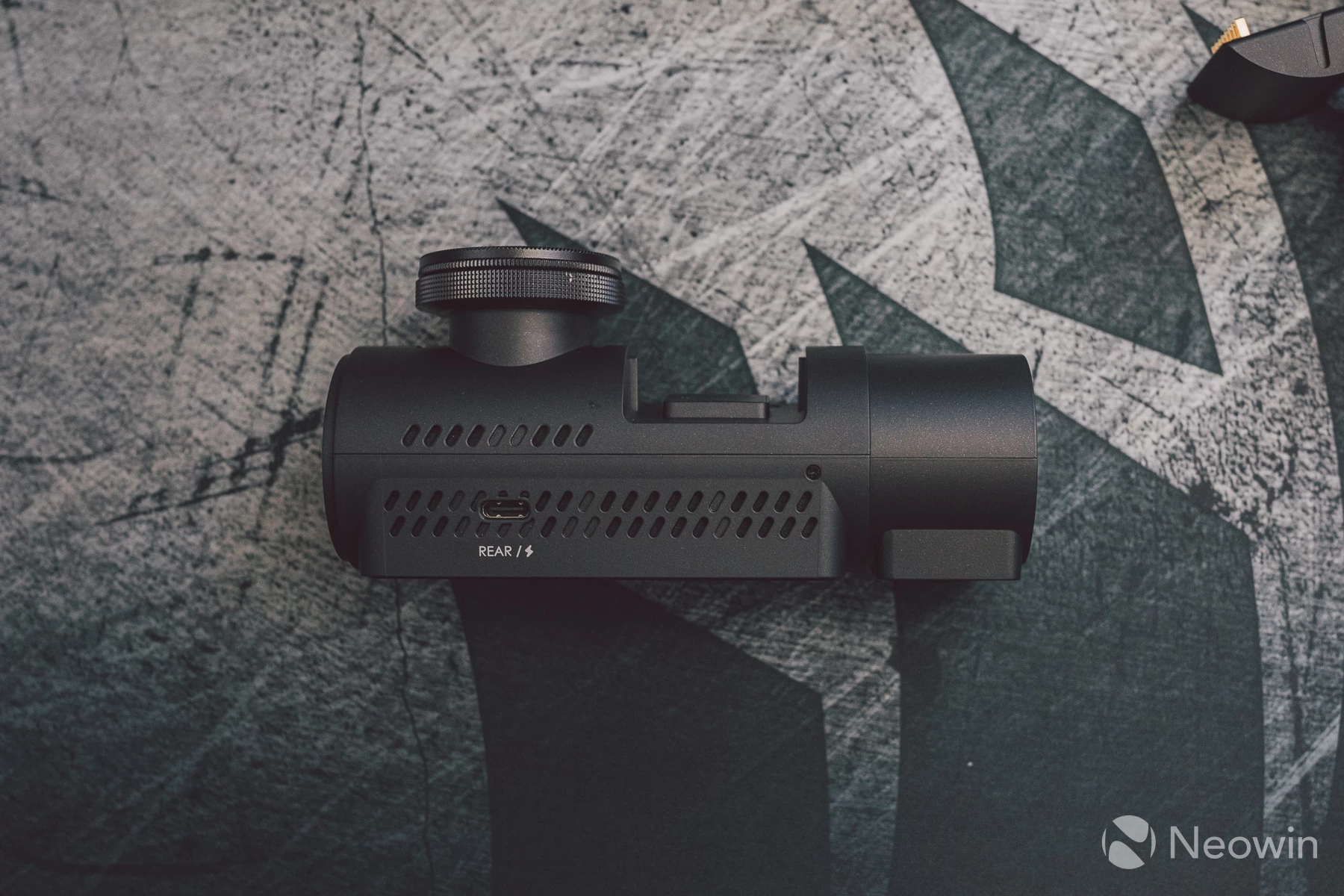
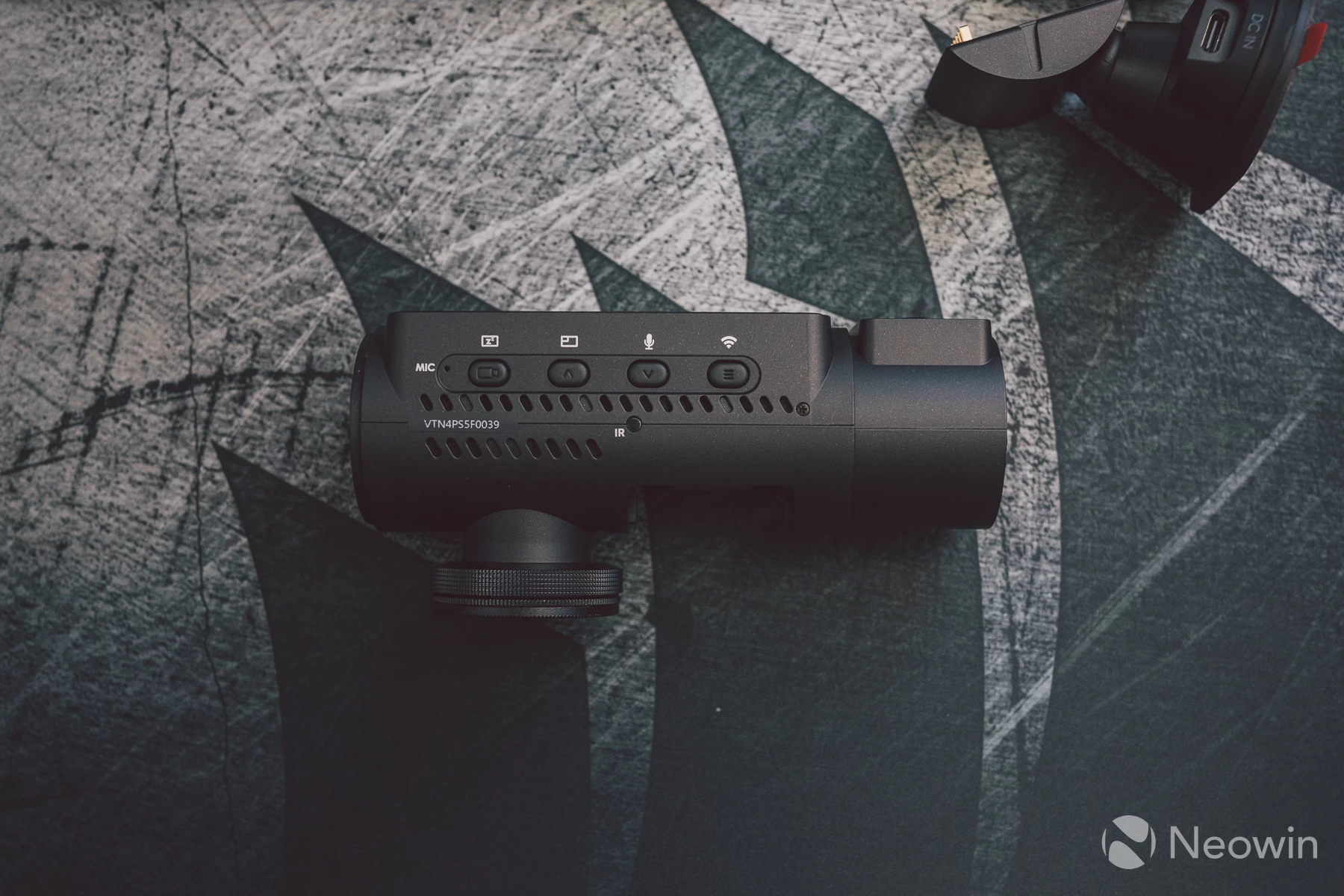
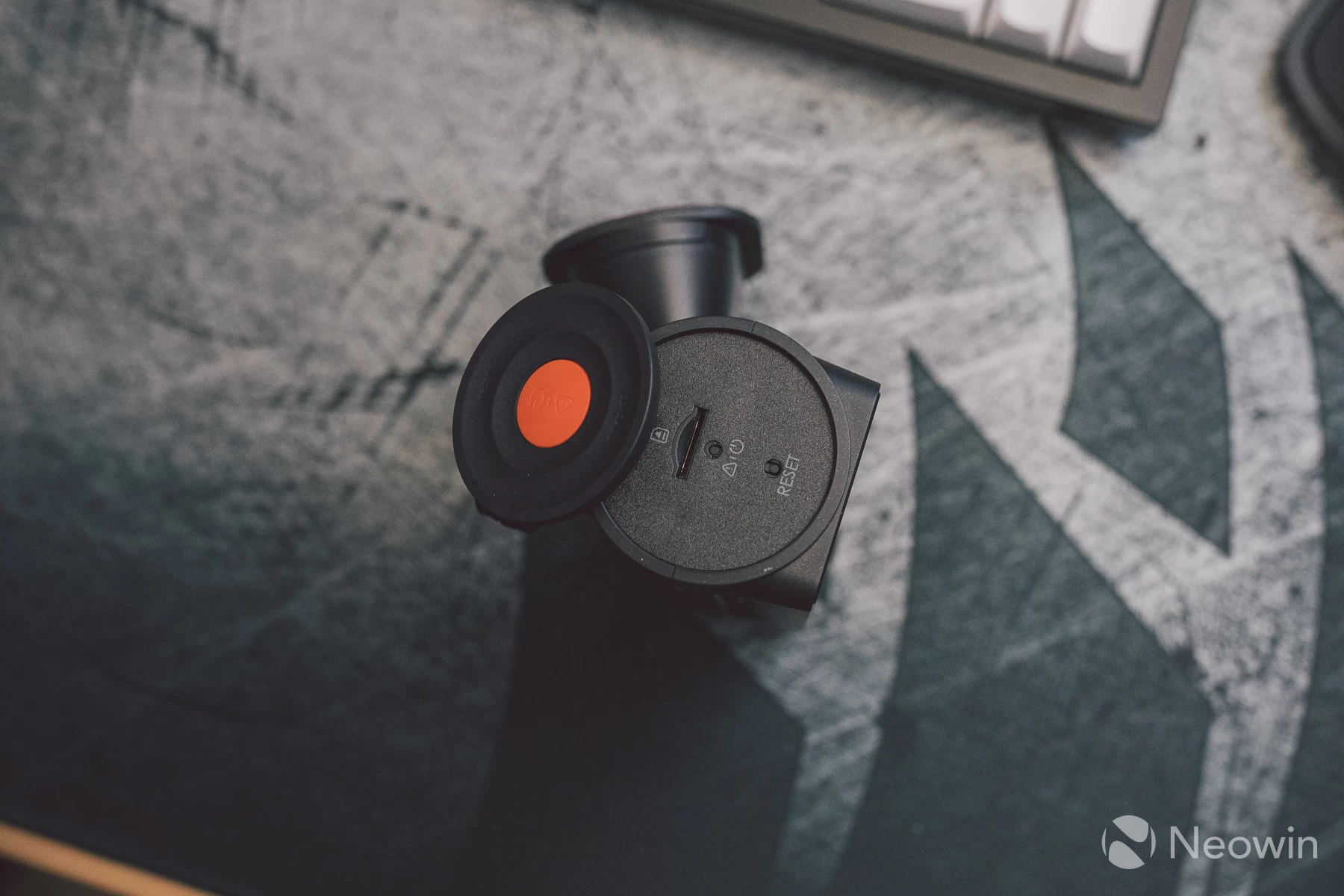
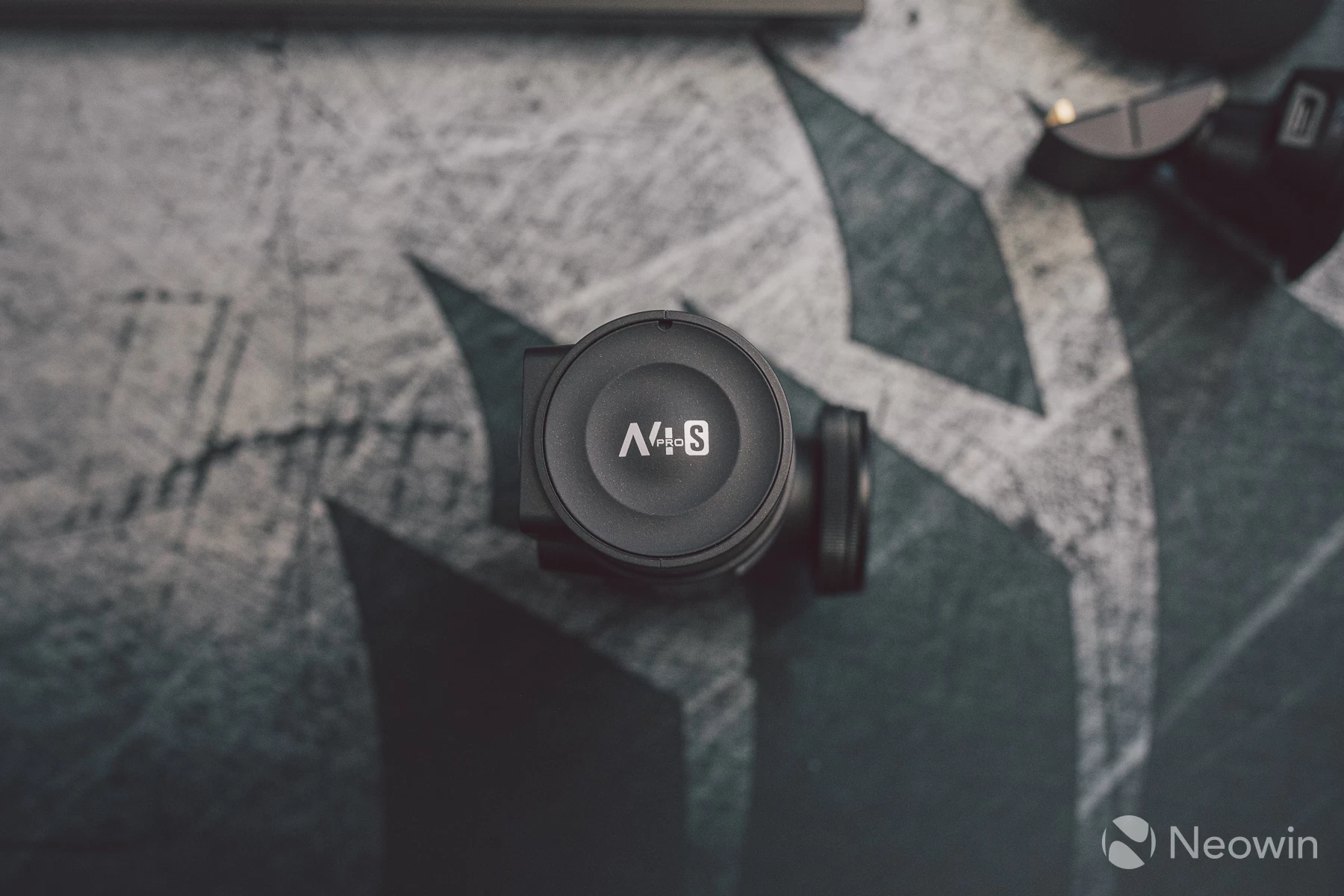
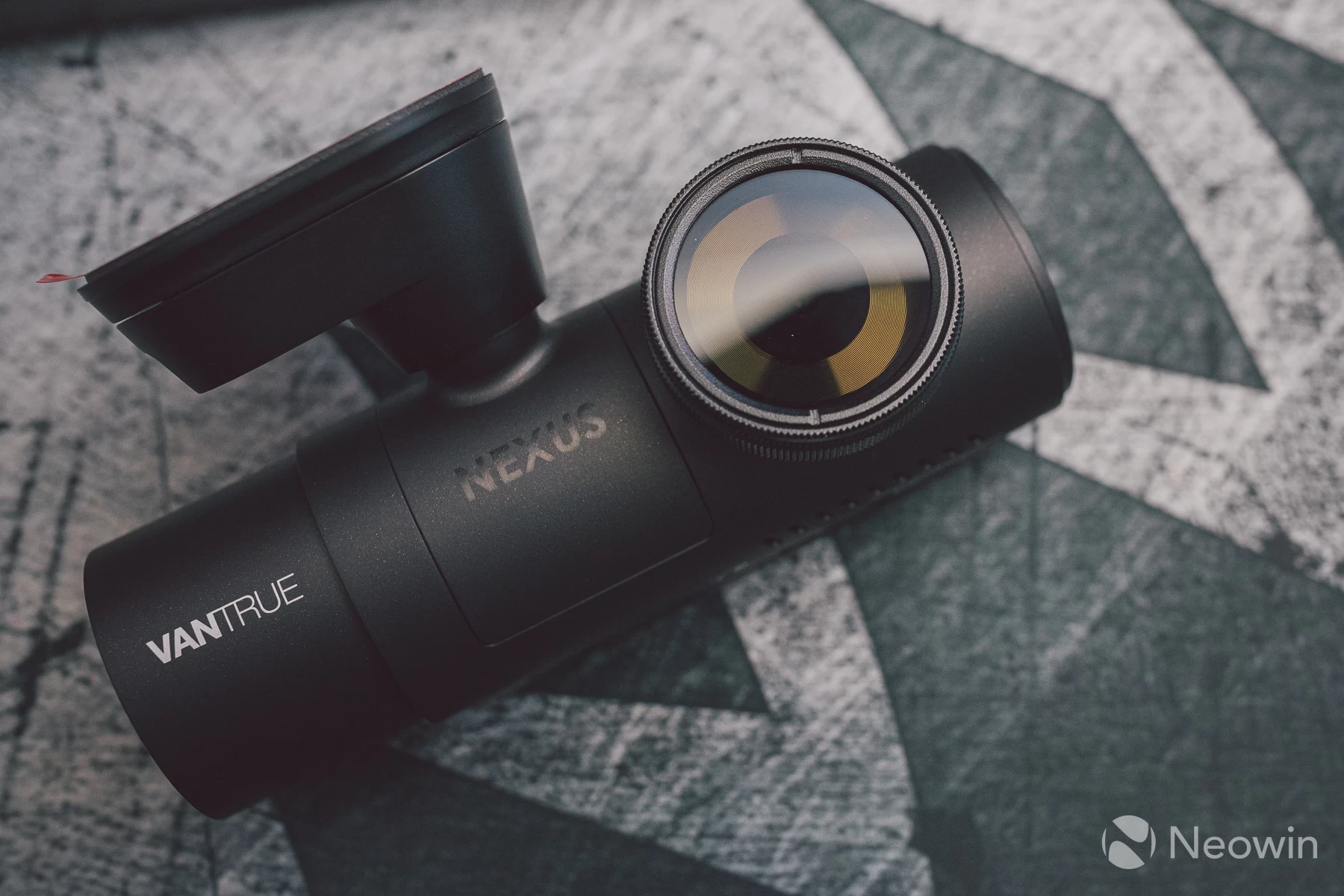
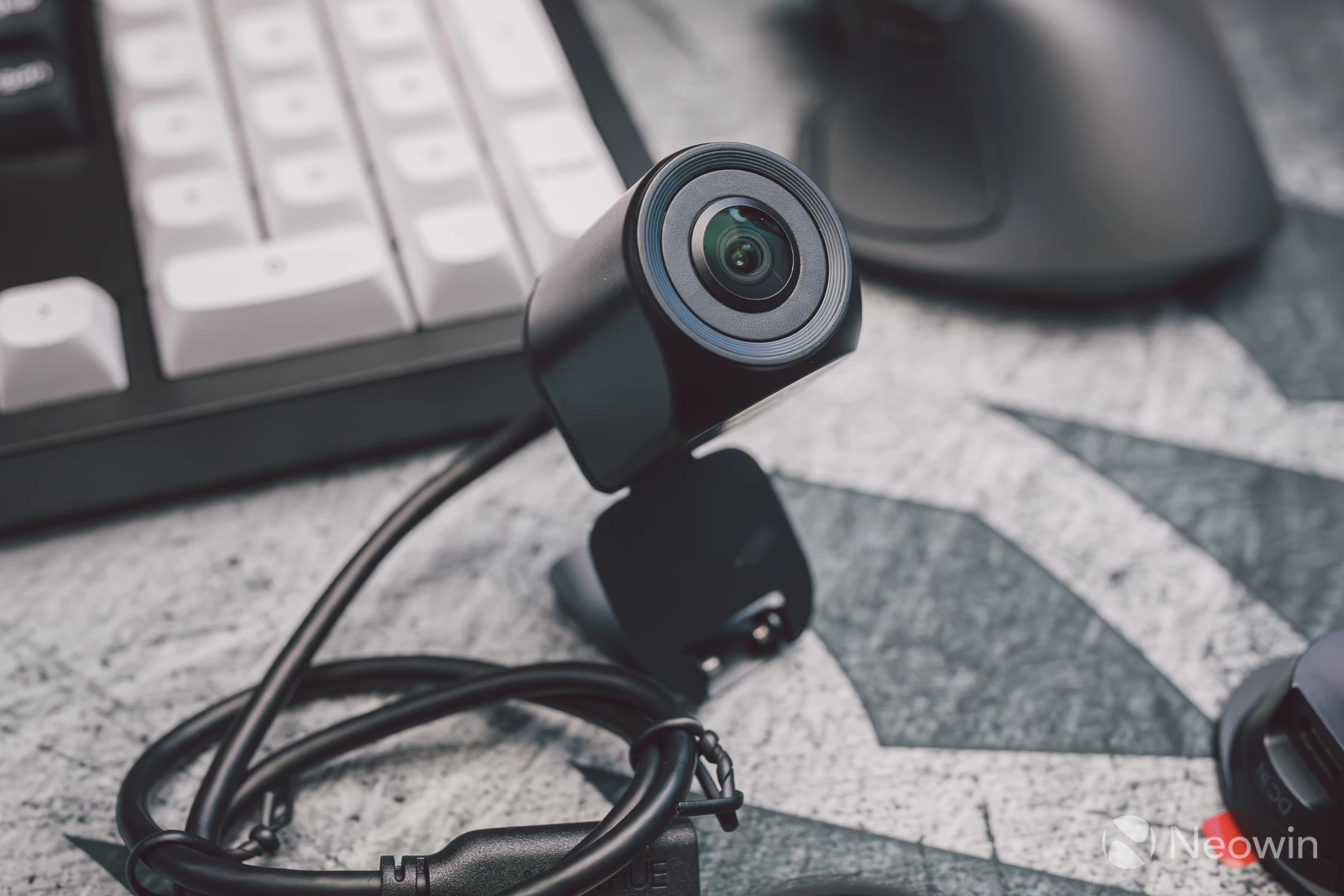
The polarise filter attaches via a screw thread, just like a camera lens filter, it then creates a seal between the main lens and the windscreen. This doubles as a lens protector, stopping unwanted misting of the lens or potential damage in the event of a collision.
The SD card slot and reset buttons are hidden away under the power button flap which pops out, a rather neat trick, as it"s not immediately clear that this section is removable.
Installation
Installing the N4 Pro S was a breeze. This went into a Vauxhall Corsa and the hardwire kit was easy to tap into the fusebox with the included wiring, and then neatly feed through the cabin trim using the included trim tool. If you have a bit of a dab hand at DIY around the house, then this sort of adventure should be a walk in the park.
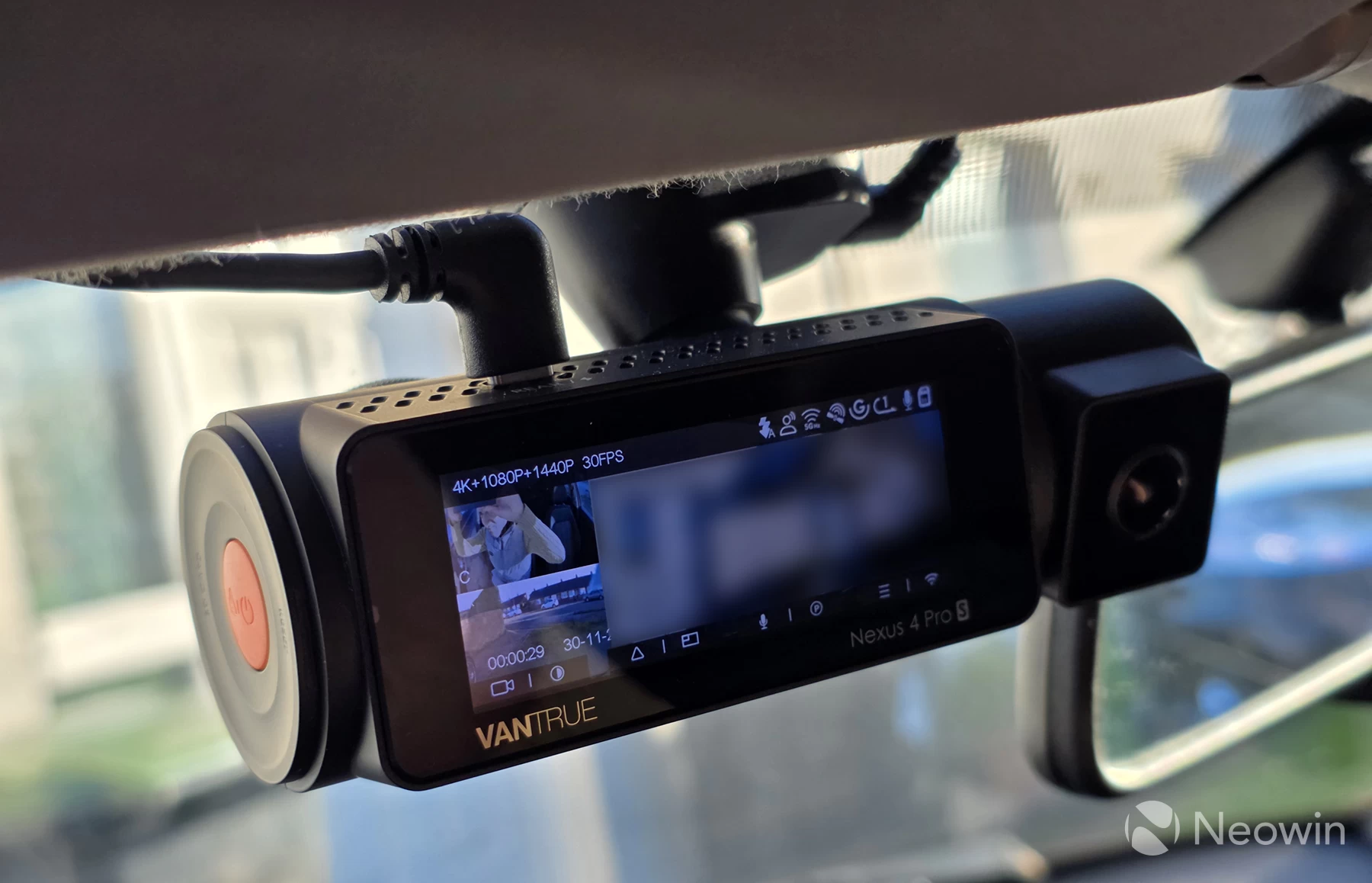
Once done, the dashcam powers on with ignition and powers down when locked. There is a low framerate mode for parking monitoring and also a function to connect remotely if using the optional LTE module.
This is an added layer of convenience to keep an eye on your car when it"s left away from home, for example, such as at an airport car park.
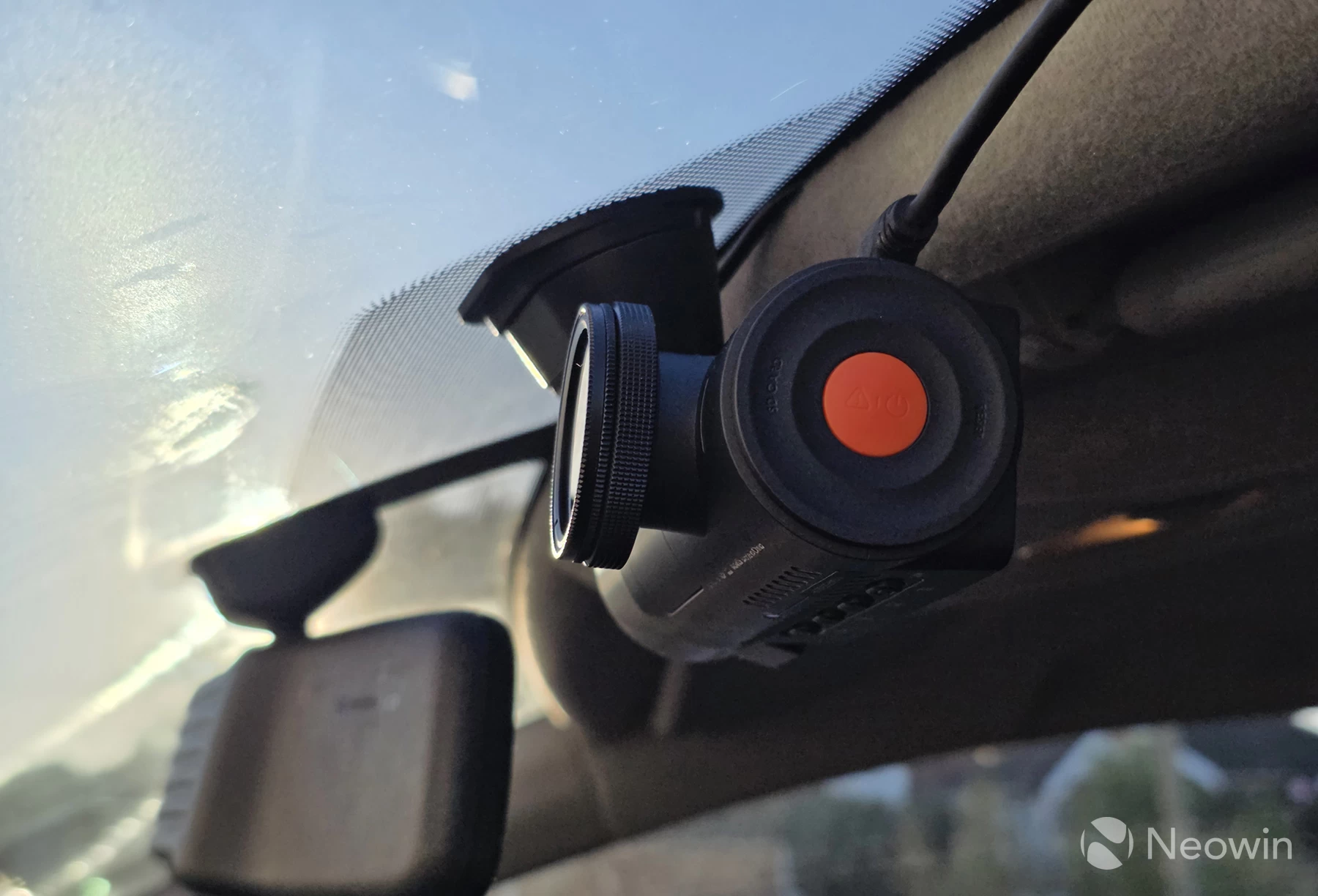
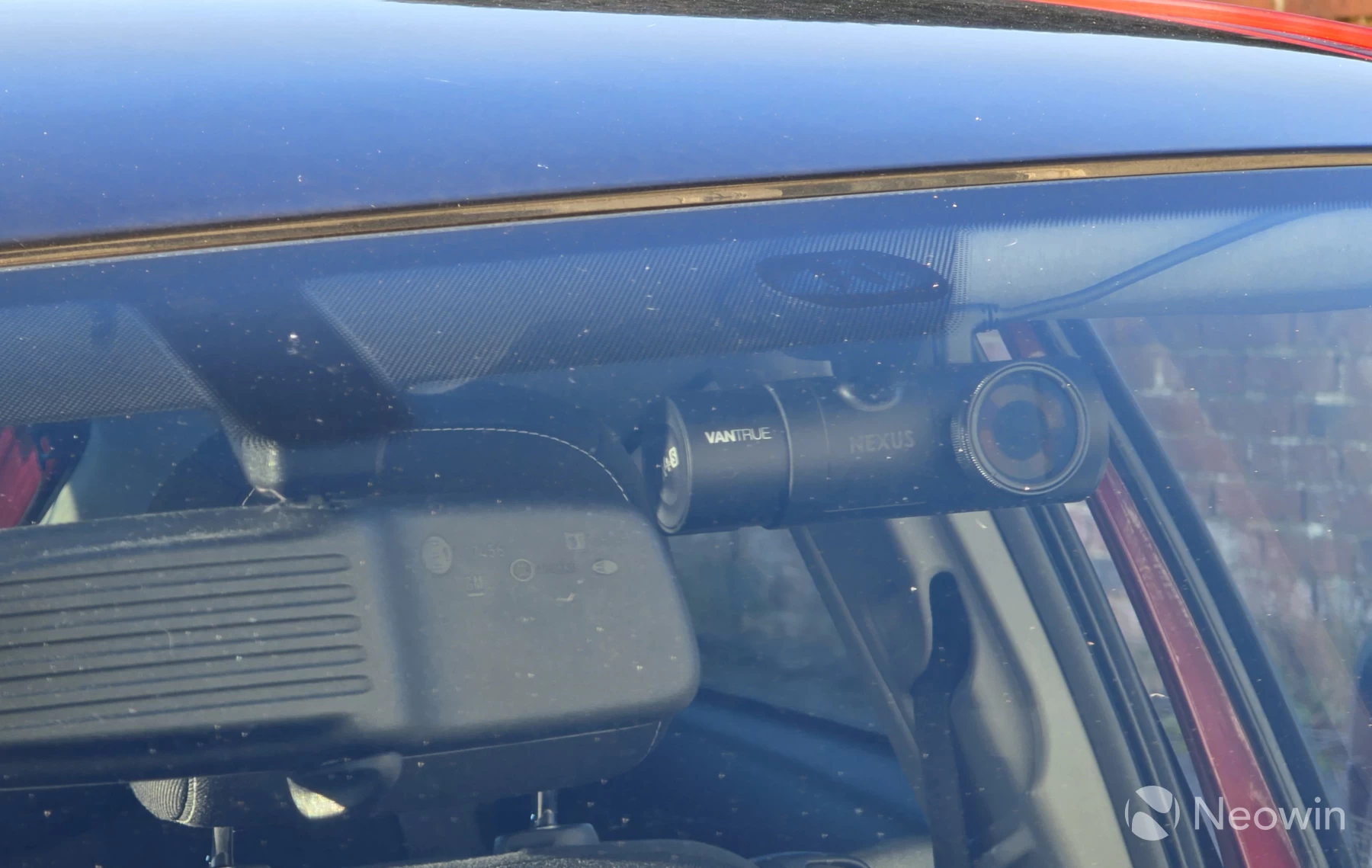
The included windscreen patches make fixing and removing the mounting plate very easy, it also means no residue is left on the windscreen and provides the optimum contact surface to attach to.
App features
The app offers all the expected settings and features to tailor the system to your exact liking. The main live view offers an overview of all three cameras, as well as a GPS logger showing the current route on a Google Maps overhead view:
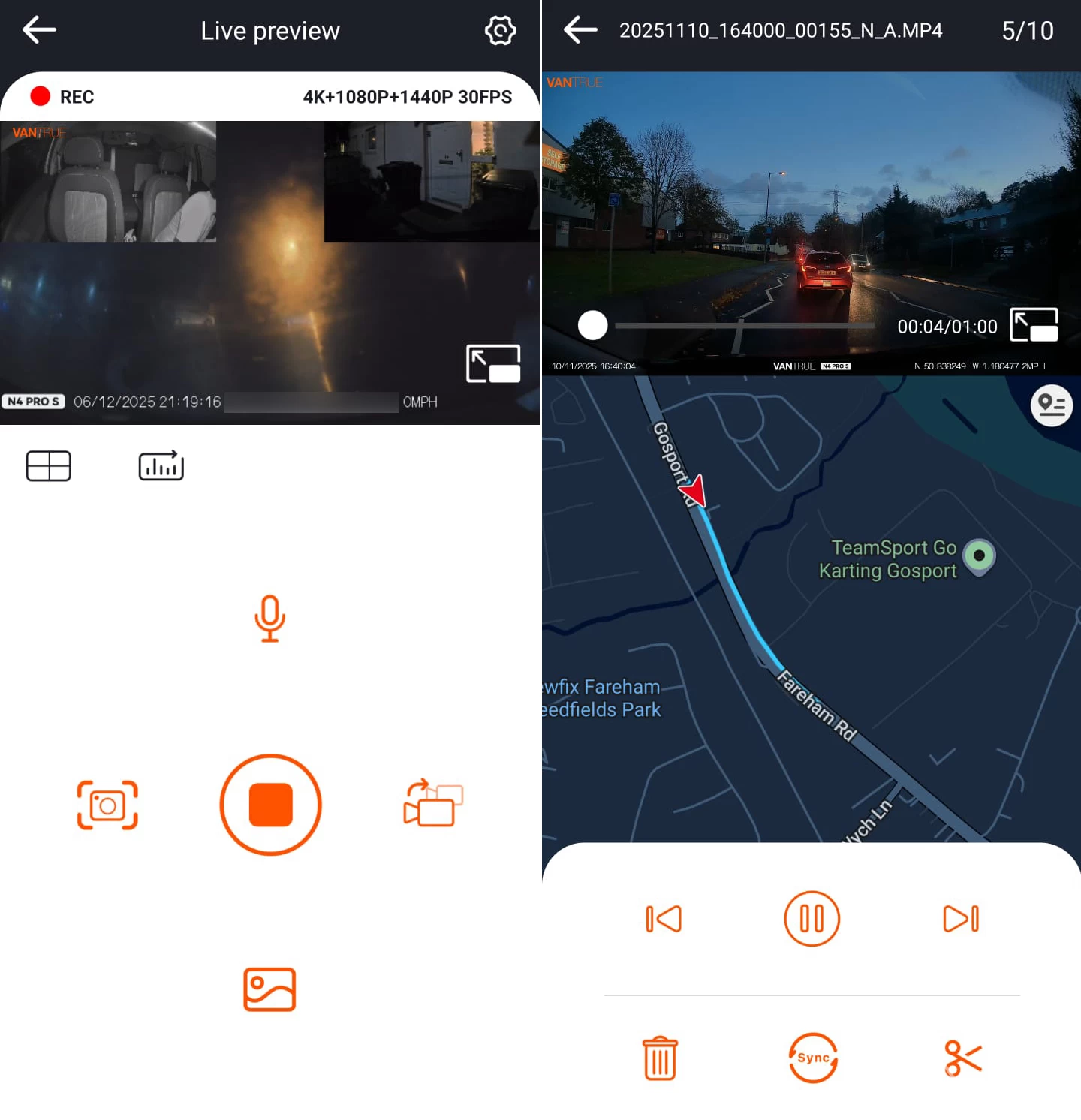
From here things like mic mute, stop recording and playback of recorded footage, all wirelessly, are possible. The app is snappy and there is little to no lag between reading things off the internal SD card.
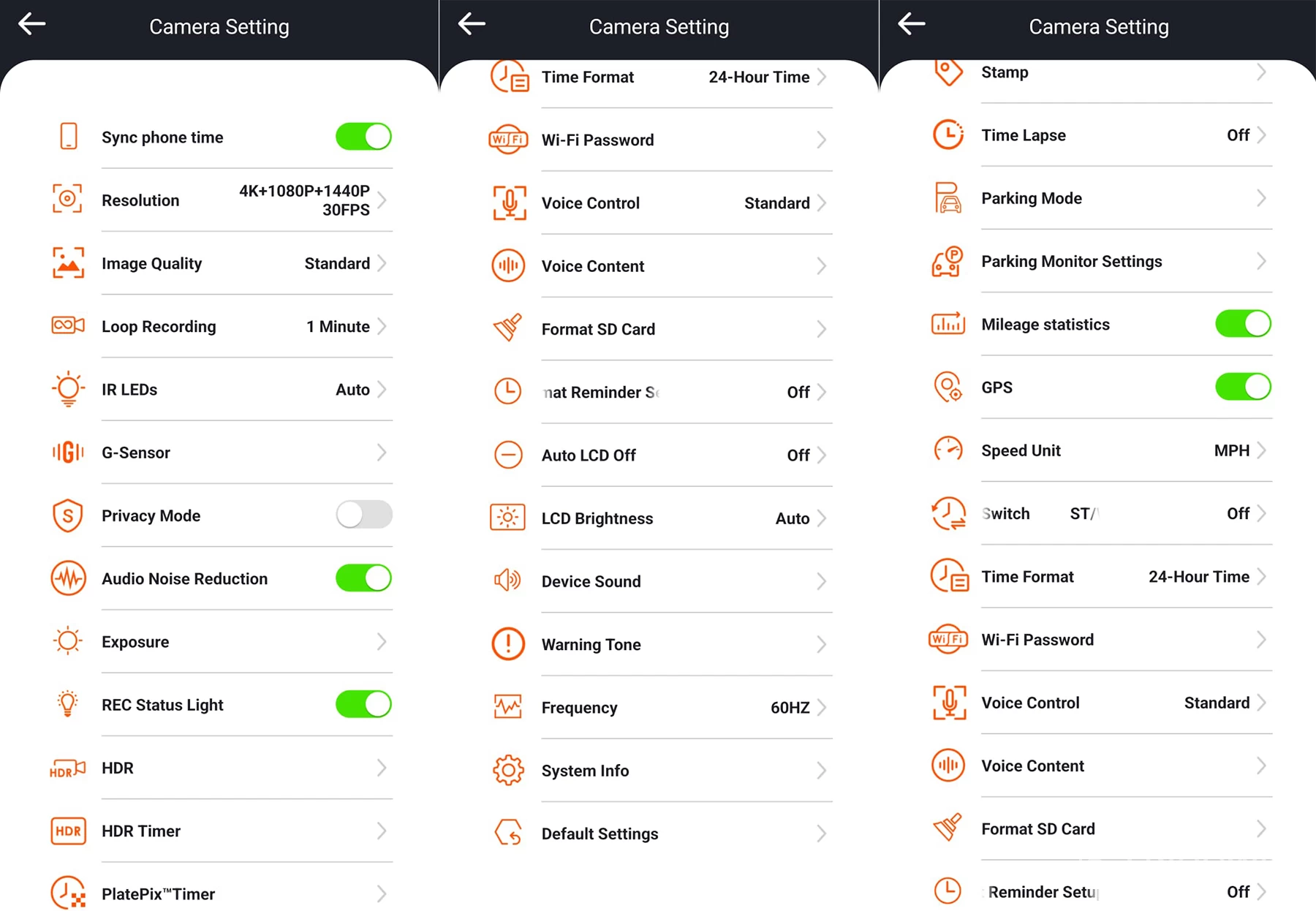
Additional settings shown above within the camera settings menu are plentiful, it is nice to see a broad range of options to tweak. Most dashcams rely on using third-party apps to manage the live view and recorded footage. Vidure is one such app that I use on my E46, it works, but has its flaws which at times are frustrating. Not so here with Vantrue"s app, it"s built exactly for this dashcam, and it works well.
Image quality
Sony"s IMX STARVIS 2 sensors produce an amazingly clear image, even for 30fps footage. Not only are license plates visible at night, but general motion clarity is smooth and ghost/blur-free. The ability to lock footage is a given with all dashcams, and things like this work flawlessly whether via onboard controls or via voice.
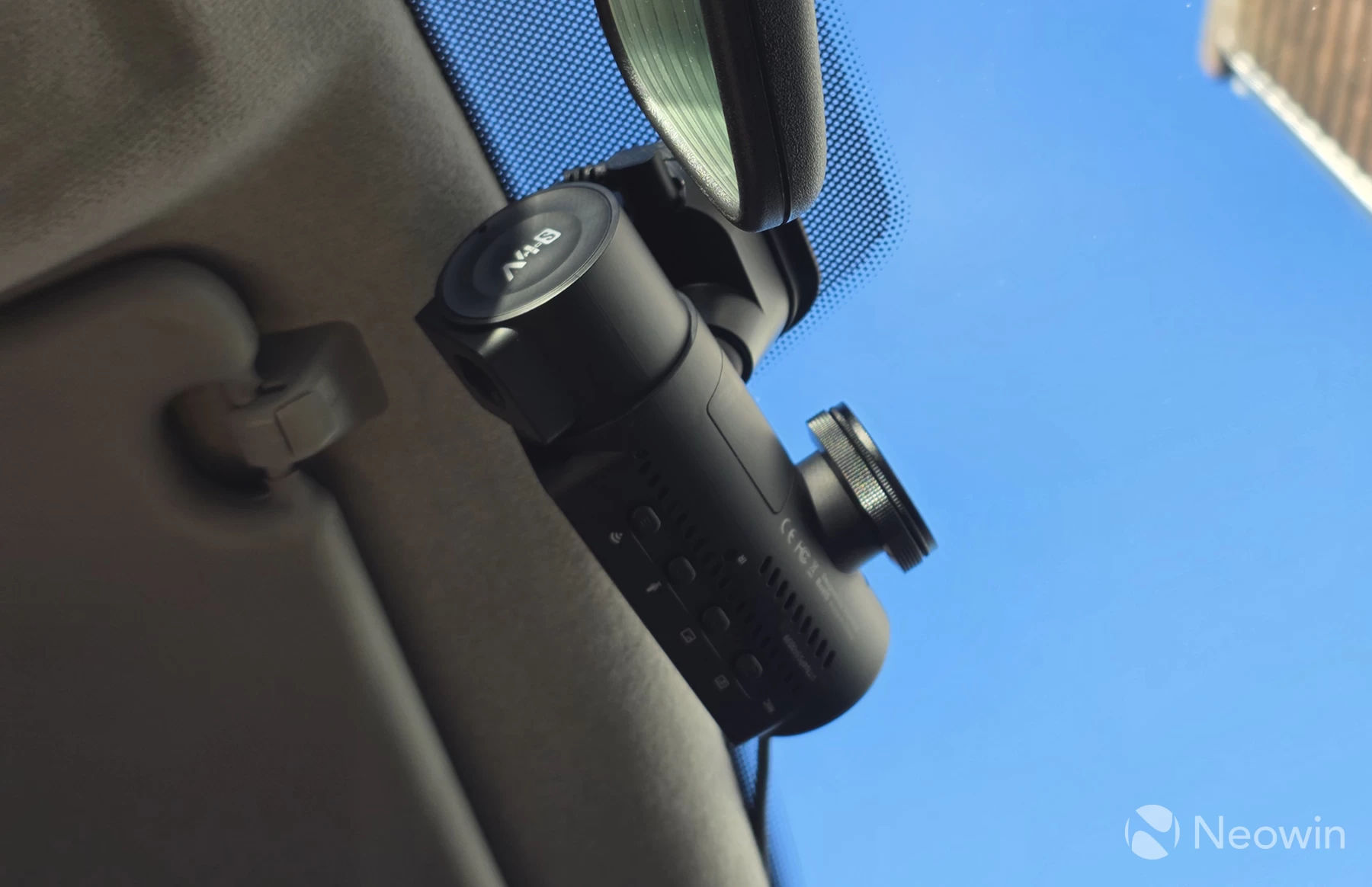
The circular polariser also helps block out unwanted sunlight glare and reflections off glass and provides a clearer image. The primary objective of the filter is to reduce reflection glare off shiny surfaces. To adjust glare simply rotate the lens filter until the clearest image is seen in live view.
The filter is, of course, optional, and it is not essential to have one, but I do recommend it over any of the other optional extras, as it can be very useful in direct sunlight, although I am unable to demonstrate this in the UK weather we are currently facing, sadly.
Here is a quick sample compilation showing what the day/night image quality is like, even through a smudgy windscreen (apologies, it needs professional cleaning!), the Nexus did a great job at still being able to make license plates visible for vehicles right in front of the camera:
Conclusion
The N4 Pro S dashcam has been a pleasant experience to use. Once installed, it genuinely is set and forget, and if installed in the correct position, you won"t even notice it from the driving position, so there"s less chance of any distractions.
The audio captures all voices clearly inside the cabin, the image capture is clear for all cameras, and each camera stores footage as a solo file on the SD card as opposed to split-screens in a single file. This is much more convenient as you retain maximum resolution of each camera in the event footage needs to be pulled off after an incident.
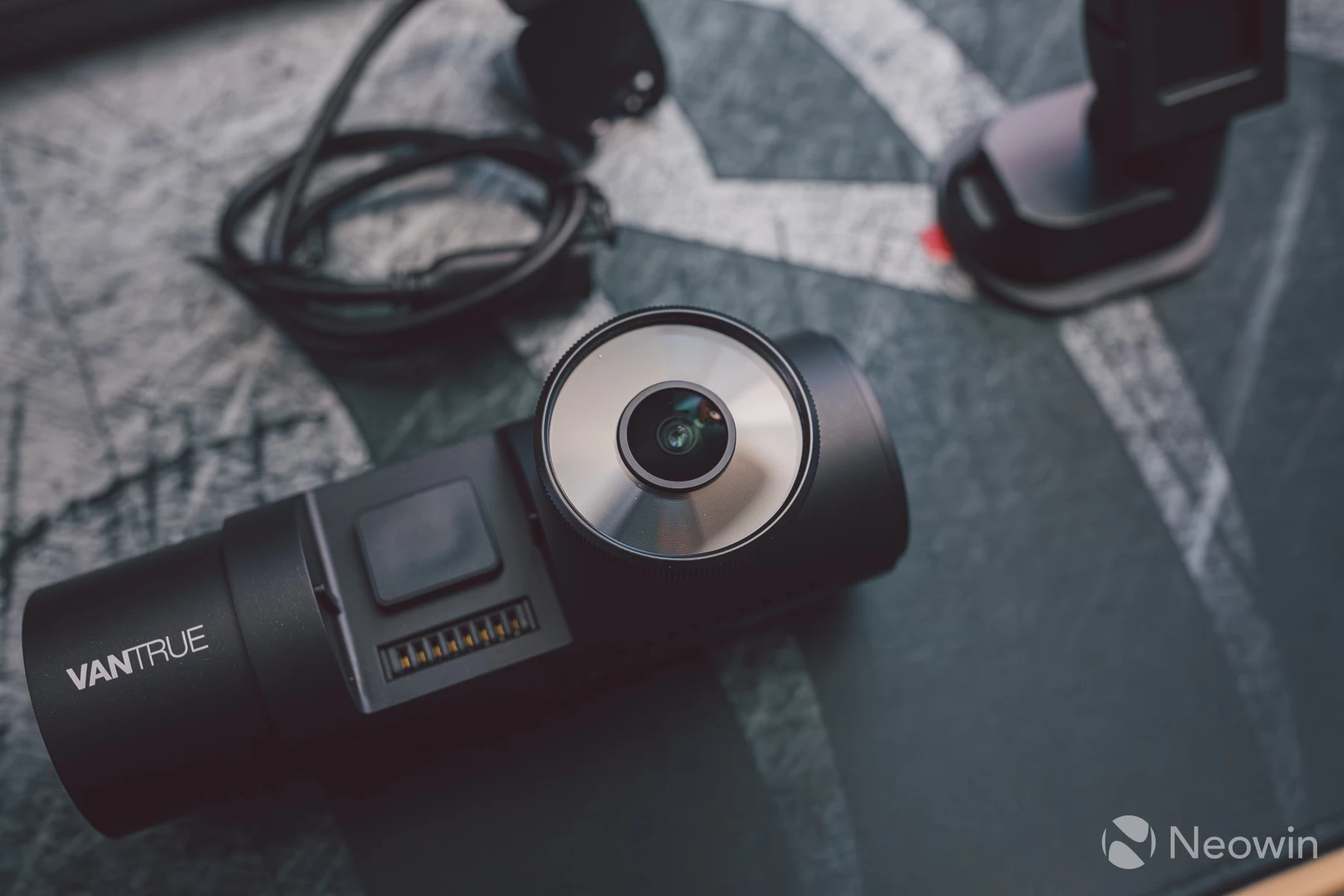
Storing the dashcam away securely if parking mode is not being used is also very easy since the main body attaches to the windscreen mount magnetically. Just pop it off and store it in the glovebox. In the above image you can see just how the magnetic system attaches, which then connects the pogo pins.
I also like how there are no unwanted LEDs facing the front. This stops drawing unwanted attention to the camera if left mounted on the windscreen.
The price of this kit is high, but I have yet to see a dashcam that provides the volume of features available here in combination with the video quality. This kind of package does come at a premium, though the price does give peace of mind should the worst happen, that everything is captured in a level of quality that cannot be disputed by an insurer.
My only gripe is that I would have expected things like an SD card, the LTE module and CPL filter to come as standard instead of being optional extras. At over £300/$350, I don"t think it"s too much to ask, especially given how cheap things like SD cards are these days.