I never install Windows 11 in online mode, particularly because I do not like how the operating system auto-installs outdated drivers that I have to update afterwards. However, the other day I was reinstalling Windows 11 on my backup laptop and felt like not going the extra mile with oobe\bypassnro and finding all the necessary drivers on HP"s website. "Let"s do things your way, Microsoft," I said, and connected to Wi-Fi during the initial setup. What followed next was one massive frustration, and not because of the drivers.
Do you remember when using a computer, especially Windows, felt fun? It might be just me in "man yells at cloud" mode or overdosing on Windows 7 nostalgia (I will rant quite a bit), but I remember how exciting it felt to go through the initial setup in Windows Vista, 7, heck, even Windows 8/8.1. These philosophical ponderings gave an idea to compare the initial setup experience of all the operating systems that Microsoft released over the last two decades, and see if things that had been added over the years are actually useful stuff or just bloat and ads (they are).
Windows Vista (2006)
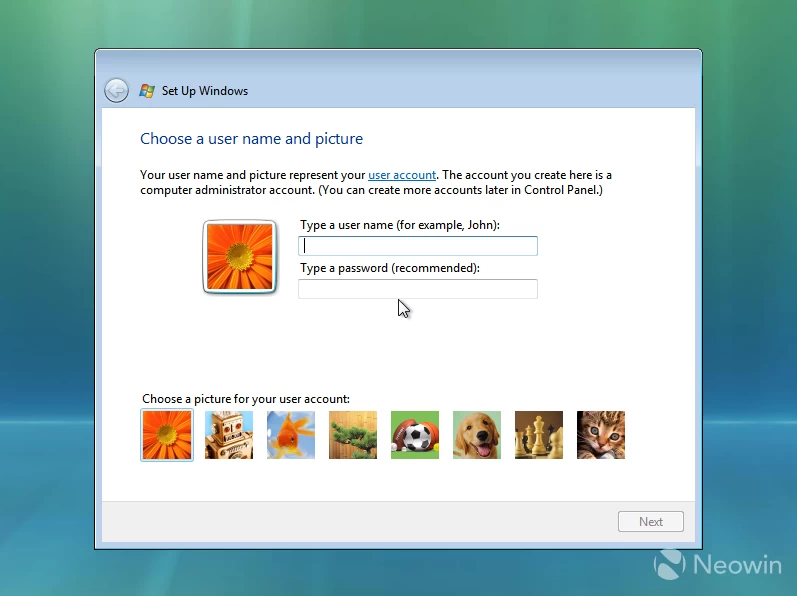
The first thing you see after installing Windows Vista is a prompt to create a profile, set a password, and select a profile image. Things are simple, easy to understand, and the built-in pictures are diverse and cute. Somehow, the default flower was always my favorite.
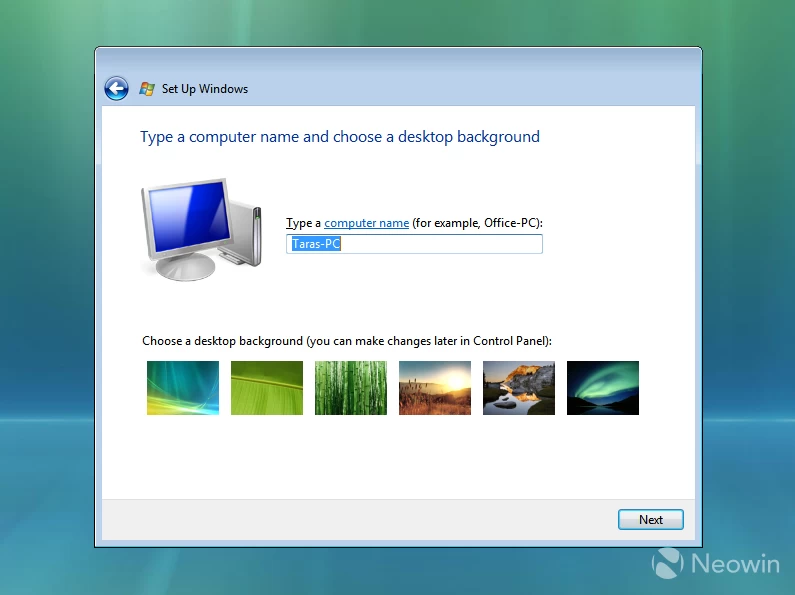
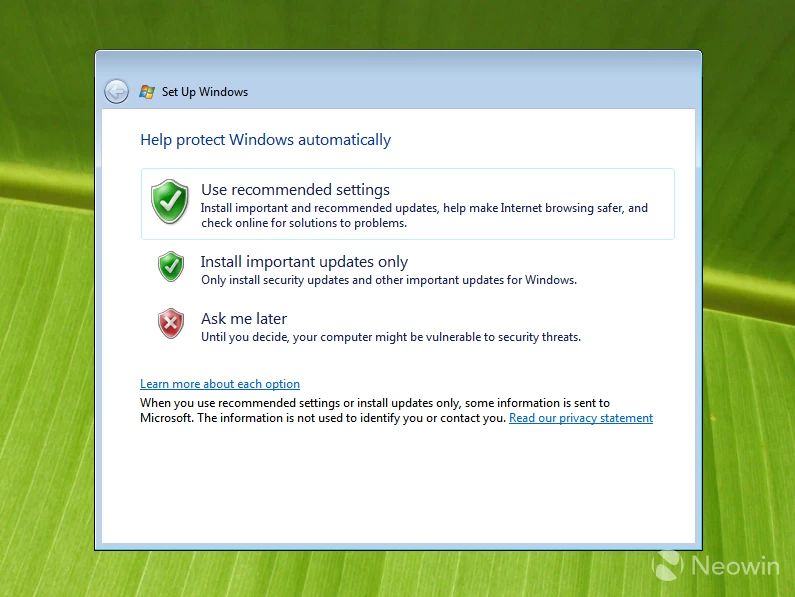
Next, we get another piece of personalization, as you are asked to give your PC a name and select a desktop background. Again, Vista sets priorities straight and encourages the user to do fun things like choosing a profile picture or the desktop background. Only then do we proceed to Windows Update settings with clean and easy-to-understand options. Do not want Windows updates? No worries, man, but keep in mind security risks.
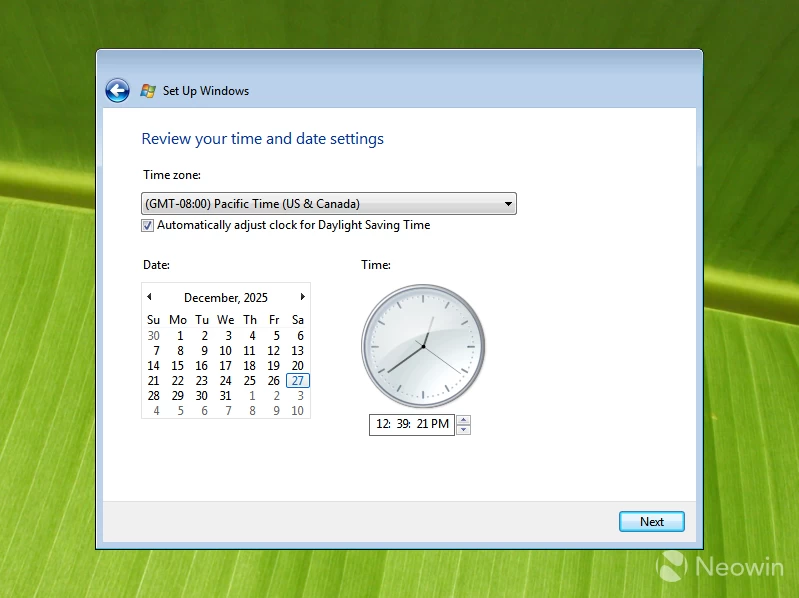
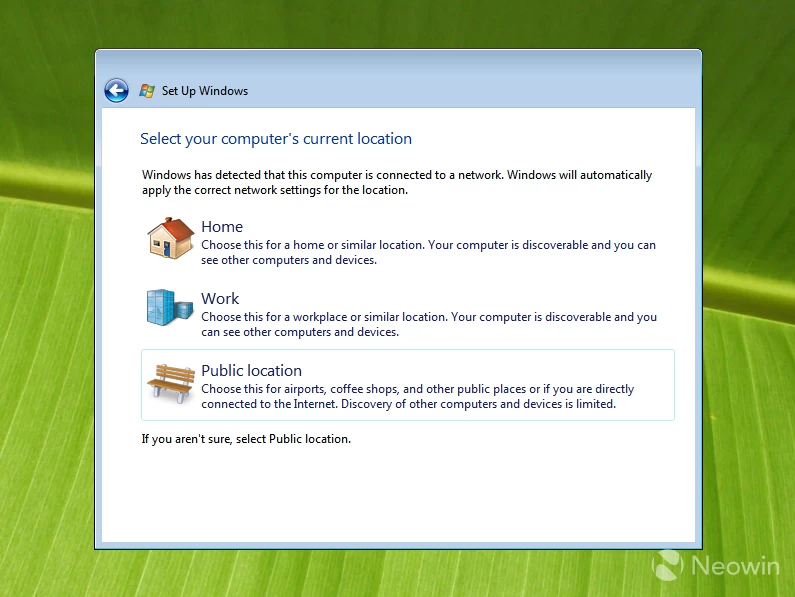
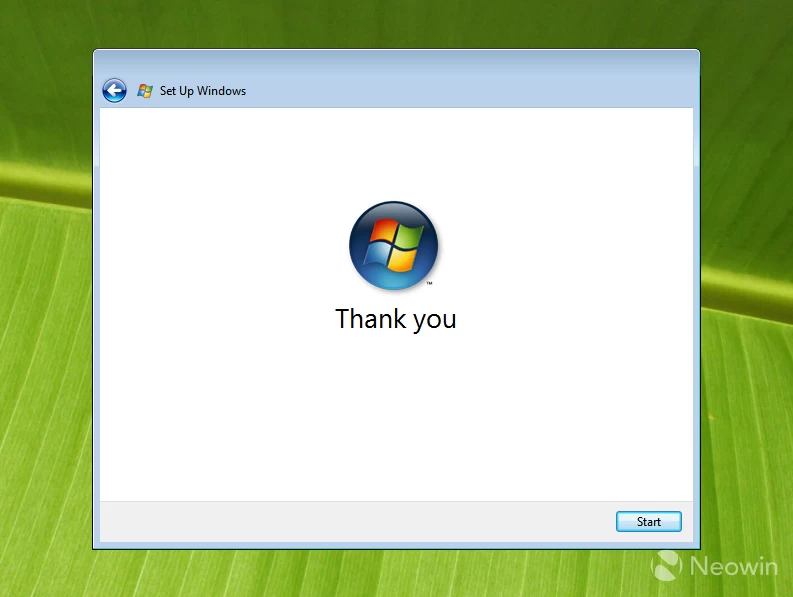
The final two steps involve setting up the time/date and your network type. After that, Windows Vista presents you with its beautiful logo and polite "thank you." Overall, 5 pages, zero ads, and no user-hostile stuff or dark patterns. 10/10 OOBE experience.
Windows 7 (2009)
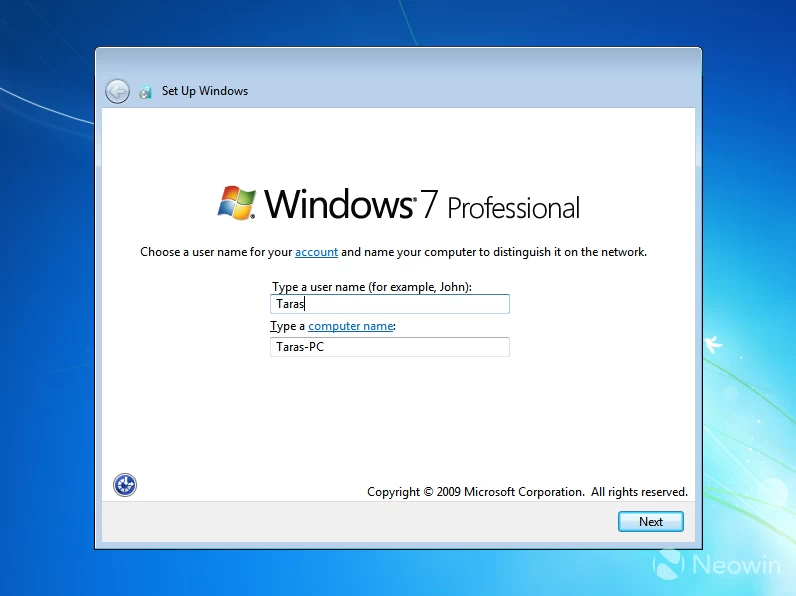
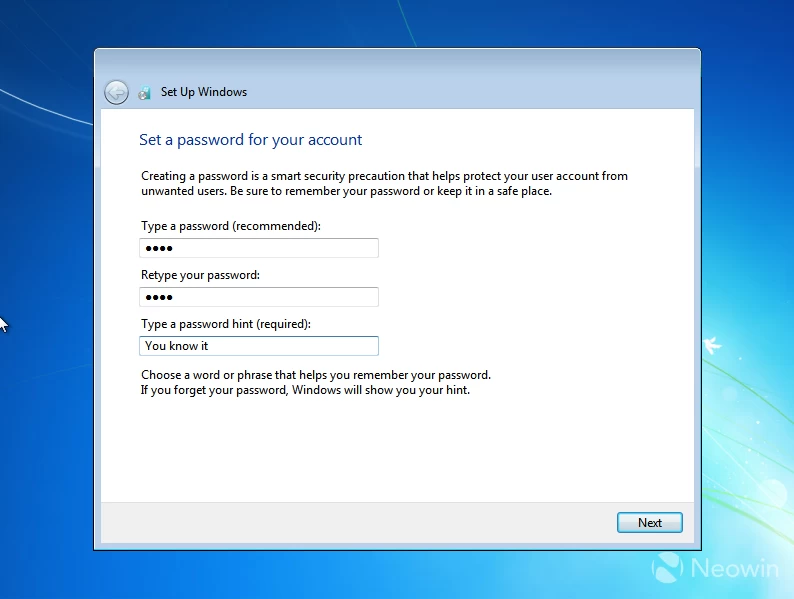
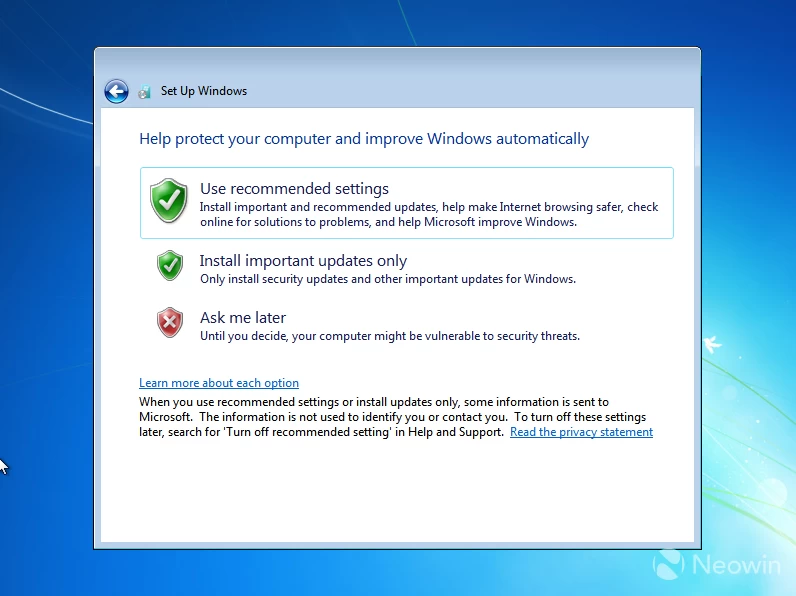
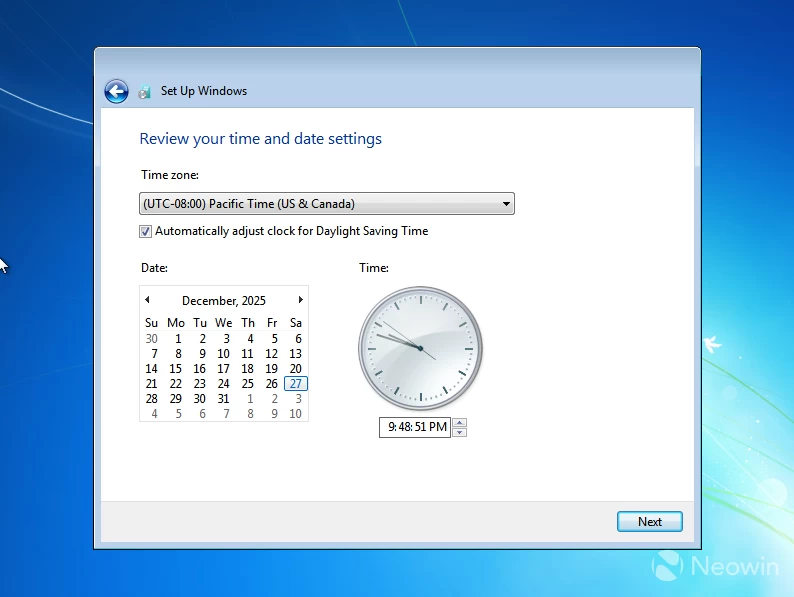
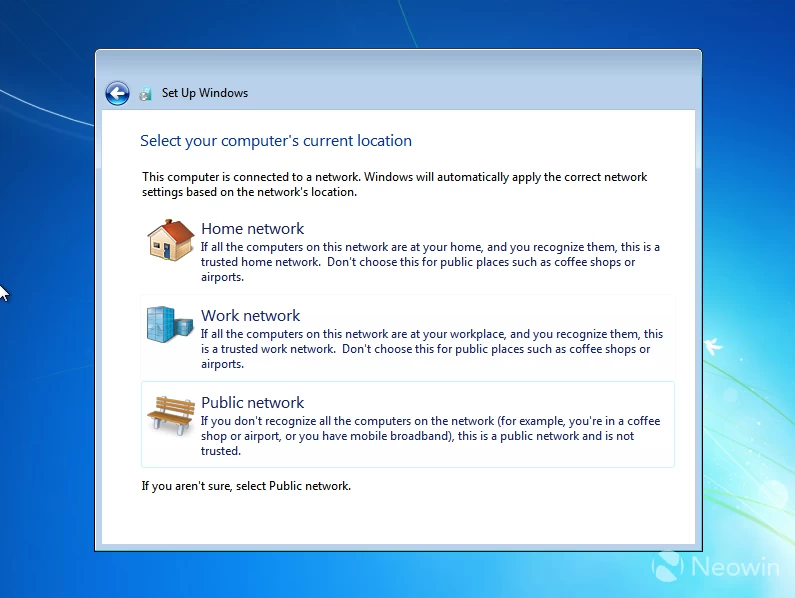
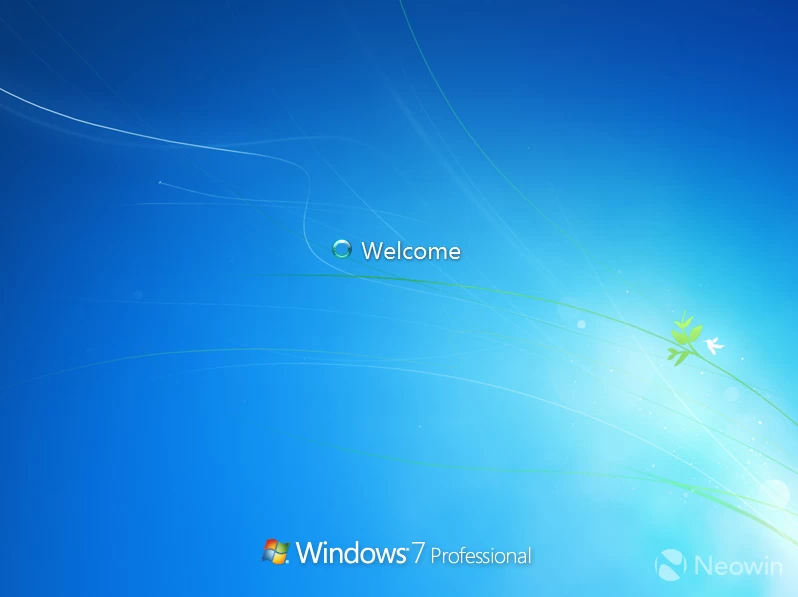
Windows 7"s initial setup is mostly the same, but a little more serious. You no longer get to choose your default background or profile picture. Just give your PC a name, set a profile with a password, select your network type, select the right Windows Update setting, and adjust the date. Quick and easy, still good, but not-so-fun anymore.
Windows 8 / 8.1 (2012)
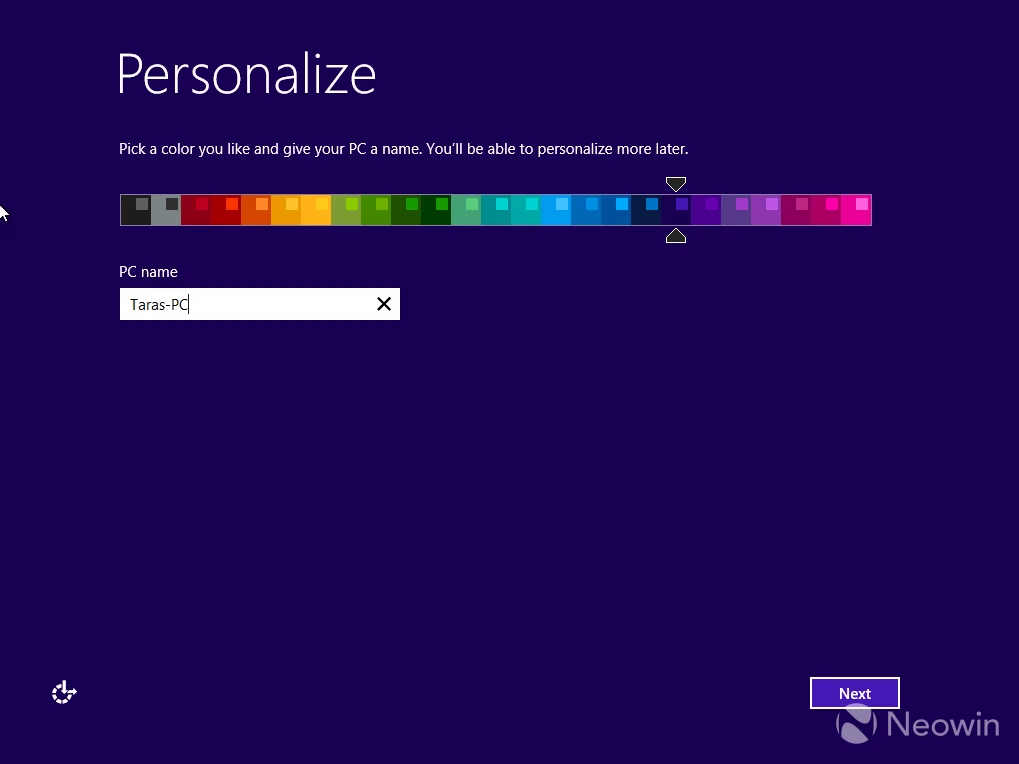
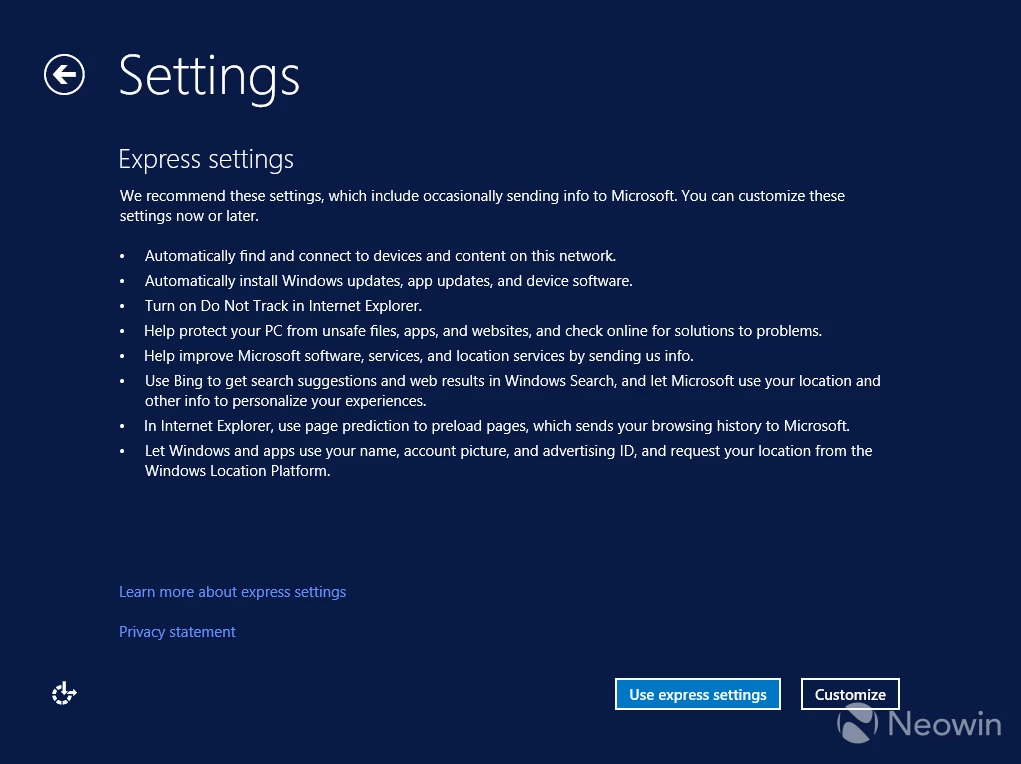
Things change a lot in Windows 8/8.1. Personalization is back, as you get to choose a theme for the entire experience and rename your PC from the get-go. Microsoft is now trying to make things easy for you by suggesting express settings, but we are taking the longer route here, so let"s click Customize.
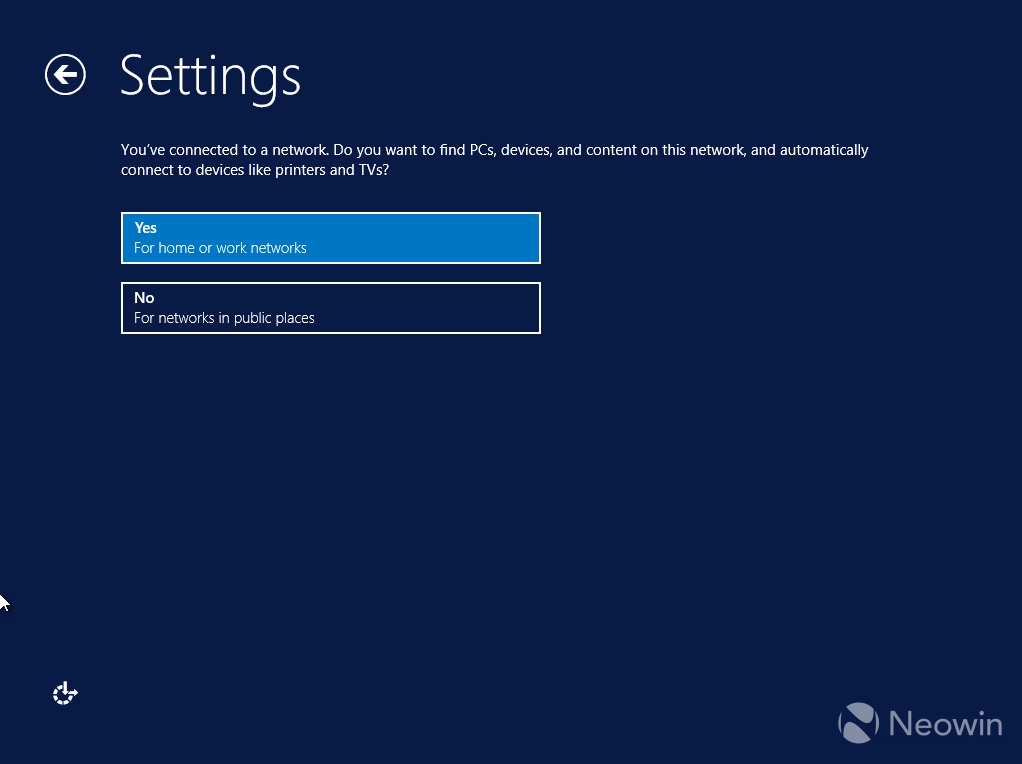
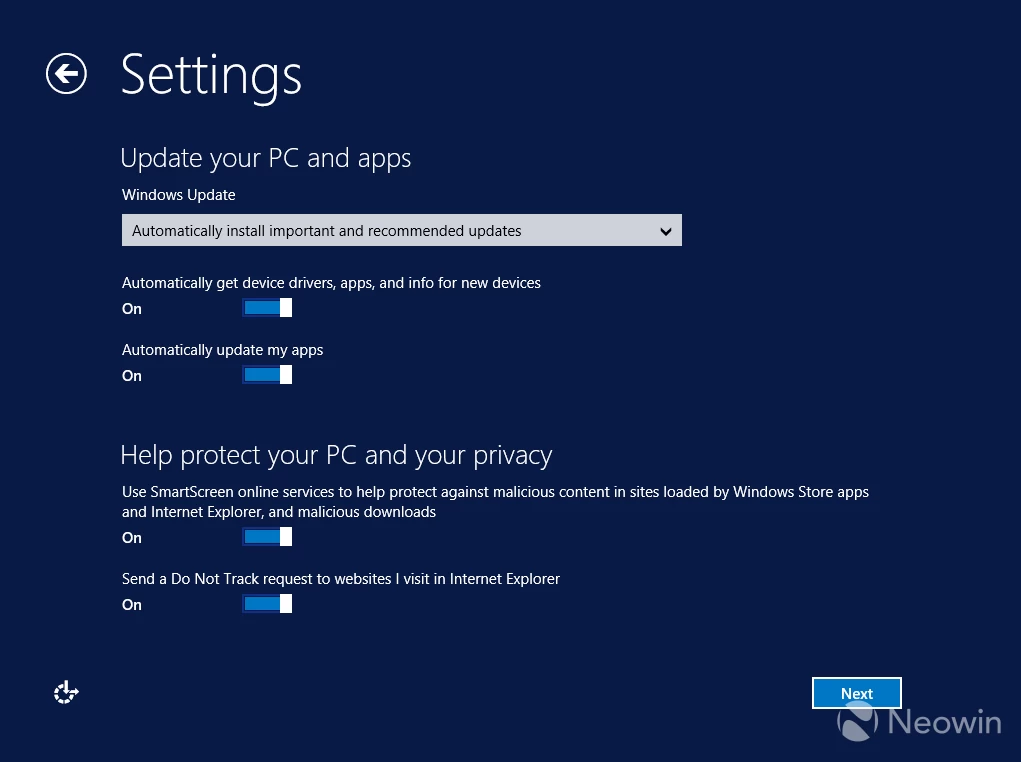
Windows asks if you want to make your PC discoverable for devices within your network, and then you choose if you want to auto-update your apps and get drivers for new devices. There are also two SmartScreen security options, which are turned on by default, but you can disable everything if you wish.
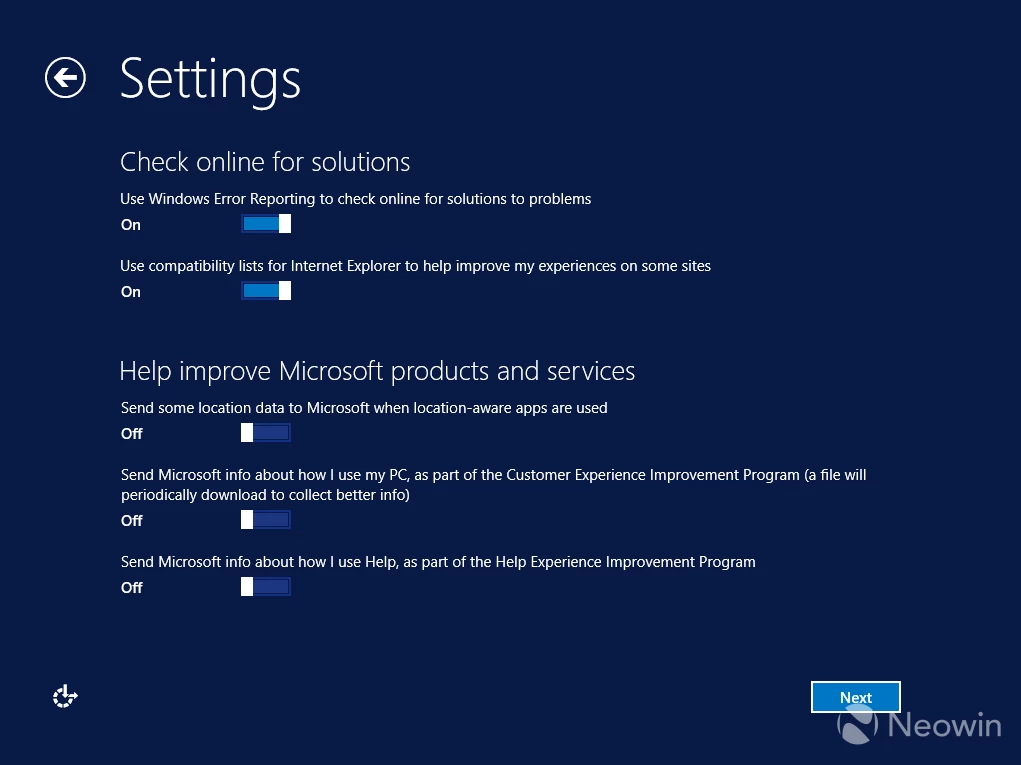
On the next step, Windows offers more useful options like finding solutions for errors or optimizing the web experience in Internet Explorer. These are turned on by default (I do not mind that), but all the privacy features for "improving Microsoft products" are disabled by default, which is nice.
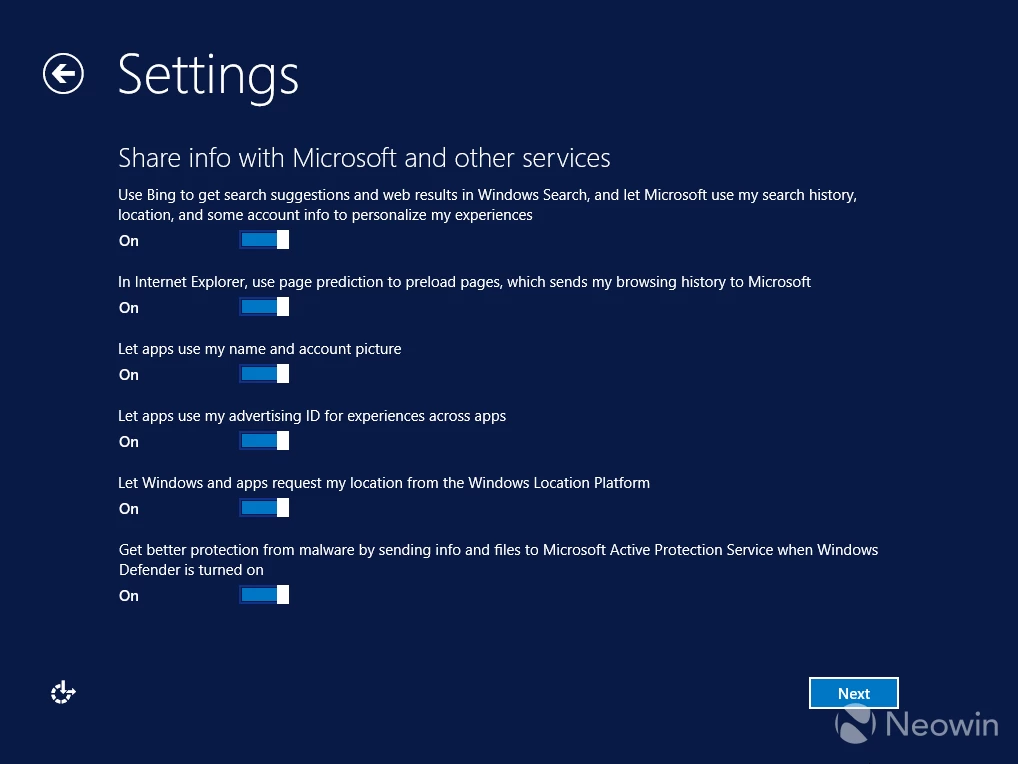
However, on the next step, more stuff that sends data to Microsoft is enabled by default, so you"d better read what those toggles mean.
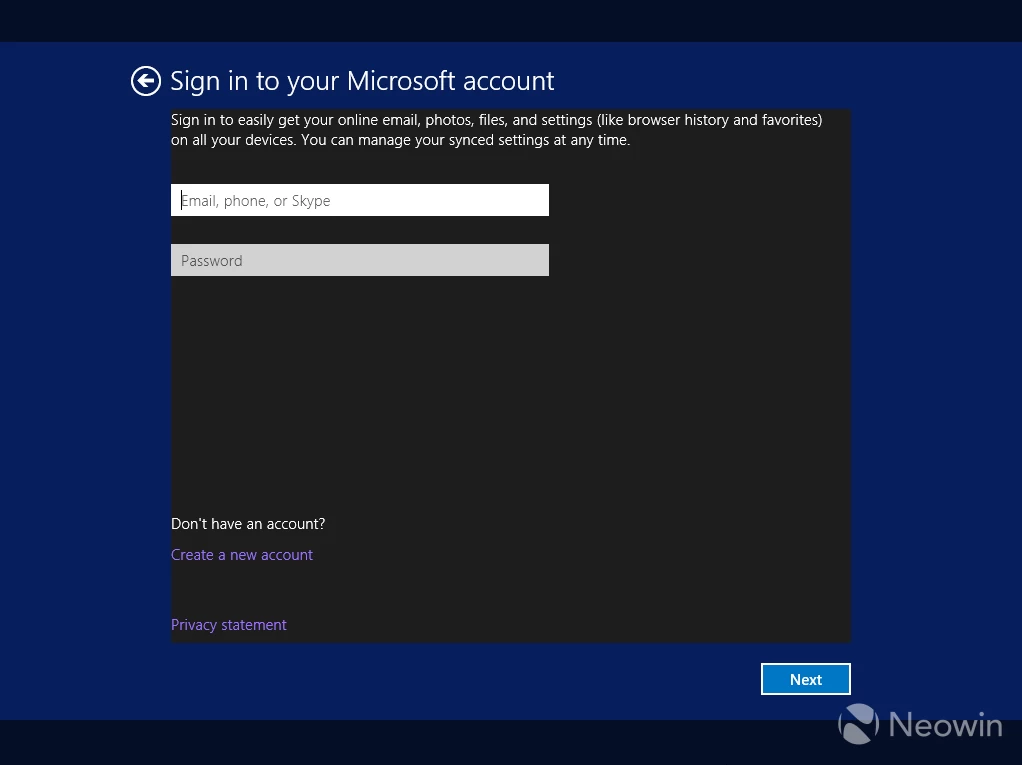
Finally, Microsoft asks you to sign in with a Microsoft Account. There is no apparent "Offline account" button, which is not cool, but you can click "Create a new account" and then proceed with an offline one, something that in Windows 11 Microsoft fears more than a plague.
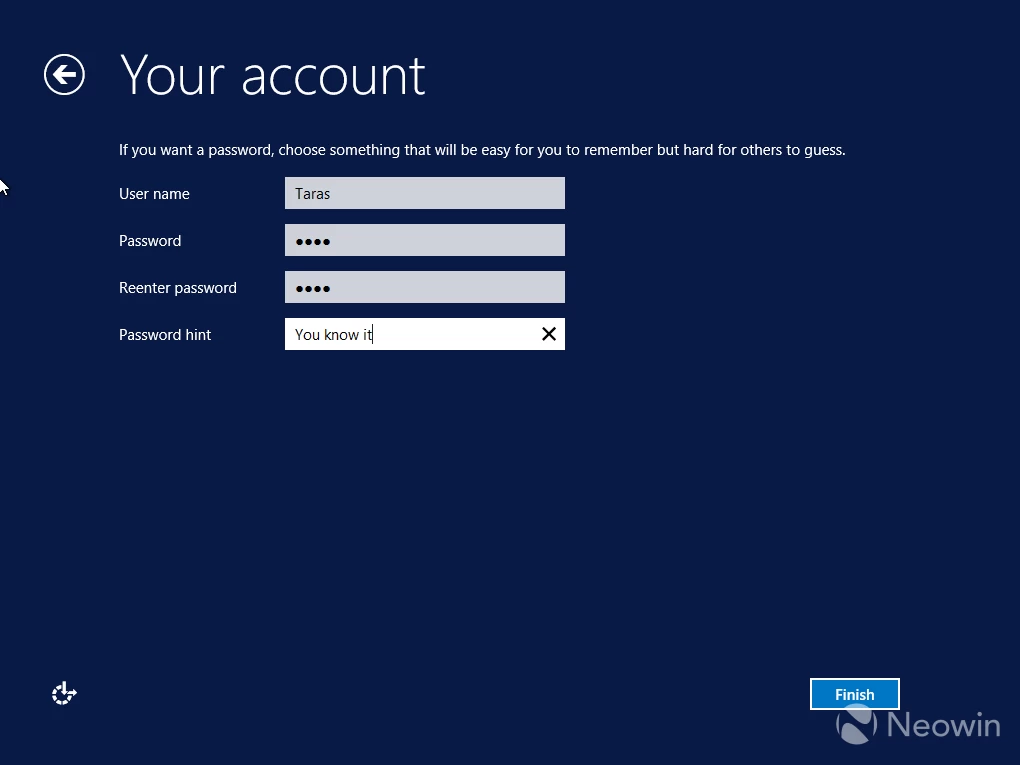
In total, we have 8 pages of settings, with mostly harmless stuff and a bunch of features that you may want to turn off. Overall, good experience.
Windows 10 (2015)
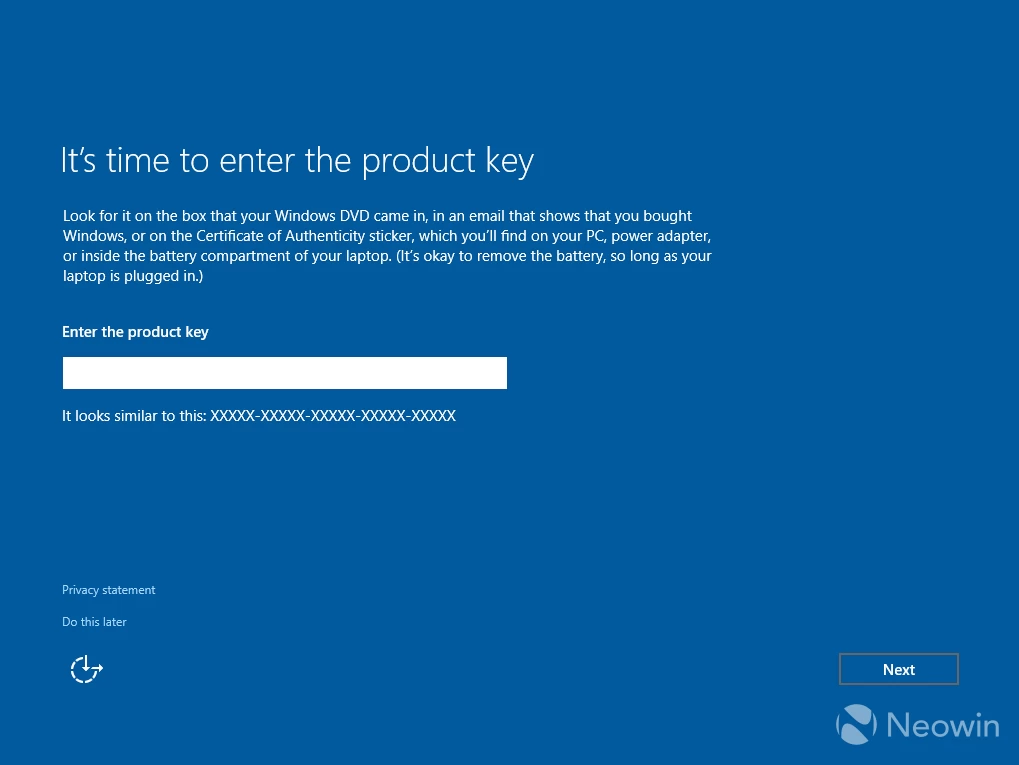
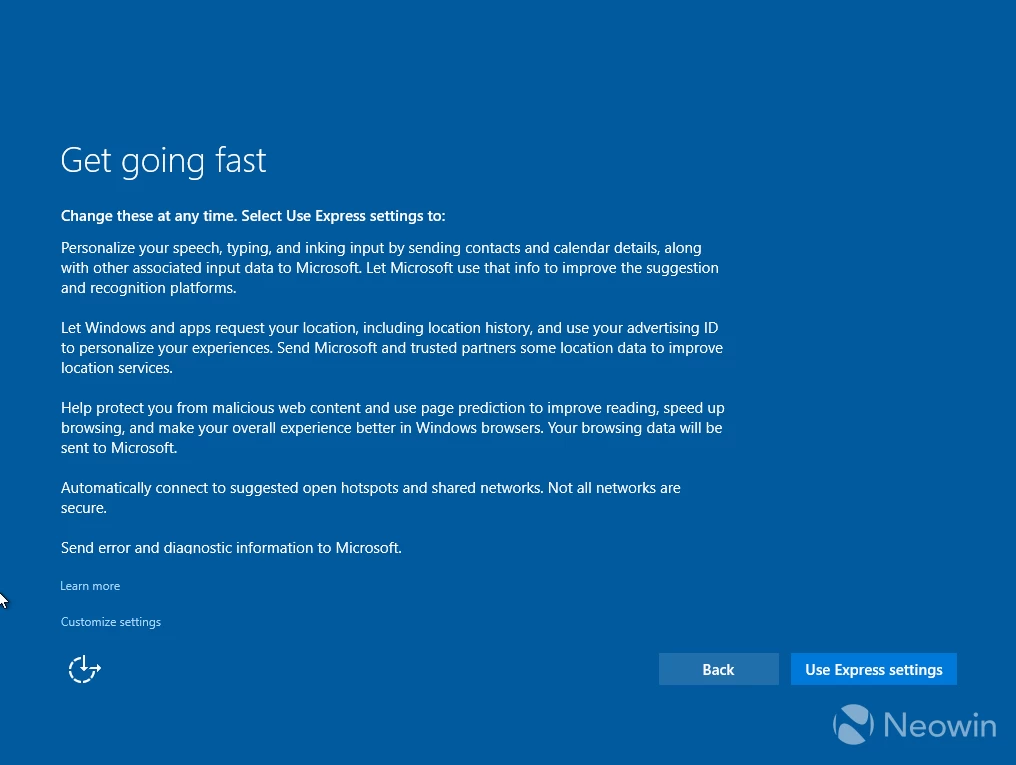
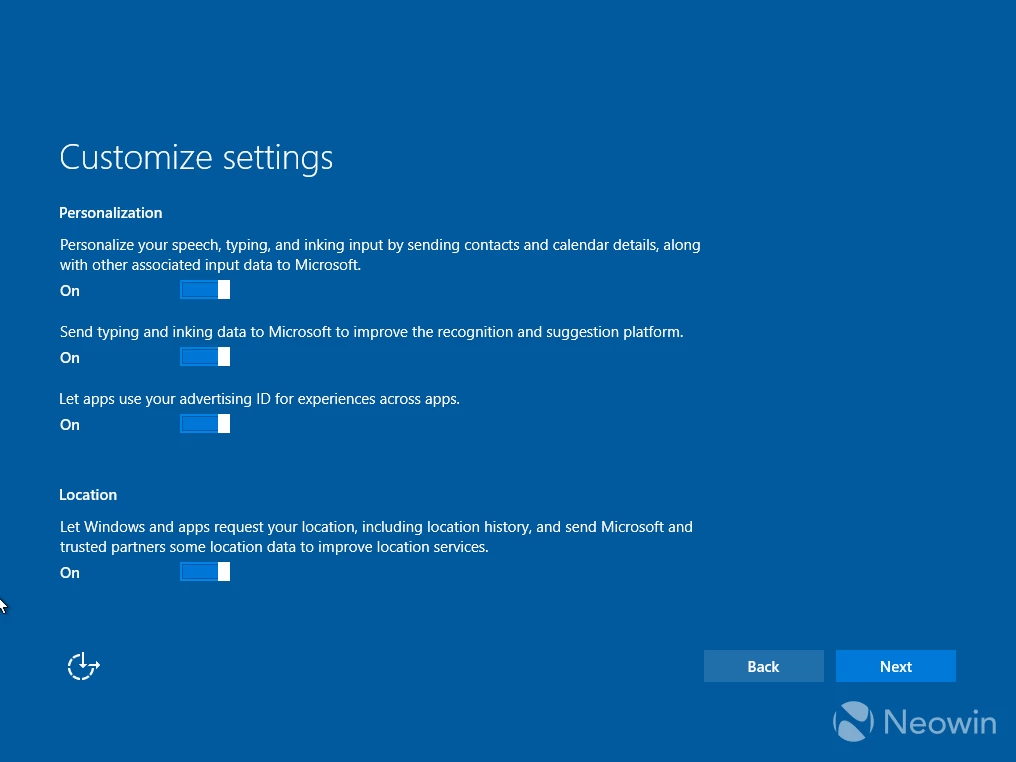
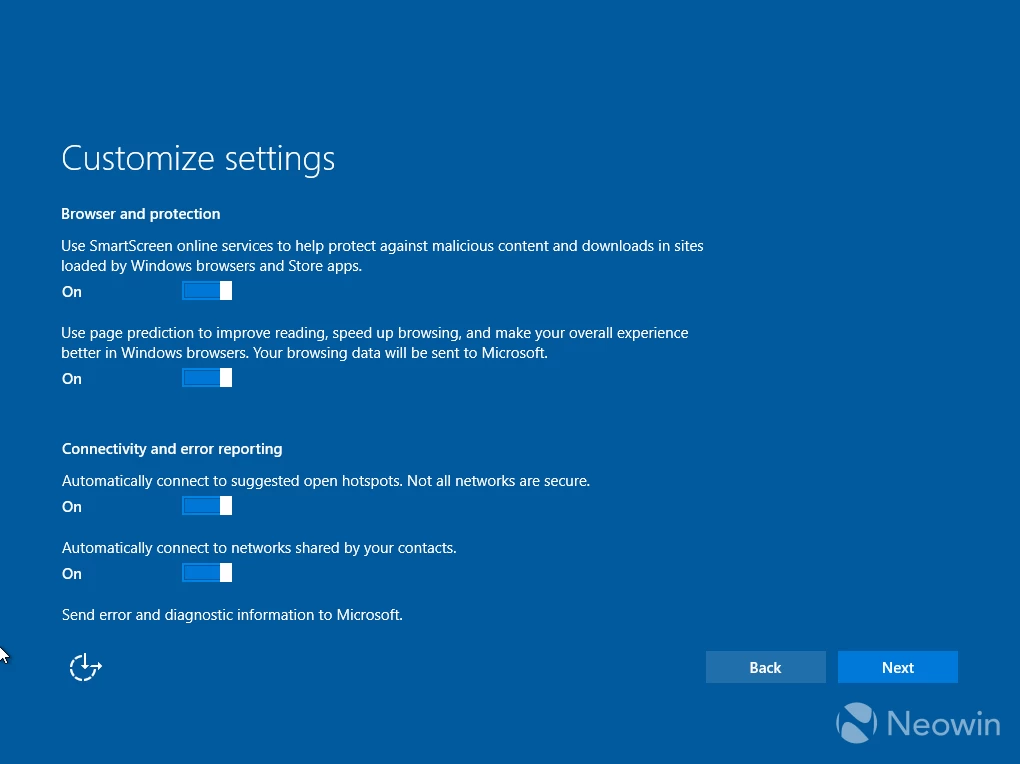
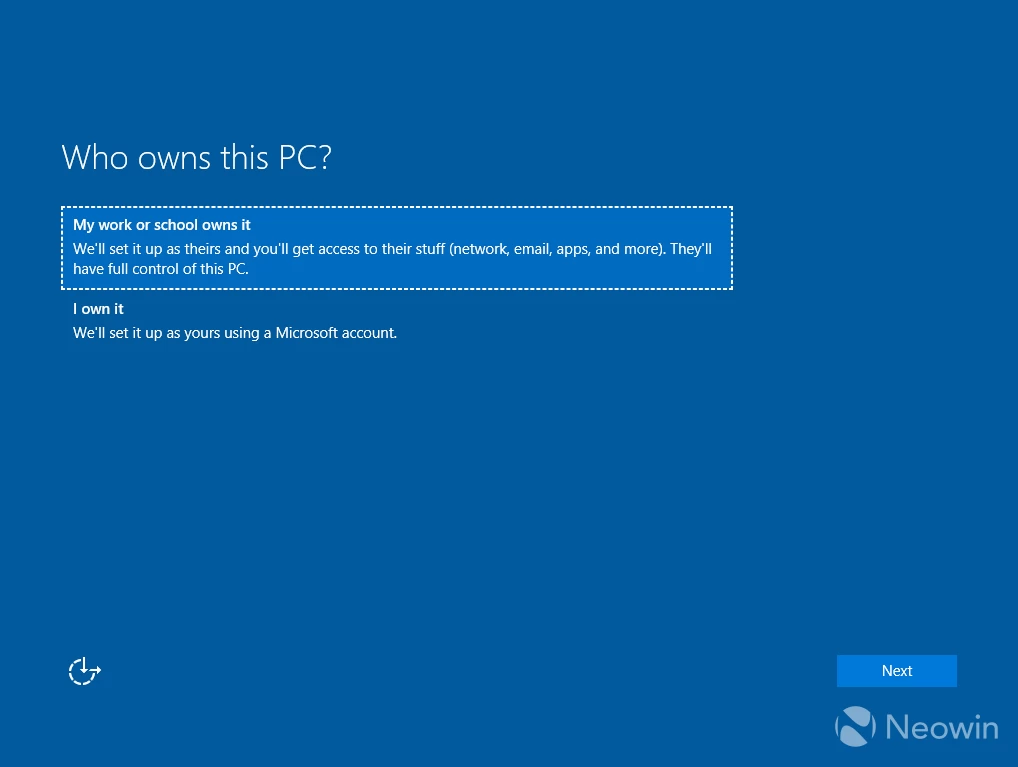
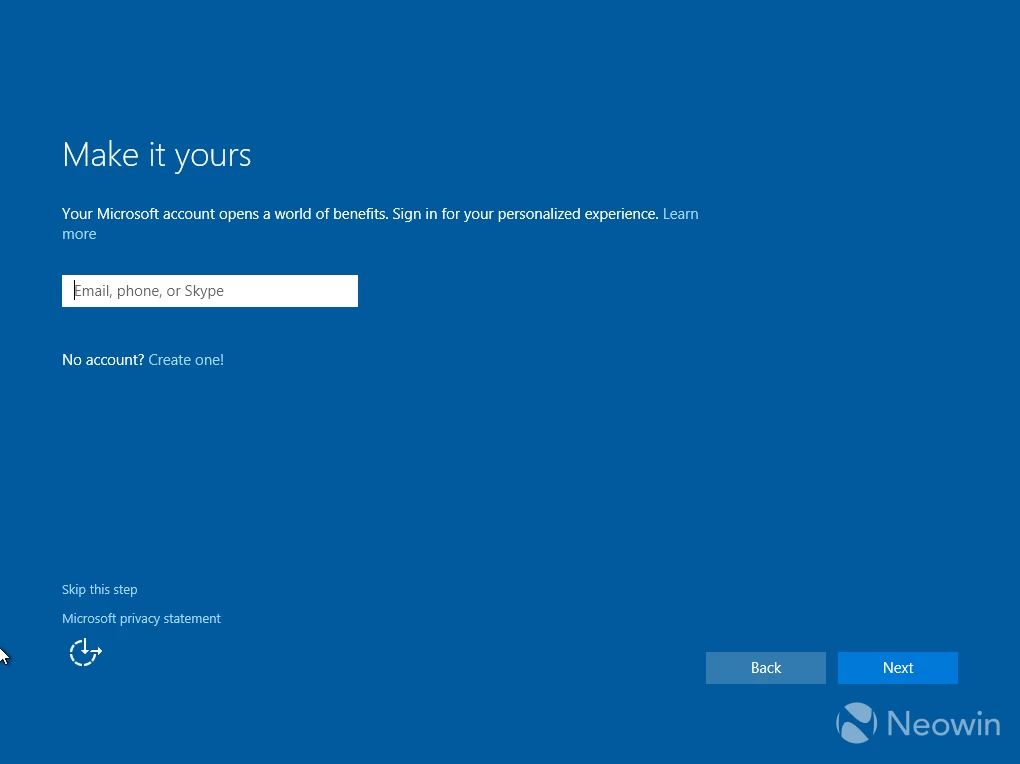
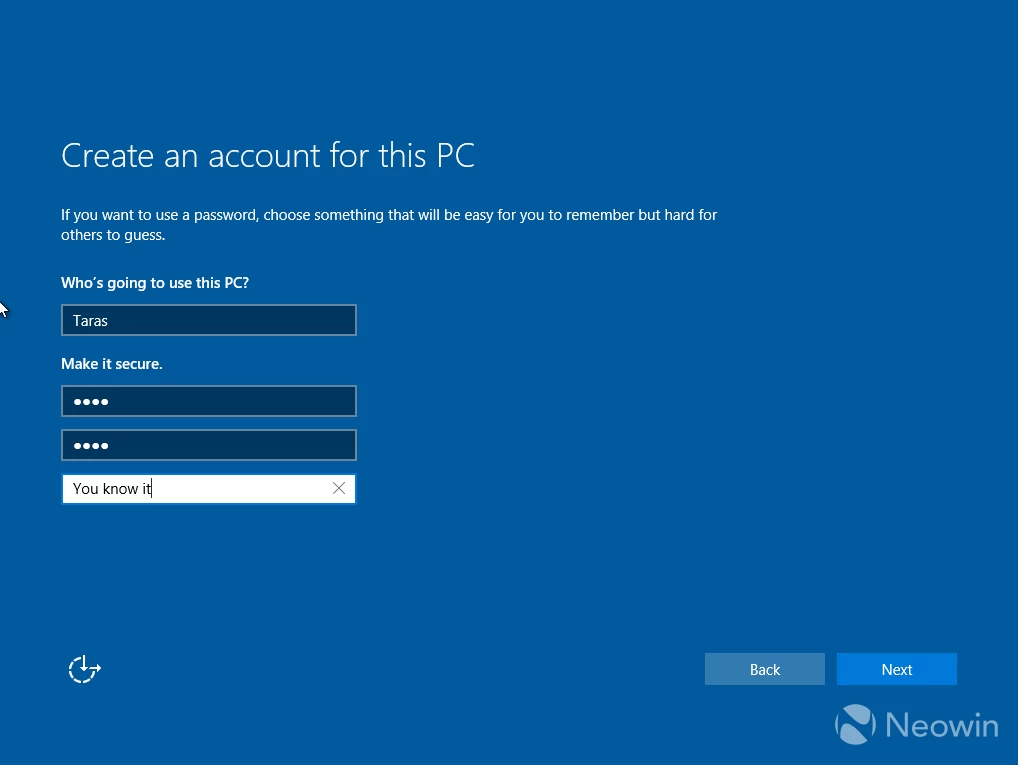
I am looking at the initial version of Windows 10, version 1507. To my surprise, the entire setup process is simpler and more compact than Windows 8"s. However, everything is now enabled by default, and there are more eyebrow-raising features privacy-wise. As for using a Microsoft Account, we now have a clear "Skip this step" button, which I, for one, see as a welcome addition that Microsoft somehow managed to keep mostly intact for a decade of Windows 10"s lifespan (it later evolved into "Offline account"). Impressive.
In total, seven pages, zero ads.
Windows 11 (2025)
Now, let"s talk Windows 11, and oh boy, things get messy here. We move from a quick and simple initial setup to a process that desperately needs an ad block. Everything begins mostly alright. You select your language and region settings, give your PC a name, set up a pin, glance over privacy settings, all of which are toggled on, etc. Among those steps, Windows 11 starts checking for updates without asking you, so the process is taking notably more time.
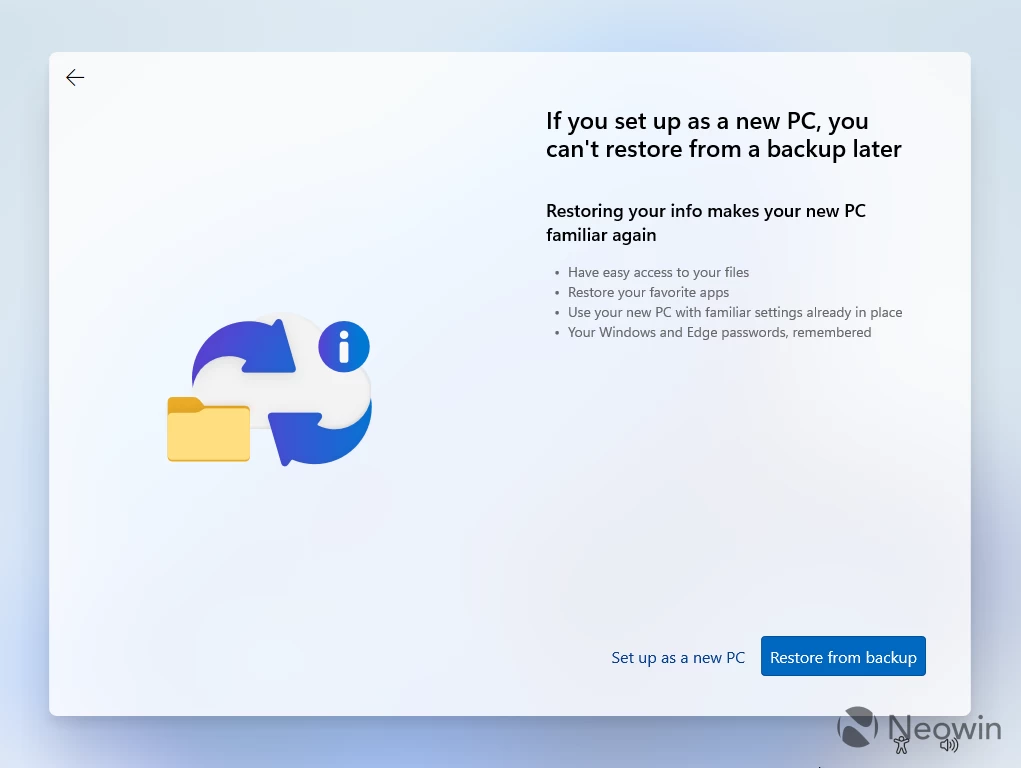
After asking to sign in with a Microsoft account without alternatives (Microsoft is actively fighting against users who want to have local accounts), Windows 11 presents you with an option to restore your PC from a backup without an obvious "no" button. The only way to set it up as a new PC is to click "More options" > "Set up as a new PC." Both options conveniently look like links, not buttons, which are the first signs of dark patterns to persuade users not to use them.
When you click "Set up as a new PC," Windows 11 still nags you to restore from a backup, just blatantly disrespecting your choice.
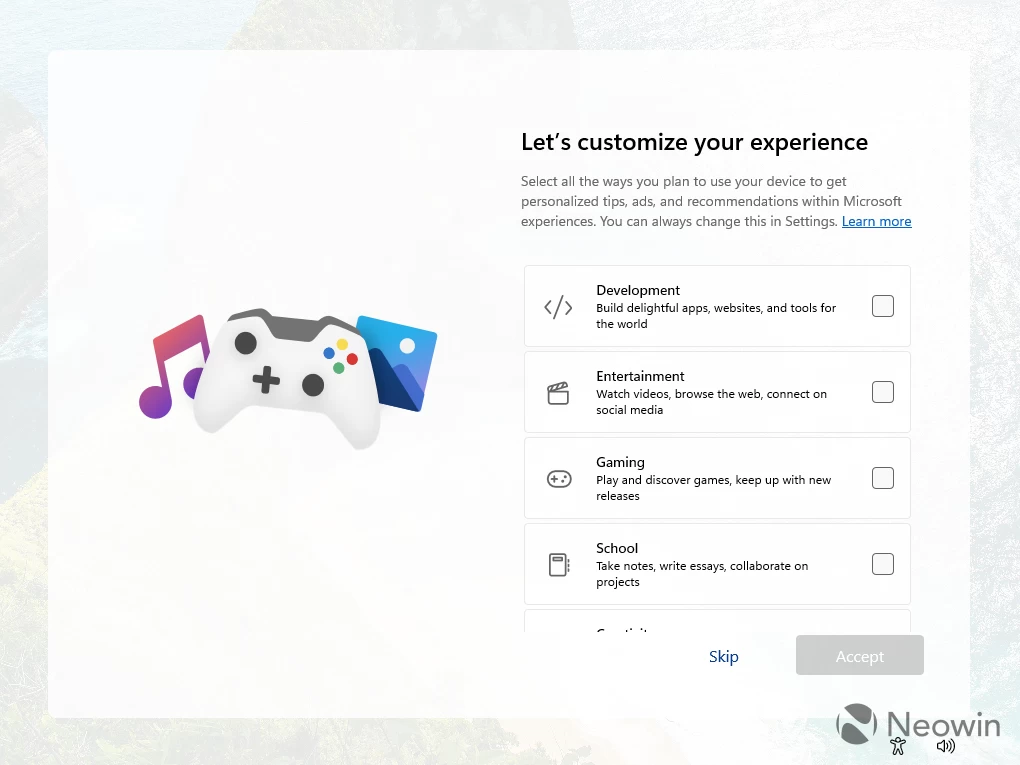
The next screen asks you to customize your experience. This thing always baffled me, as it is just a way to tell Microsoft what apps to pin to the taskbar right from the get-go, i.e., show ads. Fortunately, there is a Skip button.
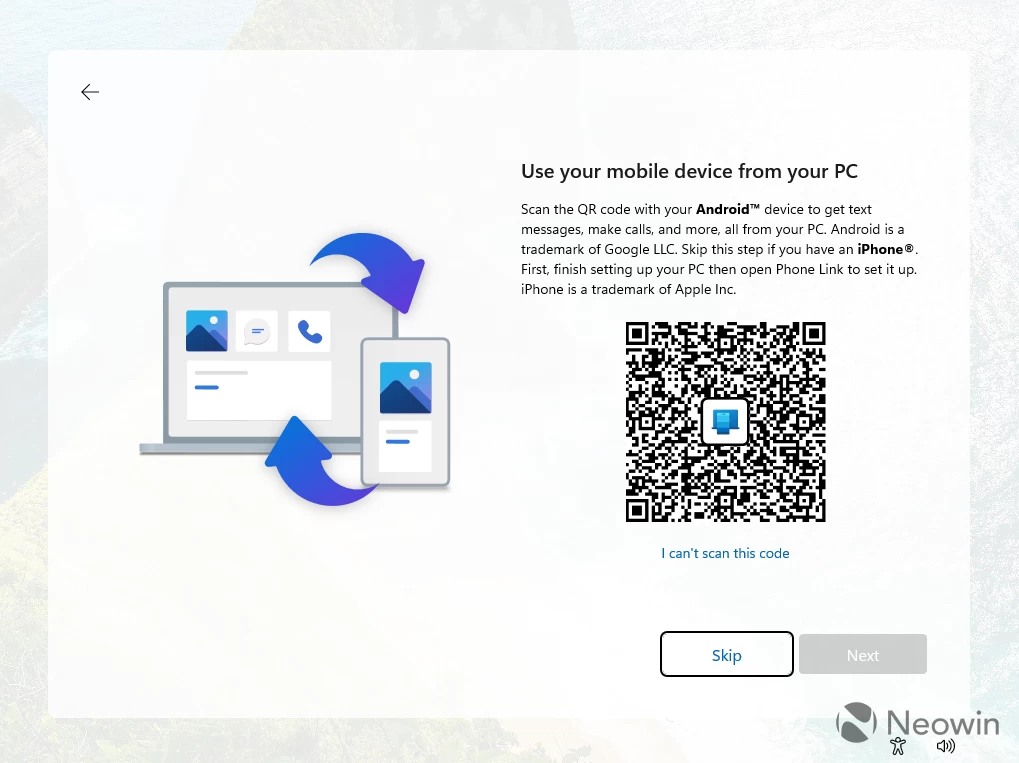
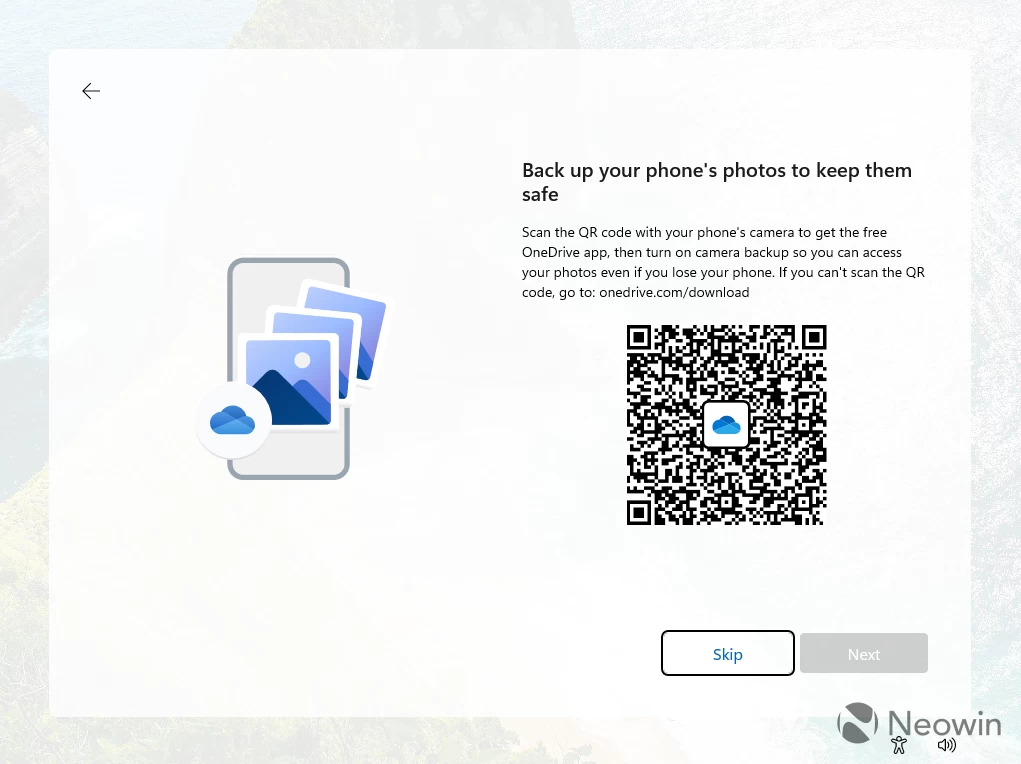
Next, Windows 11 proposes that you connect your Android phone to your PC using Phone Link. It is a useful thing, so I consider this a useful suggestion. What follows next is a OneDrive ad for your phone, which feels a bit random, like, why do I need to set up photo backup on my phone when I set up my PC?
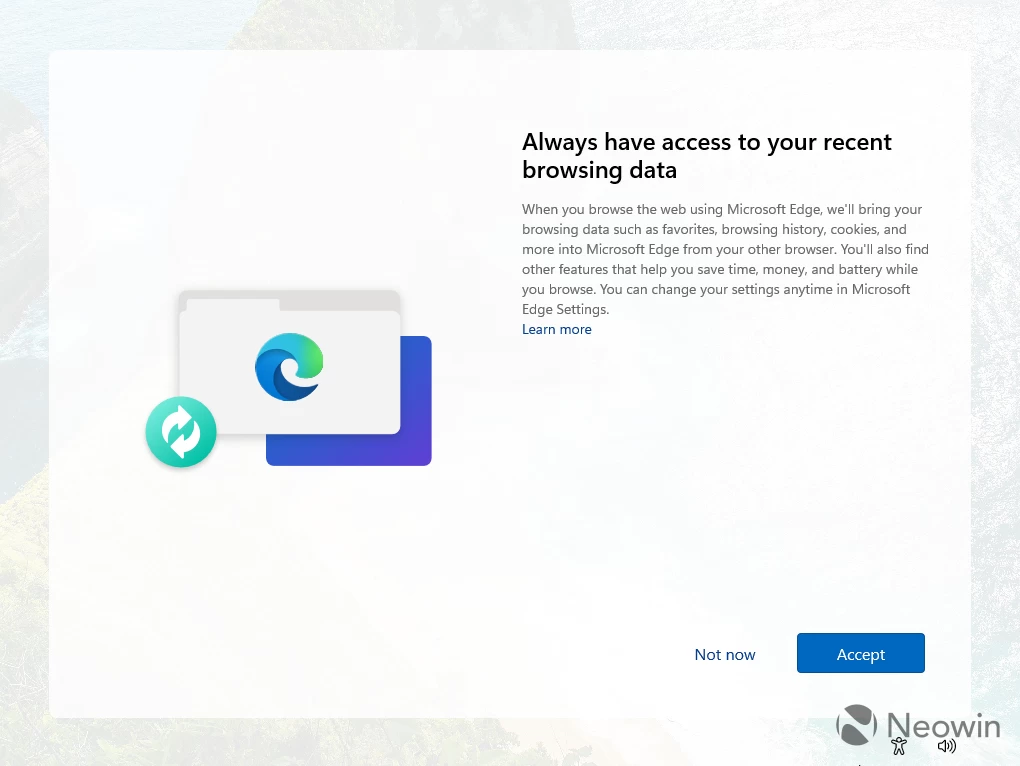
Next, Microsoft tries to hijack your browser data in advance by asking you to allow Windows to pull data from third-party browsers and inject it into Edge under the pretense of helpful features and "saving time and money" (that thing actually steals affiliate links from creators, by the way). Ugh. Not now, Microsoft.
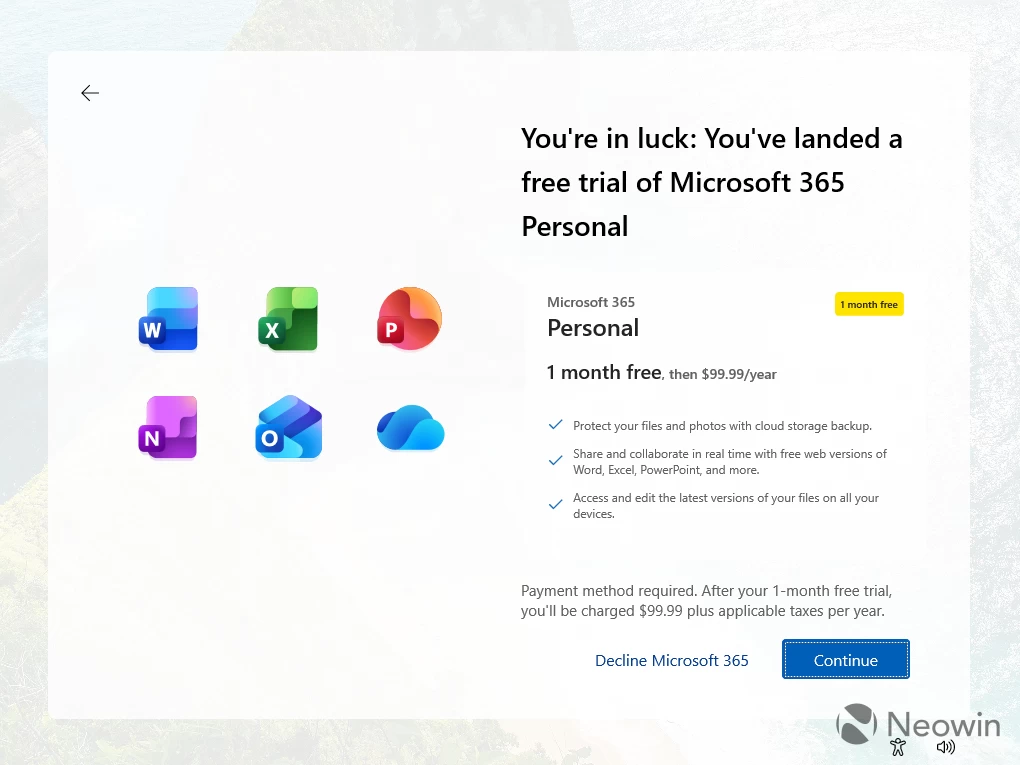
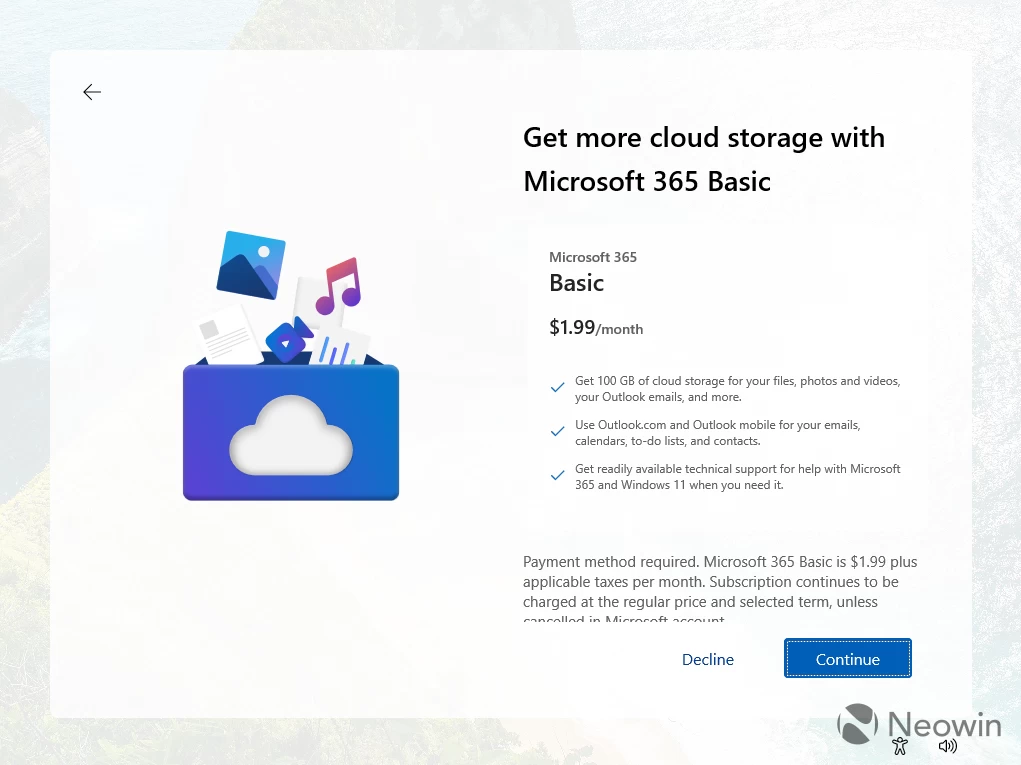
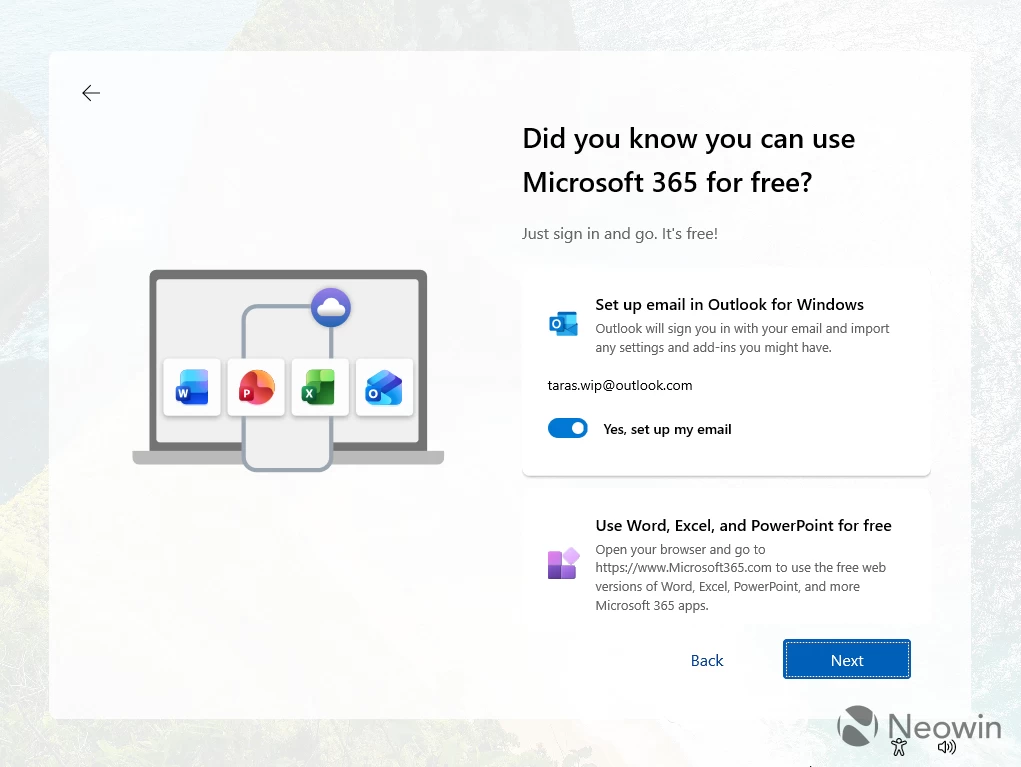
The following three screens nag you with Microsoft 365 ads. First, Microsoft tries to lure you with a "you are in luck" message to sign up for a free trial of Microsoft 365. We are declining this, but they do not give up and try to harvest at least $1.99 with a Microsoft 365 Basic proposal. Again, decline. Now we get another proposal, this time to use Microsoft 365 for free with the universally hated new Outlook client for Windows (conveniently turned on by default).
Finally, one more ad: the ever-growing in price Game Pass for only $14.99. Skip, and you are on the desktop at long last.
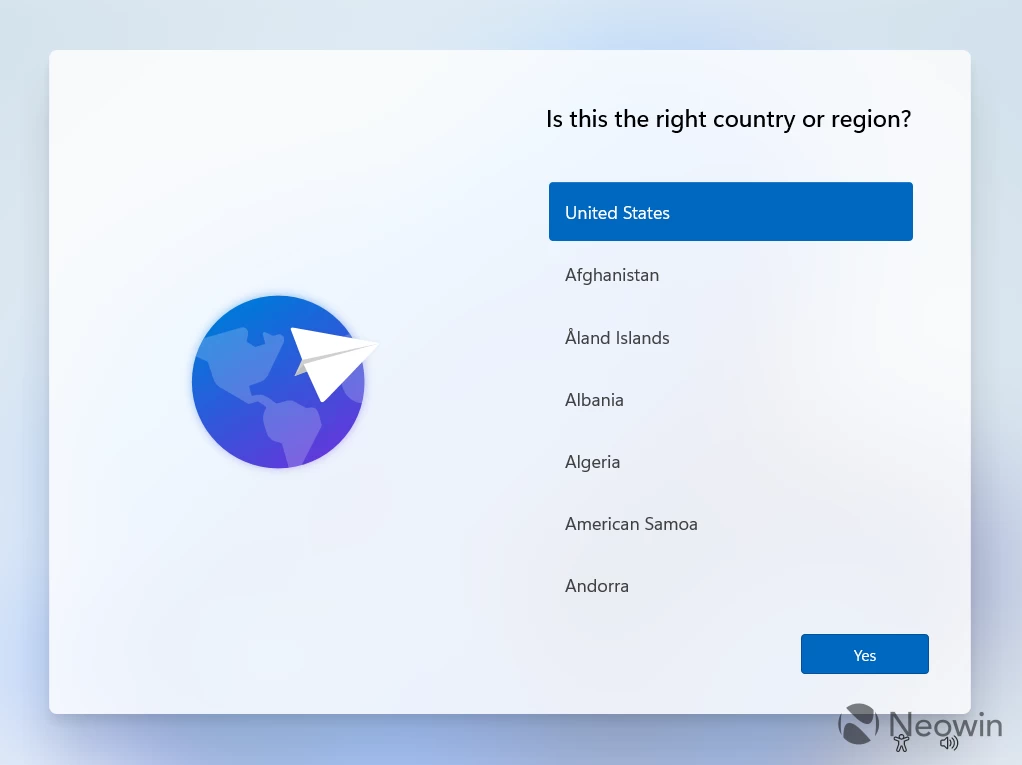
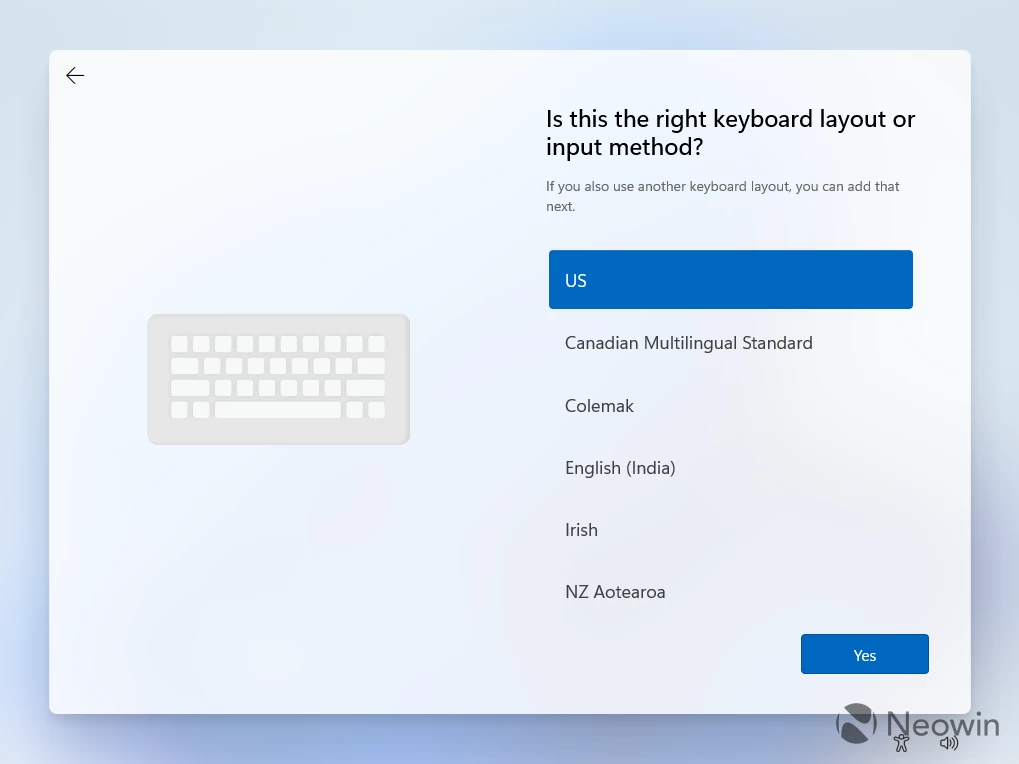
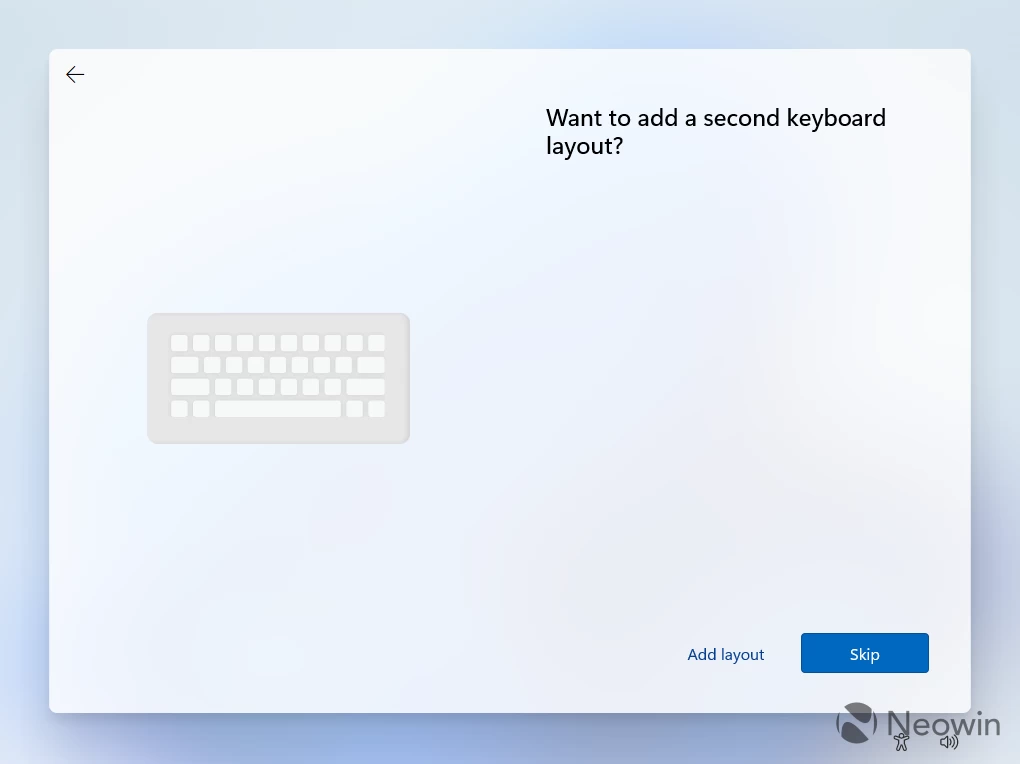
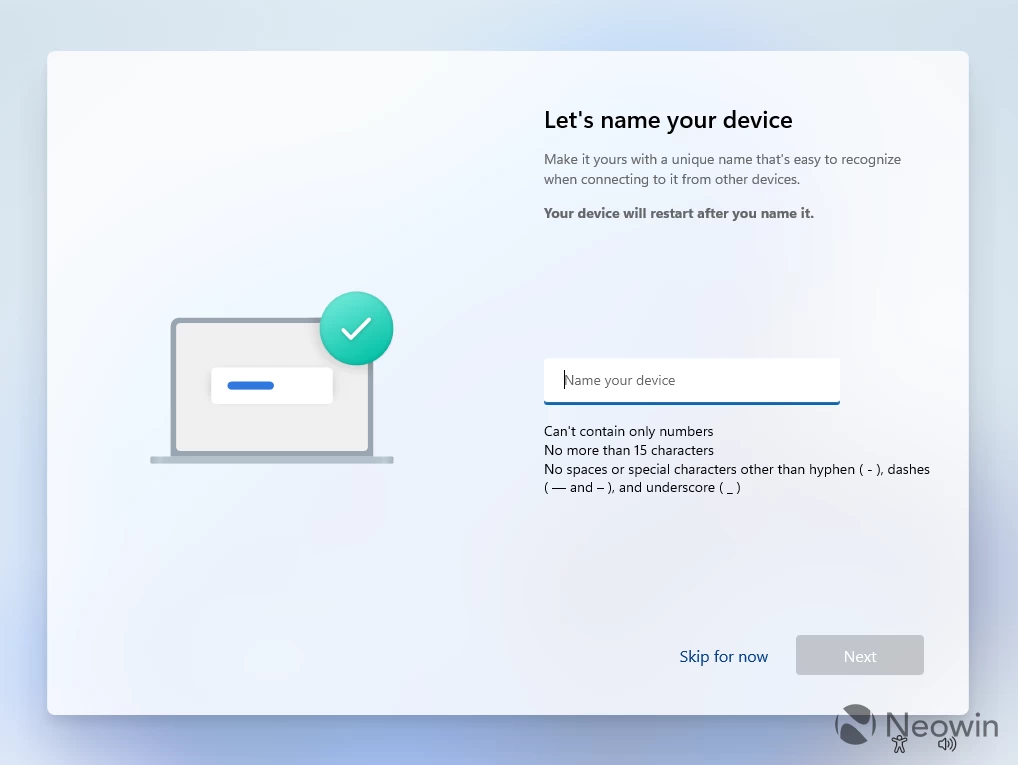
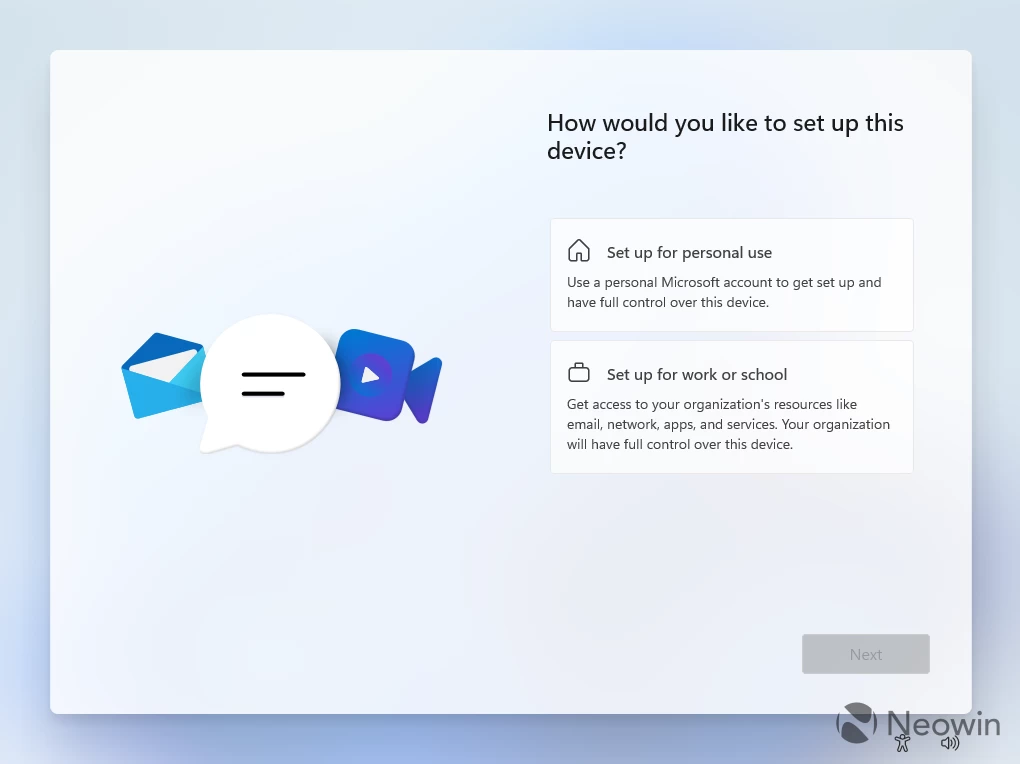
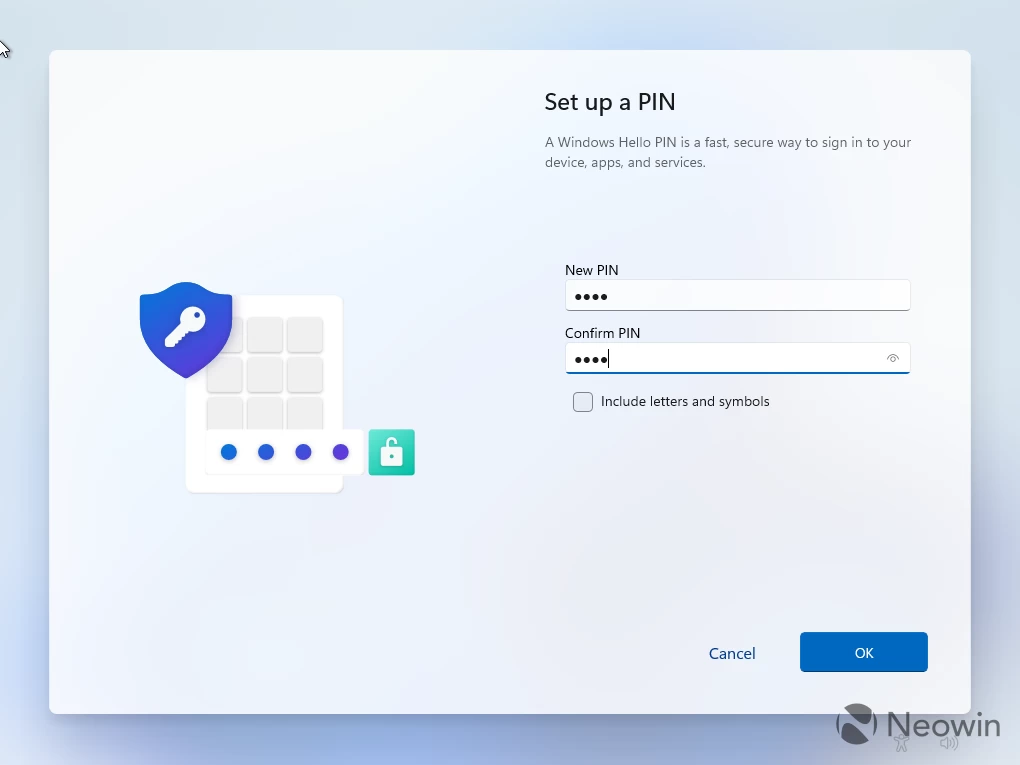
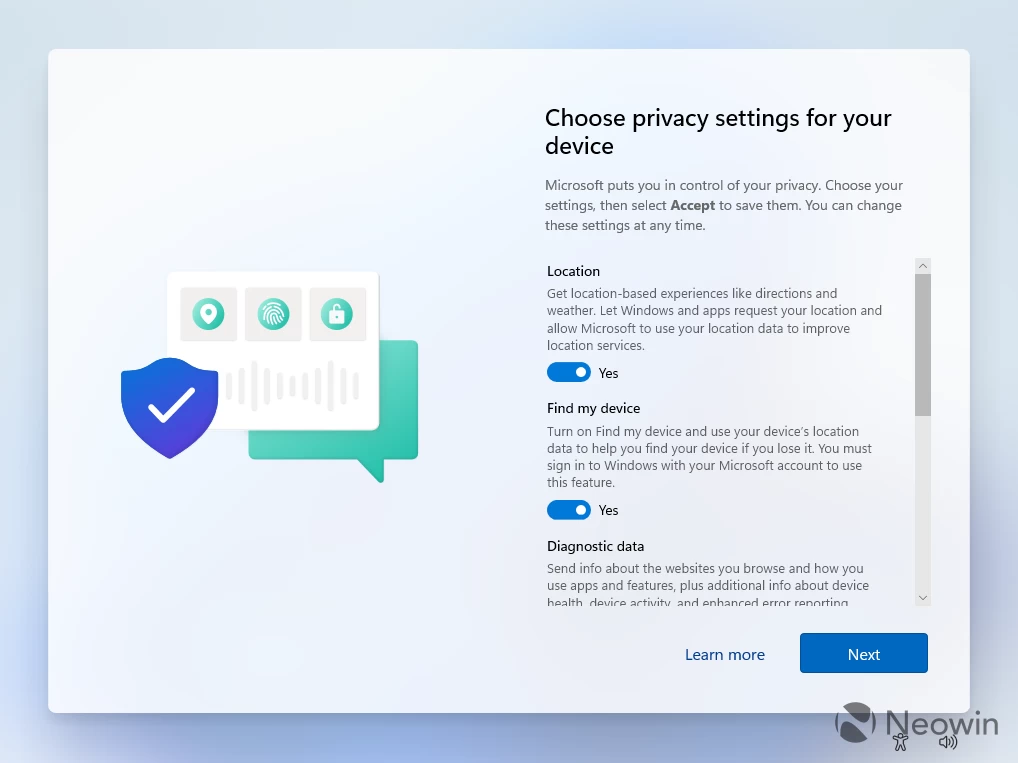
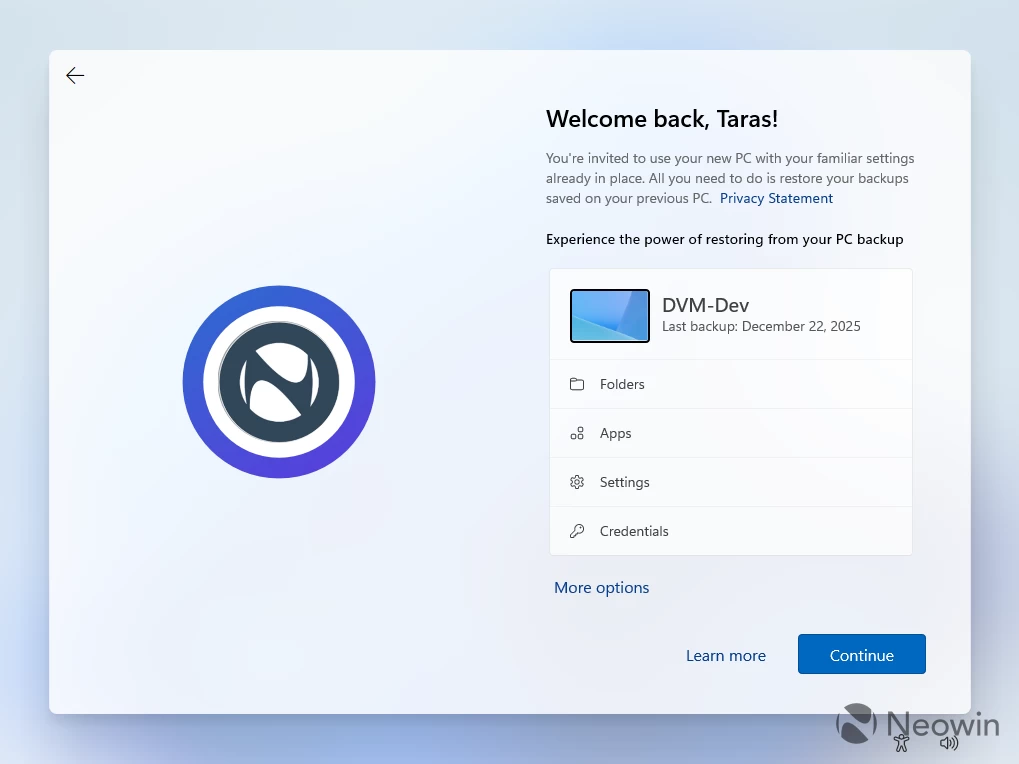
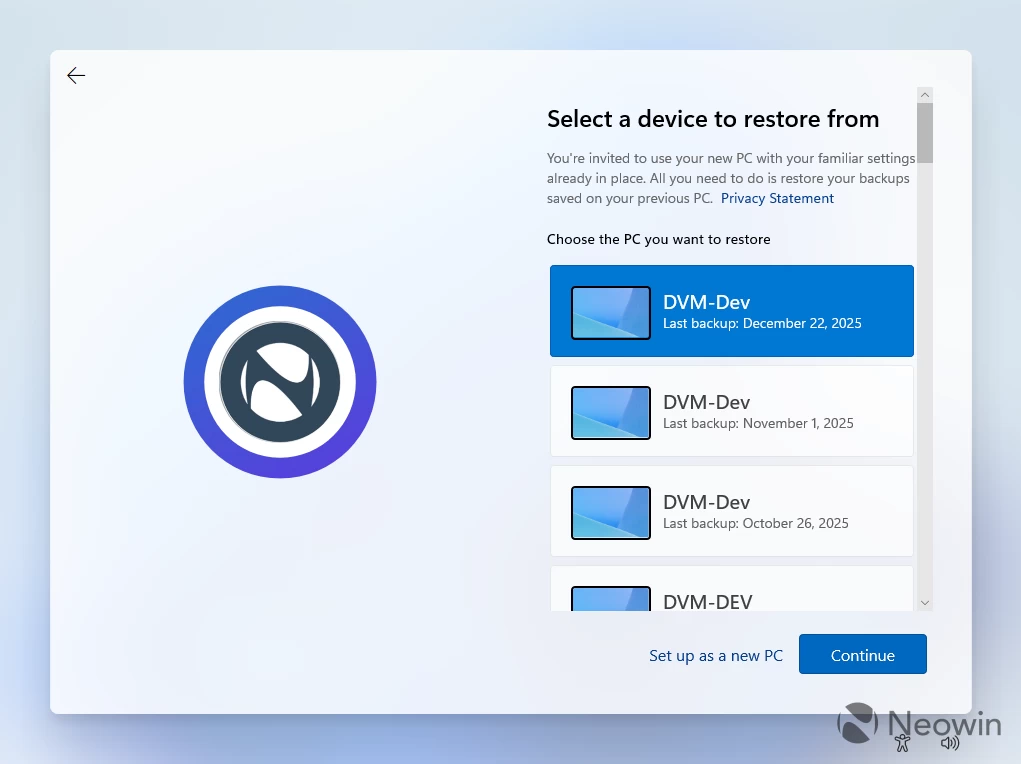
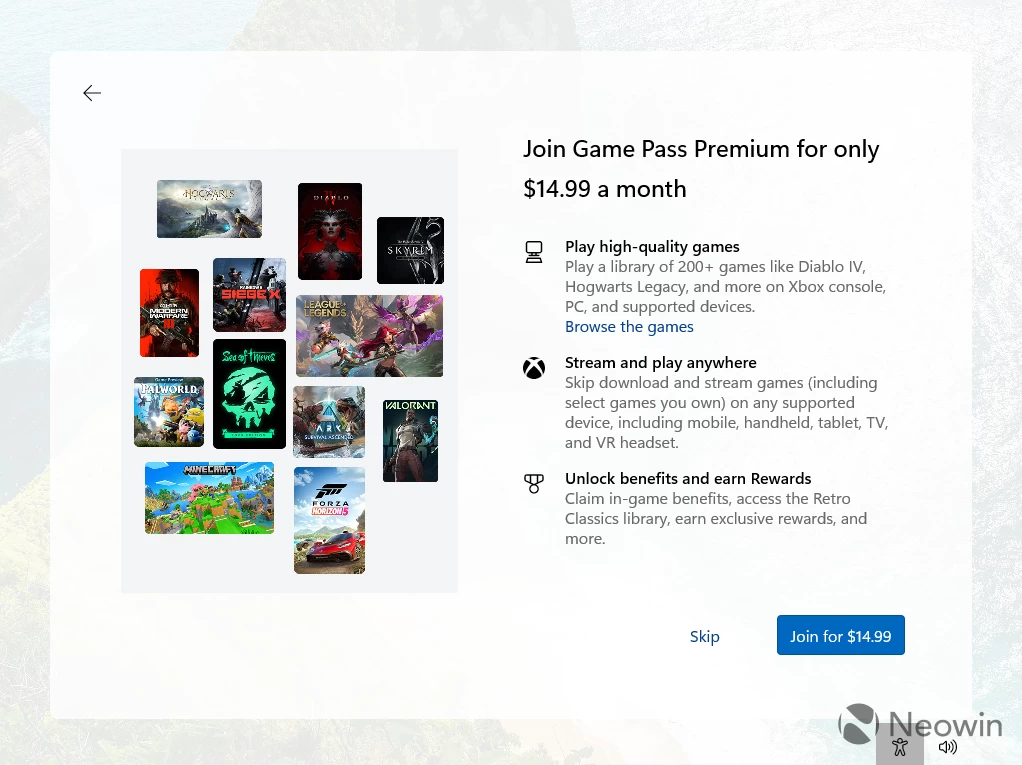
Overall, 18 screens with a lot of "getting things ready for you" spinners, ads, and awkward button placement. Out of those 18 screens, 7 were just ads. And while you can skip them, Microsoft won"t give up on soliciting, with Game Pass, Edge, and Microsoft 365 ads sprinkled all over the operating system. Where is customization, where is the ability to select light or dark mode, where is the option to change the desktop background, where is the fun, Microsoft?
Yes, I know that tech evolves, and Windows 11 is now much more capable than its predecessor. Some of that stuff is useful. Windows Backup is alright, as long as it does not treat me like an idiot by hiding the decline button behind two additional screens. Phone Link is also useful, but that is all. Everything else is just ads, as Microsoft desperately tries to boost its KPI and squeeze every penny from its users. Ah, yes, do not forget that your drives are now encrypted without your consent, so better back up that BitLocker key now.
Setting up Windows nowadays feels like fighting off an annoying salesman instead of quickly setting up basic stuff before getting to the desktop, not to mention all the user-hostile practices like not allowing you to proceed with the setup if you do not have the internet and do not know the magic command, or not allowing you to use a local account. And in the world of Windows updates getting crappier with each month, the lack of Windows update controls makes it even worse. I know that Windows updates are important in the modern world, but at least give us basic controls like not installing updates or drivers right here and right now. Old Windows versions respected your choice, but now, we get three screens begging you to use Windows Backup.
With an approach like this, it"s no wonder people grew tired of Microsoft, and the remaining fans struggle to keep the dying flame of enthusiasm. Sad times.