
Popular YouTuber Chris Titus Tech has published the latest version of their Windows tweaking and customization utility called the "Windows Utility" or WinUtil. The new version, 26.03.03, brings several notable improvements including a new Windows 11 ISO Creator which is meant to be simple, convenient, and easy to use.
Alongside that, the release also adds a new WPF toggle that aims at improving Modern Standby behavior on new Windows 11 devices, especially on Intel systems. The developers have added this toggle to allow disabling network connectivity on Modern Standby as different standby power states (S0ix) can have conflicts and issues with internet connectivity.
One of the contributors to the app has explained why they had been considering it. They write: "Many recent laptops, specifically ones with Intel chips don"t support S3 sleep state or have it entirely disabled because of s0ix sleep. So the only sleep states they support are S4 hibernate and s0ix idle. Hibernation isn"t ideal because it consumes a lot of power when the computer starts back up. ... My request is to completely disable network connectivity in windows modern standby... Instant on, no overheating laptop, no windows updates in the background, and minimal battery drain."
For those not quite well-versed, Modern Standby is Microsoft’s successor to the Connected Standby model first introduced in Windows 8. It uses the S0 low-power idle state, allowing PCs to deliver an instant on/off experience similar to smartphones. Unlike the older S3 sleep model, Modern Standby keeps the system semi-active, enabling background tasks such as email syncing, VoIP calls, or update downloads, among others, while the screen is off.
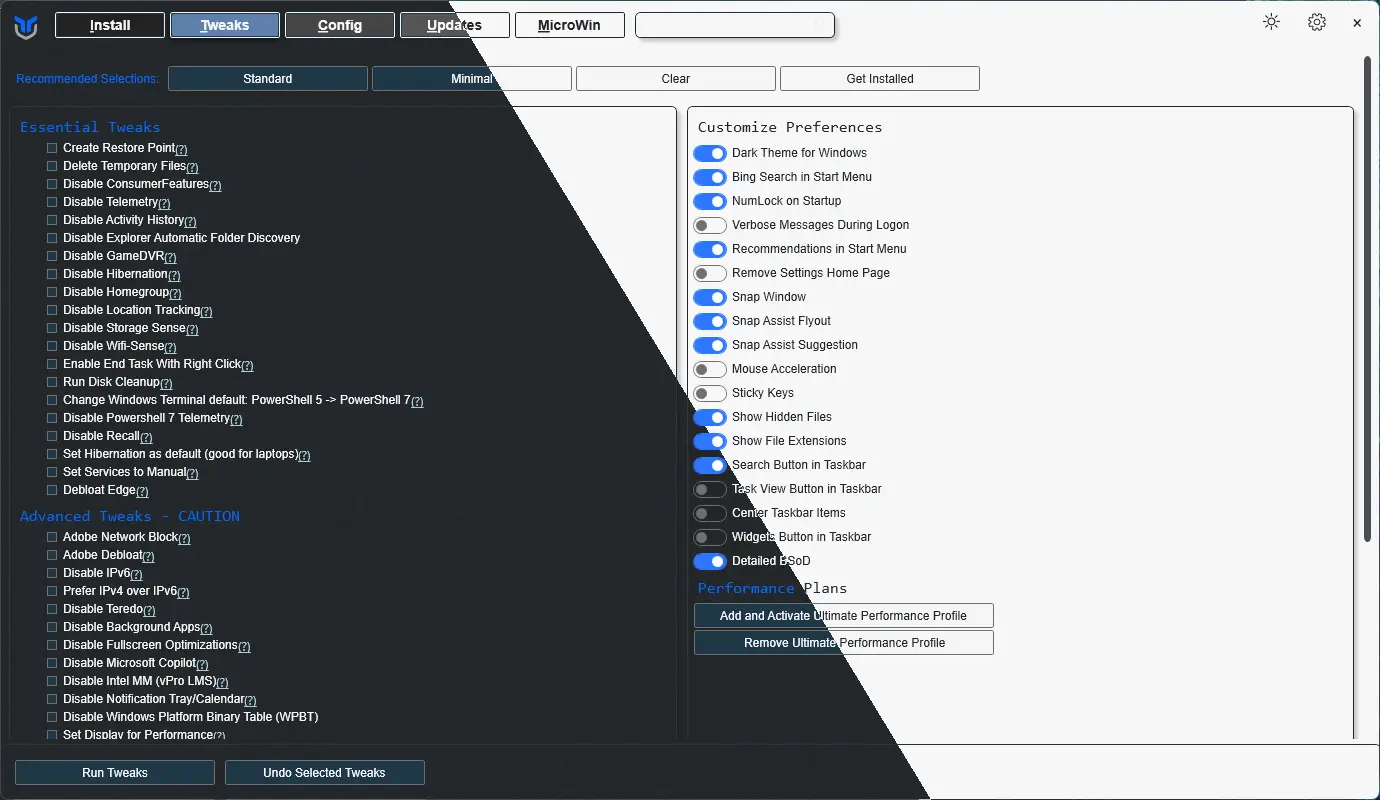
The full changelog is given below:
Features
- Unite preferences
- Add WPFToggleStandbyFix
- Win11 ISO Creator
- Add more development tools to applications.json
- NoUI mode and Concurrency edits
- Json-Cleanup-Expansion @ChrisTitusTech (#4090)
Bug Fixes
- Win11 Creator USB and Log Fixes
- Fix import/export functionality
- Win11 iso
- Remove edge
- Remove WPFTweaksDisableExplorerAutoDiscovery From Minimal Preset
- updated workflows for automation @seanh1995
- Remove incorrect information from WPFTweaksRazerBlock
- Update-KnownIssues.md
- Update devdocs-generator
The full changelog is even bigger. You can read it in full here and also find the software from their GitHub repo here.