PC cleaners and optimizers are a controversial topic. The right tool in the right hands can have a positive effect on your computer, help reclaim storage, and optimize its performance, especially on lower-end machines. FluentCleaner, a new Windows 11 app, promises to achieve that using community-driven rules and scripts packed in a native, pretty-looking WinUI 3 app.
FluentCleaner was built by the developer behind Flyoobe, a popular Windows 11 debloater. The developer says the project was inspired by CCleaner back in the day, when it was actually good and useful. To clean things up and optimize your PC, FluentCleaner uses winapp2.ini, a community-driven configuration file that directs the app to temporary files, browser cache, app leftovers, logs, memory dumps, and more.
Upon launch, FluentCleaner presents you with a list of app categories, which you can scan and then select what to clean and how much space you can reclaim. It is not necessarily a one-click solution, and you have to know a thing or two before purging everything to avoid accidental data loss.
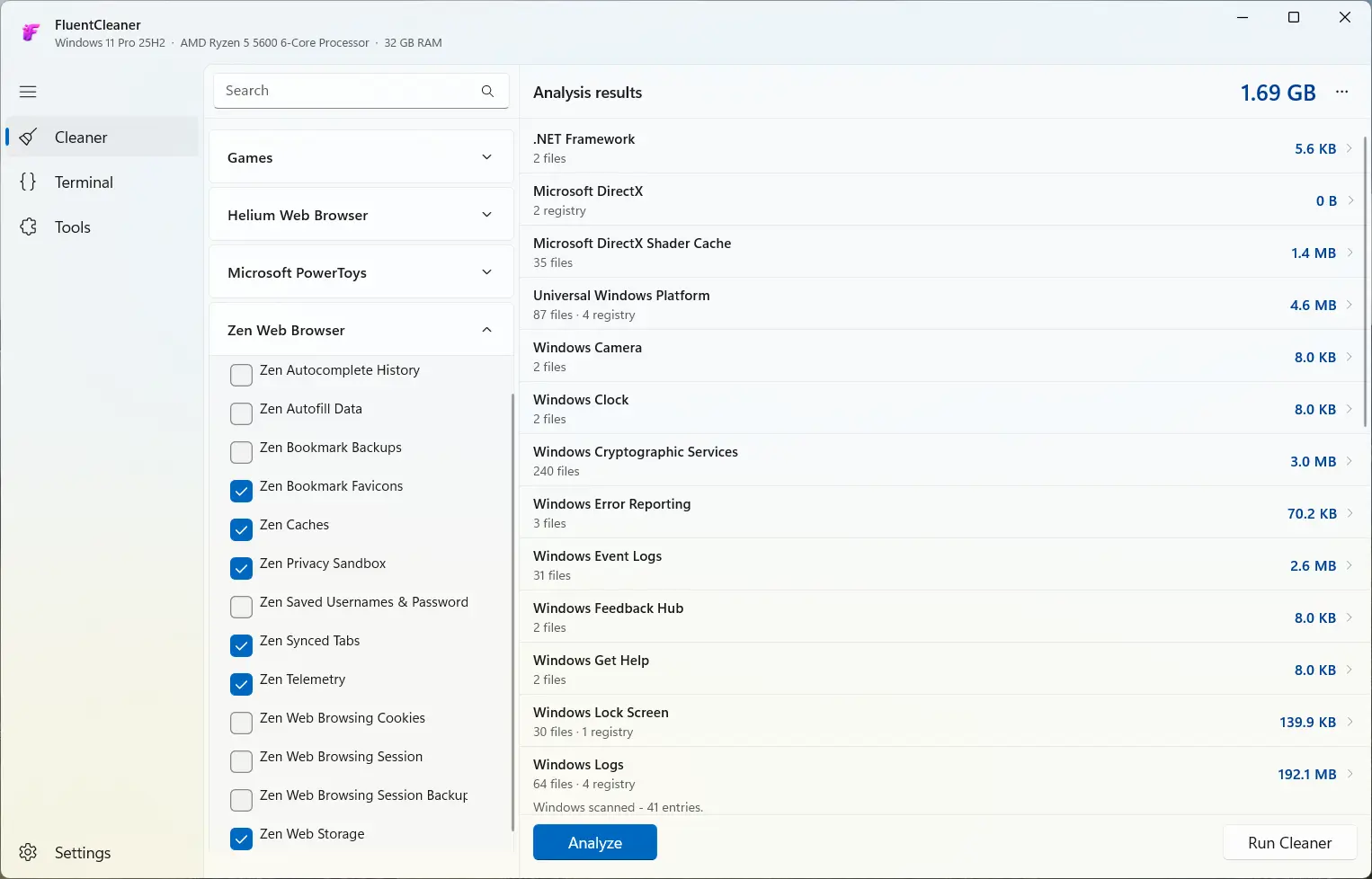
FluentCleaner is not a magic pill. It does not promise big FPS boosts or performance upgrades. It is rather a maintenance utility for situations like running out of space on low-end machines, which could be a big help, considering the current memory crisis. The developer says FlentCalendar is helpful for the following scenarios:
-
Reclaim disk space that"s been quietly eaten up over months
-
Troubleshoot app issues caused by corrupted cache
-
Shrink backup size
-
Privacy, browser data, recently opened file lists, leftover traces from apps you uninstalled
-
Keep Windows updates running smoothly
While some of those actions can be performed with built-in system tools, FluentCleaner offers more flexibility and control over what you can delete. Plus, it has a few useful extensions for additional features like post-install cleaning, debloating, BIOS/UEFI key helper (helps you find the right key for BIOS access), and more.
As usual, it is worth noting that tweakers like this always have risk associated with careless use, so back up important data and do not mess around with what you are not familiar with. But if you are curious to give FluentCleaner a try, you can get it from its GitHub repository here. You can also pair it with Wintoys, one of our favorite Windows tweakers that provides a lot of additional control over the operating system.