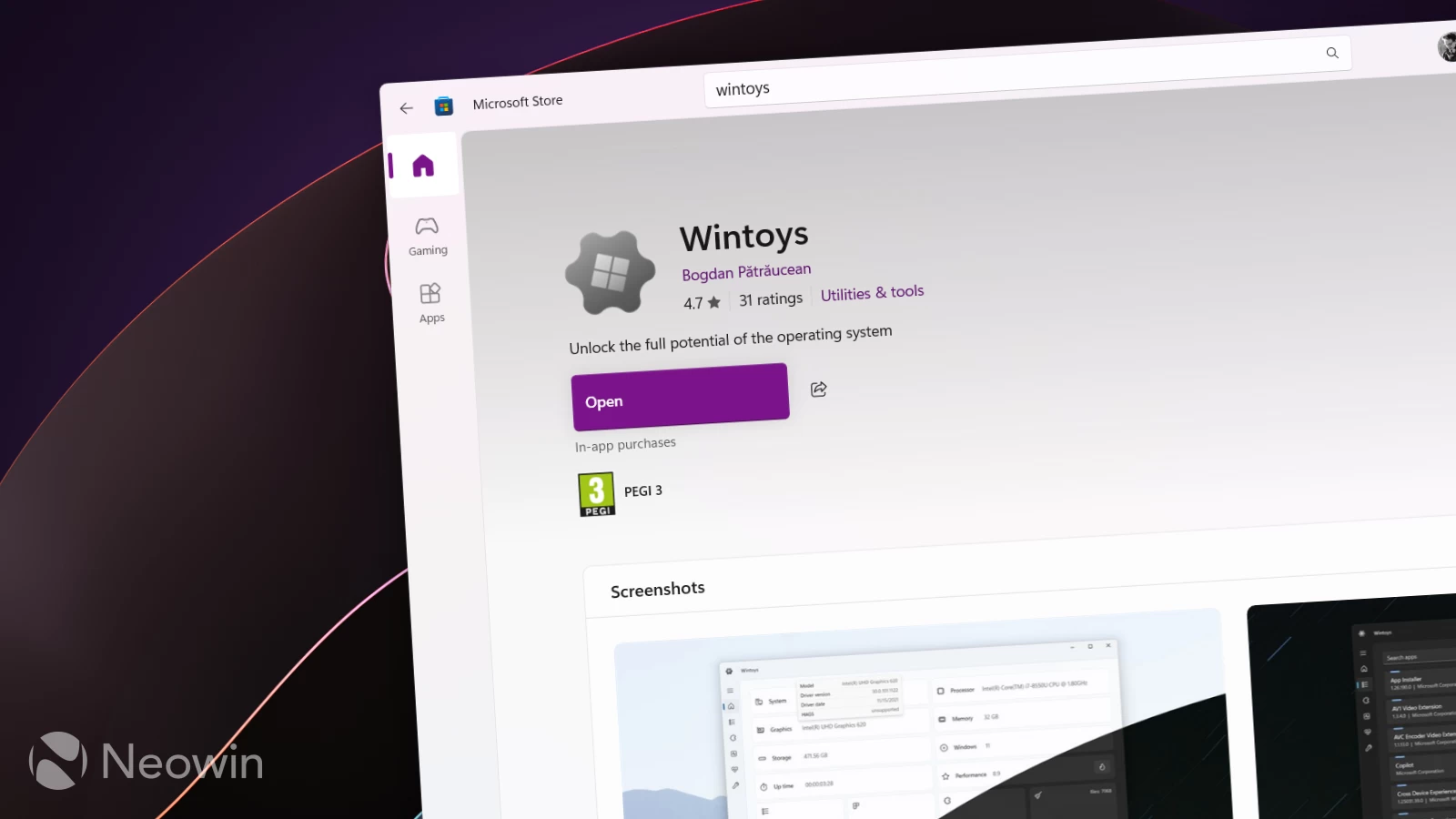
There is no shortage of apps for tweaking and optimizing Windows 11 (real optimizing, not those questionable "registry cleaners"). Still, among them, Wintoys stands out as a fantastic must-have free app with a native user interface and a large number of options and toggles that make the user experience much better without going over the top and butchering the operating system. The latest update, version 2.4.6.0, makes Wintoys even better with Windows 11 version 25H2 support and several new features.
Wintoys 2.4.6.0 introduces several improvements for storage cleaner, network troubleshooting, startup apps, DMA, performance benchmarks, and more. The app can now detect cache from preview versions of Microsoft Edge, clear stuff like Windows logs, and scan more paths for temporary files. Performance has also been improved and bugs fixed.
The option to flush DNS was replaced with a more advanced network troubleshooter that can clear DNS cache, reset Windows socket catalog, HTTP proxy, Firewall rules, network adapters, and more. The section for managing startup apps now includes items from the Startup folder execution delay option, and the DMA section received a new FAQ section for the Windows LTSC version and fixes for the bug with DMA status showing up incorrectly in certain scenarios.
Other additions include the ability to manage driver updates, the ability to configure the Num Lock state, and more. Here is the rest of the changelog:
- added co-installers option under health page
- the system model should now display a more reliable value on the home page
- rewritten messages for File Explorer and Microsoft Store dialog options from the cleanup section
- added the total used space of restore points and a backup warning to the system restore dialog from the cleanup section
- when setting the Windows updating mode to manual, notifications will no longer annoy the user, being fully manual
- added application window minimum height and width
- default app size takes scaling into consideration
- added a debounce to all input fields for better validation performance and a better user experience
You can find the release notes for Wintoys 2.4.6.0 on the program's official website. Wintoys can be downloaded from the Microsoft Store for free via this link.

















9 Comments
Load the comments and join the conversation!
Read the comments, ask the editors questions, show respect and join the conversation.