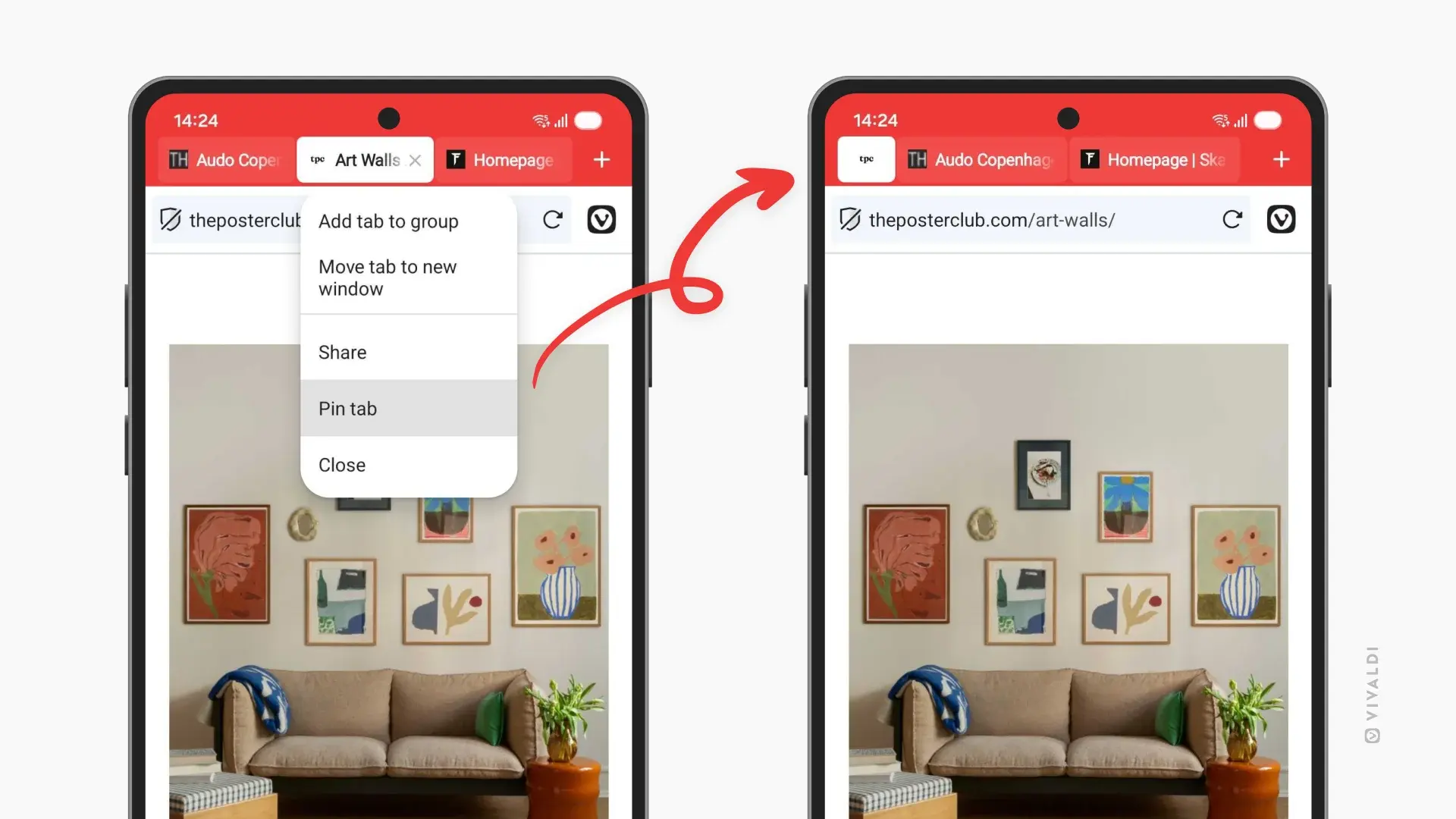
Vivaldi 7.8 is now available for Android and iOS devices, bringing a stack of new and unique features for each platform. On Android, there are pinned tabs, privacy dashboard, support for third-party password managers, private search, and the option to disable pull-to-refresh. On iOS, we get swipe to switch tabs, the option to add search engines from any website, and swipe tabs away.
If you’ve used any modern browser on the desktop, you’ve likely right clicked it and pinned the tab to keep it in place away from the rest of your browser clutter. To pin tabs on mobile, you can just long-press any tab and select “Pin Tab” to lock it at the start of your Tab Bar. This feature could be most useful for those who have lots of tabs open and want to bring a bit more order to their browser.
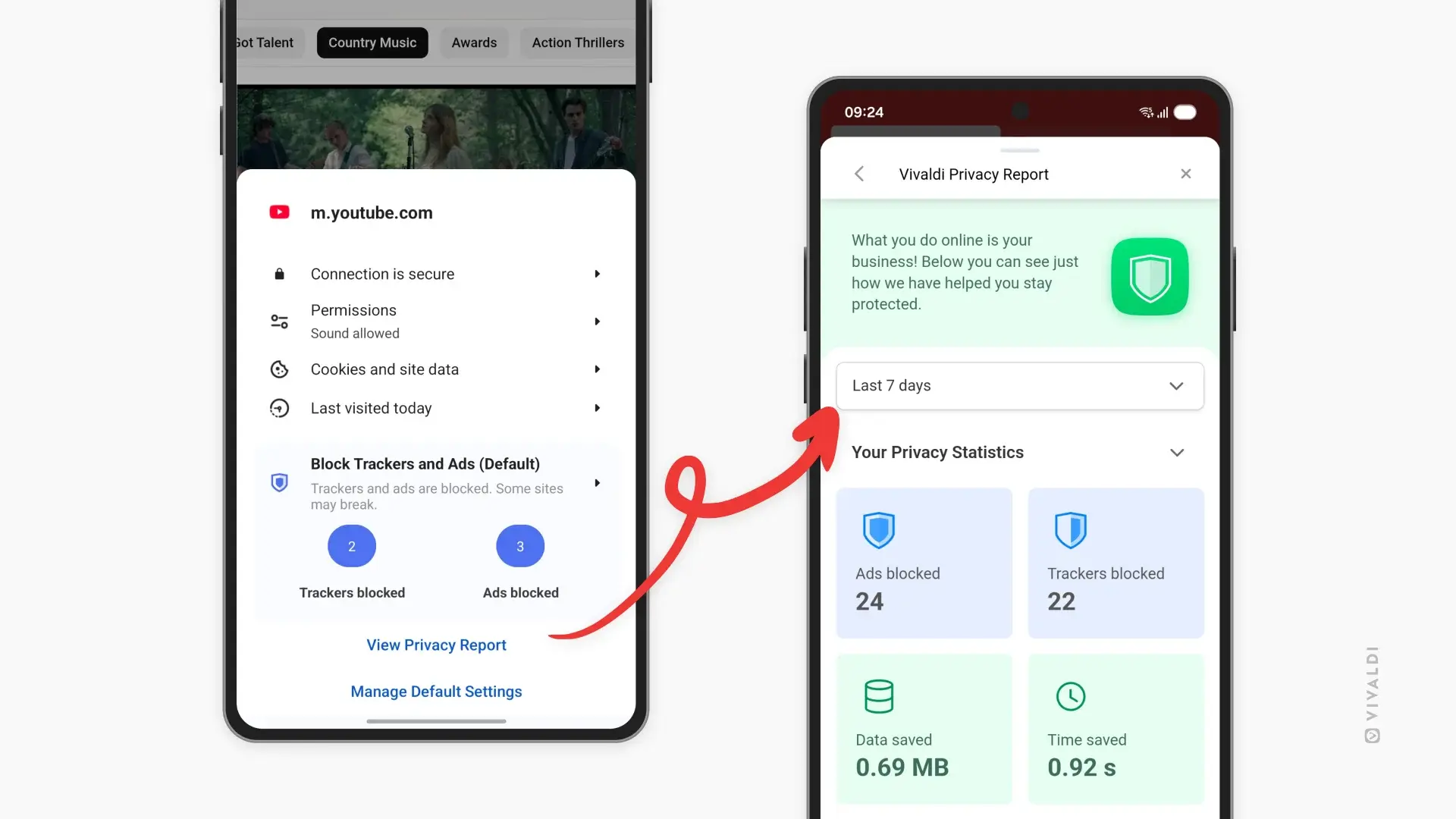
Privacy Dashboard is another new feature in Vivaldi for Android. It allows you to see which trackers and ads Vivaldi has blocked while you browse. According to Vivaldi head Jon von Tetzchner, Privacy Dashboard isn’t “just a number, it’s a window into how much of the web is designed to follow you around. Every blocked tracker is one less company building a profile on your habits, your interests, your life.”
Over the years, web browsers have been adding their own password manager with sync, this essentially locks you into one browser across mobile and desktop. With this latest update, Vivaldi 7.8 on Android supports third-party password managers. In the settings, you can choose to use Vivaldi’s password manager or hand off login assistance to a third-party password manager. You can find these settings under “Autofill services” in the settings.
This update also brings two quieter features, first is the ability to select text and then search about it directly in private tabs. Second is the option to disable pull-to-refresh, while this feature can be handy, in some situations it can be incredibly annoying when the page decides to reload when you were just trying to scroll up, now Vivaldi Android users can switch it off.
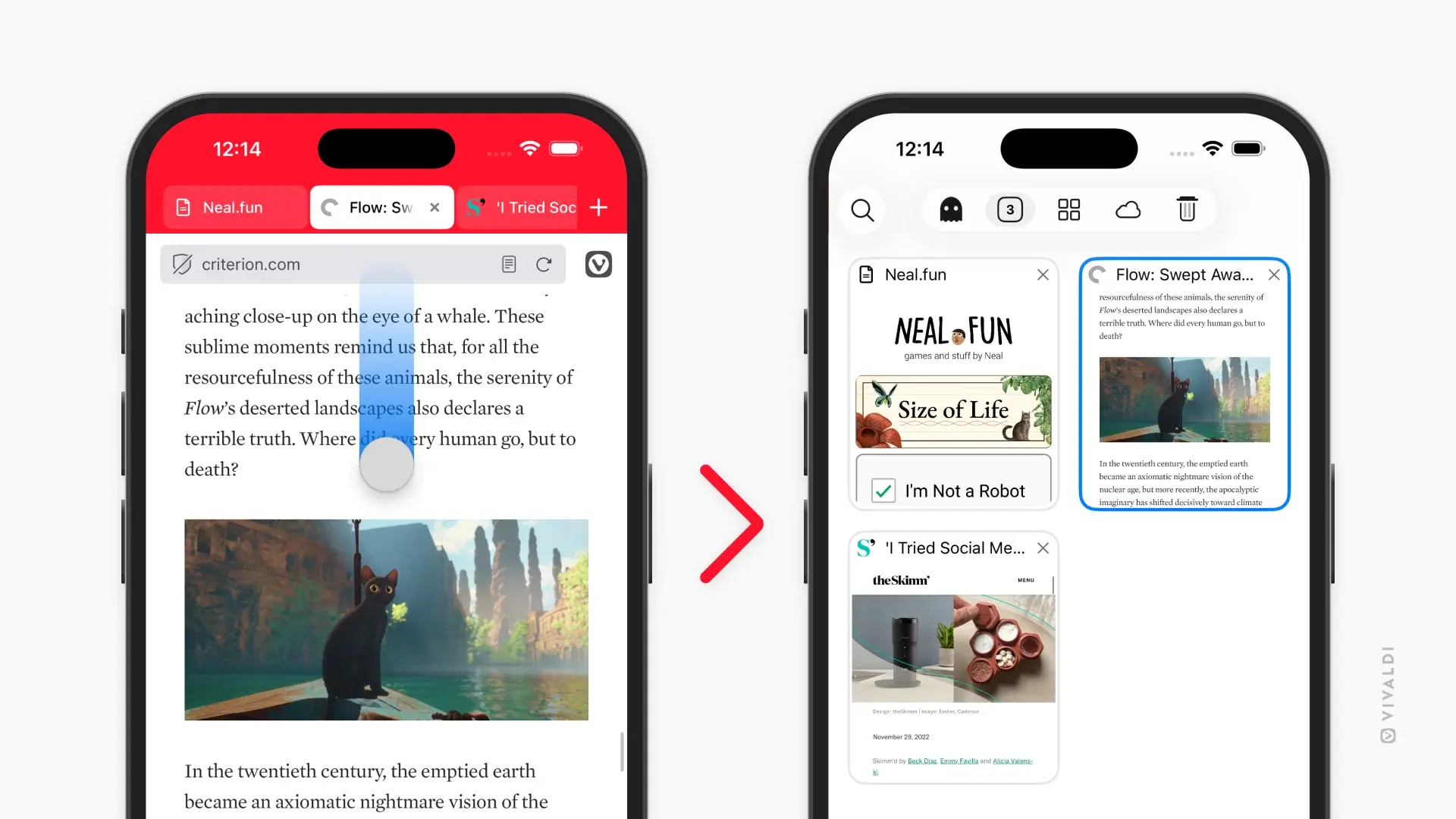
Over on iOS, the company decided to focus on streamlining workflows. One of the new features, swipe to switch tabs, lets you swipe up or down on the address bar to just straight to the tab switcher. Vivaldi’s developers think this feels natural by meeting you where your thumb already is.
Another feature is the ability to long press on any search field and add it as a search engine in your browser. You could do this with a university library, documentation pages, niche databases, or search engine, giving you ultimate customization.
Finally, this version adds swipe away tabs. In the tab switcher, you can now close tabs with a quick swipe so that you don’t need to go hunting for tiny X buttons. Just swipe and it"s gone.
Vivaldi 7.8 for Mobile is now available on the Google Play Store and Apple App Store.