
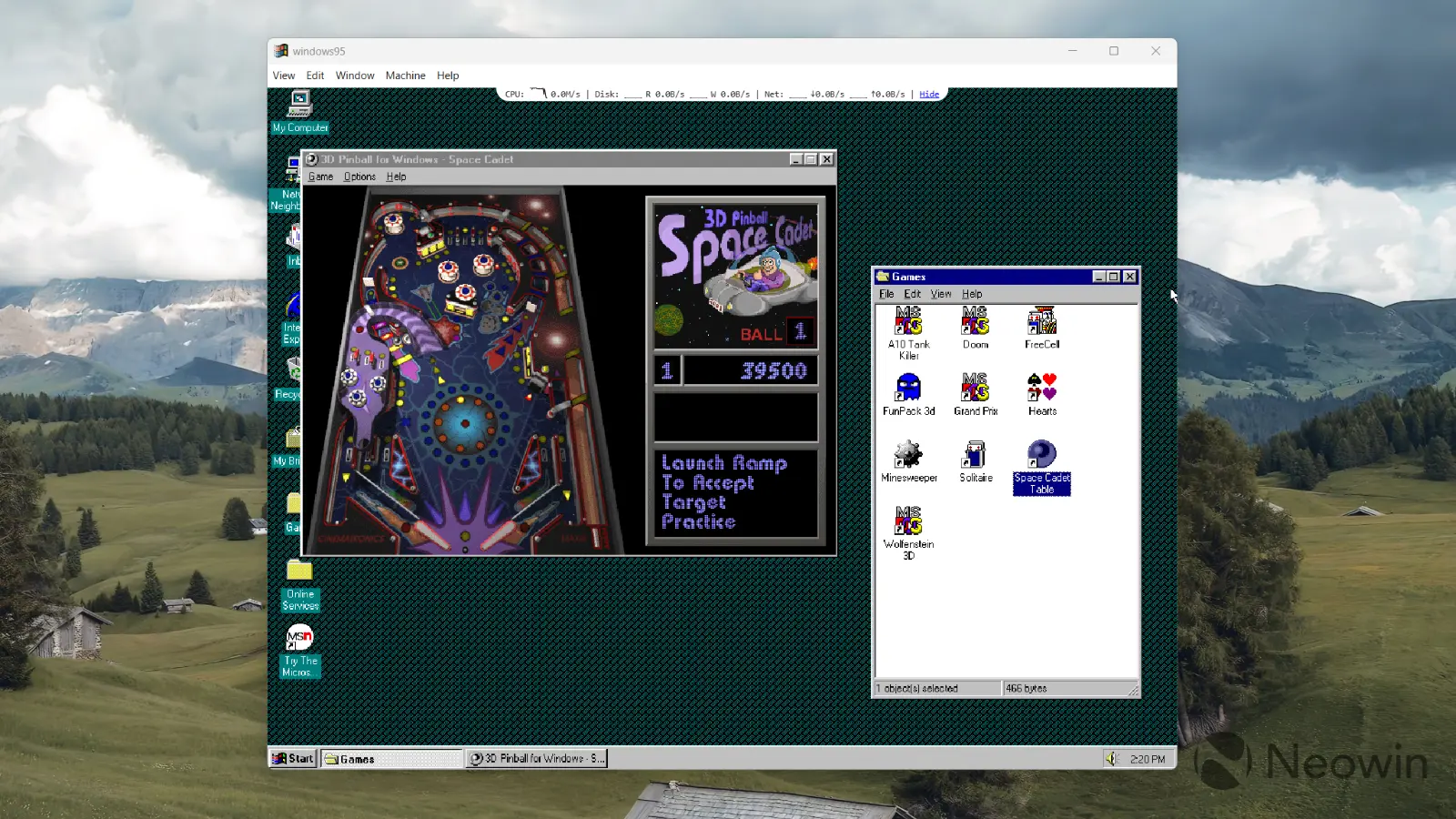
Virtual machines are not a new concept, and the ability to run Windows within Windows has been around for decades. However, "Windows 95 Electron" is not your typical virtual machine. This Electron app has the entire Windows 95 rewritten in JavaScript. On modern hardware, it boots in seconds and works quite snappily, allowing you to browse the thirty-year-old operating system and even play some games.
While the project was made for educational purposes only, you can do quite a lot with it, and the latest update to version 5.0 makes it even more capable. With the latest release, Windows 95 Electron now supports the Z: drive for shared files with your primary Windows installation, clipboard, CD-ROM for mounting ISO files, internet connection, better visuals, and more. Here is the changelog:
- Z: drive: Pick any folder on your real machine and it shows up inside Windows 95 as the Z: drive — long filenames and all. A new W95TOOLS guest agent maps \\HOST automatically on boot, and SMB READ_RAW makes file copies roughly 20× faster than before.
- Shared clipboard: Copy text on your host, paste it in Notepad. Copy in Windows 95, paste it back out. The guest agent talks to the host over the VMware backdoor port, so no networking required.
- CD-ROM: Mount an .iso and it appears as D:. Install things the way you did in 1997.
- Real internet (sort of): A raw TCP relay lets the guest reach beyond port 80 — IRC, FTP, telnet, whatever ancient client you can dig up. Also fixed a v86 NE2000 ring-buffer wrap that was quietly stalling downloads.
- Nicer to look at: The launcher got a 98.css facelift, and there"s a new info bar with live CPU/disk/net sparklines that tucks away until you hover.
- Quality of life: Seamless mouse via VBMOUSE (no more pointer-lock jail), "Boot from scratch" in the Machine menu, "Start without state" is always available, and your files survive disk-image upgrades. A v86 fix stops windowed DOS boxes from corrupting the screen.
Windows 95 Electron is not just a Windows app. You can run it on macOS and Linux as well, giving you a shot of nostalgia or a chance to get around the old operating system regardless of your current platform. If you are curious to give this wonderful project a try, get the latest version from GitHub.