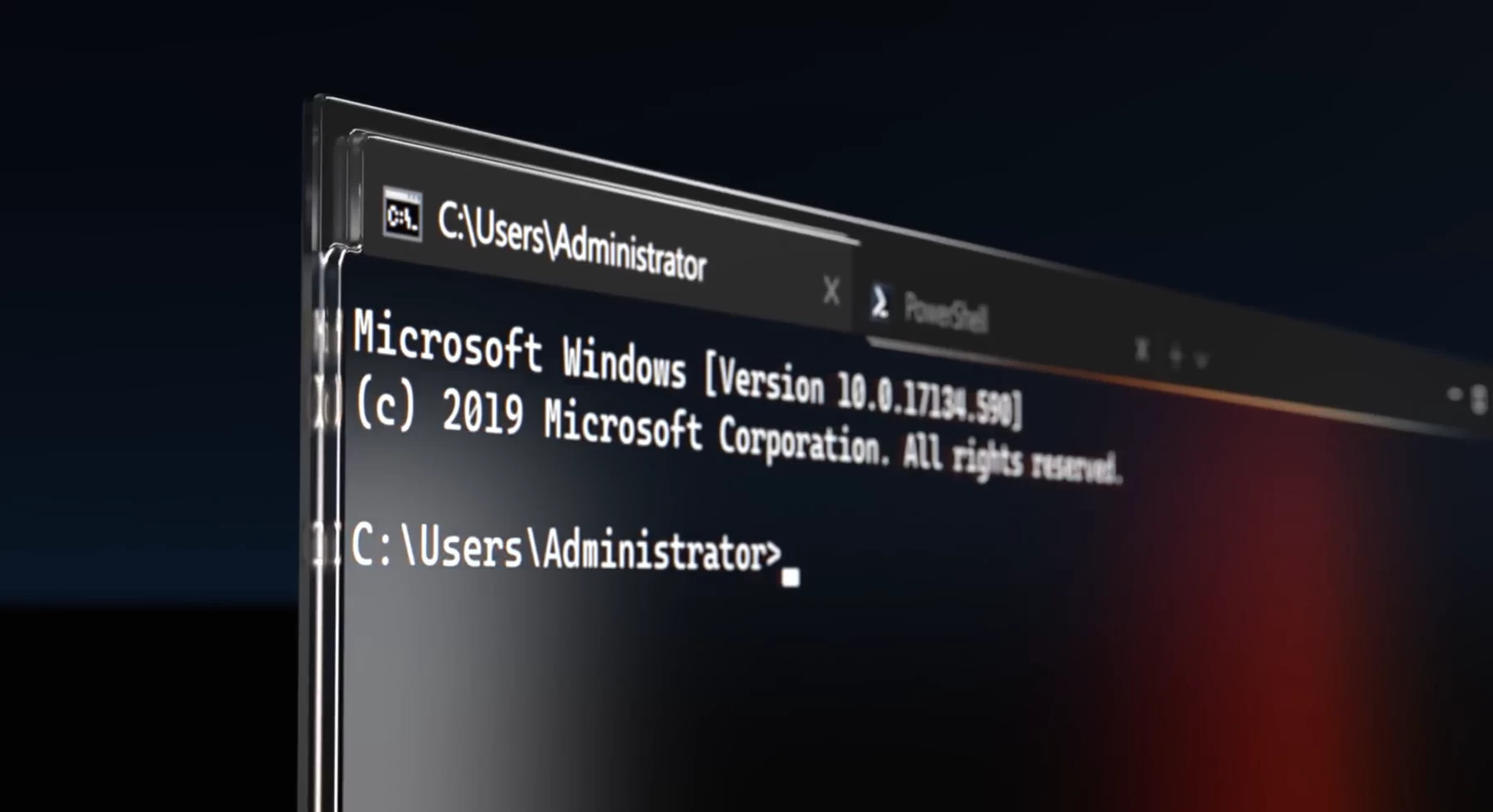
Windows Terminal receives one major release every quarter, typically bringing a boatload of enhancements for power users. While minor version bumps continue throughout the quarter, they primarily focus on reliability, performance, and stability of the software. Now, Microsoft has released version 1.24 of the command line utility to the stable channel, while also rolling out a preview for version 1.25.
Starting off with Windows Terminal stable 1.24, users will be able to leverage a new Settings page that is dedicated to Extensions. Other improvements include support for more languages in Command Palette, along with "Synchronized Output" DEC private mode, which can be utilized to reduce screen-tearing and flickering.
Meanwhile, Windows Terminal Preview 1.25 contains four highlights for now, detailed below:
- Searching your Settings: Users can now search all built-in settings, along with color schemes, profiles, extensions, items in the New Tab menu, Actions and more. That said, Microsoft has reminded customers that if a configuration applies to multiple profiles, it may be surfaced more than once.
- Keybinding modifications: Users can modify their actions and even define what New Tab does.
- Better inputs: Windows Terminal now supports Kitty Keyboard protocol, which handles keyboard inputs better.
- Translations: Windows Terminal is now available in Serbian (Cyrillic) and Ukrainian
Of course, there are lots of smaller enhancements in tow too, such as how Unicode characters are displayed, and performance improvements of 10-20% in I/O throughput due to the re-enablement of build-time "guided" optimization. Moreover, Windows Terminal now ships with VS Code Modern Dark and Light color schemes, which should improve consistency across projects and applications.
There are tons of other bugfixes too and you can read more about them in the release notes hosted in the GitHub repository here. The next major release for Windows Terminal should happen after a few months, but expect to see minor bumps before then too.