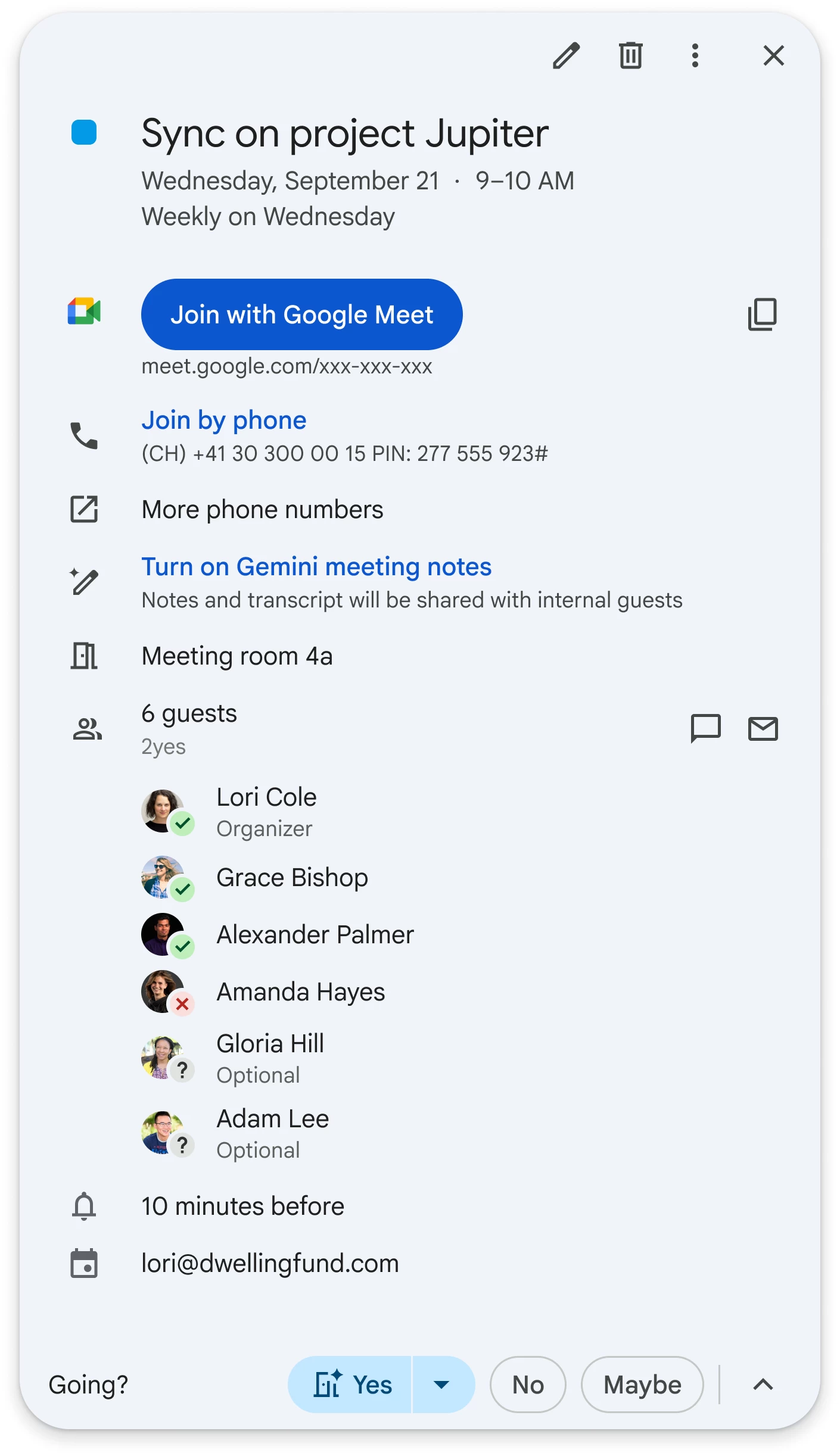
Google is expanding the Gemini-powered "Take notes for me" feature, bringing it to Calendar, where event organizers can enable it when scheduling meetings. This functionality is rolling out to Workspace customers, including those on the Business Standard/Plus, Enterprise Standard/Plus, Google AI Pro for Education, and Frontline Plus plans.
If you"re not familiar with "Take notes for me," it is an AI tool that automatically captures meeting discussions and organizes them into a Google Doc. The generated notes can even include citations that link to specific moments in the meeting transcript, assuming transcription was also on. If a user joins a meeting late, they"d get a live summary to catch up.
The feature recently got an update that gives meeting organizers more control over who receives the notes, allowing them to limit distribution to internal attendees or just the hosts. The update also changed the recap emails themselves, which now include the summary and next steps directly instead of just a link to a Google Doc.
Here"s how to enable "Take notes for me" from the event creation screen in Calendar: First, enter the event name, then select the guests. Once the guests are added, a new toggle titled "Use Gemini meeting notes" will show up right below the guest list. You just need to click that to turn it on for your meeting. The feature is off by default for each new event.
But if you"re an admin looking to disable "Take notes for me" at the organizational level, you must sign into the Google Admin console, then go to Menu, then Apps, then Google Workspace, and finally Google Meet. From there, you click on Gemini settings and uncheck the box for "Let people use Google AI note-taking in meetings". Google notes that these changes can take up to 24 hours to go into effect across your organization.
The "Take notes for me" option in Calendar began rolling out recently for users on the Rapid Release domains. If you"re on the Scheduled Release domain, you"d have to wait till October 13 for the gradual rollout to begin for your account.