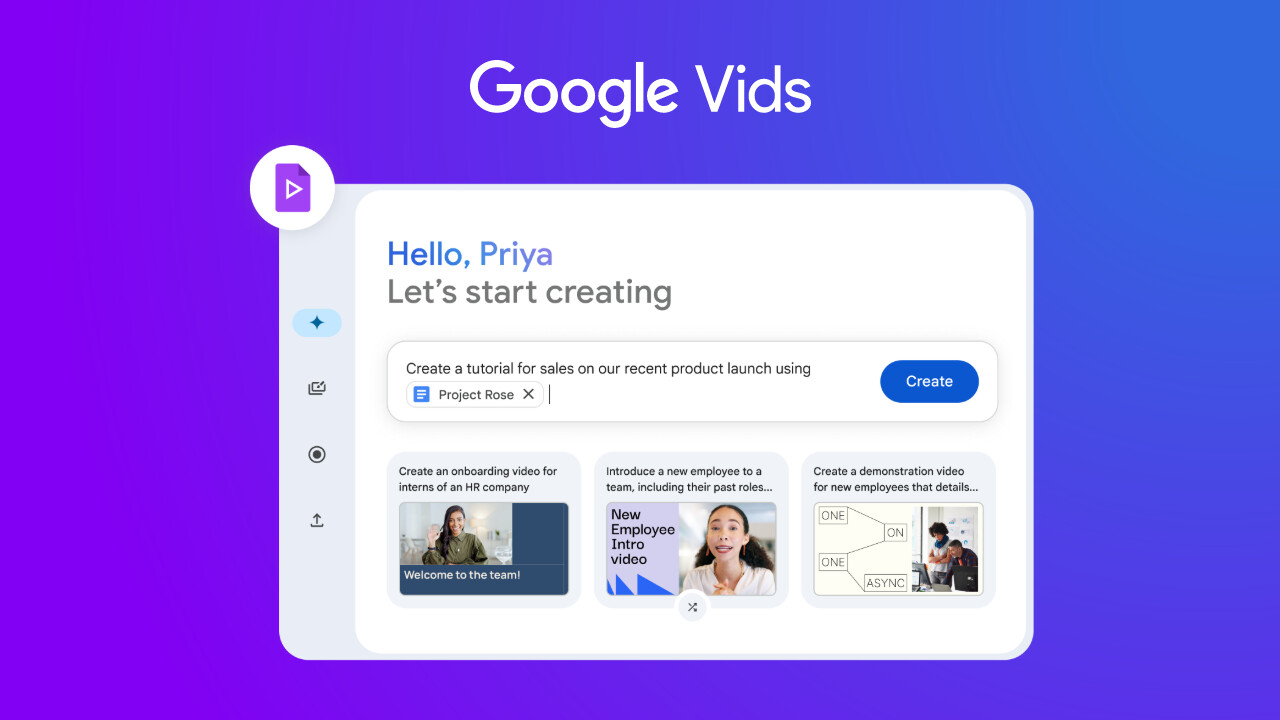
Google has announced users can now generate custom video clips directly within Google Vids, the AI-powered video creation tool for Google Workspace. This integration makes adding unique visual elements to workplace videos much easier, powered by Google DeepMind"s advanced Veo 2 AI model, removing the need for separate generation tools or hunting for specific stock footage.
Veo, introduced, is Google"s state-of-the-art generative AI model for video, which debuted in April last year. Compared to other models like OpenAI"s Sora, Veo 2 is known for generating high-quality, realistic videos with a stronger grasp of real-world physics and greater control over camera work. Generally, it produces clips up to two minutes or longer at high resolutions.
Adding a custom clip is straightforward. In the Vids editor, you"ll find a "Generate video" icon in the right sidebar. Just type a description into the prompt box and click "Create" to generate a preview. When you"re ready, select "Insert" to add the clip to your project.
However, the Veo 2 integration within Vids operates under specific parameters. Generated clips currently come out at 720p resolution, run at 24 FPS, are in a 16:9 widescreen aspect ratio, and are limited to a maximum duration of 8 seconds per clip.
Using this generation feature within Vids does not incur additional costs if you"re on an eligible plan. The feature is now rolling out gradually to Rapid Release and Scheduled Release domains, with full visibility expected within the next 14 days. Access is available to customers on most Google Workspace paid plans, including Business Standard, Business Plus, Enterprise Standard, Enterprise Plus, Essentials, Enterprise Essentials, Enterprise Essentials Plus, and those with Gemini Education or Gemini Education Premium add-ons.
If you"re a customer on the Business Starter, Enterprise Starter, or Nonprofit plans, you can also use generative AI features like clip generation in Vids for a limited time, at least through May 31, 2026. Currently, video creation and editing, including clip generation, are only available on desktop web browsers. While Vids supports various languages, the generative AI capabilities currently only understand and work with English prompts.
You can find out more on the Google Workspace Updates blog.