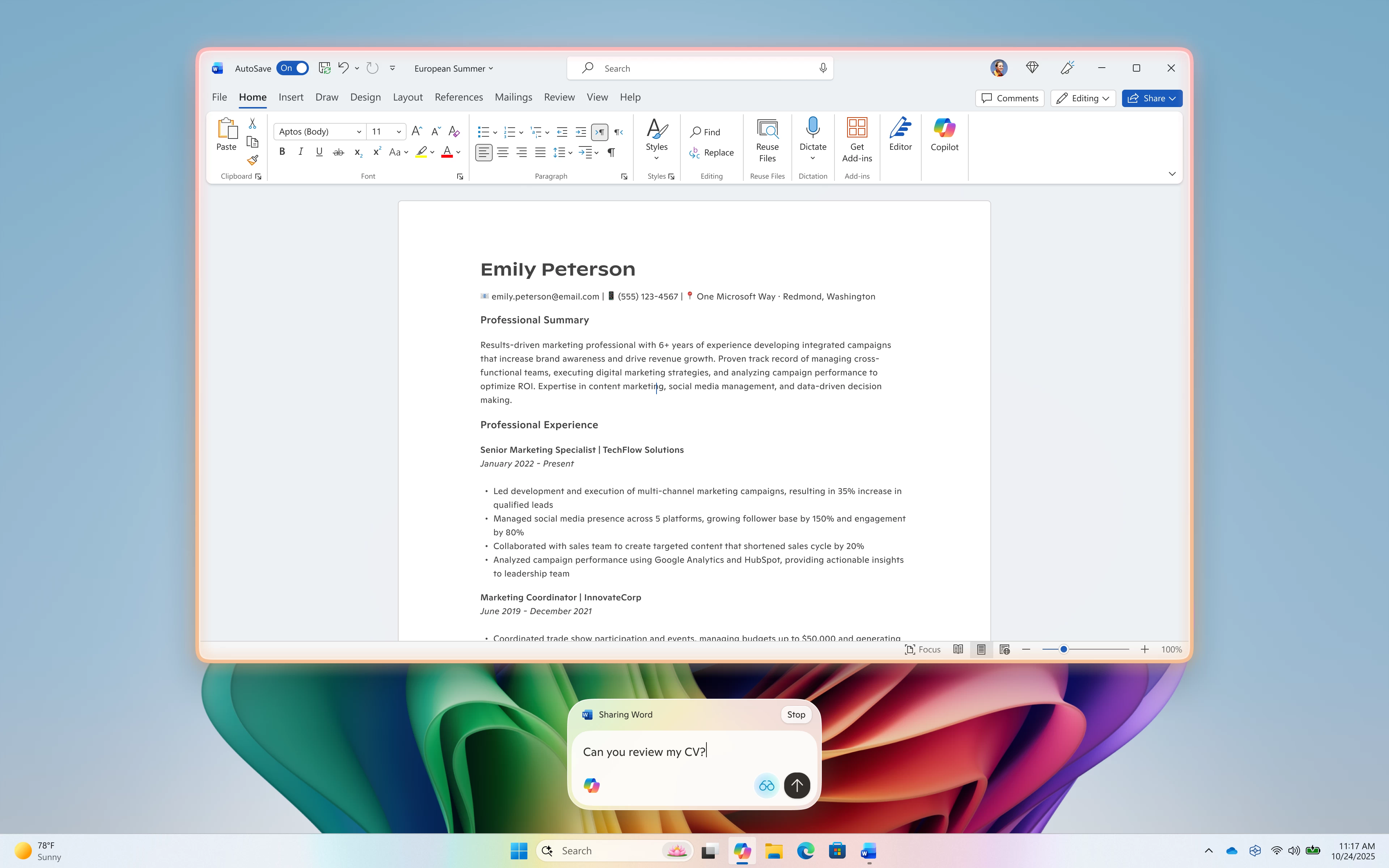
While the most exciting update of the day is the new Start menu that is now rolling out to Windows 11 users with the October 2025 non-security update, Microsoft also has another announcement for Windows AI enjoyers. Copilot Vision, a feature that lets you share your screen with Copilot for live assistance and isights, now supports text input mode.
Microsoft announced this capability earlier this month, when it unveiled upgrades to Copilot. Before now, Copilot Vision only supported voice mode, leaving those without microphones unable to use the feature. Now, however, you can use Copilot Vision and issue instructions with your keyboard—great for when you are not in the talking mood or when you want to be quiet.
It is not just you who inputs text. In text mode, Copilot does not speak with a voice. Instead, it issues replies in text, similar to how we are all used to talking to Copilot, ChatGPT, and other LLMs.
To get started with Copilot Vision in text mode, click the glasses icon, toggle off the "Start with Voice" setting and select what app or screen you want to give Copilot access to. Shared apps will have a colorful glow surrounding them, and Copilot will respond to your questions in the same chat window. If you want, you can switch to voice mode any time by pressing the mic button.
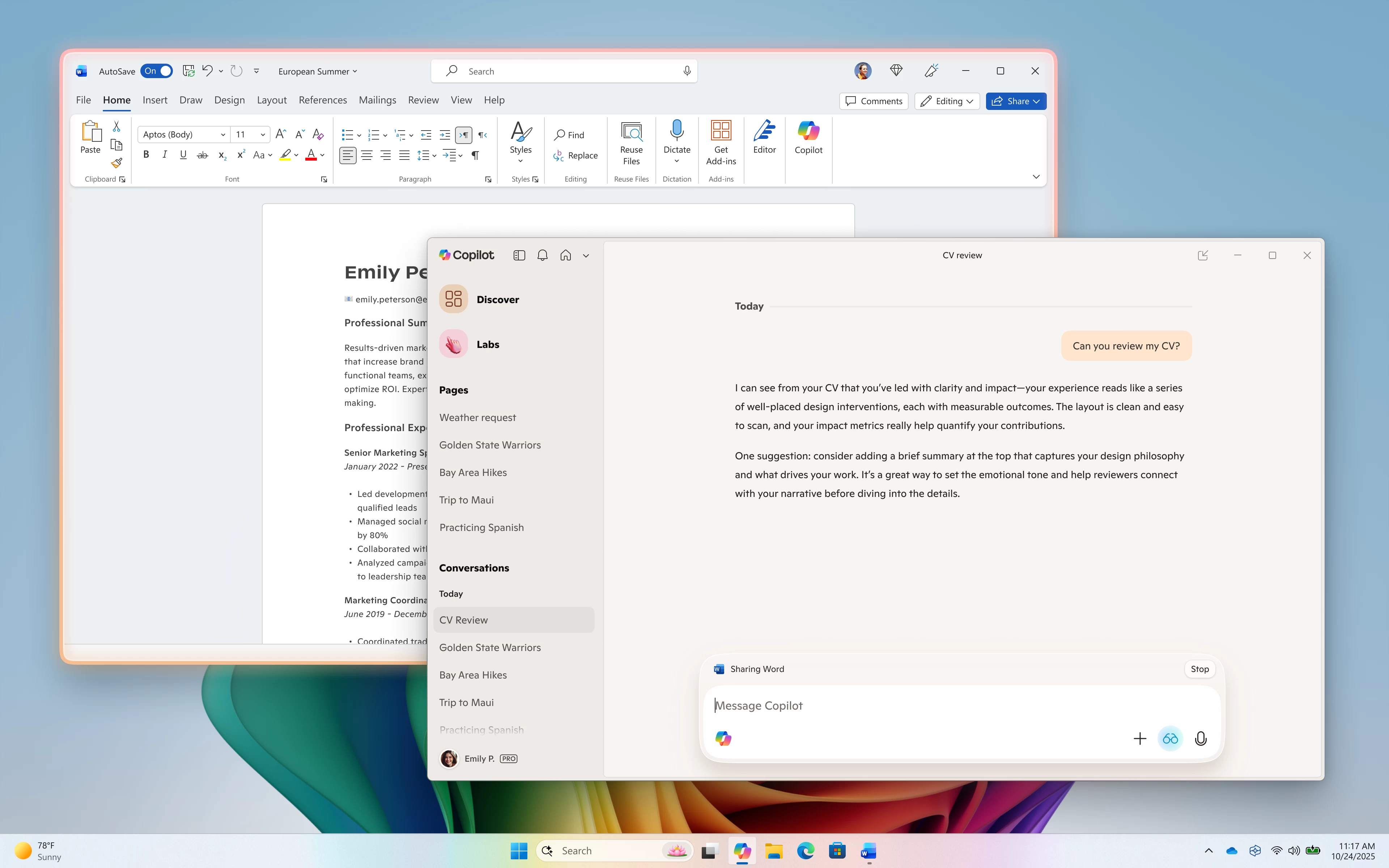
Note that text mode for Copilot Vision does not currently support highlights, a feature that enables Copilot to point to or highlight specific parts of the shared app to help you better understand how to do certain tasks.
Text mode for Copilot Vision is now rolling out to Windows Insiders across all channels with app version 1.25103.107. As usual, the rollout is gradual, so some will get it sooner, and some later.