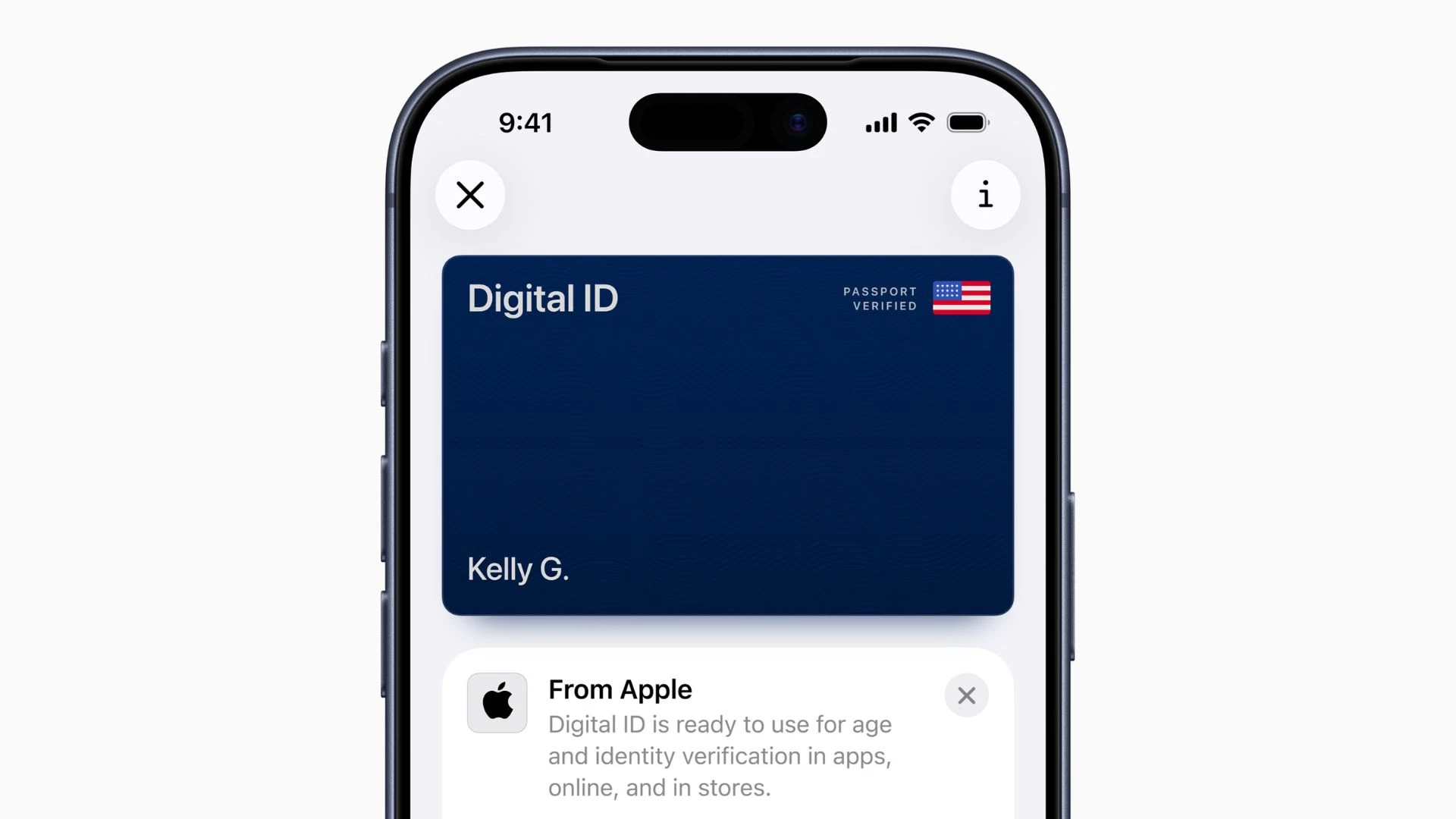
Apple has launched a new Digital ID feature in Apple Wallet that lets you verify your identity at airports by presenting your iPhone or Apple Watch. You can create an ID on your Apple Watch using information from your US passport.
The feature builds on top of the ability to add a driver"s license or state ID to Apple Wallet in 12 US states and Puerto Rico. Apple said the beta version of Digital ID will first roll out to TSA checkpoints at more than 250 airports in the US.
You can use the Digital ID for in-person identity verifications for domestic flights. In the future, Digital ID will also work at select businesses for in-person, app, and online identity and age verification.
While Apple has not provided a timeline, it seems to be on the radar, as a company support page lists the steps for verifying your Digital ID online and in apps. However, Apple cautioned that Digital ID is not a replacement for your physical US passport, which you will need during international travel and border crossings.
To create your Digital ID, tap on the (+) icon at the top of the screen in the Wallet app > Select Driver"s License or ID Cards > Select Digital ID and follow the on-screen instructions. Keep your passport handy, as you will be asked to scan the photo page and use your iPhone to read the chip on the back. As part of the setup, you"ll also be asked to take a selfie and complete a series of facial and head movements.
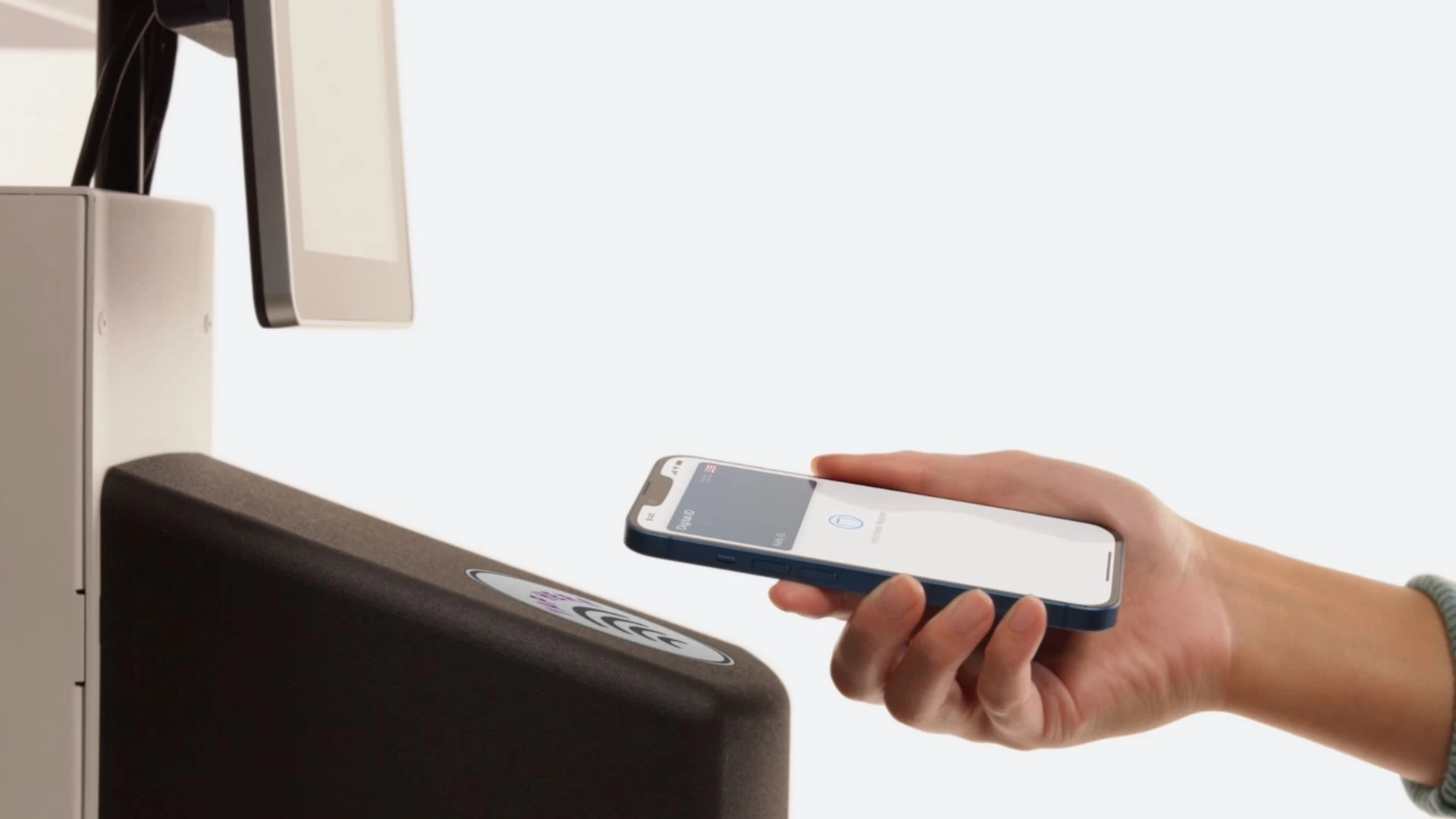
You can present your Digital ID at a supported TSA checkpoint by double-clicking the Side or Home Button to open Apple Wallet, then select Digital ID. After that, hold your iPhone or Apple Watch near the identity reader to get verified. You can review the specific information being requested and authenticate using Face ID or Touch ID.
Note that you can only create and present your ID if you have an iPhone 11 (or later) or an Apple Watch Series 6 (or later) with the latest software versions, iOS and watchOS, installed. Make sure that your device region is set to the United States, your passport is unexpired, and two-factor authentication is enabled for your Apple account.
Apple said that Digital ID data is encrypted, and your passport information is stored on the device. You don"t need to unlock, show, or hand over your device to present the ID, and only the information needed for the transaction is presented with an opportunity to review and authorize it before sharing.