HONOR, are back with today"s launch of the Magic8 Pro, which was first launched in China in Q4 2025 and then on January 8, 2025, in the UK and Europe.
Before we get underway, here is a disclaimer: HONOR provided a sample without any review pre-approval. Oh, and an apology: this review is rather image-heavy. If I missed anything please do feel free to comment, I"ve been recovering from a rather bad cold since I returned from the UK visiting family so I completed this review in stages whenever I felt like i could do some more testing and writing.
First up, let"s dive into the specs:
| Specification | HONOR Magic8 Pro |
|---|---|
| Front Display: | LTPO OLED 6.71" 1256 x 2808 @ up to 120 Hz, 458 PPI, 1800 nits (HBM), 6000 nits (peak) 20.9 Aspect Ratio, Dolby Vision, HDR Vivid NanoCrystal Shield |
| Dimensions | 161.15mm (H) x 75mm (W) x 8.4mm |
| Weight: | 213 g (7.51 oz) |
| CPU: | Snapdragon 8 Elite Gen 5 (3 nm) Octa-core (2 x 4.6 GHz Oryon V3 Phoenix L + 6 x 3.62 GHz Oryon V3 Phoenix M) |
| GPU: | Adreno 840 |
| RAM: | 12 GB, 16 GB |
| Storage: | 256 GB, 512 GB, 1 TB (UFS 4.1) |
| Rear cameras: | 200MP Periscope Telephoto Camera
Laser AF, color spectrum sensor, LED flash, HDR, panorama |
| Video features: | 4K@24/30/60fps, 1080p@24/30/60/120/240fps gyro-EIS, OIS, HDR, 10-bit video |
| Front camera: | 50MP Wide Camera
|
| Video features: | 4K@30/60fps, 1080p@30/60fps gyro-EIS |
| Battery and charging | Si/C 6270 mAh - Europe-only model 100W wired, 100% in 33 min 80W wireless, 100% in 44 min Reverse wireless 5W reverse wired |
| Connectivity: | 2x Nano-SIM or 2x eSIM Wi-Fi 802.11 a/b/g/n/ac/6/7, dual-band, Wi-Fi Direct Bluetooth 6.0, aptX HD/Adaptive/Lossless, LHDC 5, Auracast, ASHA |
| NFC | Yes, HCE, NFC-SIM |
| Ports: | USB Type-C 3.2, DisplayPort 1.2, OTG |
| Bands | 5G SA/NSA, 4G LTE, 3G HSDPA, 2G GSM |
| GPS: | GPS (L1+L5), BDS (B1I+B1c+B2a+B2b), GALILEO (E1+E5a+E5b), QZSS (L1+L5), NavIC (L1+L5), GLONASS |
| Durability: | HONOR NanoCrystal Shield, 10X drop resistance SGS 5-Star glass drop resistance ability certification in multiple scenarios IP68, IP69 and IP69K-Rated water and dust resistance |
| Security: | Fingerprint (under display, ultrasonic), Face ID, accelerometer, gyro, proximity, compass Emergency SOS via satellite (messages and calls) - China only |
| Material: | Glass front (NanoCrystal Shield), glass back |
| OS: | MagicOS 10.0 (Powered by Android 16 - up to 7 versions) |
| Colors: | Sunrise Gold, Sky Cyan, Black |
| MSRP: | £1,099.99 / €1,299.99 / ~$1,349.99 |

Yes, this includes the brand new Qualcomm Snapdragon 8 Elite Gen 5, which launched last September. A bit of good news is that the 512MB / 12GB variant retains the pricing from last year and actually makes it £200 cheaper than the Samsung Galaxy S25+ equivalent.
The colors offered on the product page are Sunrise Gold, Sky Cyan, Black. Ours is the Black variant. I"ve put the full bands it supports in a table below.
| Bands | |
|---|---|
| 2G: | GSM 850 / 900 / 1800 / 1900 |
| 3G: | HSDPA 800 / 850 / 900 / 1700(AWS) / 1900 / 2100 |
| 4G: | LTE |
| 5G: | SA/NSA |
Looking at the specs on paper, this is a quality flagship that can rival anything brought out on the market today and probably even exceed in some areas, like the ample-sized battery and 100W (88W wireless) charging for one.
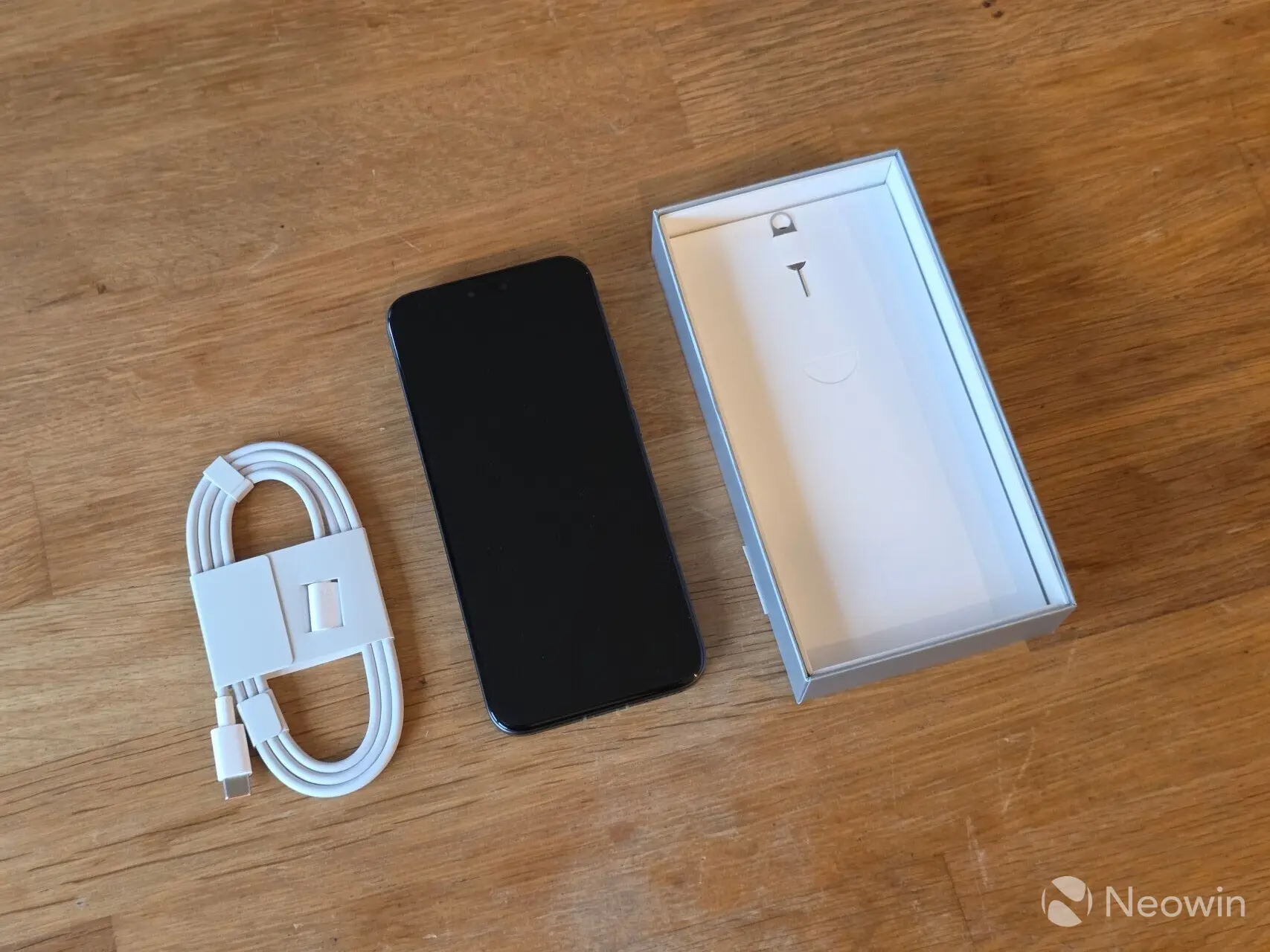
In the box
- HONOR Magic8 Pro
- Sim Eject Tool
- USB Type-C cable (1M)
It should be noted that my minimal out-of-box experience may have to do with the review sample itself, as I had no documentation included in the box. According to the official product page, one can expect the following in the box (taken from the official specs page):
- Phone (Built-in battery) x 1
- Type-C Cable x 1
- Quick Start Guide x 1
- Eject Tool x 1
- Warranty Card x 1
- TP protective film (Attached on the phone before delivery) x 1
Day 1
The first thing I noticed when unboxing it was the weight. Even at just 213g, it is 20 grams lighter than my S23 Ultra but 33 grams heavier than the S25+ for those extra 1370mAh of battery.
The design is pretty much unchanged from the Magic7 Pro but remains quite lovely with its rounded edges and almost 90% screen-to-body ratio.
I made a few calls on it, and the call quality was excellent, but that"s the minimum you should expect from any phone, let alone one that costs this much. The earpiece speaker was quite loud, so I actually checked if it was on hands-free speaker mode (it wasn"t).
Design
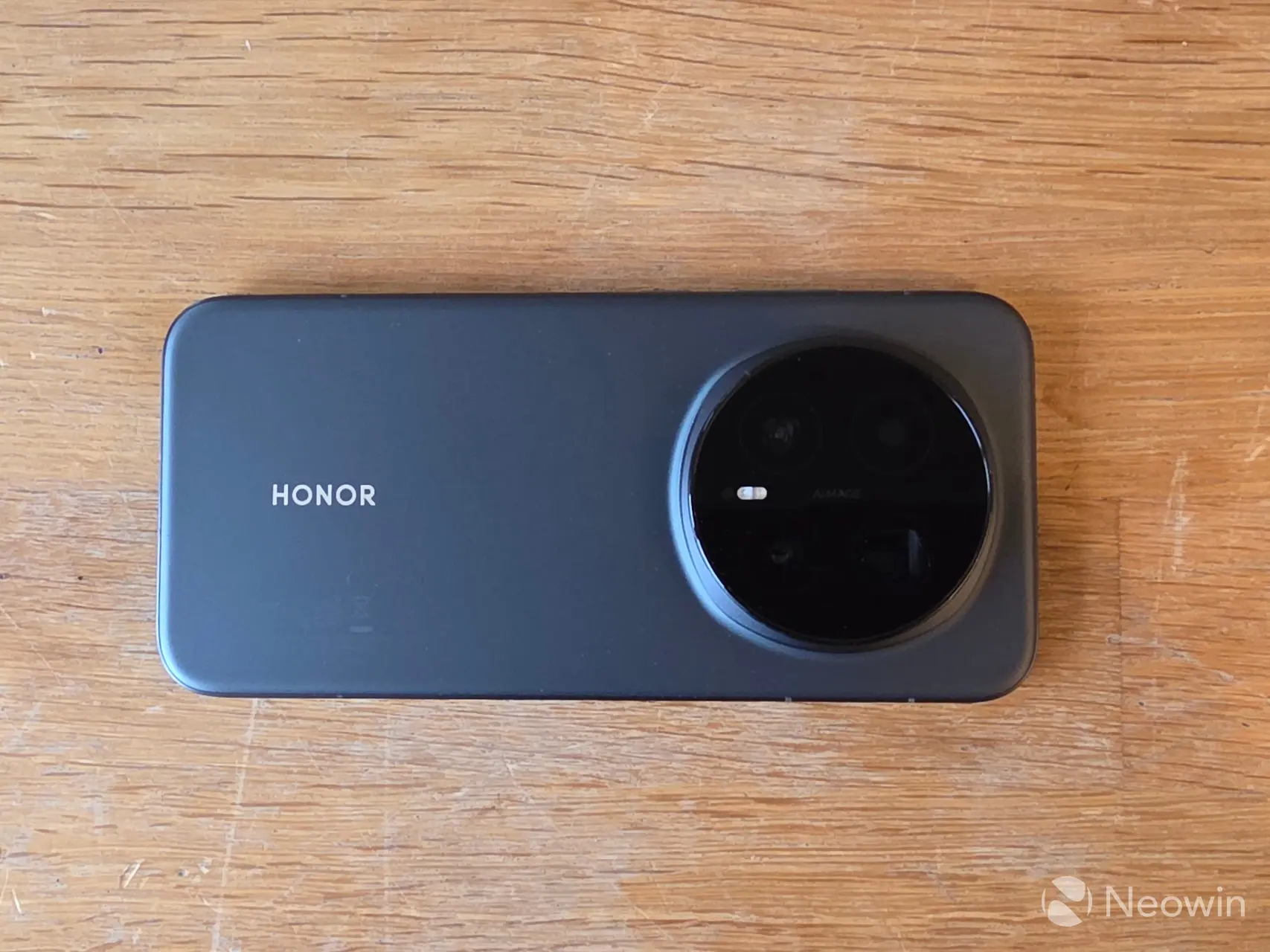
It is a typical candy bar shape with a triple camera mega hump housing on the top middle rear that you will find on many smartphones. The front and back are made up of HONOR"s own proprietary glass, which is called NanoCrystal Shield, and around the sides is made up of a metal housing. The metal around the side and antenna lines is sort of iPhone-esque if you ask me, but maybe you should ignore me because the last iPhone I owned was the iPhone 4 (not counting the iPhone SE 2 backup). However, as I always experience with smartphones, it all ends up feeling like it will slip out of my hand without a case.
On the rear, the camera array consists of a 200MP main camera, along with two 50MP wide and ultrawide cameras. Pretty much all of the cameras received a slight update over the Magic7 Pro mainly in sensor size which increased, as well as digital zoom. The LED flash has moved from the top of the array on the Magic7 Pro down to the center middle on the Magic8 Pro.
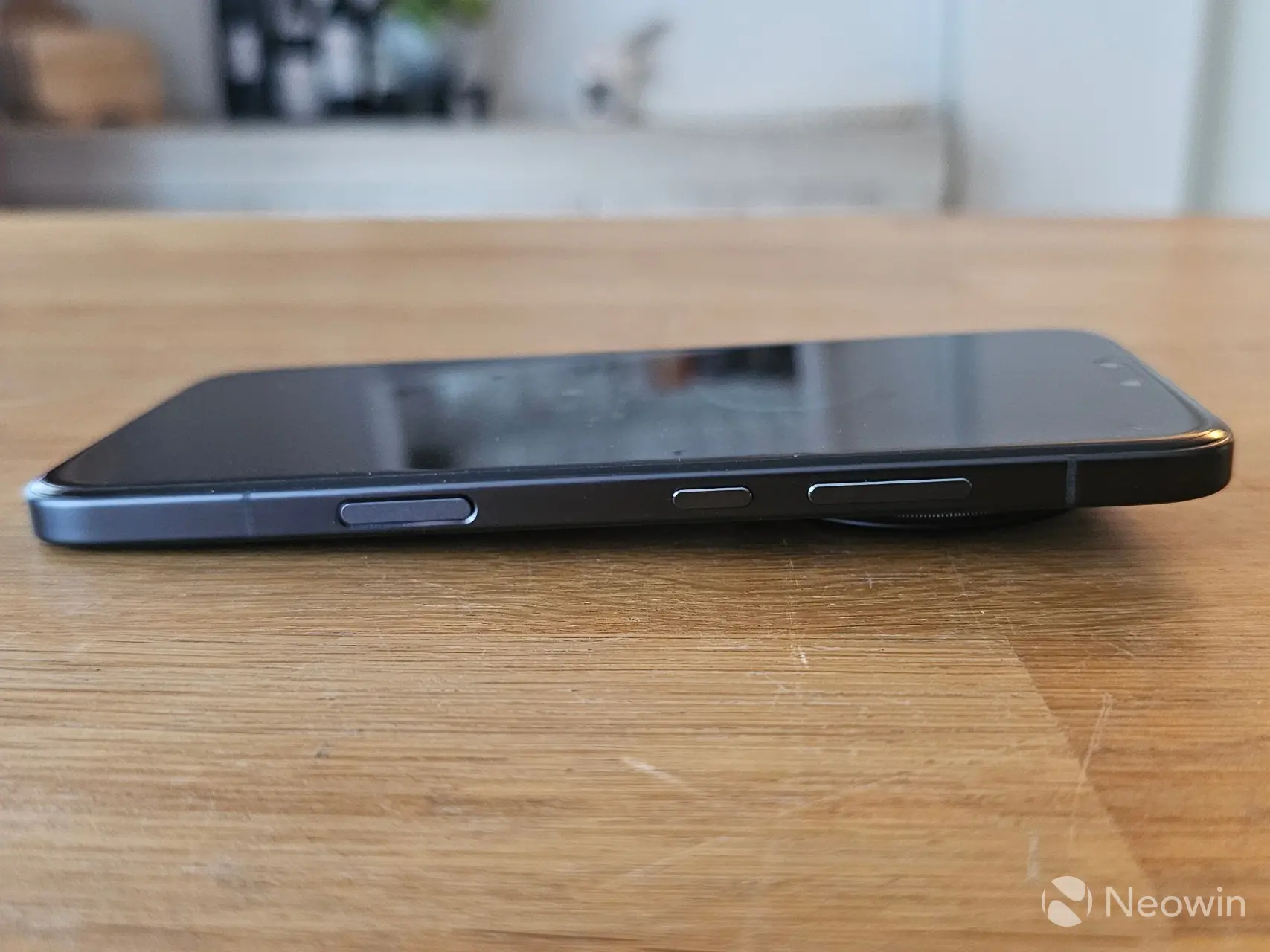
On the right side of the phone, you will find the volume rocker and a power key that doubles as an action button. A little further down there"s an "AI button" that gives you access to Circle to Search, "Summarize", and "AI memories" the key is flush with the bezel so it is a bit awkward to use. It also doubles as a means to wake the screen, a setting which can be disabled.
Aside from the AI button, the keys have a good height and are easily detected by feel. All of those buttons are completely smooth.
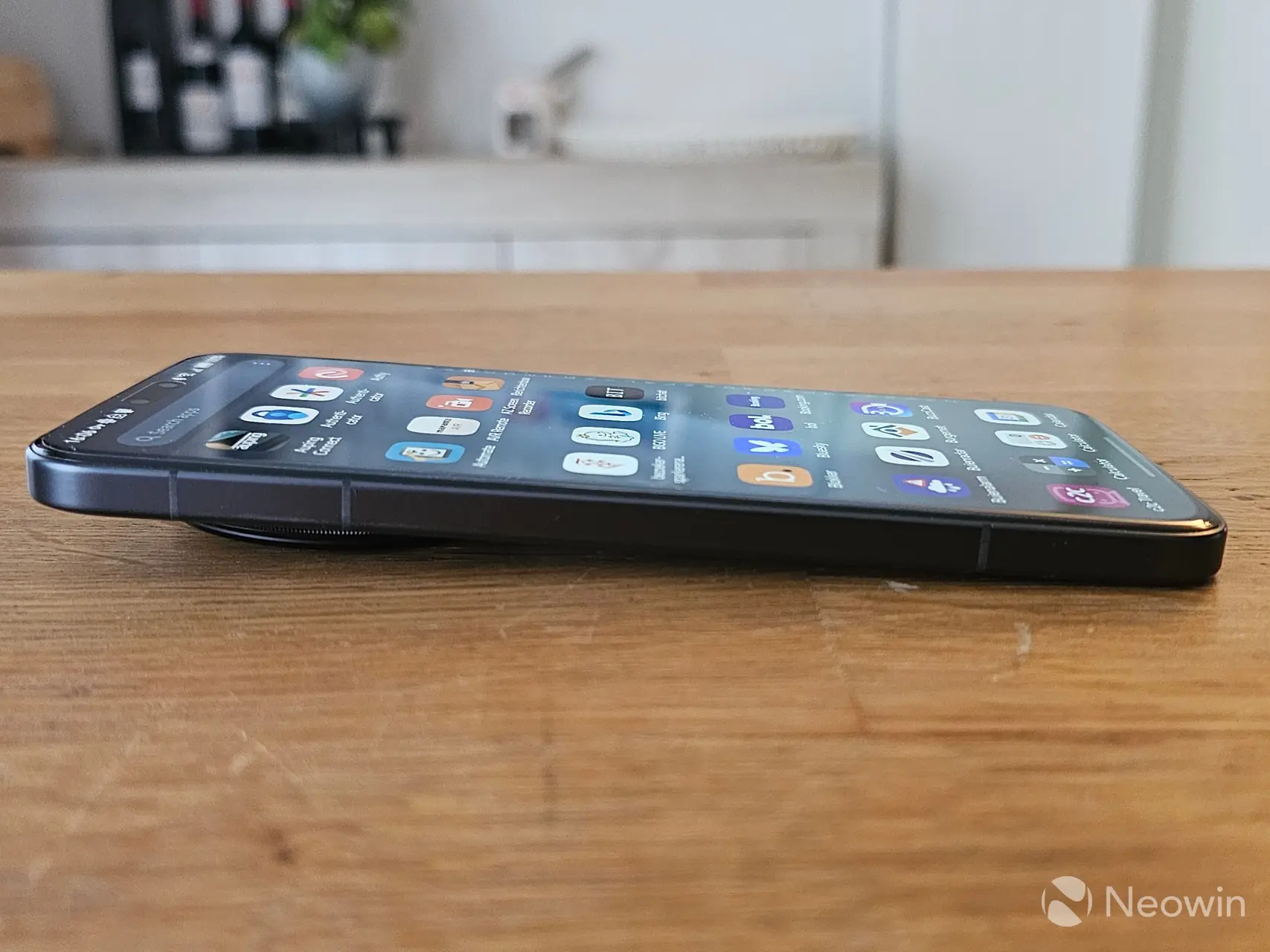
On the left side, there are no openings at all.
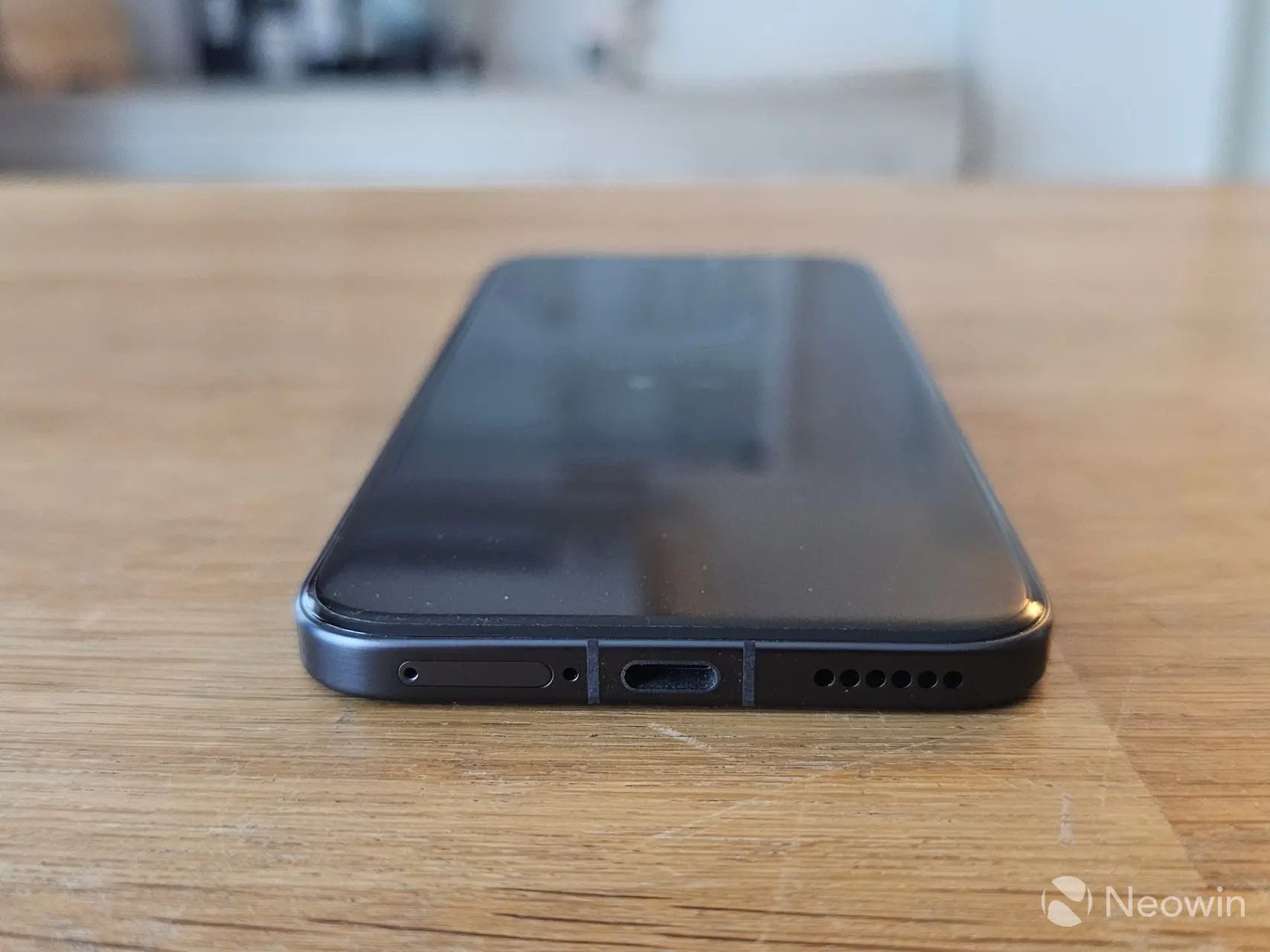
On the bottom, from right to left, there"s a speaker grill, a USB Type-C charger port for the included 1m USB Type C-to-USB Type-C cable, a mic hole, and the SIM tray.
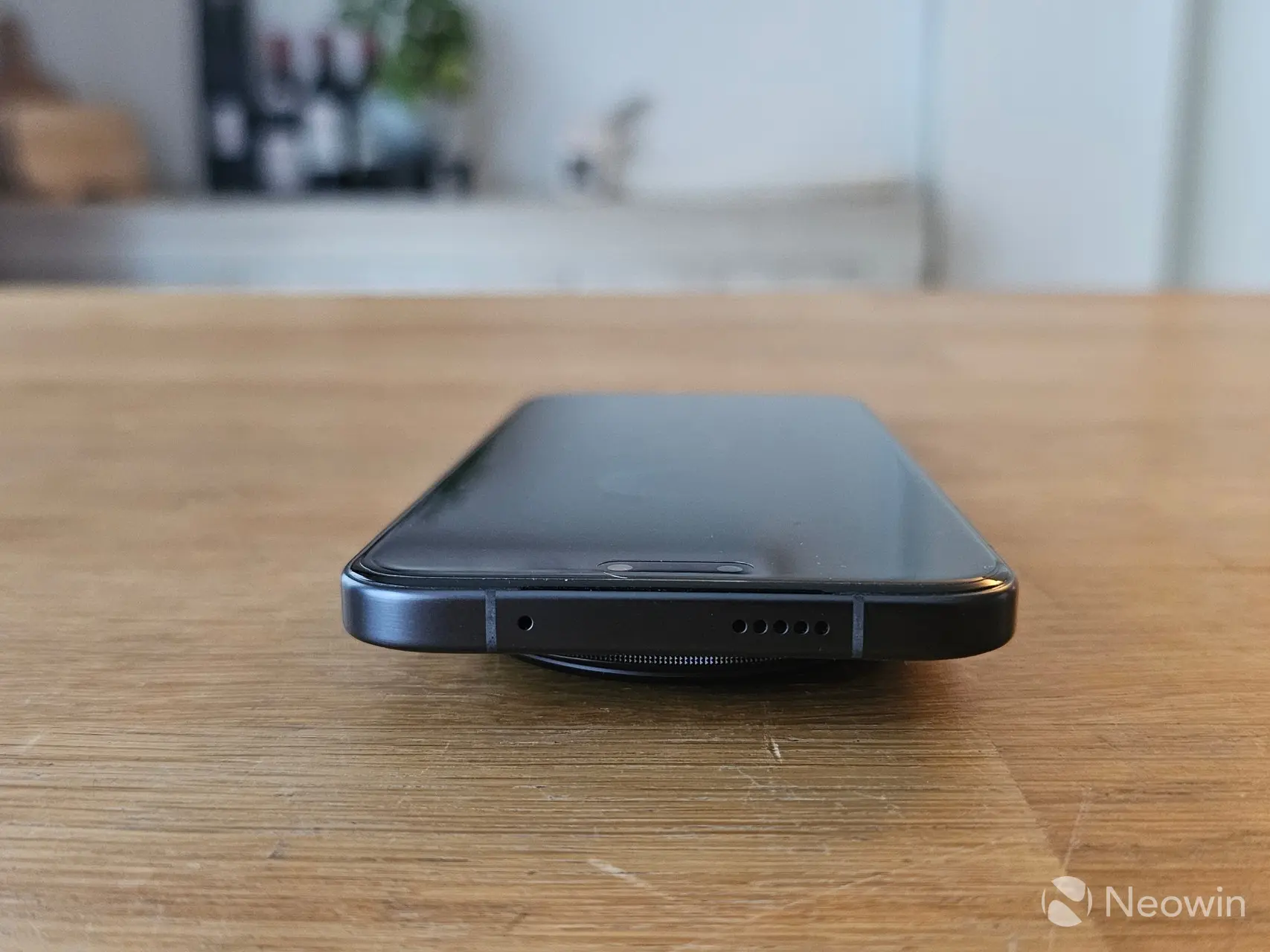
The top of the Magic8 Pro has another speaker grill and a pinhole, the function of which is not documented. On the front of the device and in the camera cutout, you"ll find the 50 MP front-facing camera. There is no notification LED, which is actually redundant thanks to full always-on-display (AOD) support.
Display
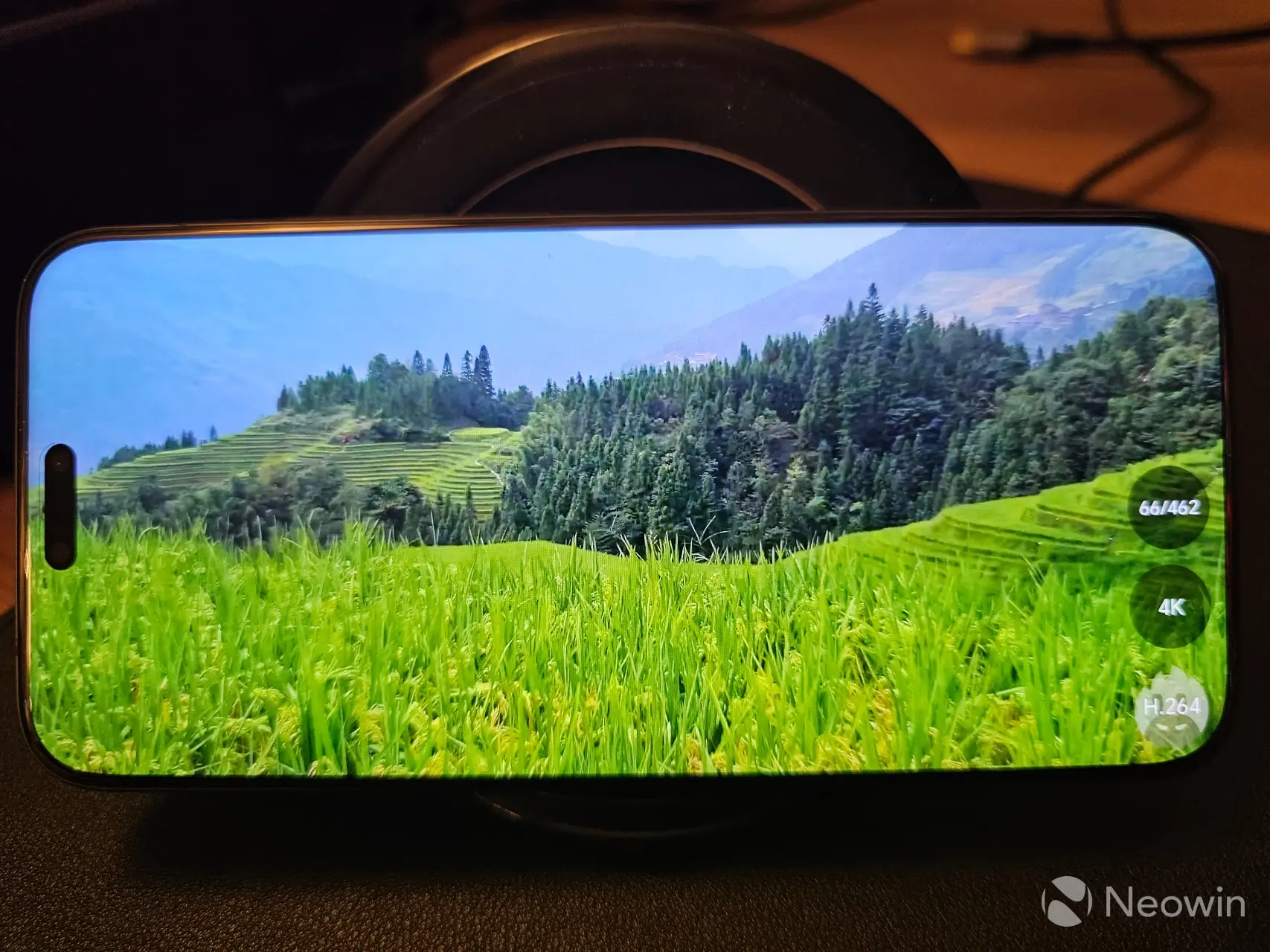
The Magic8 Pro has a 6.71-inch screen and is only 8.4 mm in thickness. That weight also feels like it is distributed evenly across the phone, in spite of its relatively large camera hump that adds a few millimeters when the phone is lying on a flat surface.
The LTPO OLED display has a 1256 x 2808 screen resolution, with a 513 PPI pixel density, a 20:9 aspect ratio, and "NanoCrystal Shield" protection. HONOR claims the display has a 6000-nit peak brightness for HDR content (supporting Dolby Vision), and 1800 nits in High Brightness Mode. I found the screen to be excellent, vibrant, and bright enough all the time I was using it in Adaptive refresh rate mode, which automatically adjusts the refresh rate between 1-120Hz depending on the app being used.
Software
The Magic8 Pro ships with MagicOS 10, which is based on Android 16, with the November 2025 Security Update, which is now a month behind the December update. My contact told me that our review should be based on 10.0.0.126, which was pushed with an OTA update in December. However, in terms of software updates and support, HONOR will push Security updates once a month for the Magic series. My contact told me that in Europe HONOR typically provides five years of software updates including security patches and new features.
I first used MagicOS last year with the Magic7 Pro review, and although MagicOS 10 has improved upon version 9.0 there are still some issues with notifications and apps not being allowed to run continuously in the background.
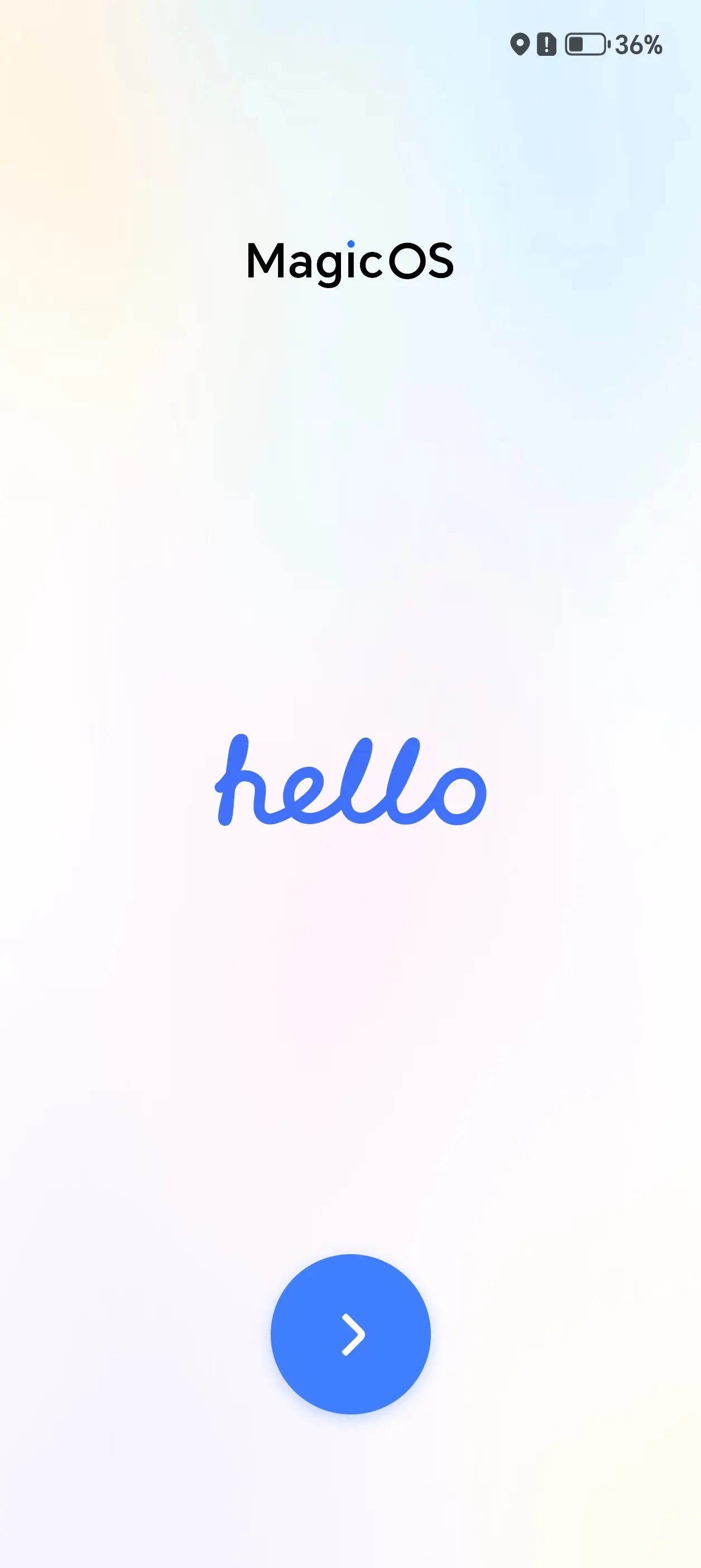
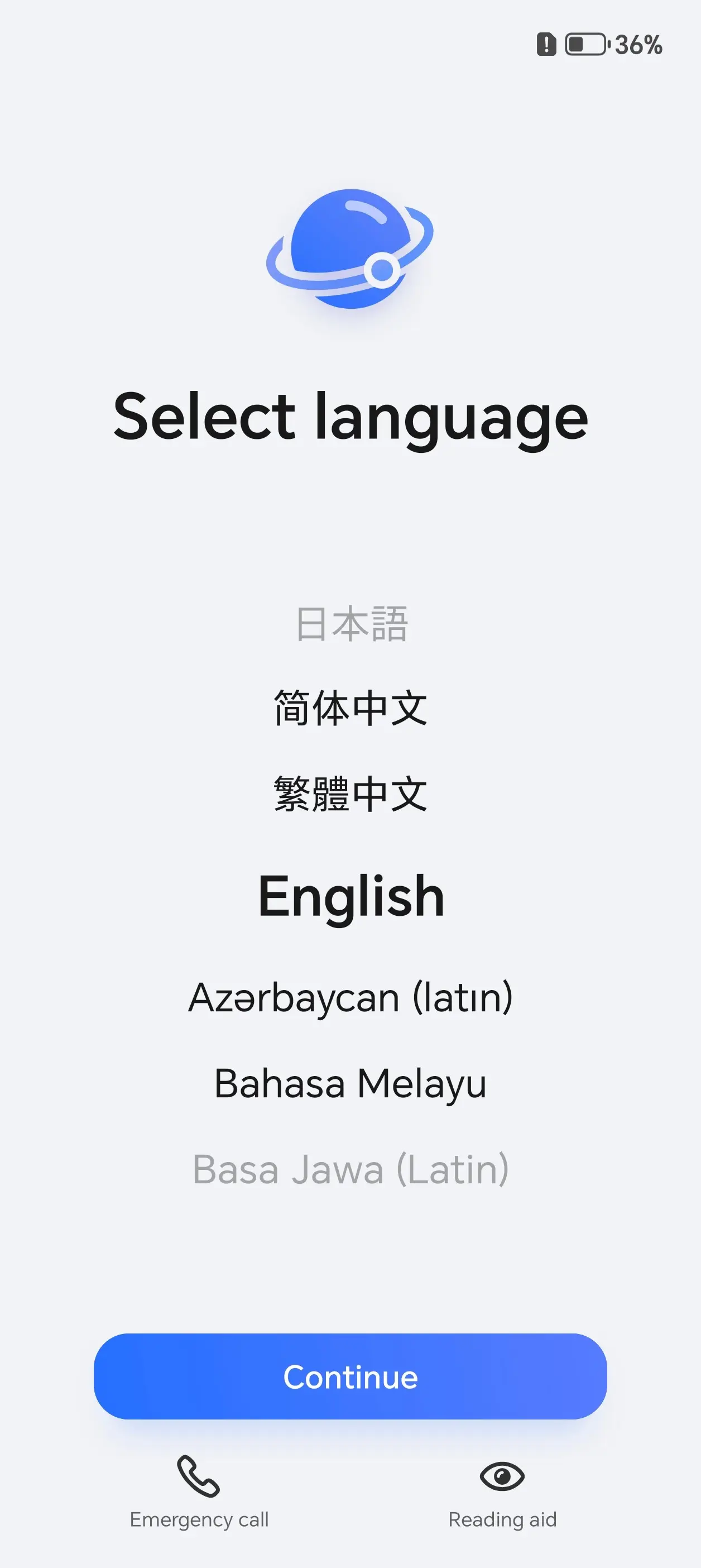
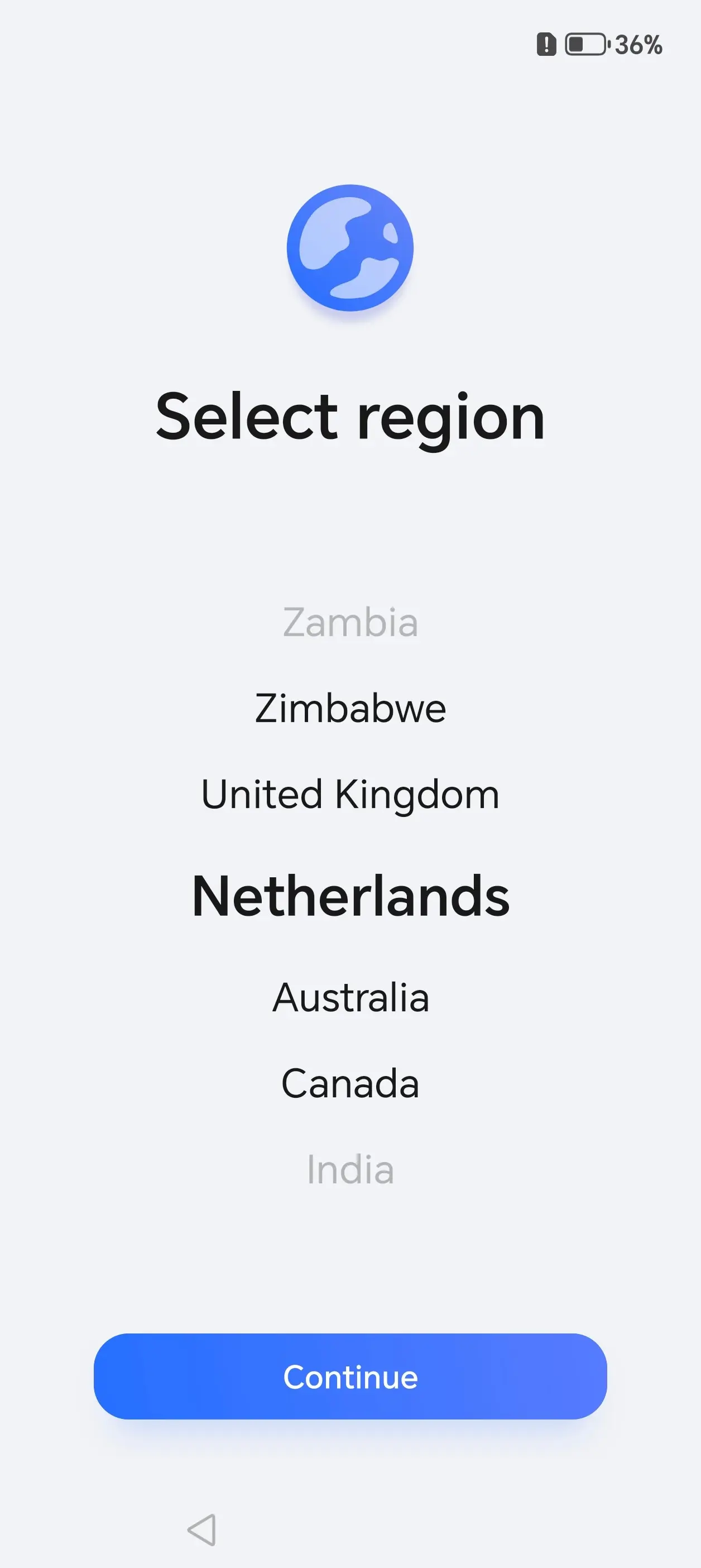
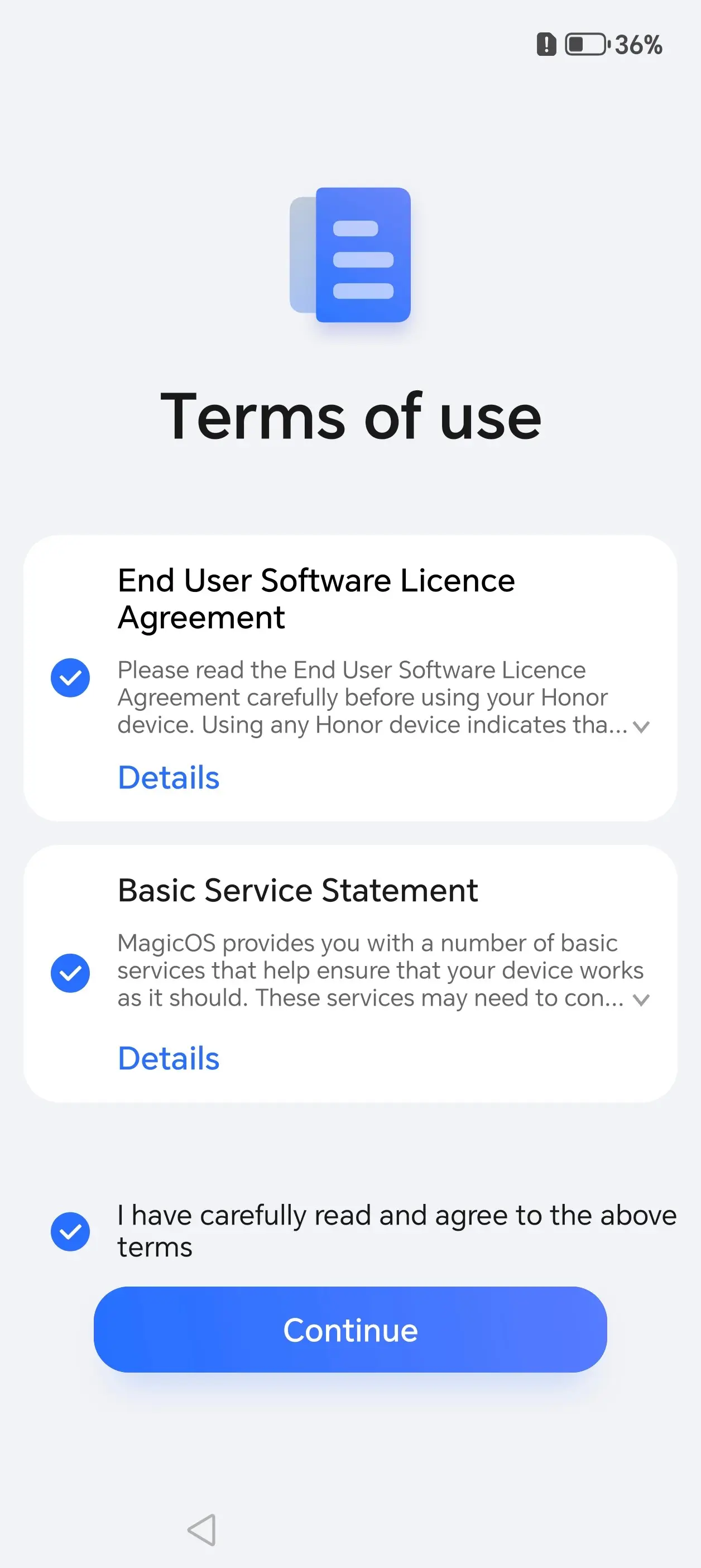
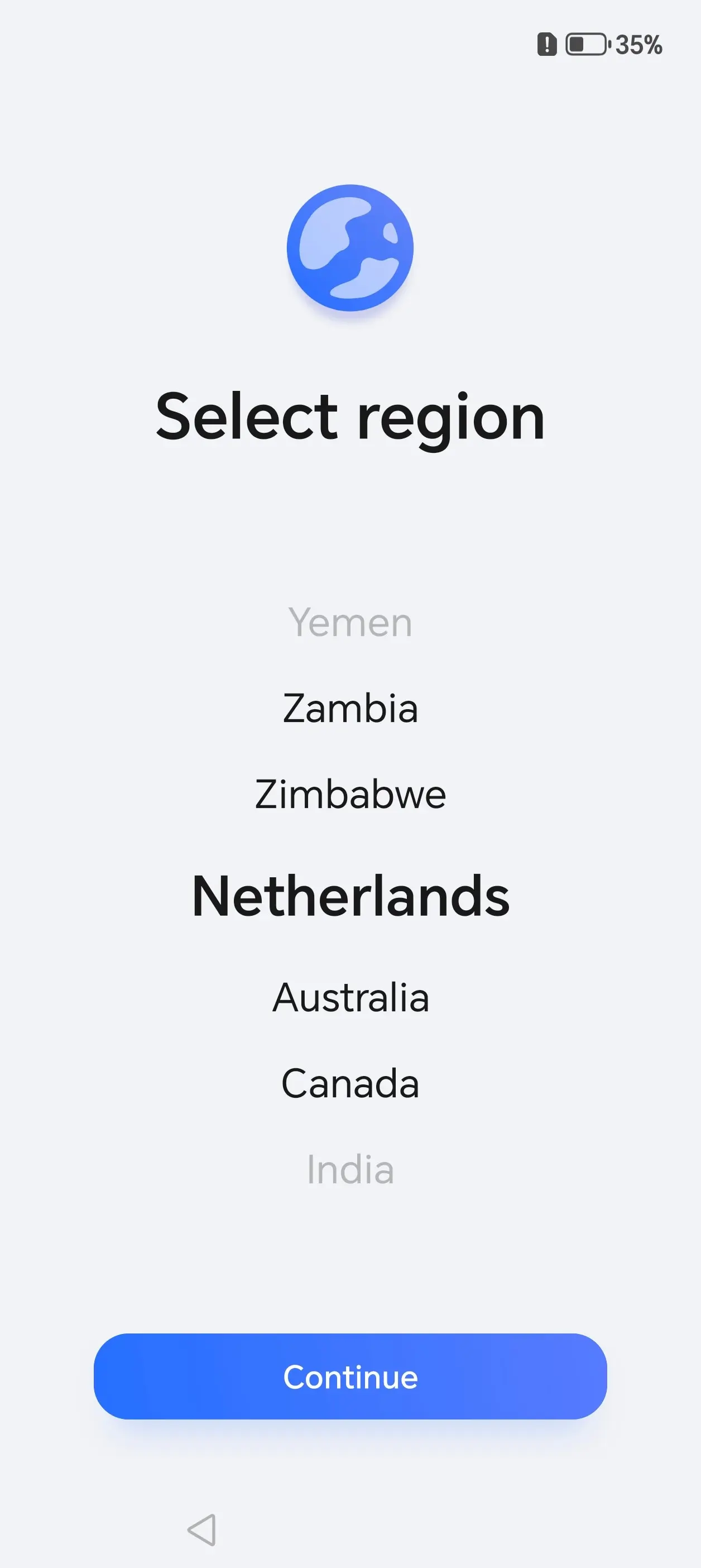
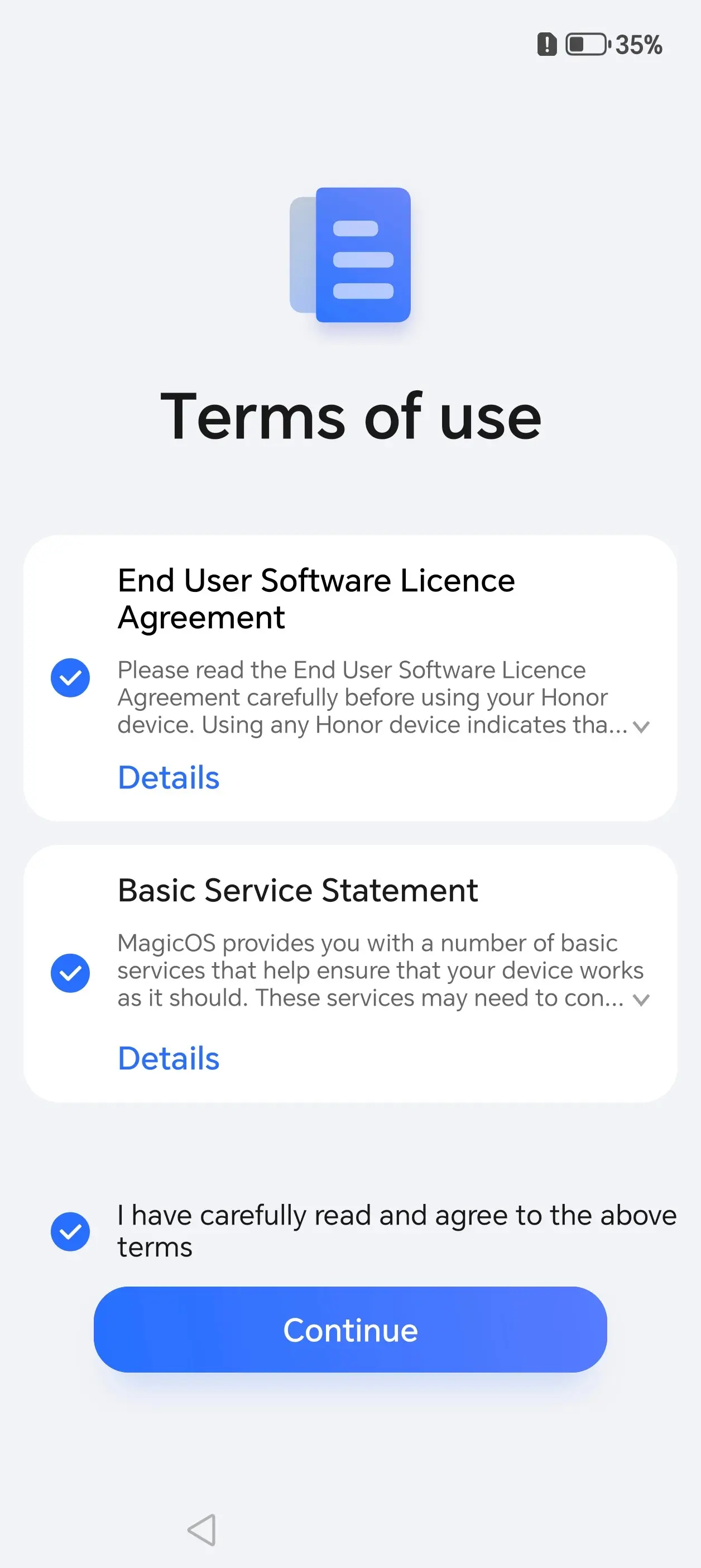
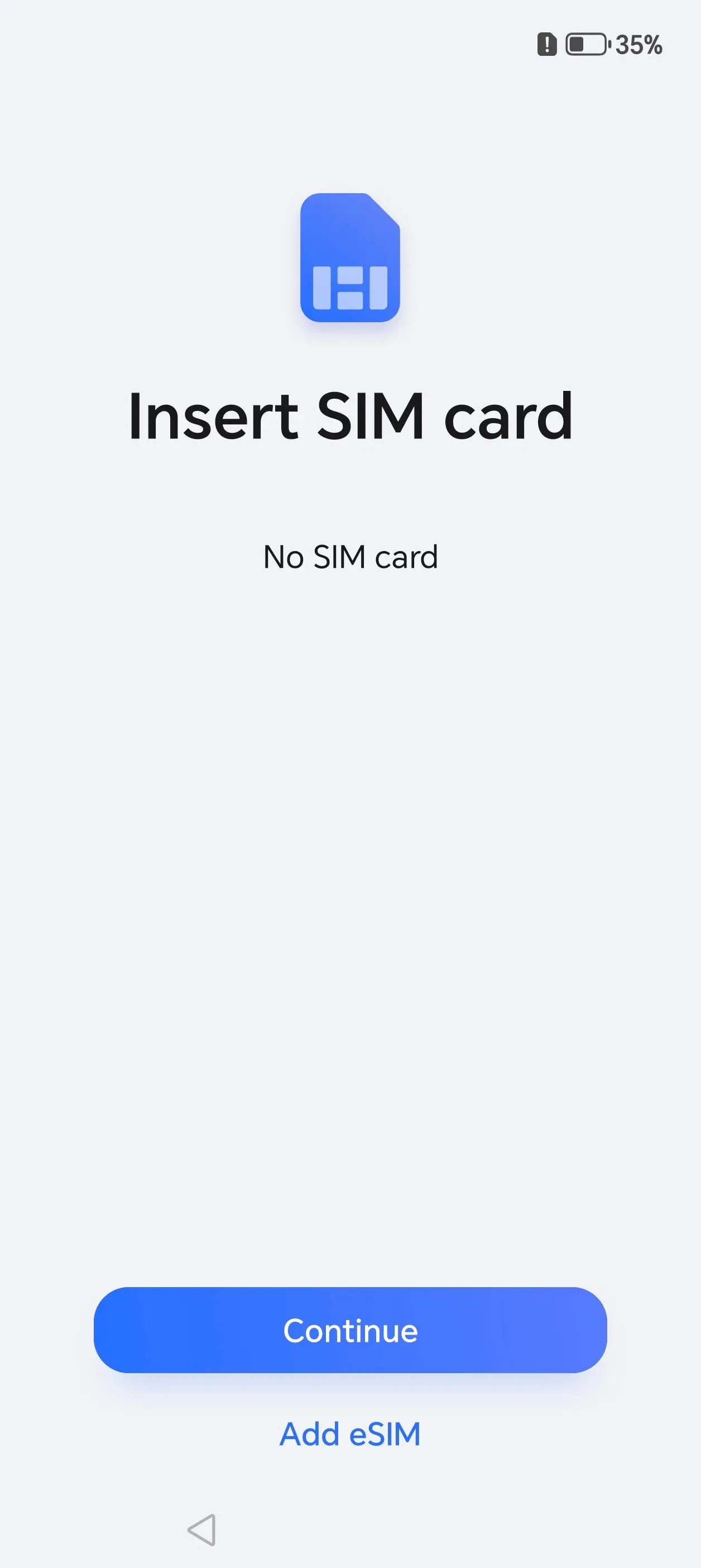
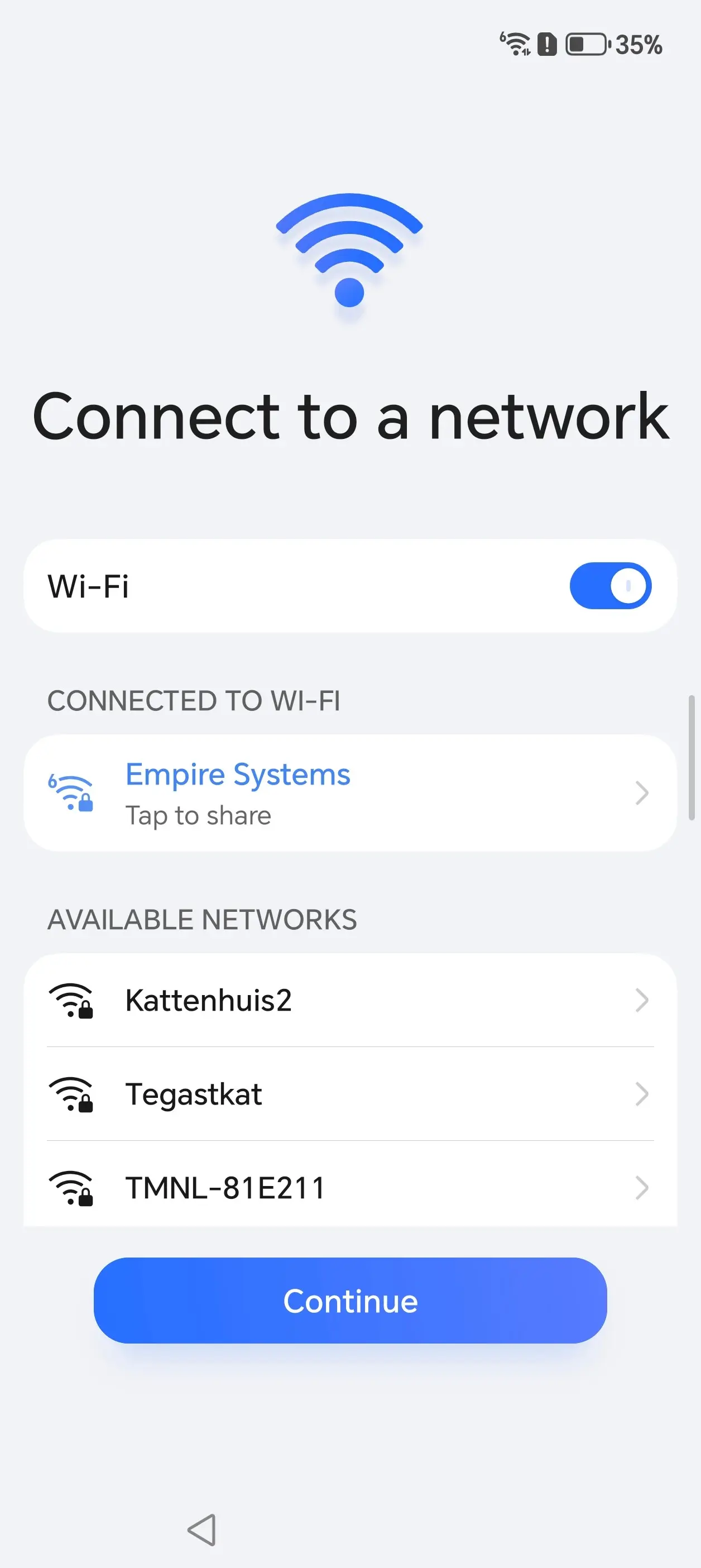

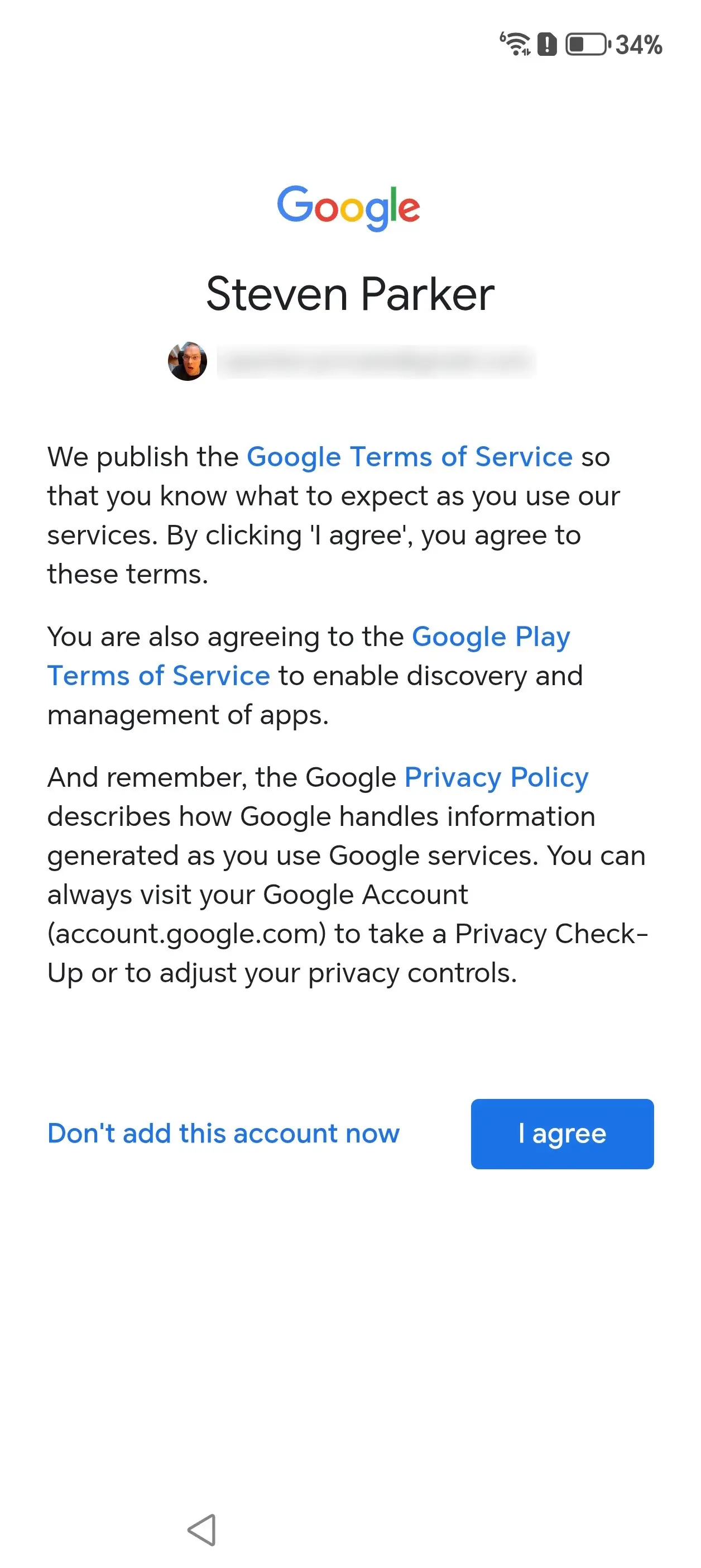
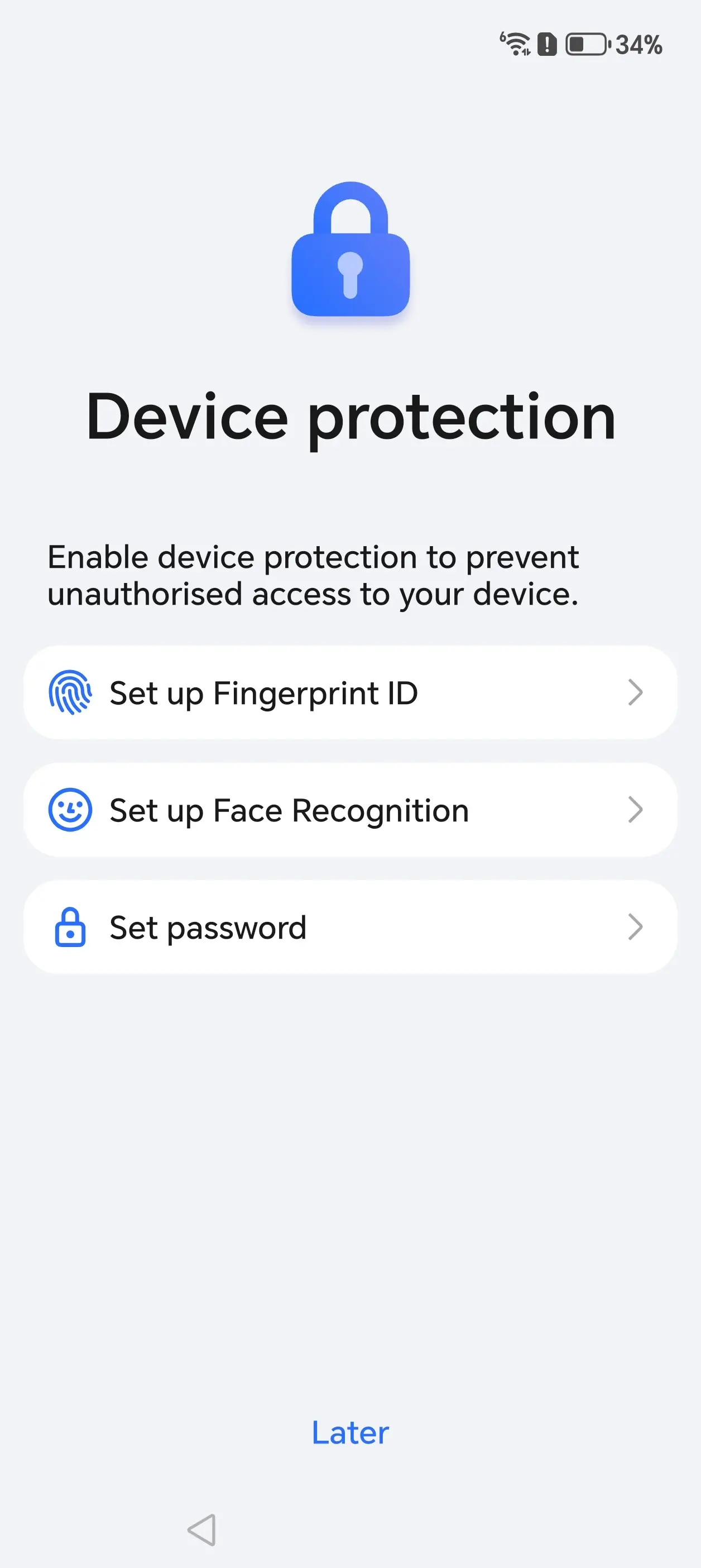
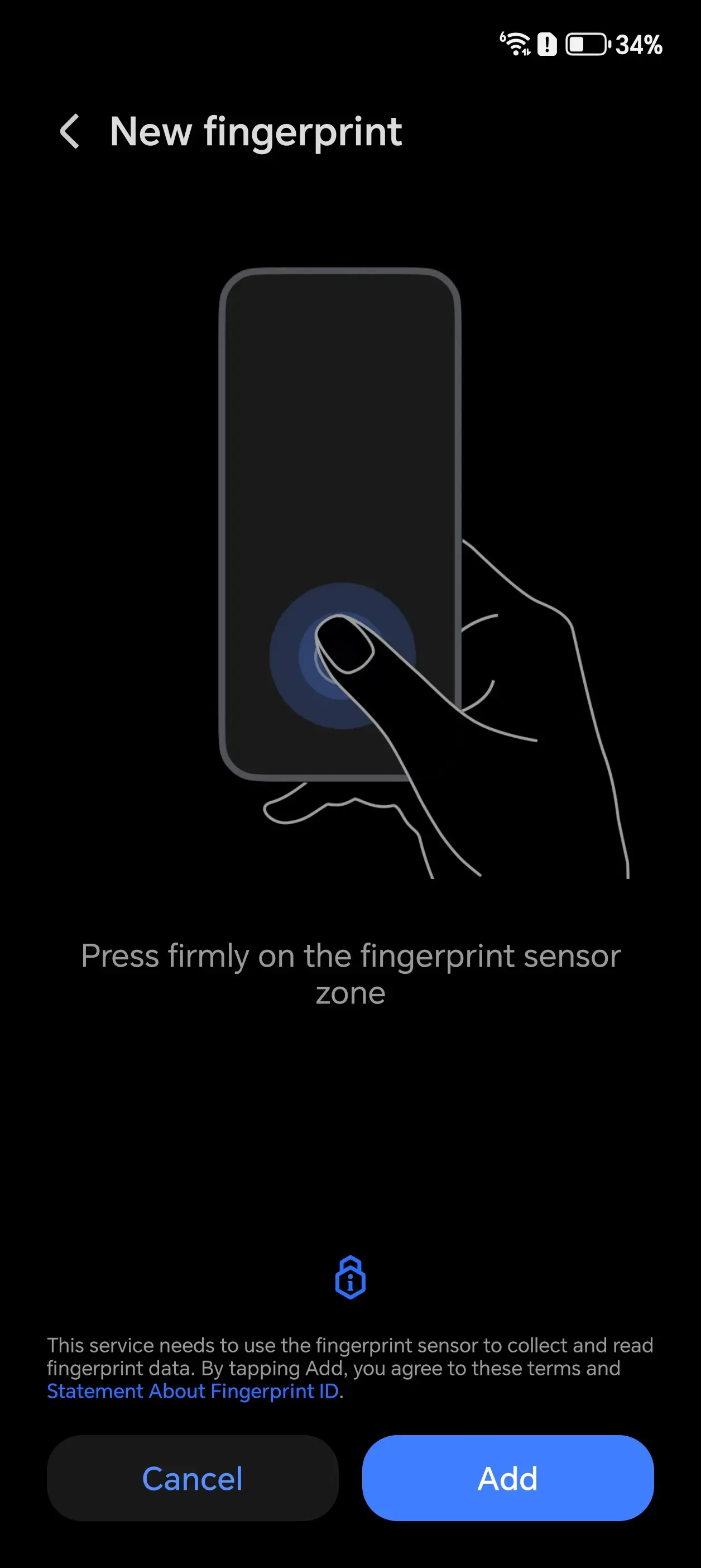
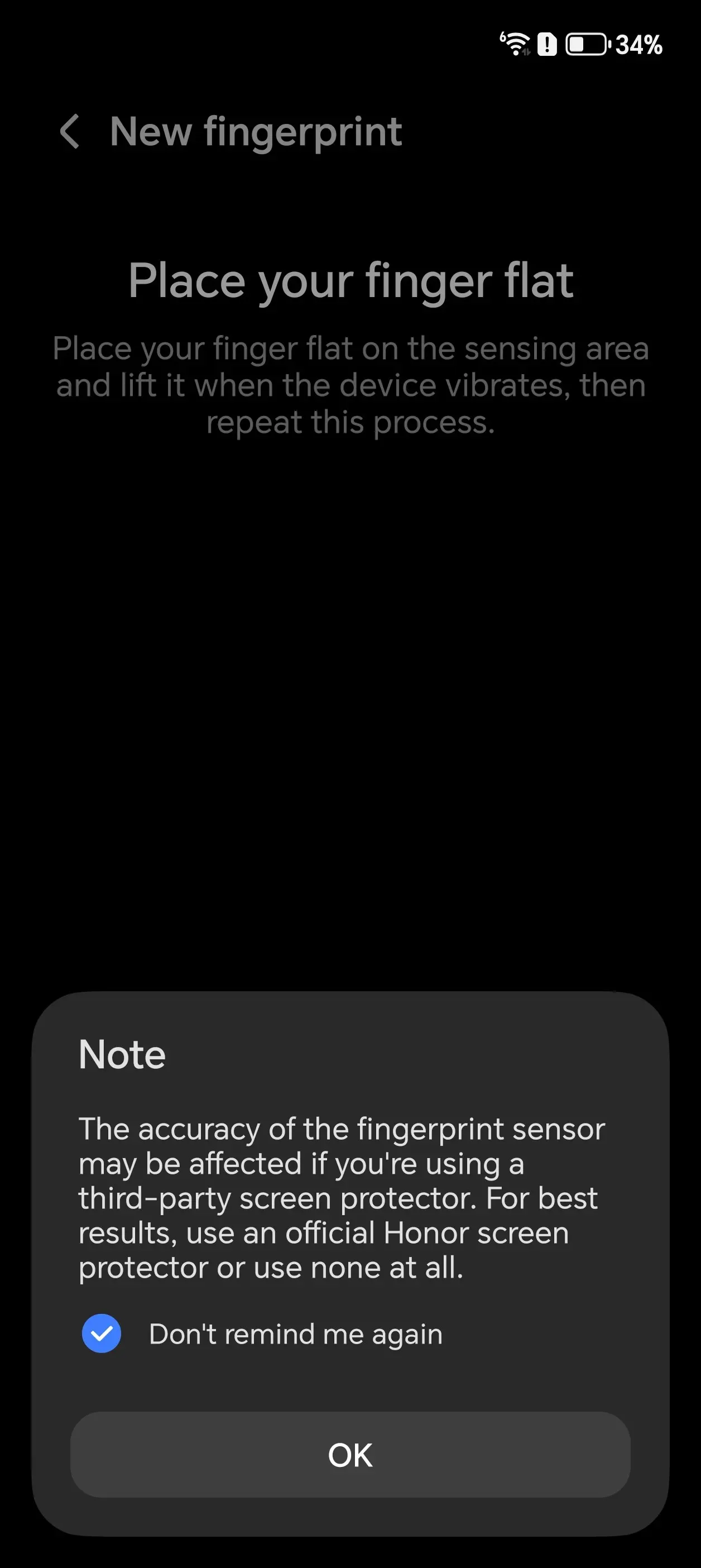
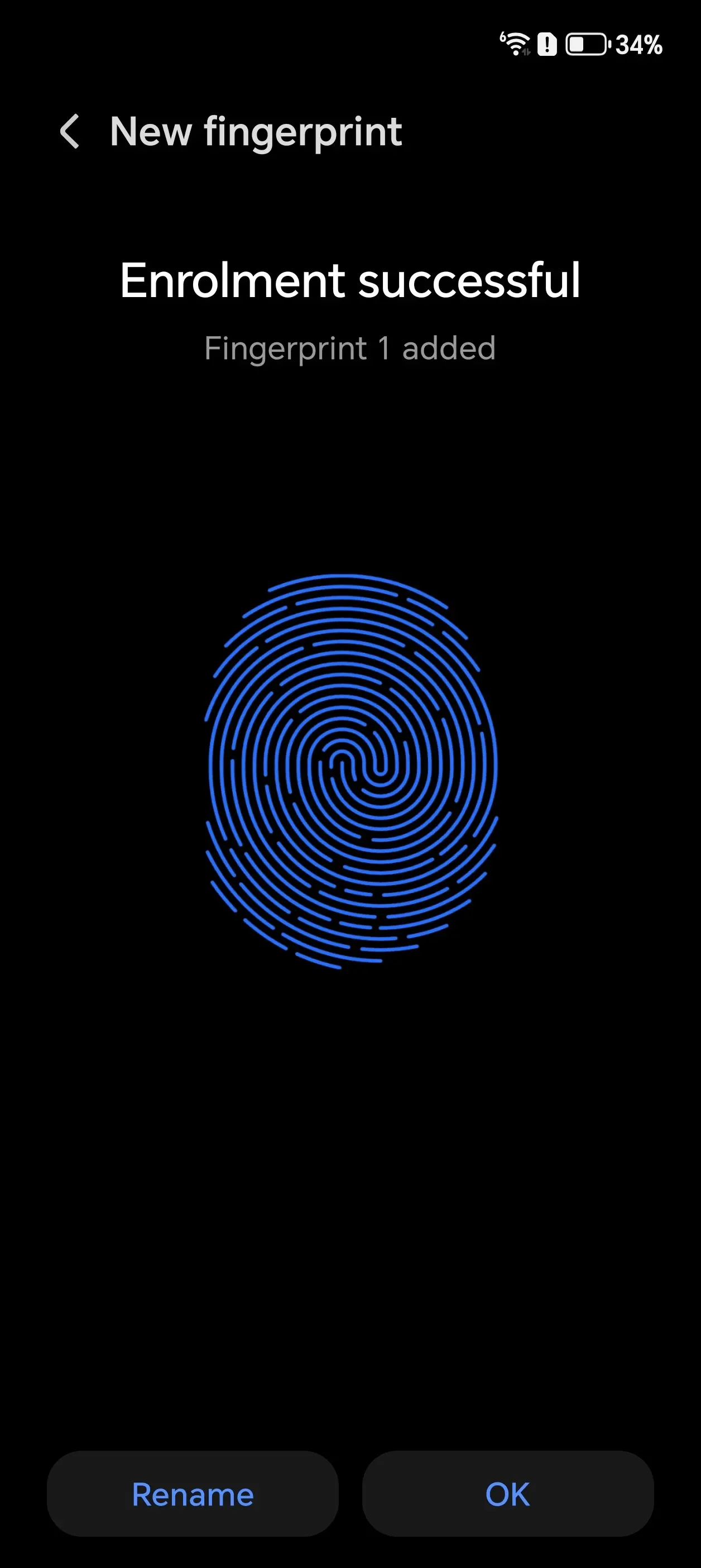
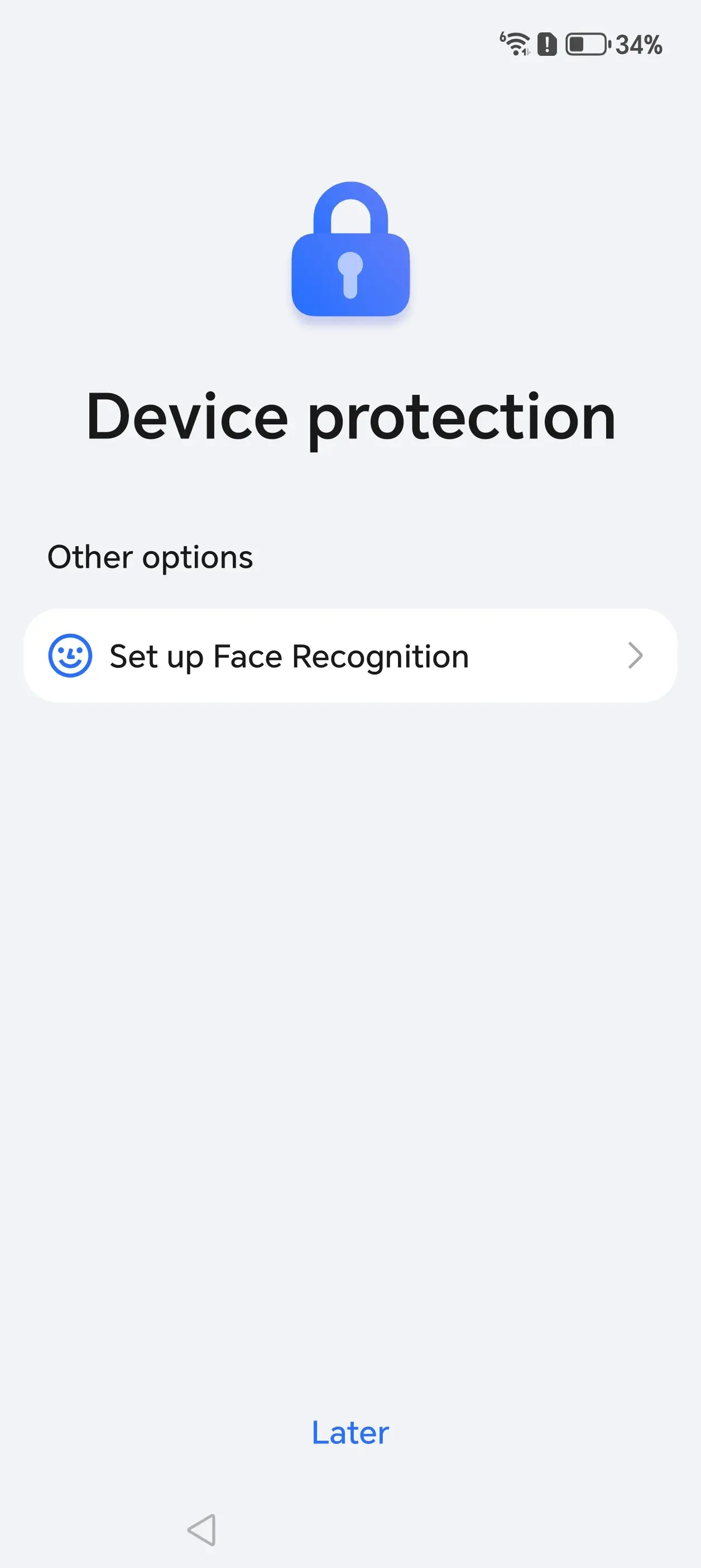
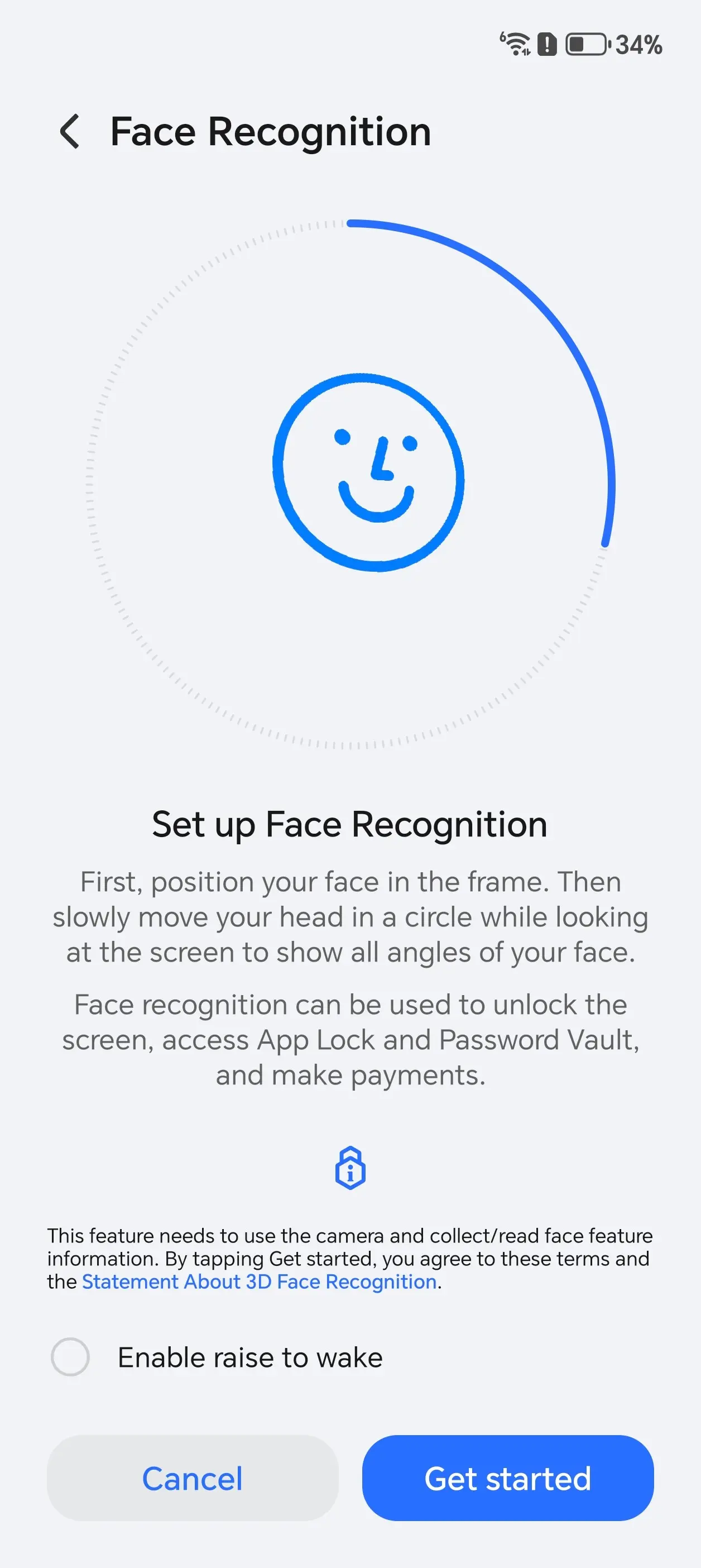
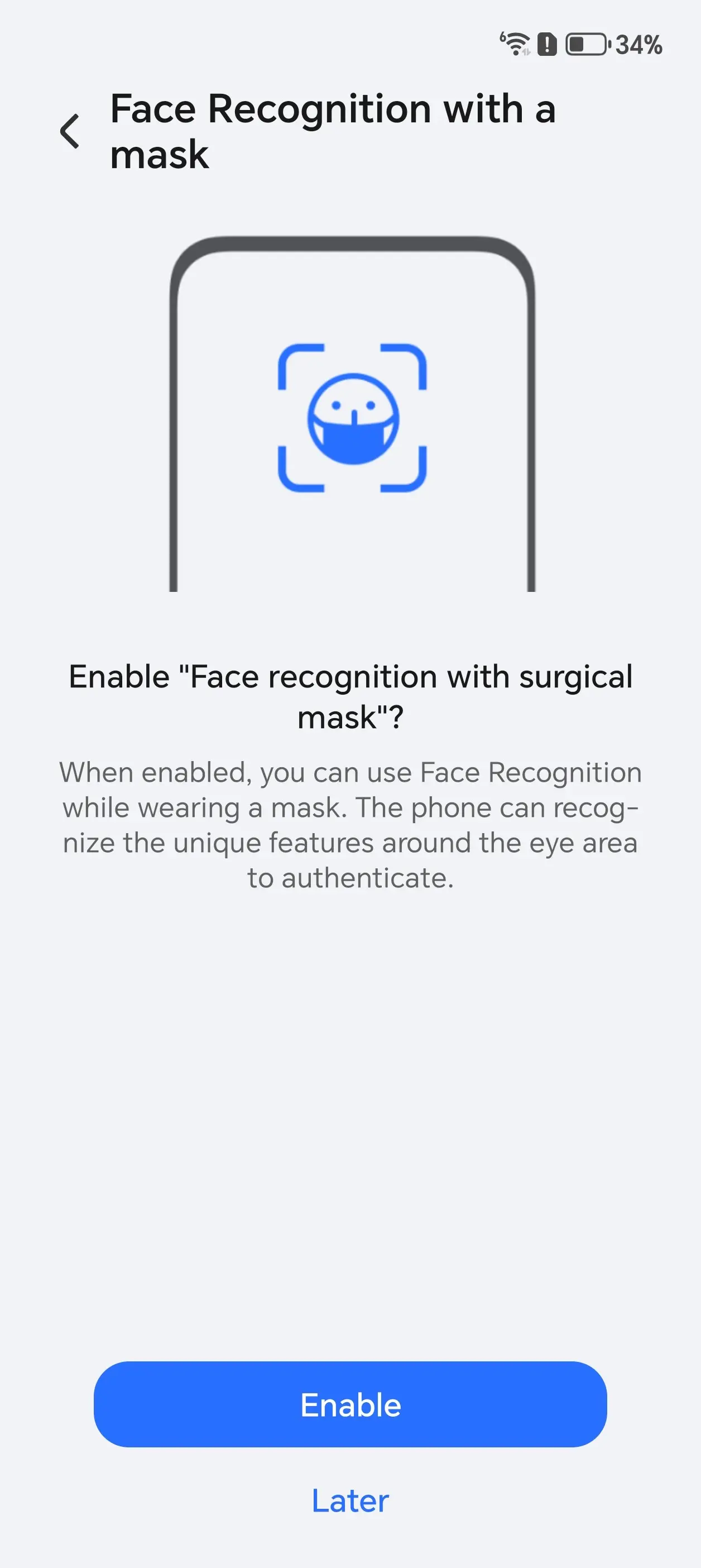
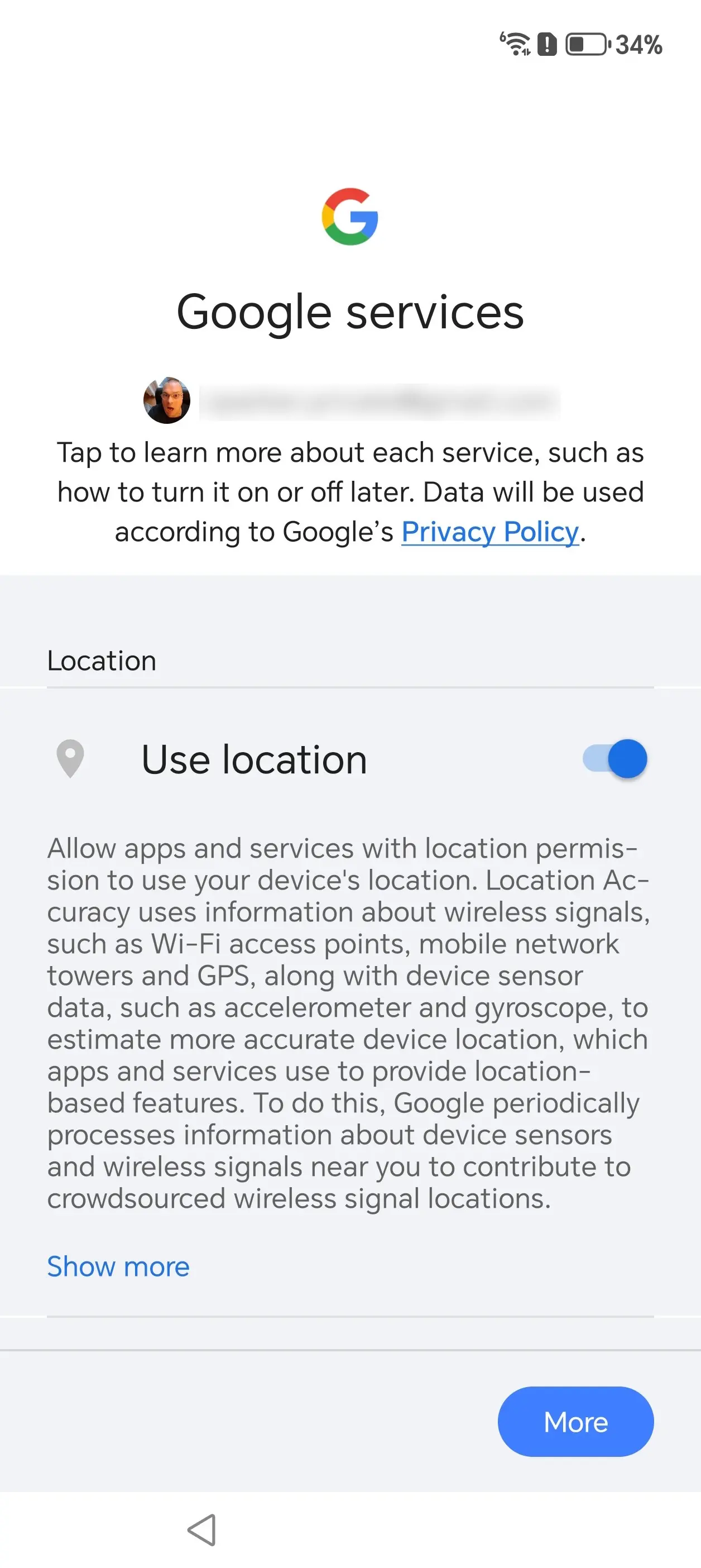
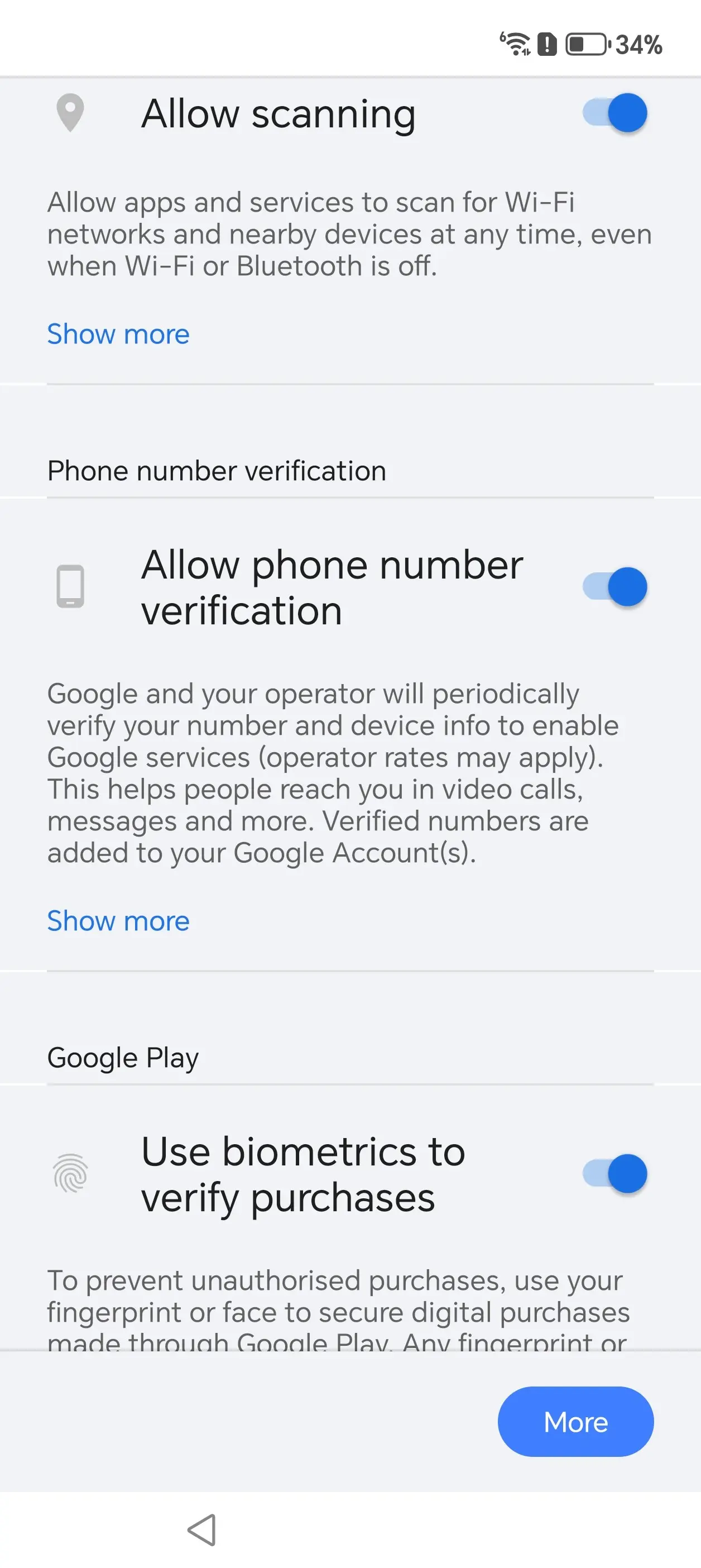
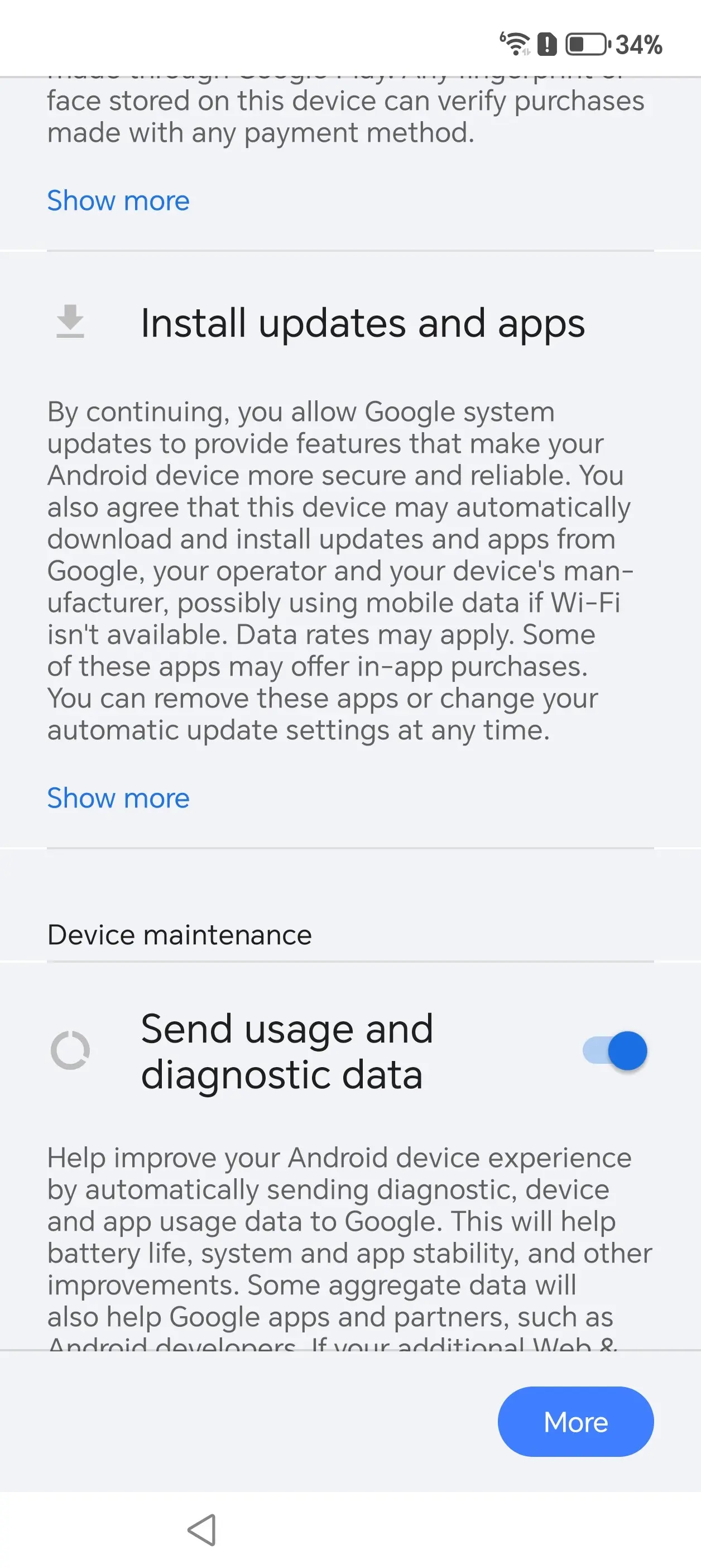
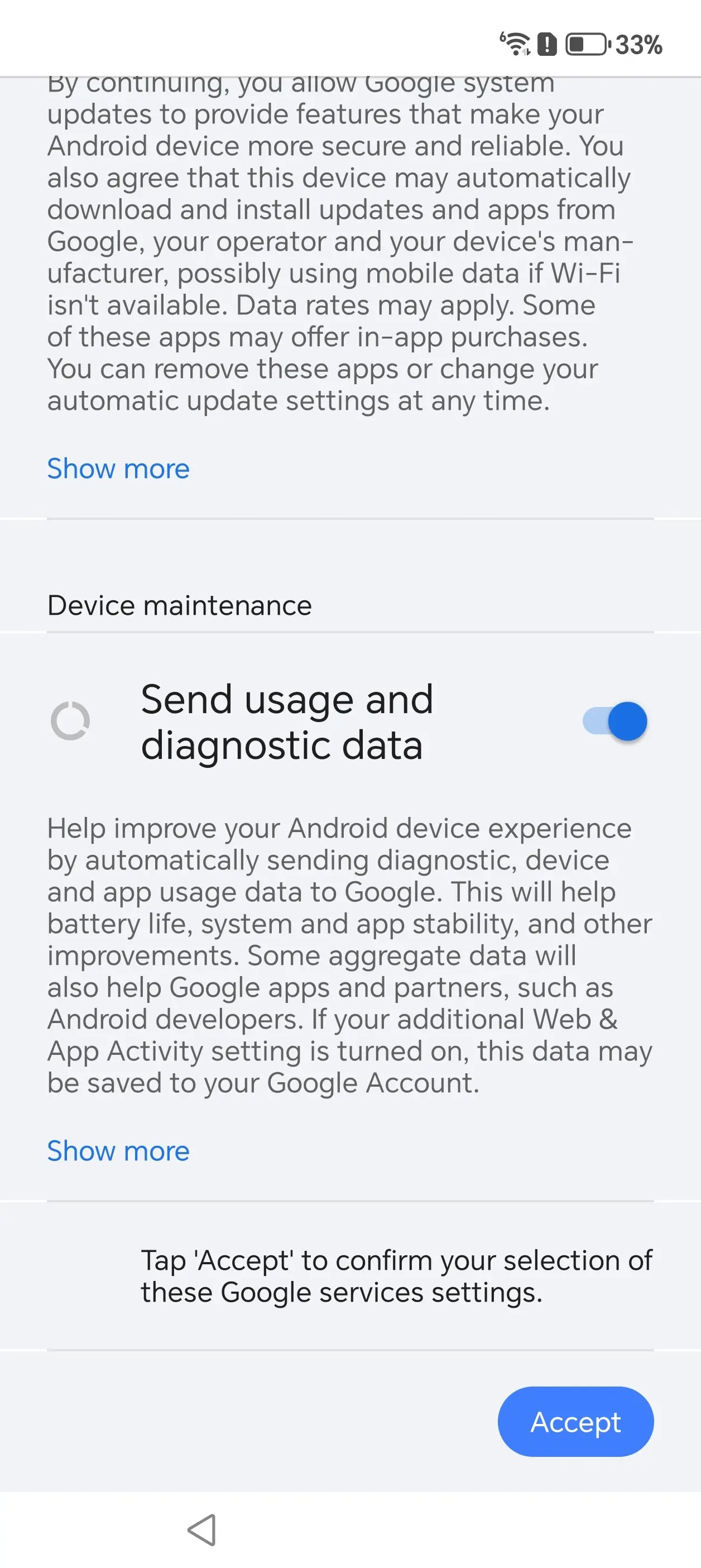


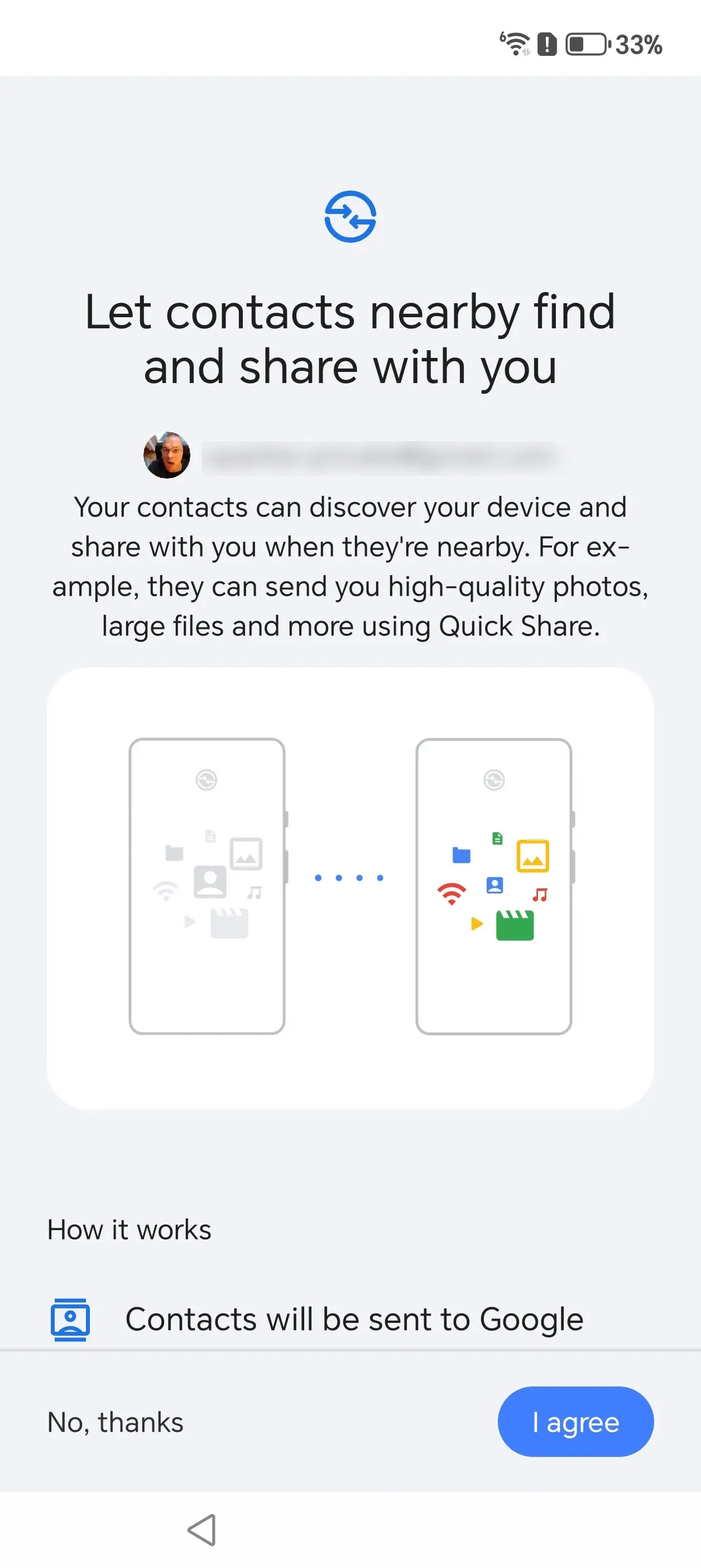
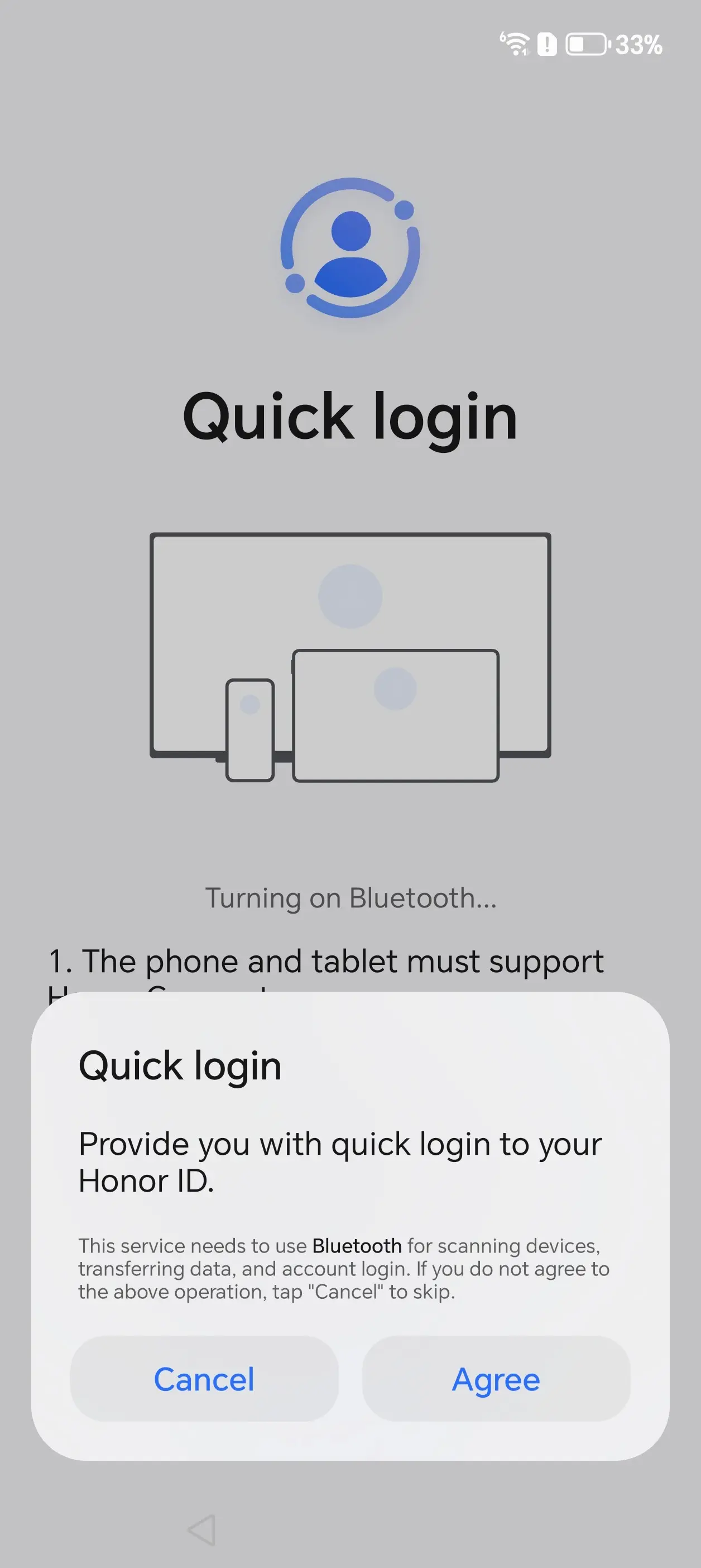
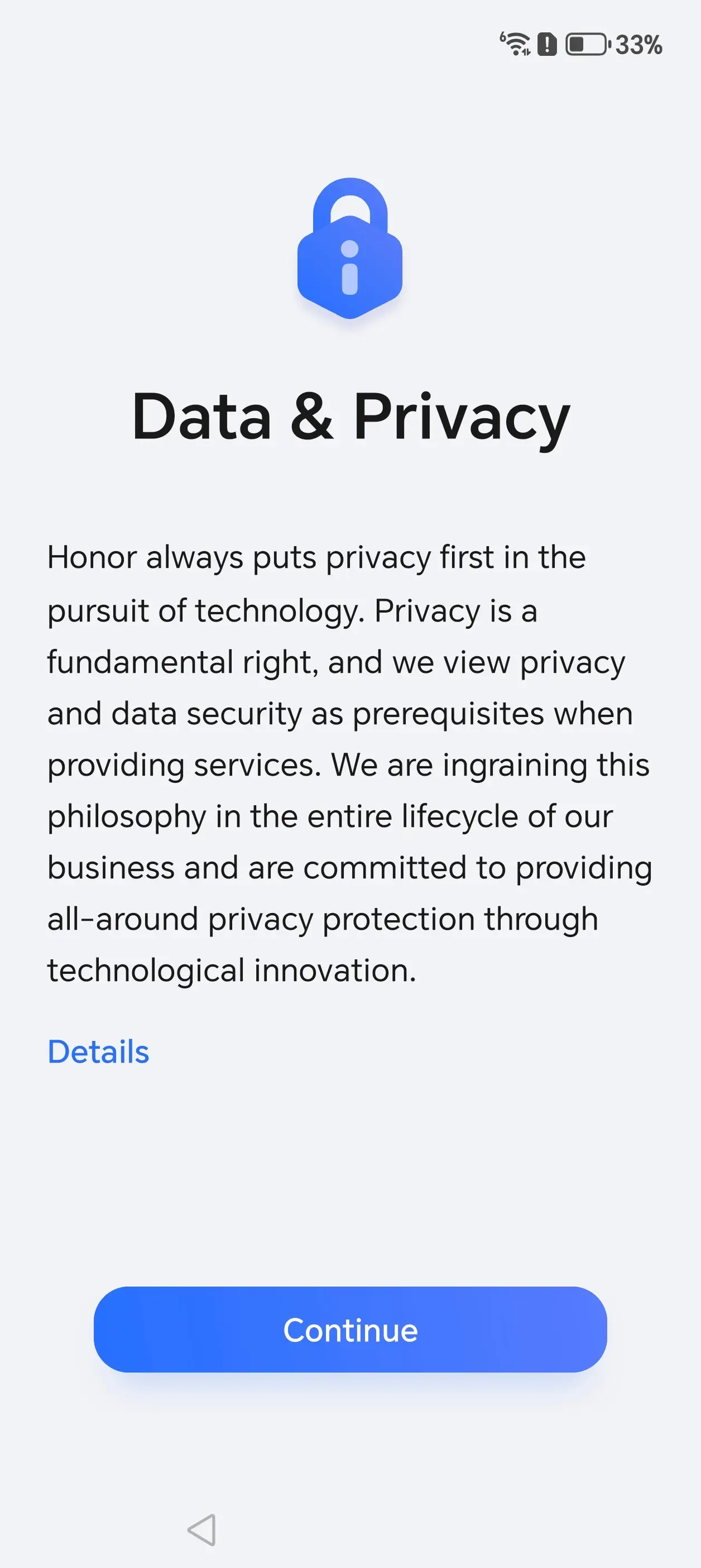
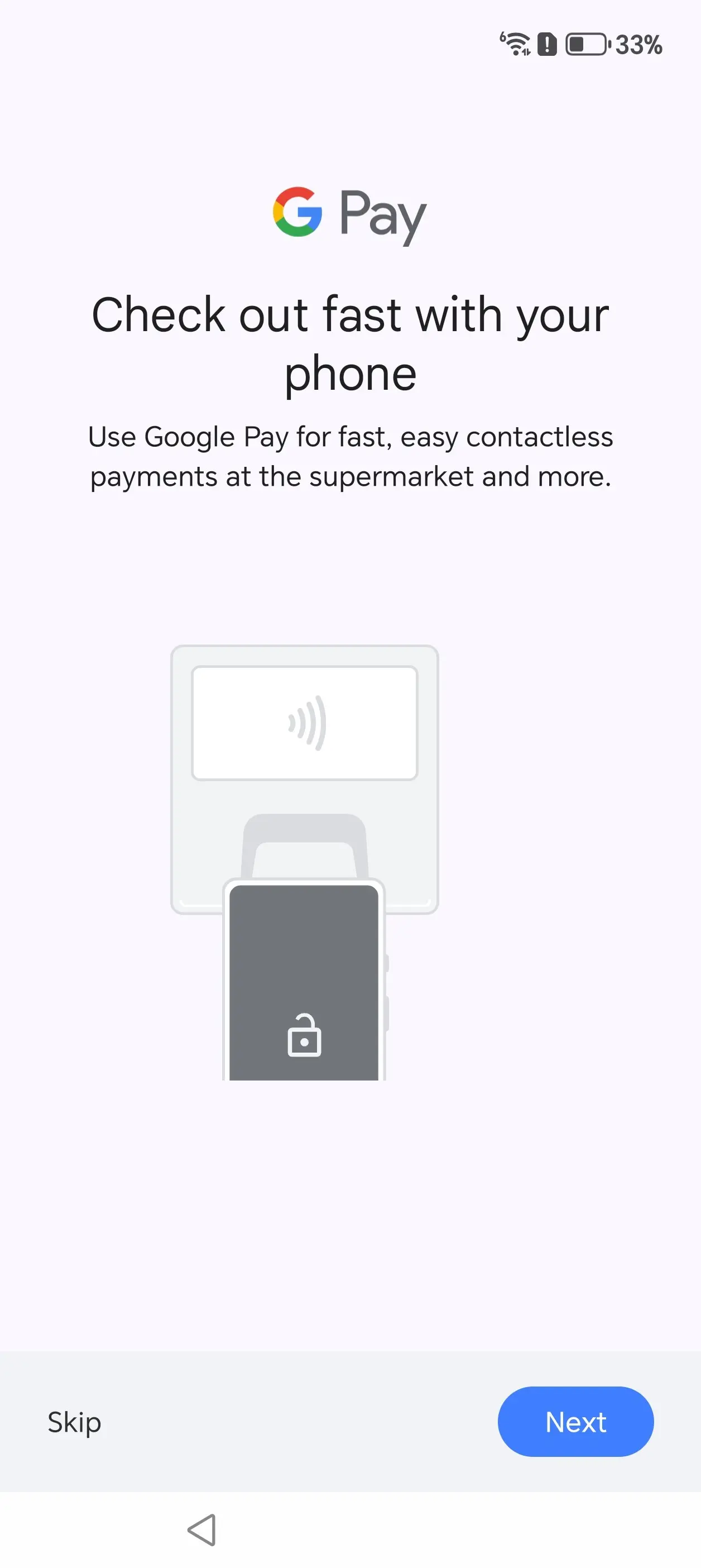
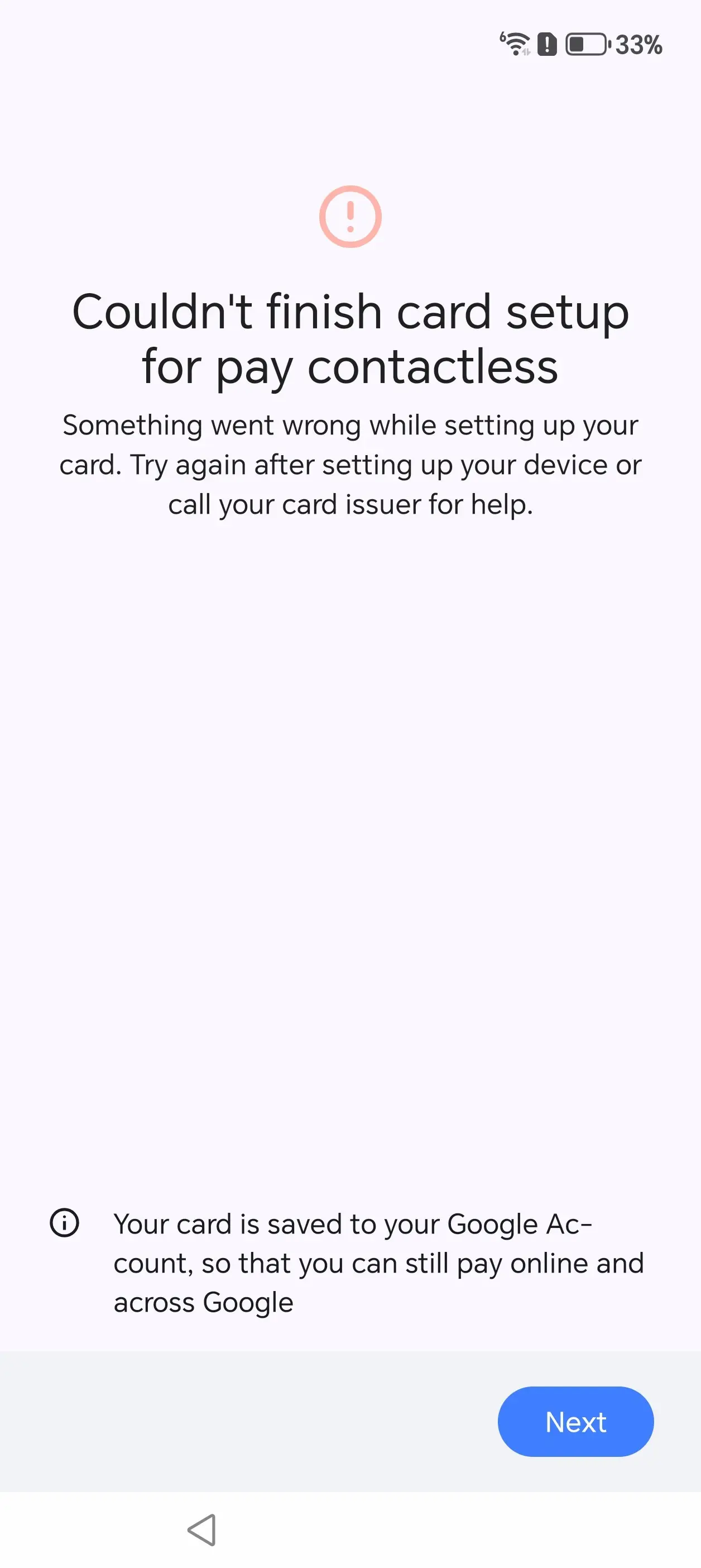
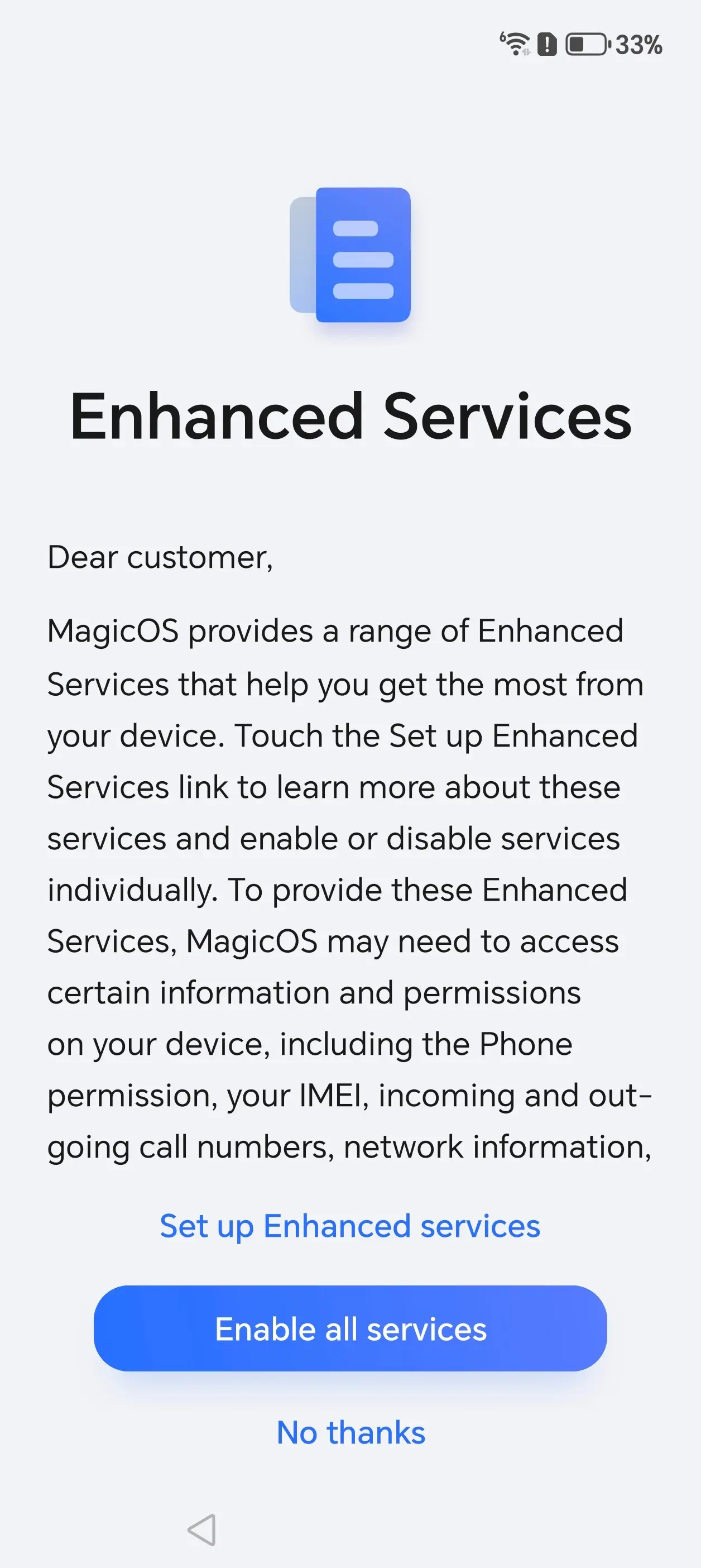
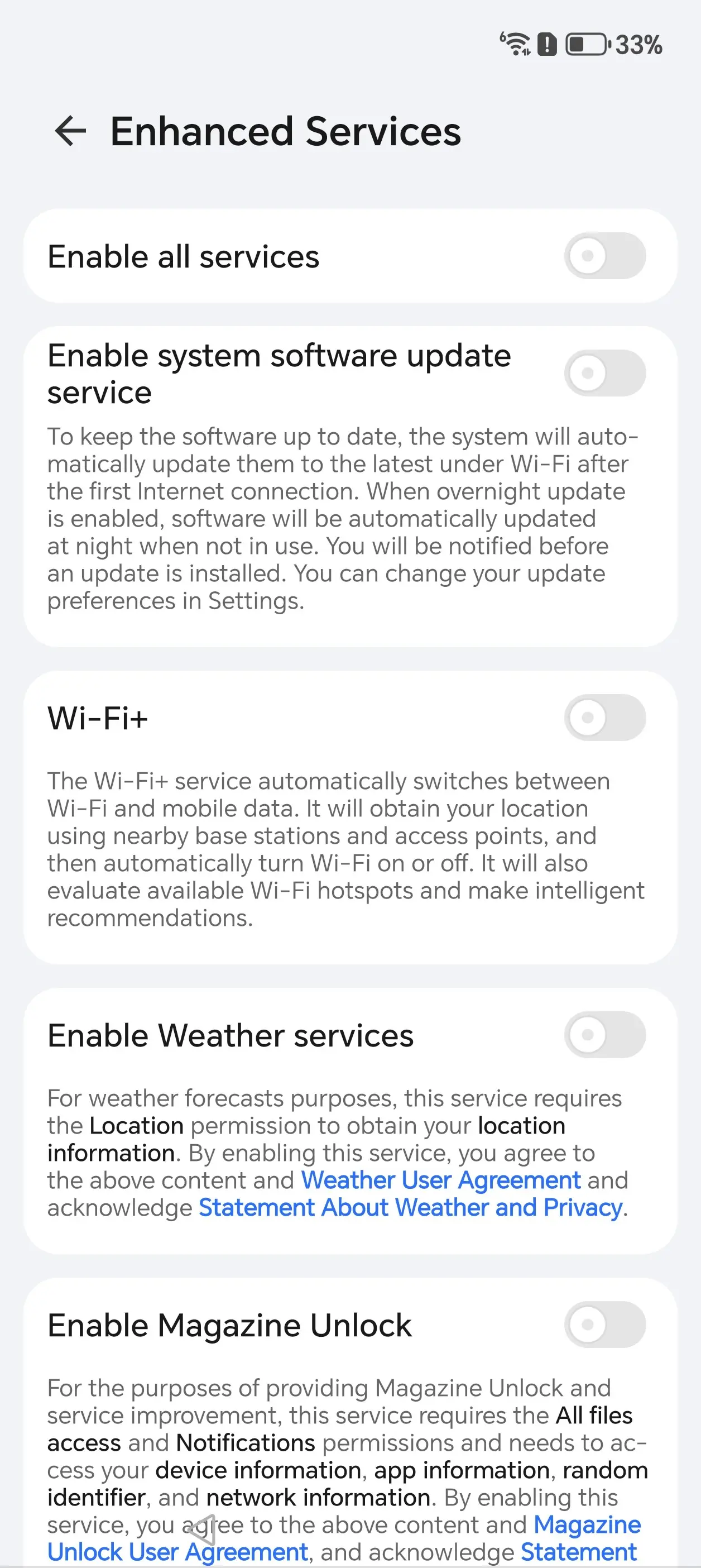
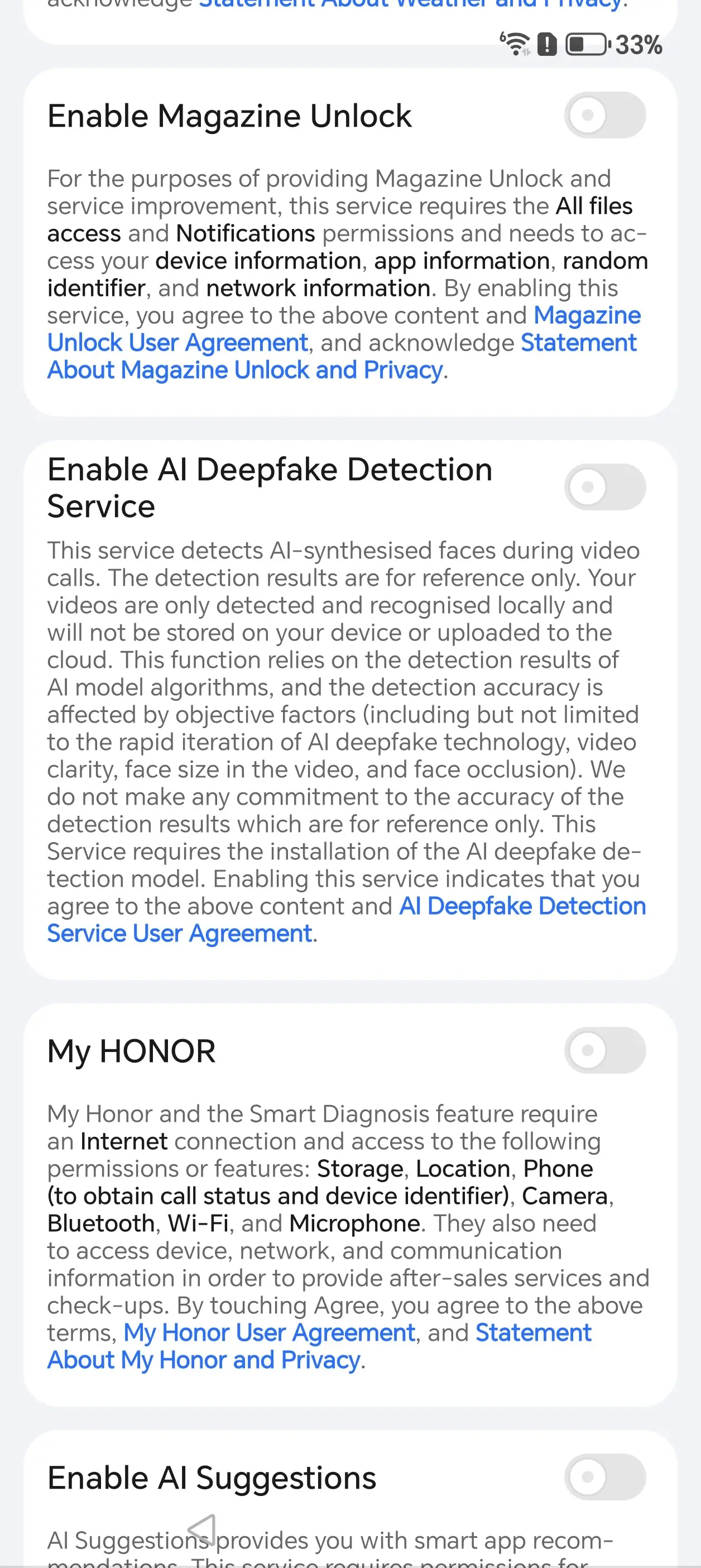
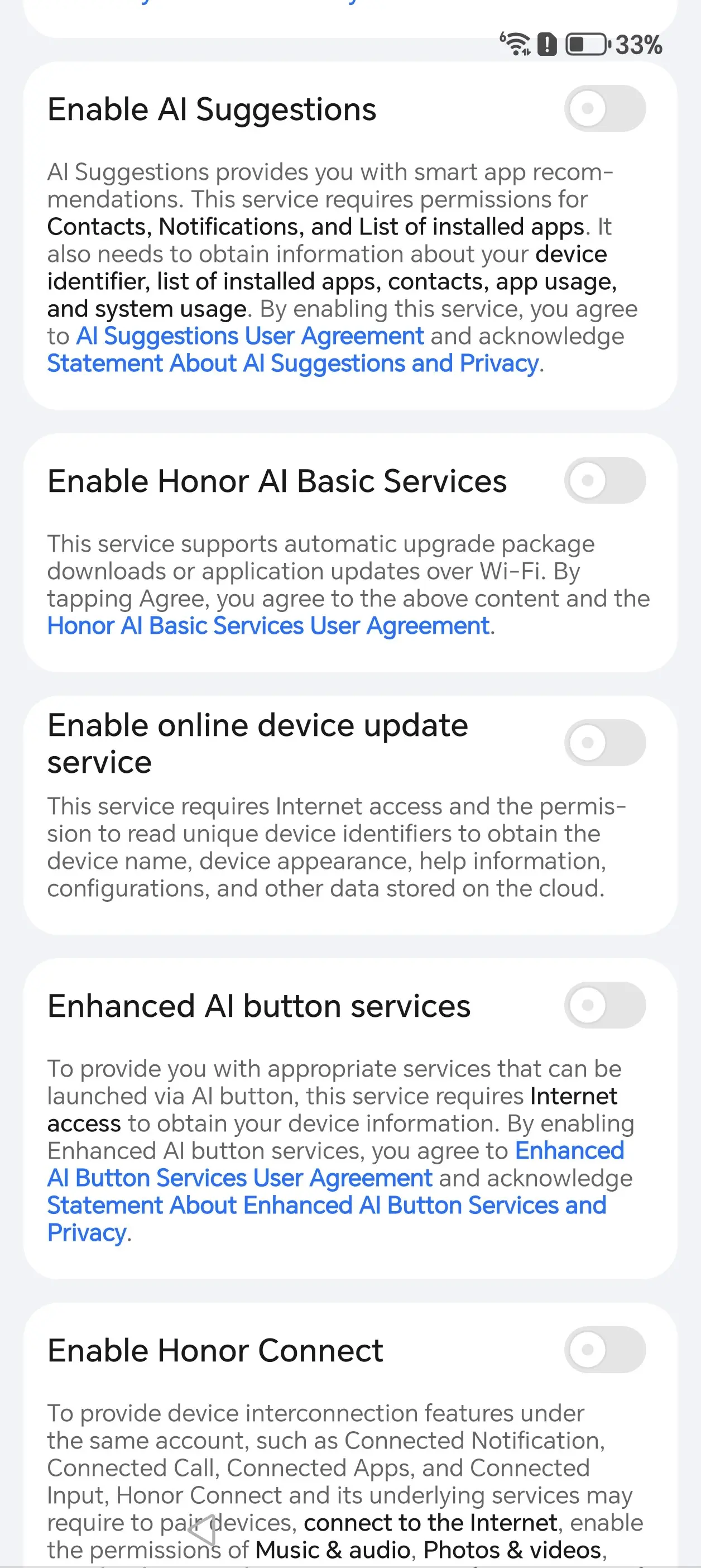
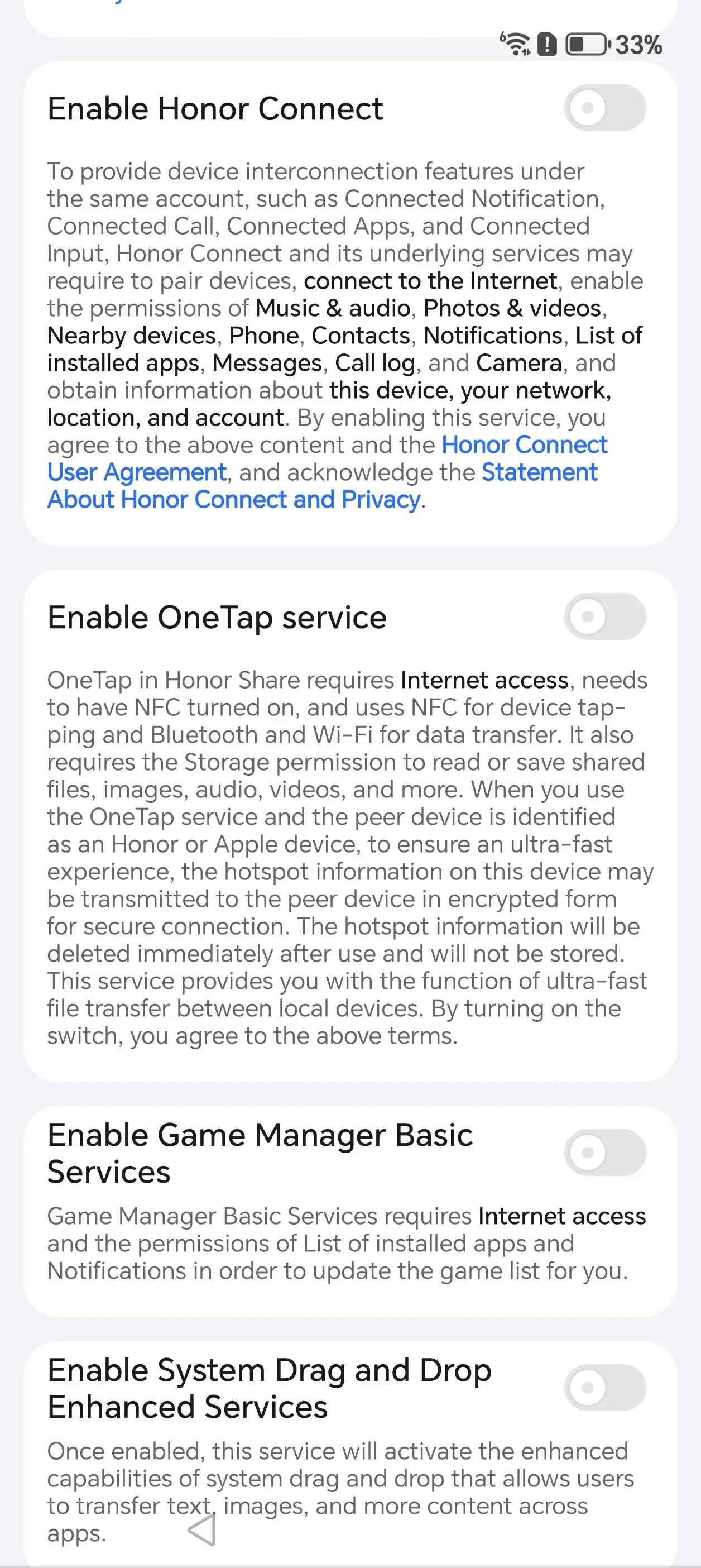
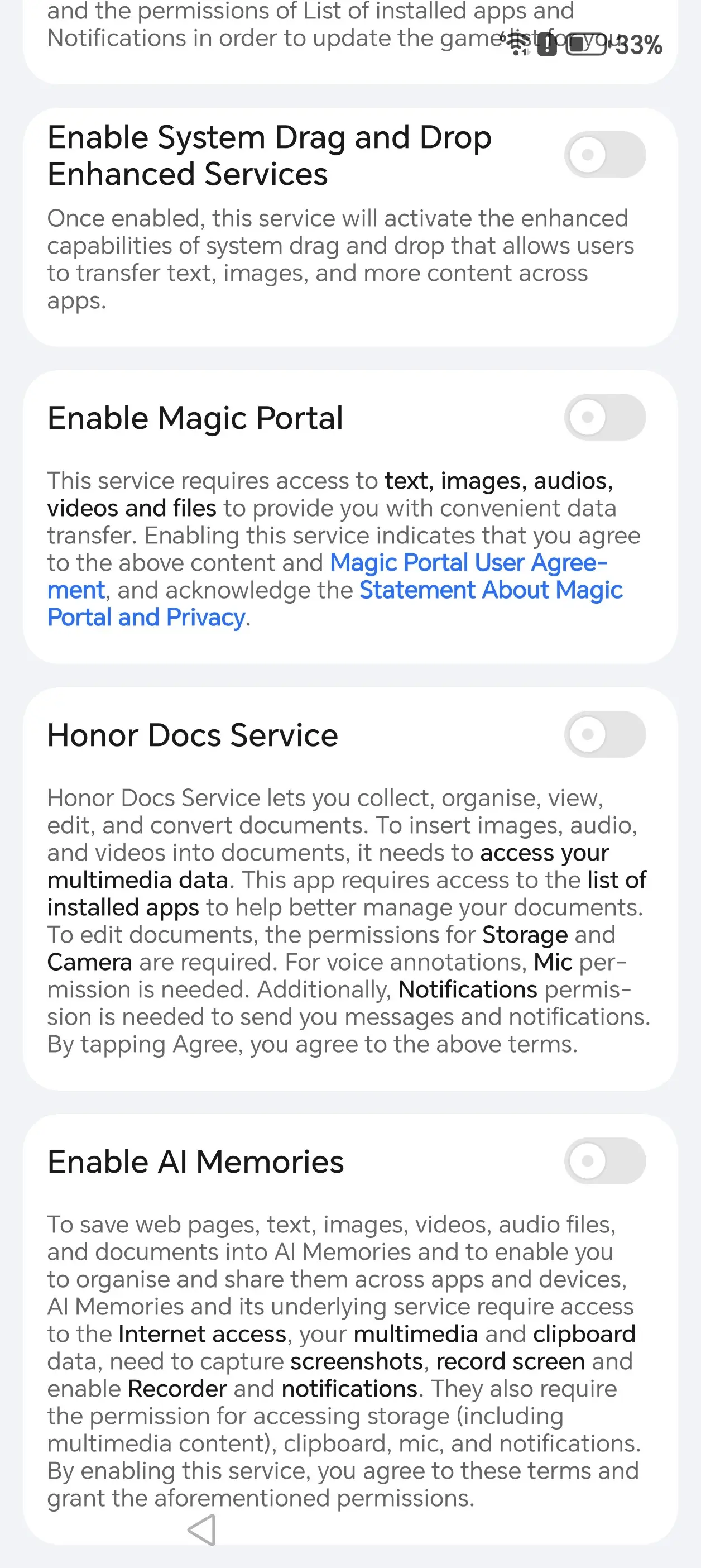
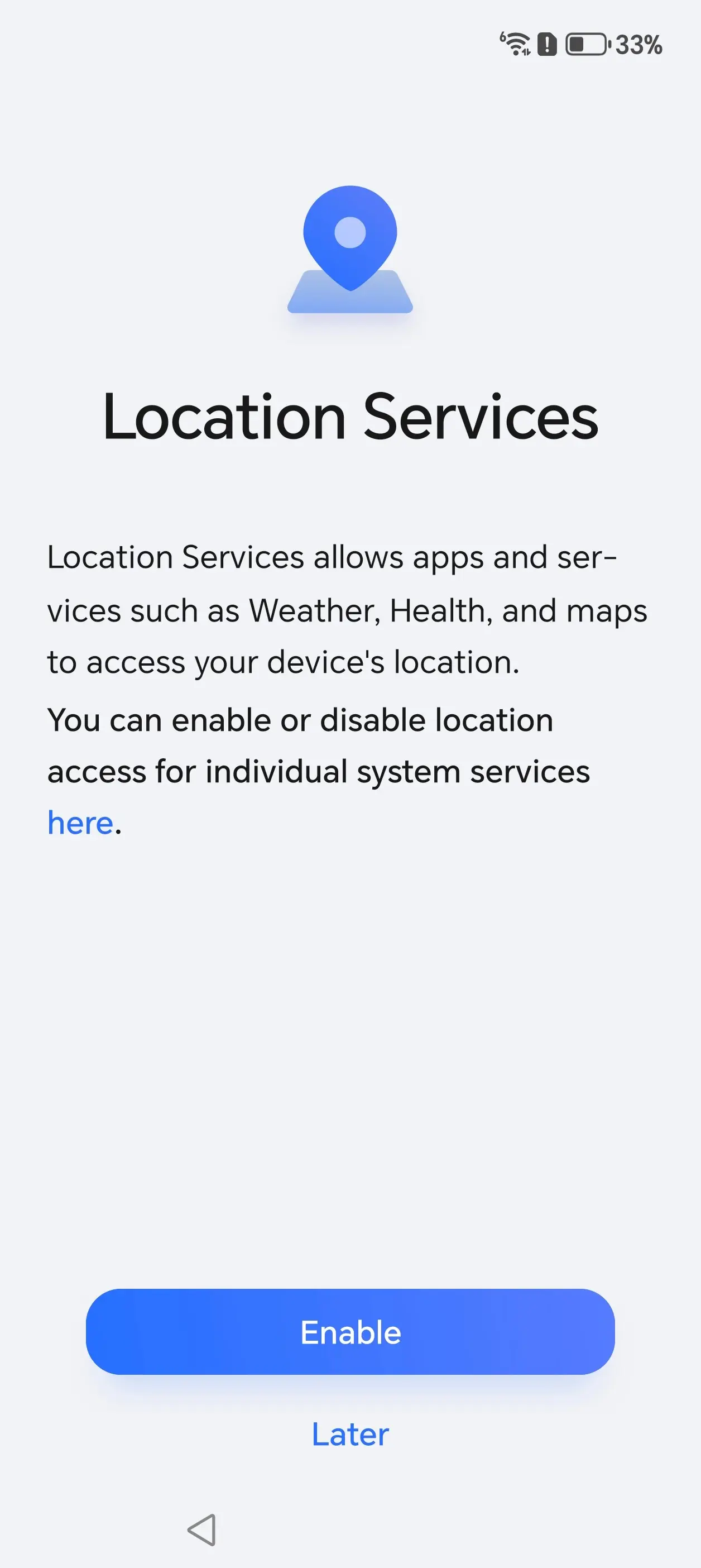
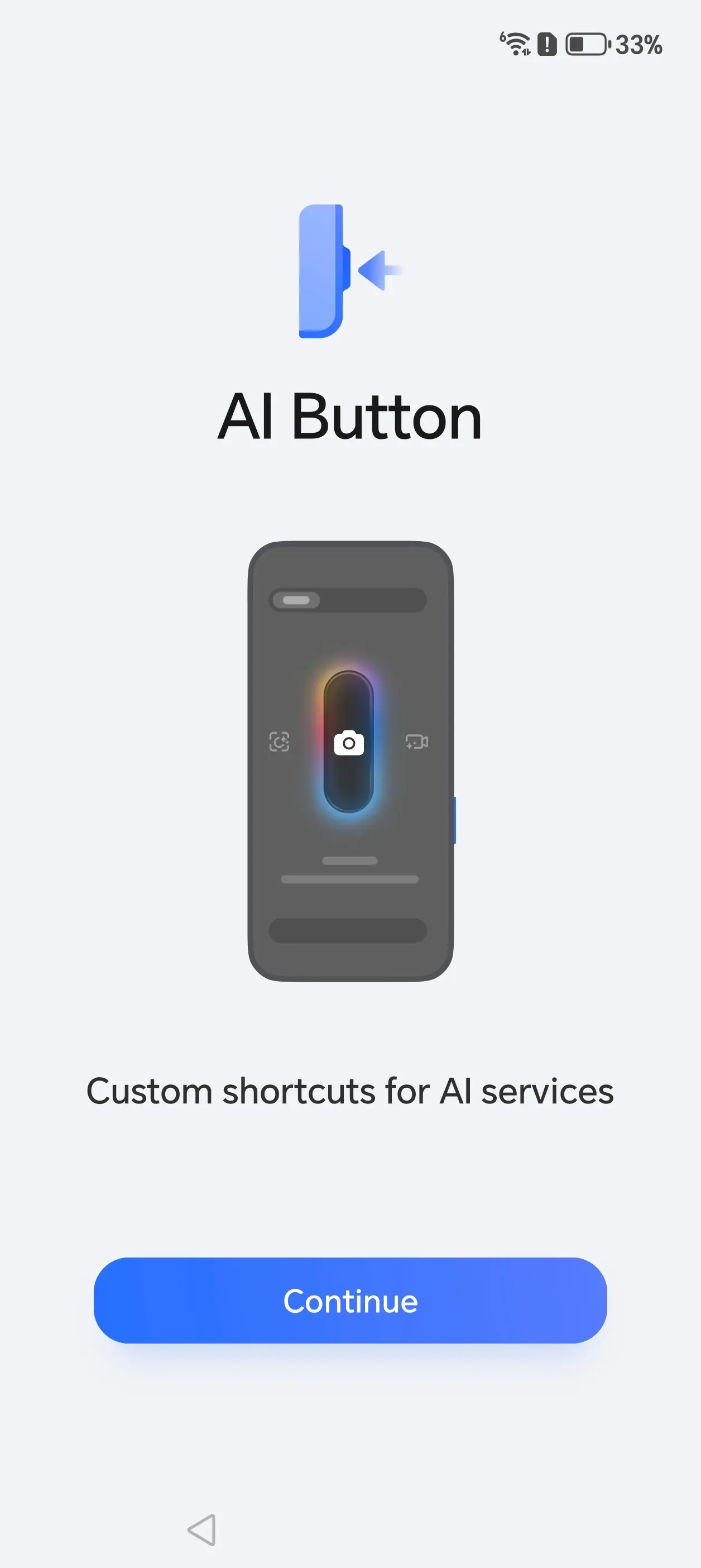
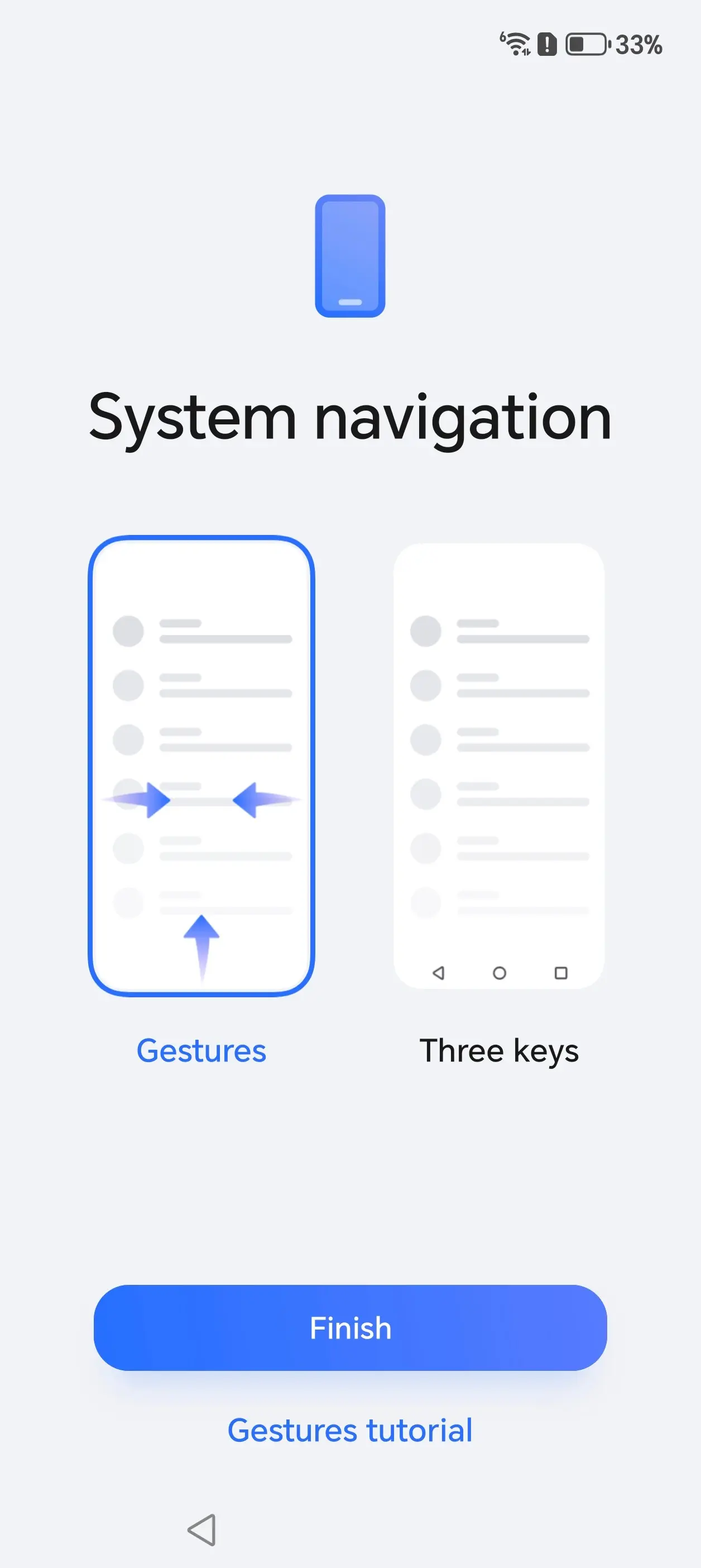
I used Android Switch during setup and also transferred my physical SIM from my Galaxy S23 Ultra; you can see the entire process above, which also included pages of opt-in services along with an optional invite to the User Experience Program and enabling Location Services.
Thankfully, the Magic8 Pro also employs the default gestures found in most Androids, so I was off to a great start on the Home screen. I found navigating through MagicOS to be a pleasant experience, and I experienced no lag despite having a number of apps opened in the background.
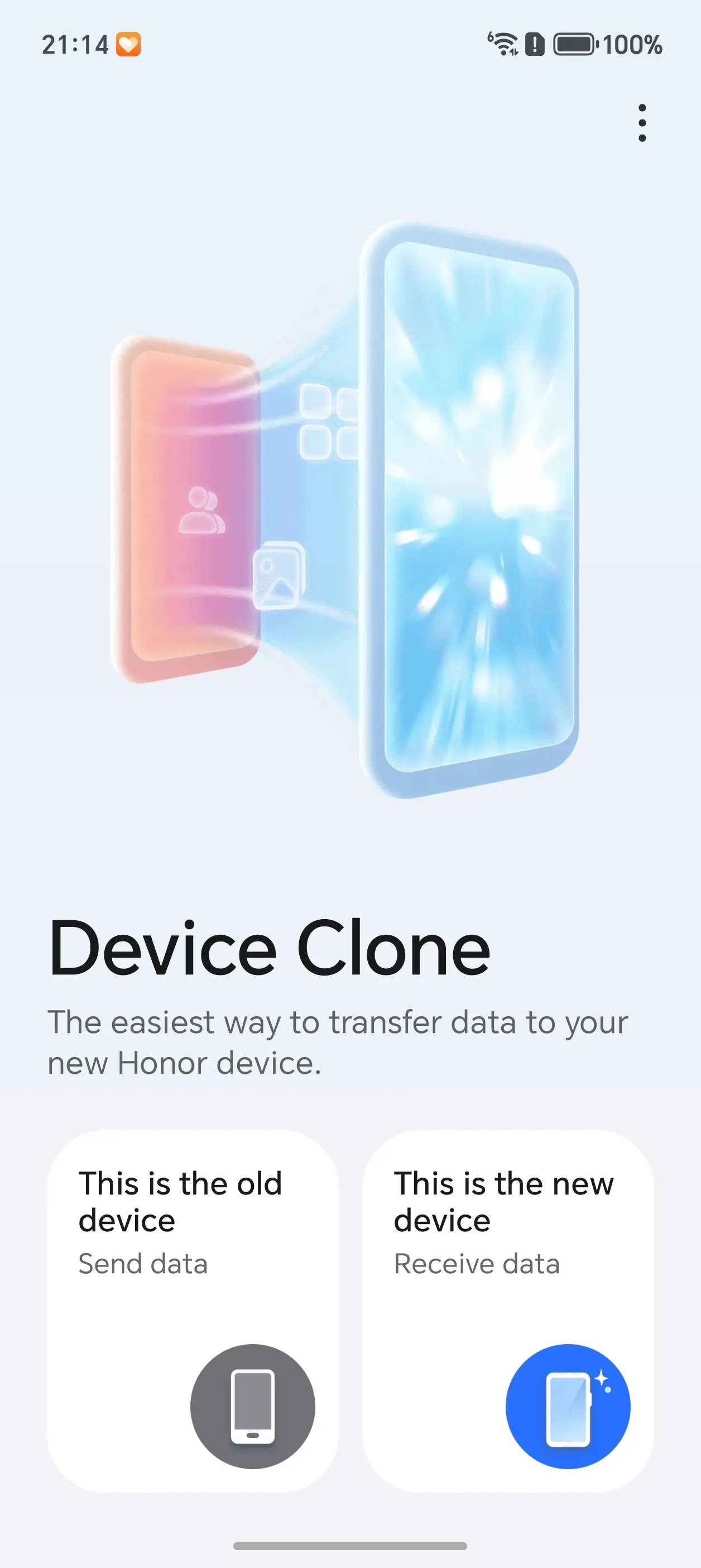
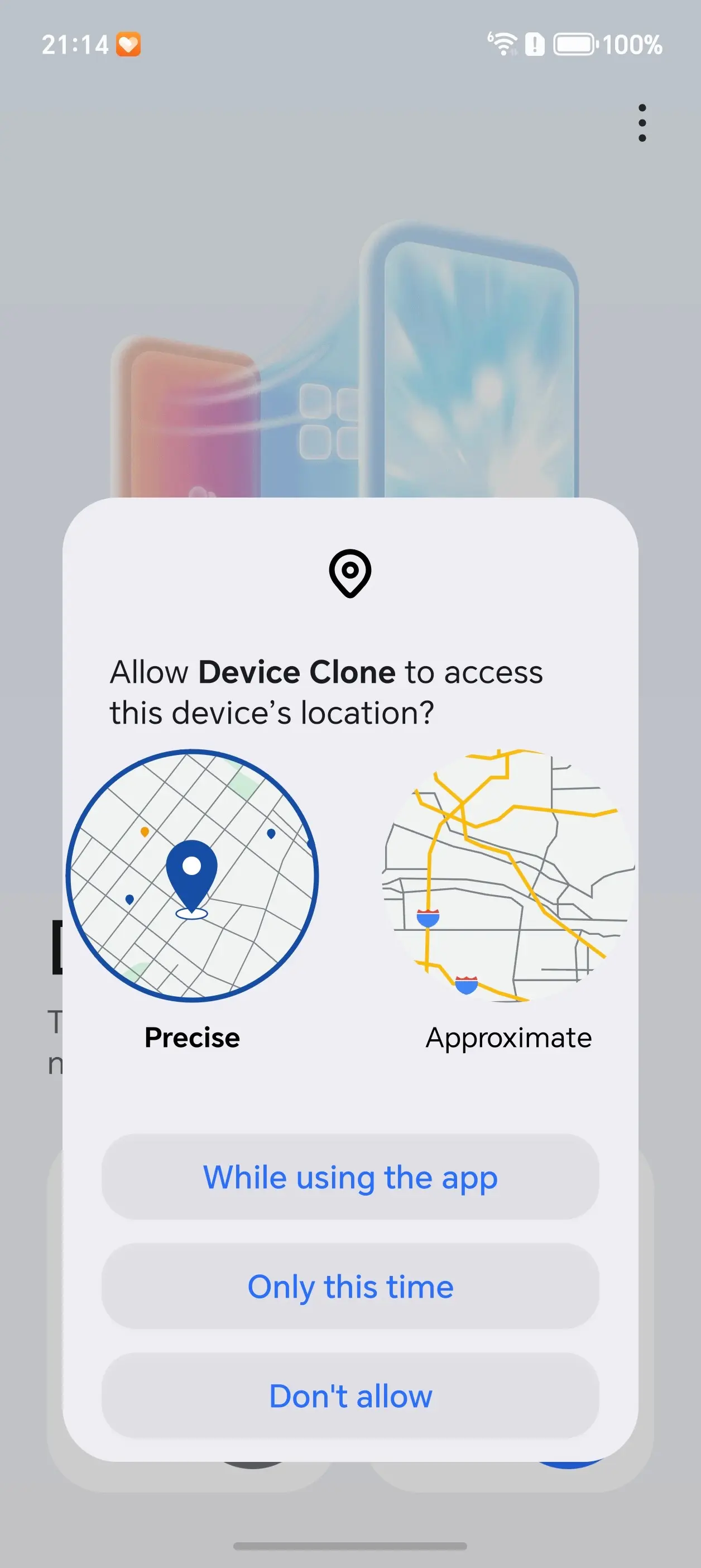
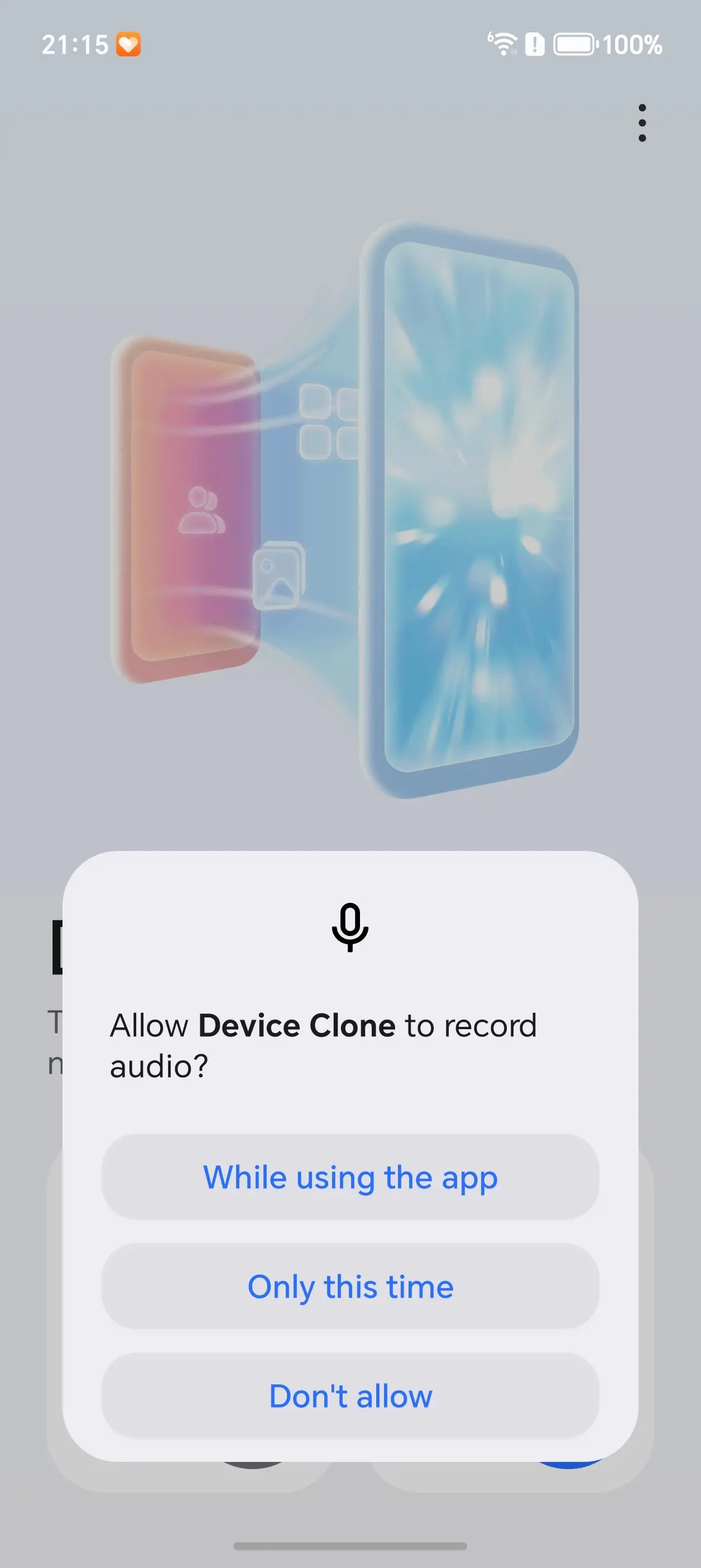
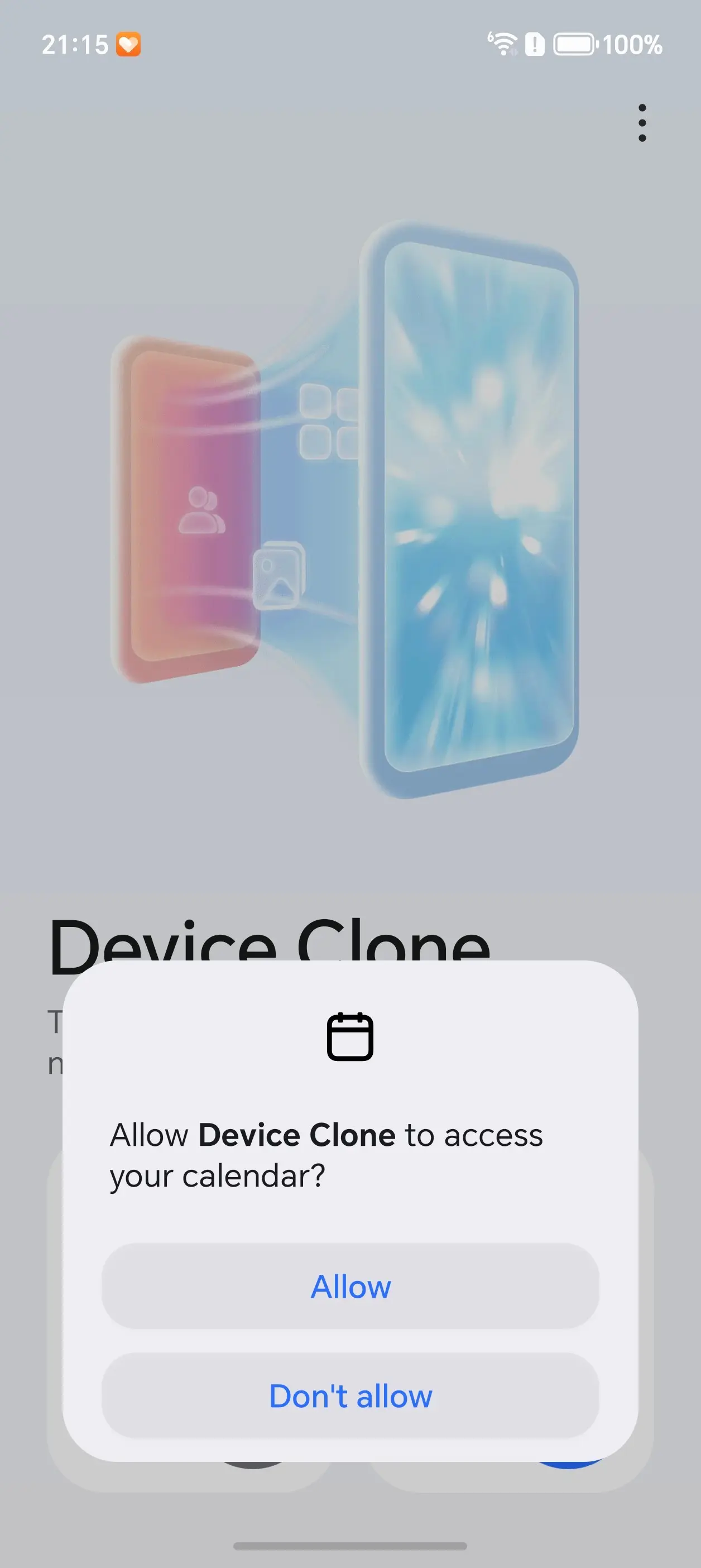
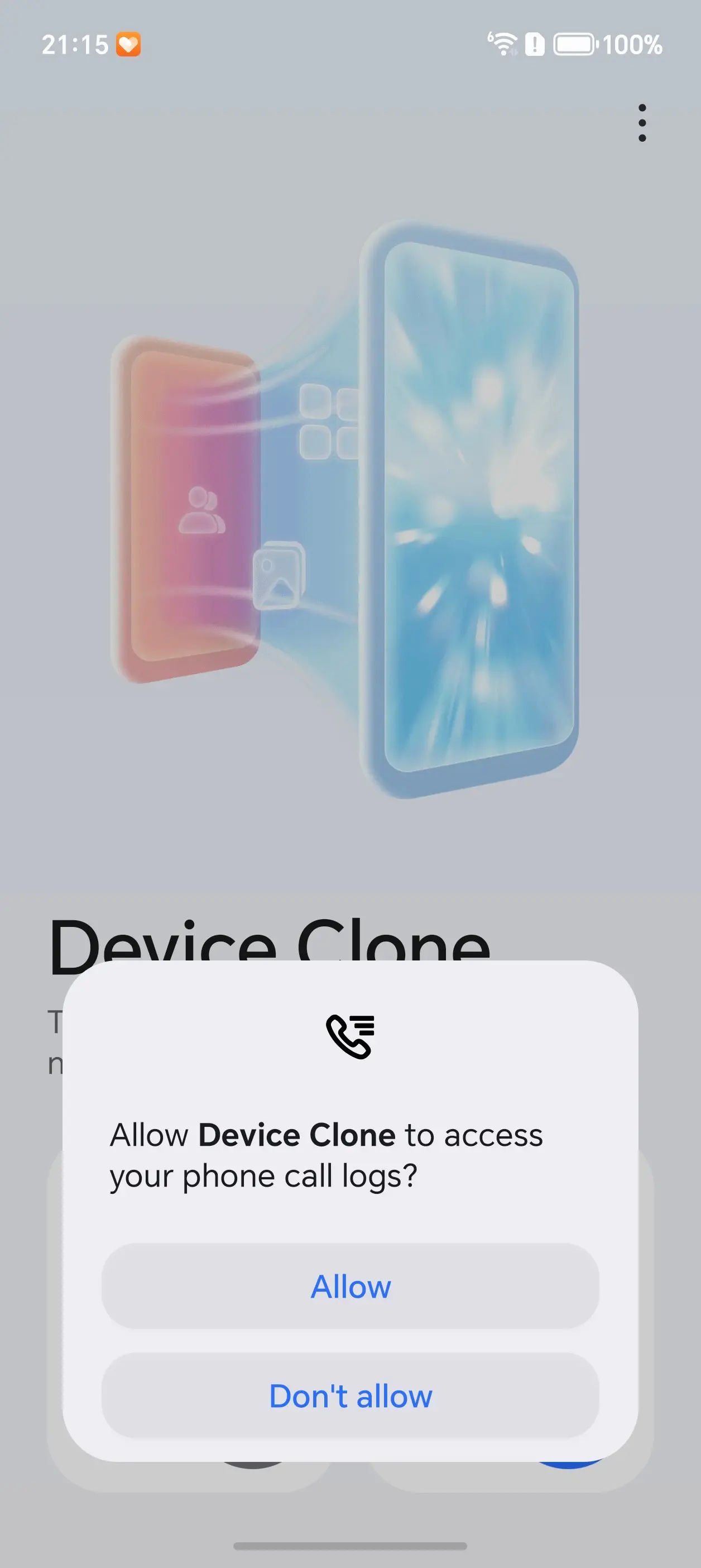
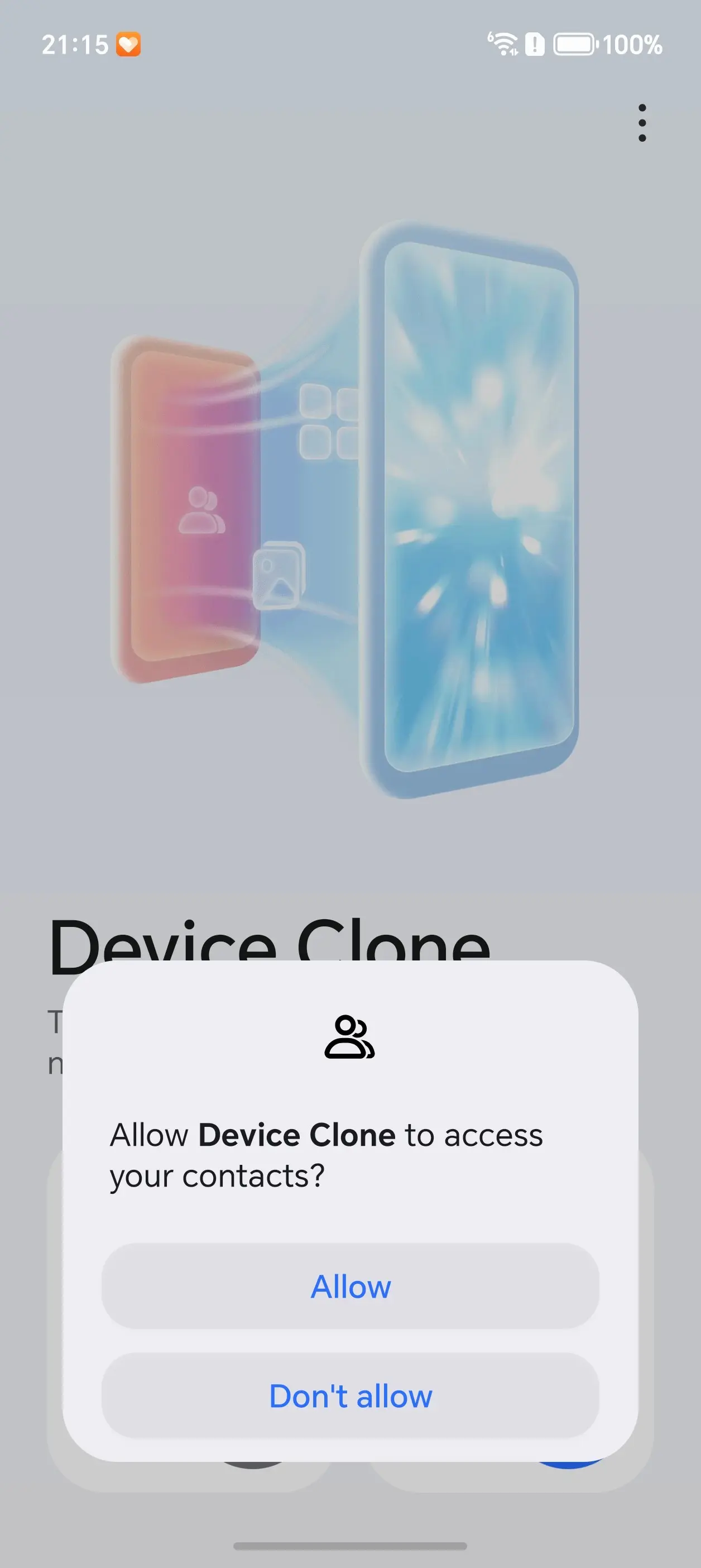
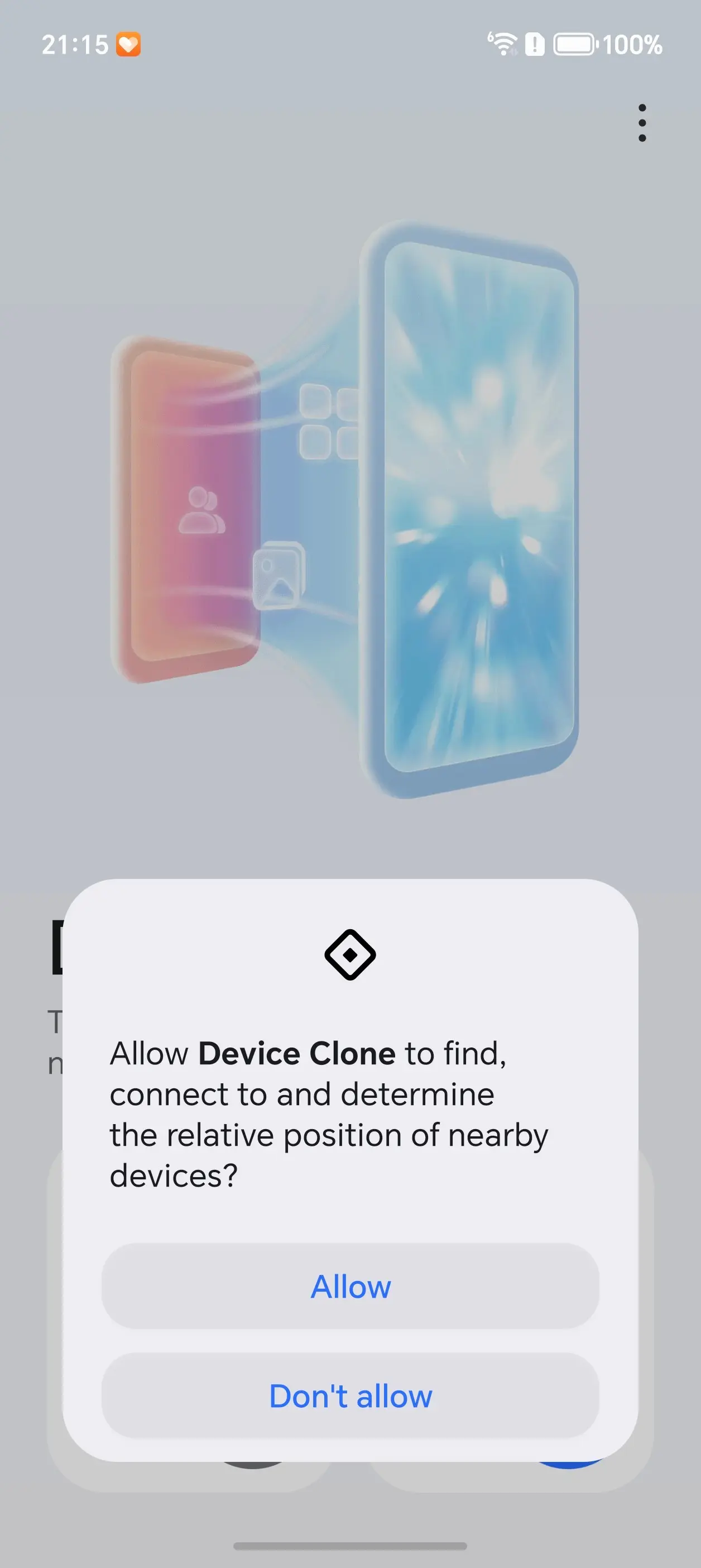
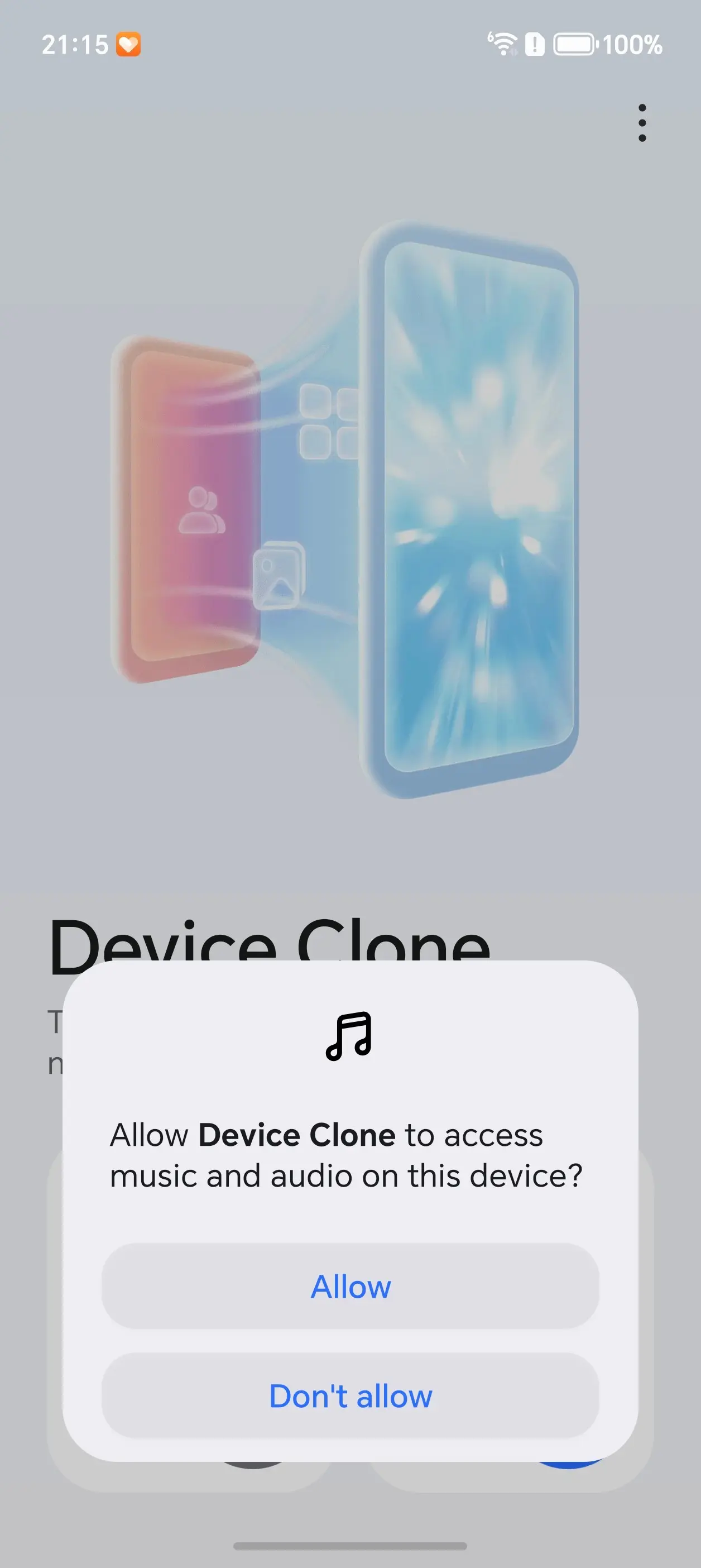
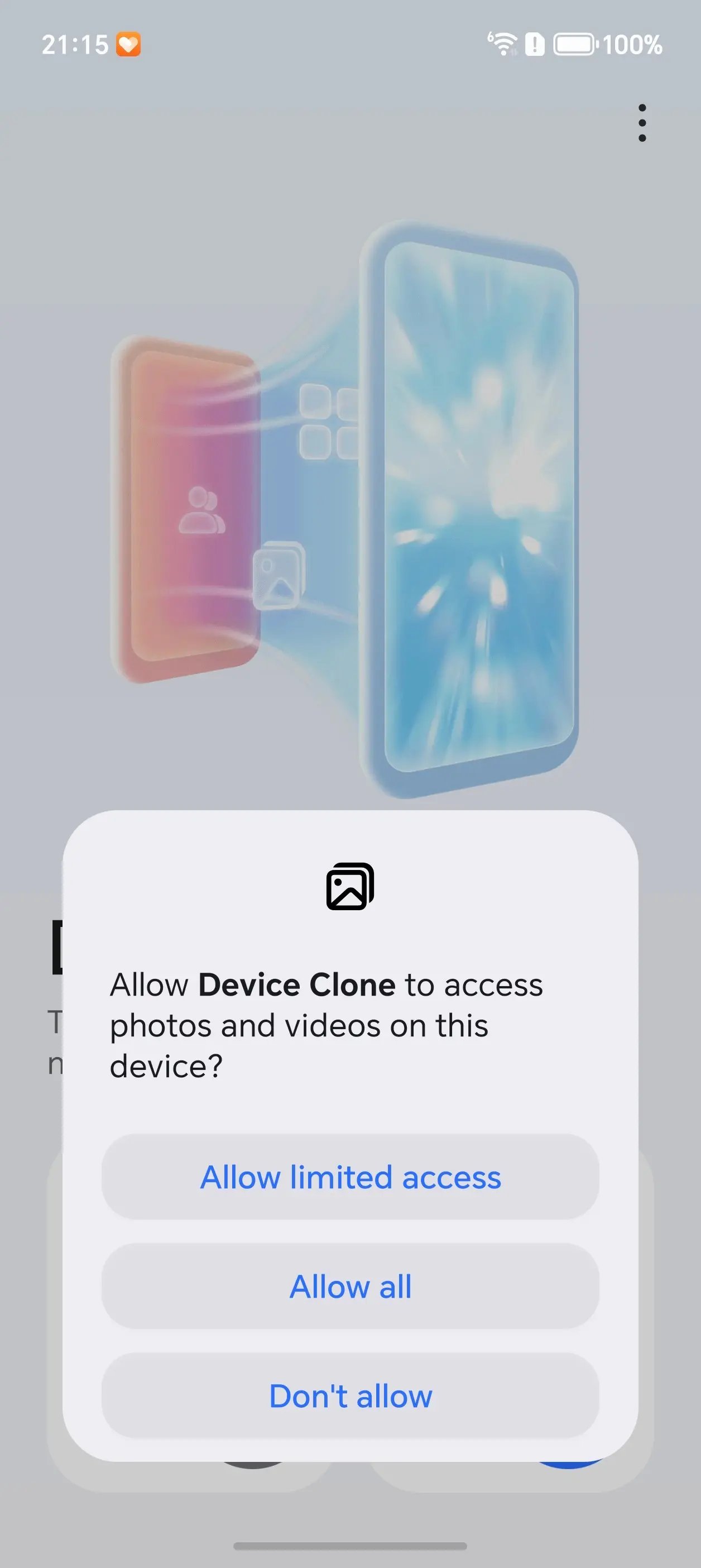
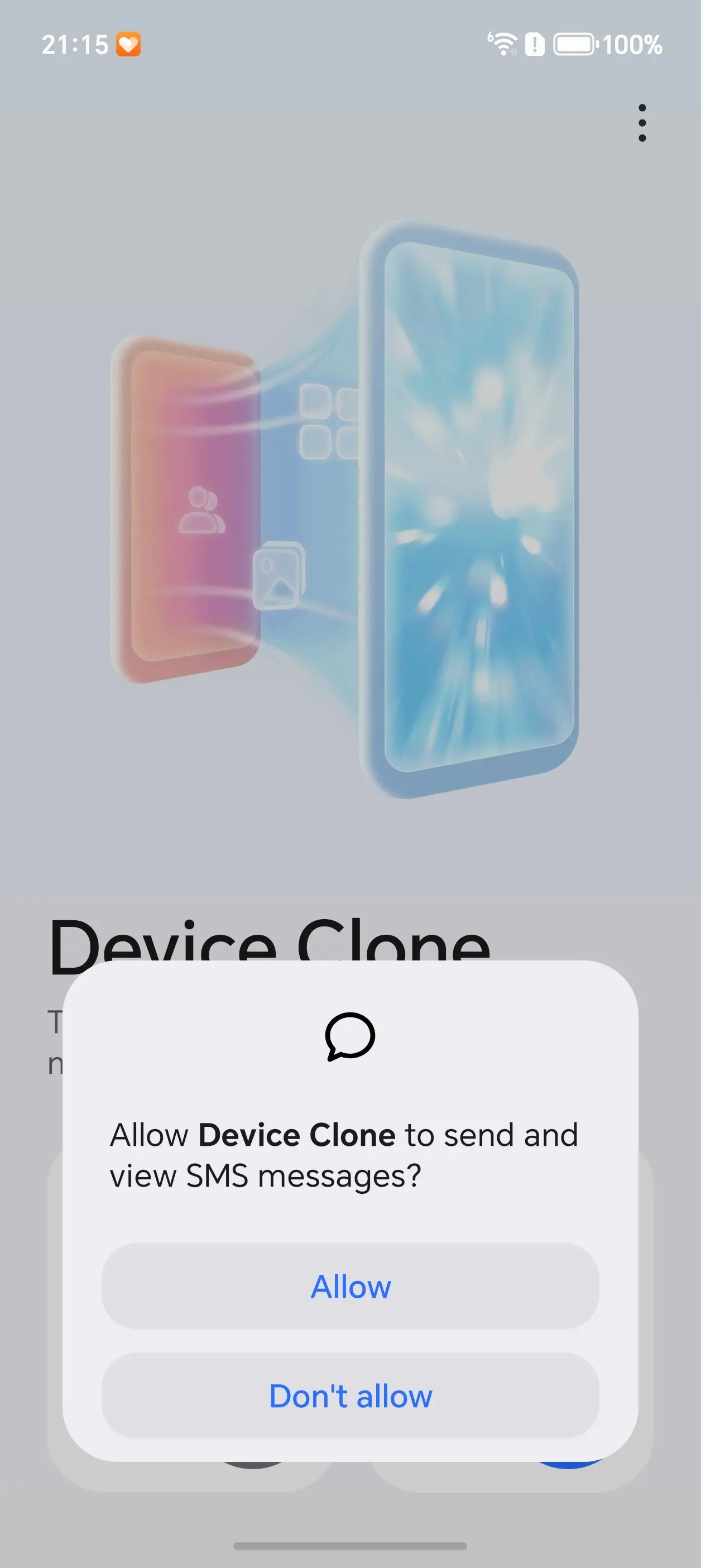
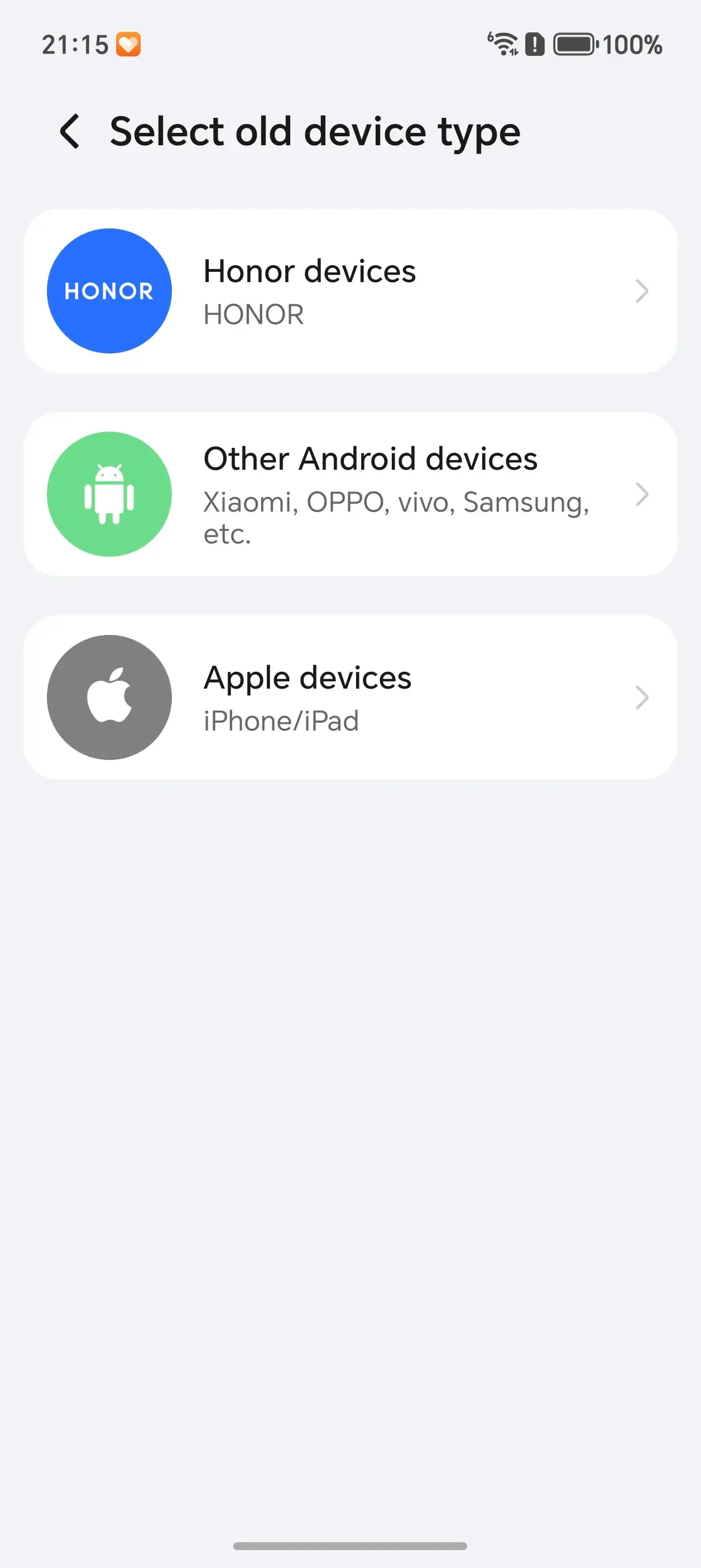
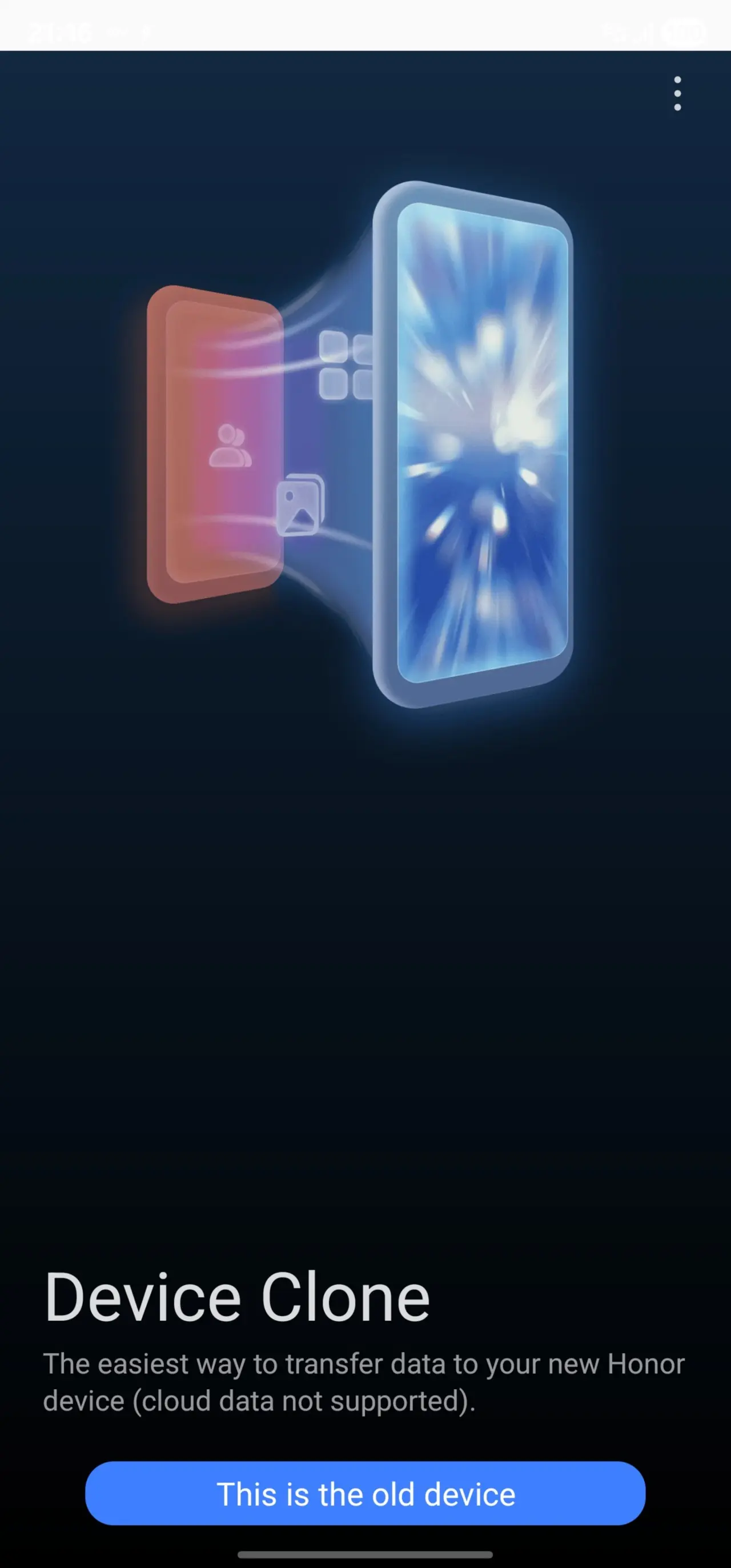
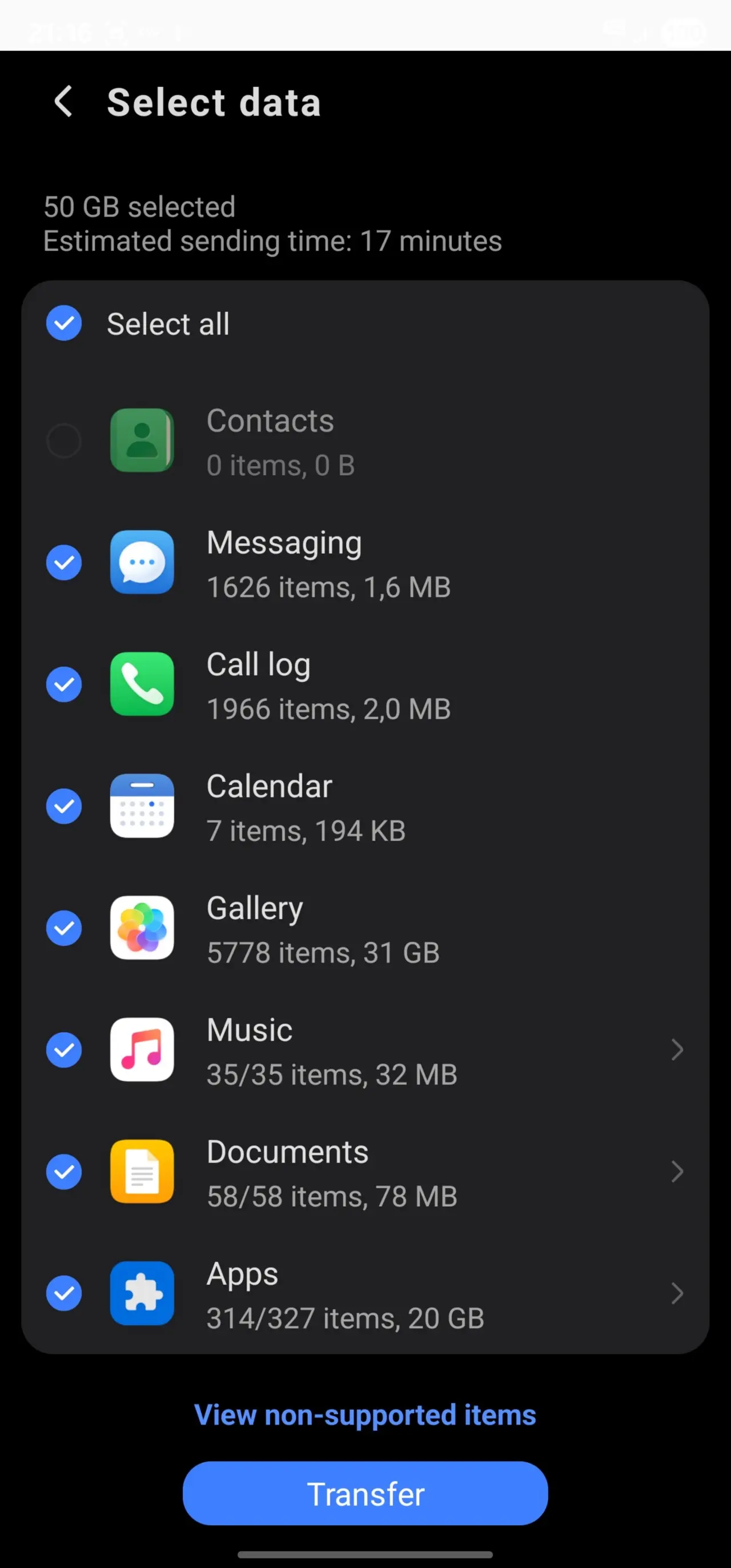
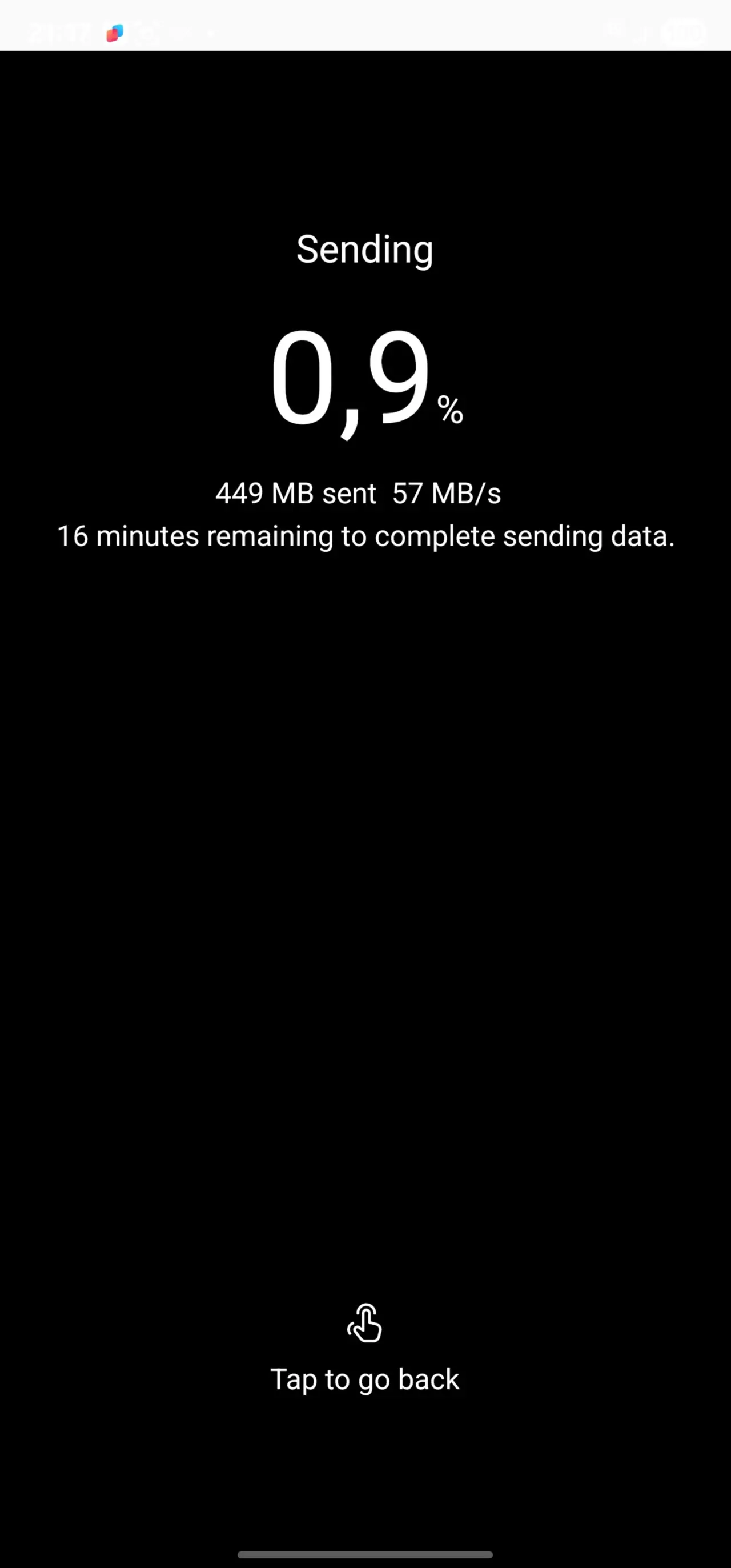
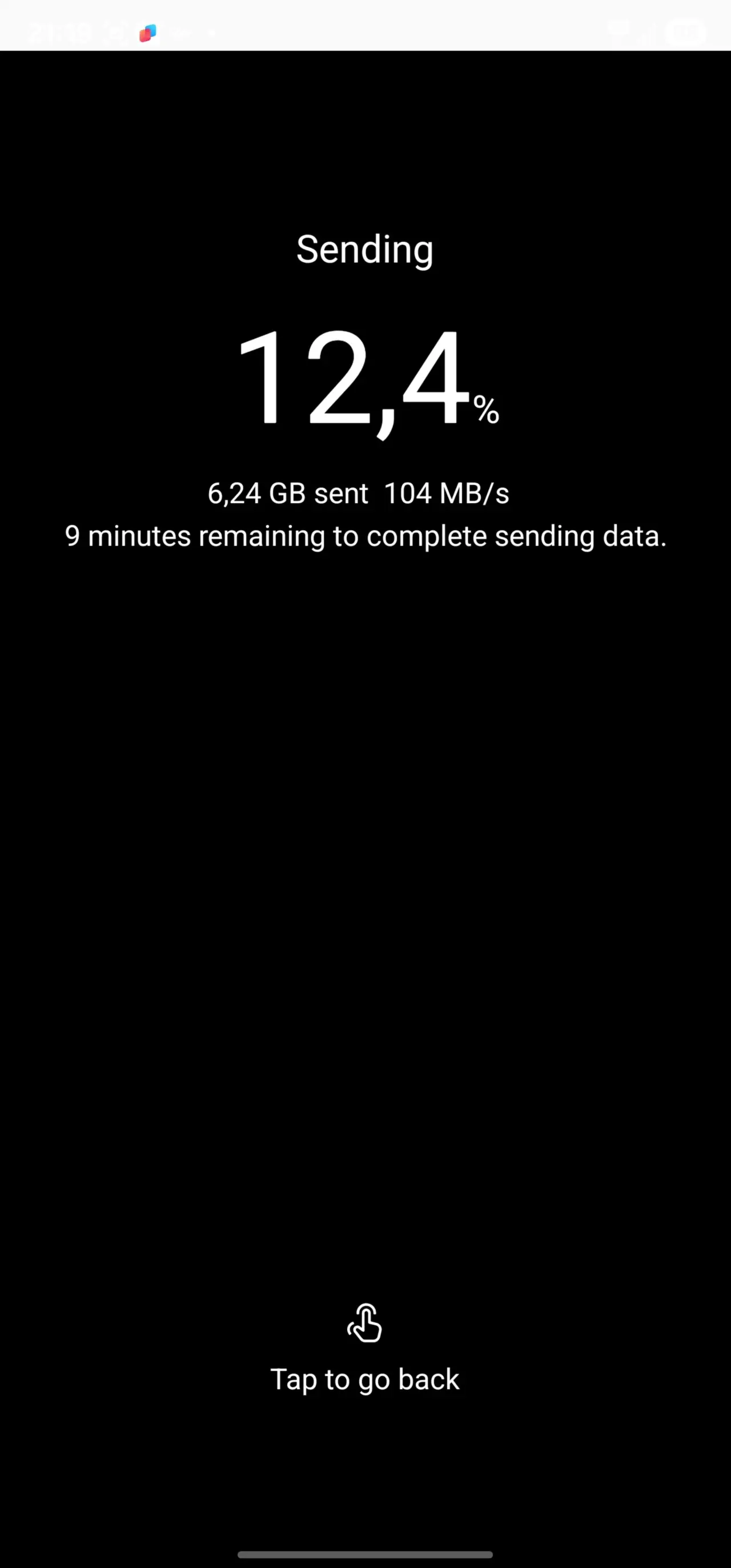
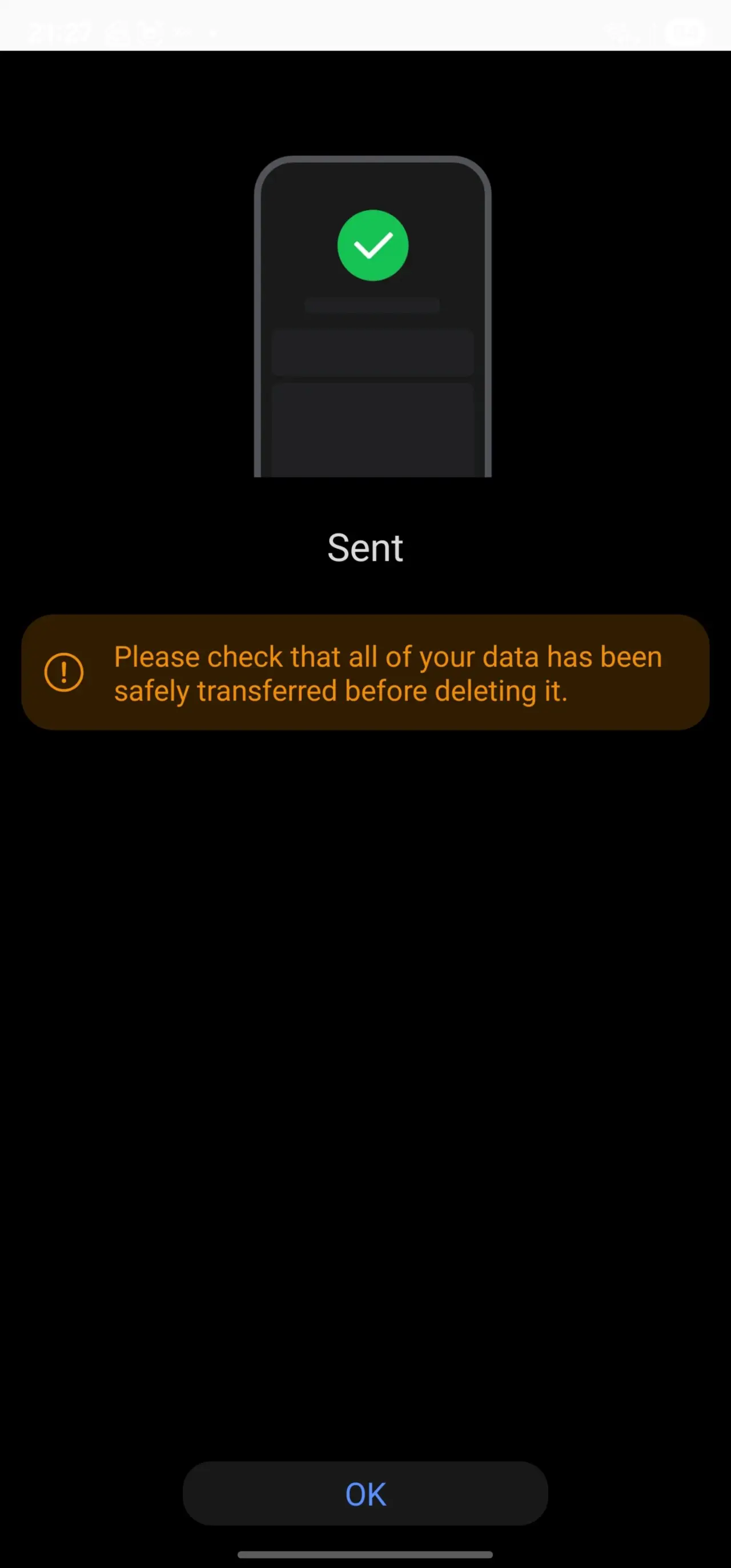
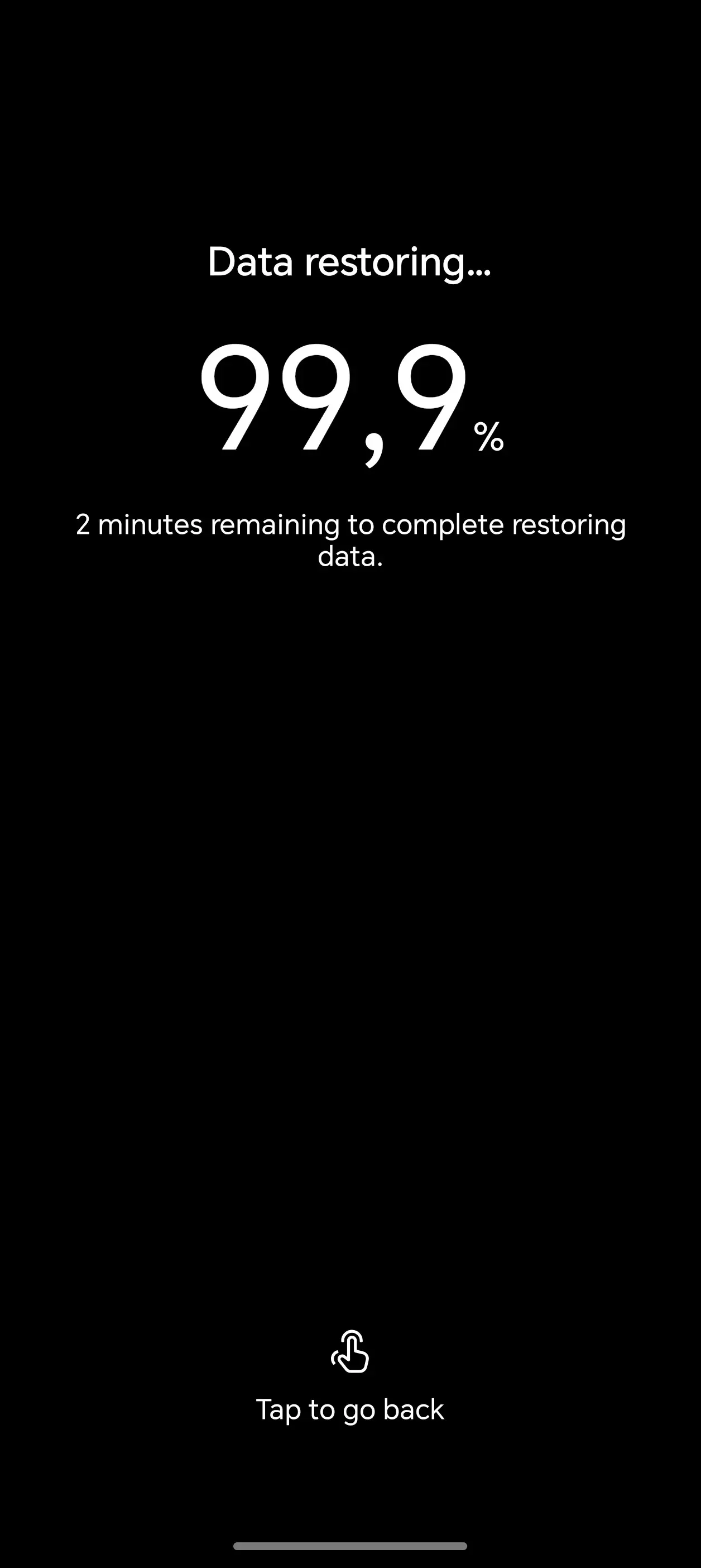

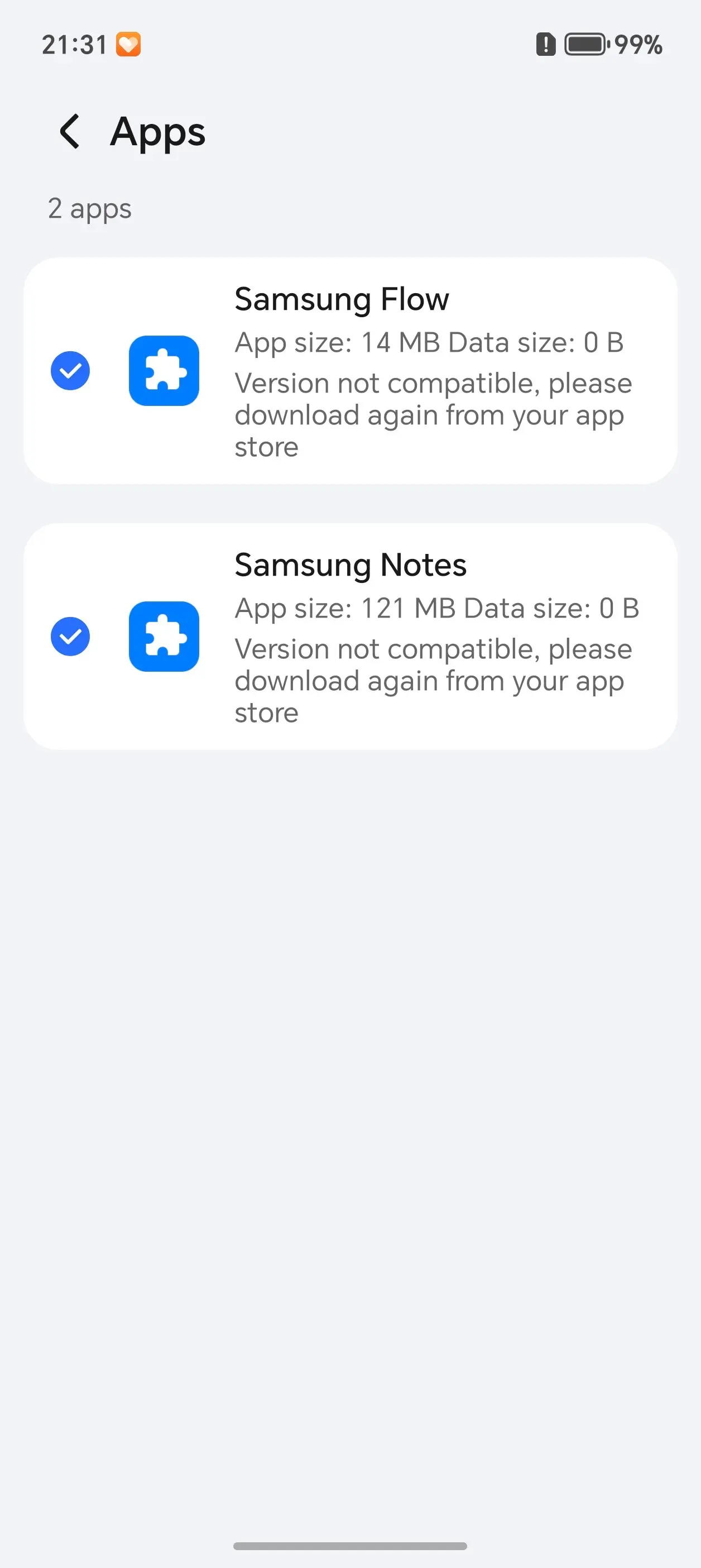
After running the default OOBE I also ran Device Clone, which you can view up above, as I intended to fully switch over from my Samsung to the Magic8 Pro, for science! Or something...
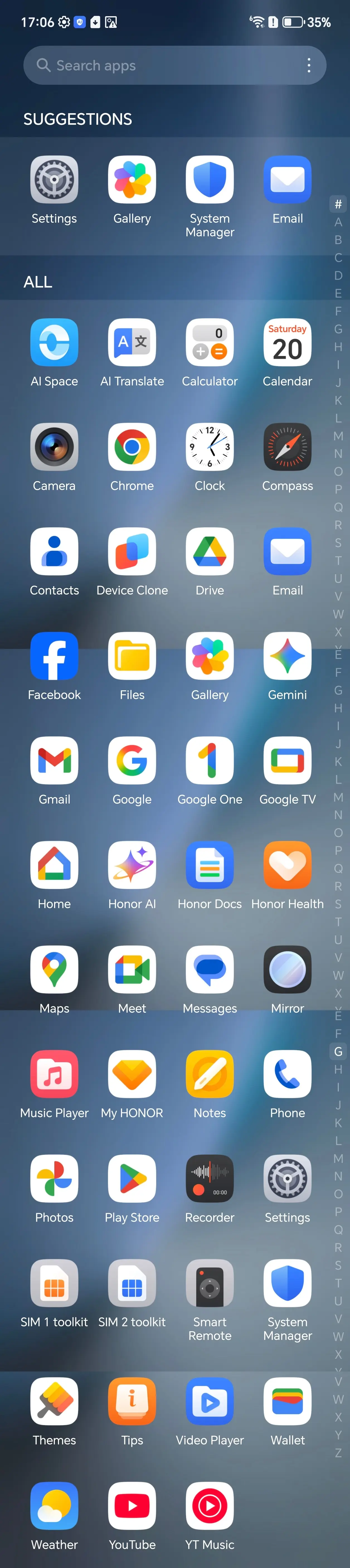
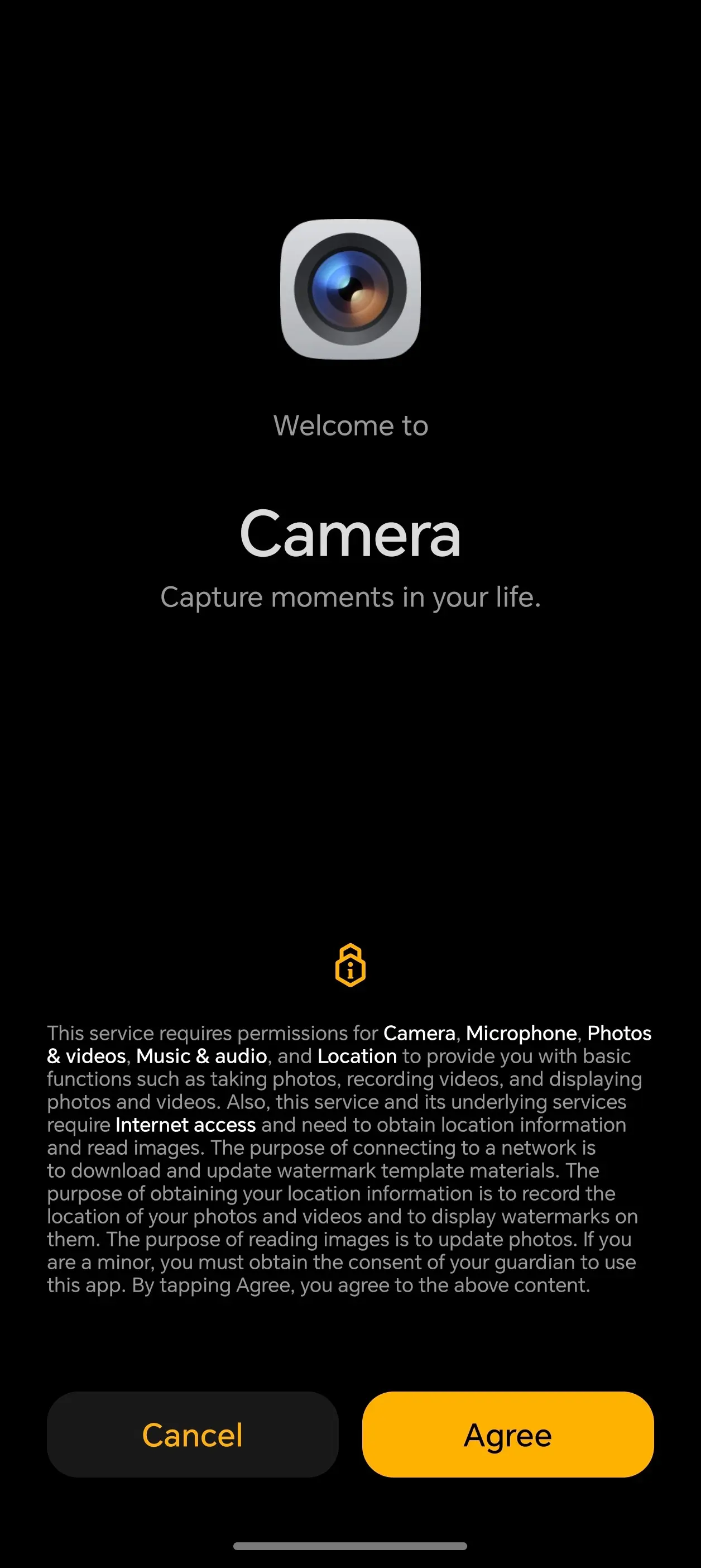
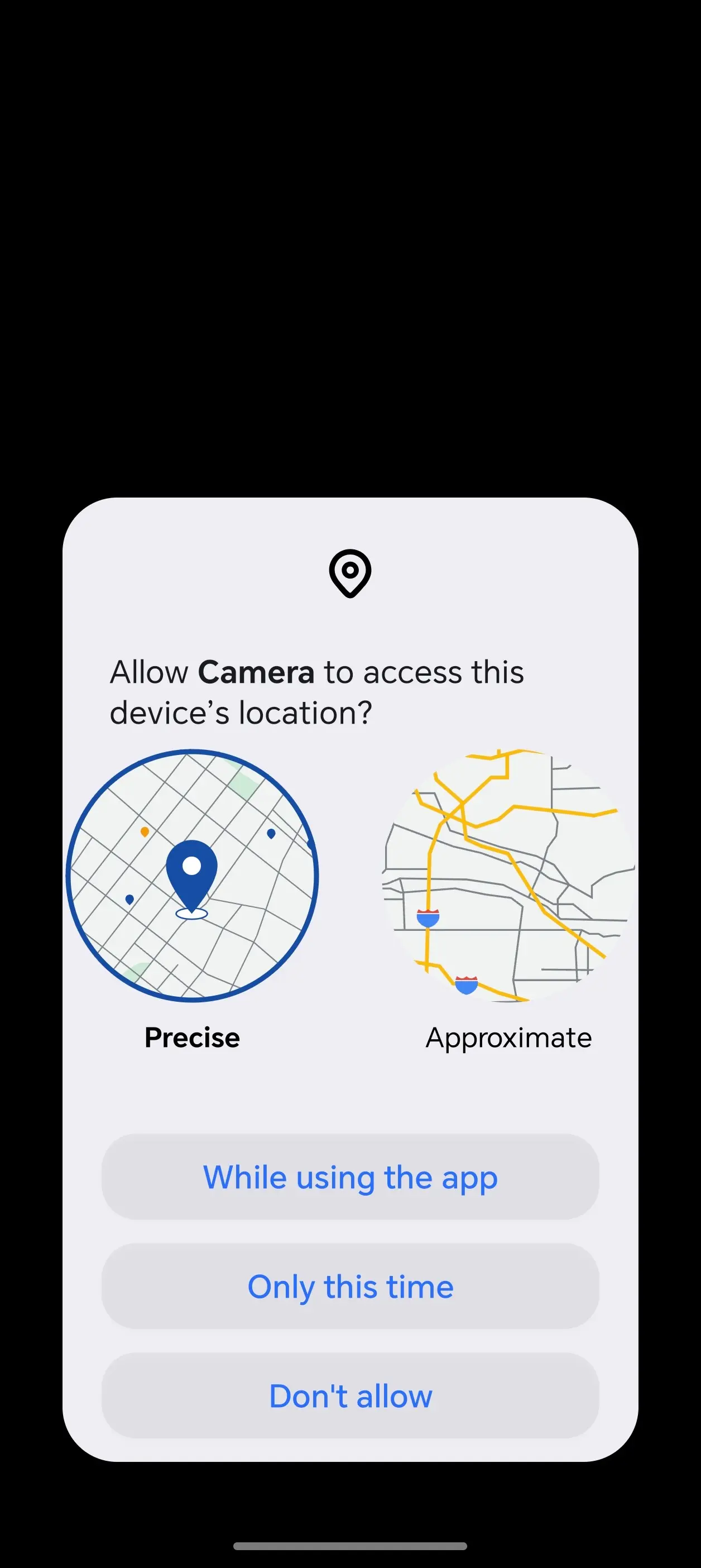
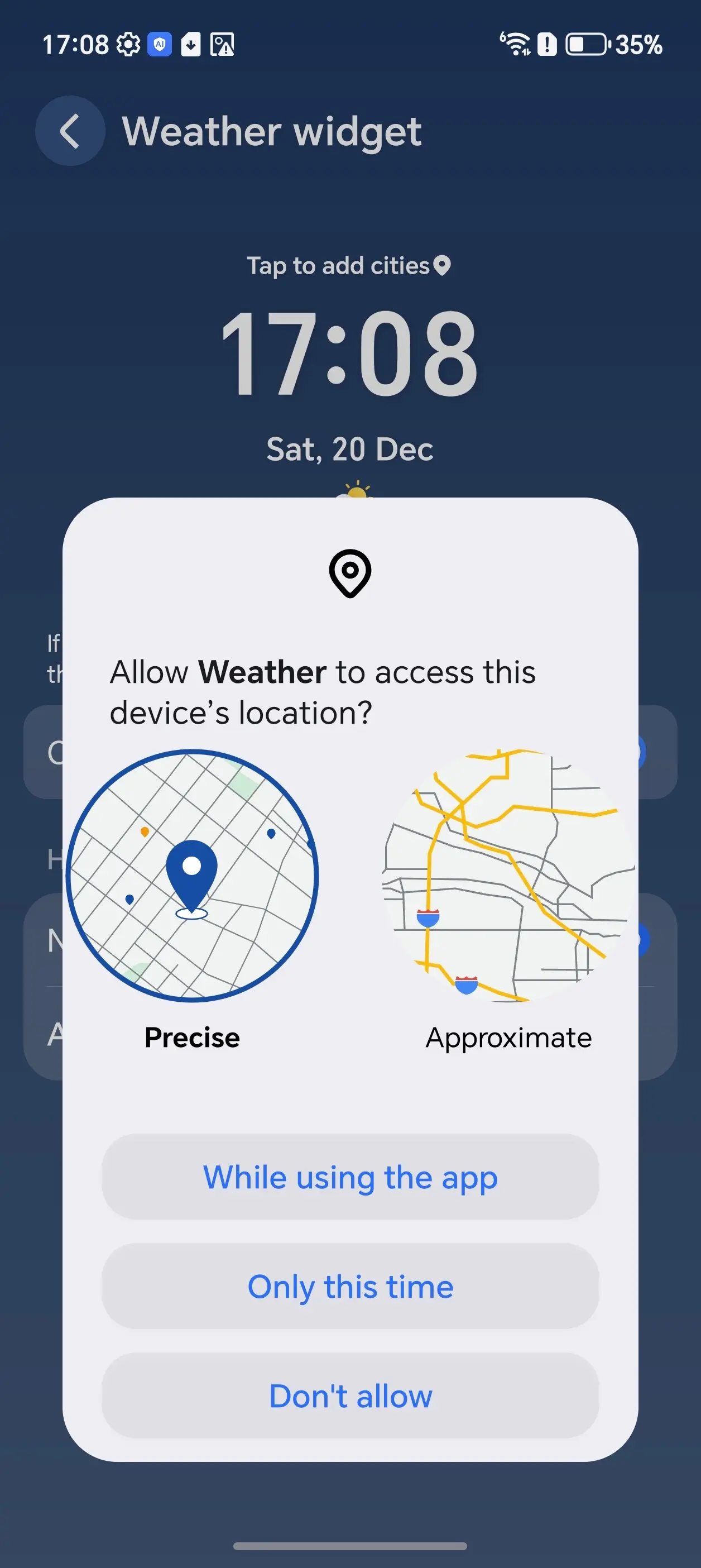
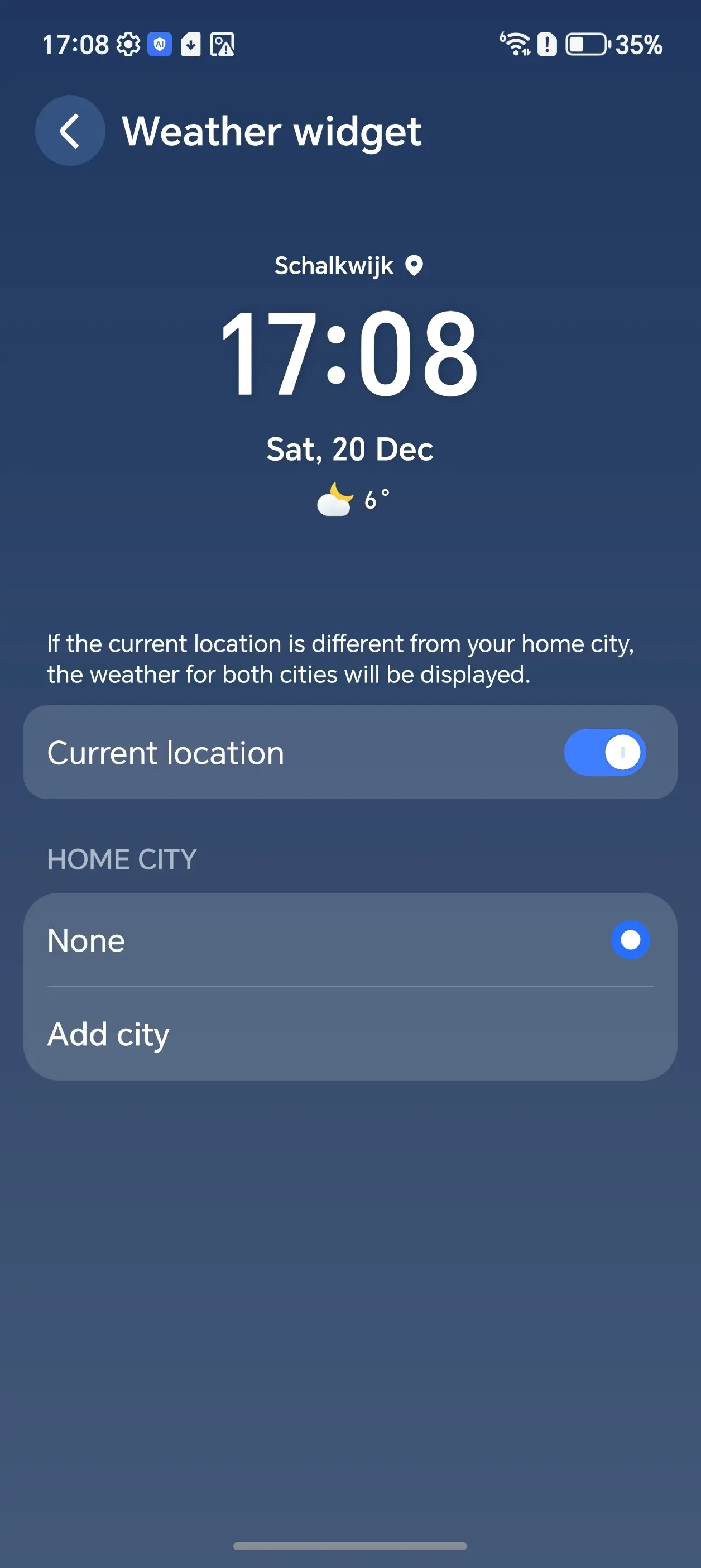
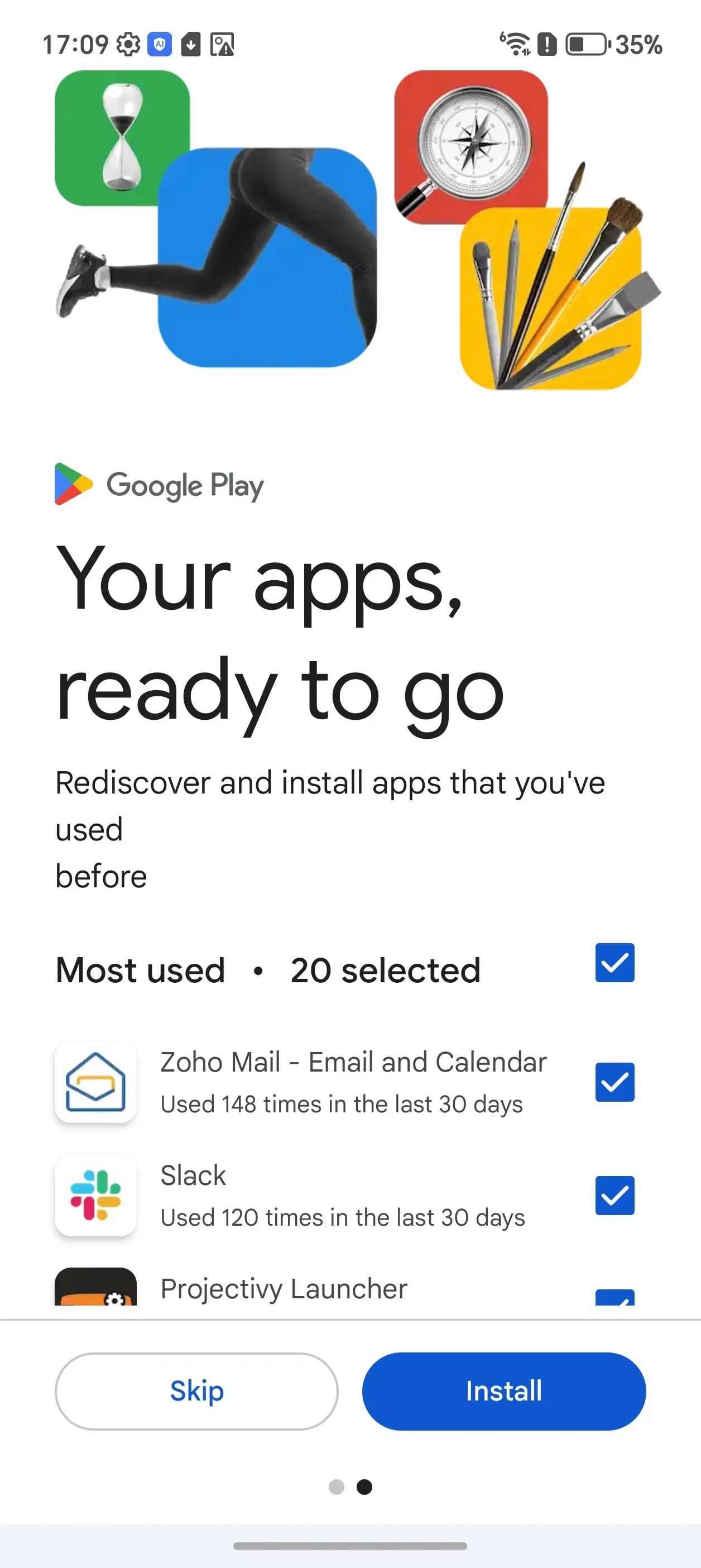
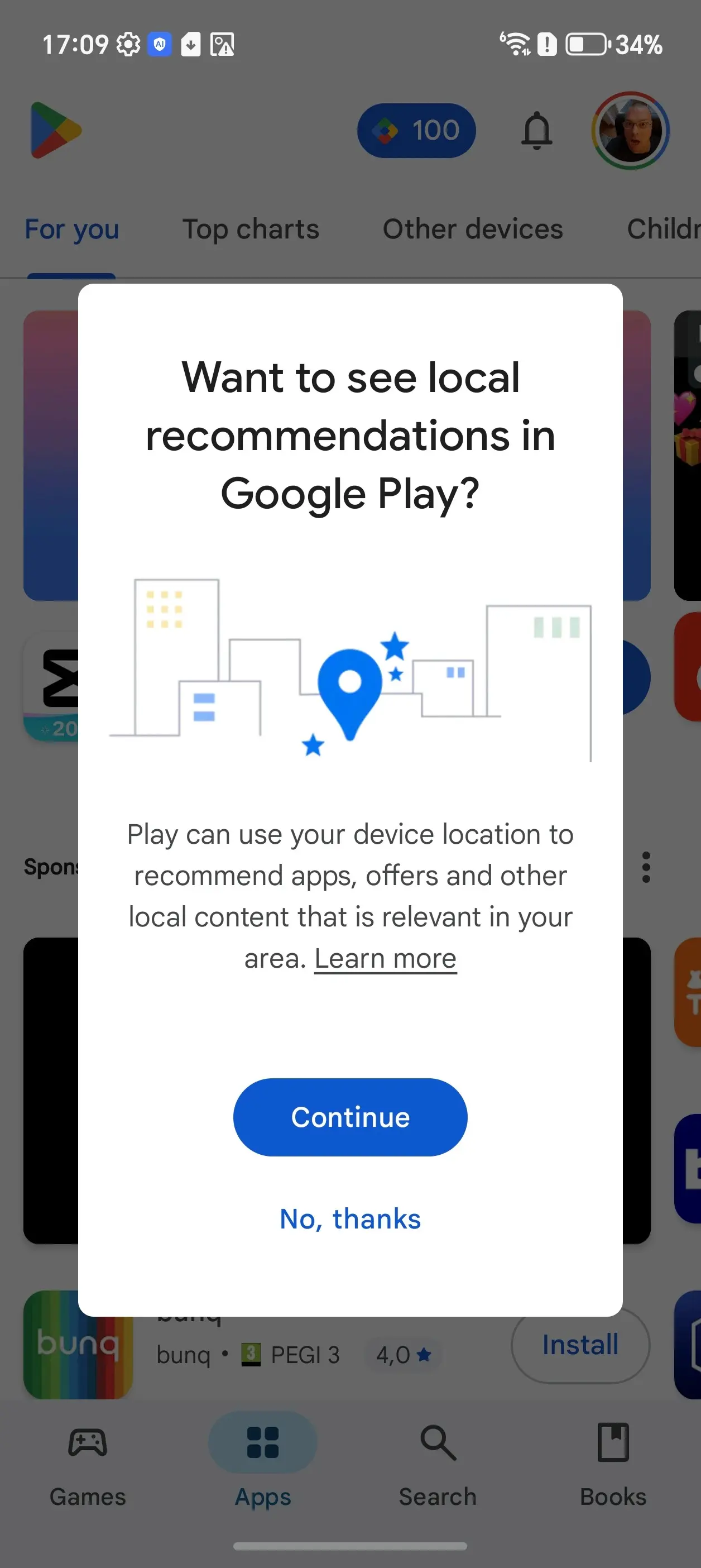
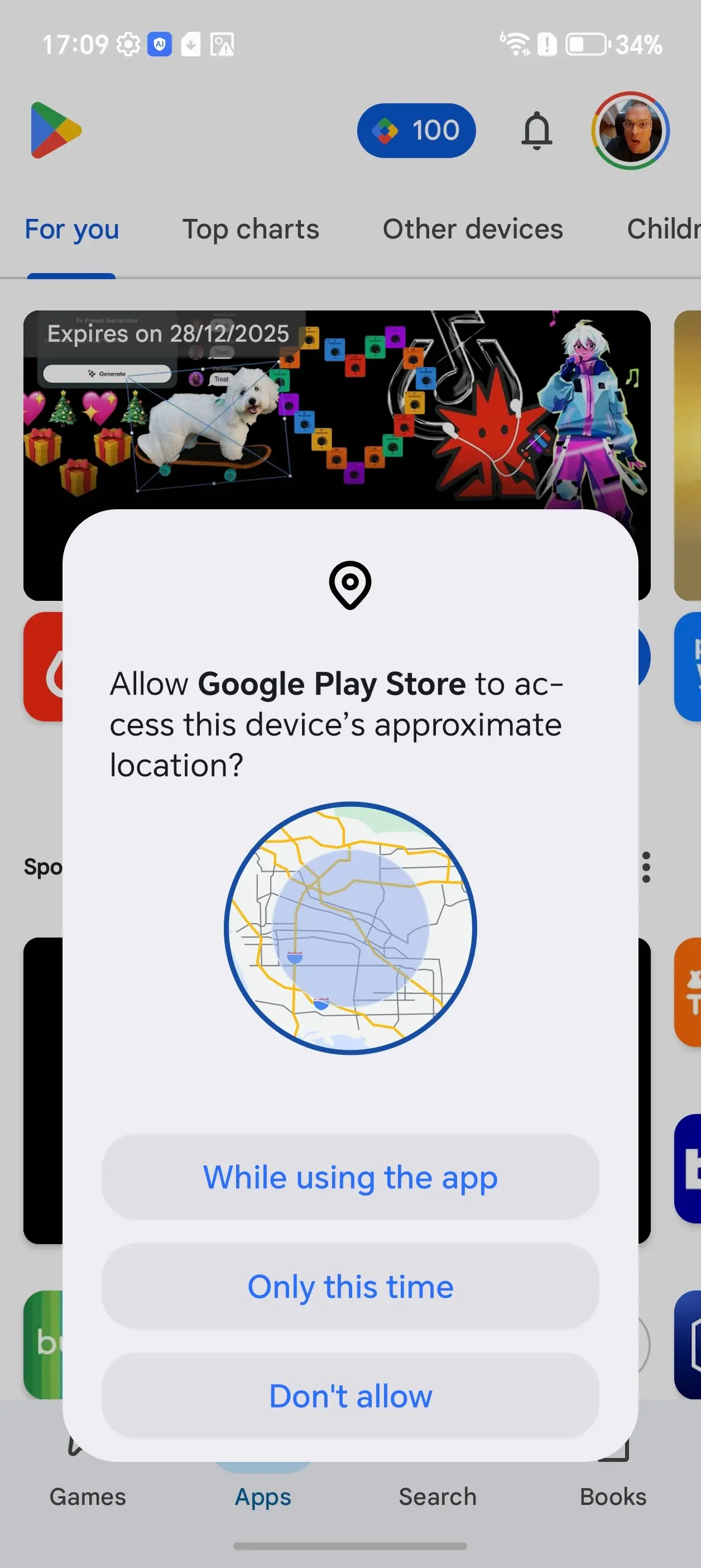
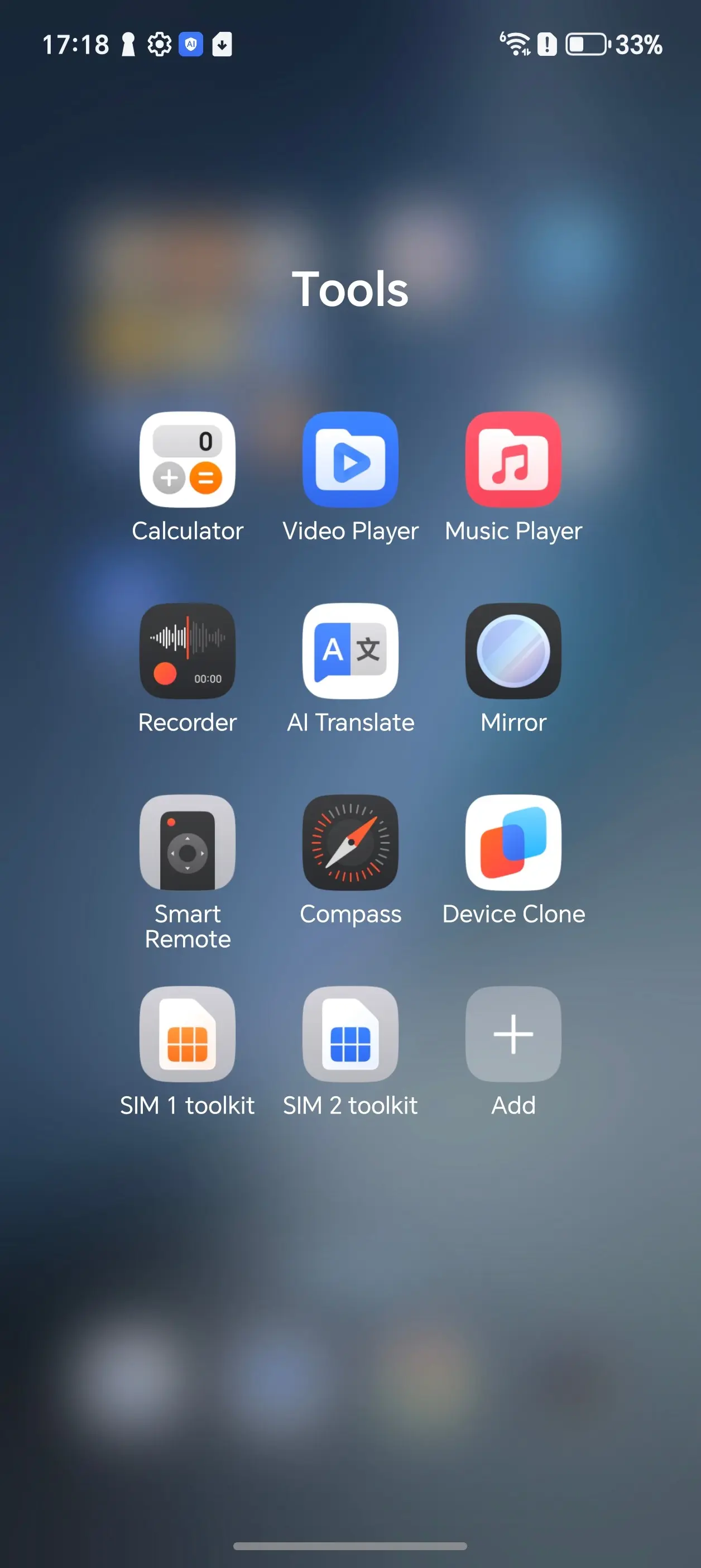
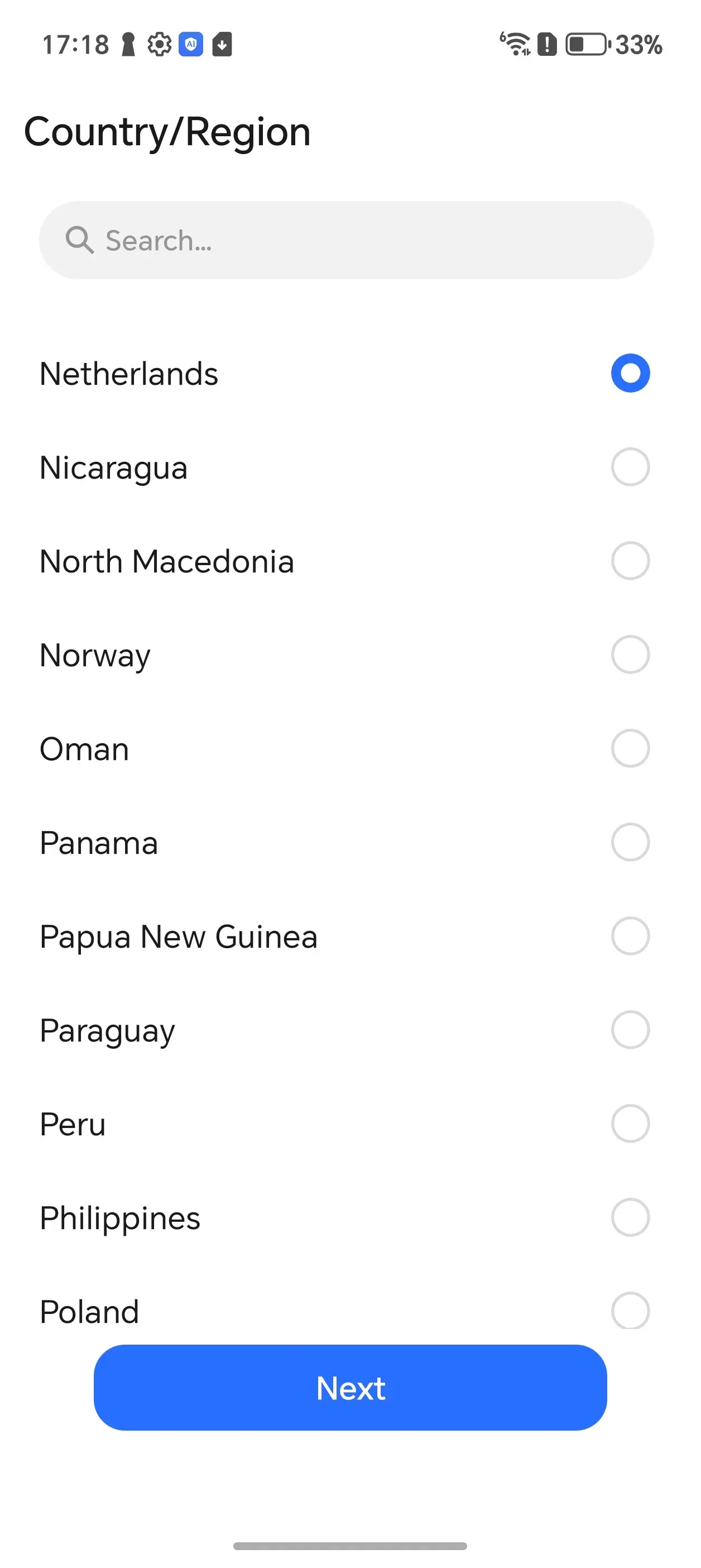
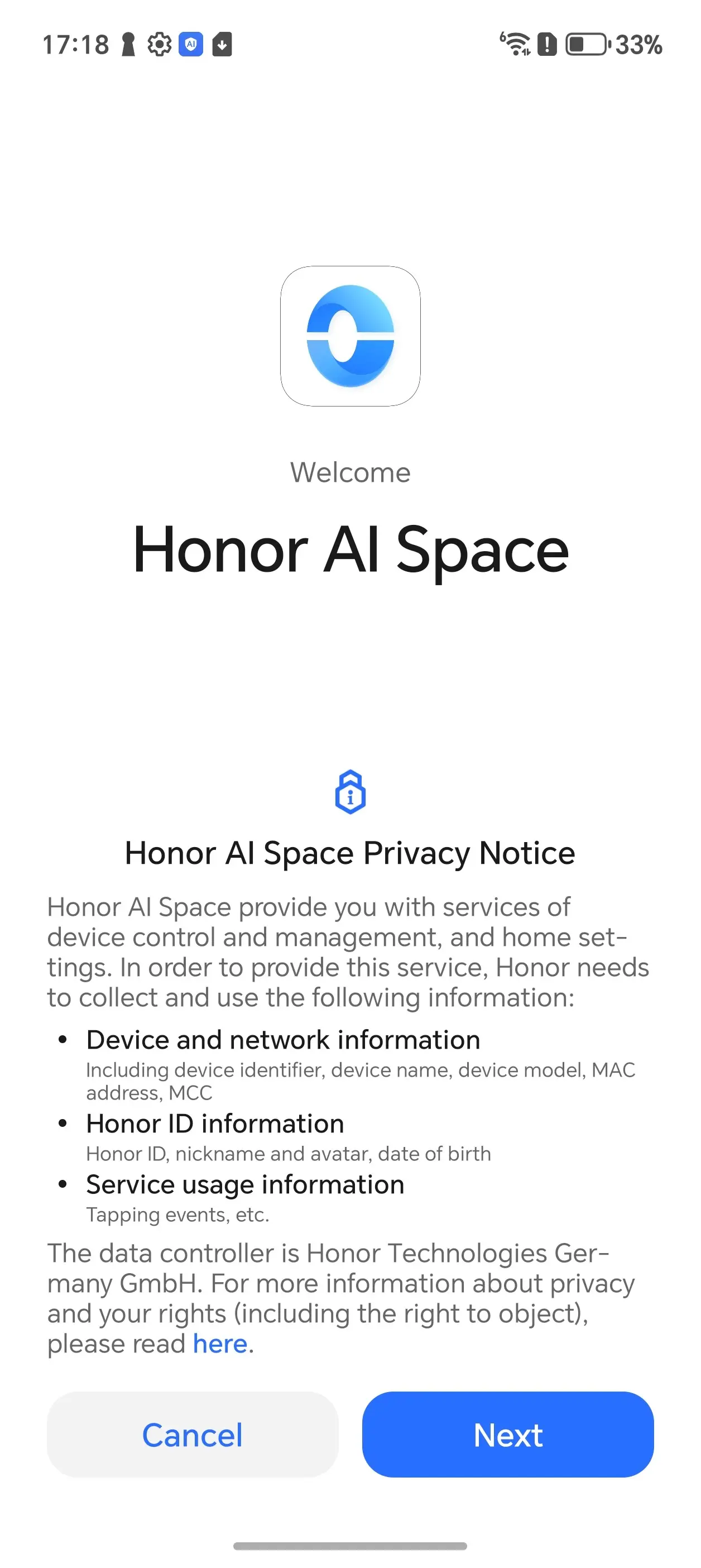
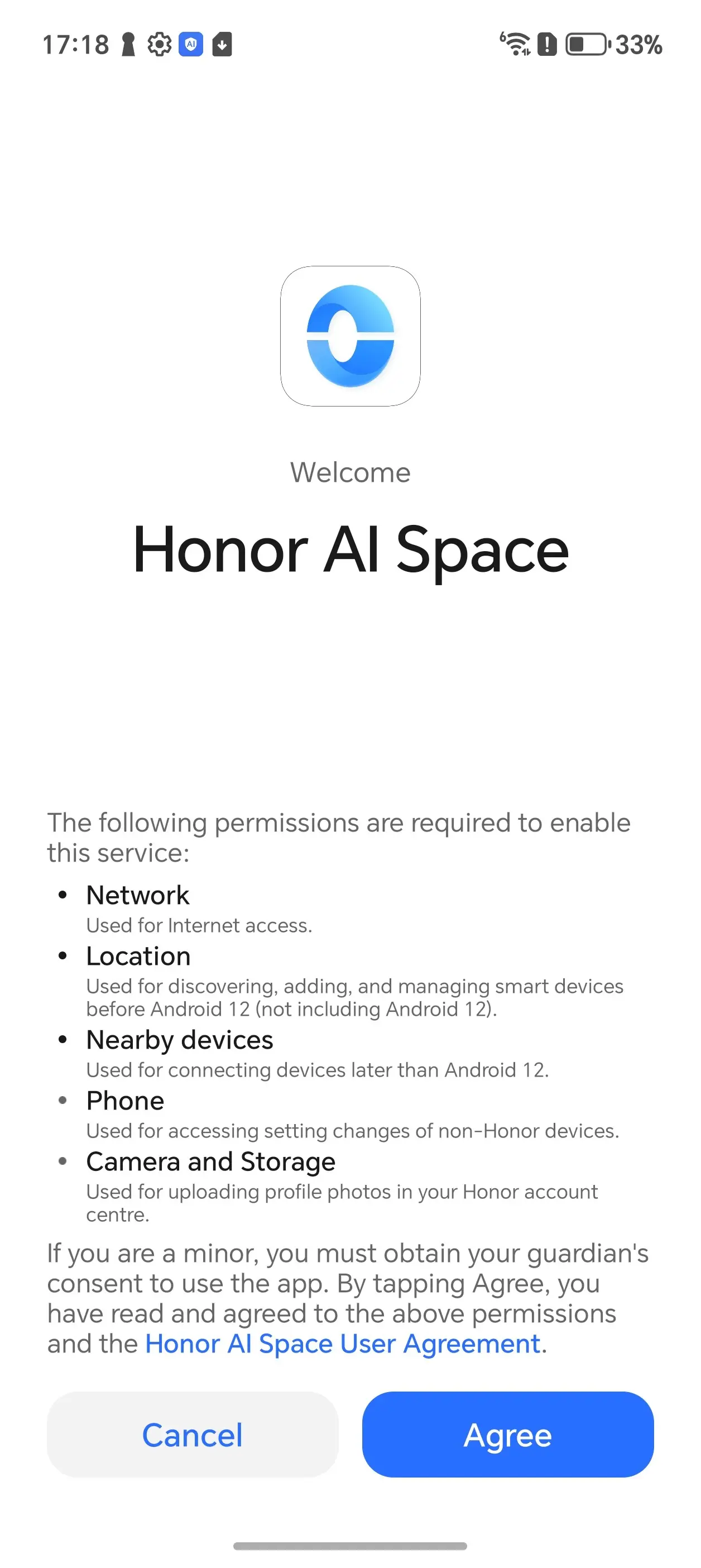
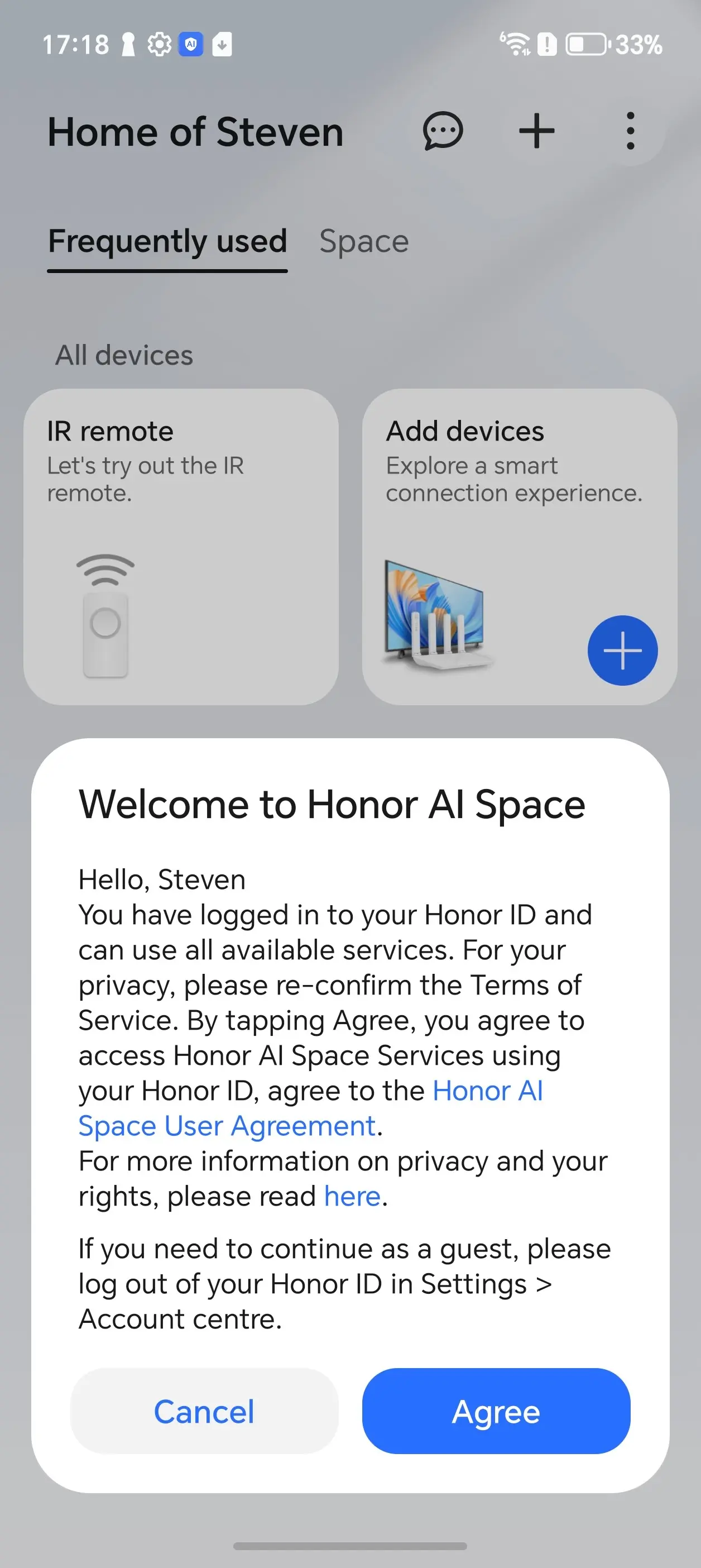
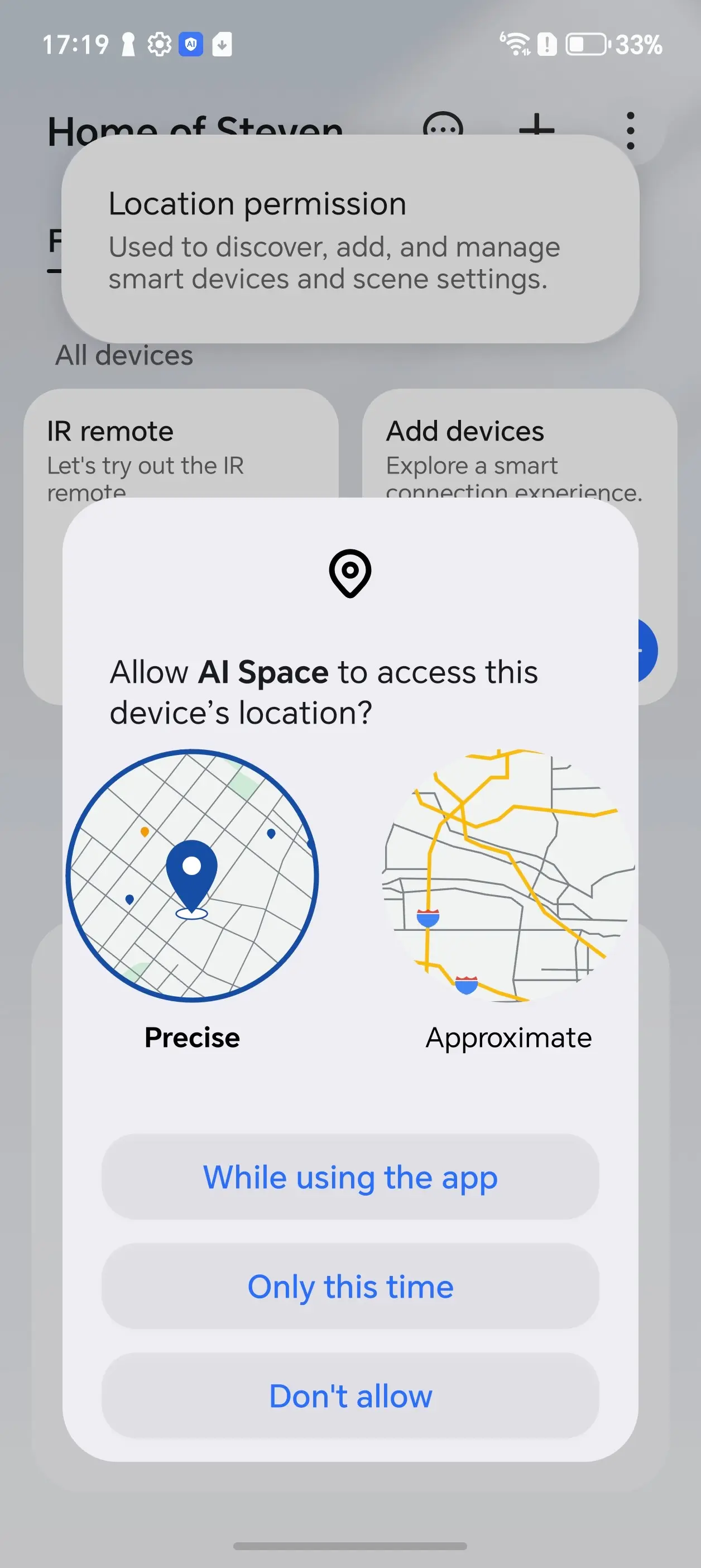
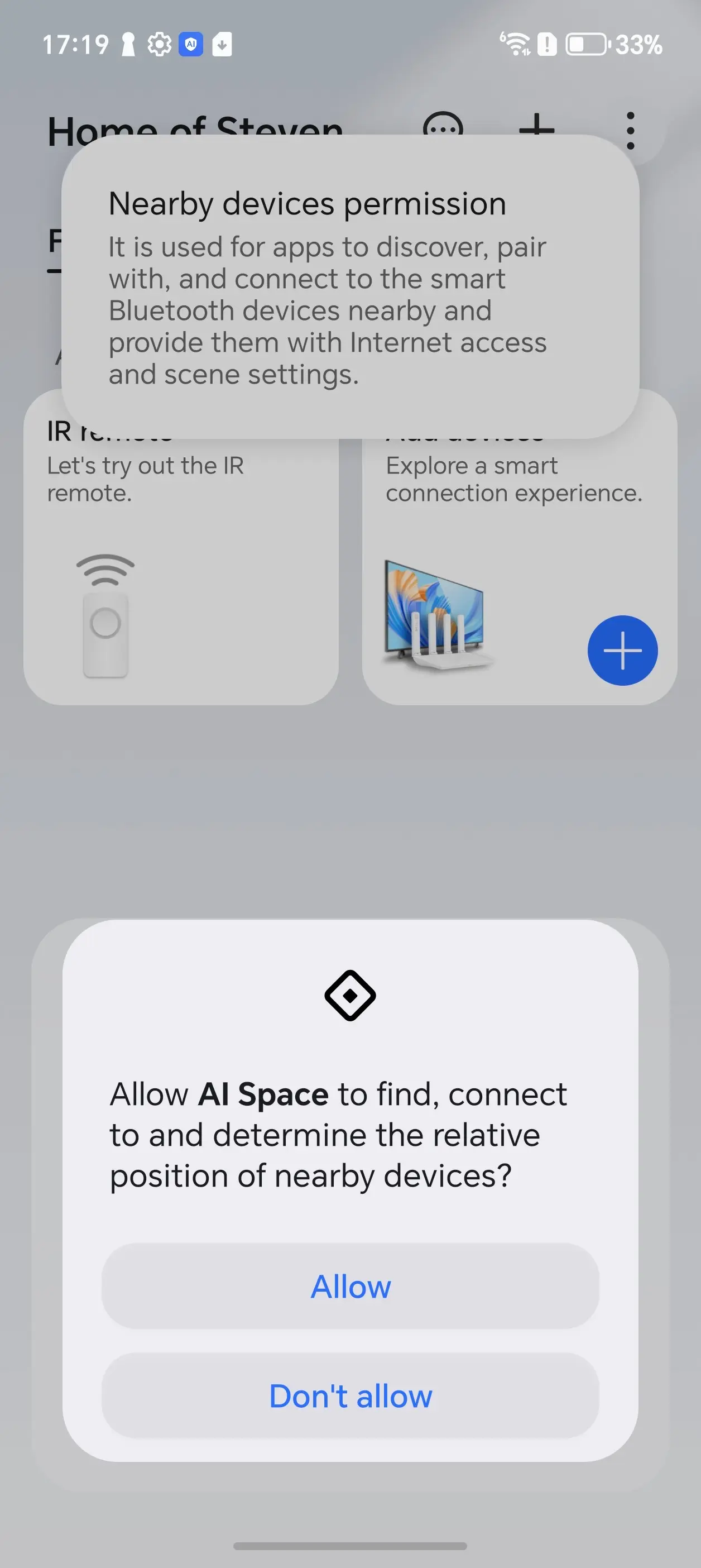
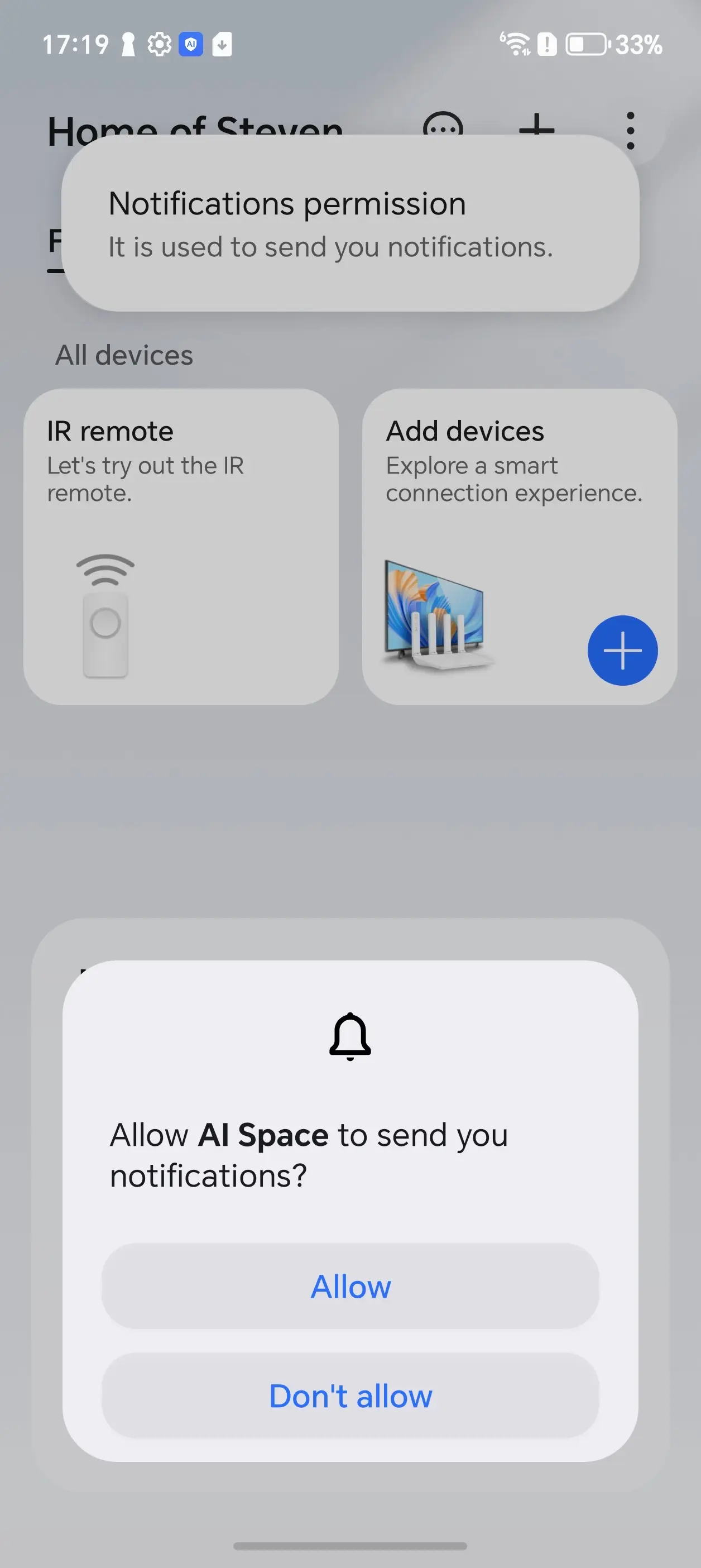
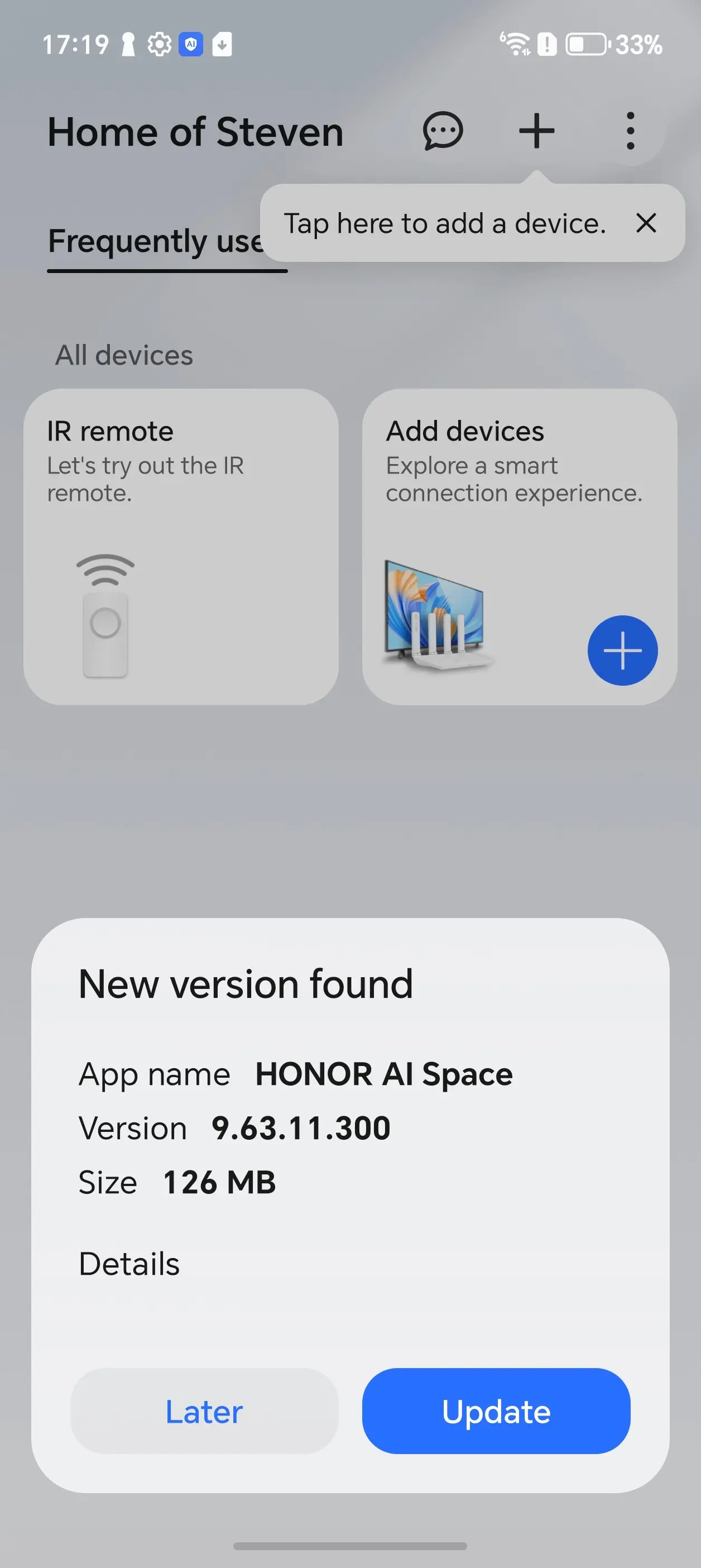
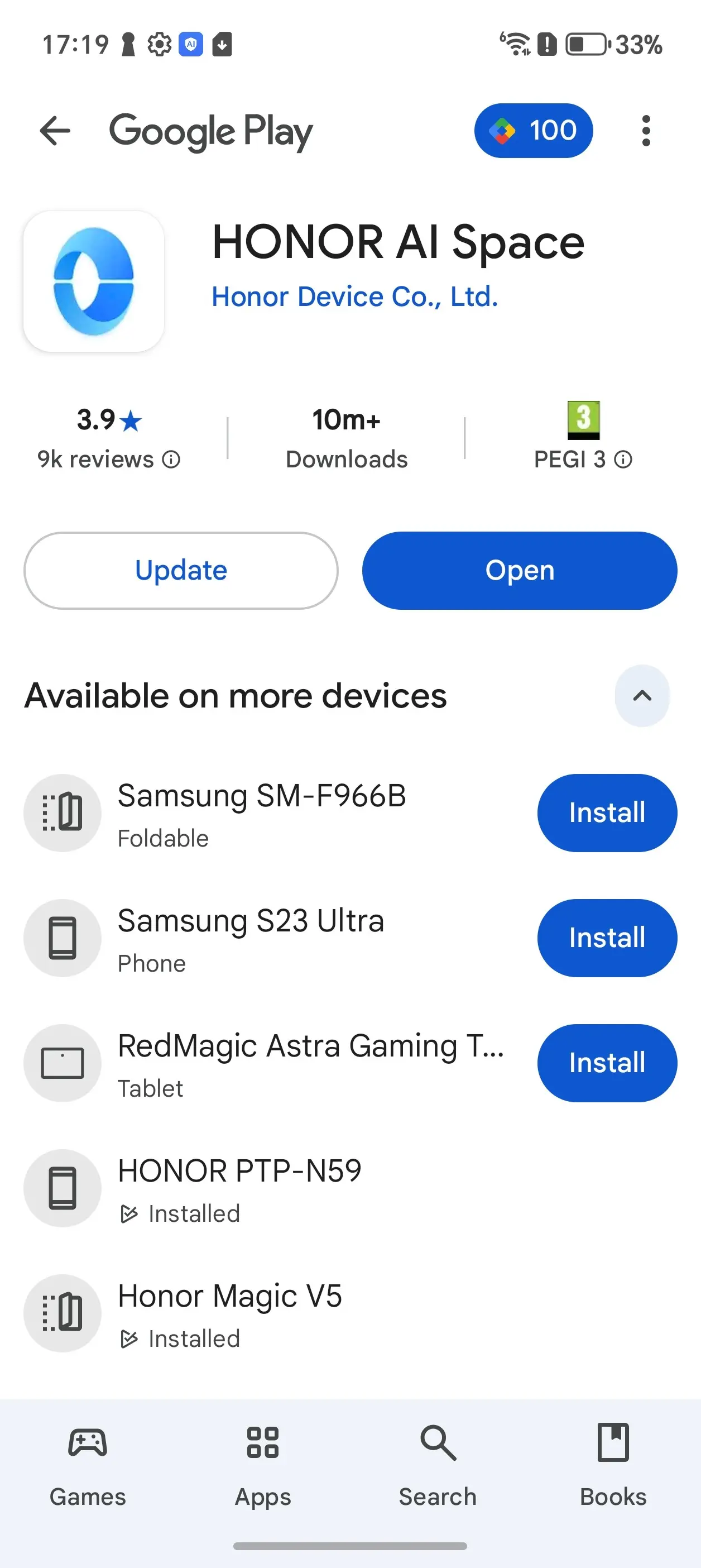
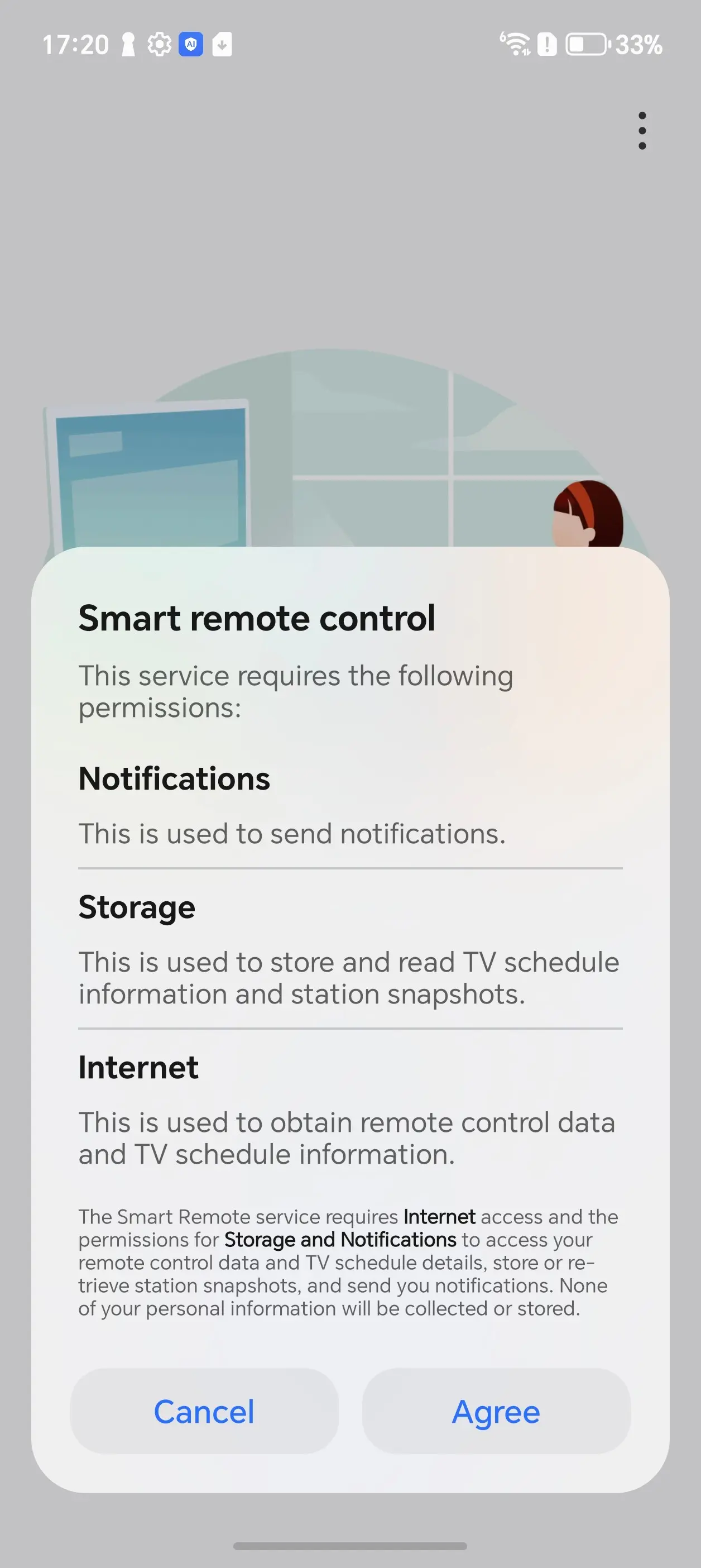

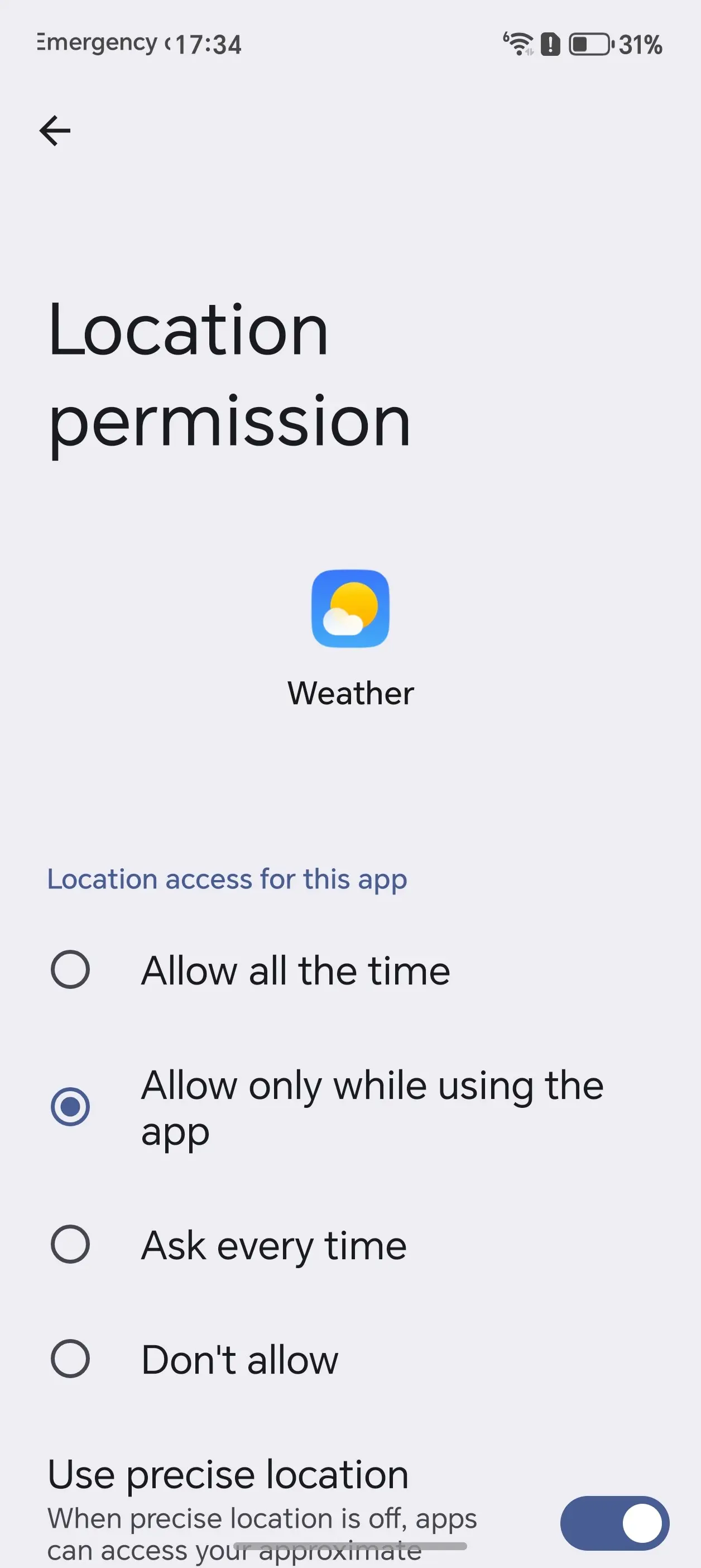
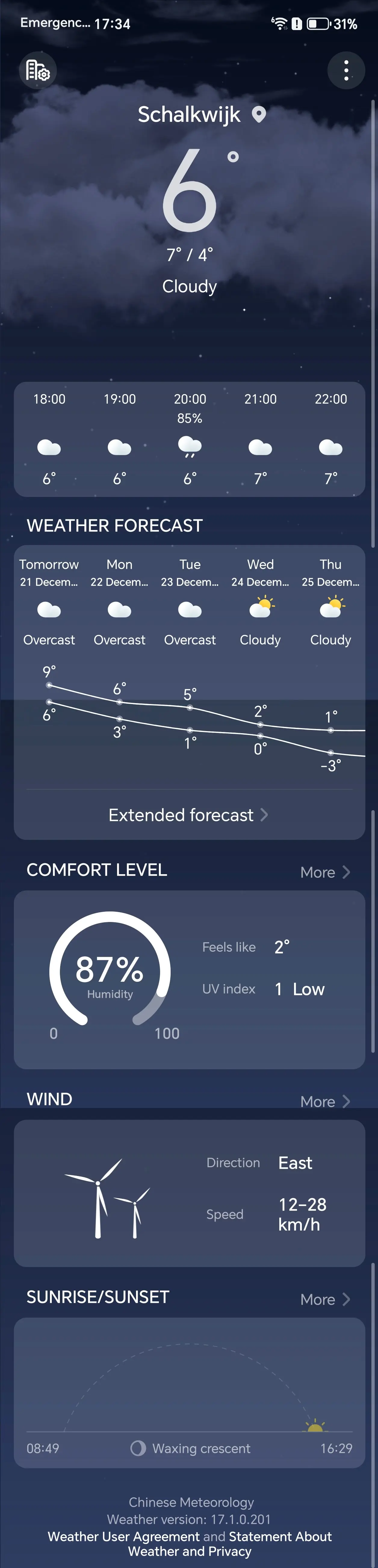
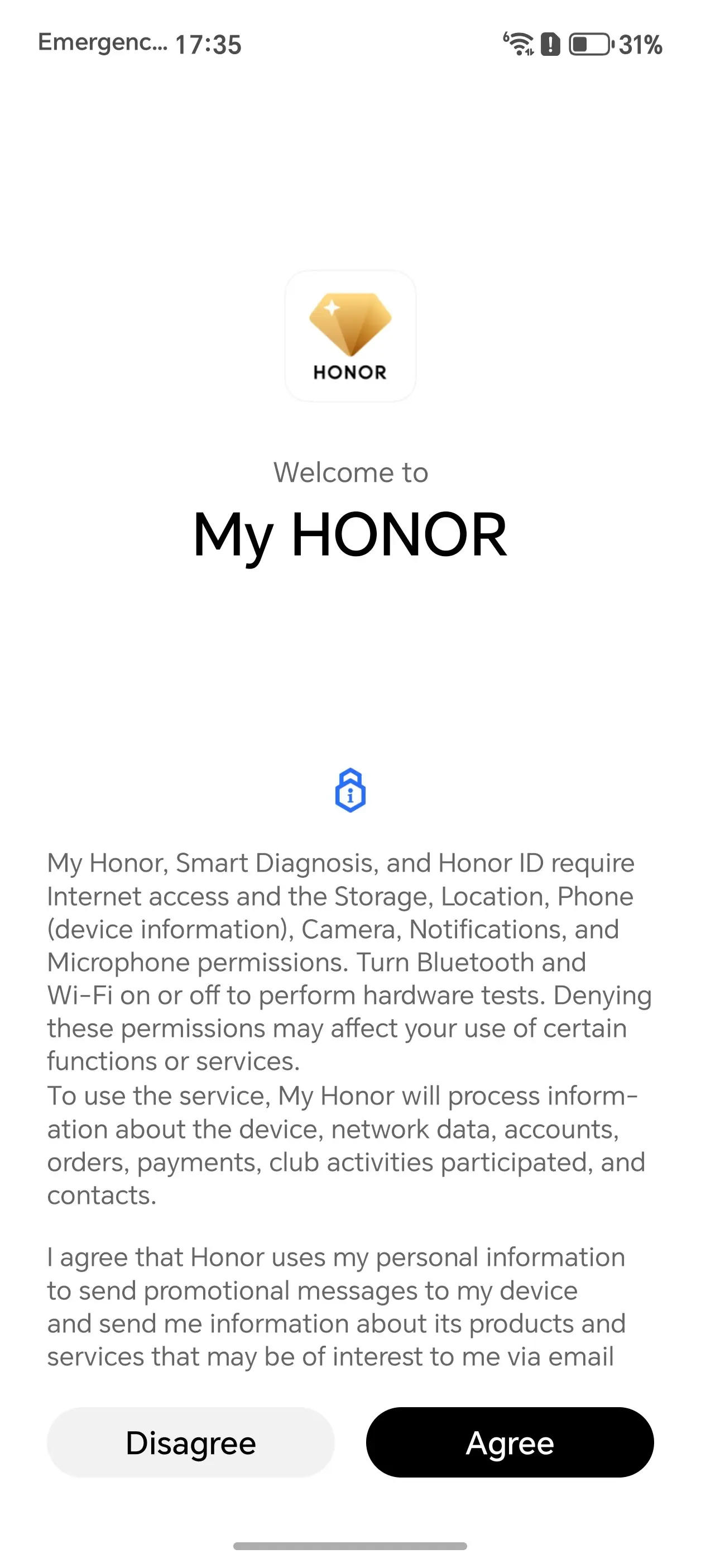
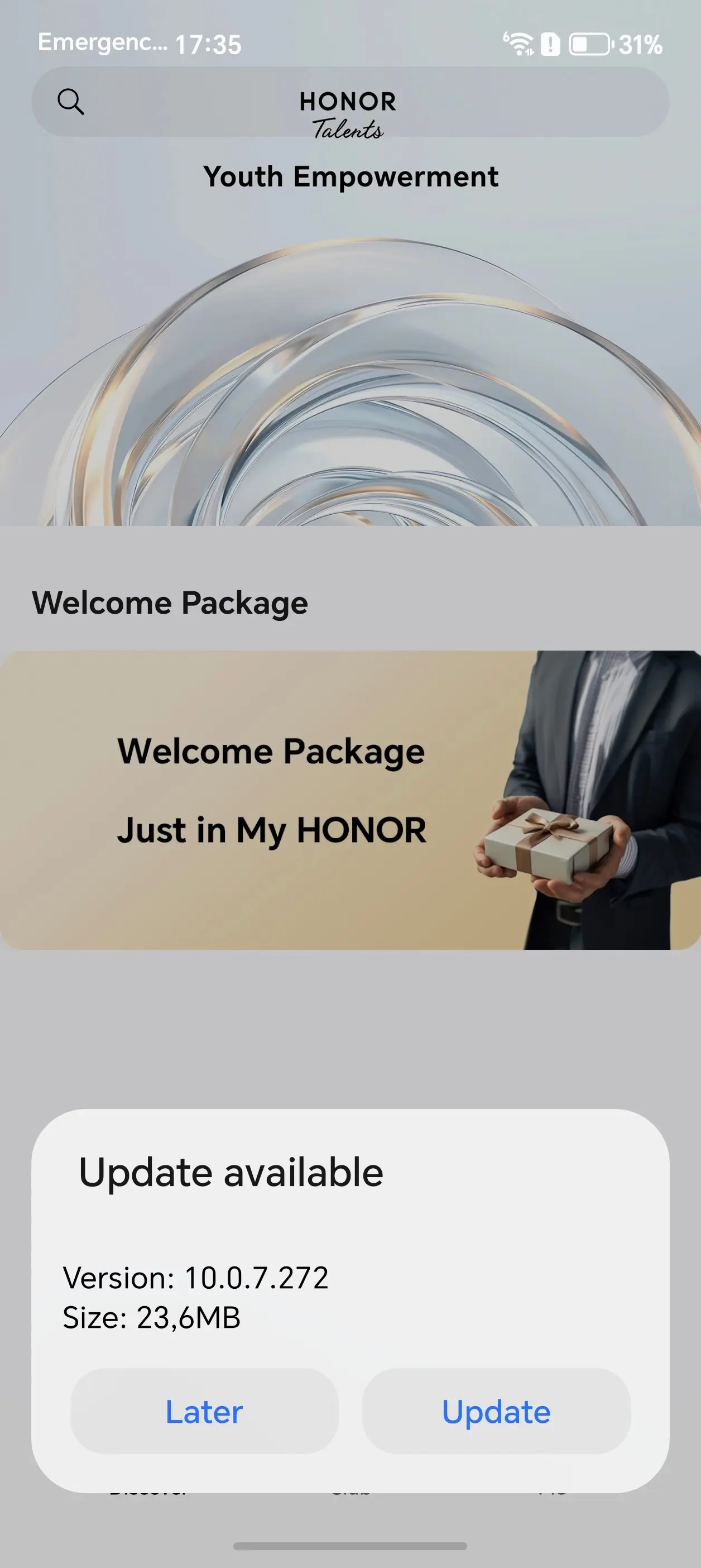
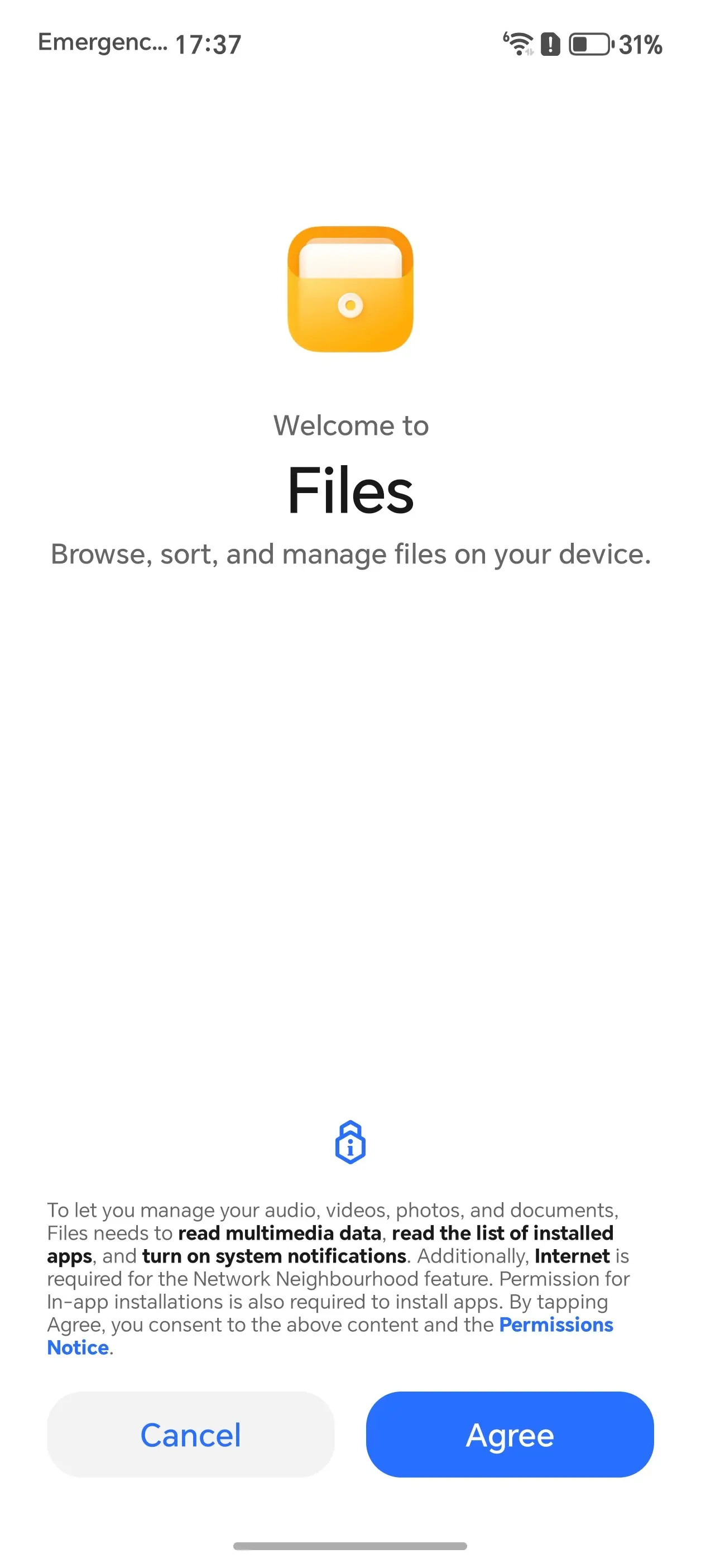
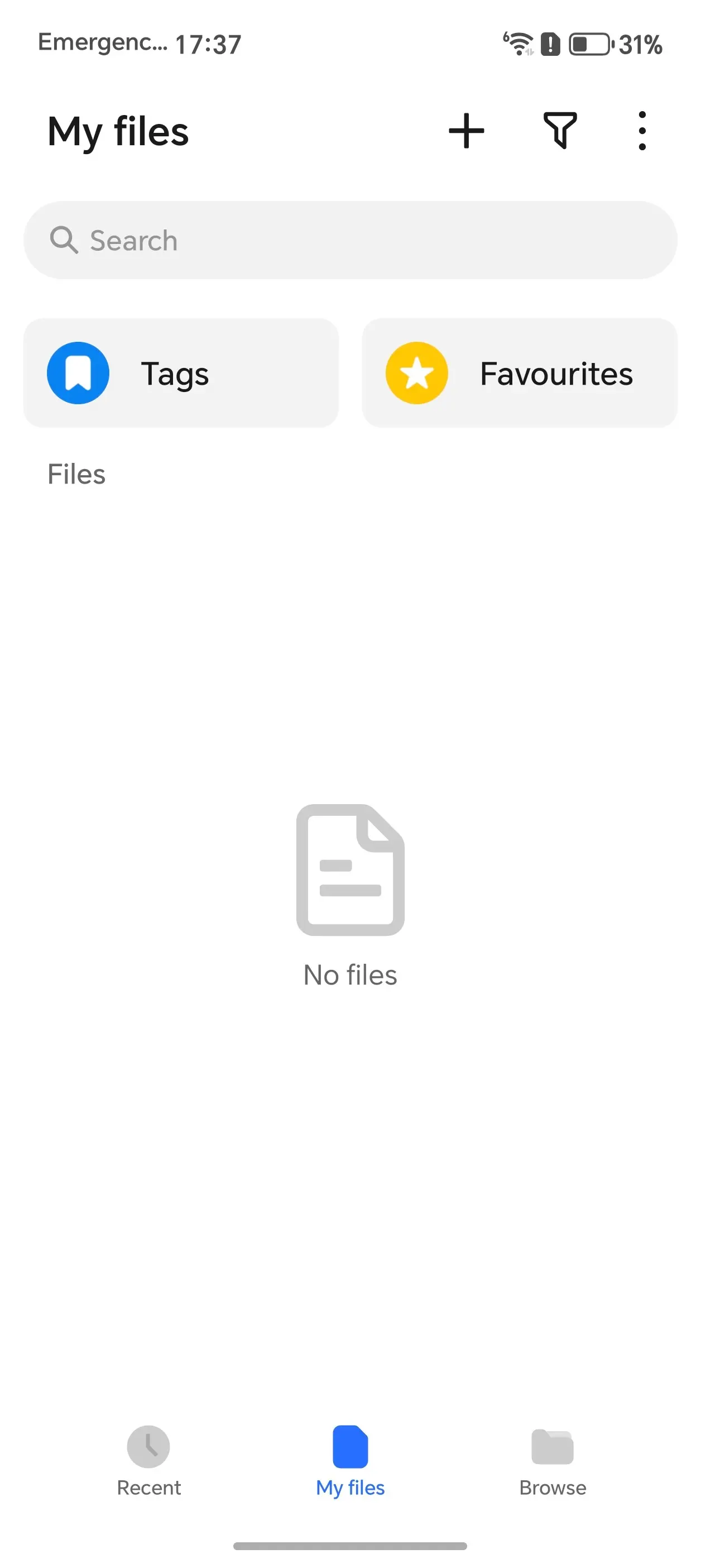
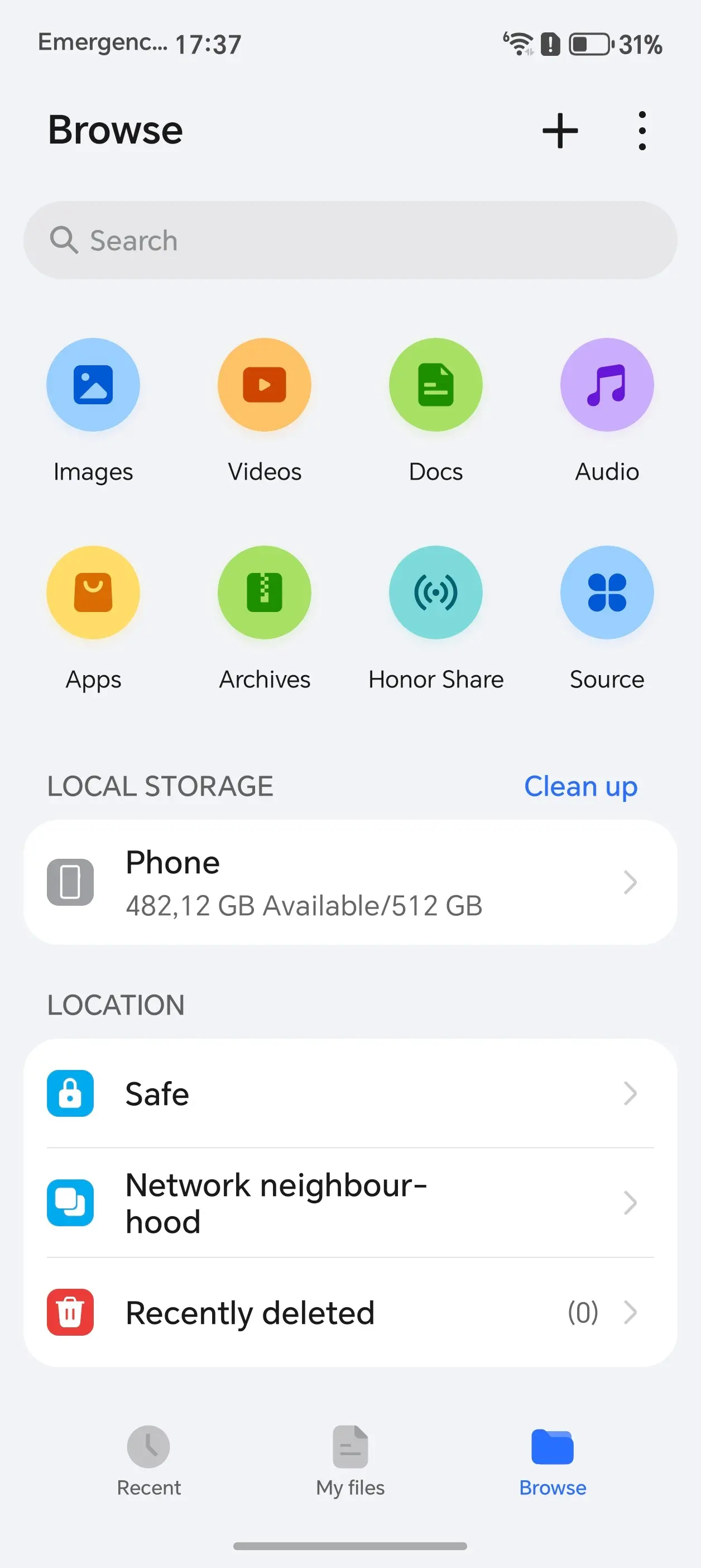
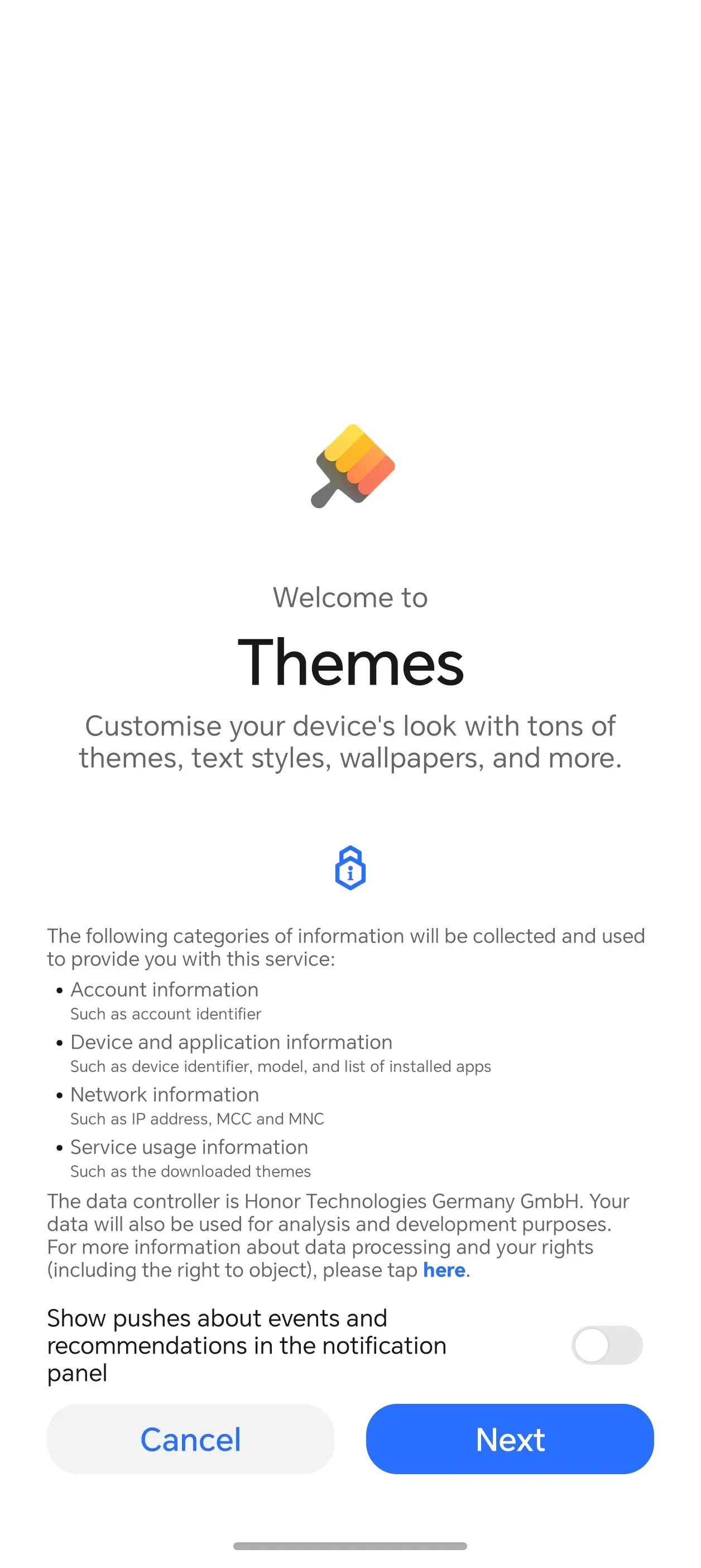
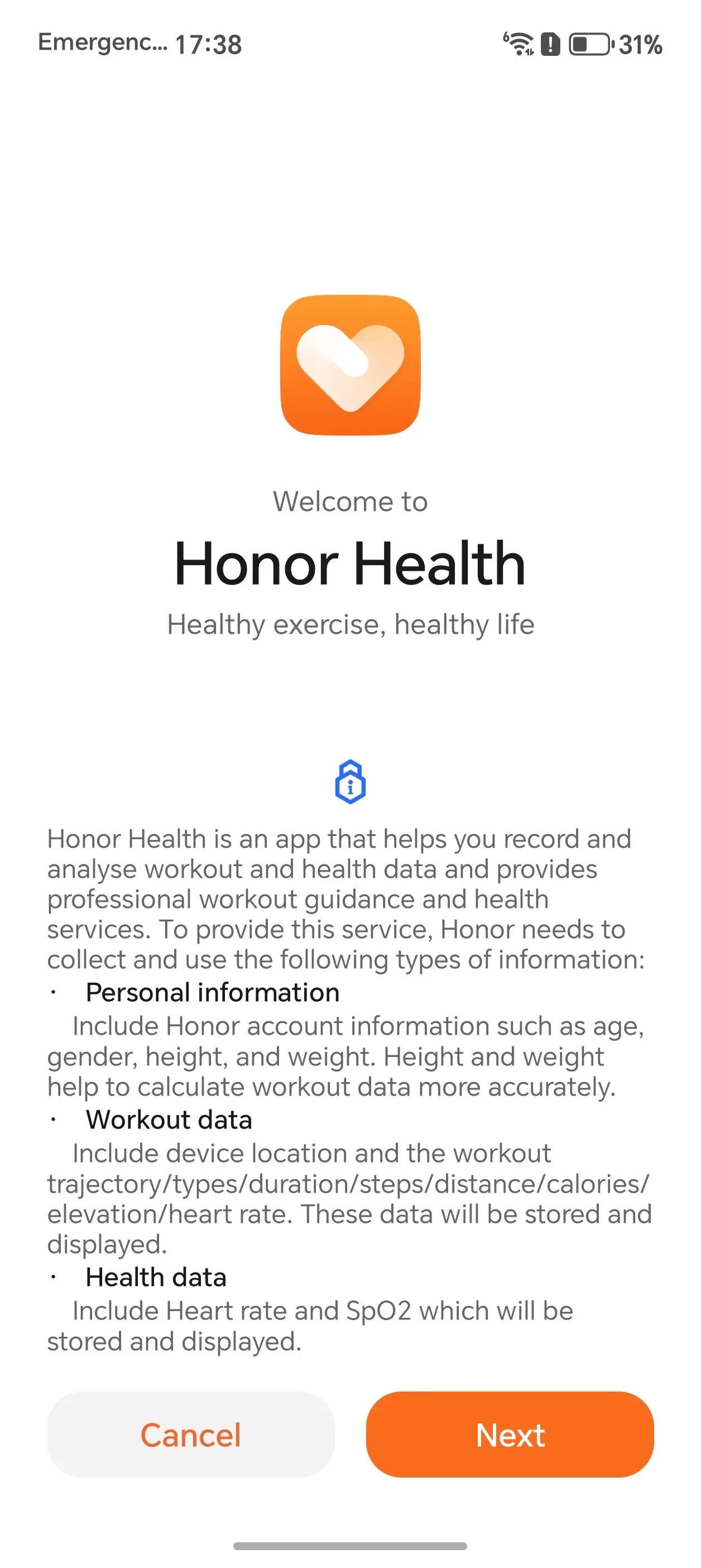
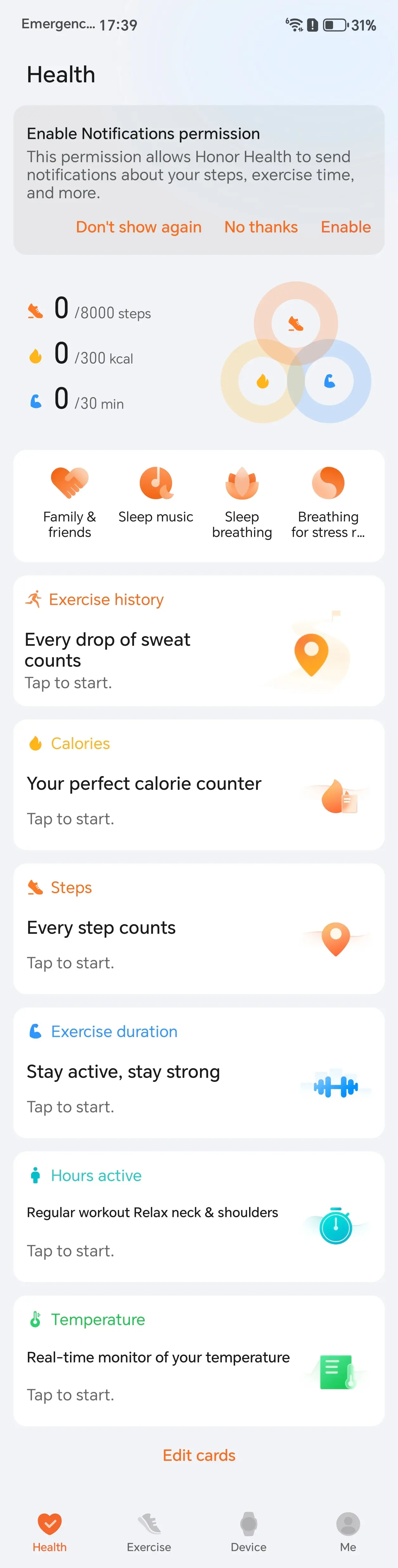
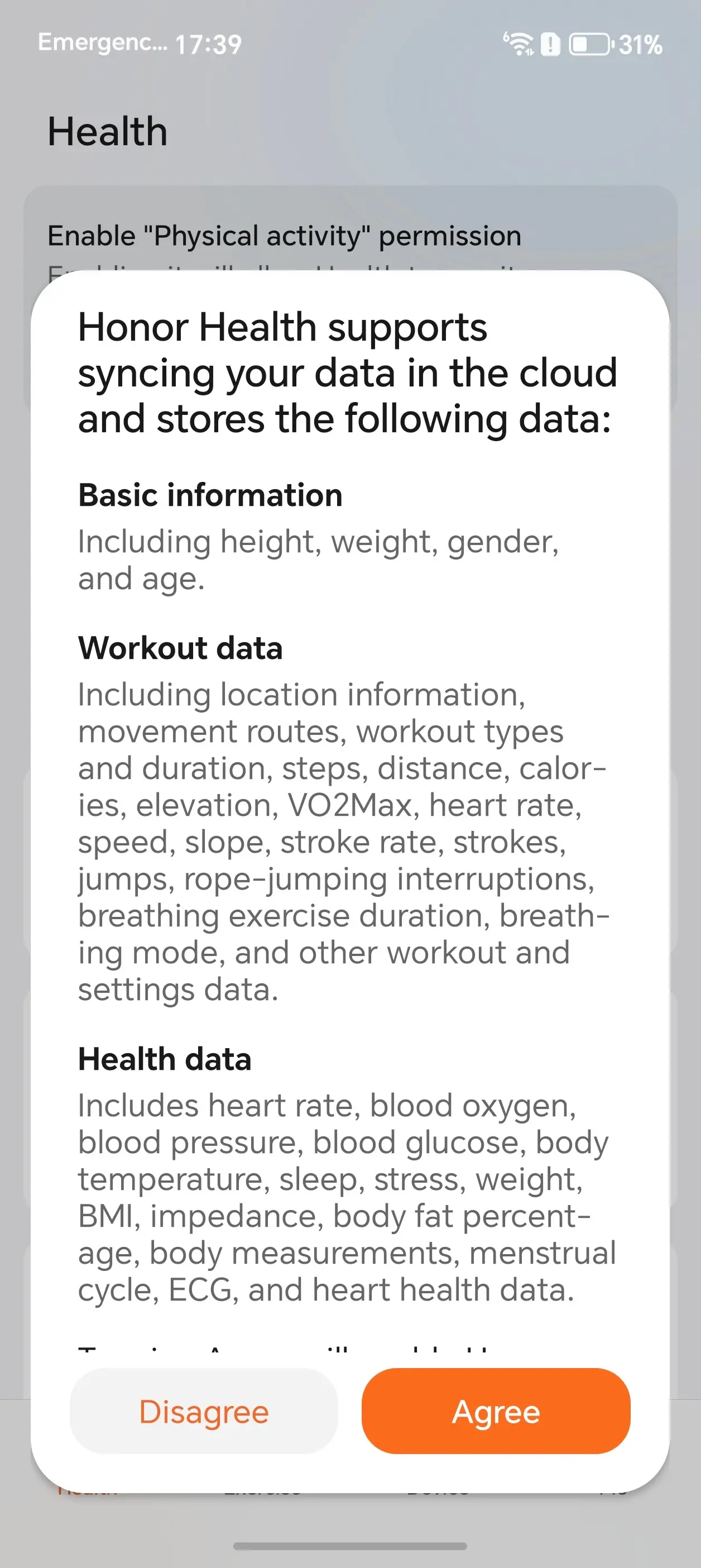
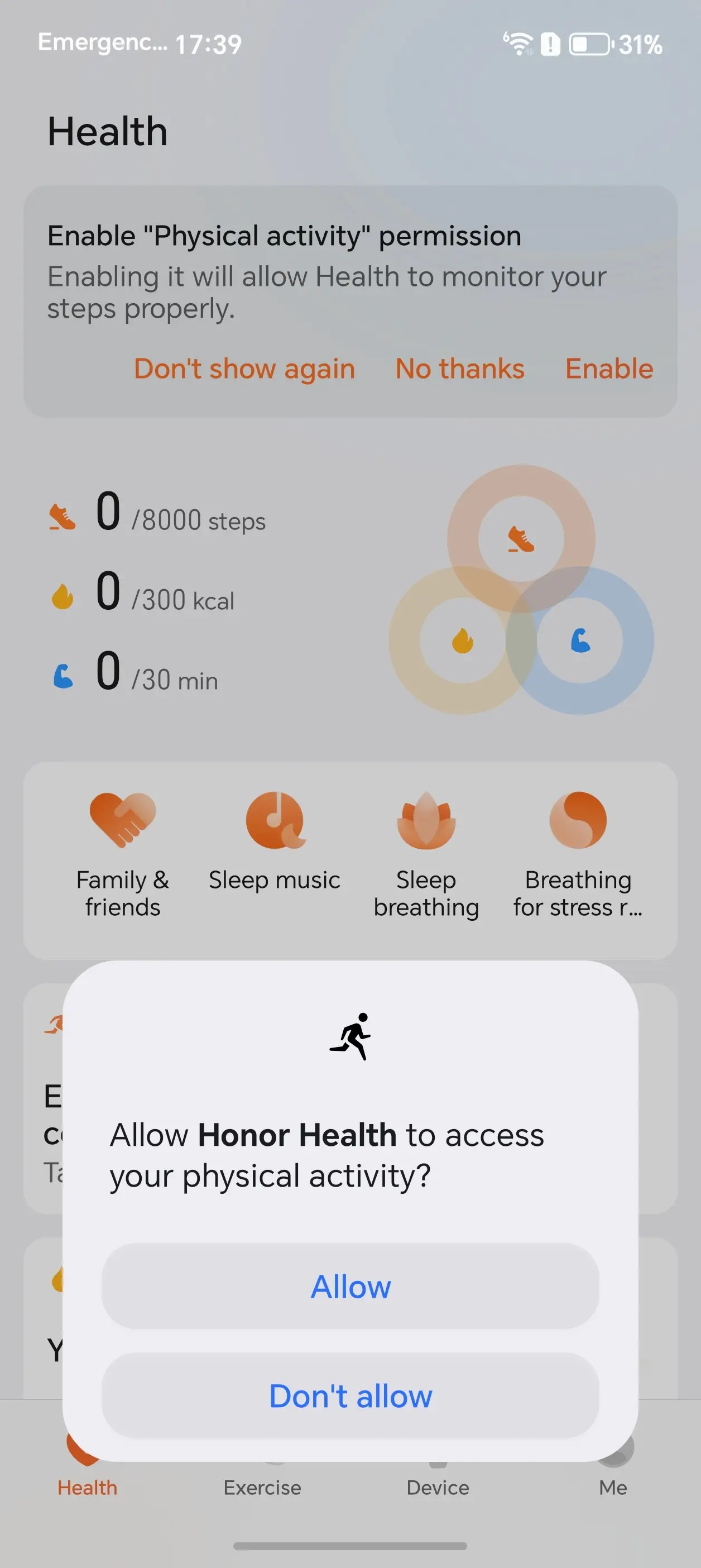
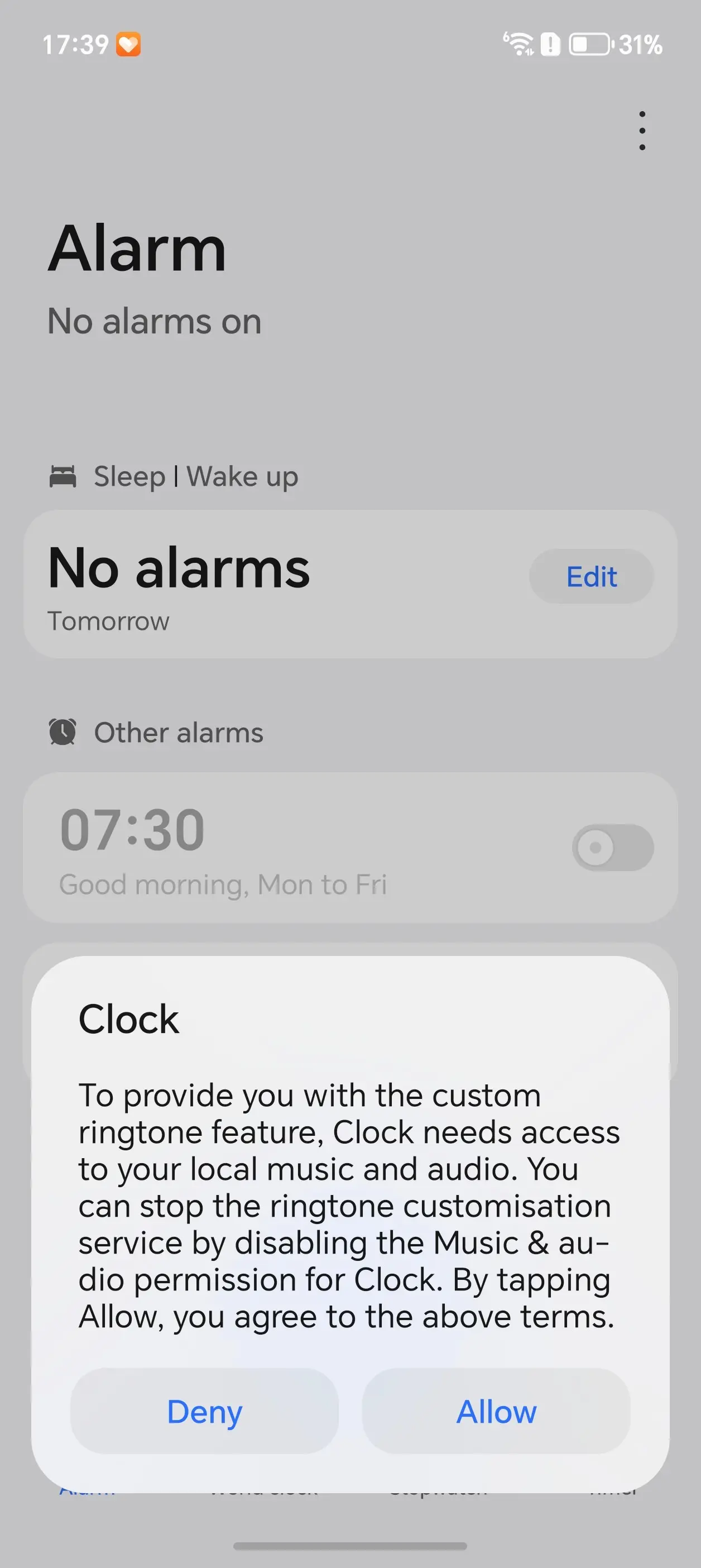
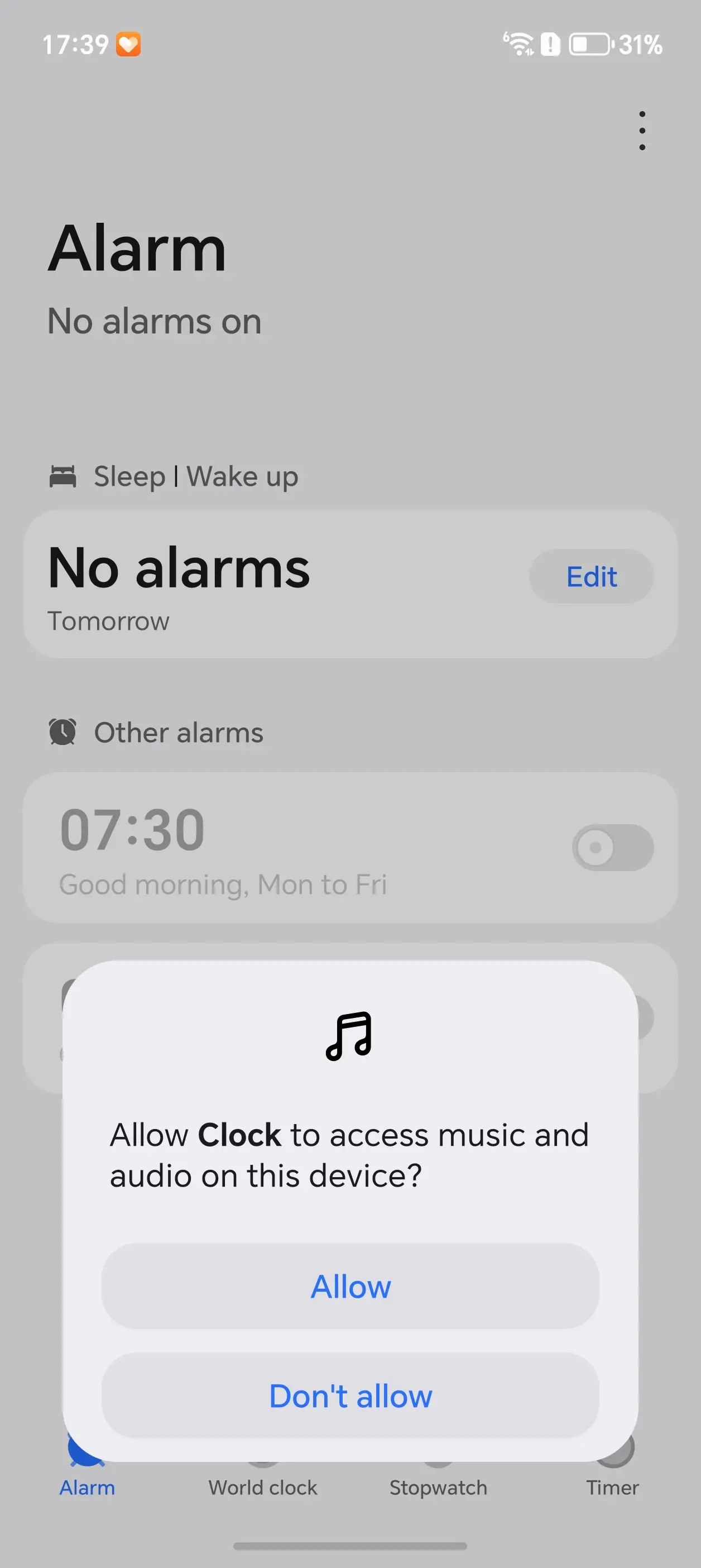
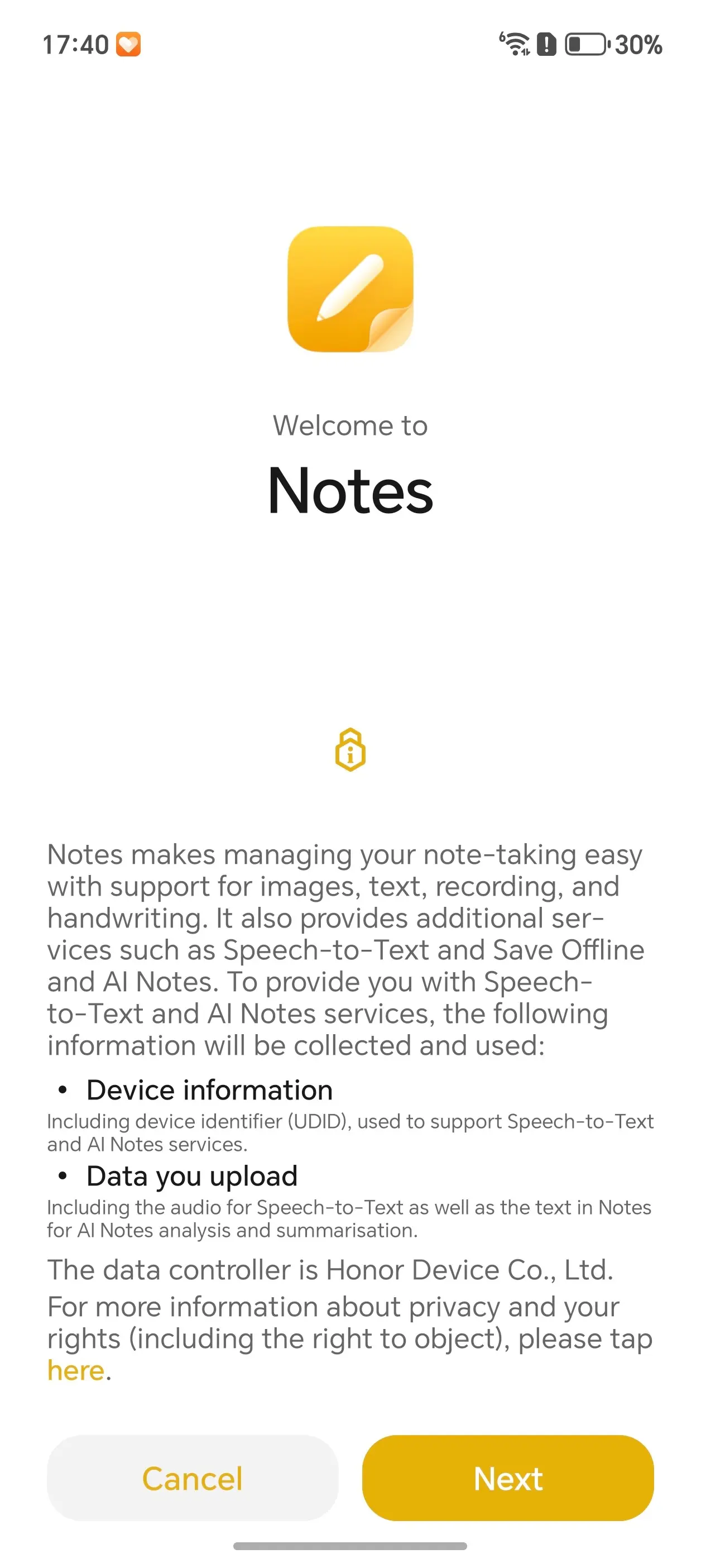
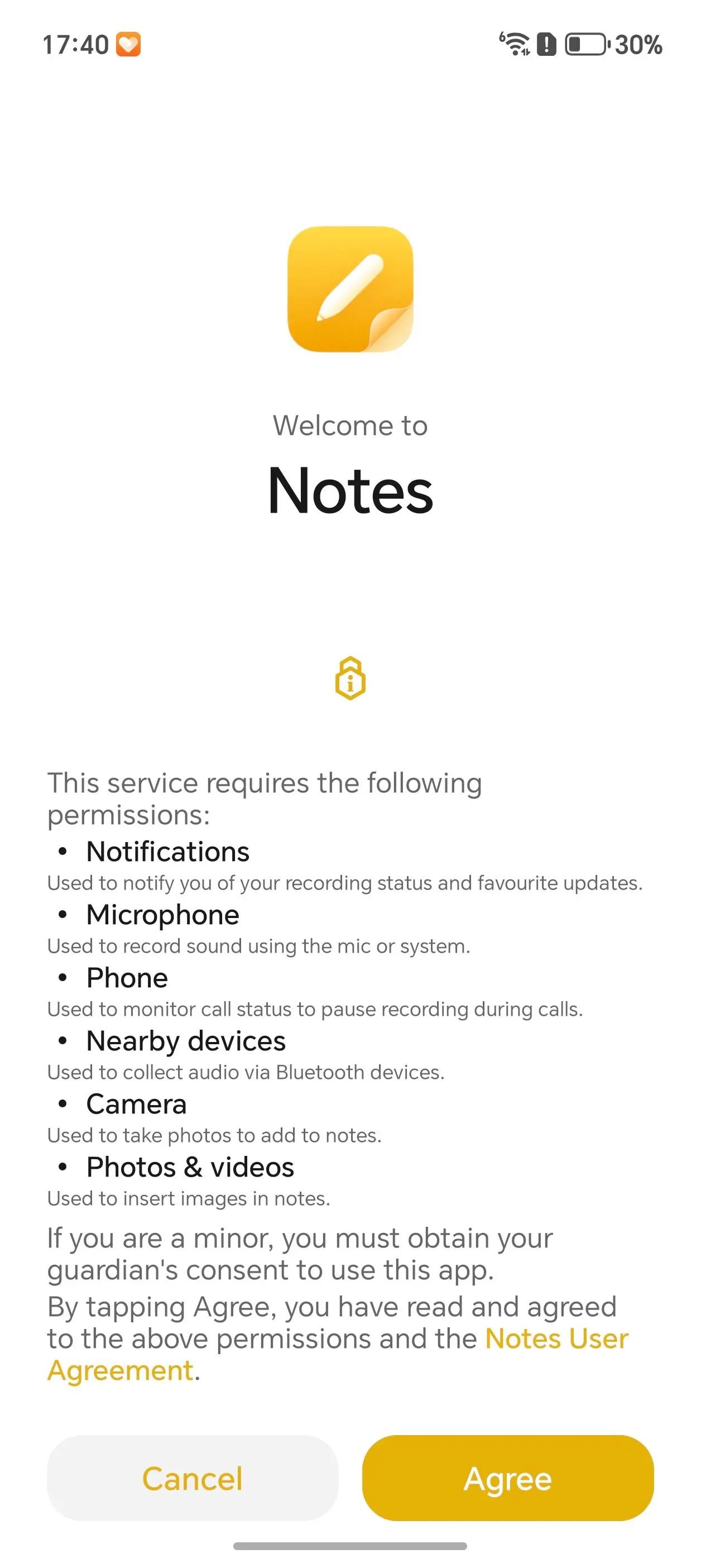
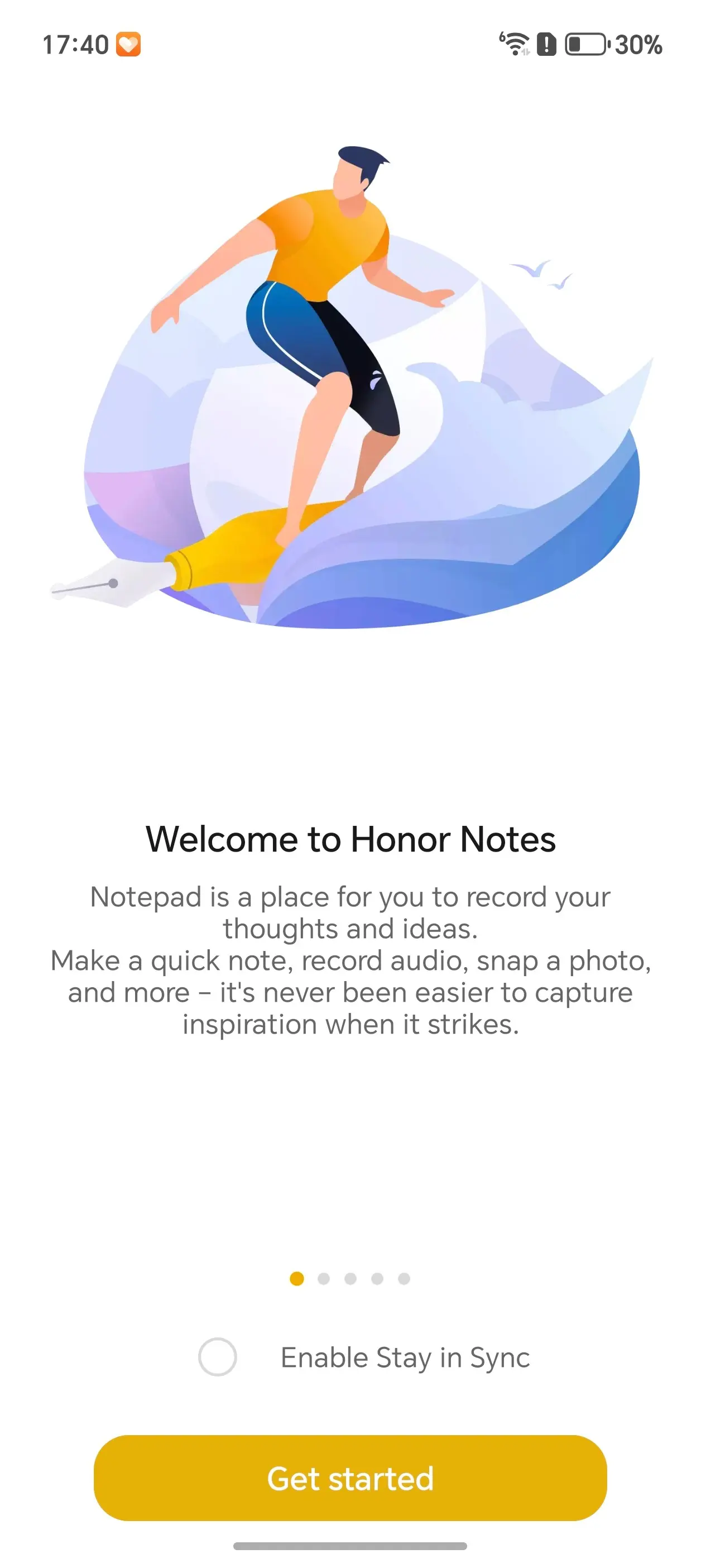
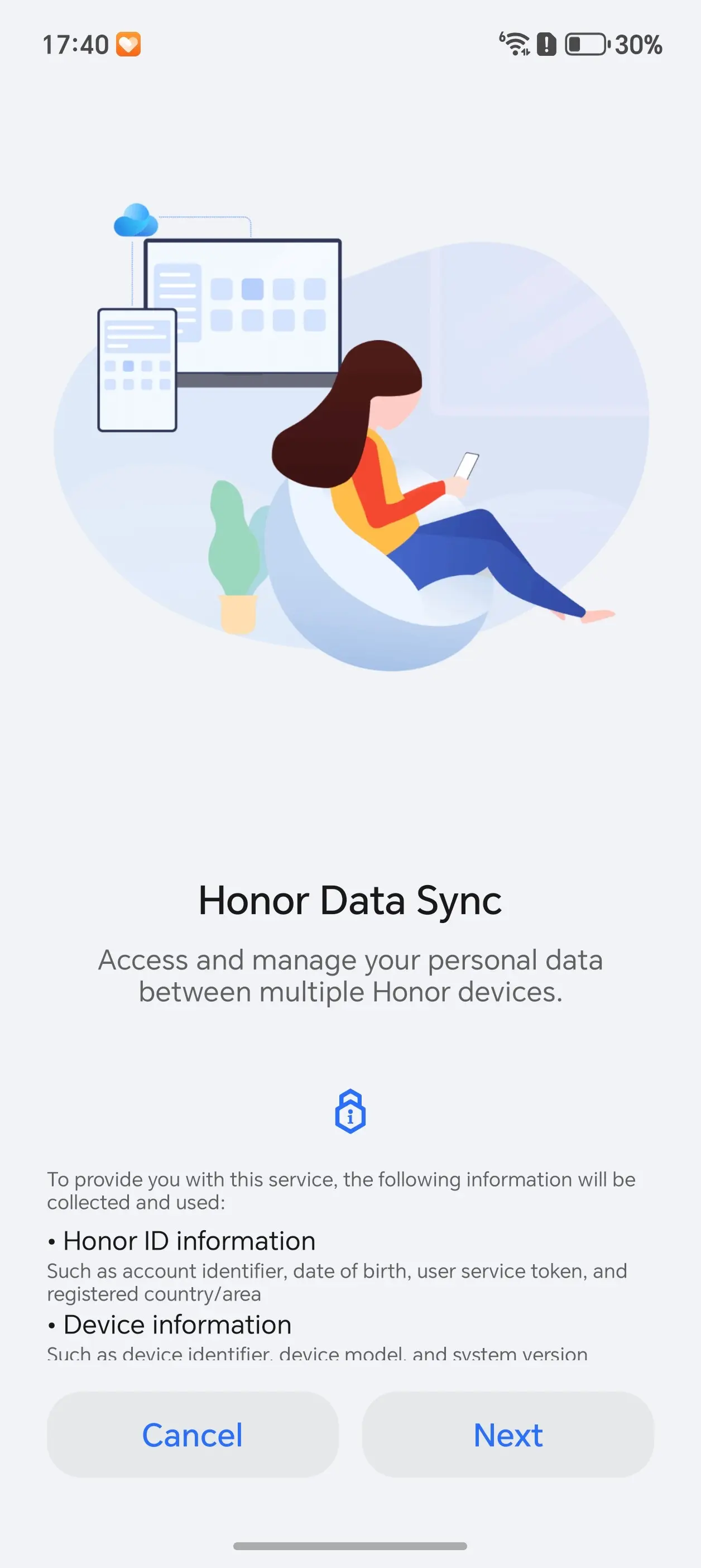
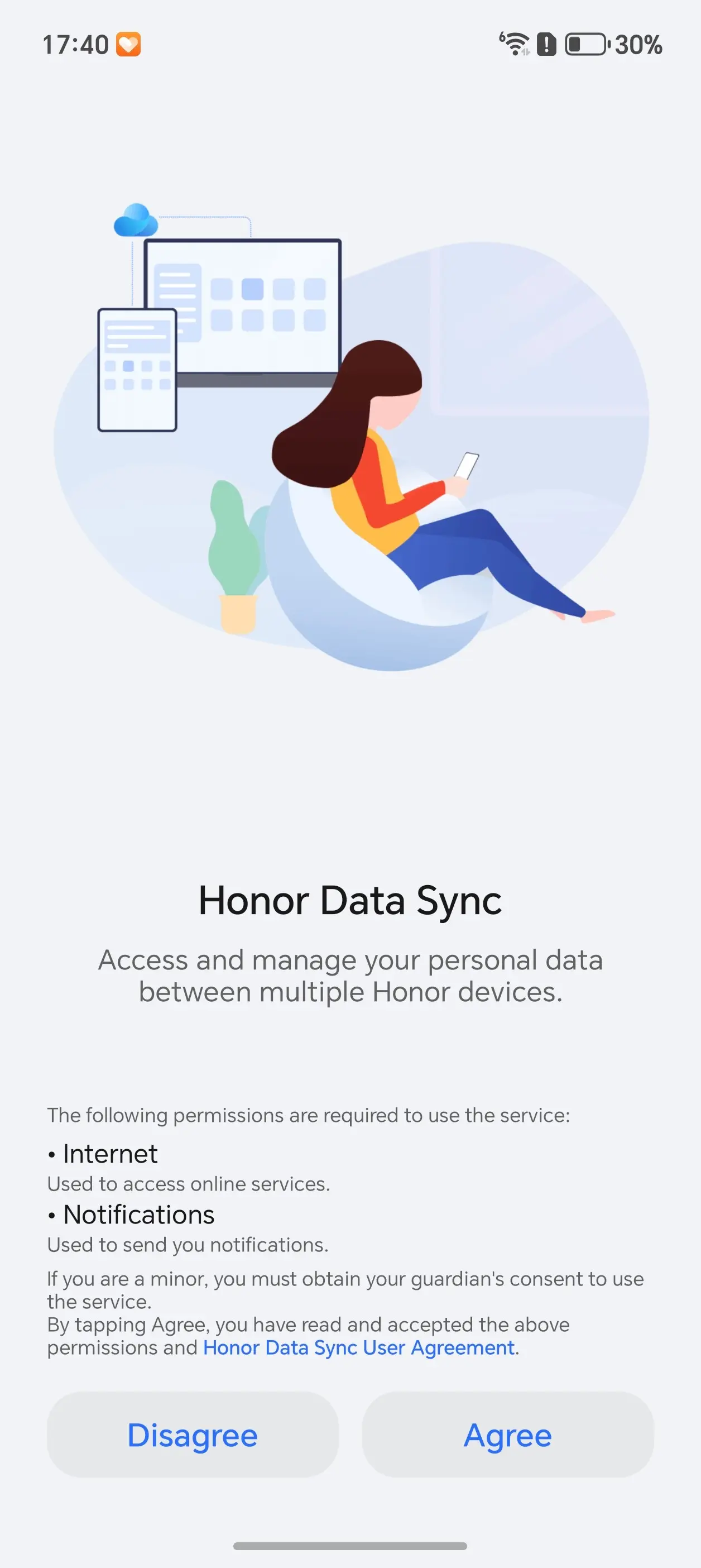
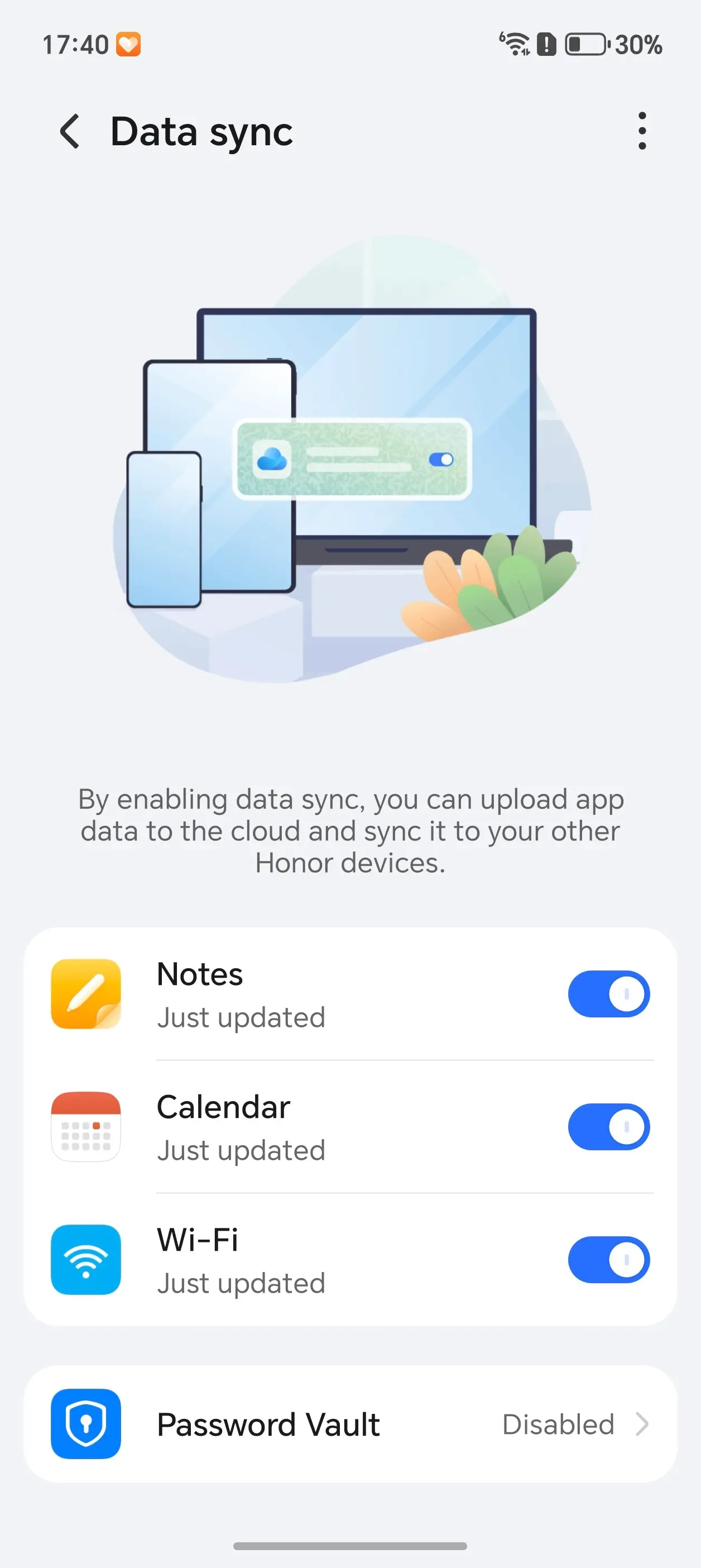
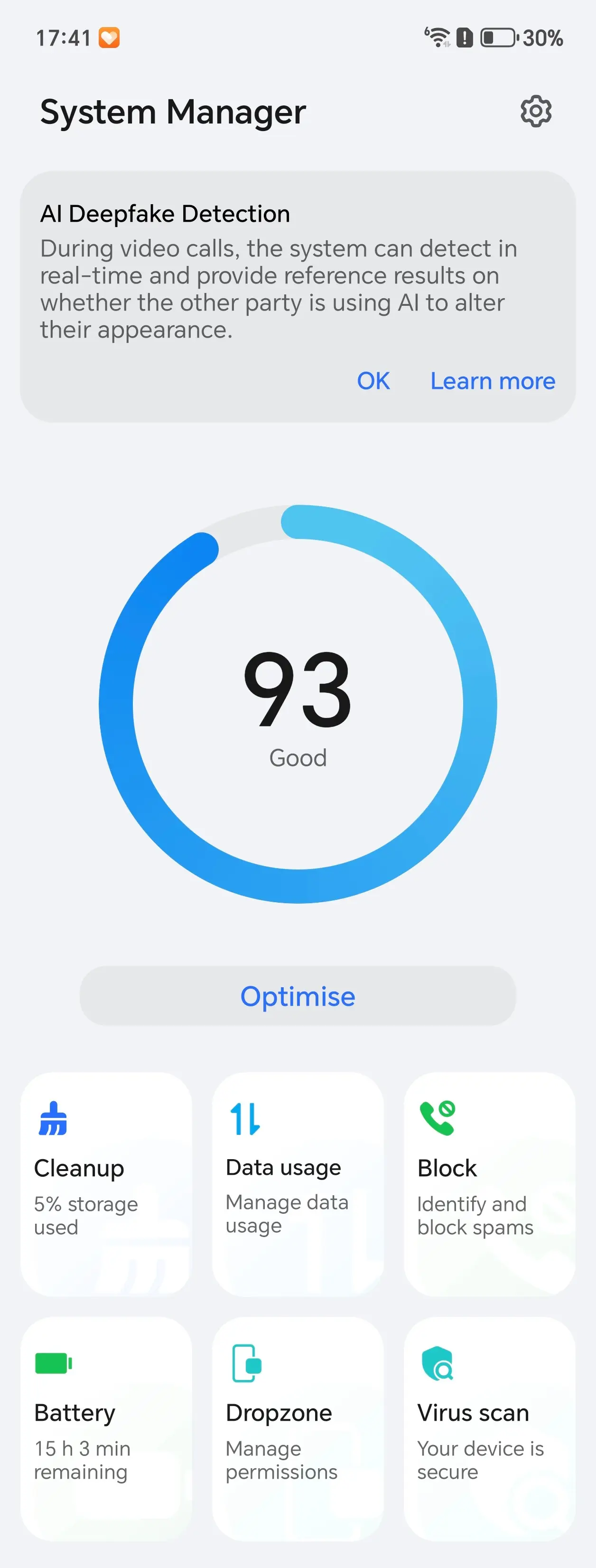
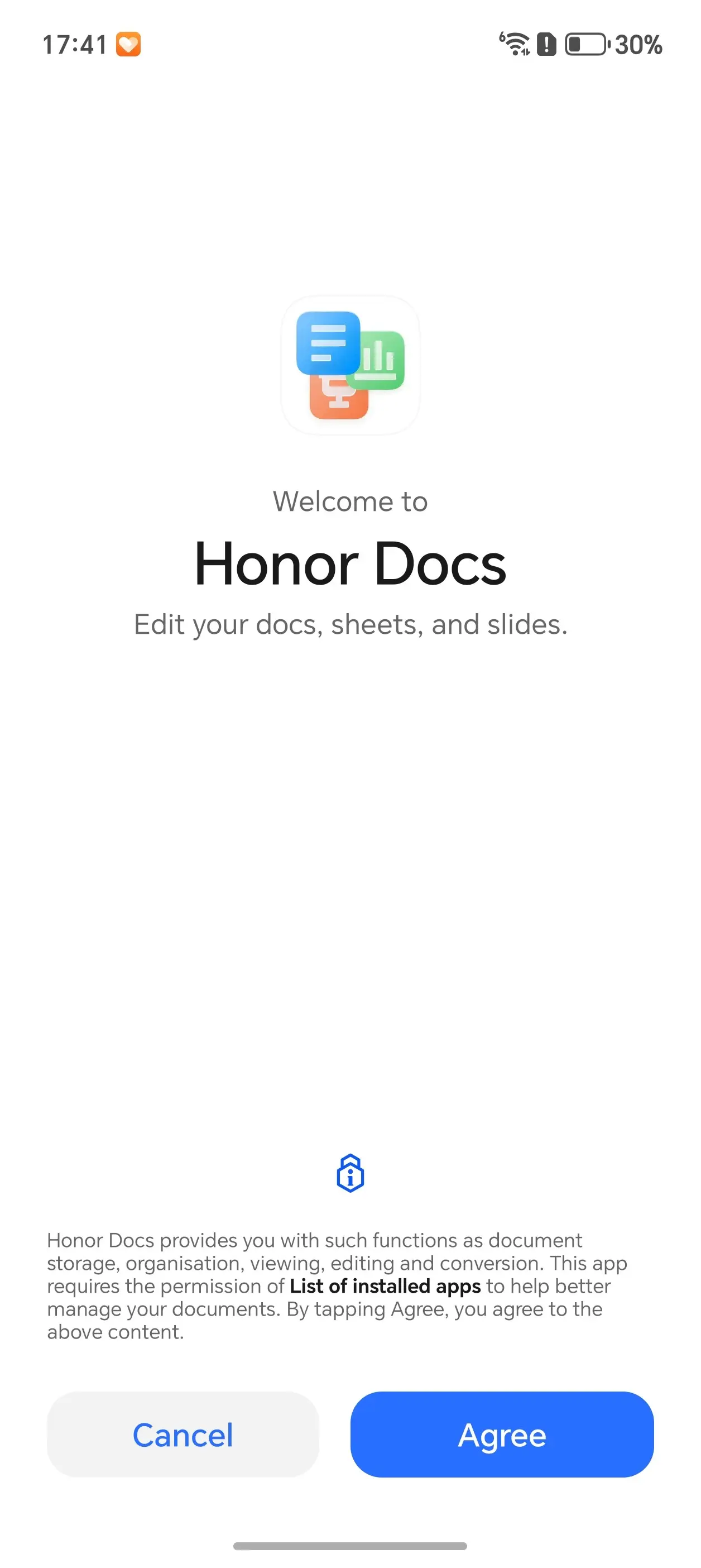
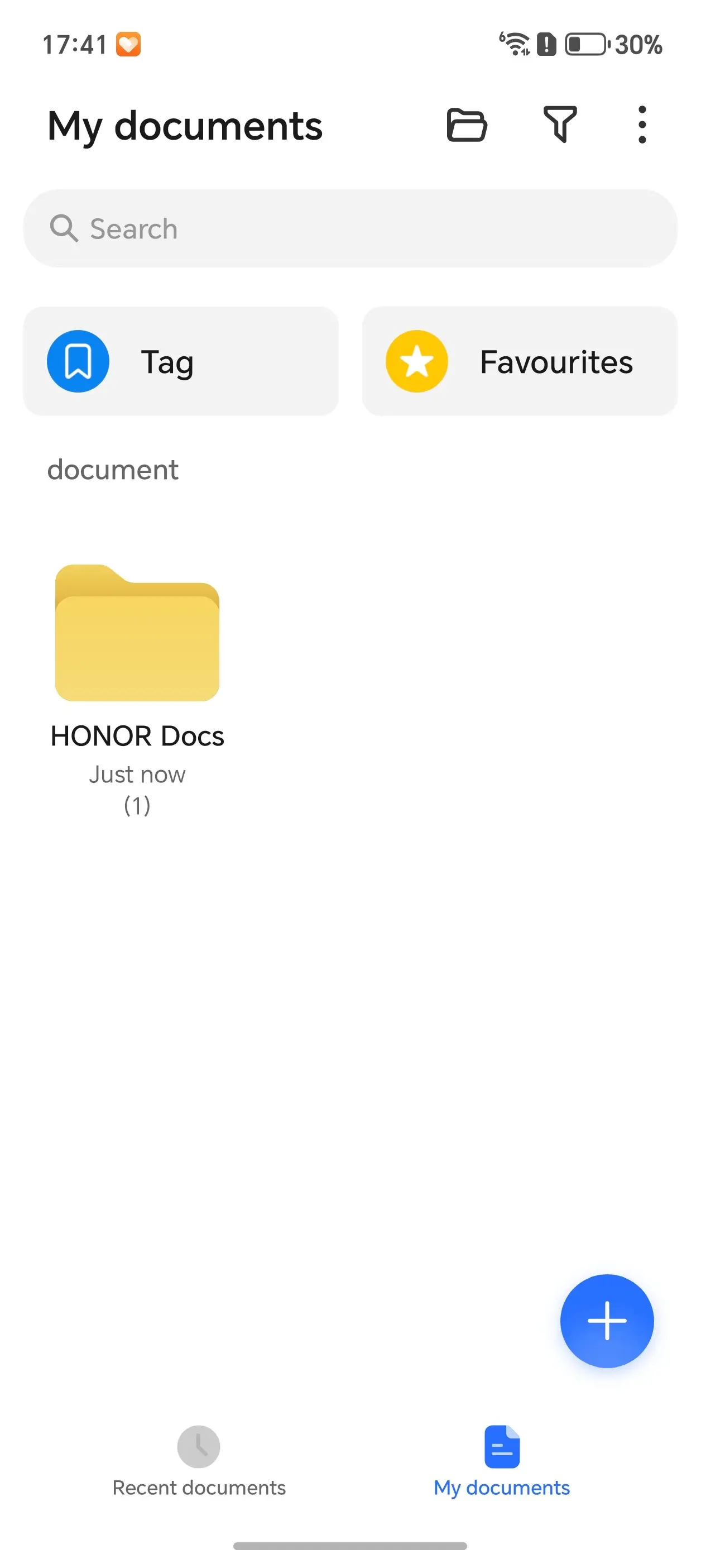


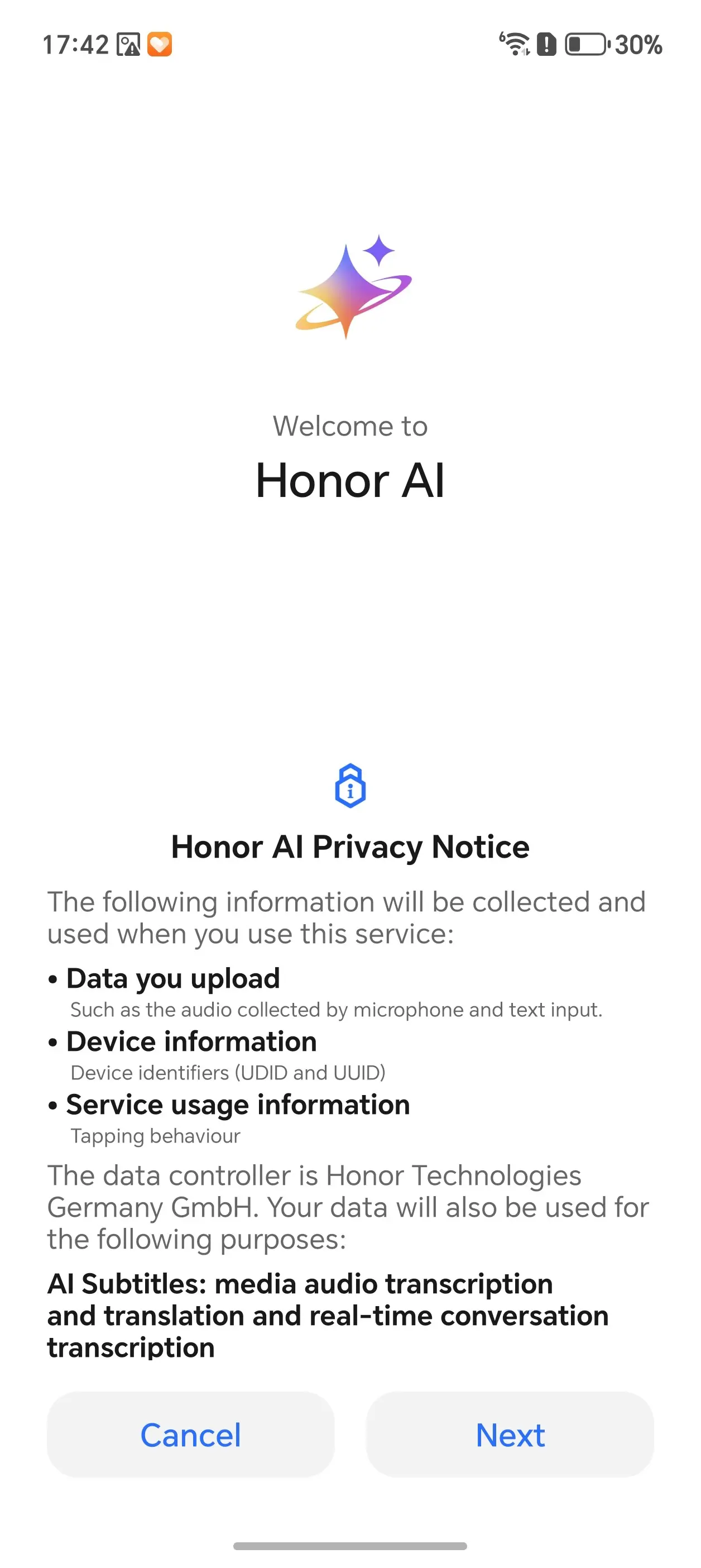
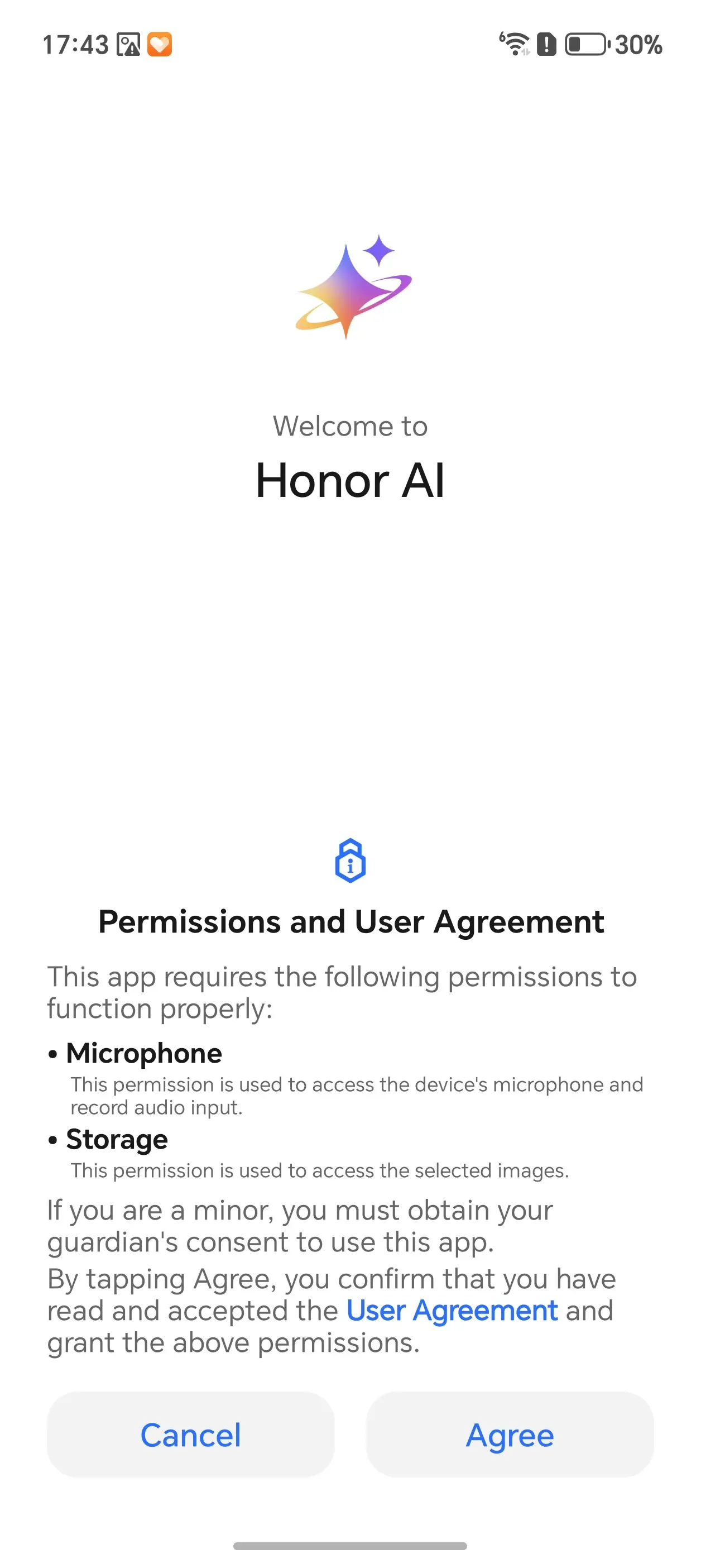
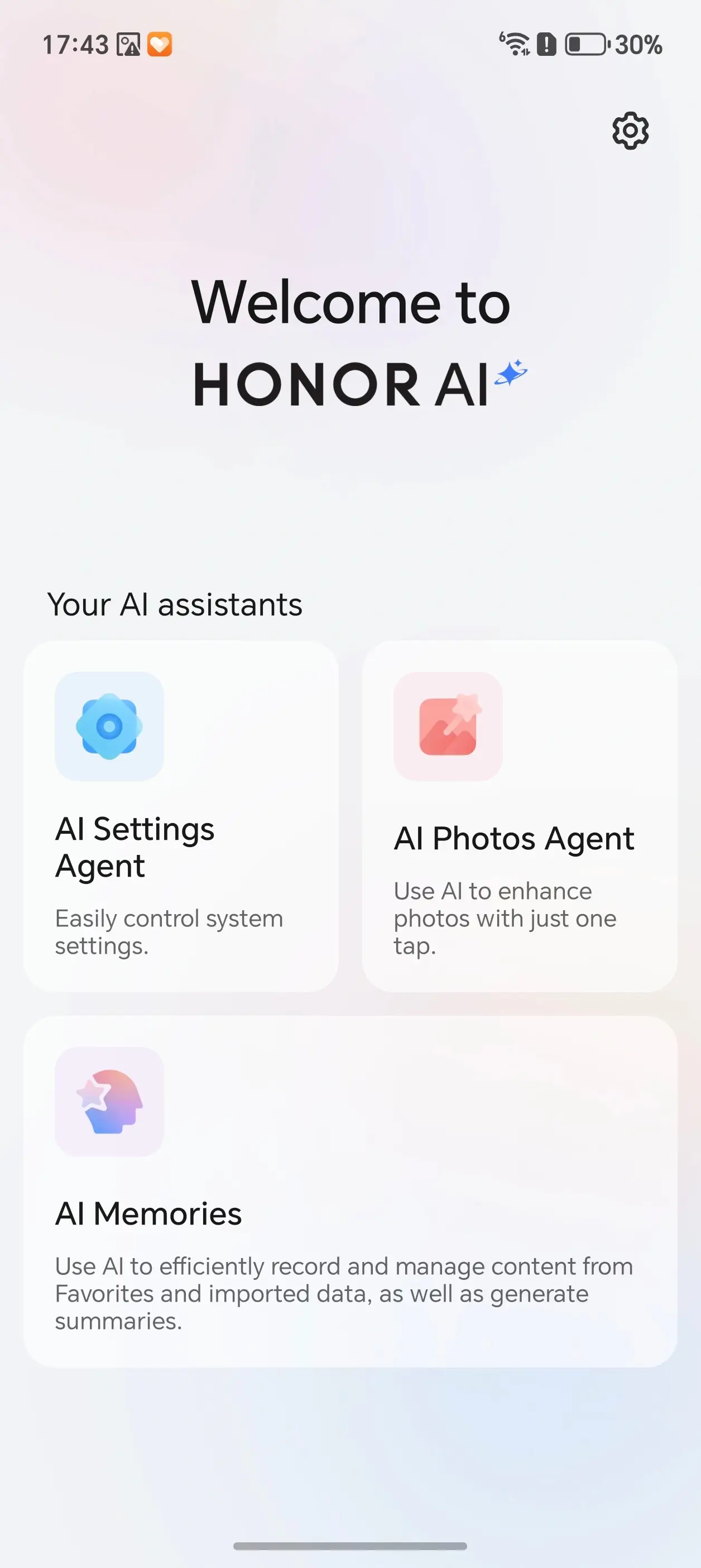
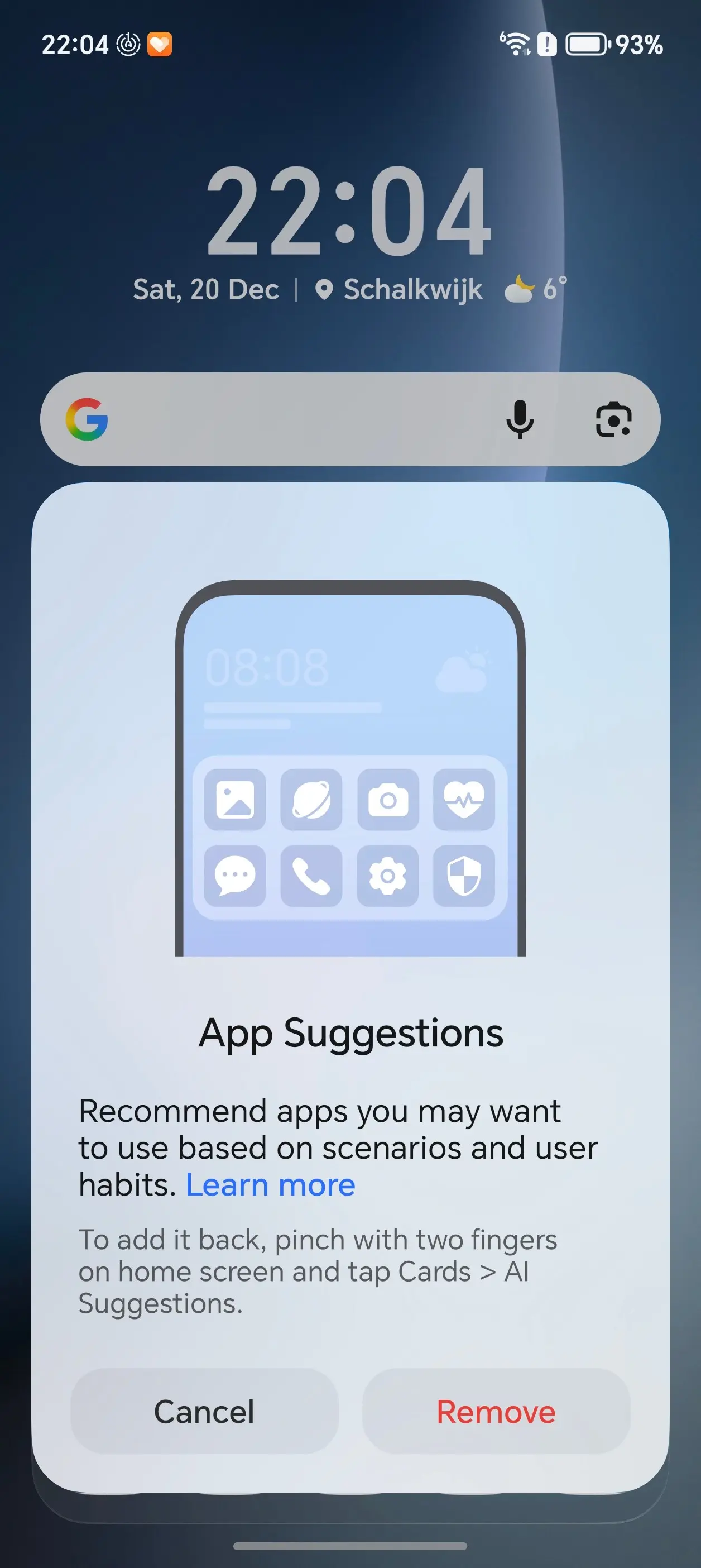
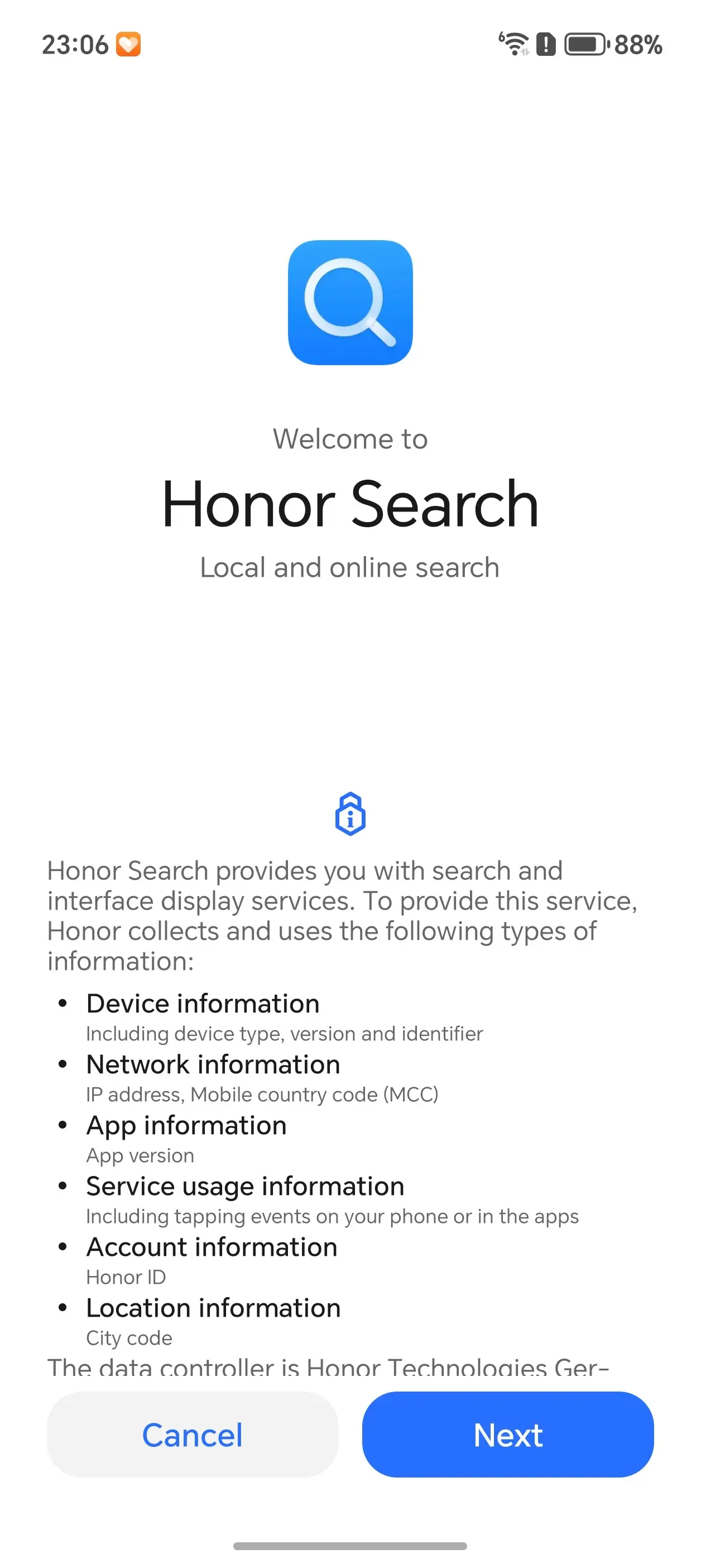
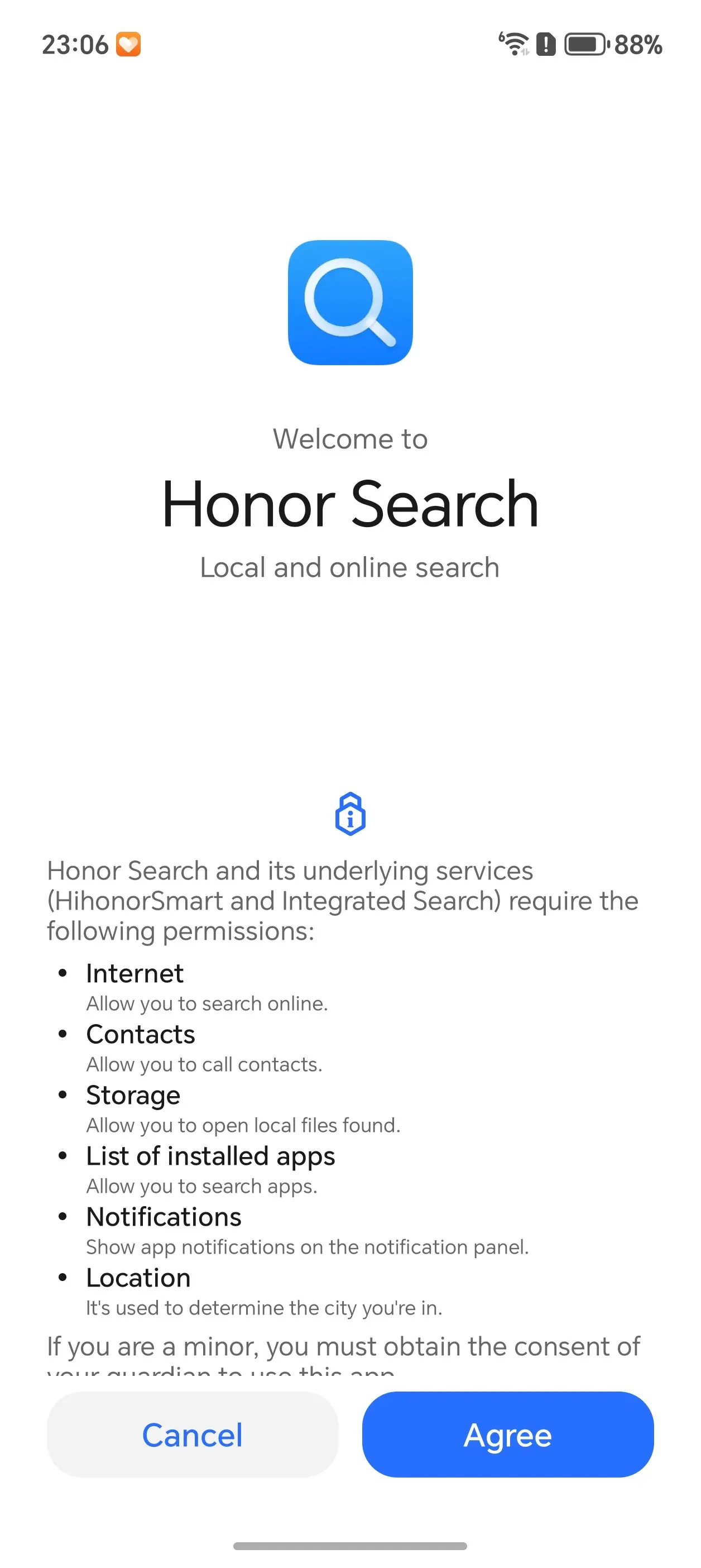
Yes, even after all that you"ll find yourself spending an hour or two wading through tons more pages of consent when starting native apps. I think I covered about everything in the above gallery. Be prepared to set at least a couple hours aside to properly setup your phone, even when restoring from Google backup, and then using Device Clone, you are still required to give the phone permission for every single app and permission type. Unfortunately you can"t expect to Clone and then just set off on your merry way, because the apps you rely on might not have the permissions they require.
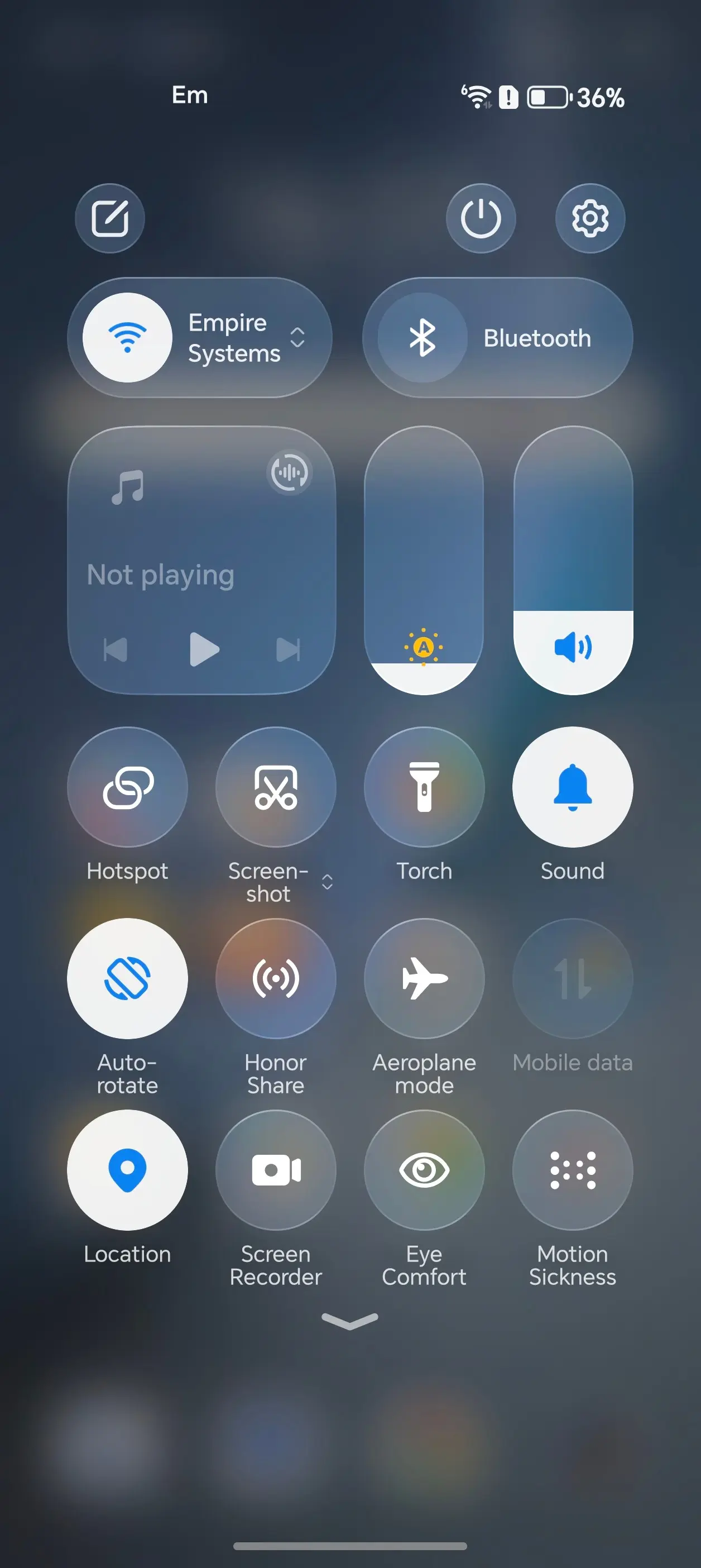
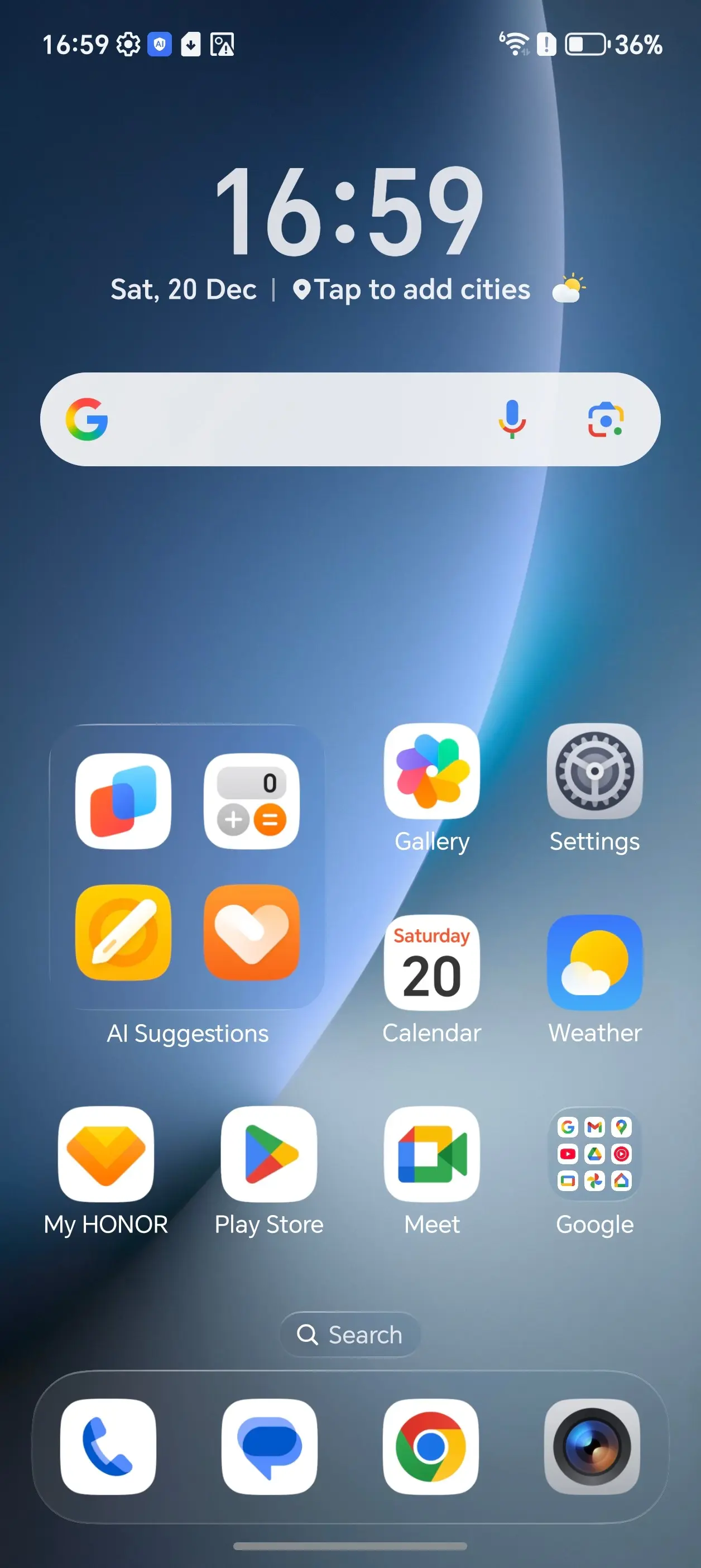
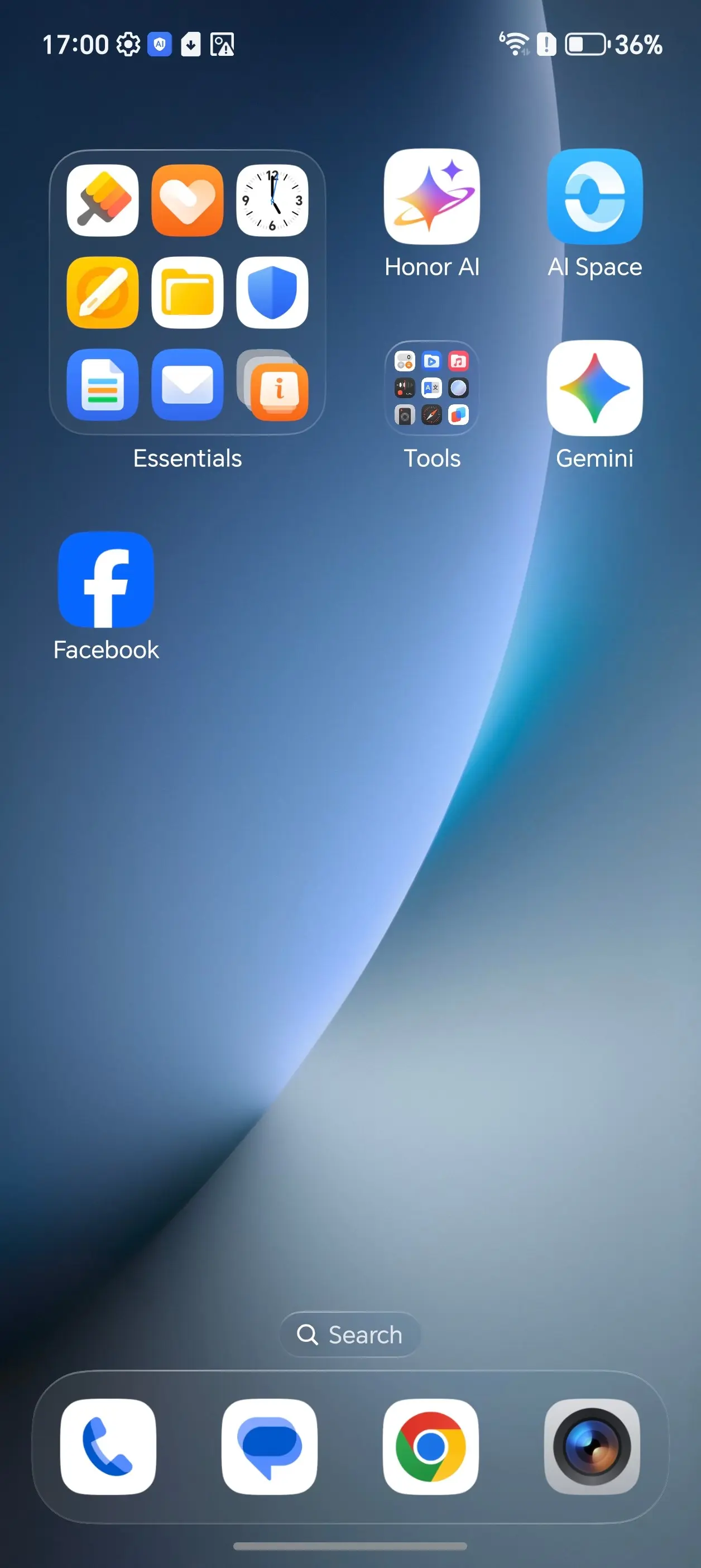
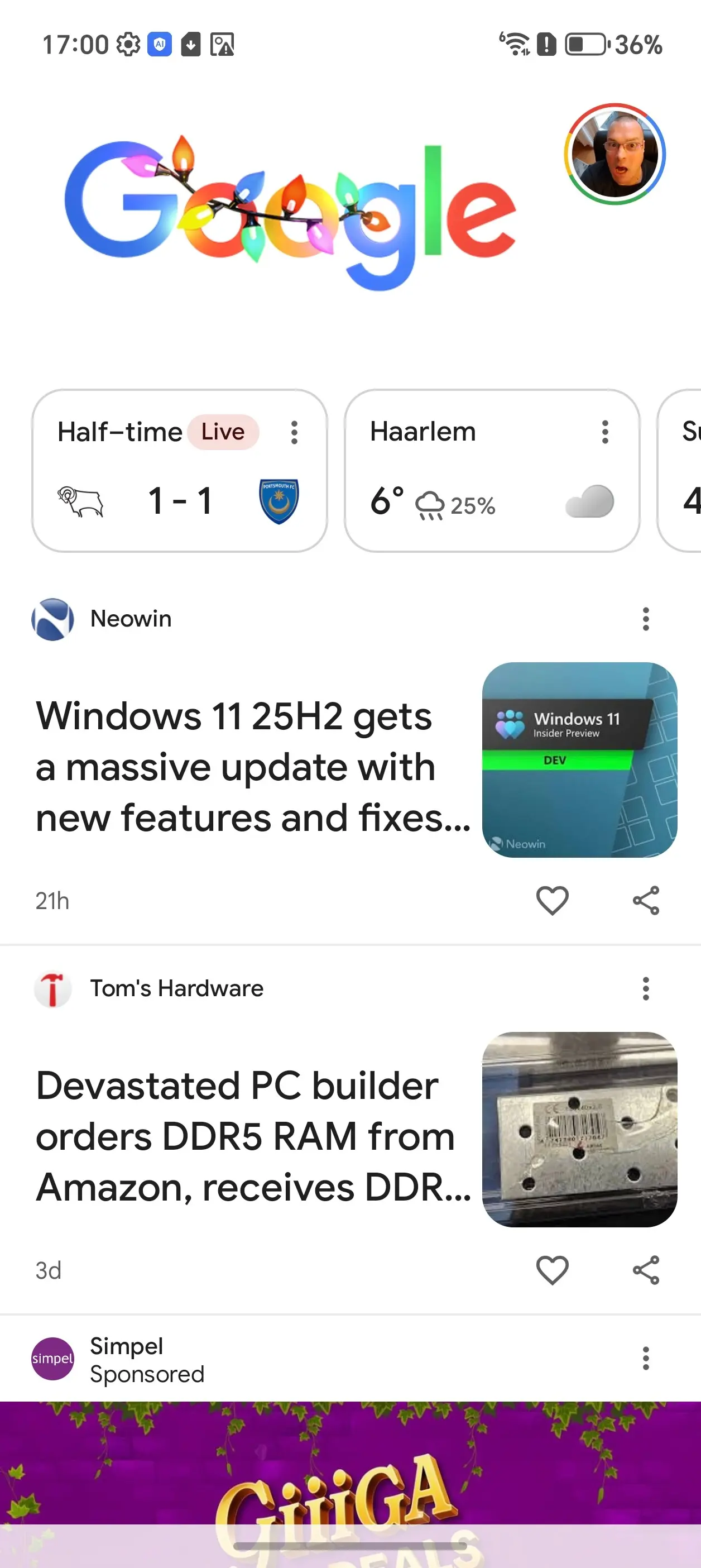
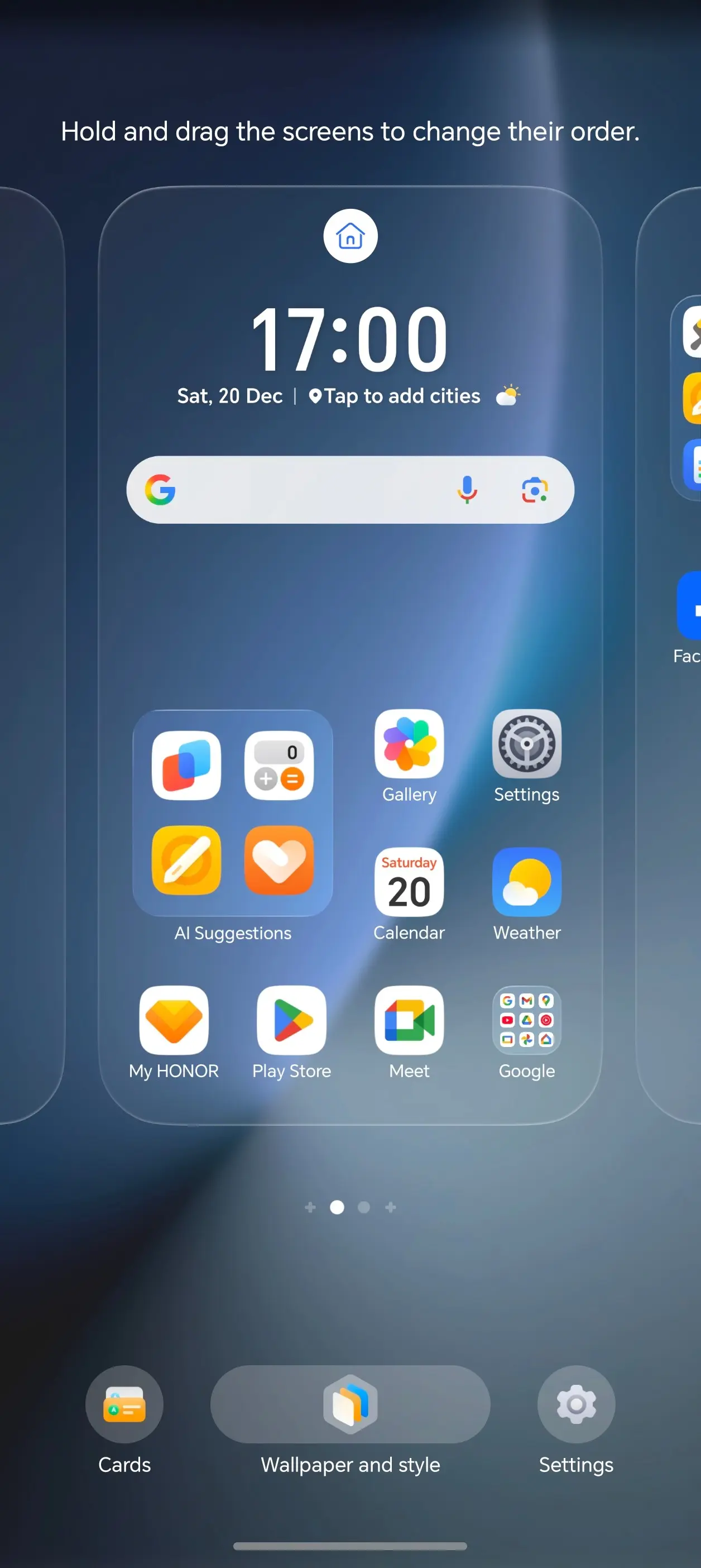
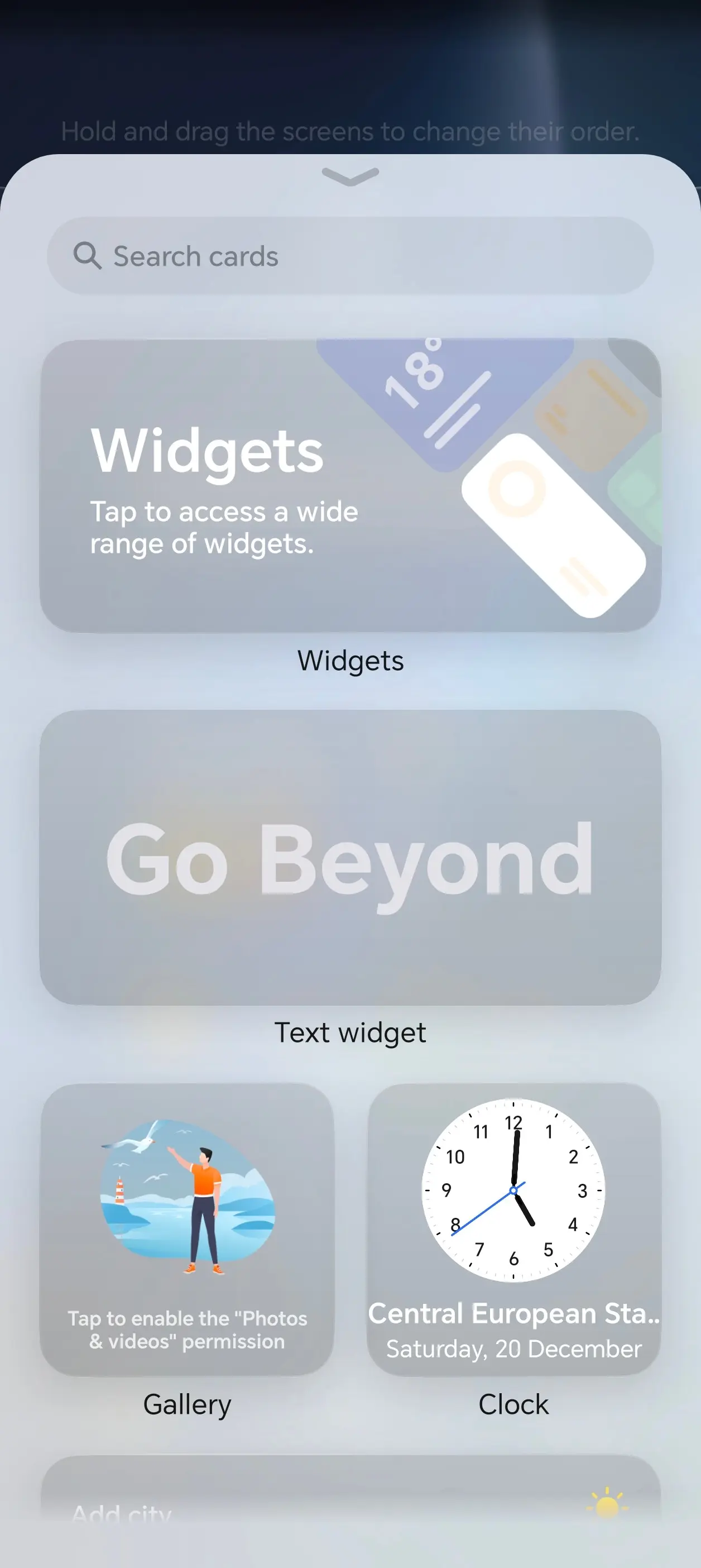
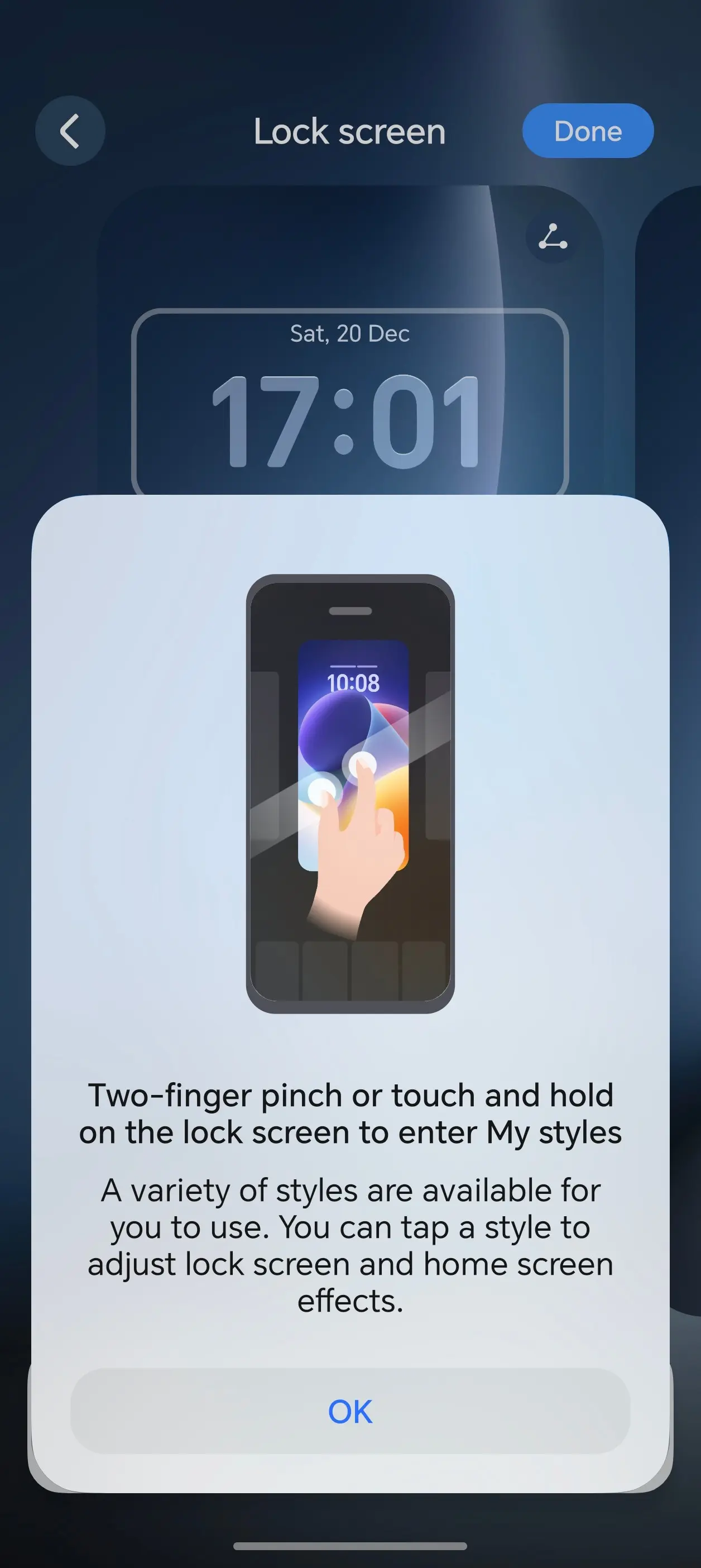

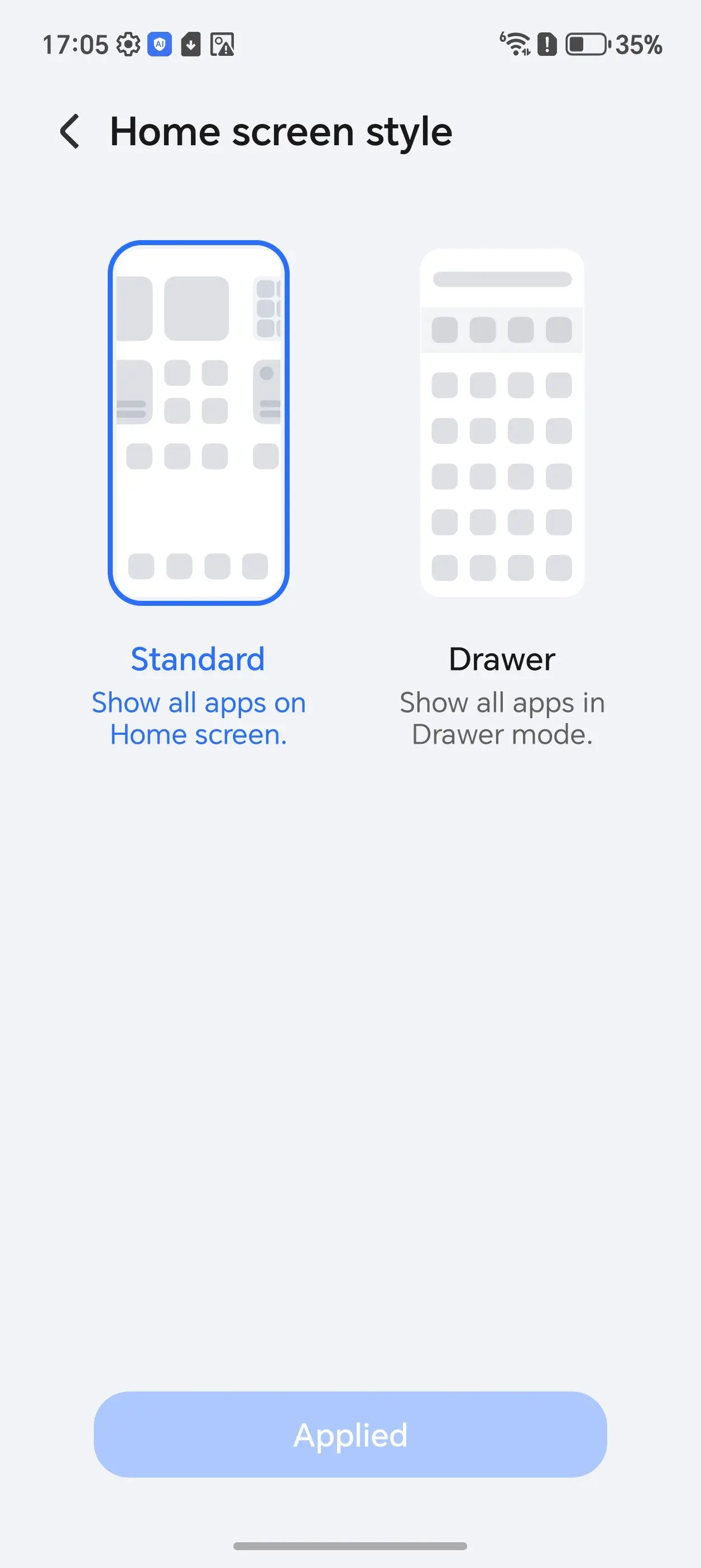
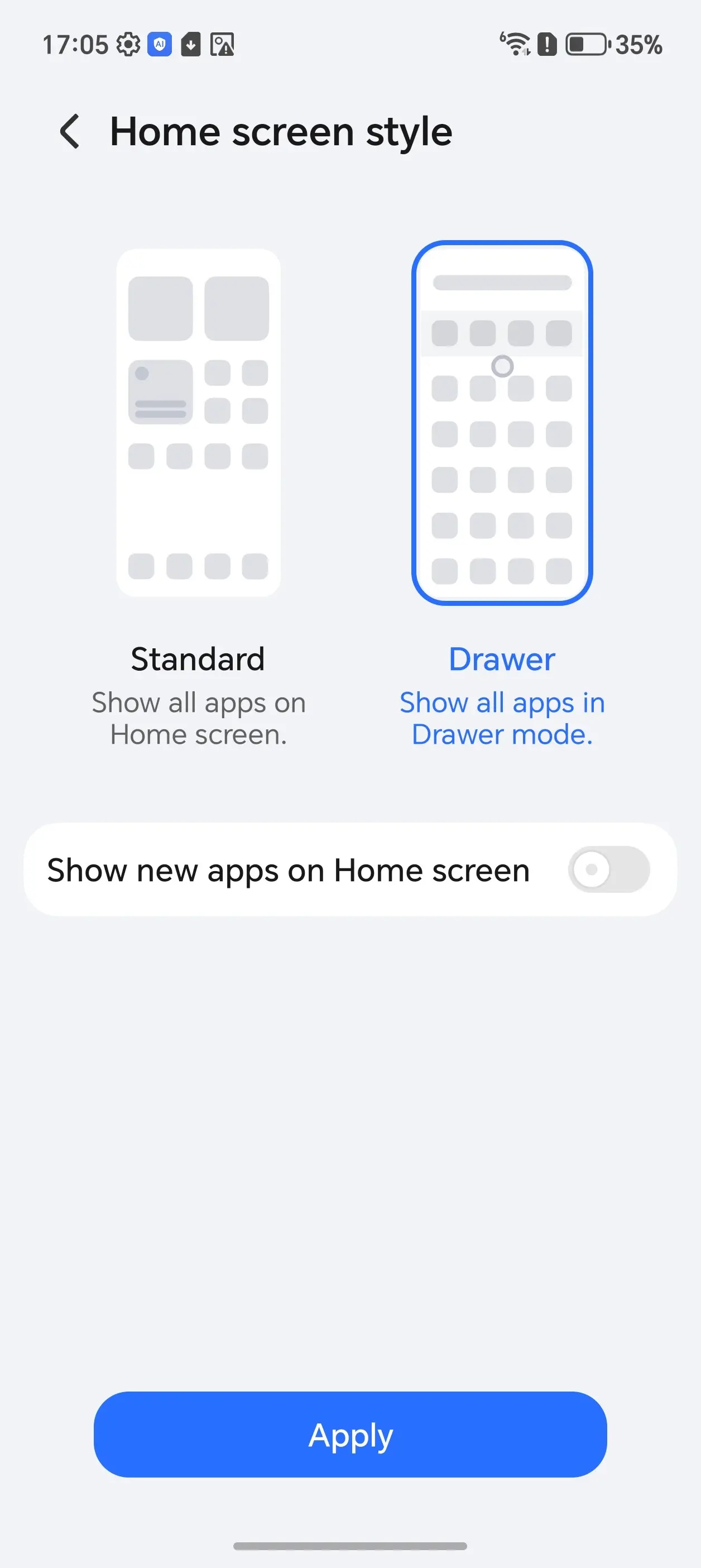
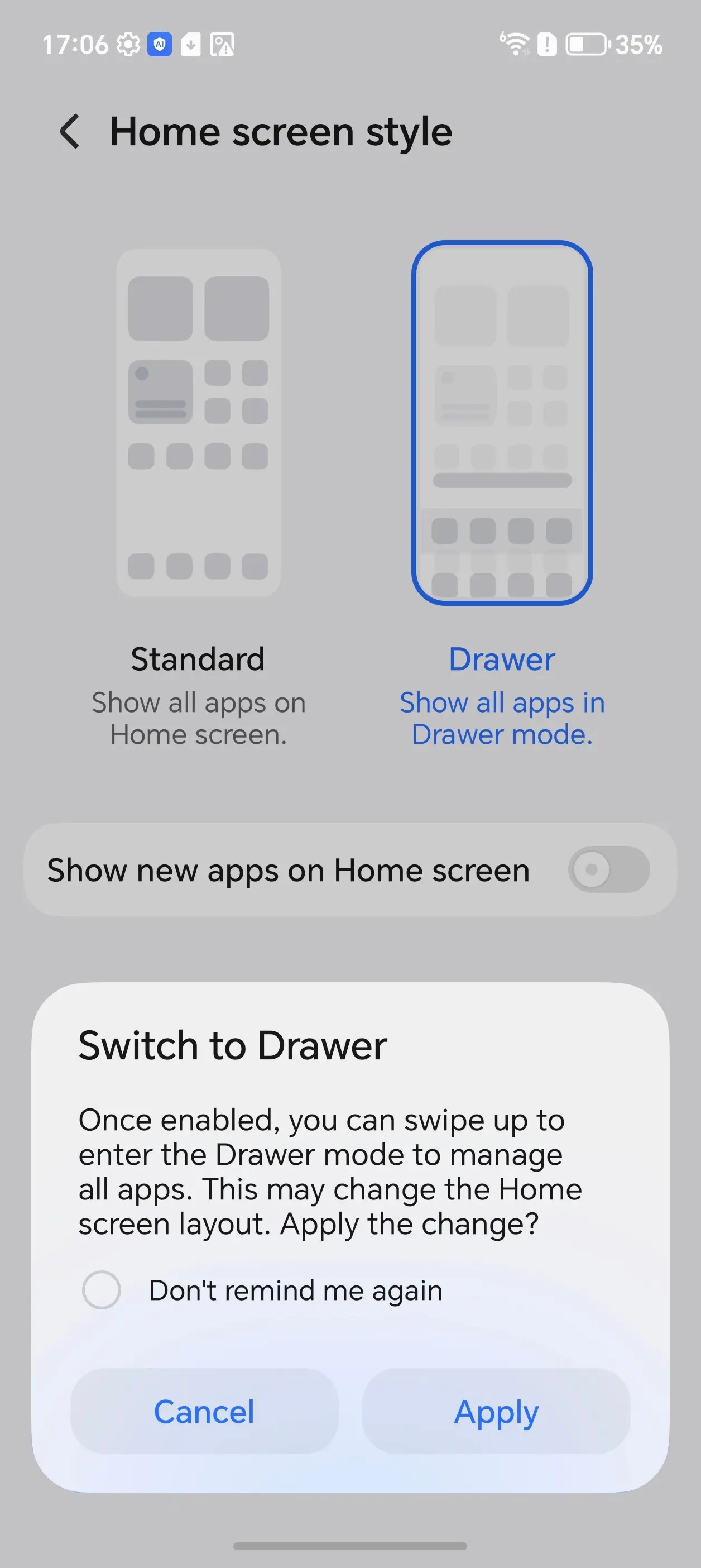
Speaking of the Home screen, which uses HONOR Home by default, this is highly customizable. You can change just about everything; in fact, the one thing I lamented that was not possible to change (ability to remove labels from icons) is now possible in MagicOS 10. This also extends to Folders on the Home desktop, so if you have a folder of apps, you will only see their icons and not the app name.
I was also pleased to see a highly customizable AOD, which Samsung could take note of here. It must be noted that to get to HONOR Home settings, you have to navigate through the Settings to "Home screen & style"—there is no long press on the Home screen to launch the settings, which I found a bit strange.
The power button and Volume Down keys can also be mapped to launch a few tools like the camera, torch, Recorder, Timer and Calculator. It is now possible to map an app to these keys as well, marking yet another improvement on MagicOS 10.
Notification improvements
One thing that bothered me most about MagicOS 9 were the notifications. It seems like unless the app itself has specific notification channels (many do not) then it is an all or nothing deal, this is because there is a setting for "Gentle notifications" but this is ambiguous, I enabled it on some apps and it seemed to simply suppress the notifications to the notifications center, which results in not being alerted at all about certain aspects of an app you care about. Long pressing on a notification doesn"t take me to the apps notification settings, this all needs to be managed in the global notifications center.
MagicOS 10 improves on notification management, you can swipe left on any notification to disable or manage it, and another cool feature is if you go into the notification"s settings you might be presented with a huge list of notification channels, however the one you are editing will flash as you scroll the list, ensuring that you are editing the correct notification to block or modify, which is a really cool feature!
It might be because I restored my settings from my Honor account, but I can safely say that I was not missing any important notifications like I was on the Magic7 Pro.
Link to Windows hell
This is unchanged from back in August when I reviewed the Magic V5. The Magic8 Pro still drops the connection to my Windows PC, and the only way to get it back is to toggle Link to Windows off and on again in the Settings dropdown of the phone.
It is still not possible to allow Link to Windows to bypass any sort of battery optimizations.
Honor WorkStation
I figured I would give Honor"s own "WorkStation" a try, it seems mainly made for iOS devices, but there"s also an app for "Other Windows Devices" too, however the download link leads nowhere and I could not find another official link for it. Information online about WorkStation is scarce, so I was not able to test if this is a viable Link to Windows replacement.
Cameras
As I have said in previous smartphone reviews I"ve done, I am no camera buff. I"m a point-and-shoot kind of guy, but it is clear to me that smartphone makers seem to want to concentrate a hell of a lot on camera quality, sometimes at the expense of other features, and on paper, at least, the Magic8 Pro is also no exception.
On the rear, the Magic8 Pro comprises an AI Falcon Camera System with a 50MP Super Dynamic Falcon Main Camera, a 200MP Telephoto Camera, and a 50MP Wide Camera making up the triple array.
Optical image stabilization (OIS) and PDAF (phase detection auto focus), which is a high-speed automatic focus technology, are also included.
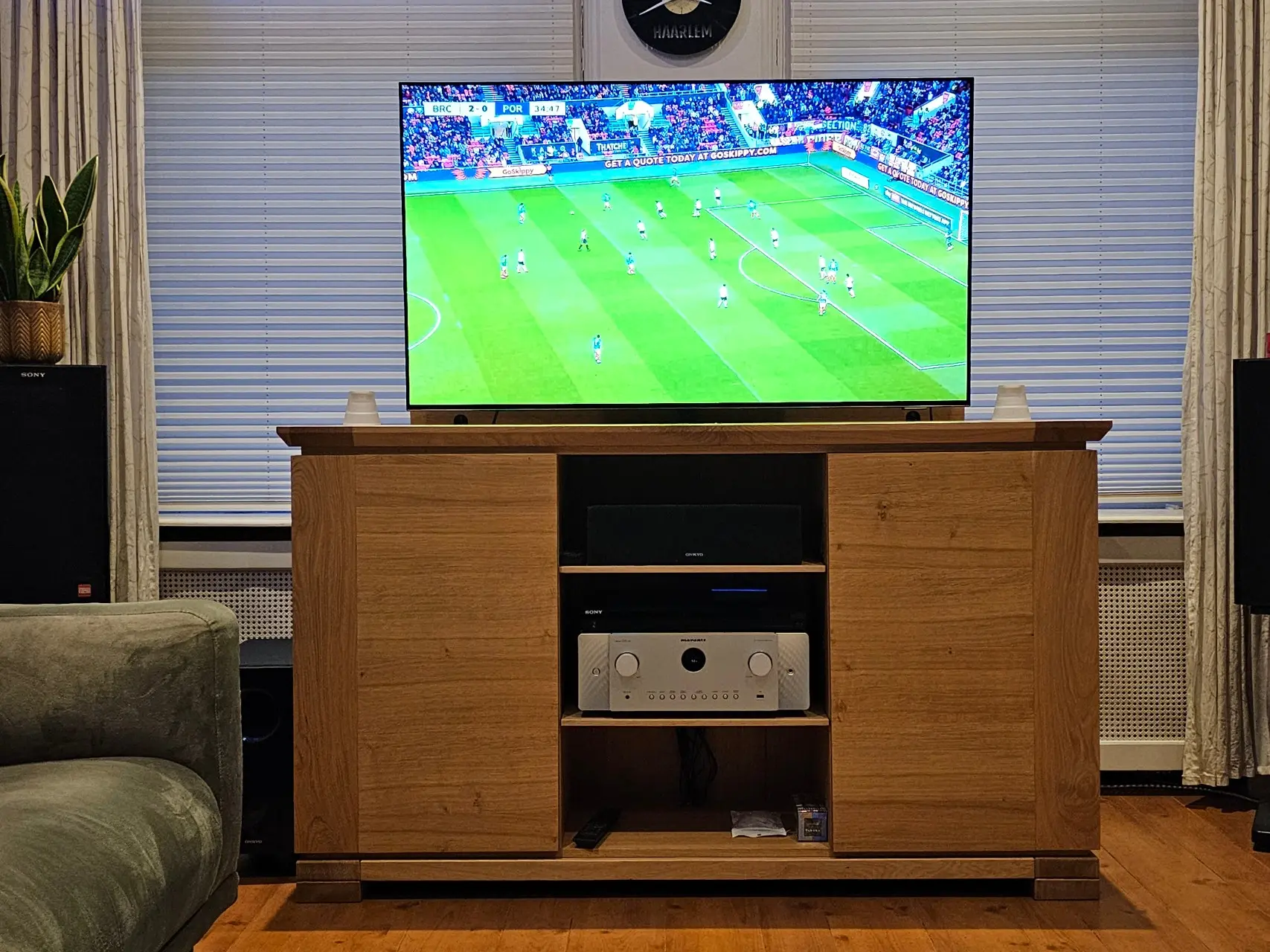
















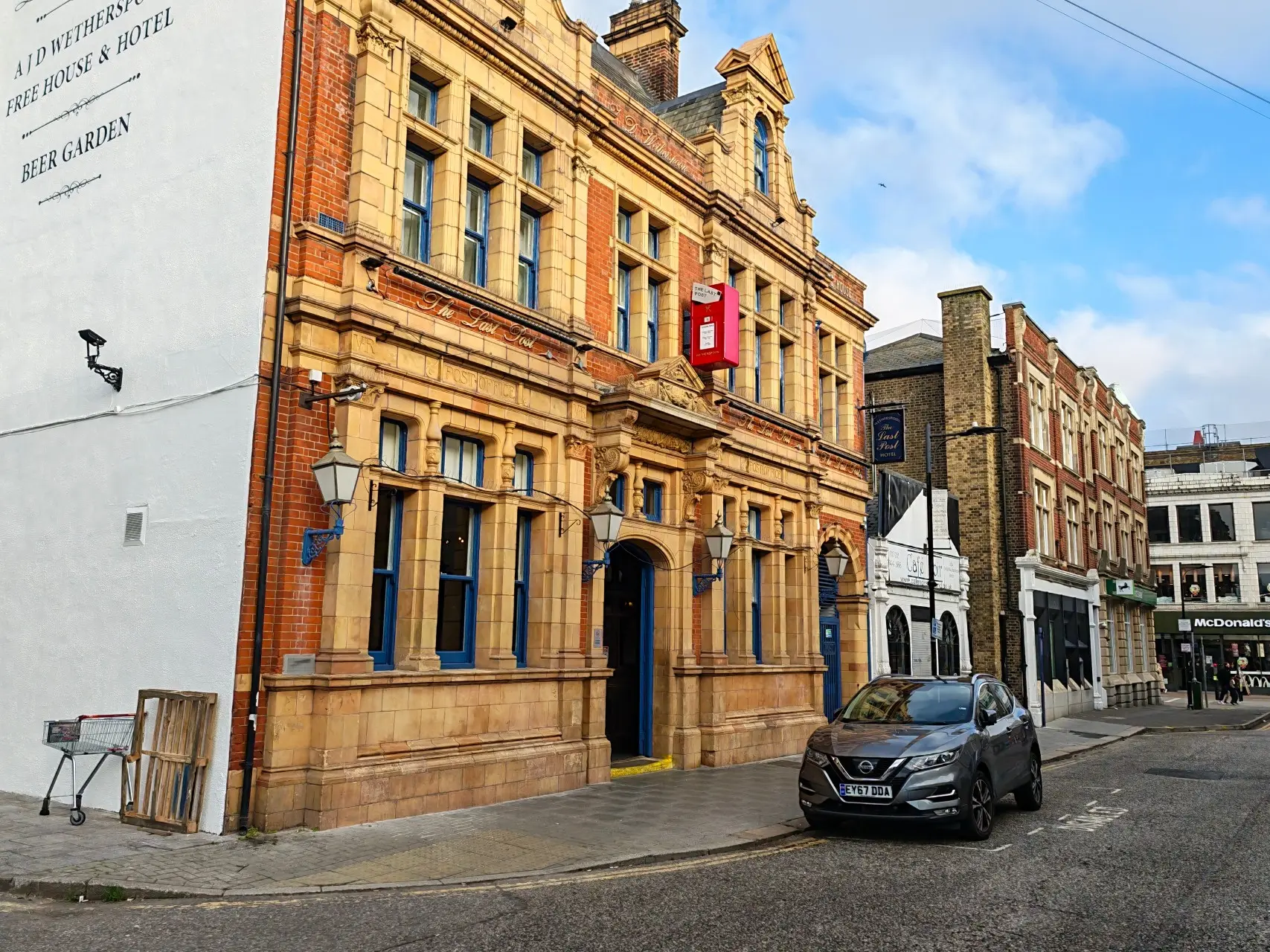



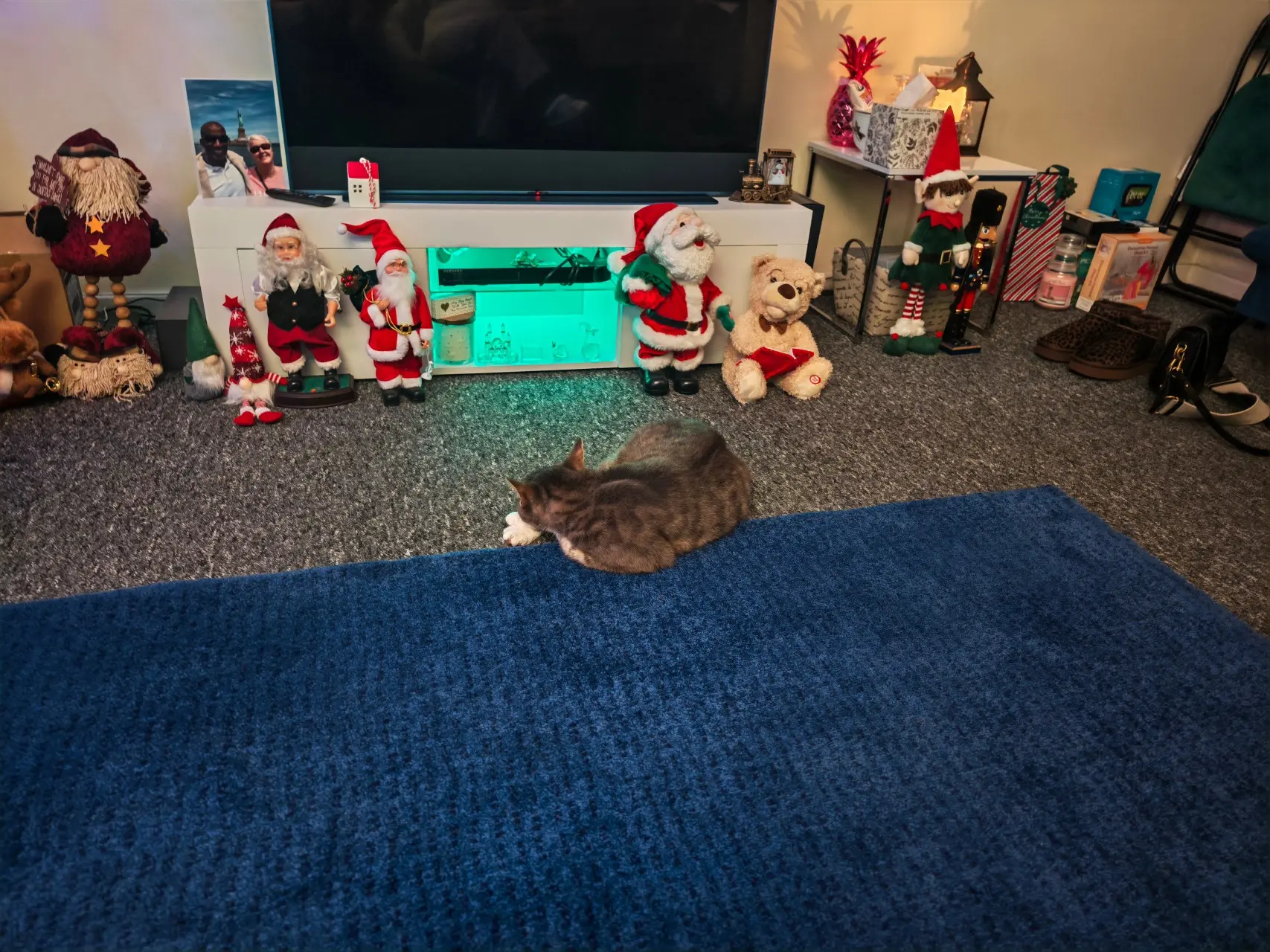

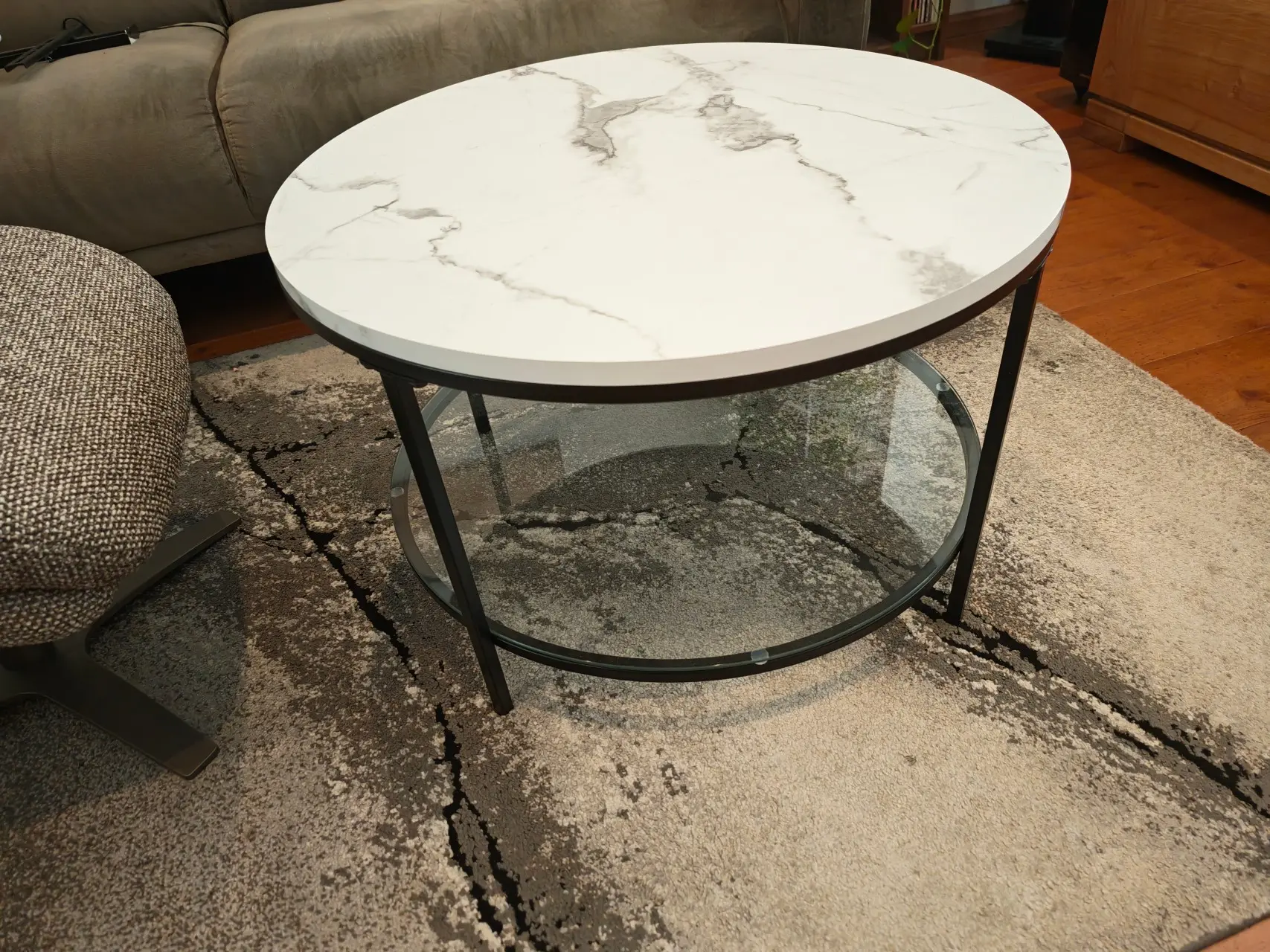

As you can see in the above photos, It was mostly cloudy and overcast, with the sun sometimes coming through on different days that I made the photos; scene images came out rather well. The crane and pier pictures were used to take advantage of the AI Super Zoom functionality, using the maximum zoom of 100x.
I don"t know what Honor have done, but I found zooming in, even at maximum of 100X allowed me to capture the shot easily with some sort of image stabilization happening.
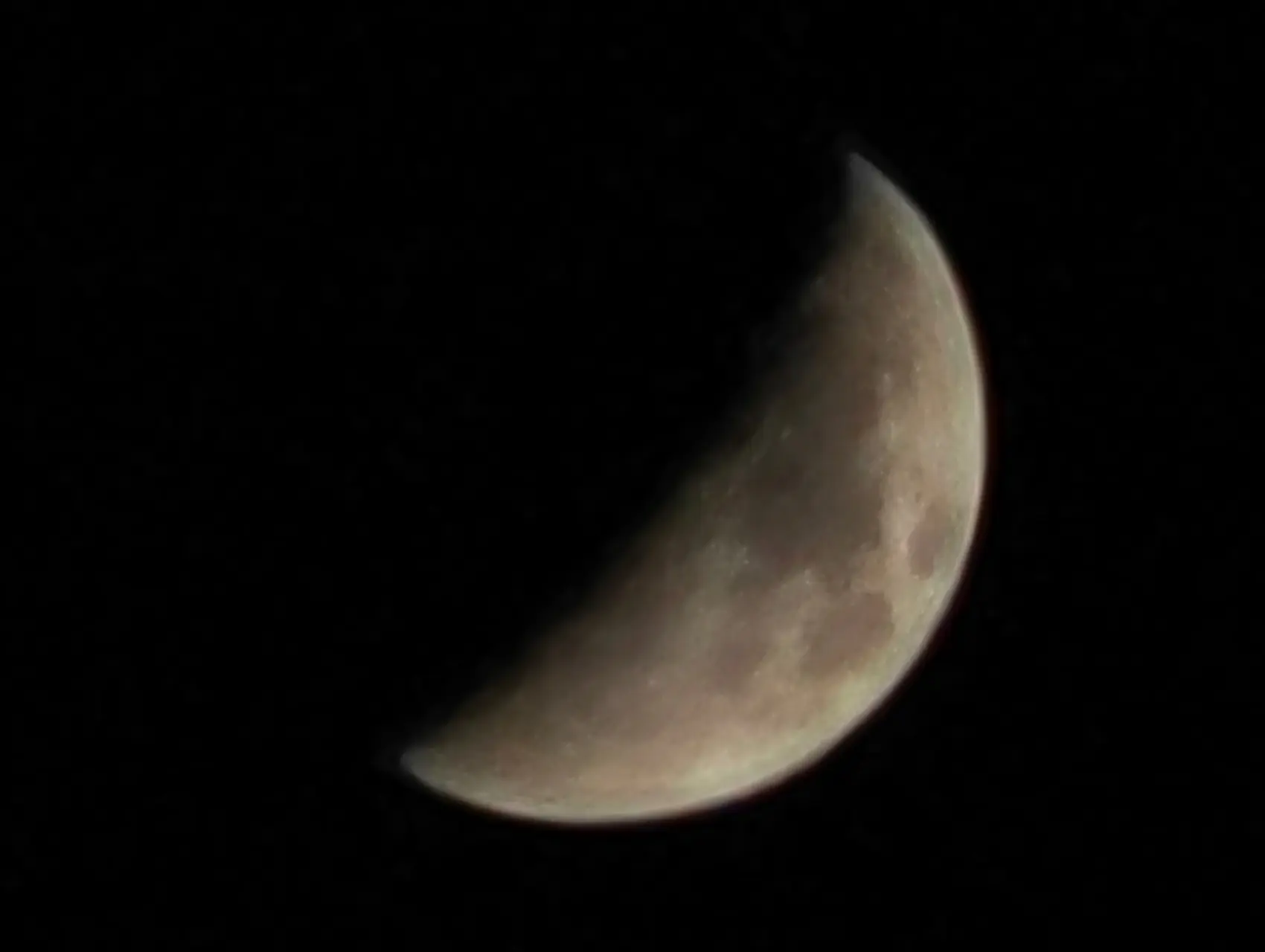


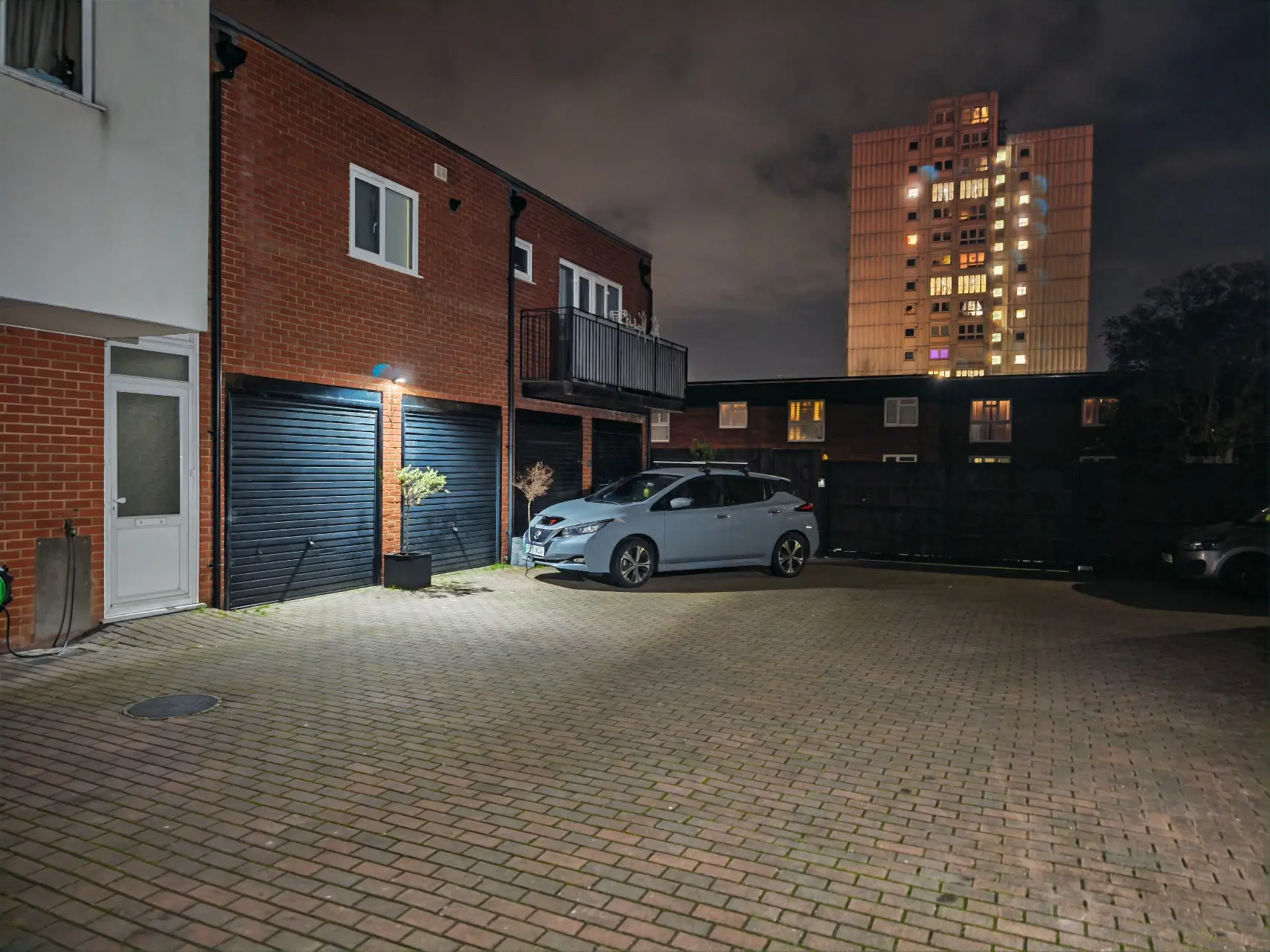
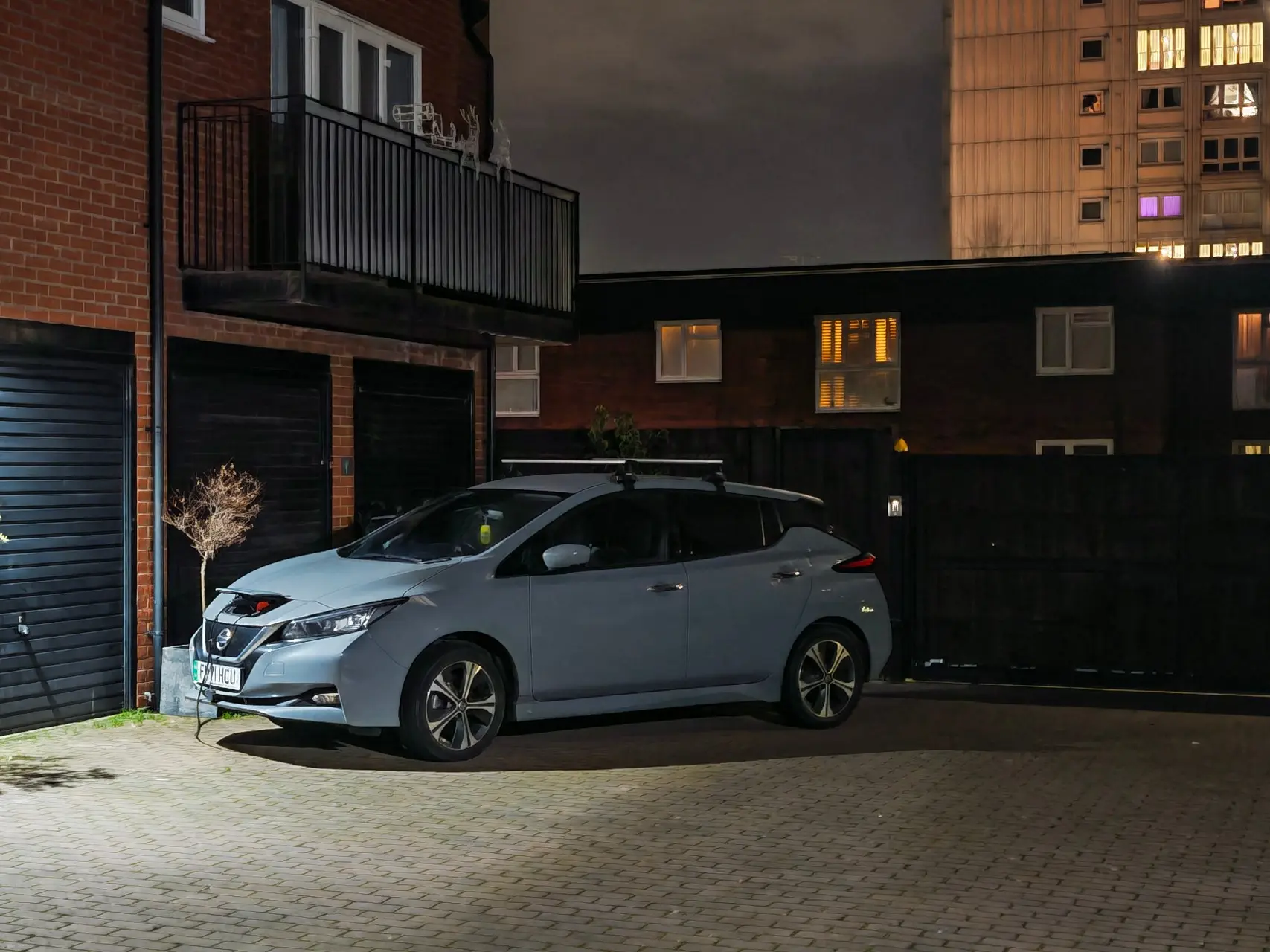

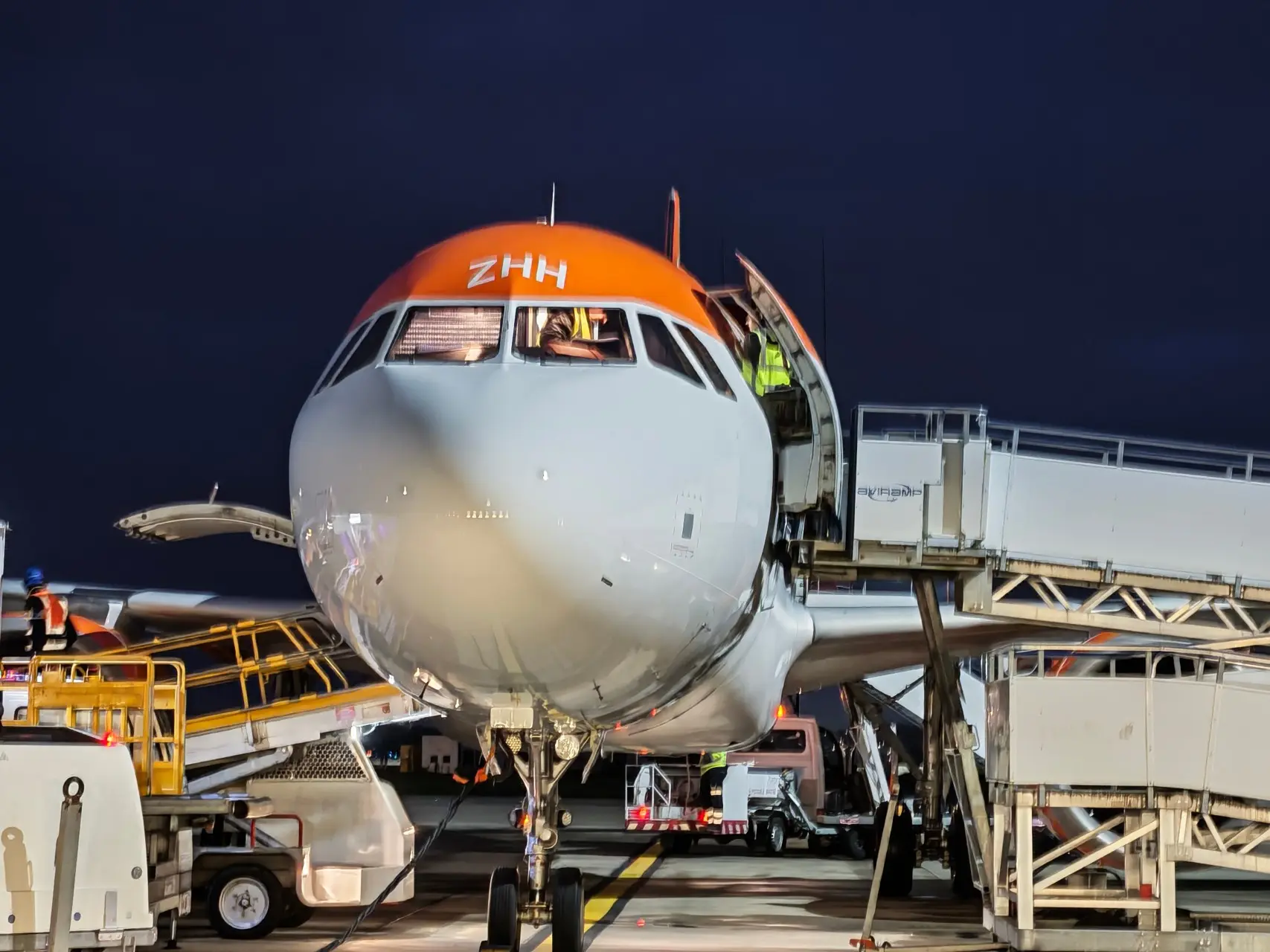
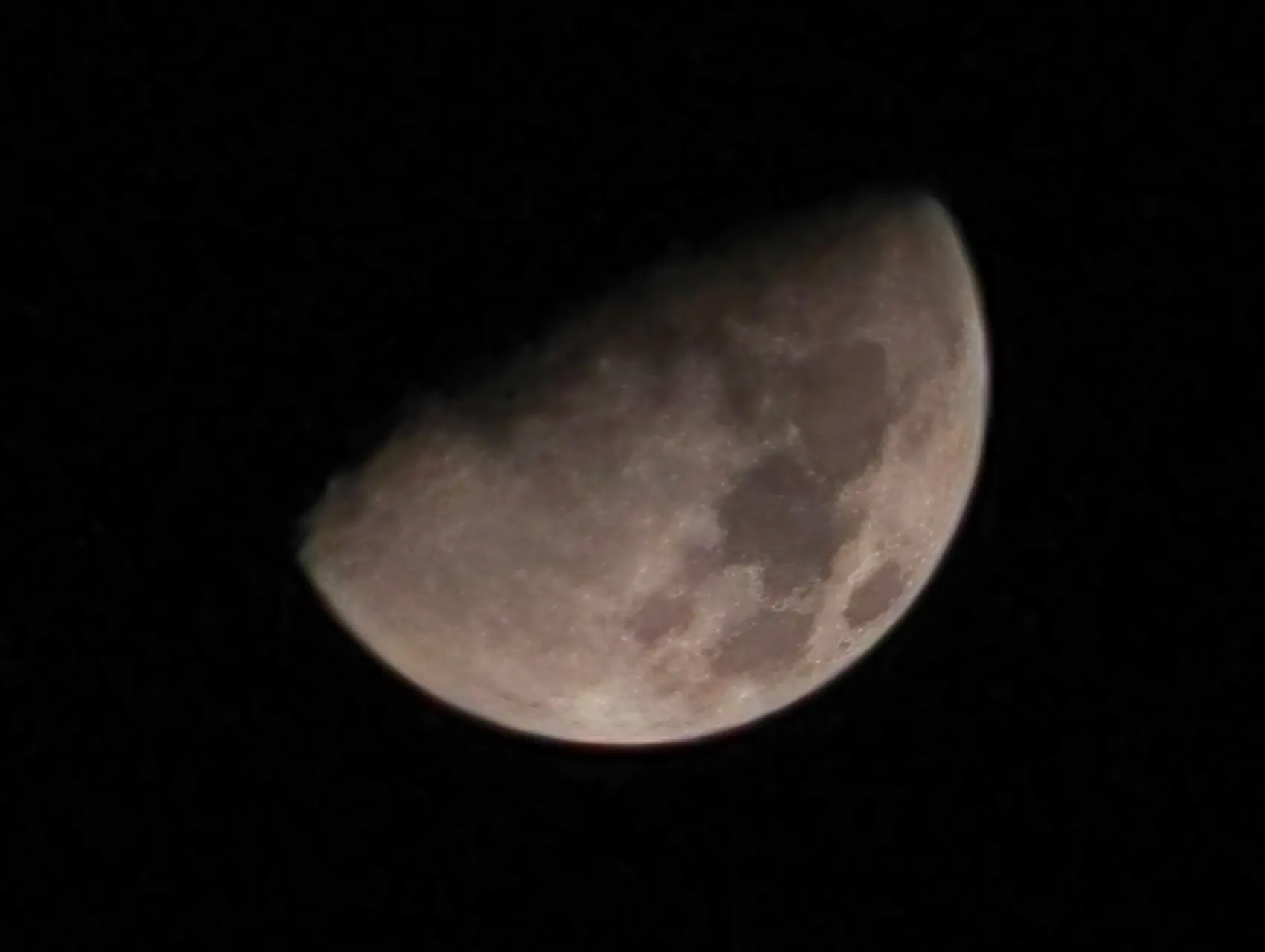
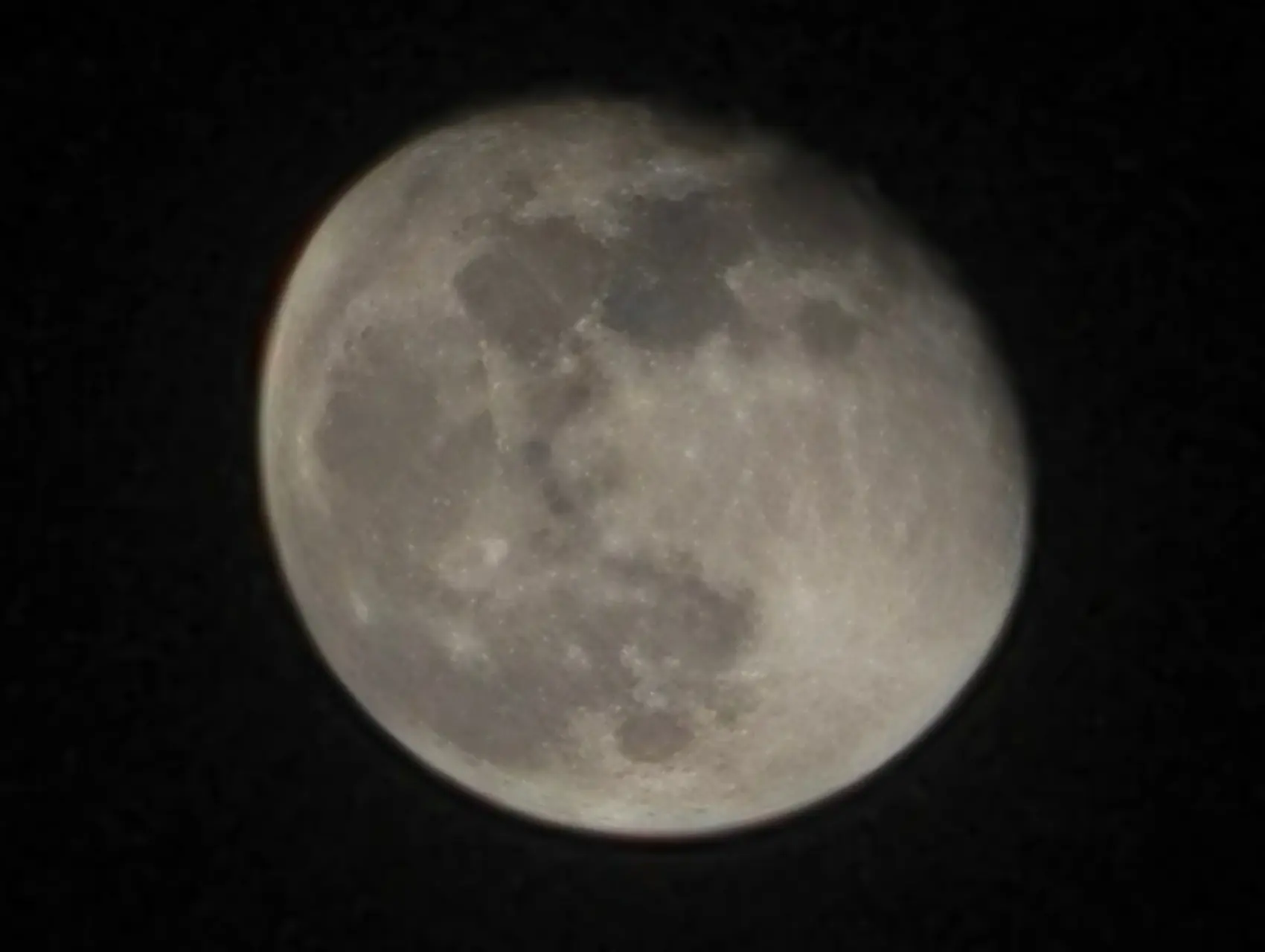

Again, with nighttime image captures, there"s definitely an overall improvement gen-over-gen. As I said with the daytime pics, even capturing the moon 100X allowed me to do this with some sort of image stabilization taking place which meant that the minimal movements of my hands didn"t lose the shot; although HONOR says nighttime captures employ crowd generative AI at over 30X zoom.
AI Eraser
I covered this extensively with the Magic7 Pro review, so I won"t repeat myself here. The feature is there in the Magic8 Pro and works as expected. I had a lot of fun showing my stepfather how it worked while we were enjoying Return of the Seven over Christmas in the dining room while my mother watched soaps in the living room. For the uninitiated Return of the Seven is the 1966 sequel to the more famous The Magnificent Seven.
| The original | The AI erased version |
|---|---|
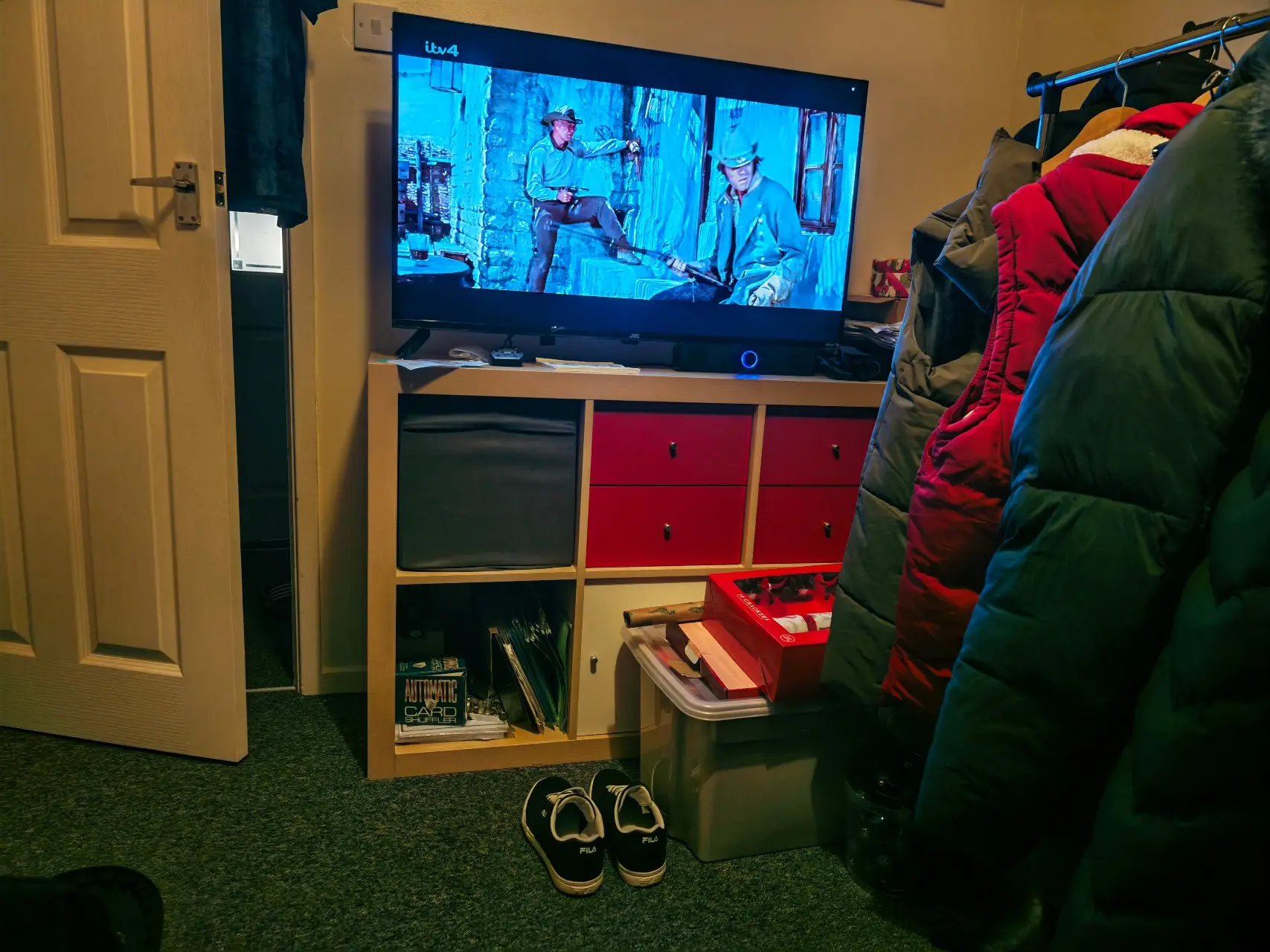
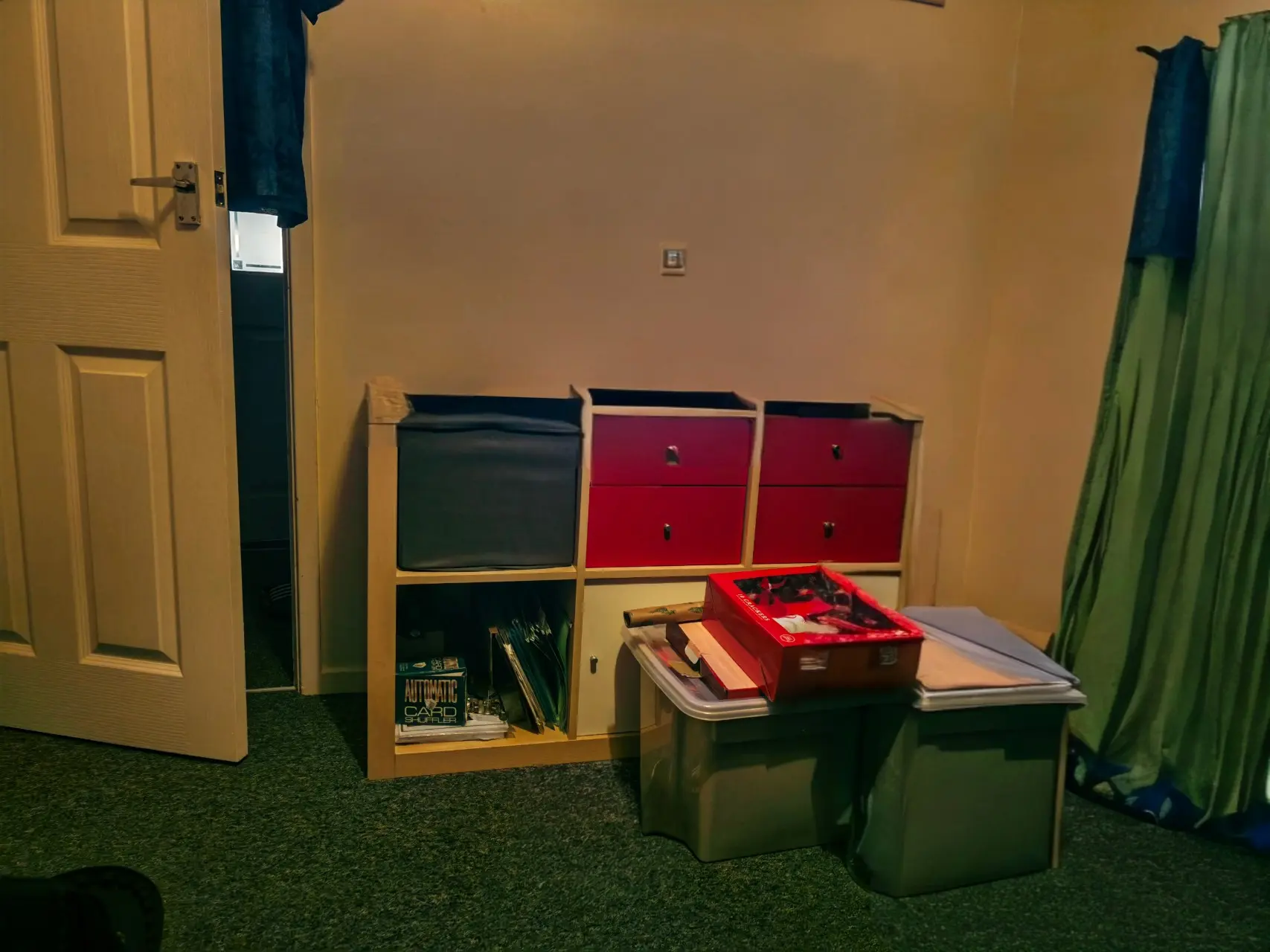
I should note that I kept removing things in the shot, and only saved the last picture, but this should show you how the feature can even create scenery from items that are only partially visible in the shot, like the red box. It"s not perfect, and it messes up the top of the cabinet the TV is on, and the plastic storage container is pretty warped by the time a lot of stuff is removed from the shot.
My advice to people who will be using this feature is to keep it simple folks! Remove the unwanted passerby, or the ***** you forgot to stow when taking a selfie; that"s really where it shines!
There are no costs associated with the AI-powered tools that HONOR delivers with the Magic8 Pro either, which is also cool. HONOR Magic8 Pro also comes with the Gemini AI Assistant, which is worth a mention, and of course the "AI button" on the side of the phone too, let"s not forget that.
Performance and Battery Life
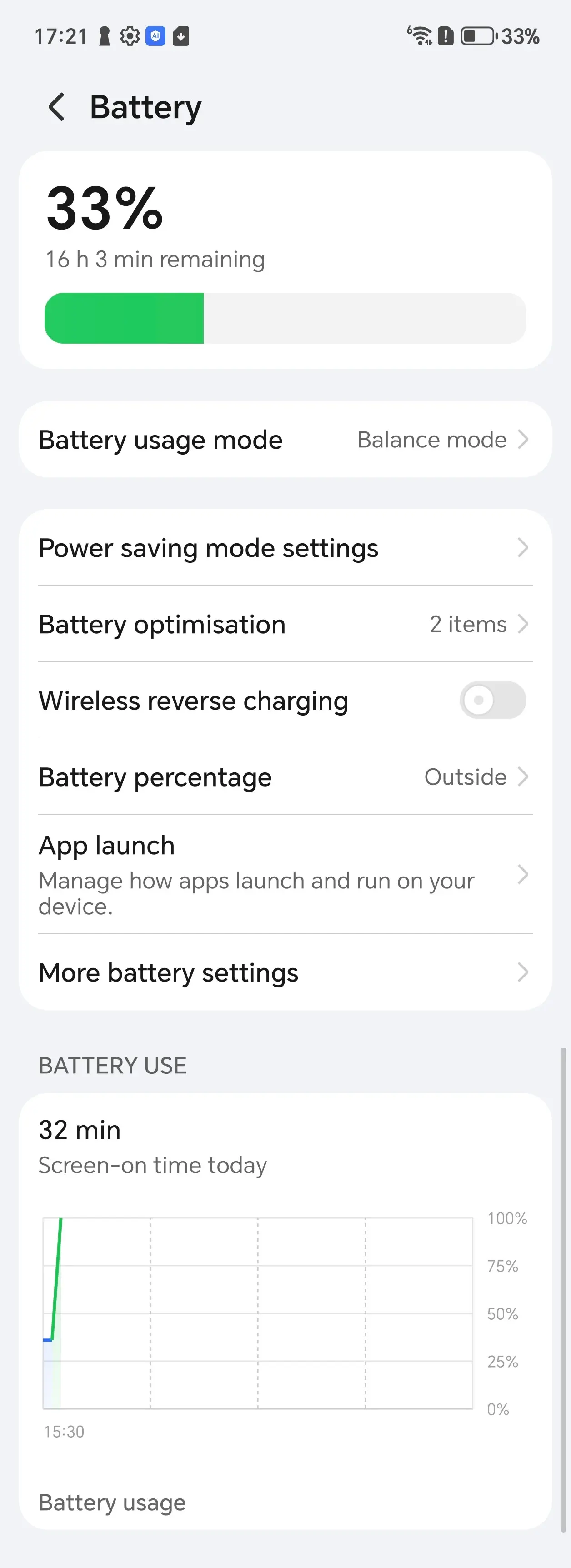
The phone offers up to 100W charging speed (wired) and 88W wirelessly; however, as I previously mentioned, and is required by the EU, HONOR does not include a SuperCharger in the box. I purchased an HONOR SuperCharger and connected it to a PC with USB4/Thunderbolt 4 but was disappointed to learn that it maxes out at 27W.
I wasn"t even getting that because it said Fast Charge, with an estimated charge time of 3h 30 mins. I switched to my Samsung Travel Adapter, which is rated for up to 45W, also using the cable that HONOR shipped in the box and saw that it switched to Super Fast Charging, but only at 27W. All in all, it took over three hours to charge.
Benchmarks
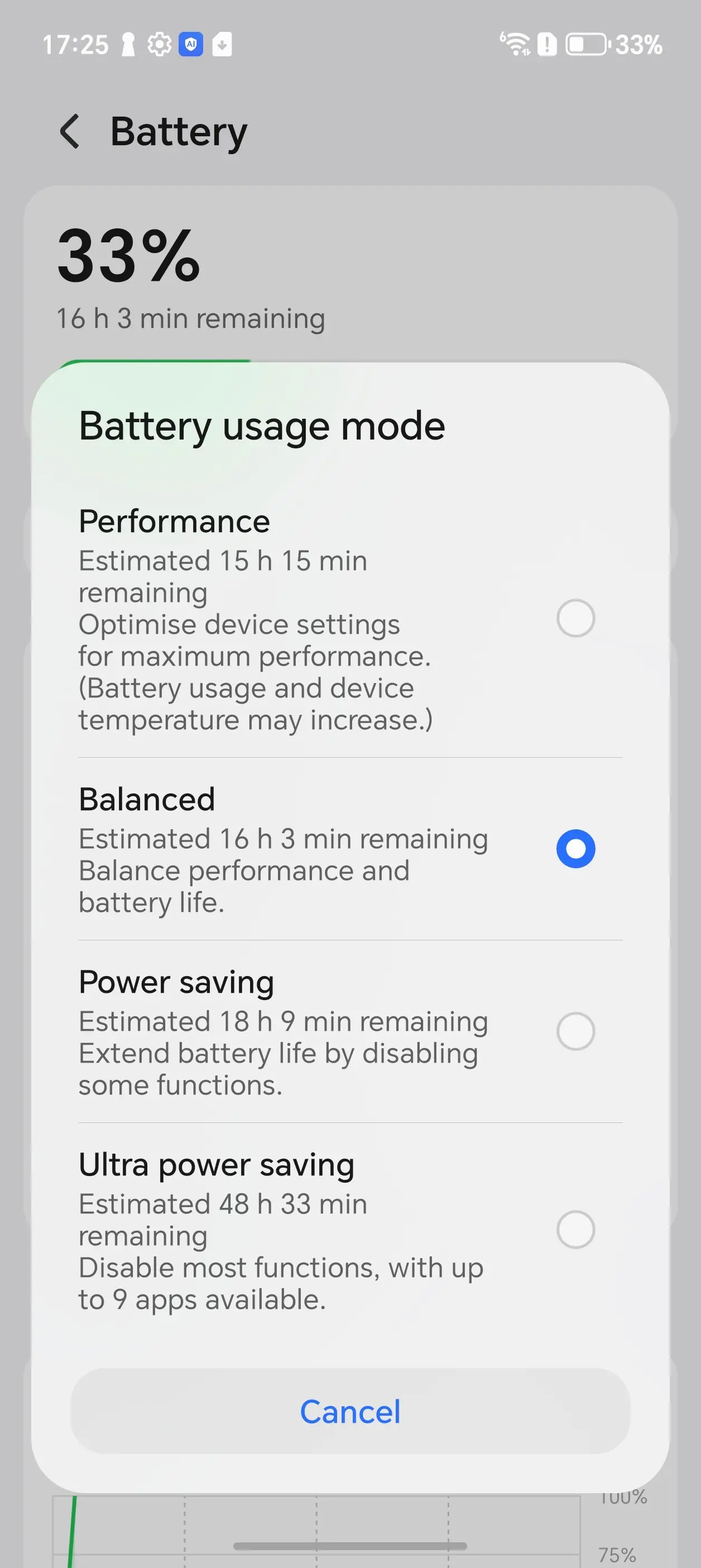
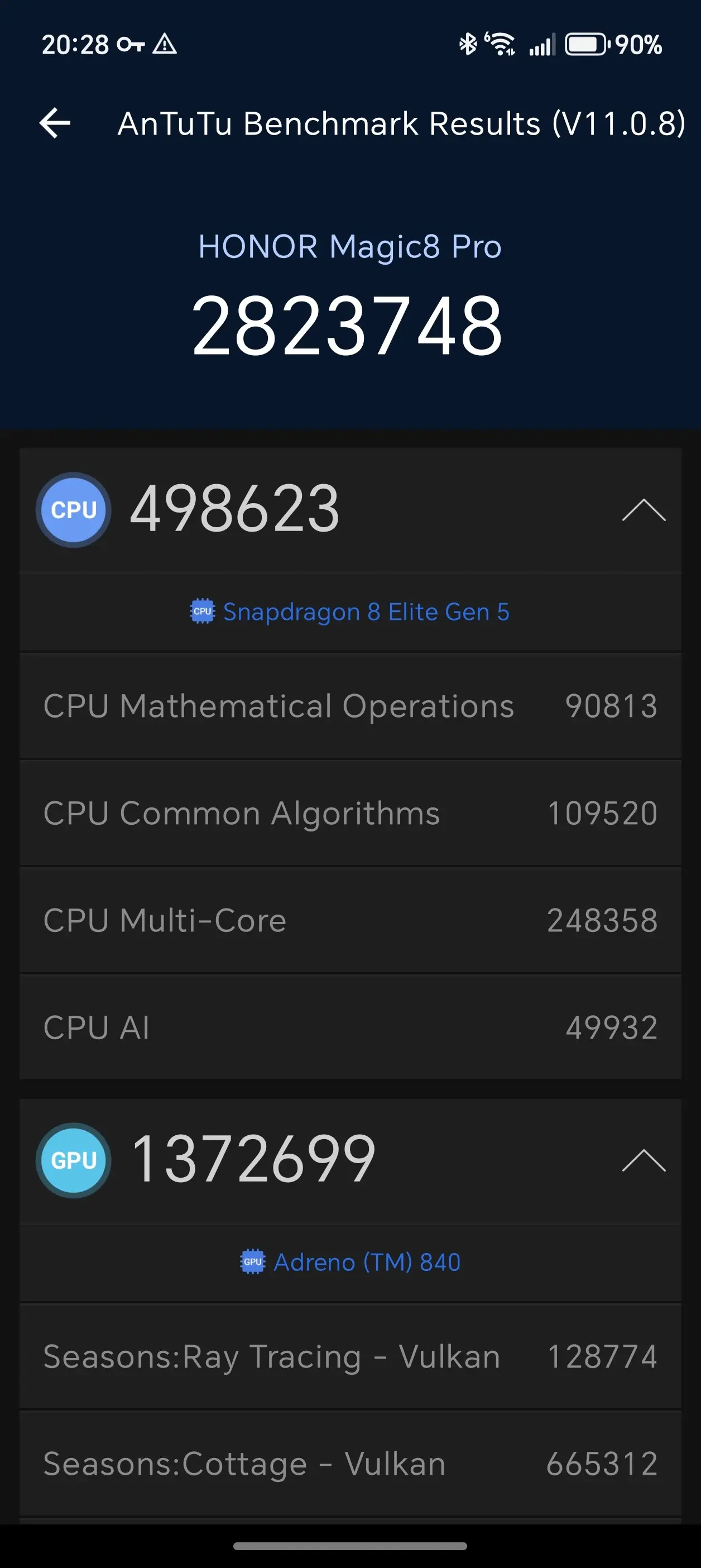
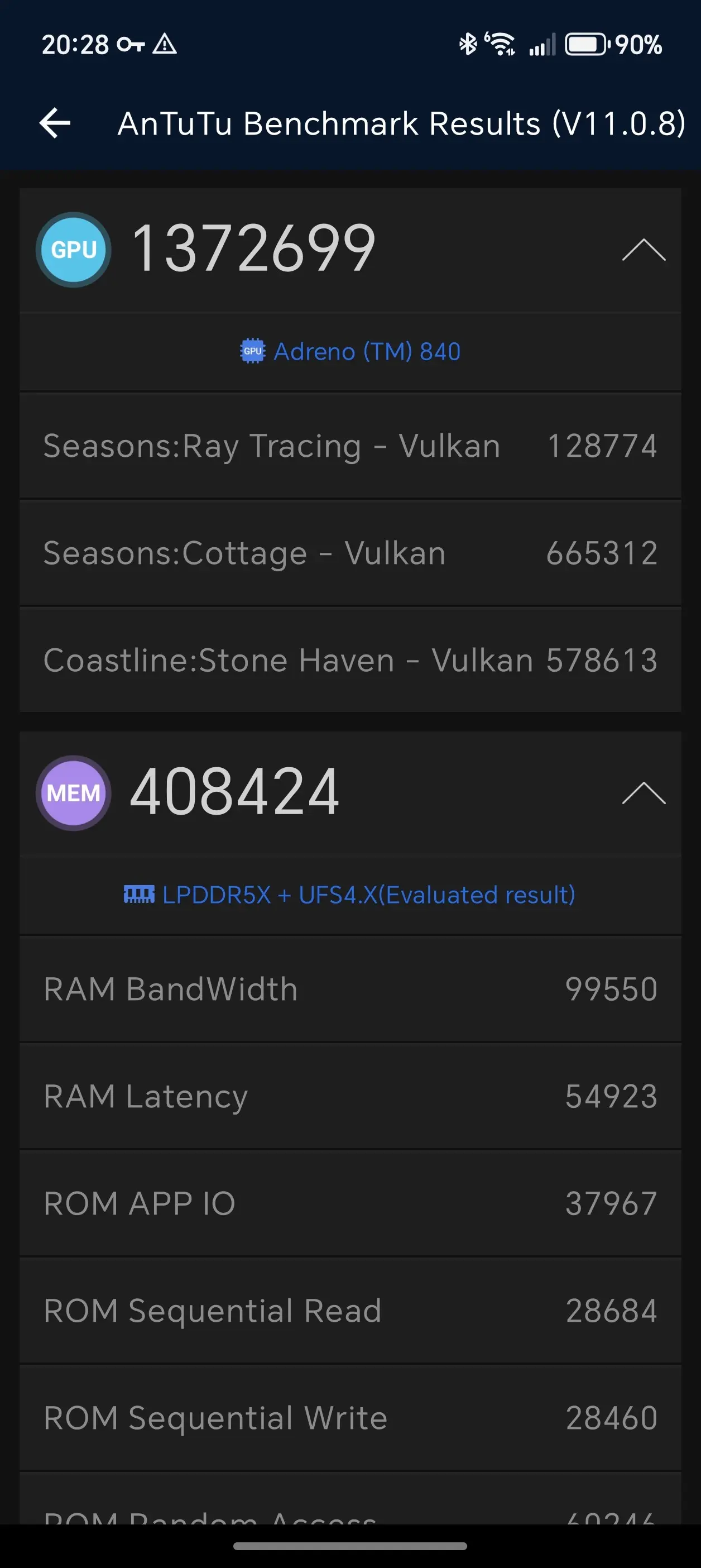
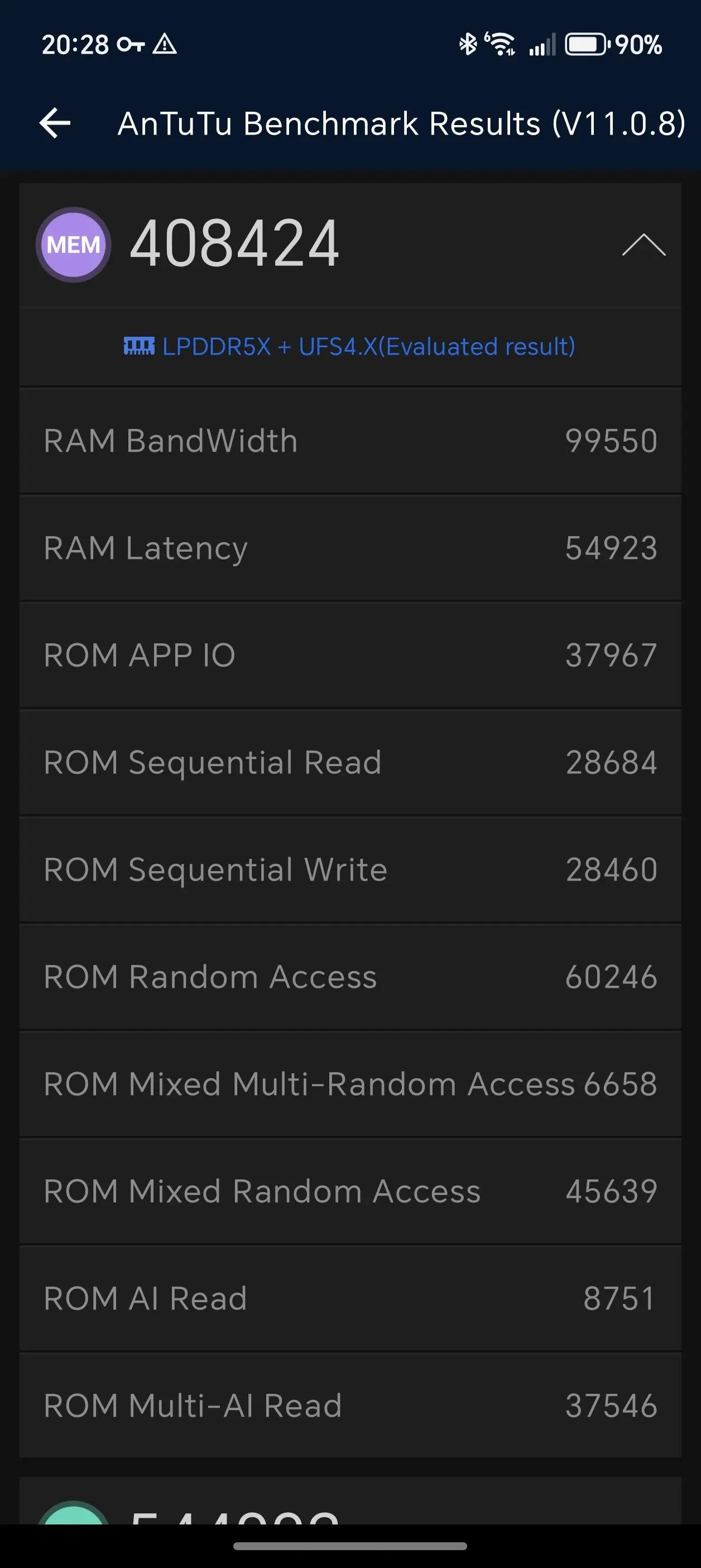
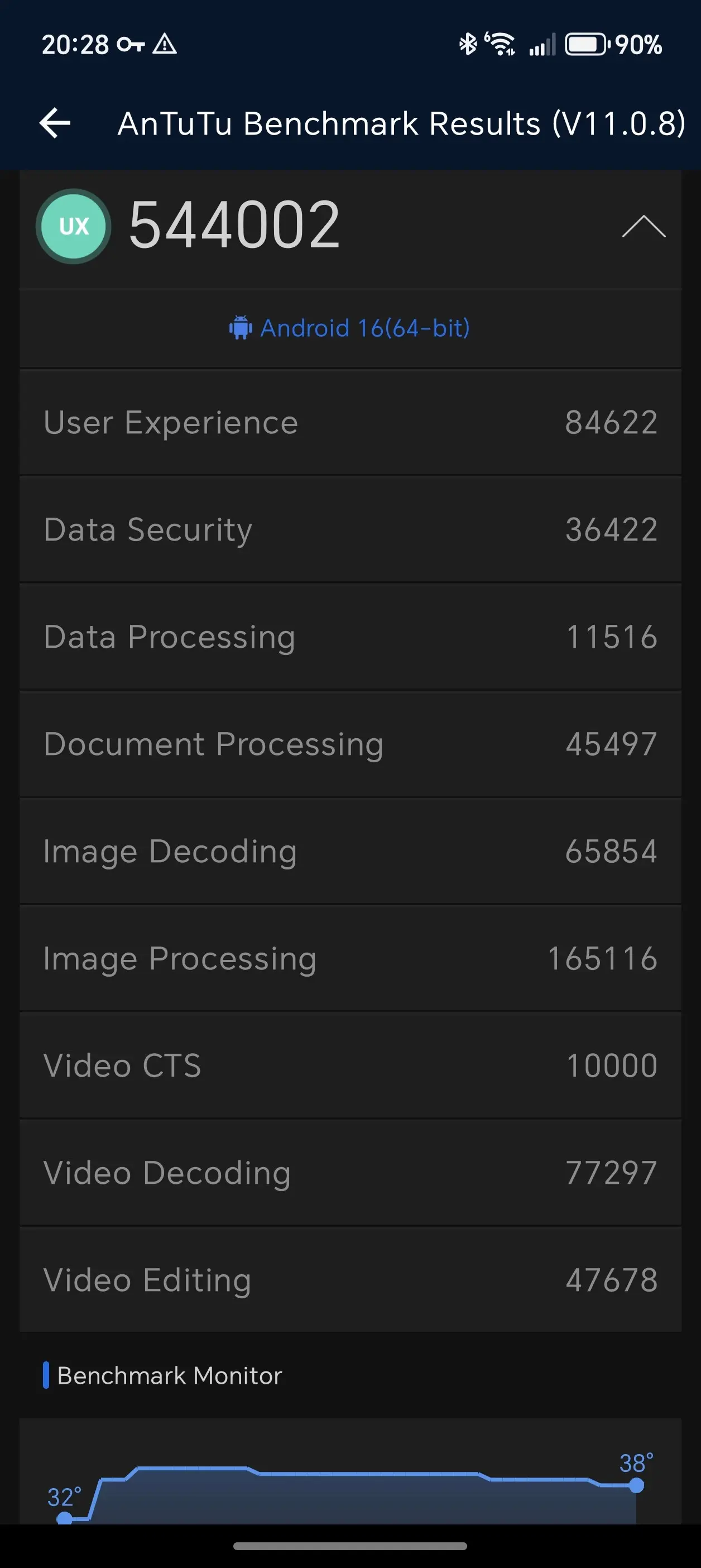
For those who love benchmarks, I used AnTuTu v10, Geekbench v6, 3DMark, and PCMark. A few of the results are in the gallery below. But an important note to add here is that by default, HONOR decides users do not need to utilize the full capacity of the Snapdragon 8 Elite CPU, which results in very low scores. Unhelpfully, this is not something that is shown to the user either, one has to "discover" that the phone is not in "Performance mode" (which for most other Snapdragon 8 Elite Gen 5 flagships is the "default" mode) so below there are benchmarks for what you"ll get "by default" and another set of benchmarks for when you manually toggle Performance mode on.





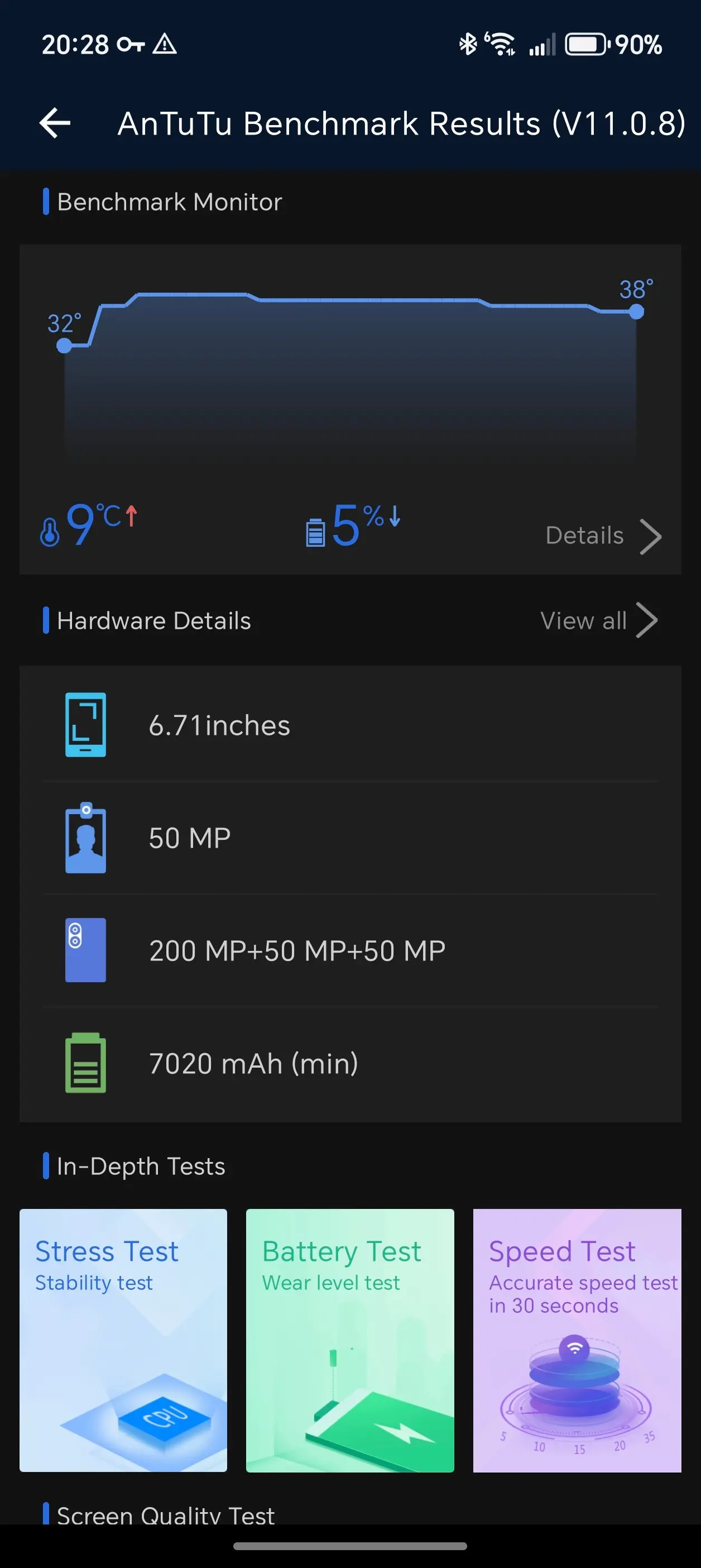
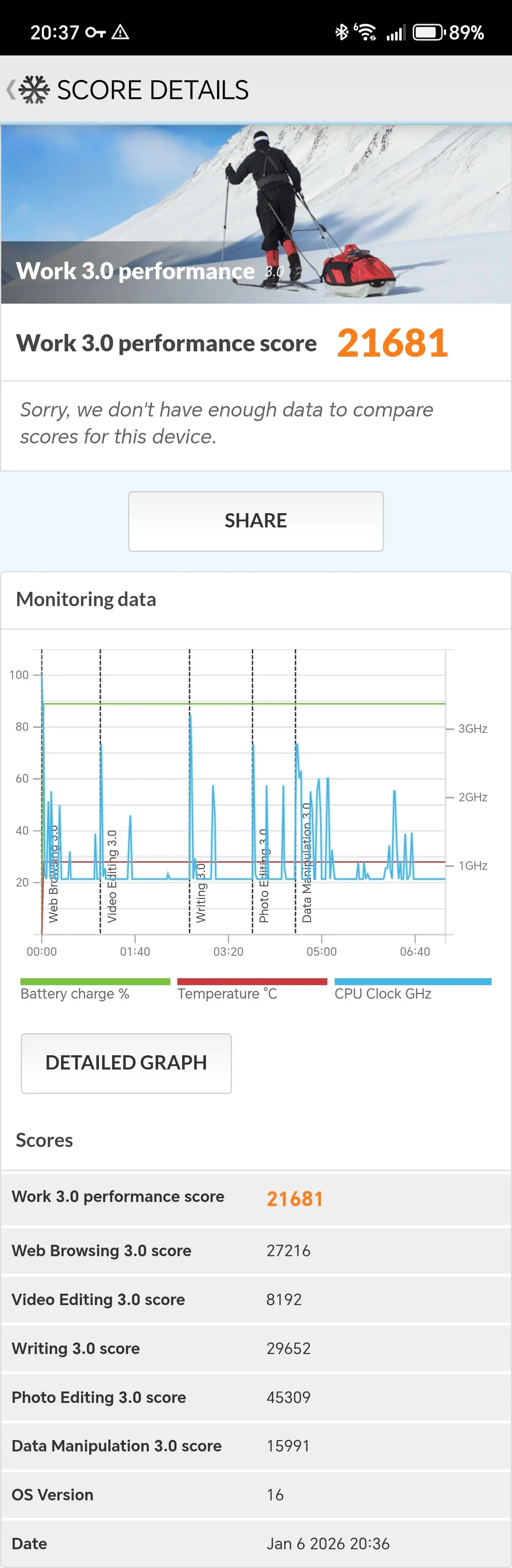

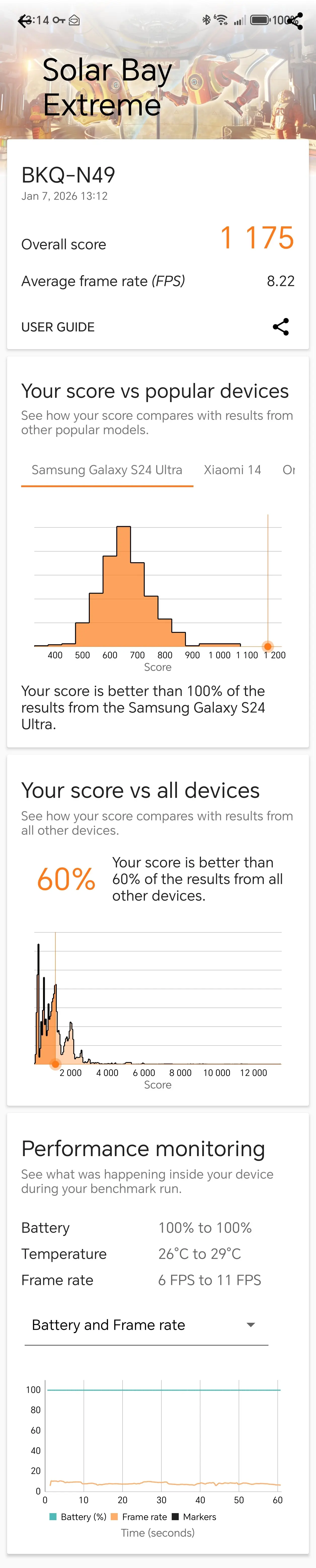
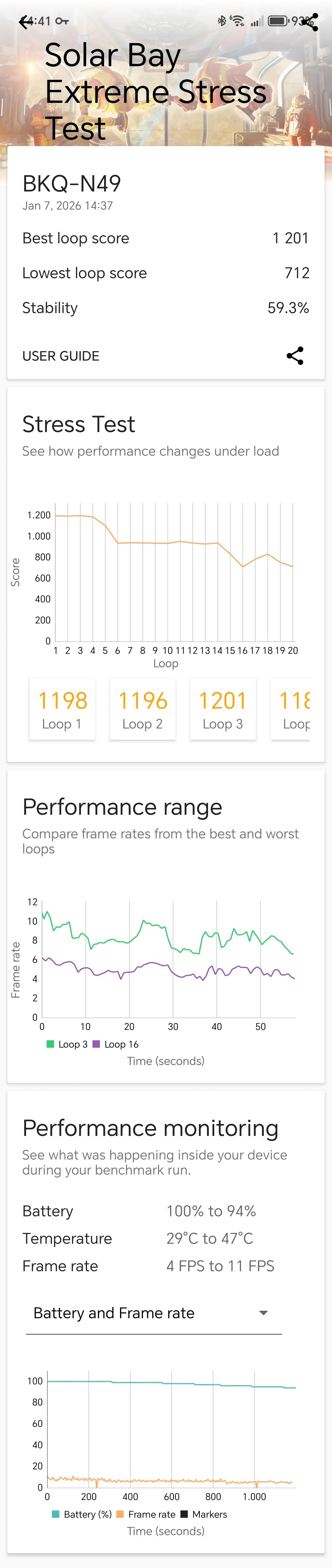

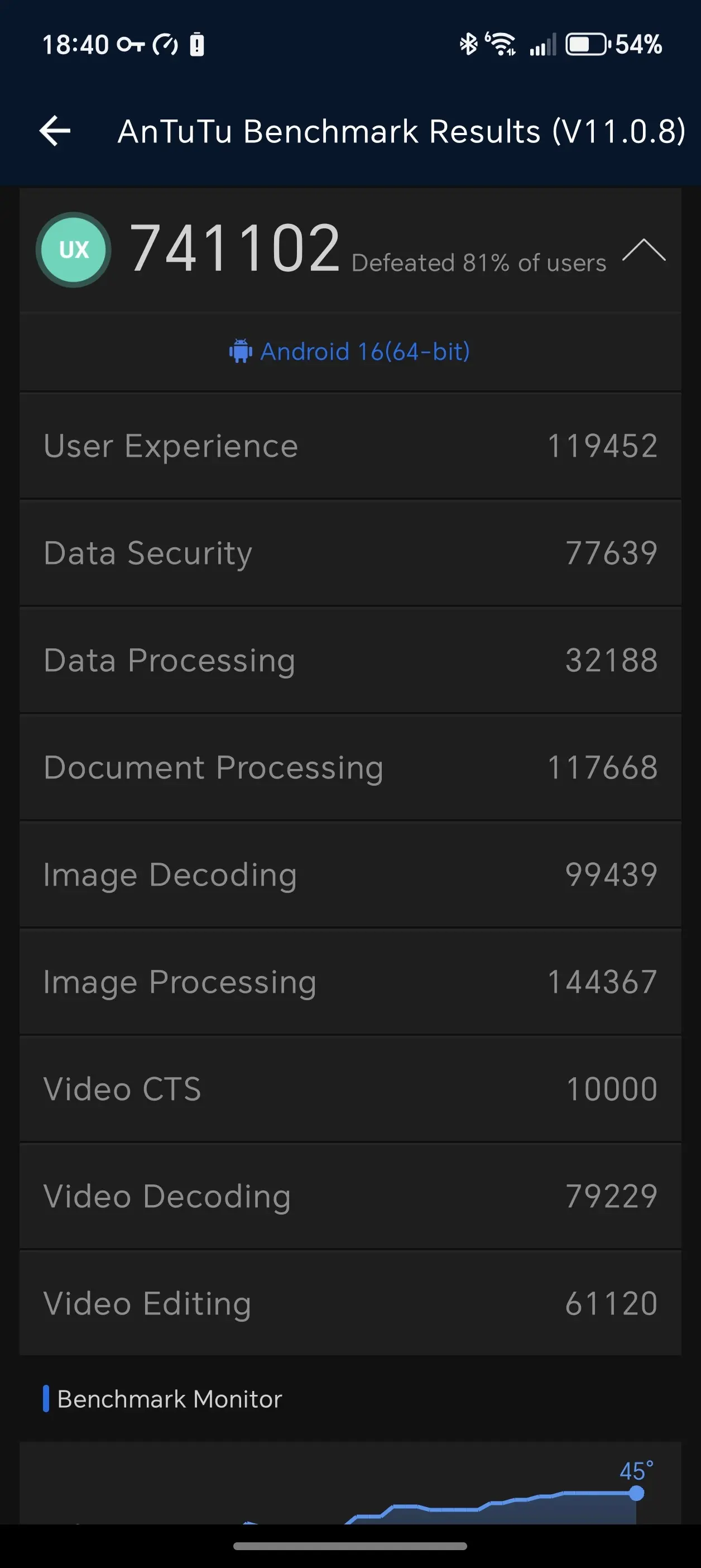
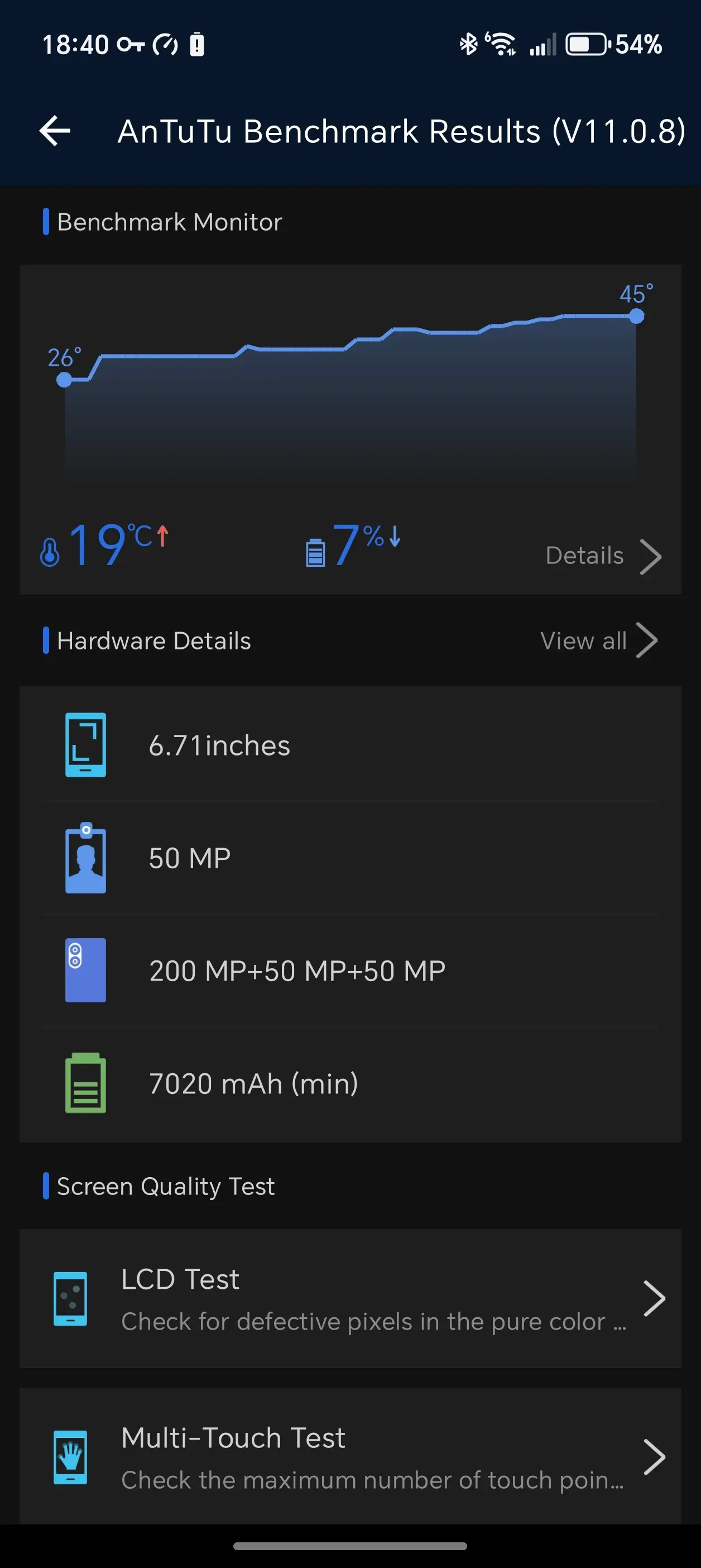






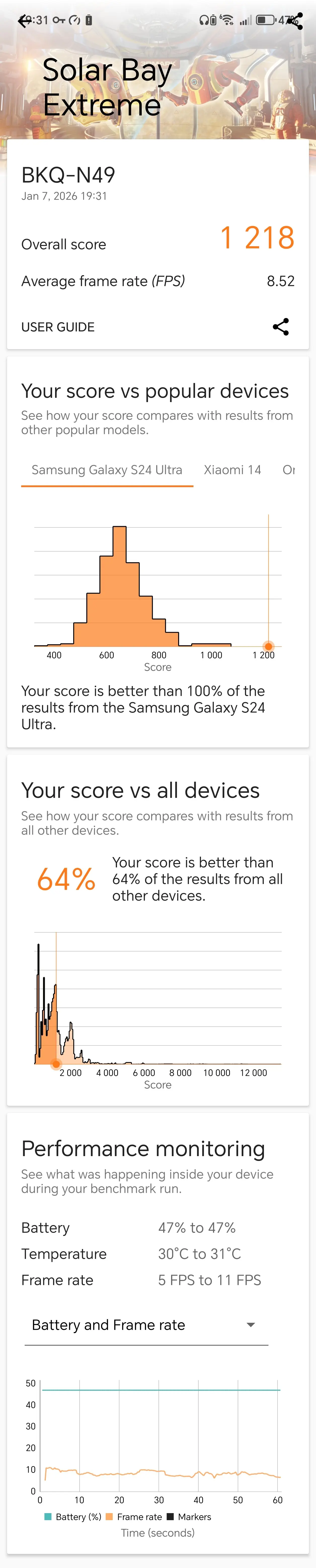
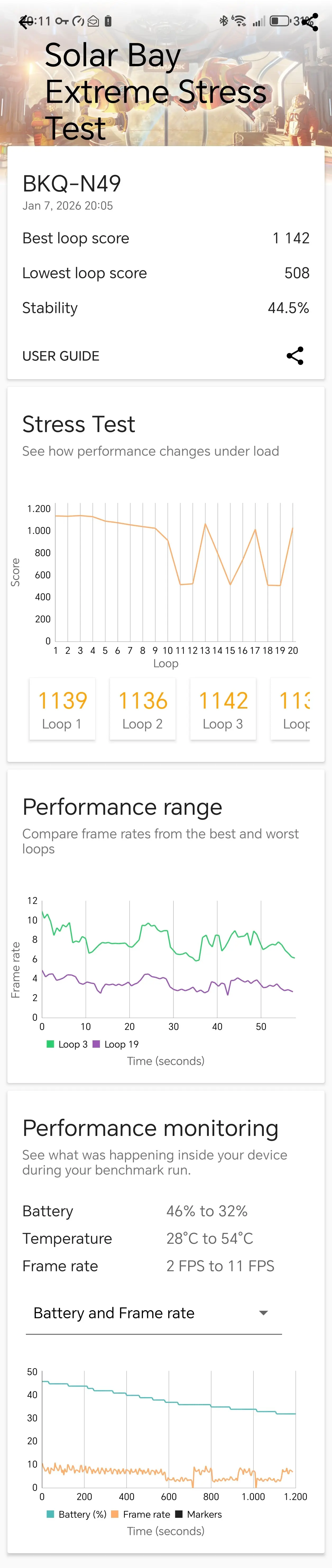
As was to be expected, in Performance mode the Magic8 Pro performs alongside most flagships on the market, thanks to its Snapdragon 8 Elite Gen 5 CPU and Adreno 840 GPU, resulting in the below scores:
AnTuTu v10
- Balanced: Overall 2823748 CPU: 498623 GPU: 1372699 Memory: 408424 UX: 544002
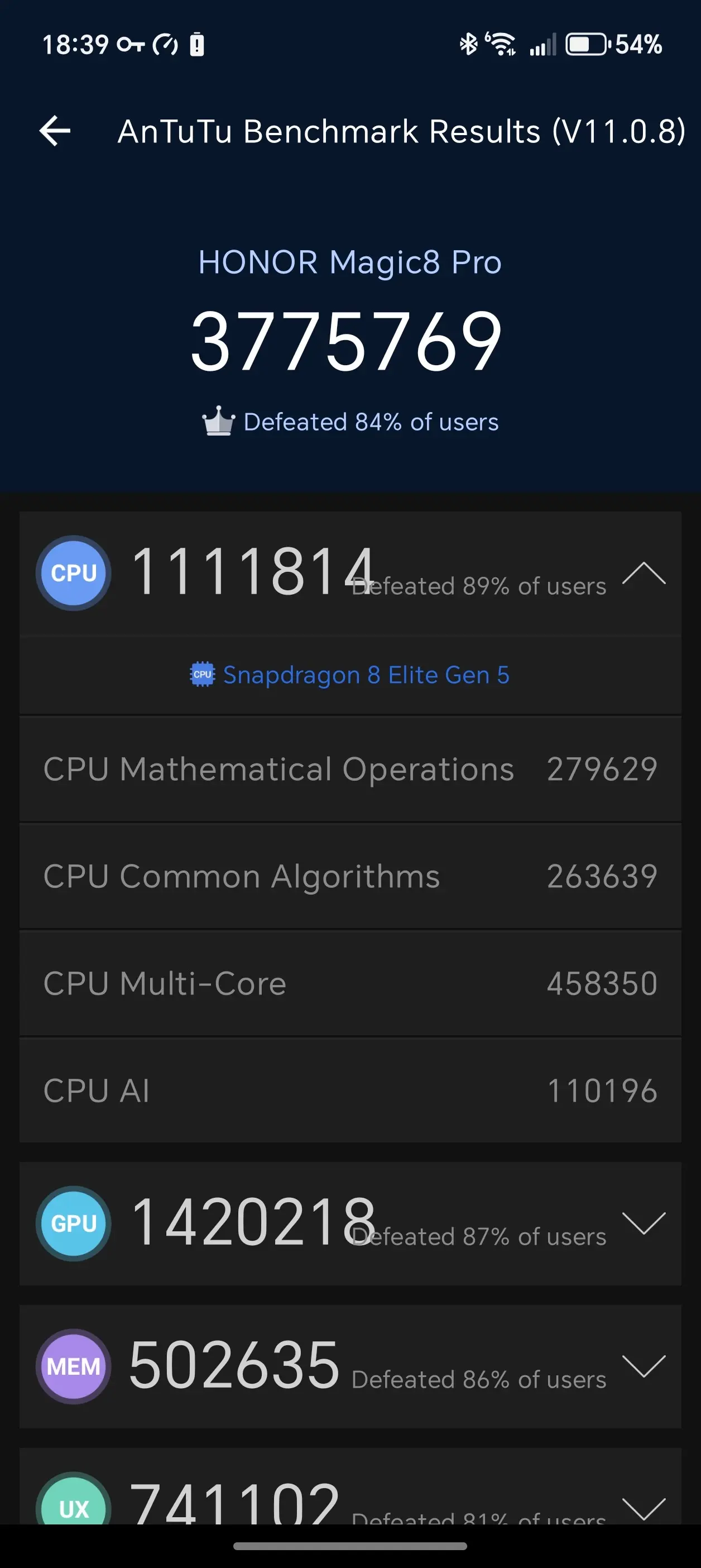
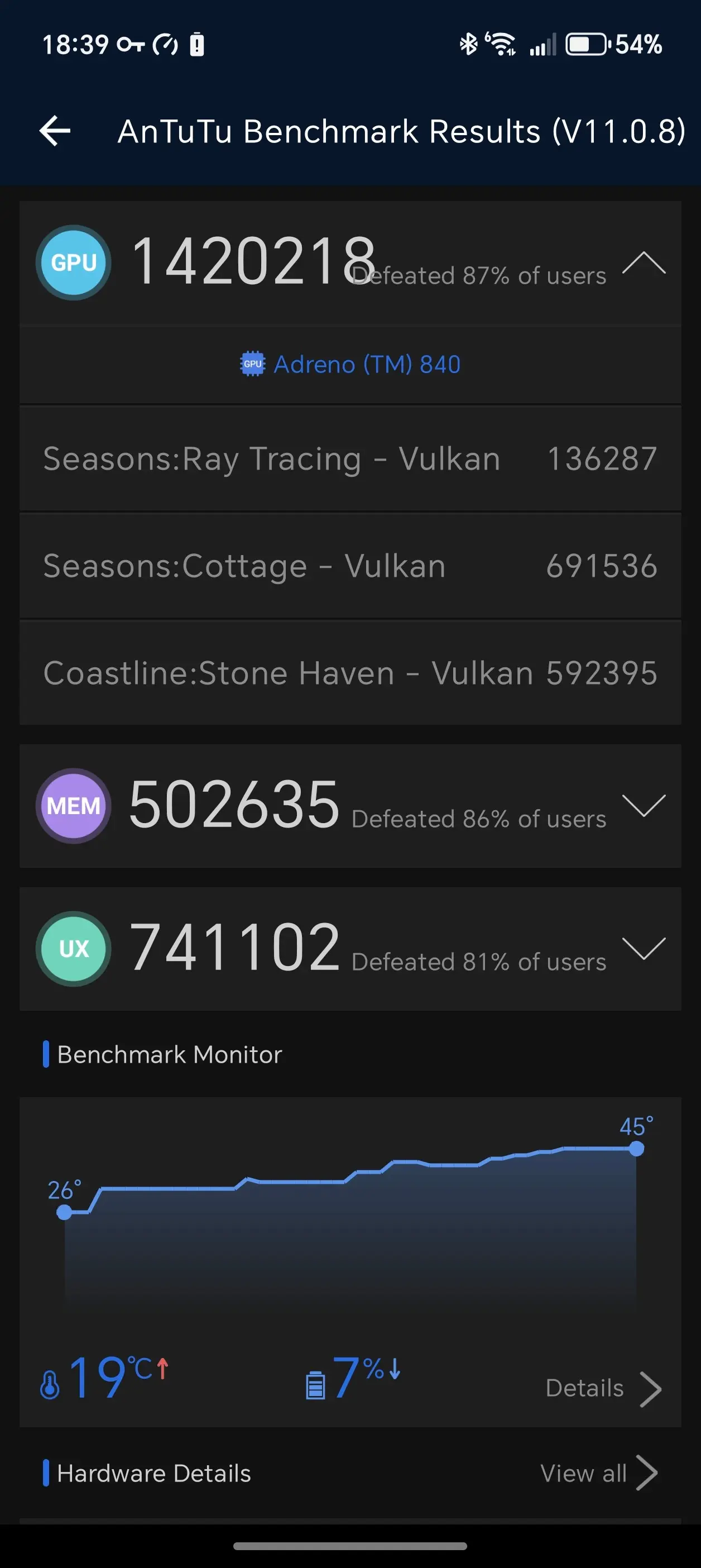
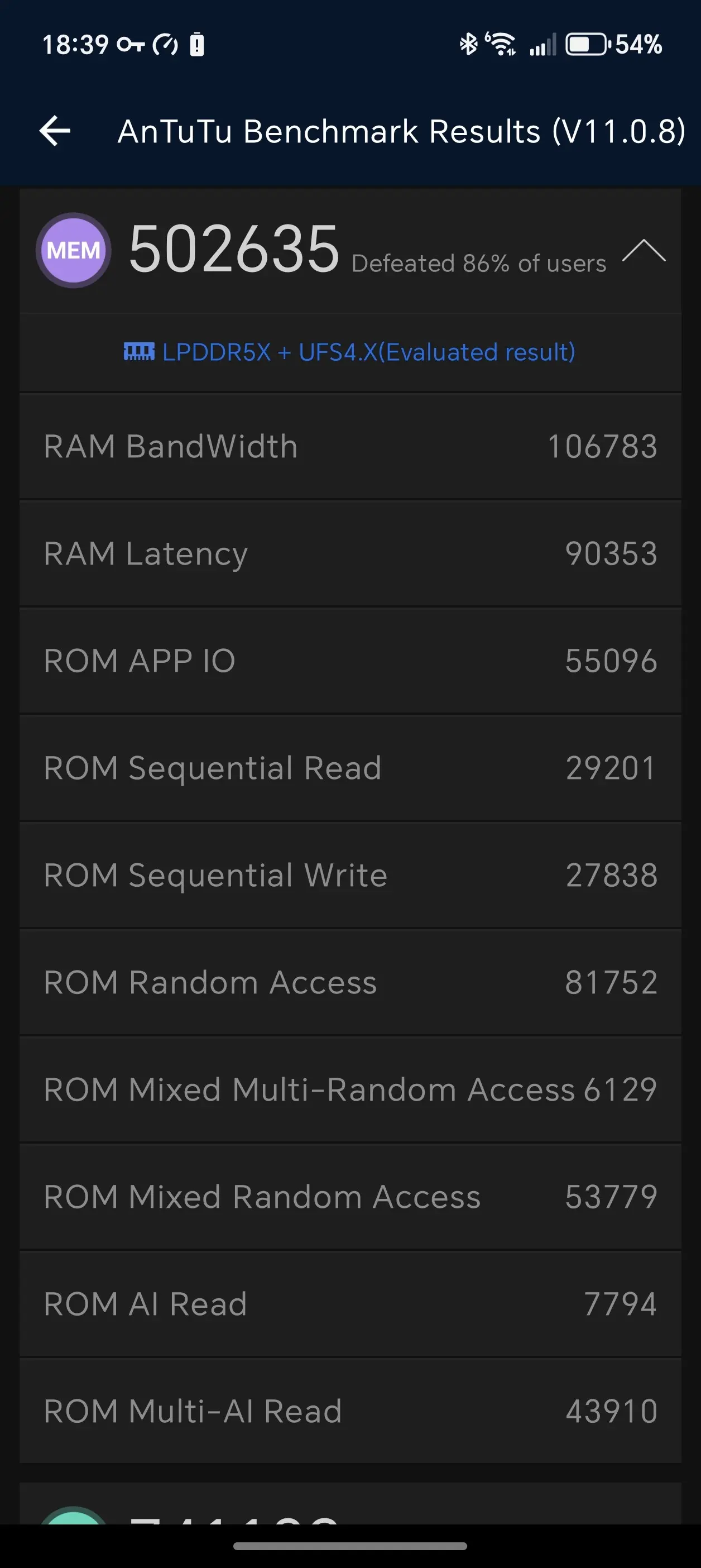
- Performance Mode: Overall 3775769 CPU: 1111814 GPU: 1420218 Memory: 502635 UX: 741102
For some additional context, AnTuTu"s Memory score also accounts for the UFS storage speeds on the phone, and the UX score weighs various real-world tasks like image and video editing/processing, document processing, and a bit of data analysis, among others.
The Magic8 Pro finished under everything in the Samsung Galaxy S25 series in Default mode, including the OnePlus 15R in the AnTuTu v11 rankings. This seems to point to the Honor8 Pro being underclocked in order to preserve battery life rather than being configured for raw performance.
In Performance mode, it"s a different story with the Magic8 Pro second only to the RedMagic 11 Pro as of writing, with all of the scores also doing better than anything in the S25 series.
Geekbench v6
- Default: CPU Single-Core: 1,297 CPU Multi-Core: 5,058 GPU: 23,464
- Performance: CPU Single-Core: 3,665 CPU Multi-Core: 10,848 GPU: 23,646
Geekbench 6, which returned a score of 3,665, is 635 points higher than the 3,035 recorded on the Magic V5 Pro in Single-Core mode. However, in Multi-Core mode, the Magic8 pro soars past the Magic7 Pro"s 6,243 score by 4,605 points, recording a score of 10,848. On the GPU front, the Magic8 Pro scored 23,646, which puts it 5,385 points over the Adrino 830 powered Galaxy S25+"s best recorded score of 18,261.
If you are wondering, Geekbench ran a series of short tests which measured things like web browsing, document rendering, text processing, code compilation, various photo editing and processing tasks, and more.
3DMark (Balanced)
- Solar Bay: 12,841 (avg fps 48.83)
- Solar Bay Extreme: 1,175 (avg fps 8.22)
- Solar Bay Extreme Stress Test: Loop 1 (1198) Loop 2 (1196) Loop 3 (1201)
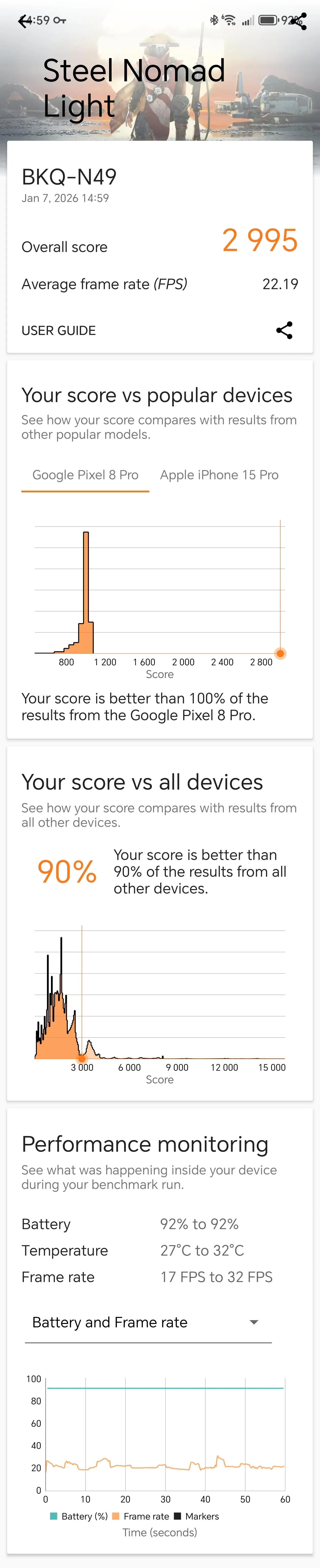
- Steel Nomad Light: 2,995 (avg fps 22.19)
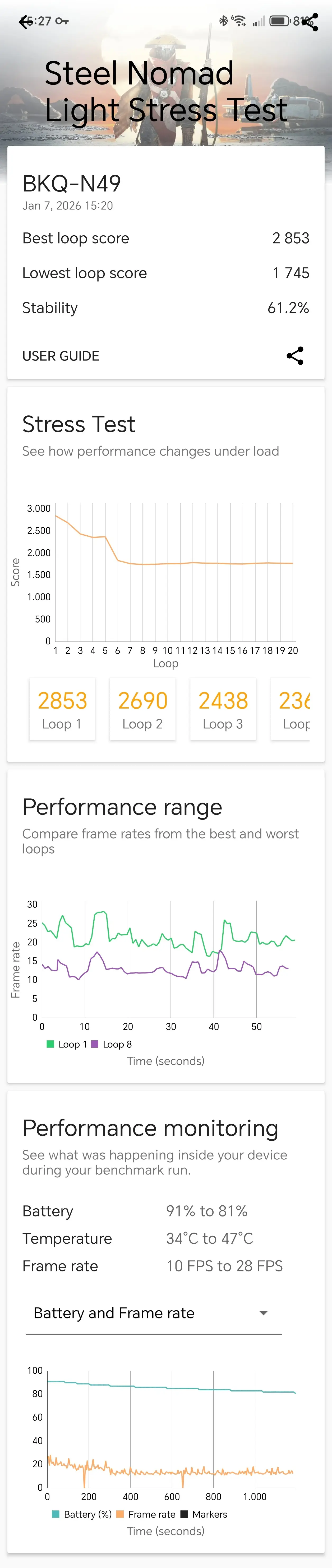
- Steel Nomad Light Stress Test: Loop 1 (2853) Loop 2 (2690) Loop 3 (2438)
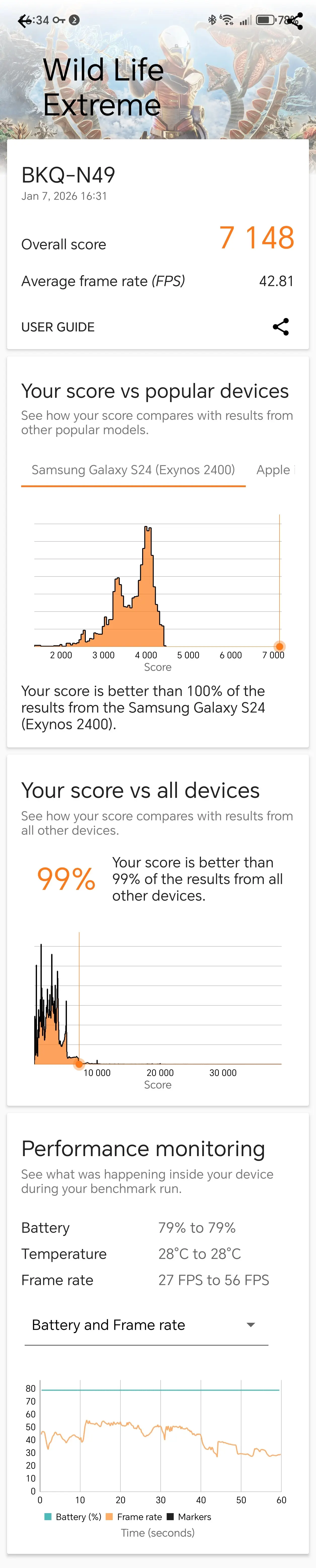
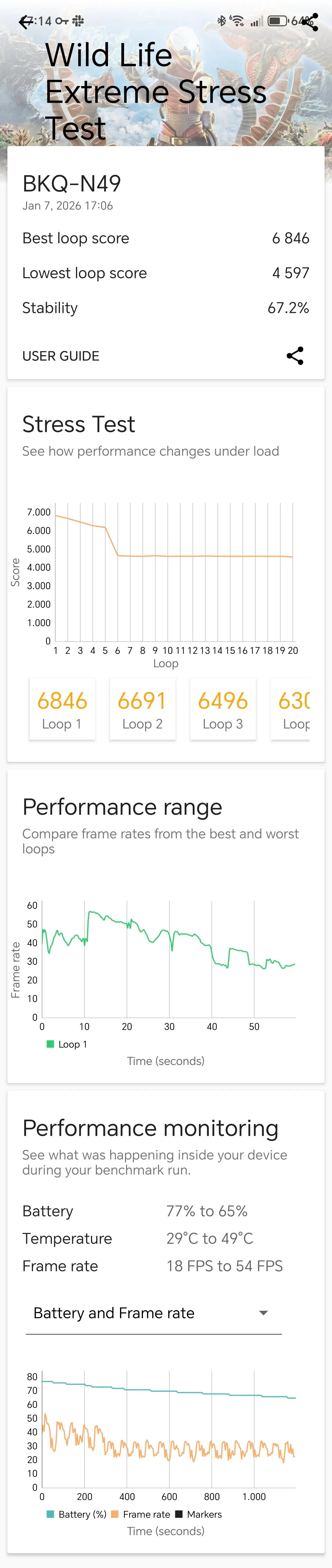
- Wildlife Extreme: 7,148 (avg fps 42.81)
- Wildlife Extreme Stress Test: Loop 1 (6,846) Loop 2 (6,691) Loop 3 (6,496)
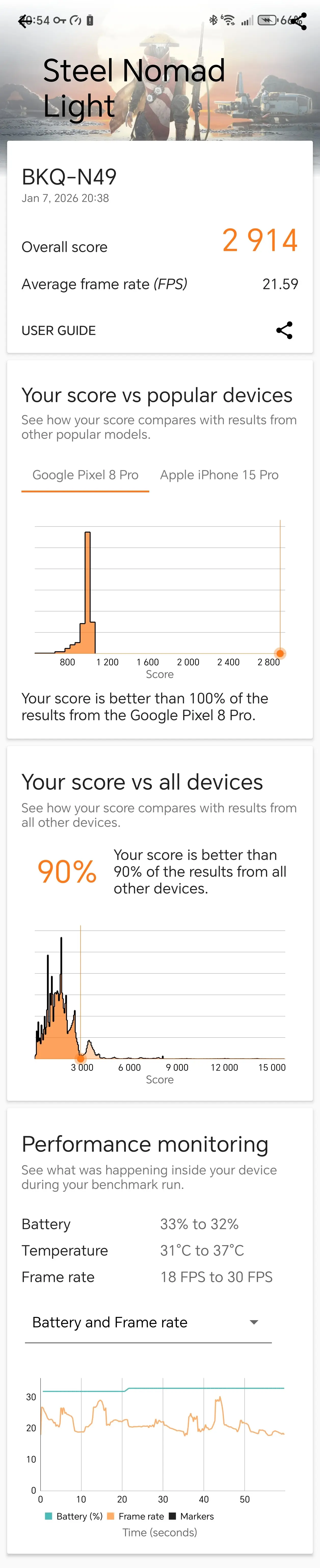
Despite being in Balanced mode, Steel Nomad Light managed to beat 100% of all Google Pixel 8 Pro devices, and the Solar Bay Extreme test result was better than 74% of all Samsung Galaxy S24 Ultra devices.
3DMark (Performance)
- Solar Bay: 13,029 (avg fps 49.54)
- Solar Bay Extreme: 1,218 (avg fps 8.52)
- Solar Bay Extreme Stress Test: Loop 1 (1139) Loop 2 (1136) Loop 3 (1142)
- Steel Nomad Light: 2,914 (avg fps 21.59)
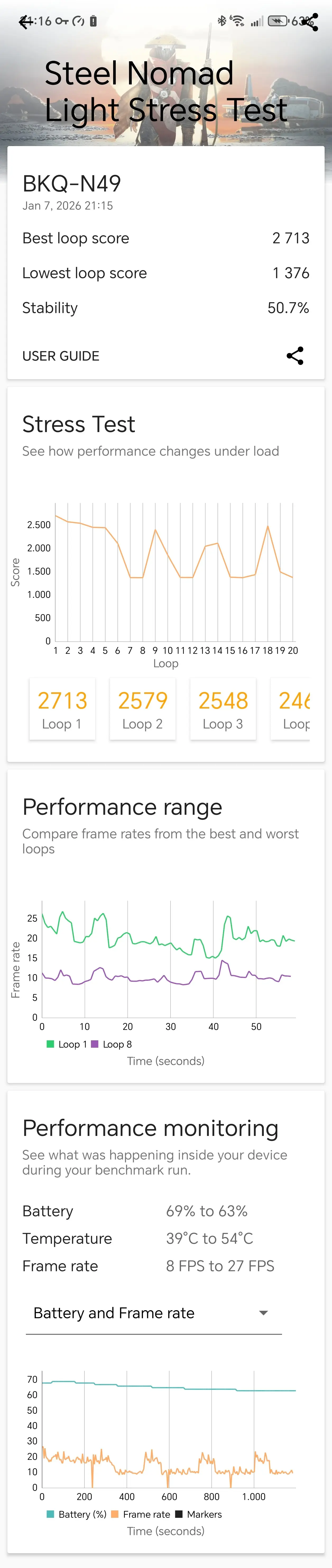
- Steel Nomad Light Stress Test: Loop 1 (2713) Loop 2 (2579) Loop 3 (2548)
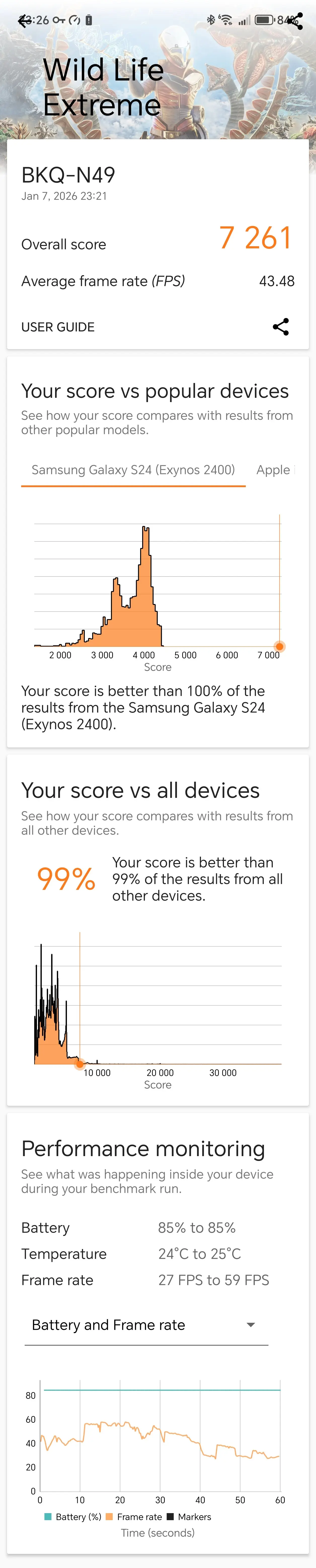
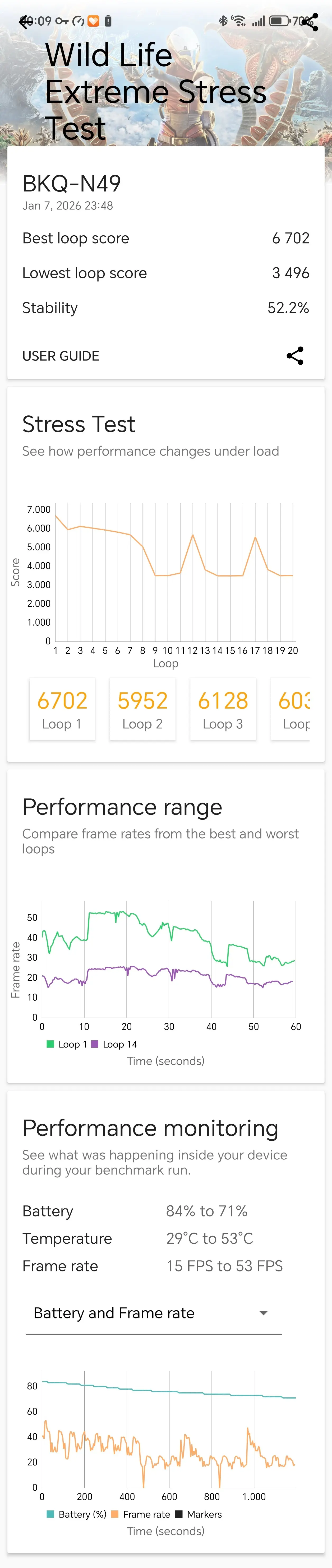
- Wildlife Extreme: 7,261 (avg fps 43.48)
- Wildlife Extreme Stress Test: Loop 1 (6,702) Loop 2 (5,952) Loop 3 (6,128)
In Performance mode, the scores bettered 100% of Apple iPhone 15 Pro Ultra devices.
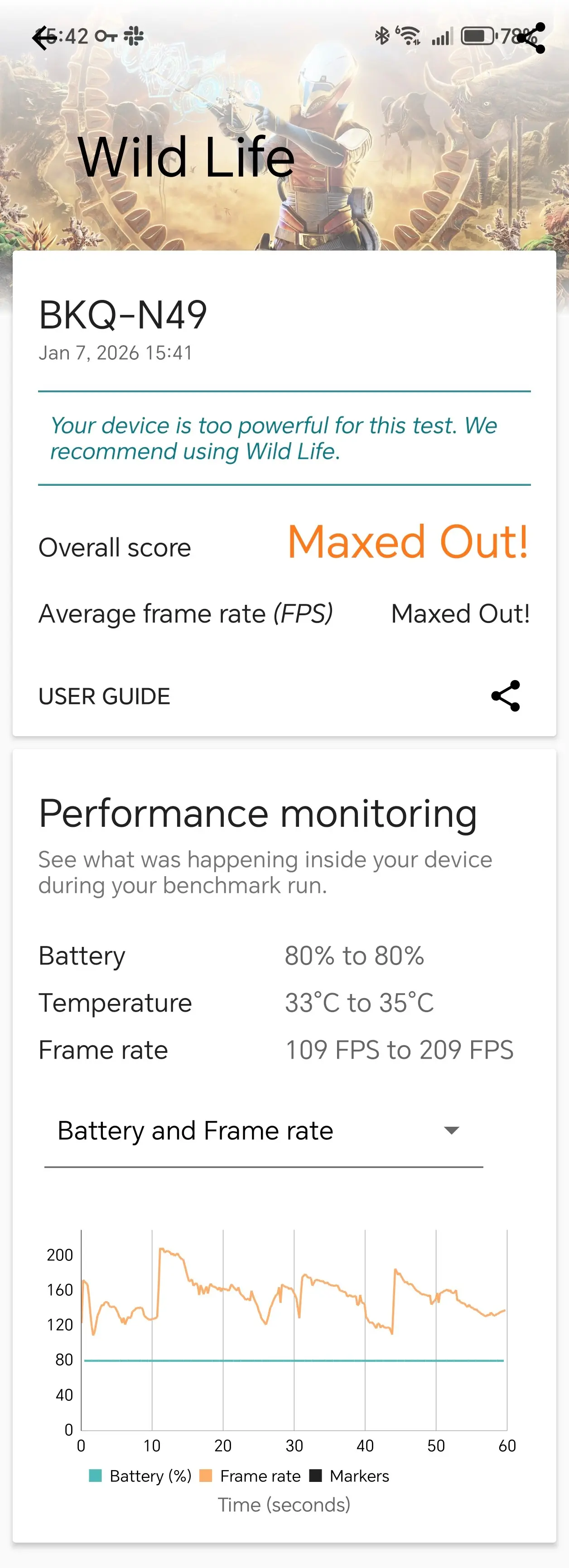
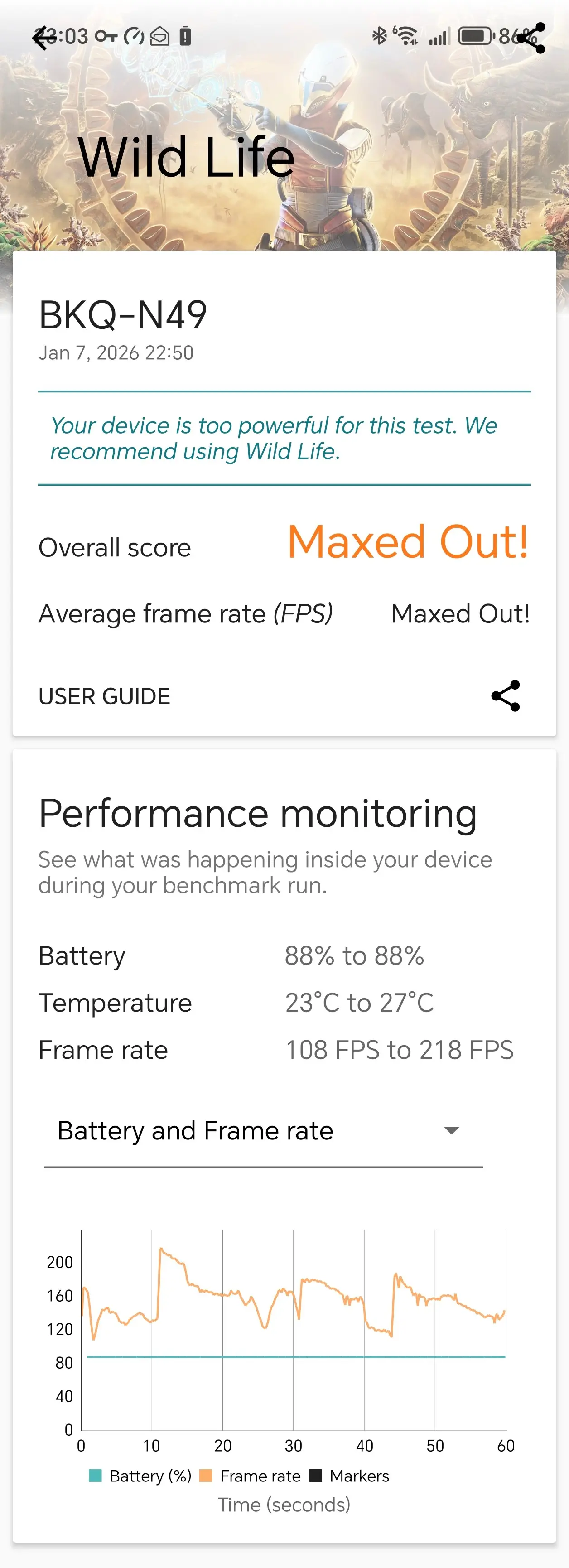
3DMark"s standard Wildlife test wouldn"t even give a score as it was "Maxed Out!", saying that the Magic8 Pro was "too powerful" for it, which is something I also saw with the REDMAGIC 10S Pro and HONOR Magic7 Pro as well.
Also, in case you are wondering, Solar Bay measures the ray tracing capabilities of a graphics chip, while Steel Nomad tests rasterization. Meanwhile, the Wild Life benchmark also measures rasterization, though to a lesser scale.
PCMark
Lastly, I ran PCMark, even though you cannot download it from the Google Play anymore (just like AnTuTu, for some reason), it is still a valid test to find out details about the battery life and performance.
| Work 3.0 (Balanced) | Work 3.0 (Performance) |
|---|---|
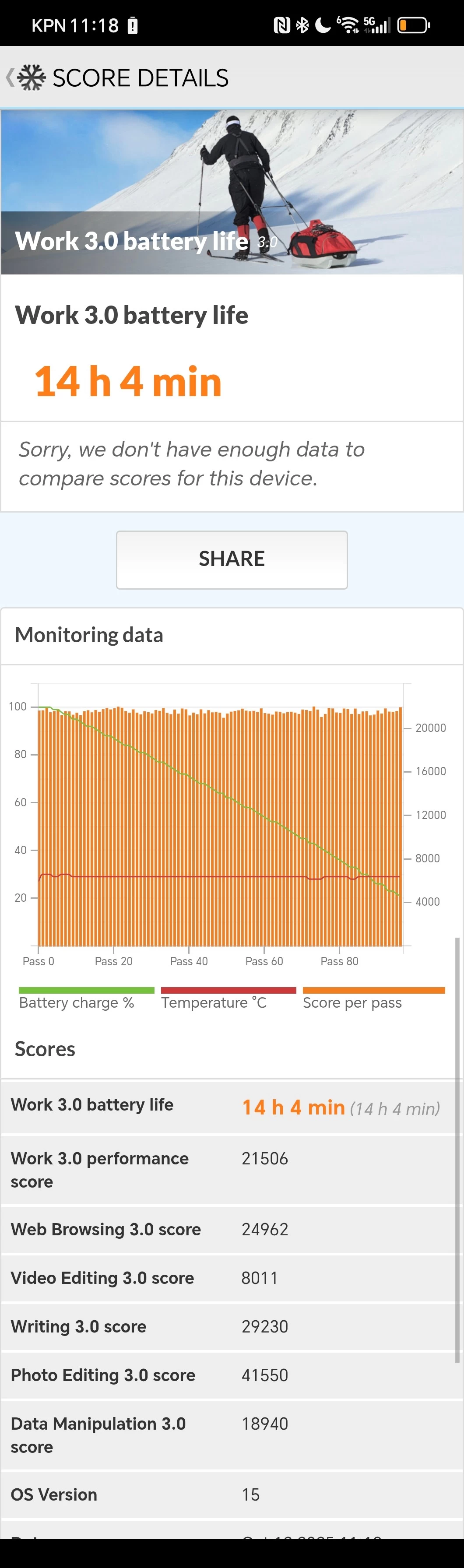
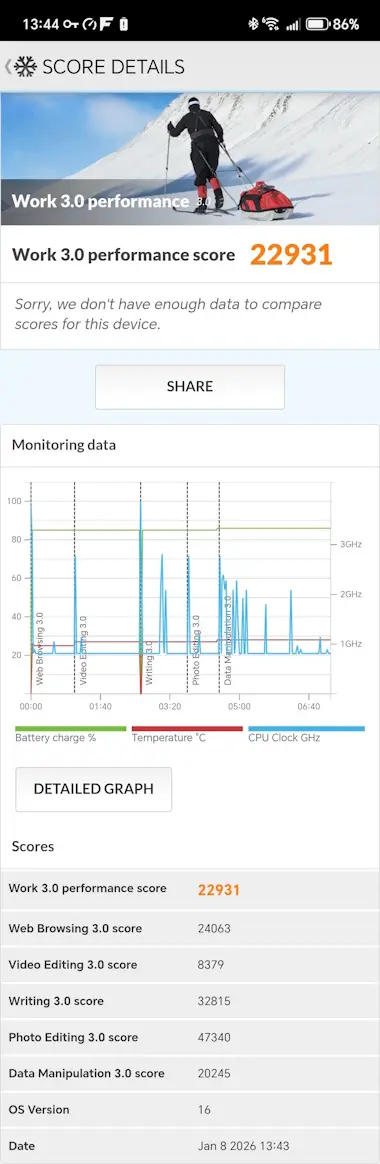
As can be seen above, the scores get a meaningful bump when the phone is placed in Performance mode, but unlike 3DMark the bump is a little less pronounced.
Networking
| Honor Magic8 Pro | Samsung Galaxy S23 Ultra |
|---|---|
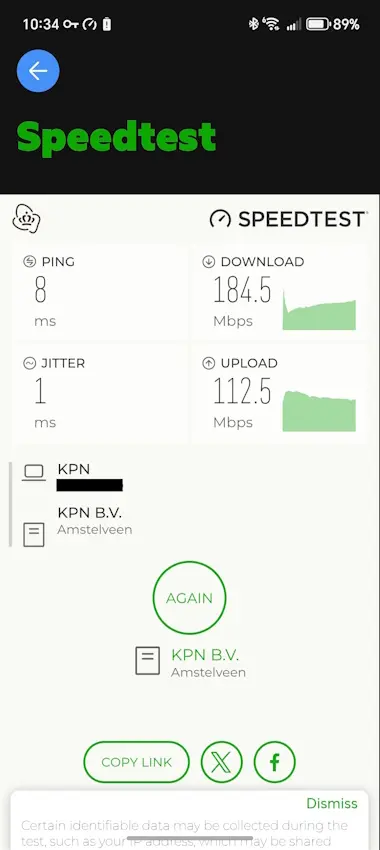
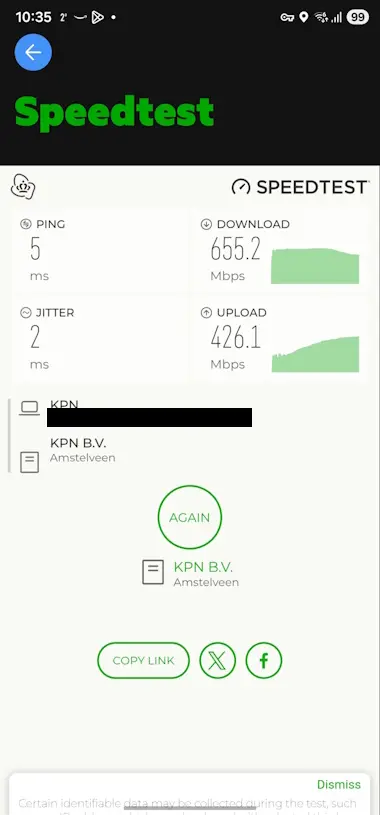
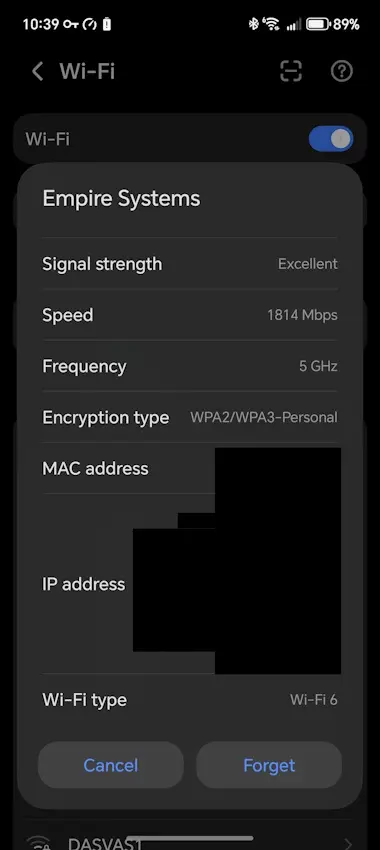
For some reason, I cannot get the Magic8 Pro to properly utilize my Wi-Fi 6 speeds. Above is an example of the issue, I ran the test sitting in the same position only a couple of meters away from the "SuperWifi" extender, I have two of them one downstairs and one upstairs and I ensured they are not on a congested band before doing the tests, in fact the Honor Magic8 Pro even says that the speed is "Excellent" with a rated speed of 1814 Mbps. A quick search online shows others having the same issues with Honor Magic devices such as the V5.
Conclusion
One thing that I love (again) about this phone is the face unlock. It is unlike anything I have previously used. HONOR says in its documentation that it uses 3D Face Recognition, and it really shows. When I pick the phone up, it immediately unlocks, so I only have to swipe from the lock screen. I literally cannot fault it. It seems like it does not require you to point your face to the screen at all for it to recognize you and unlock; it is just super fast. The same can be said of the fingerprint sensor; it is quick.
Time will tell if MagicOS 10 slows to a crawl. I think OS slowdowns affect all handsets; the more apps you install and have running in the background, the more it slows stuff down, but MagicOS 10 appears to have a (annoying) warning when an application seems to be using a lot of battery (you can disable the global alerts). The tools are there to fix lag and slowdowns.
If I am honest, the Magic8 Pro is a meaningful upgrade over the Magic7 Pro mainly for the new Snapdragon Elite Gen 5 SoC which is quite a bit faster and more efficient than its predecessor, it really shows in the benchmark comparisons. Overall the phone is also really quick with everything from launching apps and even after restarting it, it is a night and day experience versus my S23 Ultra
The HONOR Magic8 Pro is available now at major UK retailers (O2, Three, Vodafone, Amazon, Argos,
Very, Currys and honor.com/uk) from £1,099.99 and on Amazon UK. It is also available in Europe for €1,299.99.