Earlier this year, I reviewed the HONOR Magic7 Pro and gave it high marks. Since then, HONOR released the Magic V5 foldable, which is the successor to the Magic V3 released in 2024. I was at the launch event on August 28, in London and had a Magic V5 handed to me for a review.
In case you are wondering what happened to the Magic V4, in Chinese culture, the number four is considered unlucky, mainly because it has near enough the same pronunciation as "death" (otherwise known as a homophone), so the number is typically skipped. You can expect to see a Magic V6, though, because unlike the number 4, 6 is considered to be a "lucky" number in China.
Before we get underway, here is a disclaimer: HONOR provided a sample without any review pre-approval. Oh, and also, this review is rather image-heavy.
First up, let's dive into the specs:
| Specification | HONOR Magic V5 |
|---|---|
| Front Display: | LTPO OLED, 1B colors, 120Hz, 5000 nits (peak) 5000 nits (peak) 19.5:9 6.43 inches, 1060 x 2376 pixels, 404 ppi, HONOR Anti-scratch NanoCrystal Shield |
| Inner Display: | Foldable LTPO AMOLED, 1B colors, 120Hz, 5000 nits (peak) 7.95 inches, 203.2 cm2 (~88.8% screen-to-body ratio) 2172 x 2352 pixels (~403 ppi density) HONOR Super Armored Inner Screen, Mohs level 4 |
| Dimensions: |
|
| Weight: | 217 g (7.65 oz)* 222 g (7.83 oz) |
| CPU: | Snapdragon 8 Elite (3 nm) Octa-core (2x Prime 4.32 GHz + Oryon V2 Phoenix L + 6x 3.53 GHz Oryon V2 Phoenix M) |
| GPU: | Adreno 830 |
|
RAM: |
12 or 16 GB |
| Storage: | 256 GB, 512 GB, 1 TB (UFS 4.0) |
| Rear cameras: | 50MP Ultra Wide
50MP Wide
Laser AF, LED flash, HDR, panorama |
| Video features: | 4K@30/60fps (10-bit), 1080p@30/60fps, gyro-EIS, OIS |
| Front cameras: |
20MP Wide Camera (Interior and Cover screen)
HDR |
| Video features: | 4K@30fps, 1080p@30fps, gyro-EIS |
| Battery and charging: | Lithium polymer 5820 mAh, 5690 mAh (rated value) 66W wired 50W wireless HONOR SuperCharge 5W reverse wired |
| Connectivity: | 2x Nano-SIM 2x eSIM Wi-Fi 802.11 a/b/g/n/ac/6e/7, dual-band, Wi-Fi Direct Bluetooth 6.0, A2DP, LE, aptX HD |
| NFC: | Yes |
| Infrared port: | Yes |
| Ports: | USB Type-C 3.2, DisplayPort 1.2, OTG |
| Bands: | 5G(NR)/4G (LTE TDD/LTE FDD)/3G (WCDMA)/2G (GSM) |
| GPS: | GPS (L1+L5), GLONASS (L1), BDS (B1I+B1c+B2a), GALILEO (E1+E5a) |
| Durability: | HONOR NanoCrystal Shield, 10X drop resistance SGS 5-Star glass drop resistance ability certification in multiple scenarios IP58/IP59 dust protected and water resistant (high pressure water jets; immersible up to 1m for 30 min) |
| Security: | Fingerprint (side-mounted) 2D face unlock |
| Features: | Accelerometer, gyro, proximity, compass, barometer, Circle to Search |
| Material: | Aluminum body, HONOR Anti-scratch NanoCrystal Shield (Glass front), HONOR Super Armored (inner display) |
| OS: | MagicOS 9.0.1 (Powered by Android 15) |
| Colors: | Black, Ivory White*, Dawn Gold, Reddish Brown |
| MSRP: | £1,699.99 / €1,999.90 |

First, a couple of notes about the specs: the asterisk denotes the Ivory White version, which is slightly lighter and thinner than all of the other colors because its finish has a lower material thickness compared to the other color variants. Those other colors, such as Dawn Gold, have slightly thicker paint jobs which makes them marginally thicker and heavier when folded. In addition, I only have pricing for the 16 GB / 512 GB variant because that is the only one currently being offered on the official HONOR website.
In addition, the official website does not list the Reddish Brown variant, so as of writing, you can only choose from Black, Ivory White, or Dawn Gold. Ours is the Dawn Gold variant. I've put the full bands it supports in a table below.
| Bands | |
|---|---|
| 2G: | GSM 850 / 900 / 1800 / 1900, CDMA 800 |
| 3G: | HSDPA 800 / 850 / 900 / 1700(AWS) / 1900 / 2100, CDMA2000 1x |
| 4G: | 1, 2, 3, 4, 5, 7, 8, 12, 17, 18, 19, 20, 26, 28, 34, 38, 39, 40, 41, 66 |
| 5G: | 1, 3, 5, 8, 28, 38, 41, 77, 78 SA/NSA |
| Speed: | HSPA, LTE, 5G |
Looking at the specs on paper, this aligns with most of the quality flagships released in 2025 and probably even exceeds in some areas, like the ample-sized battery and 66W (50W wireless) charging for one.
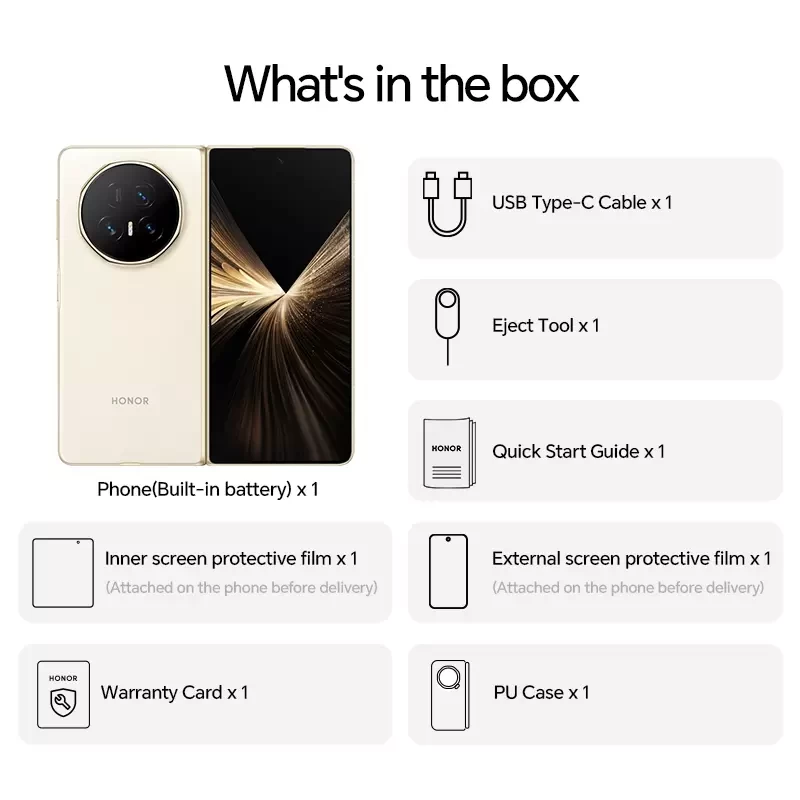
- HONOR Magic V5
- HONOR SuperCharge Charger x1 (Charger not included in Europe)
- USB Type-C Cable x 1
- Quick Start Guide x 1
- Eject Tool x 1
- Inner screen protective film (Attached to the phone before delivery) x 1
- External screen protective film (Attached to the phone before delivery) x 1
- Warranty Card x 1
- PU Case x 1
It should be noted that my review unit did not come with a box or any accesories, the delay in getting my review up was due to a bit of confusion if I would actually get the box sent to me but that was not to be; I have just the phone itself which also meant that I had to purchase the SuperCharger and PU Case (with stand) myself.
Introduction
At risk of repeating myself, you can read my first impressions of the Magic V5 from the end of August right here, so we'll skip over that here. However, the design is quite lovely with its rounded edges and almost 90% screen-to-body ratio.
I made a few calls on it, and the call quality was good, but that's the minimum you should expect from any phone, let alone one that costs this much. However, the earpiece is not as loud as the Magic7 Pro or my S23 Ultra. Yes, you should know I will be drawing a lot of comparisons from my daily use, which is the Samsung Galaxy S23 Ultra.
Company claims
I'll start off by adding some of the claims to fame that HONOR itself says about the Magic V5 that deserve a mention, but also because I can't verify these myself. Some highlights include:
- Carbon Fiber Reinforced Inner Display Panel;
- Built to resist bending with 380GPa strength
- HONOR Mortise and Tenon Dampening Hinge;
- 2300 MPa Super Steel Strength, 500000 Reliable Folds
- Dual aerospace special fiber technology (inner screen);
- 40X Impact Resistance
- HONOR Anti-Scratch NanoCrystal Shield (outer screen);
- 10X Drop Resistance, 3X Wear Resistence, 15X Scratch Resistance
- AI-Powered Foreign Object Detection;
- Identifies objects as small as 0.8mm trapped between the folded screen, alerting on the outer screen.
- Sync to iOS.
- AI Deepfake Detection;
- Detects AI deepfake scams, safeguarding your personal security (in video chats).
Design
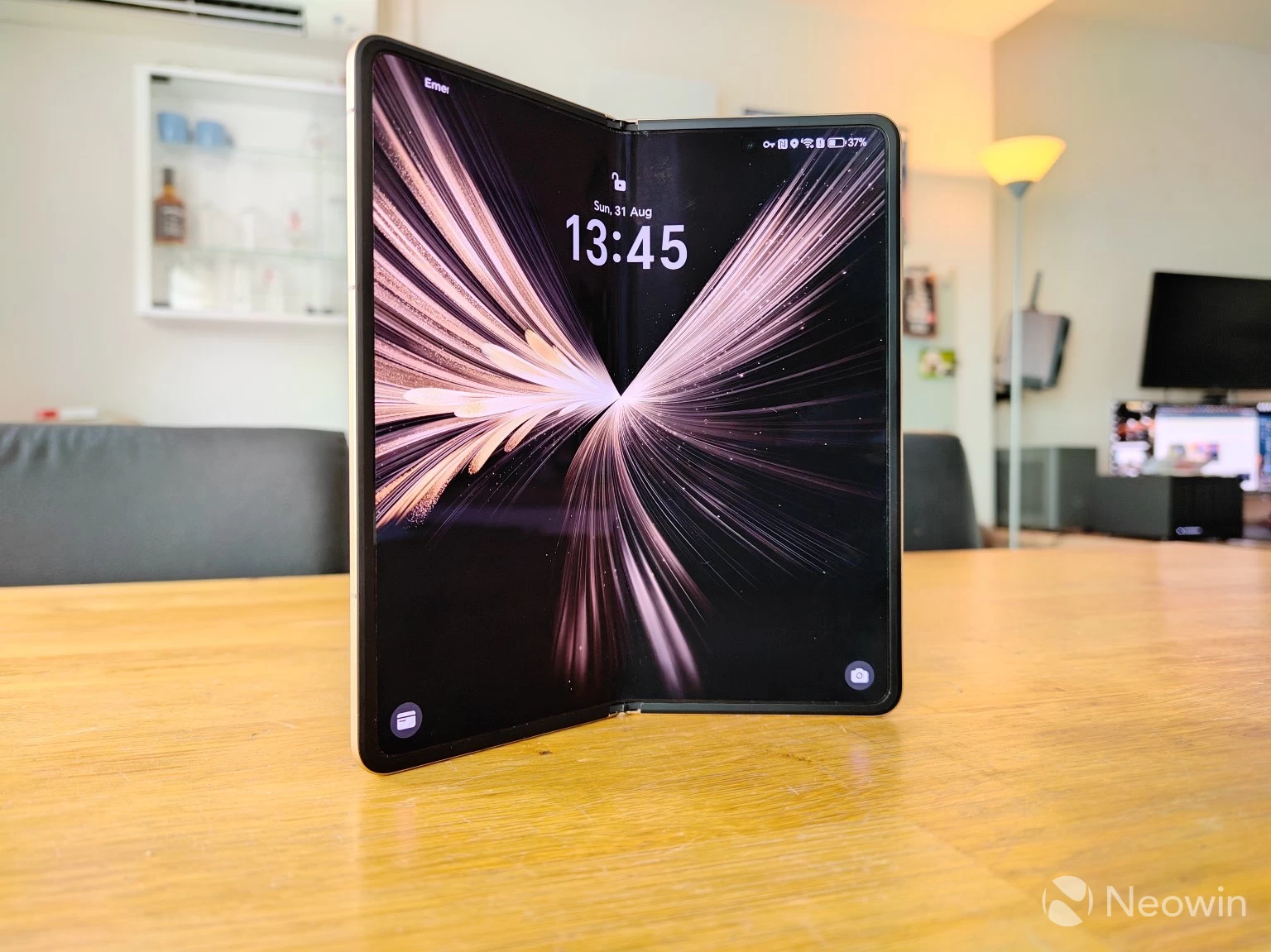
This is actually the first foldable I have ever reviewed. Whenever I see announcements for these, there always seems to be some sort of trade-off, like a really poor and narrow cover screen, or that the thing was just too thick, resulting in a pants-buster, no thanks! However, these foldables are now becoming the thickness of standard candybar flagships, and the outer display is also growing in size, making the transition less painful.
The front screen is made up of HONOR's own proprietary glass, which is called NanoCrystal Shield, and around the sides is made up of an aluminum housing. The metal around the side and antenna lines is sort of iPhone-esque if you ask me. However, as I have always experienced with smartphones, it all ends up feeling like it will slip out of my hand without a case.
On the rear, the camera array consists of a triple camera setup: 50MP wide, 50MP ultrawide, and a 64MP telephoto camera, which, if you're paying attention, is quite a bit less than the 200MP main camera on the Magic7 Pro. Centered between the bottom two cameras is an LED flash.
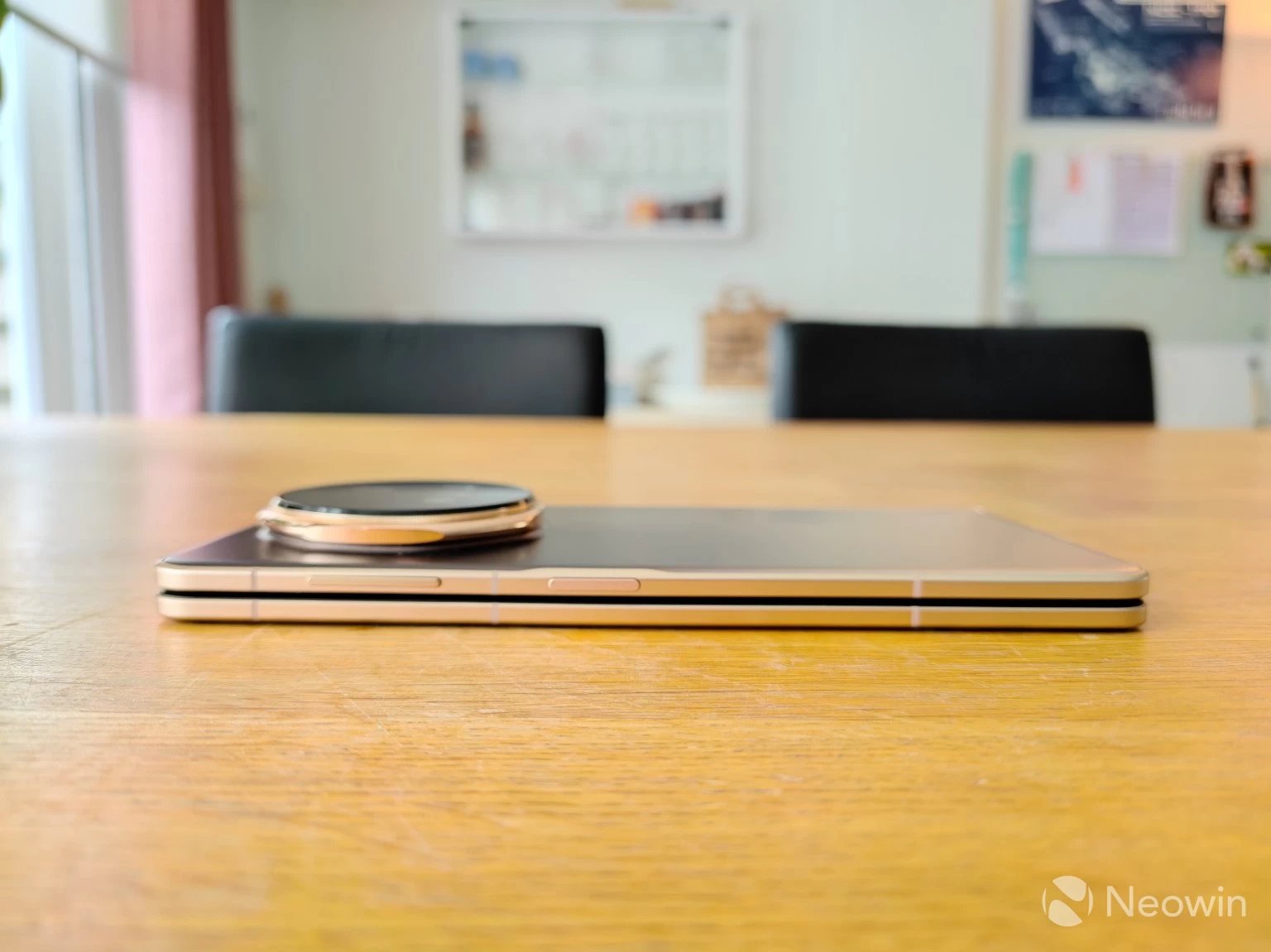
On the right side of the phone, you will find the volume rocker and a power key that doubles as a fingerprint reader and action button. The keys are almost flush with the frame. Both buttons are completely smooth.
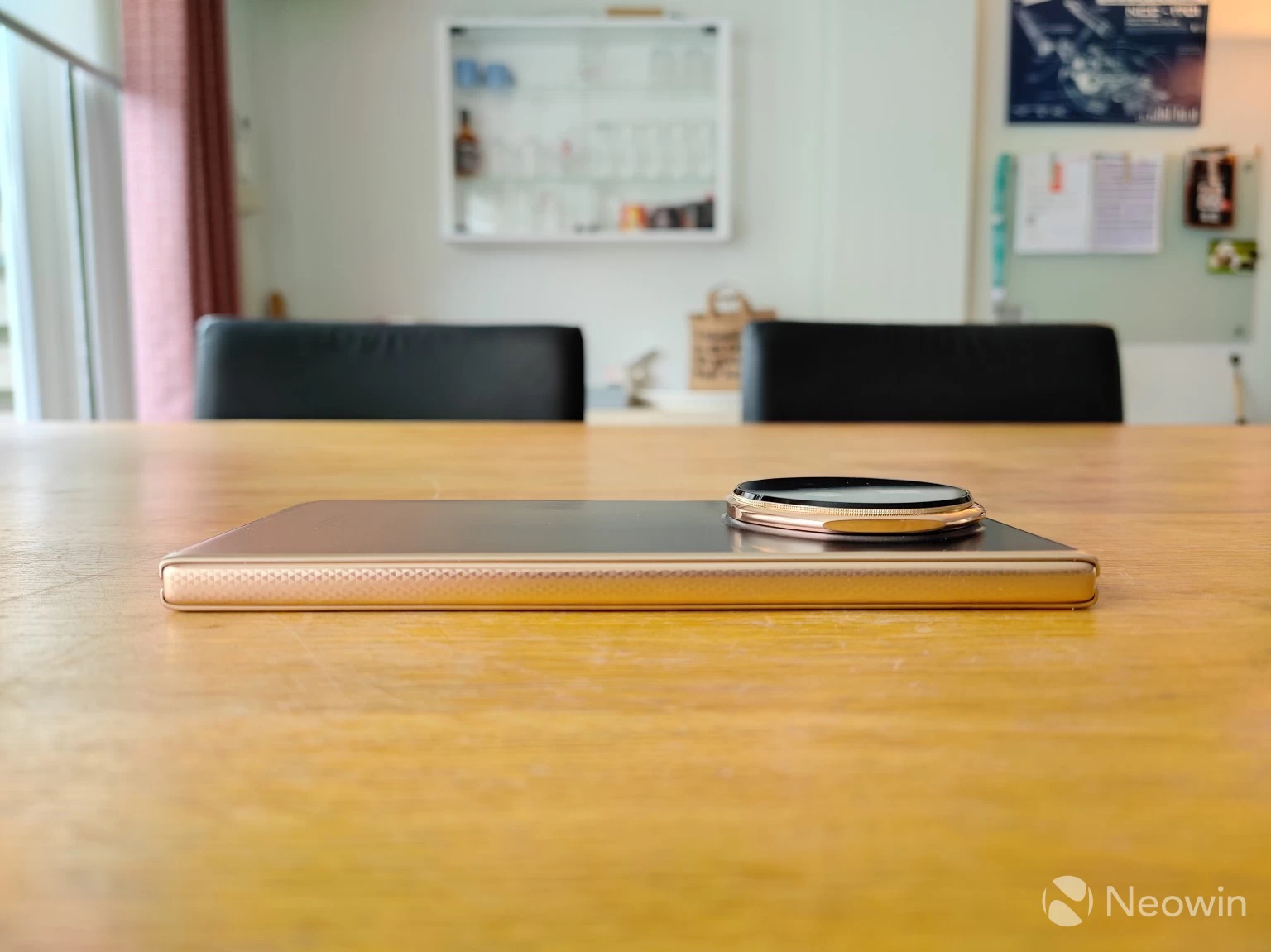
On the left side, there are no openings at all, and what covers the hinge is completely smooth, although it looks textured.
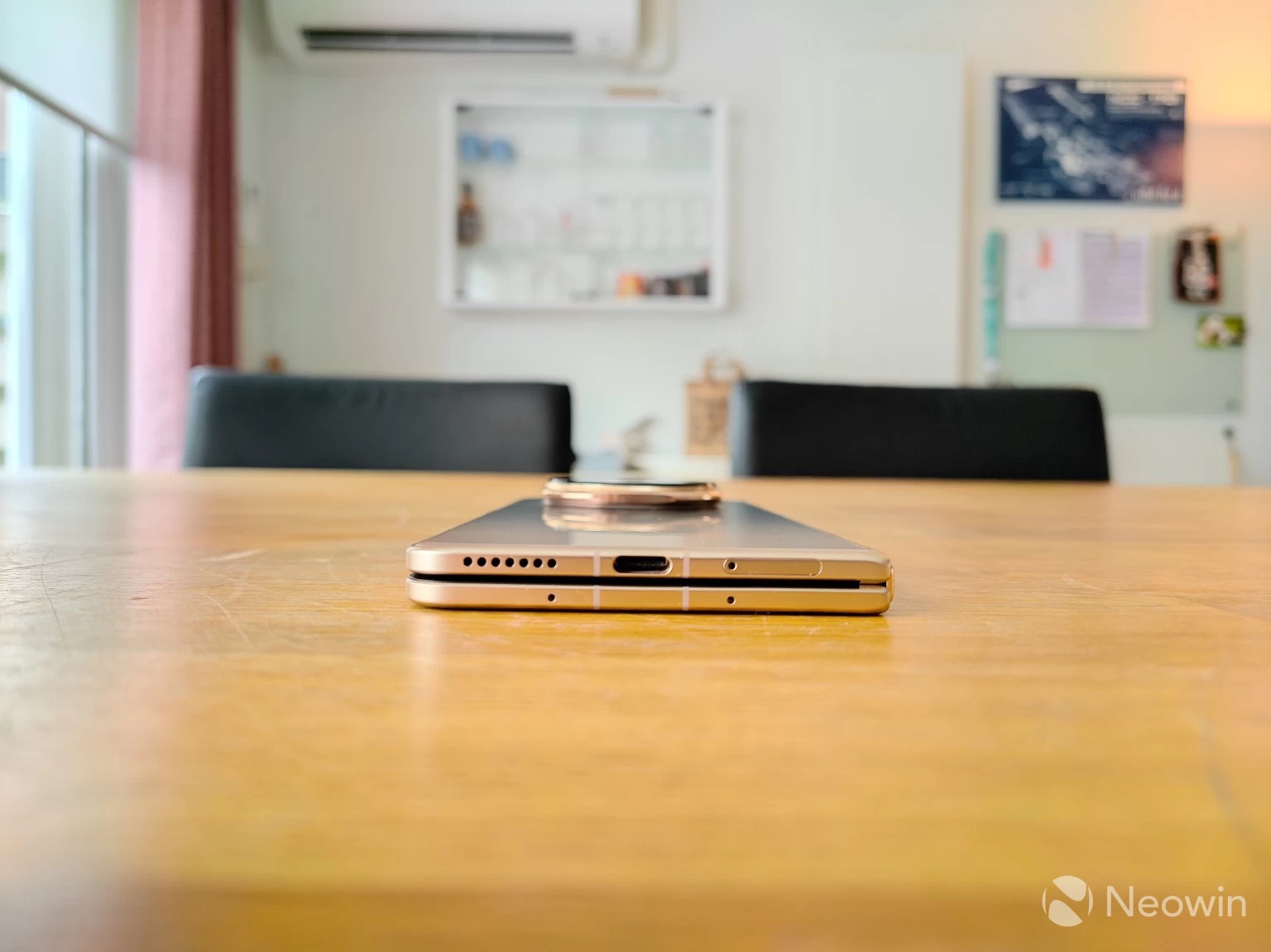
On the bottom, from left to right, there's a speaker grill, a USB Type C charger port for the included 1 m USB Type C-to-USB Type C cable, and the SIM tray, on the bottom there are two mic holes.
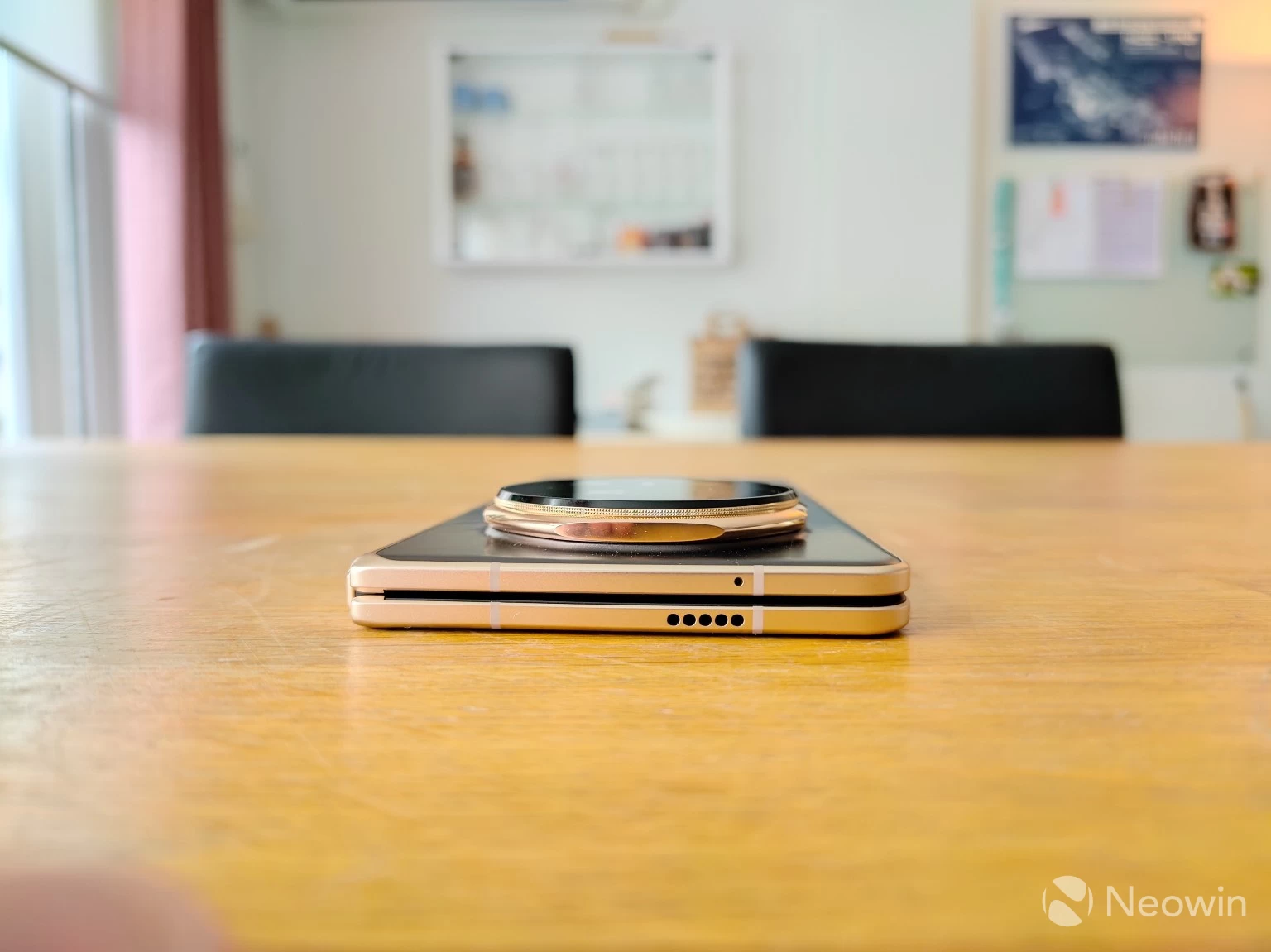
The top of the Magic V5 has another speaker grill and another mic hole. On the front of the device and in the camera cutout, you'll find the 20 MP front-facing camera. There is no notification LED, which is actually redundant thanks to full always-on-display (AOD) support.
The back is textured and adds to the premium feel of the device.
Display(s)
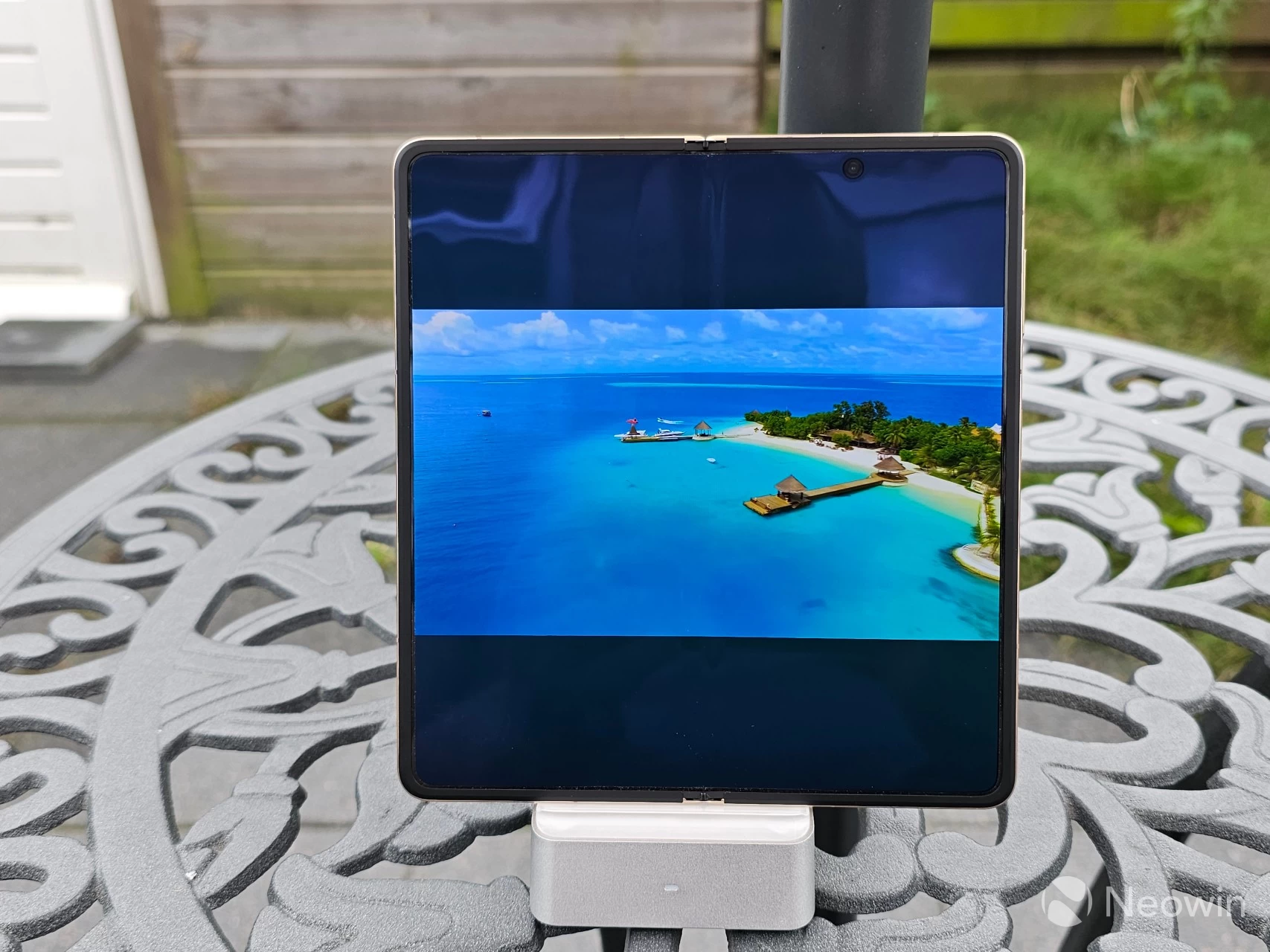
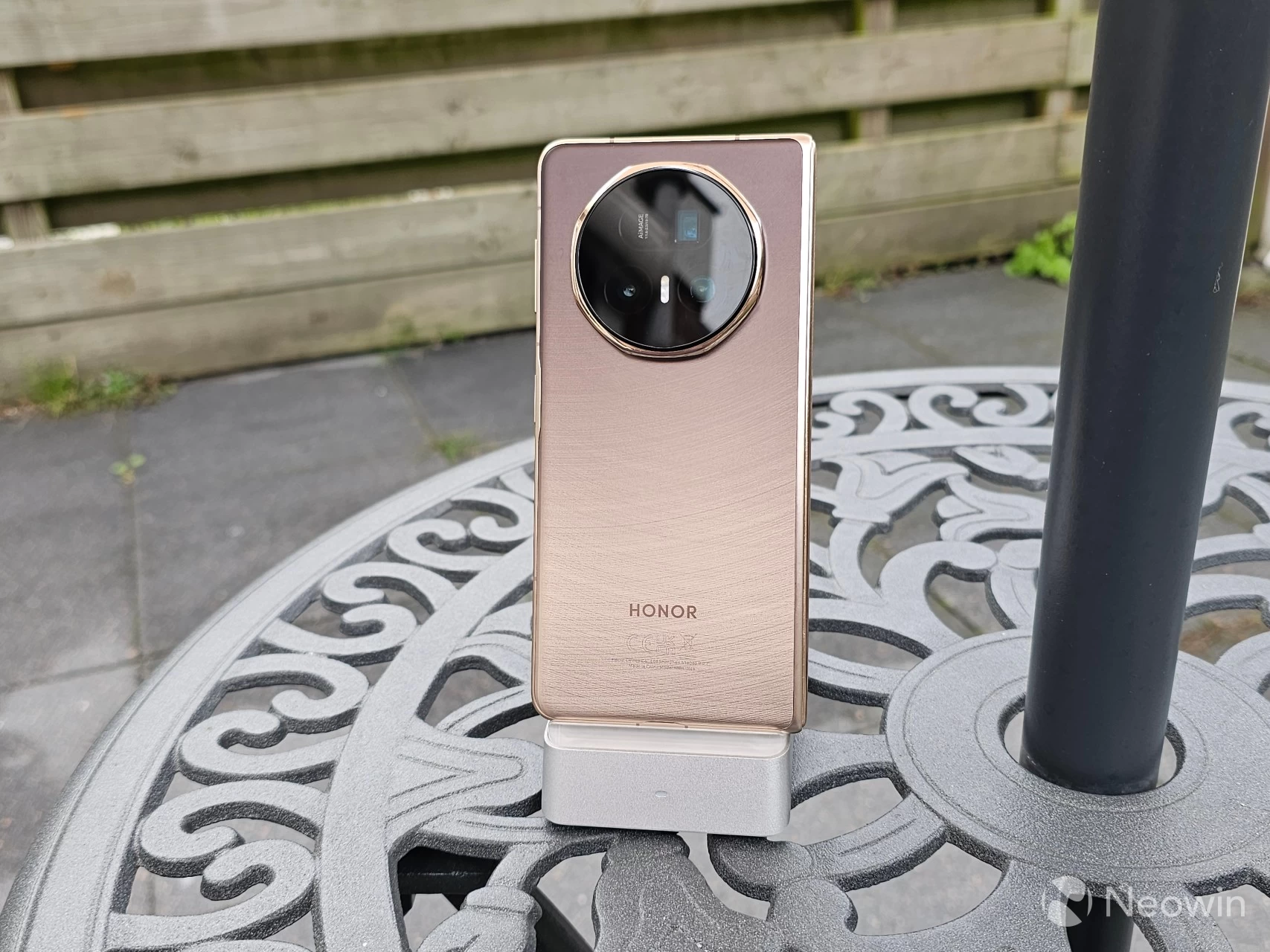
The Magic V5 is only 8.8mm in thickness. That weight also feels like it is distributed evenly across the phone, in spite of its relatively large camera hump that adds just over half a centimeter when the phone is lying on a flat surface.
Even when holding one-handed and unfolded, the weight feels uniform and not lopsided. I am right-handed, so I am typically holding the left half of the phone with my left hand, which means the camera hump is on the right side, and it still does not feel uneven.
The LTPO OLED 6.43-inch cover screen has a 1060 x 2376 screen resolution, with a 404 PPI pixel density, a 19.5:9 aspect ratio, and "NanoCrystal Shield" protection. The inner screen has a 2172 x 2352 resolution with a 403 PPI pixel density, a 4:3 aspect ratio, with an 88.8% screen-to-body ratio and is protected by HONOR Super Armored. HONOR claims both displays have a 5000-nit peak brightness for HDR content (no Dolby Vision support), and 1800 nits in High Brightness Mode (external screen) and 1300 nits (Inner screen). I found the screen to be excellent, vibrant, and bright enough all the time I was using it in Adaptive refresh rate mode, which automatically adjusts the refresh rate between 1-120Hz depending on the app being used.
Setup
The Magic V5 ships with MagicOS 9.0.1, which is based on Android 15, with (as of writing) the September 2025 Security Update. In terms of software updates and support, HONOR will push Security updates once a month for the Magic series. My contact told me that in Europe, HONOR will provide seven years of software updates, including security patches and new features.
I wrote extensively about MagicOS the last time around with the Magic7 Pro; if you look around online, feelings are still mixed, with some calling it an iOS knockoff with a laggy and buggy experience. However, HONOR does appear to be listening. Developers have made several updates that please end users, such as being able to dismiss the draining battery alerts, which used to be permanent for apps that actually require to be always running in the background, like Samsung Health, or Tailscale, for example.
Gallery: HONOR Magic V5 Setup
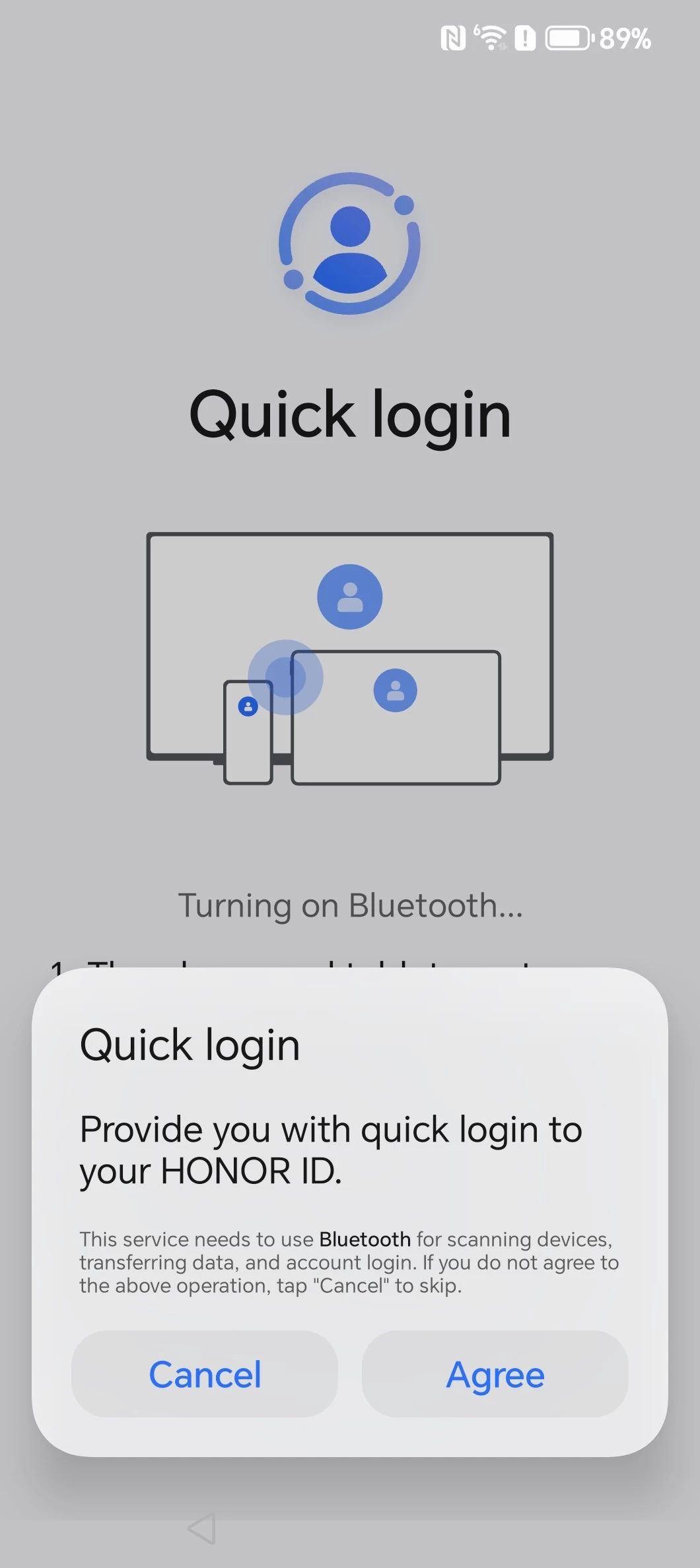
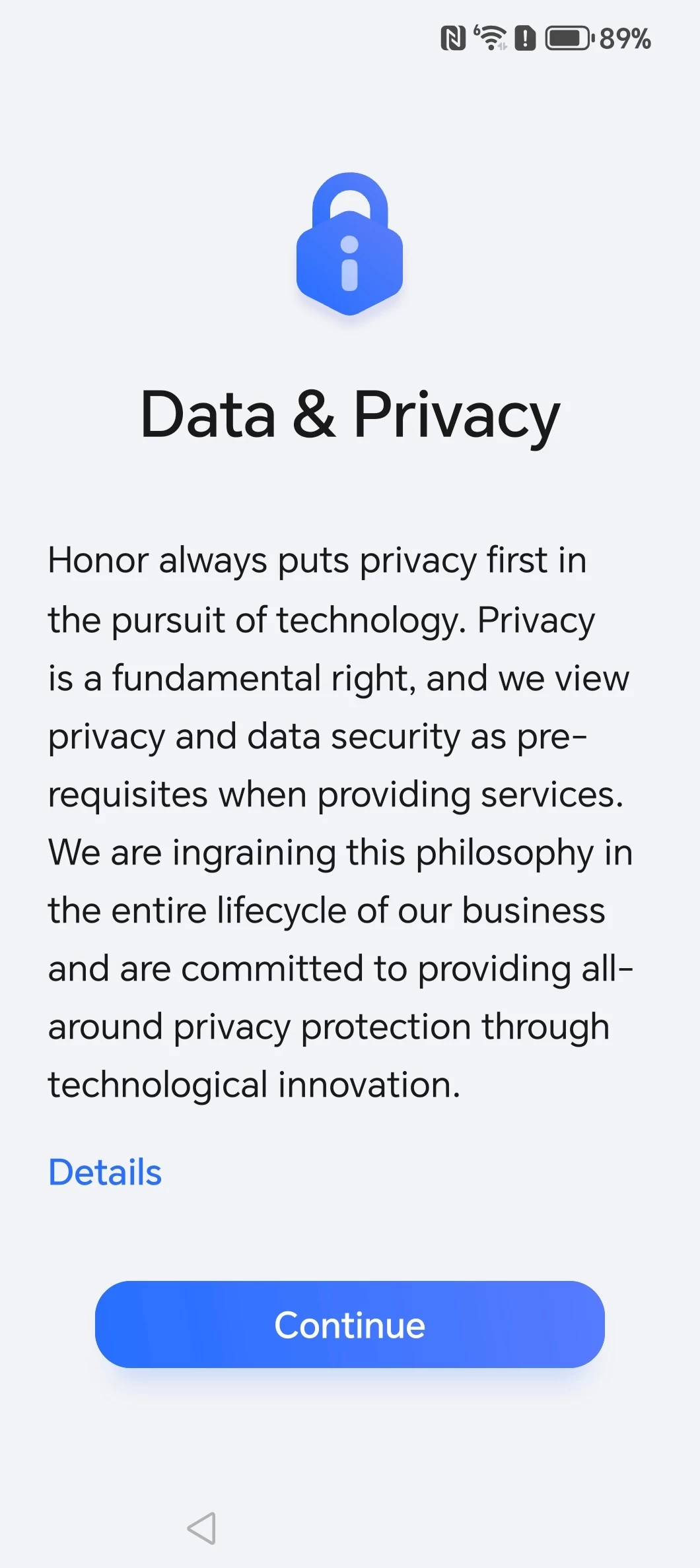
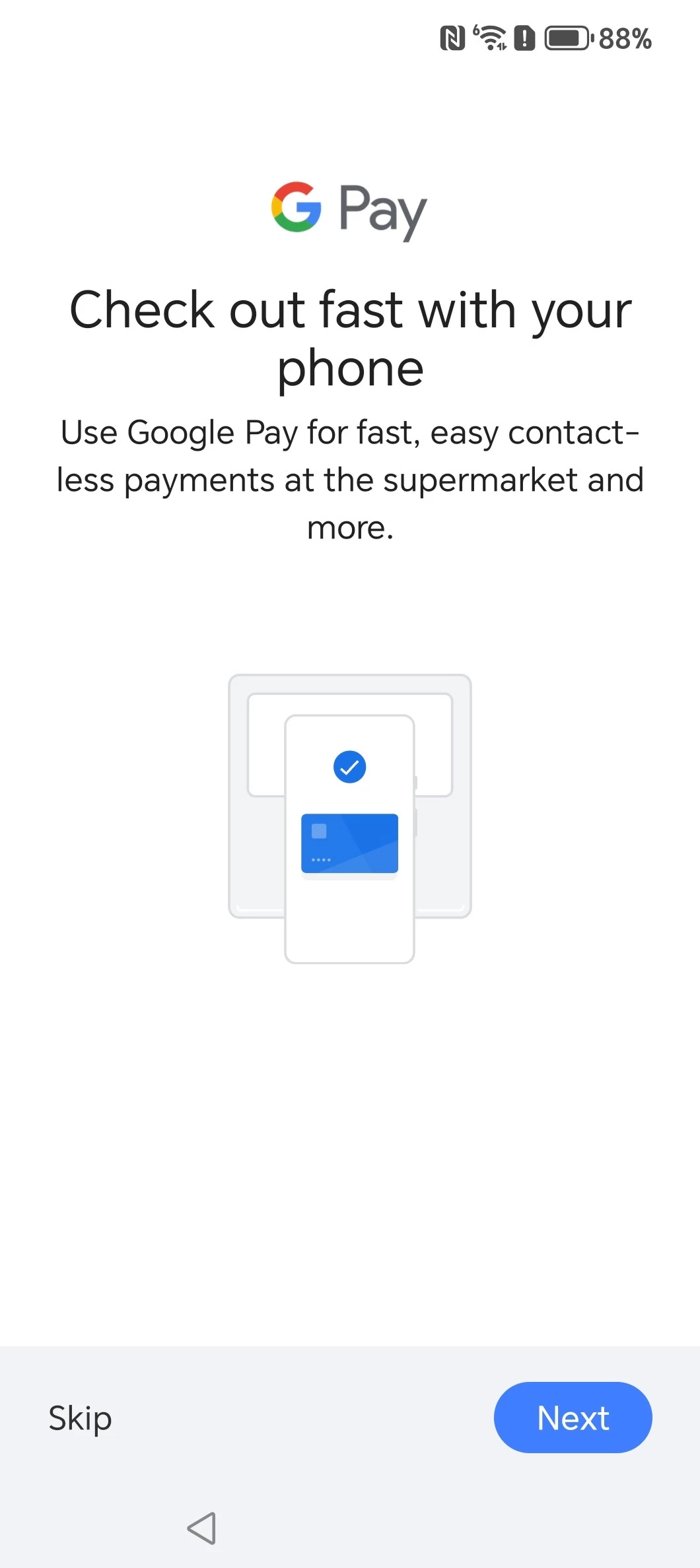
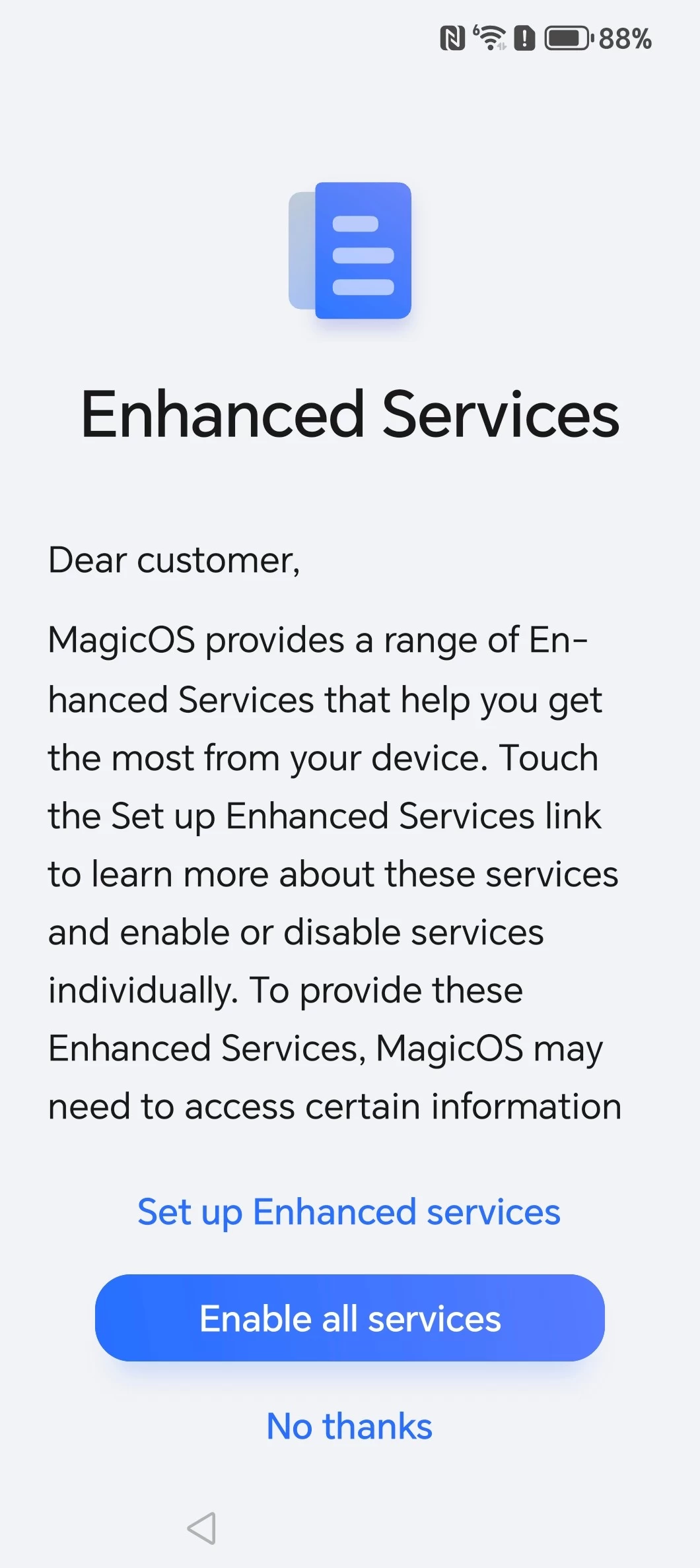
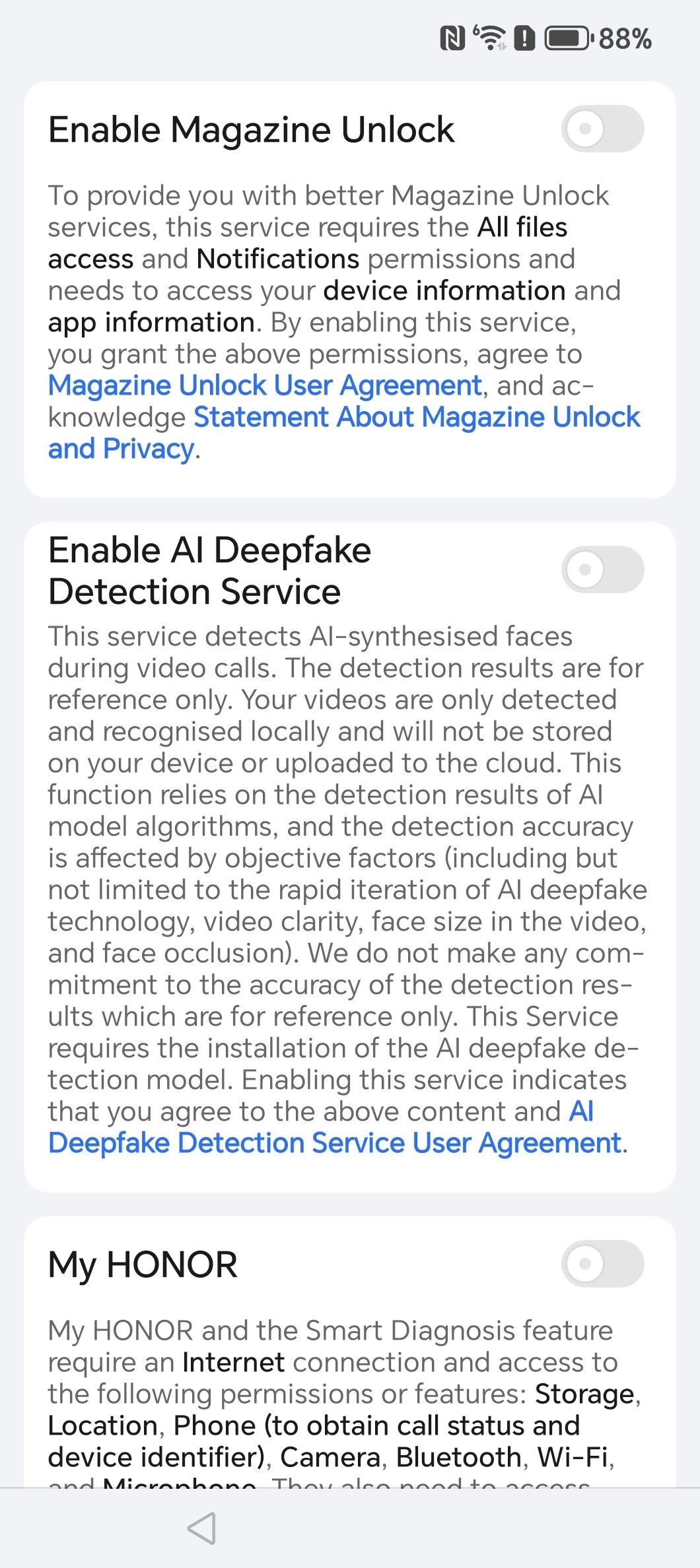
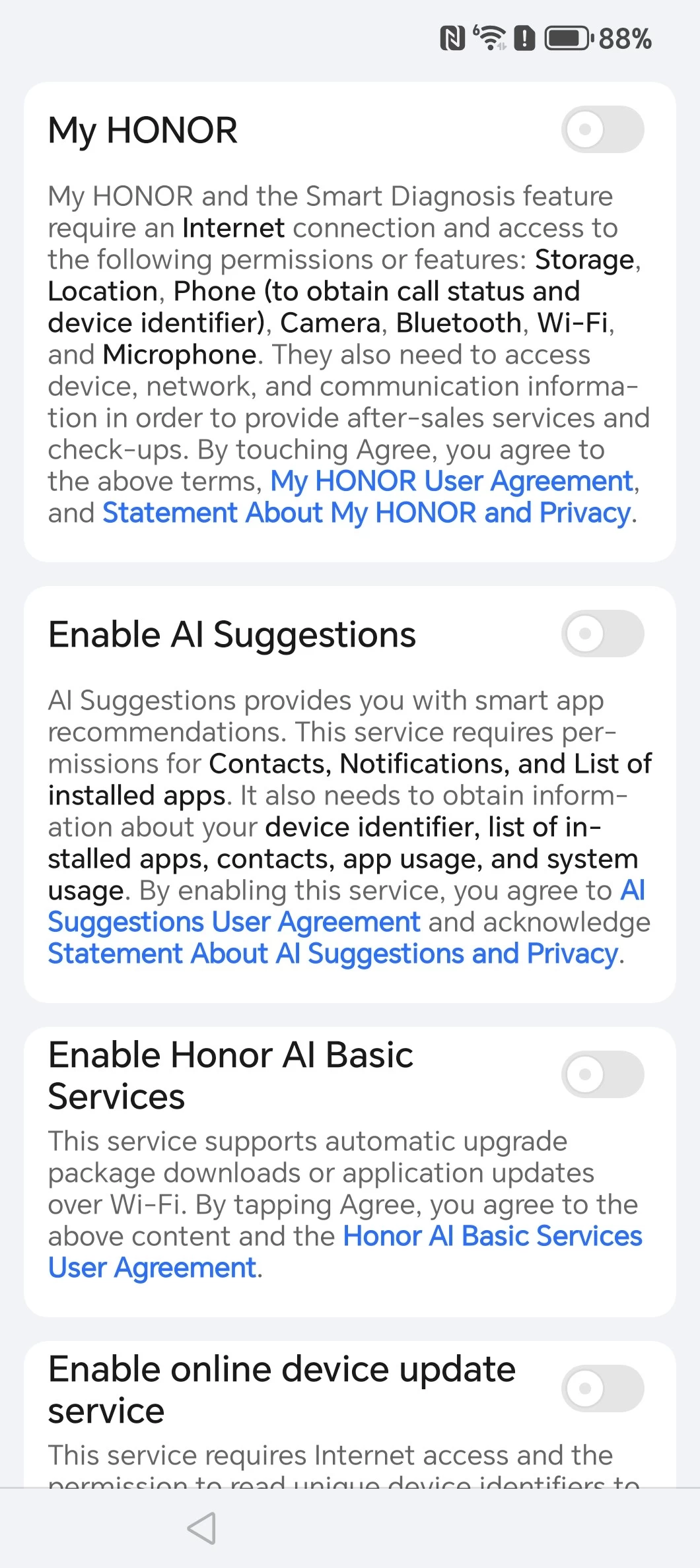
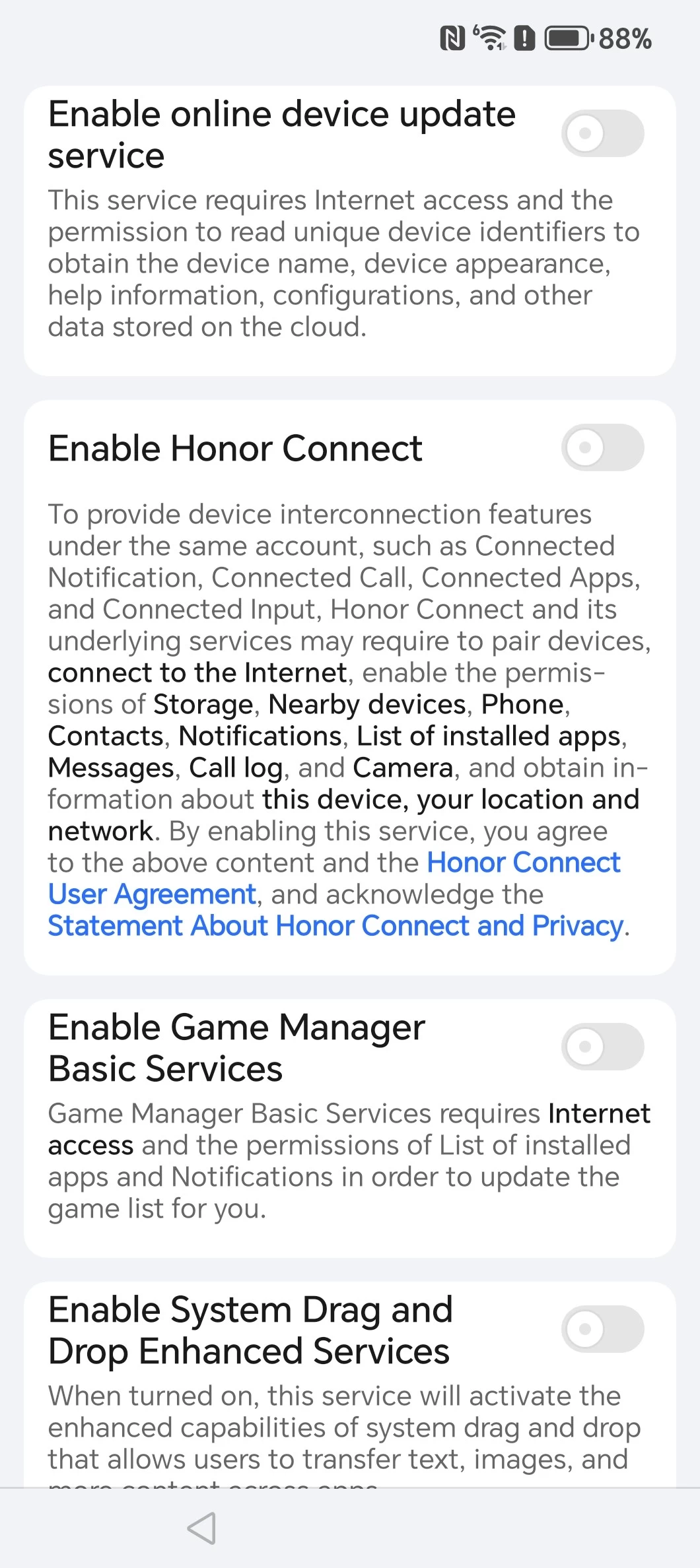
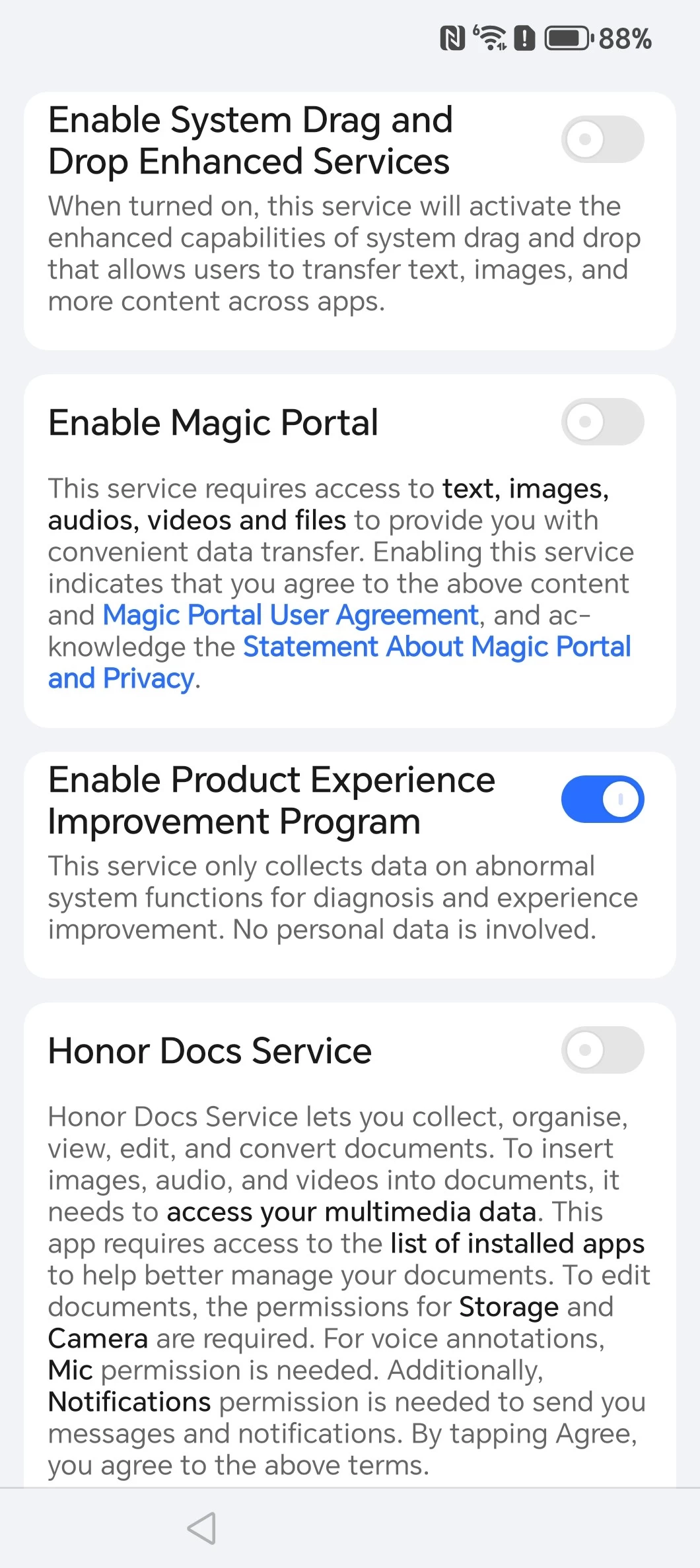
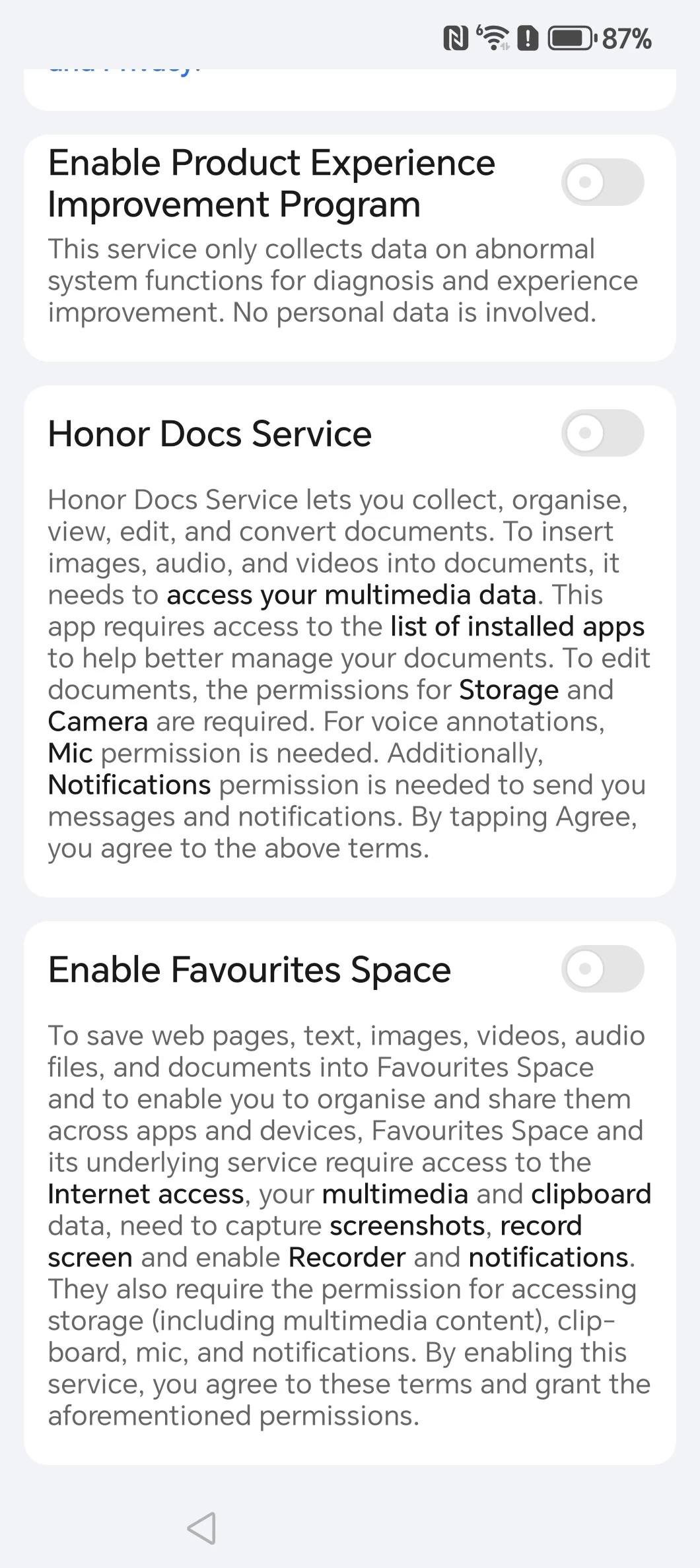
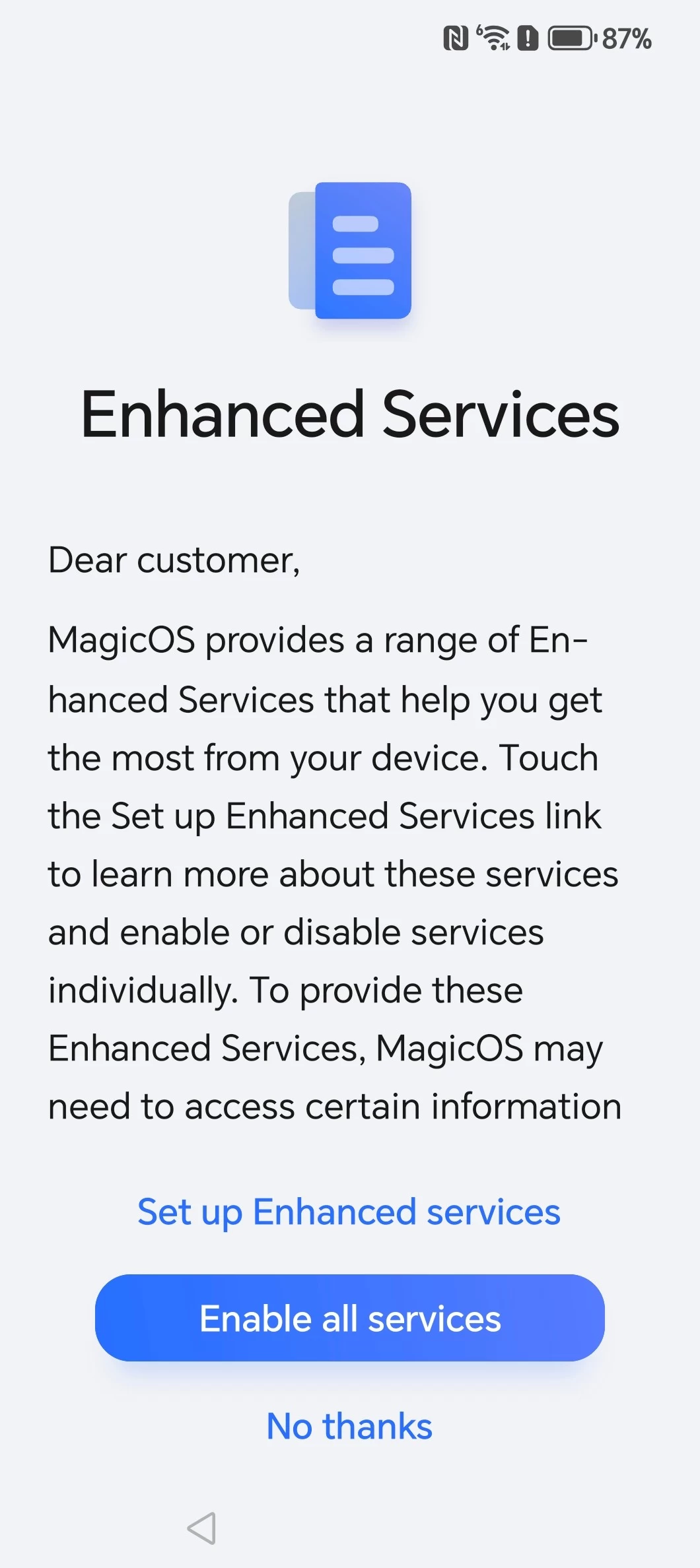
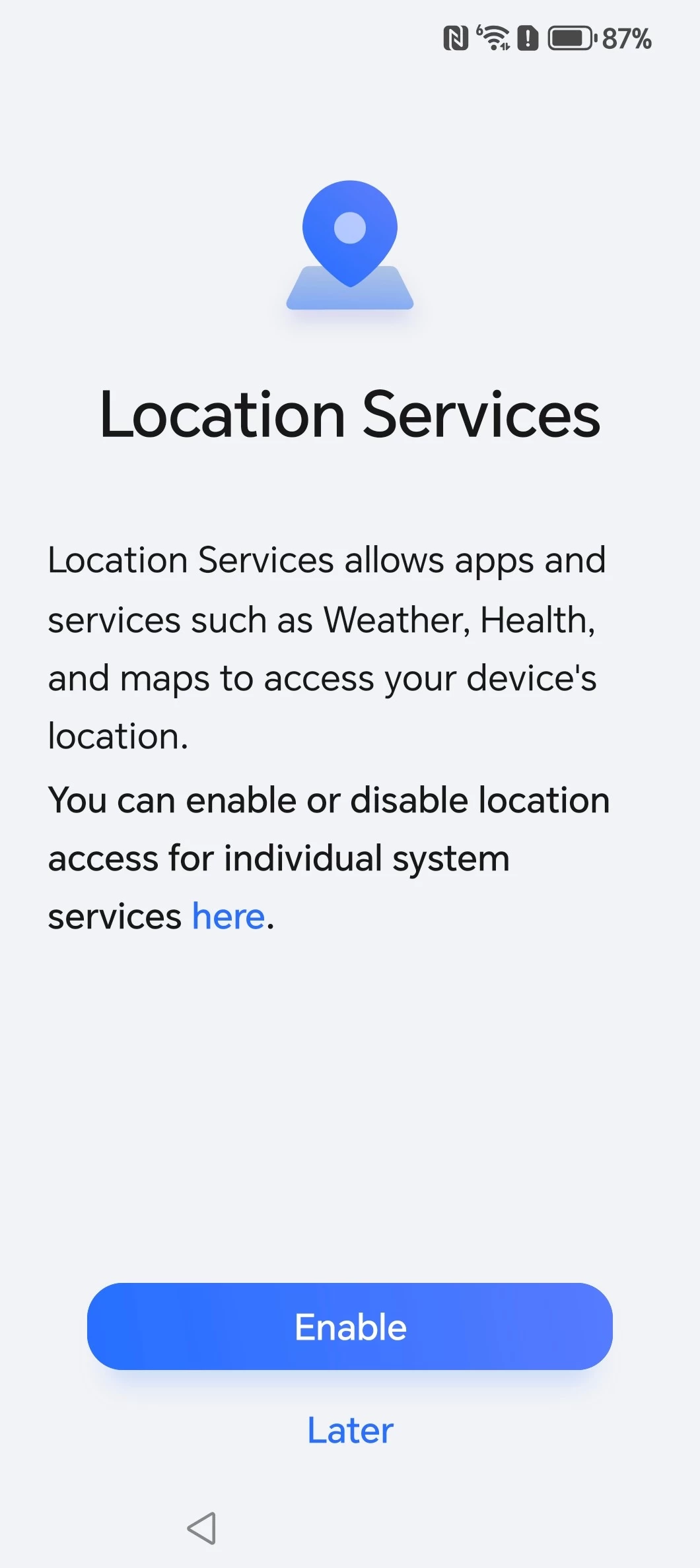
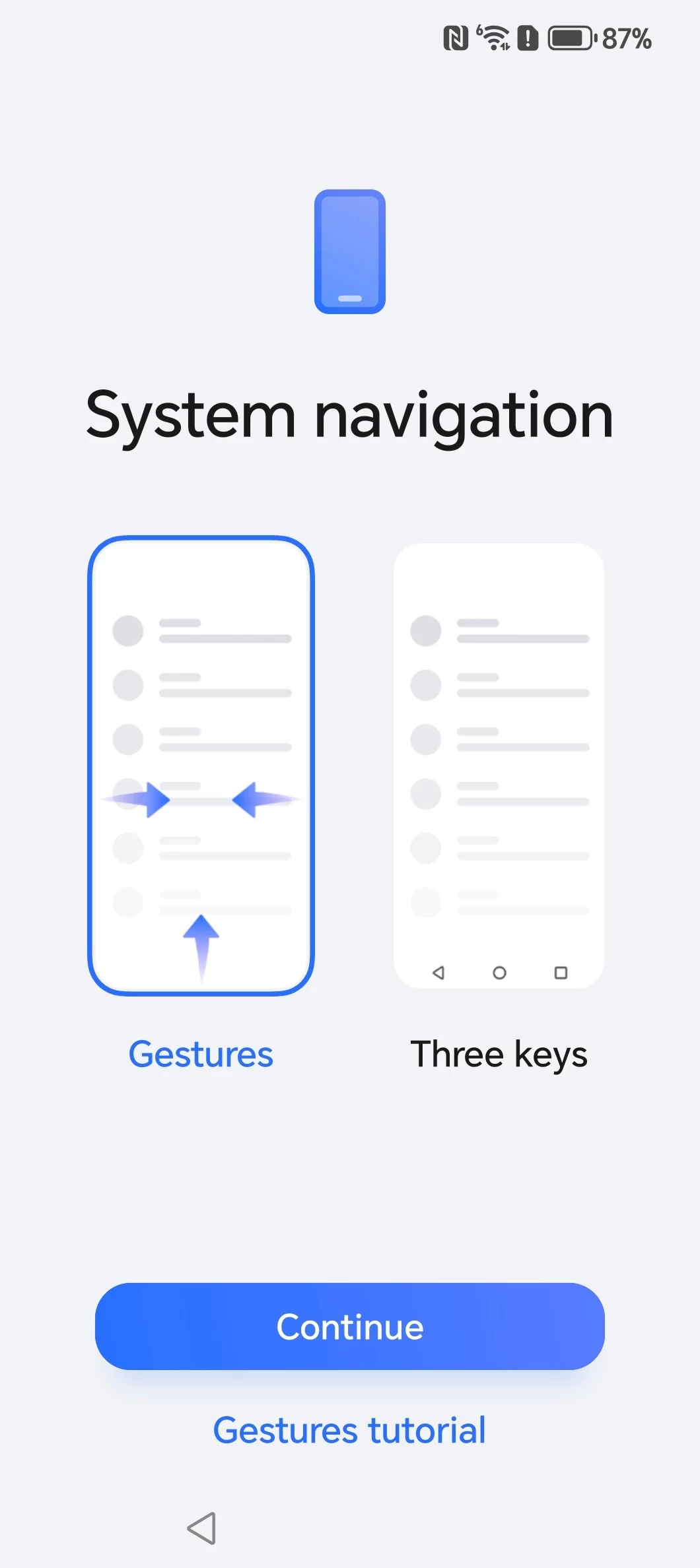
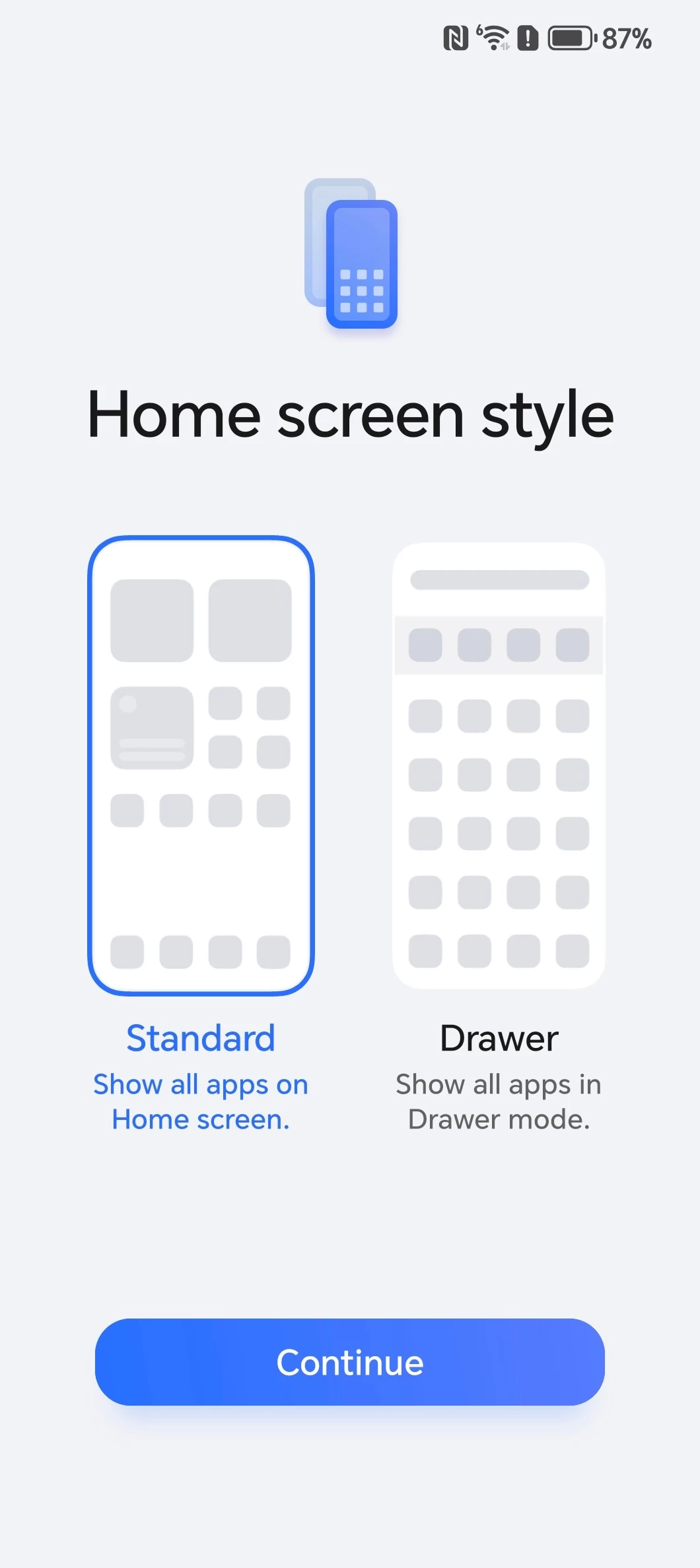
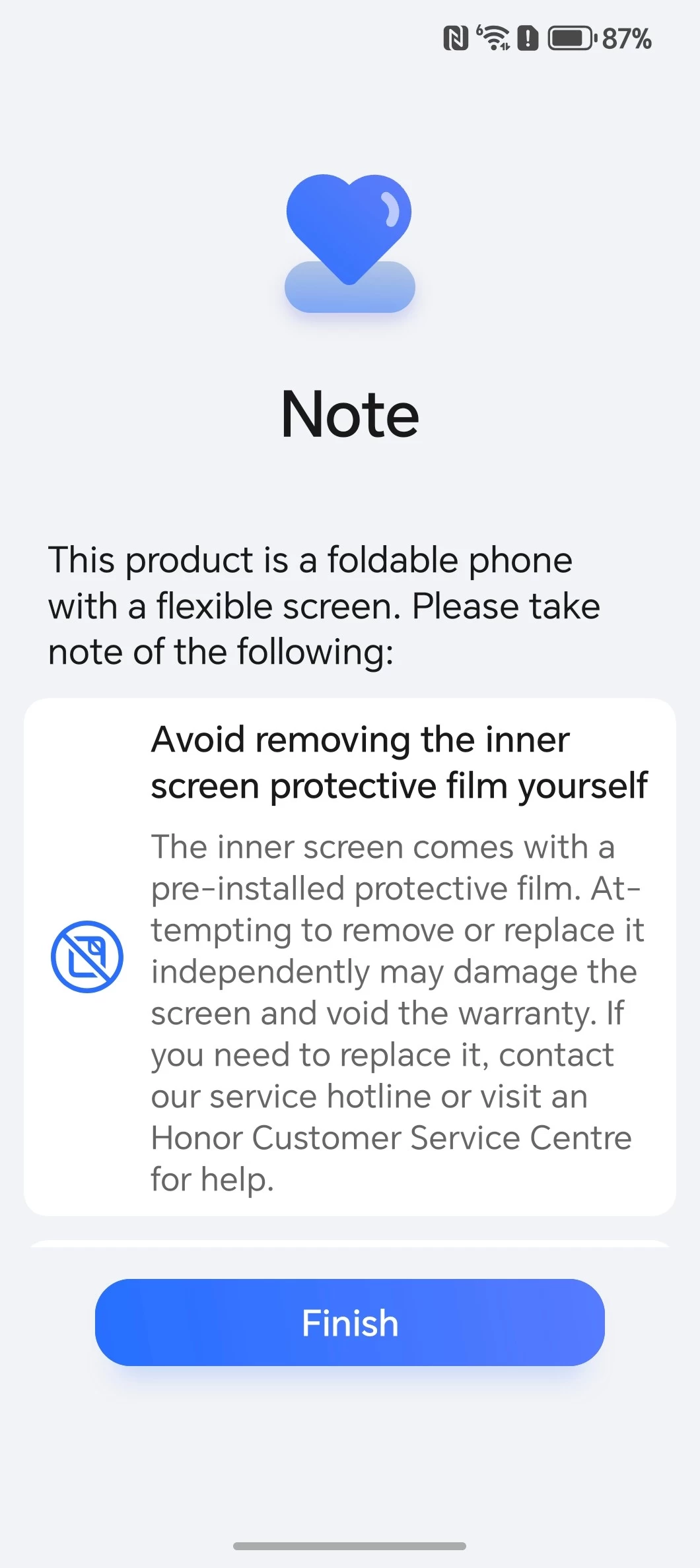


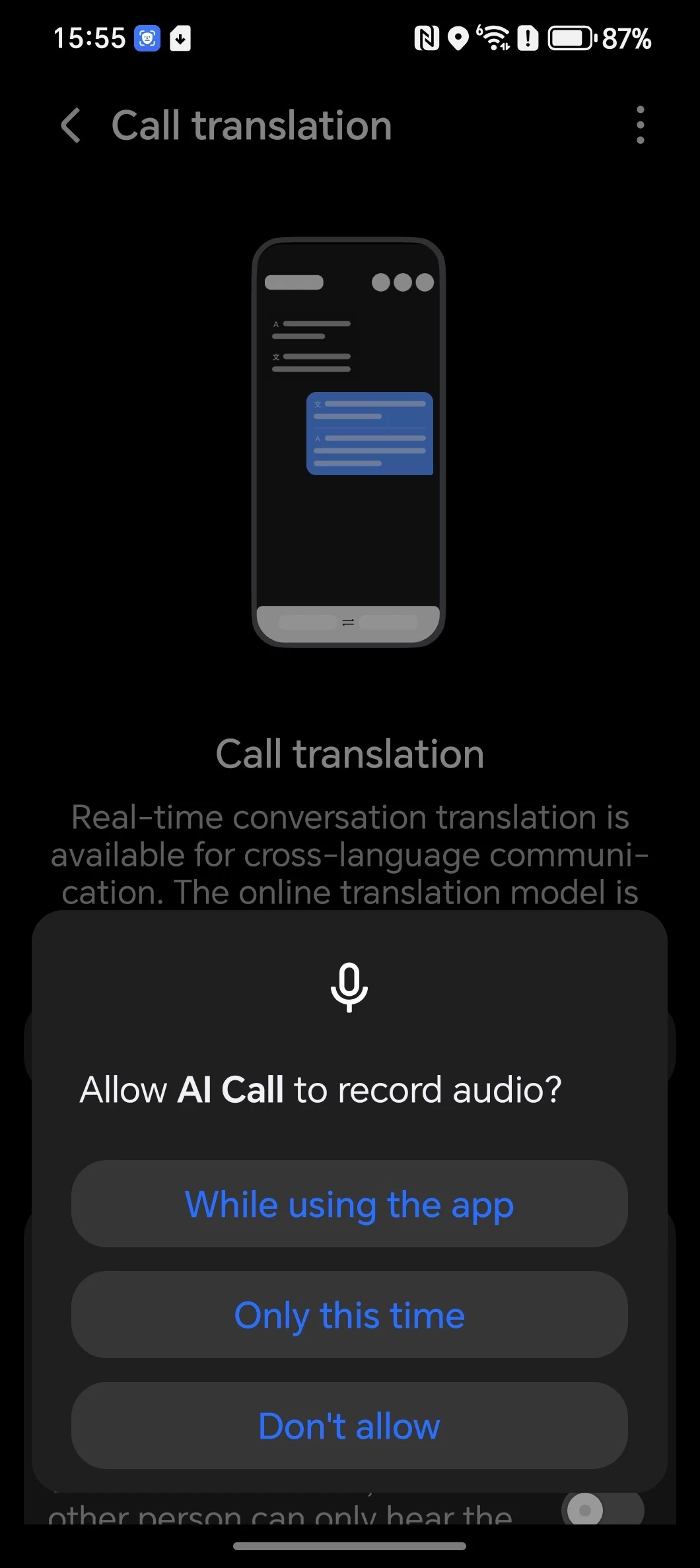
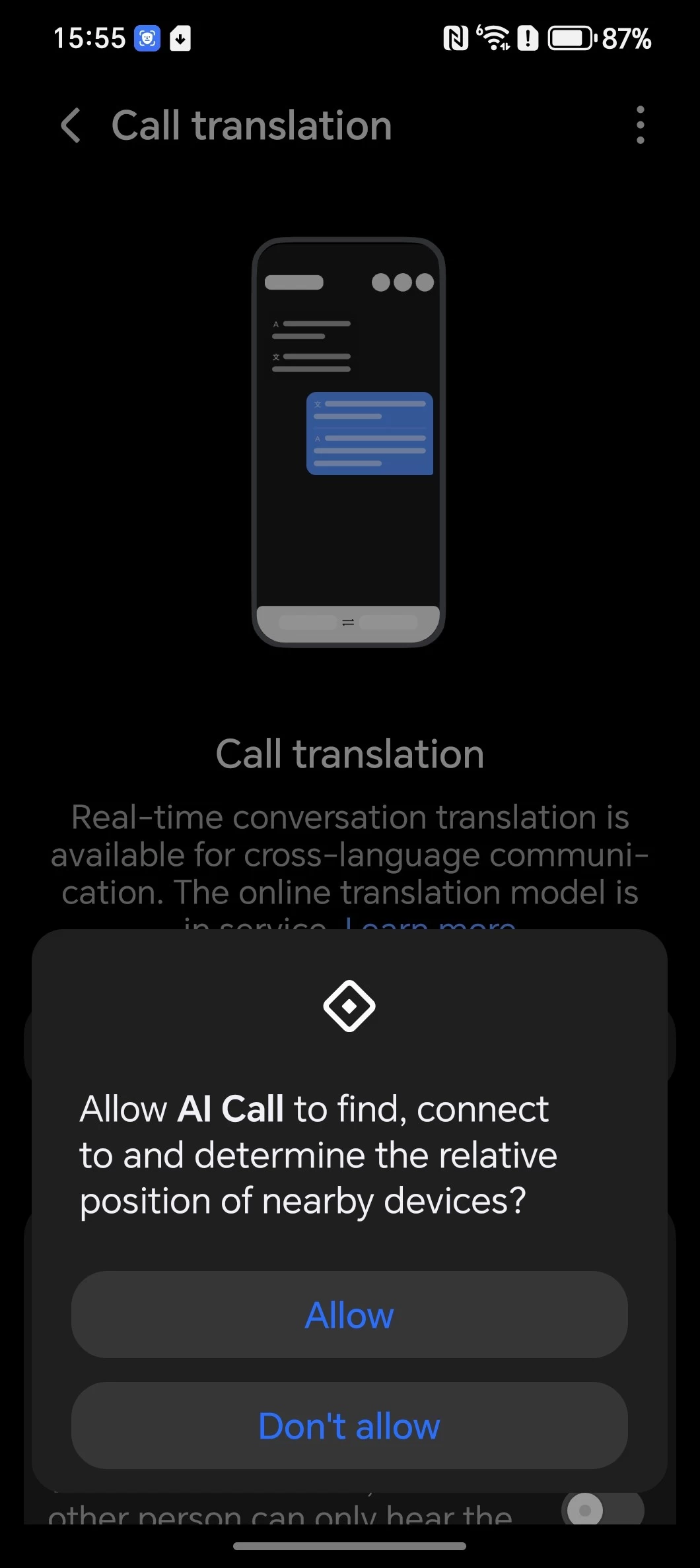
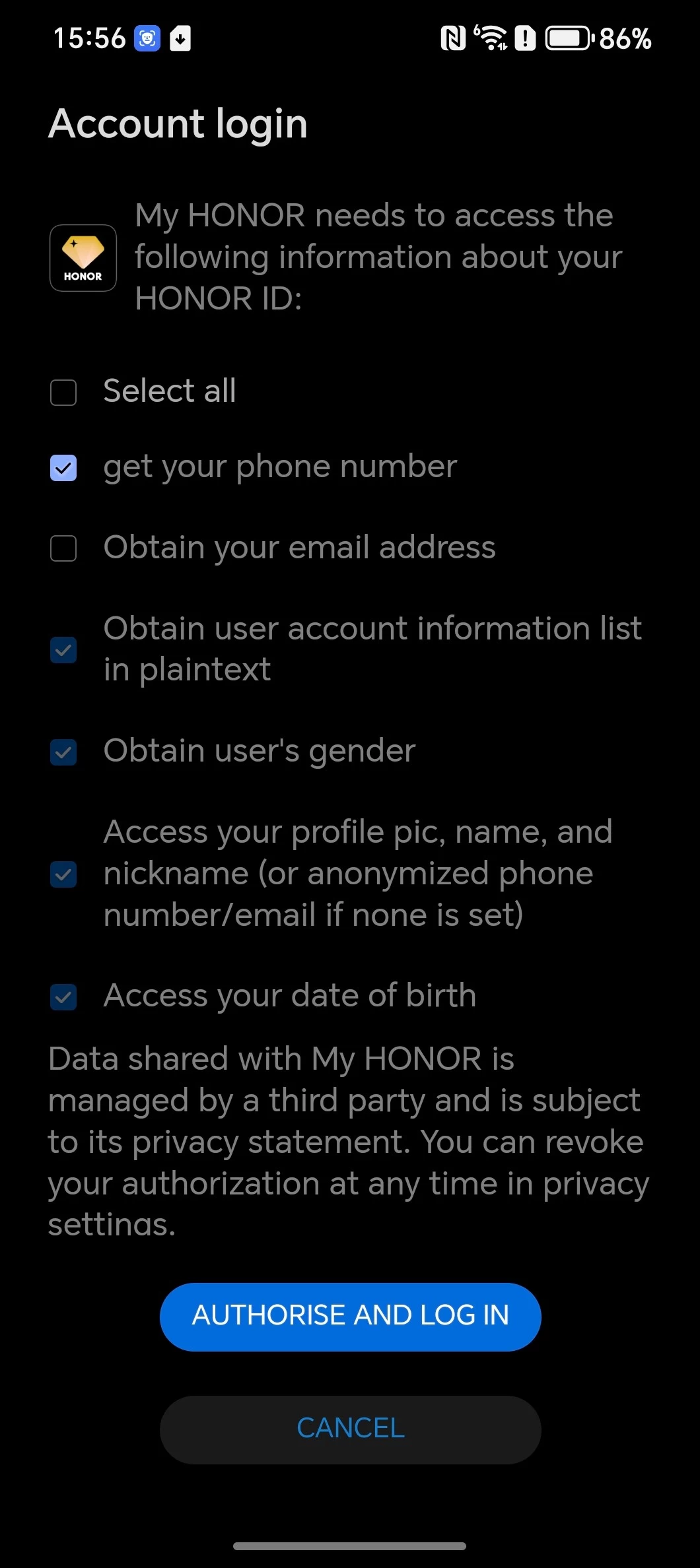
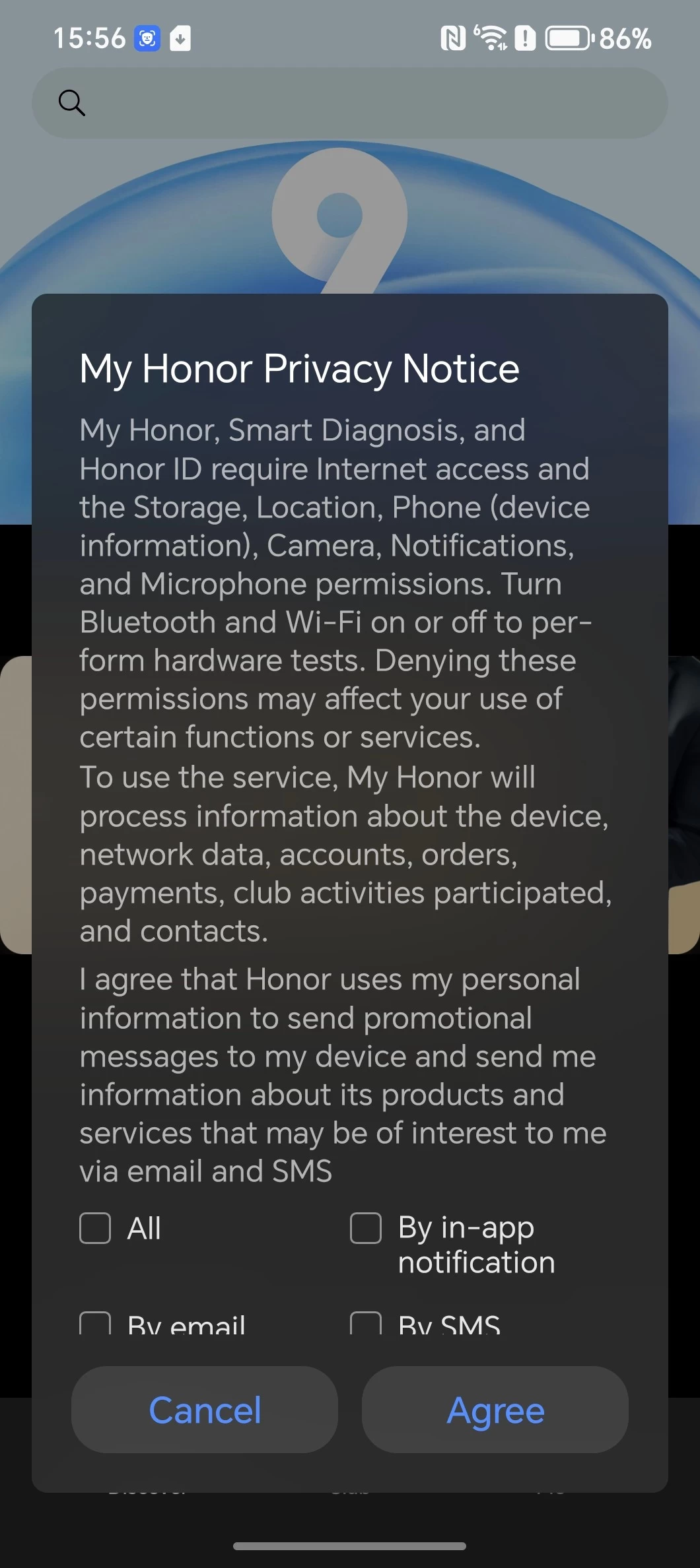
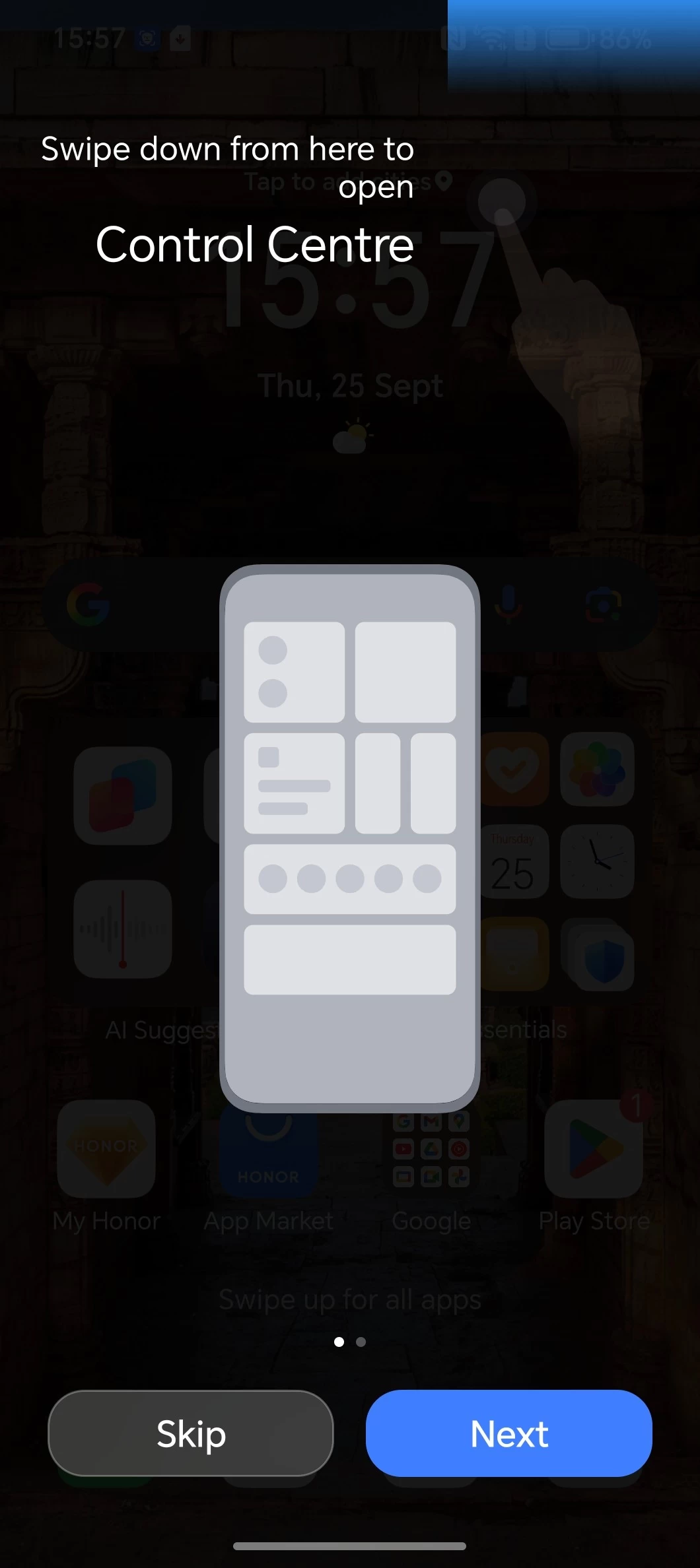
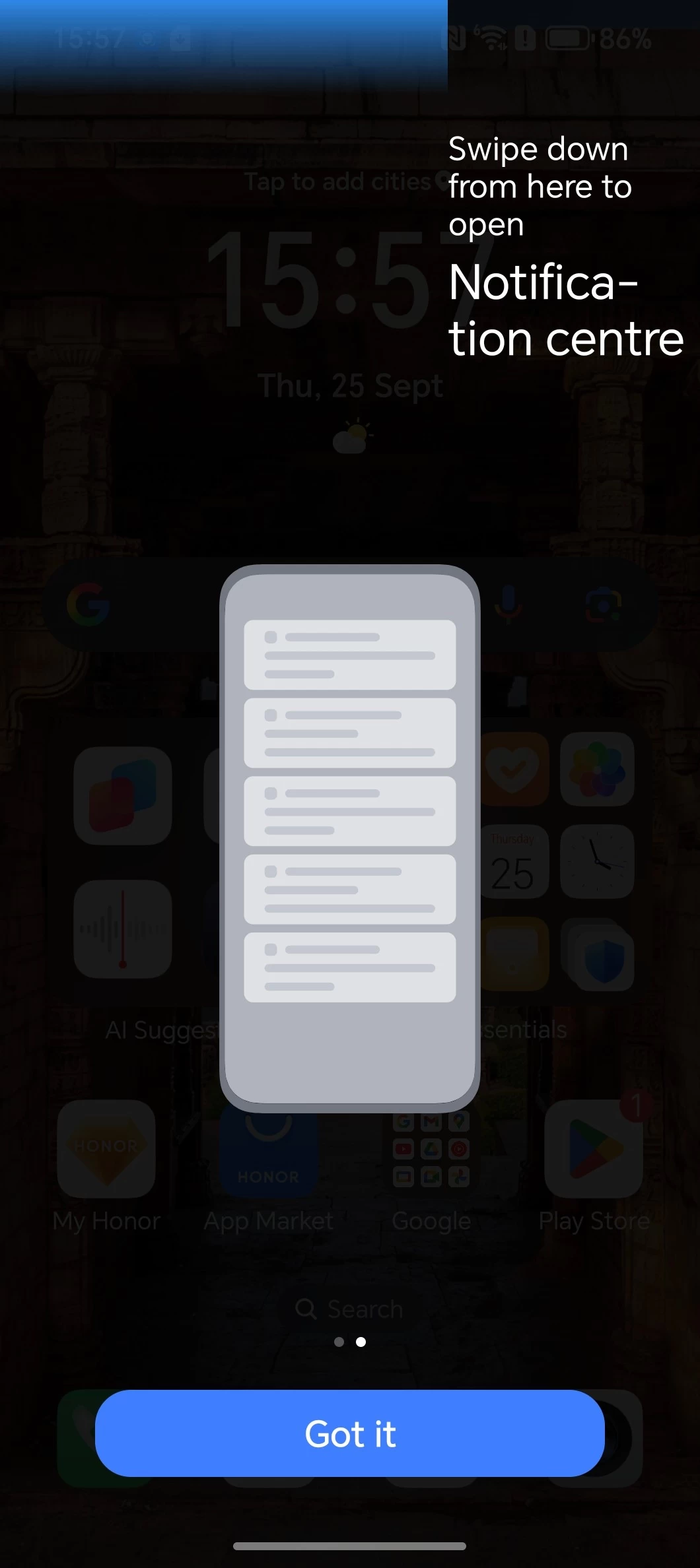
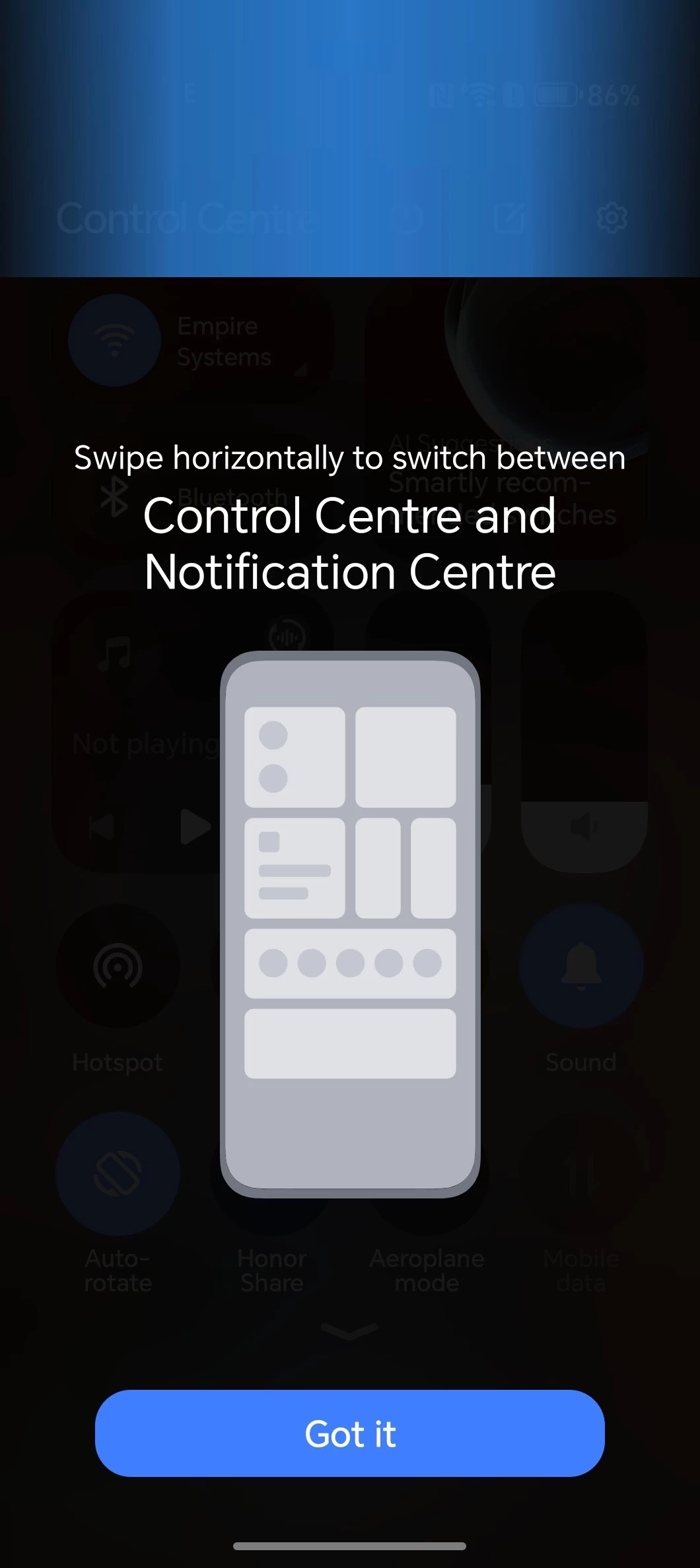
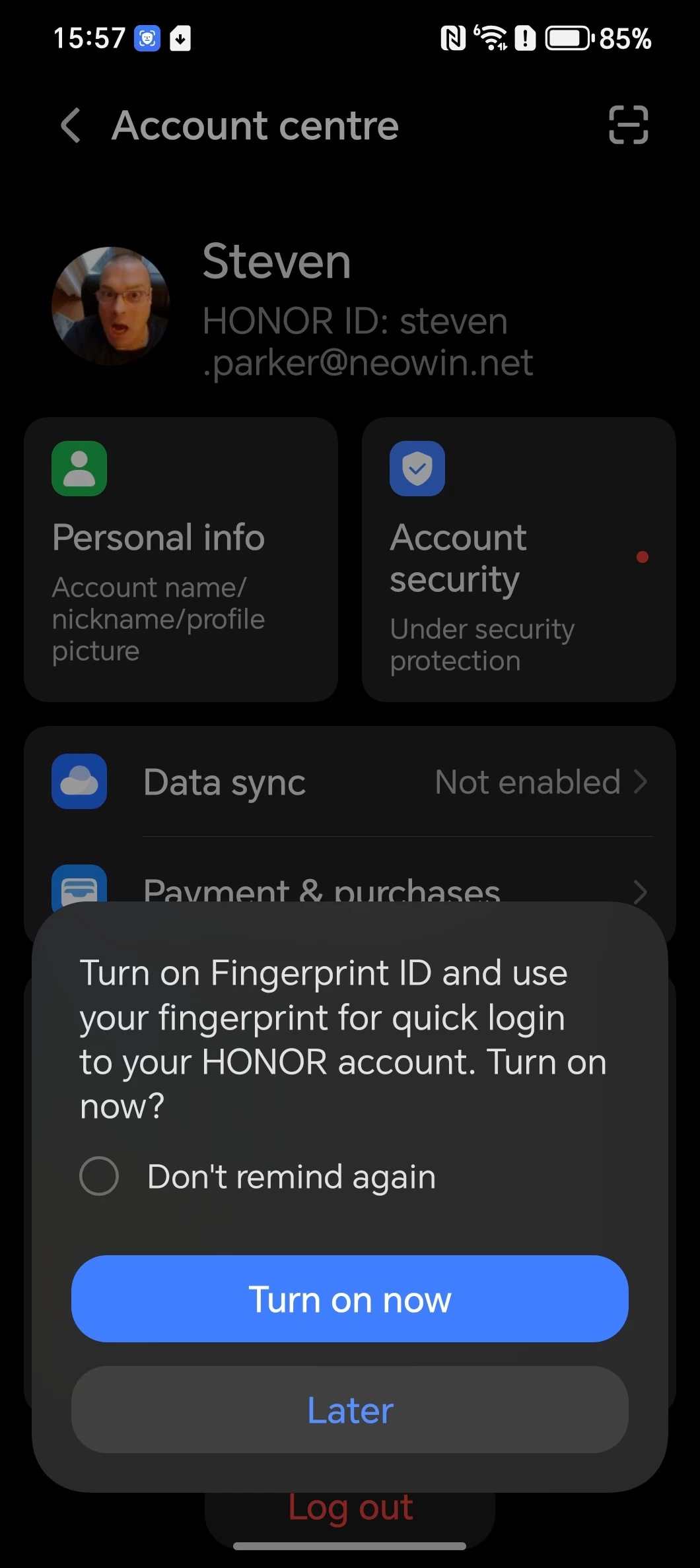
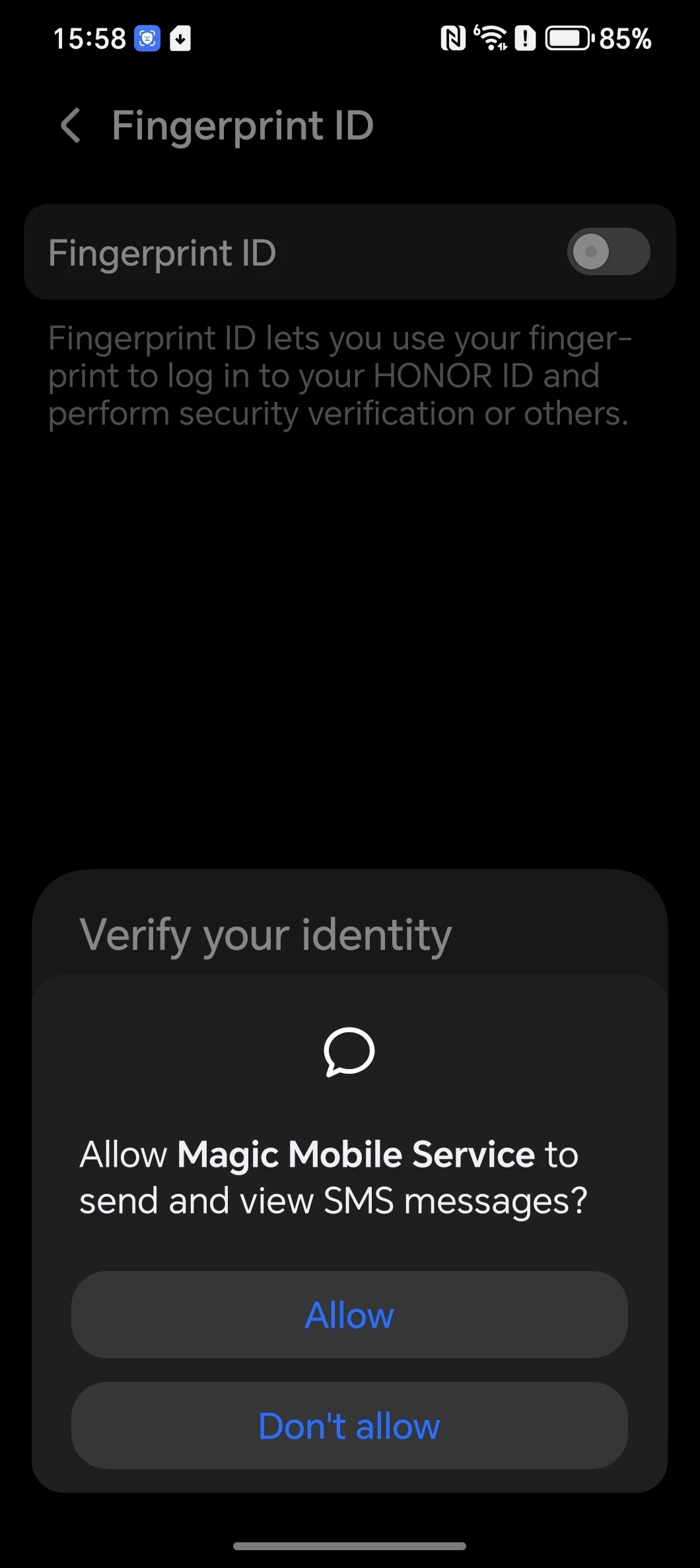
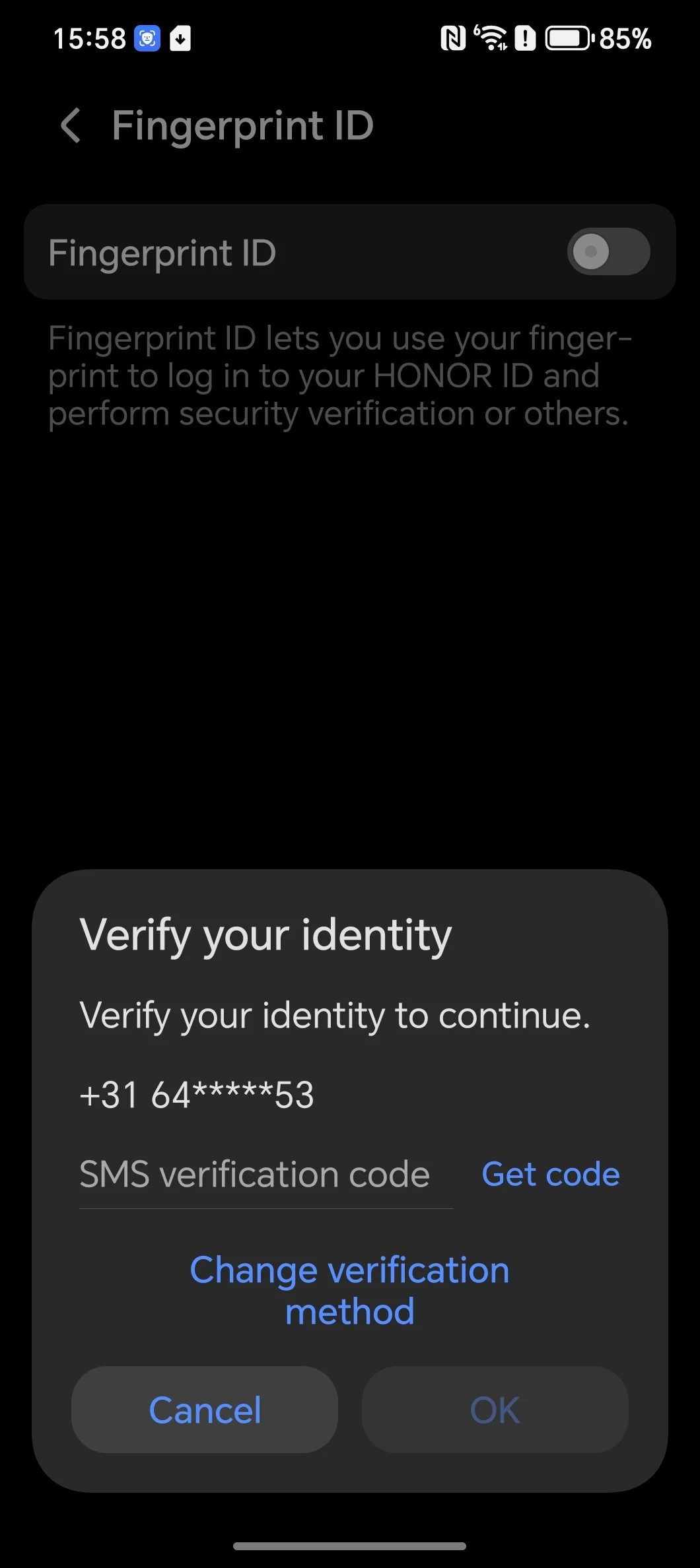
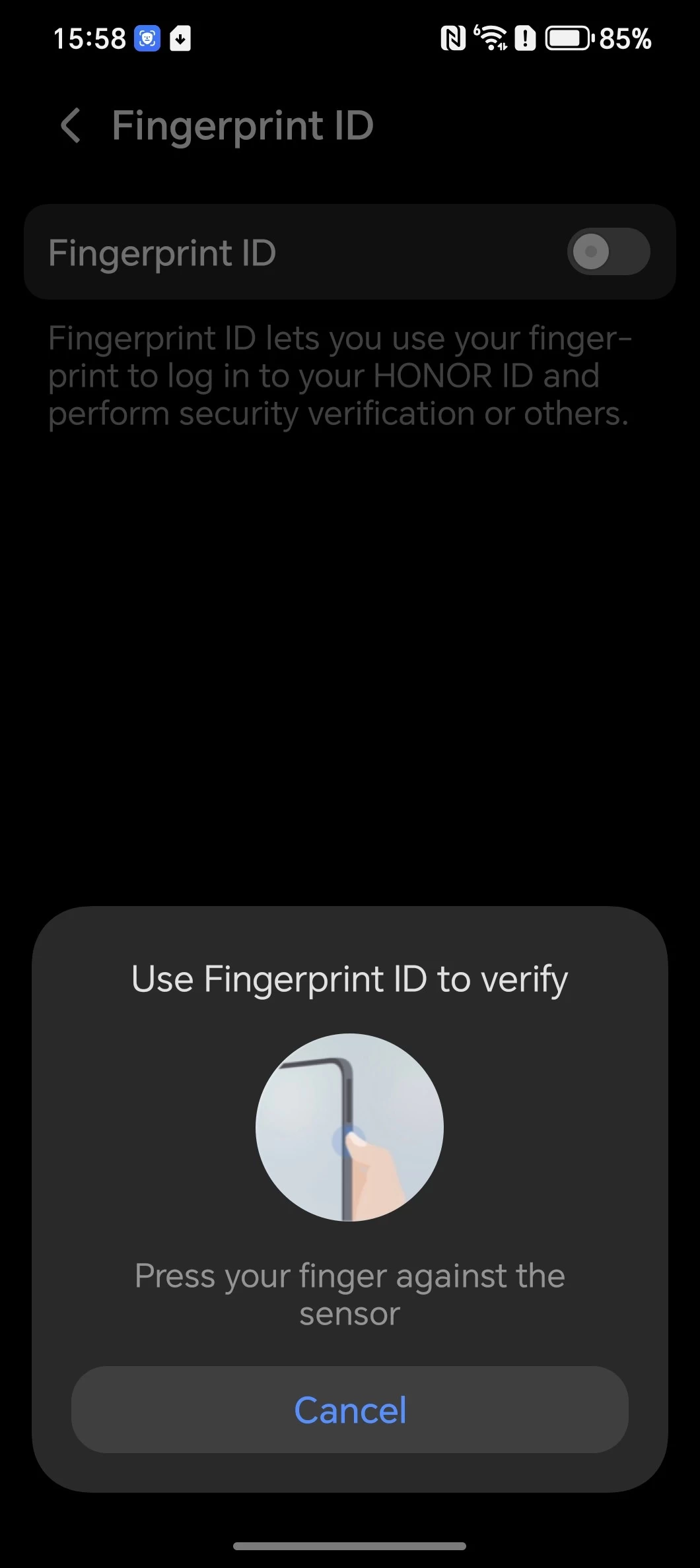
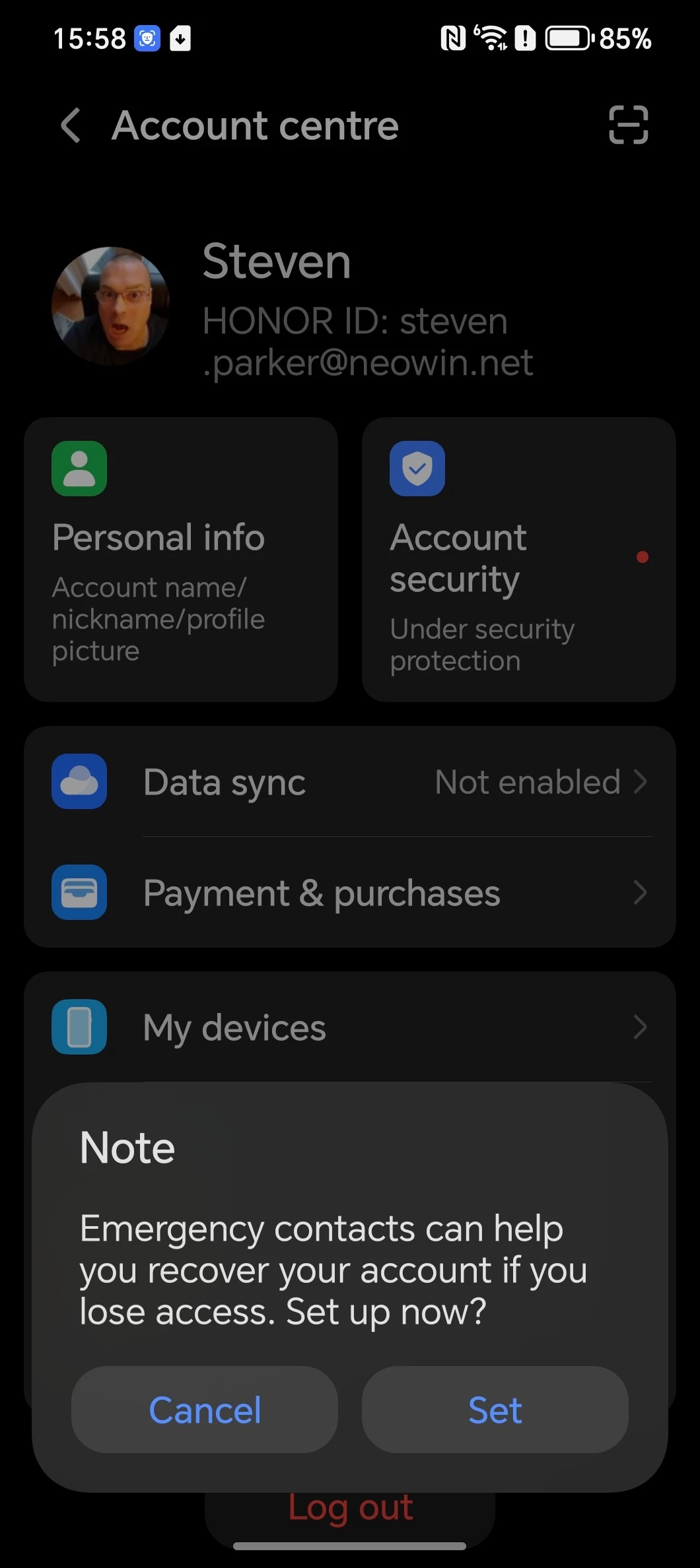
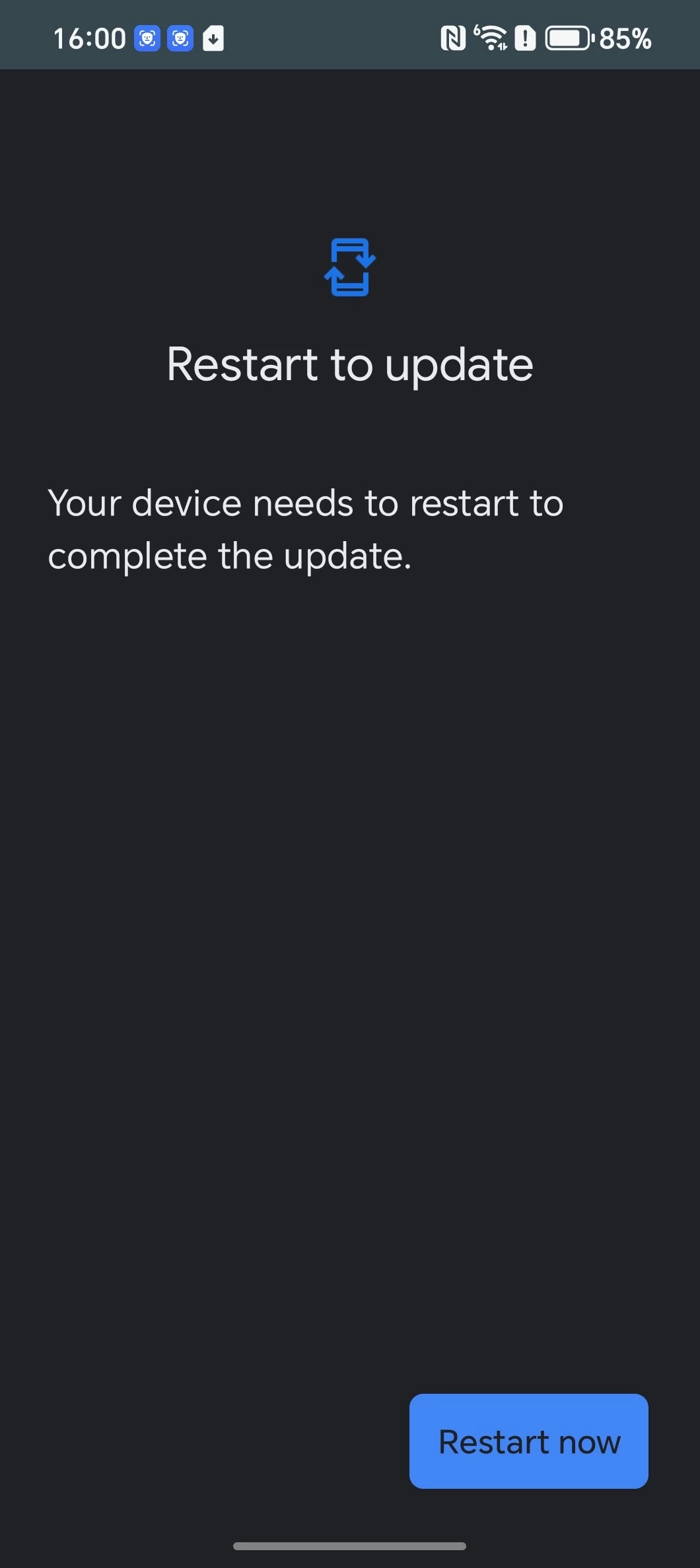
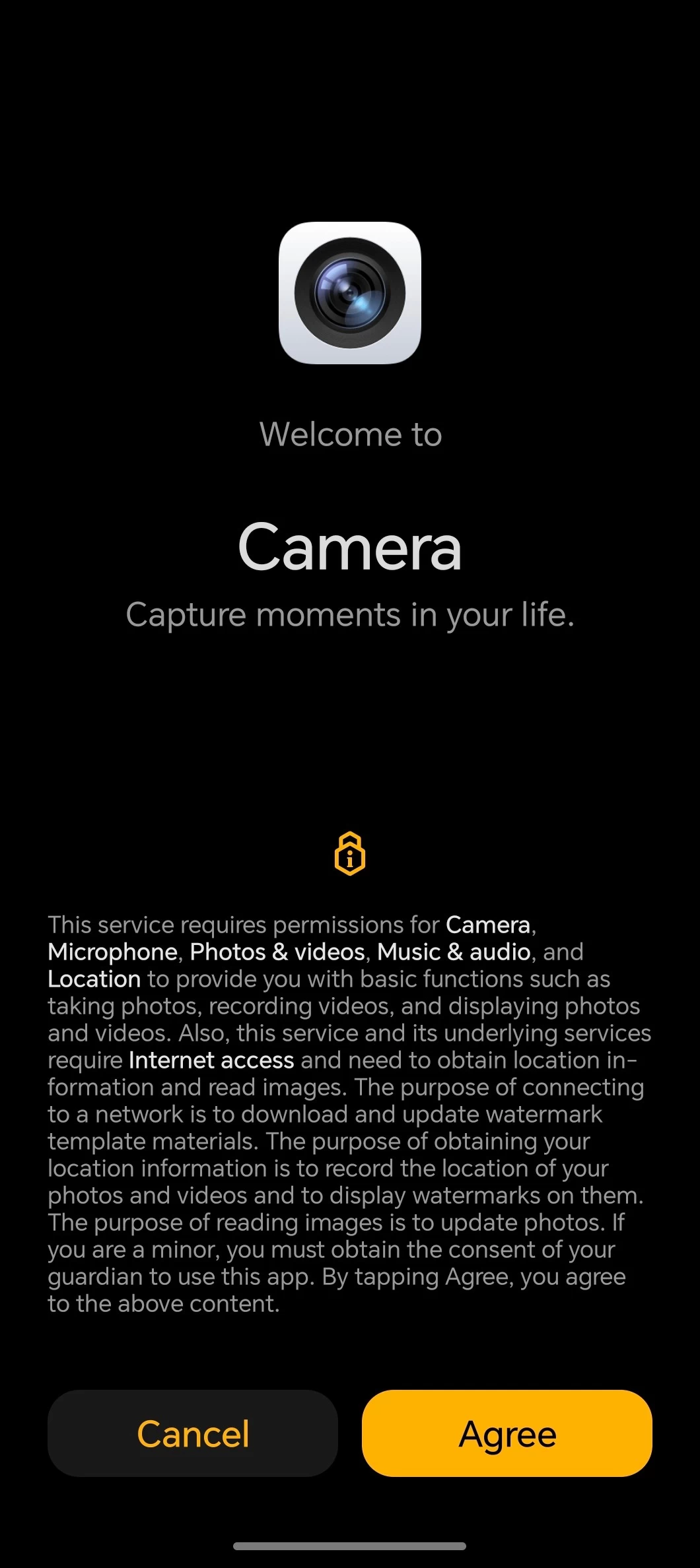
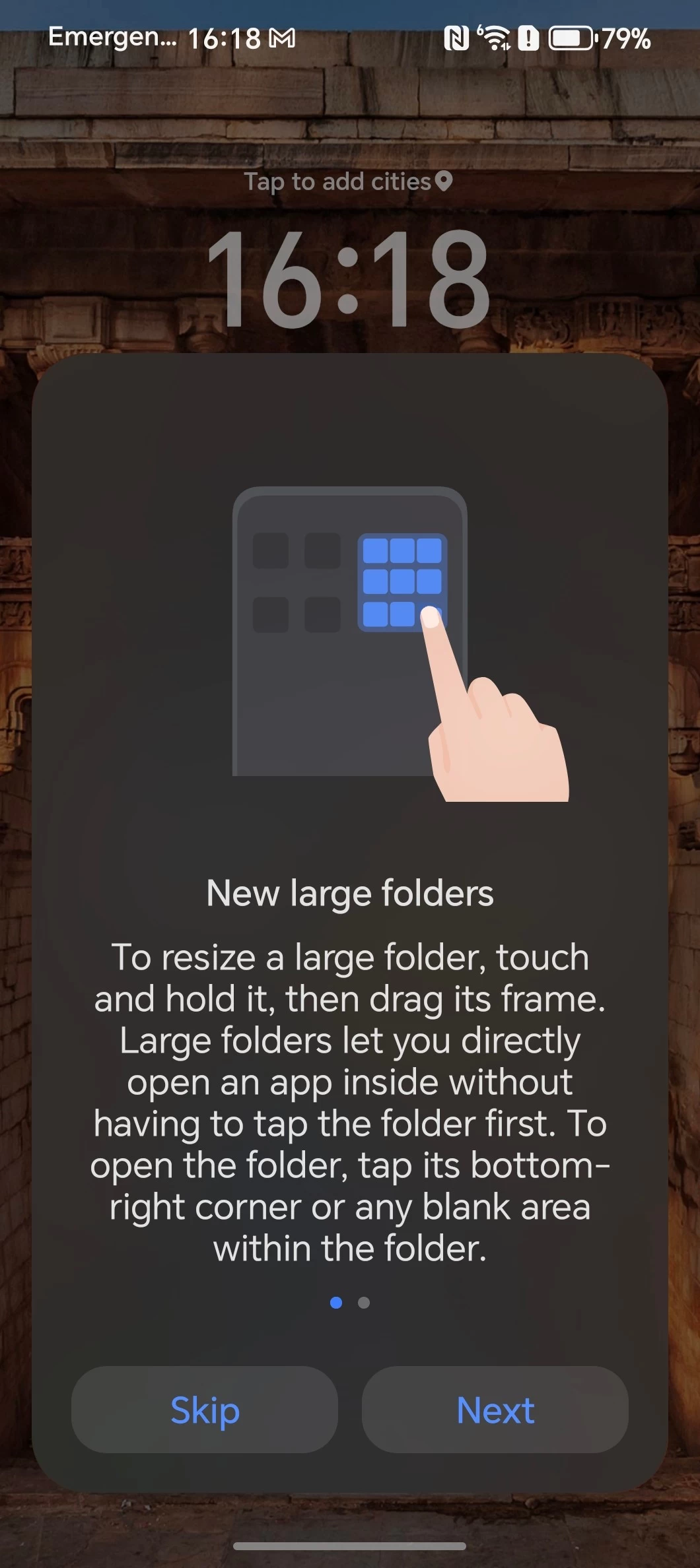
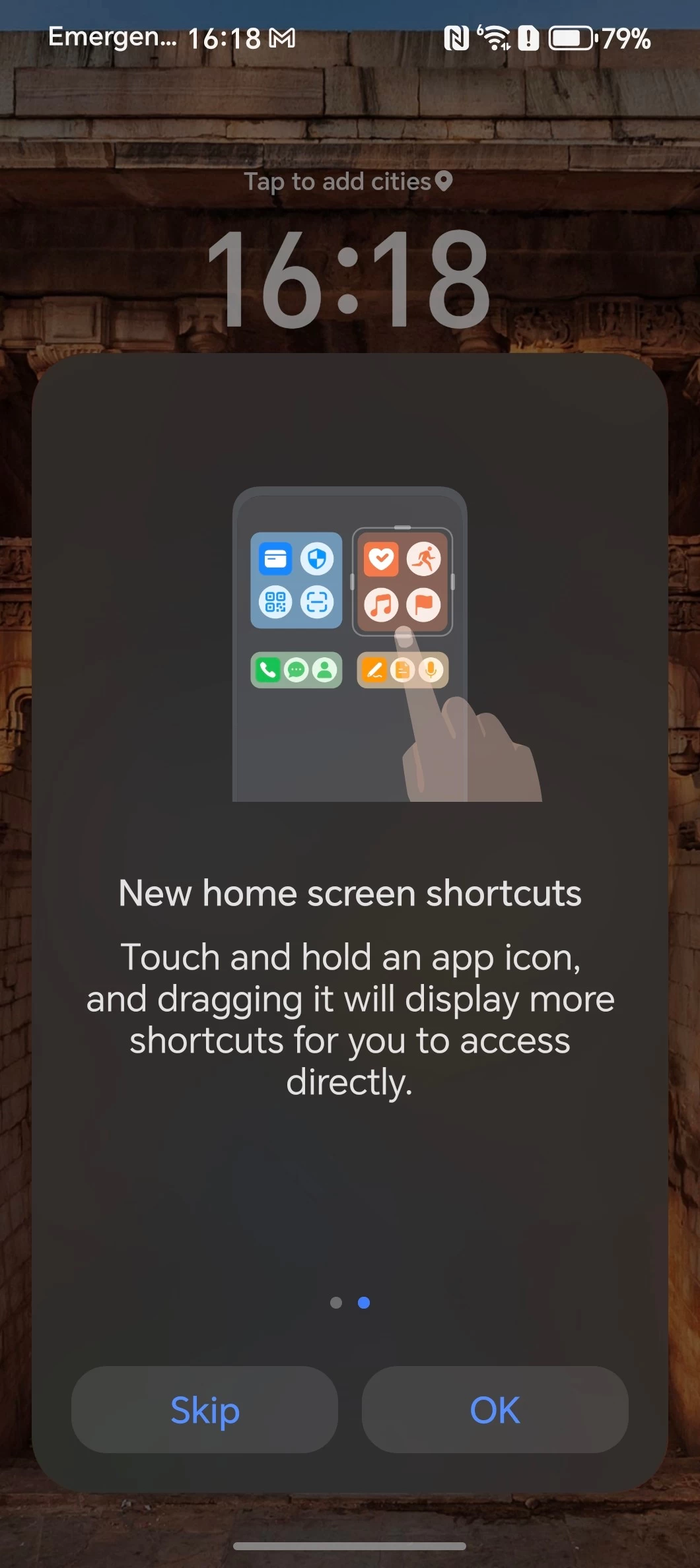
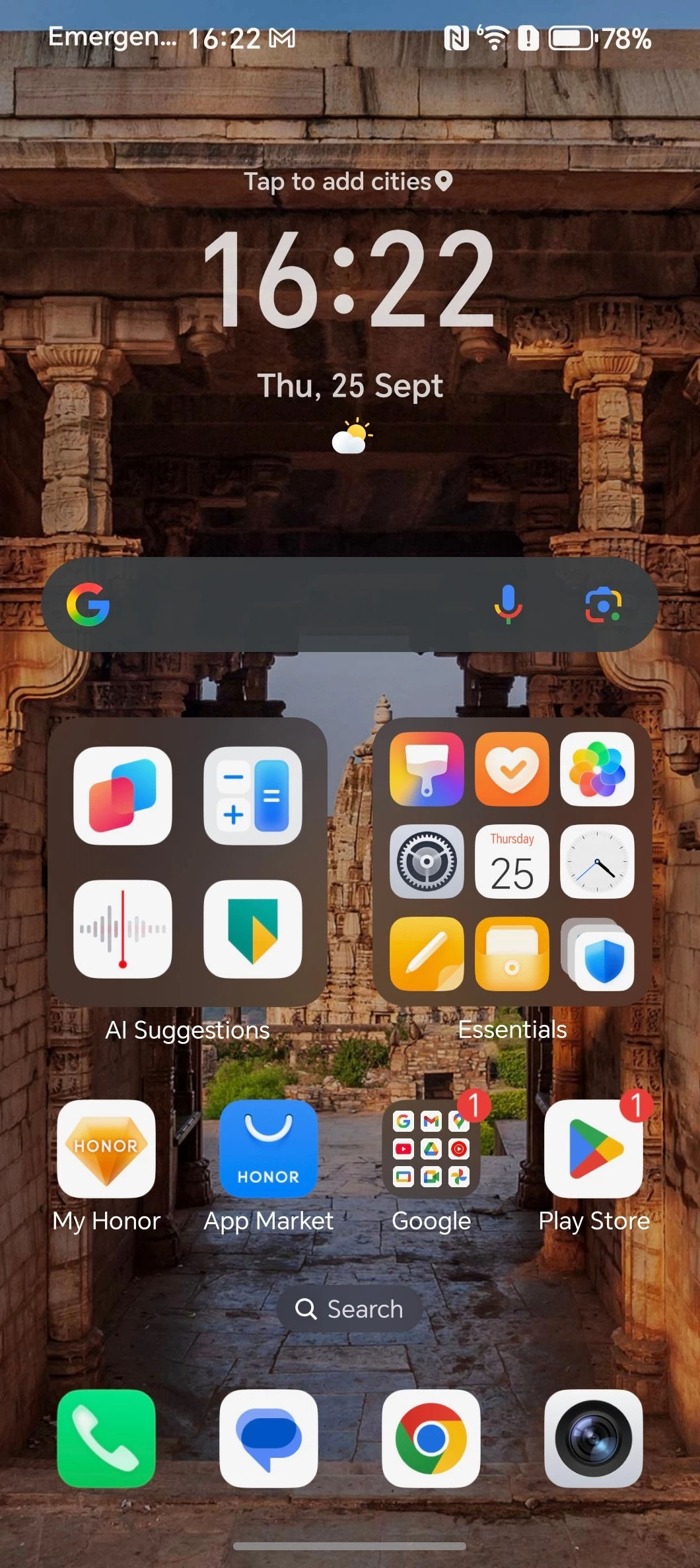
I used Android Switch during setup and also transferred my physical SIM from my Galaxy S23 Ultra; you can see the entire process above, which also included pages of opt-in services along with an optional invite to the User Experience Program and enabling Location Services. By the way, although the phone supports dual SIM and dual eSIM, only two with a mix or match are ever supported
Thankfully, the Magic V5 also employs the default gestures found in most Androids, so I was off to a great start on the Home screen. I found navigating through MagicOS to be a pleasant experience, and I experienced no lag despite having a number of apps open in the background.
HONOR Magic V5 Home Screen
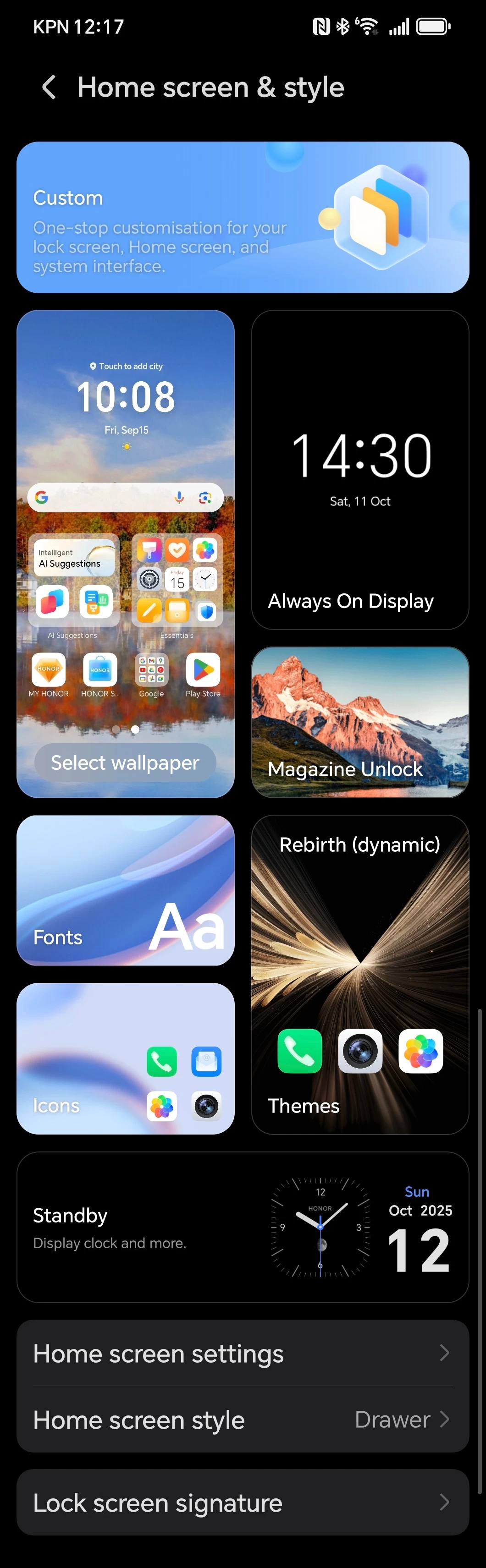


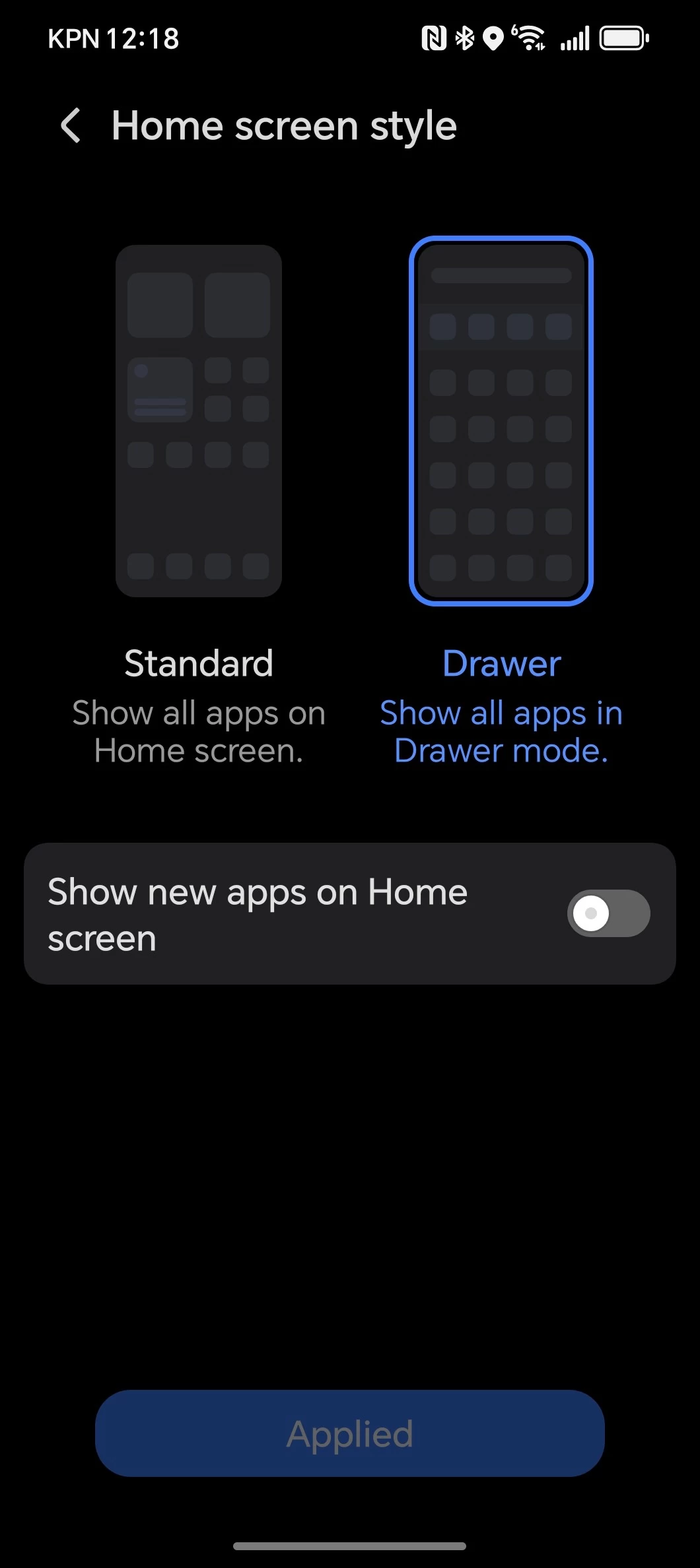
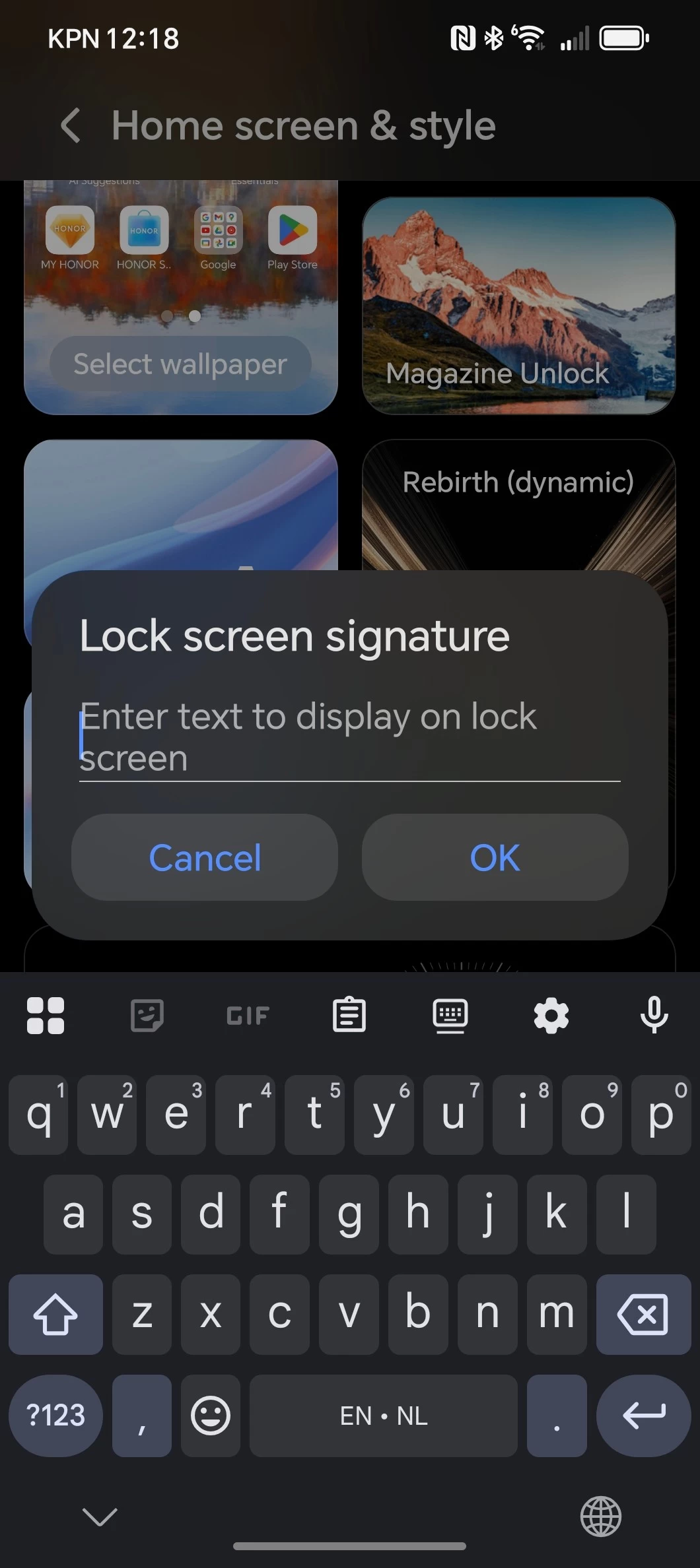
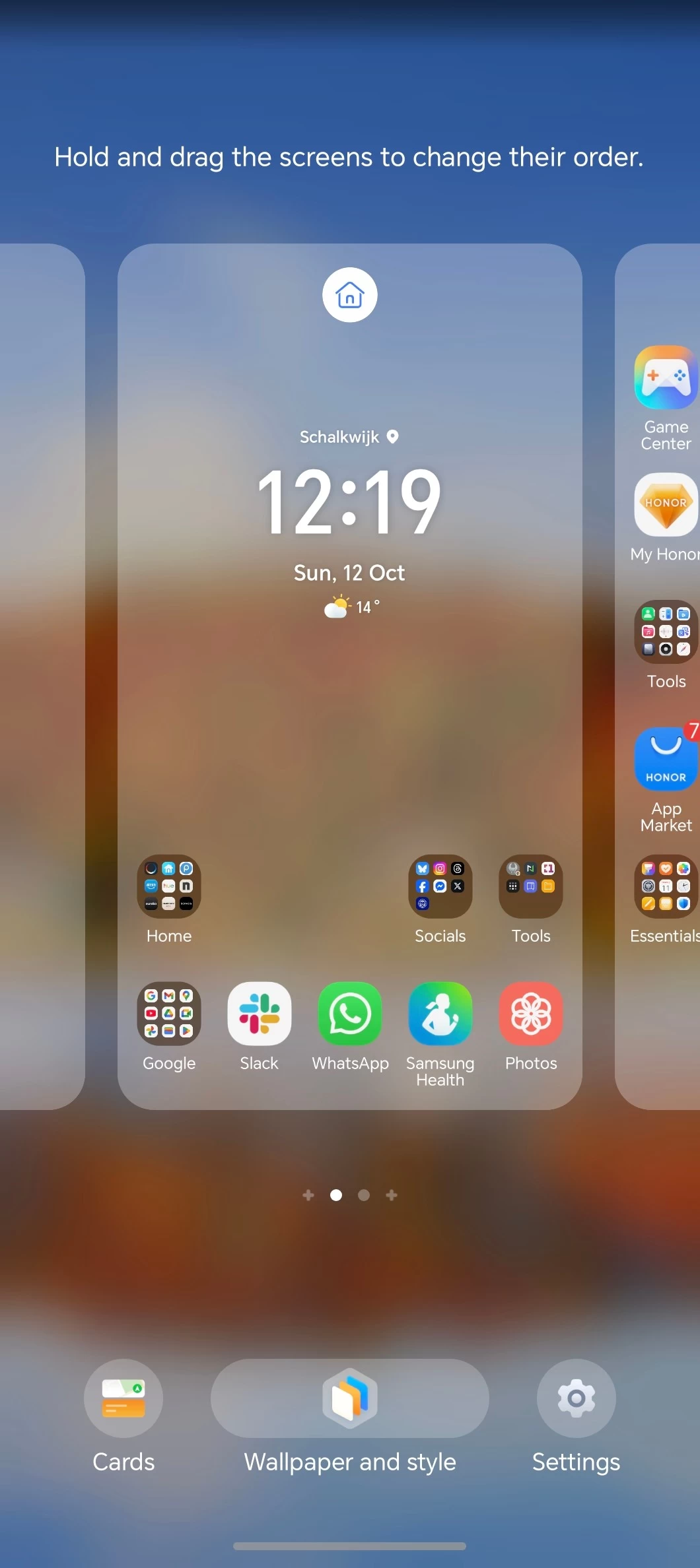
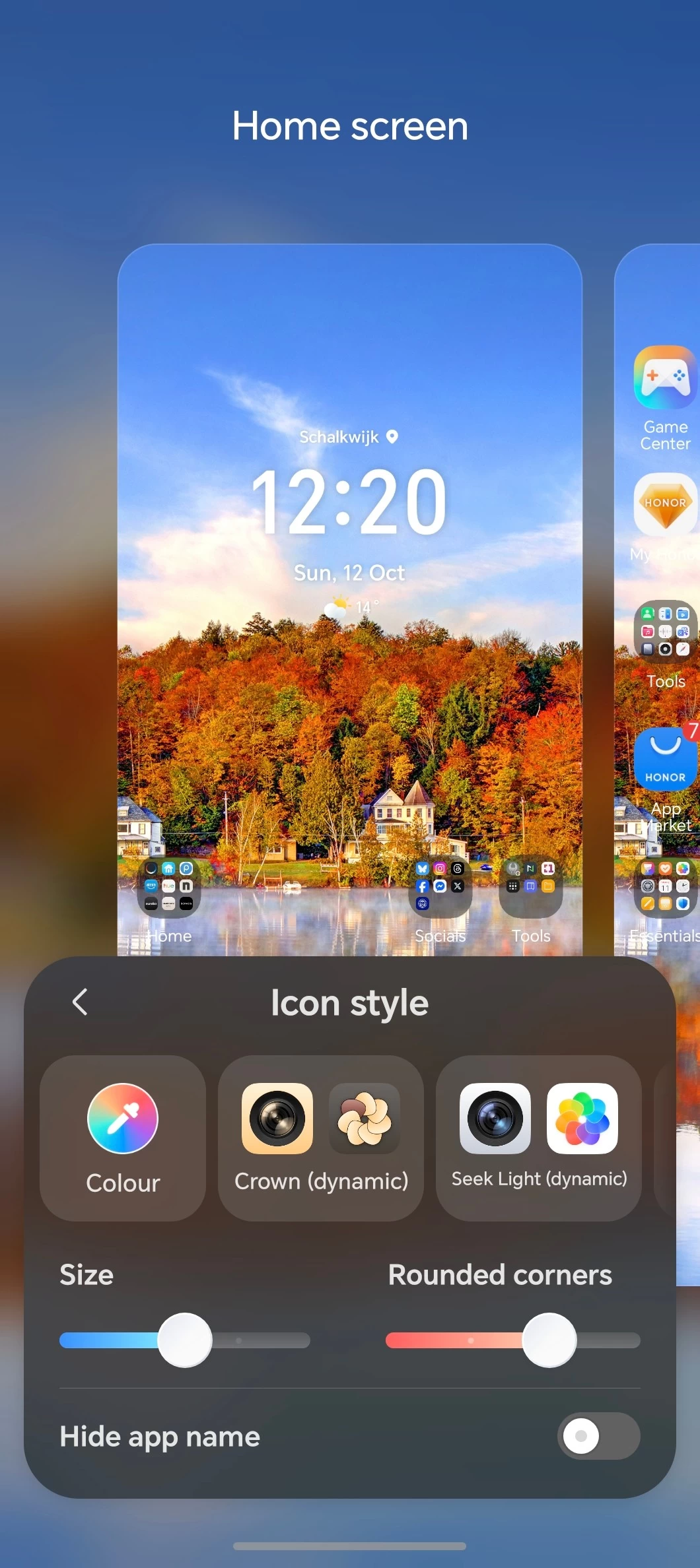
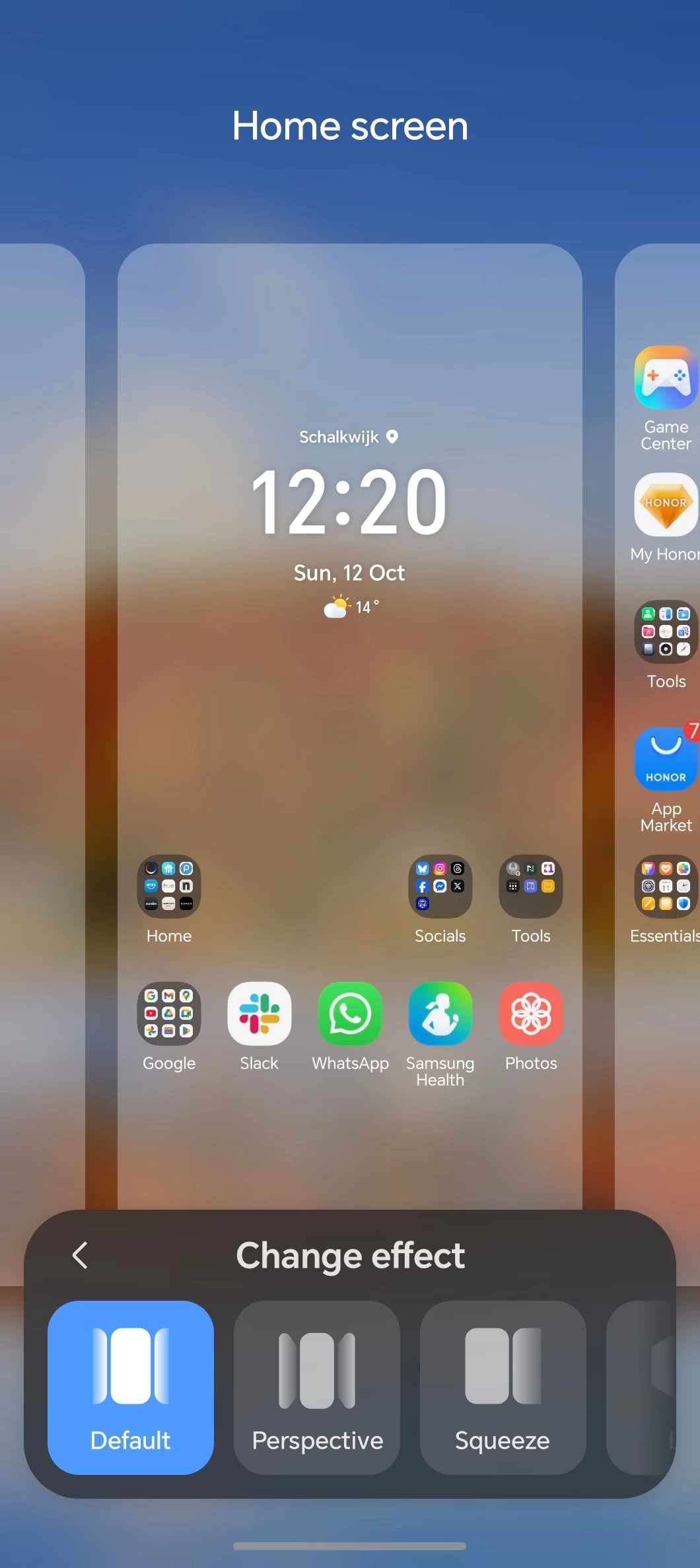
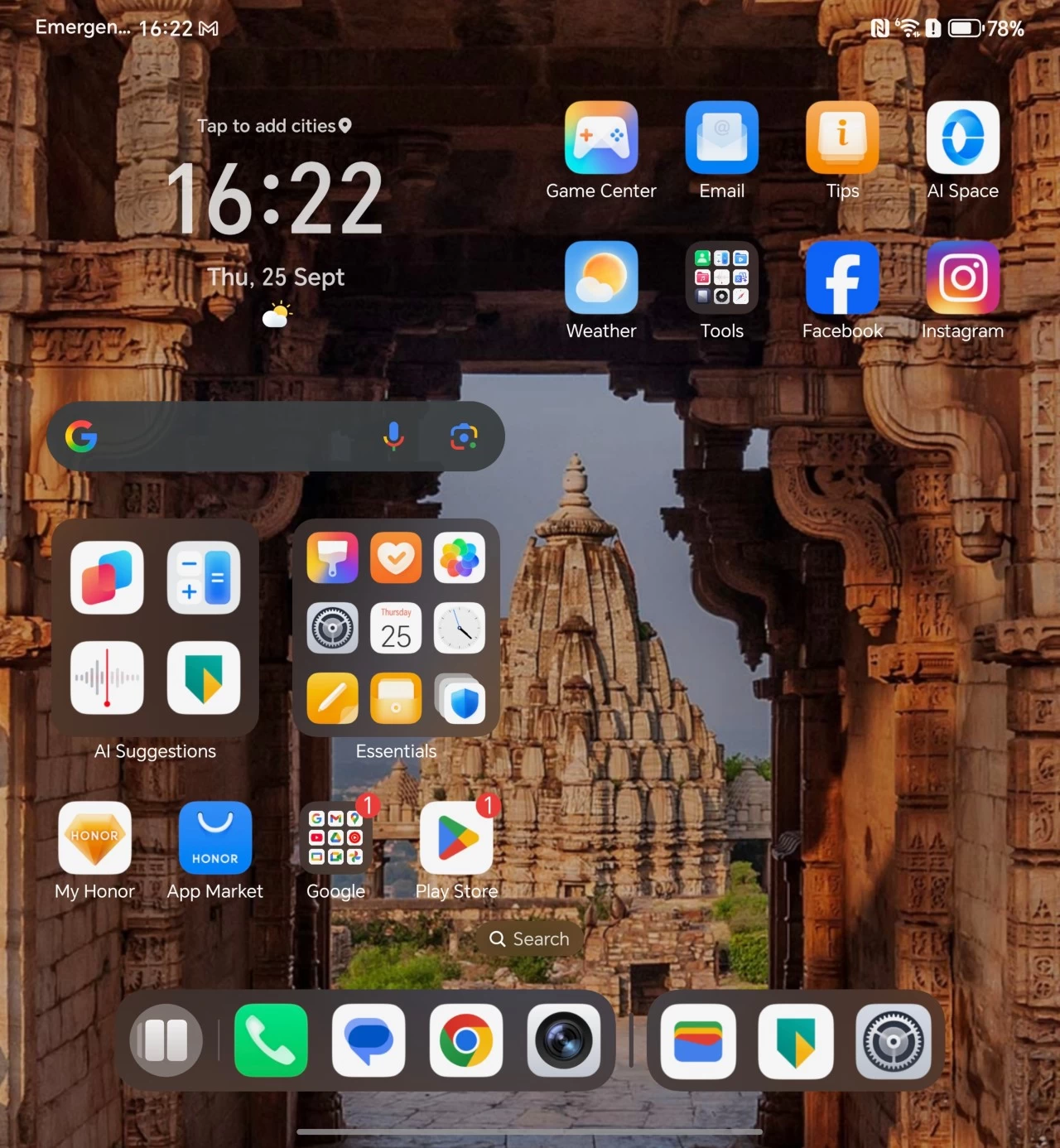
Speaking of the Home screen, which uses HONOR Home by default, this is highly customizable. You can change just about everything; in fact, since January, HONOR has added the ability to remove labels from icons, which was something I commented about in the Magic7 Pro review and shows that they do listen to feedback.
I was also pleased to see a highly customizable AOD, which Samsung could take note of here. In addition, with another change from my January MagicOS experience, it is now possible to access the Home screen settings directly from the Home screen when pinching in to edit it.
Bloat?
HONOR includes a lot of its own apps (1) (2), but the experience is comparable to OneUI where Samsung also includes a bunch of its own apps.. as far as bloat goes, HONOR is not sideloading third party apps, it just has its own flavor of Email, Calendar, Health, Docs, Files, Gaming related apps, and more.
Accessibility shortcuts
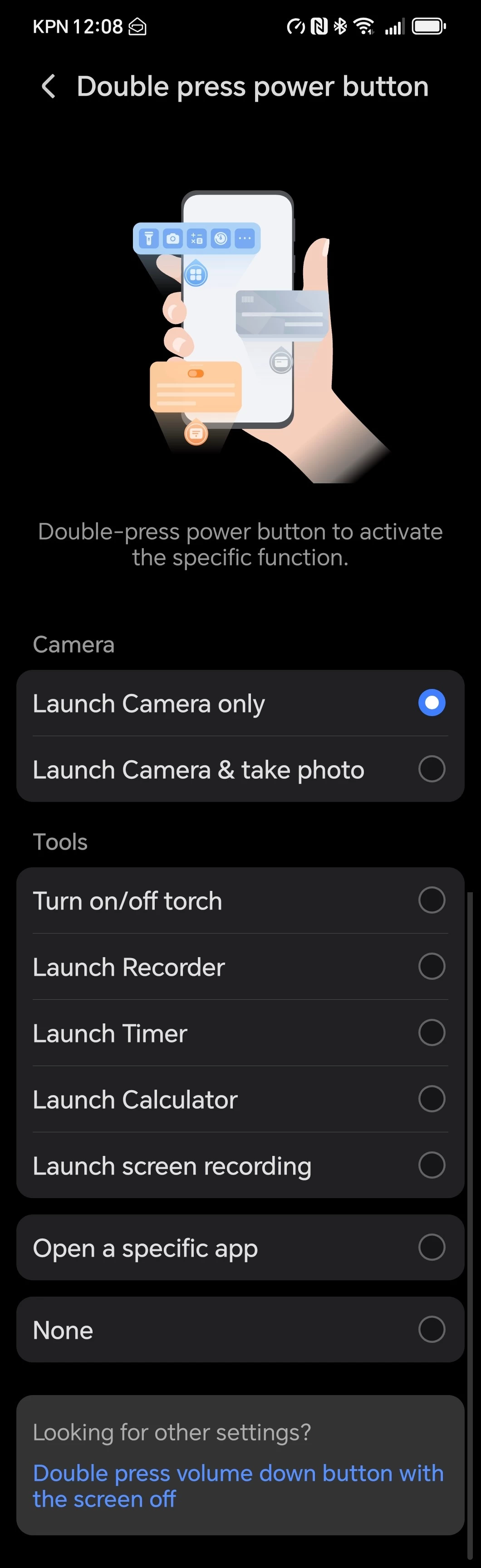
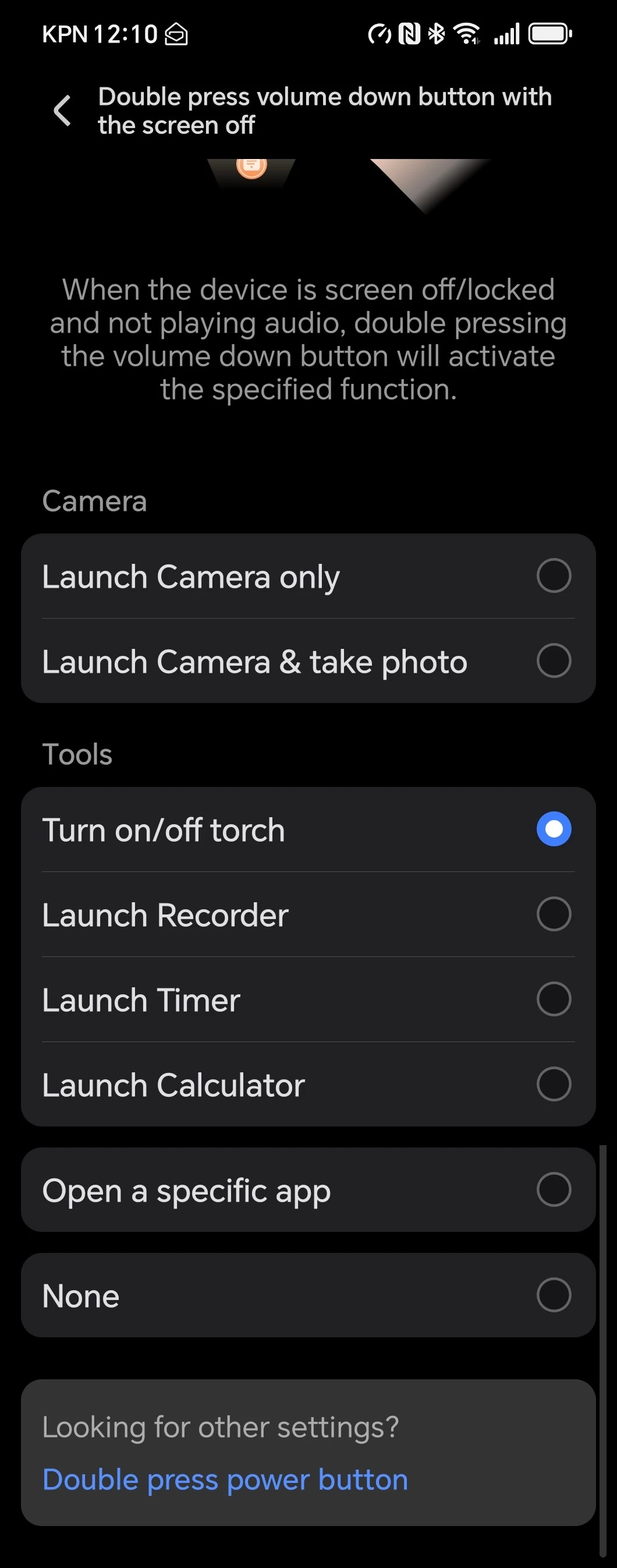
The power button and volume down keys can also be mapped to launch a few tools like the camera, torch, Recorder, Timer and Calculator. After setting your keys, a double press launches your preferred function. In another change since January, it is now possible to map both keys to launch a specific app.
MagicRing
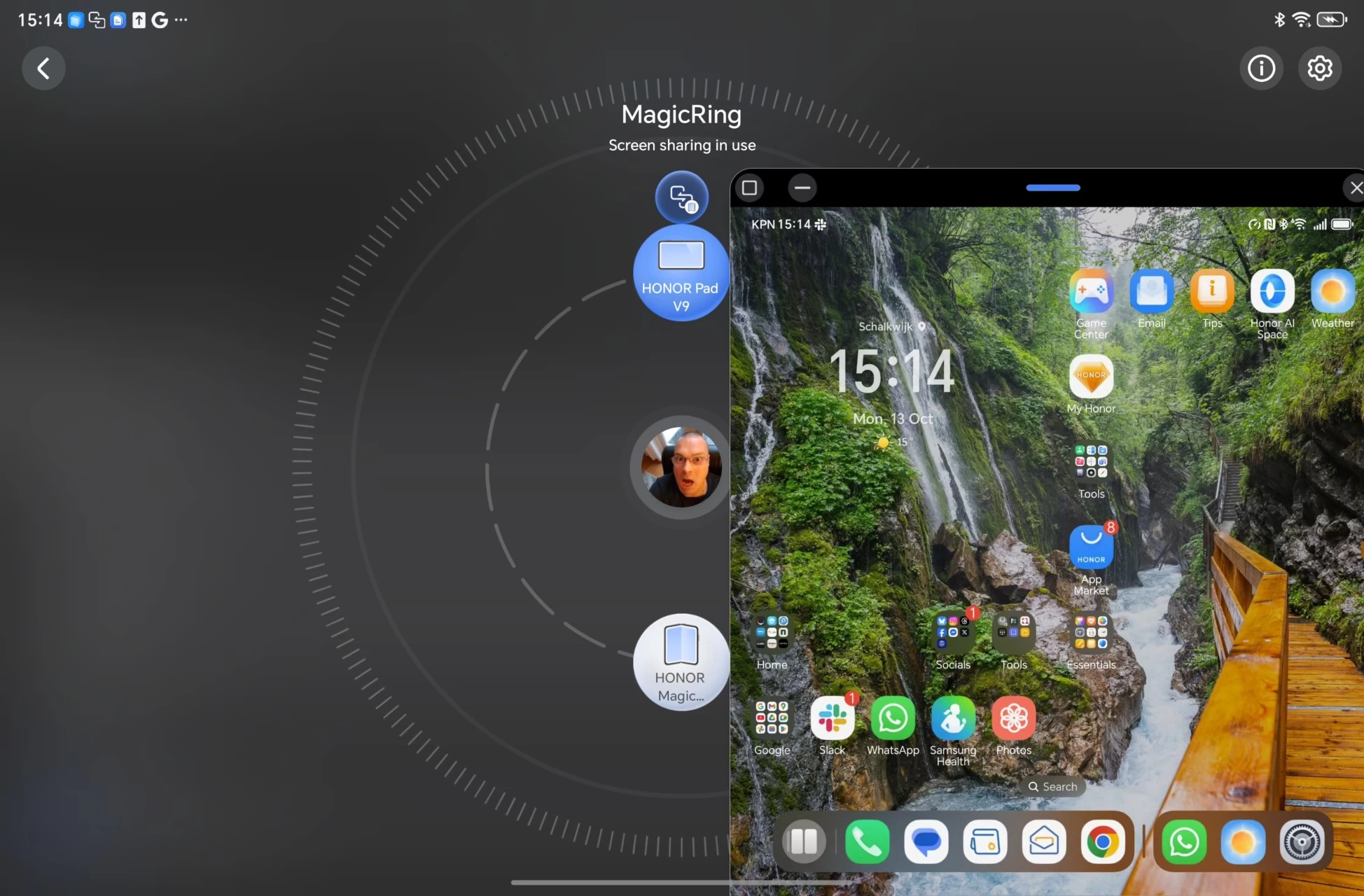
I still have the Honor Pad V9 which I reviewed back in April, so I was able to test the MagicRing. To use, all HONOR devices must be logged into the same HONOR id (account) then after launching MagicRing from the widget in the Android Settings shade dropdown (it is displayed like a card) you tap on the device you want to access and select Screen sharing and drag that ball up to the device you want to access it from, in this case I wanted to control the Magic V5 through the Pad V9.
|
|
|
|
|
|
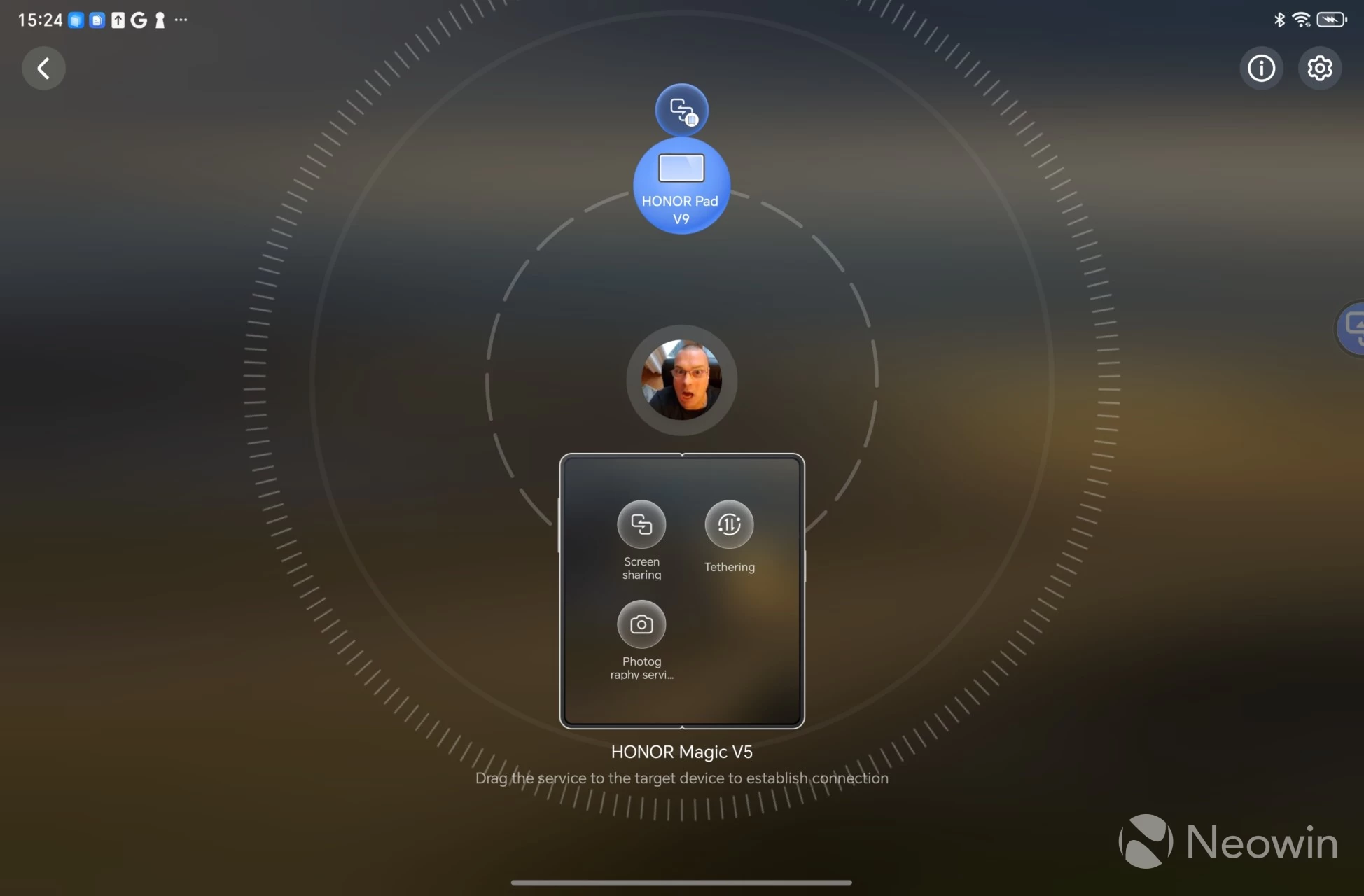

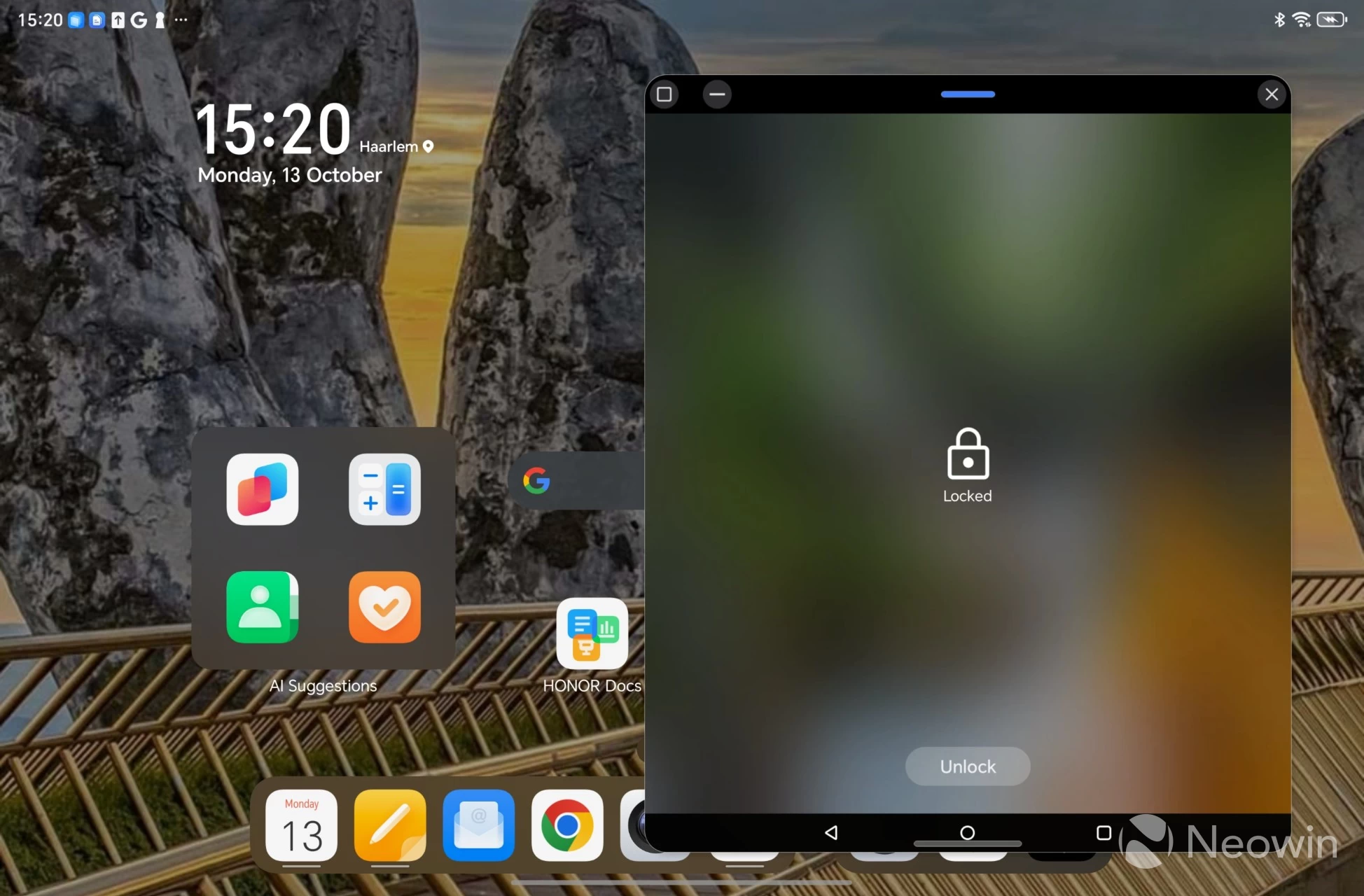
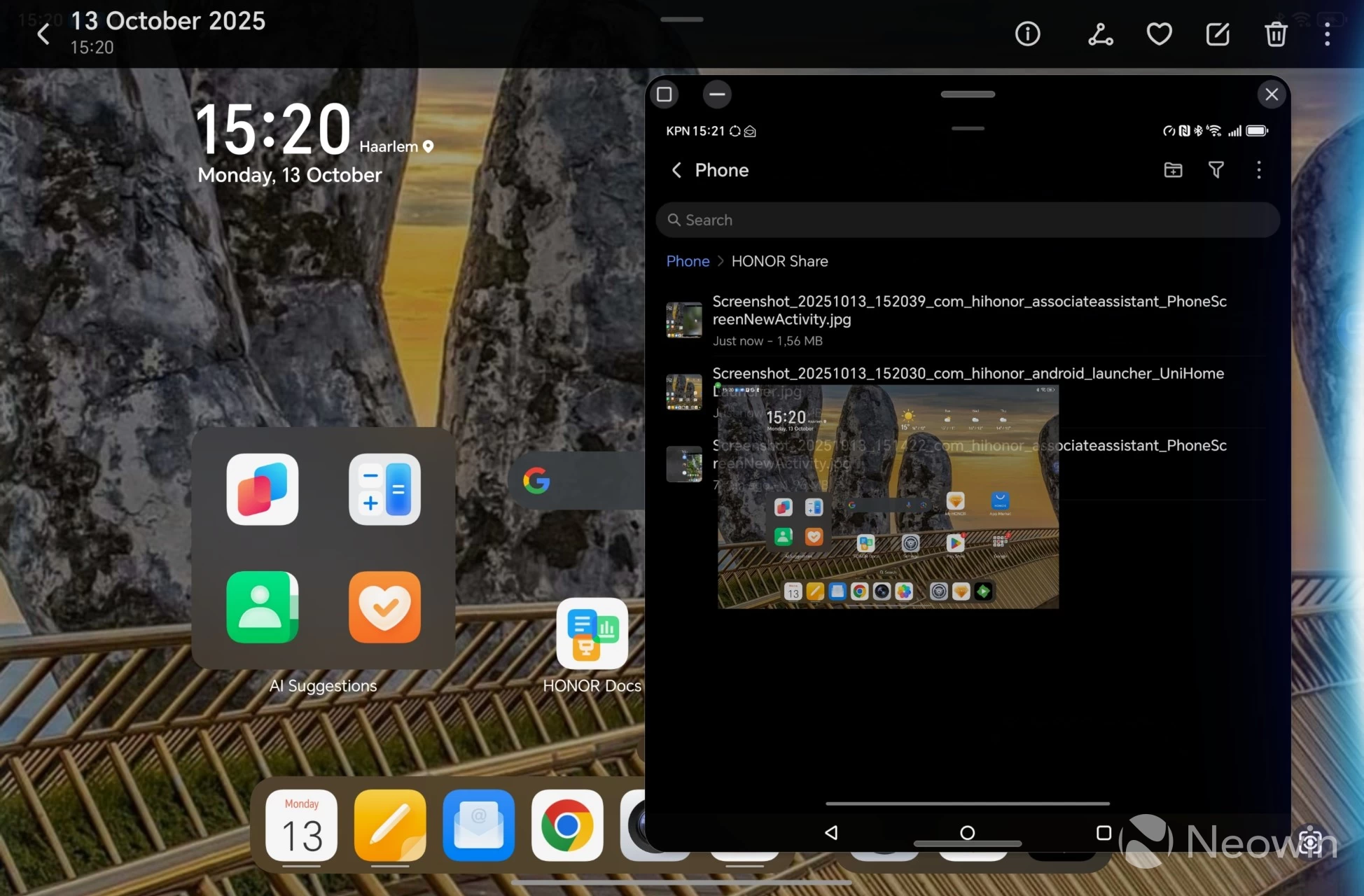
Then you can dismiss the MagicRing screen, and a little blue ball appears on the right of the screen (image 2 in the above table). Upon tapping on it, the Magic V5's screen opens in a floating window, and you can then unlock it with your lockscreen code. Finally, after making a screenshot of the Pad V9 Home screen, I located it in the Gallery and simply dragged it onto the Magic V5 floating window, where it is saved on the Magic V5 in the Files app. It's a pretty nifty feature and extends the native Android sharing. You can also use it to tether data, and even take pictures on the other device and automatically share with the connected device.
By the way, MagicRing emulates the screen, so if I close the Magic V5's inner screen, it automatically switches to the outer screen on the Pad V9.
Cameras
As I have said in previous smartphone reviews I've done, I am no camera buff. I'm a point-and-shoot kind of guy, but it does not take a professional to see that HONOR has had to make some decisions here with the camera array. The triple camera setup, and even the selfie camera, are quite a bit weaker than the Magic7 Pro (20MP selfie camera instead of 50MP, and 64MP vs 200MP on the rear). So I'll save you a lot of trouble right away by saying that this will not replace a dedicated digital camera, that is, of course, if you are expecting to take professional-style shots on it. If you're happy with "preserving the moment," then you'll be satisfied.
On the rear, the Magic V5 comprises a 50MP wide, 50MP ultrawide, and a 64MP telephoto camera, making up the triple array. Optical image stabilization (OIS) and PDAF (phase detection auto focus), which is a high-speed automatic focus technology, are also included.
Gallery: HONOR Magic V5 Day

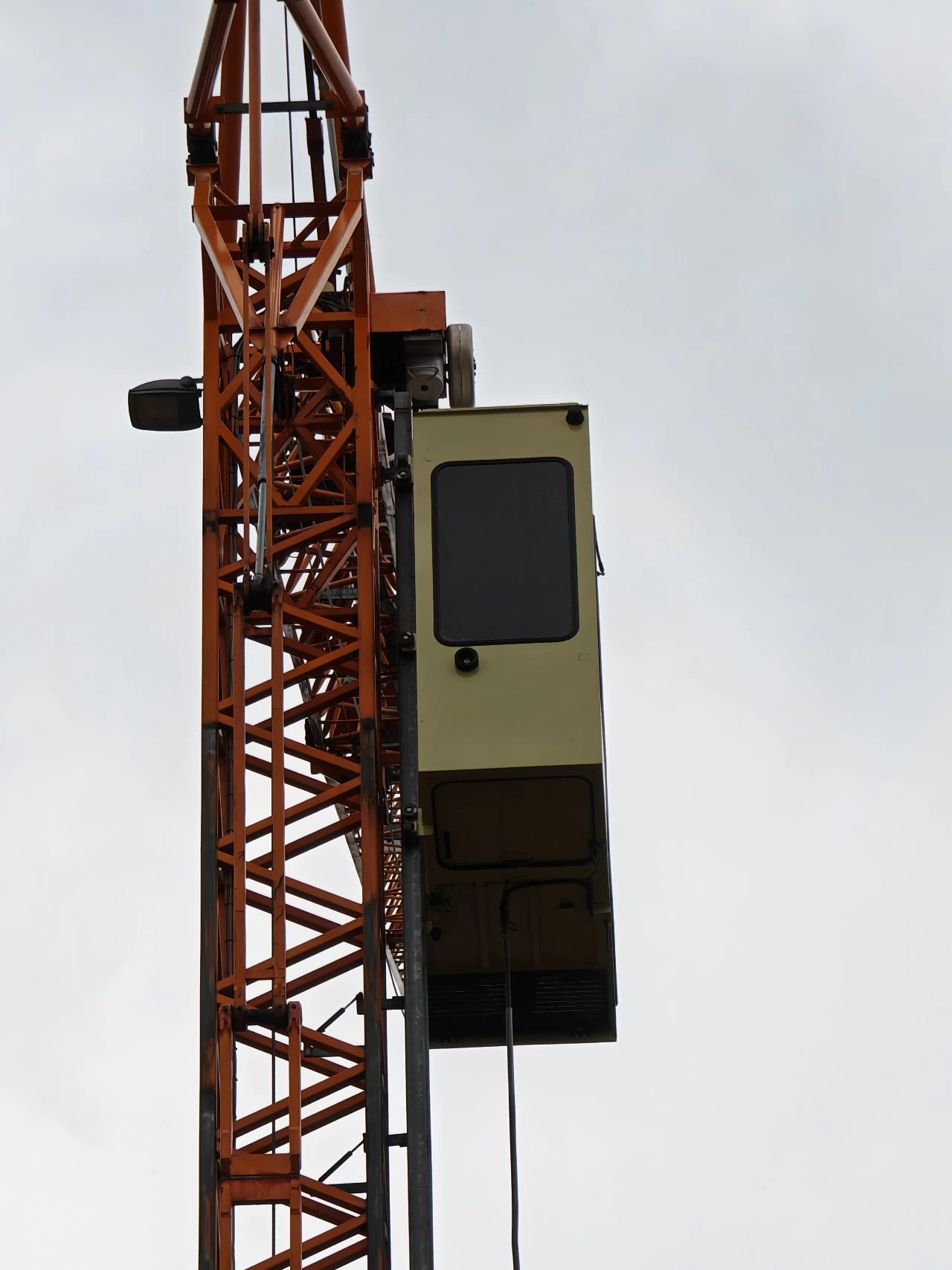


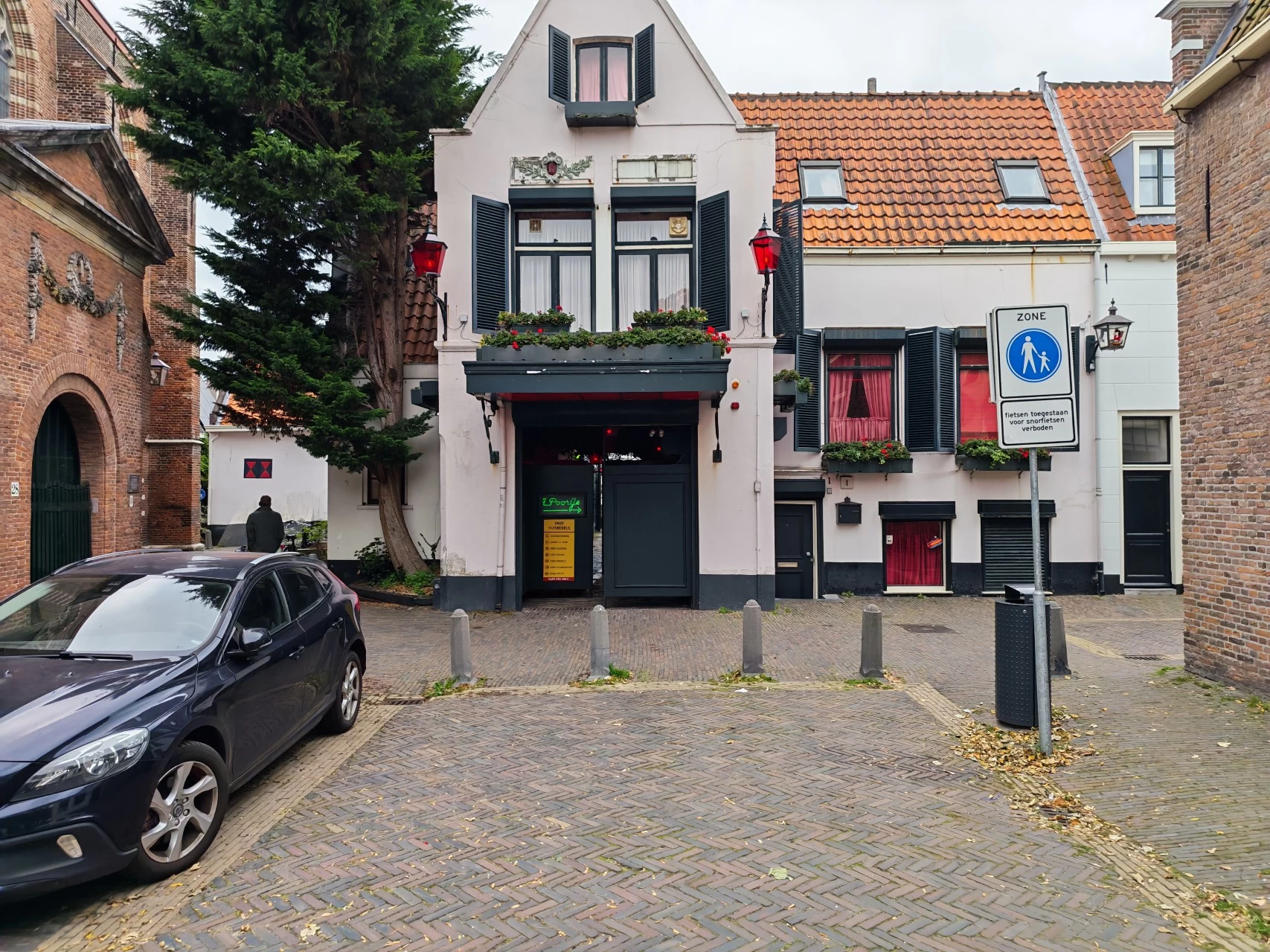

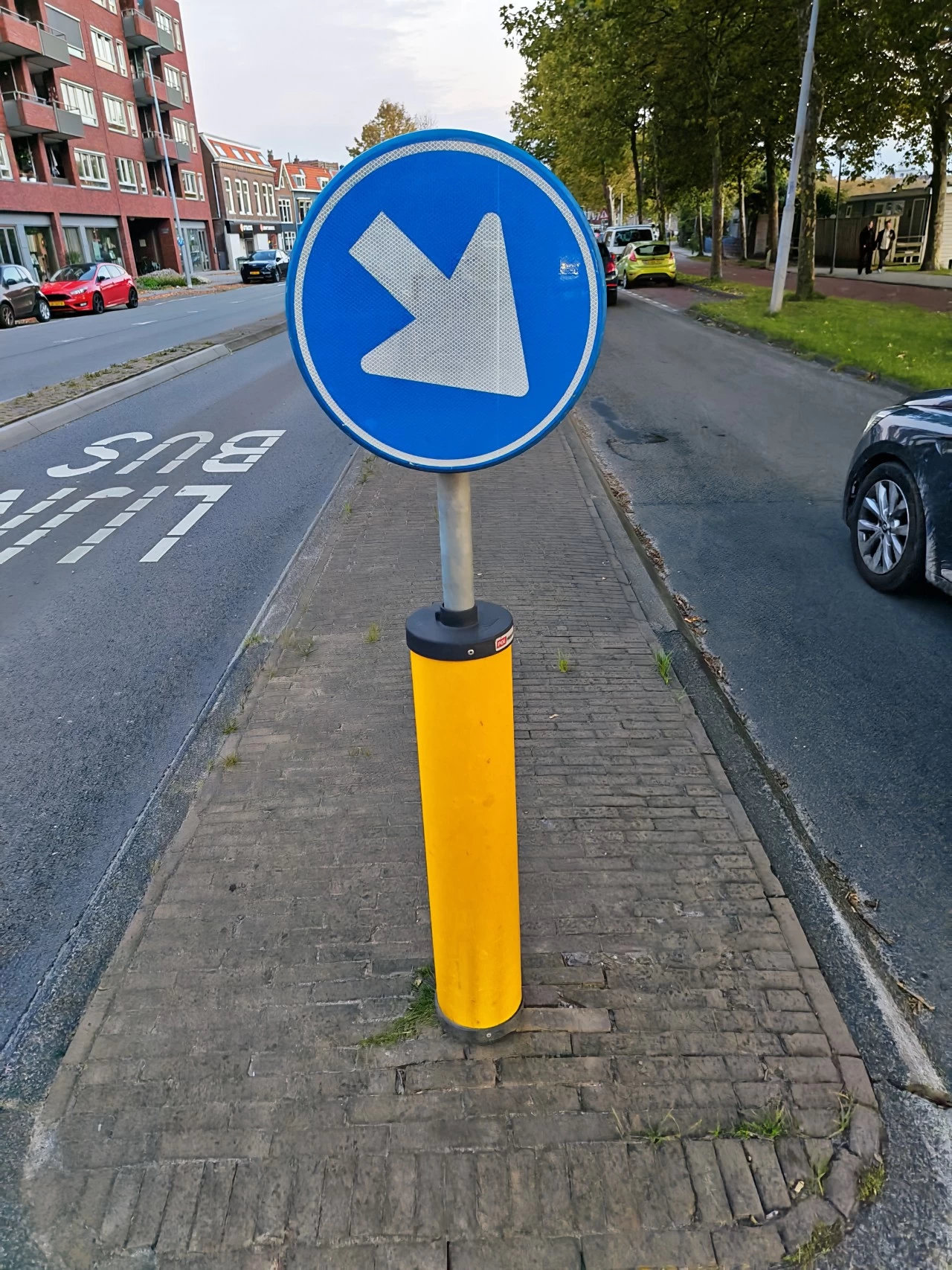









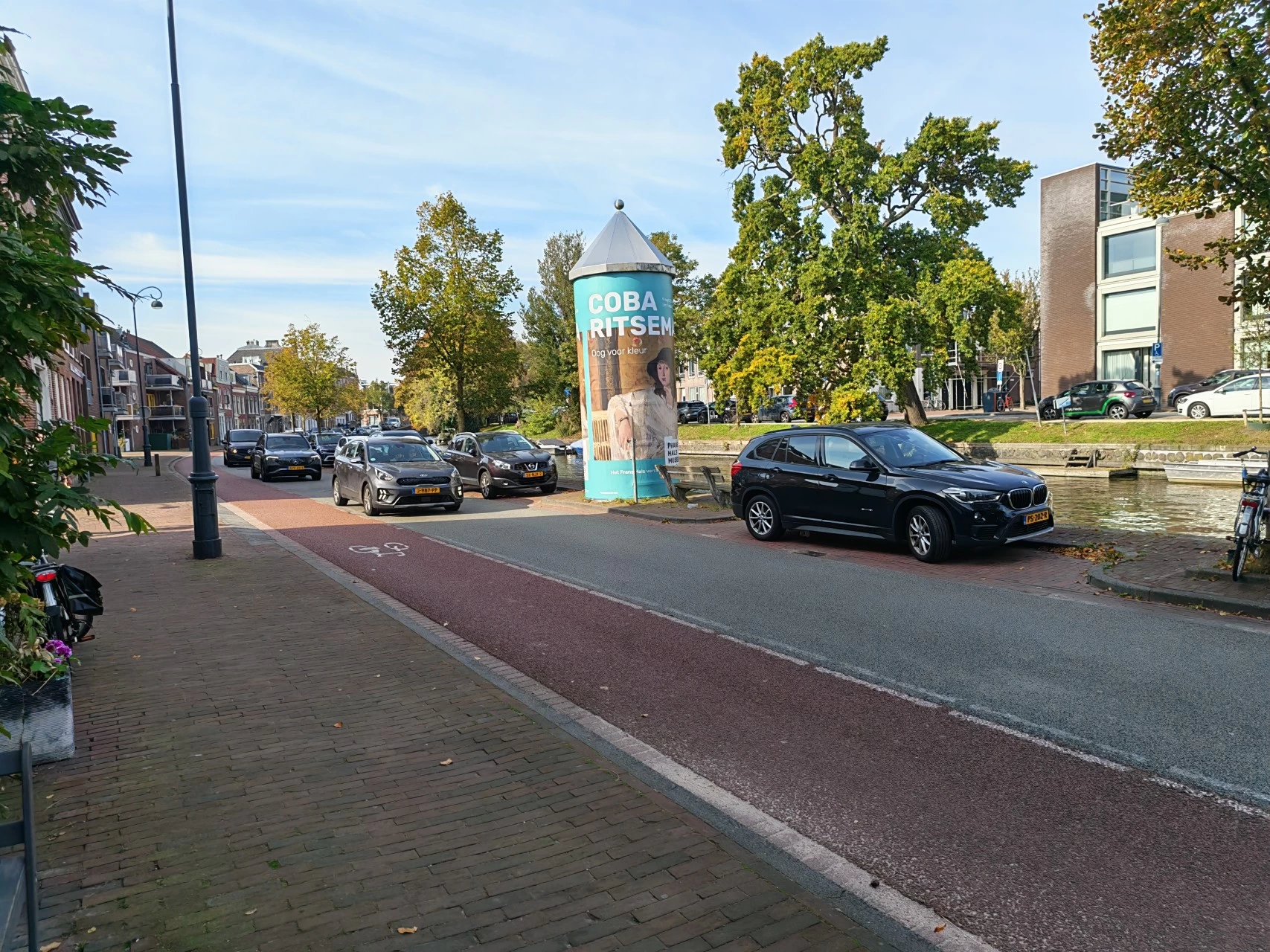




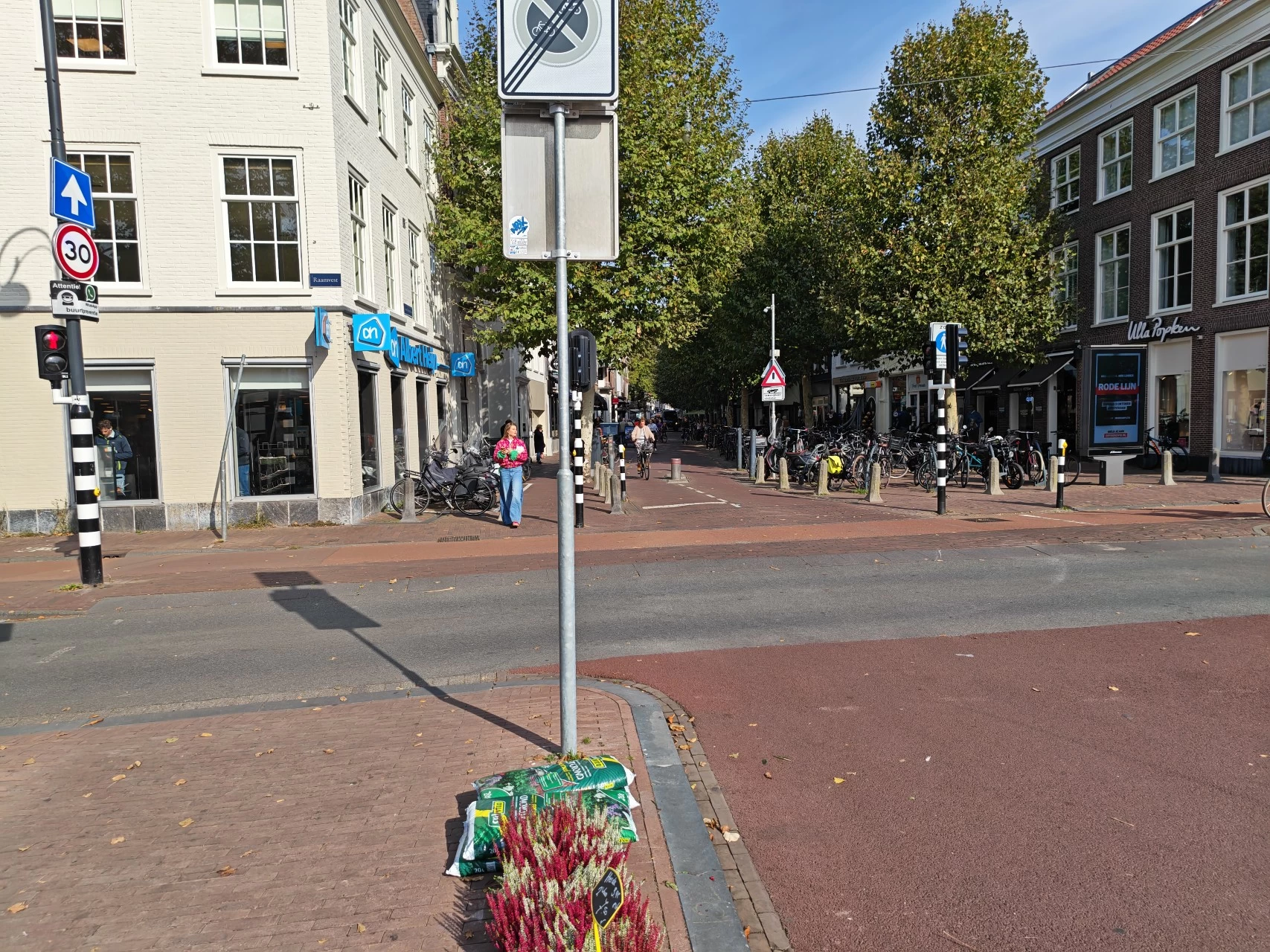


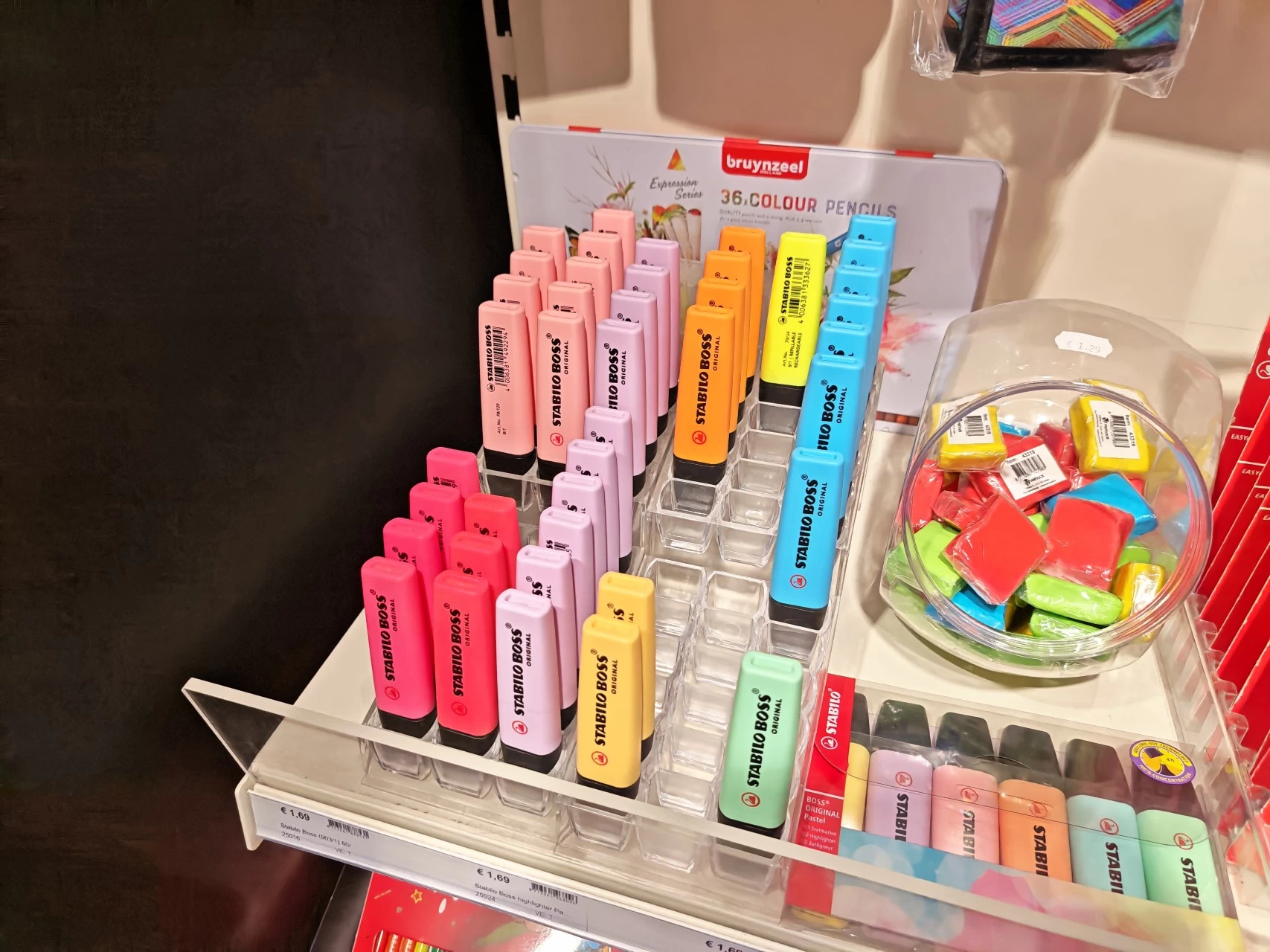
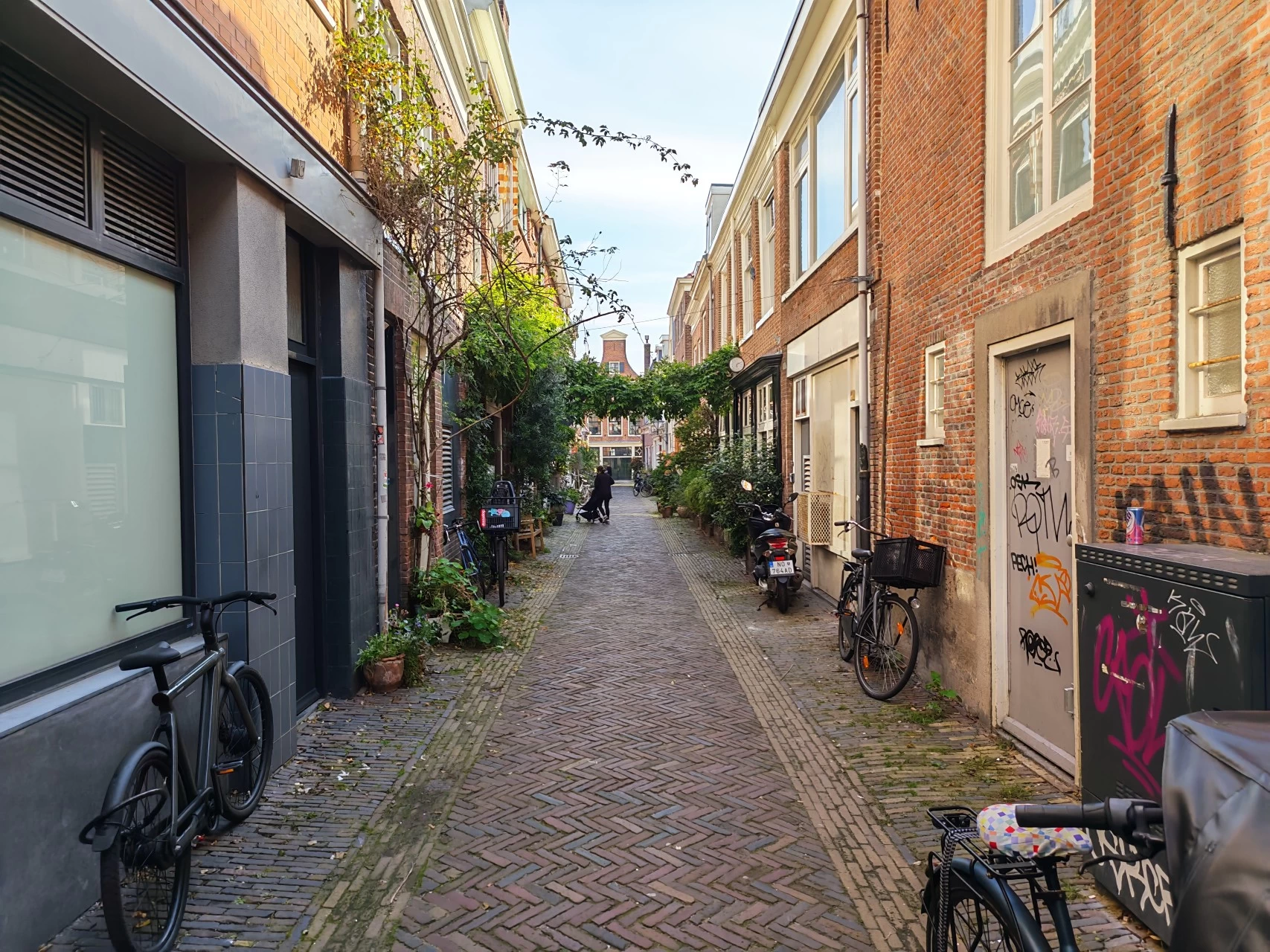

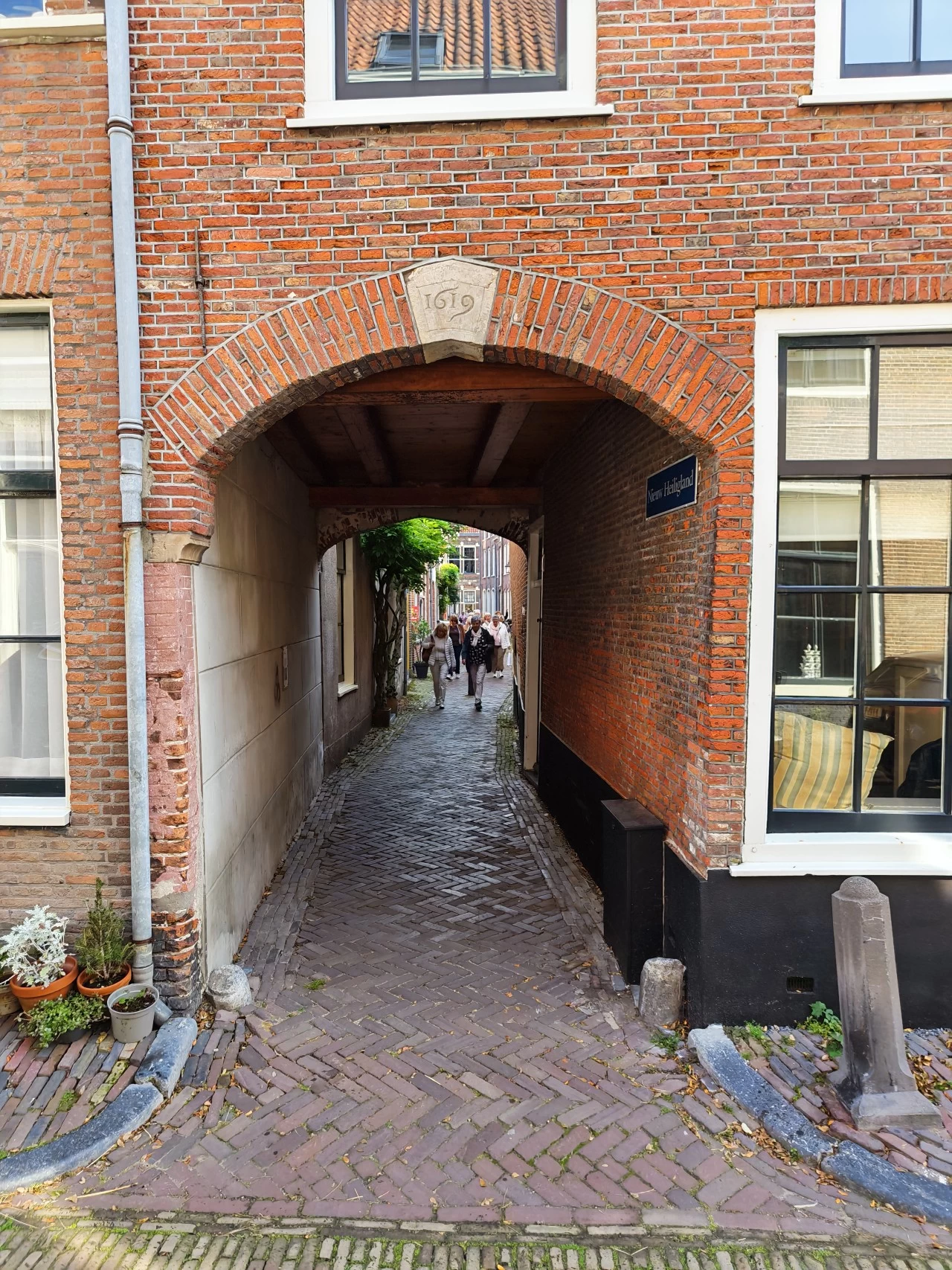
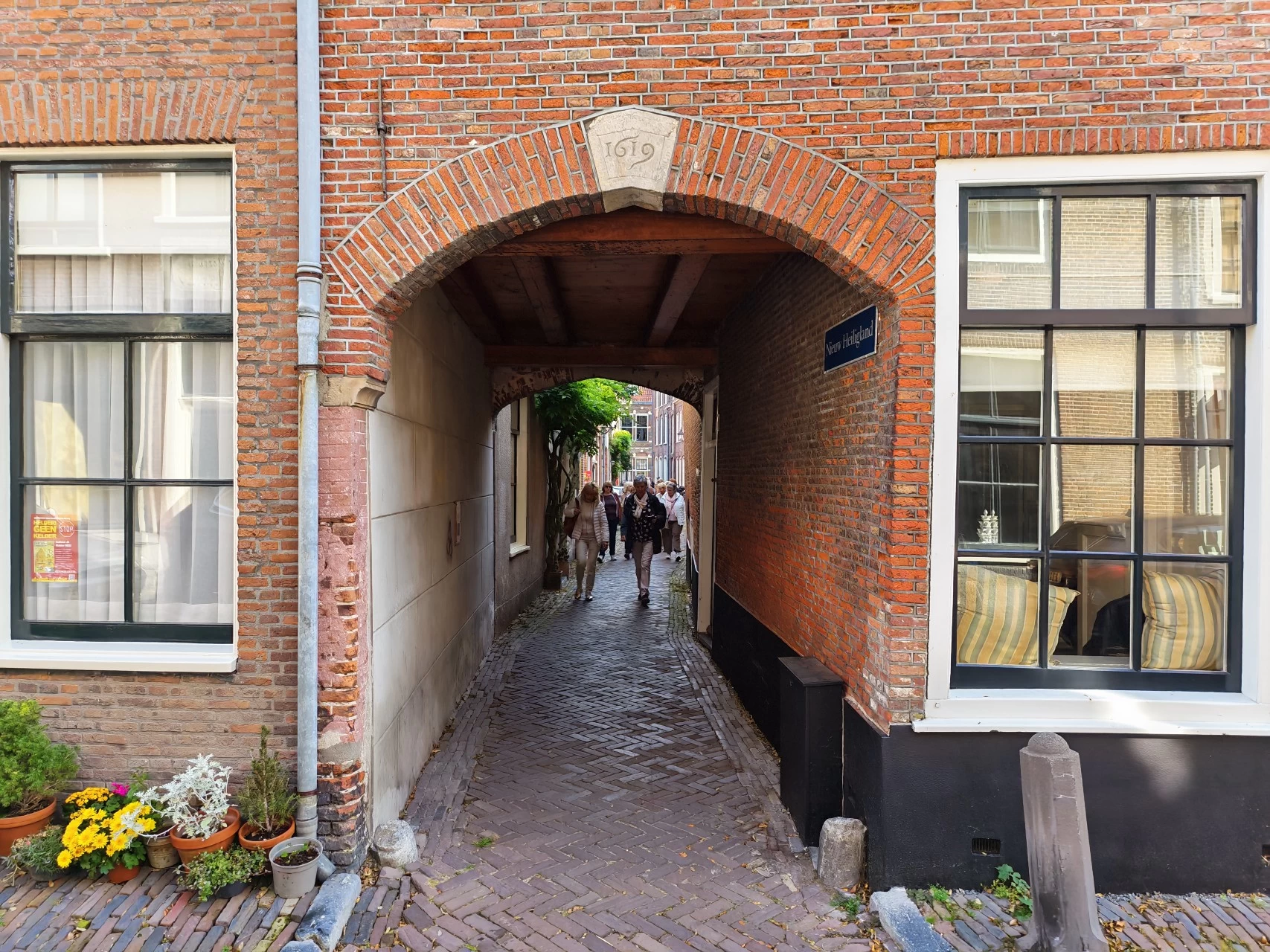



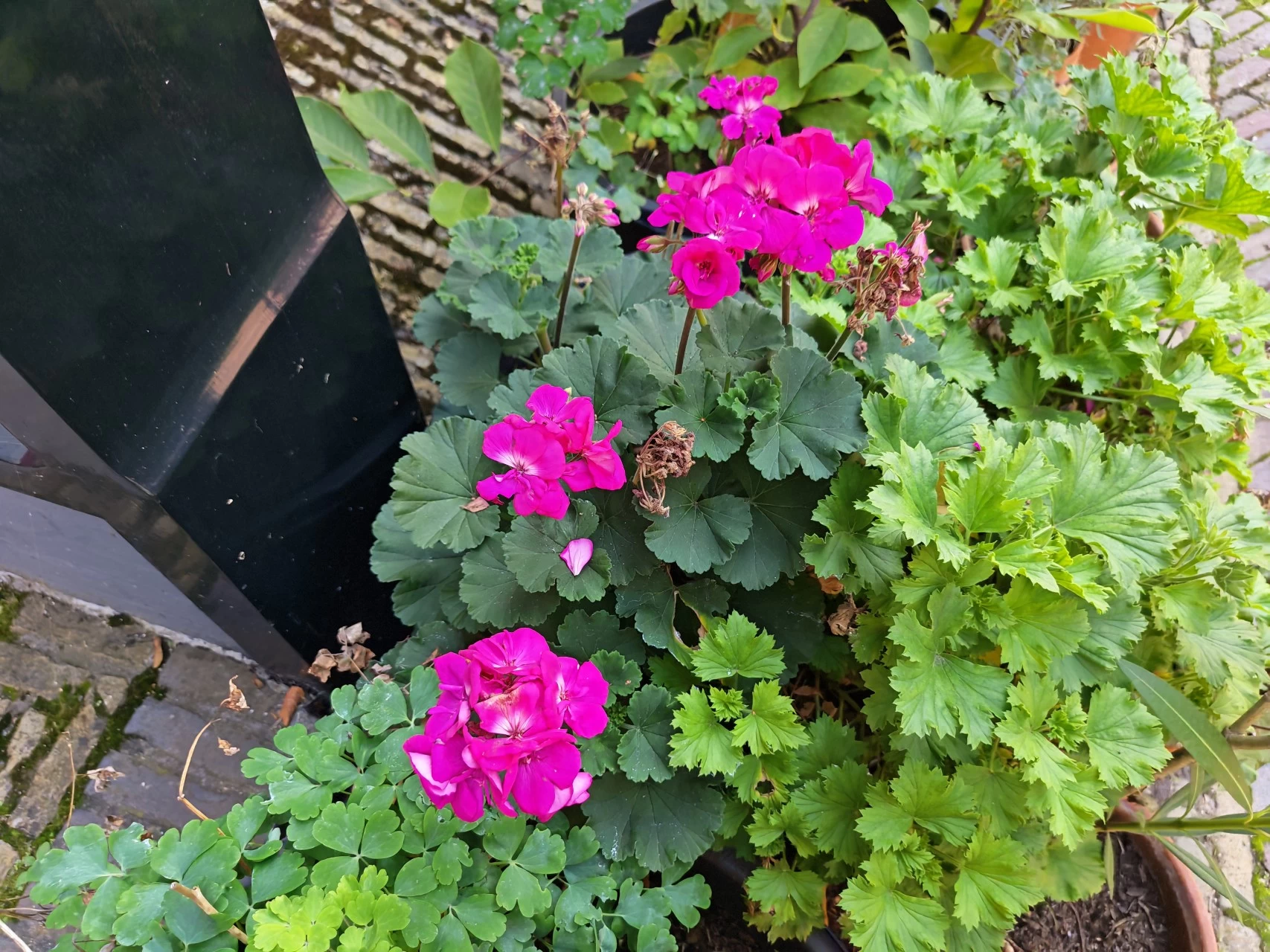



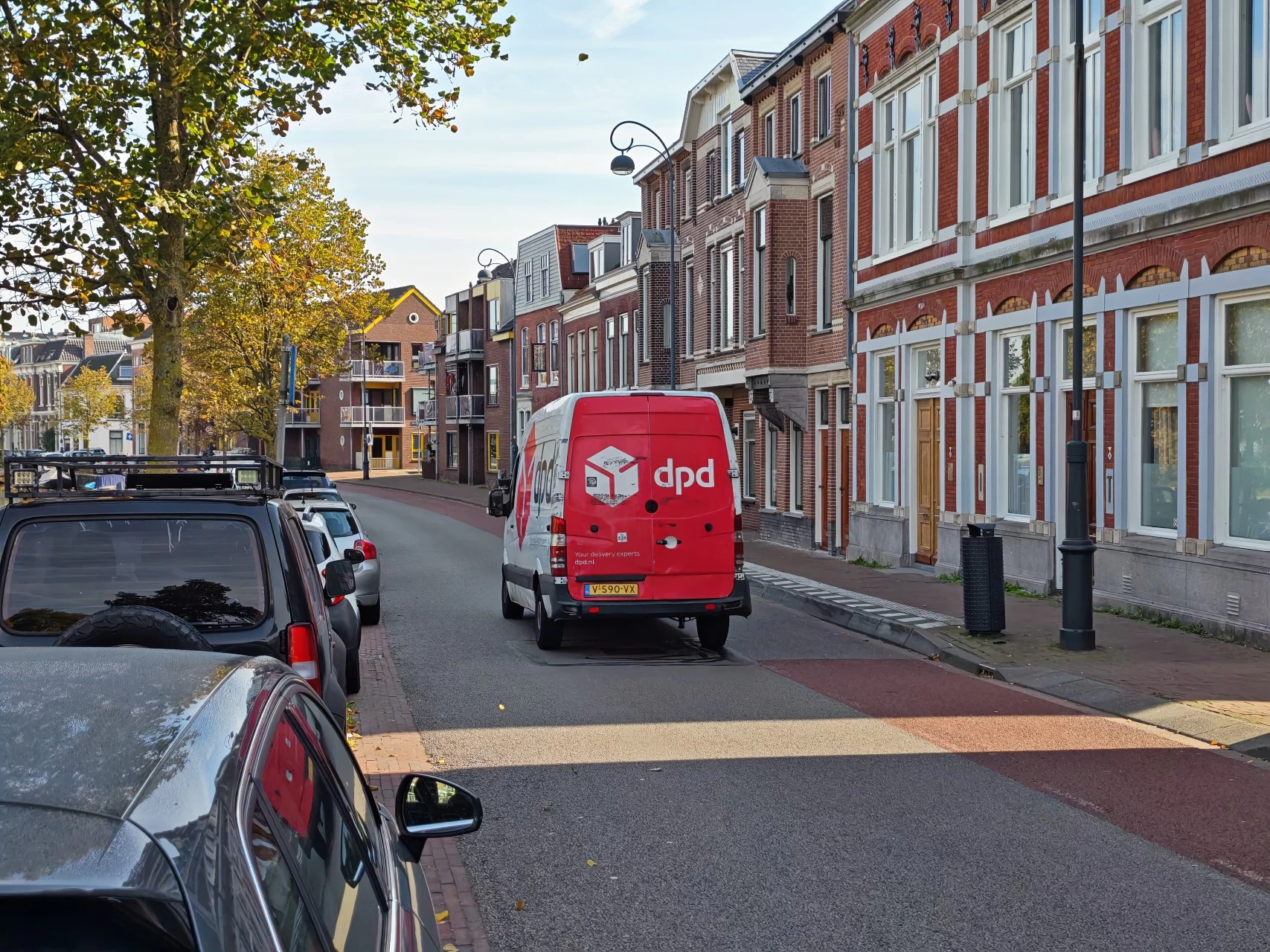
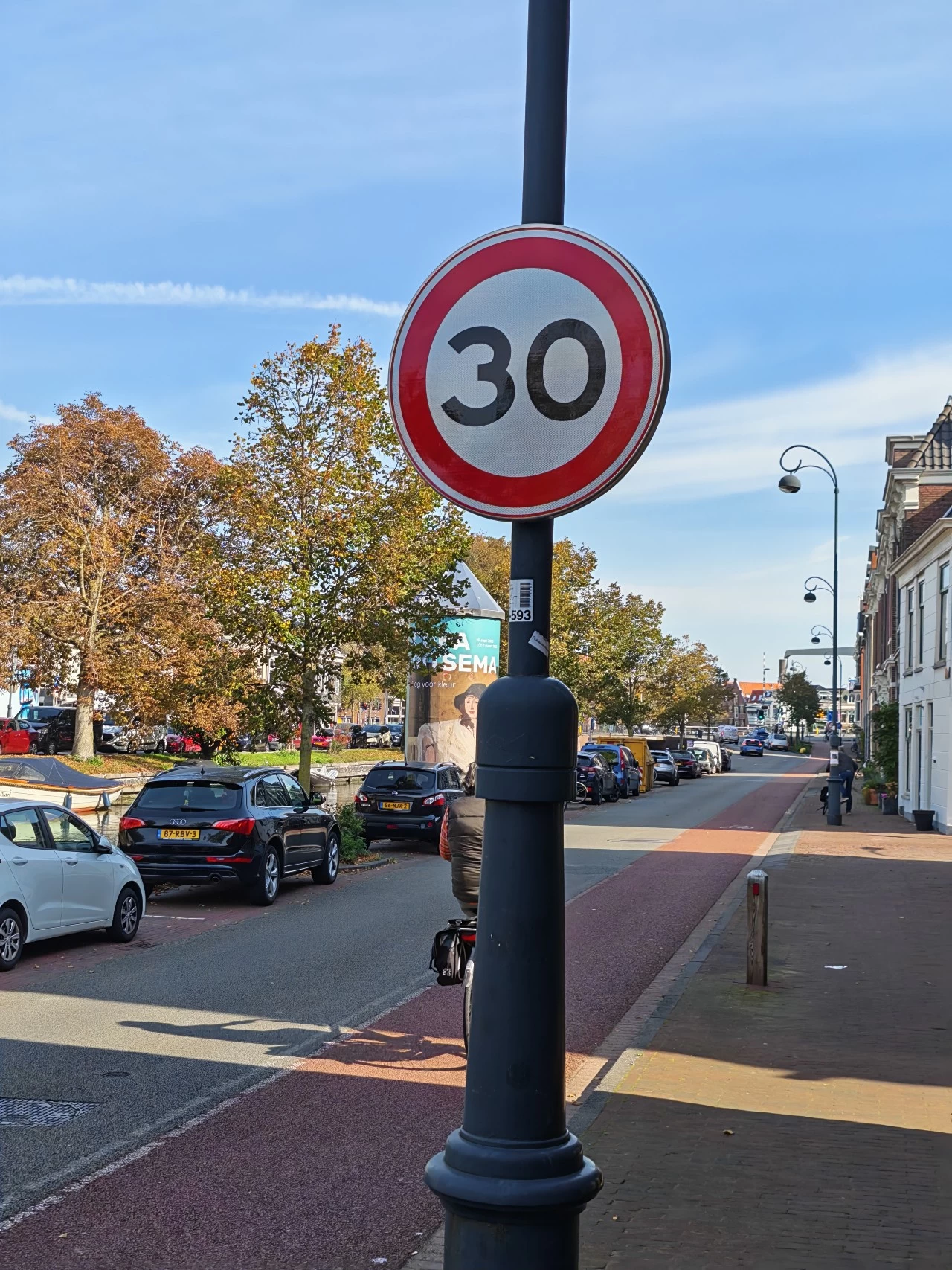



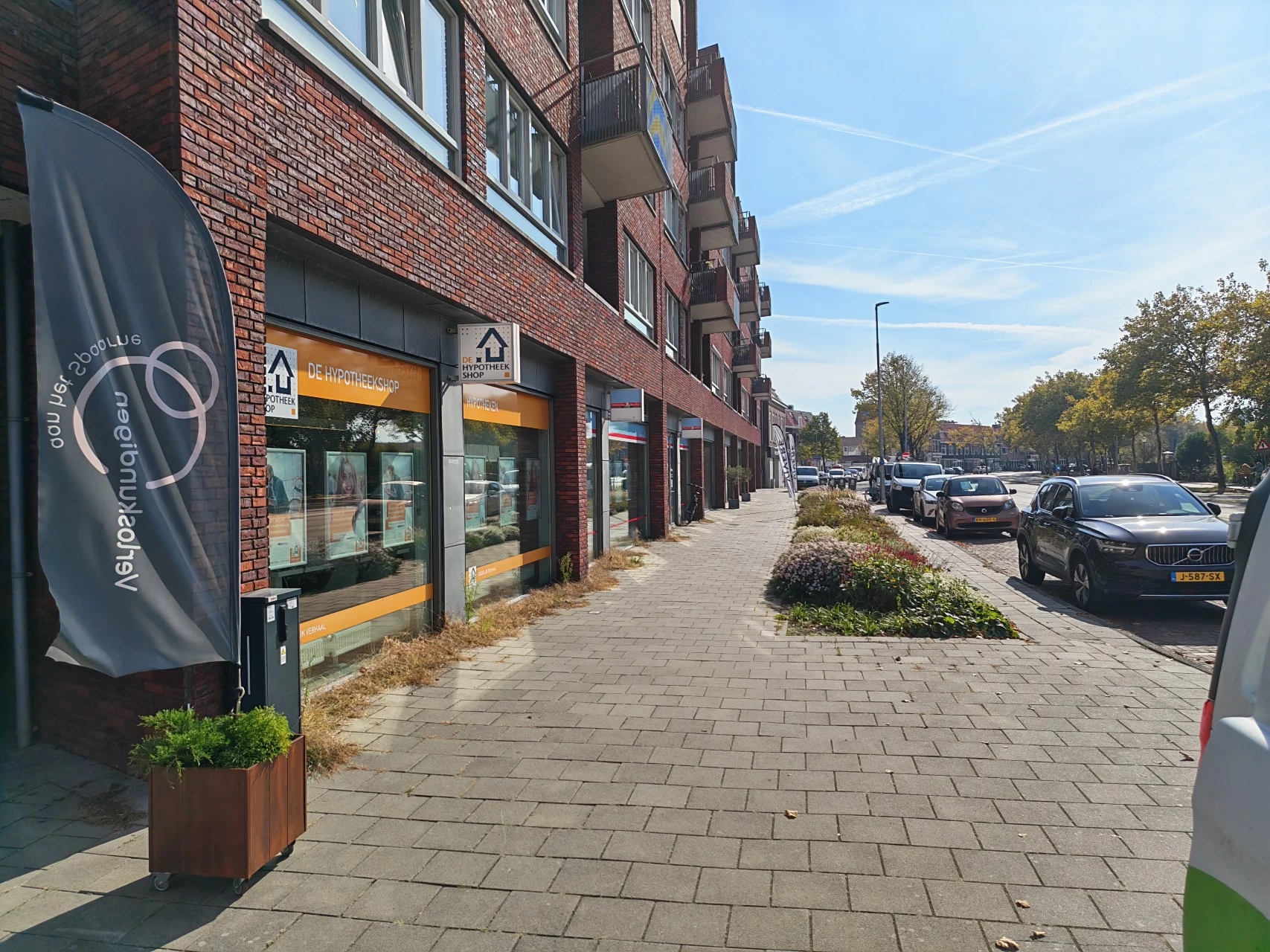
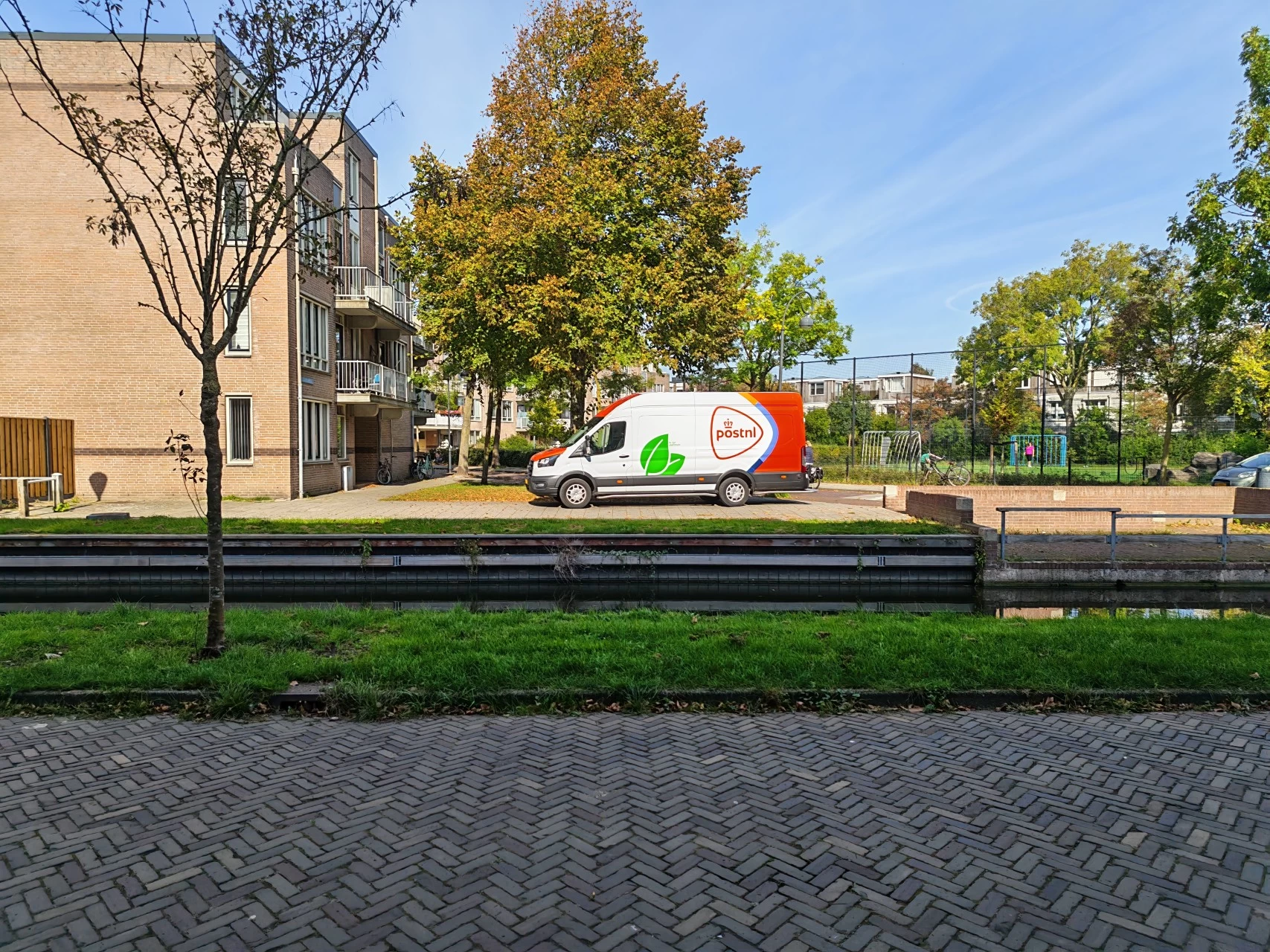
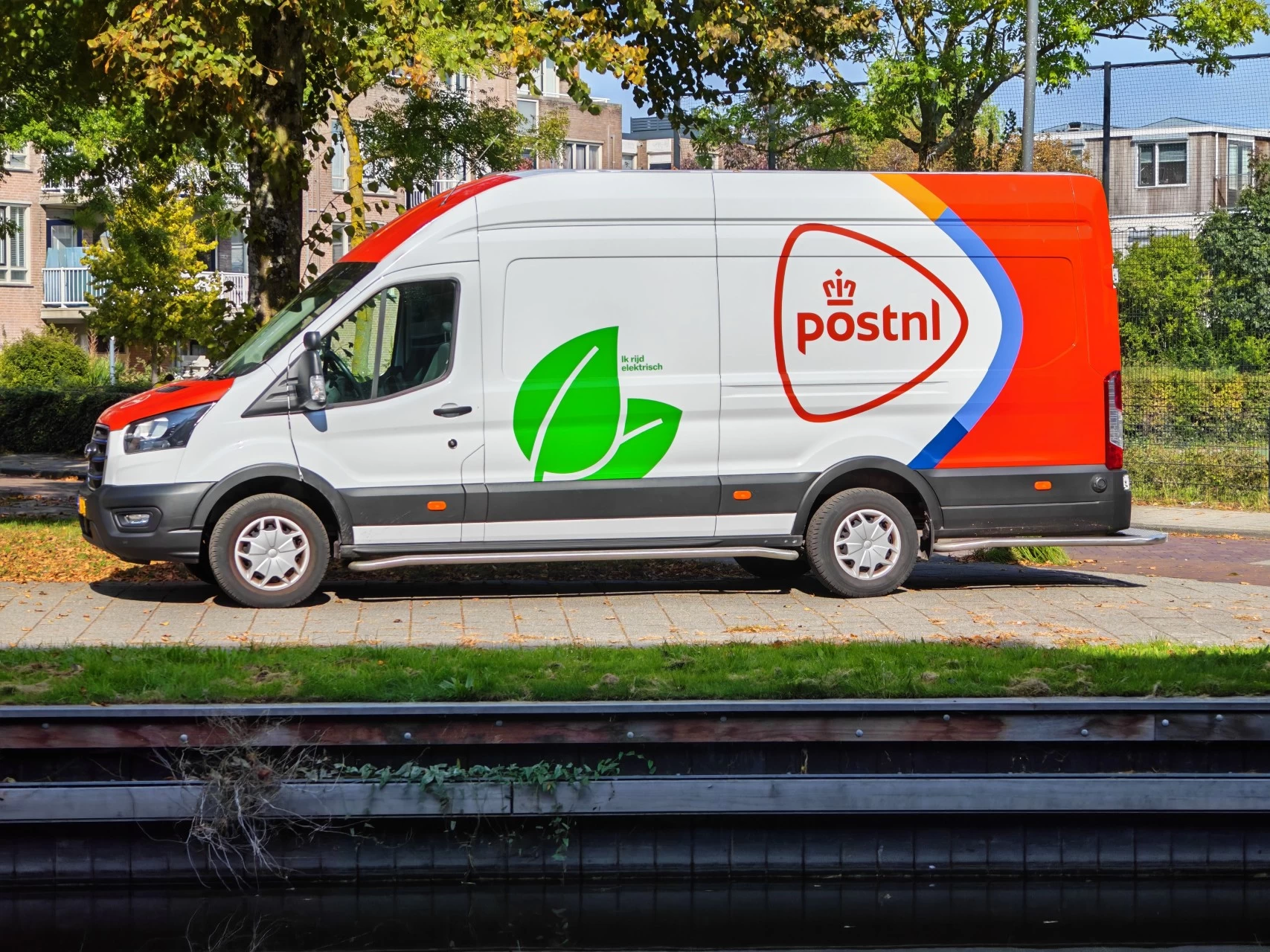

As you can see in the above photos, I managed to snap pictures in both bright and overcast days; the scene images came out rather well. The first three pictures were used to take advantage of the AI Super Zoom functionality, with the last picture using the maximum zoom of 100x of a daylight moon.
Zoom has also improved since January, in all shots I made of the moon using 100X I was able to get the moon centered in the shot, where before I found it near impossible to do while holding the phone. 10X zoom using auto-focus has also improved in that area. With other shots that I made, I tried to find things with a lot of color, and as I found in January, the shots still came out quite a bit over-saturated, a good example is the postnl vehicle (third to last image above); in other scene shots the colors looked more accurate, possibly because I was not utilizing the digital zoom feature.
To me, the zoom is a bit of a gimmicky feature. You need real steady hands or a tripod to really make use of it, but also remember that most of the time you'll be stuck in Digital Zoom mode when you go over 3X zoom, which will definitely affect the outcome of pictures, which is why I said earlier, don't expect to be able to replace your dedicated digital camera with this setup.
Gallery: HONOR Magic V5 Night







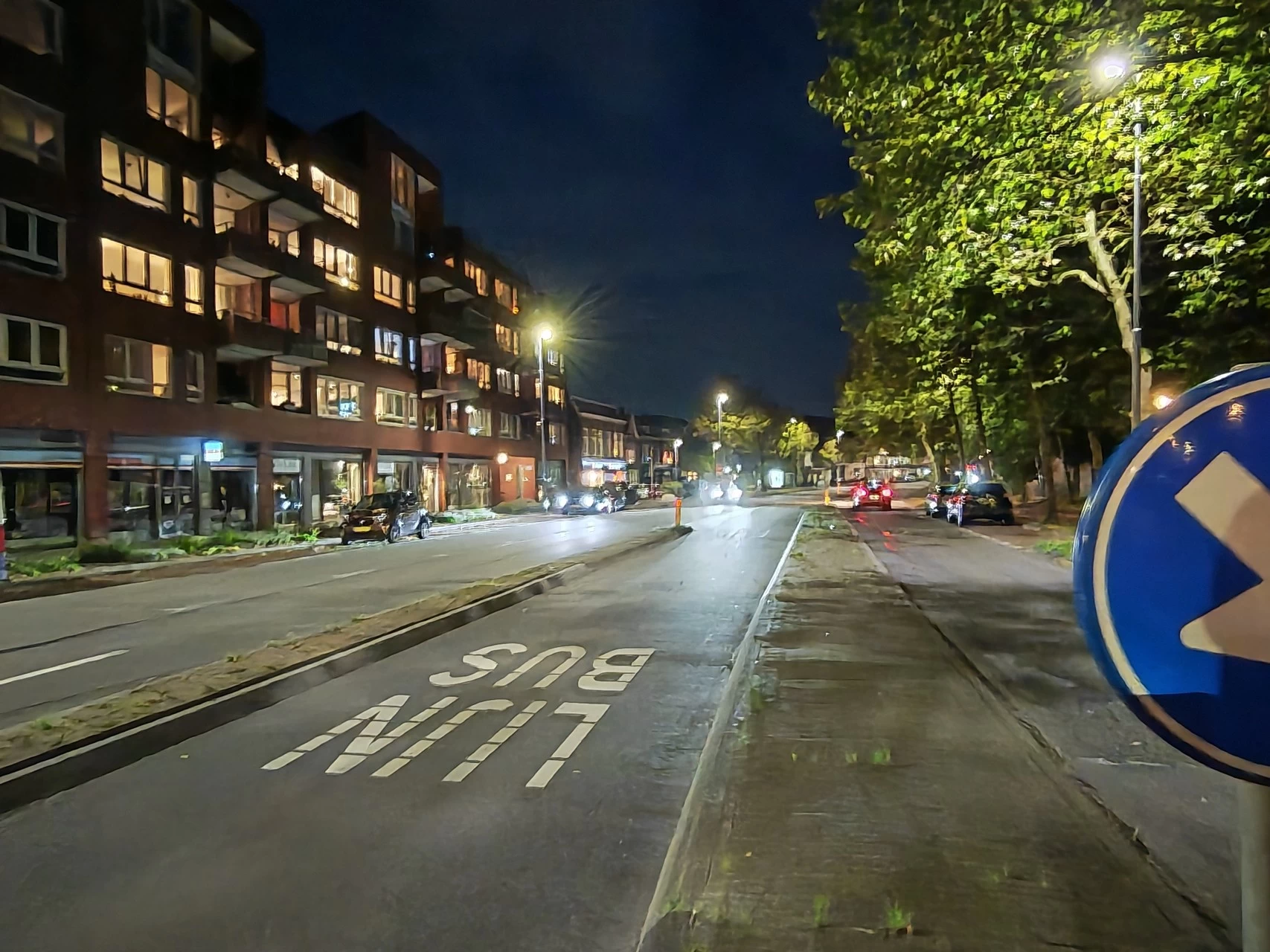



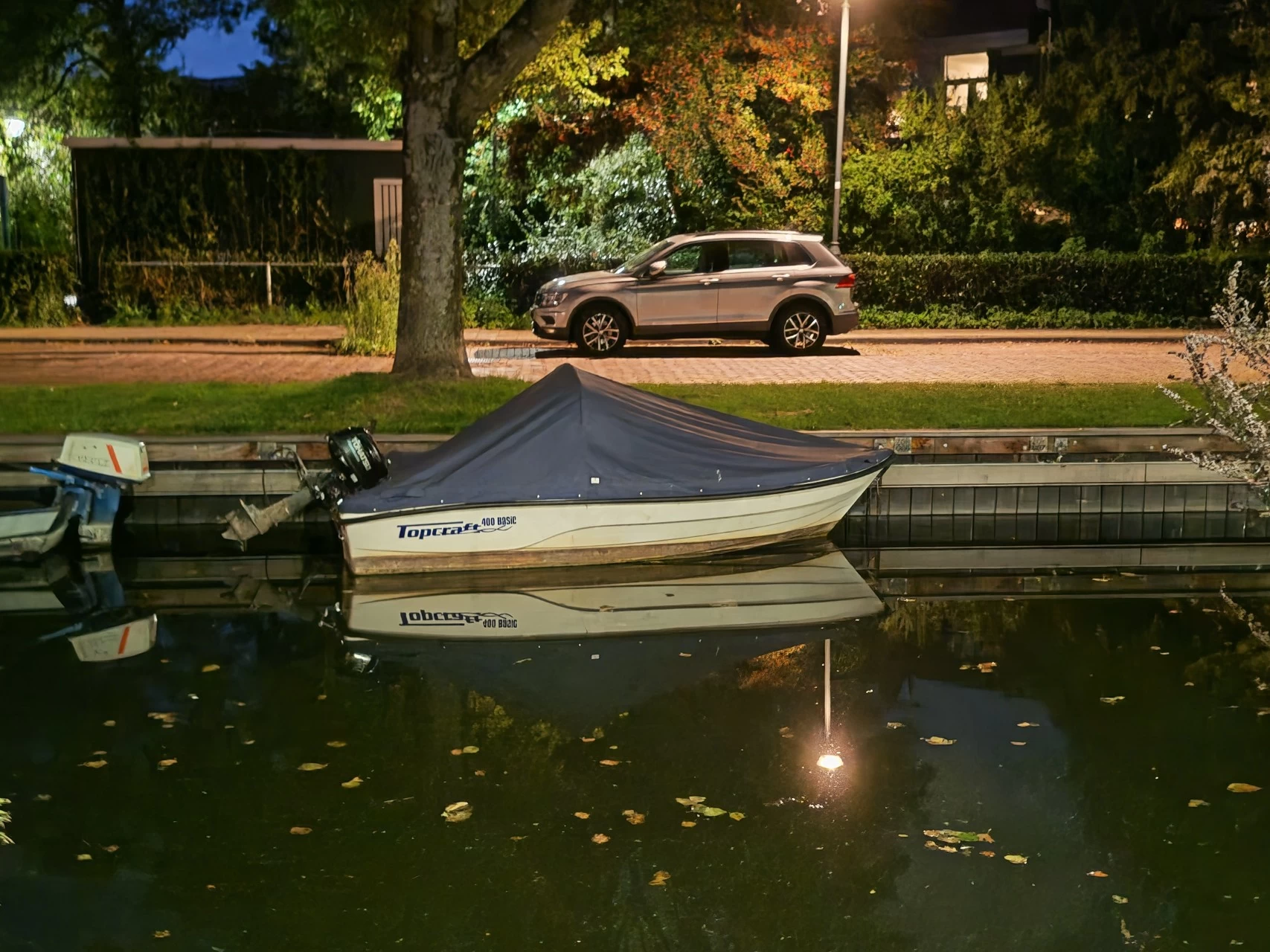
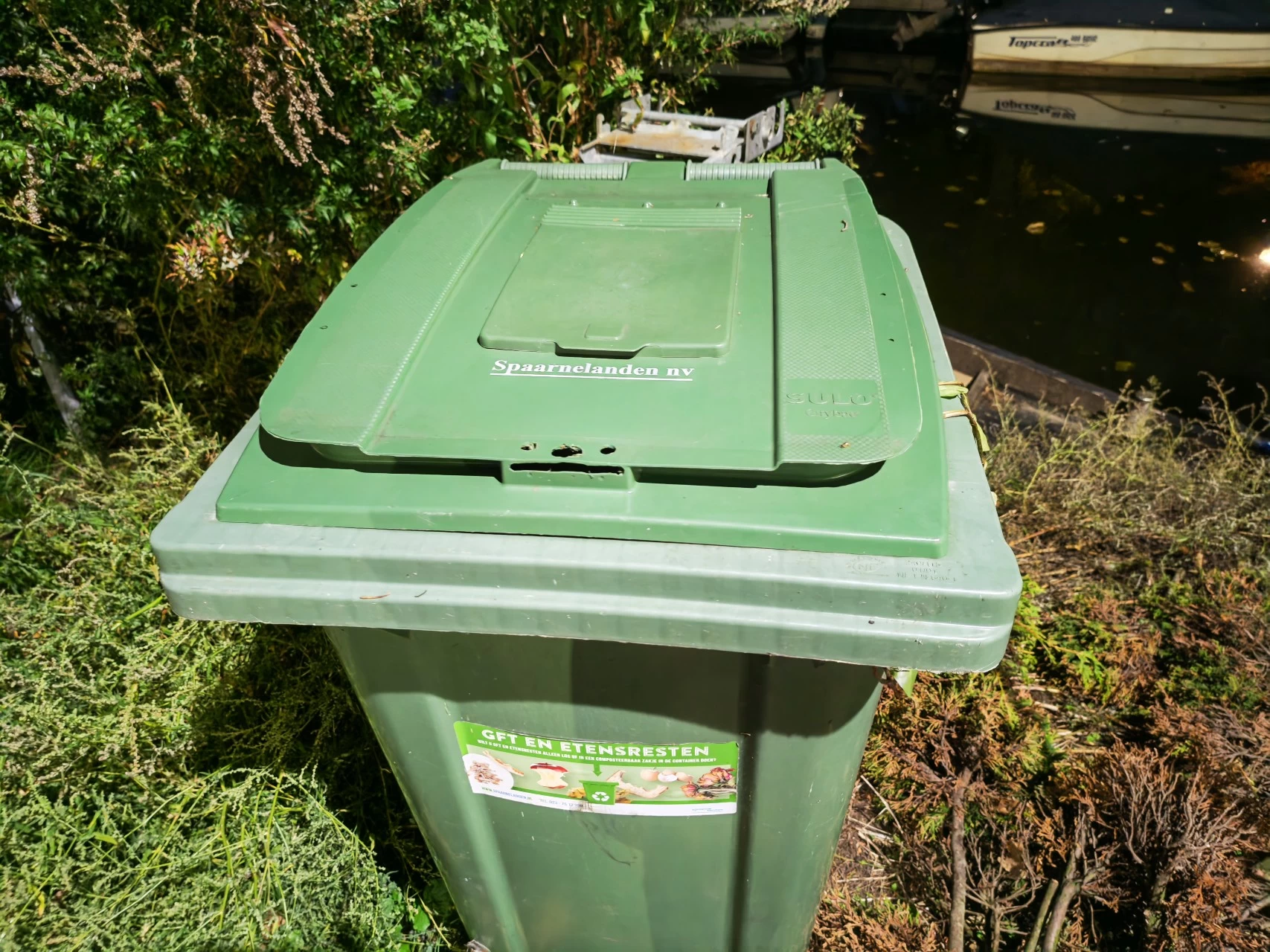
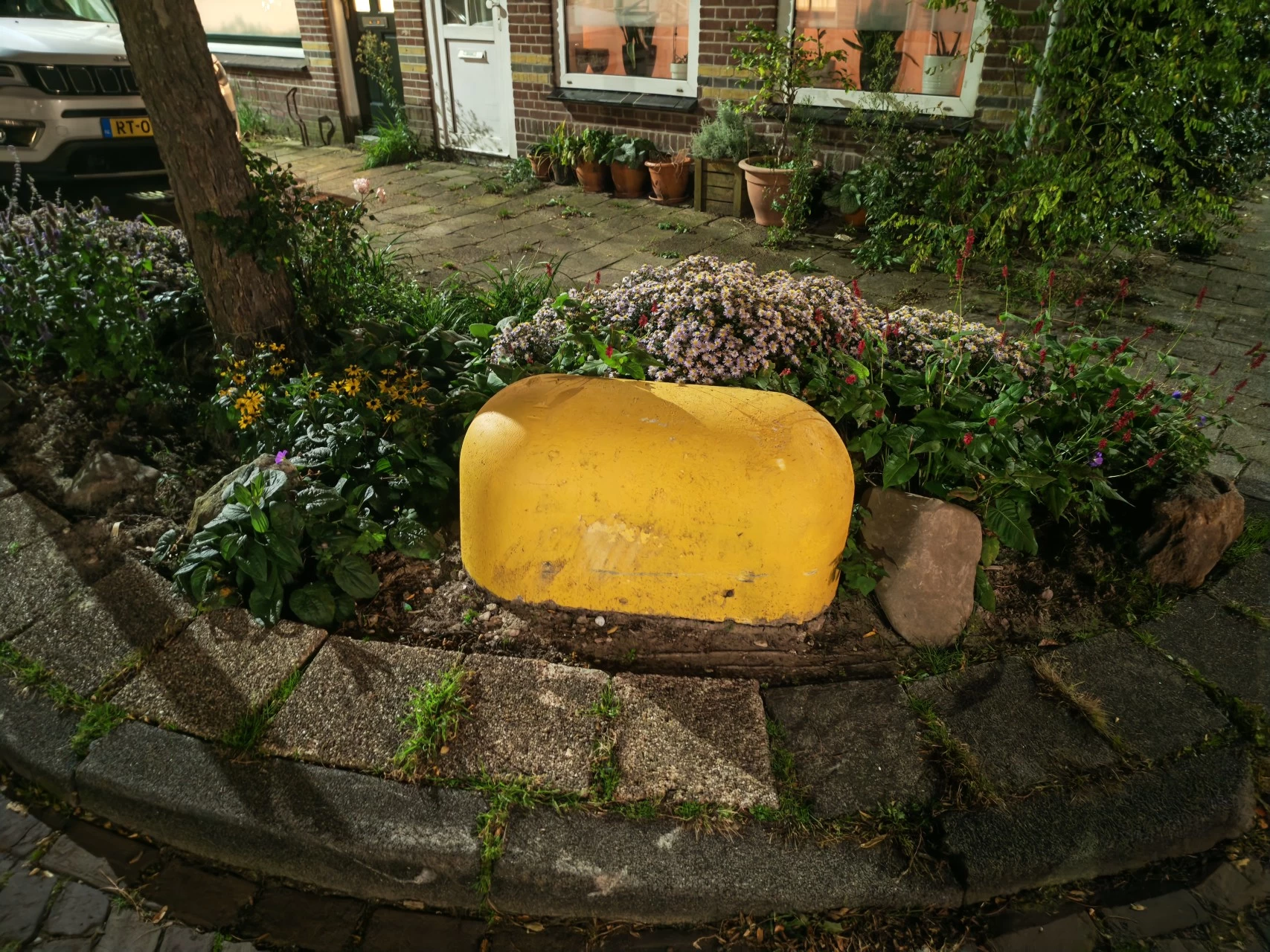
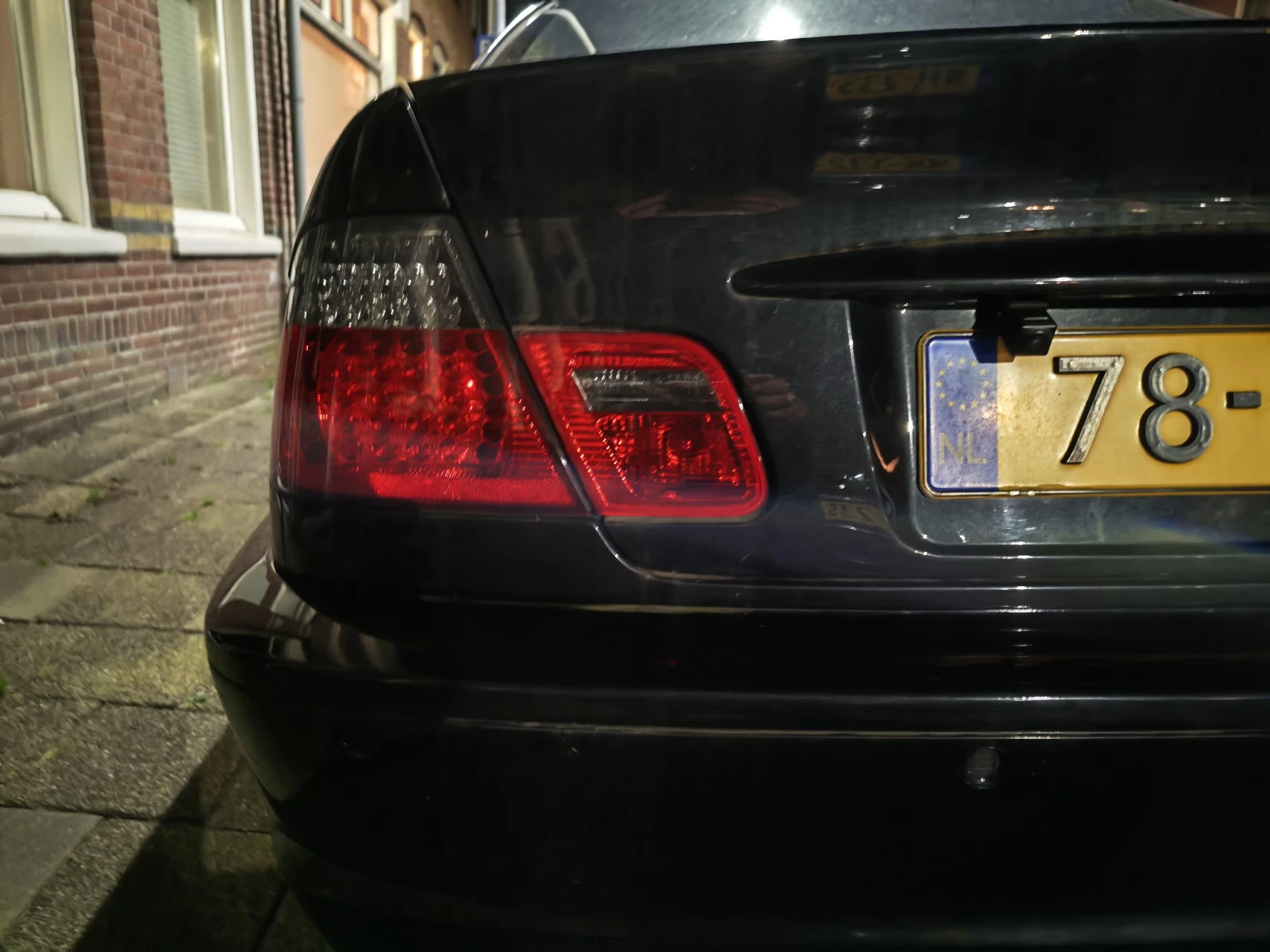
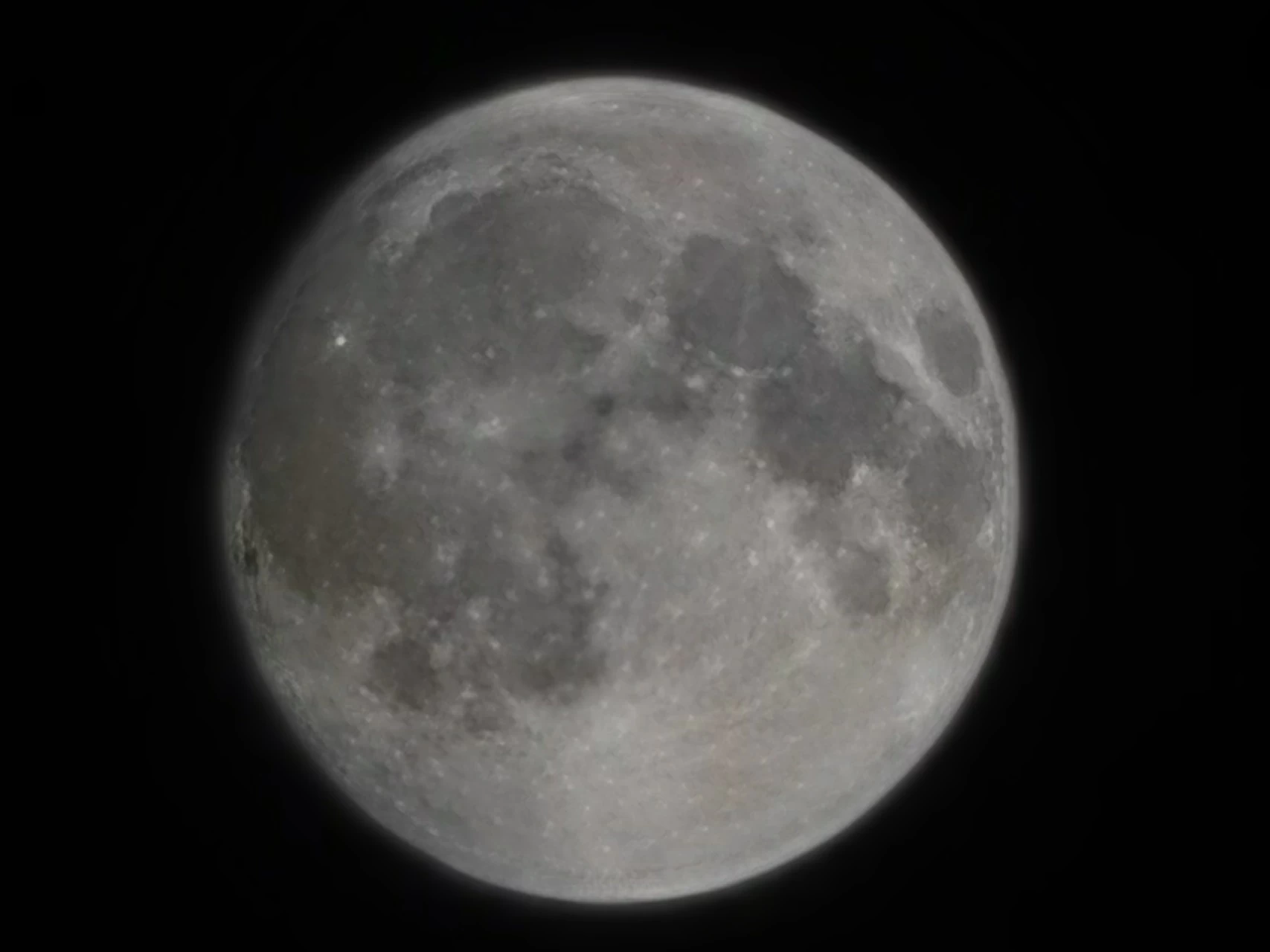
Again, with nighttime image captures, scenes performed the best, and props to HONOR here as it seems they have tweaked the camera settings for nighttime scenes, the result is a far better picture making better use of the available light than we saw on the HONOR Magic7 Pro when I reviewed it back in January; although street lamps, and basically any lighting are still a bit overexposed. The last picture shows the moon close-up at 100X zoom, although HONOR says nighttime captures employ crowd generative AI at over 30X zoom.
Quirks
No phone is perfect, but it would be a disservice to the reader if I didn't share some of the quirks I came up against while using the Magic V5 as my daily, but more importantly, in some cases, I've also provided the fix!
AI Eraser
I covered this extensively with the Magic7 Pro review, so I won't repeat myself here. However, I did come up against a few quirks, which I found strange.
Gallery: Magic V5 AI Eraser
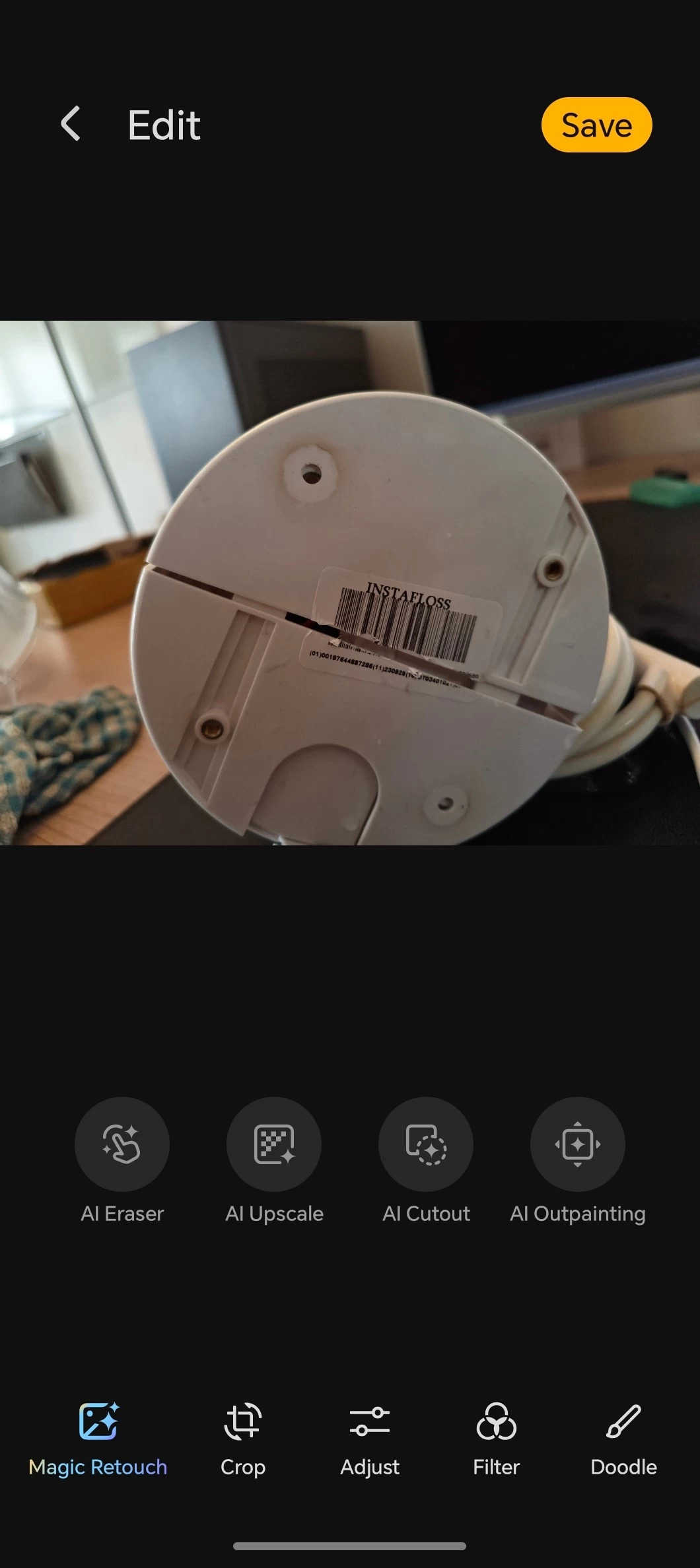
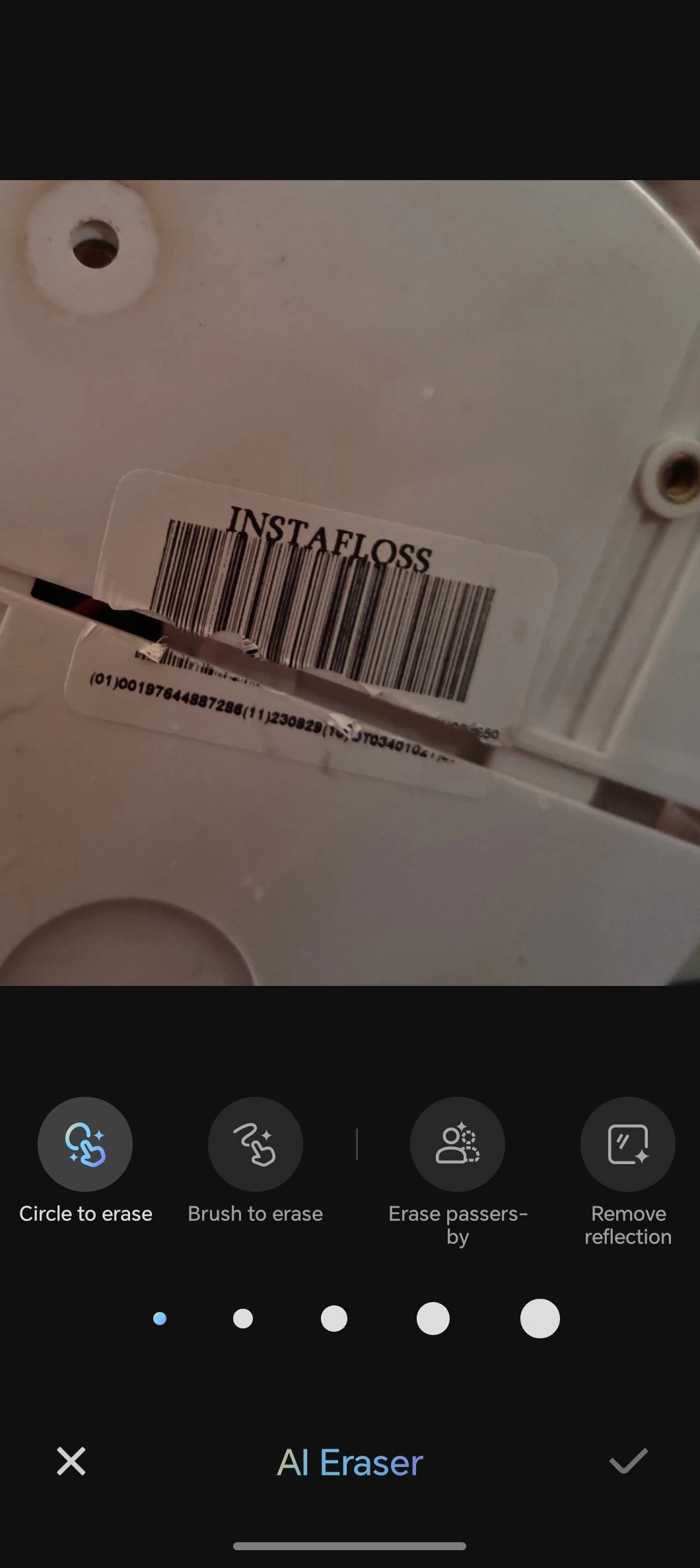
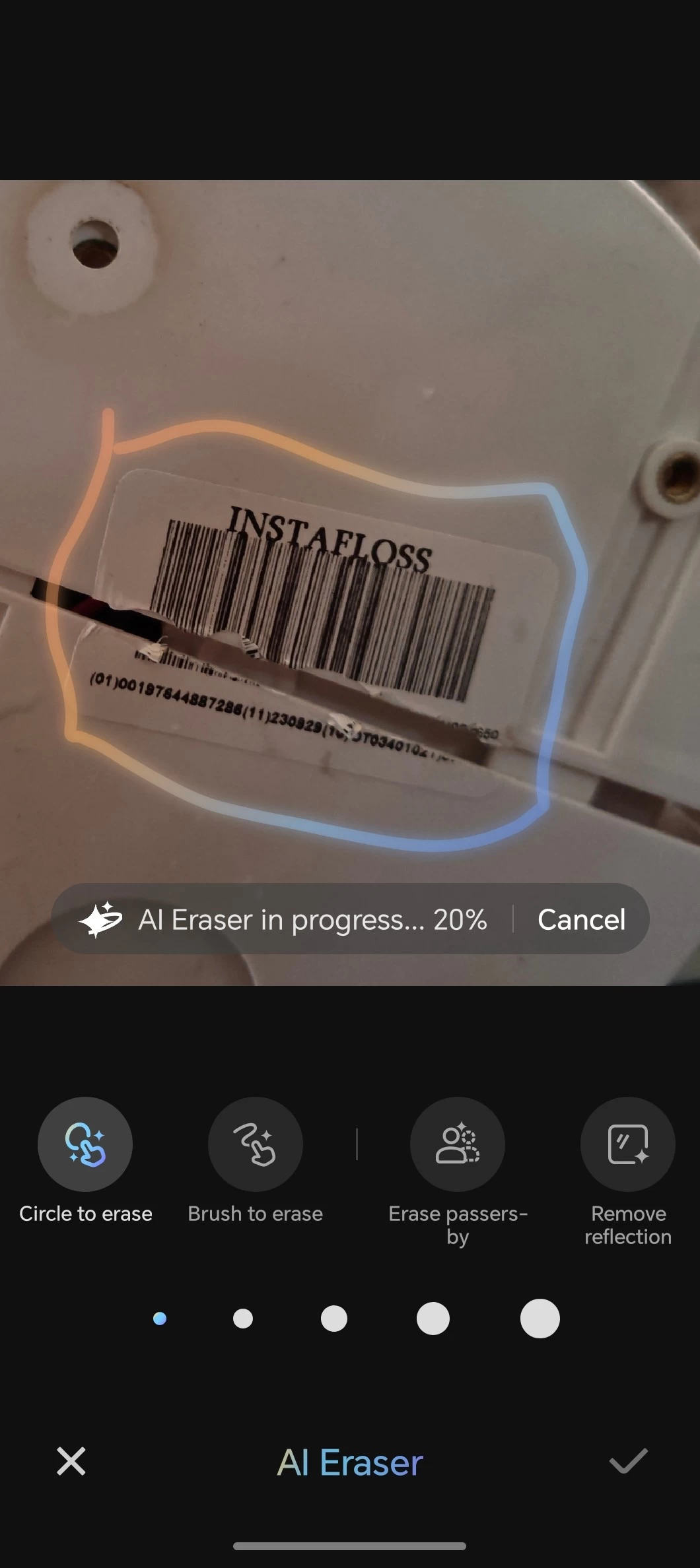
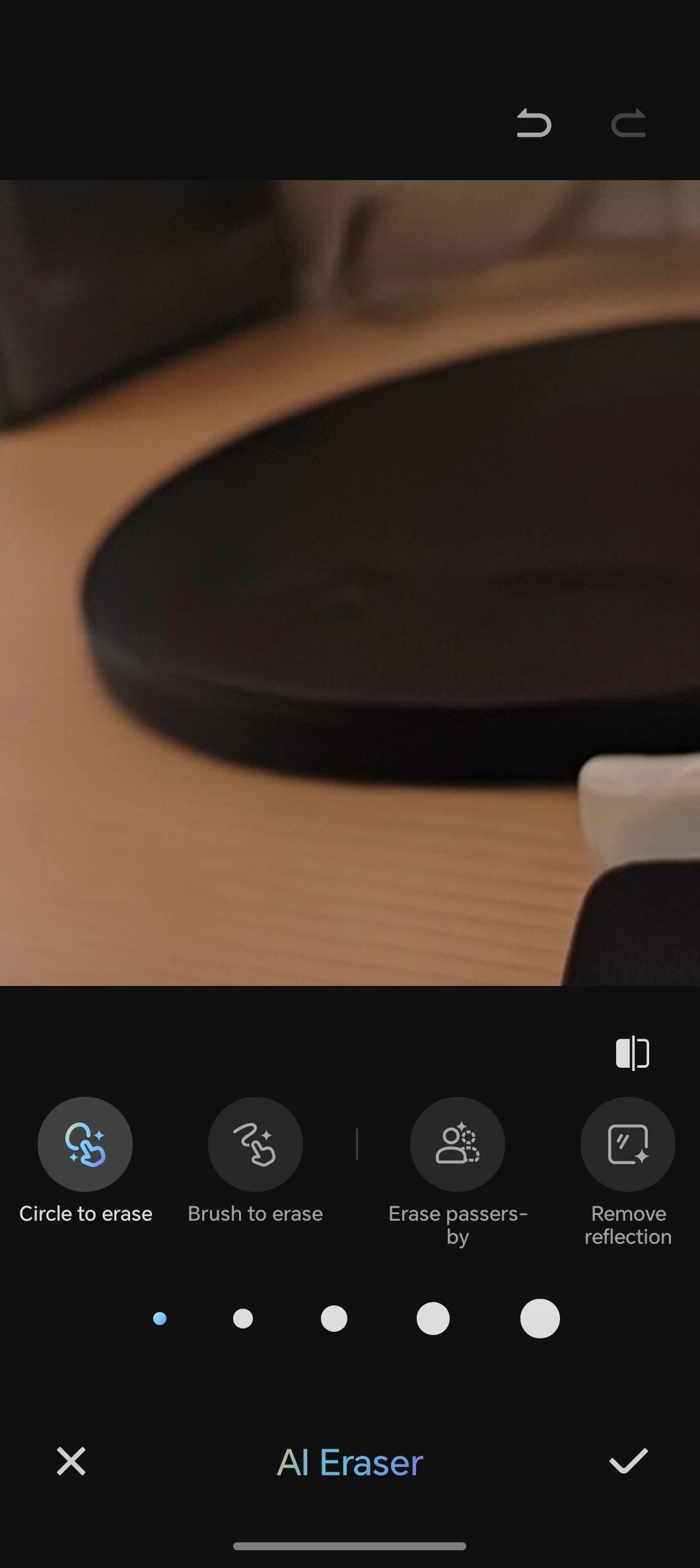
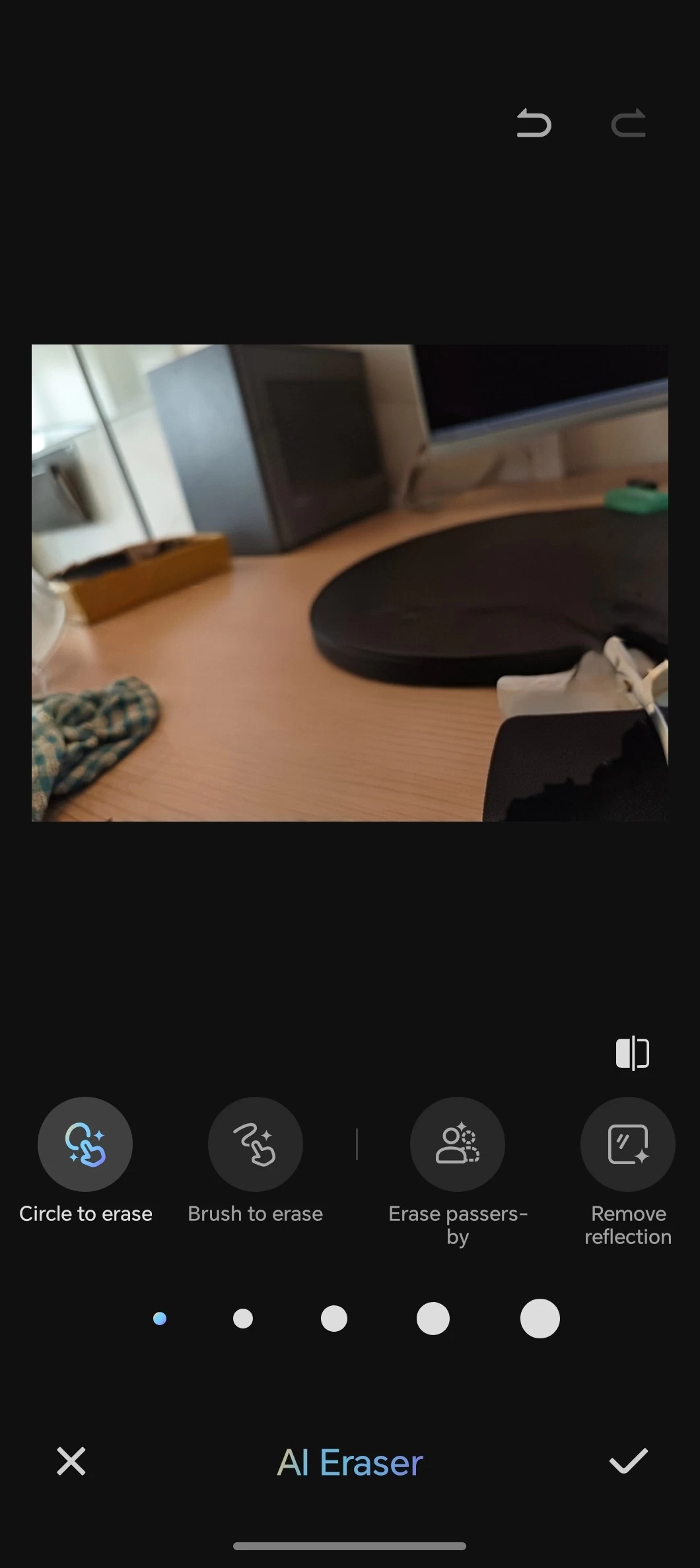
I attempted to "AI remove" the sticker under my Instafloss, but the result was removing the Instafloss altogether, so next I zoomed in on the sticker and circled it, same result. In short, after several attempts, it was not possible to just remove the sticker from the underside of my Instafloss using AI Eraser, so it's a bit hit or miss. It's a fun feature, but it only works on larger objects, like I wrote about last time.
However, in saying that, there are no costs associated with the AI-powered tools that HONOR delivers with the Magic V5 either, which is also cool. HONOR Magic V5 also comes with the Gemini AI Assistant, which is worth mentioning.
Default mode vs Performance mode (aka notification hell)
Update Nov 2: I have written a guide that shows how to disable Performance mode, but also enable Special Access permissions for some apps to override the battery optimizations that apply to HONOR Magic, GT, and X series phones. Read it here.
One thing that bothers me most about MagicOS 9 is the notifications. It seems like unless the app itself has specific notification channels (many do not) then it is an all or nothing deal, this is because there is a setting for "Gentle notifications" but this is ambiguous, I enabled it on some apps and it seemed to simply suppress the notifications to the notifications center, which results in not being alerted at all about certain aspects of an app you care about. In addition, many apps that rely on background notification alerts, like WhatsApp, are not auto-started in the background (or restored from a phone restart), meaning you won't get any notifications from several apps until you manually start the app yourself. This translates to many important apps, like Gmail, Reolink (my doorbell), my banking app to notify me of deposits and withdrawals, my Robovac task status, and more. In fact, the only app that appeared to start in the background without launching was Zoho Mail.
I was also going to complain about Samsung Health, but even on Galaxy phones, you are required to start the app manually after a phone restart (if it was not already started in the background). I am now wondering if the default disabling of "Performance mode" has anything to do with this behavior.
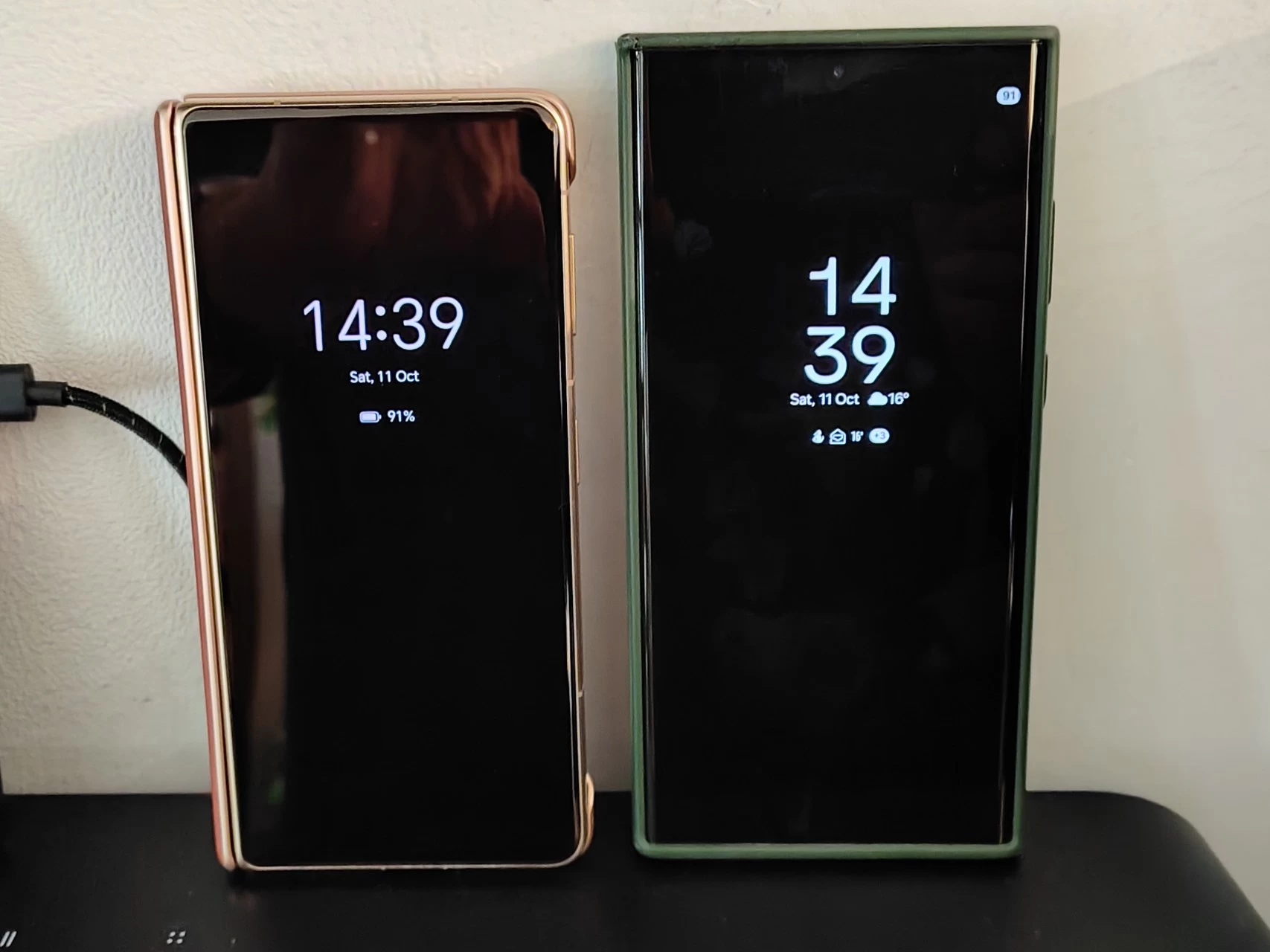
Above is a prime example, on the left: HONOR Magic V5, on the right: Samsung Galaxy S23 Ultra; the Magic V5 was populated by using Android Switch so it has all the same apps, I spent time allowing and enabling permissions and notifications on the Magic V5 and when both phones were restarted, only the Samsung started showing me notifications from apps, while the Magic V5 stayed silent. This reinforces my belief that you somehow have to remember to start a bunch of apps in order to start getting notifications from them, while in the case of the S23 Ultra, those apps are already opened in the task manager following a restart. Ugh..
A day later and following a couple more restarts, it does appear that apps you had open will start in the background following a restart if the phone is set in Performance mode. It really makes me wonder why HONOR disables it by default, resulting in lost productivity, and there's no guidance alerting the user either way that the phone has been semi-crippled to preserve battery; in my opinion, this should be an out-of-the-box experience setting, allow the end-user to decide if battery life is more important than being able to receive timely notifications from apps.
| No notifications | One notification |
|---|---|
|
|
|
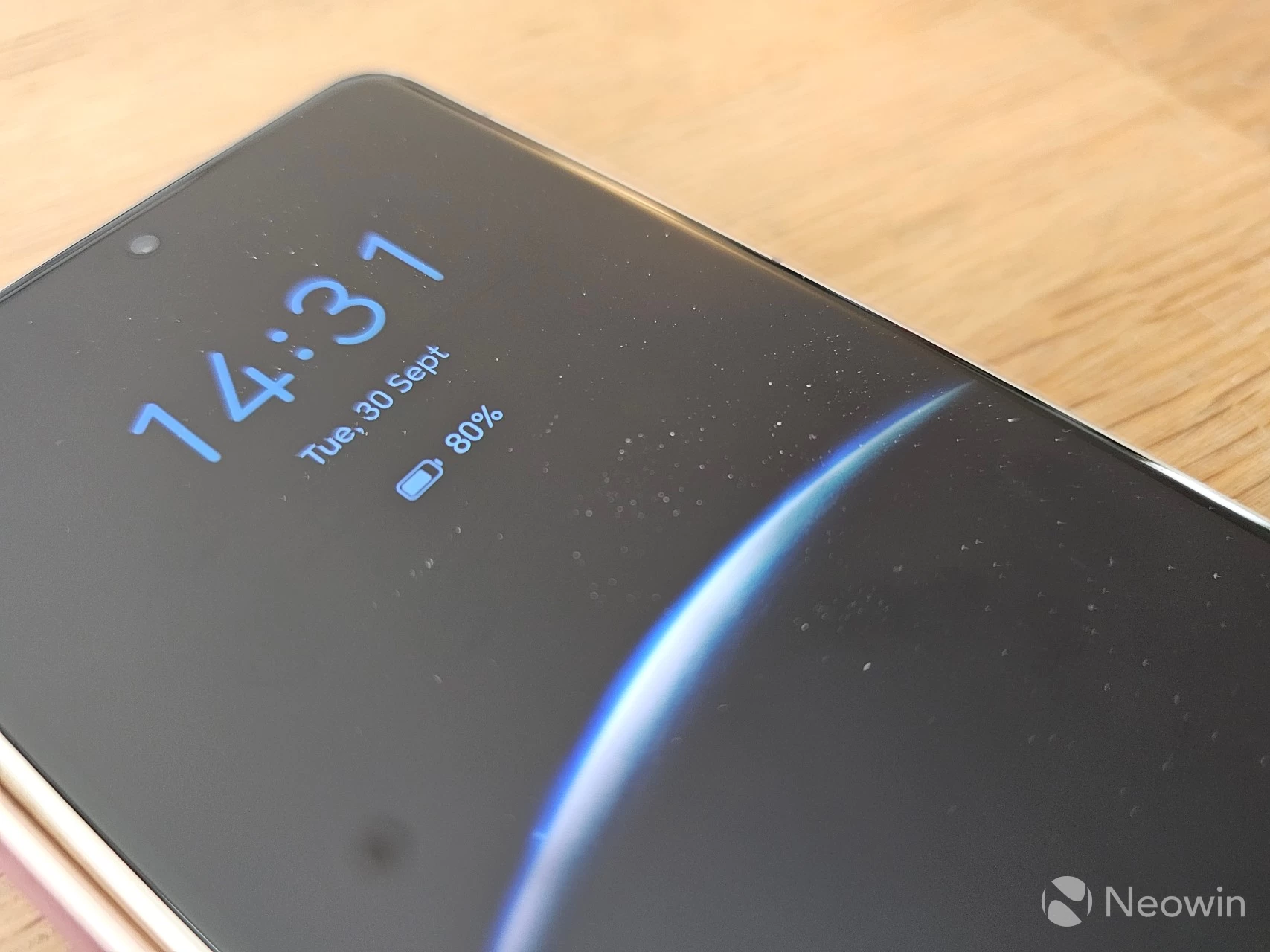
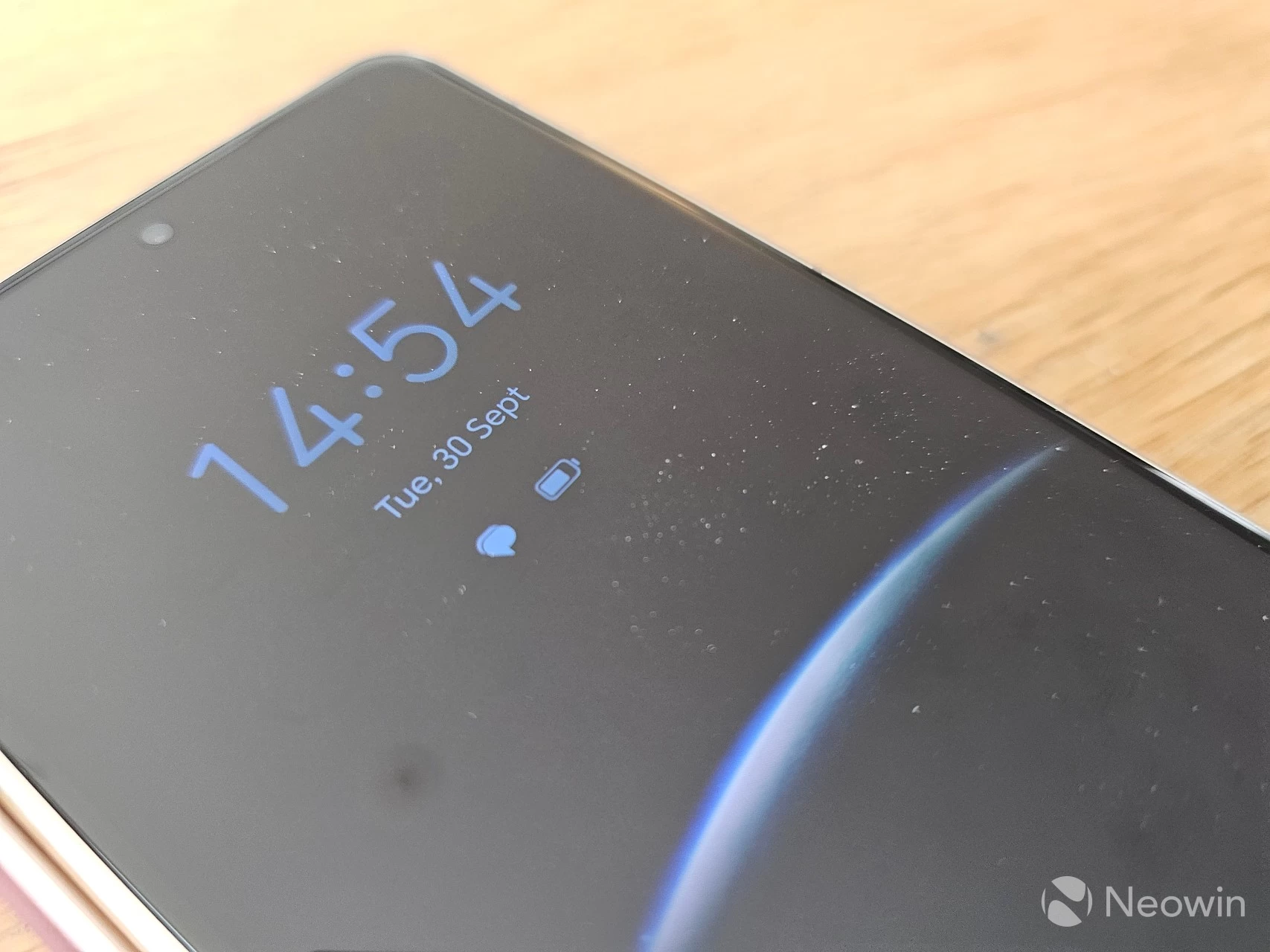
In addition, for some reason, HONOR always shows two battery icons when there are no actual notifications. You get the battery percentage and a battery icon. The moment a notification comes through, the percentage is changed to the notification icon. This behavior actually means I am unable to quickly glance and see if there's a new notification because my muscle memory associates the two icons with the default battery ones. Unless it looks different enough, I am not noticing it, and certainly not from a few feet away.
While it is possible to turn off the battery percentage in the status bar of the Home screen, this does not get applied to the AOD, which is a bit sad. Instead of two battery icons, why not add the weather temperature instead? And keep it there when a new notification comes through?
Link to Windows hell
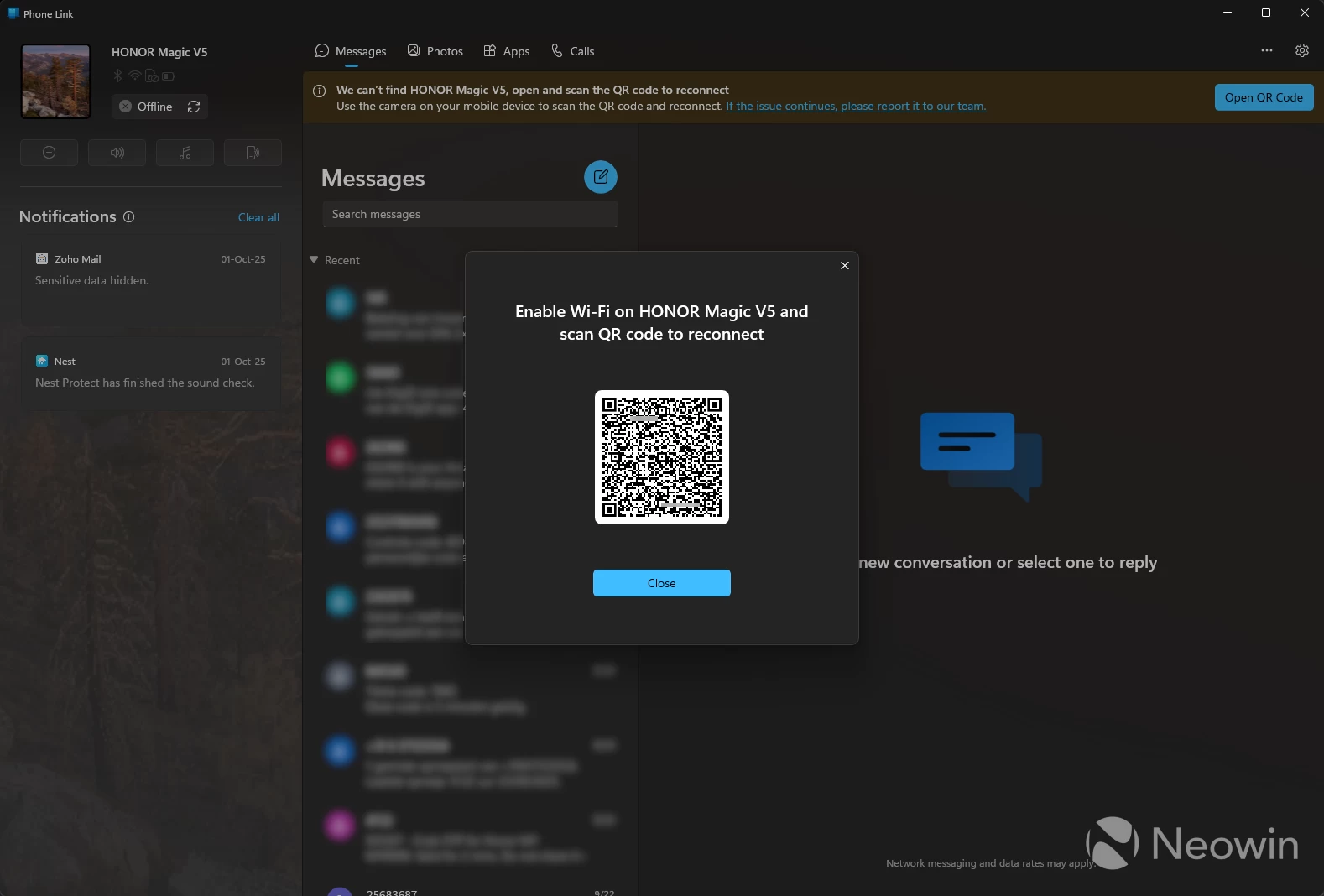
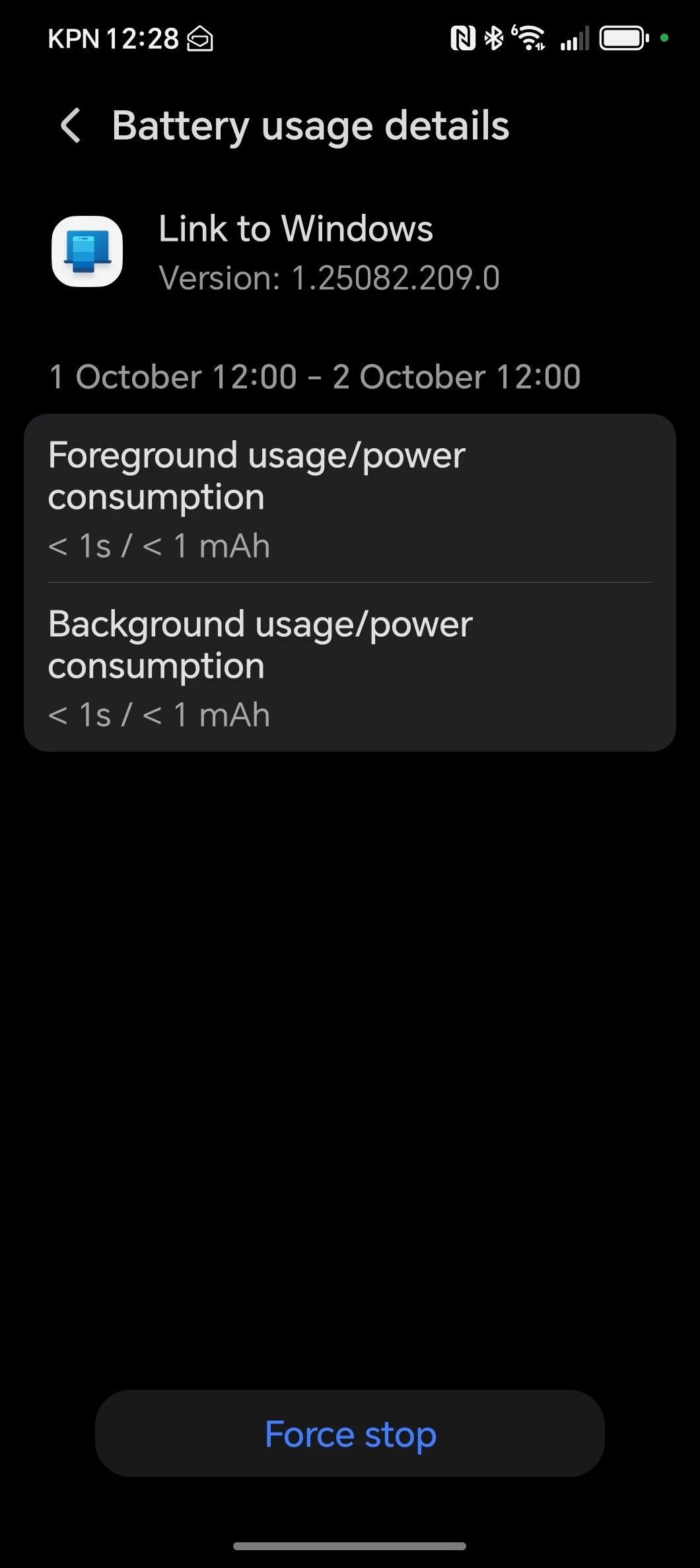
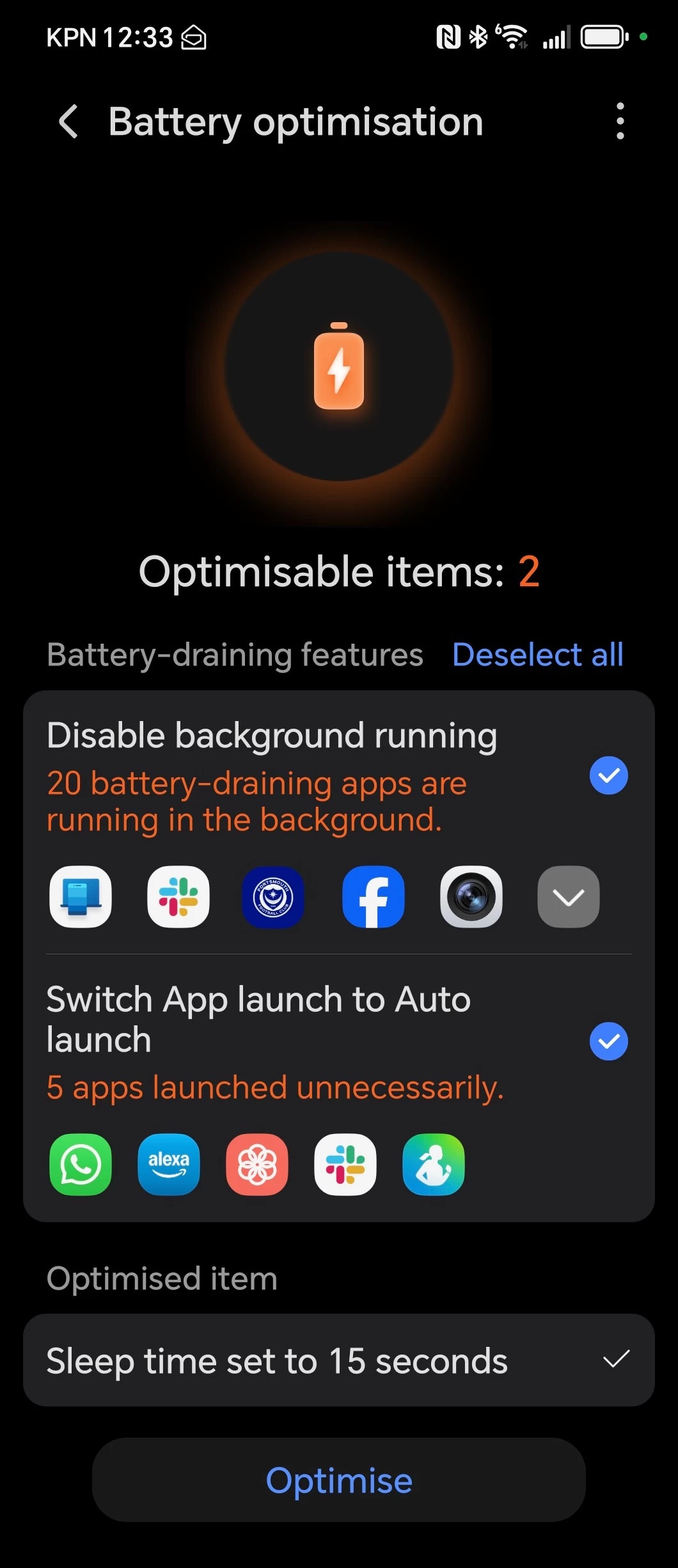
Another proper annoyance is the Link to Windows app, thanks to HONOR not allowing management for it in the "Launch settings" of "Battery usage details", it is impossible to disable the "Manage automatically" setting, and as a result the "Battery optimisation" keeps putting Link to Windows asleep, meaning my PC keeps losing connection to the Magic V5. This results in my PC continuously offering a new QR code, and I may not be able to keep track of notifications, mainly because I have most of them on silent on the phone, and I rely on Link to Windows to keep abreast of them.
The only workaround that I have found so far is to disable and re-enable WiFi on the Magic V5, after which it (sometimes) connects again, but it is tedious to have to do this multiple times a day.
This also affects apps like Plex, which get Push notifications disabled because Magic OS 9 "manages" the app and kills it, because it is also not possible to disable the "Manage automatically" setting. To top it off, all apps are managed automatically by default rather than alerting the user that an app is still running in the background and would they like to have it managed. In any case, I do not have to manually start the Plex app on my Samsung in order to receive push notifications.
I have since enabled Performance mode and although the Link to Windows behavior was better, after a few hours it still lost the connection and I had to reconnect with the same tricks I wrote about above. One thing I already noticed is that I got a push alert from my bank about a deposit on the Galaxy S23 Ultra, but did not receive that notification on the Magic V5, which also has Push notifications enabled.
Battery optimisation workarounds?
There are workarounds if you dig deeper or can find some advice on Reddit, such as navigating to Settings > Apps > Manage apps > (top right, three-dot menu) Special access > Battery optimisation > All apps. Search for your app, tap on it and select "Don't Allow" to supposedly stop the phone from killing the app in the background. I should note that Link to Windows was already set this way (but still gives the problems I stated earlier), but Plex wasn't.
But it also looks like a firmware update now allows Magic OS 9 users to disable the battery drain notifications. I am on 9.0.1.156, and I now have the "Power Consumption Alert" toggle.
Using with other smartwatches and health trackers
I also have the Galaxy Watch 7 LTE 44mm, and I don't know if I was lucky or if Samsung made a change to the Samsung Health again, but probably because I used Android Switch, I noticed that the Energy Score survived the transition to the Magic V5. Usually, this is limited to Samsung's own Galaxy devices, and over a week later, it still works. However, just like with the link from Galaxy Watch to Galaxy smartphones, set some time aside to go through all of the settings, as well as Permissions Manager and enable them as needed. This includes the auto-updating of apps, which will not work until you accept the terms at Settings > Apps > Samsung app updates. This should also fix the Weather app on the Watch updating location, which will enable it to work in the Watchface complication.
Performance and Battery Life
The phone offers up to 66W charging speed (wired) and 50W wireless; however, as I previously mentioned, and is required by the EU, HONOR does not include a SuperCharger in the box. I purchased an HONOR SuperCharger and connected it to a PC with USB4/Thunderbolt 4, but was disappointed to learn that it maxes out at 27W; however, you do get the full 66W in combination with an HONOR SuperCharger power adapter.
I found it often lasts a full day with heavy mixed usage and provides 10+ hours of screen-on time. It charges very quickly, reaching over 90% in about 40 minutes with its 66W supercharging technology. For average users, it can last for about two days on a single charge with Performance mode disabled, which, as I previously stated, is the default setting.
Benchmarks
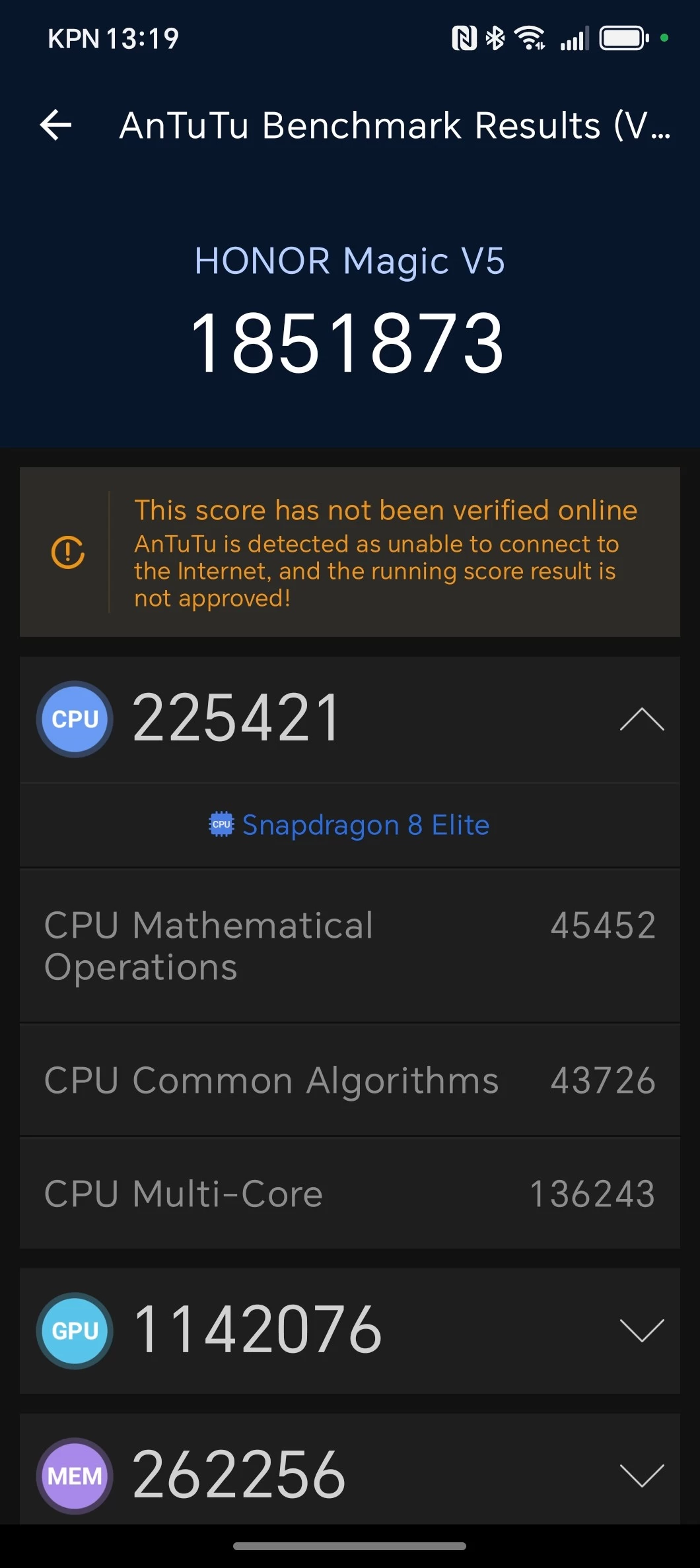
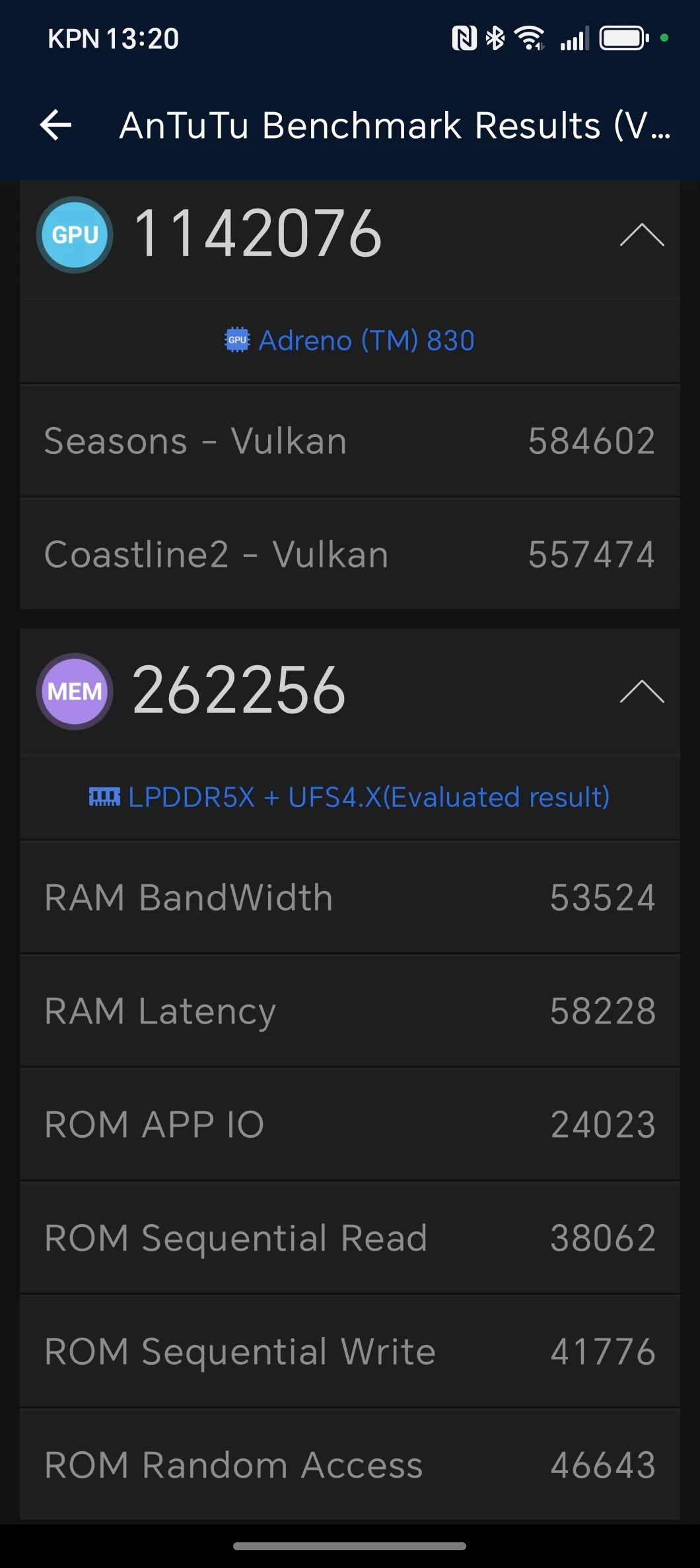
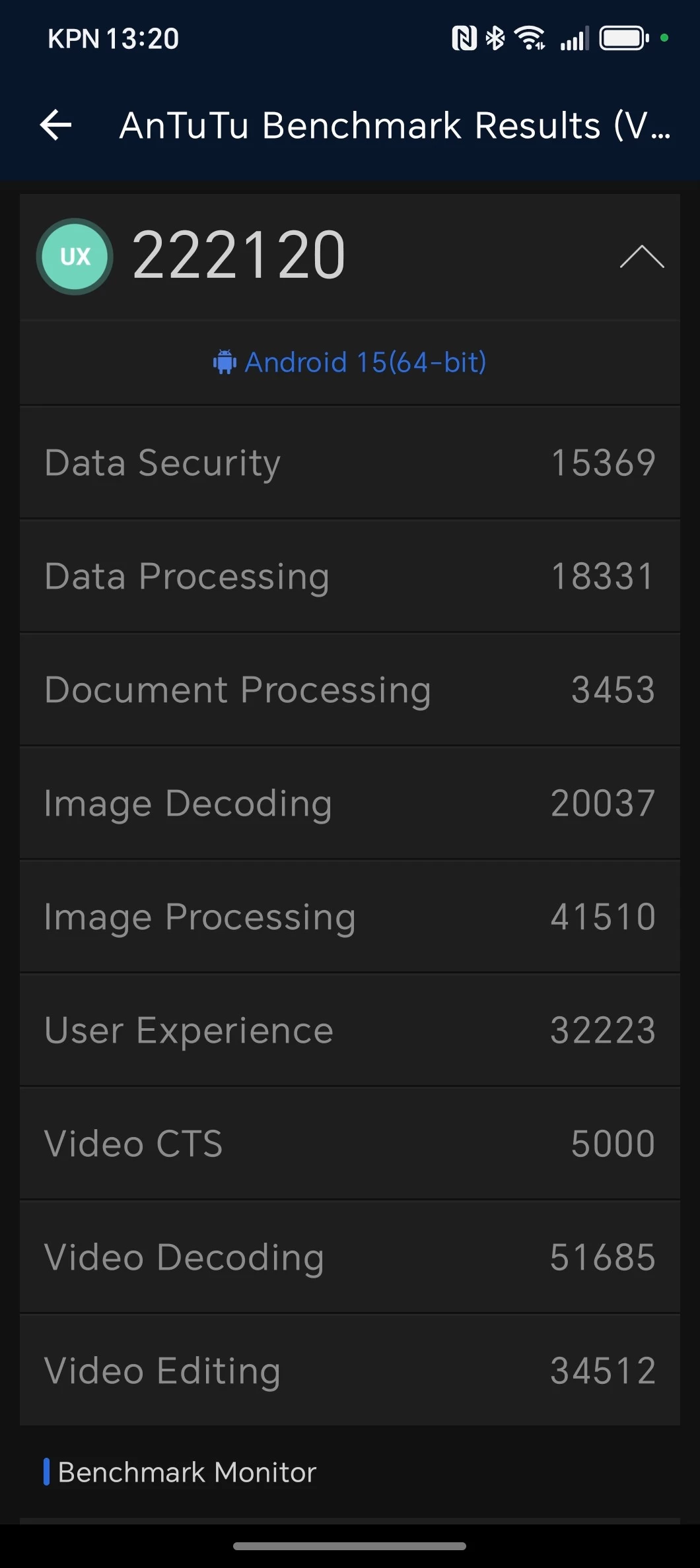
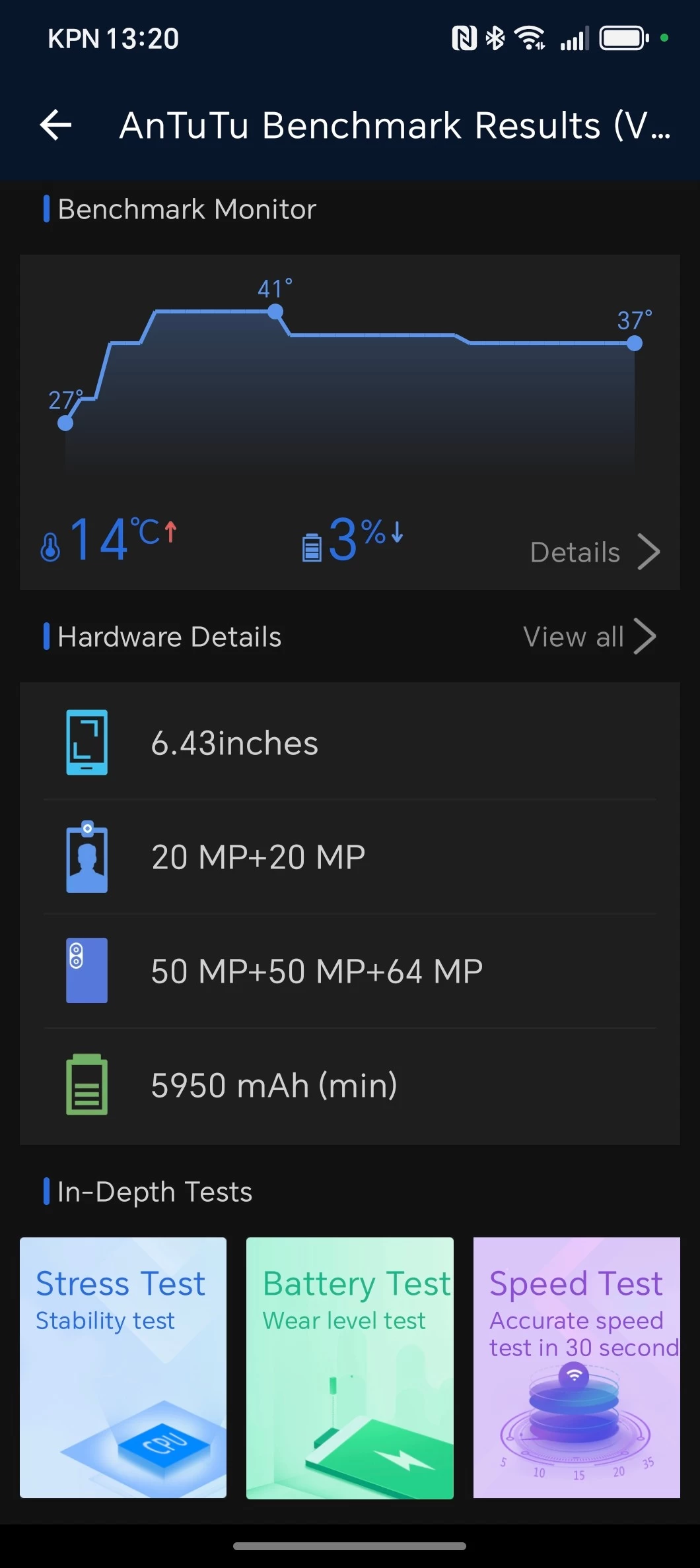
For those who love benchmarks, I used AnTuTu v10, Geekbench v6, 3DMark, and PCMark. A few of the results are in the gallery below. But an important note to add here is that by default, HONOR decides users do not need to utilize the full capacity of the Snapdragon 8 Elite CPU, which results in very low scores. Unhelpfully, this is not something that is shown to the user either, one has to "discover" that the phone is not in "Performance mode" (which for most other Snapdragon 8 Elite flagships is the "default" mode) so below there are benchmarks for what you'll get "by default" and another set of benchmarks for when you manually toggle Performance mode on.
Gallery: HONOR Magic V5 Default mode











Gallery: HONOR Magic V5 Performance mode







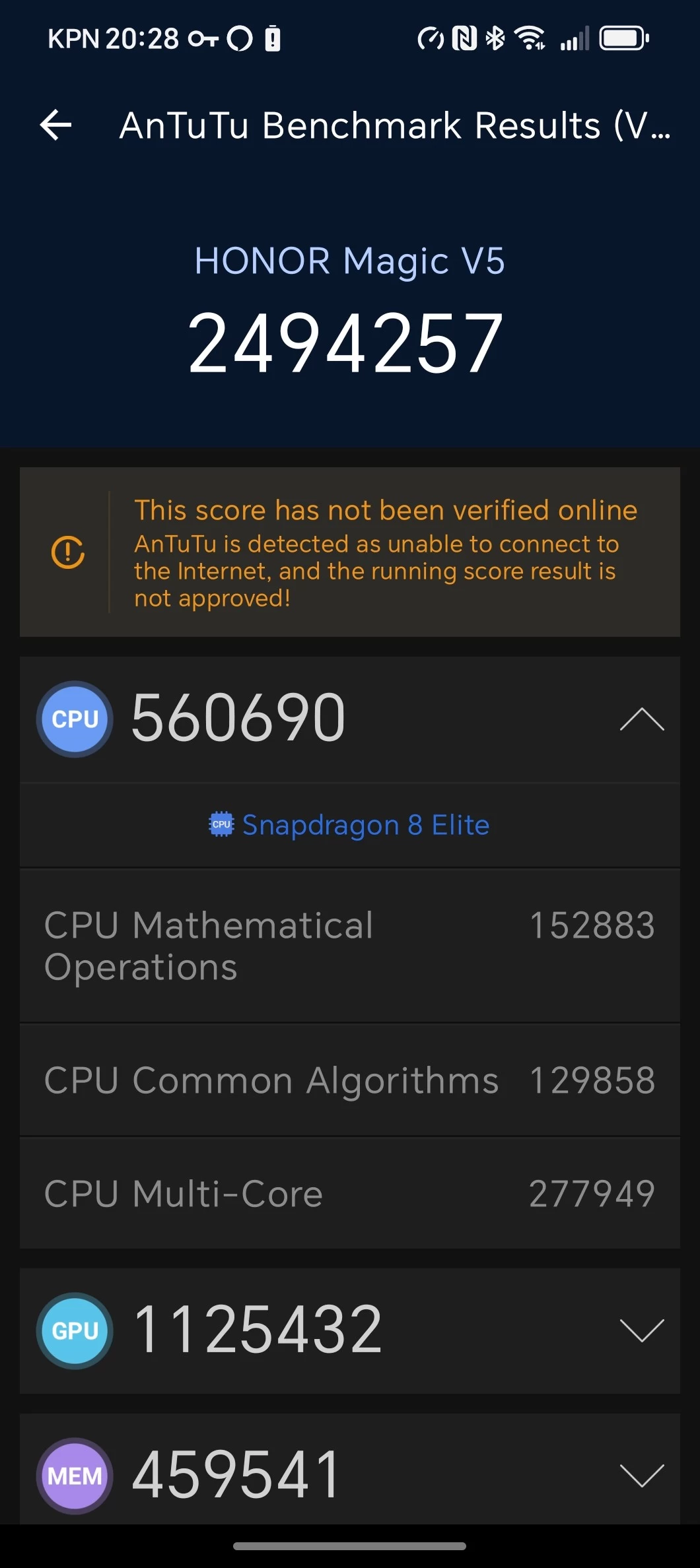
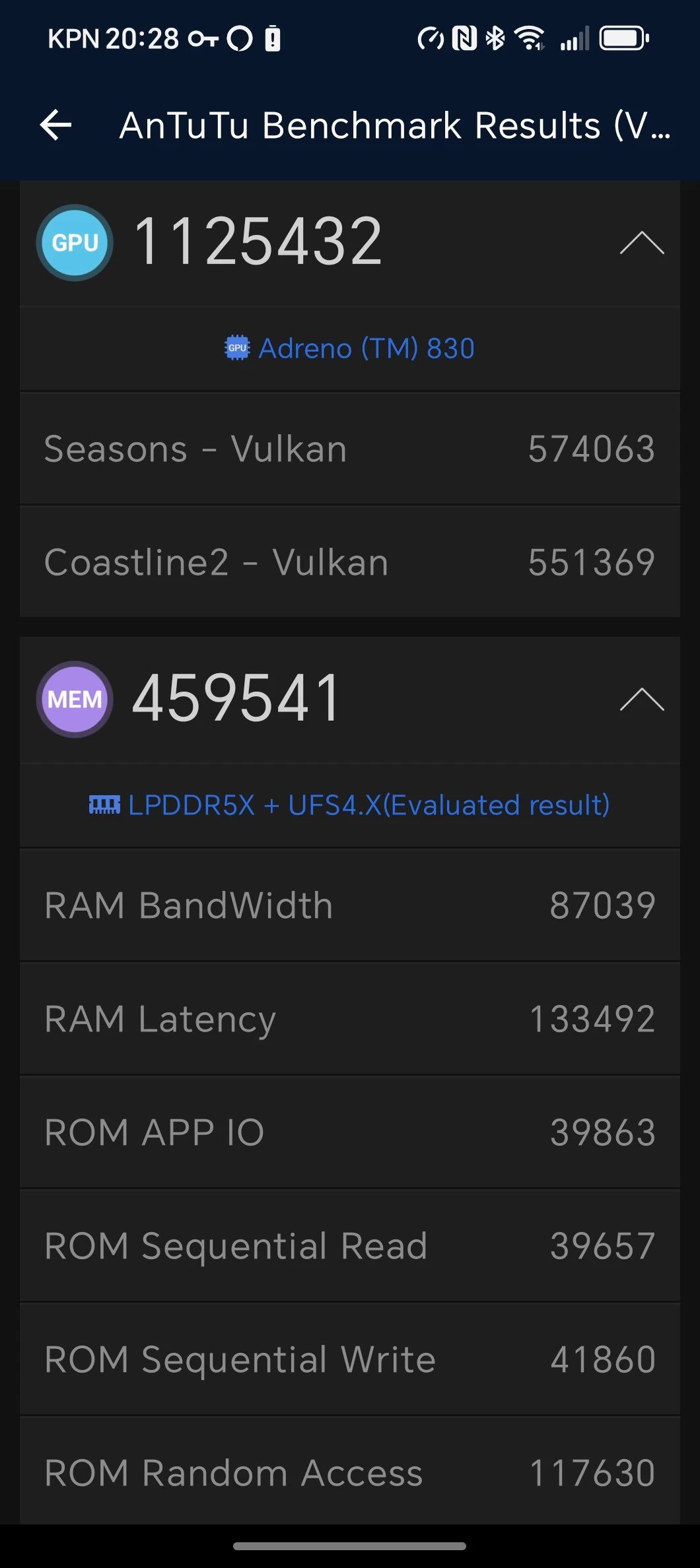
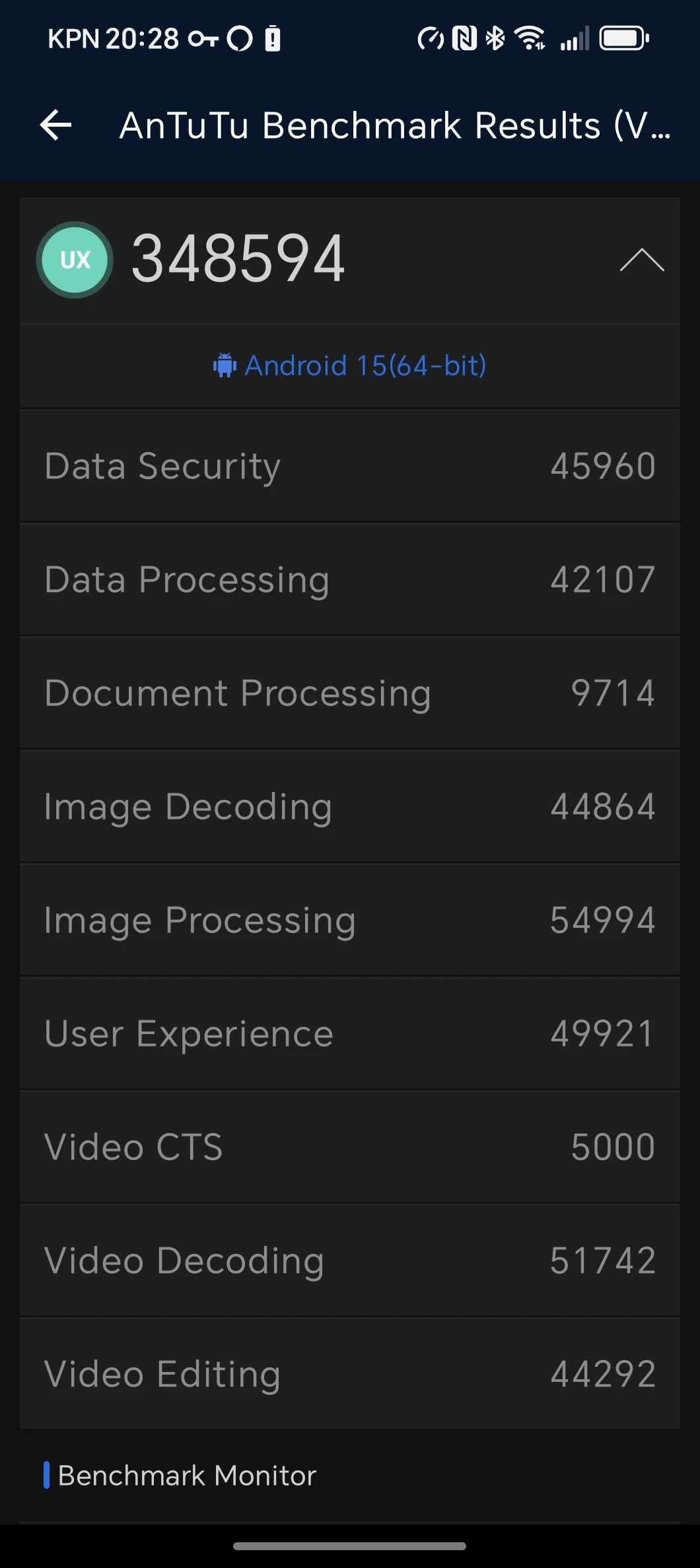
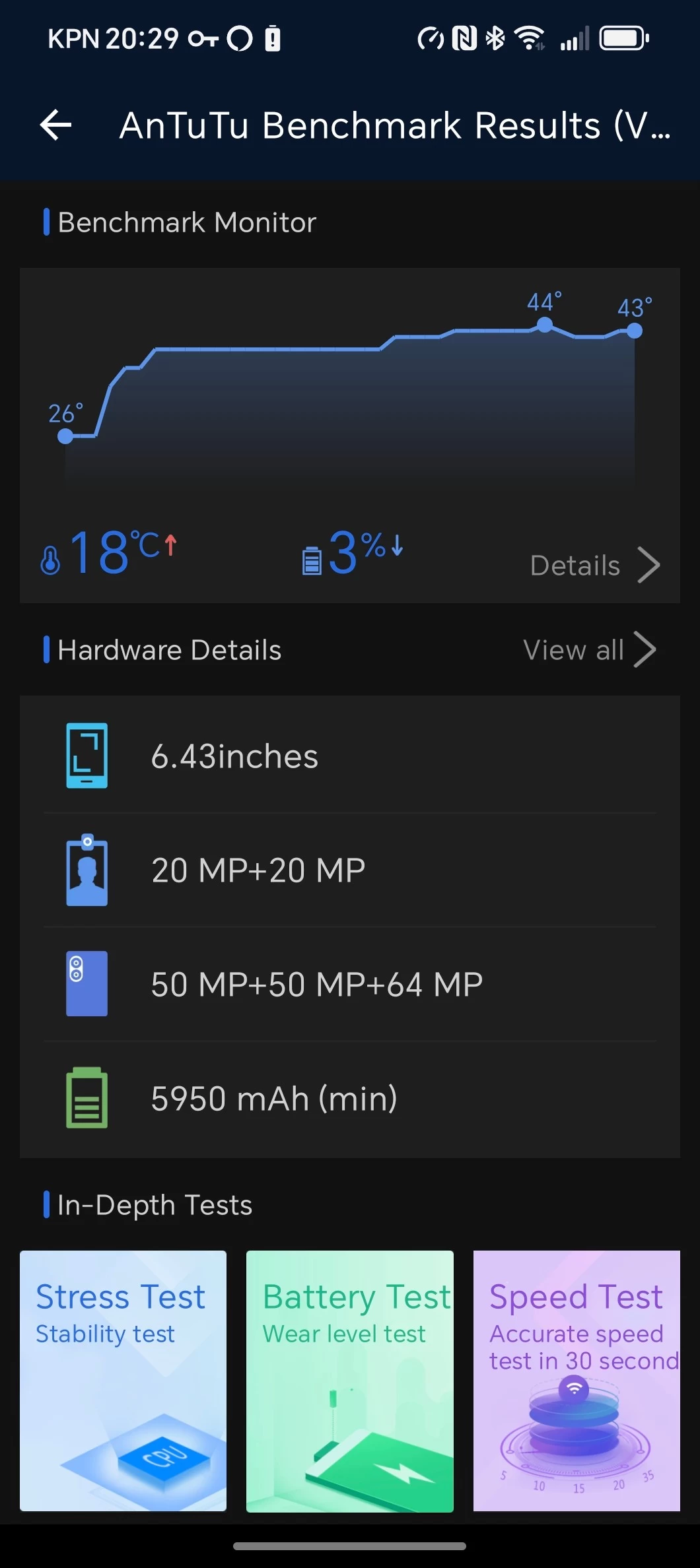


As was to be expected, the Magic V5 performs alongside most flagships on the market, thanks to its Snapdragon 8 Elite CPU and Adreno 830 GPU, resulting in the below scores:
AnTuTu v10
- Default: Overall 1851873 CPU: 225421 GPU: 1142076 Memory: 262256 UX: 222120
- Performance: Overall 2494257 CPU: 560690 GPU: 1125432 Memory: 459541 UX: 348594
For some additional context, AnTuTu's Memory score also accounts for the UFS storage speeds on the phone, and the UX score weighs various real-world tasks like image and video editing/processing, document processing, and a bit of data analysis, among others.
My Magic V5 finished under everything in the Samsung Galaxy S24 series in Default mode, including the FE in the AnTuTu v10 rankings, and for some reason, the AnTuTu app decided I did not have an internet connection, so it was also not able to validate my scores. If it were able to validate, then it would come in at 33rd, just under the REDMI Turbo 4, and above the iQOO Z9 Turbo+, which both use a MediaTek SoC, the Dimensity 8400 Ultra, and 9300+, respectively. This also seems to point to the Magic V5 being an underclocked in order to preserve battery life for its two screens rather than being configured for raw performance.
In Performance mode, it's a different story with all of the scores doing better than the Magic7 Pro.
Geekbench v6
- Default: CPU Single-Core: 1,150 CPU Multi-Core: 5,050 GPU: 15,895
- Performance: CPU Single-Core: 3,030 CPU Multi-Core: 9,011 GPU: 18,733
Geekbench 6, which returned a score of 3,030, is 123 points higher than the 2,907 recorded on the HONOR Magic7 Pro in Single-Core mode. However, in Multi-Core mode, the Magic V5 soars past the Magic7 Pro's 6,243 score by 2,768 points, recording a score of 9,011. On the GPU front, the Magic V5 scored 18,733, which puts it just over the Galaxy S25+'s best recorded score of 18,261.
If you are wondering, Geekbench ran a series of short tests which measured things like web browsing, document rendering, text processing, code compilation, various photo editing and processing tasks, and more.
3DMark (Default mode)
- Solar Bay Extreme: 725 (avg fps 5.07)
- Solar Bay Extreme Stress Test: Loop 1 (839) Loop 2 (839) Loop 3 (738)
- Steel Nomad Light: 1,832 (avg fps 13.57)
- Steel Nomad Light Stress Test: Loop 1 (1869) Loop 2 (1614) Loop 3 (1599)
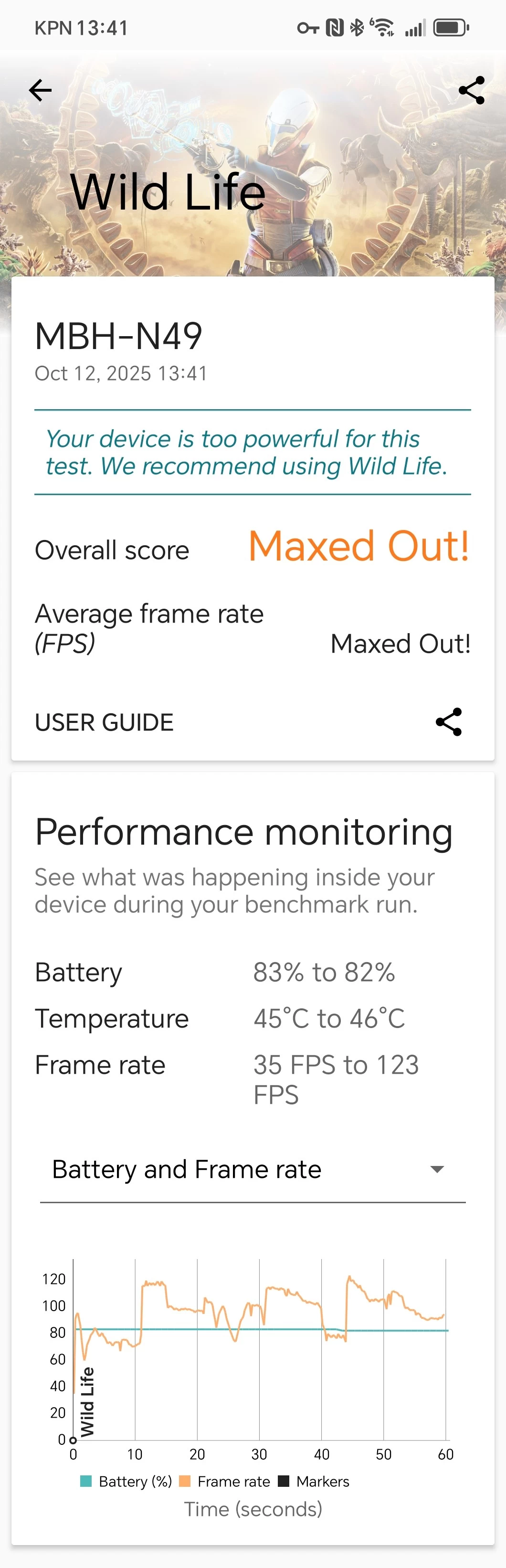
- Wildlife: Maxed Out!
- Wildlife Extreme: 4,873 (avg fps 29.19)
- Wildlife Extreme Stress Test: Loop 1 (4,879) Loop 2 (4,399) Loop 3 (4,394)
Despite being in Performance mode, Steel Nomad Light managed to beat 100% of all Googler Pixel 8 Pro devices, and the Solar Bay Extreme test result was better than 74% of all Samsung Galaxy S24 Ultra devices.
3DMark (Performance mode)
- Solar Bay Extreme: 1,060 (avg fps 7.42)
- Solar Bay Extreme Stress Test: Loop 1 (1083) Loop 2 (1040) Loop 3 (1016)
- Steel Nomad Light: 2,465 (avg fps 18.26)
- Steel Nomad Light Stress Test: Loop 1 (2397) Loop 2 (2244) Loop 3 (2185)
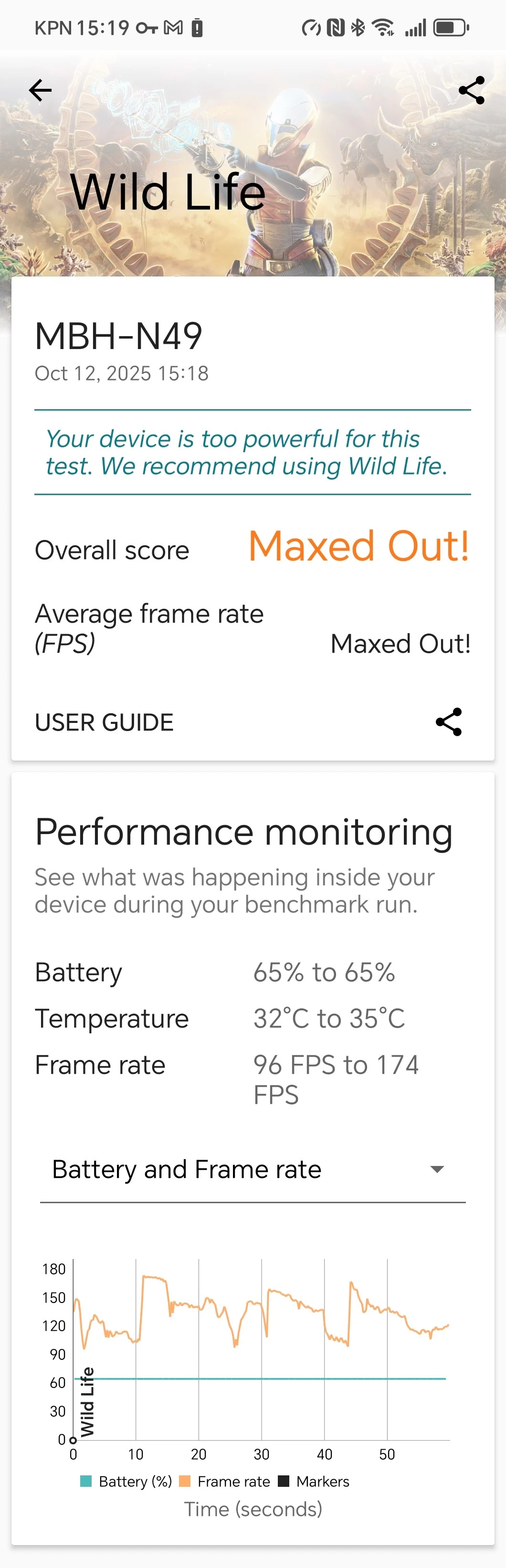
- Wildlife: Maxed Out!
- Wildlife Extreme: 6,042 (avg fps 36.19)
- Wildlife Extreme Stress Test: Loop 1 (6,573) Loop 2 (6,070) Loop 3 (5,873)
In Performance mode, the scores bettered 100% of Samsung Galaxy S24 Ultra devices, as well as the Google Pixel 8 Pro.
3DMark's standard Wildlife test wouldn't even give a score as it was "Maxed Out!", saying that the Magic V5 was "too powerful" for it, which is something I also saw with the REDMAGIC 10S Pro and HONOR Magic7 Pro, so I'll be dropping that test from now on.
Also, in case you are wondering, Solar Bay measures the ray tracing capabilities of a graphics chip, while Steel Nomad tests rasterization. Meanwhile, the Wild Life benchmark also measures rasterization, though to a lesser scale.
PCMark
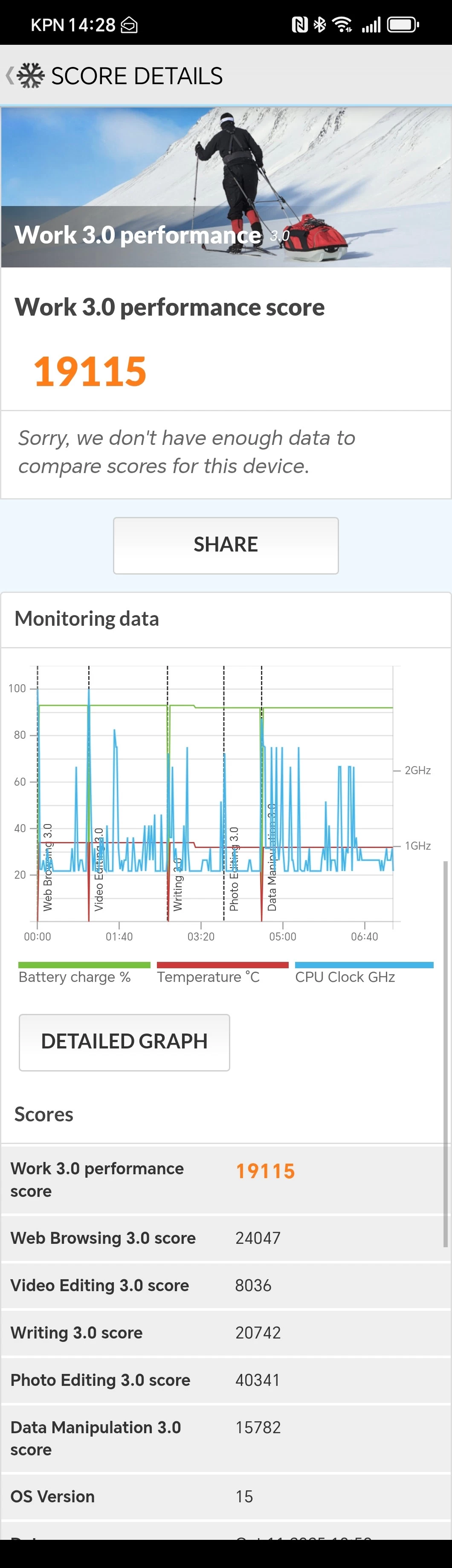
Lastly, I ran PCMark, even though you cannot download it from the Google Play anymore (just like AnTuTu, for some reason), it is still a valid test to find out details about the battery life and performance.
Default mode
| Work 3.0 Battery Life | Work 3.0 Performance |
|---|---|
|
|
|
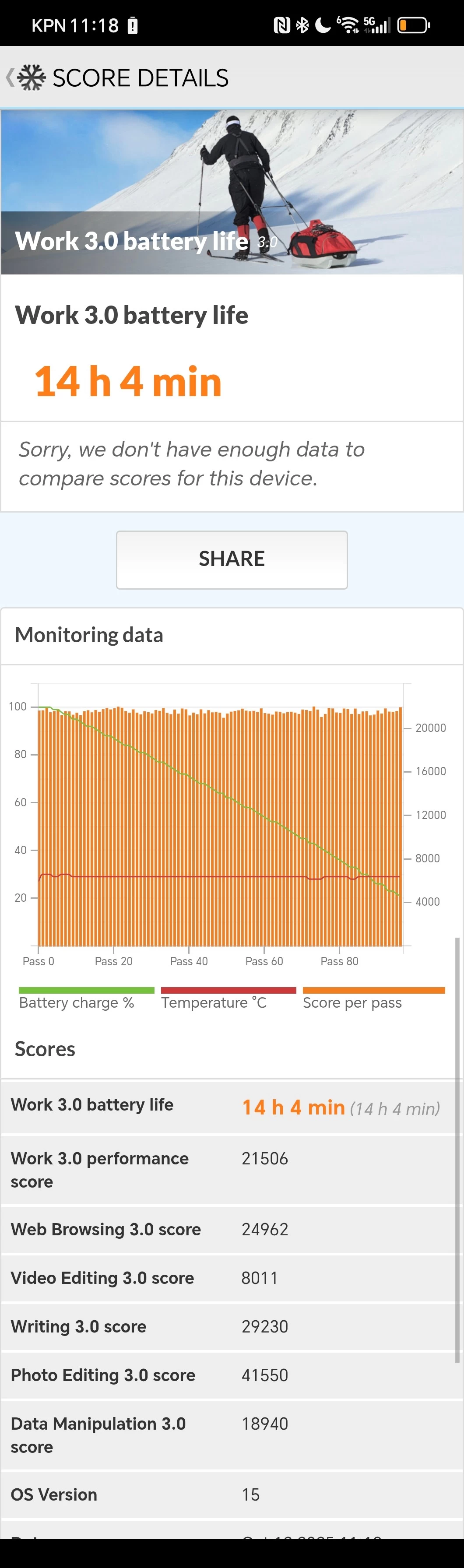
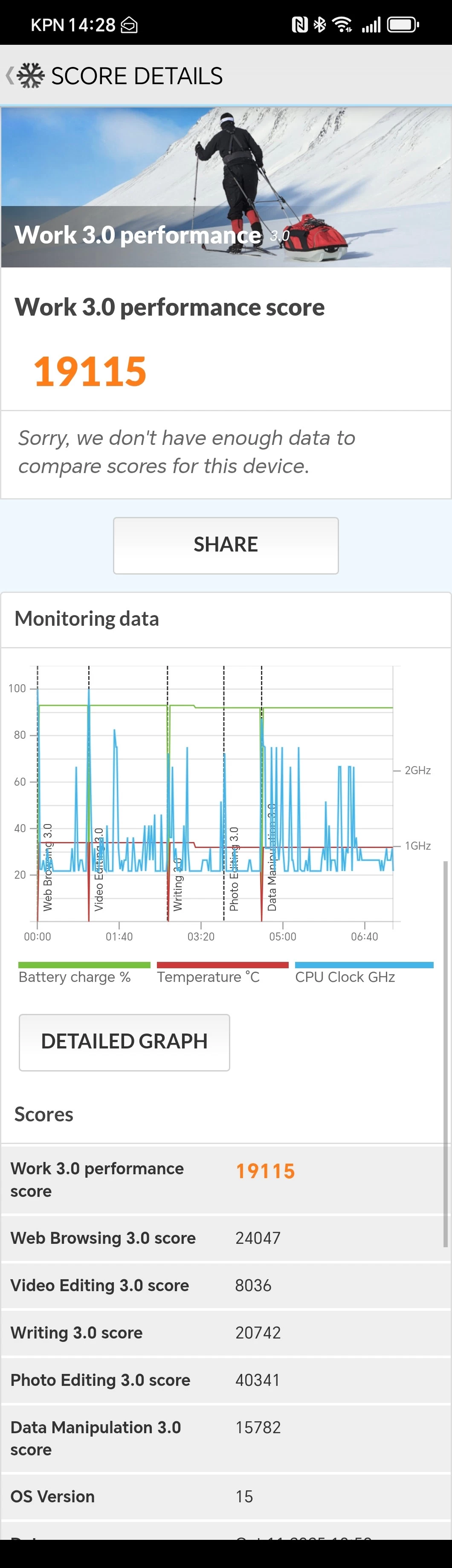
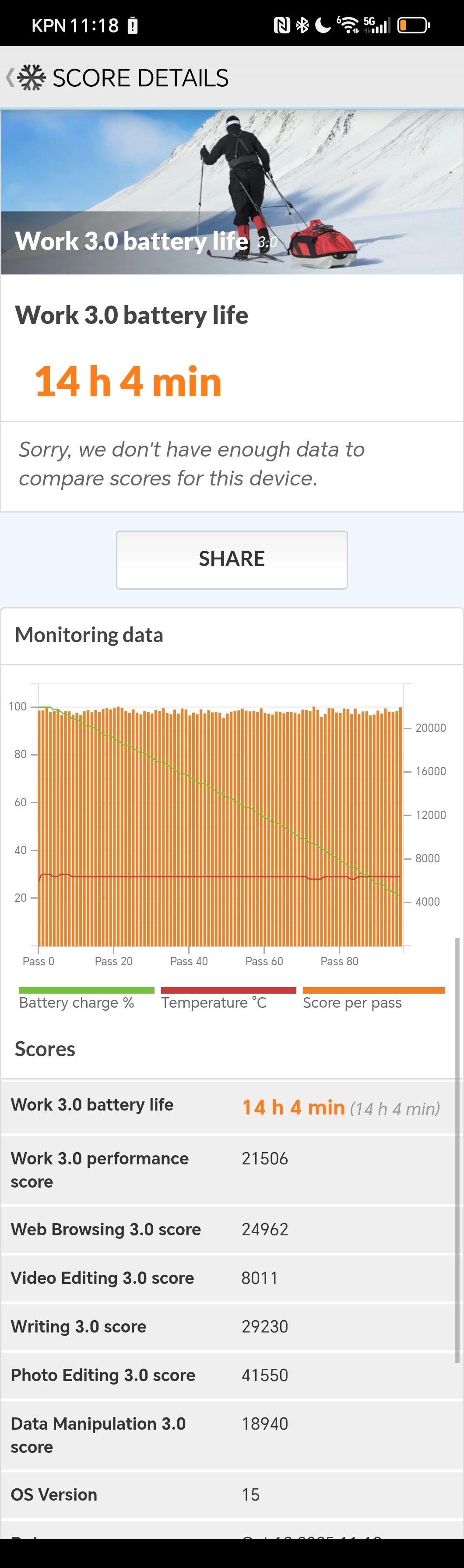
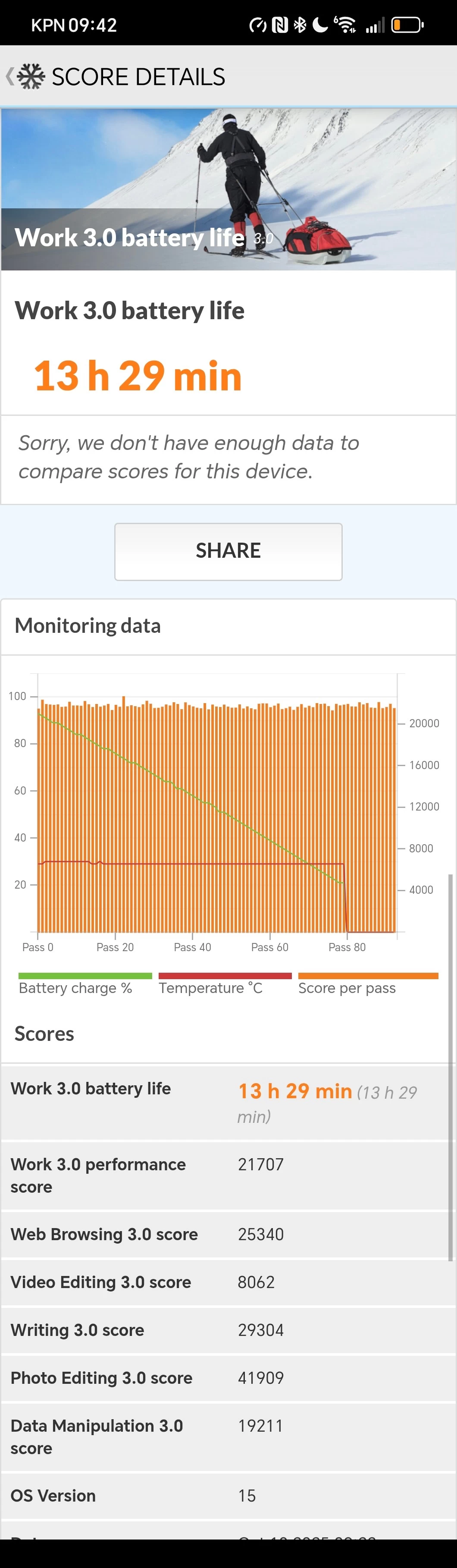
As can be seen above, the entire Battery Life test took just over 14 hours, generating an average performance score of 21506 after 100 passes. However, when running the Work 3.0 Performance test after recharging the battery back to 100% and letting the phone cool down, that score dropped to 19115. Please do note that I do not have a Luminance meter, so I was not able to calibrate the screen brightness first. So in this test, the performance score makes more sense.
Performance mode
| Work 3.0 Battery Life | Work 3.0 Performance |
|---|---|
|
|
|
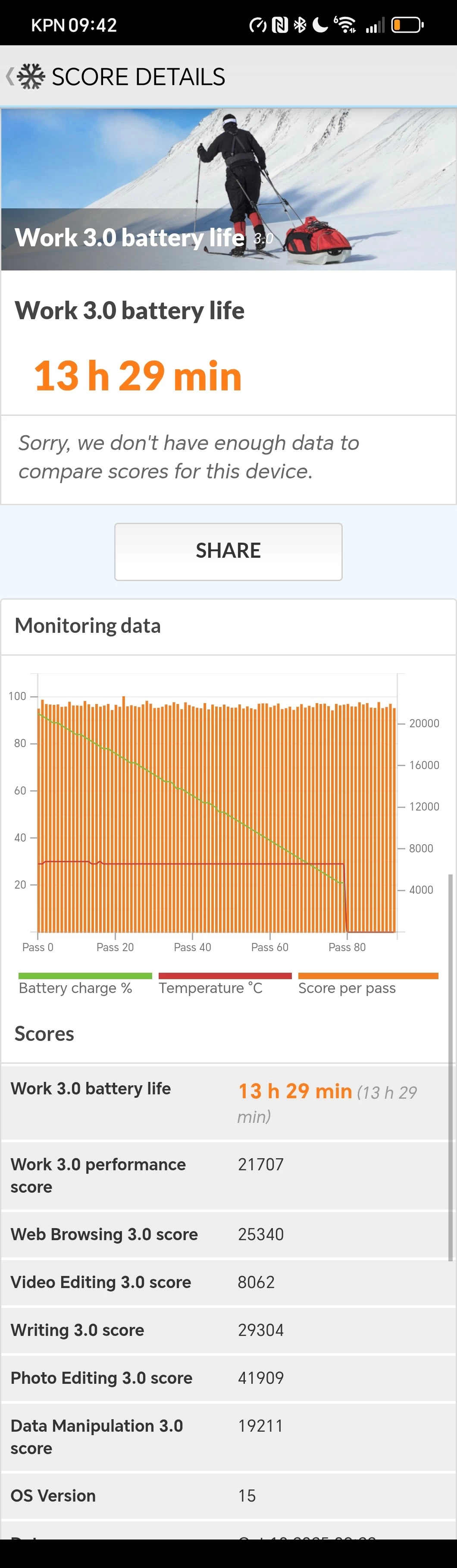
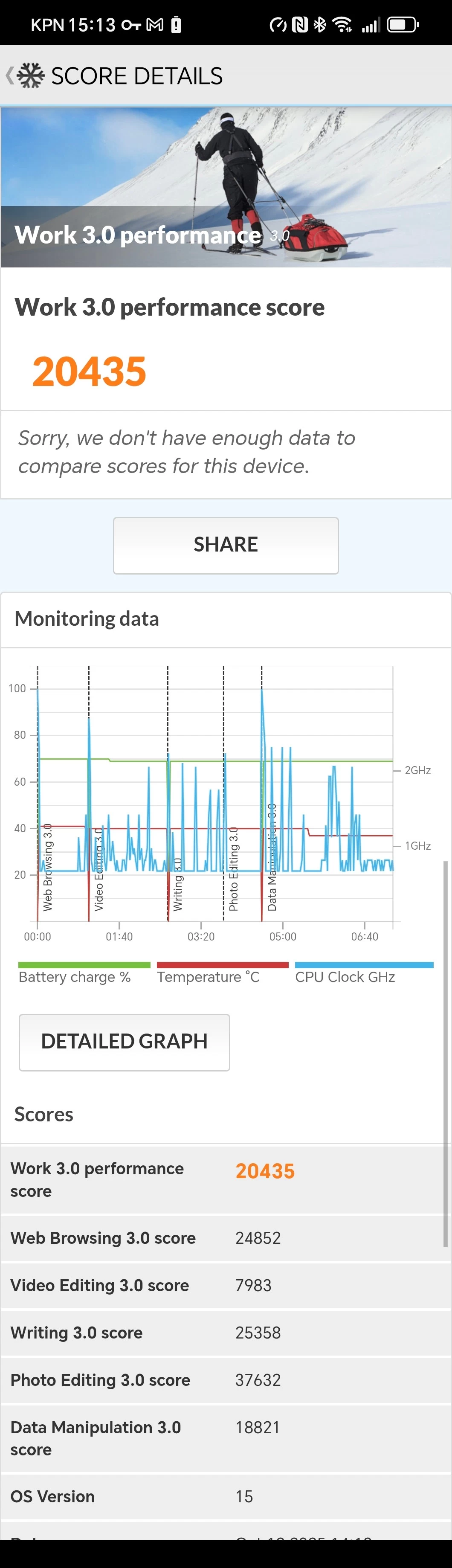
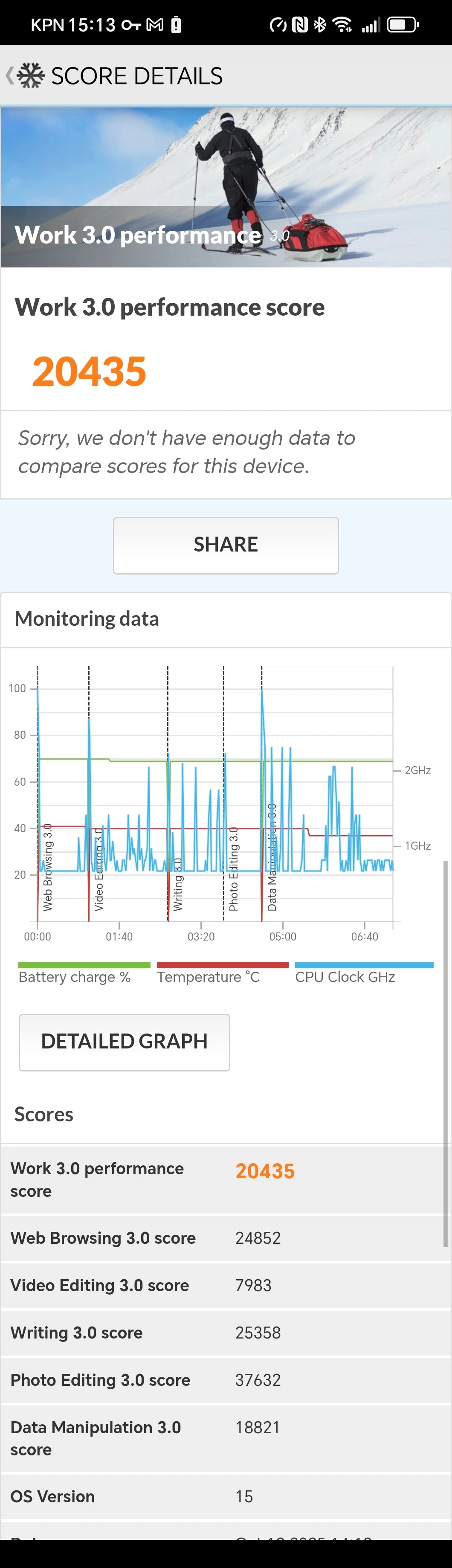
With Performance mode enabled, it resulted in 35 minutes fewer battery life to complete the continuous test with a slightly higher average score of 21,707. One pass of the Work 3.0 performance score also resulted in a slightly lower snapshot of 20,435, but higher than the default mode's 19115 score. Of course, this test does not mean that enabling Performance mode only results in half an hour loss of battery life, as this test does not account for typical usage with a bunch of apps left open in the background.
Yes, this includes the Qualcomm Snapdragon 8 Elite, launched a year ago. The benchmark results, although important, should be taken into consideration with other findings, which show that the SoC appears to have mixed results across devices, especially in this case, as a result of underclocking by default (for better battery performance) or other reasons.
Conclusion
You may be wondering where all the details about the use of the inner screen is at, in all honesty I used it a lot when I first got it, but as time went on I found myself just using the cover screen for messaging, slack, emails, completing orders, doom-scrolling, and what-not. I only opened it up when I wanted to view media, which is obviously very good. I thought I would be put off by the camera cutout on the inner screen, but watching YouTube videos in full screen cuts off the content left and right anyway, so most of the time I am viewing media with top and bottom black bars, meaning the camera cutout is not noticeable at all.
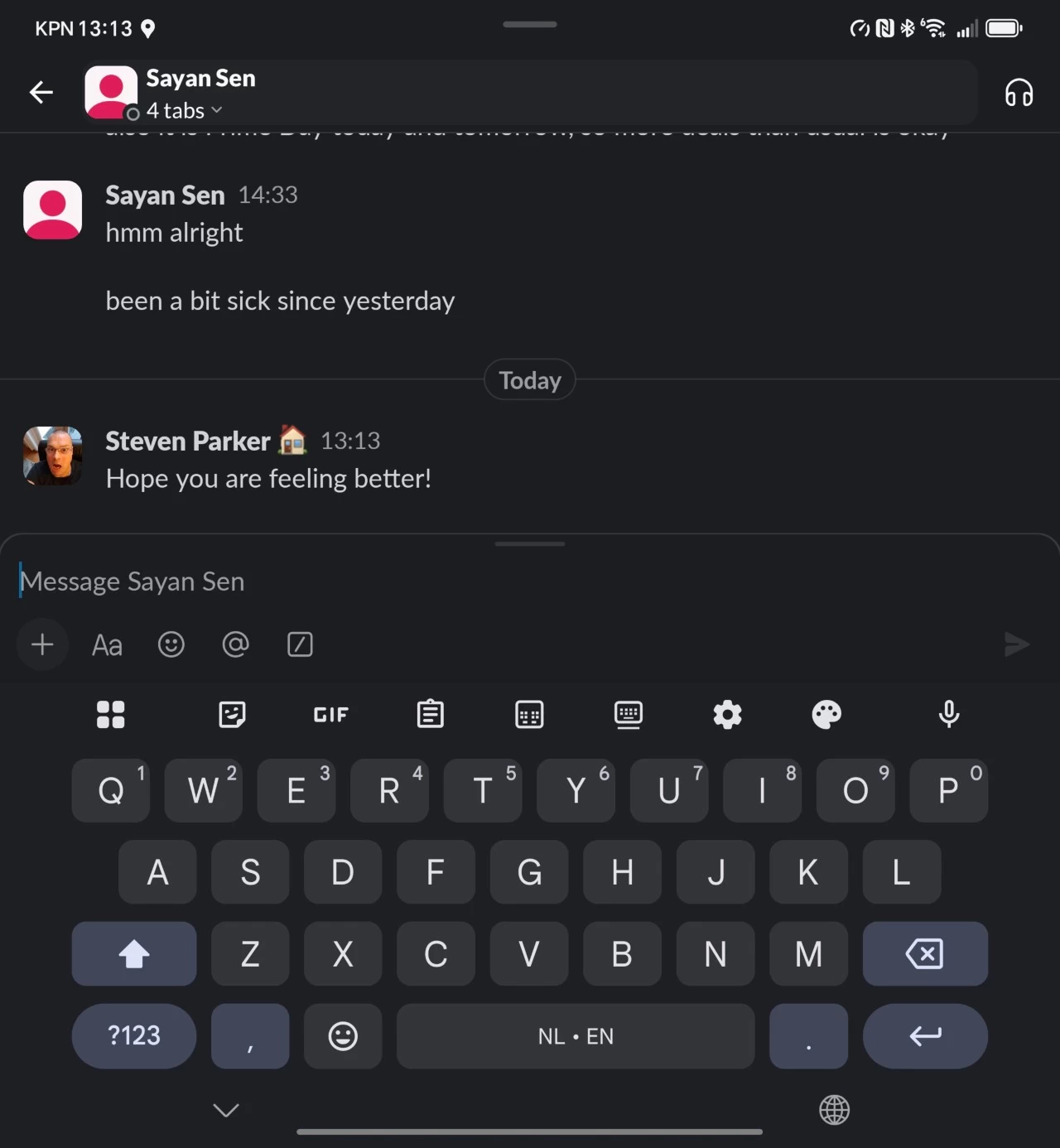
A few times I opened it for Slack communications, the keyboard was really great to use, but for short messaging confirmations and quick replies, I found that I just used the cover screen.
The foldable screen is a "nice thing to have," in my opinion, but this also means that more attention should be placed on the cover screen. I really love the Magic7 Pro's screen. If only the Magic V5 had that too, it would make it a perfect phone! So it all ends up being a little too narrow, and looking like the screens we saw on the flagship phones of yesteryear before they went all "edgy," as in, edge-to-edge and curvy.
In addition, I find it a bit awkward to open: there's no tab or helper mechanism to pry it open, you just have to sort of use the edge of the volume buttons, which by themselves are almost flush with the side of the phone. Maybe a little spring-loaded button would do the trick, upon pressing it, it just opens it a crack so you can safely do the rest with the tips of your fingers. It adds another point of failure, I admit, but I would welcome a better way to fold open the screen.
One thing that I loved about the Magic7 Pro was the face unlock. The Magic V5 uses 2D Face Unlock, which is not quite as good as the former. Sometimes it is really quick, but it needs a well-lit room for it to work, so I am left mostly using the side-mounted fingerprint sensor, which took some time to get used to coming off a phone with an under-display one. With the Magic7 Pro, I did not even have to think about it. I brought my phone up in front of me, and it got unlocked every time.
There's a lot to love about this phone. For one, it is lighter than some of the mainstream flagships (Luna White is 217g vs S25 Ultra 218g), and it's only six millimeters thicker, and you get a big screen to view your media content on.
I feel like MagicOS is improving all the time, and I just read that v10 has started rolling out to users, although I have not yet checked what is new there. With a few small adjustments and tweaks, I really feel like it can win over Samsung users like me, who kind of became dependent on the ecosystem. HONOR has its own eco-system too, with tablets, laptops, smartwatches, and there are rumors of a ring wearable too.
In the past, I never considered transitioning to a foldable, mainly due to the cumbersomeness of them being too thick, with a narrow cover screen, which, in my opinion, would be the bulk of usage. If you're not happy with the outer screen, it can destroy the whole experience, but the Magic V5 has made strides here, I feel. I like it, and I am interested to see where they go next with the V6. Personally, I'd prefer an outer screen that is just as good as the Magic7 Pro.
| Case stand | Perfect for viewing! |
|---|---|
|
|
|
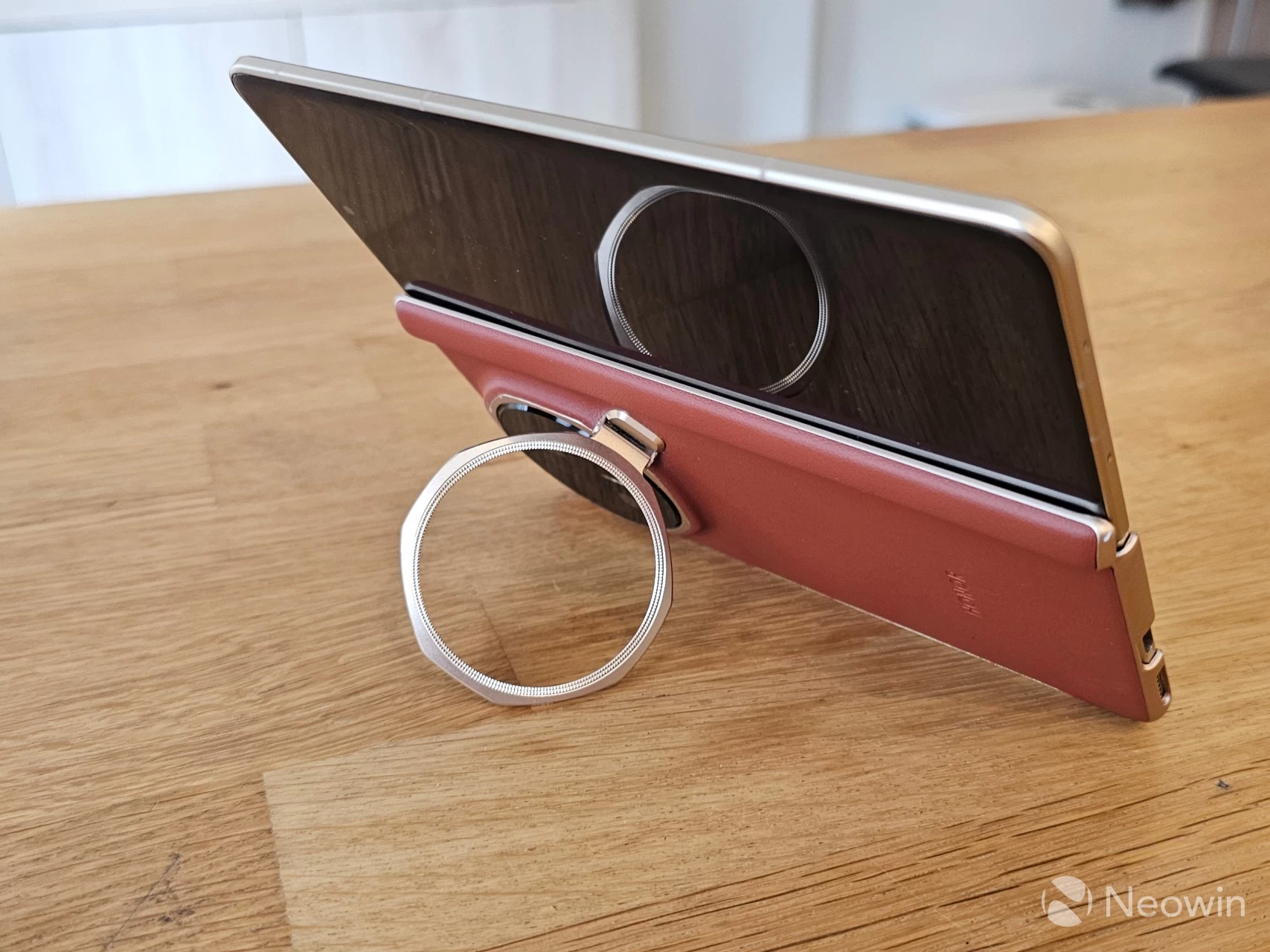
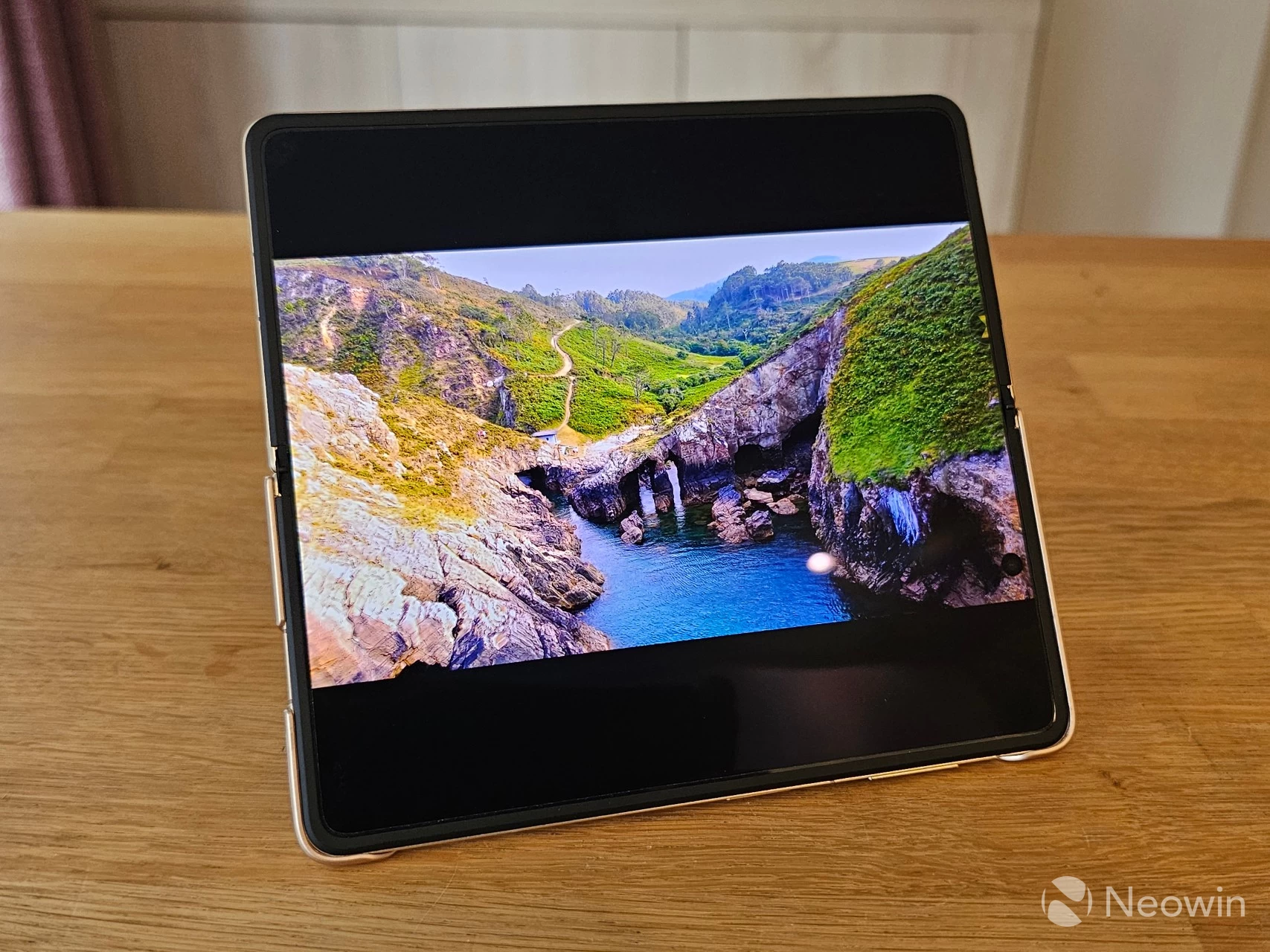
Another thing I love about the Magic V5 is the case stand that is included in the box, not only does it look great but it is very handy too, the stand tucks away around the camera array and when you pull it out you can use it as a stand for the phone so you can watch media hands free. It's a really creative use of the large camera hump and blends seamlessly with the design of the phone.
It's also important to point out that most of what I found wrong with this phone can be fixed at a software level, which is good news. I do not like the aggressive battery saver being set as default which results in lost productivity, and although this can be fixed by enabling "Performance mode" in the Android Settings, some apps still appear to not deliver the Push notifications, so I will be passing on my feedback to the proper channels.
Ecosystem
Finally, as I said at the beginning of this review, I am coming off a Samsung phone, and I am already heavily invested in that ecosystem with a Galaxy Watch7, a Galaxy Ring, and one of my TVs is also a Samsung. Therefore, I am kind of "stuck." I no longer have the premium features of device inter-connectivity unless I go buy an HONOR smartwatch, and the HONOR Watch 5 Ultra is not even available to buy in the Netherlands; there's also no ring wearable yet. I feel like if those things start to become available, it can be a much easier choice to make. I'l just say it, yes there's a learning curve; if you're open to something new then HONOR has you covered with its premium-grade foldable.
Where to buy and coupon
The HONOR Magic V5 is available now on the official website for £1,399.99 (with in-page coupon AV5UK300 applied at checkout). To further sweeten the deal, when purchasing directly from HONOR, they will also include the HONOR Magic-Pen (worth £79.99), Screen protectors for the outer (worth £149.99) and inner (worth £149.99) screens, and the SuperCharger Power adapter (worth £24.99) free of charge. That's £404.96 worth of goodies, for free!
Although the HONOR Magic V5 is not officially launched in the U.S. it can still be bought on Amazon, and as of writing it is currently on sale for $1,799 which is 18% off the list price of $2,199.
As a quick reminder, the Galaxy Z Fold7 is currently £1,899 (or $1,799.99 in the U.S.) for the 12GB / 512 GB equivalent, so that's 4 GB less memory, and even without the coupon savings, the Magic V5 is still £200 cheaper (£500 as of writing) and you're not getting any freebies with the Samsung option.
As an Amazon Associate, we earn from qualifying purchases.












15 Comments
Load the comments and join the conversation!
Read the comments, ask the editors questions, show respect and join the conversation.