I strongly believe that the best controller layout is the one that Microsoft uses in its Xbox Wireless Controller. Asymmetrical sticks are better for ergonomics, and all of my gamepads are just like that. When Hyperkin offered me the chance to take a look at The Competitor, its new DualSense-like controller, I thought it would be a great opportunity to see what the other side has to offer. The Competitor is an interesting mix of both worlds, and after several weeks of use, here are my thoughts about it.
Disclaimer: Hyperkin provided the review unit without any review inputs or pre-approvals.
The Competitor is a wired gamepad for Xbox and PC. It is officially licensed for Microsoft"s consoles, which means it supports additional features, such as the ability to wake up your Xbox and mic/audio passthrough. Its $49.99 price is a bit higher than other wired controllers, but Hyperkin makes up for that with a few things that make it quite a good deal.
It goes without saying that if you do not like symmetrical layouts or the looks of the DualSense gamepad, The Competitor is not for you. It clearly targets a specific audience that wants a bit from both worlds with a few extras.
In the box
The Competitor arrived in a quite small box with quality print all over it. Inside, you will find the controller, a very long USB Type-A to Type-C cable, two extra sticks, and a bunch of paperwork, including one month of Xbox Game Pass Ultimate. Right off the bat, I give Hyperkin a big thumbs up for making the cable removable. They could have cheaped out and made the cable fixed, but having the ability to use your own cable is a welcome feature.
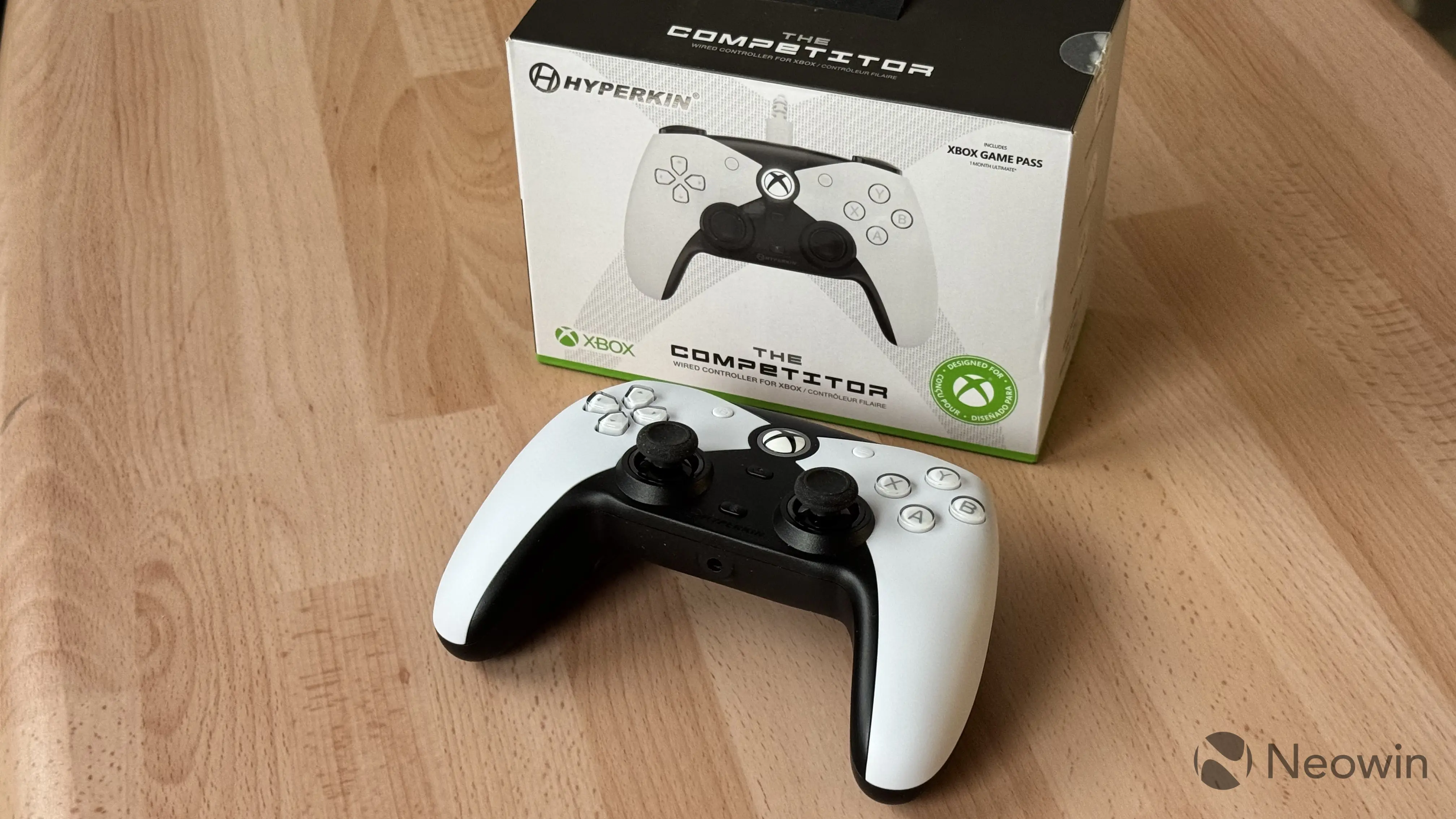
As I said, the bundled cable is quite long (10 feet or 3 meters). Sadly, it is quite stiff and not braided. It is not the end of the world, but I would prefer to use a better cable with The Competitor. As for the bundled sticks, there are two pairs for you to choose from: convex and concave, both with identical height. The difference between them is not that noticeable, and to be honest, I would rather have two sets of sticks with different heights. Swapping thumbsticks does not require disassembling the gamepad; just apply a bit of force to pull them out.
The Competitor
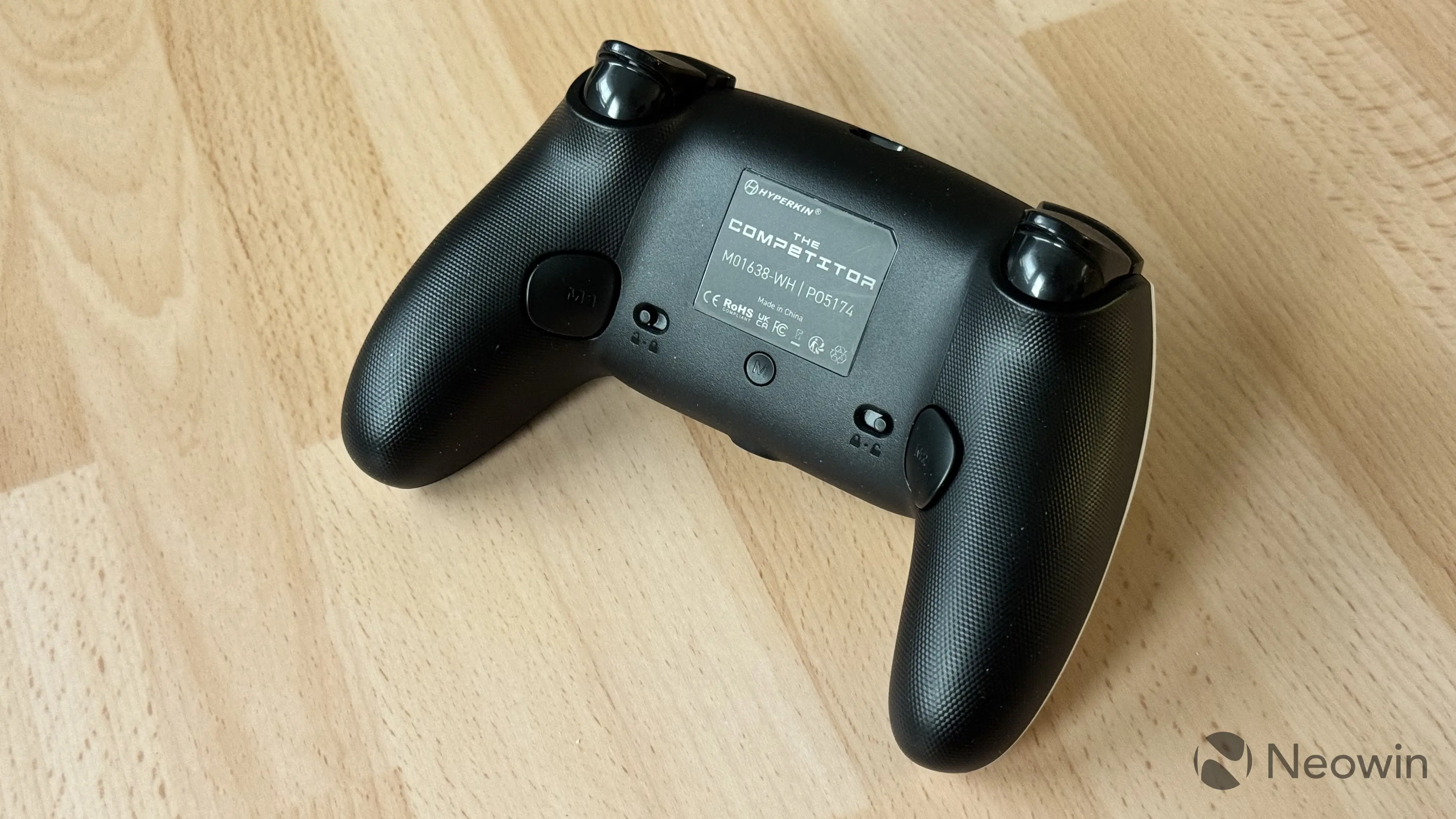
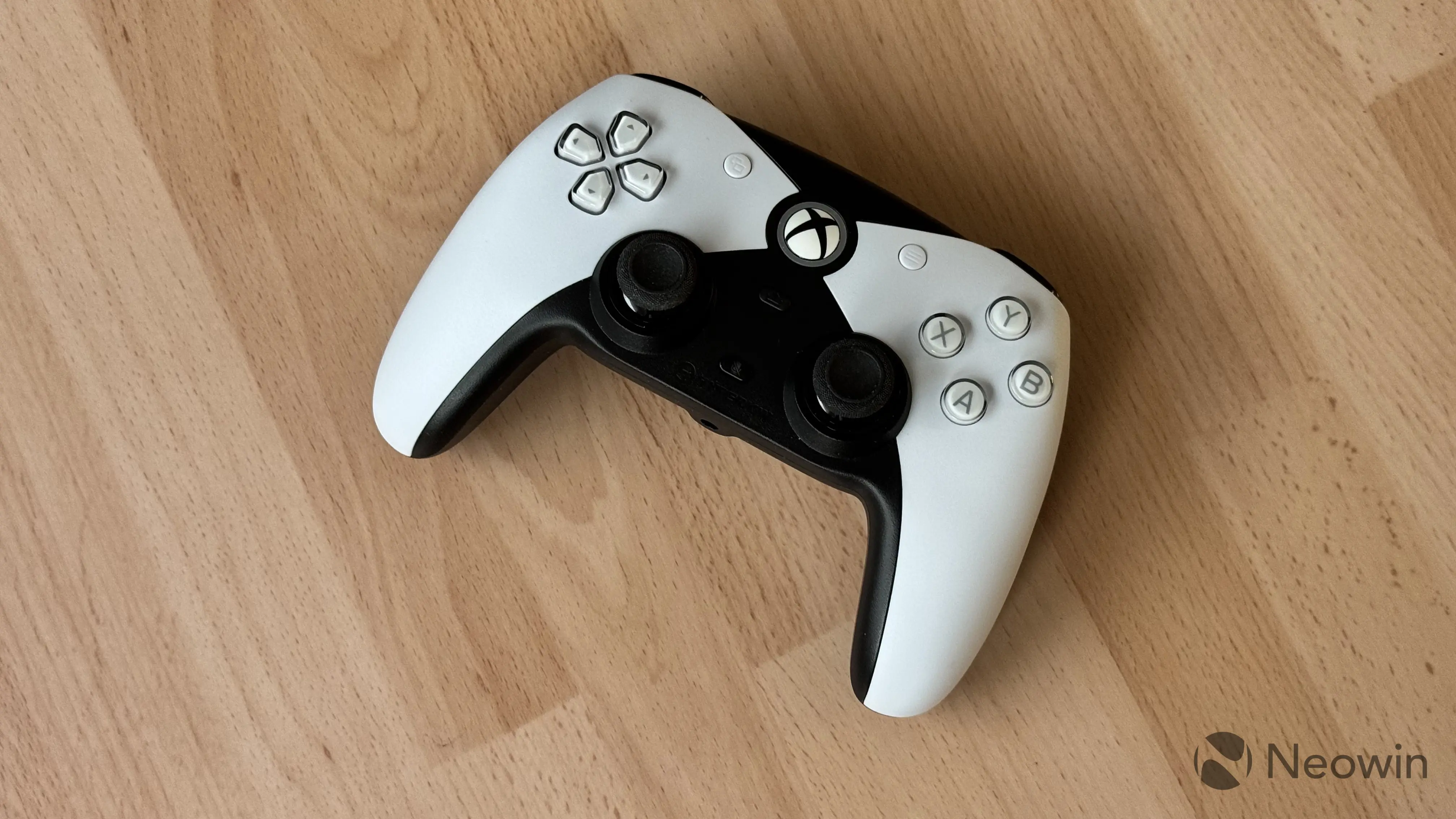
The gamepad is made of hard plastic with texturized back. Diamond texture adds a bit of extra grip and makes the controller feel nicer in the hands. The Competitor is available in two color variants: fully black (a bit boring, if you ask me) and DualSense-like black and white. The plastic is hard and a bit coarse, but make no mistake, it does not scream cheap. While I like rubberized grips for better comfort, I also understand that such gamepads wear out faster, so with no battery and brittle materials, The Competitor should last for a long time.
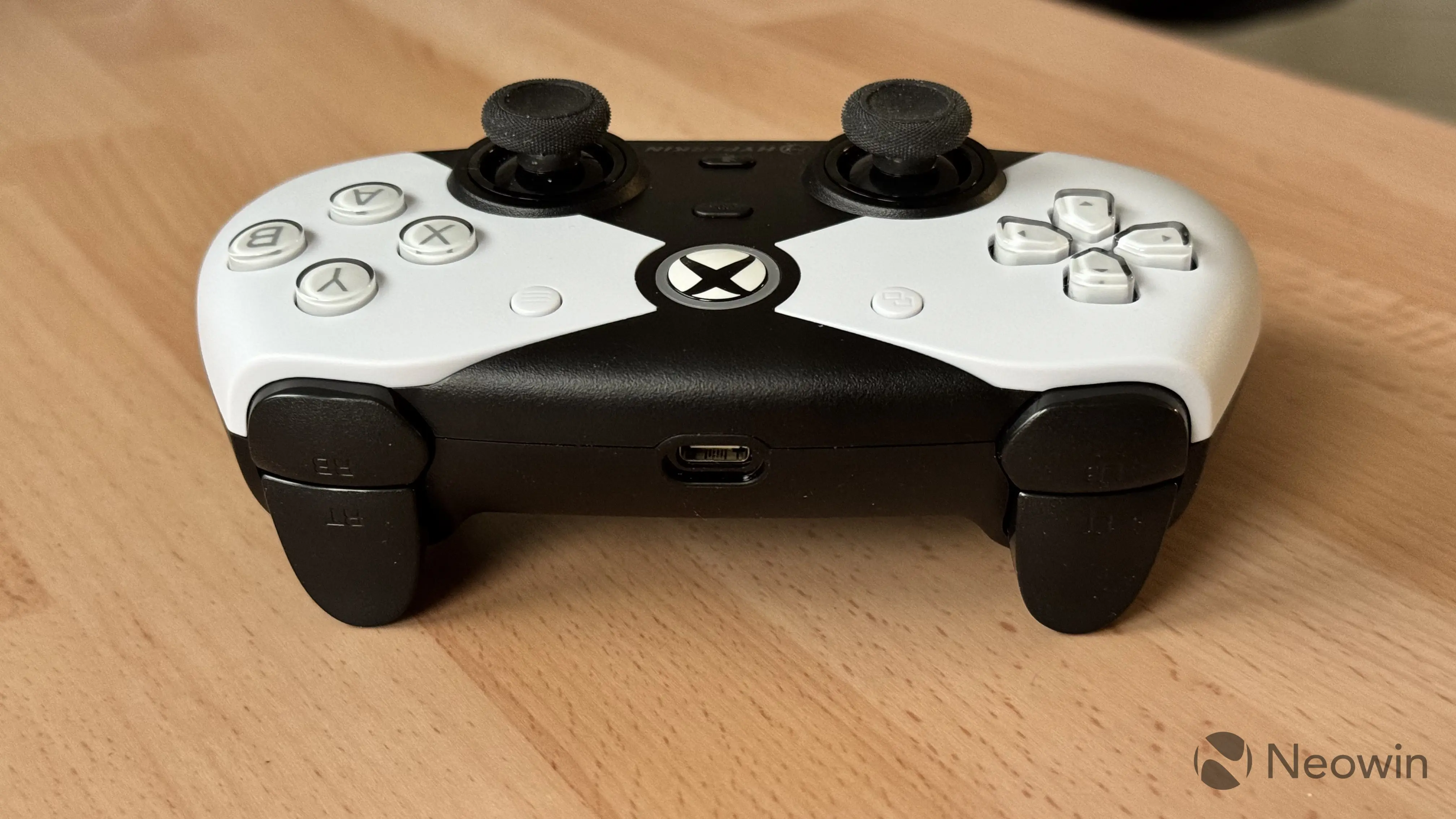
Build quality is also good. The gamepad does not rattle, crack, or squeak, even outside what you would call normal use. Squeezing it hard also does not show any signs of poor craftsmanship.
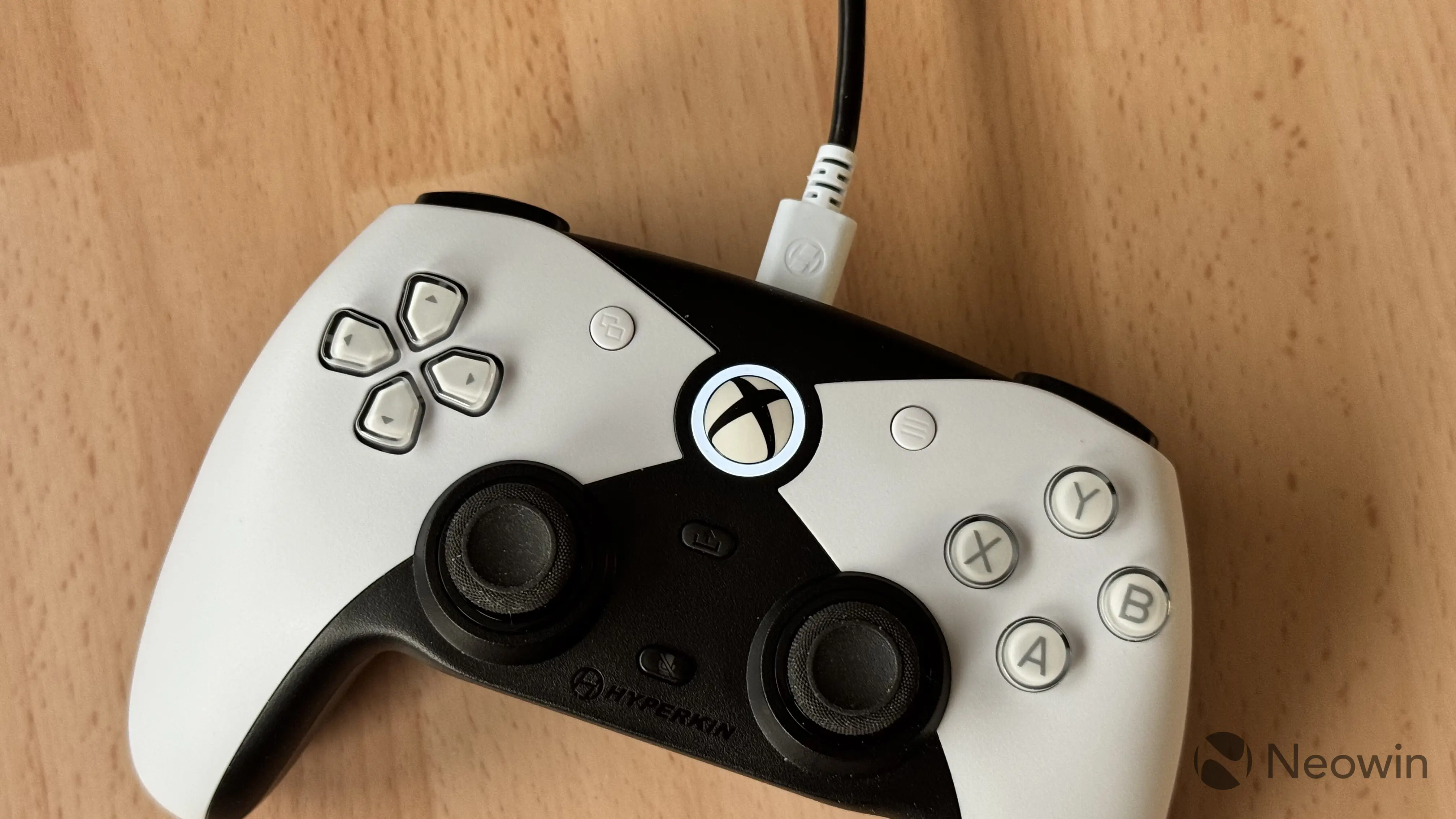
Given that the controller is officially certified for Xbox, it has a massive Xbox button in the center with an LED ring that glows white when the gamepad is connected. It is very nice and satisfying to press.
The Competitor uses Hall Effect sticks and triggers, something that every modern gamepad should have. Hall Effect sticks are less prone to drift over time, are more precise, and have better longevity. Each stick has an anti-friction ring, and indeed, both are very nice to use. The only disappointment with the triggers is that there are no trigger locks. Triggers themselves are very similar to those in the DualSense. They are soft and quiet in use.
Unlike DualSense, vibration here is much more basic, with the gamepad having just one motor in each handle. While there is nothing extraordinary about them, they are not rattly and do not make you want to disable vibration the moment you feel it. Just simple, no-nonsense motors.
On the back of the gamepad, you can find two programmable buttons, which can be mapped to any other button on the gamepad by pressing and holding the M button and the corresponding back button (there is no software for mapping on PC or Xbox). These back buttons are placed in the area where accidental presses could be very common, so Hyperkin added button locks. When enabled, buttons stop moving, preventing any unintentional inputs.
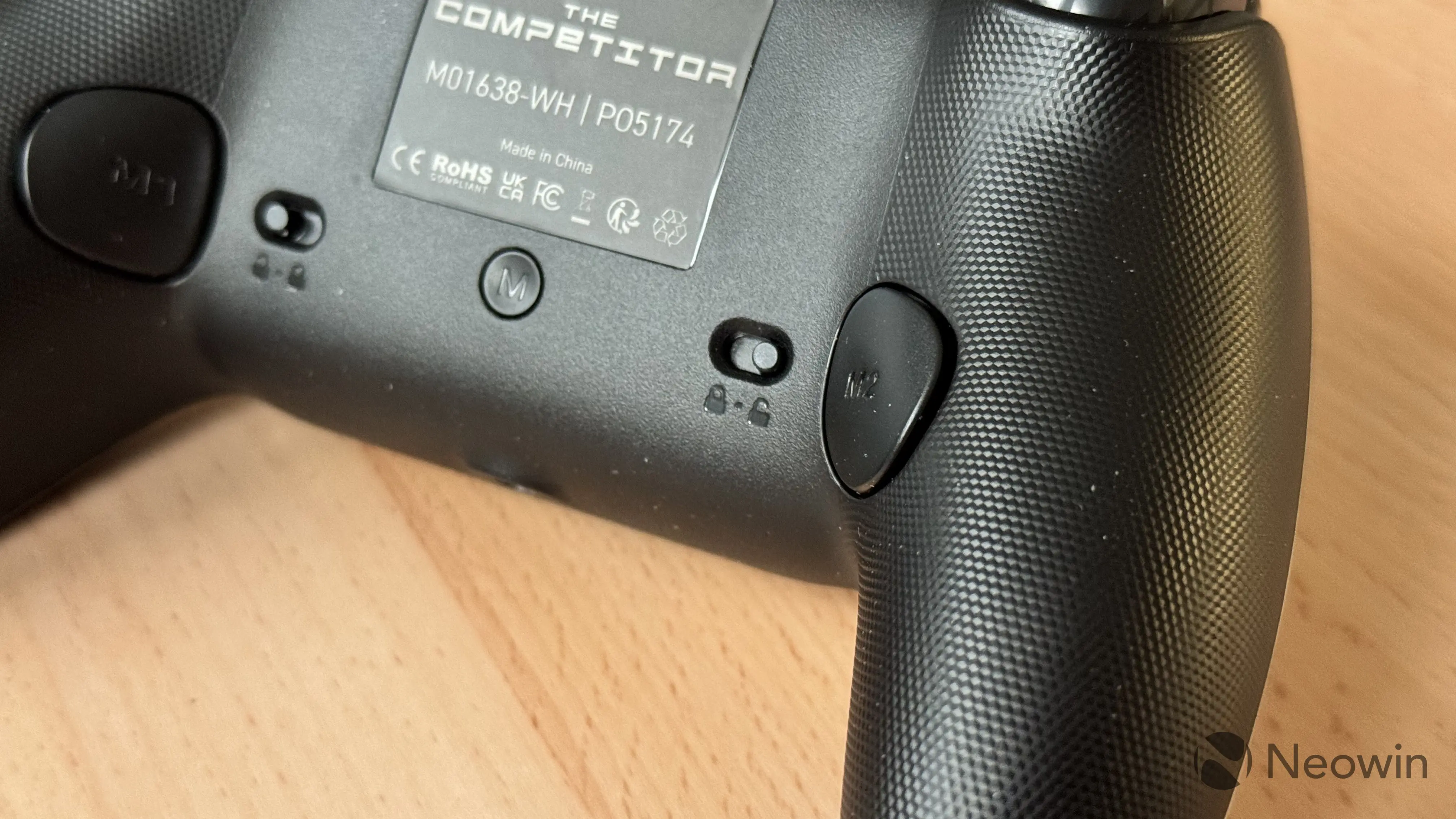
Besides traditional controller elements, Hyperkin equipped the gamepad with a mute button that turns on/off the mic in your headset and a typical share button for taking screenshots and recording audio.
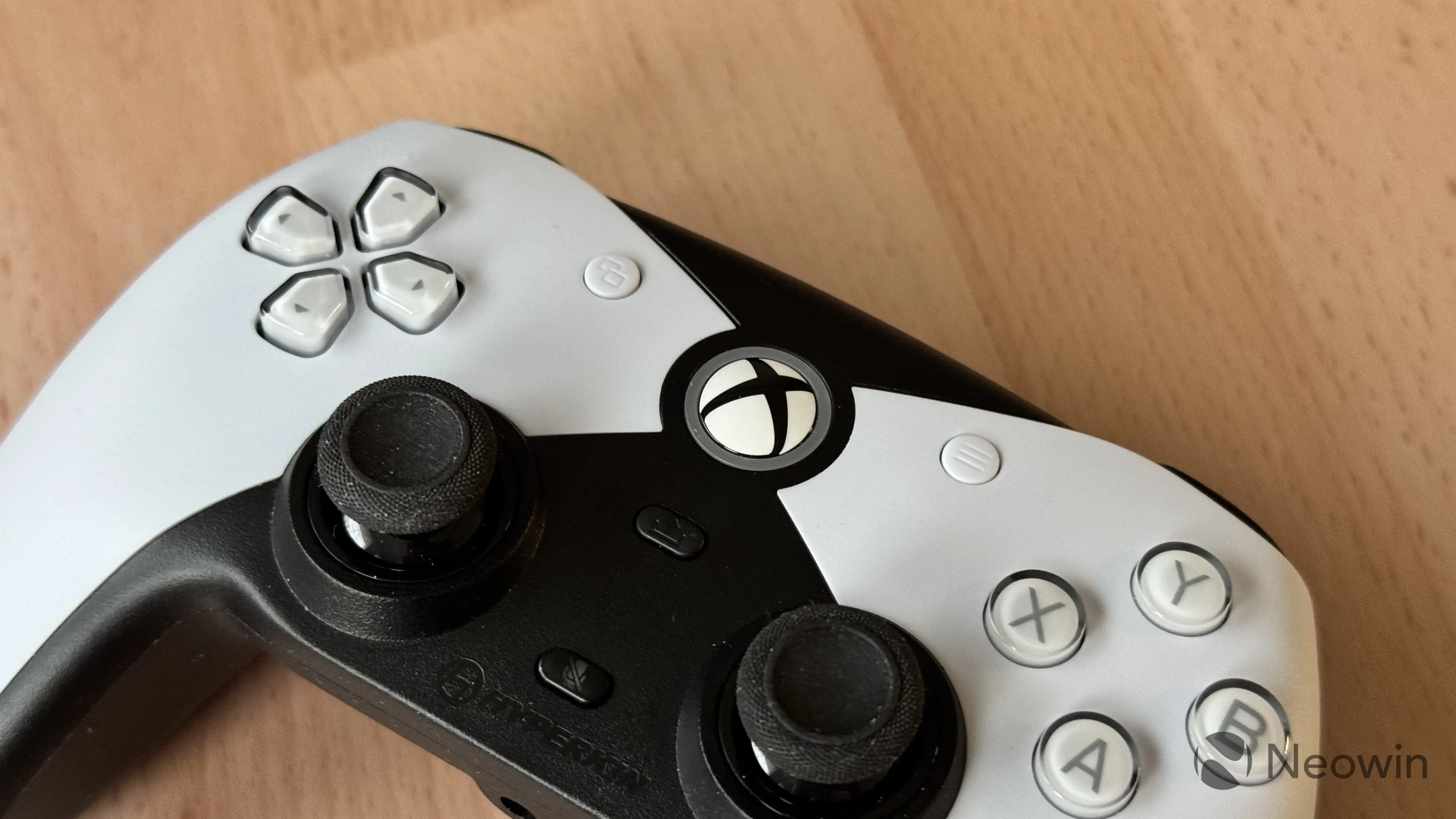
Hyperkin says a wired connection eliminates lag and latency for "uninterrupted performance." While that is indeed a massive benefit of wired gamepads, I was a bit surprised to discover that The Competitor operates at a 250 Hz polling rate, which, for a $50 gamepad, feels a bit stingy. Cheaper controllers like the GameSir Super Nova deliver four times that in wired mode, and I feel like Hyperkin should have done much better in this regard. Despite the low polling rate, sticks are accurate and stay dead-center on rest, no complaints here. If you are not sensitive to low polling rates in gamepads, you will not have any issues here.
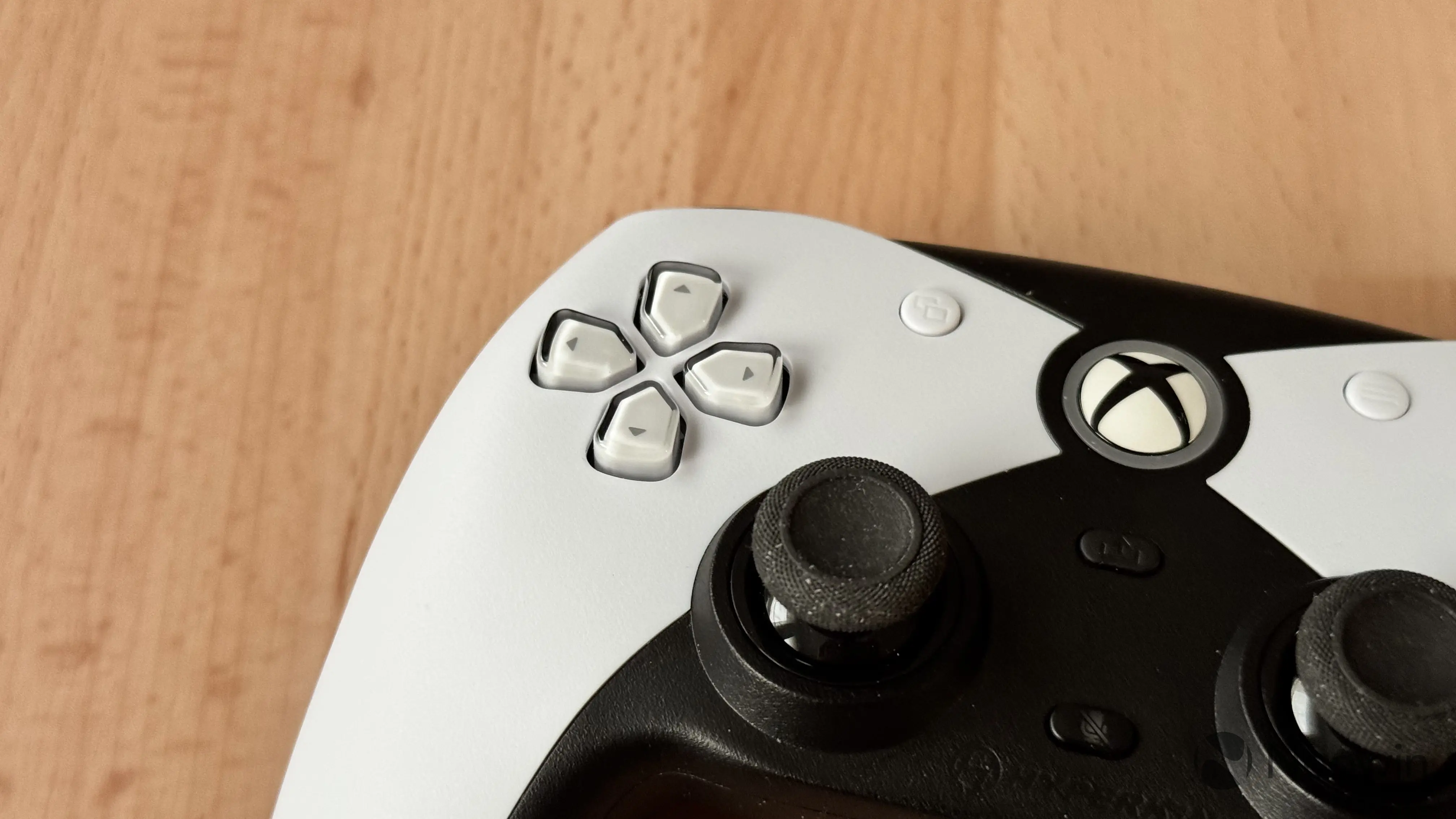
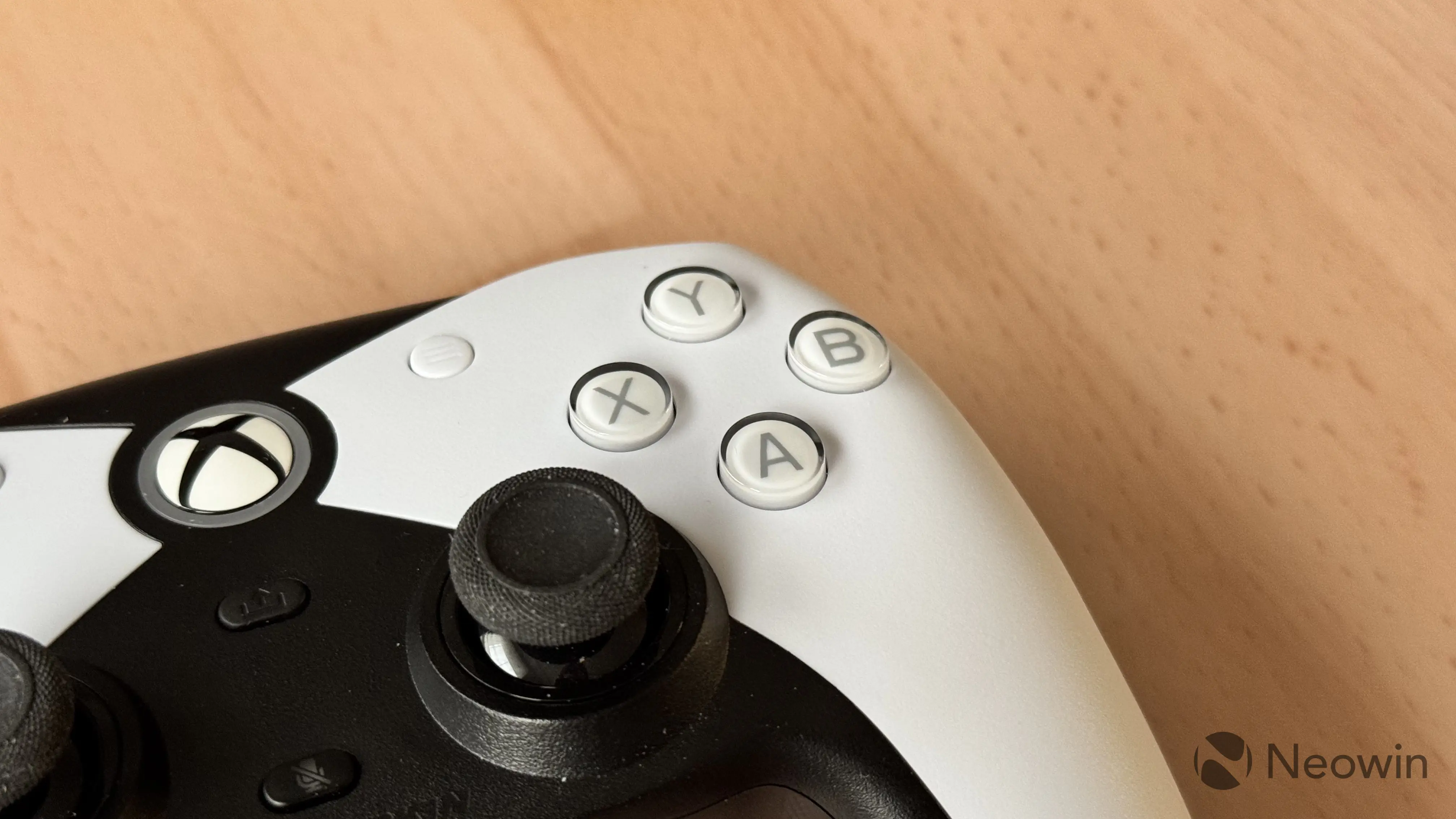
Although I did not discover any major problems with the quality of buttons, sticks, and other elements, I am not a fan of the wobbly D-Pad. It makes the experience feel less premium or satisfying. Another strange thing that was hard to get used to is the pretty big distance between ABXY buttons. During testing, it felt unnaturally big, and it took a while to get used to.
ABXY buttons are what you would call just your regular buttons. They are not too soft and have good, springy tactility despite not using fancy stuff like microswitches. Hyperkin managed to strike a pretty good balance and make The Competitor properly priced without cheaping out on important things. You can easily register each button press, and none of the buttons feels mushy. Good stuff.
As for ergonomics, the gamepad itself is on the bigger size, so if you have small hands or just do not like gamepads that feel a bit massive, you may have a little hard time with The Competitor at the beginning. With that said, I did not find anything extraordinary. The Competitor has no apparent dealbreakers or massive issues, so if you like the form-factor, it will serve you well.
Conclusion
Overall, it was fun experimenting with The Competitor and its form factor. After several weeks of use, I still prefer asymmetrical gamepads, but I no longer shun stuff from the other camp and can play with The Competitor or similar controllers just fine.
$49.99 for a wired controller may feel a bit on the higher spectrum, but it is still what I would call an affordable controller, given it can last you very long thanks to a wired connection with a removable cable and no built-in batteries. Additionally, the price is offset by one free month of Xbox Game Pass Ultimate you get with each gamepad, which saves you $20. And if you manage to catch The Competitor at a sale, it becomes an even better deal. This gamepad is not for me because of its layout, but for fans of symmetrical gamepads, I can easily recommend this one.
You can buy the Hyperkin The Competitor for $49.99 on Amazon.
As an Amazon Associate, we earn from qualifying purchases.