Over the past several months, Microsoft has been adding a variety of Copilot-powered features to OneDrive for enterprise and business customers. Today, at the Copilot + OneDrive event, Microsoft highlighted many of these capabilities along with several new additions.
Copilot in OneDrive already allows users to extract information, compare documents, and generate summaries or insights without opening files. It can also create audio overviews of Word documents, PDFs, and Teams meeting recordings, making it easier to stay informed. Previously, to access these features, users had to select the desired file or files and then choose the Copilot button in the command bar or the More actions (...) menu.
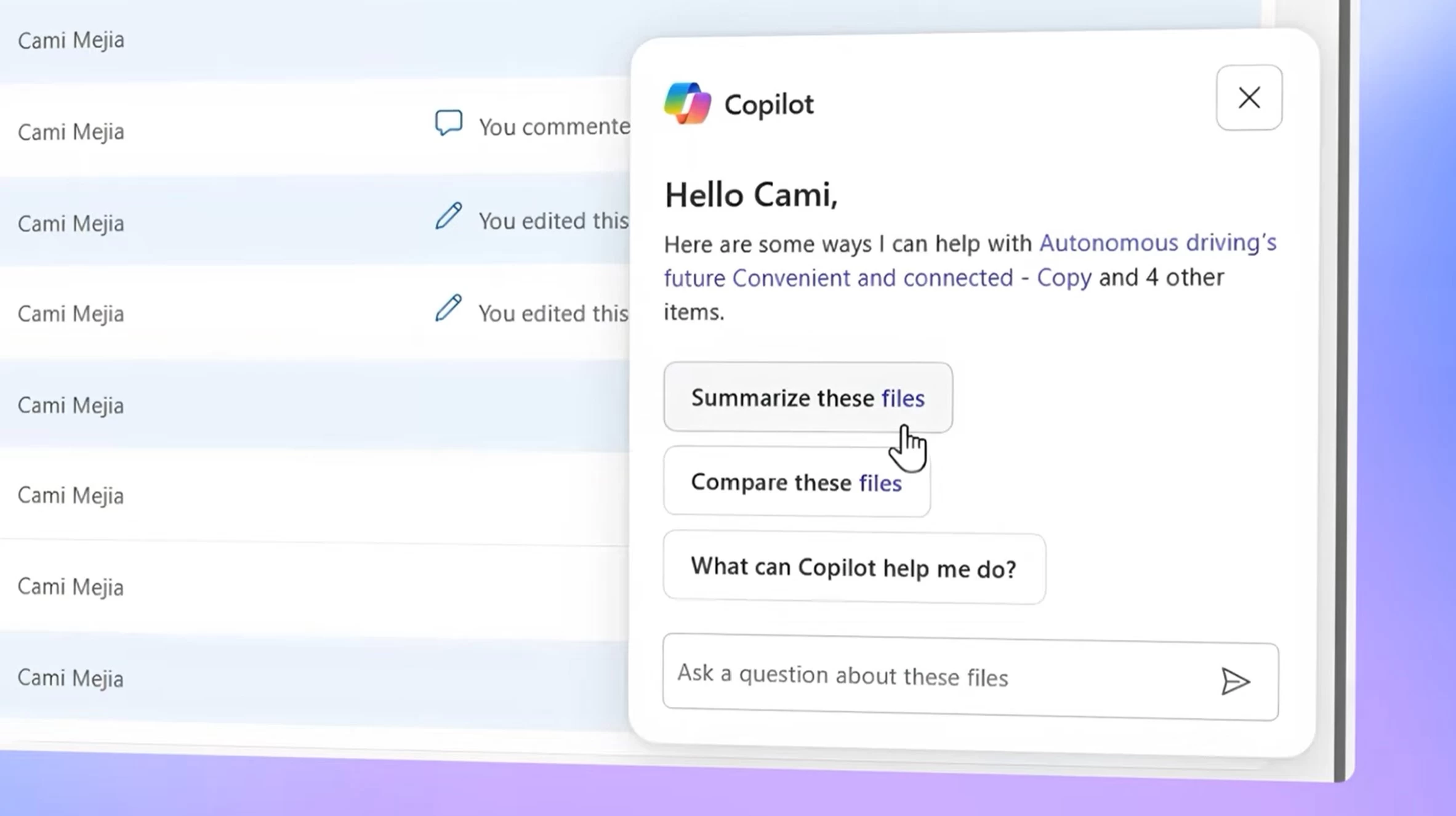
Today, Microsoft announced a new floating Copilot icon in OneDrive for the web for users with a Copilot license. This floating icon will now always appear next to files and can be invoked with a single click. Users can simply select a file and click the Copilot icon to take quick actions like “Summarize these files” or “Compare these files.”
Another major change announced today is that all new documents created in Word for Windows (Insiders) will now save directly to OneDrive. Since the files are stored in the cloud, autosave will be enabled by default.
Accessing shared library content is a popular use case for OneDrive users in enterprises. Microsoft now allows users to add shortcuts to shared libraries and individual files for quick and easy access.
During the event, Microsoft also revealed three upcoming features for OneDrive. When users search for files, OneDrive will now present AI-grounded insights instead of just a file list. Users will also be able to create custom agents based on folders that can answer questions, summarize content, and more. Finally, Copilot’s Research Agent is coming directly to OneDrive, allowing users to generate research reports in just a few clicks.
At the Copilot + OneDrive digital event, Microsoft also introduced a major update to the photos experience in OneDrive. You can check out our coverage here.