
Microsoft"s Office apps are heavily used in the personal, enterprise, and education spaces. They are available online, through the Microsoft 365 suite of desktop software, and perpetual versions of the Office suite. Although the service receives major updates from time to time, it gets minor enhancements occasionally as well.
Today, Microsoft has announced that it is changing the standard red color in the font color picker in Microsoft 365 apps, including Word, PowerPoint, Outlook, and OneNote. This change applies to Windows and Mac.
Up until now, the standard red color had an RGB value of 255,0,0. However, this did not meet the Web Content Accessibility Guidelines (WCAG) designated for displaying text in red color in a contrasting manner on a white background. As such, Microsoft has slightly tweaked the RGB value to 238,0,0 to meet this particular requirement.
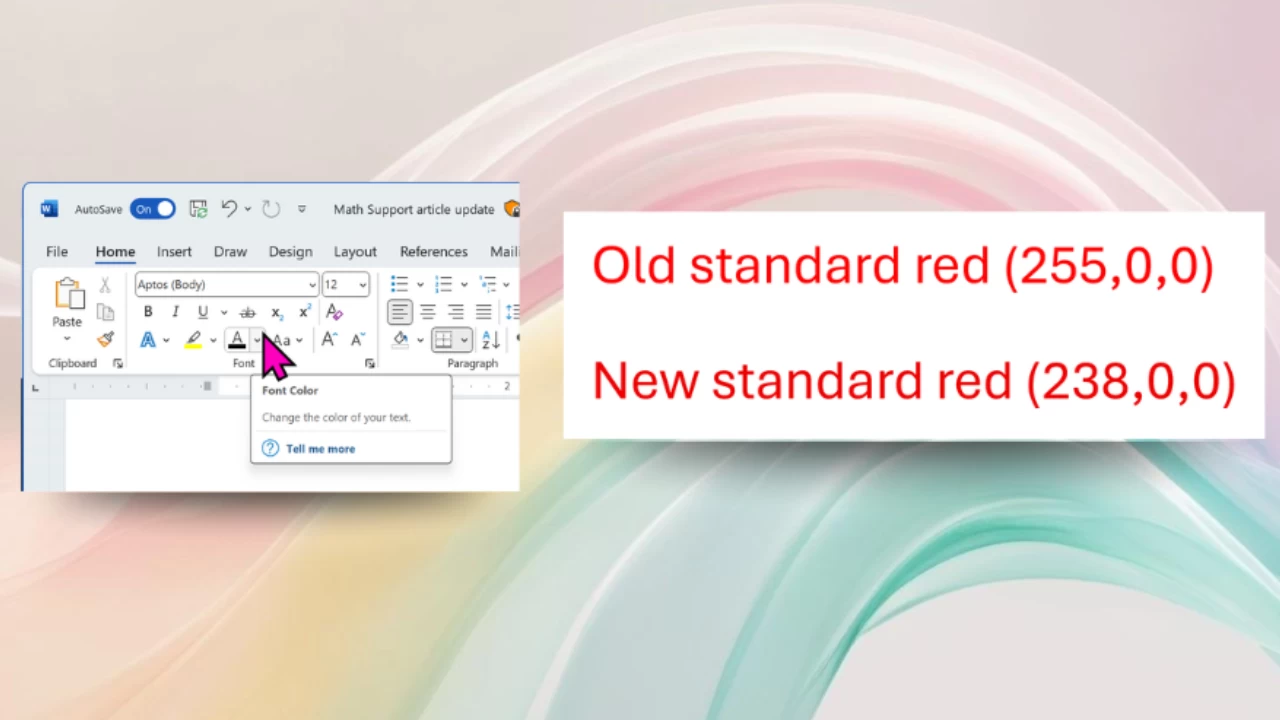
Microsoft says that while the change may appear minor, it claims that this "significantly" changes the color contrast, which is a major improvement for those with low vision or color vision deficiencies. The good thing is that customers don"t need to do anything special to make use of this configuration change. If you select the standard red color from the font color picker and then navigate to the More Colors > Custom option, you should see 238,0,0 listed under the RGB values.
Use of the standard red color is particularly common in Office applications, usually to highlight incorrect data or generally any text that requires particular attention. Microsoft 365 customers can take advantage of the updated red color in the previously mentioned Office applications on the following configurations:
- Windows: Version 2411 (Build 18324.20012) or later
- Mac: Version 16.92 (Build 24120731) or later
In our testing, the web variants of these Office applications still seem to have the old RGB value of 255,0,0 for the standard red color. It"s unclear when Microsoft plans to make this change on the web too.