Oukitel reached out to me and asked if I was willing to take a look at its RT10 tablet, which became available for shipping on Feb 2. You may remember I reviewed the RT8 almost two years ago, which, although had a quality build, was made up from dated specs for its time.
Well, I was excited to get the opportunity to put it through its paces, so let"s see how it holds up.
With that out of the way, first a disclaimer: Oukitel provided this sample without any editorial input or review pre-approval. Now some specifications:
| OUKITEL RT10 5G Rugged Tablet | |
|---|---|
| Material | Plastic, TPU, Aluminum-Titanium |
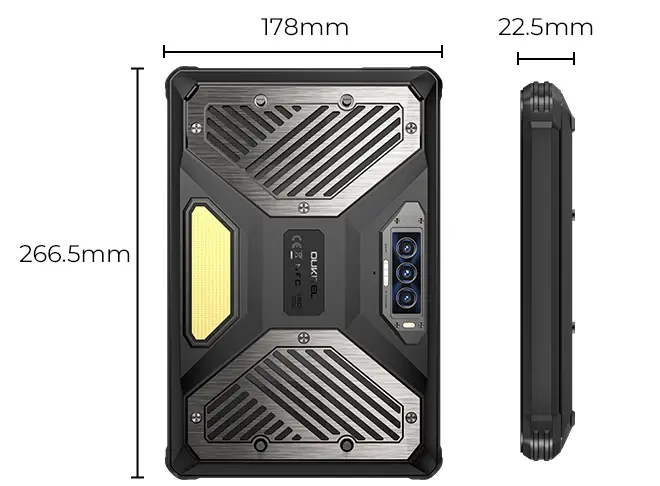
| Size | |
| Weight | 1255g (2.76 lbs) |
| Display | IPS FHD+ 500nit (cd/m²) 120, 90, 60Hz refresh rate 11 inches (~80% screen-to-body ratio) 1200 x 1920 pixels, (~205 ppi density) Corning Gorilla Glass |
| CPU | MediaTek Dimensity 7300 (4nm) Octa-core 2.5 GHz (4 x Cortex-A78 2.5GHz 4 x Cortex-A55 2.0GHz) MediaTek Dimensity 7400X (4nm) Octa-core 2.6 GHz (2 x Cortex-A78 2.6GHz 6 x Cortex-A55 2.0GHz) |
| GPU | ARM Mali-G615 MP2 |
| Storage | 512GB UFS3.0 |
| Memory | 16 GB LPDDR5+ (+32 GB expanded virtual memory) |
| Rear Cameras |
|
| Selfie Camera |
|
| Coms |
|
| Sensors |
|
| NFC | Yes |
| Security | Fingerprint unlock (in Power key) Face ID |
| Headphone Jack | Yes |
| eSim support | No (Nano + Nano/Nano + TF) |
| Audio | 36mm stereo speakers (5W up to 130dB) |
| Battery | Li-ion 25000 mAh, supports 33W fast charging / reverse charging
|
| Ruggedness | Rated MIL-STD-810H |
| Features | Camping light |
| Colors | Black |
| OS | Android 15 |
| Warranty | 1-Year |
| MSRP | $729.99 (discount price at review conclusion) |
Notes
The product page says that the RT10 ships with 12GB memory, while my sample has 16GB, the reason for this, according to my contact, is because I received a "beta version" of the tablet that included more memory, lucky me! In addition, our test version includes the MediaTek 7300 CPU while the production version ships with the MediaTek 7400X, so our benchmarks will not reflect actual real-world performance of the production version.
Oukitel says that the RT10 has LPDDR5+ (which does not exist) on its own website, but this plus sign addition likely has to do with the memory expansion that is possible in the Android settings (Is this a download more RAM moment?). 24GB of the 512GB UFS3.0 storage can be assigned to the 12GB of physical memory, boosting it to 36GB total.
Google is our friend here, providing an explanation for the whole "RAM plus" moniker:
Android memory expansion, often called RAM Plus or Virtual RAM, uses a portion of your slow internal storage as temporary, faster RAM for smoother multitasking, but it"s slower than true RAM; you enable it in Settings (e.g., under Device Care or System), choosing an amount to allocate from storage, which then requires a restart. While it helps keep more apps open, it"s not a substitute for more physical RAM, and some phones also offer SD card slots for storage, not app RAM.
So that just leaves you with the decision to slow down your RAM speed, or keep with the lower amount of faster physical RAM. To me it"s all marketing jargon, and a numbers game.
Another mistake in the product specifications (later updated to include it) is that the fingerprint unlock was not mentioned at all, while it actually includes one. There is also an RT10 Industry SKU that also includes a fingerprint scanner on the rear of the tablet (and barcode scanner). My review sample is not labeled as RT10 Industry, and a (physical) barcode scanner is not included on my RT10. There is a product image that highlights the fingerprint sensor in the RT10, but it is missing in the device specifications, I reported this to my contact.

Introduction
As can be seen from the specifications, there"s no groundbreaking hardware involved here. The Q1 2025-released MediaTek Dimensity 7400X is a mid ranger equivalent to the Snapdragon 7 Gen 4. There"s no eSIM support, but this time around a fingerprint unlock is included in the power button.
I"ll be drawing some comparisons from the RT8, because I never got the chance to review last year"s RT9. I will say this, it does include newer components than the RT8 did at launch, but much also remains the same, and it has a far higher MSRP ($729.99 vs the RT8"s $429.99) with the inclusion of a Stand, fingerprint reader, 5G and WiFi6E being the main difference here.
Let"s take a look at the bands it supports:
| Bands | |
|---|---|
| 2G: | B2 (1900), B3 (1800), B5 (850), B8 (900) |
| 3G CDMA: WCDMA: | BC0/BC1 B1/B2/B4/B5/B6/B8/B19 |
| 4G TDD: FDD: | B34/B38/B39/B40/B41 |
| 5G: | n1/n3/n5/n8/n12/n20/n25/n28/n38/n40/n41/n66/n77/n78 |
What"s in the box
The packaging is standard fare. The cardboard box includes:
- RT10 x 1
- Power Adapter x 1
- USB Cable x 1
- Ejector Tool x 1
- Protective Film x 1
- User Manual x 1
- Warranty Card x 1
- Wrist strap x 1
- Aluminum bracket x 1
- Shoulder Strap x 1
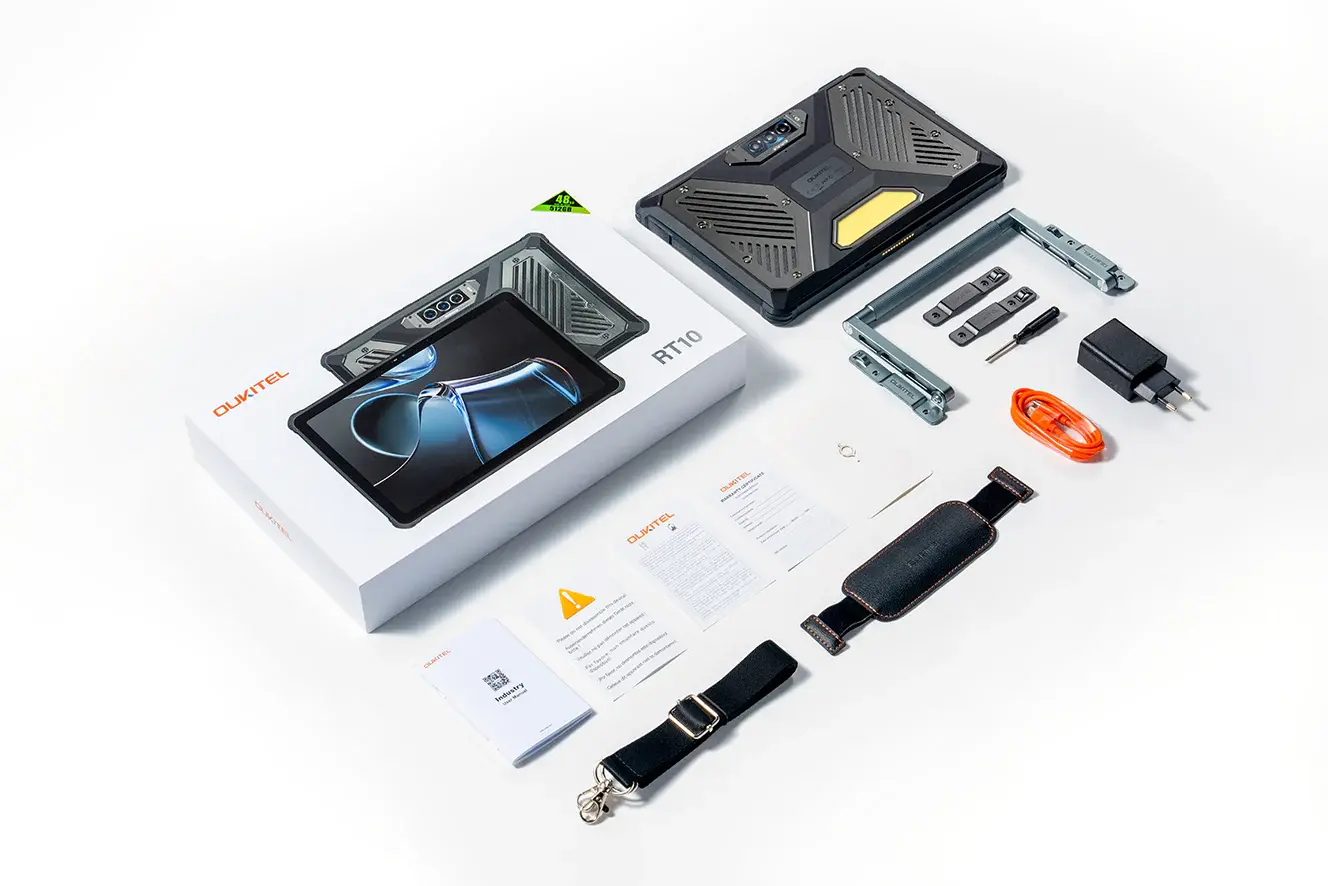
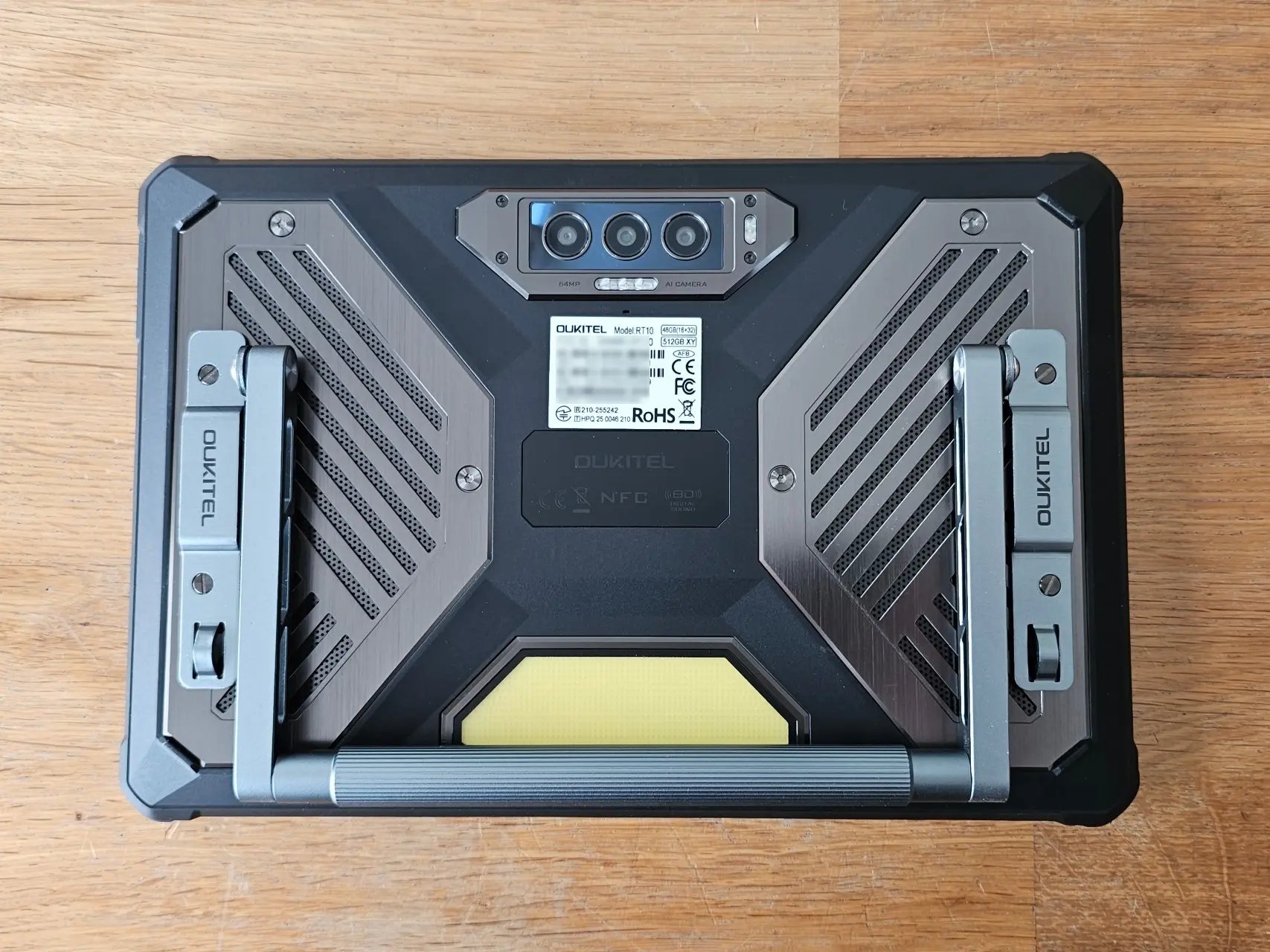
The packaging is the same experience from the Oukitel RT8 I reviewed two years ago, however instead of bundling a trifold case (which is likely too weak for a tablet of this weight,) the RT10 comes with an aluminum stand, shoulder strap, and a leather wrist strap that must both be screwed into the back of the tablet with four screws. I think an opportunity was missed here to make the wrist strap permanent on the back, with the shoulder and stand being the optional additions.
In any case, you need a screwdriver handy to remove or swap between the two options, and the screws are quite small and not of the Philips screw head type for whatever reason. Although screws with one line look cool and retro, they are annoying to use. I affixed the stand because it can also be used as a handle for carrying around. Don"t get me wrong, they are both nice additions.
Design
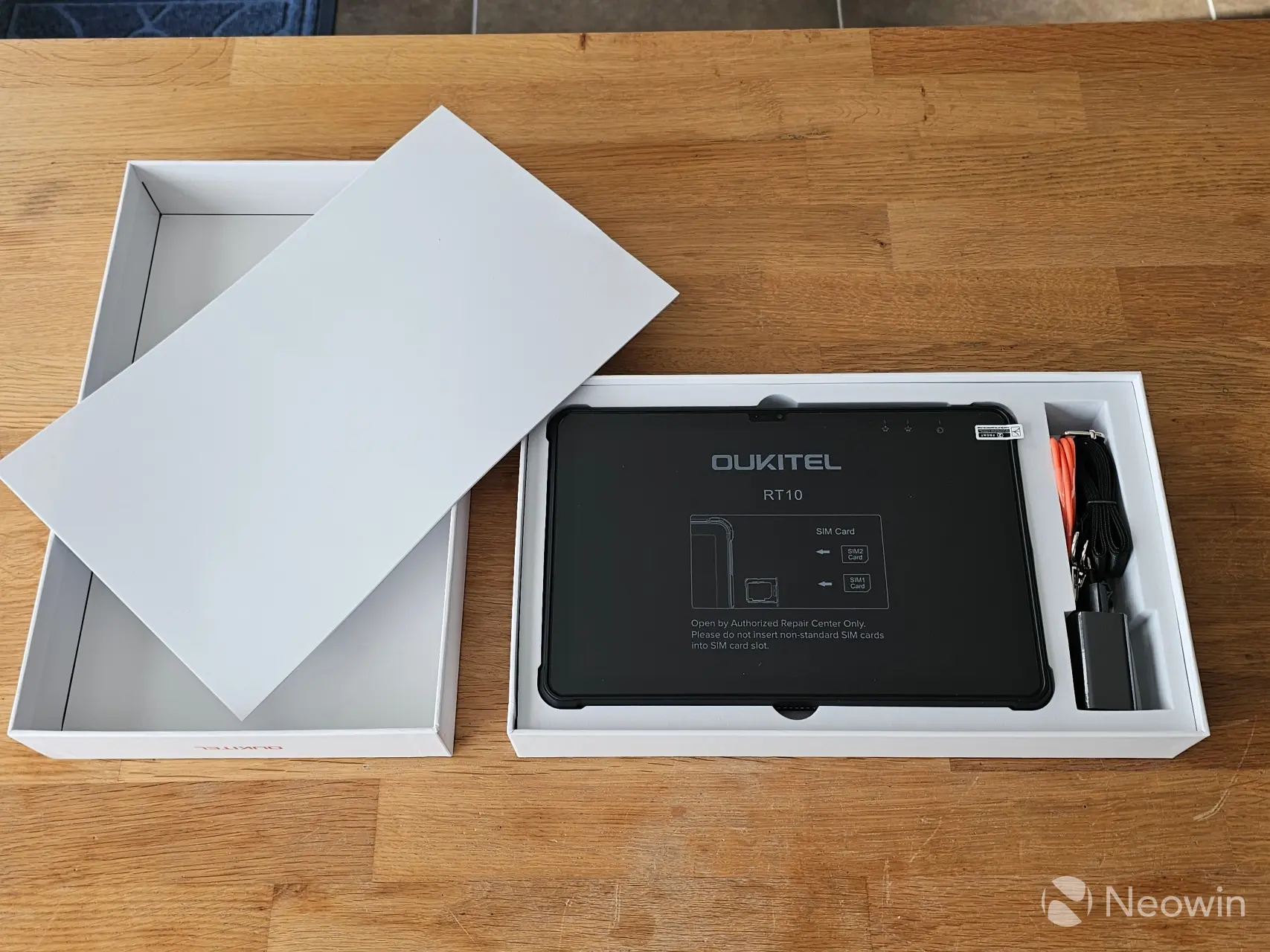
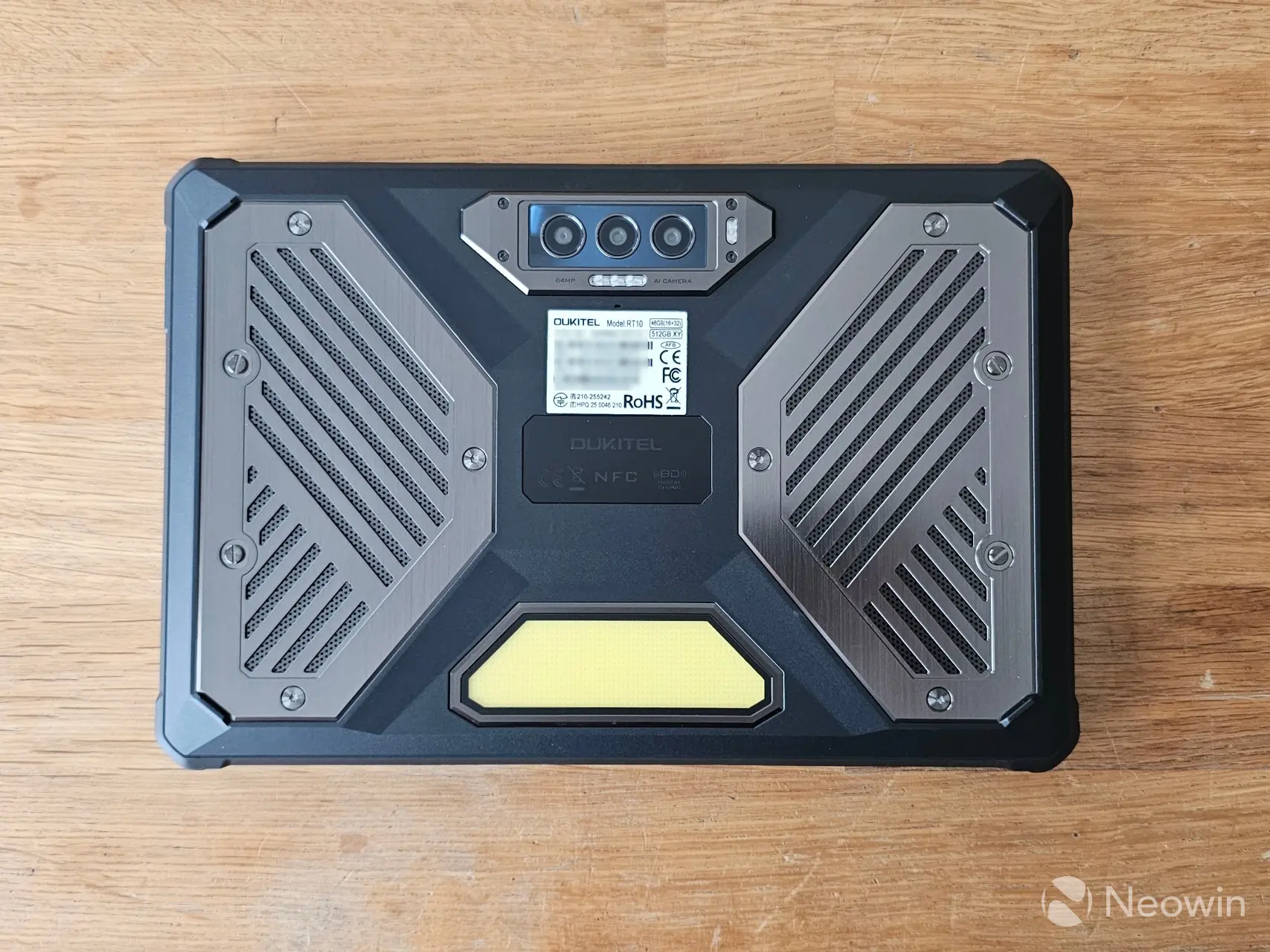
The tablet itself has an all-glass front protected with an unspecified Gorilla Glass version and is made up from a "Plastic, TPU, Aluminum-Titanium" housing. The RT10 feels quite sturdy, and it should be, being over a quarter of a kilo heavier than the RT8; there was no creaking when I tried to bend it by pushing down on the corners while holding it up.
The Type-C USB + headphone jack ports, along with a separate Nano SIM/TF slot can be found on the top right side of the tablet (in landscape mode) which are both protected against water ingress with rubber covers that are easily peeled away with a fingernail. The RT10 supports dual SIM or SIM+TF for expansion up to 2TB.
| Top | Right side | Bottom | Left side |
|---|---|---|---|
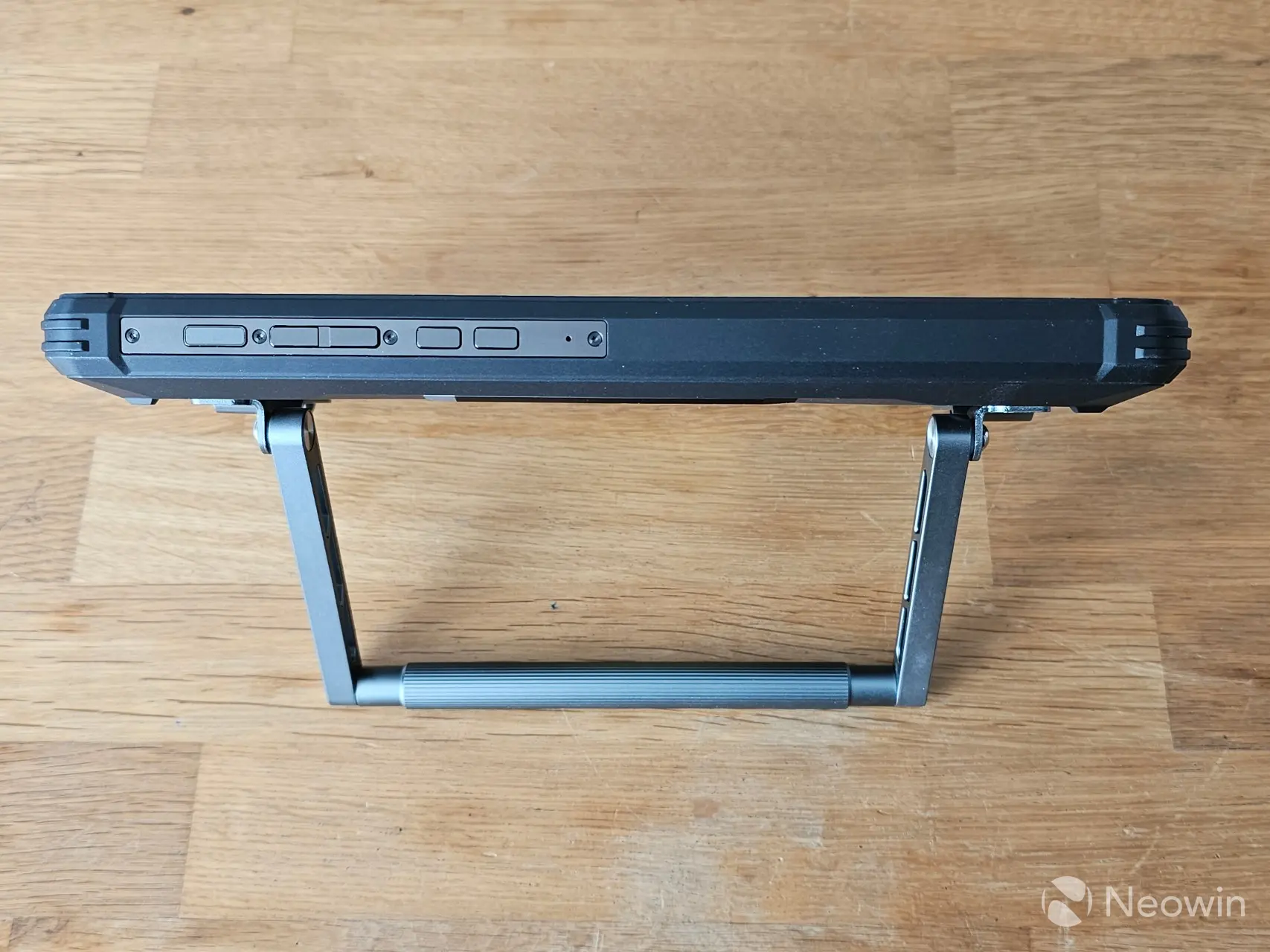
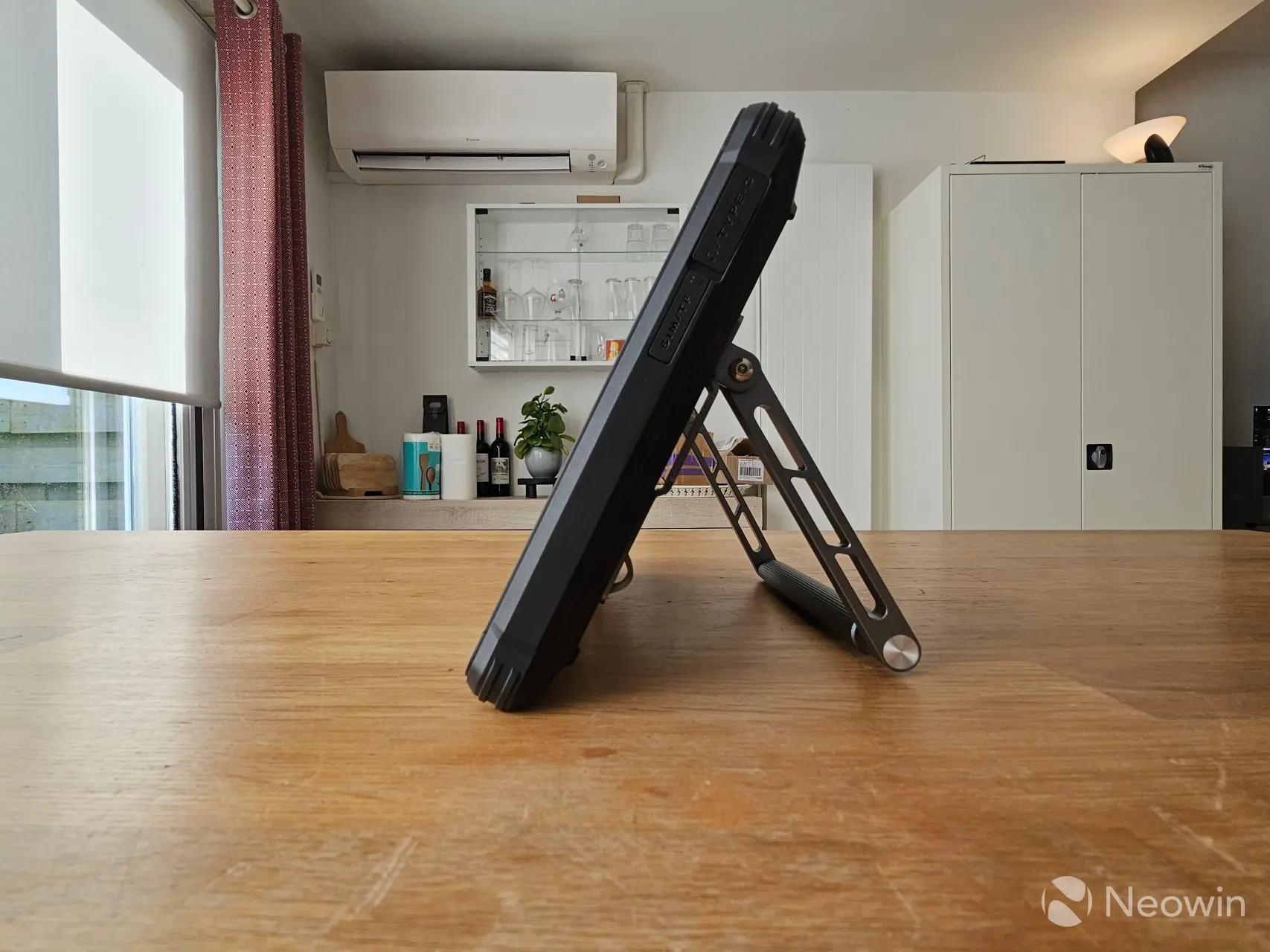
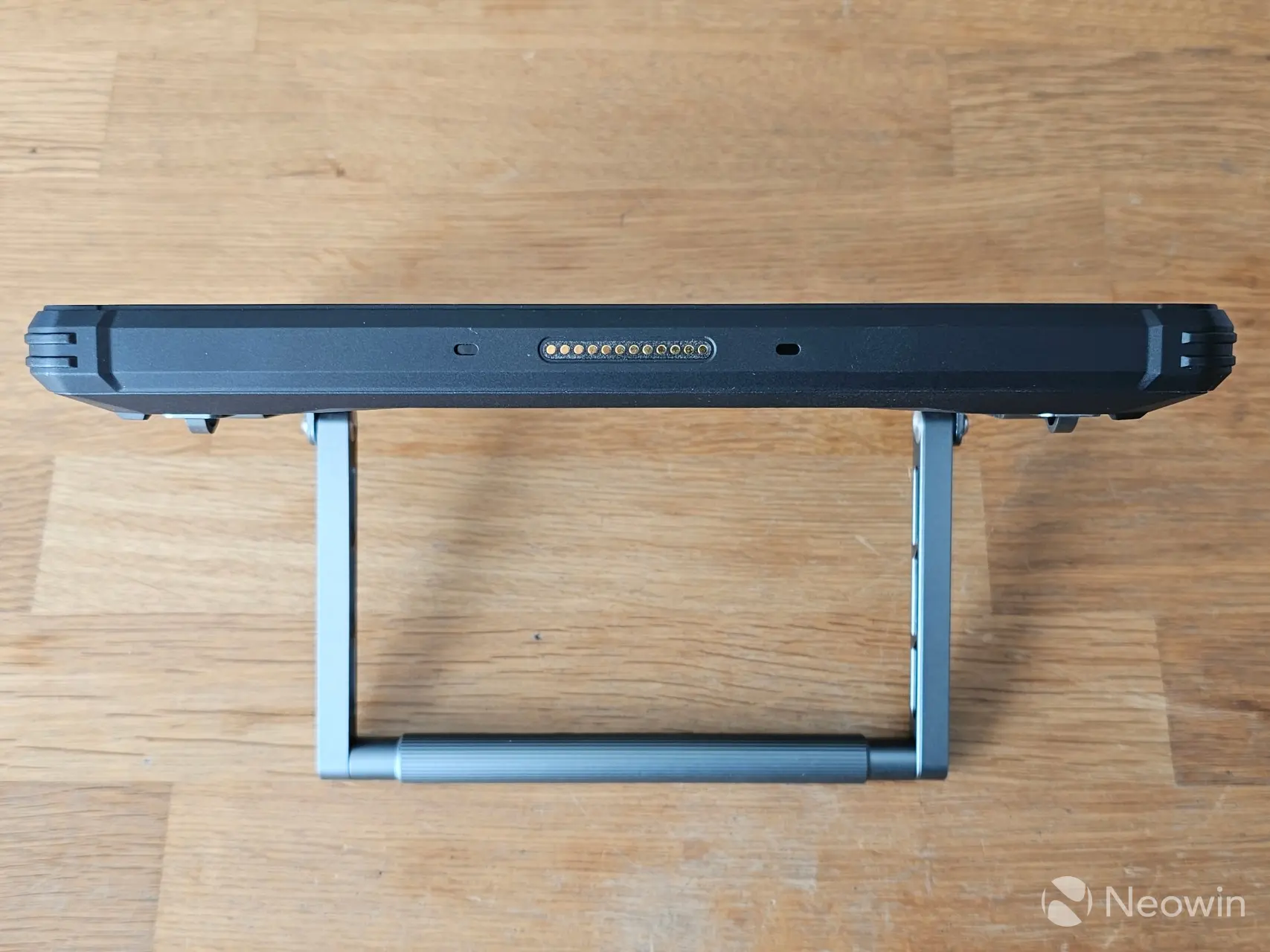
Up top situated to the right in landscape mode, is a mic hole, two action buttons, volume buttons, and the power button which doubles as a fingerprint sensor. On the bottom are Pogo pins for a charging dock (not included) and the left side is completely smooth with no controls or openings.
At a 1.255kg, this tablet becomes heavy quite quickly when held for prolonged periods with one hand, which ruled out the wrist strap option for me. I would say it is not comfortable to use as an e-reader in bed, as it becomes too heavy for that purpose. However, thanks to the stand, you could prop it up on your lap or a flat surface quite easily and not have to worry about the weight of it.
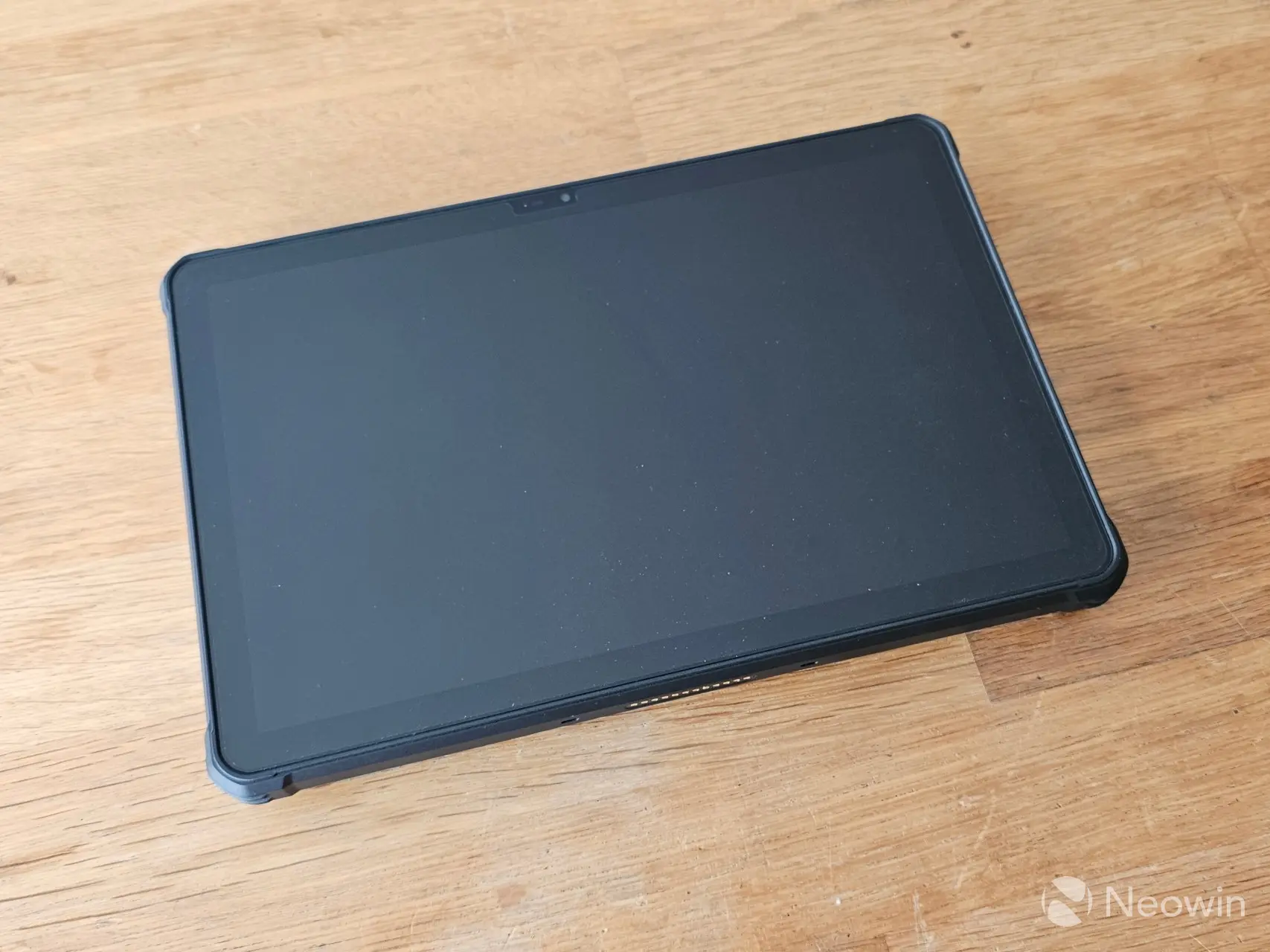
Another difference from the RT8 is that the RT10 comes with a screen protector preinstalled. I am personally not a fan of screen protectors covering what is supposed to be scratch resistant Gorilla Glass, however after more than two years scratch-free with my Galaxy S23 Ultra, I did manage to scratch it accidentally across the top, so maybe I need to rethink my strategy with a new phone.
Oukitel does not state on its product page if the tablet is certified for TÜV SÜD low blue light, which is supposed to protect your eyes in the dark and prevents eye fatigue during long sessions, I reached out to my contact for clarification and was told that the RT10 does indeed not have the certification.
Setting up and usage
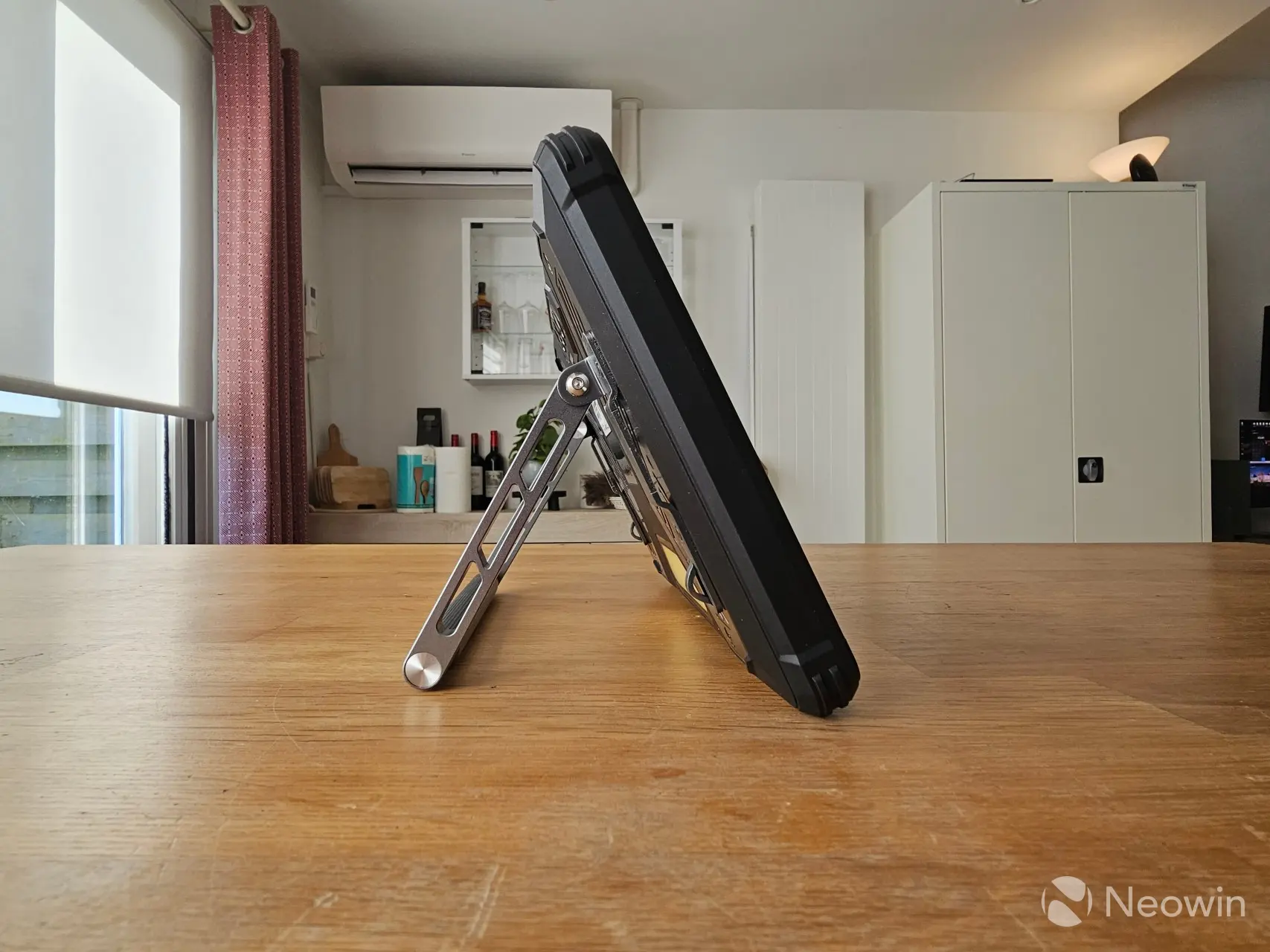
It is possible to use the RT10 as a standard tablet, with a shoulder strap or with the included Stand. For my review I went with the stand which meant removing the four outer screws on the rear and then placing the stand (with has indents to assist with placement) and then putting back the screws.
| Left side (no contact) | Right side (contact) |
|---|---|
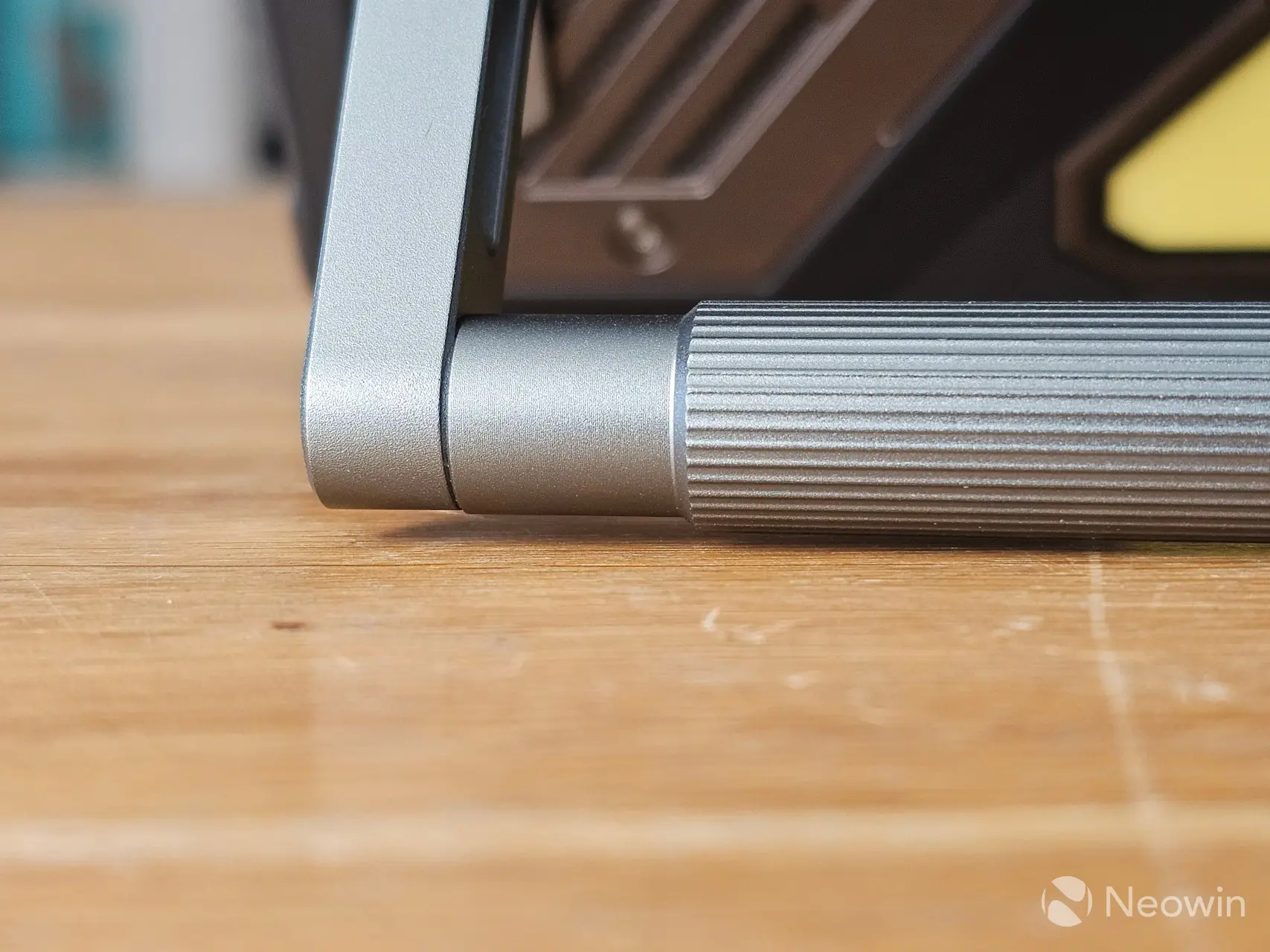
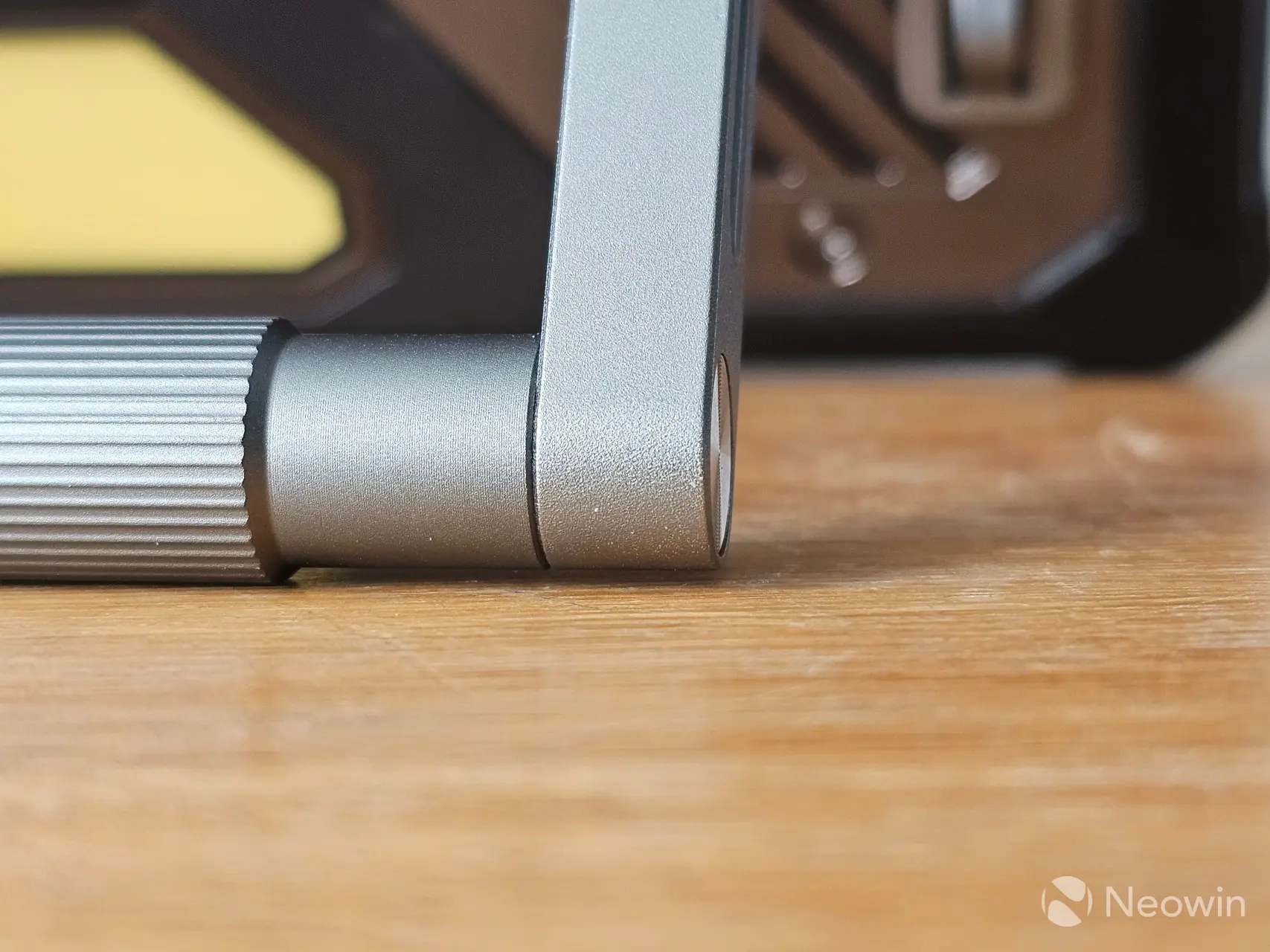
Oddly enough it appears that the stand that I got in the box is a bit wonky, you can see an example here where the left side does not sit flush with the surface of my IKEA Island.
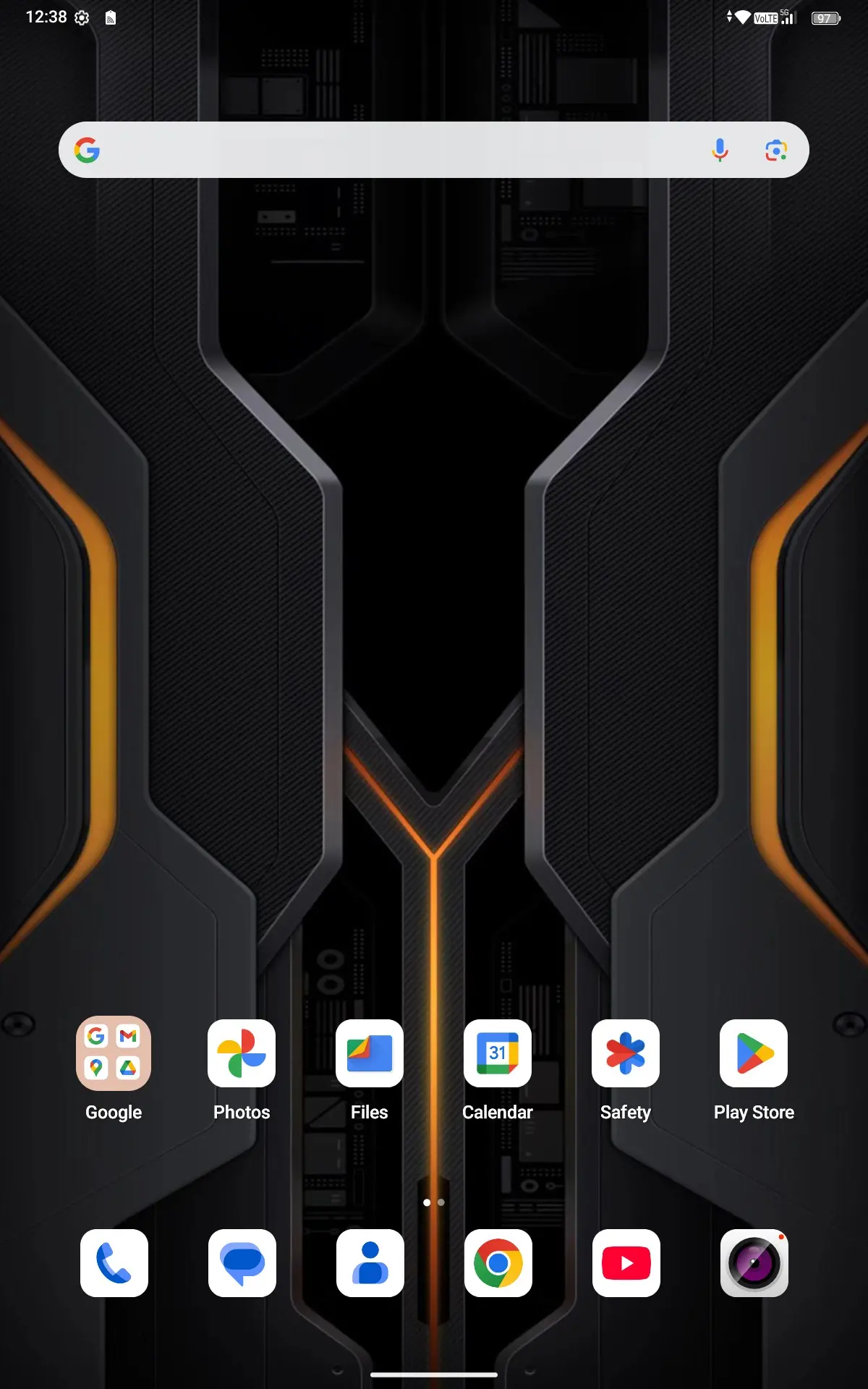
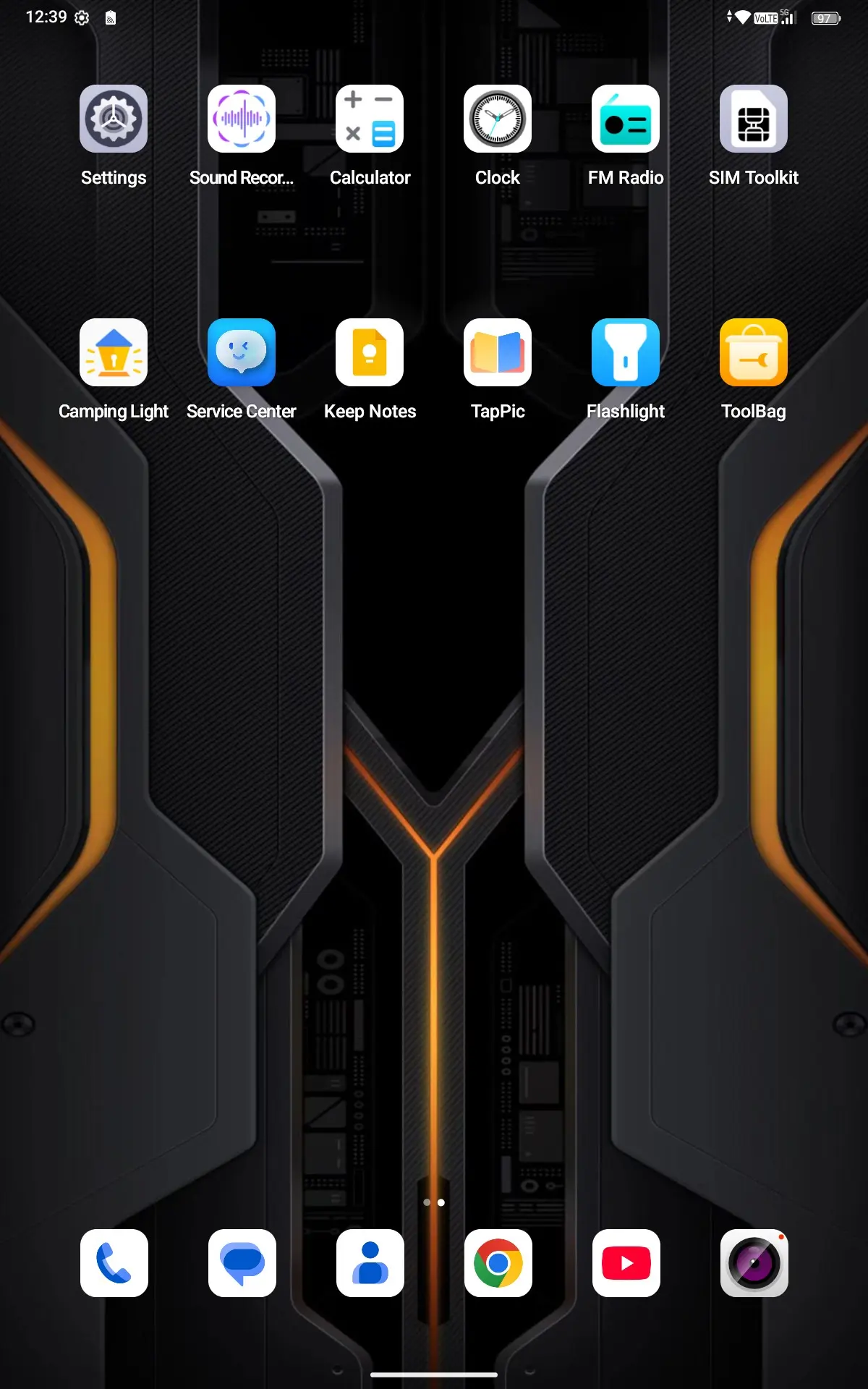
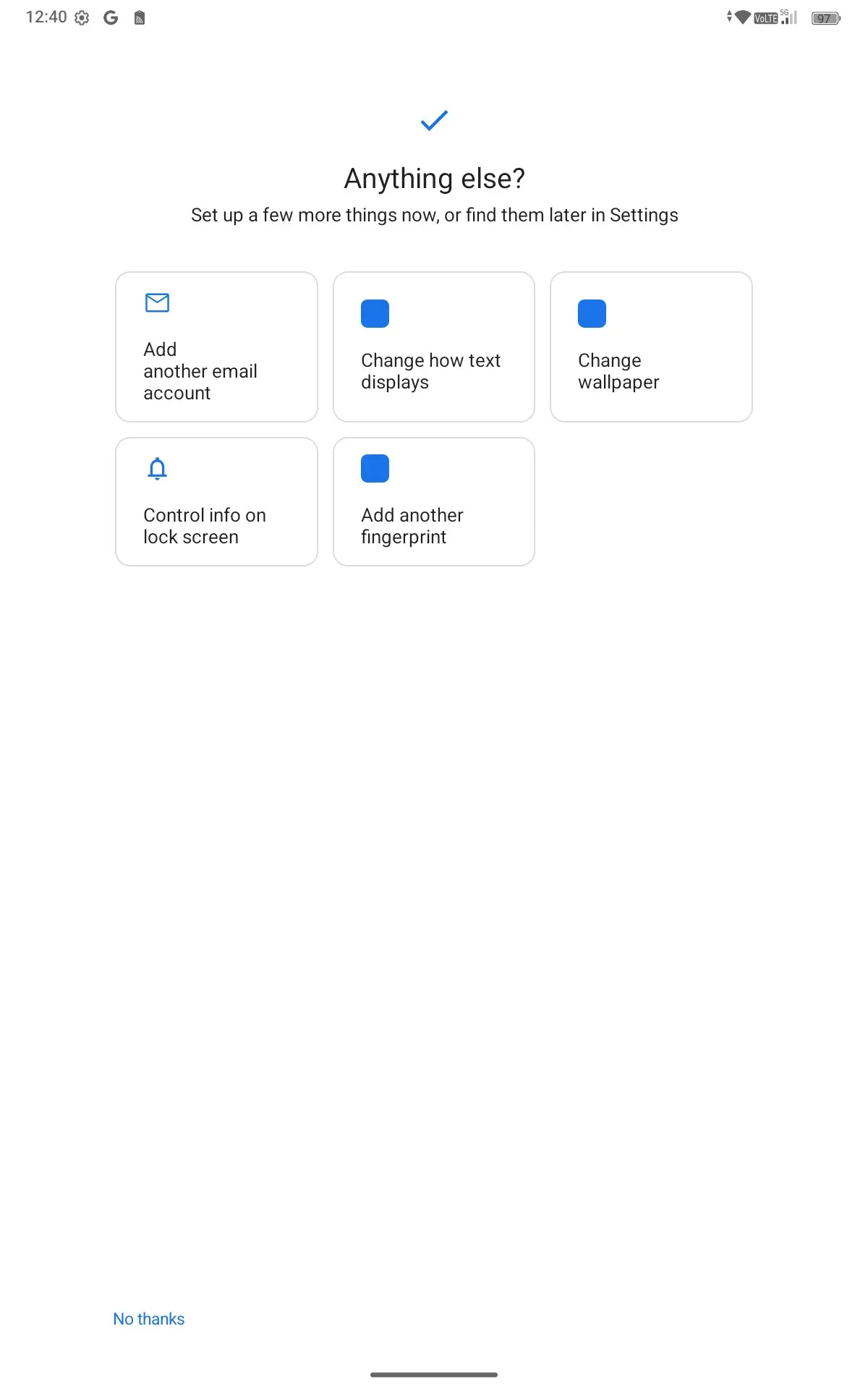
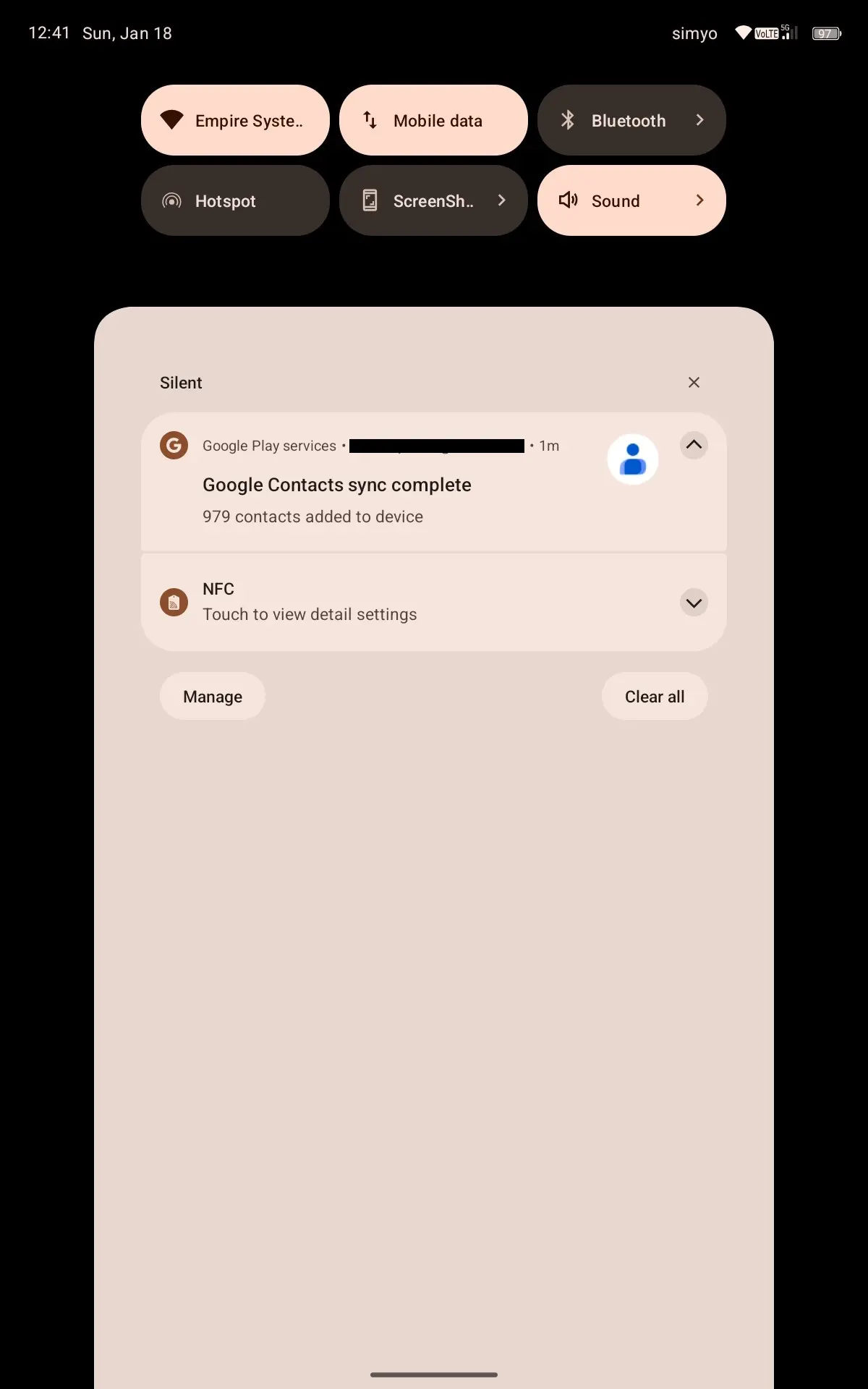
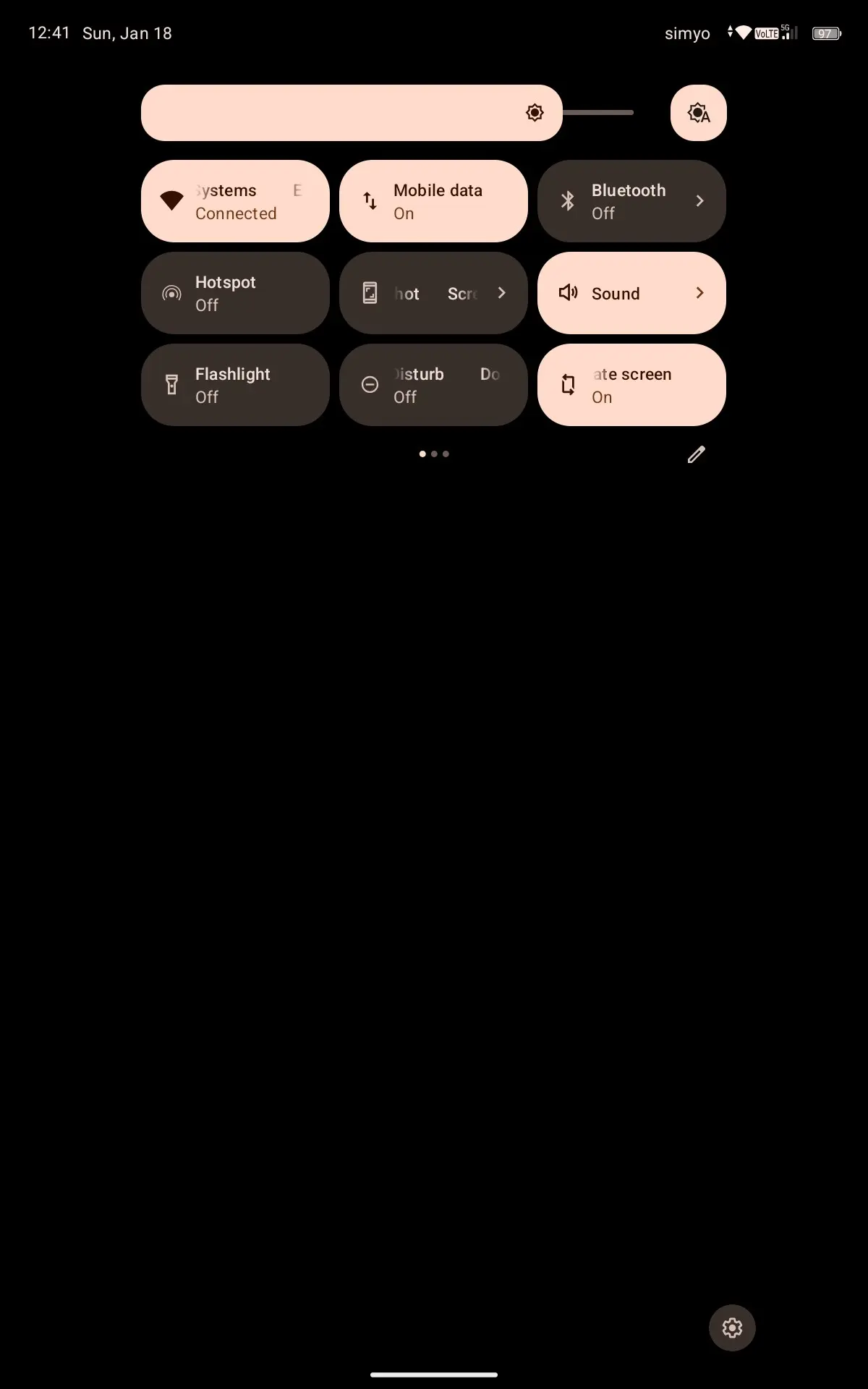
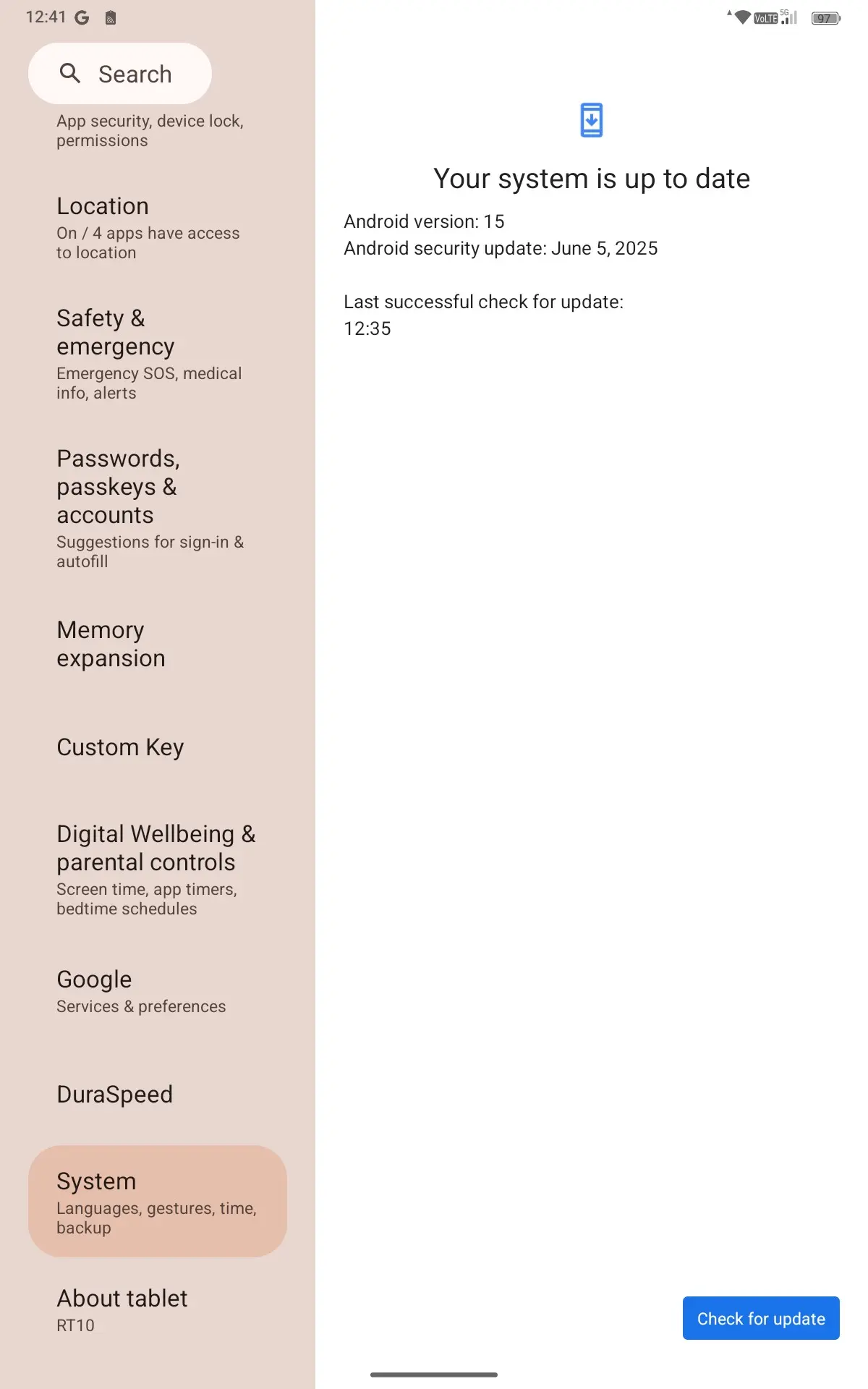
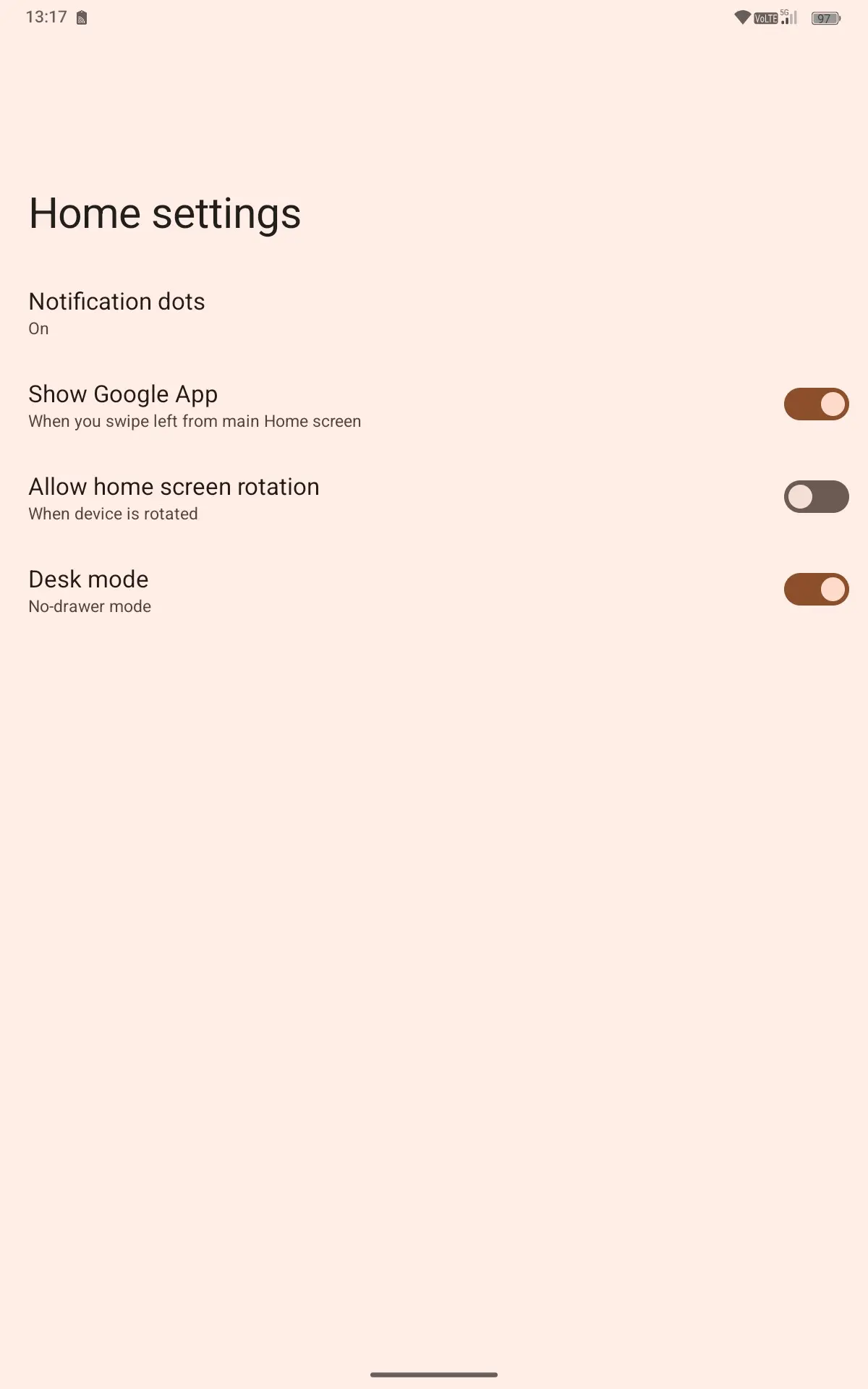
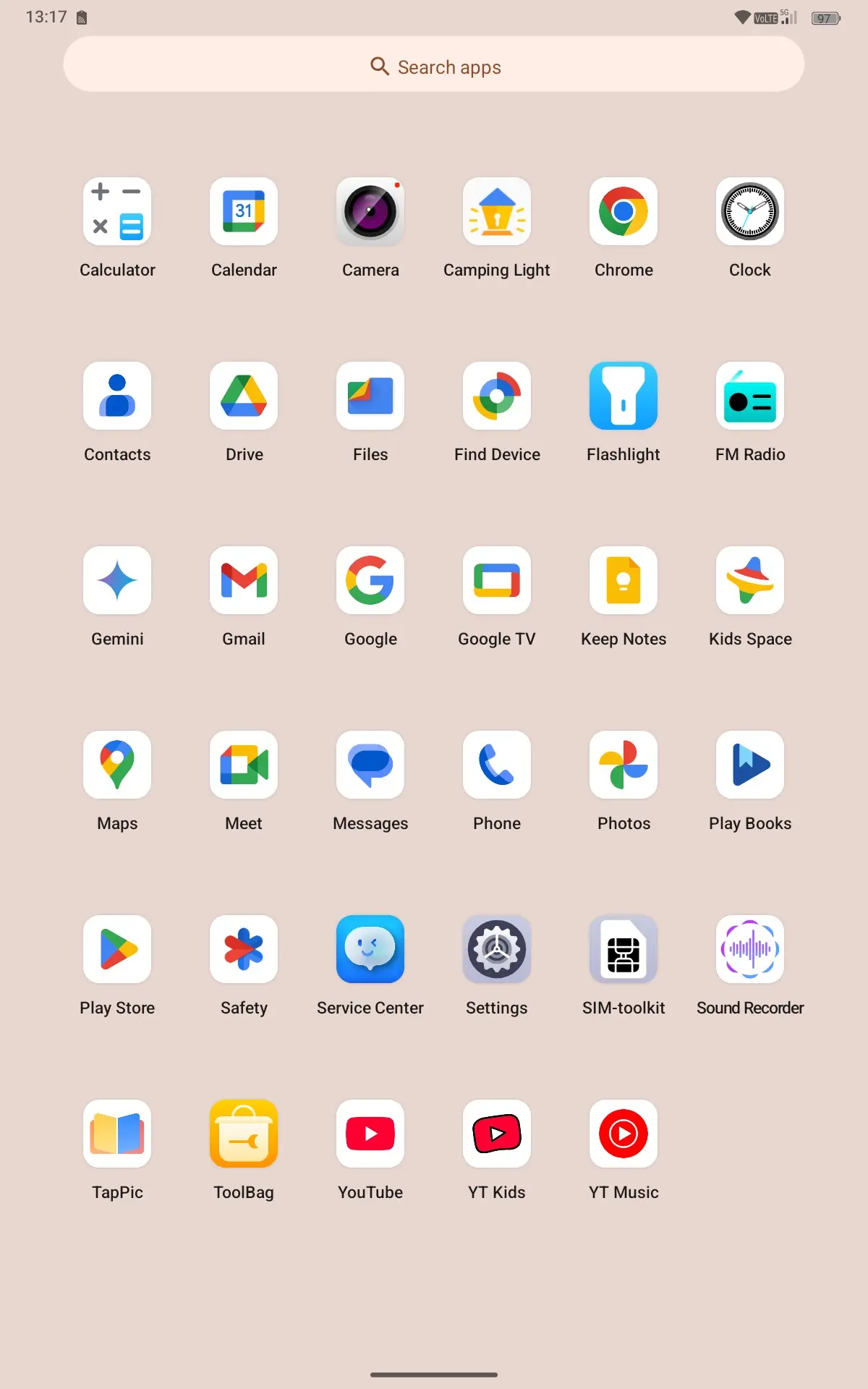
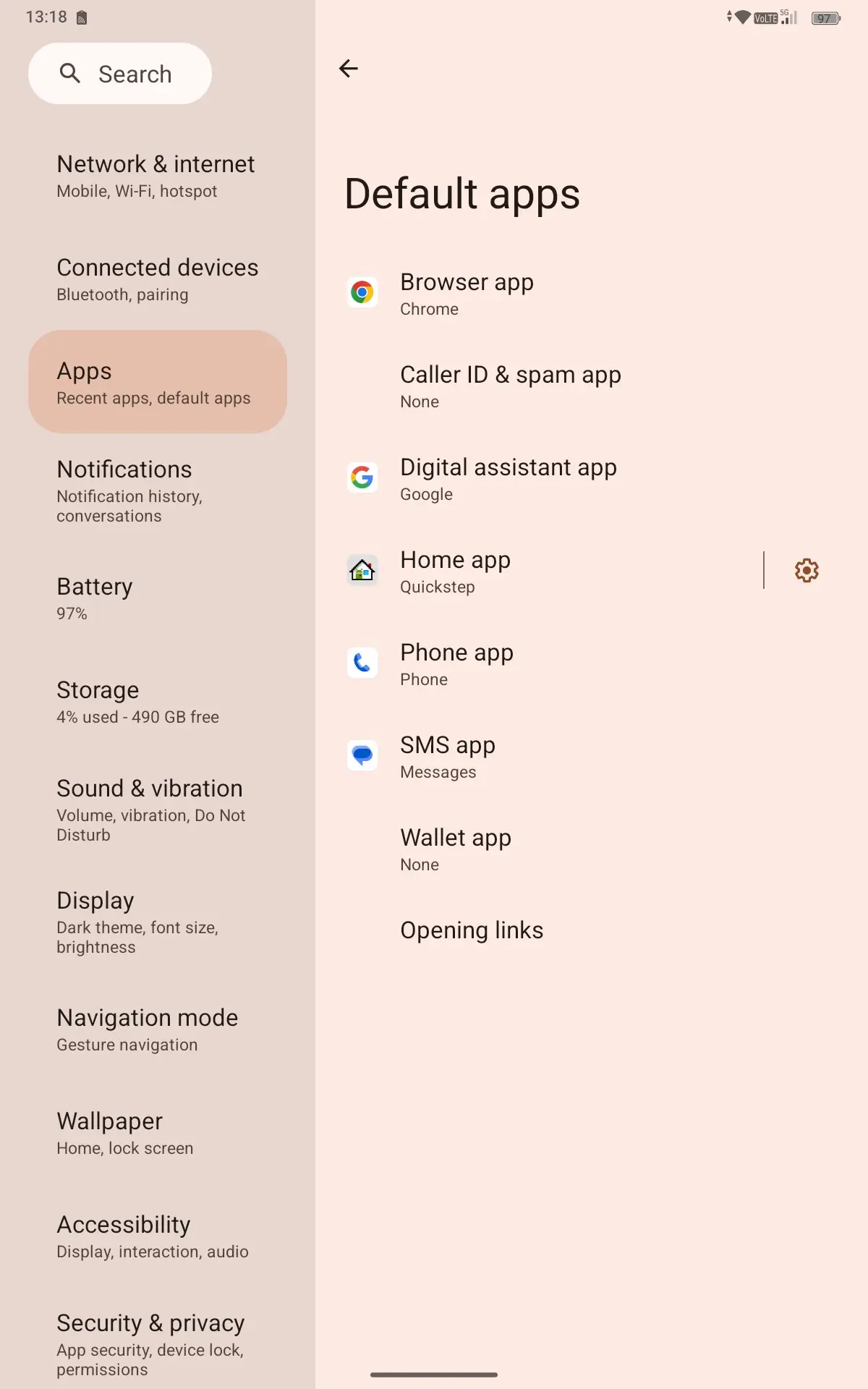
The Oukitel RT10 comes with Android 15 preinstalled, which is mostly stock. For its home launcher it uses Quickstep which is pretty barebones, as can be seen in the above gallery. As far as Android support goes, it"s poor. These companies based out of China only commit to, at max, four security updates a year for one year. The two year warranty I saw on the RT8 is now reduced to one year as per its own web page. As with the RT8, there is no upgrade path to the next Android version either. So basically as far as Android support goes, you"re on your own.
There"s only a few third-party apps installed, and they are:
- Camping Light
- Tap Pic
- Toolbag
| Camping Light settings | Result when using Camping Light |
|---|---|
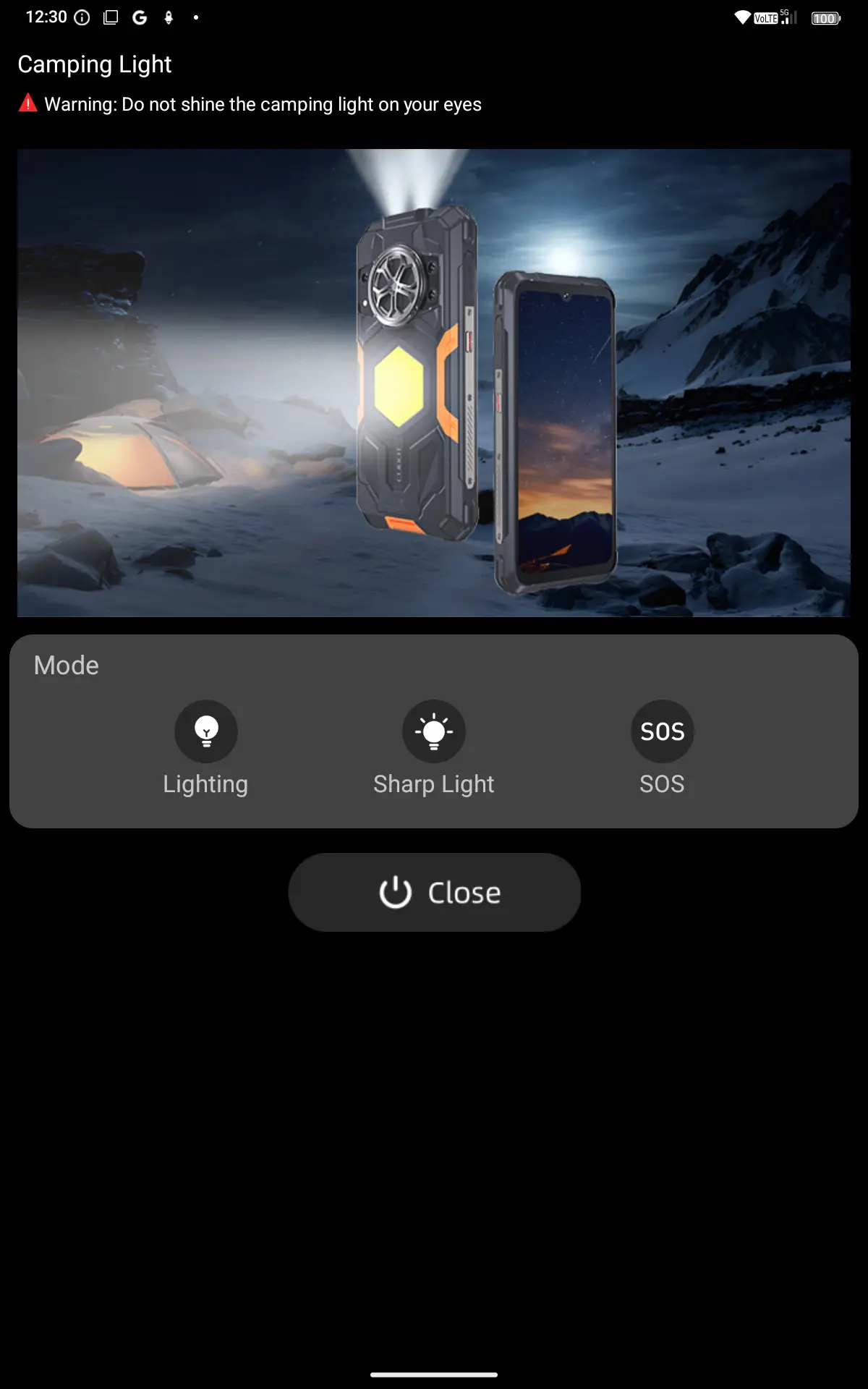
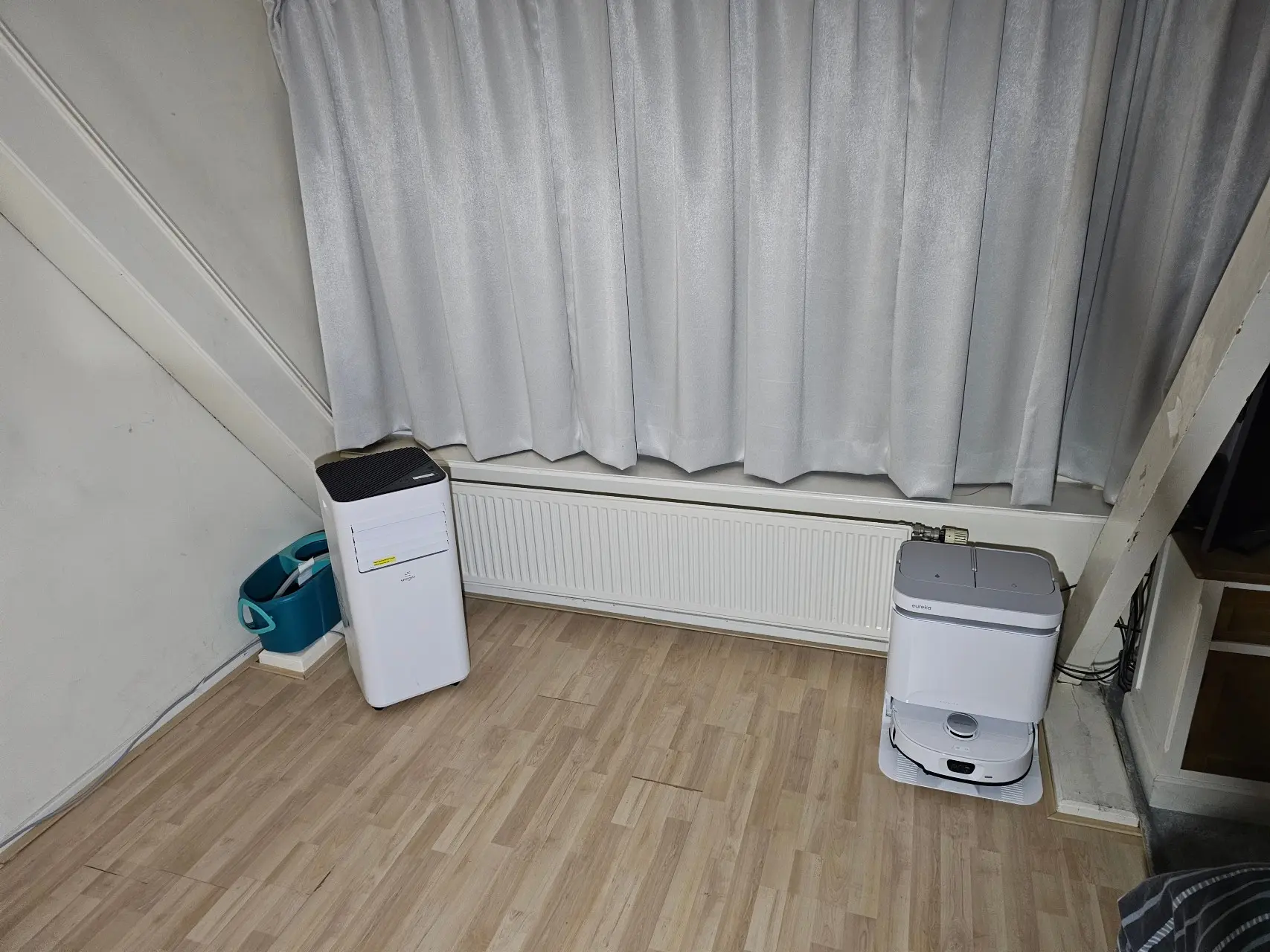
The Camping Light offers three different settings for use, the Lighting one simply provides lighting, the Sharp Light is actually a strobe light that can be set to strobe between 5, and 30 minutes (with 30 minutes being the default setting) and the SOS option pulses the light in Morse code, while also emitting a Morse code audio signal.
As you can see in the above example, the Camping Light throws off enough light even in pitch black situations, and the 25,000mAh battery will keep it powered for prolonged periods. The product page and specs do not disclose how strong the Camping Light is, other than that it is "Ultra-Bright", the app also warns users not to shine the Camping Light in people"s eyes.
Tap Pic appears to be a wallpaper app with the description "helps users refresh their phones with beautiful, high-quality images." In Google search it has a rating of just 1.2 stars after more than 1M downloads, but for some reason that score is not listed on the Google Play page, and there are no reviews that I can read either.
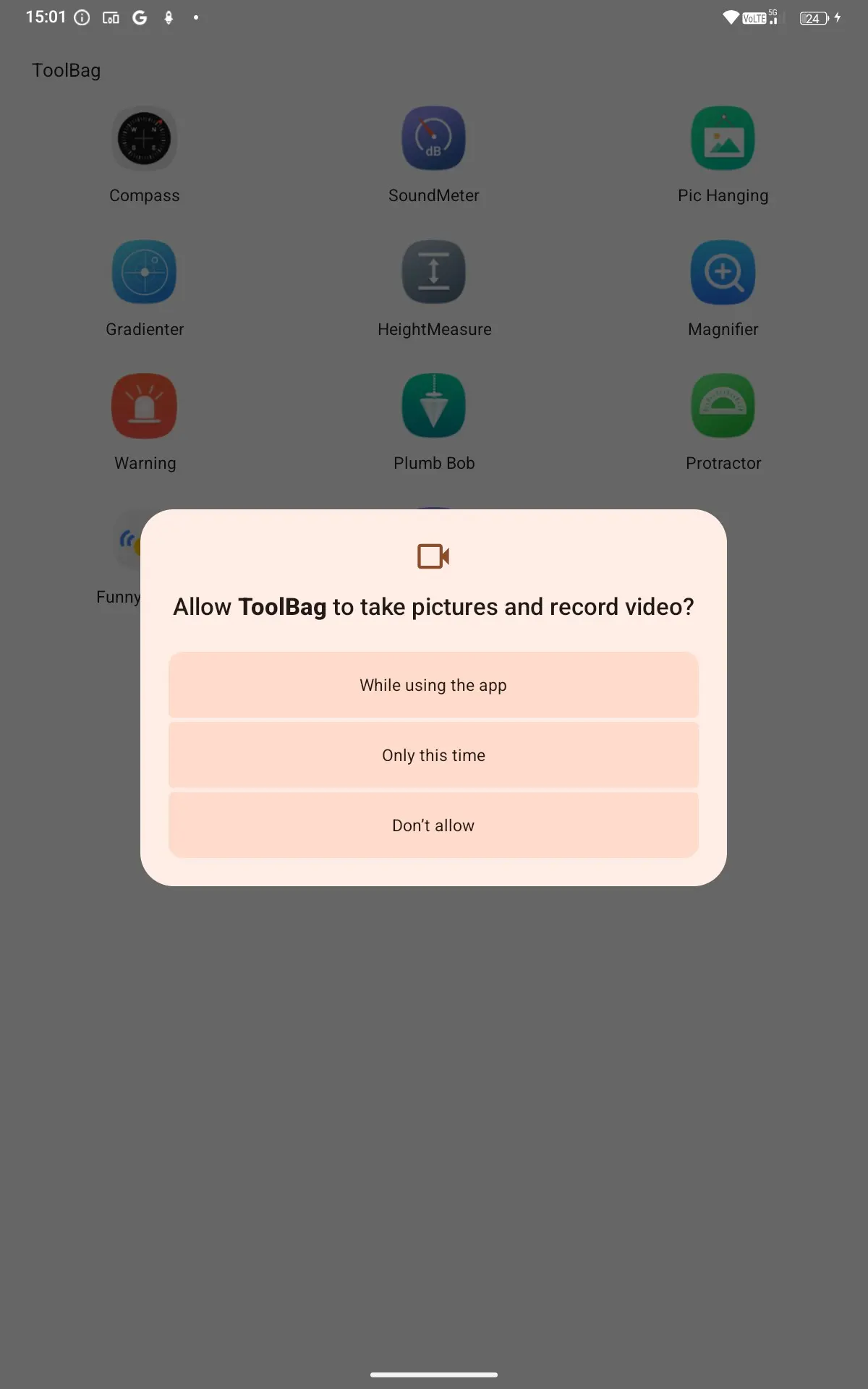
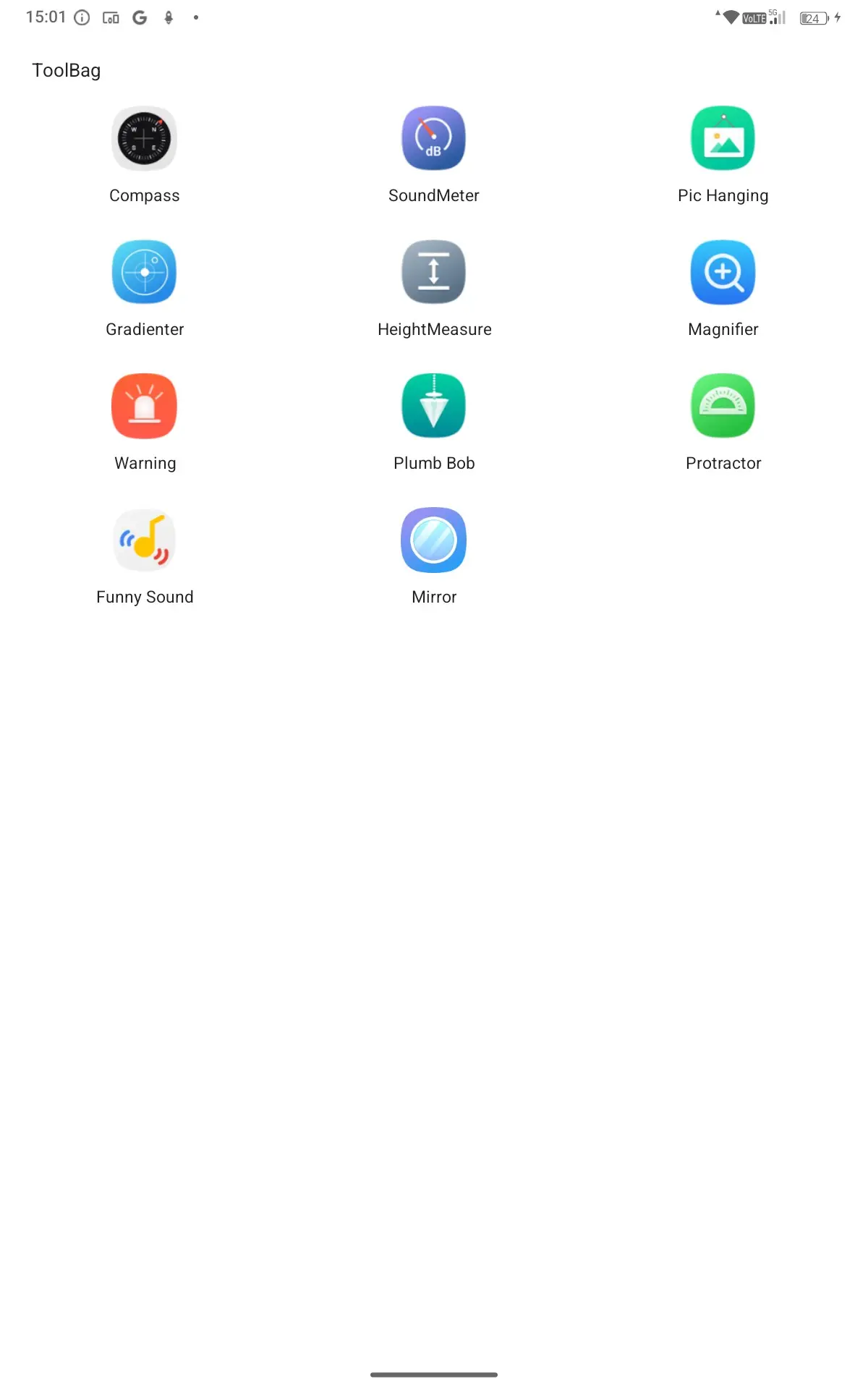
Toolbag, which (helpfully) asks for audio and video recording permissions directly upon opening it and then applies them to the different tools within that app, includes a bunch of basic tools that would assist any laborer in the field.
Quirks
Custom key
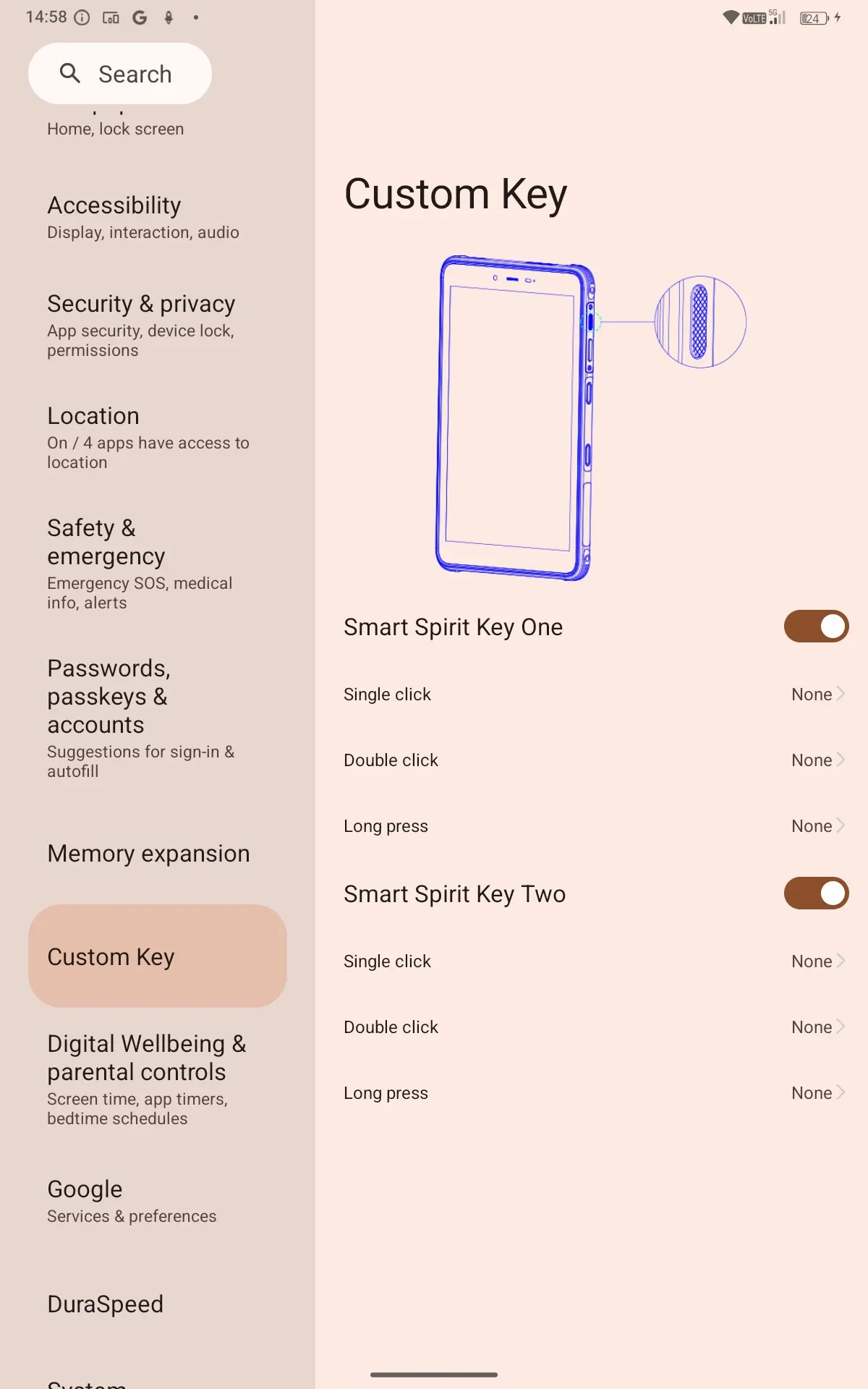
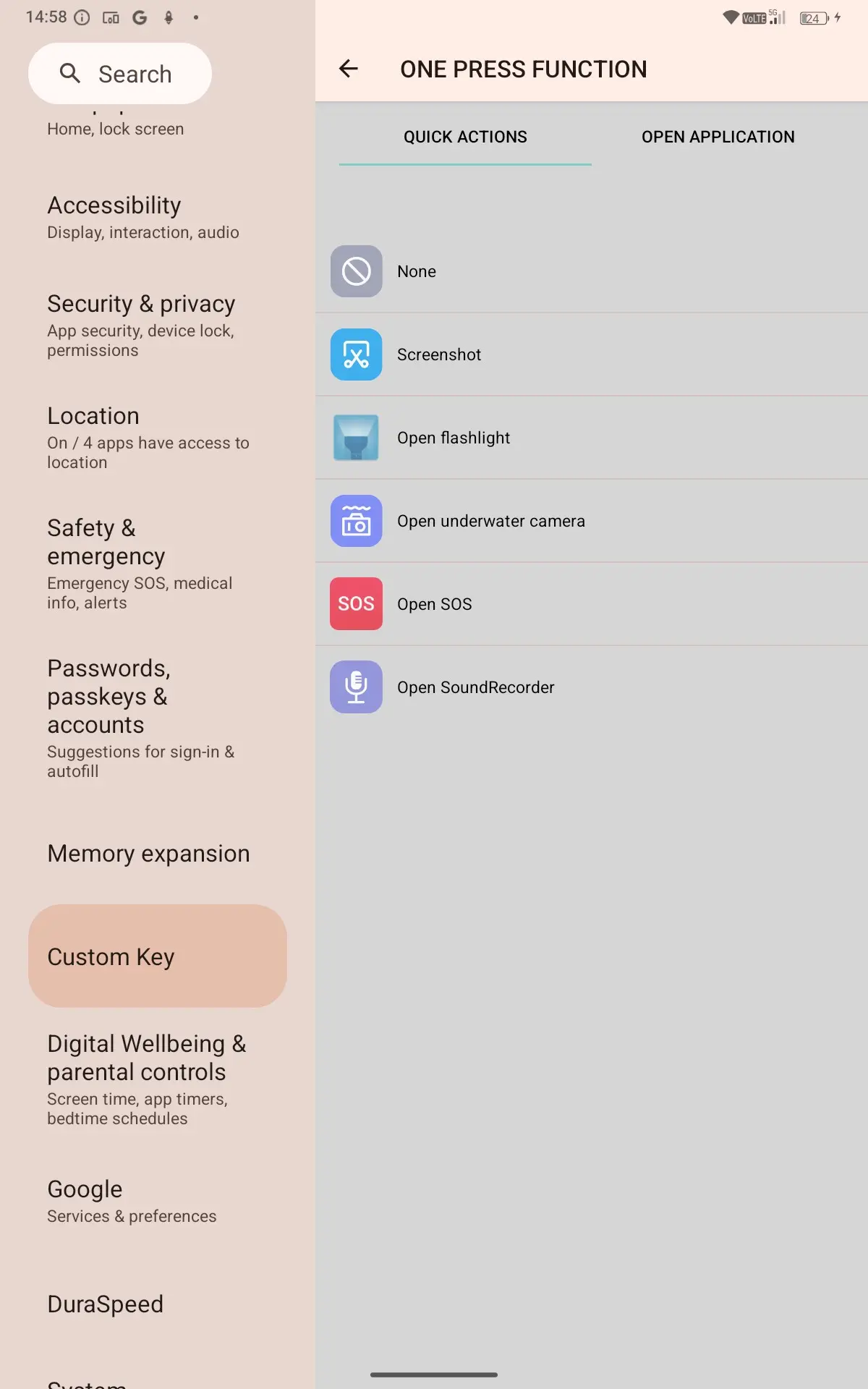
The RT10 has not one, but two custom keys to the left of the volume buttons (in Landscape mode) that can be set to predetermined shortcuts or any app on Single, Double, or Long press. Comically, the example on where the custom keys are on the device is not correct, with the Custom key setting in the Android settings giving an example of some random phone to show you where the one button is, while in this case there are two, and in a completely different place than what is shown.
The non-apparent Stylus
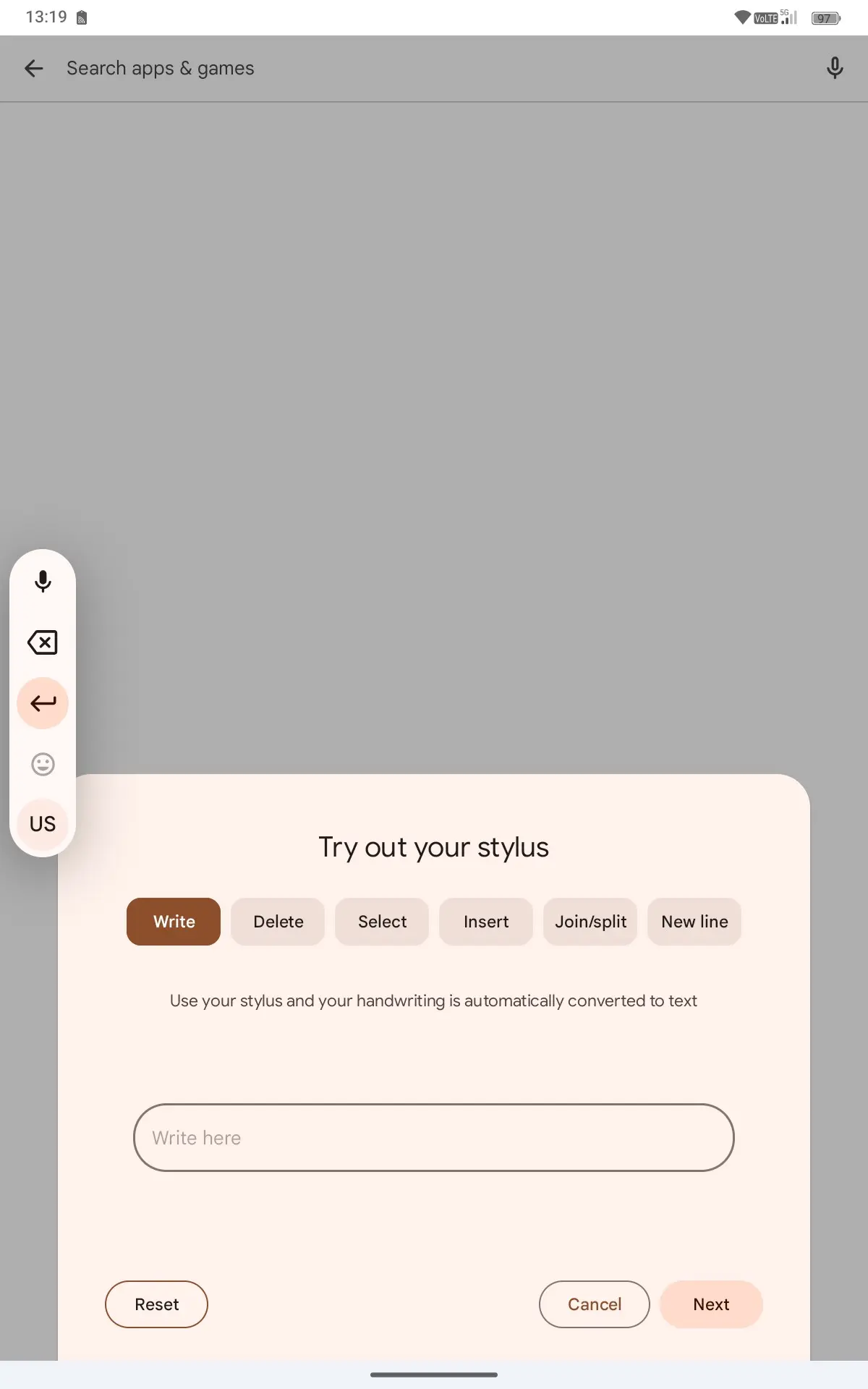
Upon using the RT10 for the first time in an app, only stylus input popped up. Considering this tablet does not ship with a stylus, or even support such input I found that weird and I had to manually disable it to get the Gboard to display.
No HD streaming for you
The RT10 comes with Google Widevine L3 support, which is the lowest-supported option, where the DRM is entirely software-based. That also means it can only stream up to 480p. I do want to make clear that the screen is 2K though, so it can stream FullHD fine, just not Google Widevine supported services, which Oukitel helpfully explains in a support document on their website
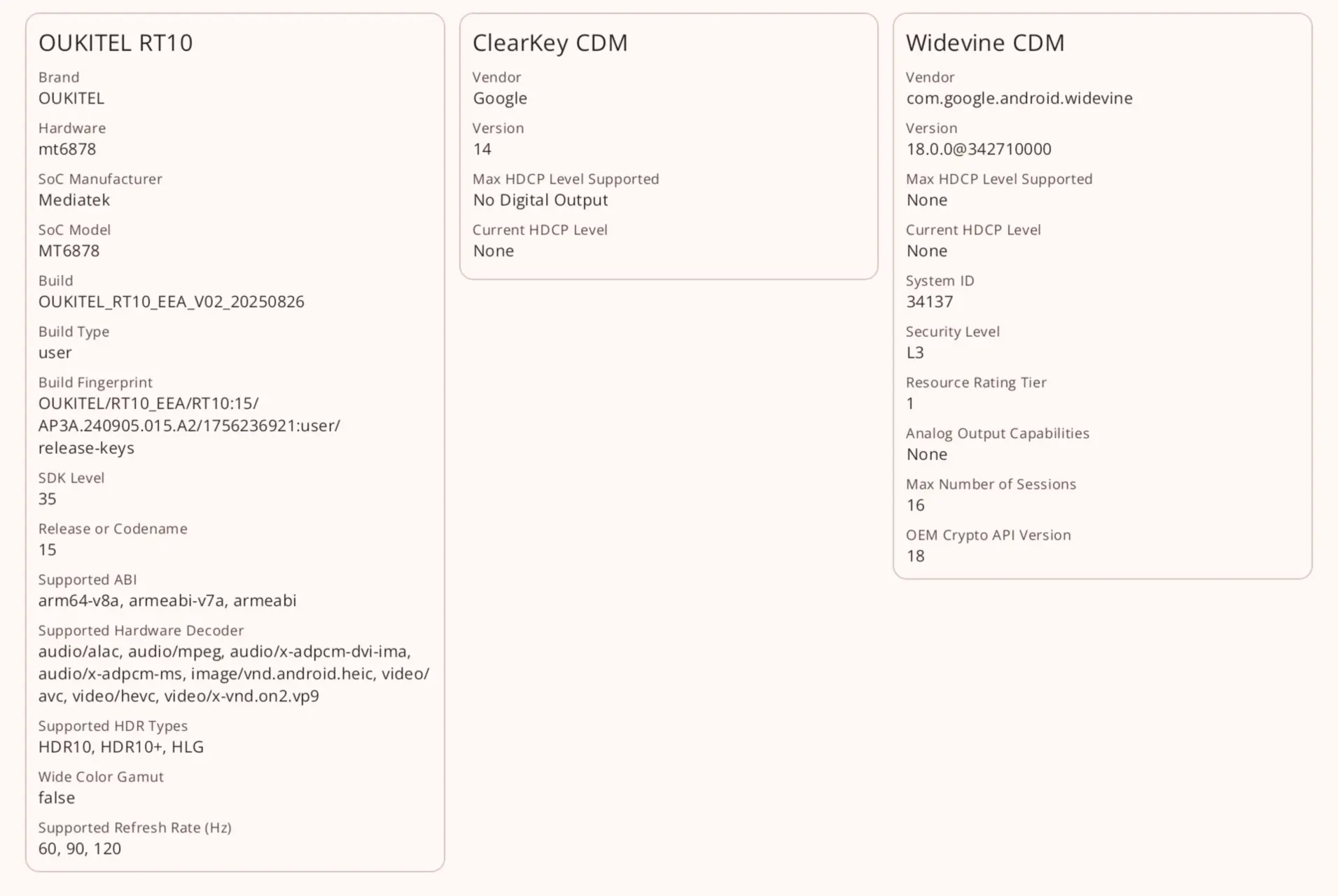
Any device with an L2 or L3 security won’t support high-resolution playback from sources such as Netflix, Disney+, Hulu, and Amazon Prime.
Display and calling quality
Having said that, I loaded up some YouTube media content and found that the picture is passable (YouTube maxes out at 480p,) and the sound is pretty good.
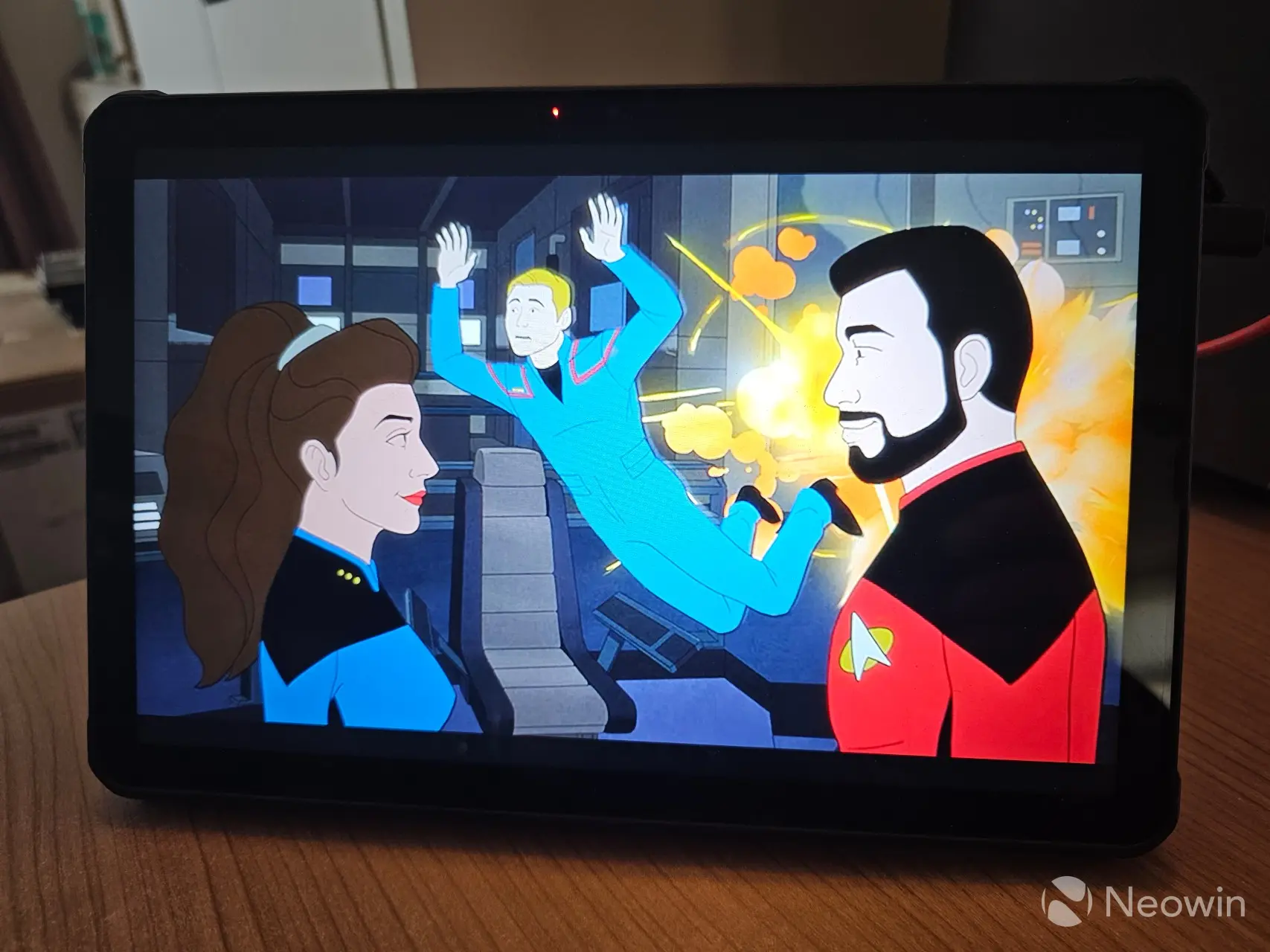
The stereo speakers get quite loud, and they are not "tinny" there"s ample bass that can be expected from a relatively thin tablet, this is a marked improvement over the RT8. You could also pair it with Bluetooth headphones or use wired headphones with the 3.5mm jack port.
Speaking of the display and audio quality, I made a call over WhatsApp, and the video quality was good and we could hear each other clearly. I would assume that prospective buyers would be using a tablet more for video calling on the job, rather than attempting to use this giant slab as a phone, so that"s the test I performed.
Cameras
As I have said in previous reviews I"ve done, I am no camera buff; I"m a point-and-shoot kind of guy, but it is clear to me that smartphone makers seem to want to concentrate a hell of a lot on camera quality, sometimes at the expense of other features, and here is also no exception. On the rear we have a impressive-sounding 64 MP rear shooter with a F/1.79 aperture, 79.1° Wide Angle made by OmniVision, there"s also a 20 MP Night vision camera with F/1.8 aperture and 78.5° FOV made by Sony, along with a 5 MP macro Samsung camera with a F/2.2 Aperture, 84° FOV.

The 600nits display performed adequately in these overcast conditions. Unfortunately, there"s no optical image stabilization (OIS), which is a common omission on cheaper devices, however the photos I took came out quite well if I say so myself. Apparently, Google gets around this with its Pixel phones by using the gyroscope for stabilization, but no such luck here.
Night Vision
The Night Vision camera in the RT10 is the exact same sensor as the one in the two year older RT8, so the results were exactly the same. The Night Vision camera does not auto select in low light so I had to enable it manually. I was in my bedroom, which I can make completely pitch black during the day thanks to my sun-blocking blinds and curtains.
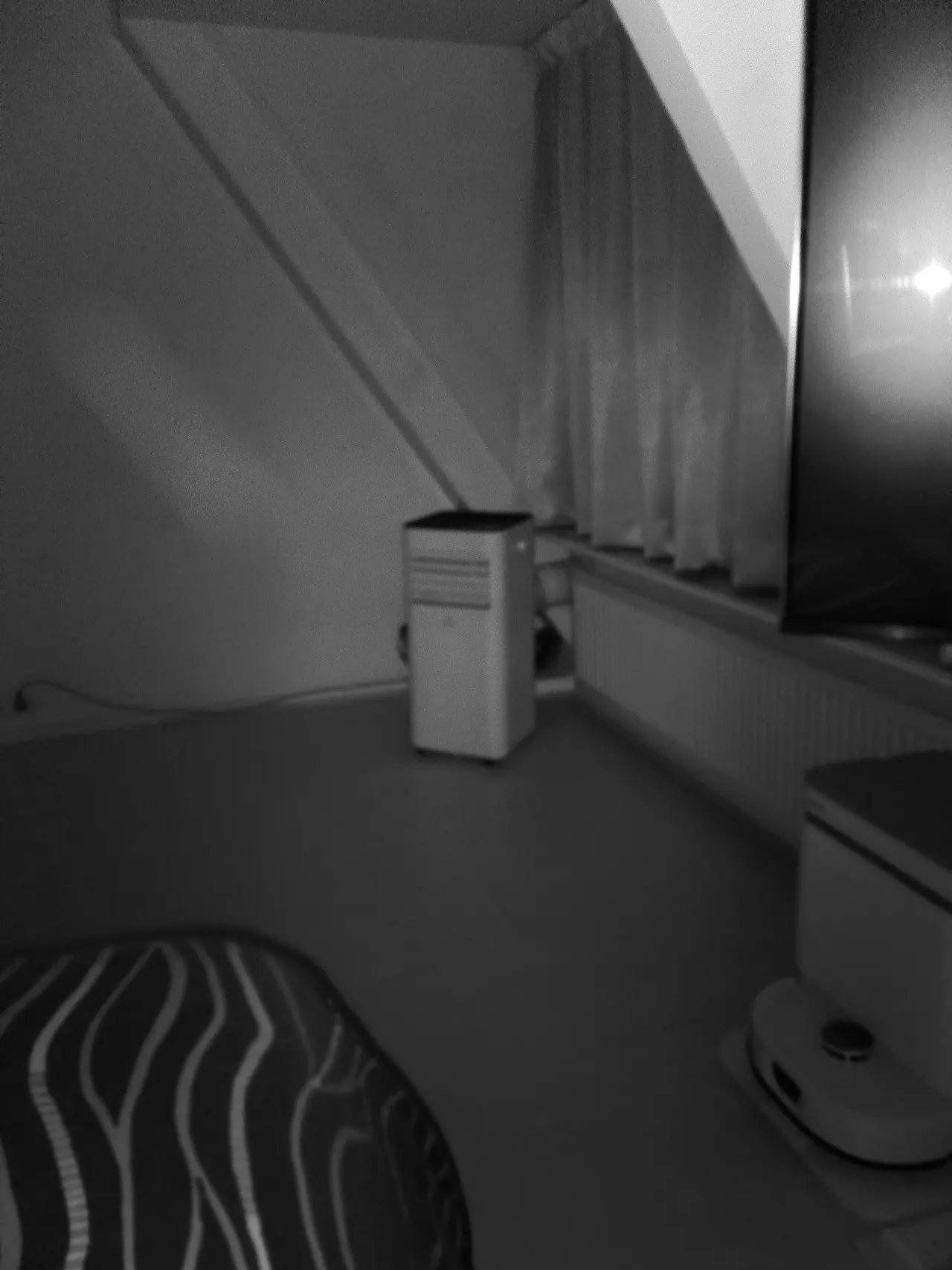
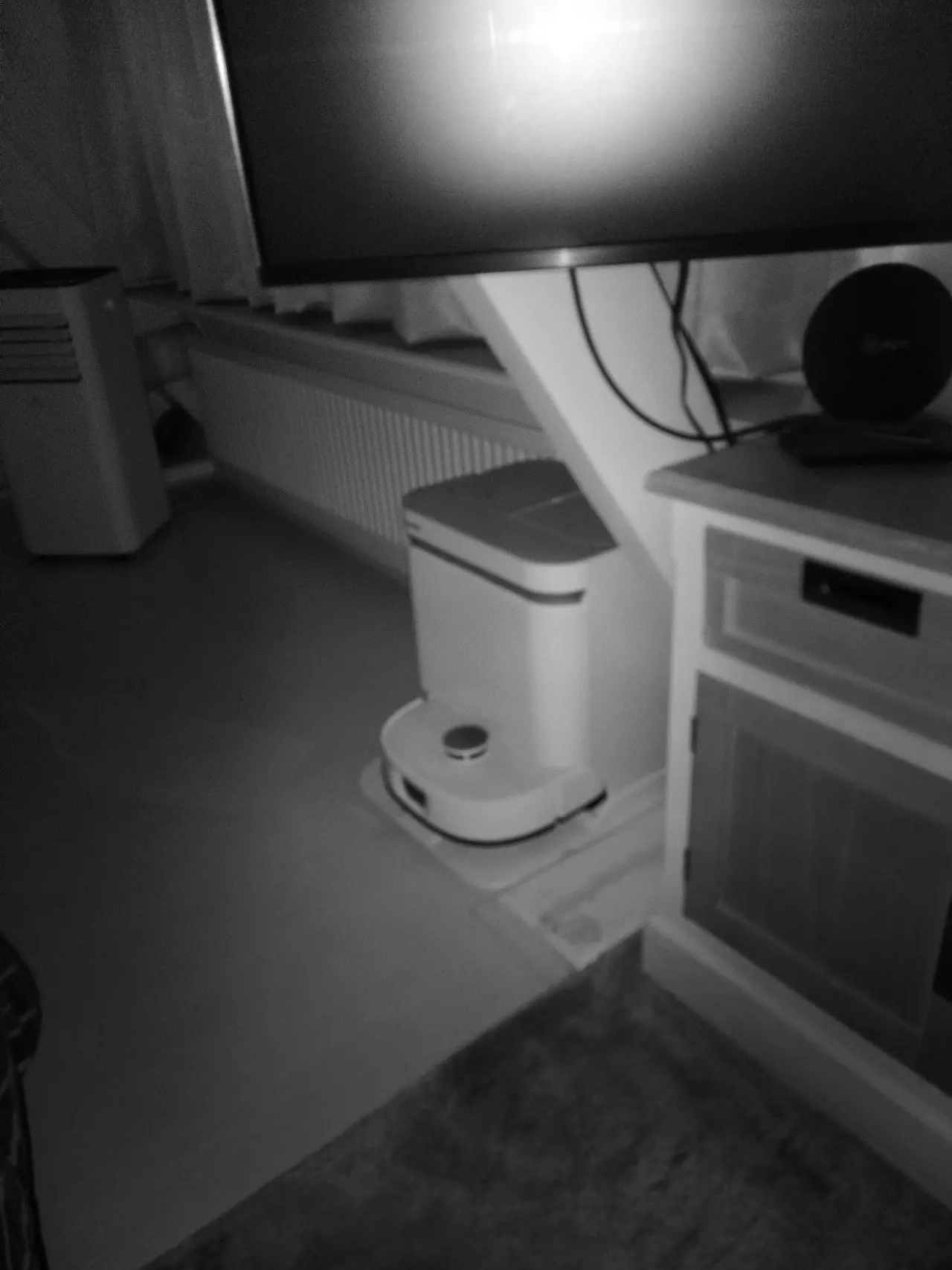
The camera is "passable." The images are not that clear, even when fully in focus, and the lack of OIS really starts to show at every attempt. The auto focusing would suddenly shift while I was taking the picture, and at the same exact distance upon snapping again I could get the clearer picture. The above examples were taken right after each other, highlighting the poor auto-focusing with the sensor.
Benchmarks
As a reminder, my tests were run on a RT10 with a MediaTek Dimensity 7300, while the production version ships with the newer 7400X. In addition our RT10 includes 16GB RAM while the production version that you can buy ships with 12GB, which will obviously affect the overall scores.
However, the 7400X is merely a refresh of the 7300, here"s what Google says about the two CPUs:
The MediaTek Dimensity 7400/7400X is a slight refresh of the Dimensity 7300, offering a minor 100 MHz CPU clock bump (2.6GHz vs 2.5GHz on performance cores) and similar core architecture (Cortex-A78/A55), with the 7400X specifically supporting dual displays for foldables; expect similar overall performance, with the 7400 showing slightly better benchmark scores due to the clock speed increase, but real-world differences are minimal, making phone features more important.
So buyers should see a slight uplift compared to my scores.
I usually use AnTuTu v10, but now the official website is only offering v11 and after installing it and completing the benchmark, I got a notice that said the score could not be displayed because the app was unable to verify "anti-cheating" supposedly because "the device is offline" no amount of retrying allowed me to validate my score, and some searches online seem to suggest others have been facing similar problems and even questioning the relevance of AnTuTu. The RT10 was connected via WiFi to the internet, and I had no trouble connecting through other apps.
This leaves me with Geekbench 6 for Android, 3DMark, and PCMark, which you can view in the gallery below, with the full scores shown below:
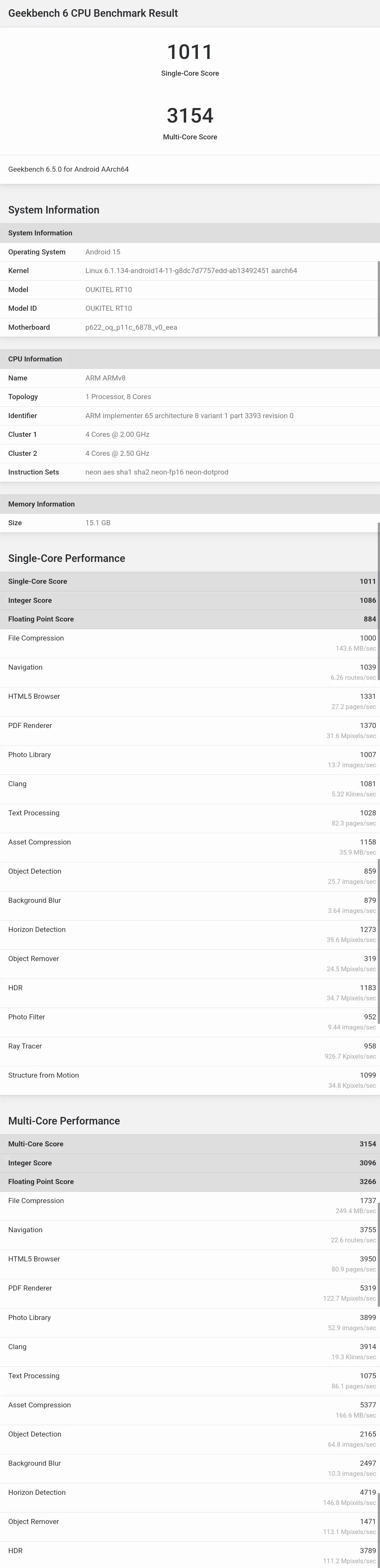
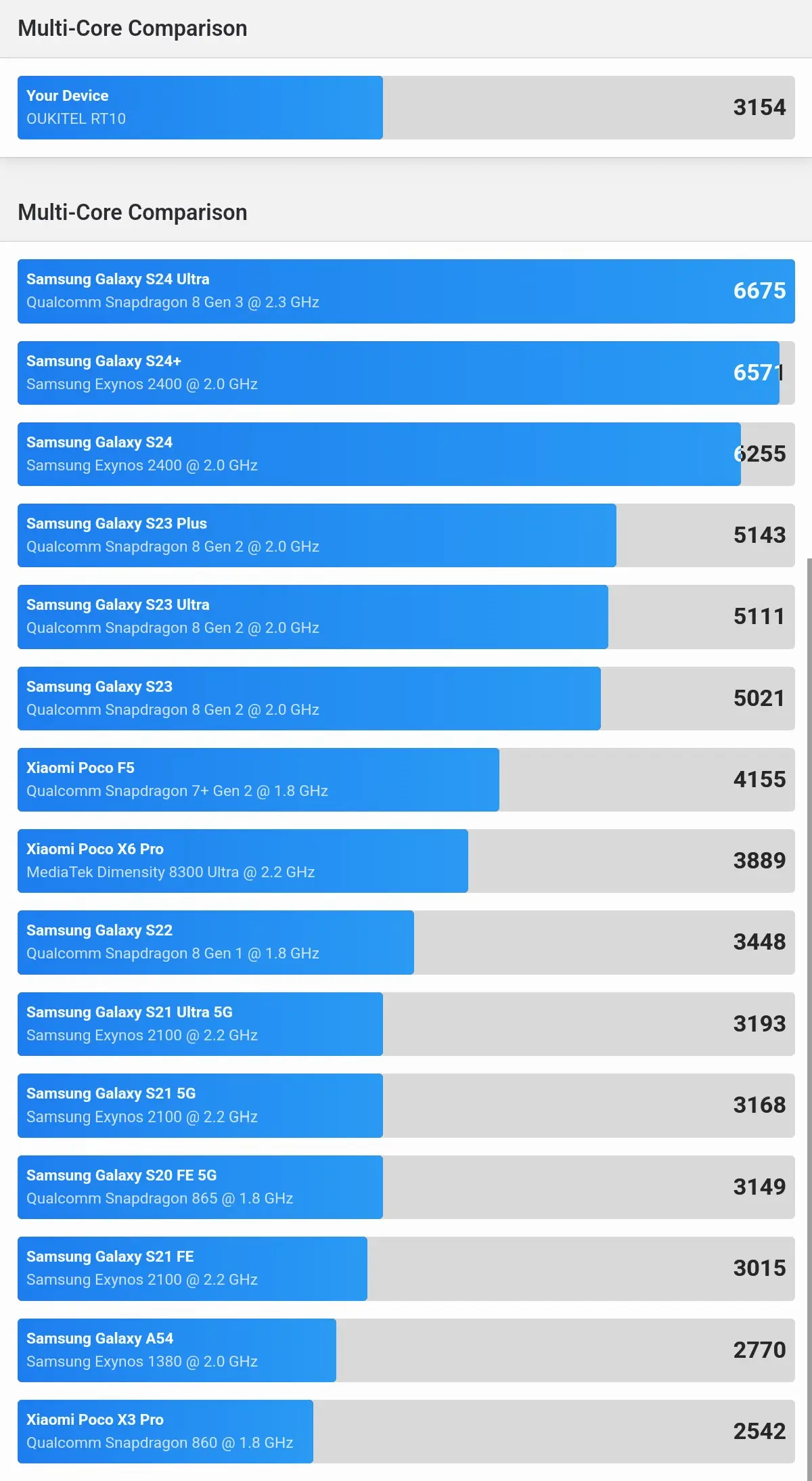
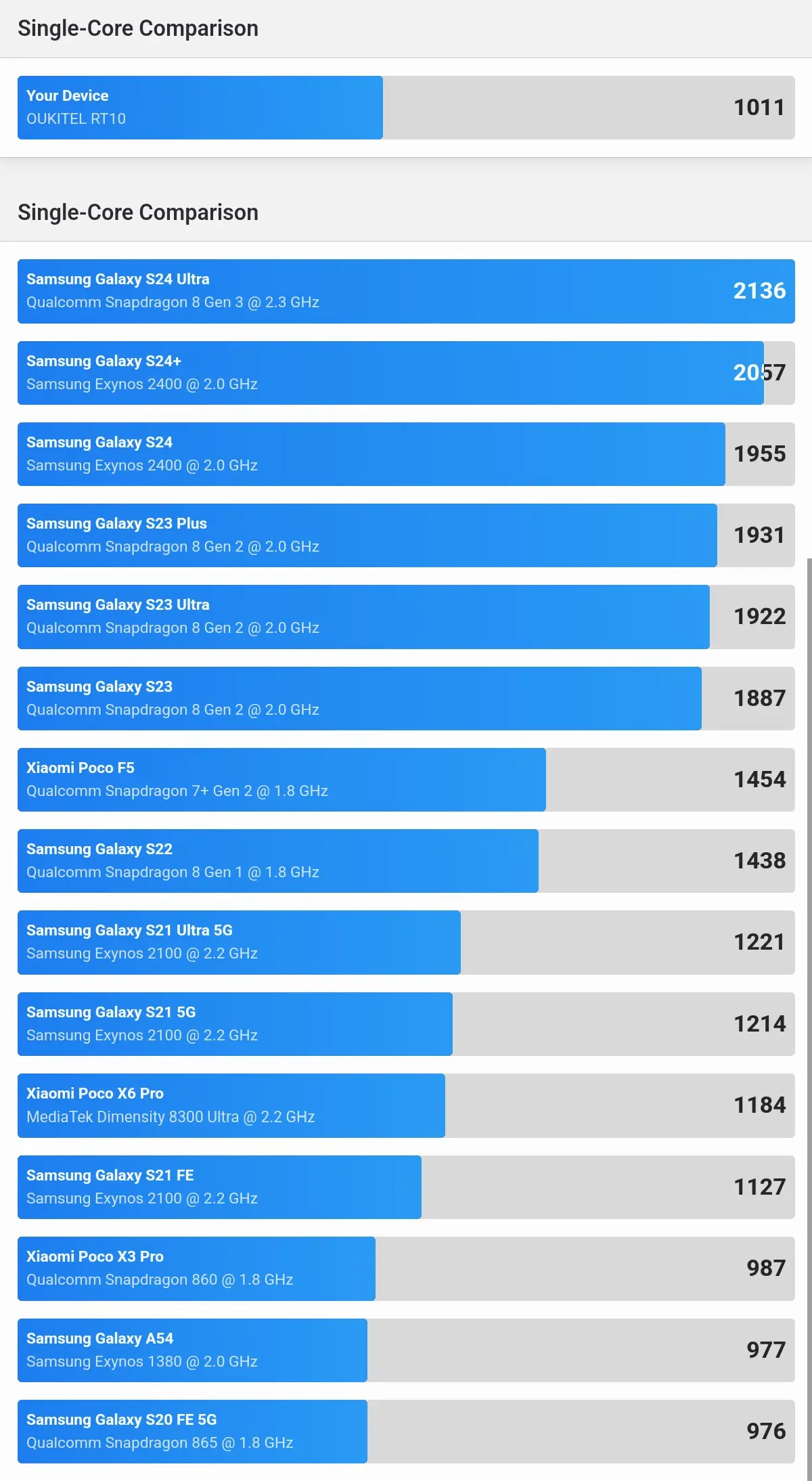
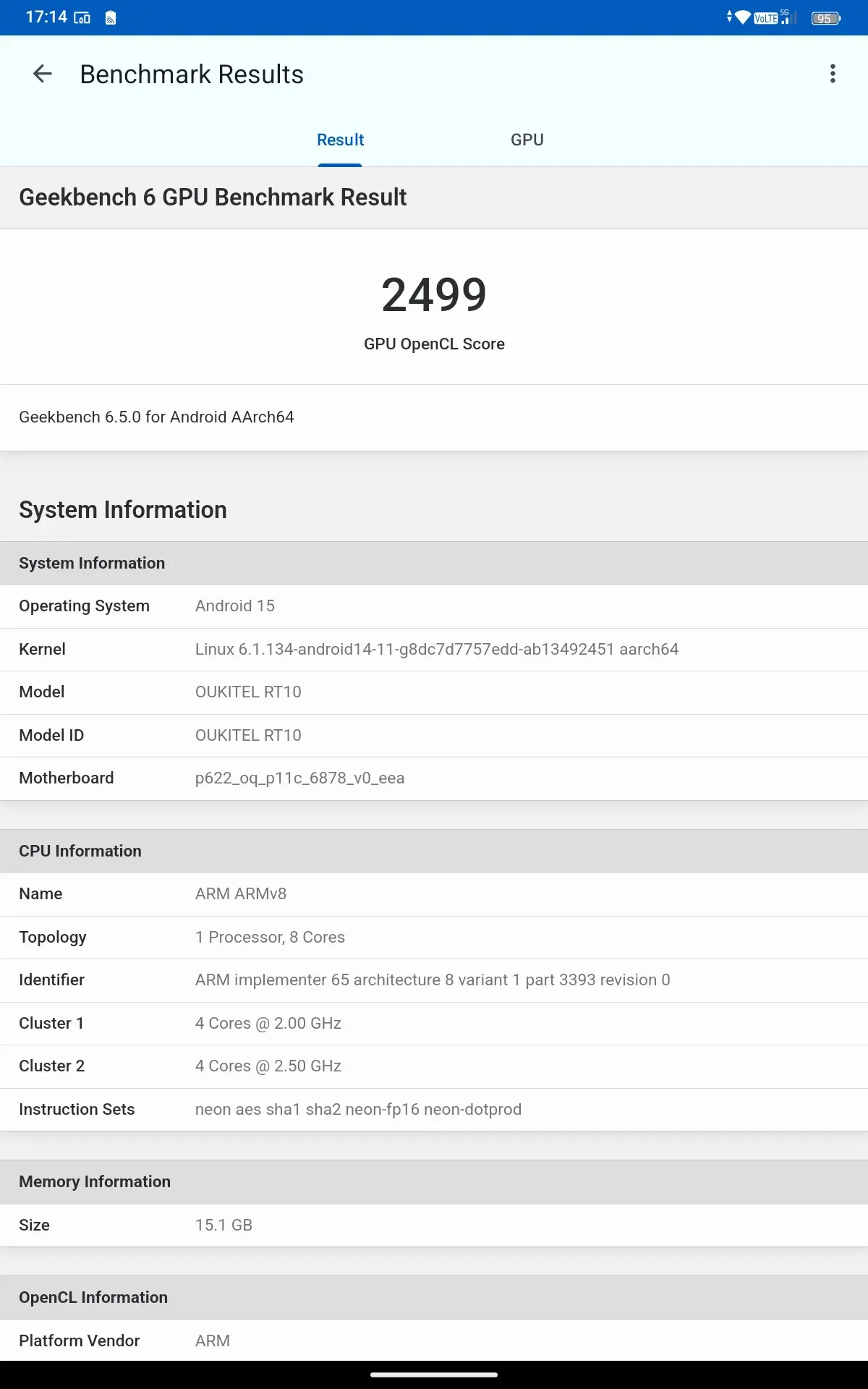
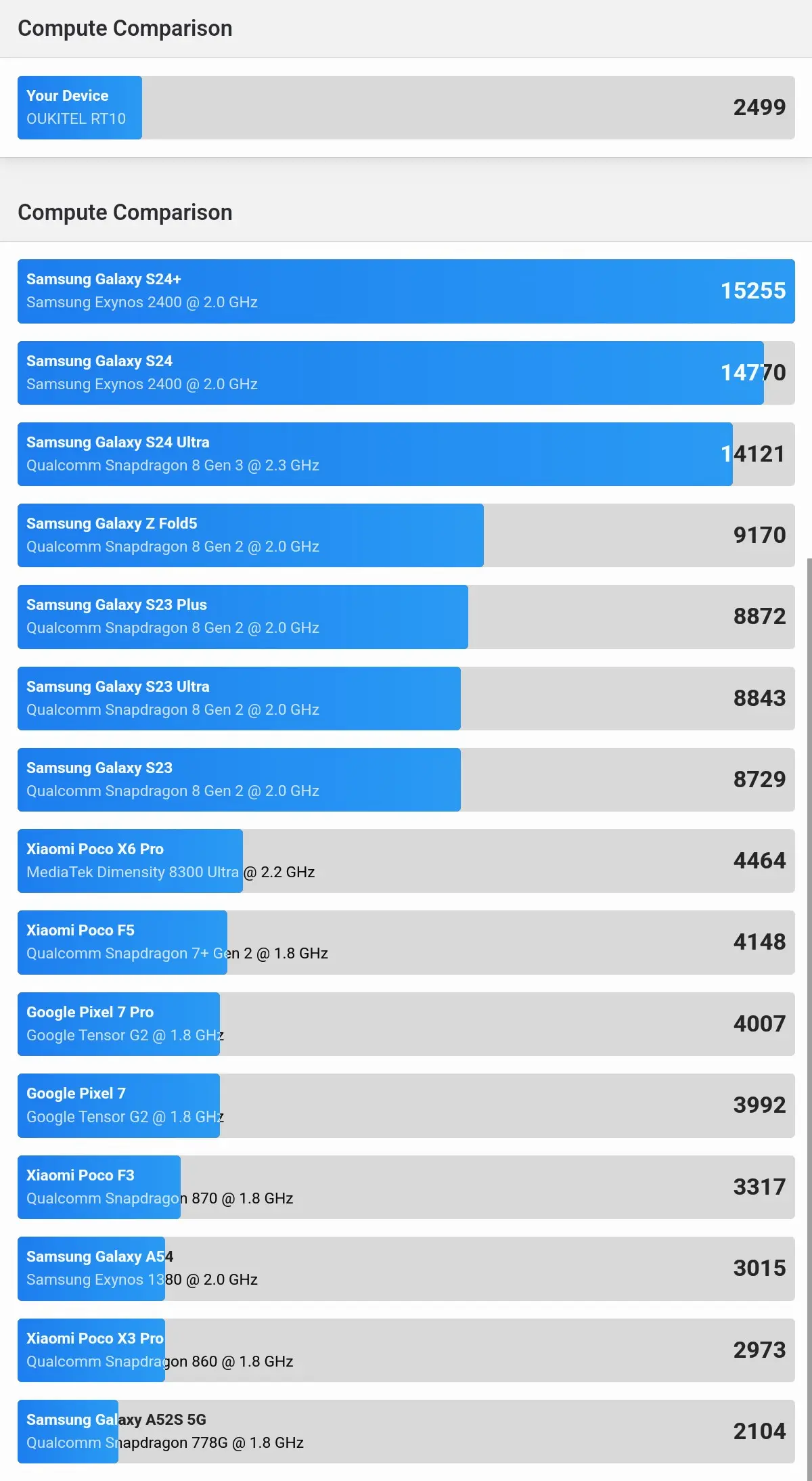
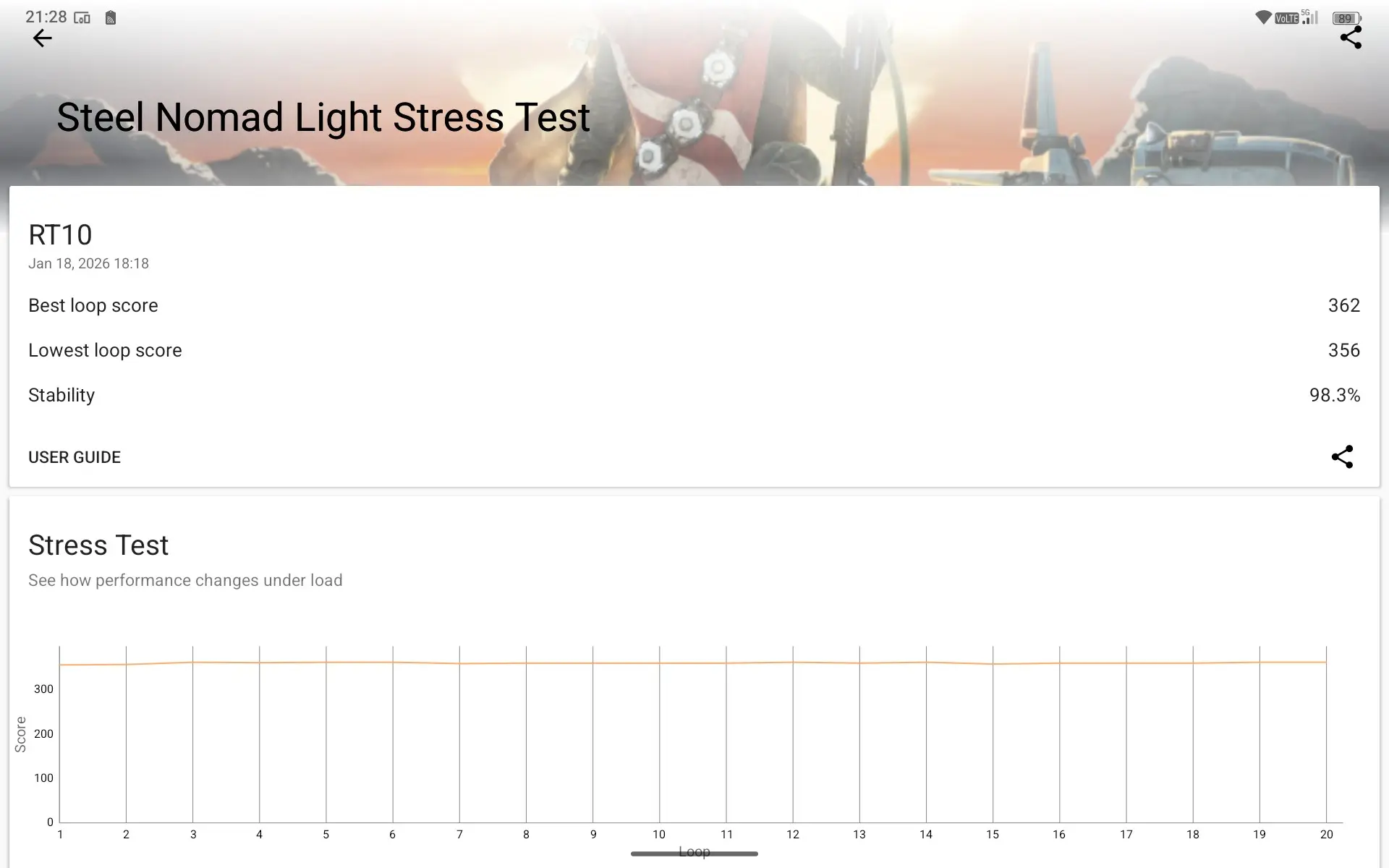
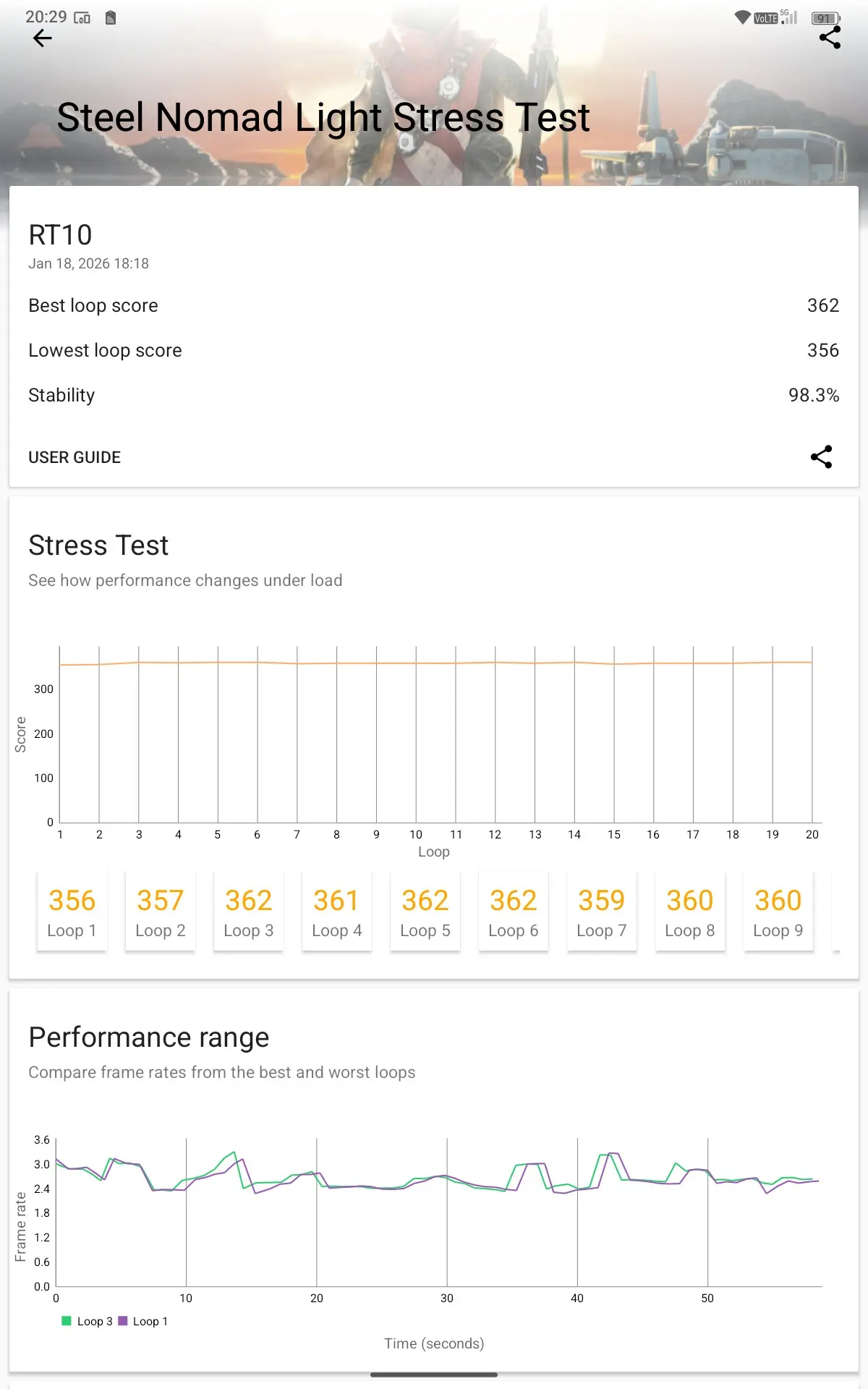
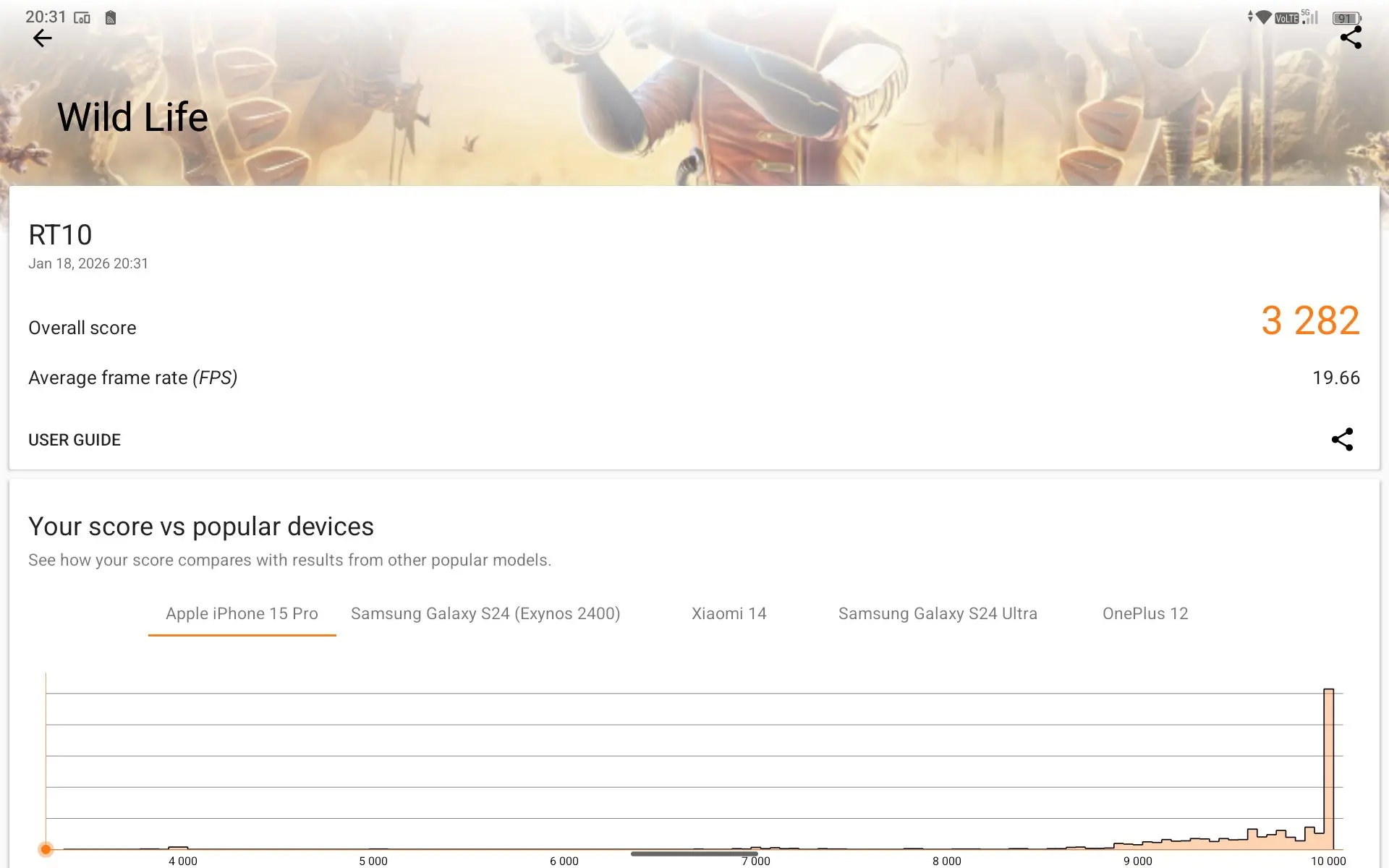
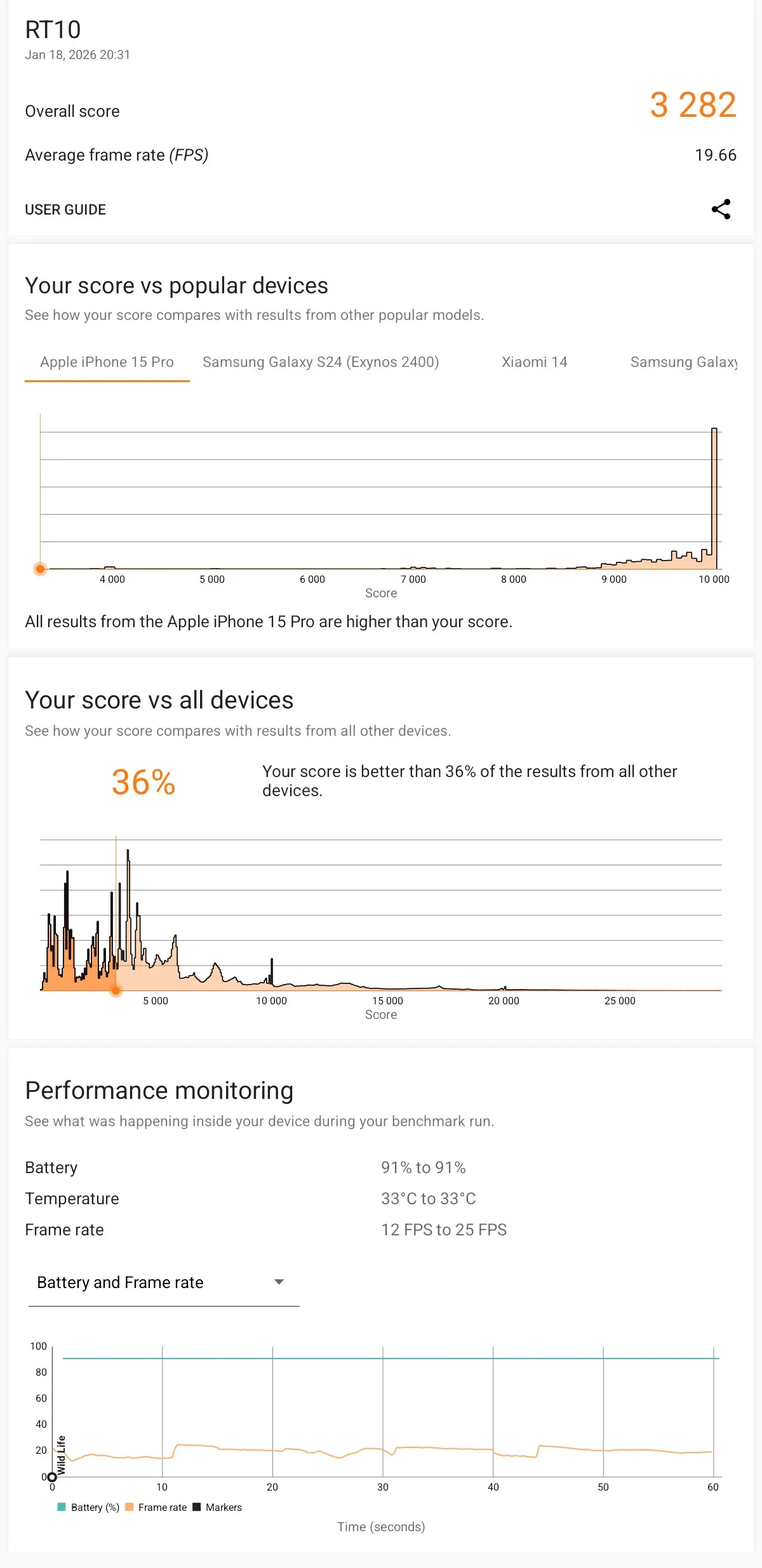
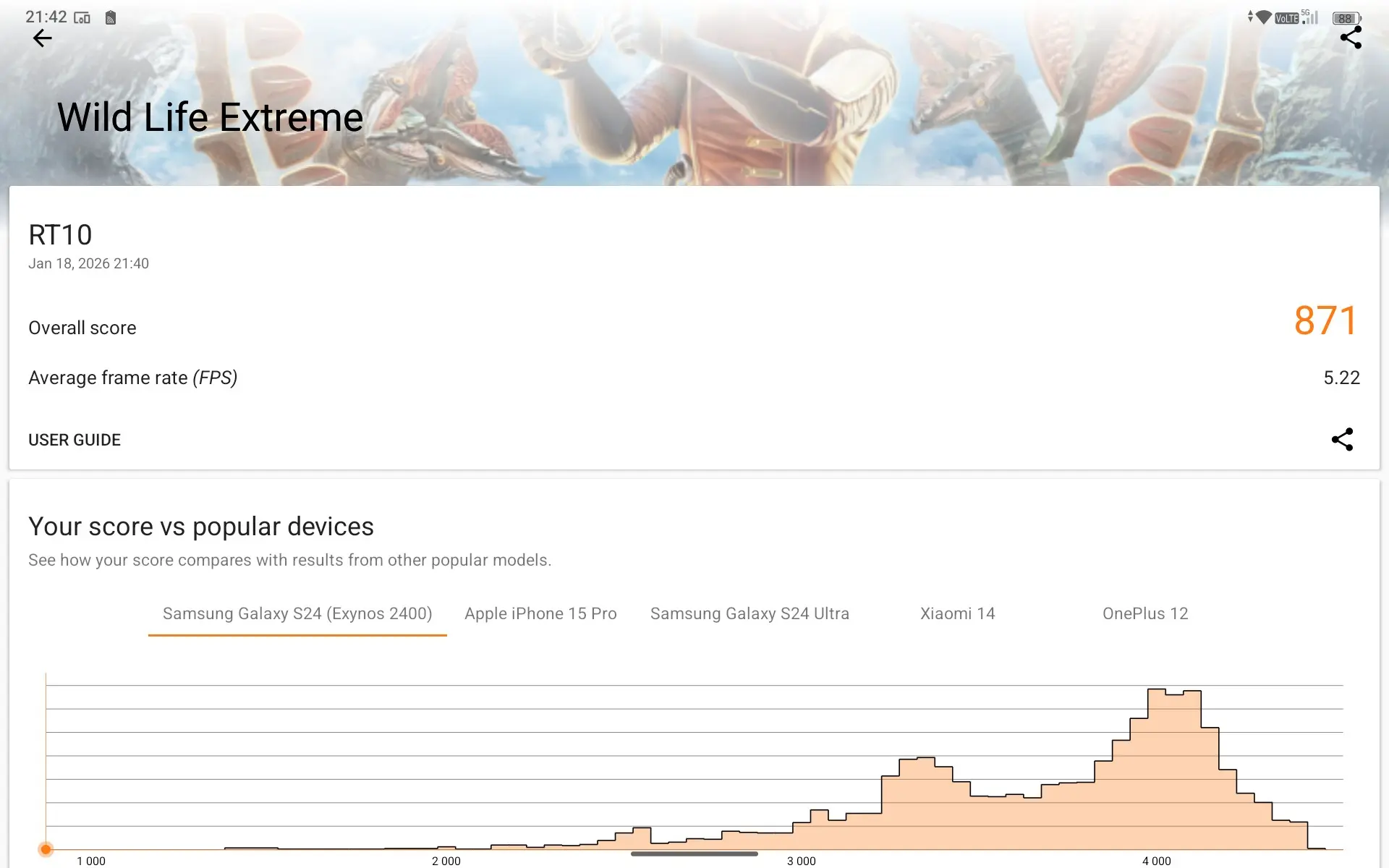
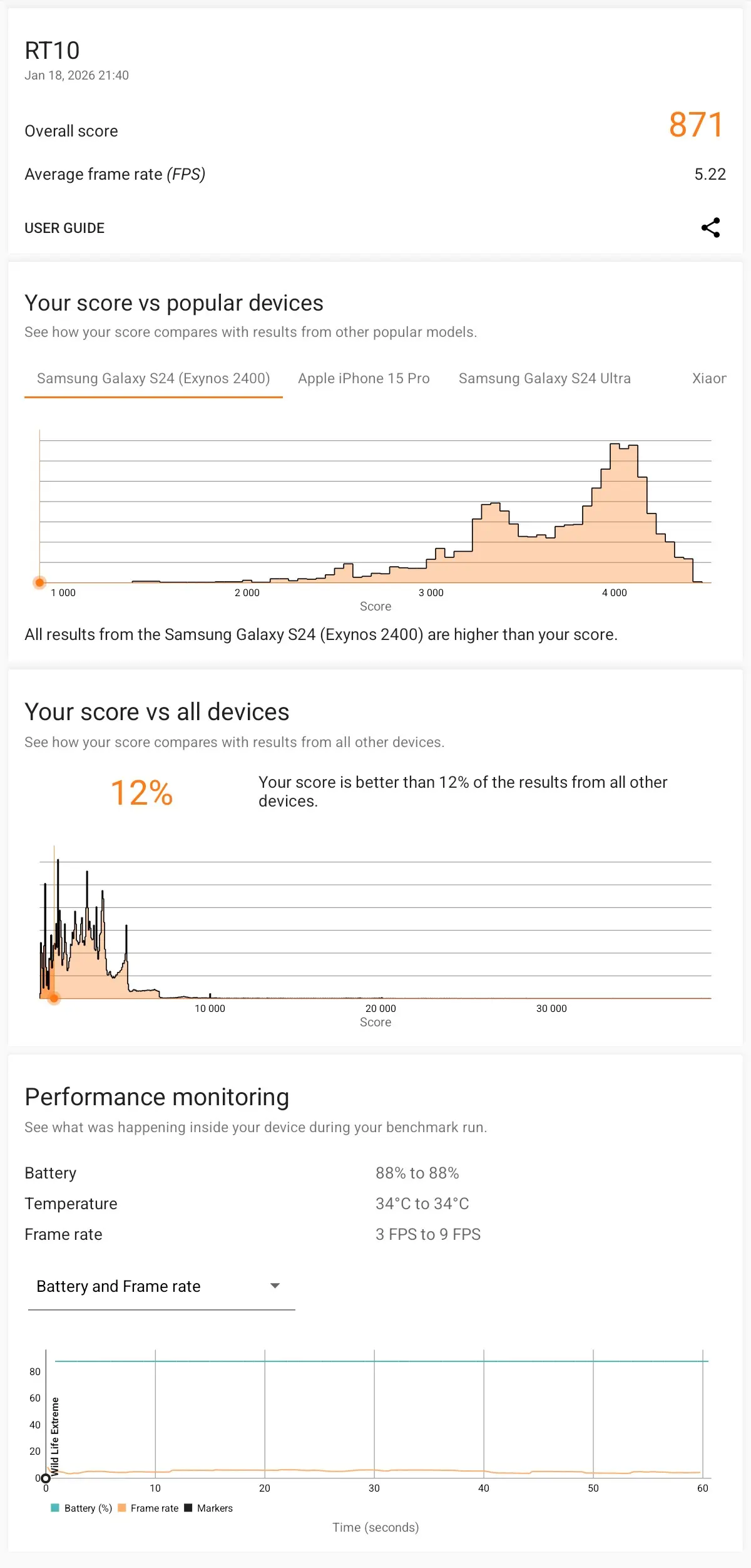
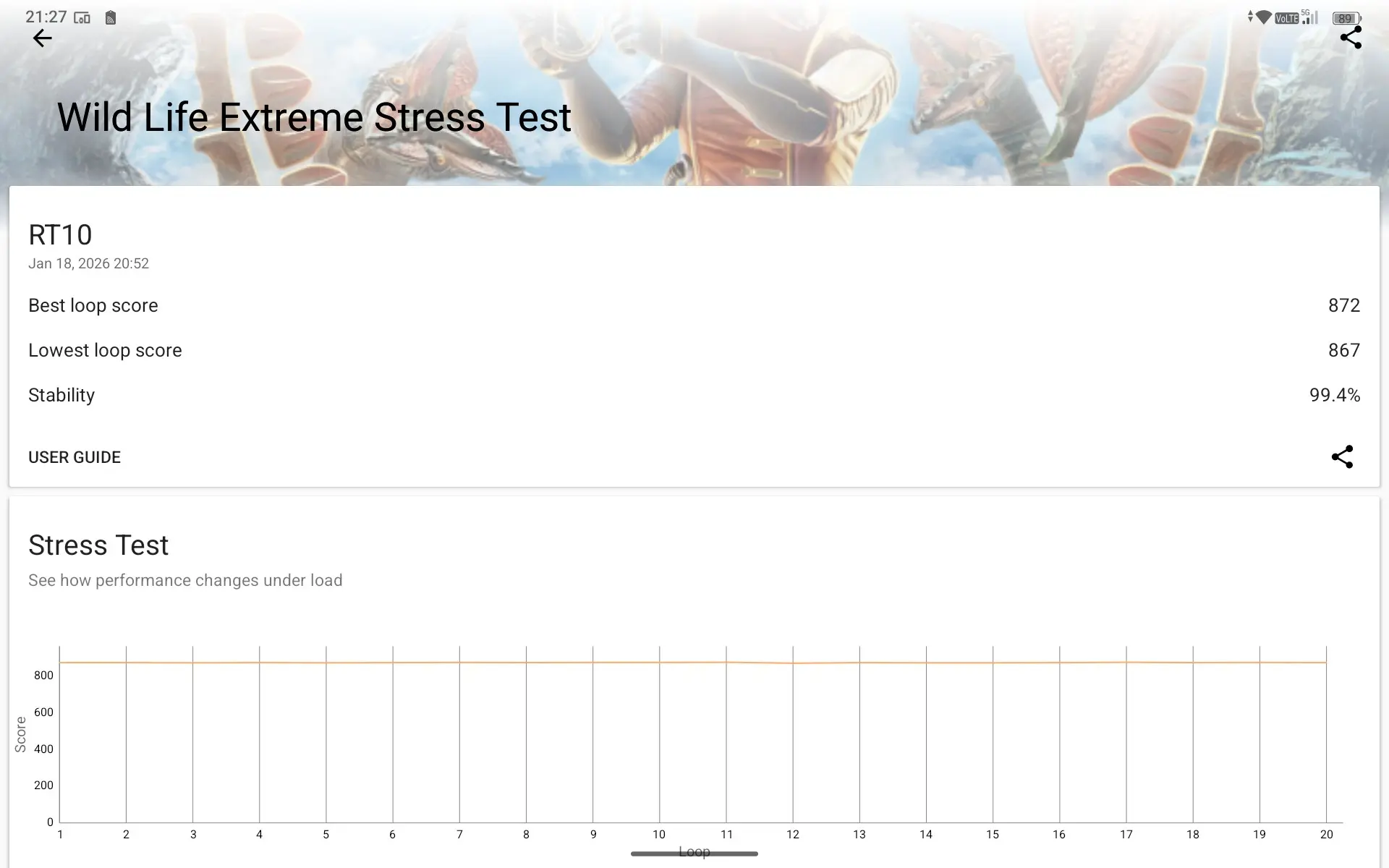
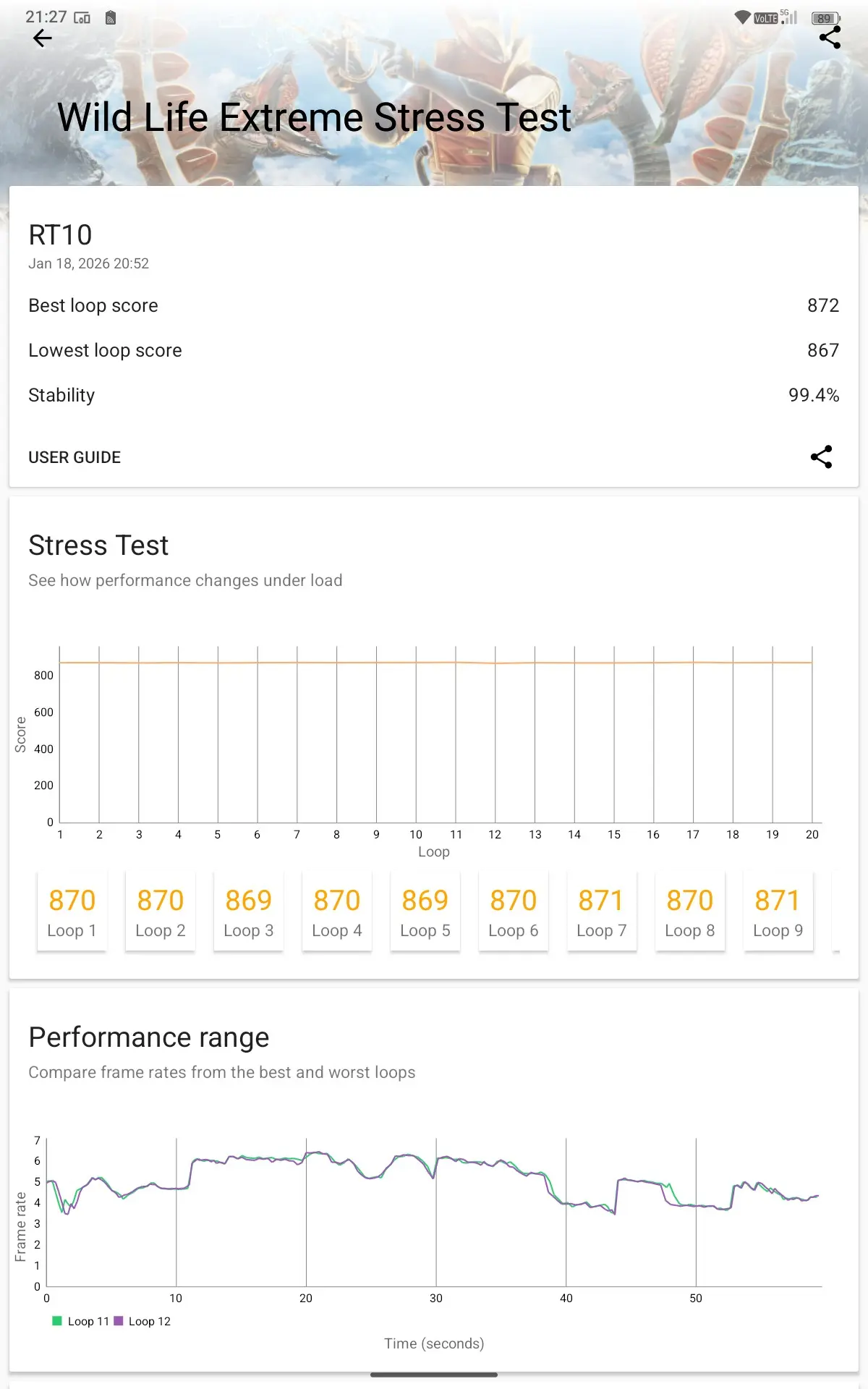
As was to be expected, the scores fall well below any current flagship with this mid-range MediaTek SoC, resulting in the below results:
Geekbench v6
- CPU Single-Core: 1,011 CPU Multi-Core: 3,154 GPU: 2,499
Geekbench 6 returned a score of 1,011, which is around a third recorded on last year"s Snapdragon 8 Elite of 3,046 that we saw in our RedMagic 10S Pro. In Multi-Core mode, it"s the same story, around a third less at 3,154 compared to 9,632 on the RedMagic device. On the GPU front, it"s even worse with just 2,499 compared to the RedMagic"s 23,100. So please... check your expectations.
If you are wondering, Geekbench ran a series of short tests which measured things like web browsing, document rendering, text processing, code compilation, various photo editing and processing tasks, and more.
3DMark
- Solar Bay: would not run, no Vulkan support
- Solar Bay Extreme Stress Test: would not run, no Vulkan support
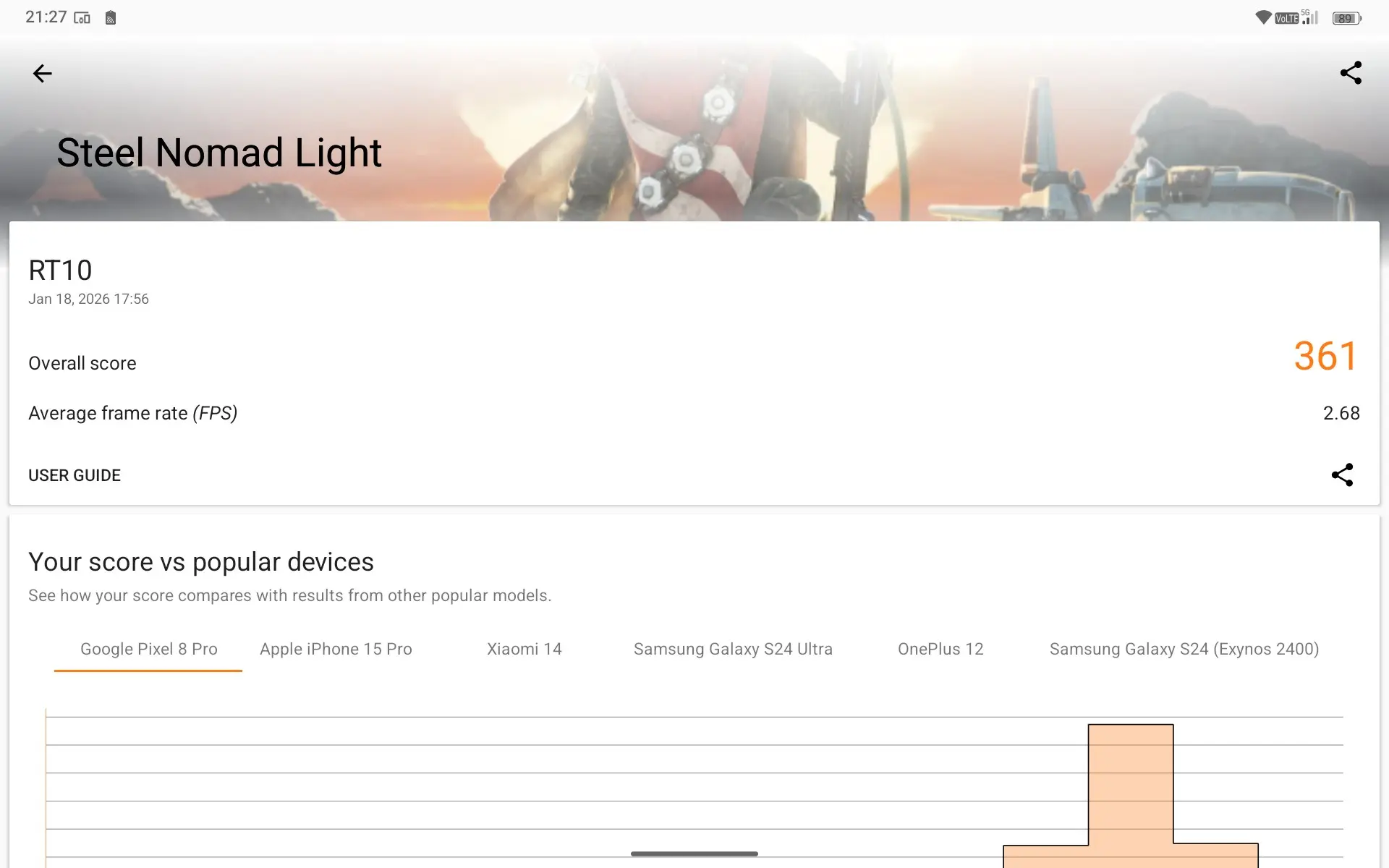
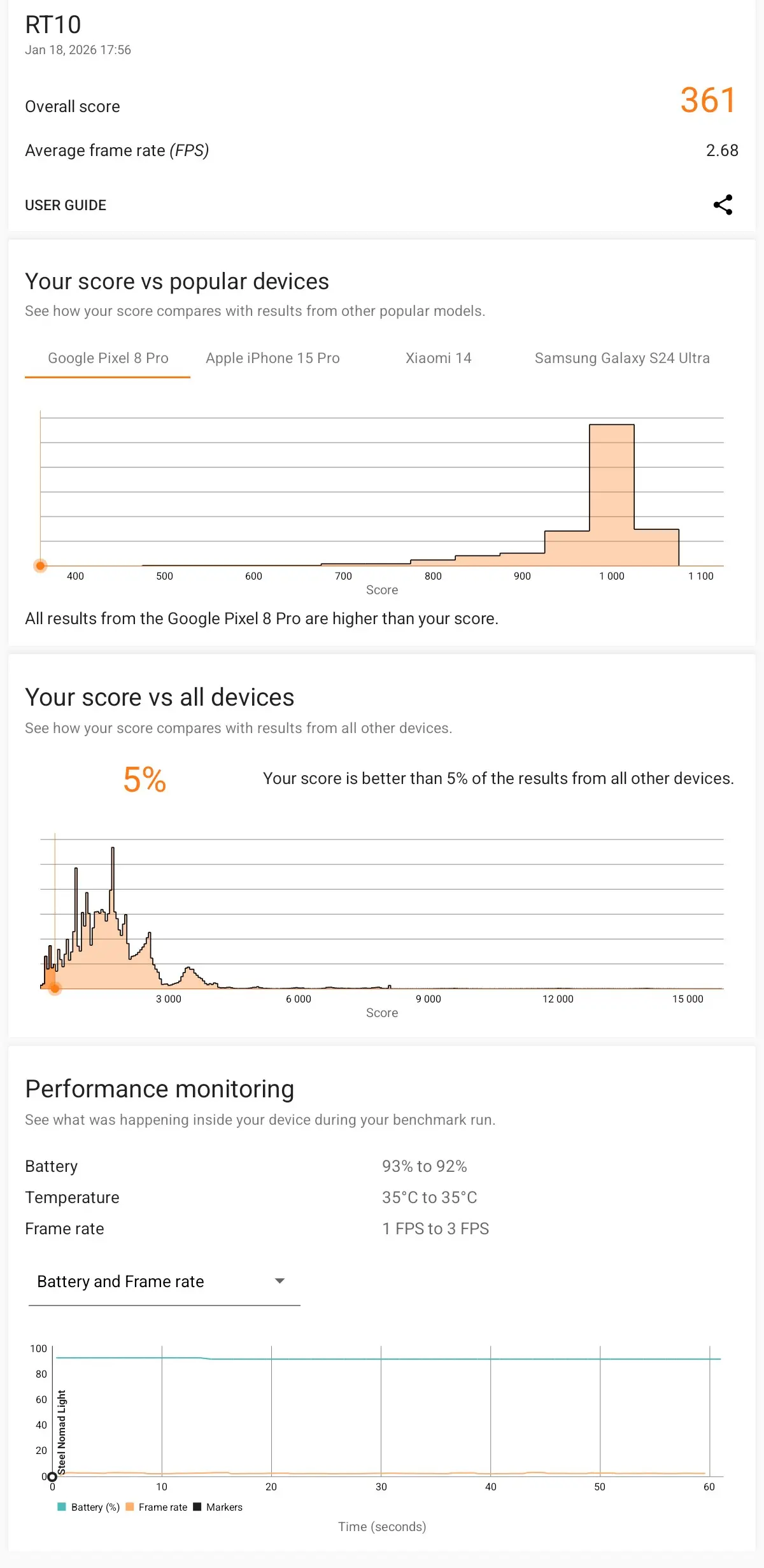
- Steel Nomad Light: 361 (avg fps 2.68)
- Steel Nomad Light Stress Test: Best Loop 1 (362) Worst Loop (356)
- Wildlife: 3,282 (avg fps 19.66)
- Wildlife Extreme: 871 (avg fps 5.22)
- Wildlife Extreme Stress Test: Best Loop 1 (872) Worst Loop (867)

3DMark"s standard Solar Bay test wouldn"t even run, saying that the phone did not support the Vulkan features of the test. After another quick Google, it appears to be down to the lack of driver support in the RT10:
The ARM Mali-G615 MC2, part of the Valhall architecture, does natively support Vulkan (up to version 1.3), but issues arise from device-specific drivers and Android"s reliance on proprietary blobs versus open-source Mesa/PanVK drivers, causing problems in emulation (like Winlator) or specific apps where it defaults to older OpenGL or needs driver tweaks (like disabling extensions in Winlator) for compatibility, not lack of hardware support.
Considering the 3DMark Solar Bay test uses the Vulkan 1.1 graphics API, this means the ARM Mali-G615 MC2 GPU in the RT10 should have supported it if it had the correct driver.
Also, in case you are wondering, Steel Nomad tests rasterization. Meanwhile, the Wild Life benchmark also measures rasterization, though to a lesser scale.
PCMark
Lastly, I ran PCMark, even though you cannot download it from the Google Play anymore (just like AnTuTu, for some reason), it is still a valid test to find out details about the battery life and performance.
| Work 3.0 Performance | Work 3.0 Battery Life |
|---|---|
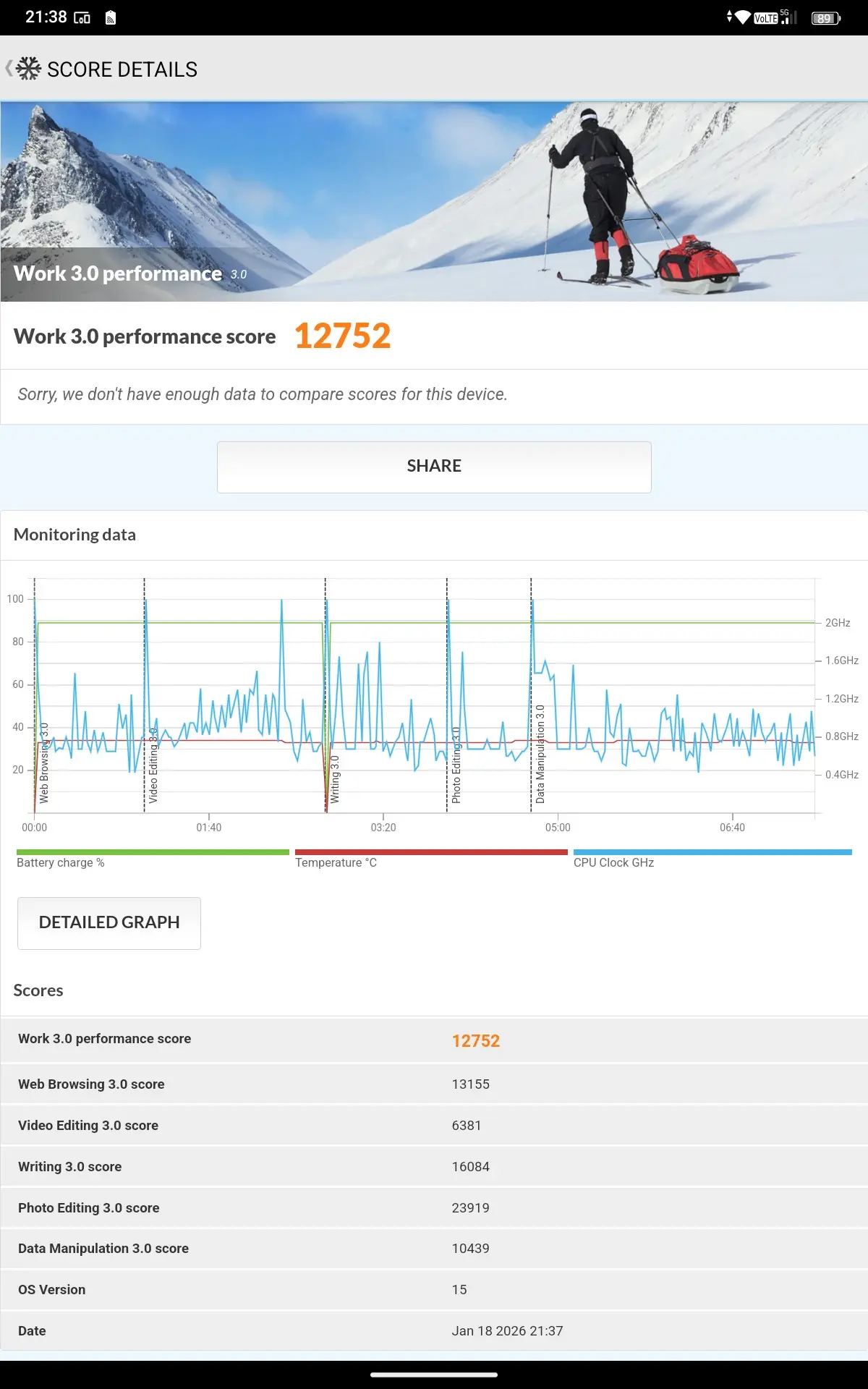
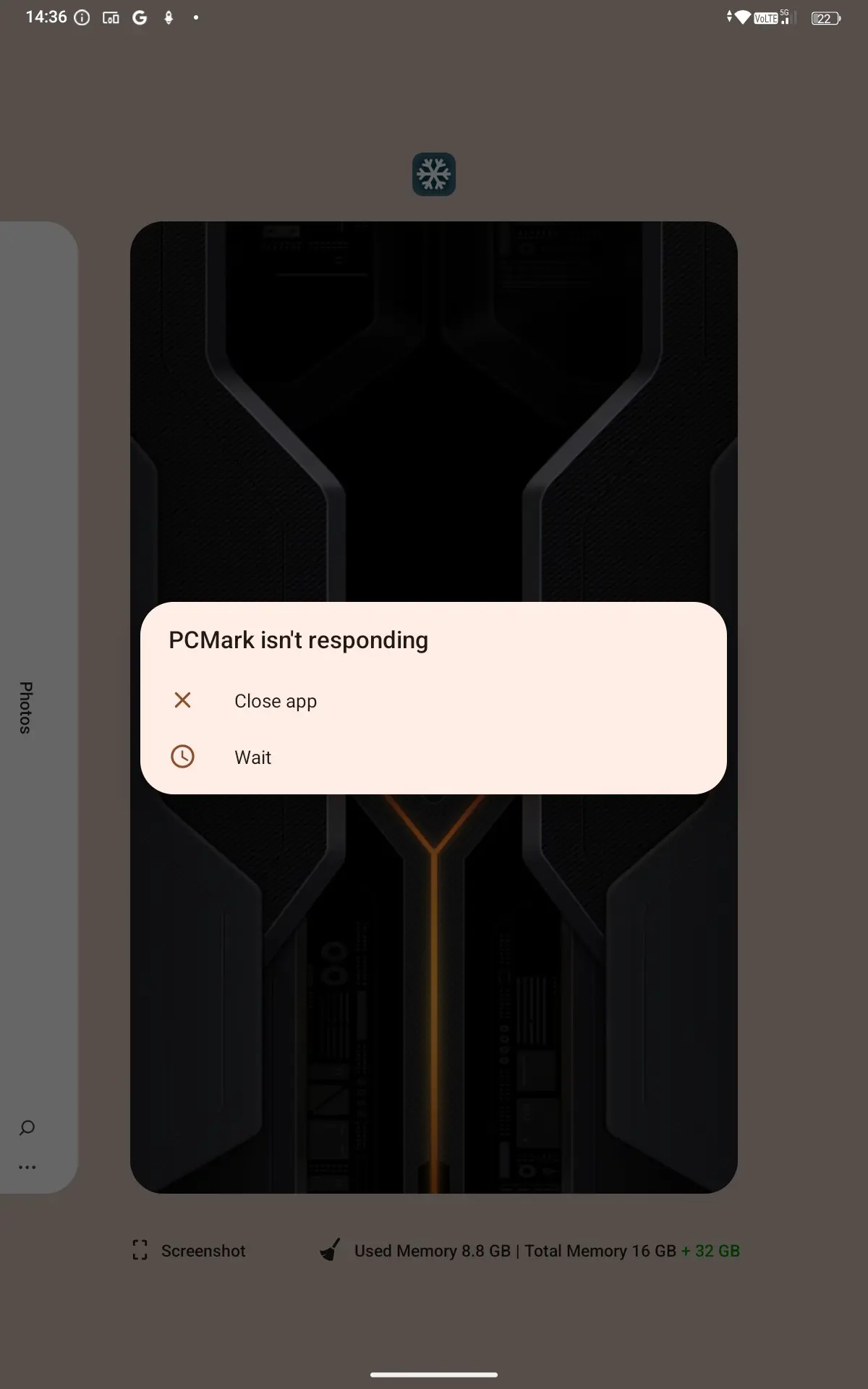
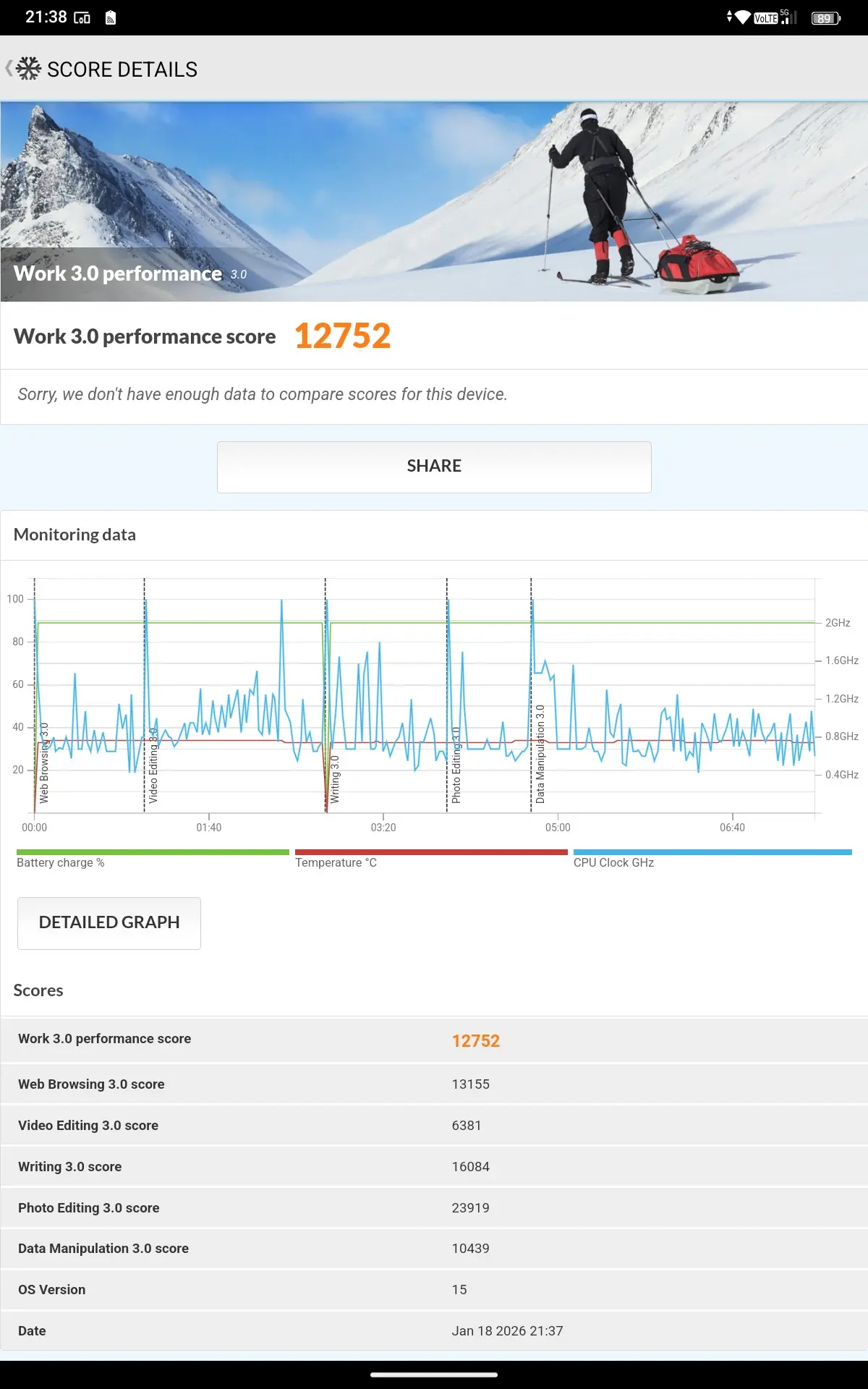
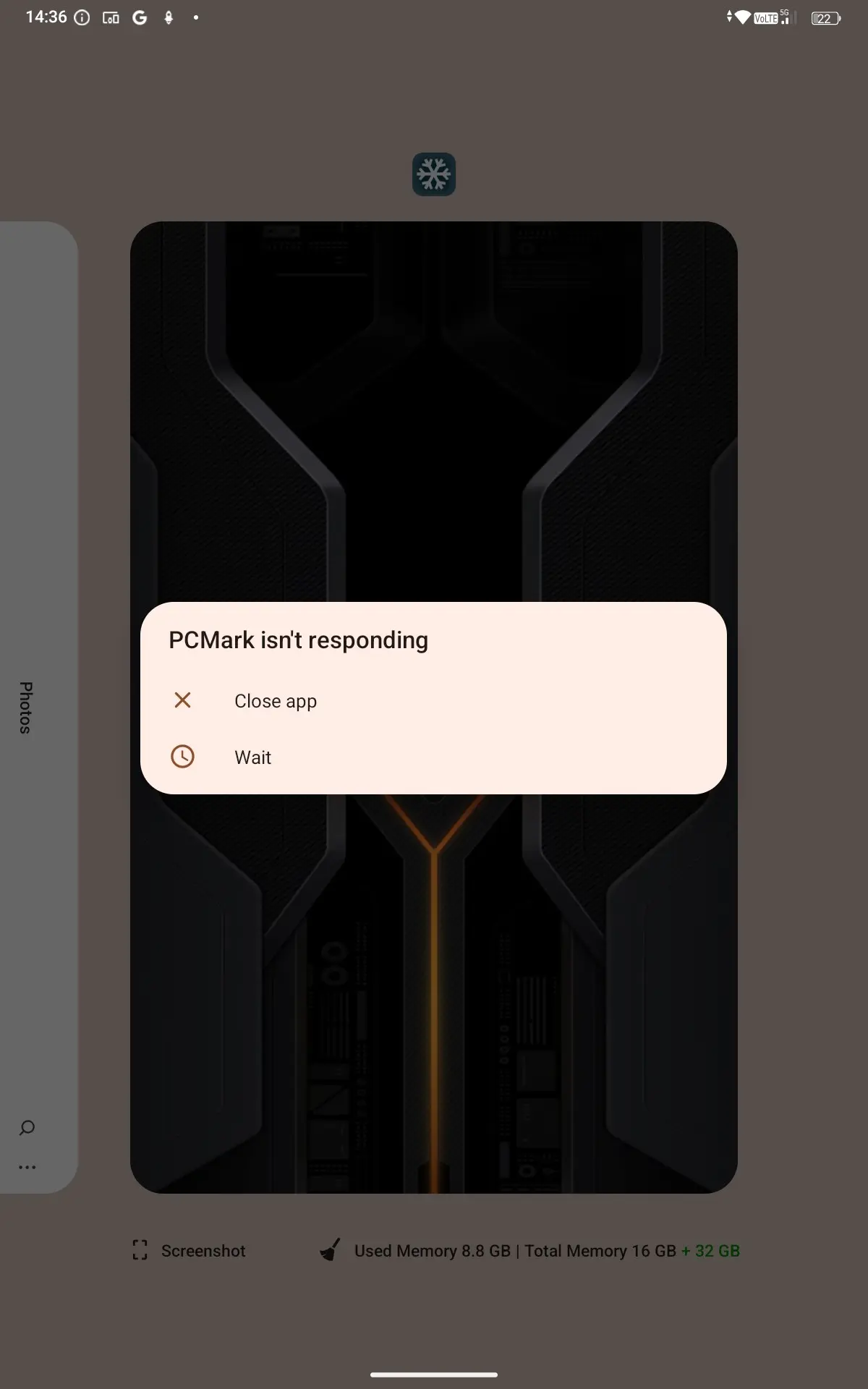
When running the Work 3.0 Performance test the RT10 scored 12752. However, when I ran the Battery Life test, PCMark crashed after running the test almost 32 hours, in fact the battery was down to 22% so it only had 2% more to go before completing the test, make of that what you will.
Battery
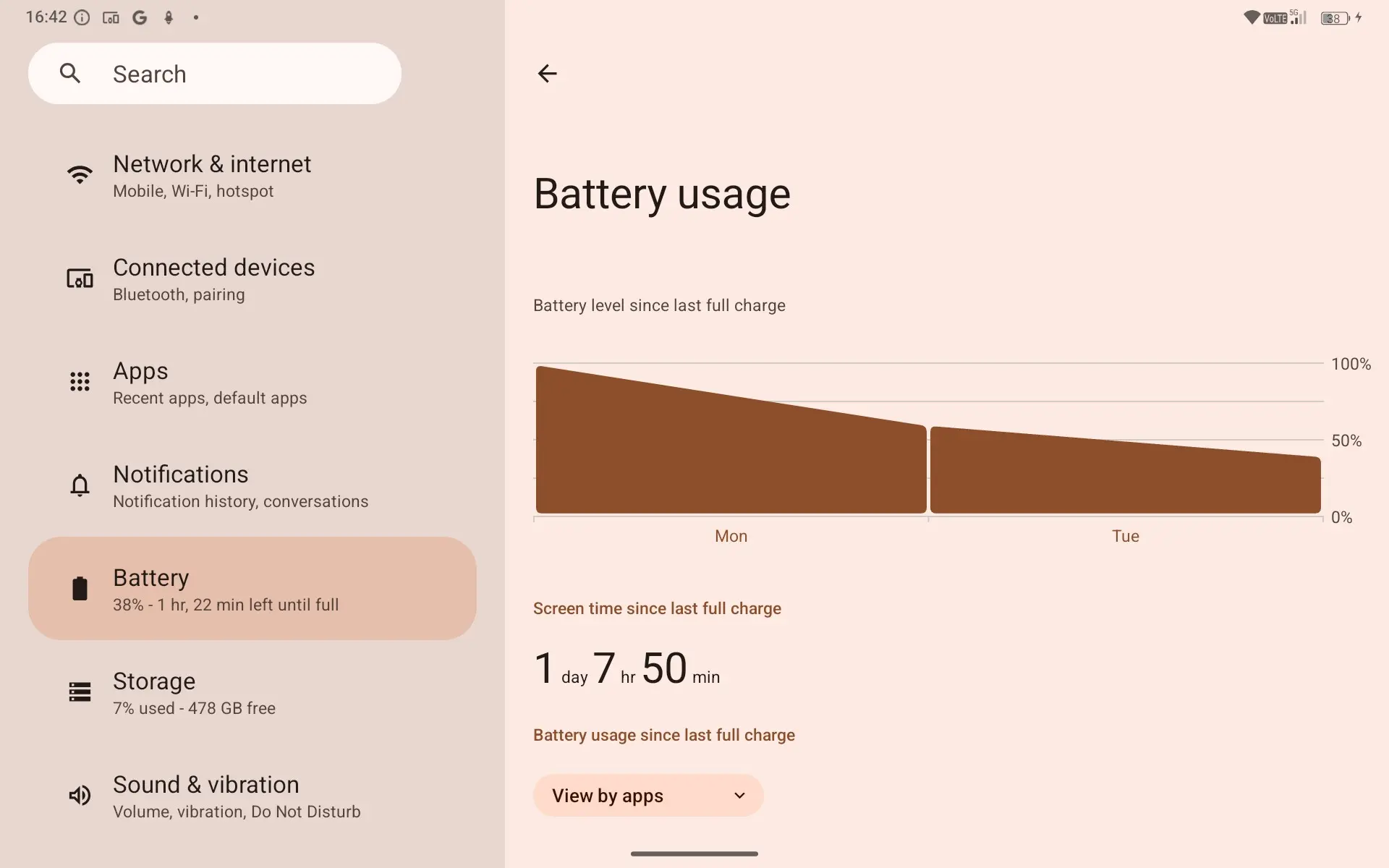
After running the failed Battery Life test, I then decided to see how long it would take to juice the huge 25,000mAh battery back to 100%. Starting from 22%, the RT10 estimated that it would take two hours and fifty one minutes to charge fully at 33W, however in the end it took almost ten hours!
I suspect that there is still some sort of calibration taking place, because even after removing the USB cable more than two hours ago, the RT10 still reports 100% battery, and that it stopped charging only 3 mins ago.
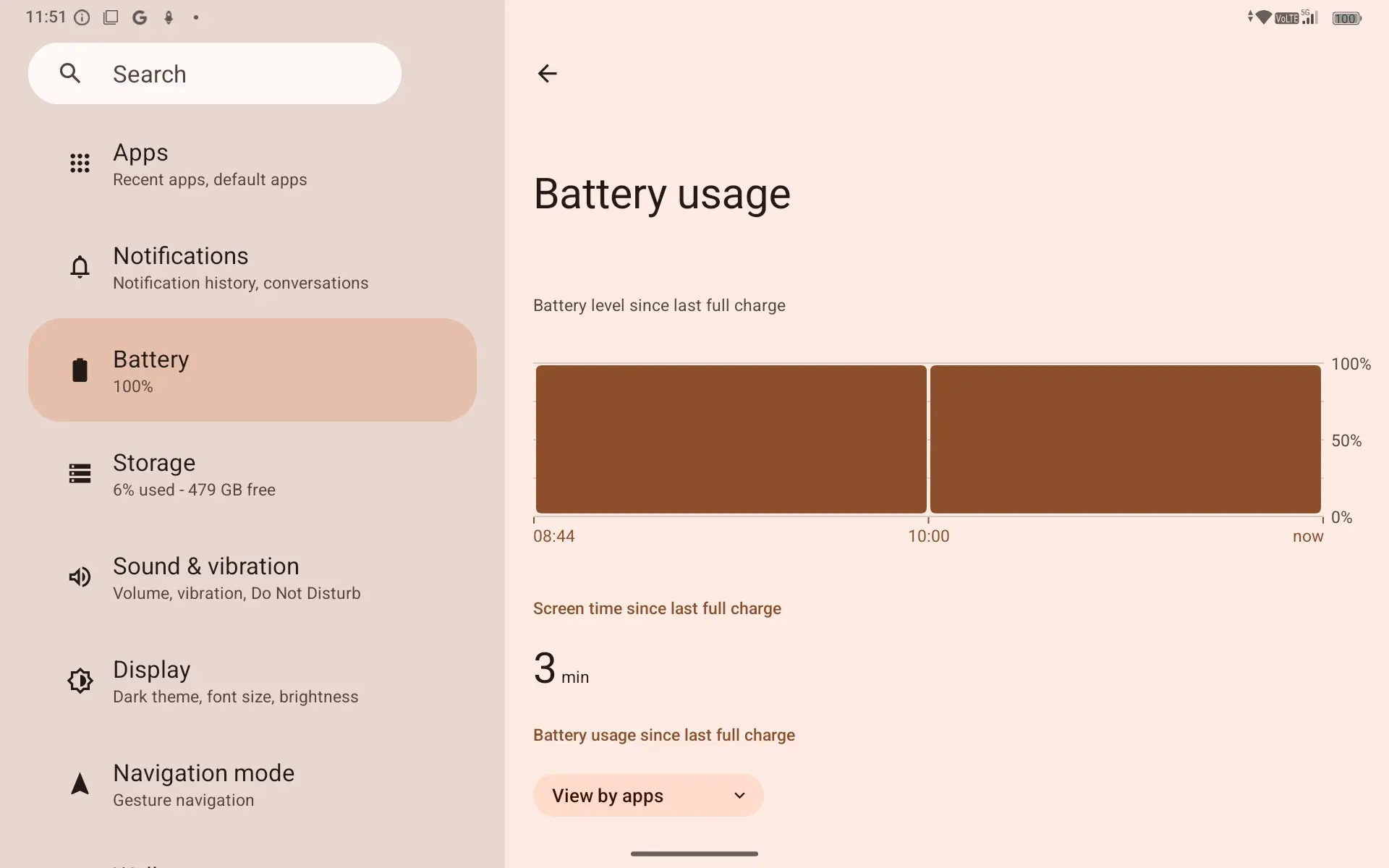
As evidenced from the Battery Life test, which stress tests over that prolonged period (of 31.5 hours before it failed) this battery will get you some serious uptime before you need to juice it. A nice feature is that it also supports reverse charging, so you can ensure it is full before going to work and use it to top up your main smartphone if needed.
According to Oukitel, you can expect:
- 112 Days Standby time
- 19H Video time
- 232H Talk time
- 17H Game time
But this is all also backed with 33W Fast charging, which is definitely a good feature to juice the 25,000 mAh battery.
Conclusion
You can stick a data SIM in this and not worry about getting on Wi-Fi, which could be useful when traveling and public Wi-Fi is unavailable or just plain terrible, as is almost always the case with trips to the airport or Eurostar. However, with laptops and Ultrabooks getting ever smaller and lighter, and smartphone screens getting ever larger, it becomes increasingly difficult to justify lugging around a tablet.
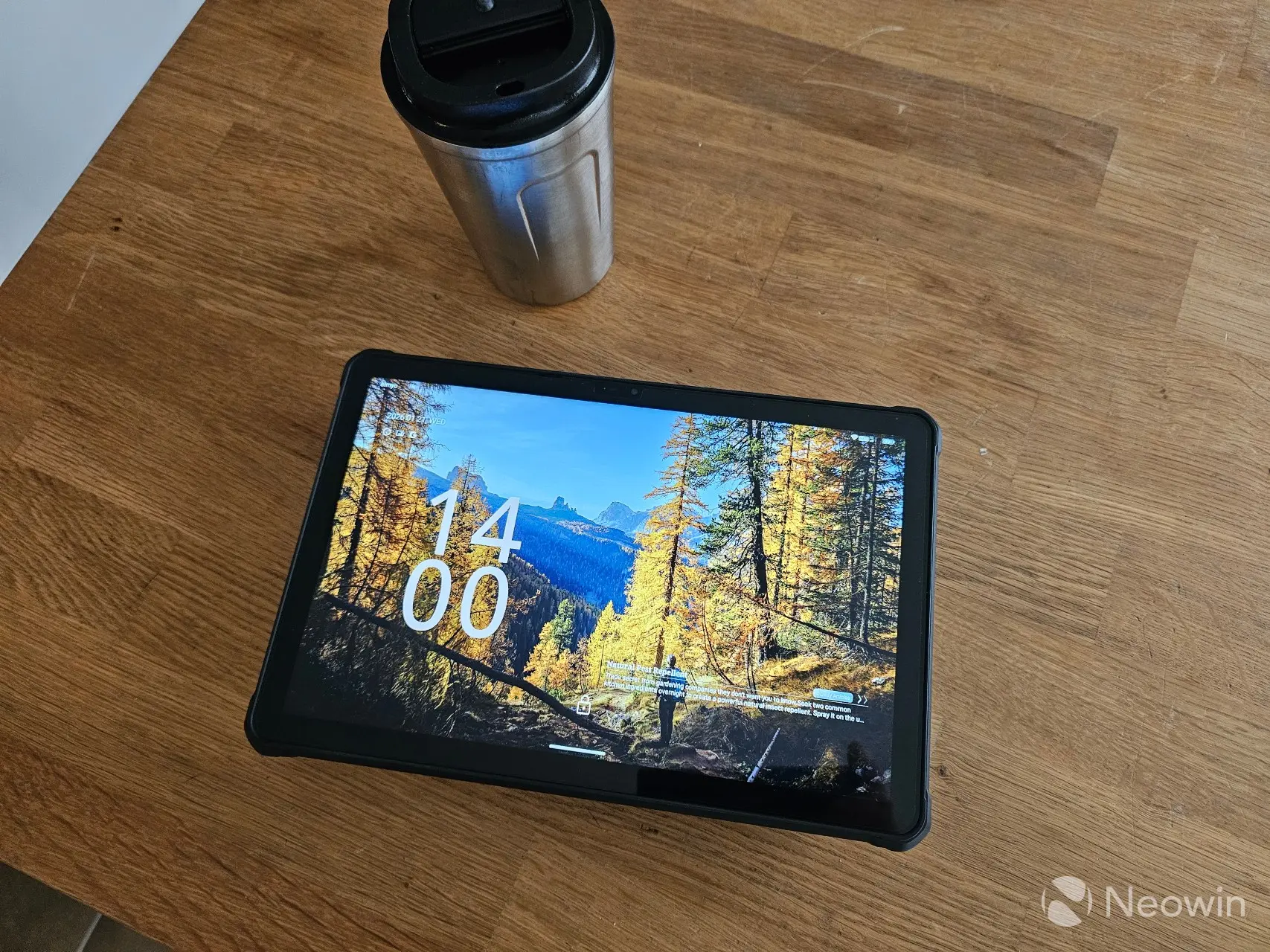
However, with the included mobile data option, it does become an enticing choice for media consumption with Full HD support at a low price point. Let"s not forget the massive battery this thing has too. At 25,000mAh, it will get you through the day and charge your other devices like a wireless headphone case and your smartphone.
What more can I say? Stick your mobile data SIM in it and enjoy streaming on the go, and thanks to the ruggedness, with accidental drops you will have less chance of damaging it. If you look close enough, there"s definitely a few deal-breakers here, especially with the weak chipset, and spotty Android support, after all it"s not a $800+ iPad. I find it disappointing that we had to lose out on an AMOLED screen just so its selling point could be about the 64 MP main camera though.
Would I recommend?
This has a clear use case, if you"re a manual laborer in the field, or work in a environment that is dangerous for premium flagship hardware, then this does check the boxes. If you drop it, the screen isn"t going to shatter and it won"t break either. With the discount that drops its selling price to $429.99, it becomes a much more enticing option that also doubles as a Powerbank, so this lets you take care of that need as well.
So if it checks the boxes for you, then yes, I recommend it if you can buy it for around $400.
Availibility, and where to buy
The Oukitel RT10 has an MSRP of $729.99 on the official website, but appears to have a launch price of $429.99, something we see often on Chinese marketplaces like they are showing us what they should ask, but here you go, it"s already $300 cheaper.
The RT10 is available now for preorder and will start shipping on Feb 2.
- Oukitel RT10 for $429.99 on official website (was $729.99)
As an Amazon Associate we earn from qualifying purchases.