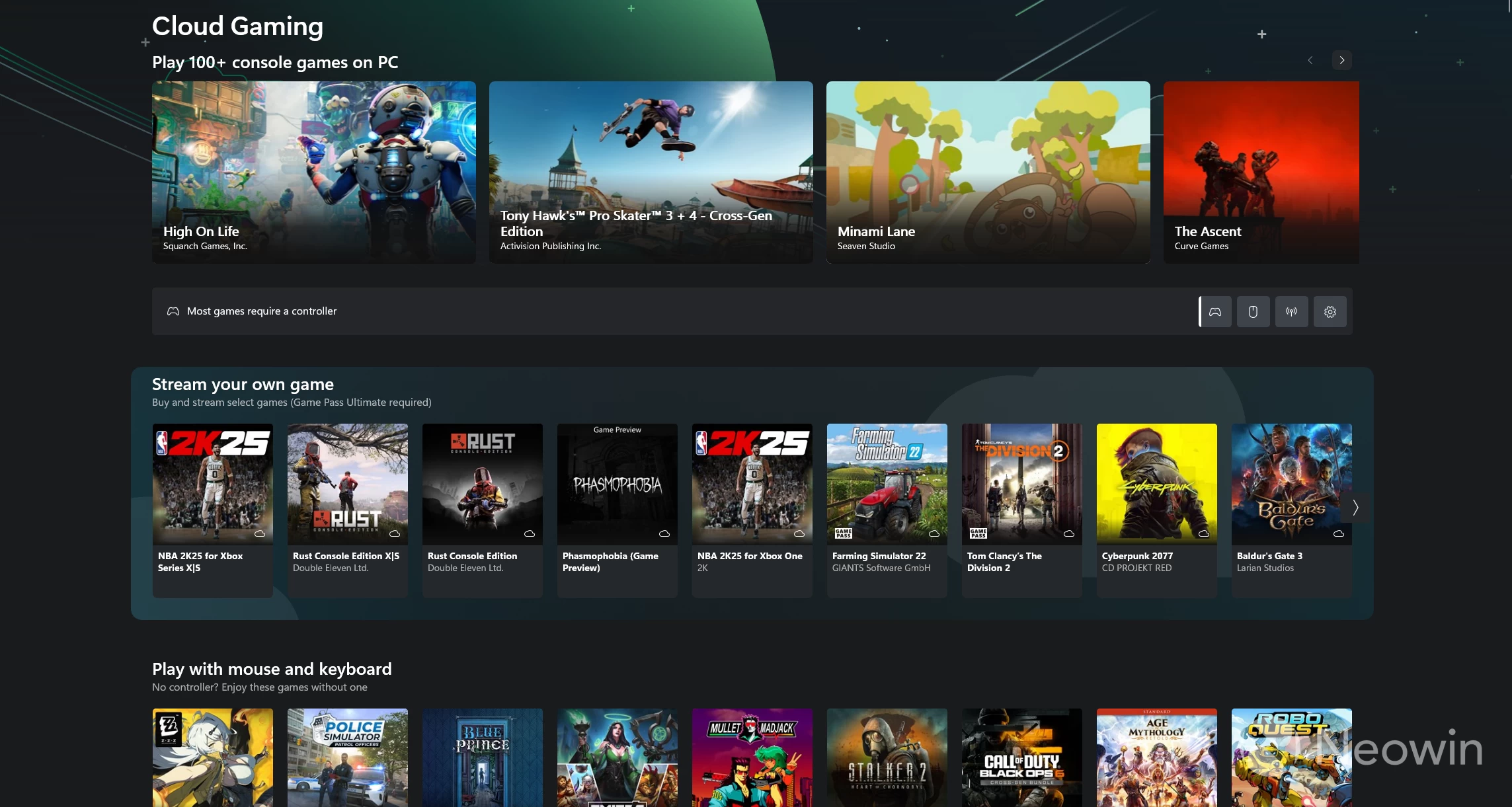
Late last year, Microsoft kicked off its "Stream Your Own Game" initiative for Xbox Game Pass Ultimate members. Just as the name suggests, the feature lets members stream their owned games via the cloud instead of relying on the titles available on the Game Pass catalog. So far, it has rolled out for Xbox consoles, Meta Quest VR headsets, TVs, and other browser-supported devices. Now, it"s time for the Xbox app on PC.
From today, Xbox Insiders on the PC Gaming Preview version of the Xbox PC app can start streaming the games they own, as long as they also have an Xbox Game Pass Ultimate subscription.
"This saves time, conserves hard drive space, and gives you more flexible access to your library through cloud gaming," explains Anu Reddy, Xbox Platform Senior Product Manager, in a blog post. "Even better, this feature includes console-only games that previously couldn’t be played using the Xbox PC app."
The supported list of games for Stream Your Own Game has been slowly growing since its 50-strong lineup at the start, too. Right now, over 250 Xbox games are supported by the functionality for cloud play. Check out the full collection here.
"You can expect even more games including console-only games and Xbox Play Anywhere titles to be added to the collection over time," adds the company. "You choose how and where to play. We’re just making it easier to get there—with more flexibility, more access, and more games at your fingertips."
To begin streaming owned games, head to the Cloud Gaming section on the Xbox PC app (as an Xbox Insider on the PC Gaming Preview with Game Pass Ultimate), which should now have a new ‘Stream Your Own Game’ section showcasing supported games.