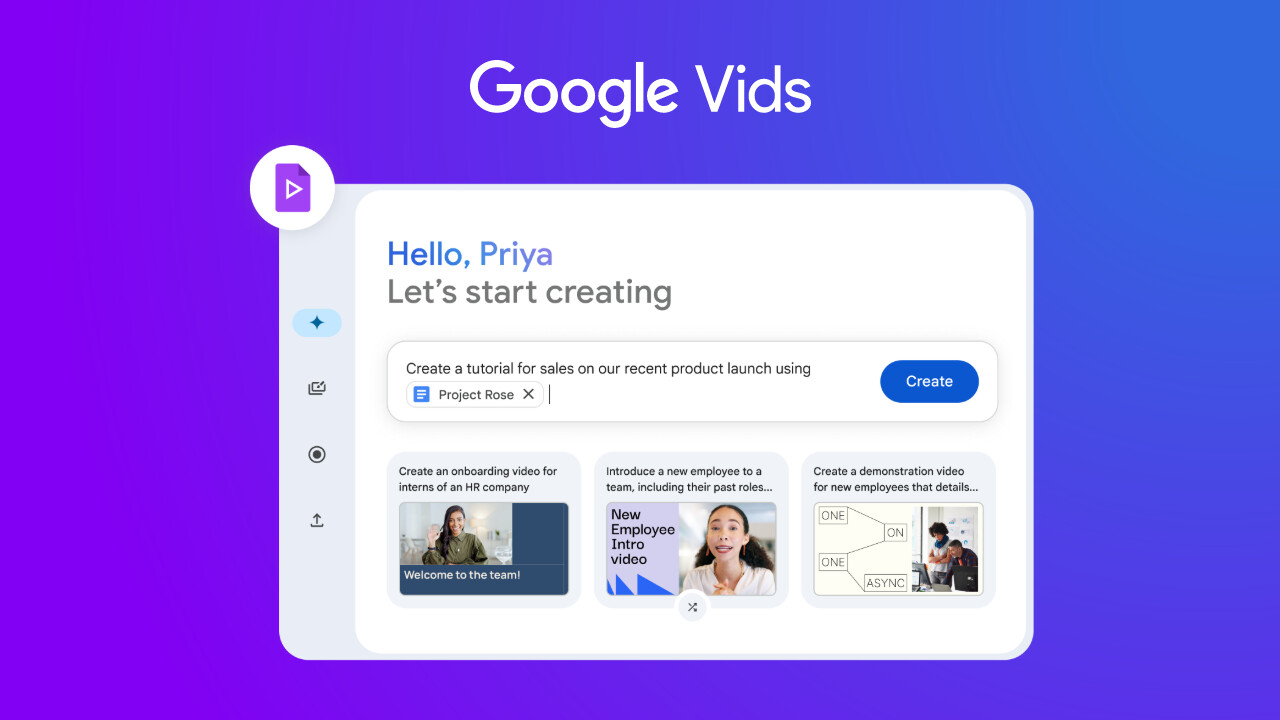
If you have been using the Google Vids app to generate video clips using AI, Google has a new perk for you. The AI-powered video editing app has added support for more video formats, rolling out to all Google Workspace customers and users with personal Google accounts.
You can create and edit videos in a vertical format with a 9:16 aspect ratio, which we typically see on social media platforms, and a square format with a 1:1 aspect ratio. Google Vids already lets you create and edit videos in the standard widescreen or horizontal format (16:9).
To use the new video formats, click on the "Video size" button in the menu bar at the top of the Google Vids interface, then select your desired format. You can also do the same by going to File > Video size.
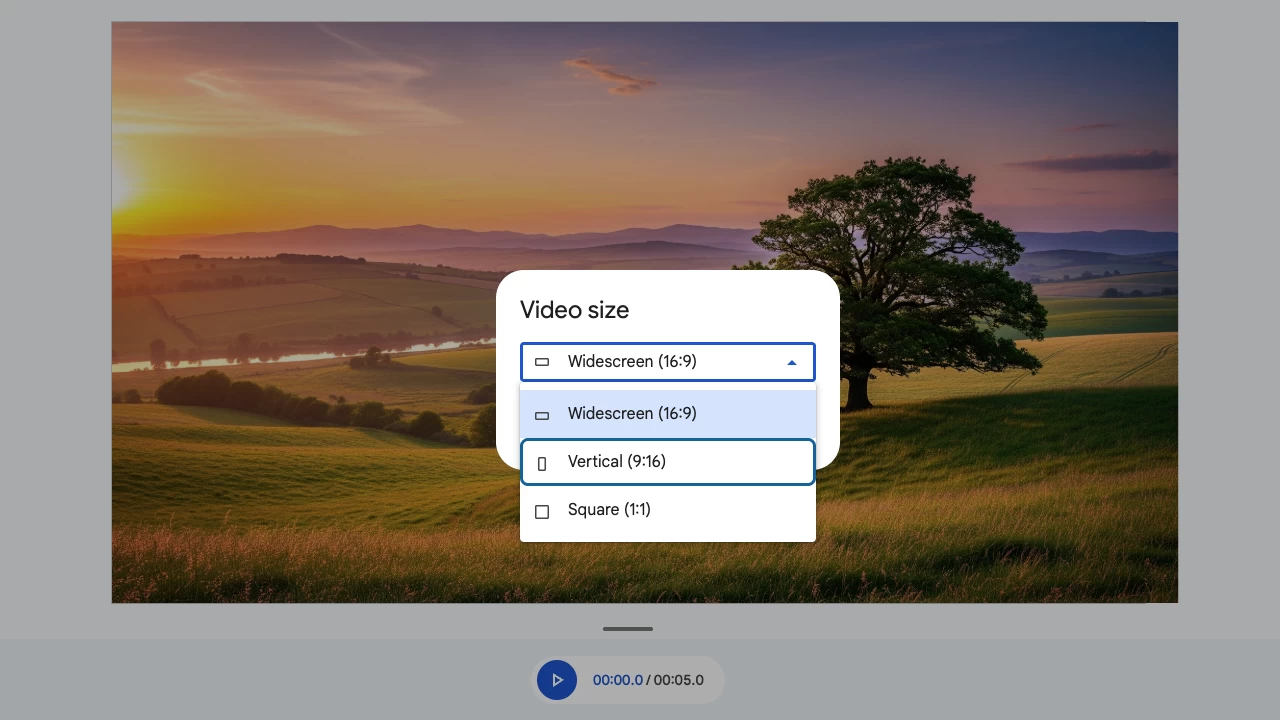
"These additional sizes will give you more flexibility to create content and export to a variety of platforms like YouTube Shorts, Instagram Reels, and TikTok," Google said in a blog post. The search giant added that Google Vids will also get new templates in vertical (9:16) and square (1:1) formats to help users create more content.
For the uninitiated, Google Vids was launched in April 2024 as an AI-powered production tool to create training videos, presentations, and other material. It was later expanded to Workspace users and got support for Google"s Veo 2 and Veo 3 models to generate custom video clips, audio-supported video clips, and videos from images.
You can also replace the background using text prompts and quickly edit your videos uploaded to Google Drive. Google said that the new video formats for Google Vids have started rolling out and will take a few weeks to reach all users. It notes that there is no admin control or end-user setting to enable or disable the video formats for Workspace users.