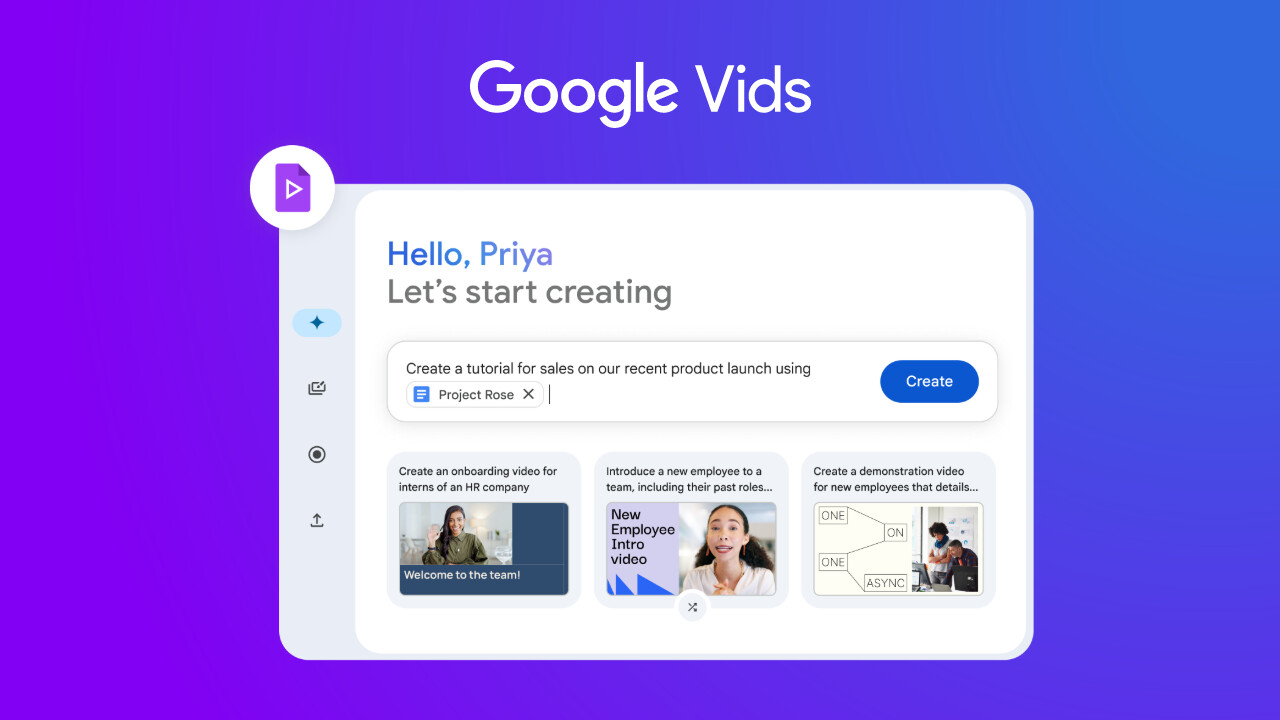
Last month, we reported that Google was adding its Veo 2 video generation model into the Google Vids editor. The company has now followed that by rolling out its latest Veo model, Veo 3, which was unveiled at I/O 2025 and went viral recently for its shockingly realistic clips. The main addition this time is the ability to generate both video and synchronized audio directly from a text prompt.
Anyone with a compatible Google Workspace plan can now generate 8-second clips right inside a Vids project. You find the "Generate video" icon in the editor, pick Veo 3, and then type out what you want to see and hear. Google's examples include things like a spokesperson delivering a line for a product demo or an employee giving an intro to a safety video. The model is good enough to generate dialogue that actually syncs with the character’s lips. Once you create a clip, you can just insert it into your video. And, if the audio it spits out is garbage, you have the option to mute the clip.
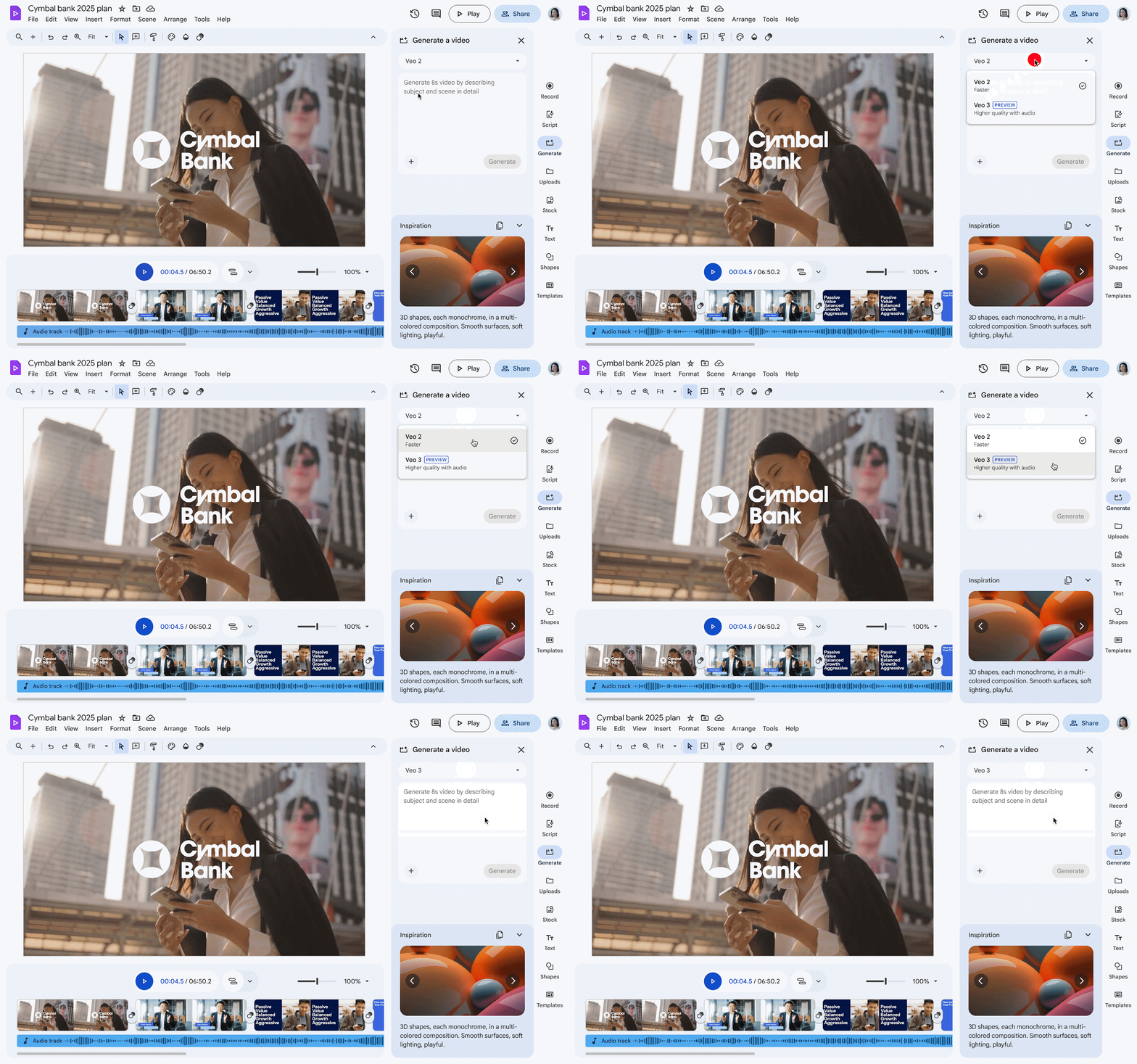
The generated clips are currently capped at 720p resolution and run at 24FPS, a far cry from the 4K potential Veo 3 has as a standalone model. Still, getting functional audio generation built-in is a huge step. This native sound capability is what really sets it apart from competitors like OpenAI's Sora, which primarily generates silent videos.
Google began pushing out the feature recently, but do not worry if you do not see it immediately in your account. The company is doing a gradual rollout that can take up to 15 days to complete, so your access will depend on which wave your account is in and whether your company's admin uses the Rapid or Scheduled Release track. Access is fairly widespread for paying customers on Google Workspace, including those on Business Standard and Plus, as well as Enterprise Standard and Plus plans.
It is also available for Essentials, Nonprofits, and even the lower-tier Business Starter and Enterprise Starter plans. For now, the AI generation only understands prompts in English, and all videos are invisibly watermarked to identify them as AI-generated.
















1 Comment
Load the comments and join the conversation!
Read the comments, ask the editors questions, show respect and join the conversation.