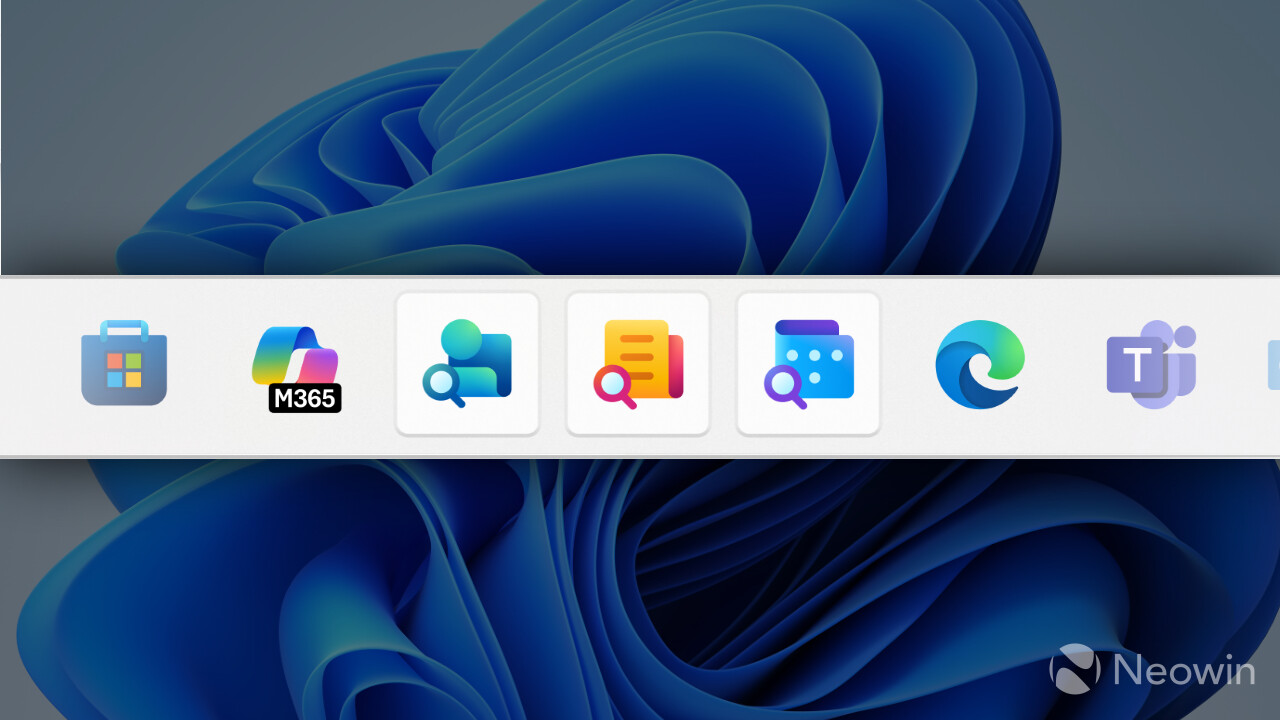
Microsoft is introducing new apps to the Microsoft 365 suite. The company has confirmed that it is launching "Microsoft 365 companions" and they are planned for rollout this month, August 2025.
Reports of such companion apps first surfaced back in November of 2024 where bits and traces of a newly revived People app and File Search companion app emerged. At the start of the month, we had reported on the new People app, and then later on towards the end, the new File Search app popped up.
For those wondering what the deal with these new Companion apps is, Microsoft recently announced that these "mini apps" are meant to help enhance the productivity of users as they can be easily accessed from the taskbar. Companion apps are Windows 11 exclusive (only desktops, at least for now) and won"t work on Windows 10, which also makes sense given that the latter is going out of support very soon and is also seemingly at an overall performance disadvantage currently, according to our benchmarks.
In a new Microsoft 365 roadmap entry, the tech giant has described the feature and the rollout schedule. It writes:
Microsoft 365: Microsoft 365 companion apps- a suite of apps designed to enhance productivity
Microsoft 365 companions is a suite of apps, including People, File Search, and Calendar, designed to enhance productivity through quick access to key tools directly from the Windows 11 taskbar. These lightweight apps integrate seamlessly with Microsoft 365, allowing users to efficiently look up contacts and navigate organization charts, locate files, view calendars and streamline workflows without distractions.
It can be found under ID 486856.
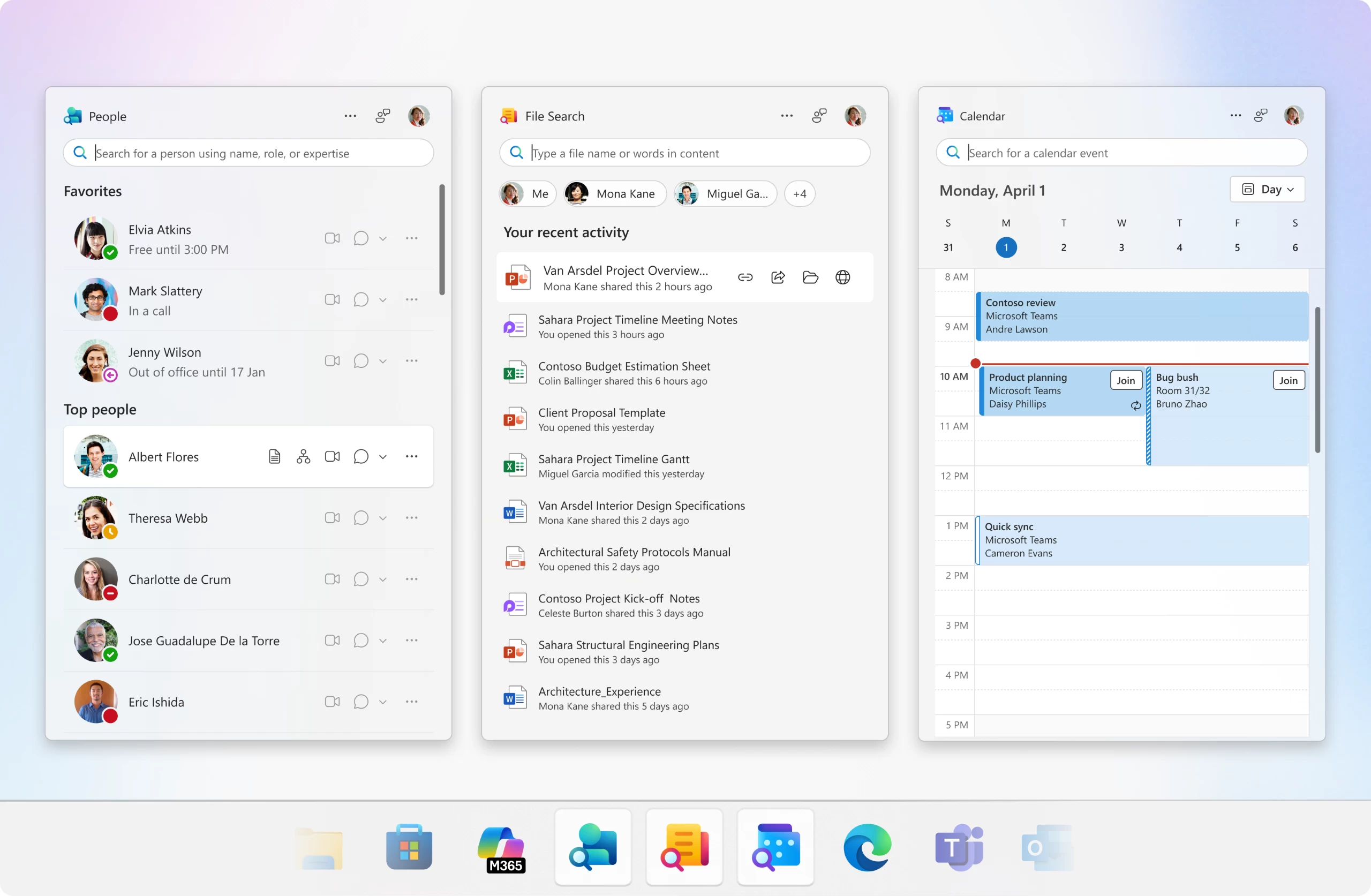
Additional information about the new feature has also been shared. Microsoft notes that the companion apps will be installed automatically on eligible user PCs as per the deployment schedule as part of the Microsoft 365 update process.
Once these apps are installed, Microsoft says that they will automatically launch on startup, although users will have the option to disable the auto-launch through the apps" settings.