This week"s news recap is here with plenty of new Windows 11 builds to try, a lot of useful information about the end of Windows 10 support, important guides for those who miss uBlock Origin in Chrome, gaming news, and more.
Quick links:
- Windows 10 and 11
- Windows Insider Program
- Updates are available
- Reviews are in
- Gaming news
- Great deals to check
Windows 11 and Windows 10
Here, we talk about everything happening around Microsoft"s latest operating system in the Stable channel and preview builds: new features, removed features, controversies, bugs, interesting findings, and more. And, of course, you may find a word or two about older versions.
Windows 10"s support is quickly approaching (including exotic editions, such as the original LTSB), and with Microsoft offering only 12 months of extended security updates for regular users, multiple groups provide their own solutions for the inevitable demise of hundreds of millions of PCs. The Restart Project released a so-called "End of Windows 10 toolkit" to help community repair groups deal with the upcoming event.
If your computer is not supported but you still want to leave Windows 10 behind, try the recently updated Flyby11 app, which received a new way to download and patch Windows 11 images. You can also check out this guide to learn how to create a lightweight Windows 11 image for unsupported PCs. Alternatively, you can sign up for the Extended Security Update program and get one more year of updates for free, as described in our newly published guide.
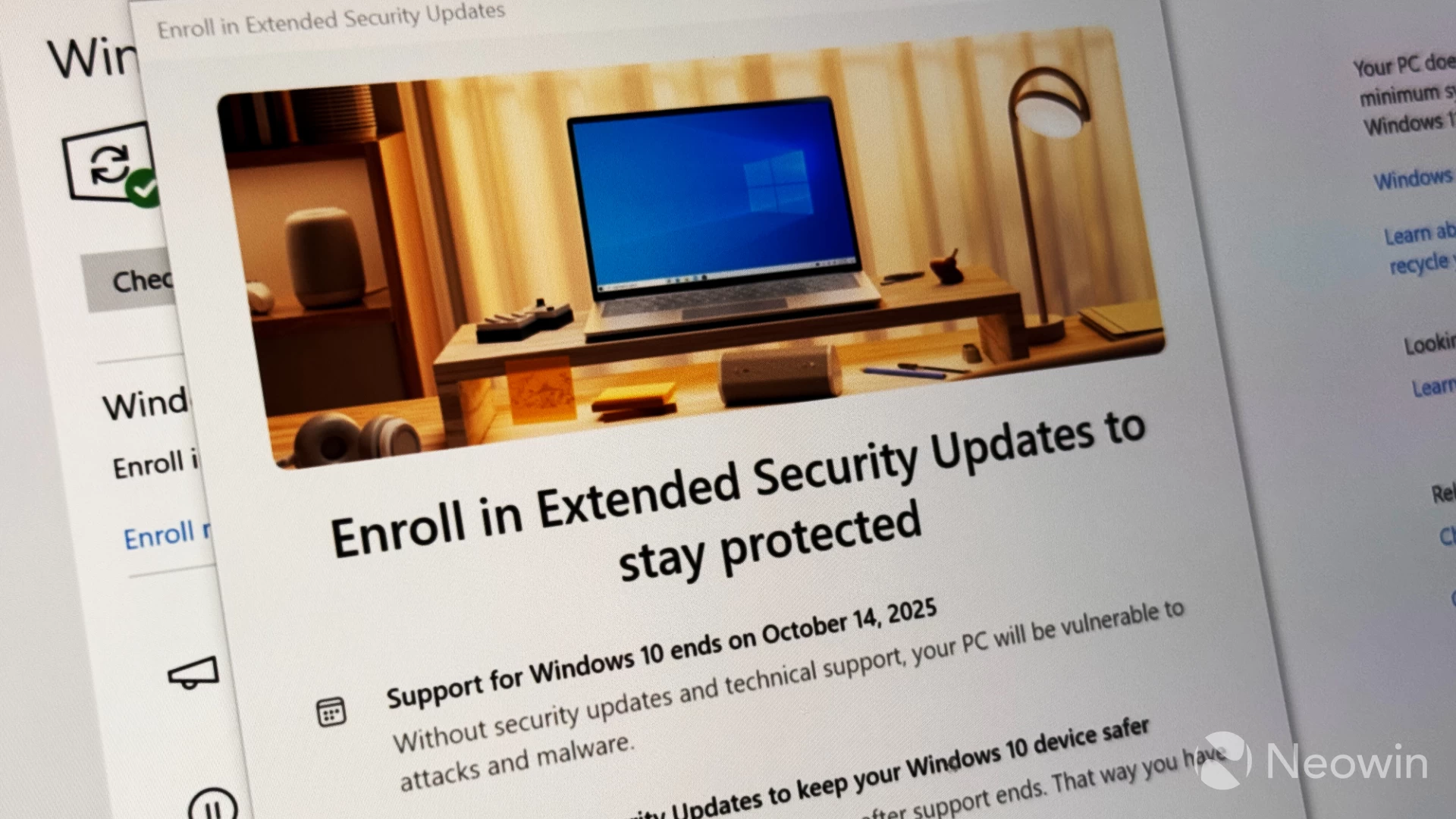
If you plan to stay with Windows 10 and you use Office apps, Microsoft has an important update for you. The company revealed that Microsoft 365 apps will stop receiving feature updates in August 2026 for the Current Channel, October 2026 for the Monthly Enterprise Channel, and January 2027 for the Semi-Annual Enterprise Channel.
This week, Windows 11 version 24H2 received a new out-of-band update with an emergency fix for Azure VM boot issues. Also, Microsoft confirmed problems with the emoji panel in Windows 10, the fact that it could not resolve a recent Windows Firewall issue, and details about driver improvements in Windows 11 version 25H2.
Microsoft also announced that Windows 11 images now include more recent versions of inbox apps. This allows customers to use those apps right after installing Windows and without wasting time and bandwidth on updates. Another benefit to this is that more recent versions include all the security fixes, which minimizes security risks and threats.
To finish this week"s Windows 11 section, here is our recap of the top 10 useful and cool features that Windows 11 received in the first half of 2025. They include some much-anticipated changes, such as small taskbar buttons (in the picture below), and more obscure stuff. We also published a similar article, but for the upcoming 10 cool features for Windows 11.

Also, here is a cool project that puts Windows XP in your browser, allowing you to check out the 21-year-old operating system in Edge, Chrome, or any other modern browser.
Windows Insider Program
Here is what Microsoft released for Windows Insiders this week:
| Builds | |||
|---|---|---|---|
| Canary Channel | This build brought only two fixes for File Explorer and Camera, plus some general improvements. The Windows Vista startup sound bug is still not fixed. | ||
| Dev Channel | This build introduces generative AI image descriptions in Click to Do, improved privacy dialogs, fixes for the taskbar, File Explorer, Search, and other parts of the operating system. This build contains new AI-powered accessibility features and a new system for logging your computer"s slowdowns. | ||
| Beta Channel | This build has the same changes as build 26200.5702. This one is the same as build 26200.5710. | ||
| Release Preview Channel | A small update with fixes for IME, Group Policy Editor, Windows Firewall, and graphics. This build fixes certain issues with the previous build. | This build fixes certain issues with the previous build. | |
This week, Microsoft revealed details about why a particular taskbar feature for Windows 11 was killed. As it turned out, Microsoft"s idea for a simplified taskbar received so much flak from Windows insiders that the company was forced to kill it for good.
With the latest preview builds, Microsoft is testing a big new feature for its operating system. Windows 11 is getting a new adaptive power saver, which will turn on or off depending on workload and not your current battery level. Microsoft is also changing how energy saver affects various parts of your system, such as the display, background tasks, and more.

Also, Microsoft released an important new feature for the Copilot app. It now lets you share the entire desktop with Copilot through the Vision feature and receive useful information and help from AI in your applications. Another change enables you to trigger Copilot Vision when in voice mode.
Updates are available
This section covers software, firmware, and other notable updates (released and coming soon) delivering new features, security fixes, improvements, patches, and more from Microsoft and third parties.
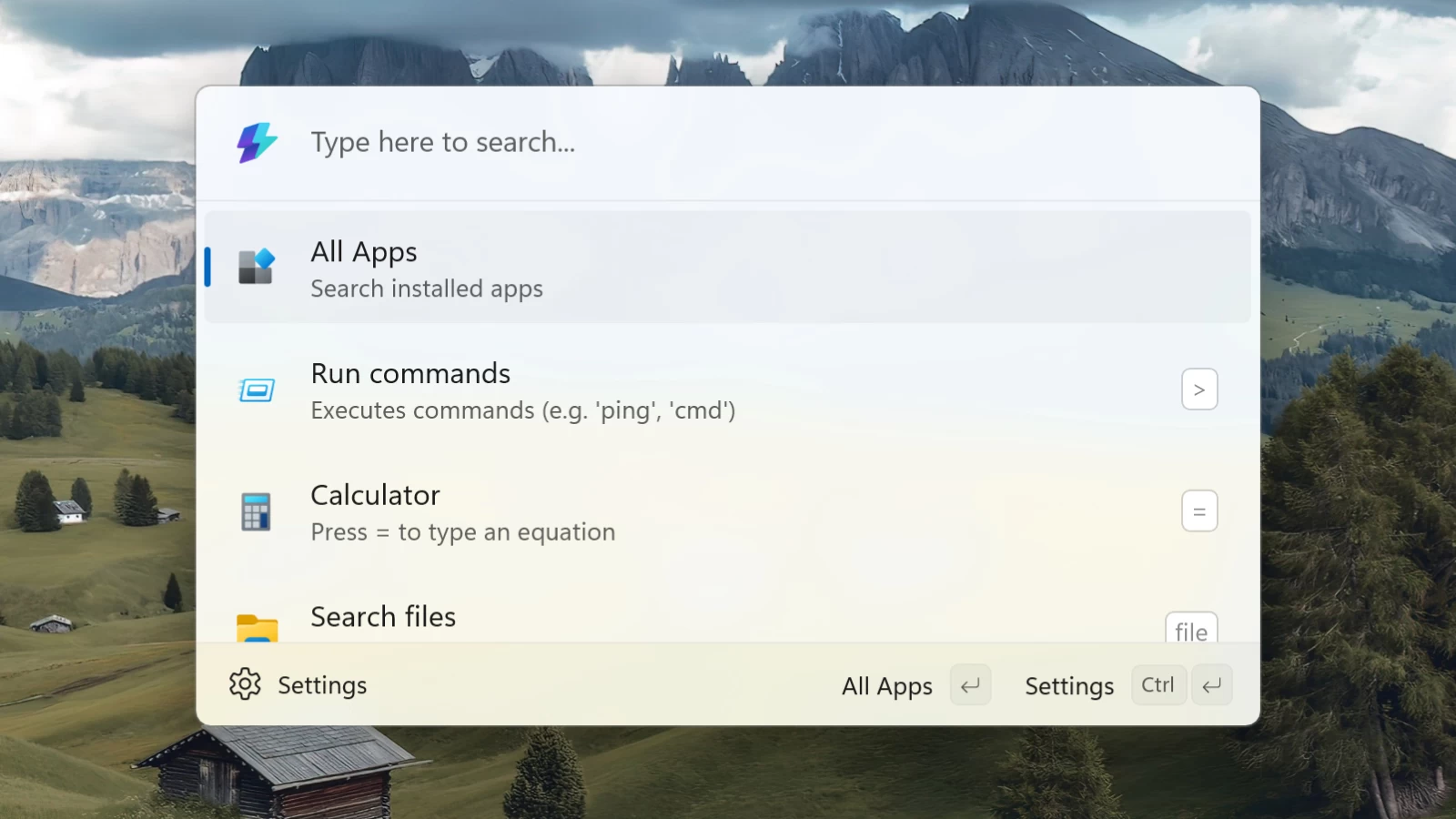
Command Palette, one of my favorite PowerToys modules, is getting an important new feature. Soon, you will be able to pin favorite apps for quicker access in the launcher or the list of all apps. App pinning is expected in version 0.93 next month.
If you use Google Chrome and uBlock Origin, the famous content blocker, you might have noticed that the extension was permanently disabled. Fortunately, there is still a way to bring it back to life. Check out this guide to learn how to enable uBlock Origin in Google Chrome. Speaking of Chrome, Google is ending its browser support on macOS 11 Big Sur.
Other browser news includes a dedicated version of AdGuard for Microsoft Edge on Android, a new Vivaldi for iOS update that introduced Reader View and other improvements, and Firefox getting WebGPU support..
In a surprising twist of events, Microsoft announced that Skype for Business and Exchange are getting their own Extended Security Update program, giving users six more months of support before services shut down for good.
Here are other updates and releases you may find interesting:
- Security Copilot in Microsoft Entra is now available for all IT admins.
- Here"s how the Microsoft Stream and Clipchamp unification is going.
- Microsoft 365 Copilot is finally getting memories.
-
LibreOffice called out Microsoft for using "complex" file formats to lock in Office users.
-
VMware Workstation Pro and Fusion received snapshot and security fixes.
-
Mercedes-Benz integrates Microsoft Teams and Microsoft 365 Copilot for in-car productivity.
-
Microsoft stopped using China-based engineers to support US defense clients.
What will not receive updates anymore is Microsoft"s Movies and TV store. This week, the company quietly killed it. No refunds will be offered, but users can keep their movie libraries and watch everything they purchased before.
Reviews are in
Here is the hardware and software we reviewed this week
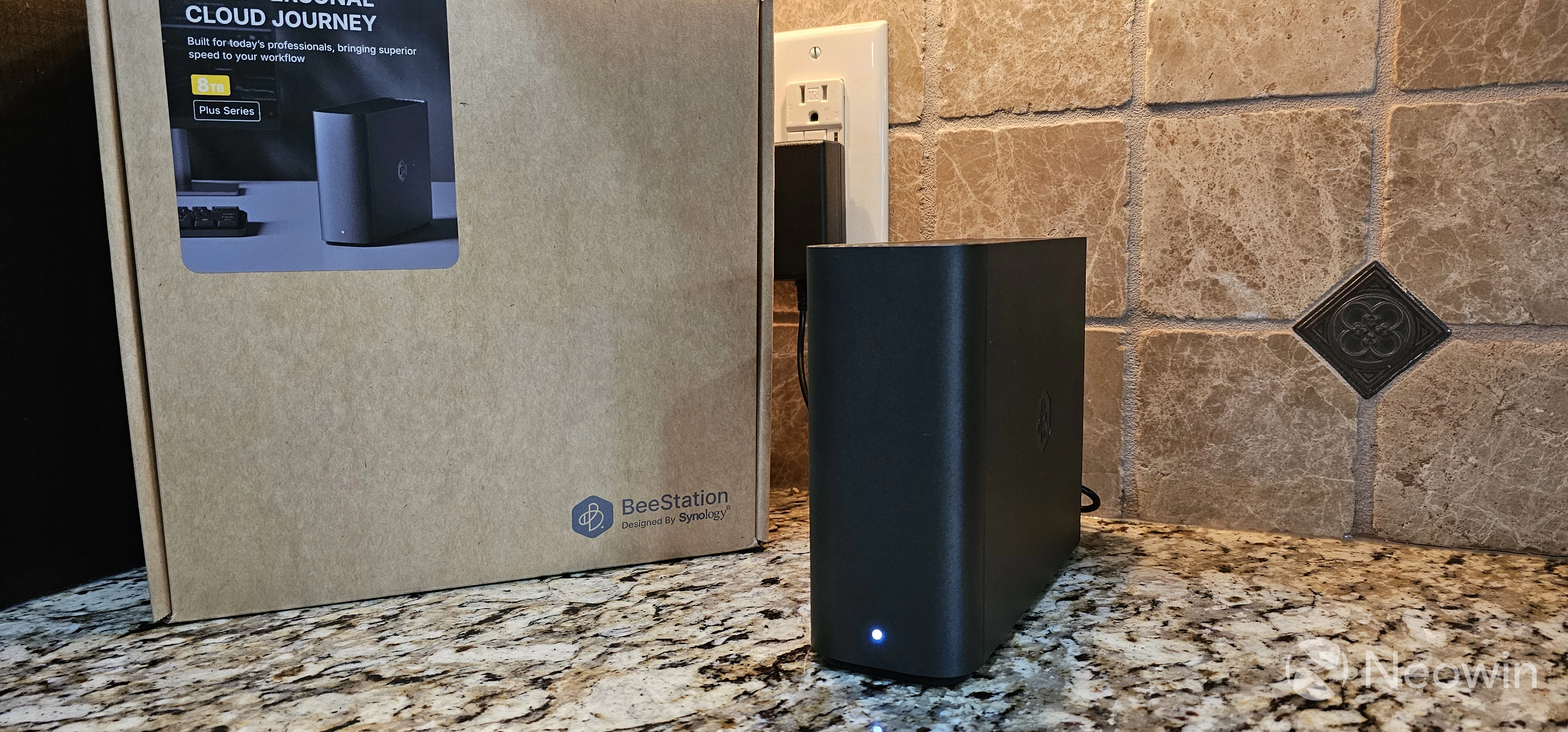
Christopher White published a review of the Synology BeeStation Plus, a worthy upgrade over the original BeeStation. It is affordable, easy to set up, great for family sharing, and it has a small footprint. It is not flawless, of course, but still good overall.
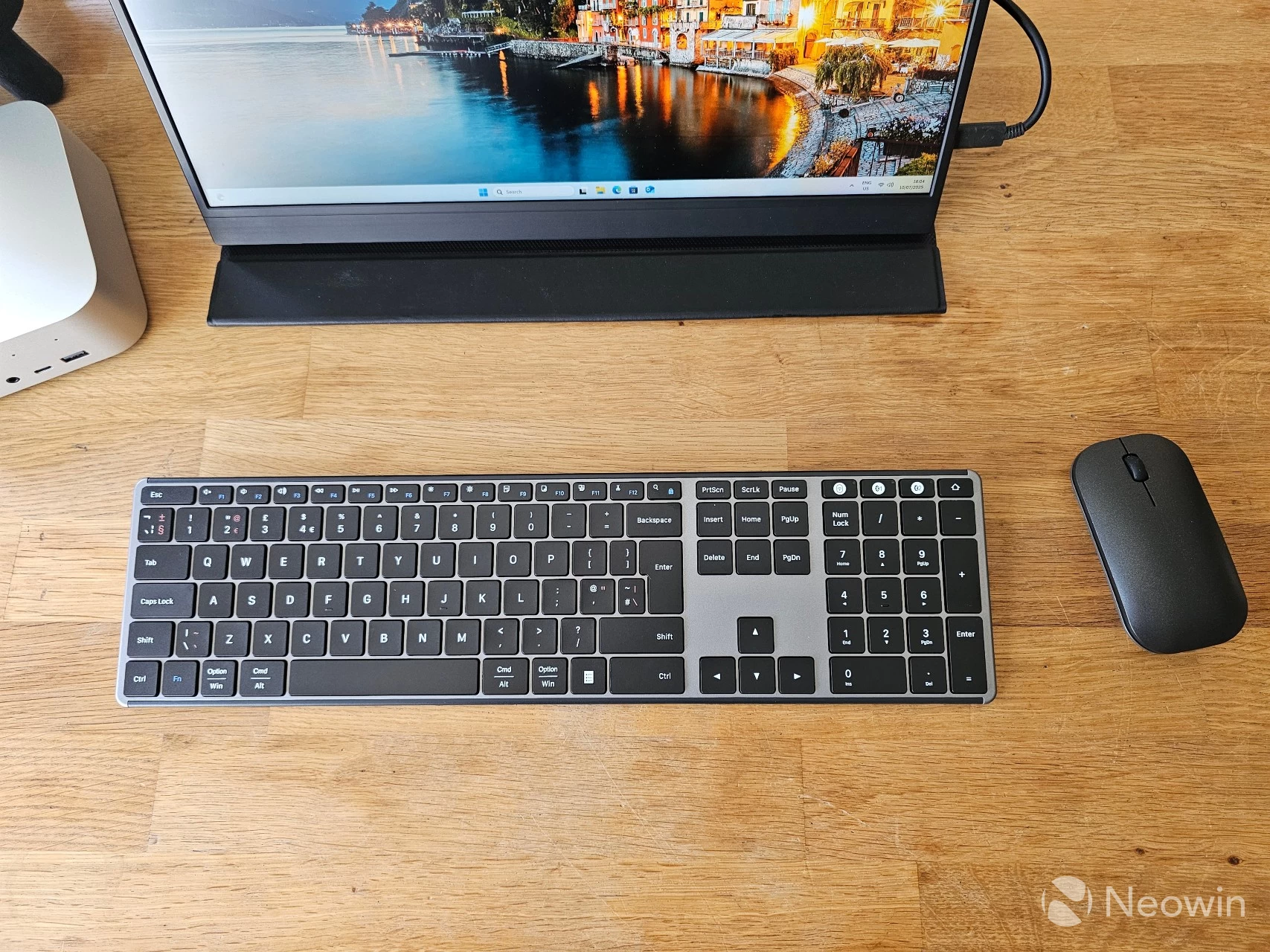
Steven Parker published a small hands-on article about the SEENDA KSM64-3, an ultra-thin keyboard-mouse combo with an affordable price tag.
On the gaming side
Learn about upcoming game releases, Xbox rumors, new hardware, software updates, freebies, deals, discounts, and more.
New games are coming to Game Pass subscribers. Microsoft announced a new wave of titles, which includes High On Life, RoboCop: Rogue City, Grounded 2, Farming Simulator 25, Wheel World, Abiotic Factor, and more. Three games are leaving the service, so check out the complete list here.

The Xbox app on PC received an important new feature that was previously available only on consoles. Now, Xbox Game Pass Ultimate subscribers with PCs and handhelds can stream the games they own from the cloud. Right now, this feature supports over 250 games.
Deals and freebies
Here is the latest issue of the Weekend PC Game Deals series, which includes automation fests, charity specials, a free copy of Civilization VI: Platinum Edition, and a lot more.

Other gaming news includes the following:
-
Avowed received Steam Deck Verified with a new update that reworked the Fighter and Ranger classes.
-
Cyberpunk 2077 is getting self-driving cars, FSR 4, XeSS 2, VRR on consoles, and more.
Great deals to check
Every week, we cover many deals on different hardware and software. The following discounts are still available, so check them out. You might find something you want or need.
- Dell 27 Plus 4K Monitor - S2725QS: $239.99 | 20% off
- Apple AirPods 4 - $89 | 31% off
- Apple AirPods 4 with Active Noise Cancellation - $119 | 34% off
- Crucial T710 2TB Gen5 NVMe SSD | 22% off
- 26TB Western Digital My Book Desktop External Hard Drive - $549.99 | $60 off
- Samsung Galaxy Tab S9 11-inch, 128GB - $484.99 | $104 off
-
Nakamichi Shockwafe Ultra 9.2.4 Channel Dolby Atmos/DTS:X Soundbar | 33% off
This link will take you to other issues of the Microsoft Weekly series. You can also support Neowin by registering a free member account or subscribing for extra member benefits, along with an ad-free tier option.