Earlier today we reported on an incident of Microsoft apparently offering a Windows 11 upgrade on a system that should technically be ineligible for an upgrade, as the PC did not meet the system requirements for Windows 11.
However, this could well be a one-off incident as Microsoft has not altered the eligibility criteria for its latest desktop OS. Thus other users who won"t be able to upgrade, at least by official means, will have to look for alternatives.
If you ask Microsoft, it would most likely point you towards a new Windows 11 computer, especially a Copilot+ PC, but Linux is also an option.
Back in January, ESET became one of the first companies to recommend Linux for those systems that cannot upgrade. Meanwhile, more recently, in May, an "Endof10" project has emerged that guides unfamiliar users on how to install Linux. The project is backed by Linux (KDE) itself and tries to entice users over to the other side. Later, it also added how Plasma could bring a familiar feel for Windows desktop users. LibreOffice also joined in sometime later, outlining the "real costs" of staying on Windows (11) in a detailed blog post.
Aside from those, an "End of Windows 10 toolkit" was also released a while back by The Restart Project that is meant to guide community repair groups about the upcoming massive shift, wherein millions and millions of systems could be rendered unsupported.
Aside from organizations, individual users are also looking for ways to chip in and help affected users deal with such a thing.
TechnoPorg, who says he is a student of the University of Waterloo, has released an interesting new utility that can transfer Windows 10 files and settings on to Linux. Still under testing, the tool is called Operese, and it is based on Rust. The utility takes users from Windows 10 to Kubuntu, the Linux distro based on Ubuntu that uses the KDE Plasma desktop.
This is indeed a helpful feature considering most non-tech-savvy users are probably not going to find it easy to execute such a thing on their own without an automatic application like this to help them.
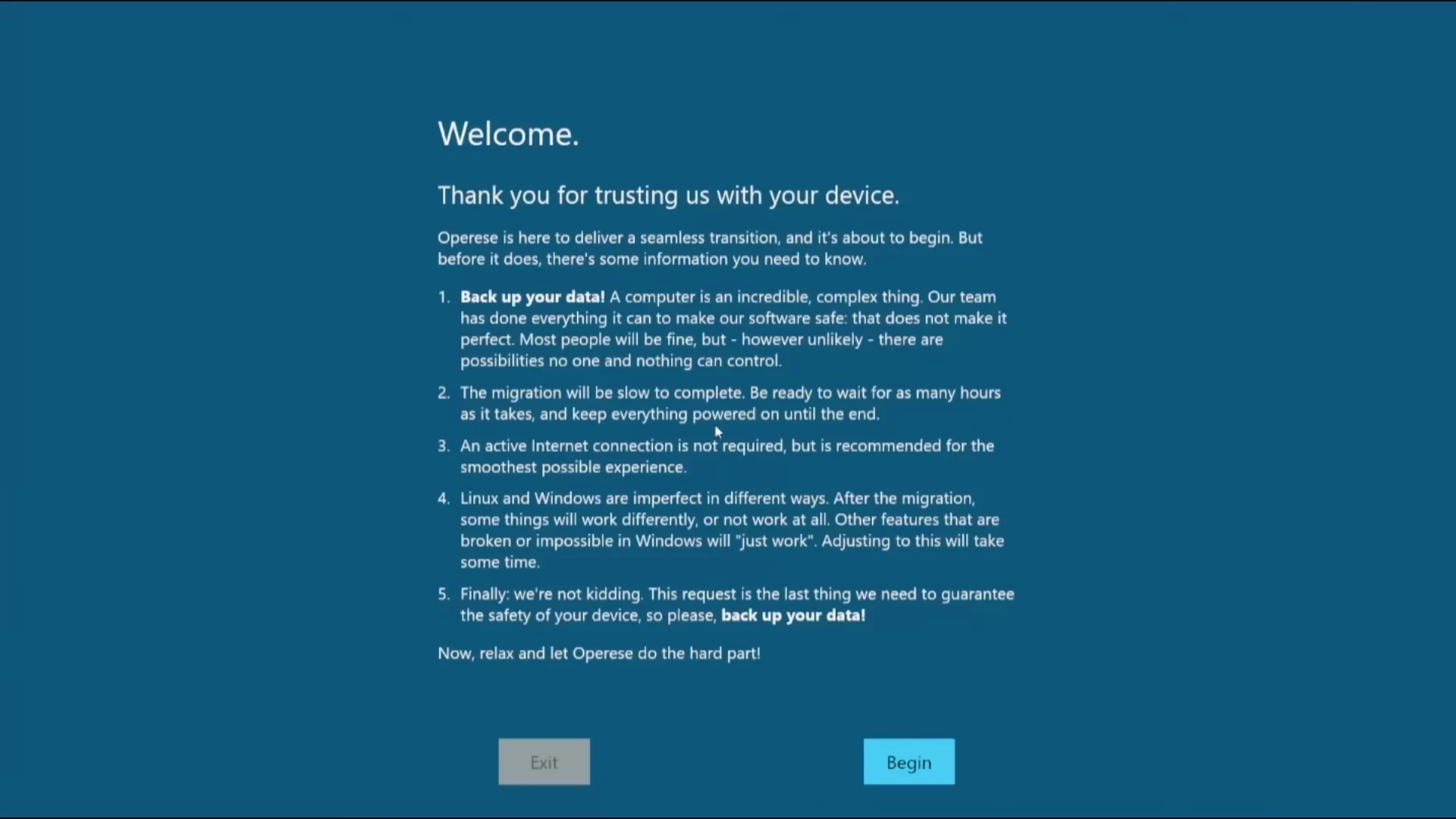
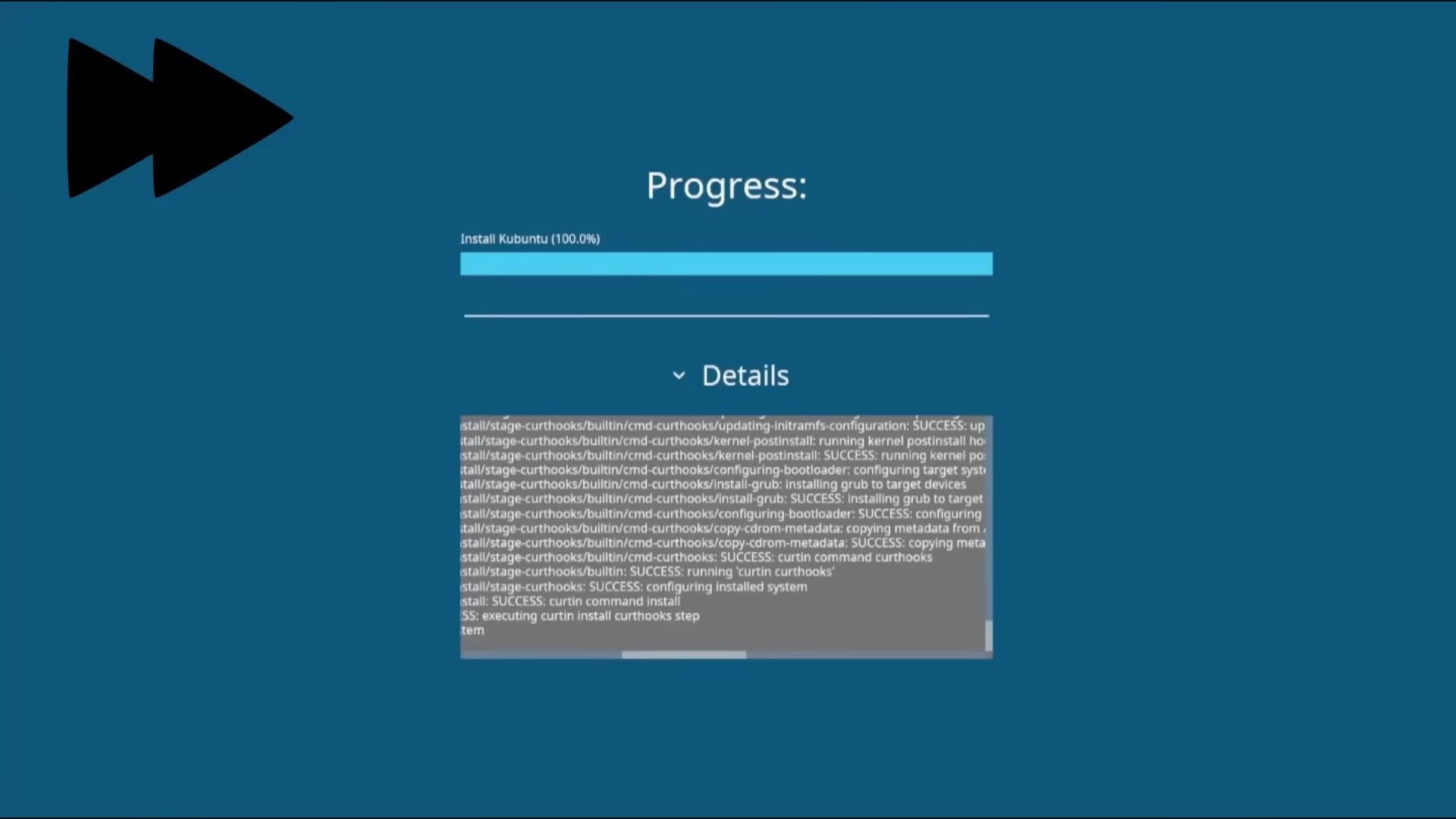
The author of this tool notes that their reason for choosing this distro is the general stability and good third-party driver support. In the future, the author says that they plan to add more settings and program migration, UEFI support, better multi-user support, and more.
As mentioned above, the app is still a work in progress so you probably should not be on board immediately, at least not with your real data. However, this can be tried on a VM for fun.
Source: TechnoPorg (YouTube)