One of the main reasons people like to self-host, whether it be services or data, is to keep things private. It seems that privacy takes a step back every year, regardless of what country you're in. Even your browser leaks information about you. It's one reason I started a "self-hosting" guide in 2024 that I hope to continue in 2026. Keeping your data out of the cloud is one of the easiest ways to protect your privacy, and a NAS is a great way to do that, but there are a lot of different choices in this space.
A newcomer to the market, Zettlab, has built a NAS device that builds AI capabilities directly into the operating system and keeps all of your data private, in your home. There are four separate models: A base model with either four bays (D4) or six bays (D6), and an Ultra model with either six bays (D6 Ultra) or eight bays (D8 Ultra). Today I'll take a look at the Zettlab D4 with built-in AI capabilities. The device was announced in 2025, the Kickstarter reached $1.4M in May, won the "Best of Innovation" award in the CES Innovation Awards 2026, and was formally released at CES 2026. The version of the operating system, ZettOS, during testing was 1.5.1-alpha, so there's plenty of room for growth and change in the system.
Specifications
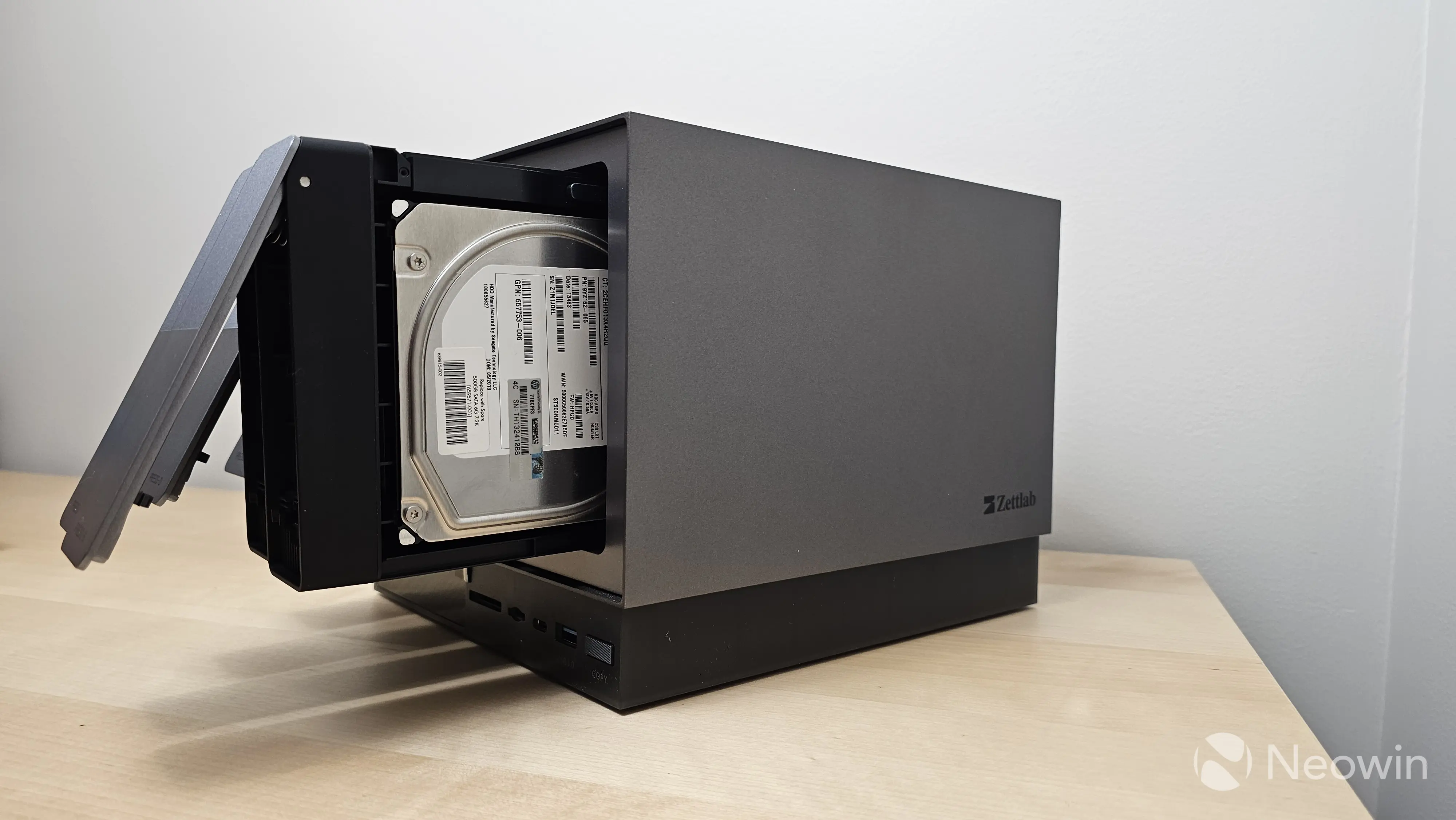
The Zettlab D4 has a unique look and feel when compared to many of the other devices I've reviewed over the years. The chassis is made of metal, giving it an obvious heft and making it feel more premium than many other devices. Instead of a simple black box, Zettlab made a two-toned gray one with an LCD screen and a customizable LED strip on the front that really stands out.
Powering the Zettlab D4 (and D6) is a Rockchip RK3588, an octa-core CPU that has a quad-core Cortex-A76 (large core) and quad-core Cortex-A55(small core), as well as a built-in G610 GPU, which helps power the AI processing. I'm not very familiar with these, but from looking at the data sheet, it seems like this is a good use case. If you upgrade to the Zettlab Ultra line, you get much more powerful processing in the form of an Intel Core Ultra 5 Processor 125H, a 14-core, 18-thread processor with 34 TOPS of computing power.
From a memory perspective, the Zettlab D4 has 16 GB of LPDDR4x RAM, which is fixed and cannot be upgraded.
| Zettlab D4 | |
|---|---|
| CPU | RK3588, 8 cores with 6TOPS NPU |
| GPU | Mali-G610 |
| Memory | 16 GB LPDDR4x (fixed) |
| Disk Capacity | 100TB |
| eSATA | None |
| Network | 1 x RJ45 2.5GbE, 1 x RJ45 1GbE |
| USB Ports | 1x USB-C 3.0, 1x USB-A 3.0, 2x USB2.0 |
| NVMe Slots | 1×M.2 NVMe SSD slot (PCIe 3.0 x1), up to 4TB. |
| Size (H/W/D) | 7.25 in x 8.25 in x 9.5 in / 184.2 mm x 209.6 mm x 241.3 mm |
| Price | $400 (expected) |
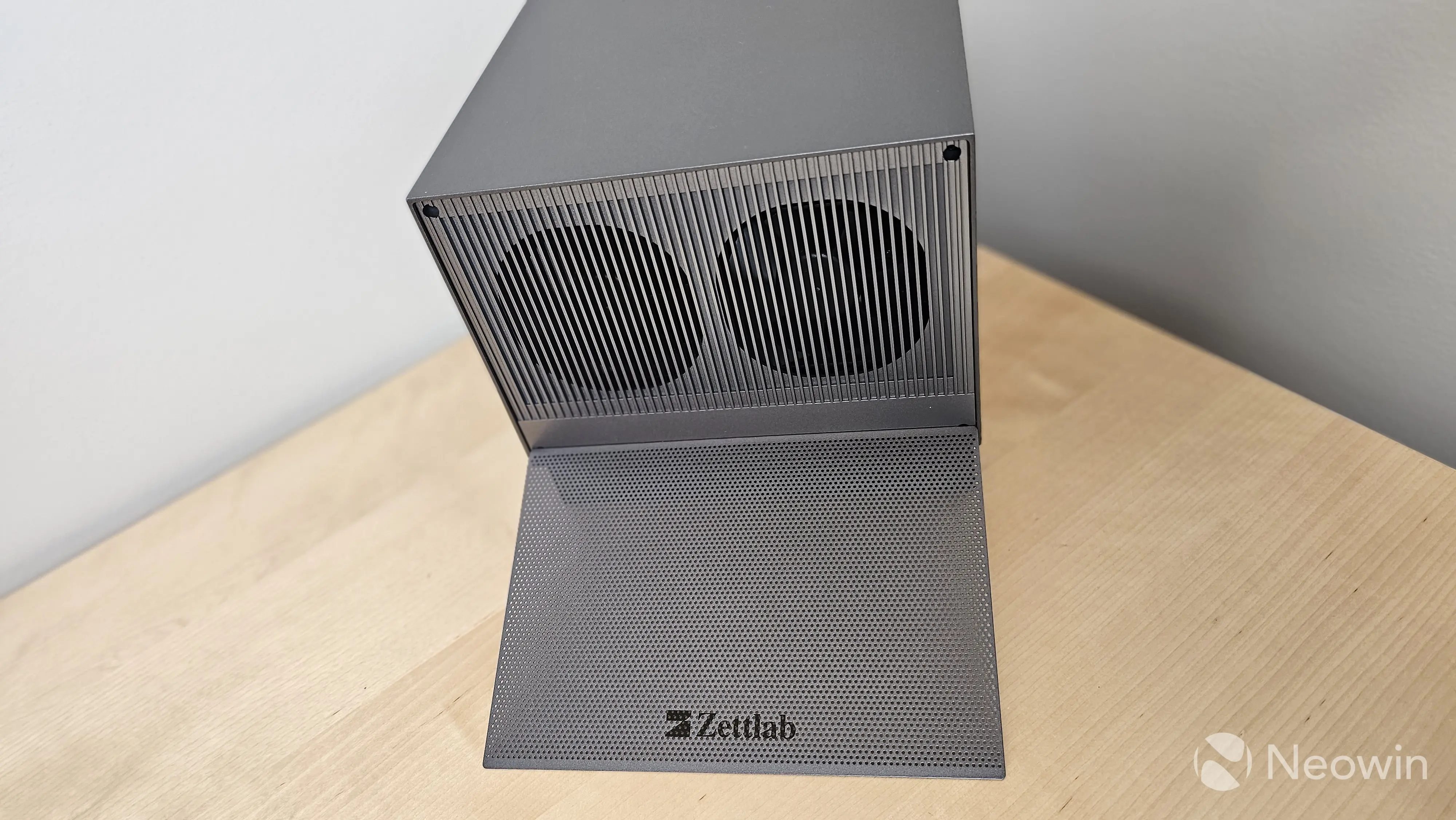
There are two 92mm fans on the back to help keep the D4 cool. They're louder than I was expecting, but not overly distracting. In addition, the fans are variable speed and can be controlled via software if you need them a bit quieter. Zettlab also includes a magnetic dust cover to put over the fans.
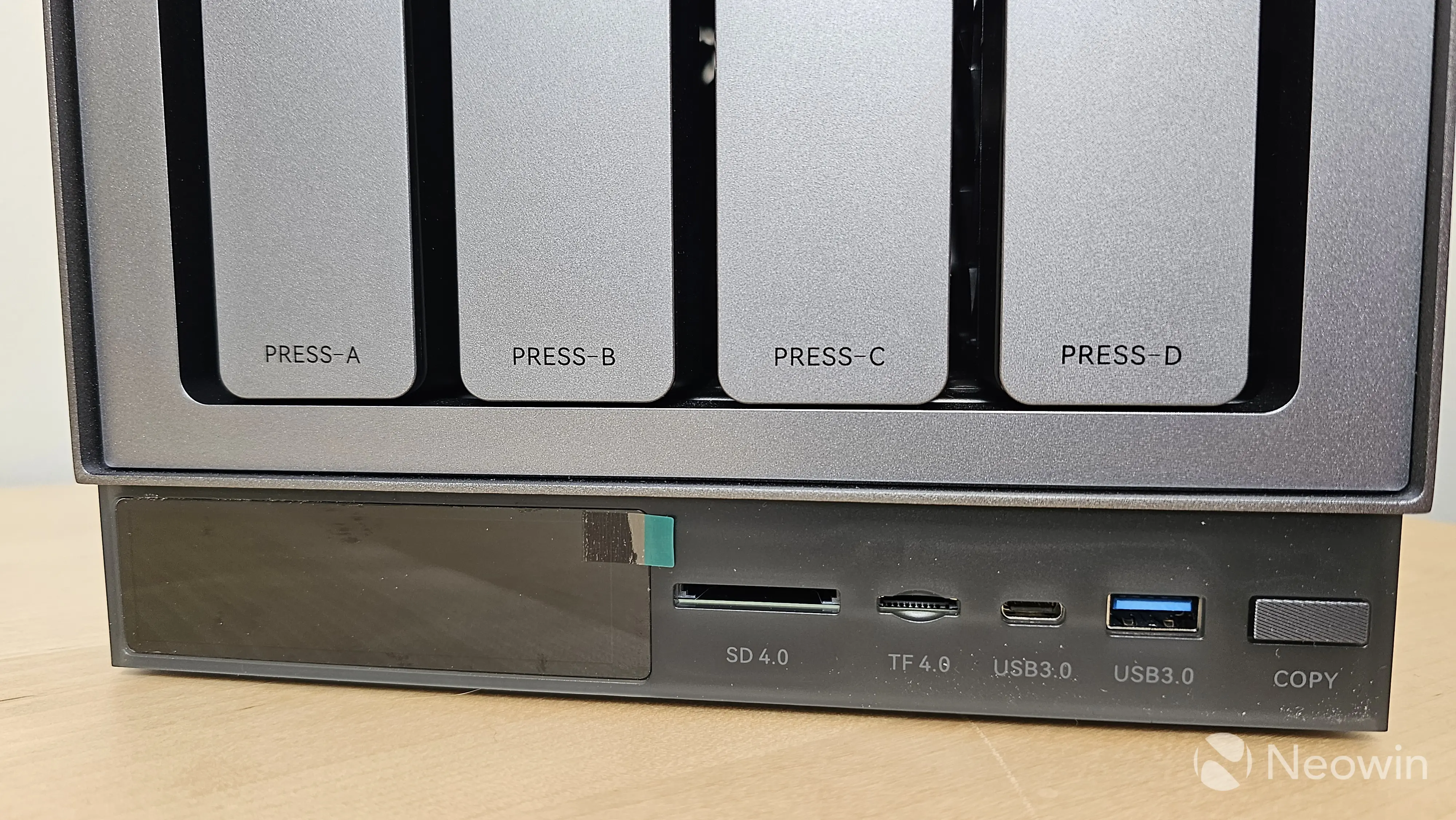
There are four drive bays, each supporting 24TB drives for a total of 96TB of storage. There's also a single NVMe slot behind a panel on the bottom of the D4 that supports up to 4TB, for a total of 100TB of raw storage. I wouldn't recommend doing that since a single drive failure will cause a loss of data, but it's an option for those who want it.
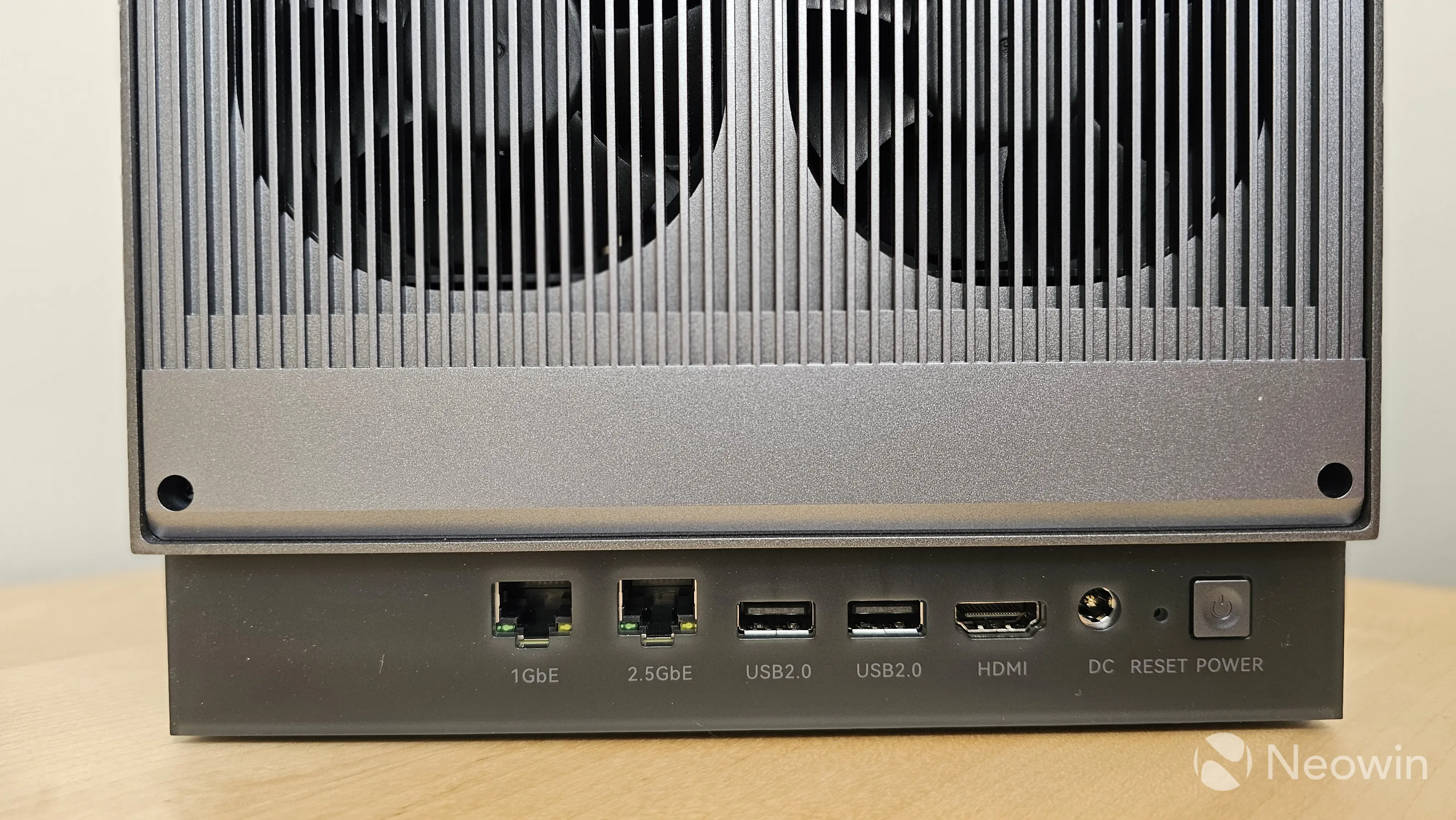
From a connectivity perspective, there are two Ethernet connections, one running Gigabit Ethernet and one running 2.5GbE. I'm not sure why they both don't support 2.5GbE or why the faster port is on the right. In addition, the current implementation of ZettOS does not support any form of link aggregation.
The Zettlab D4 has four USB ports, including two USB 2.0 ports on the back, one USB-C 3.0 on the front, and one USB Type-A 3.0 on the front. In addition, there is an SD 4.0 and a TF 4.0 port on the front, along with a "copy" button that can be configured to do various copying tasks from the Cocard app.
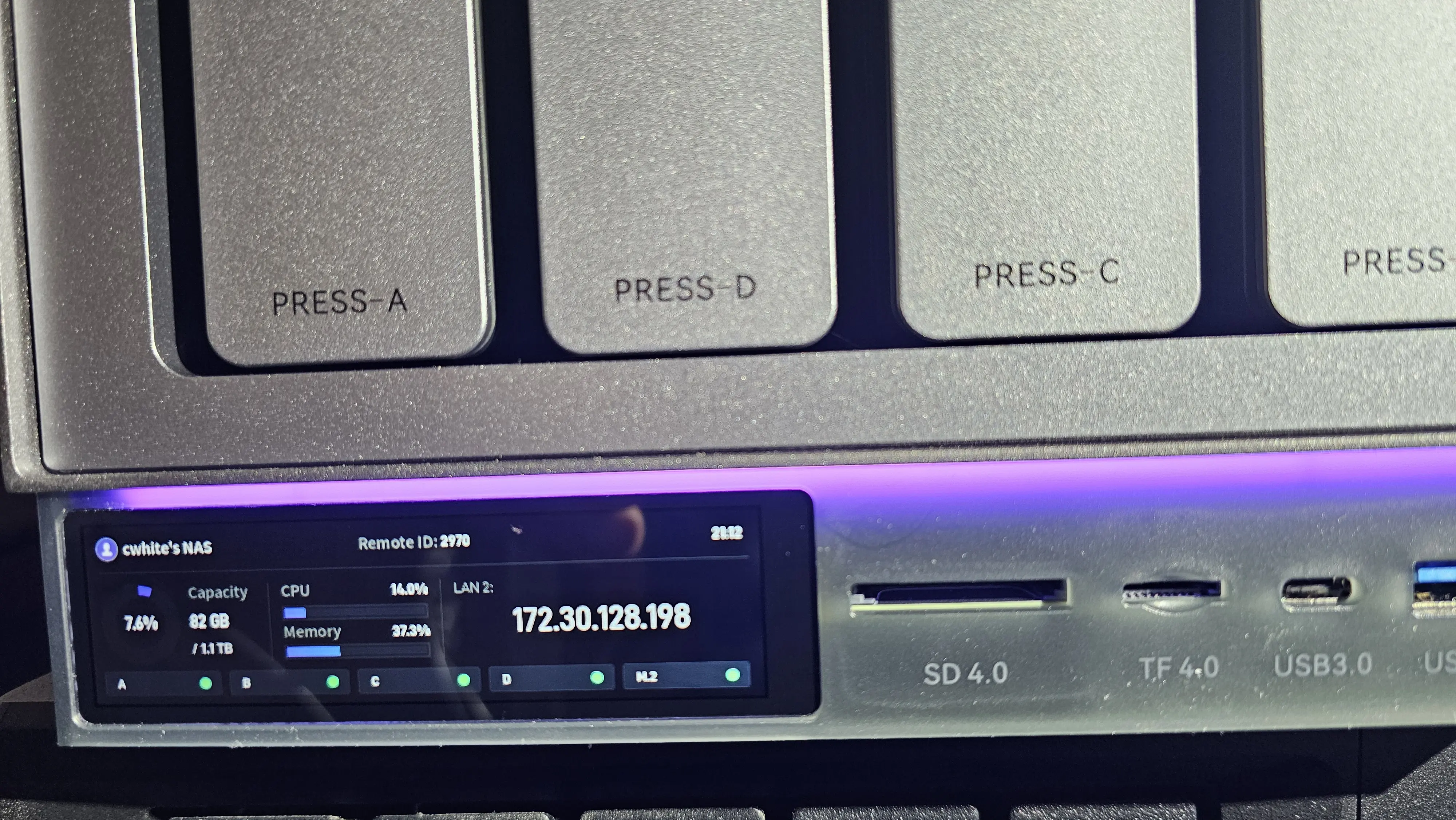
The front of the Zettlab D4 has a small LCD screen in the lower left corner that displays real-time information about the NAS, including CPU and memory utilization, network IP address, storage capacity, and even the time. In addition to the LCD display, there's also a horizontal LED strip that you can adjust the color of, as well as add motion and transitions. There isn't currently a way to change the LED light based on things like temperature, network traffic, or overall CPU utilization. In addition, I wonder how many people will keep the D4 on a desk versus putting it in a closet and never seeing it again. Still, the overall look of the device is definitely a step above the competitors I've seen.
Pricing for the D4 is currently not finalized, but I'm told it will be roughly $400, while the D6 Ultra is expected to run around $1,000. Sales are expected to begin on January 20th, and the device is on display at CES 2026.
Hardware Installation
As you would expect with a NAS appliance, the hardware installation is very simple.
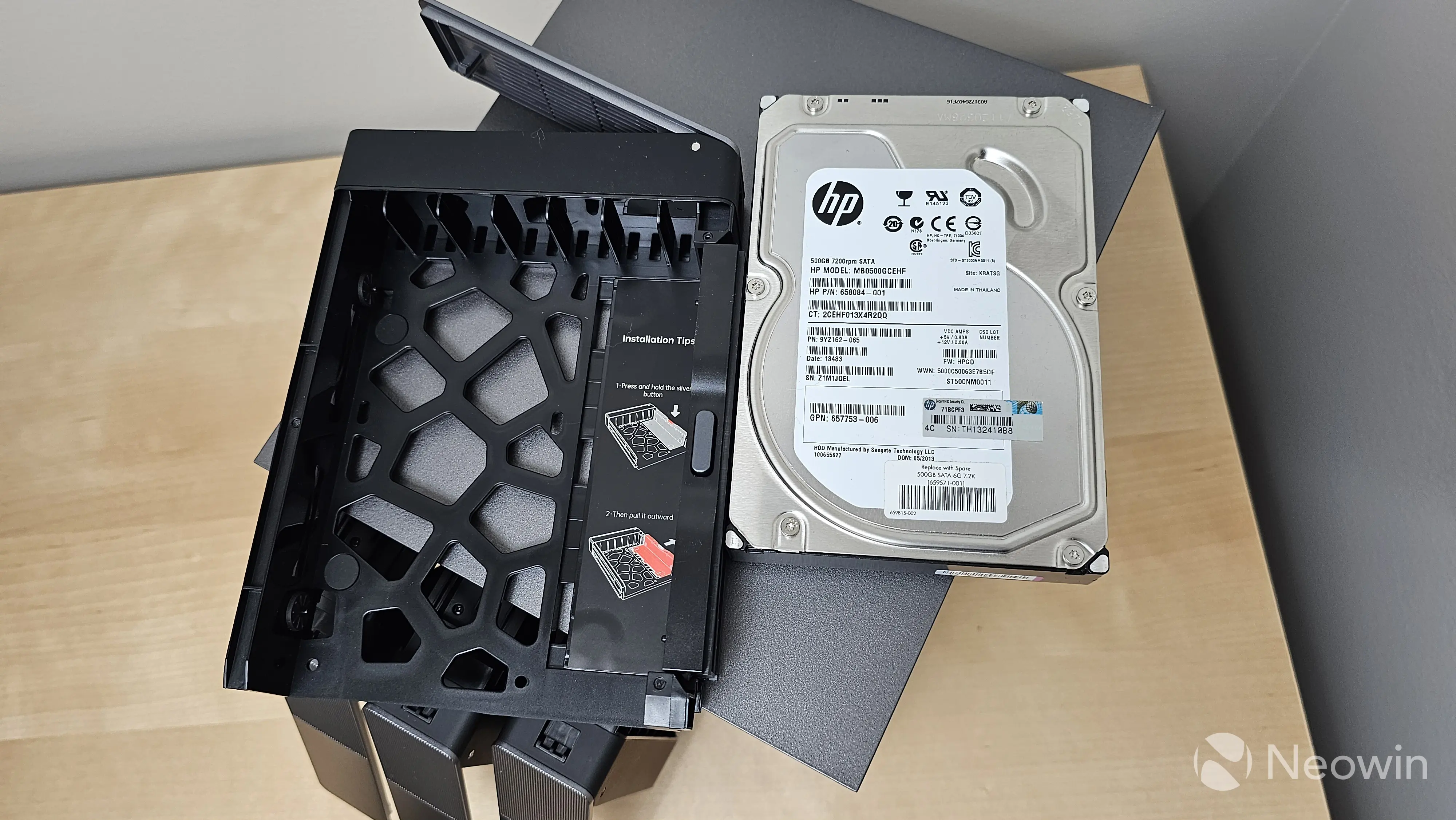
The first step is to put the drives into the sleds, and in this regard, the Zettlab D4 has a unique, but easy-to-use, solution. Instead of pulling pieces of plastic off the side and then connecting them back into the holes, with the Zettlab, you press a silver button, slide the plastic out, put the drive in, and then push the plastic into place. I was skeptical about this at first, but the process was actually easier than that of Synology, and you don't have a risk of losing or breaking the plastic on the side. Overall, it feels like a well-engineered solution.
After this, you simply plug in the power supply, connect an Ethernet cable to either the GbE or 2.5GbE port, and power it on.
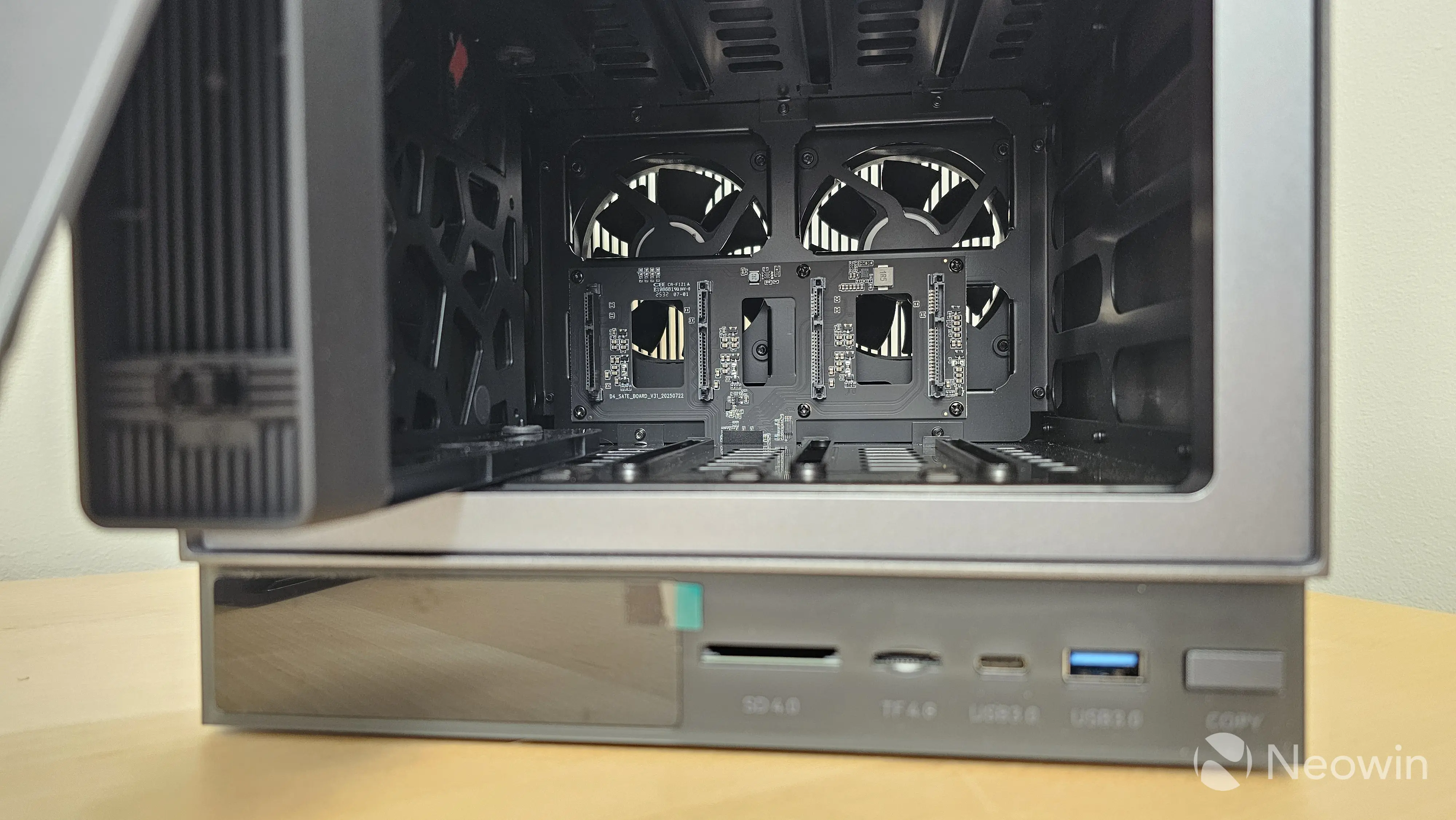
One thing to note about the drive bays: According to the Zettlab documentation, the drives are not hot swappable. If you need to replace a drive, you need to shut down the system, swap the drive, and then power it back on.
Initial Setup and Configuration
The initial setup and configuration of the Zettlab D4 was also just as simple as the hardware installation. After booting the device, the IP address is listed on the front LED screen. Point your browser to that IP, and the guided setup takes over.
Gallery: Zettlab D4 Initial Install
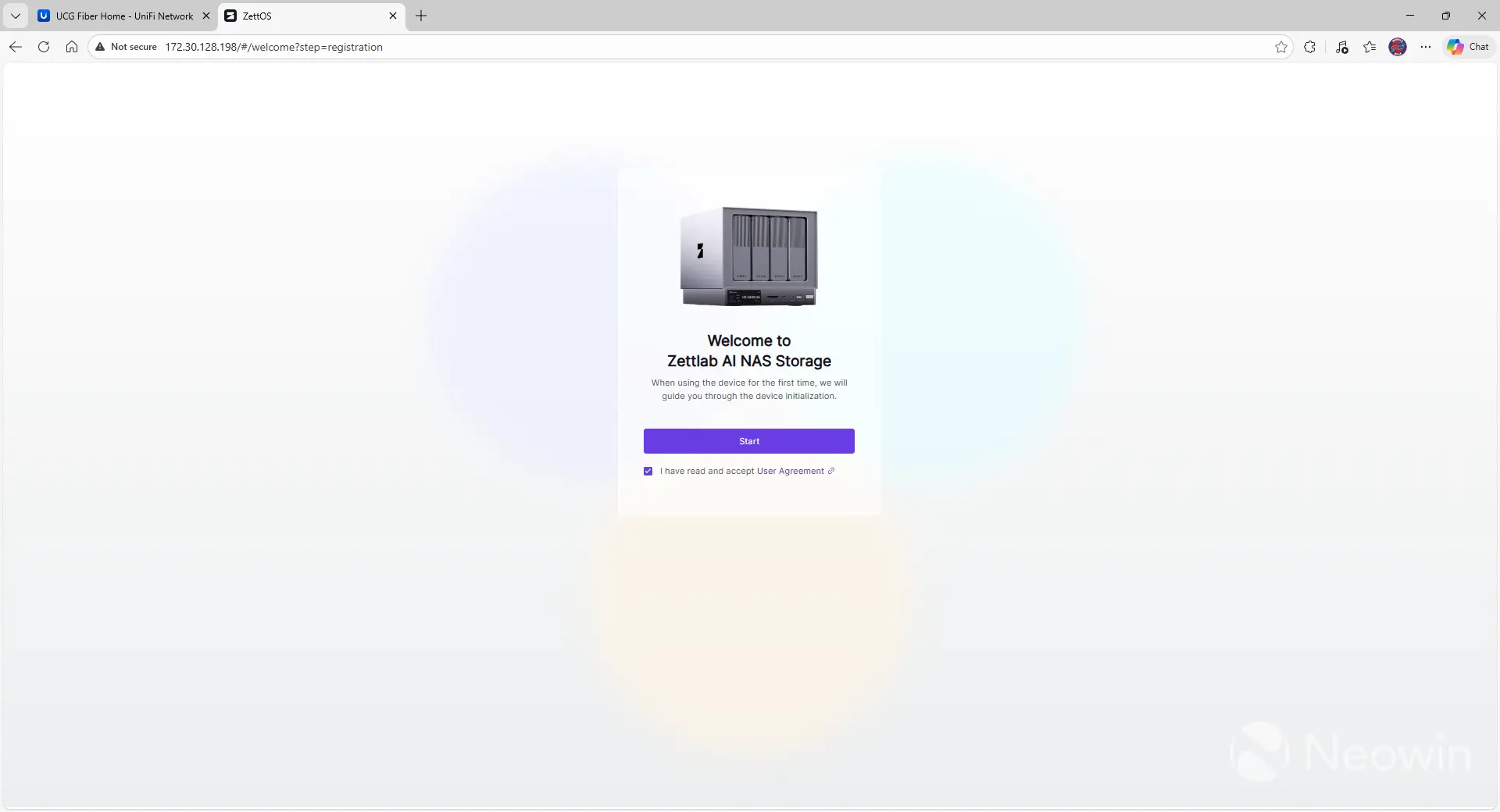
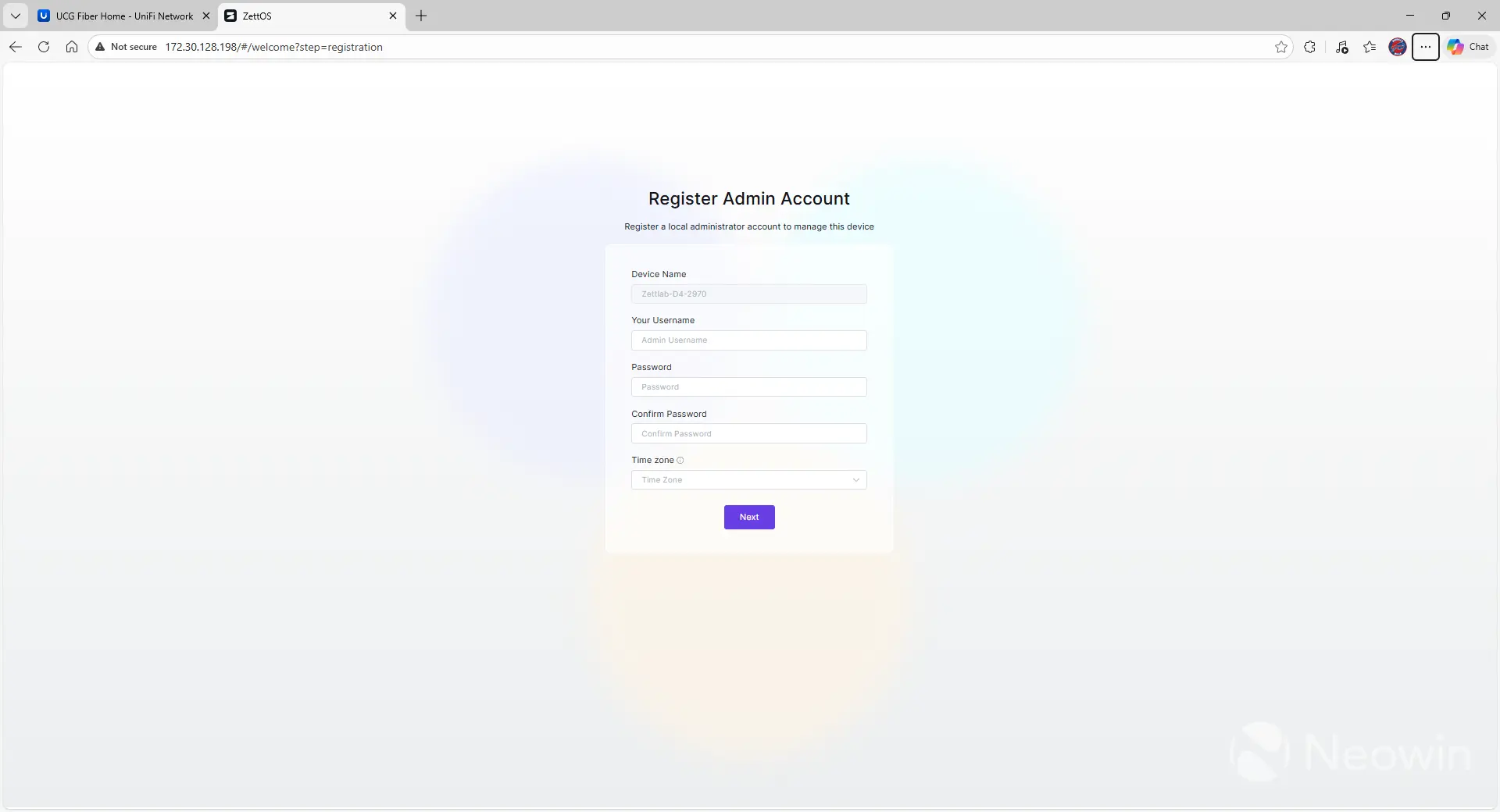
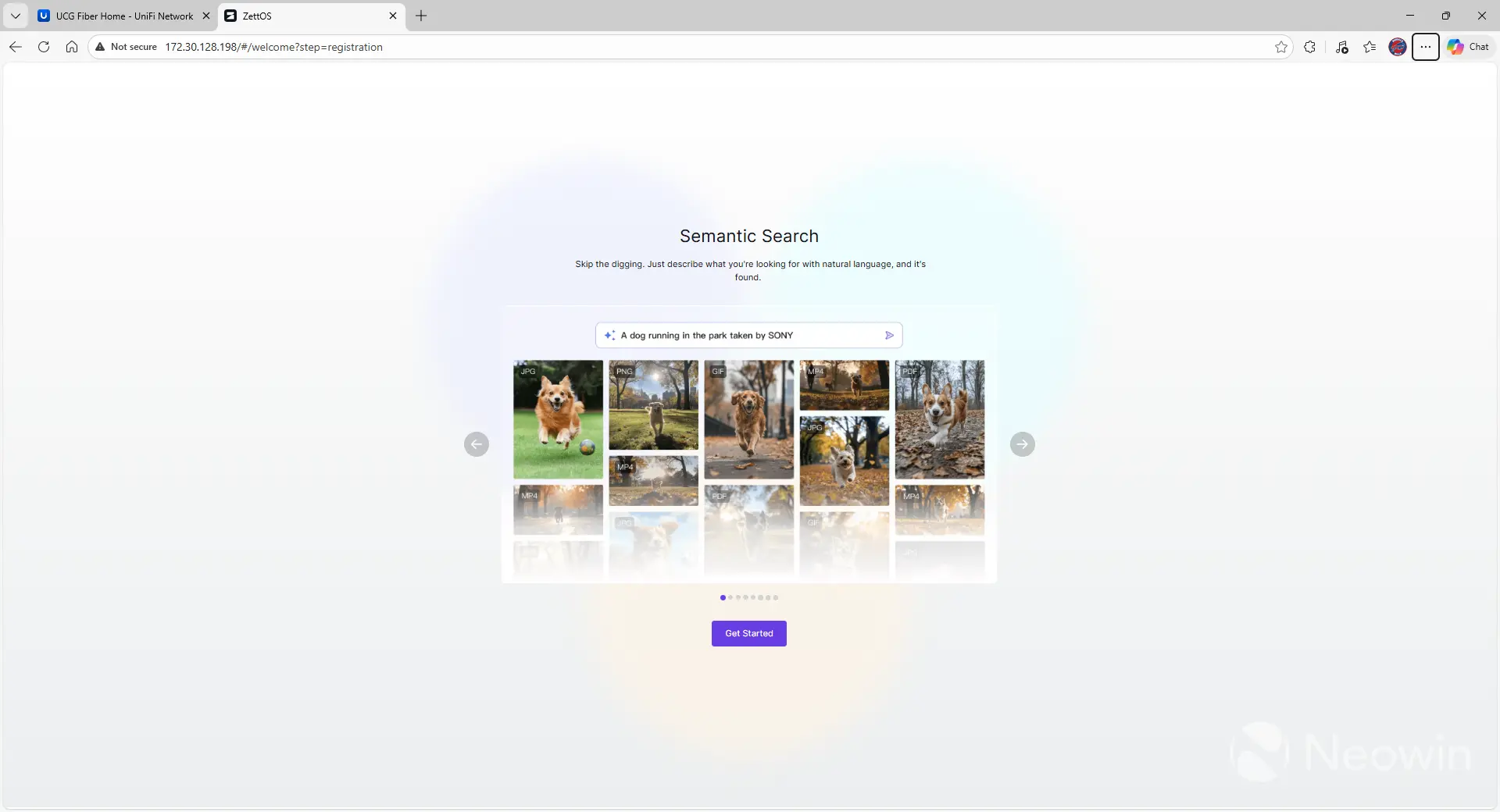
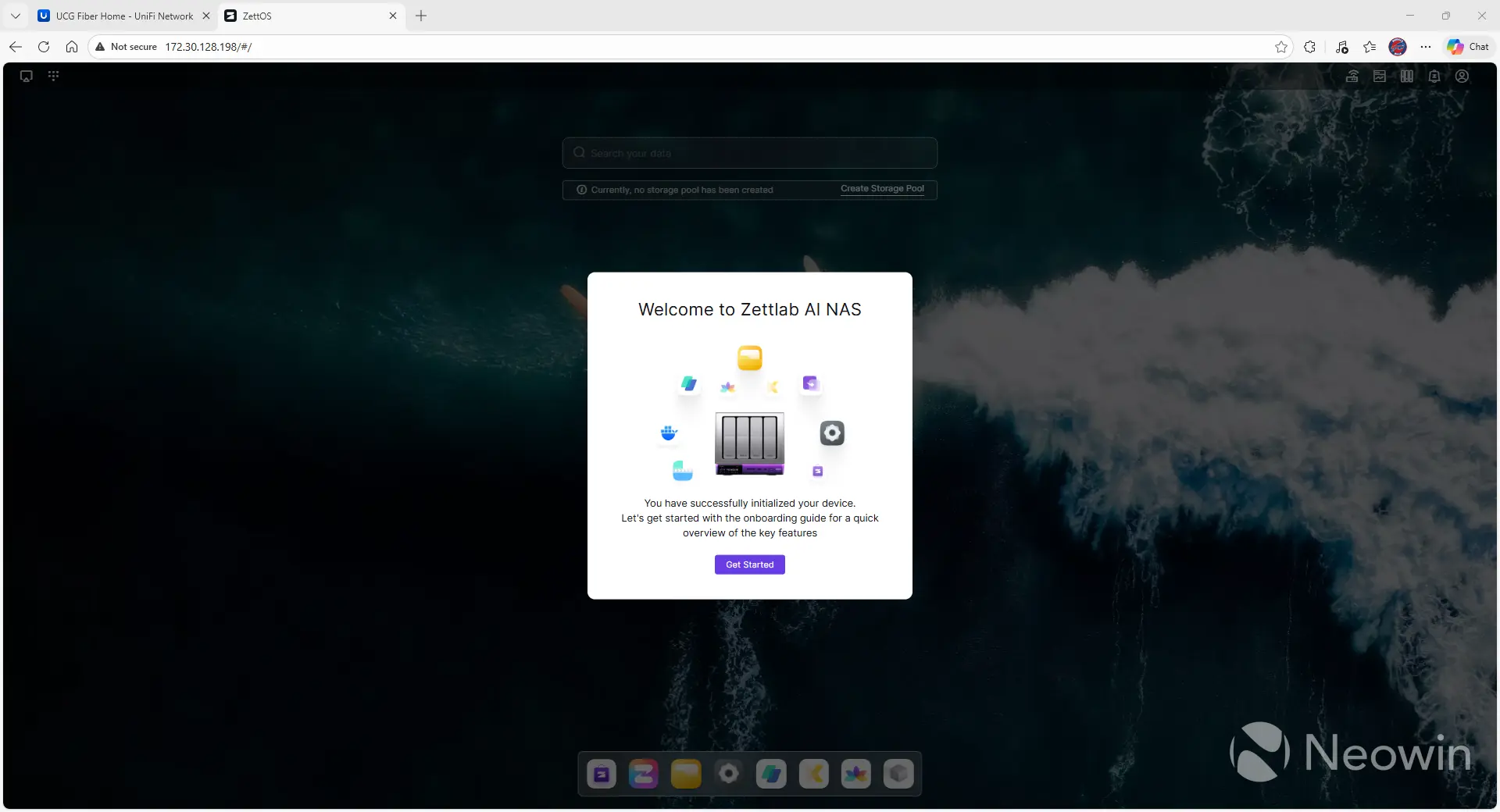
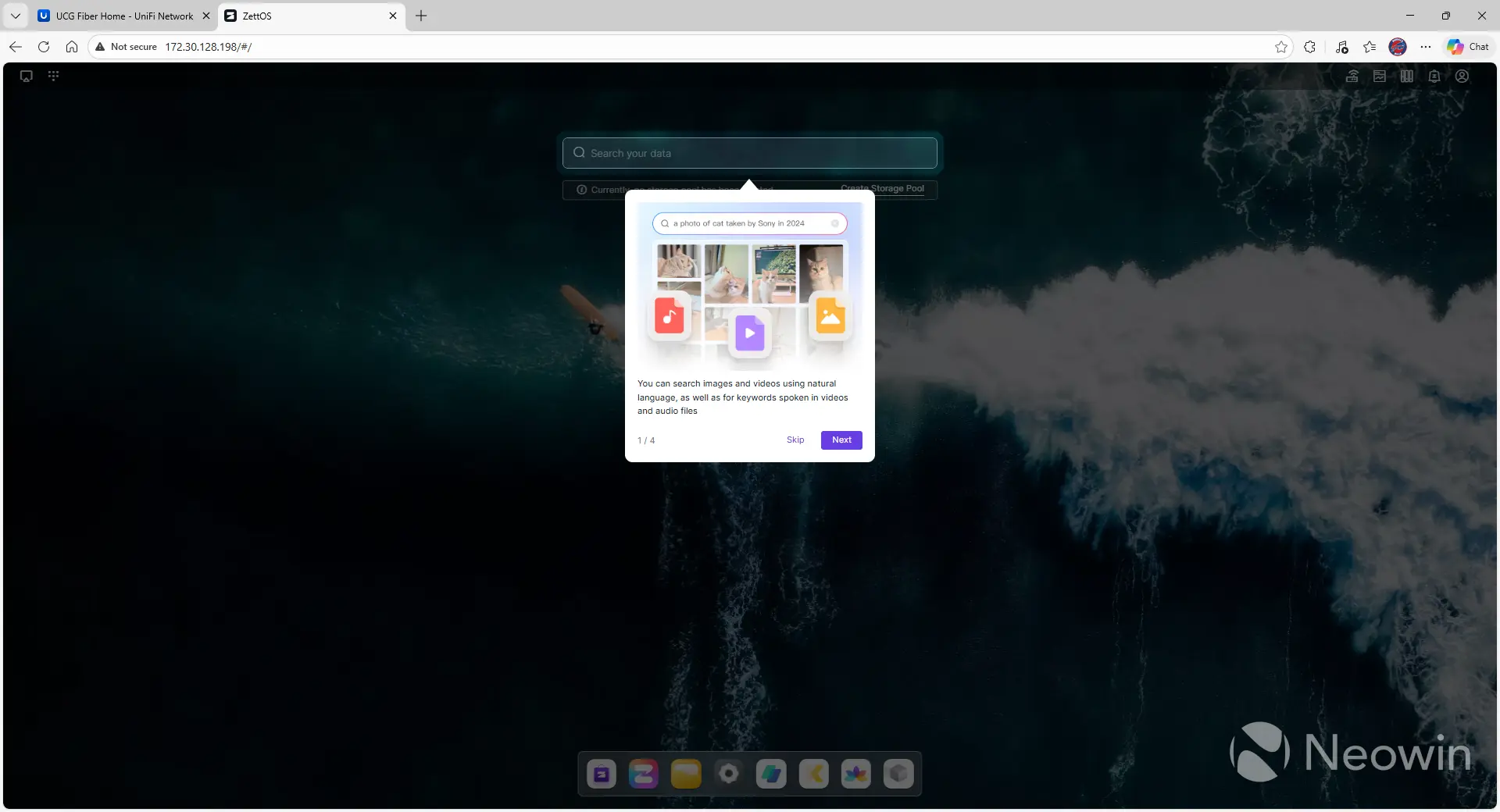
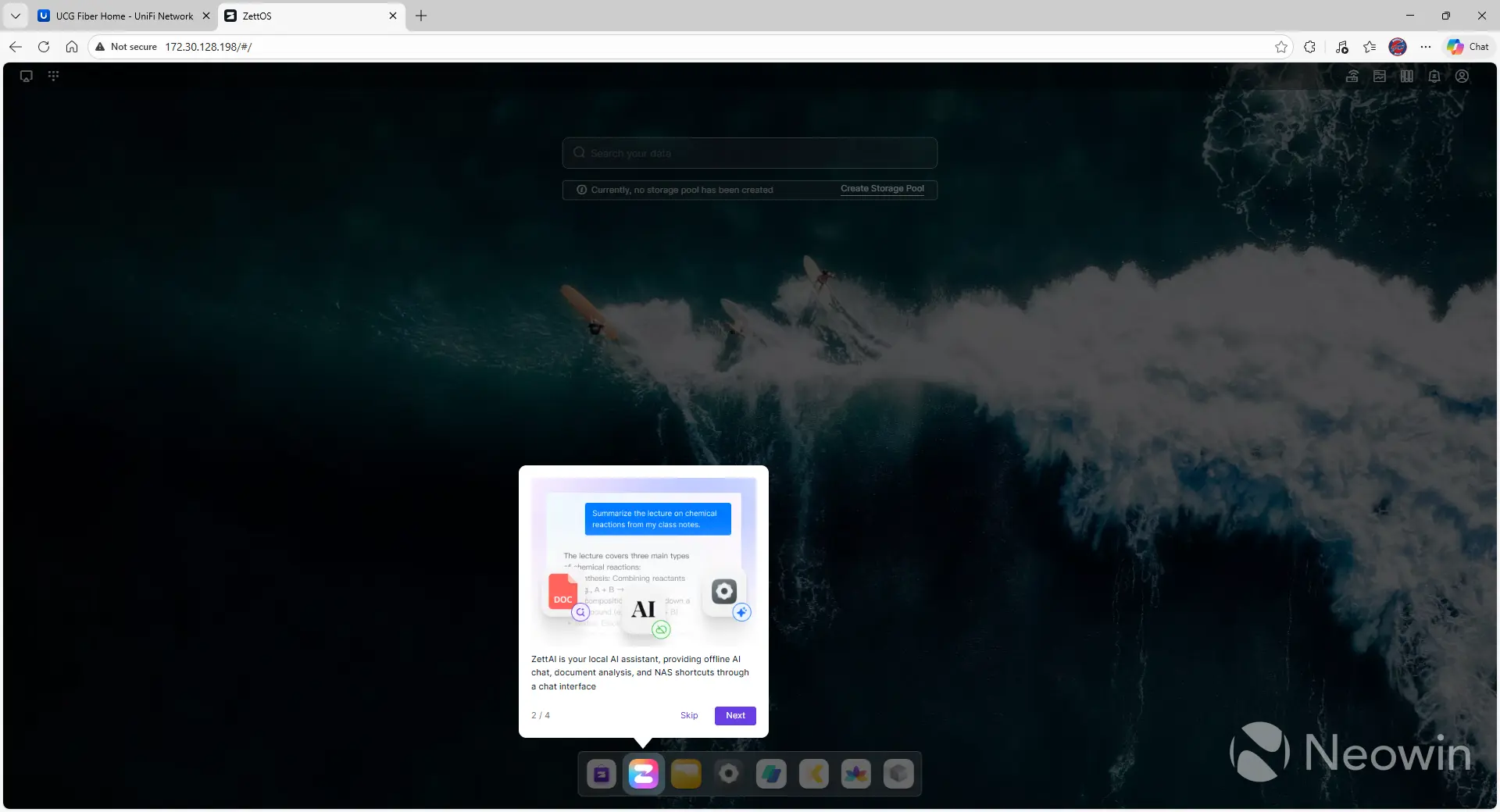
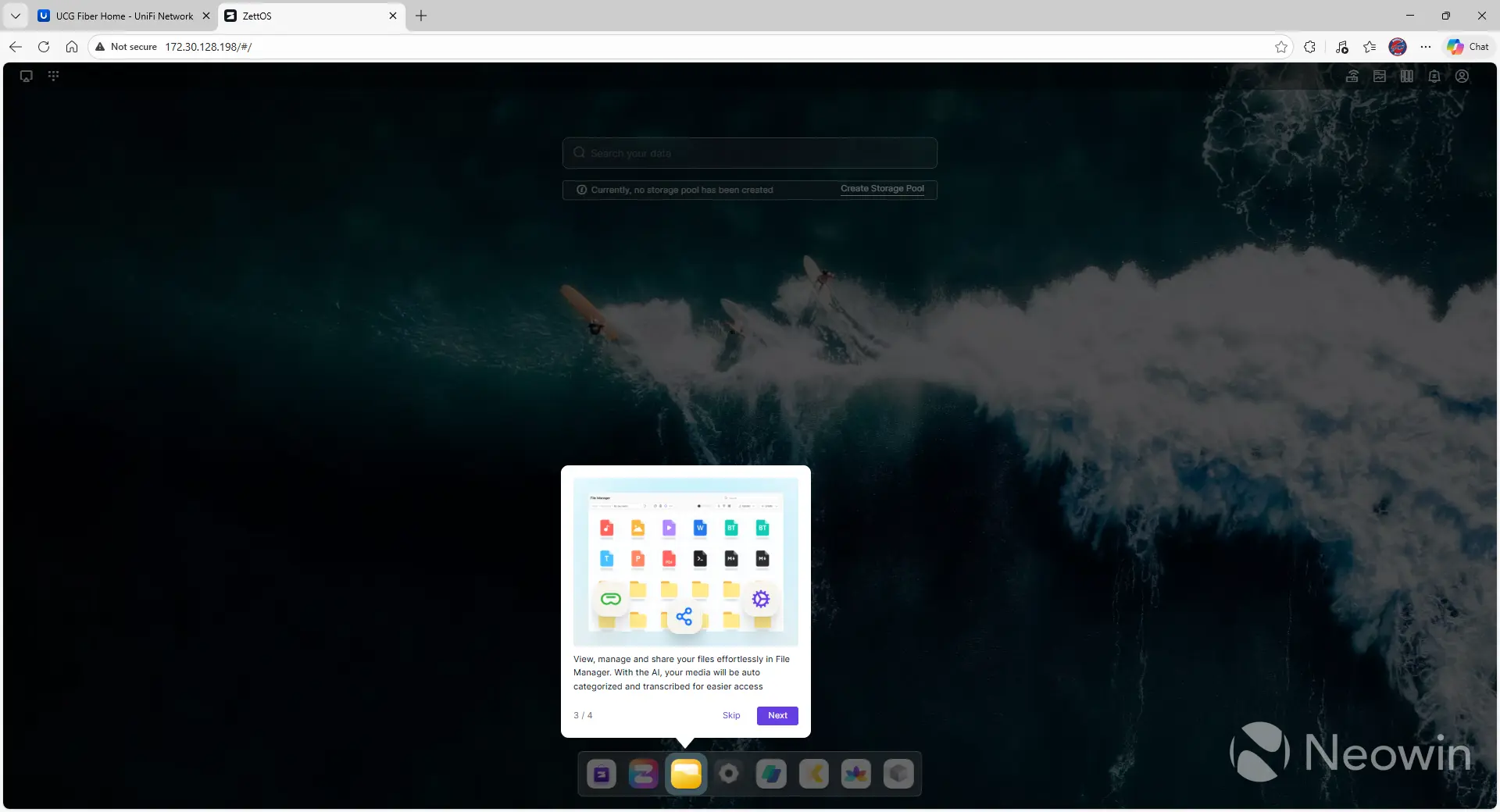
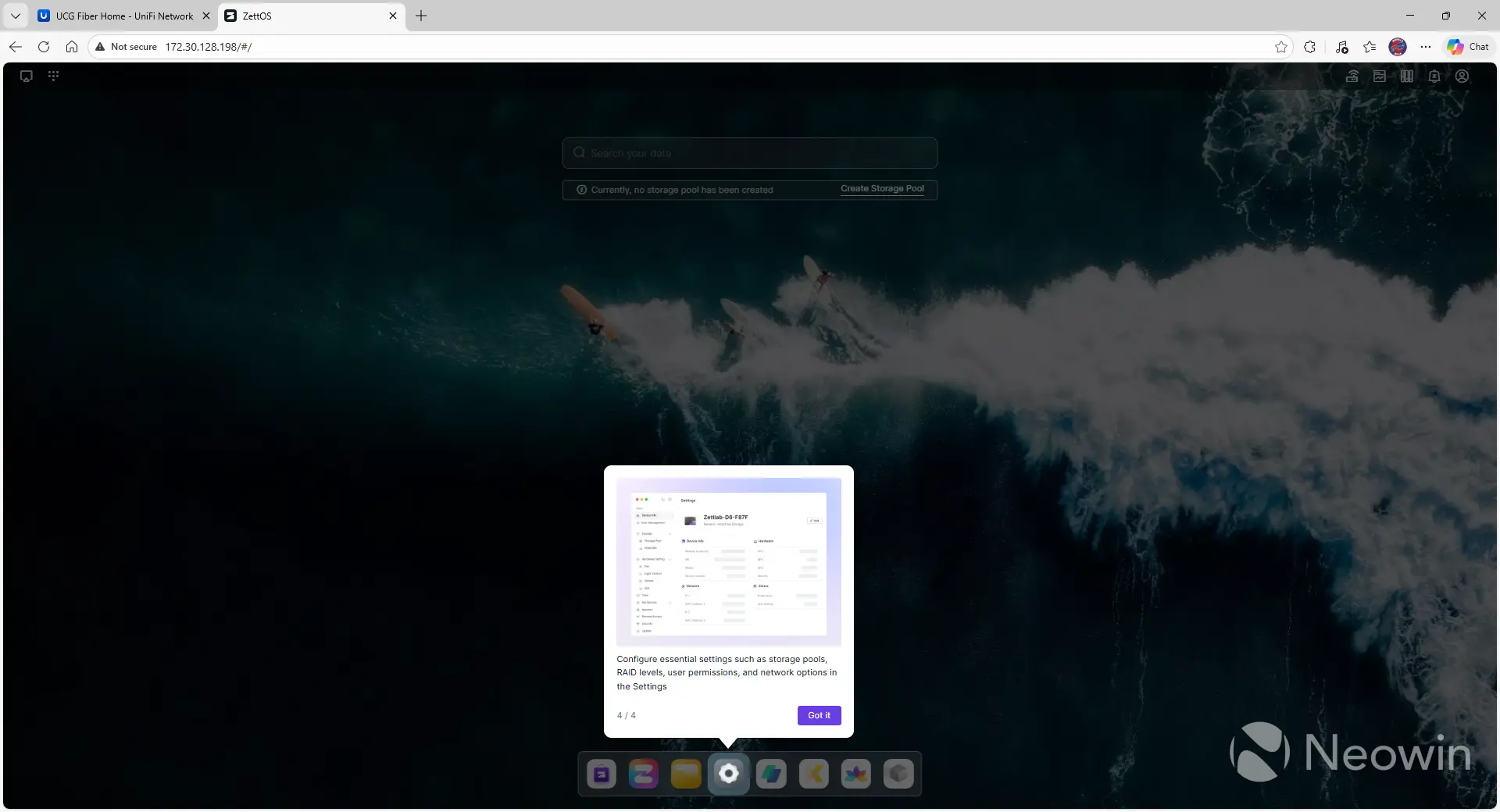
You're first required to create a local admin account on the system, as well as set the timezone. I'm not sure why those are related, but it's probably just one of the quirks of running an alpha system. After this, you're presented with a nice scrolling display of the features that set Zettlab apart from its competitors, like semantic searching through all of your data. After a few minutes, you're dropped into the desktop and given a quick onboarding presentation so you know what some of the tools are.
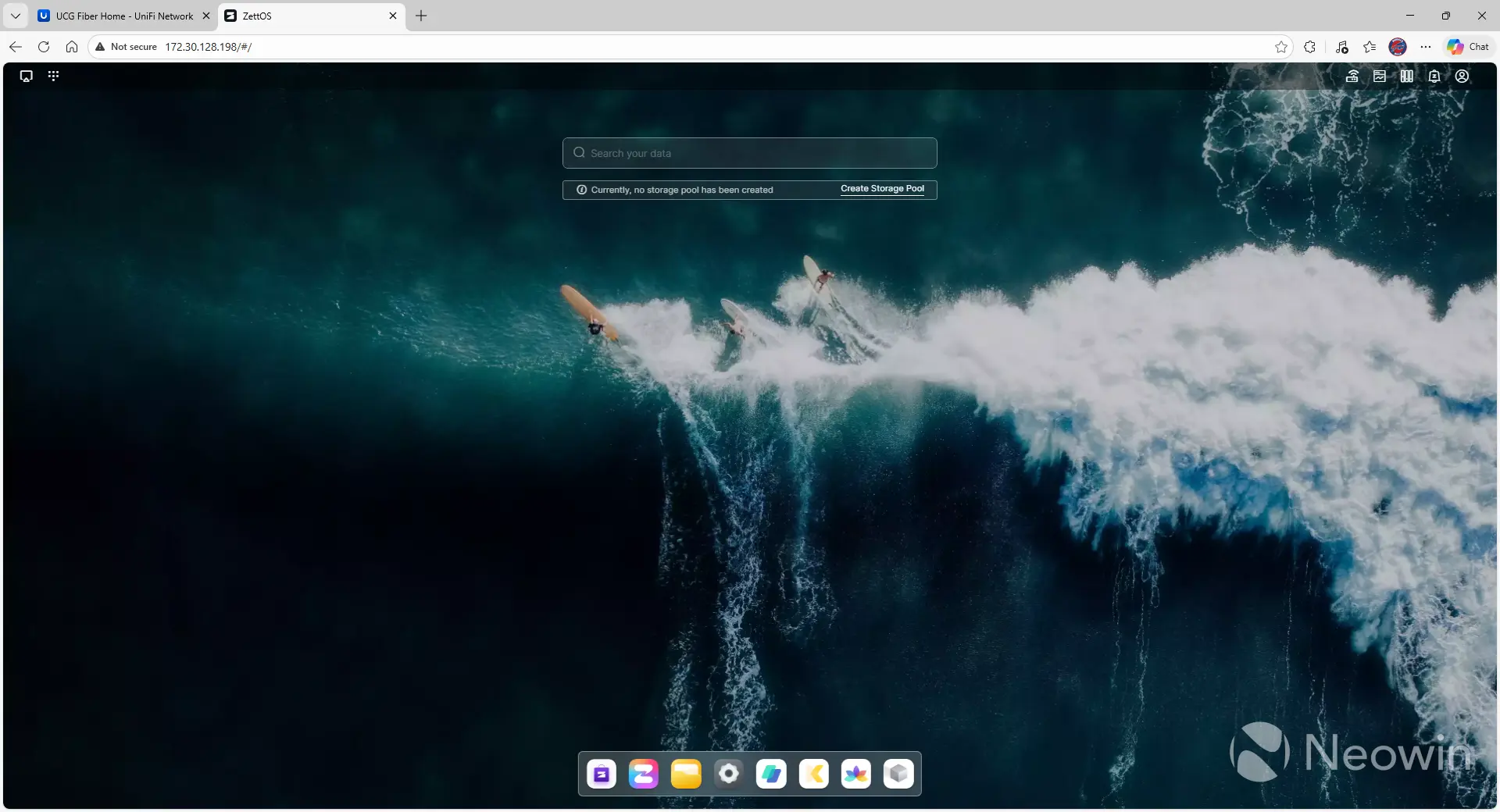
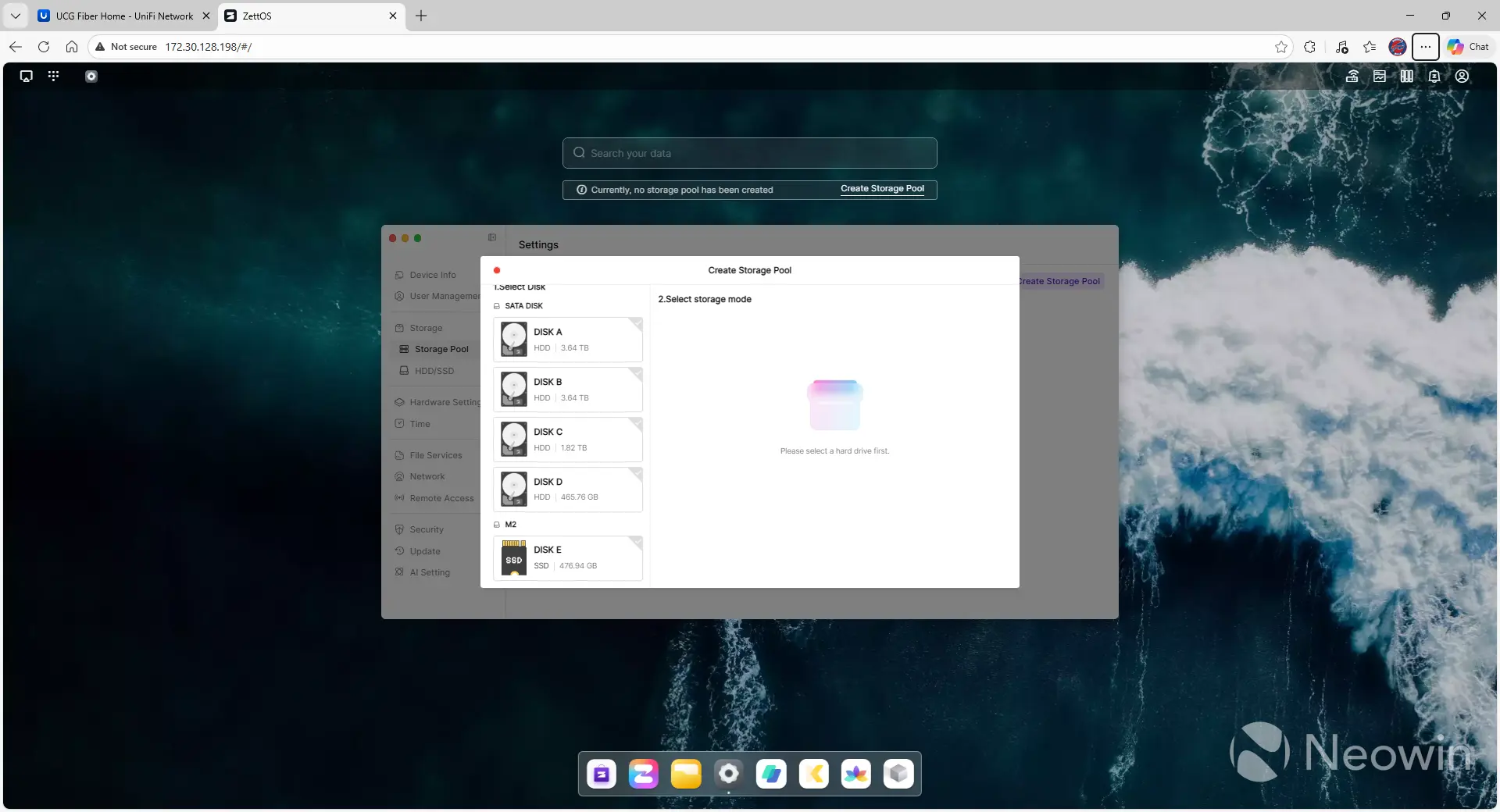
After the very short overview, you're on the desktop with a notice under the search bar saying, "Currently, no storage pool has been created," with a link to create one. This takes you into the "Create Storage Pool" menu, where you select the disks you want as part of the pool, along with what type of data protection you want. The interface is helpful in that it explains to you the differences between the RAID levels so that you understand performance, data protection, and utilization.
Gallery: Zettlab D4 Storage Creation
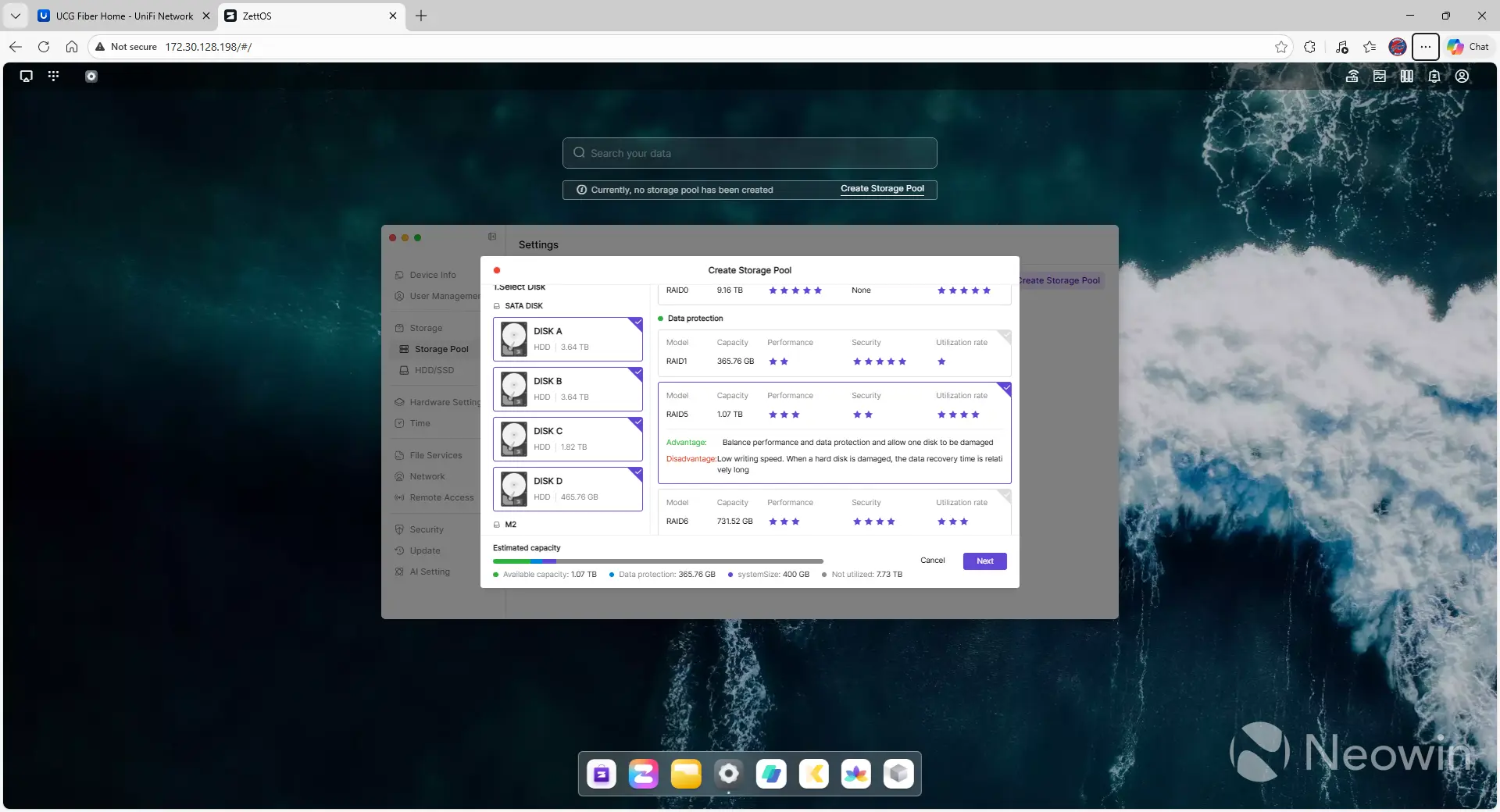
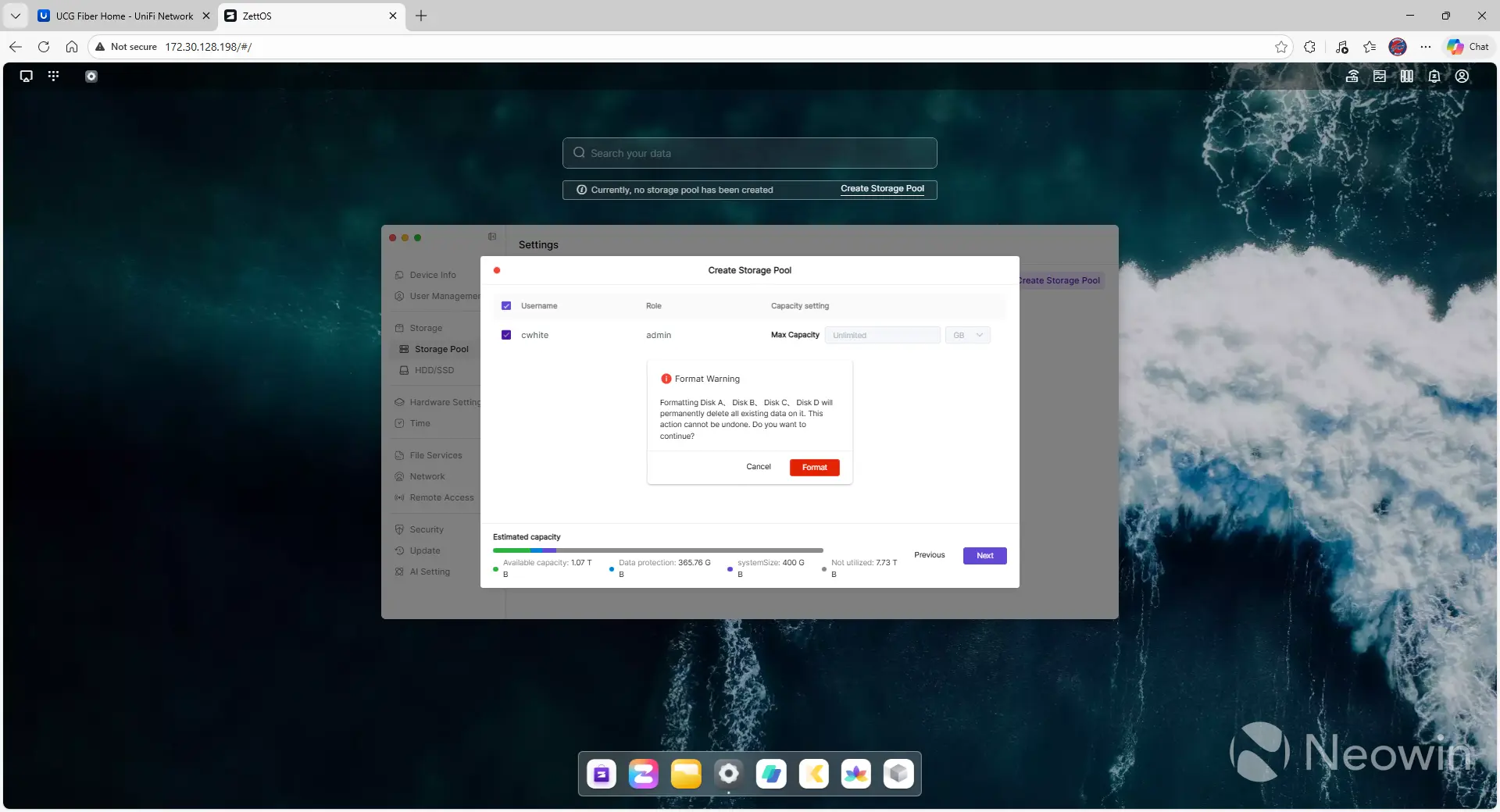
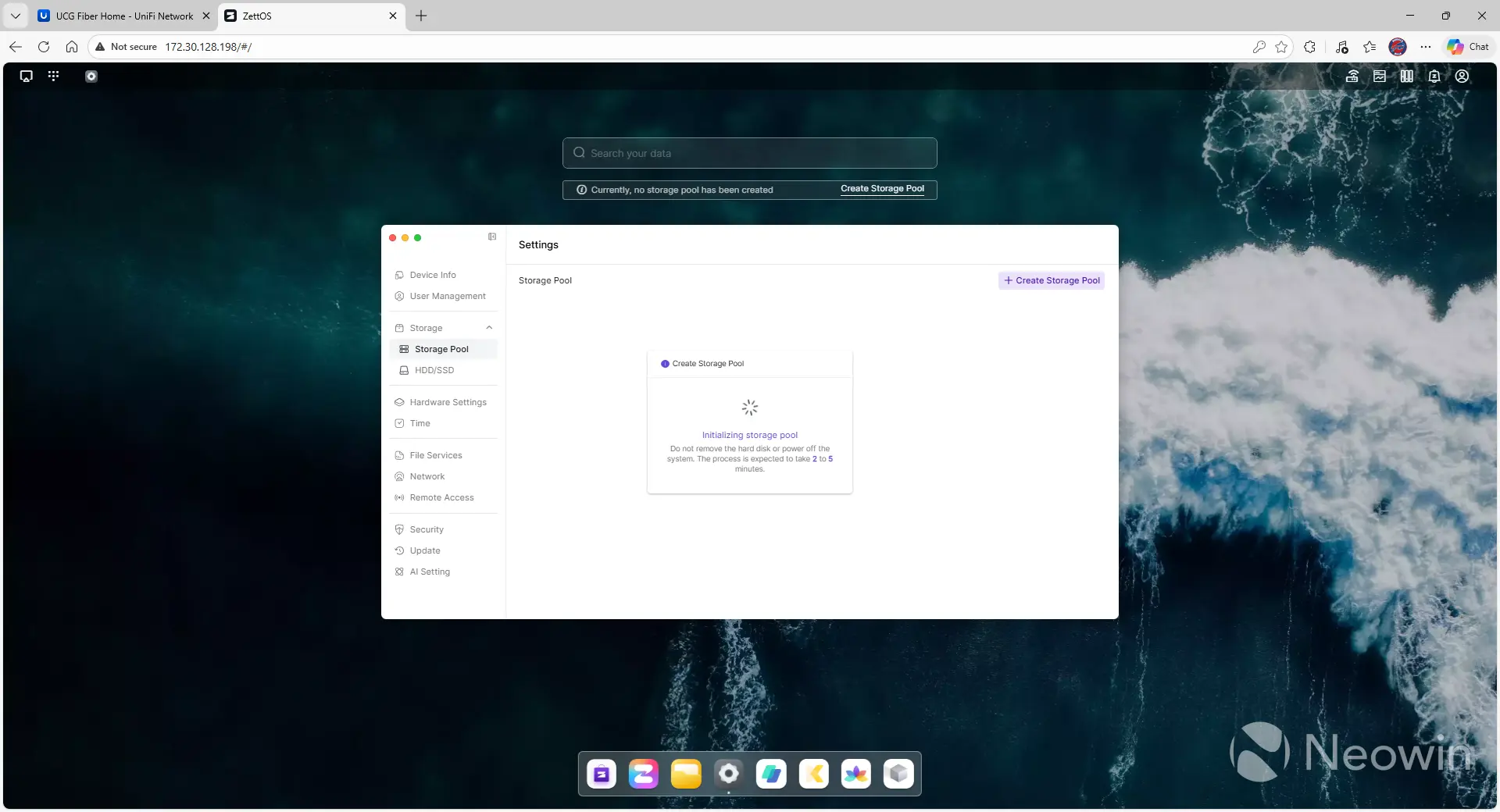
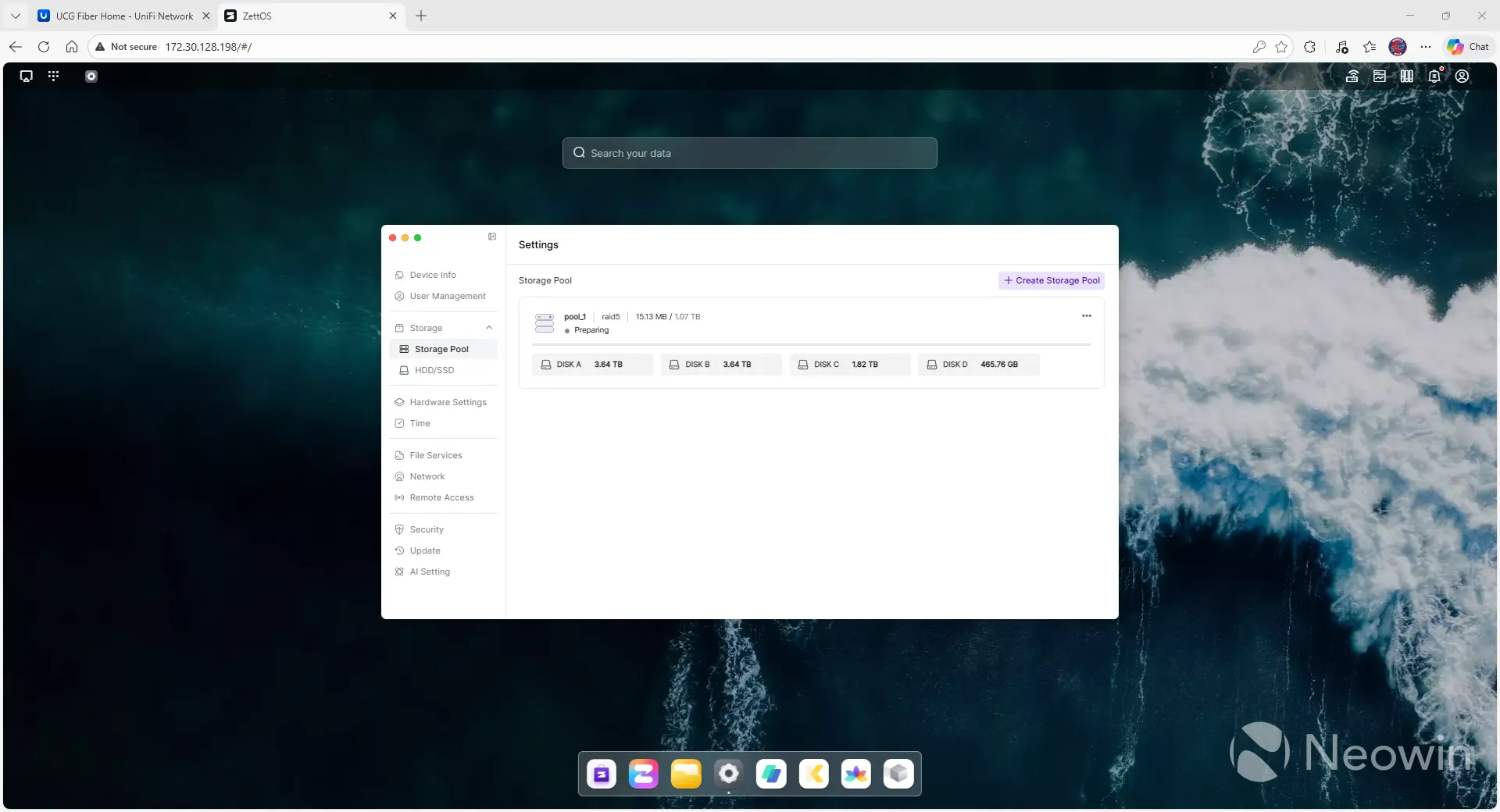
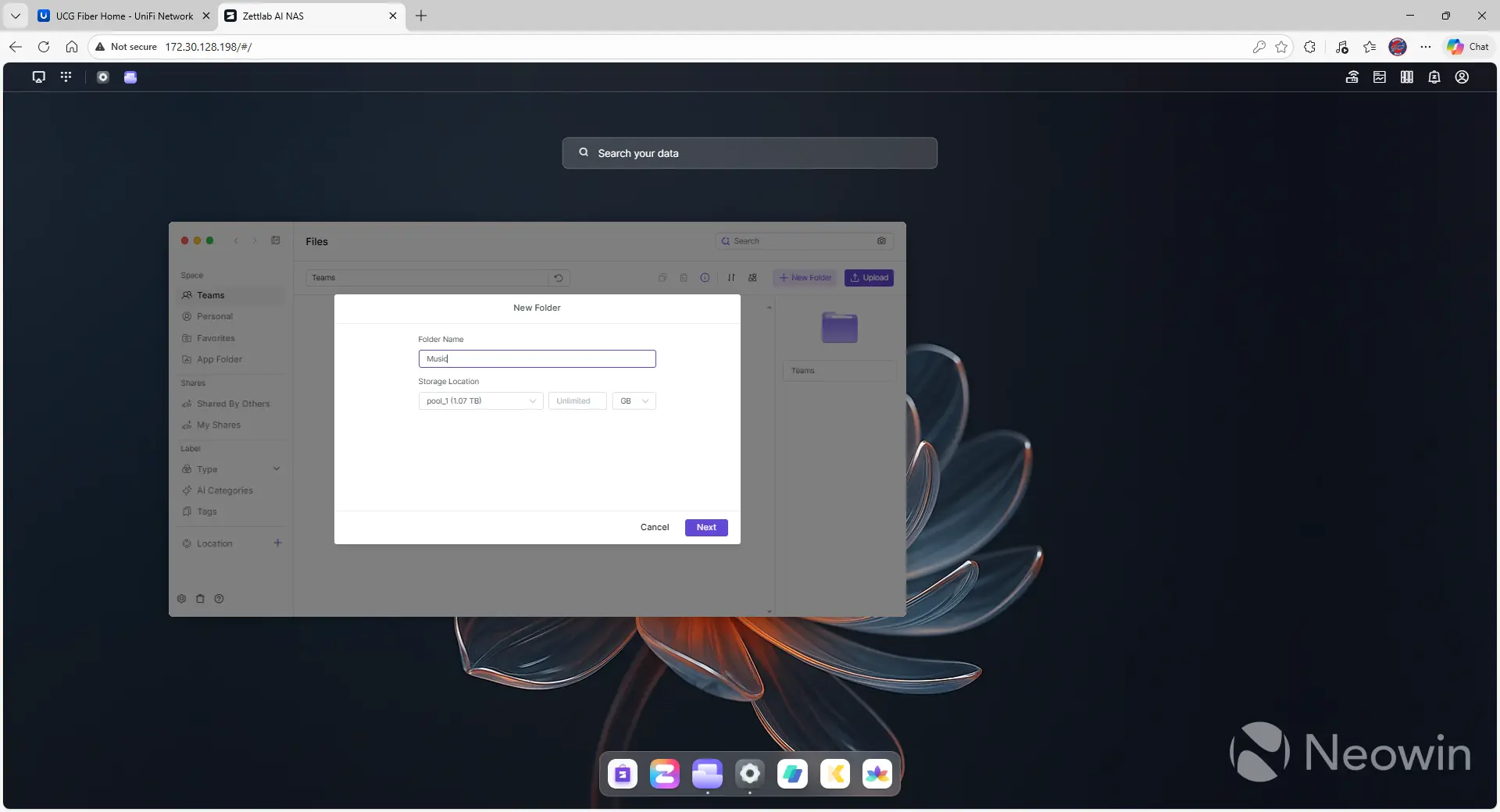
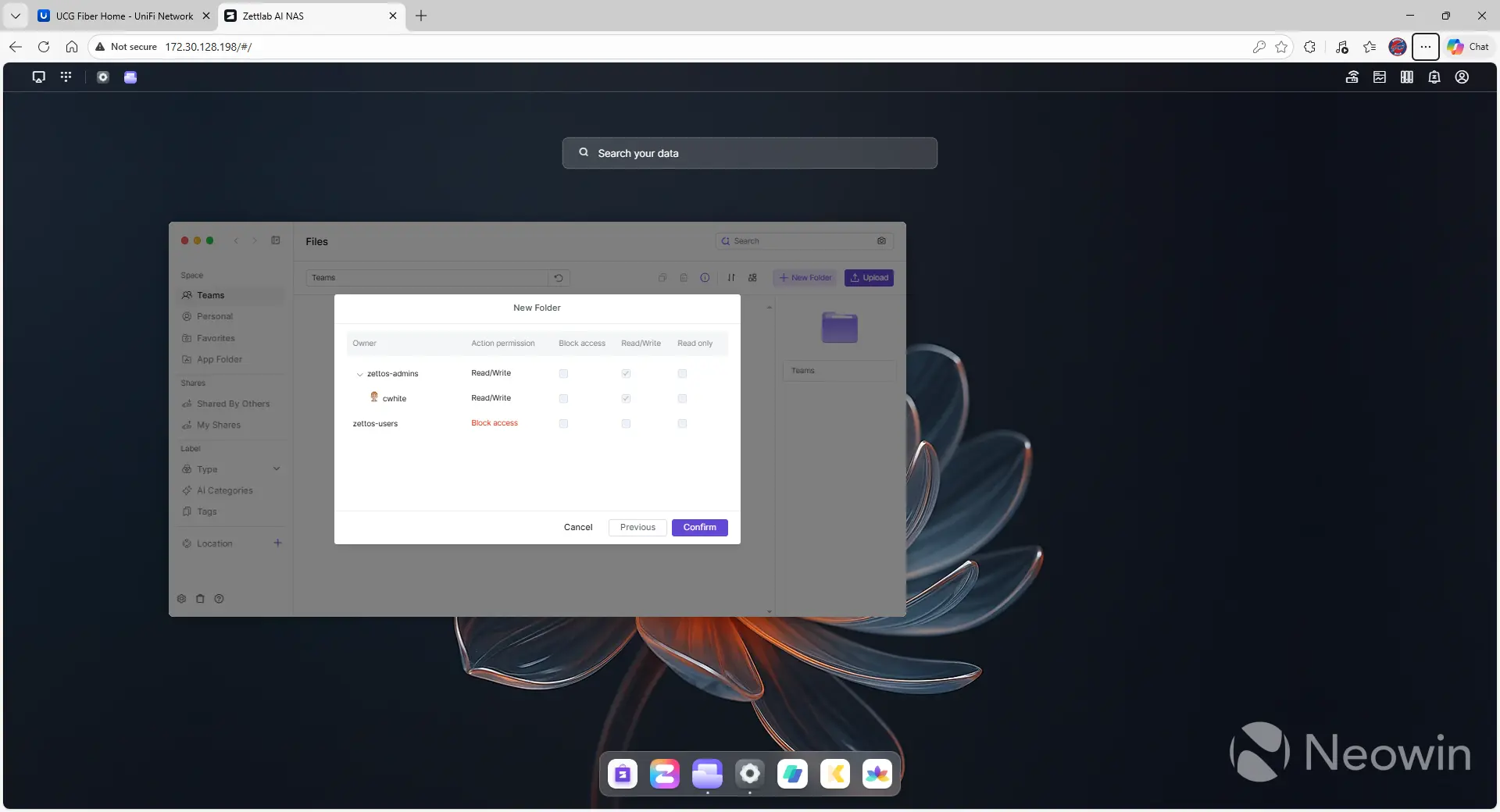
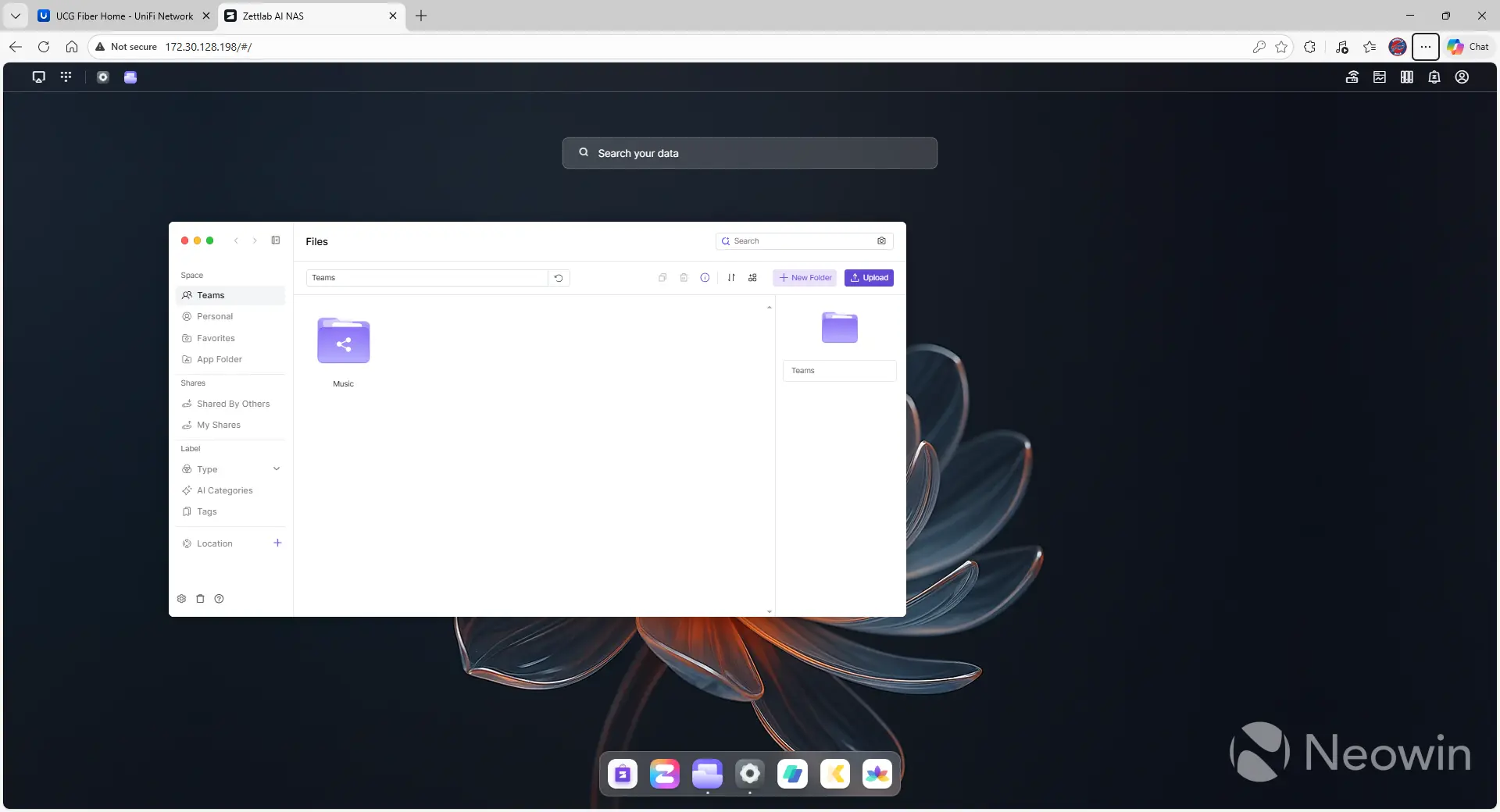
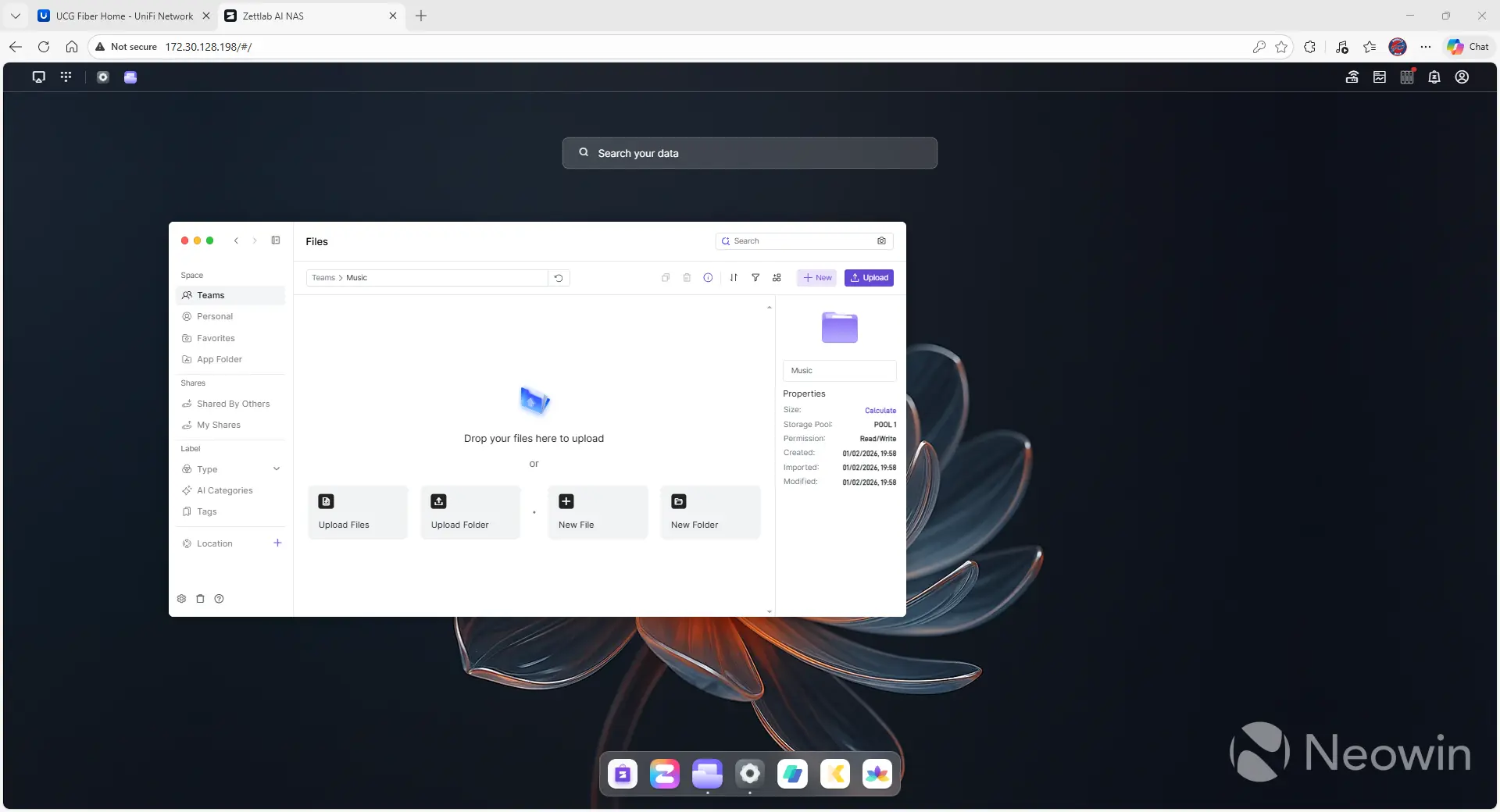
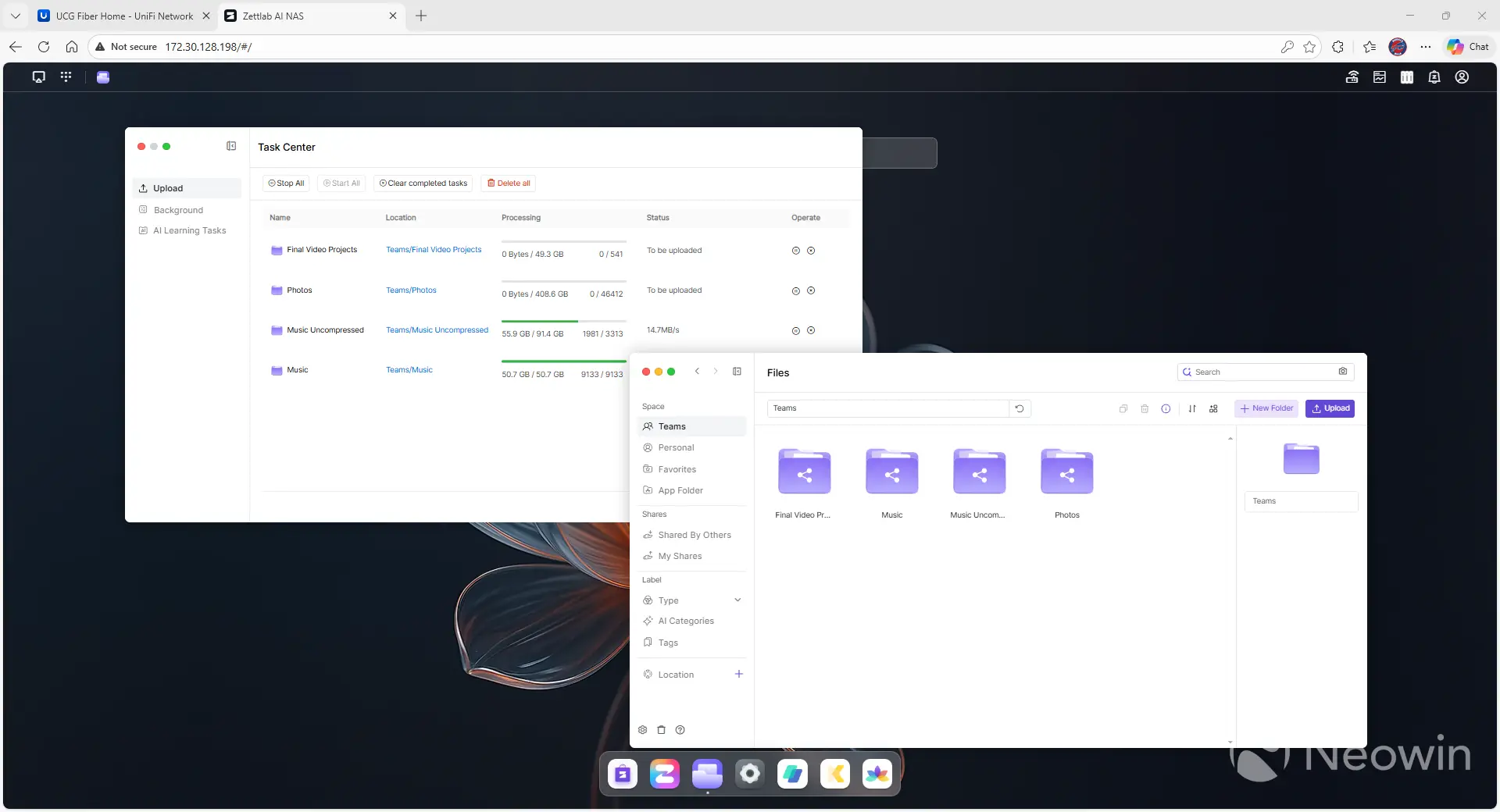
Once the pool is created, you can create folders in either a "Teams" or "Personal" section. The interface isn't clear about what the difference is. Still, from what I could gather from the documentation, you use the former for things you're sharing with a group (think: family photos), and the latter for data that's just for you (think: resume/CV, tax documents, or the like). You determine who can access the data in the folder, and then you're done. You can also easily upload files or folders directly from your desktop with the push of a button, and this process works very well in most cases, but struggles with large uploads.
If you try to upload more than 2,000 files at once through the browser, the D4 recommends chunking it or uploading differently. I was able to upload over 9,000 MP3 files without issue, but when I tried uploading over 40,000 images, the process managed to get halfway through before crashing, and I was never able to recover, despite the "play" button next to the task.
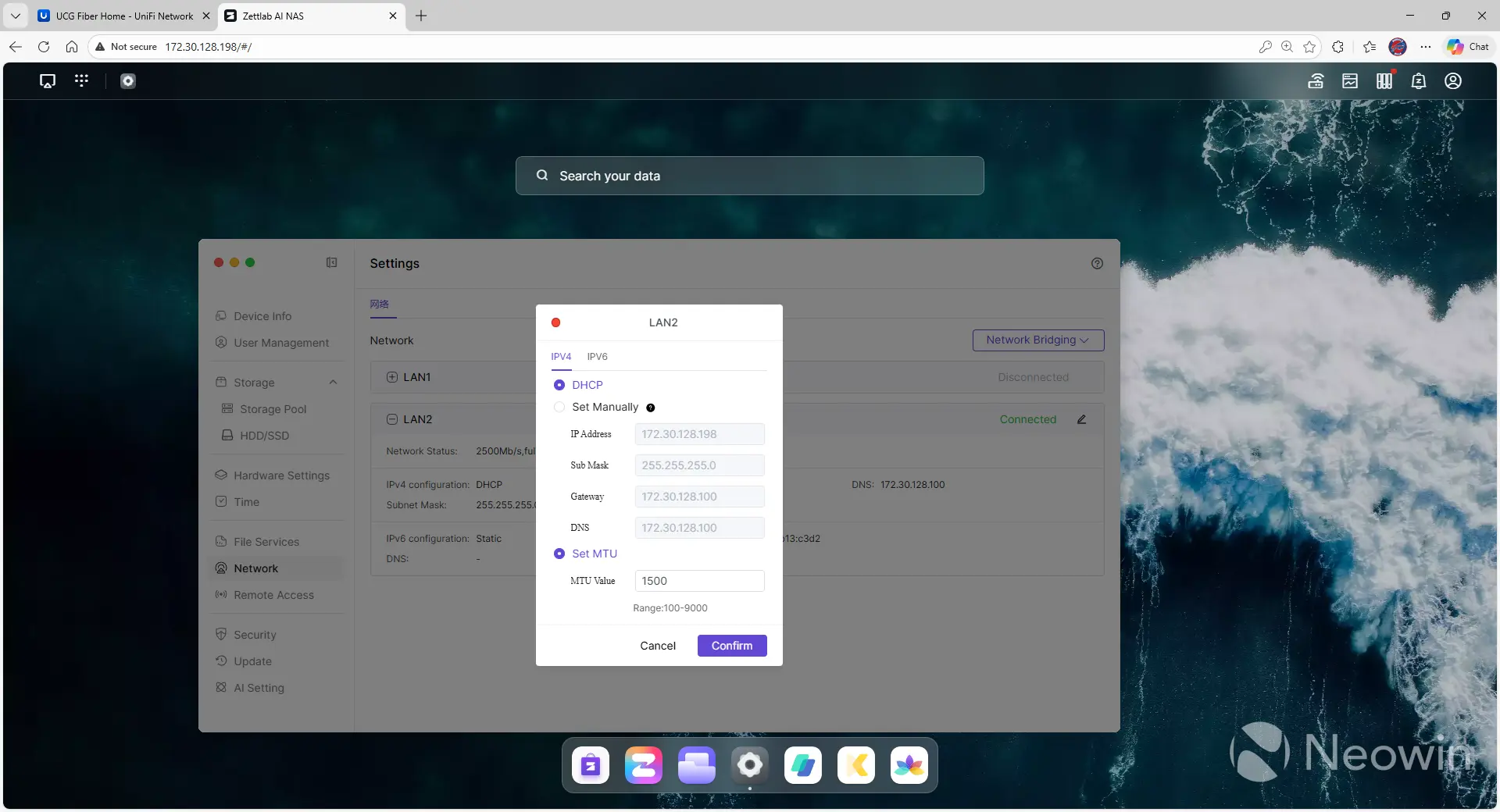
From a device configuration perspective, there aren't many options in the "Settings" section yet. Hardware settings are limited to fan control (high, low, or smart), light control (color and light mode), UPS support, and whether the LCD display should be on or off. You can also enable services like SMB (on by default), FTP, NFS, and the like, disable the AI functionality, and configure when the AI can run its learning mode. As noted earlier, this is an alpha release, so I suspect more functionality will be added over time.
It's also interesting to note that while you can select the RAID level of your volume, there's no option to select a filesystem. The only mention I see of filesystem type is in the FAQ of the Kickstarter, where it's noted that it runs Btrfs exclusively.
Gallery: Zettlab D4 Upgrade Process
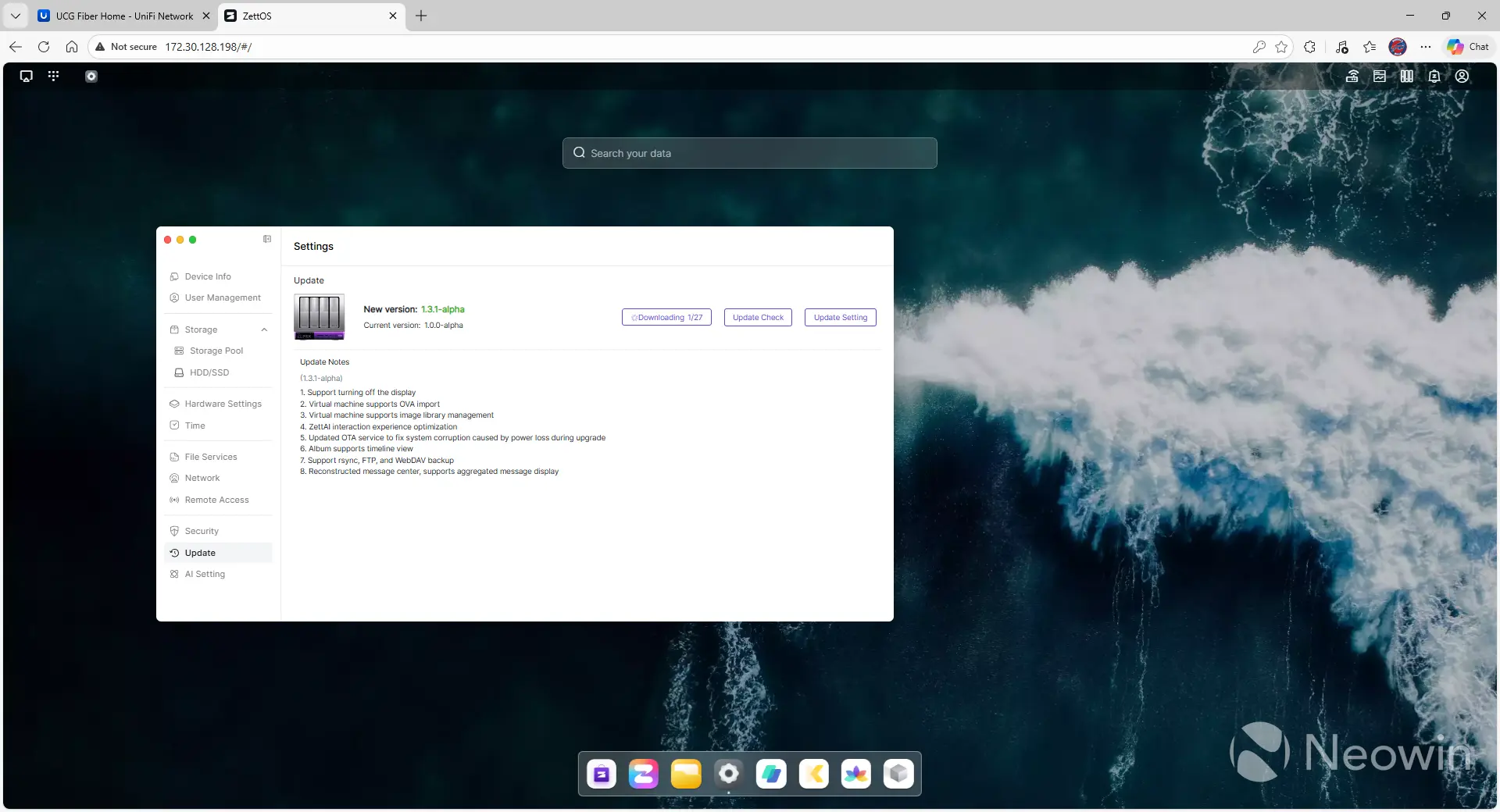
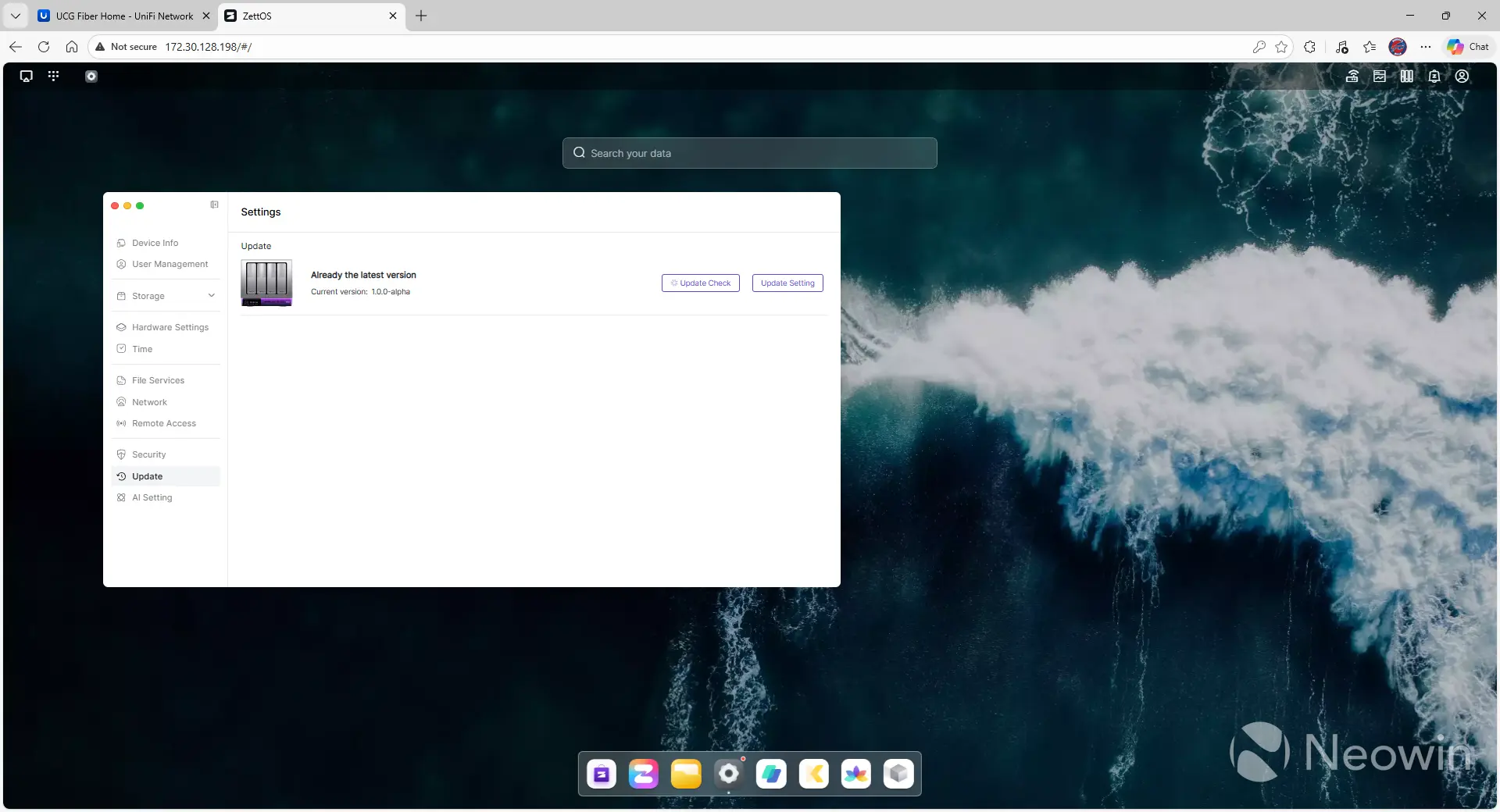
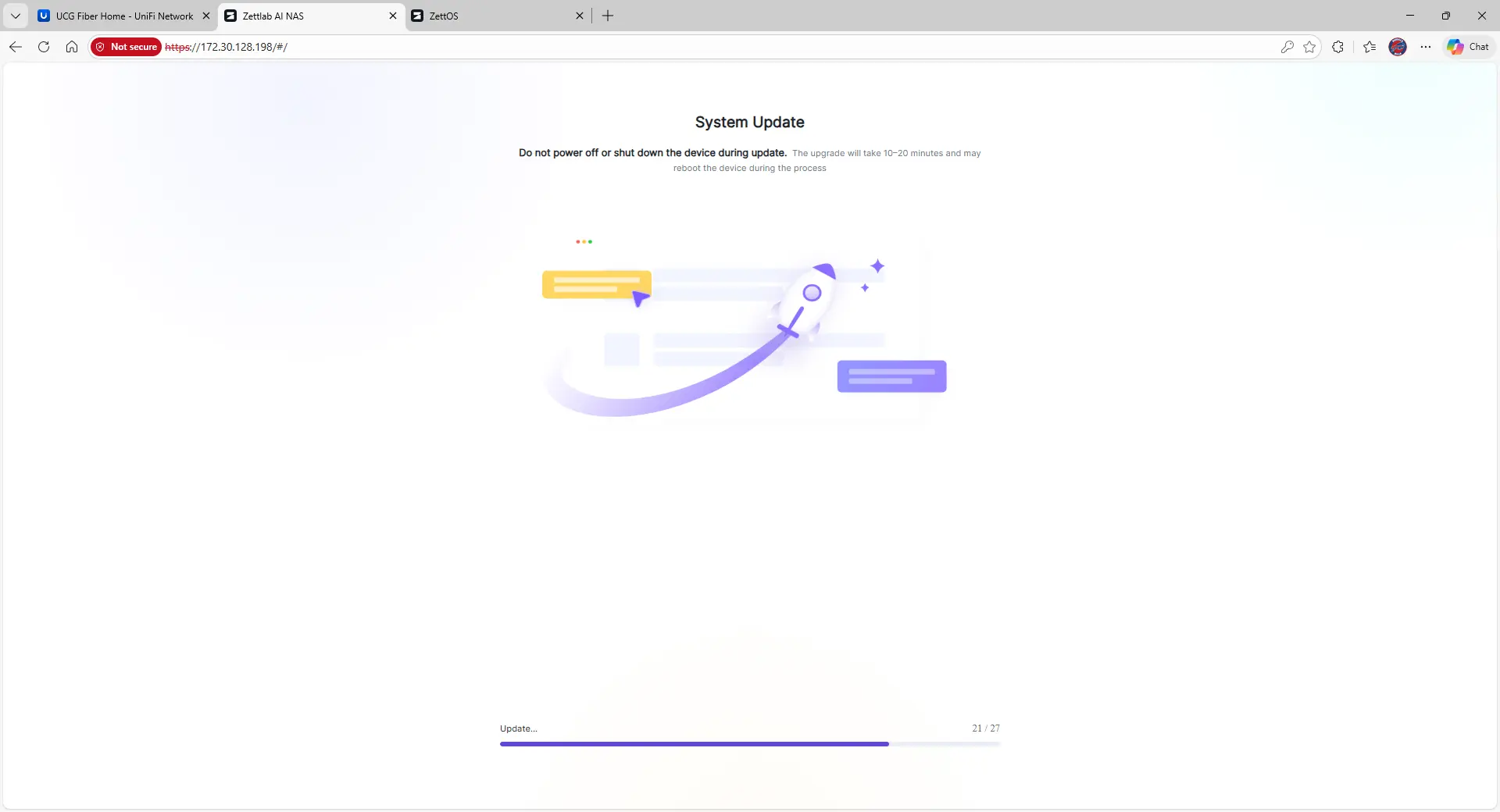
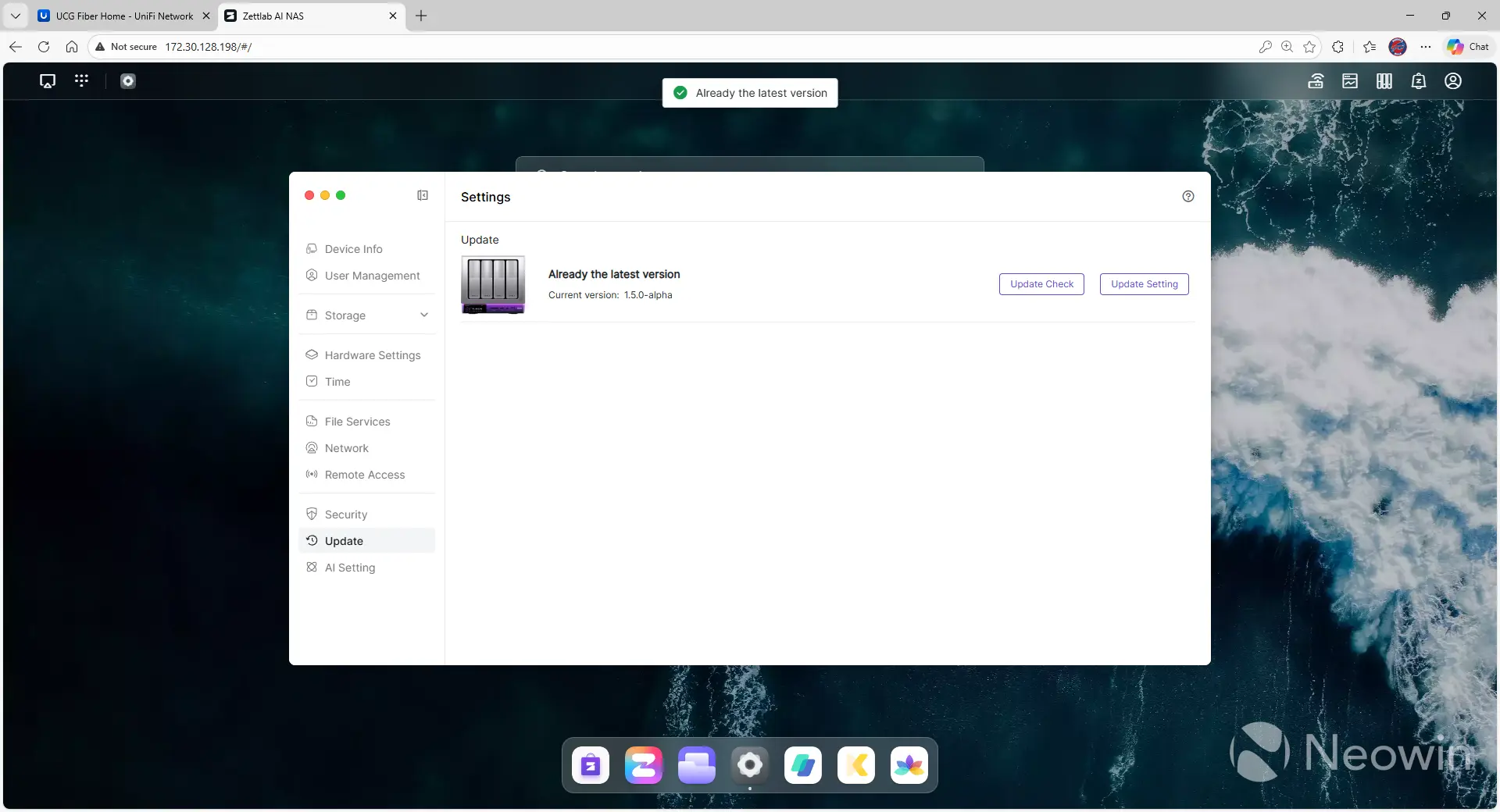
After the installation, I saw that I was running 1.0.0-alpha, so I went to upgrade. I was notified that 1.3.1-alpha was available, so I clicked the button to update. It appeared to freeze halfway through, and after downloading a few gigabytes of data according to my router, there was no indication that anything was happening. After leaving it for an hour, I came back and was told it was still running 1.0.0-alpha, so I went to upgrade again, but was then told I was running the most recent version. Confused, I rebooted, and then the upgrade process continued on its own.
After upgrading to 1.3.1-alpha, I was then told I could upgrade to 1.5.0-alpha, so I went through the process again. Altogether, the D4 ended up downloading roughly 20GB of data before finalizing both updates. This is a process that needs to be cleaned up with a future, more stable release.
Performance
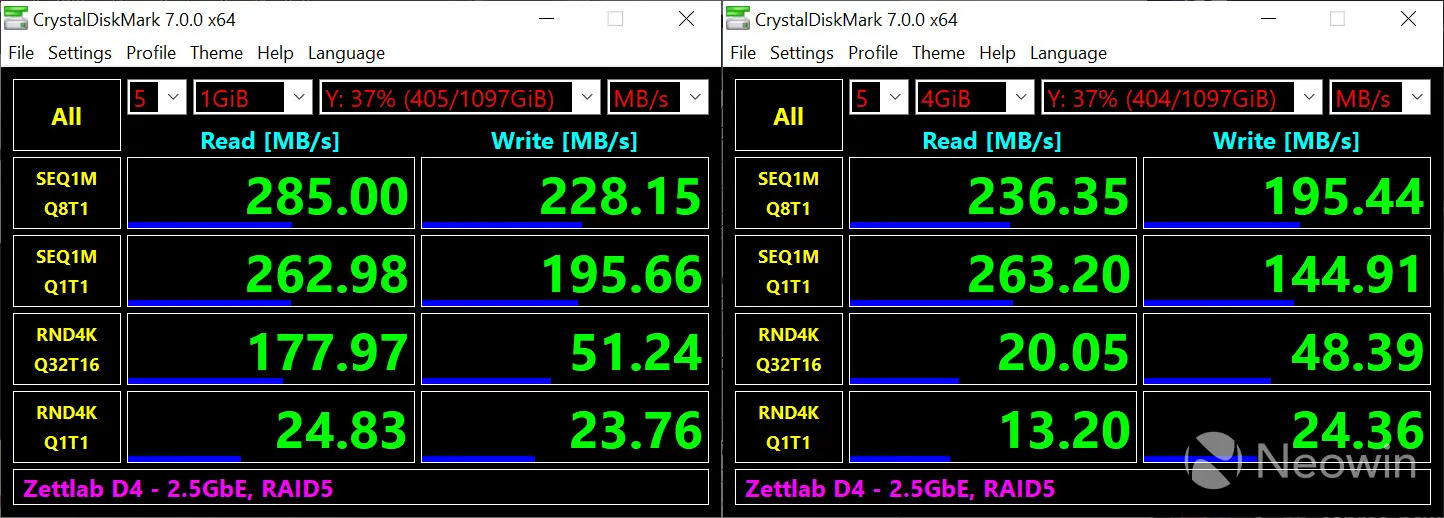
There were no real surprises with file transfer speed on the Zettlab D4, and that's to be expected in today's day and age. Reading is nearly 300 MB/s, and writing is over 200MB/s, and this is on a hodgepodge of drives in a RAID5 configuration, ranging from a couple of 2TB drives down to an ancient 500GB drive, so you can probably get a little more performance if there were better-performing and matching drives, but overall this is more than acceptable.
While the D4 has good processing power, it still takes a while to scan through all of the files you upload. This doesn't seem to impact general system usage, but you could miss out on retrieving files that haven't been scanned yet. I uploaded roughly 16,000 files at once, and 48 hours later, the system still had over 8,000 files to analyze. The amount of time needed will obviously depend on the type of files uploaded - a large video will take longer than a small image - but expect that it could take a while to index all of the files once uploaded.
Artificial Intelligence
Everything I've talked about so far is fine and standard for a NAS, but Zettlab's differentiation claim is that it integrates AI technology directly into the NAS and does all of the processing locally, so how does this work with the D4?
In a word: Great.
As soon as you upload any files, whether they be documents, audio, or video, the Zettlab D4 scans them with AI and keeps track of all sorts of information about them, all stored locally. You're able to be very specific with your search requests, and, for the most part, the D4 retrieves whatever you need.
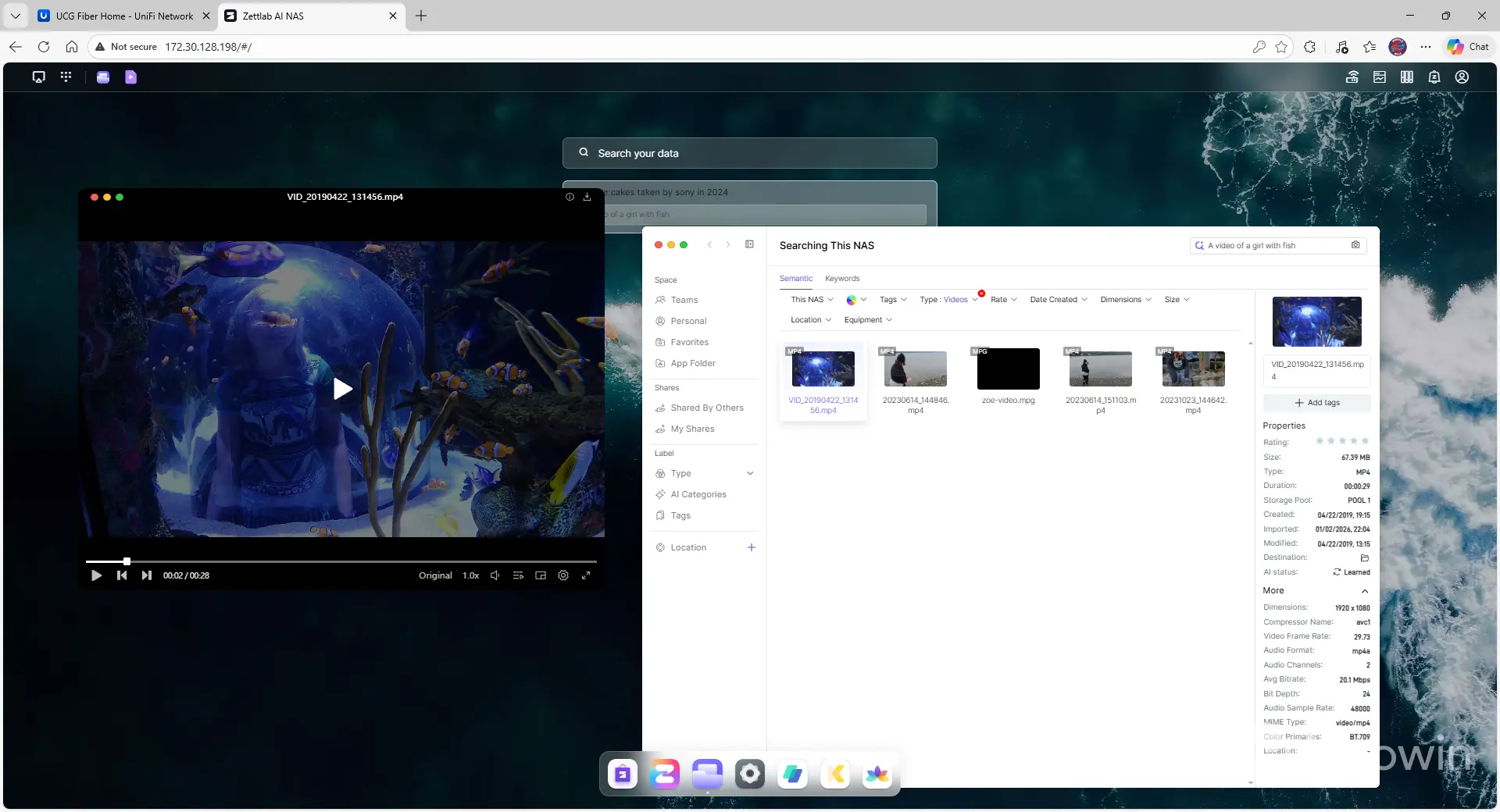
For example, there was a video I made years ago of my daughter in a bubble at a local aquarium. I searched for "a video of a girl with fish," and the video was the first result - along with a few other videos that also somewhat fit the request. Clicking on the result brings up not only the video, but also all of the details about the file, such as the size, type, when it was created, and whether the Zettlab D4's AI has finished scanning it yet.
Another example was a search for "girl dancing in front of garage door," which brought up a dance routine my daughter performed in front of our house. In addition to the normal data mentioned previously, the D4 had also transcribed many of the lyrics from the song that was playing. I will note that the transcription wasn't great - it does much better with the spoken word than music - but was still impressive. I hope to see ZettAI improve on music detection because being able to search your music for a specific lyric would be a great addition.
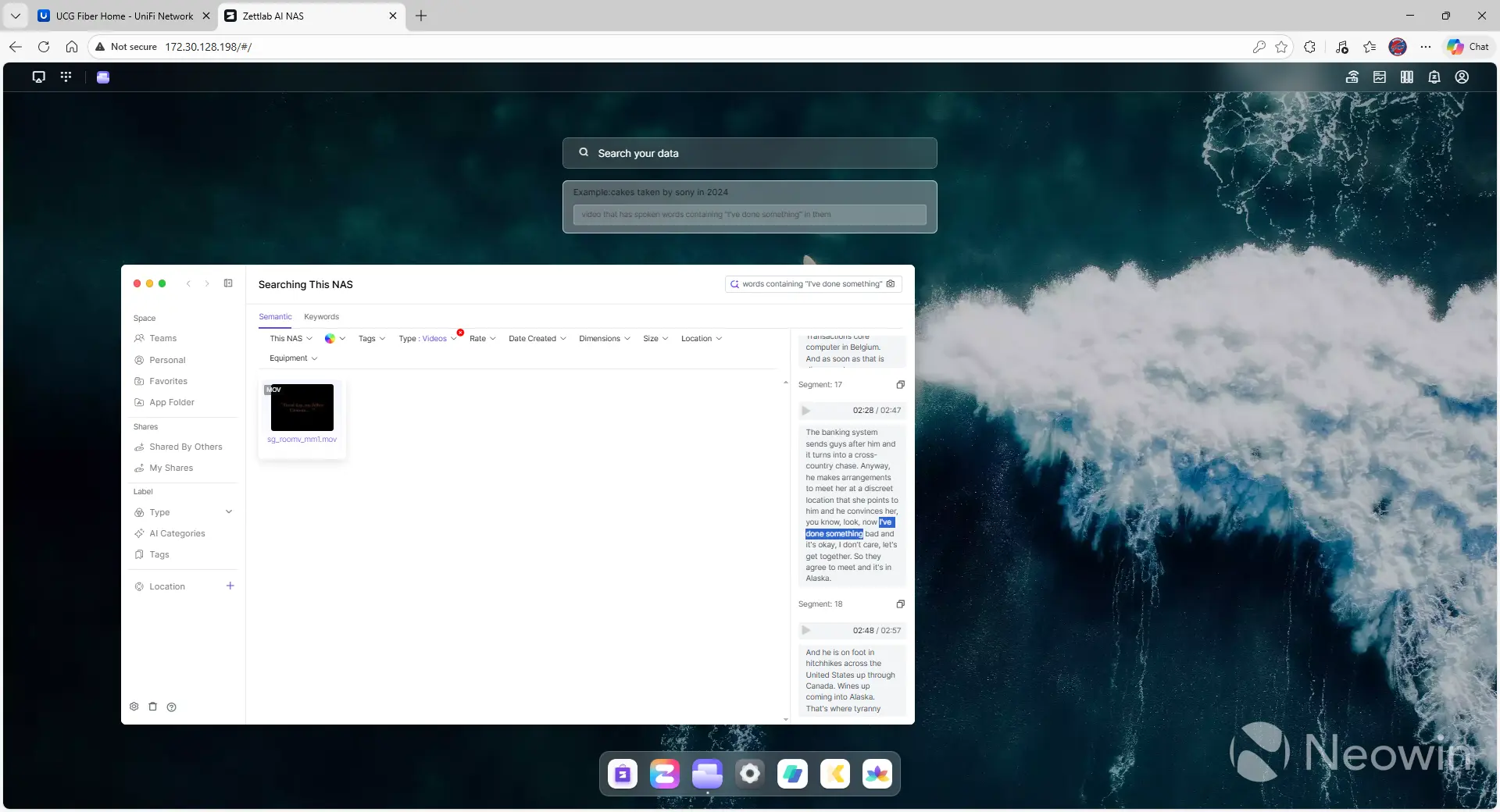
Speaking of transcription, you can also search based on that. Searching for "video that has spoken words containing 'I've done something' in them," at first brought up nothing until I realized that the "Type" filter was limited to "Audios." Adding "Videos" to that instantly brought up a documentary from the band Shadow Gallery about the making of the album Room V. The best part is that none of this required me to do anything with the files. No tagging, no organizing, just a simple upload and the Zettlab D4 did the rest.
Once you're done with a search, you can break things down further based on date, file size, geolocation data, and even the type of camera that was used by using the dropdown boxes.
The AI searches seem to be prioritized based on confidence level, although I wasn't able to find any evidence of what that confidence level was. For example, when searching "video of cat and dog playing," the first few results fit the request, but then later results were of two dogs playing, and finally a single dog in a crate, playing by himself. It'd be nice to have more visibility into how the files were brought up, but overall, for an alpha product, the results were great and make finding your data a lot easier.
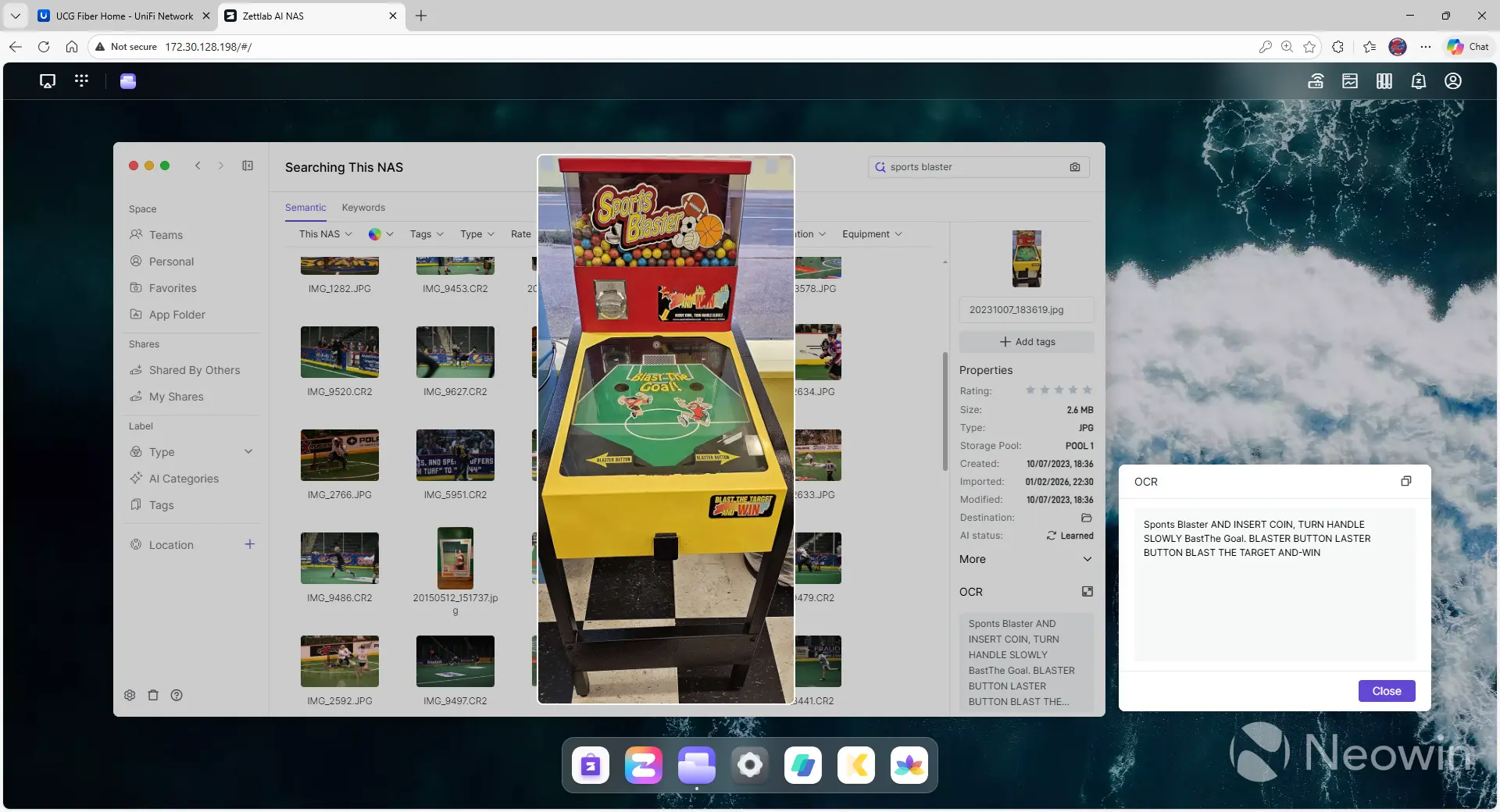
Finally, the Zettlab D4 also performs OCR on all of the images on the system to aid in searching and categorization. I selected an image of a pinball-like game, and in the OCR section, it showed me all of the words that were on the machine. Searching for "Space Blaster" brought up a couple of dozen results for reasons I can't explain, but the actual Space Blaster machine was one of them. I'm hopeful in a future release that it'll be easier to search just on the OCR field.
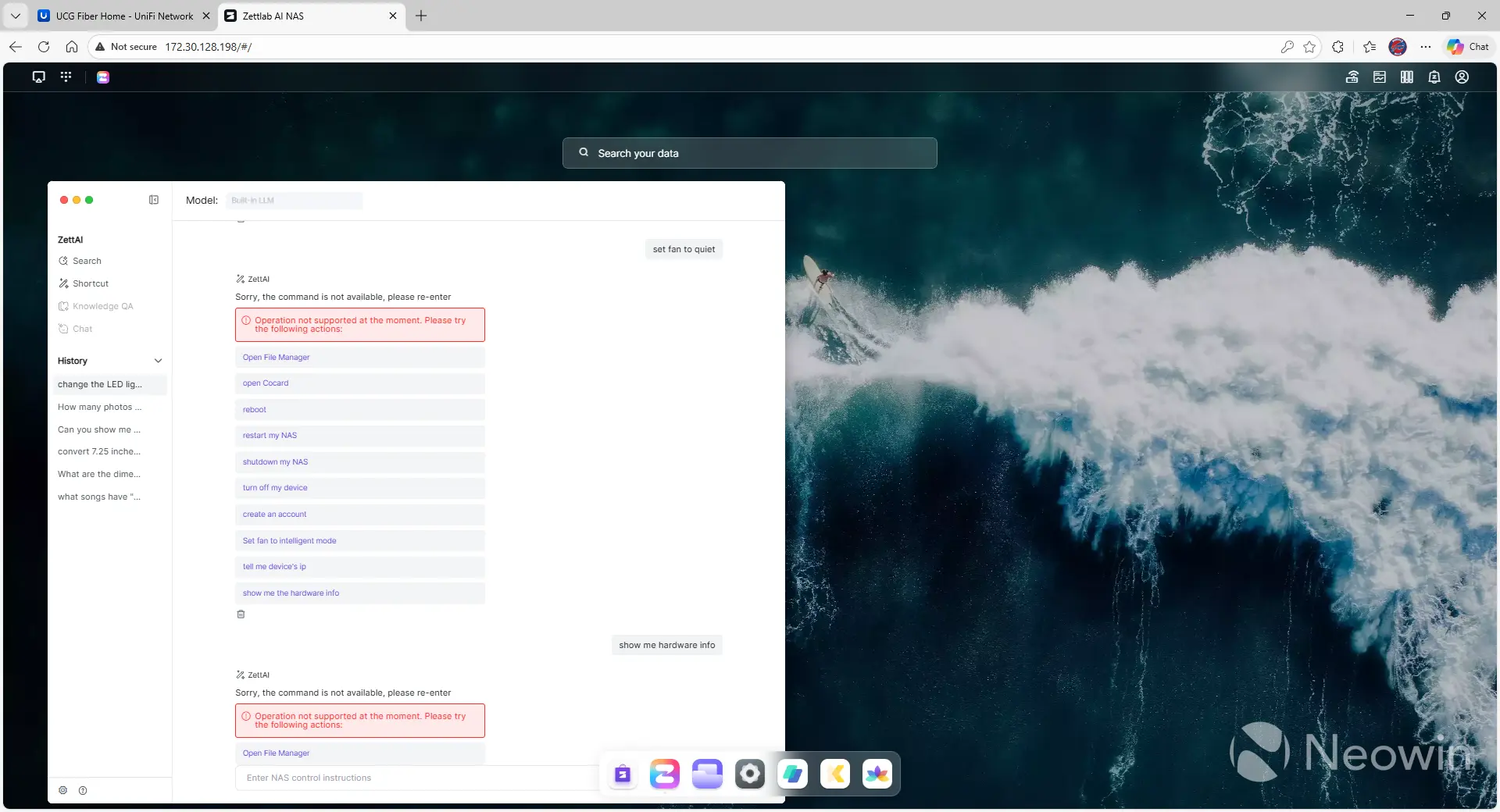
The AI functionality isn't limited to your data either, as you're supposed to be able to use plain language to control the device, but as of right now, that functionality is lacking, to say the least. I tried to change the color of the LED light strip, as well as make the fan quiet, and both requests were met with an "Operation not supported at the moment." While disappointing, it's another case of the software being alpha and something that should get better over time.
Applications
Unlike Zettlab's main competitors, the App Center for the D4 pales in comparison to the likes of Synology, QNAP, and others.
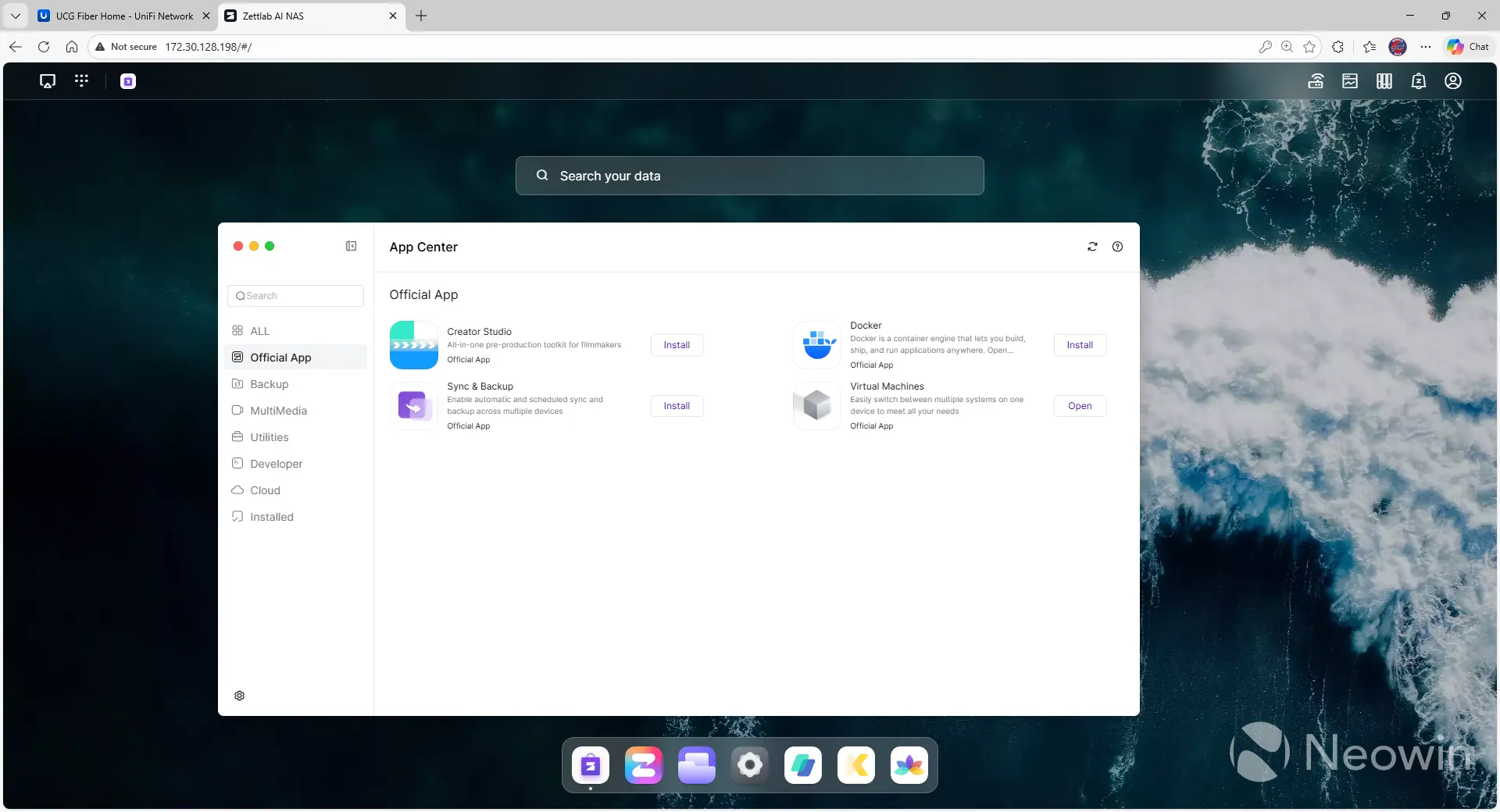
Under the "Official App" section of the app store, there are only four applications listed: Creator Studio (for filmmakers), Docker, Sync & Backup, and Virtual Machines. Including all apps, there are still only 41 to choose from. In addition, it's hard to tell if a package is legit or not based on the developer. Unifi Network Application is an option, and the developer is listed as "Ubiquiti and Linuxserver.io," which seems legit, but there doesn't appear to be a way to confirm the identity. Zettlab should work on a way to allow users to validate the package source.
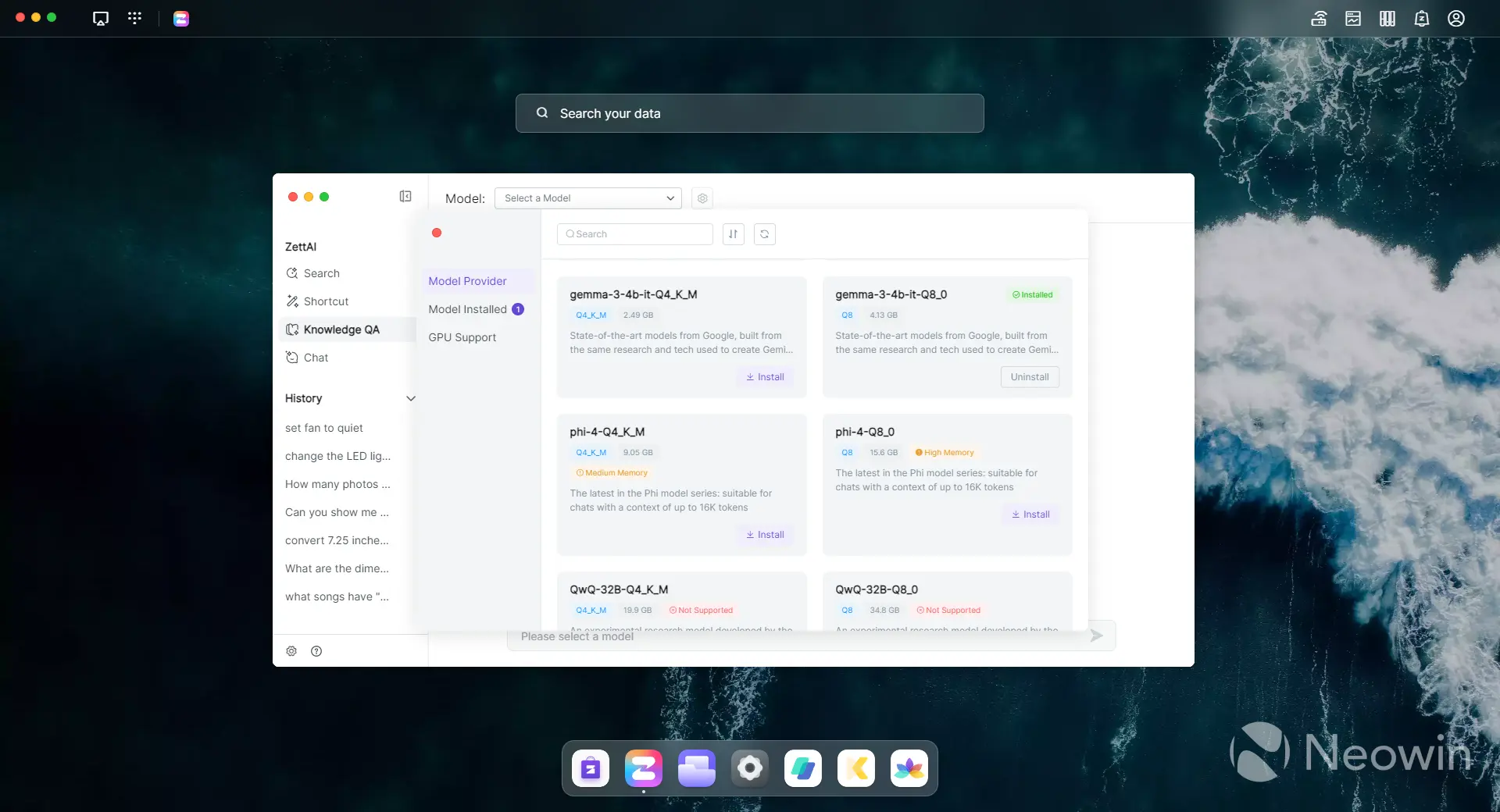
The Zettlab D4 has both a desktop and a mobile app. The desktop app looks identical to the browser version, but allows you to also install from several LLMs to run locally on your system since the D4 has limited resources. From my testing, it worked well enough, but didn't seem very integrated with the data on my NAS. For example, asking for a specific video brought up three videos from my NAS, but the LLM responded that it didn't find anything from the knowledge base. In addition, the desktop app seemed a little buggy, with some display issues from time to time.
Conclusion
As a newcomer to the market, Zettlab has released a product that is full of great potential and already meets many of the goals of the high bar that it set for itself. The hardware feels premium with the metal chassis, LED light, and LCD screen, and while using AI to scan images is nothing new, the fact that it's completely built into the ZettOS operating system from scratch and is used to help categorize and identify all of the files on the device is pretty impressive.
That said, since the operating system is still in alpha, and Zettlab doesn't have a strong history yet, I can't recommend the D4 (or any of their product line) as your main production NAS device. That may come in time, because what they're doing here with the D4 is very impressive, but the OS is clearly lacking the polish that its competitors have, so I can't trust that data is safe since even things like the filesystem type are hidden.
I'm told that the entire product line, including the D4, will be available for purchase on January 20th and will range in price from $400 to $1,000. If those numbers hold true, I think $400 for the D4 is a great bargain and worth picking up to see how the technology improves. Depending on the price of the Ultra line, that could also be fun to play with in order to see the iterations Zettlab makes with the operating system, and this device would make a great secondary NAS device in your home as part of a 3-2-1 backup process (three copies of your data on two different mediums, with (at least) one copy kept offsite).
I highly recommend the Zettlab D4 and can't wait to see how it improves over time in 2026.










0 Comments
Load the comments and join the conversation!
Read the comments, ask the editors questions, show respect and join the conversation.