Earlier this year, BOOX, a popular maker of e-readers and E-Ink tablets, introduced the second-generation Go lineup. The BOOX Go 10.3 Gen 2 Lumi is a 10-inch Android tablet with a backlit E-Ink display, stunning hardware, and quite complex software. After using it for daily reading and note-taking, here is my review.
Disclaimer: BOOX provided the review unit without any editorial input or pre-approvals.
The BOOX Go Gen 2 Lumi arrived in a simple gray box with BOOX branding embossed across its longer side. Remove the cardboard insert, open the box, and there is your E-Ink tablet. The unboxing experience is nothing special, but BOOX did not chehap out on materials or presentation quality. I would say it is on par with pretty much any other modern Android tablet or iPad.
Like other modern gadgets, the BOOX Go Gen 2 comes without a charger in the box. However, you still get a USB Type-A-to-Type-C cable for charging. I was surprised to see the classic Type-A connector, but I am not going to bog down on this part. You already have a USB cable and a charger, so let's just move on.
So, what is in the box?
- The BOOX Go Gen 2 Lumi tablet
- A rechargeable stylus
- A USB Type-A-to-Type-C cable
- A set of replaceable stylus tips
- User manuals
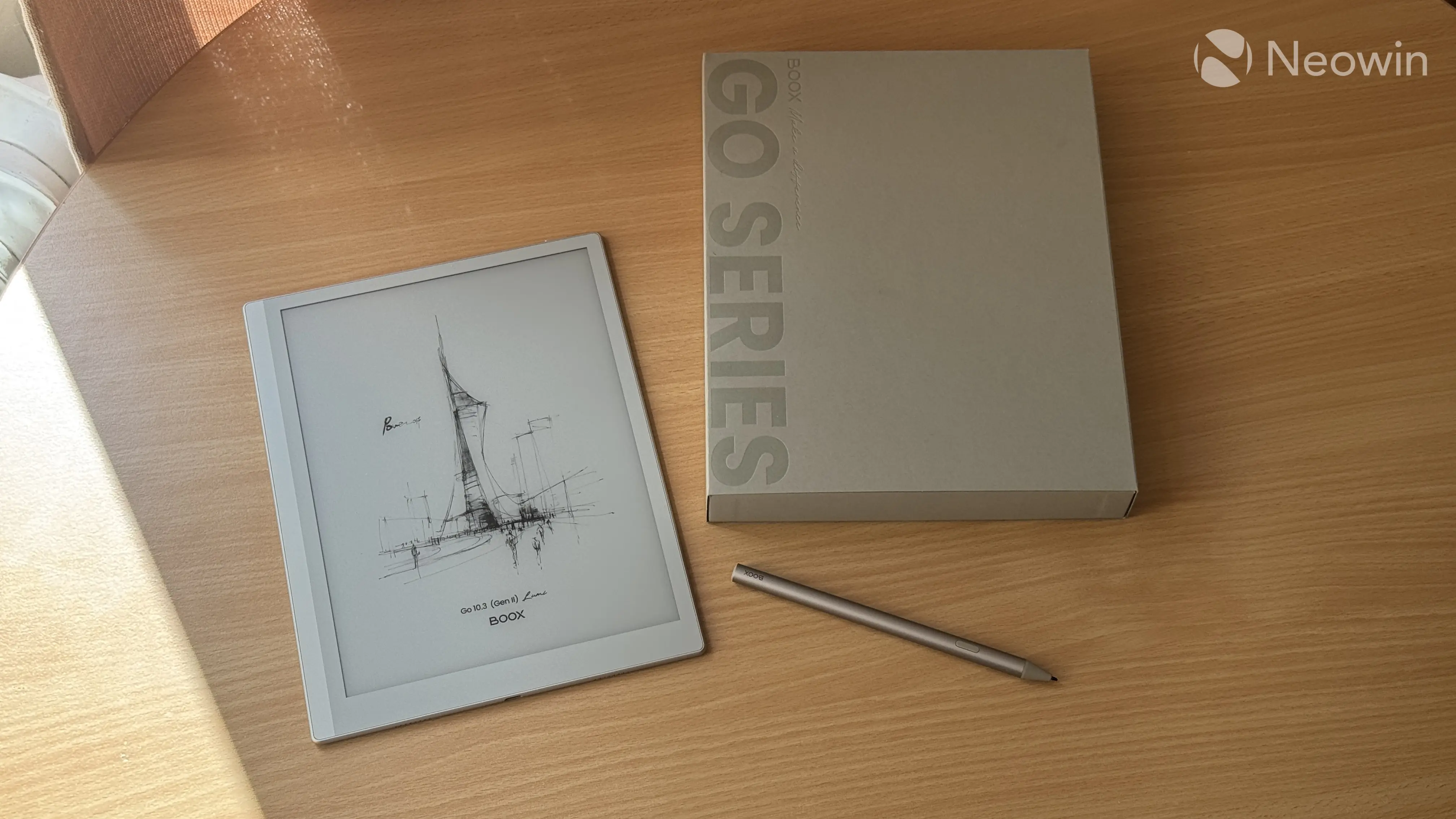
It is nice to see that BOOX bundles the stylus with the tablet, allowing you to get the entire experience without purchasing additional accessories. The InkSense stylus costs $45.99 on its own, and an extra set of tips is $14.99. All that is bundled with the tablet, so good job.
How much for all of that? $449.99 for the Lumi (front light version) and $419.99 for a regular, non-lit version. This is not cheap by any means, but let's keep in mind that we are talking about an E-Ink tablet, not just a basic reader. Plus, the Go Gen 2 Lumi makes up for its price with quite a lot of extra stuff.
And here is a spec table:
| BOOX Go Gen 2 Lumi | |
|---|---|
| Display | 10.3-inch HD E-Ink Carta 1200 with matte, paper-like glass 2480 x 1860 pixels (300 ppi), front light with adjustable temperature |
| Dimensions | 235 x 183 x 4.8 mm, 364g 9.3 x 7.2 x 0.19 inches, 12.8 oz |
| Stylus | BOOX InkSense Plus stylus with 4,096 pressure levels with tilt support |
| Platform | Octa-core Snapdragon 690 processor 4 GB RAM |
| Storage | 64 GB non-removable storage (46 GB available) |
| Connectivity | Wi-Fi and Bluetooth 5.1 |
| Software | Android 15 with Google Play and third-party app support |
| Supported formats |
Document Formats: PDF, CAJ, DJVU, CBR, CBZ, EPUB, EPUB3, AZW3, MOBI, TXT, DOC, DOCX, FB2, CHM, RTF, HTML, ZIP, PRC, PPT, PPTX |
| Battery | 3,700 mAh Li-ion, 10W charging (charger not included) |
| Ports and buttons | USB Type-C, power button |
| Audio | Dual stereo speakers, built-in microphone |
| Price | $449.99 on Amazon |
Design and build quality
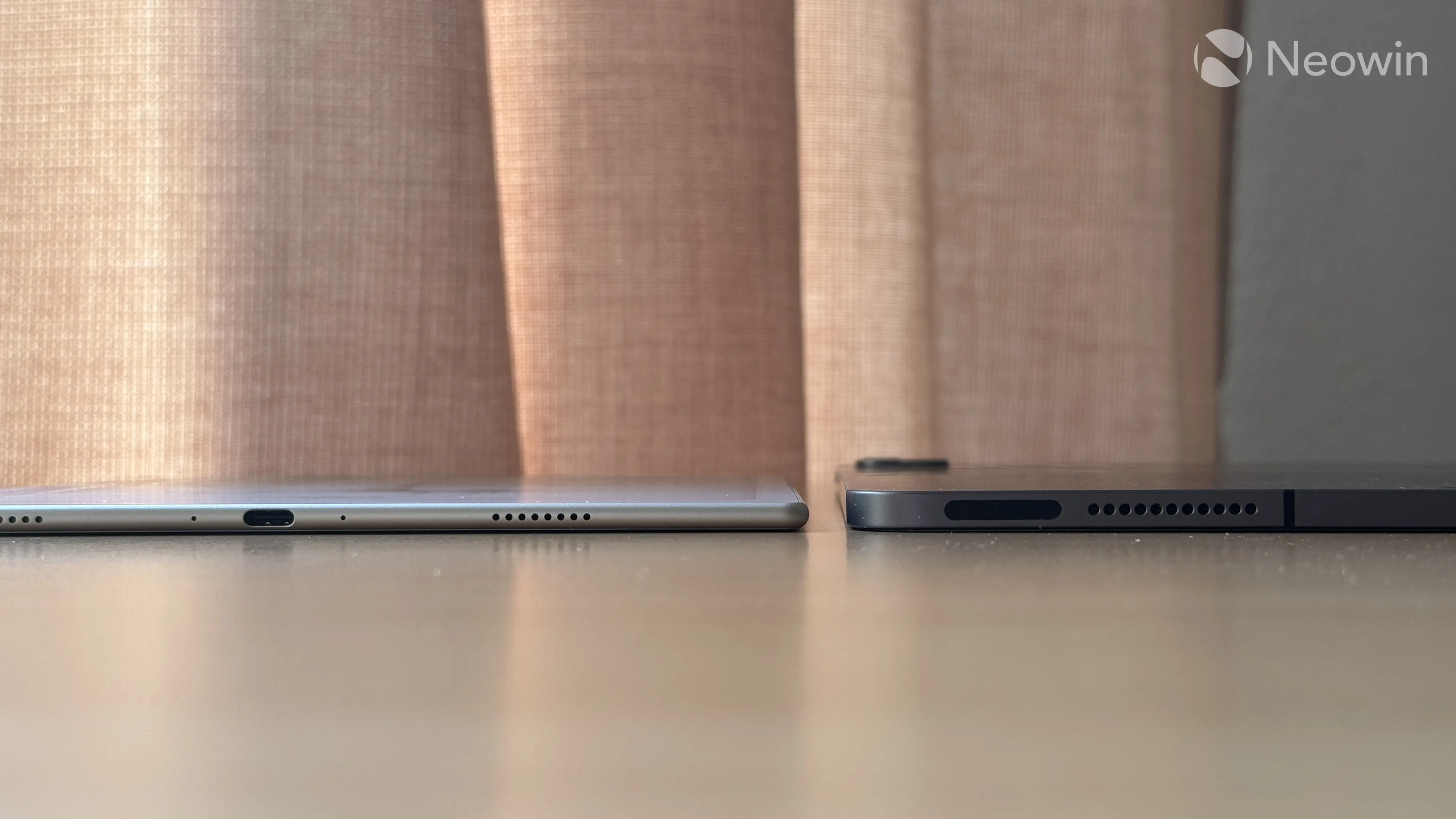
The first thing that strikes you the moment you take the Go Gen 2 Lumi out of the box is its thinness. The tablet is incredibly thin. At just 4.8 mm, it gives serious Surface Duo vibes, with the design edging the physical dimensions of the USB Type-C port. The tablet weighs 364g, which is pretty light for a 10-inch device. After one hour of handheld reading, I never experienced muscle strain or fatigue.
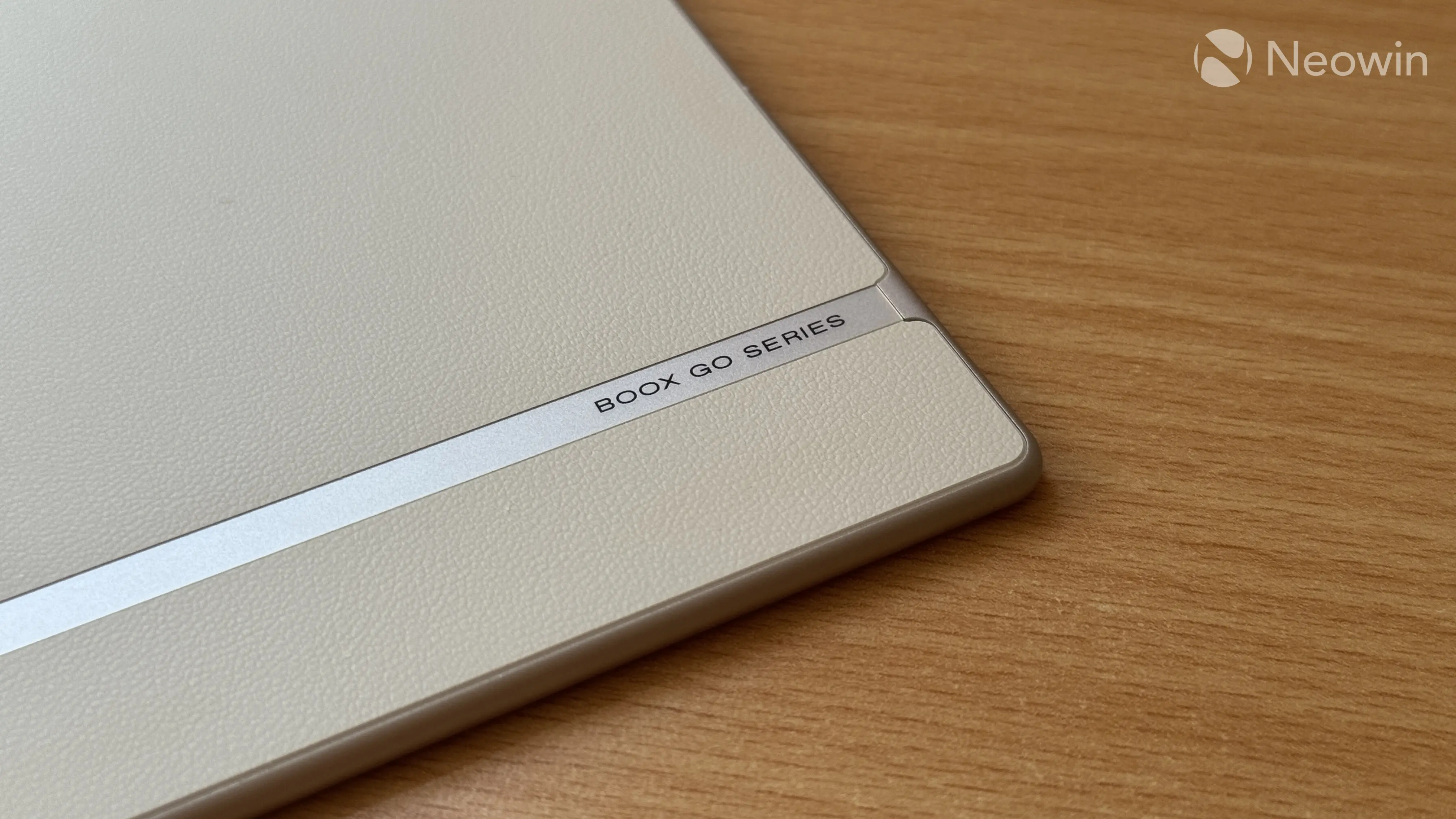
The tablet is made of several materials. The front is covered with matte glass, the chassis is aluminum, and the rear is covered with something resembling vegan leather. It is very nice and pleasant to touch, plus it gives extra grip, but I am concerned about longevity, dents, and staining. After a little more than a month of daily use, it still looks brand new, so I hope BOOX considered longevity when designing the Go Gen 2 Lumi.
The front of the tablet is free from any branding, with only the rear having a small BOOX Go Series inscription. While I usually do not like excessive branding, I feel like the asymmetrical front design would look better with a BOOX logo, like in the original BOOX Go 10.3. Regardless, the tablet looks great and feels very premium.
Other things you can find on the chassis include dual speakers, a USB Type-C port, a microphone hole, a small LED charging indicator, and a wake/sleep button on top. There are no volume buttons, which is a bit disappointing, given that the tablet has pretty impressive stereo speakers.
The BOOX Go Gen 2 Lumi supports stylus input, and it comes with a metal InkSense stylus in the box. This pen supports 4,096 pressure levels, it has tilt recognition, and a dedicated eraser button (hold and scratch to erase). It is powered by a rechargeable battery, but there is no wireless charging—the only way to top up the battery is to use a standard USB Type-C cable. The stylus also has an LED for charging status, and you can always check the battery level in the control center.
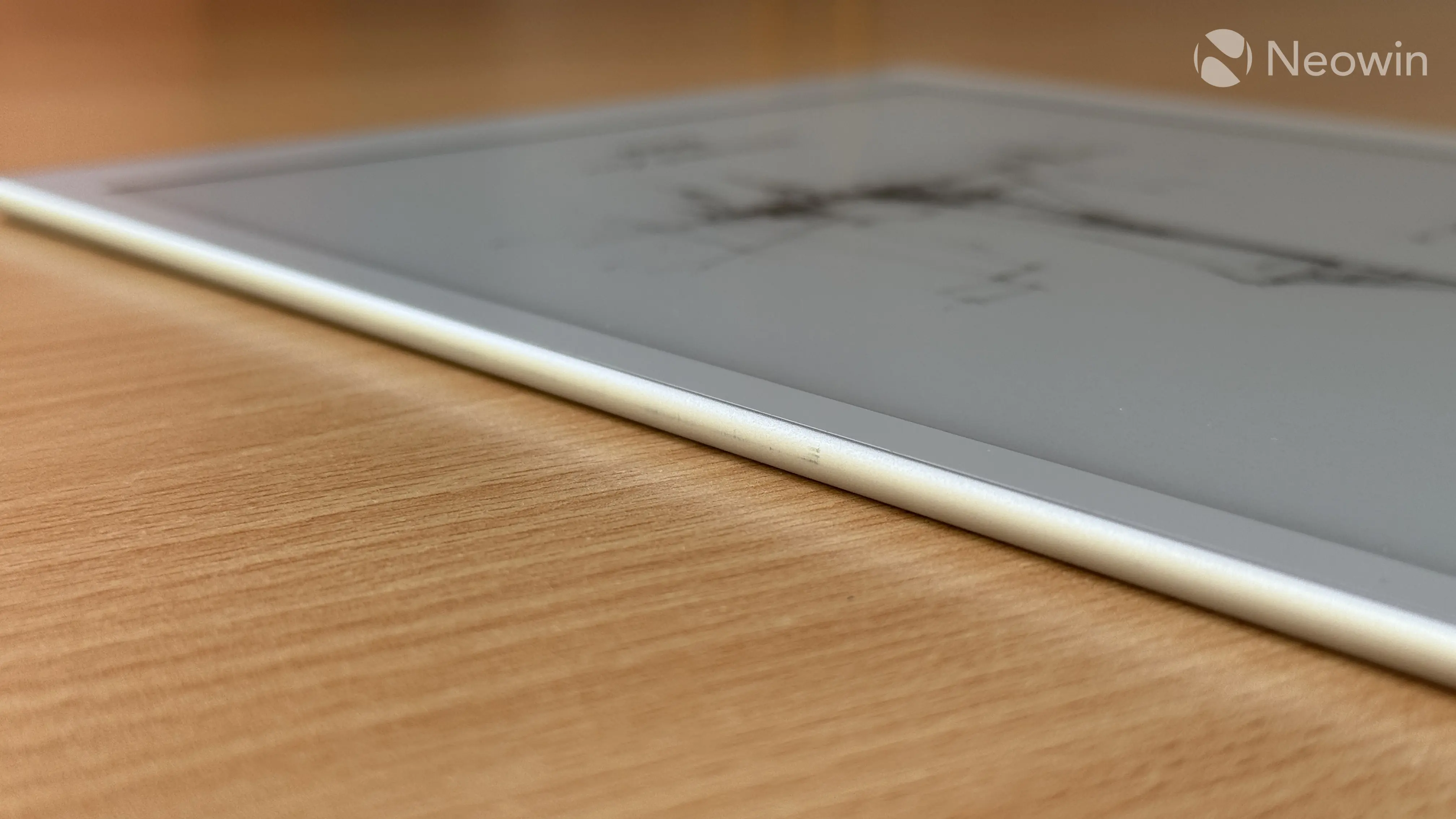
The stylus attaches to the tablet via magnets. They are pretty strong and hold it tight, but after a month of use, I noticed that the stylus left scratches on the right side. The BOOX Go Gen 2 Lumi is a very pretty device, and it saddened me a lot that its main accessory damaged the beautiful finish. Oh, well...
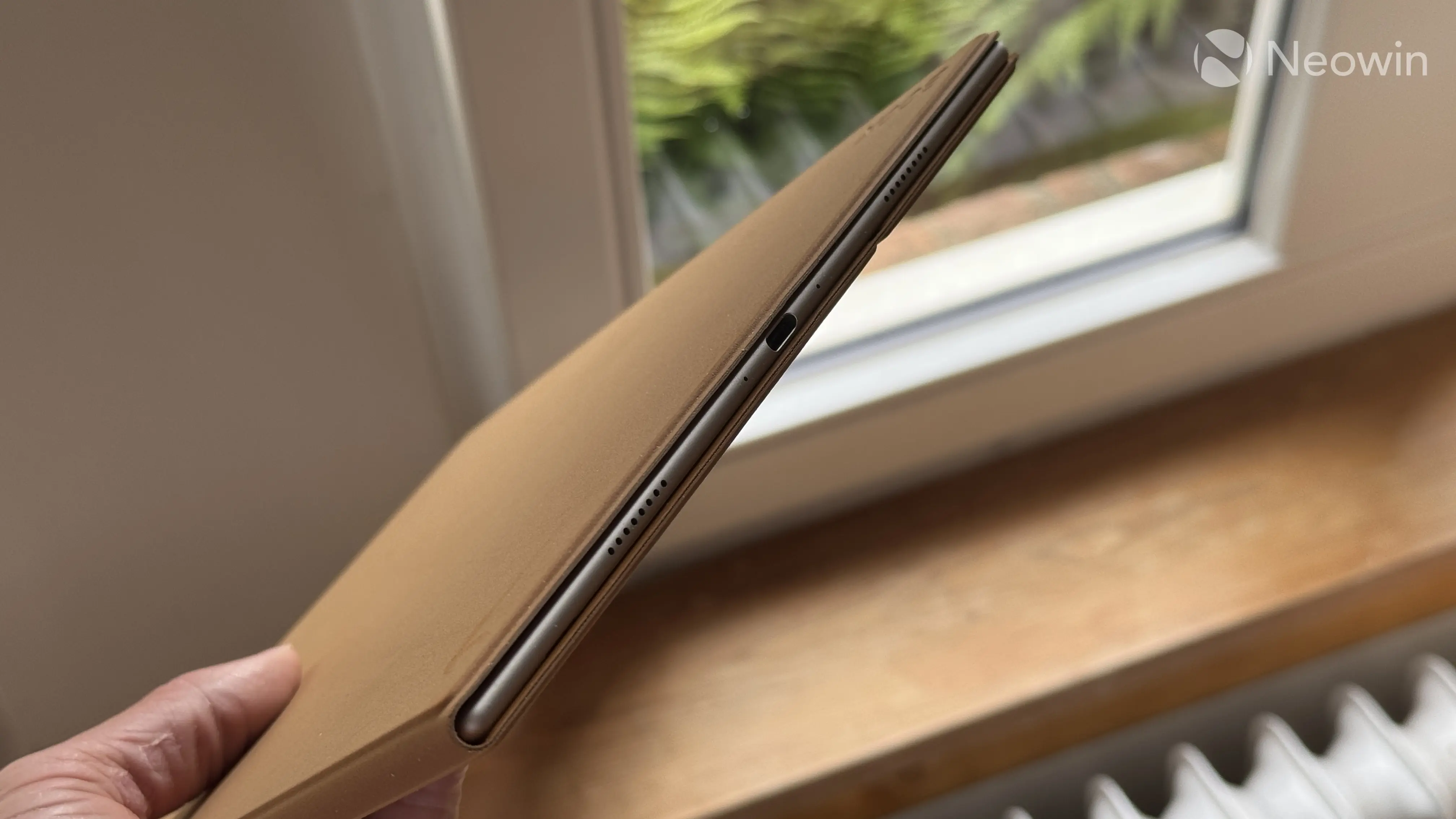
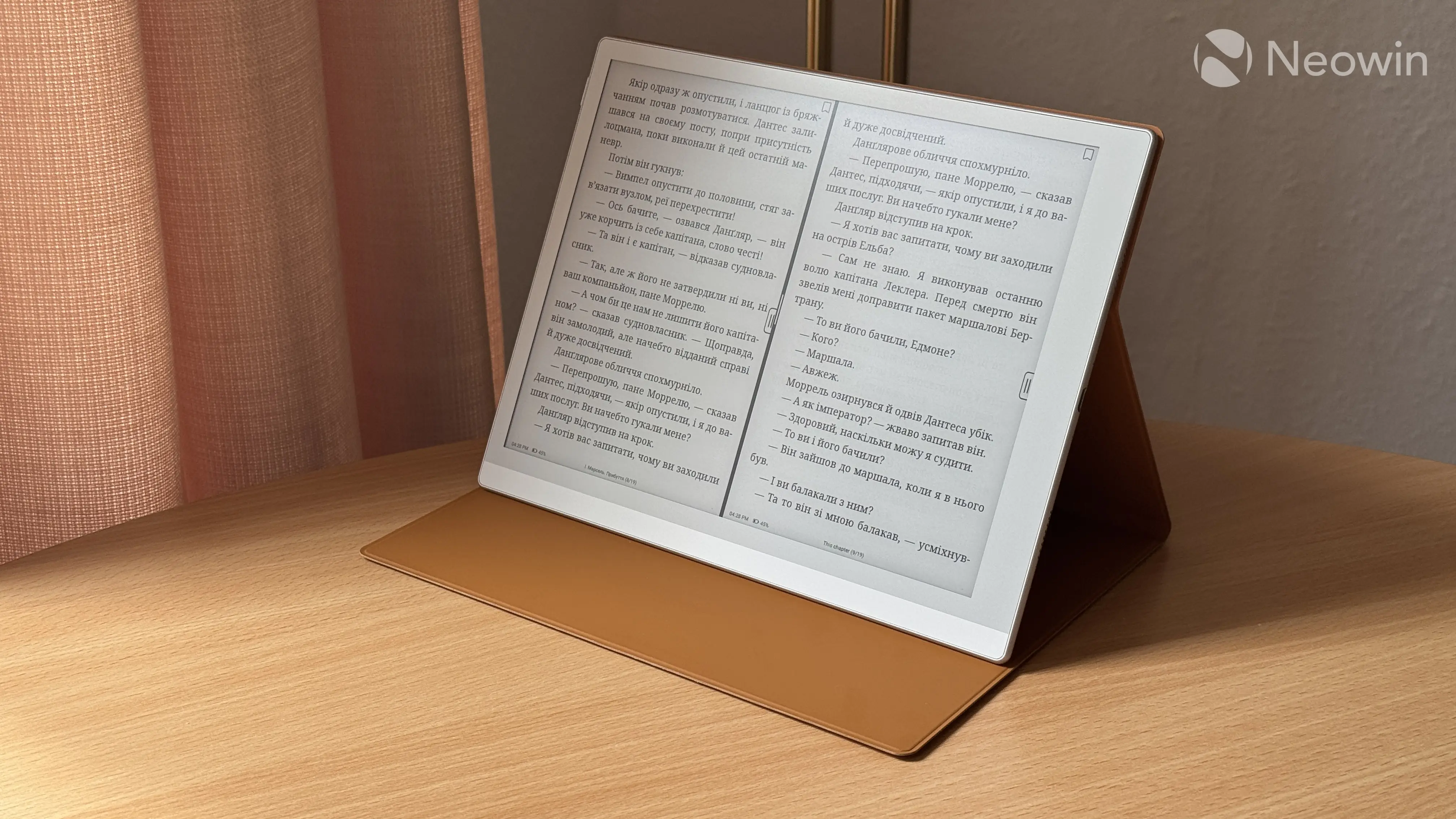
Finally, let's talk about the folio case. My review unit arrived with a magnetic case that costs $50.99 when purchased separately. It uses magnets to secure your tablet, but unfortunately, it does not protect the tablet's sides. The outer material is very soft and nice to touch, resembling something similar to Surface Pro alcantara keyboard covers. While it feels premium, it is not very durable, and even a small breadcrumb can dent the soft outer shell. As much as I like its quality and tactility, I cannot help but feel like the case needs another case only to preserve its pristine look.
|
|
|
Display and stylus
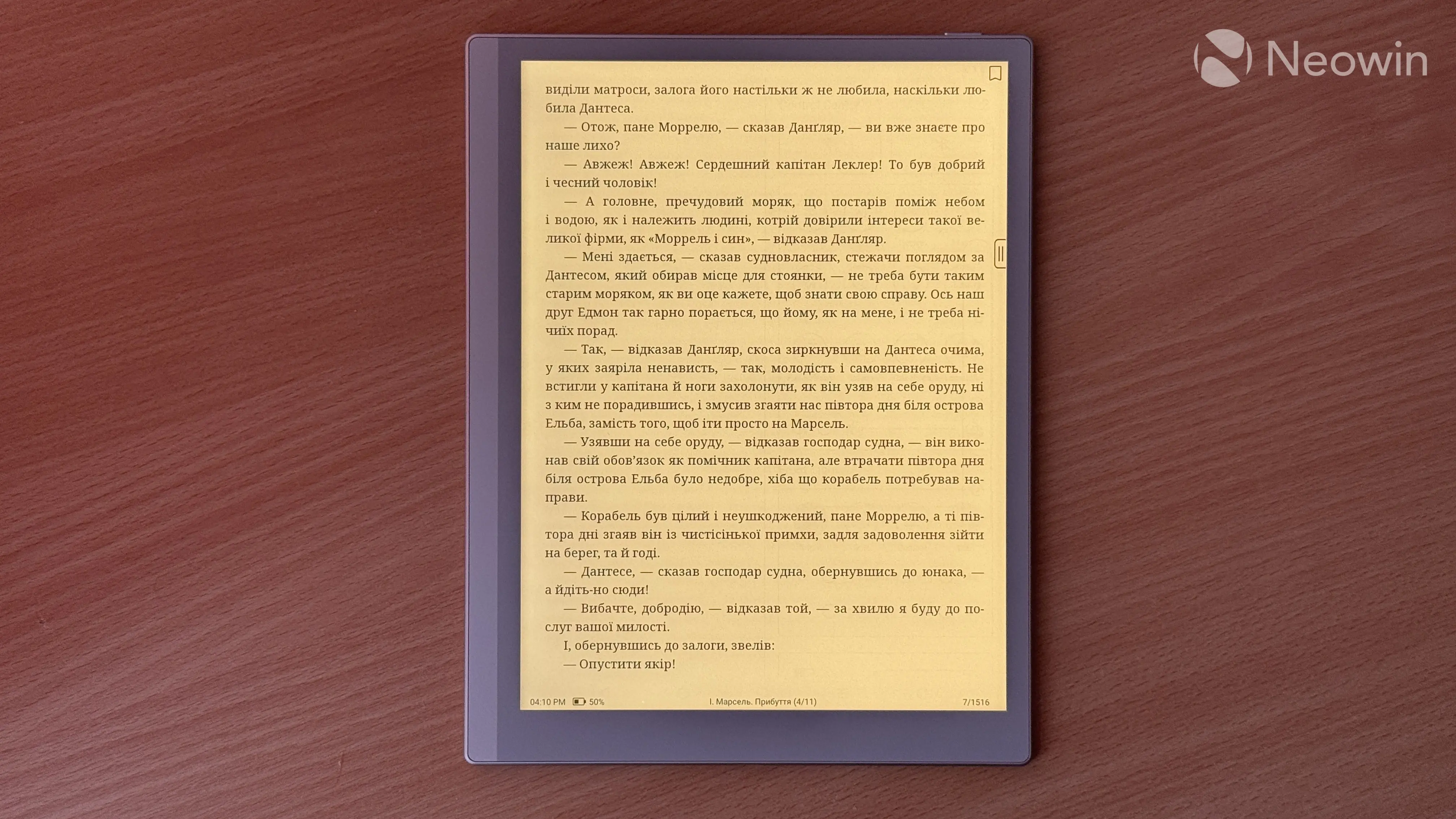
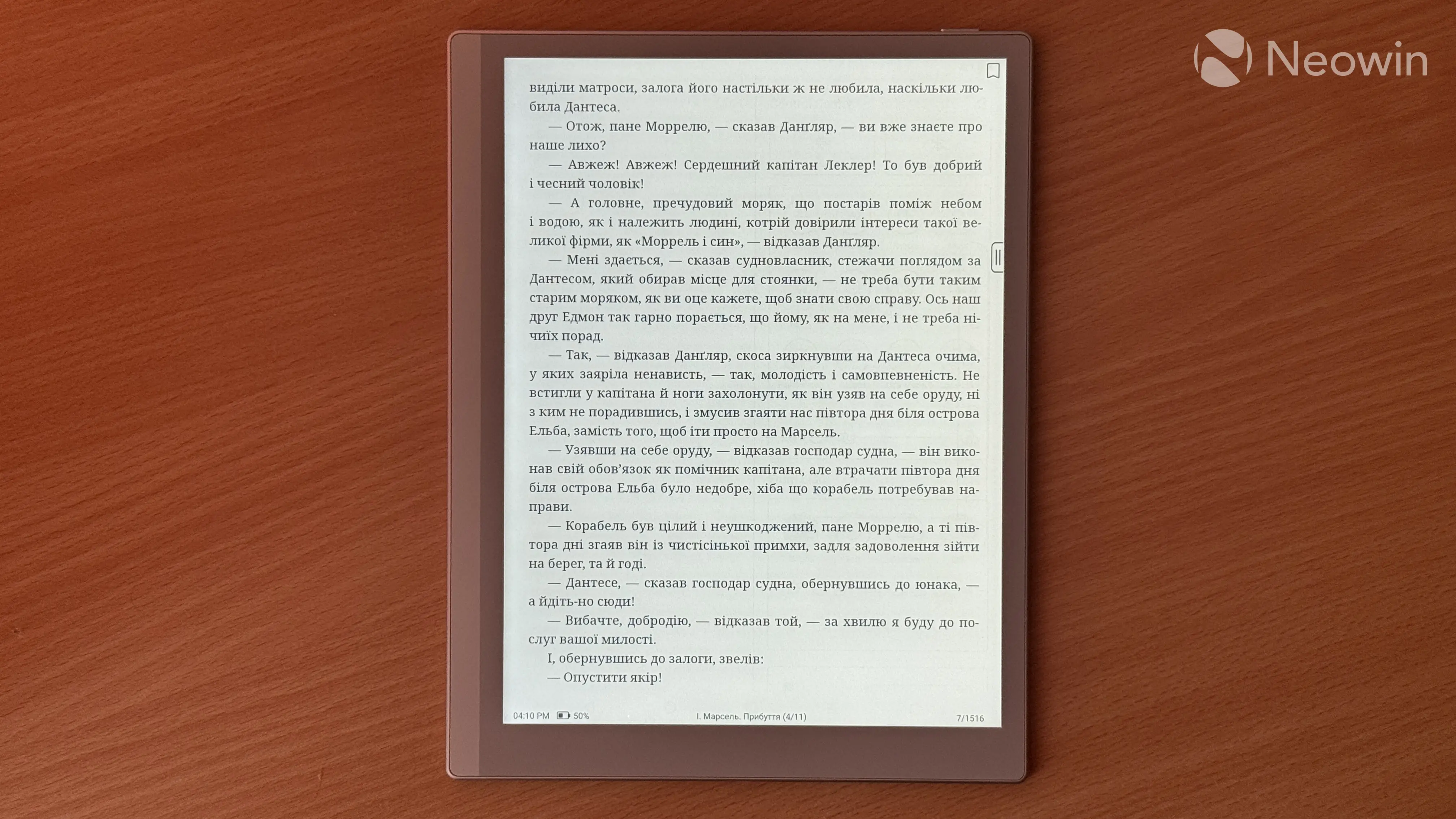
The BOOX Go Gen 2 Lumi has a 10.3-inch E-Ink Carta 1200 display with a resolution of 2,480 x 1,860 pixels. This equals a precise 300 ppi, just enough not to see pixels or rough edges around text, small UI elements, and more. The Lumi version has a front light with adjustable color temperature. Unlike tablets and phones, you do not need a front light all the time. In daylight conditions, you can turn it off altogether to save battery. The rule is simple here: the more ambient light you have, the better the readability.
I do not have complaints about the front light, but like with other asymmetrical e-readers, it is not 100% even, and you can see a subtle temperature gradient. I had a similar issue with my own PocketBook Era, while my 11th-gen Kindle Paperwhite does not suffer from uneven front light. The front light in BOOX Go Gen 2 Lumi is not irritating, but you can notice it if you are very sensitive to such stuff or deliberately pixel-peep it.
|
|
|
Another thing I should mention is that there is no way to adjust backlight brightness and warmth on schedule, and the tablet lacks an ambient light sensor, so it cannot adjust its front light automatically. It is a bit disappointing at this price point, and I hope that BOOX will add front light scheduling (Kindle readers have this feature) in future software updates.
Finally, having a front light mandates a small screen gap between the display and glass surface, so if you want a true paper-like experience for reading and notetaking, I suggest going for the cheaper, non-lit BOOX Go Gen 2. I hardly notice this gap, but with front bezels, you can definitely see that the display sits a bit lower than the glass.
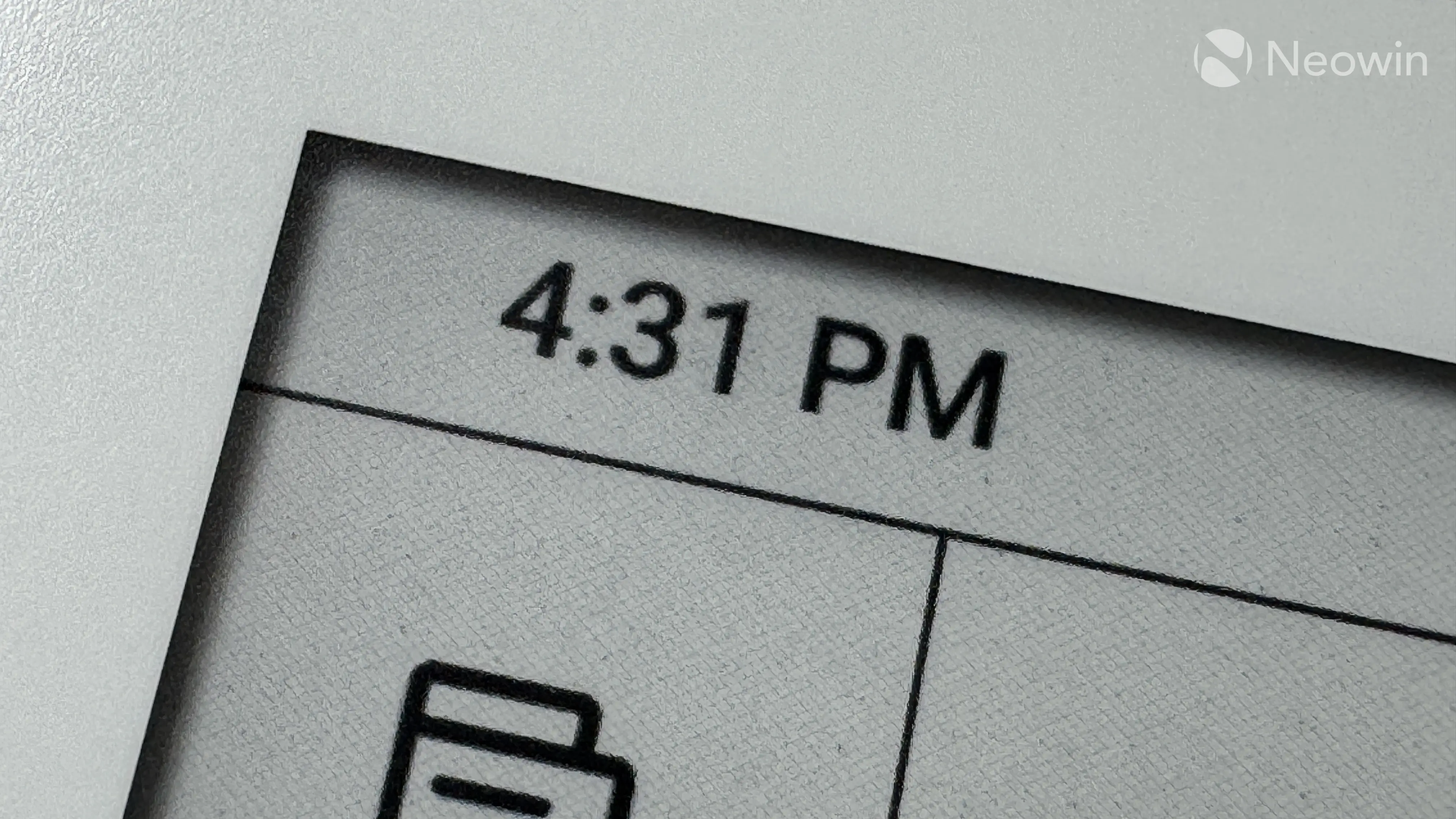
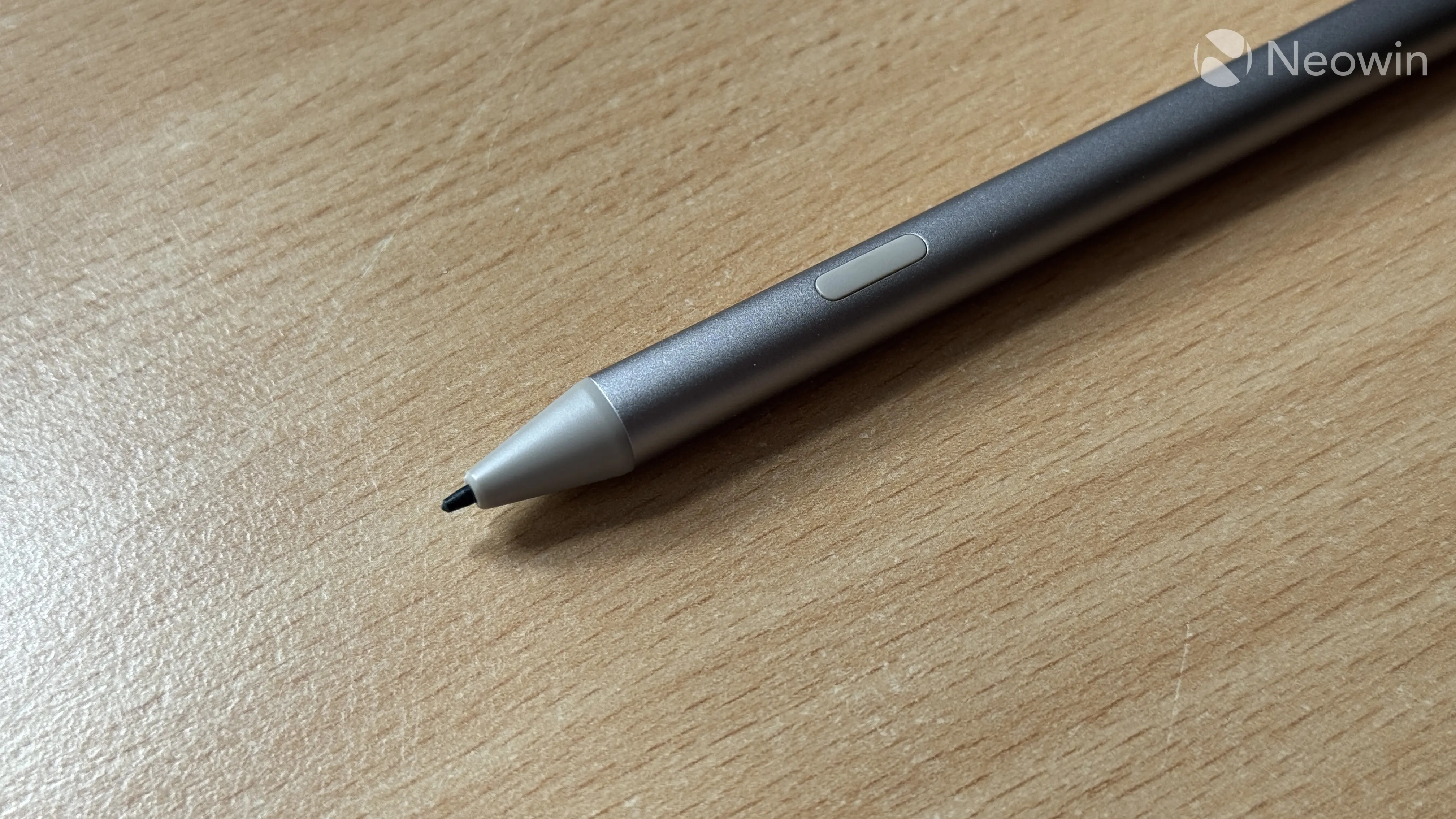
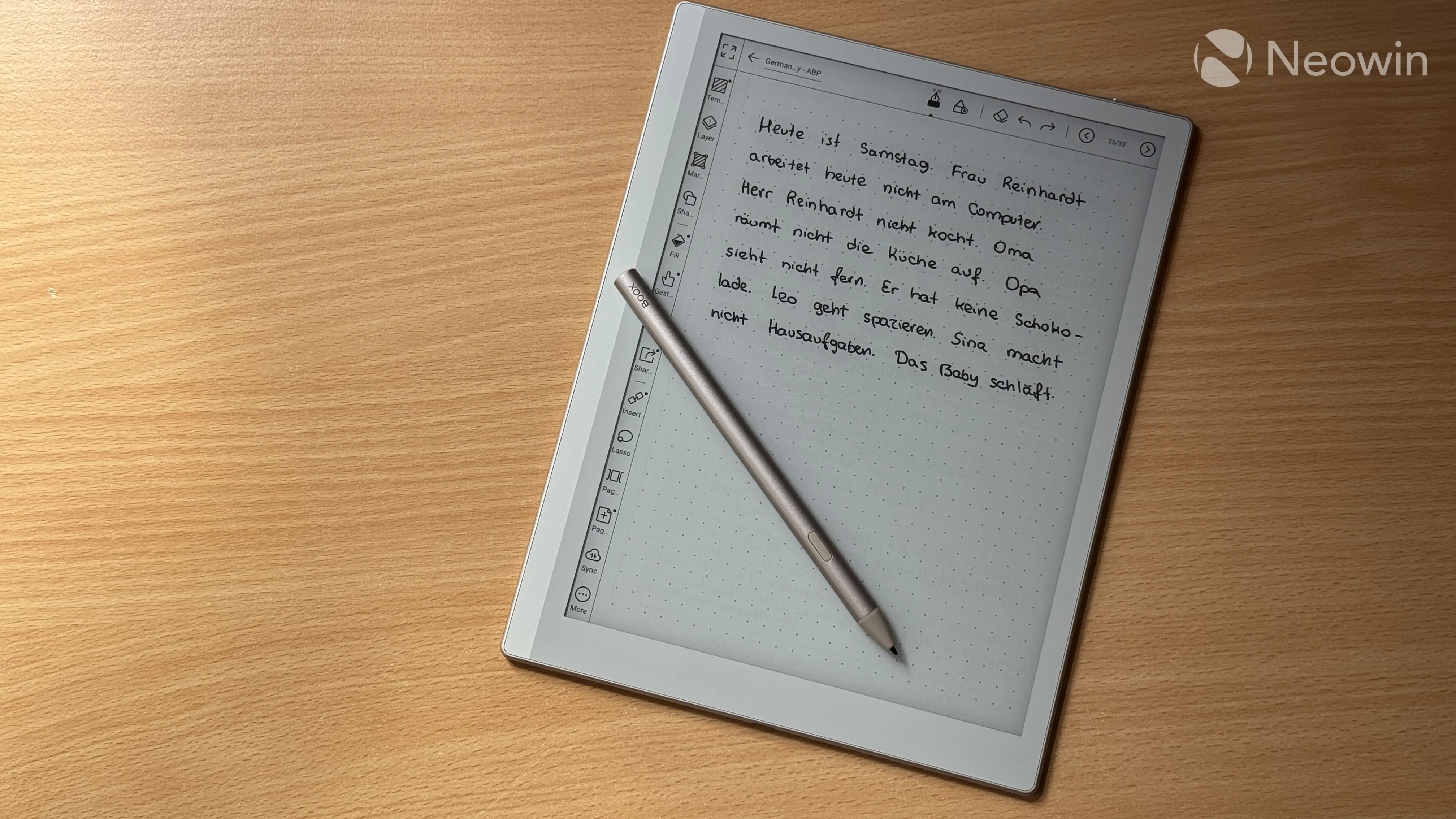
Moving back to good stuff, the display has a fantastic paper-like surface, and writing on it with a stylus feels just right. I have a 13-inch iPad Pro, and I tried using it with the Apple Pencil, but the polished, silky-smooth display surface is simply not comfortable for handwriting (my sister would argue with me, but she's wrong). The tip of the stylus is very similar to a regular pencil, and it generates a very authentic scribbling sound when writing or drawing. And thanks to pressure and tilt recognition, you can use the BOOX Go Gen 2 Lumi for sketching, drawing, and more, as long as you are happy with a black-and-white image.
Here I will add that while the matte screen feels good when writing with the stylus, it eats tips quite fast. Plus, tips are quite fragile, so an accidental drop could ruin a tip in an instant. Fortunately, BOOX bundles the tablet with five replaceable tips, which should last you for quite a long time. I use the Go Gen 2 for my German classes every day, and I think I should already allocate the money for a new set of tips.
The stylus has a square shape, which is not as comfortable as a round pencil, but it is still good to use. It is also very precise for fine text or drawing, making the overall experience very close to an "analog pencil." As for latency, it is there, of course, and you can notice it, but it is not too distracting when writing notes.
As I said, I tried using the Apple Pencil for handwriting many times, and I would always end up disliking it and returning the Pencil. However, here, the writing experience hooked me to the point of no longer taking paper notebooks to my classes. BOOX did a very good job with the stylus, making it feel comfortable, authentic, and premium.
One more thing I should mention about the screen is ghosting, a thing present in every E-Ink device due to the way this technology works. As the image on the screen refreshes, you can see "leftovers" from the previous screen. It feels like you drew something with a pencil and then erased it with an eraser. The tablet performs a full display refresh to get rid of image artifacts every few frames, and you can customize this behavior in settings by specifying how often the screen refreshes. Also, there is a Speed mode that makes the display much faster, but ghosting becomes more visible.
Speed mode is indeed fast, and you can even use it to watch videos (or try to), but keep in mind that this tablet was never made for such tasks. E-Ink shines most when working with static images.
Software
The BOOX Go Gen 2 Lumi is powered by Android 15 with a custom BOOX launcher on top. This means you are not tied to a single ecosystem, and you are free to use whichever app or store you want. The tablet supports the Google Play Store, so you can install apps like Kindle, custom readers, or your favorite Android apps.
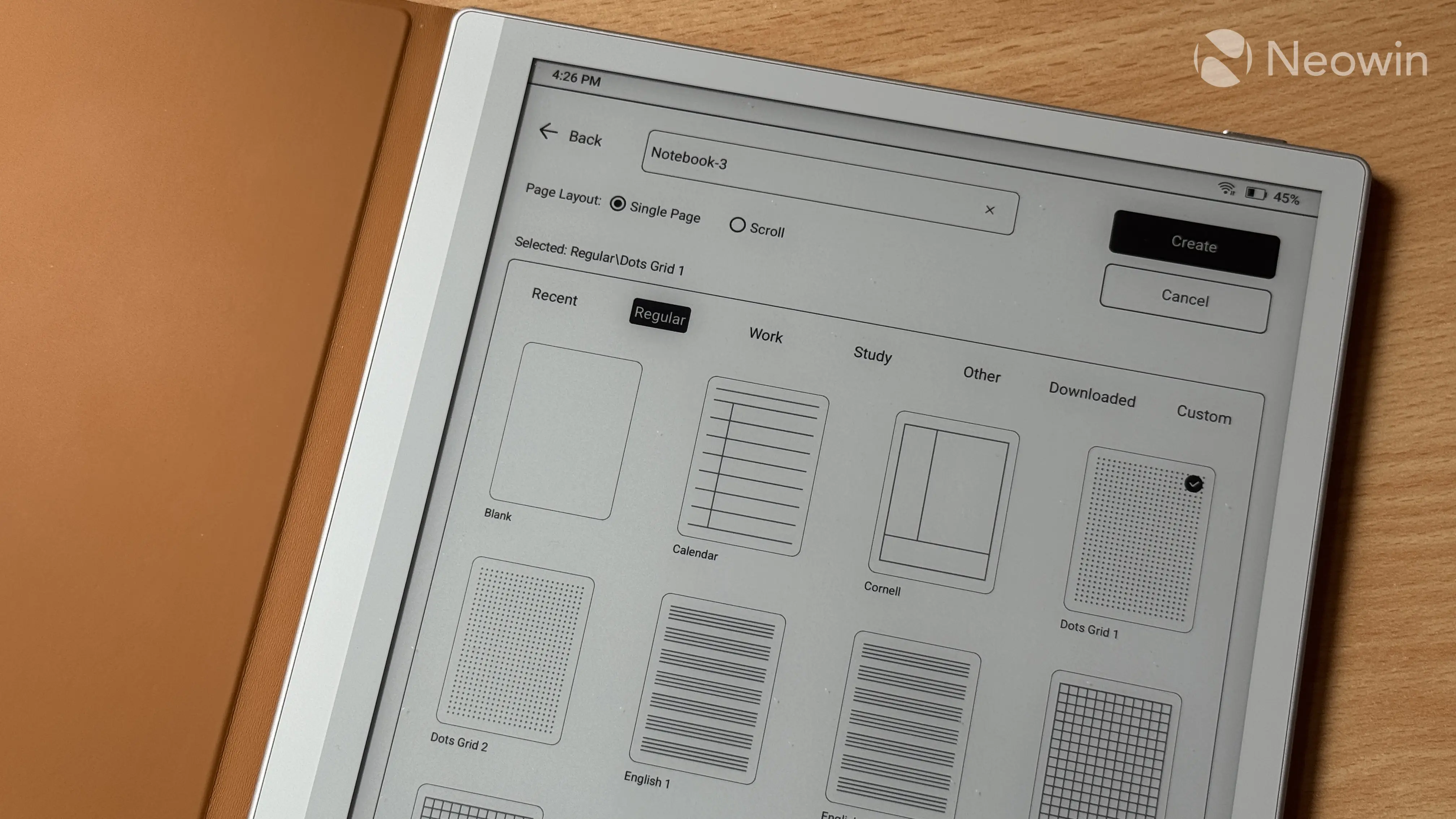
I have mixed feelings about BOOX software. To start with positive stuff, it is jam-packed with everything you need without resorting to third-party apps. The note-taking app is fantastic, capable of rivaling the best subscription-based apps on the iPad. It has plenty of templates and editing features, handwriting recognition, handwriting search, voice notes, shapes, different instruments, textures, and even a sprinkle of AI. You can also export your notes as an editable PDF file to use on another device or sync your notes and edits across devices.
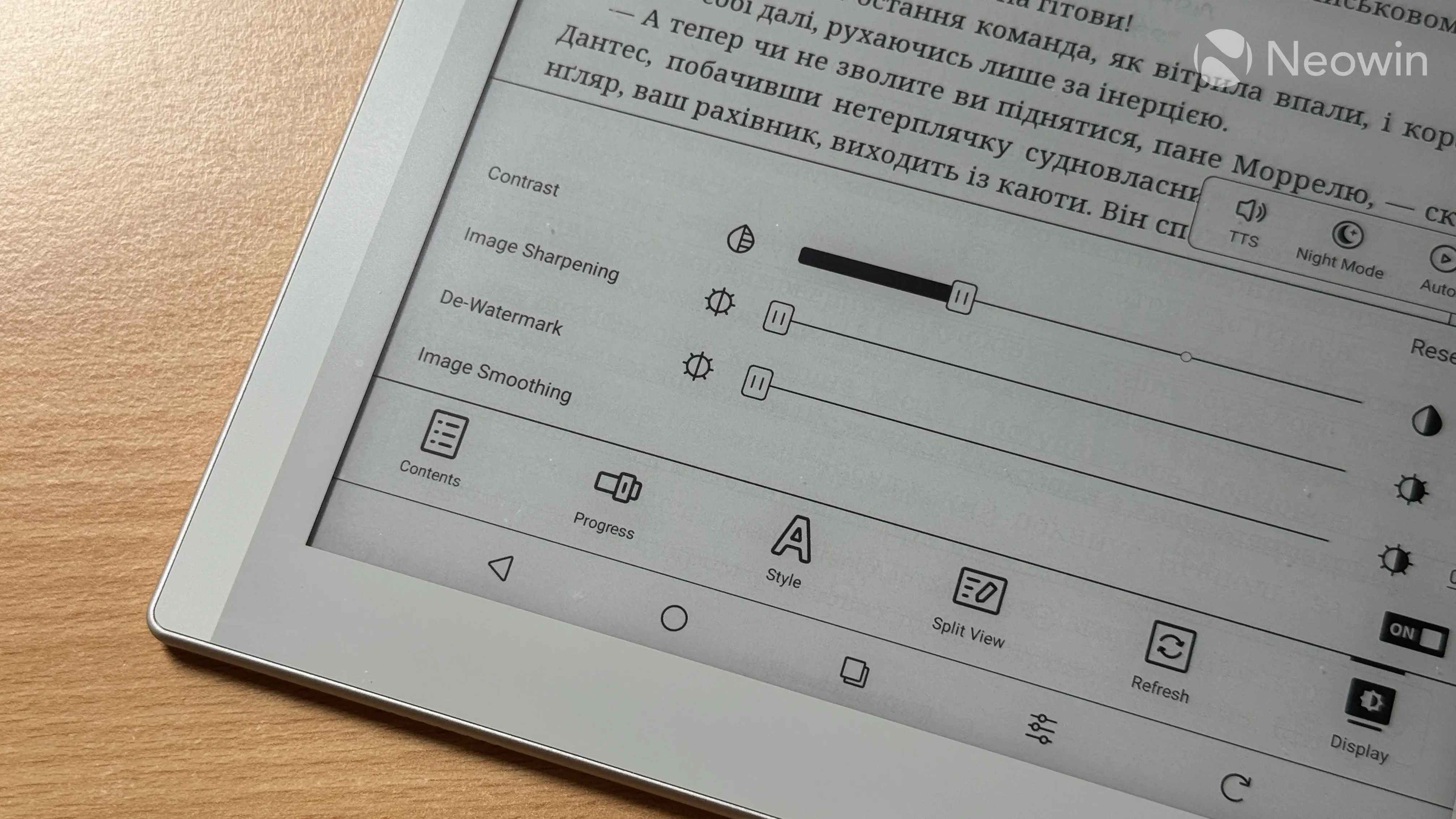
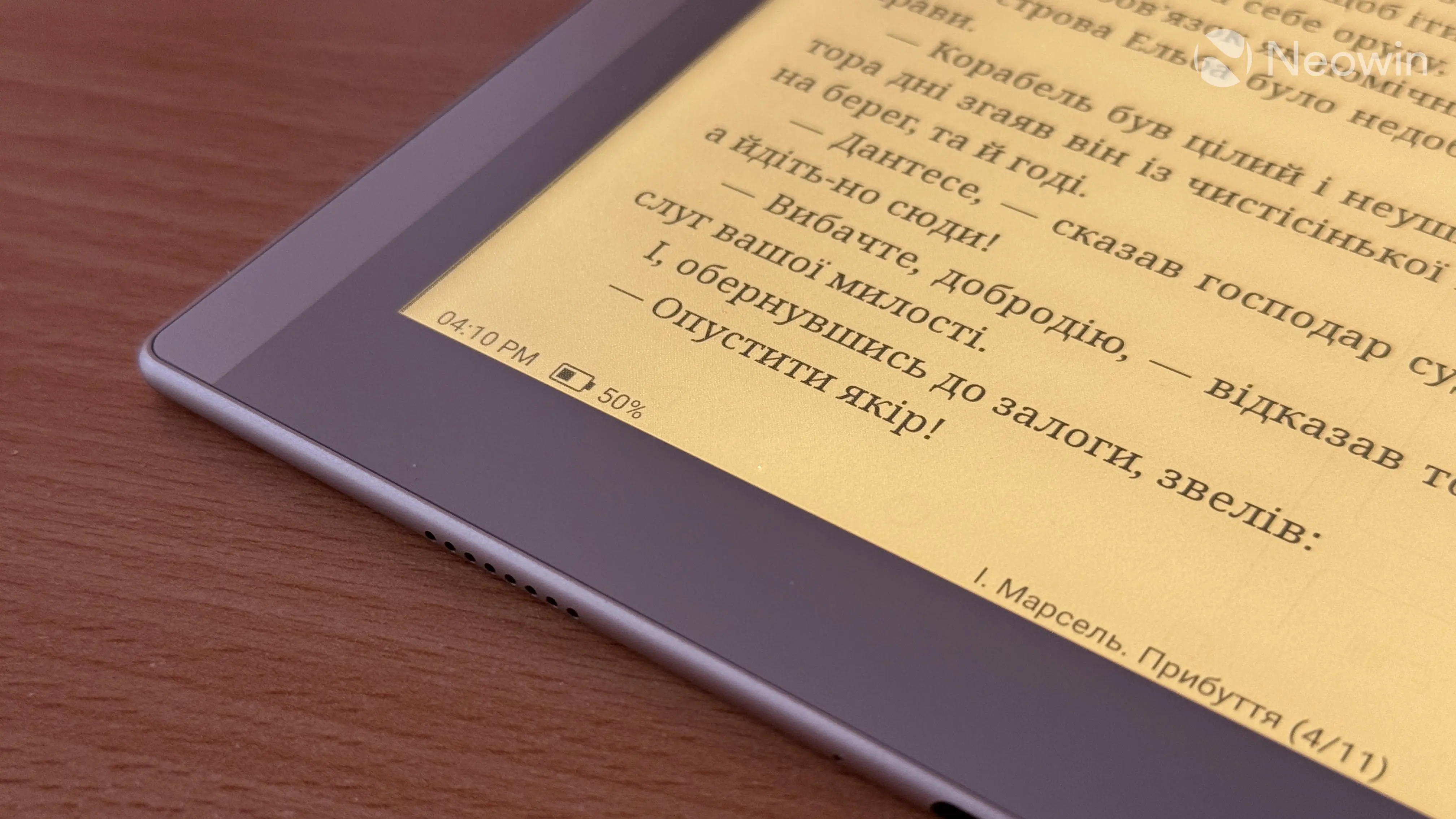
The standard reader also supports a multitude of formats, eating pretty much anything you give it, plus it is very customizable, allowing you to adjust pretty much anything from margins to fonts. Getting files onto the tablet is also easy. While it does not support microSD cards, you can transfer files via USB cable or wirelessly from your computer. I also like that there is built-in stats tracker for monitoring your reading habits.
There are also built-in apps and tools, a browser, music player, RSS reader, calendar, dictionary, and BOOXDrop (wireless file transfer). The stylus capabilities are integrated across the system, allowing you to annotate books, PDF documents, images, and more. Just grab the stylus and start writing, and all your annotations will be preserved when you move the file to another device. This makes the BOOX Go Gen 2 Lumi a fantastic device for working with PDFs.
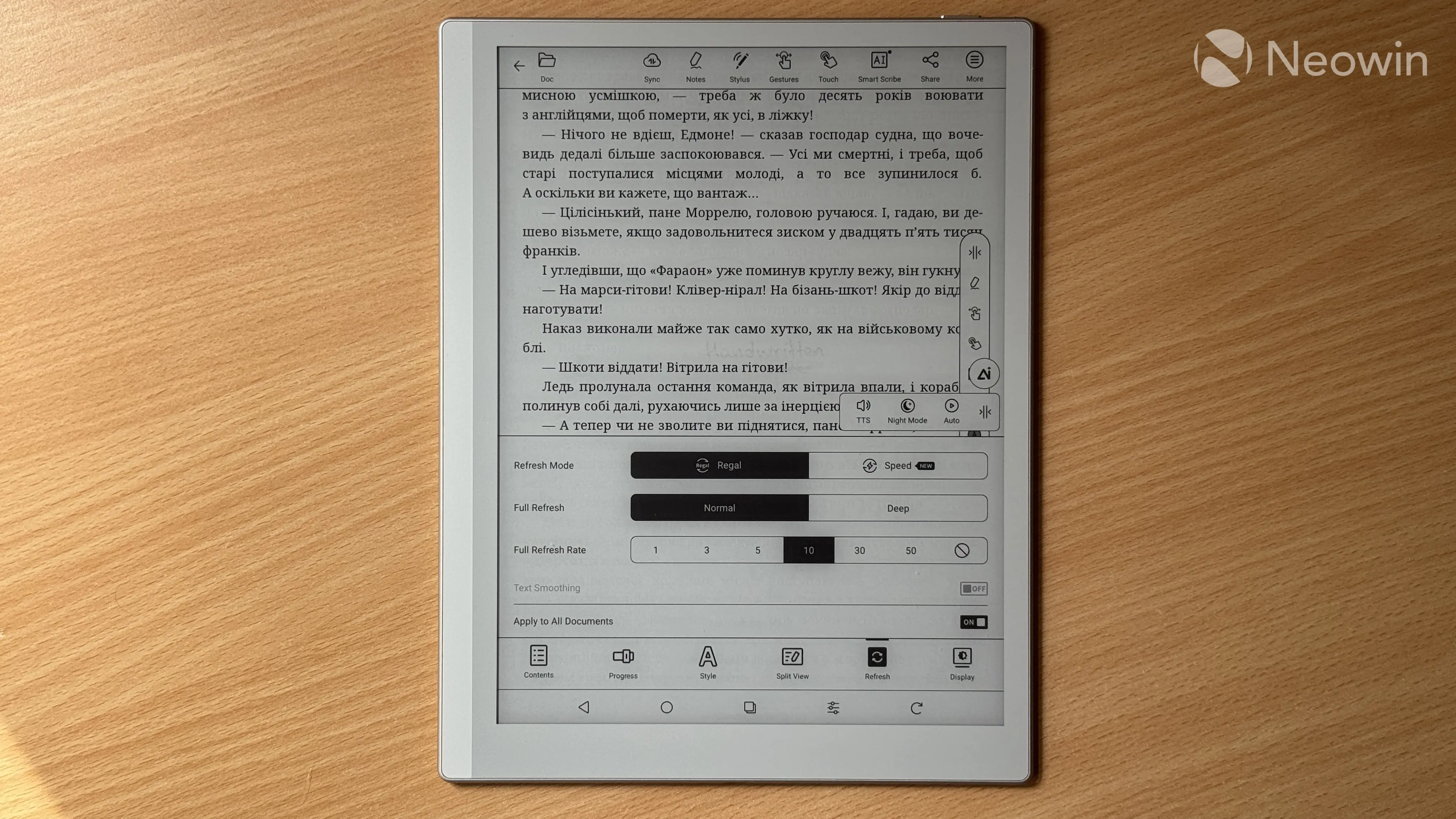
What I don't like is the fact that the software is not very intuitive. There are plenty of unlabeled buttons, and those that are labeled are often cut off with stuff like "Pag...," "Mar...," "Tem...," and more. The overall user experience has a pretty steep learning curve, and the multitude of toggles, sliders, and options force you to spend quite a lot of time figuring out what does what. There are no major bugs, and the software overall is not necessarily slow, but there are certainly faster readers out there. I understand that BOOX wants to give you a Swiss knife of an E-Ink device, which is why it probably cannot be as snappy as the Kindle Paperwhite. At the same time, BOOX software is not nearly as slow as PocketBook, where anything beyond simple reading often felt borderline unusable.
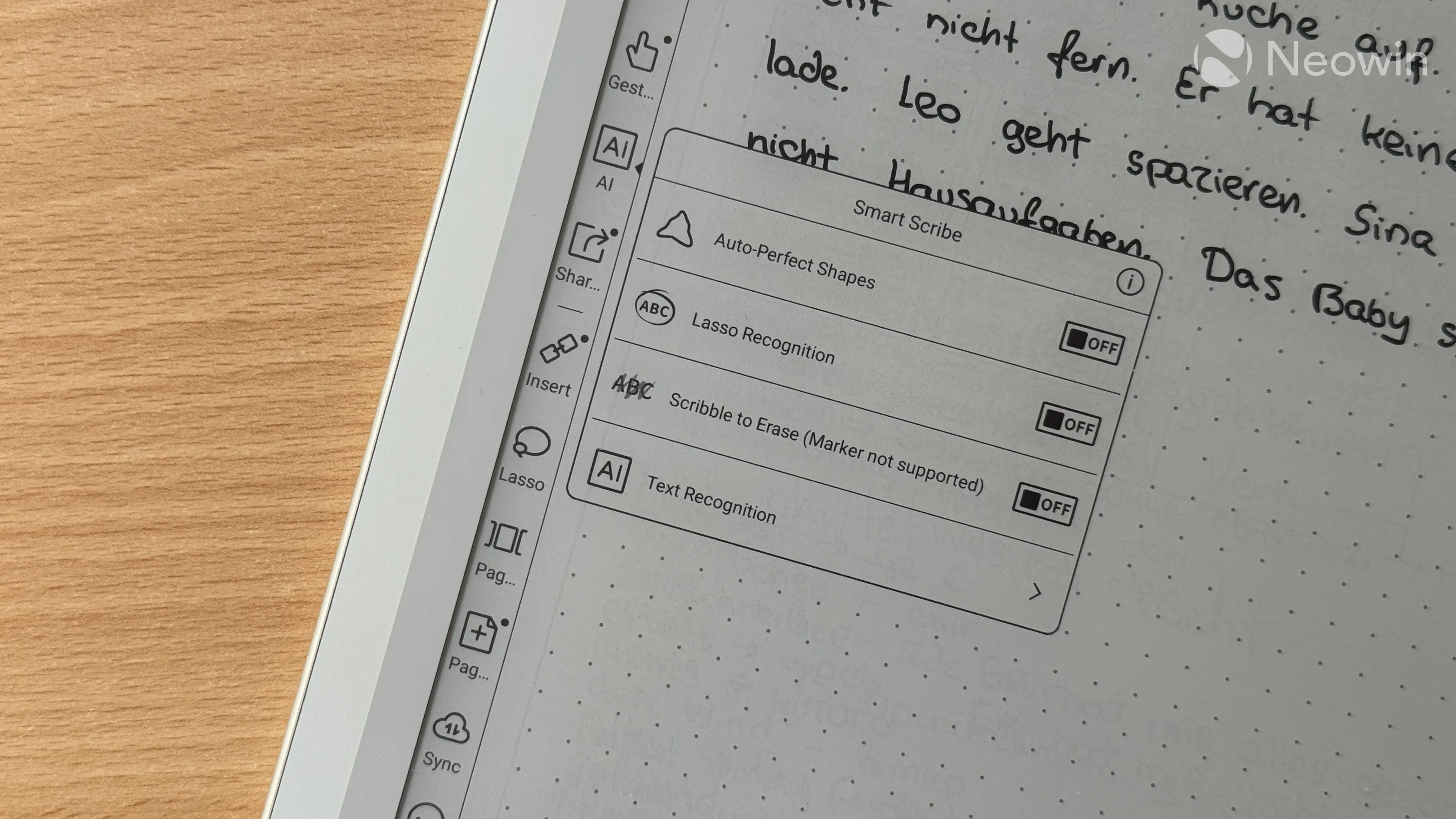
Since the BOOX Go Gen 2 is basically an Android tablet with an E-Ink display, you can install any Android app you like, as long as it is compatible with the hardware. Not every app will work or look well on this tablet, but the InkWise software lets you optimize the experience with DPI adjustments, color mode, refresh rate, anti-flicker, contrast levels, and more. You can tweak each setting separately or use one of the two presets. Given how good the built-in reader and note-taking app are, I did not bother installing any similar Android apps, but if you need an app or two, the BOOX Go Gen 2 Lumi should handle them, as long as you set your expectations right.
Finally, the Snapdragon 690, which powers this Android tablet, can get quite hot, and you can feel it through the thin chassis. In normal use, I never experienced any major temperature increases, but Android apps can load the processor quite hard, so that the increased temperature becomes quite apparent.
Battery life
Since the BOOX Go Gen 2 Lumi is an Android tablet, battery life is not as good as that of typical e-readers that focus on reading-only with their proprietary software. If you only use it to read books and PDFs, you can expect battery life measured in weeks. I used my review unit as a daily note-taking device and had to charge it about every week. Battery life also depends on whether you have the front light and Wi-Fi on, and if you do, battery life drops significantly, as these two consume quite a lot of energy.
Still, the Go Gen 2 Lumi has very good battery life, and you can easily go about your day with a low battery without worrying about finding a charger or power bank. The tablet has a 3,700 mAh Li-ion battery that charges at 10W max, which is quite slow.
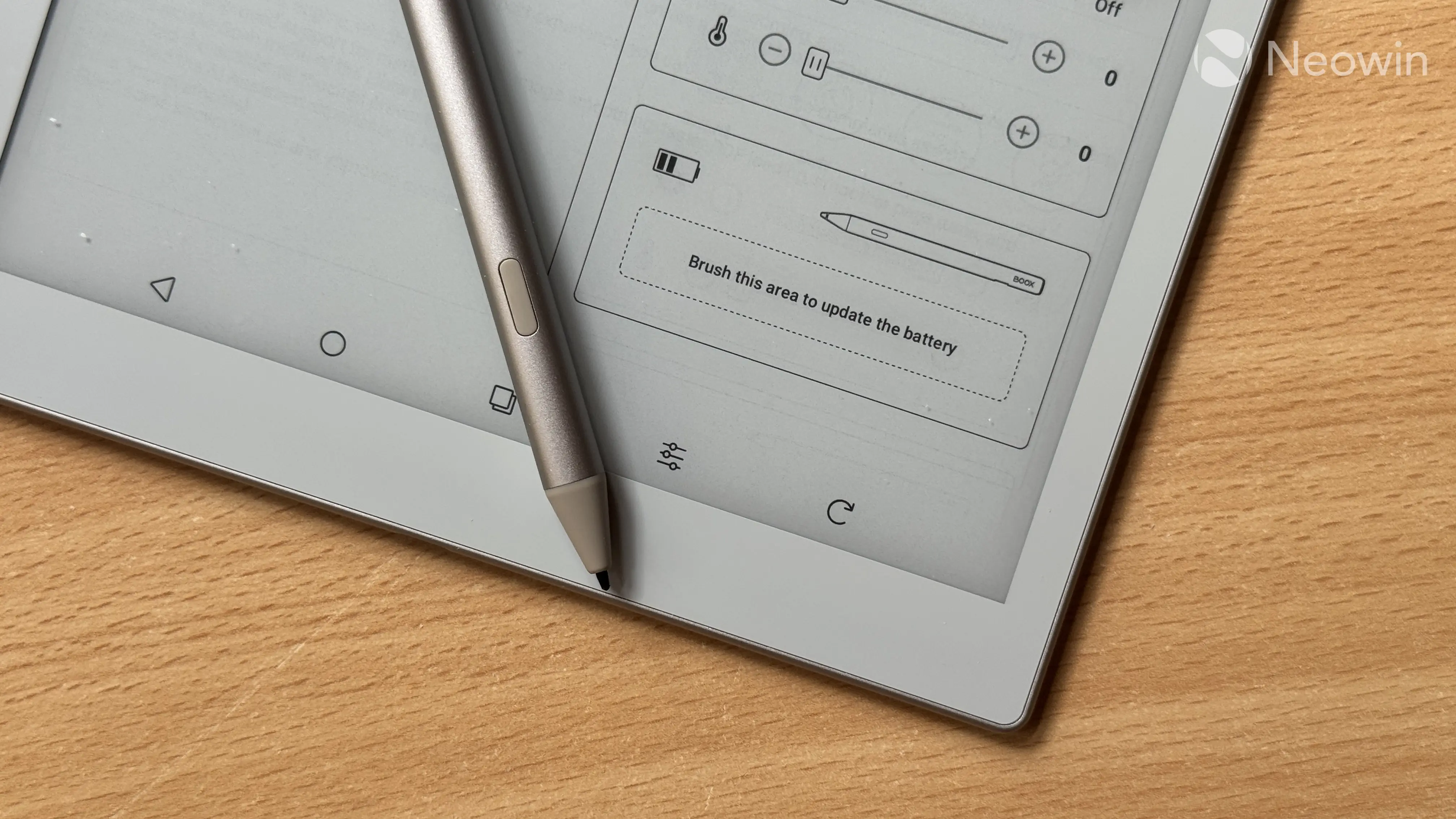
As for the stylus, during month-long testing, I charged it every two weeks. It has great battery life, but I suggest keeping an eye on that battery indicator, as the stylus lacks wireless charging, so you will need a power bank and a cable should it die at the wrong moment. And here I once again question the included USB Type-A cable, as you cannot use it to charge the stylus from the tablet itself.
Conclusion
The BOOX Go Gen 2 Lumi is not your typical tablet. Its custom software and E-Ink screen quirks have quite a steep learning curve that also mandates setting the right expectations. However, spending some time learning how it works is definitely worth it, as the Go Gen 2 Lumi is a fantastic, versatile device for reading, working with documents, note-taking, audiobooks, and more. Its software feels complete and feature-rich (albeit a bit complex), plus having a modern Android version and access to the Play Store lets you expand its capabilities beyond what is available out of the box.
That said, the BOOX Go Gen 2 Lumi is not for everyone. Pricing aside ($449 is not cheap), if you only need a purpose-built device for comfortable reading, the BOOX Go 7 or a standard Kindle could be a more reasonable and affordable choice. But if you are looking for a more premium and versatile reader that can handle heavy PDF files and serve as a powerful, feature-rich note-taking machine, with broader capabilities than a simple e-reader, the BOOX Go Gen 2 Lumi is a worthy candidate to consider. This tablet is not just a book reader. It is a powerful productivity tool packed in striking, well-designed hardware.
As an Amazon Associate, we earn from qualifying purchases.











4 Comments
Load the comments and join the conversation!
Read the comments, ask the editors questions, show respect and join the conversation.