iOS 26 is now available for iPhones, including the latest iPhone 17 Series and the hard-to-bend iPhone Air. Apple"s freshly baked software update brings a wave of new features to almost every corner of the device, such as the Photos app, Safari browser, and lets you capture HDR screenshots.
This article is one in our series exploring all the new features and changes in iOS 26. We have already discussed new features in the Phone app, what to do before installing iOS 26, and what changes you"ll notice right after the installation.
The Camera app has also got a platter of new updates on iOS 26. Here are some of the significant features and changes you"ll find:
1. Liquid Glass with update mode wheel
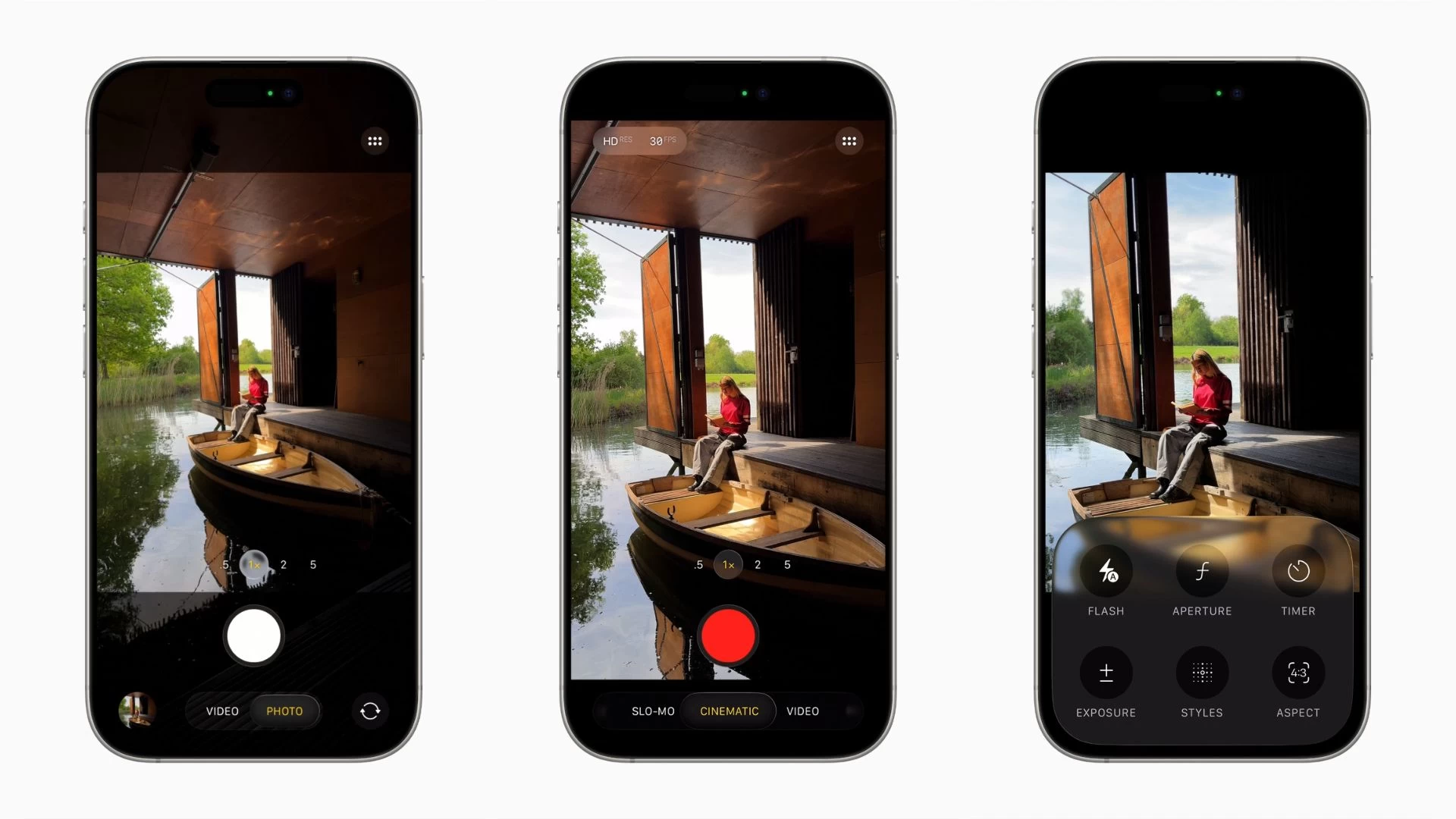
The Camera app on iOS 26 features a cleaner layout powered by Apple"s new Liquid Glass design language. It comes with a refreshed translucent mode wheel that only shows Photo and Video modes when you open the app. You can swipe left or right on the mode wheel to switch to Portrait, Panorama, and other modes.
2. New icon for the Camera app
You"ll start noticing changes before opening the Camera app (see image at the top). That"s because Apple has shipped a new Camera app icon as part of iOS 26, which is again based on the Liquid Glass design language.
3. Dirty Lens warning
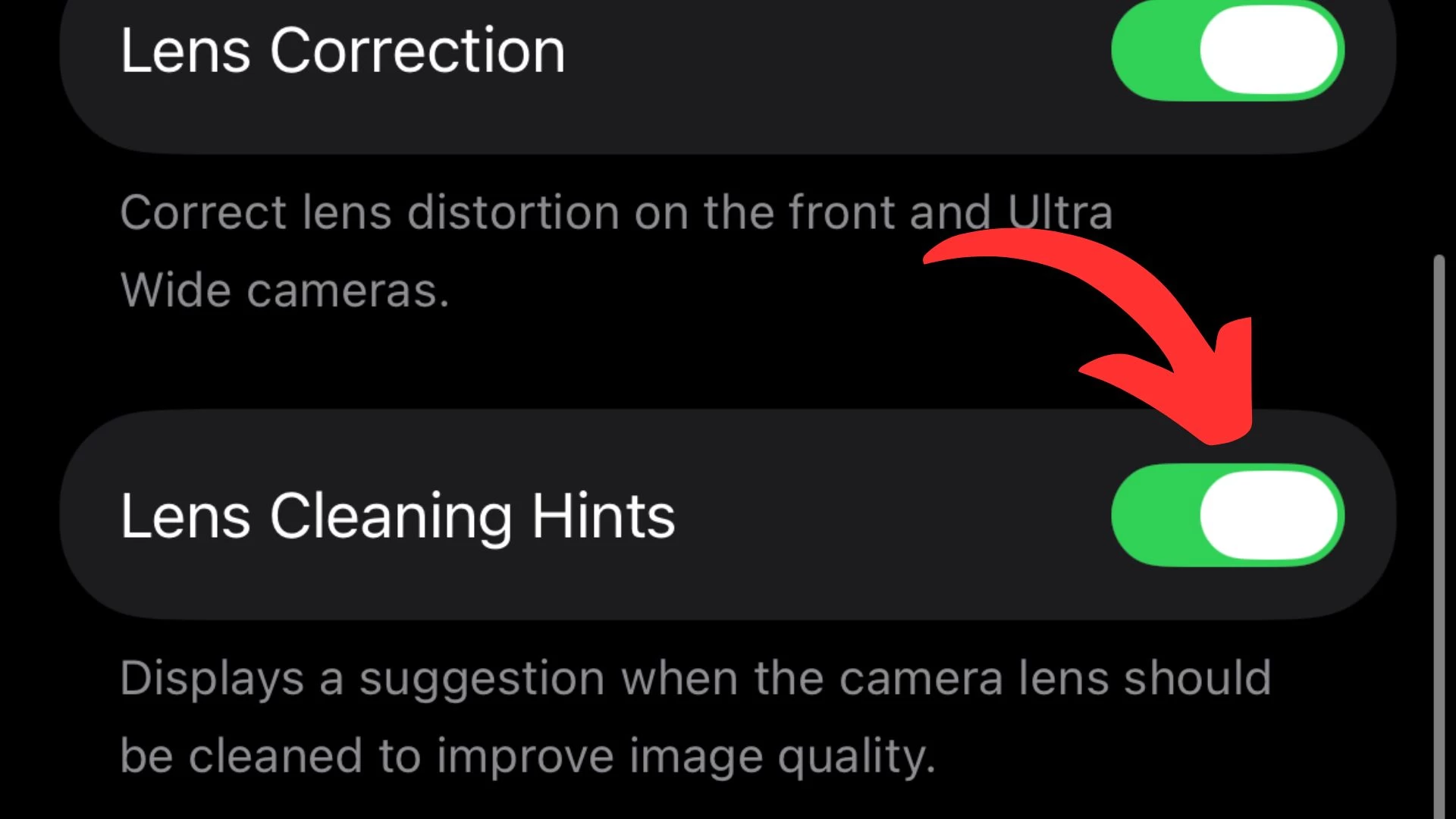
The Camera app on iOS 26 can warn you about a dirty lens, a feature available on Pixel devices for years now. A dirty lens can degrade the quality of your photos and videos. The app will show a message to clean the lens for the clearest possible snaps.
You can enable or disable this feature by going to Settings > Camera. Here, scroll down to find the "Lens Cleaning Hints" toggle button.
4. Revamped camera controls
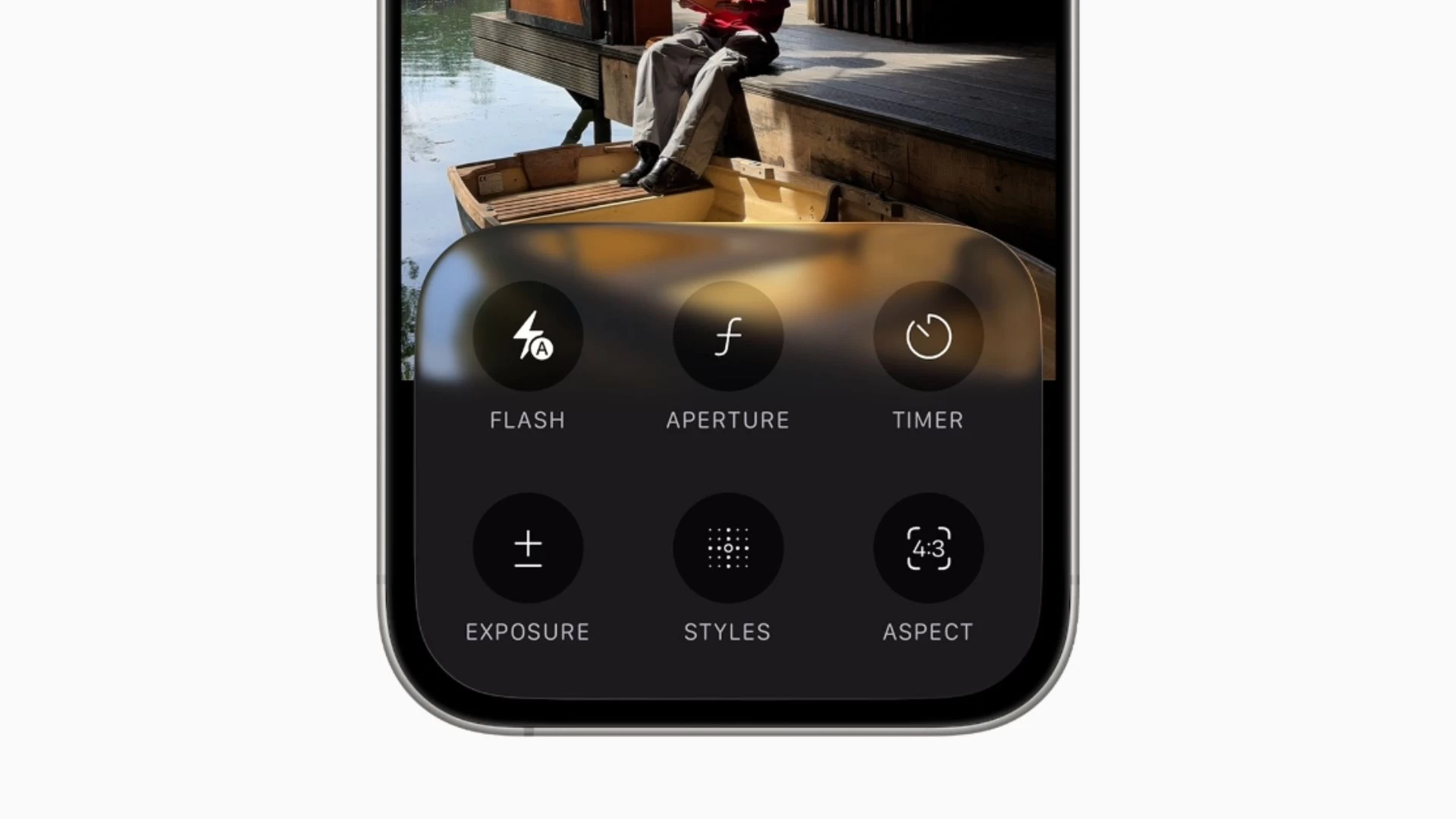
Just like before, you can swipe up from the bottom of the screen to reveal camera control options. You can also tap on the Photo or Video buttons to see their respective controls, which now have a cleaner look and are laid on top of a glassy interface. More controls, such as flashlight and Night Mode, appear in a small pill in the top right corner.
5. Snap photos using AirPods
After the Apple Watch, Apple has turned AirPods into a wireless camera remote for iPhone. If you"re running iOS 26 and the latest AirPods firmware update, you can press and hold the stem of your AirPods to take a picture or record a video.
The camera remote feature is available on the AirPods that have the H2 chip inside: AirPods Pro 3, AirPods Pro 2, AirPods 4, and AirPods 4 with ANC.
6. Improved audio quality with AirPods
There is another AirPods feature that improves the video recording experience on iPhone. You can get studio-quality audio when recording videos with your AirPods on. It"s aimed at podcasters, interviewers, and other creators who need to record videos in noisy environments or want to improve their audio quality.

Again, the feature is supported on models with the H2 Chip, including AirPods Pro 3, AirPods Pro 2, and AirPods 4/4 ANC. Apple said it uses a combination of the H2 chip, beamforming microphones, and computational audio to add more natural vocal texture and clarity. The feature also works for the Phone app, FaceTime, Voice Memos, Cisco Webex, and other compatible third-party camera apps.
7. Better Panorama photos
A small but useful change in the Camera app on iOS 26 is the updated Panorama mode. It"s now faster and produces less motion blur when you pan your iPhone across a scene.
Bonus: ProRes RAW, Genlock, Apple Log 2
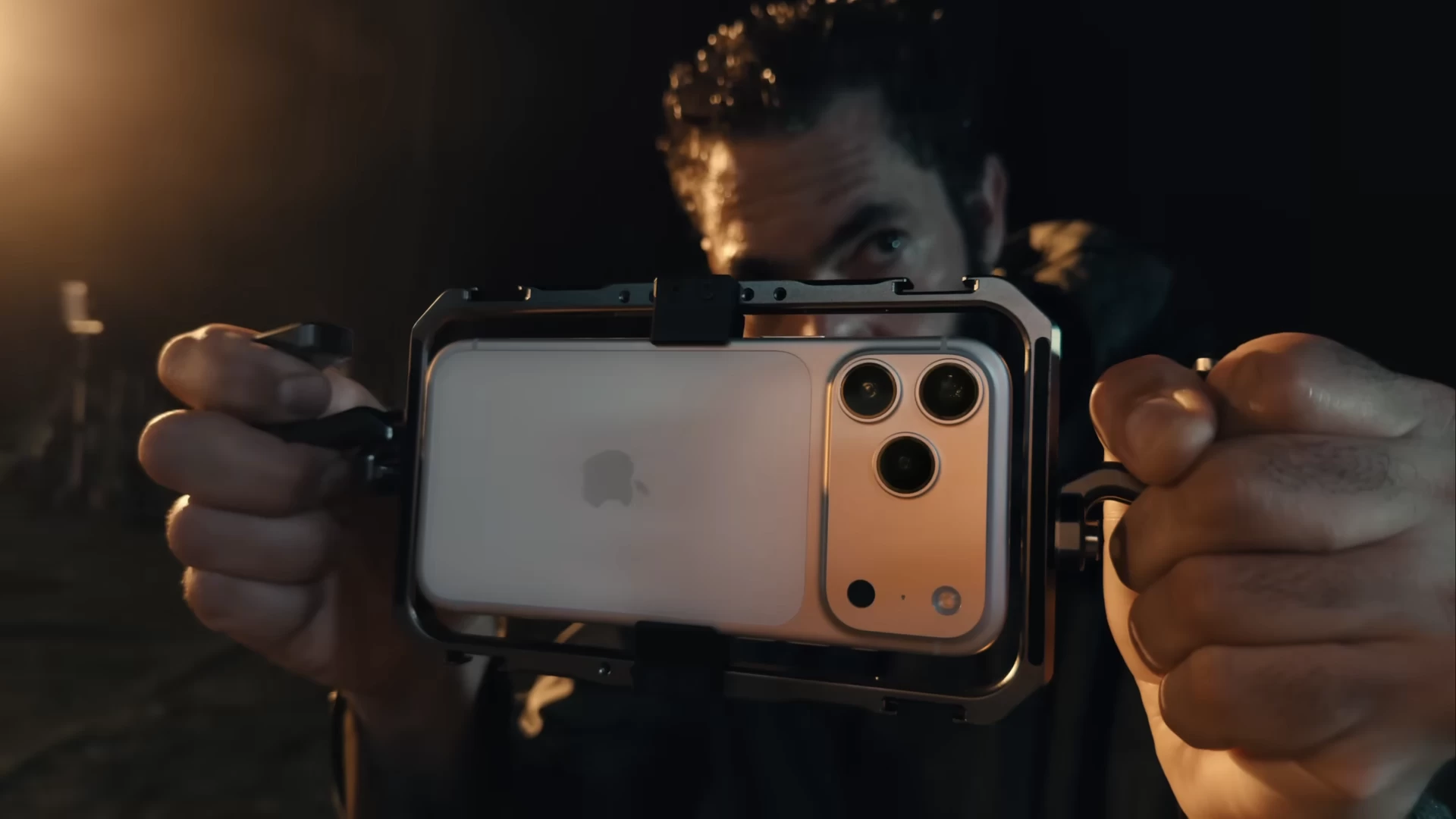
If you have pockets deep enough to buy an iPhone 17 Pro/Pro Max or their maxed-out variant for $2,000, you can enjoy some advanced camera features. iPhone 17 Pro/Pro Max are the first smartphones to support Apple"s ProRes RAW video codec, Genlock, and Log 2.
ProRes RAW lets you access unedited RAW data directly from the camera sensor, giving more control over professional image processing capabilities such as demosaicing, custom LUTs, and linear-to-log conversions, according to the company.
The flagship iPhone models also support Genlock to synchronize video feeds from different cameras and input methods. This can save you from spending too much time manually aligning the video frames during post-production.
The advanced camera features are available through Apple"s recently updated Final Cut Camera 2.0 app and compatible third-party apps like Blackmagic Camera and DaVinci Resolve.
So, these are some of the new features on the Camera app. iOS 26 will spend most of its life in 2026, and Apple might push new features as part of incremental updates. However, as is always the case with any new update, the early adopters of iOS 26 are seeing their battery drain faster than before.
Apple acknowledged the issue and confirmed that such behavior is expected in the initial days. Speaking of battery, you might want to try the new Adaptive Power mode to see if it makes any difference.
If you think we missed out on some new feature in the Camera app, drop your thoughts in the comments.