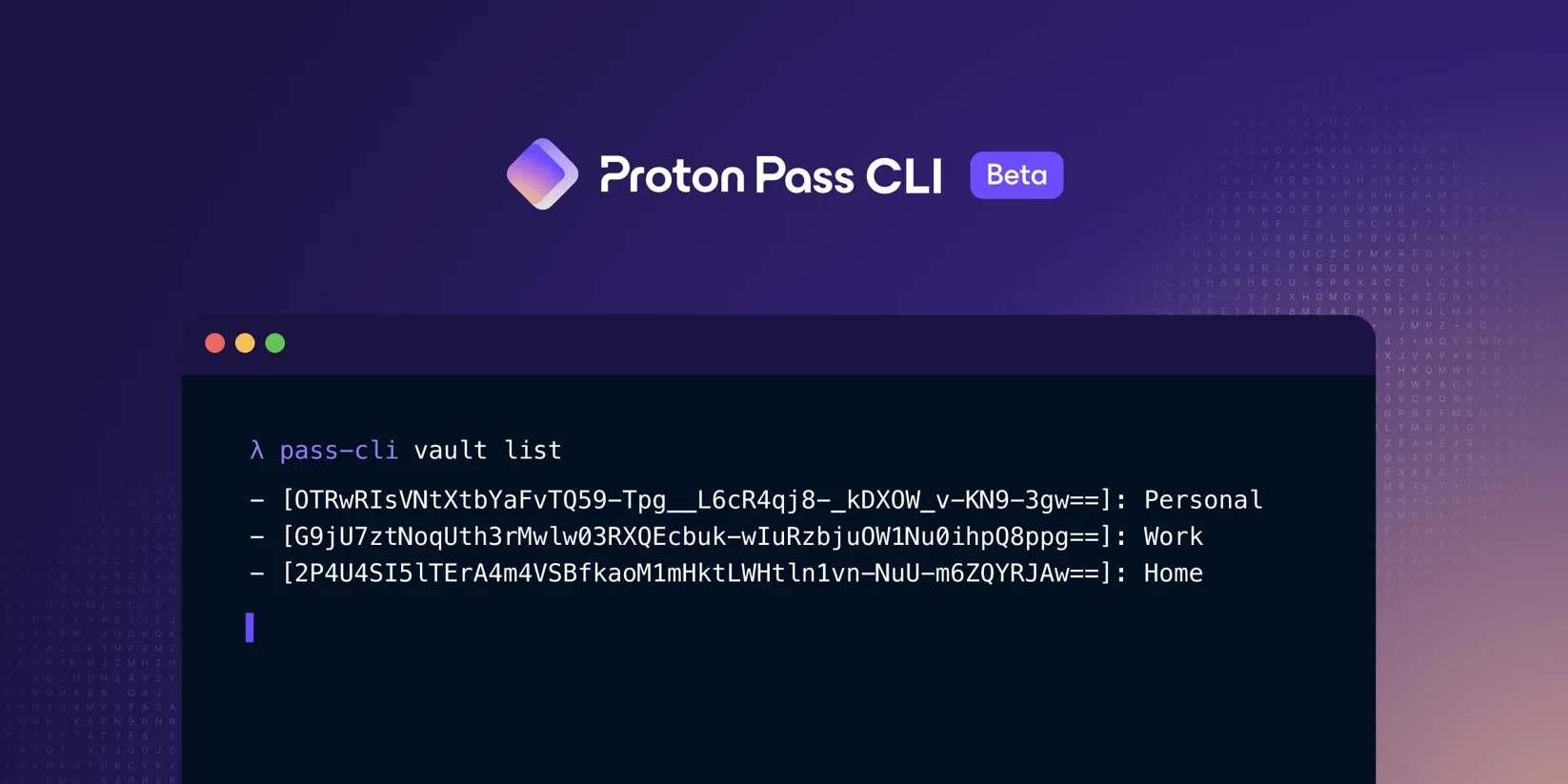
Proton, the company behind ProtonMail and ProtonVPN, has announced a new tool called Proton Pass Command-Line Interface (CLI), extending its Proton Pass password manager offering. The new tool has been created to make Proton Pass data easily accessible in the terminal for development, scripting, and automation, including Continuous Integration/Continuous Delivery (CI/CD) pipelines.
Proton Pass CLI is currently in beta, so there may be some issues with it if you use it right now. To ensure it doesn"t leave a bad taste among a wide base of users, its use is currently restricted to Visionary supporters. This early access also rewards them for being the best-paying customers. The company said that broader availability across paid plans is coming soon.
The new tool provides a secure way to access and manage Proton Pass items and vaults from the terminal. It is made secure by preserving the end-to-end encryption we are used to in the Proton Pass app. Aside from accessing your items, you can view, create, update, and delete various item types, including passwords, secure notes, credit cards, identities, WiFi entries, custom items, and stored SSH-key items. You can also create, read, update, and delete vaults.
Other things you can do include:
- Manage member access and permissions to shared vaults and items.
- Work in headless environments (CI/CD, servers, containers) using app-password authentication.
- Create simple scripted workflows and task automation.
With the Proton Pass CLI tool, Proton hopes to boost your speed and productivity when it comes to automation and scripting by automating credential-management tasks and eliminating manual copy-paste or UI steps. It also enables secure and simple shared credential management that lets you automate managing access and permissions to shared items and vaults directly from the CLI.
An advanced feature of this tool is secure secret injection. This allows you to inject credentials directly into scripts, deployments, and CI/CD pipelines without exposing secrets in plaintext, logs, or command history. Finally, this tool helps to reduce the complexity of automation with support for simple, secure app-password authentication across all environments, reducing the need for complex infrastructure or add-on products.
You can get started by following Proton"s instructions.