
Nearly two months after the release of Vivaldi 7.6, which brought more customization options for the UI, like personalizing the tab bar and adding a new Tab Button, version 7.7 is out now and available for download with smarter tab syncing, a unified start page, a new privacy dashboard, and more control over performance.
You can now access your tabs from your other synced desktop devices with their full structure intact. Clicking the Windows Panel or Tab button shows exactly what is open on your other machines, allowing you to bring over entire windows, complete with Tab Stacks and Workspace organization.
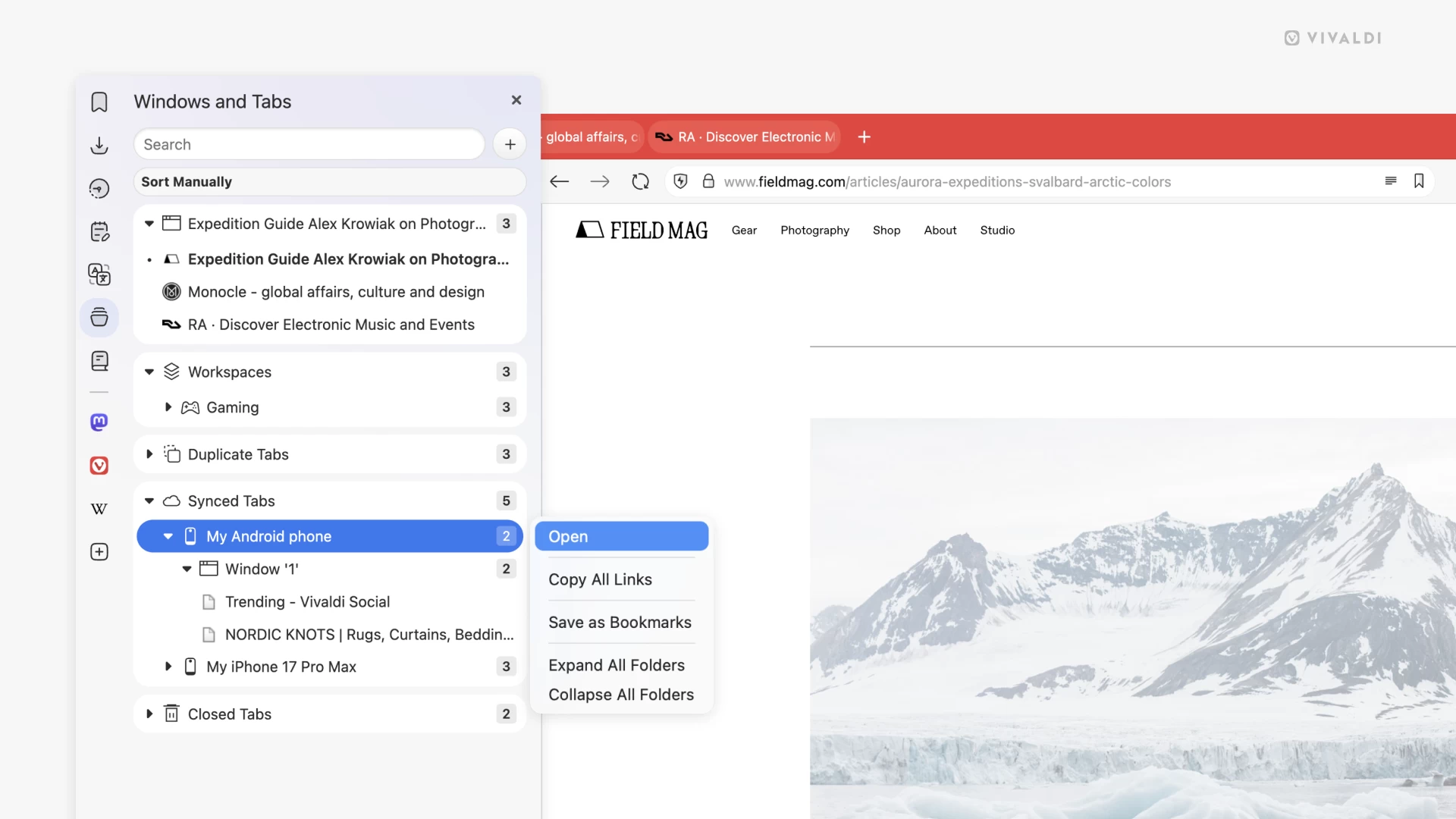
As Vivaldi notes, this is great for moving between home and work computers without having to rebuild your session from scratch. The company does warn that pulling over massive window structures with hundreds of tabs can be resource-intensive.
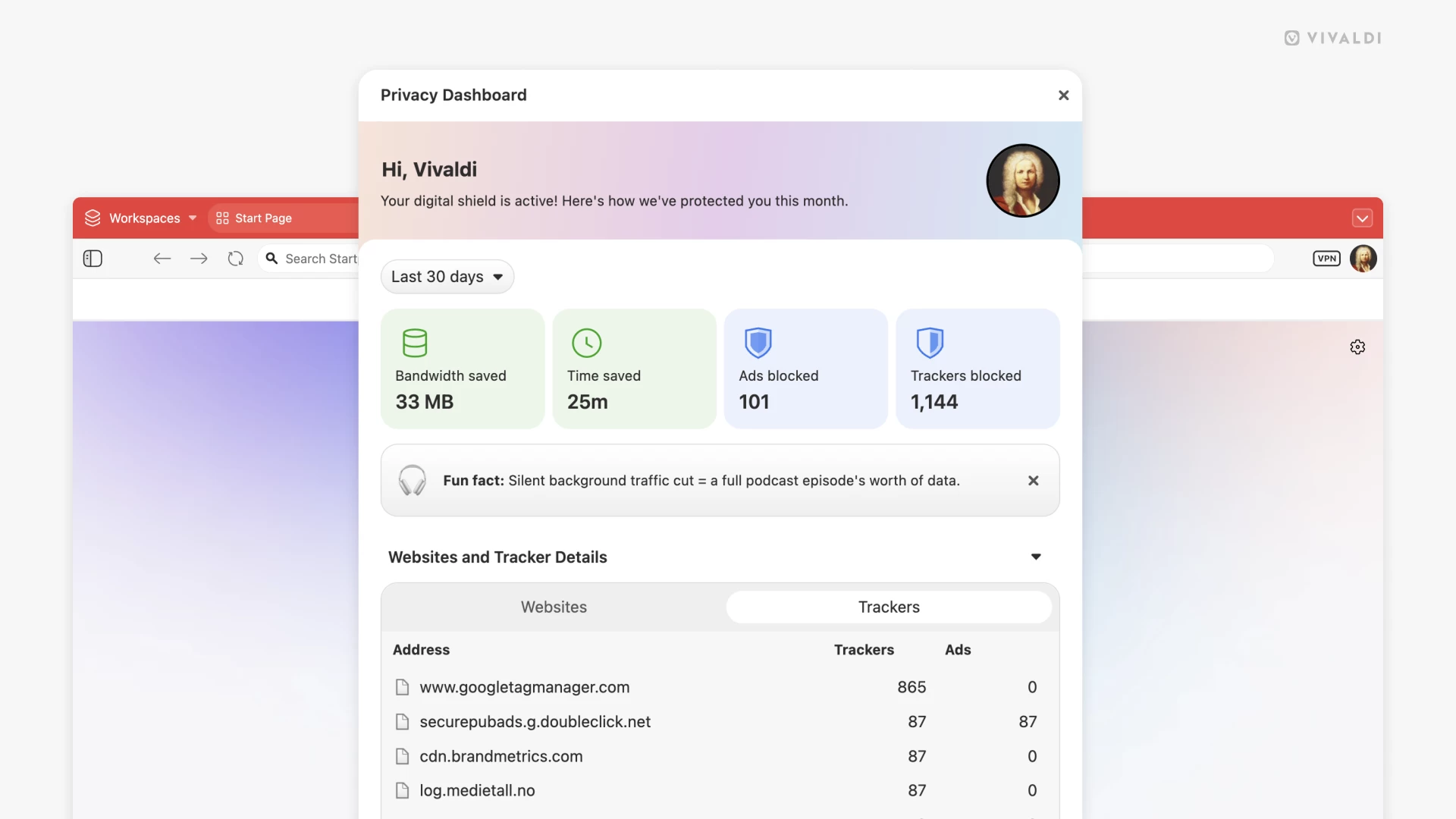
There is now a new Privacy Dashboard that gives you a clear look at what the browser is doing to protect you by showing blocked trackers and ads. The dashboard also provides a better understanding of the per-site blocking status, which makes it easier to manage exceptions for sites that need certain content to function correctly.
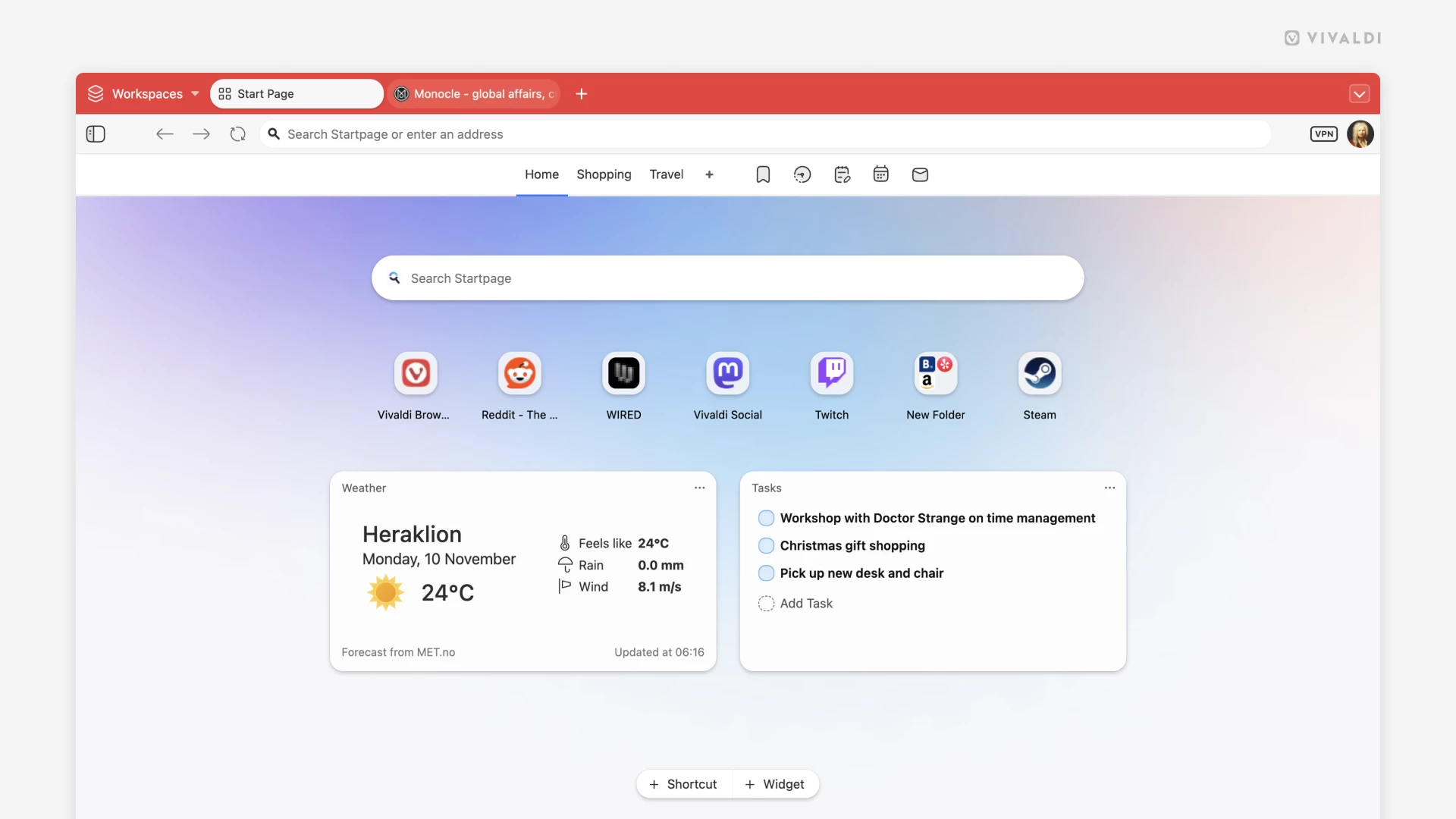
The Startpage has been updated to combine widgets and Speed Dials into a single experience. You can add widgets for things like weather forecasts, most-visited sites, or RSS feeds right alongside your favorite sites. The layout is flexible, allowing you to resize, drag, and mix widgets with Speed Dial folders to make the page "uniquely yours".
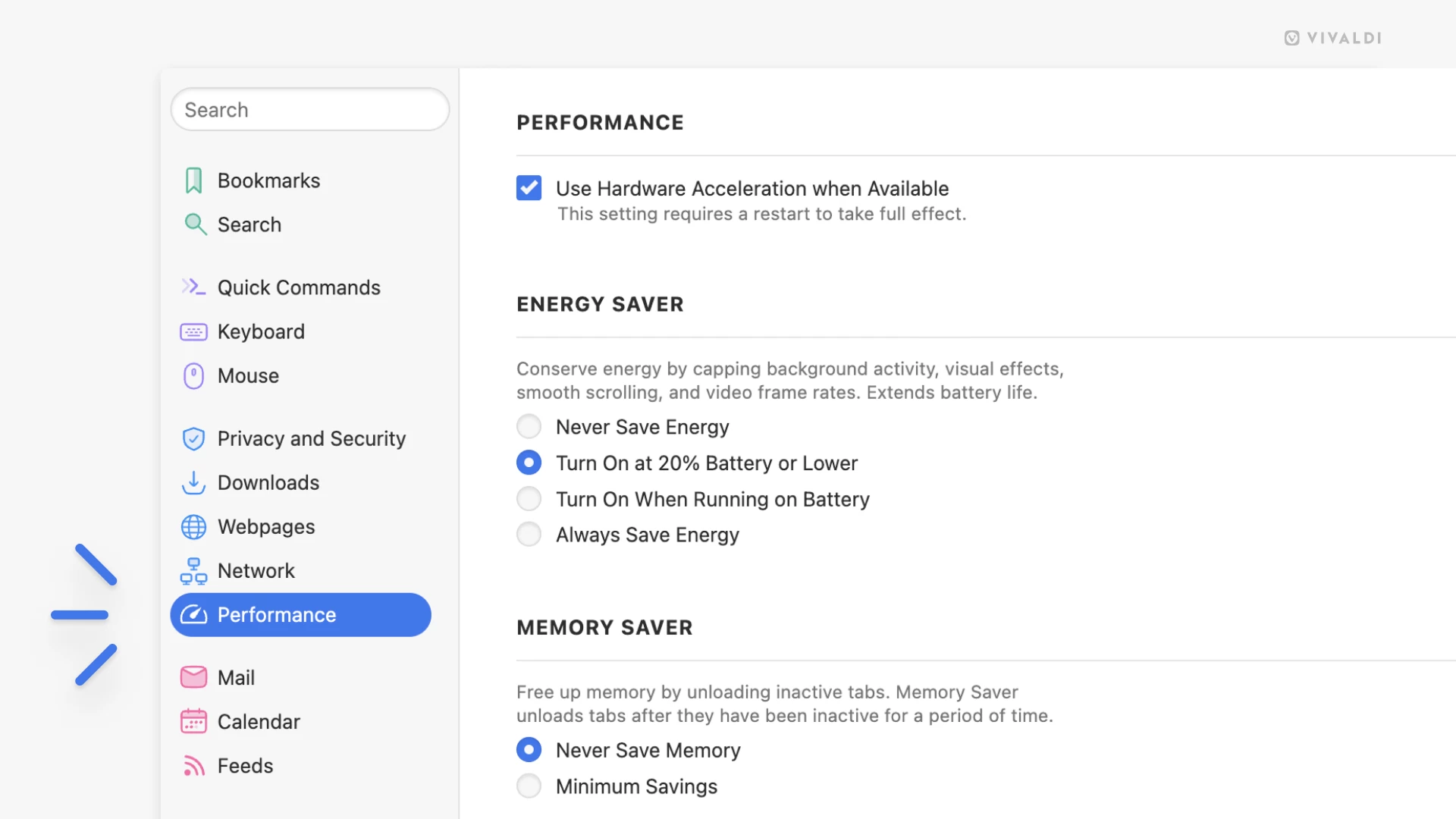
When you head over to Settings, you will notice a new Performance section that gives you more control over how the browser uses system resources. It has Memory Saver options that let you decide how aggressively Vivaldi manages memory for inactive tabs by putting them into a low-power state. This can be helpful if your RAM is limited, for example. You can also configure which tabs are exempt, like pinned tabs you want to keep active.
Other changes include UI refinements to the Mail Panel for better readability, a completely redesigned About Page with a modern look and improved update handling, and a fix for macOS users where dragging and dropping tabs between windows did not work. The browser now also allows you to import passwords from a plain text file, and the underlying Chromium engine has been updated to version 142.0.7444.167.


















1 Comment
Load the comments and join the conversation!
Read the comments, ask the editors questions, show respect and join the conversation.