Google has begun rolling out a fresh update that changes how Microsoft Office files are opened in Drive on the web. Office documents now open in editing mode by default.
The latest change applies when you double-click on a compatible Office file. This includes documents with such file types as .docx, .doc, .ppt, .pptx, .xls, .xlsx, and .xlsm. However, you will be redirected to the “Office Editing for Docs, Sheets & Slides” Chrome extension instead of Docs, Sheets, or Slides if that extension is installed. Password-protected files are exempted, though.
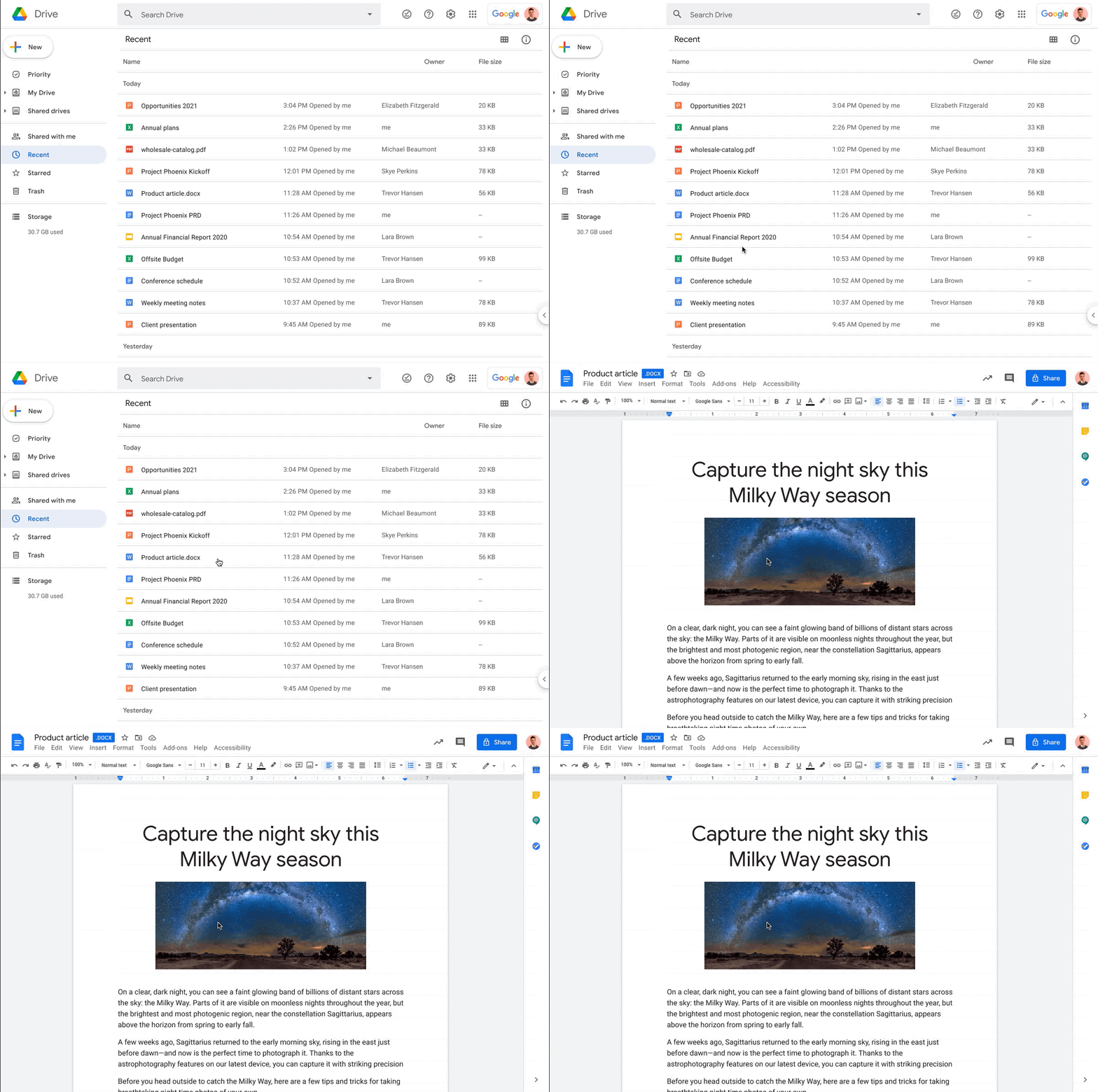
The new setting is turned on by default. However, if you want to keep its previous setting, Google still lets you use the preview mode by right clicking the document and then clicking "Preview".
It basically solves one pain point with Google Drive, which previously would open an Office document in preview mode with no way of editing the file. Although you could download the document in order to make some changes, that always required one more step than simply letting you edit it once opened.
These changes are rolling out now to Rapid Release domains. However, Scheduled Release domains are set to receive it starting on November 30. It will be available to those with personal Google accounts and business users.














1 Comment
Load the comments and join the conversation!
Read the comments, ask the editors questions, show respect and join the conversation.