Miracle-WM, the Mir-based Wayland compositor by Canonical engineer Matthew Kosarek, has gotten its 0.7 update. The project offers features like manual tiling and floating window management, configuration driven by a YAML file, and support for a wide array of graphics cards.
The latest release completes the bits of Sway/i3 IPC that Kosarek is interested in, at least for the moment. Inter-Process Communication, or IPC, is the protocol that allows external programs to communicate with and control the window manager. This compatibility includes things like status bars (e.g., waybar), application launchers, and custom scripts that can automate window manipulation.
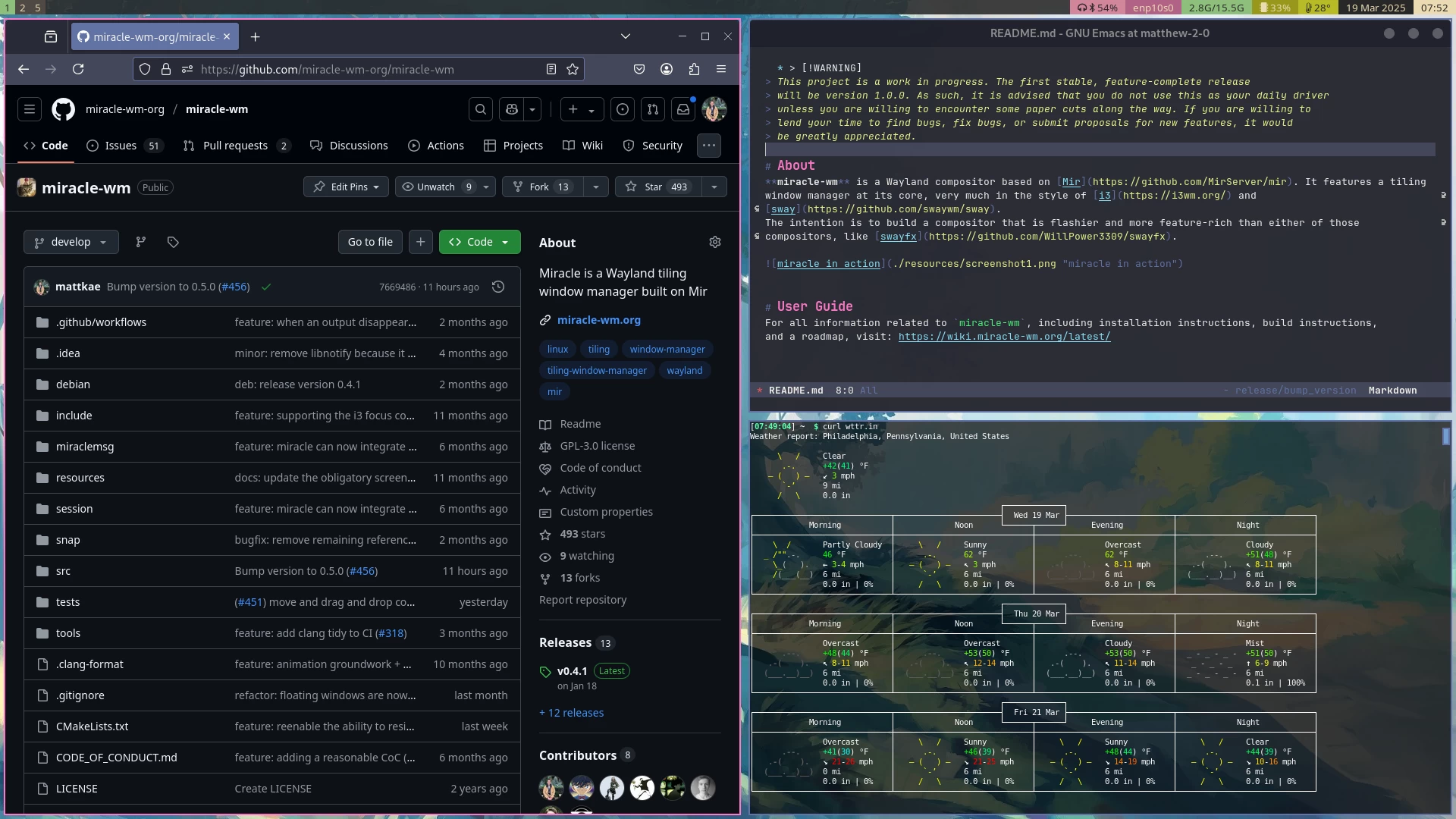
IPC commands like exec, nop, split, and layout have been "extensively documented." This release brings new features including mouse configuration for adjusting pointer acceleration and profiles, as well as keyboard configuration for setting the language, repeat rate, and repeat delay.
As for bug fixes, fading animations now work properly again after being broken. A particularly nasty issue where the compositor would crash when closing the last window on a workspace has been resolved. Another fix addresses a problem where closing the program could sometimes lead to a segfault.
If you are on Ubuntu and want to try out this release, the easier way to do so is through a Snap package. This method works on Ubuntu 16.04 and later. Enter the following command in the terminal:
sudo snap install miracle-wm --classic
On Ubuntu Noble (24.04) and Mantic (23.10), you can install Miracle-WM from the official PPA, though updates there tend to arrive a bit later.
sudo add-apt-repository ppa:matthew-kosarek/miracle-wm
sudo apt update
sudo apt install miracle-wm
After installation, log out of your current session and select the "Miracle" session from your display manager. As mentioned earlier, the main configuration file is located at ~/.config/miracle-wm.yaml.
You may also want to install additional software to complete your desktop environment, like the wofi launcher, waybar status bar, and swaybg for setting a background.


















0 Comments
Load the comments and join the conversation!
Read the comments, ask the editors questions, show respect and join the conversation.