
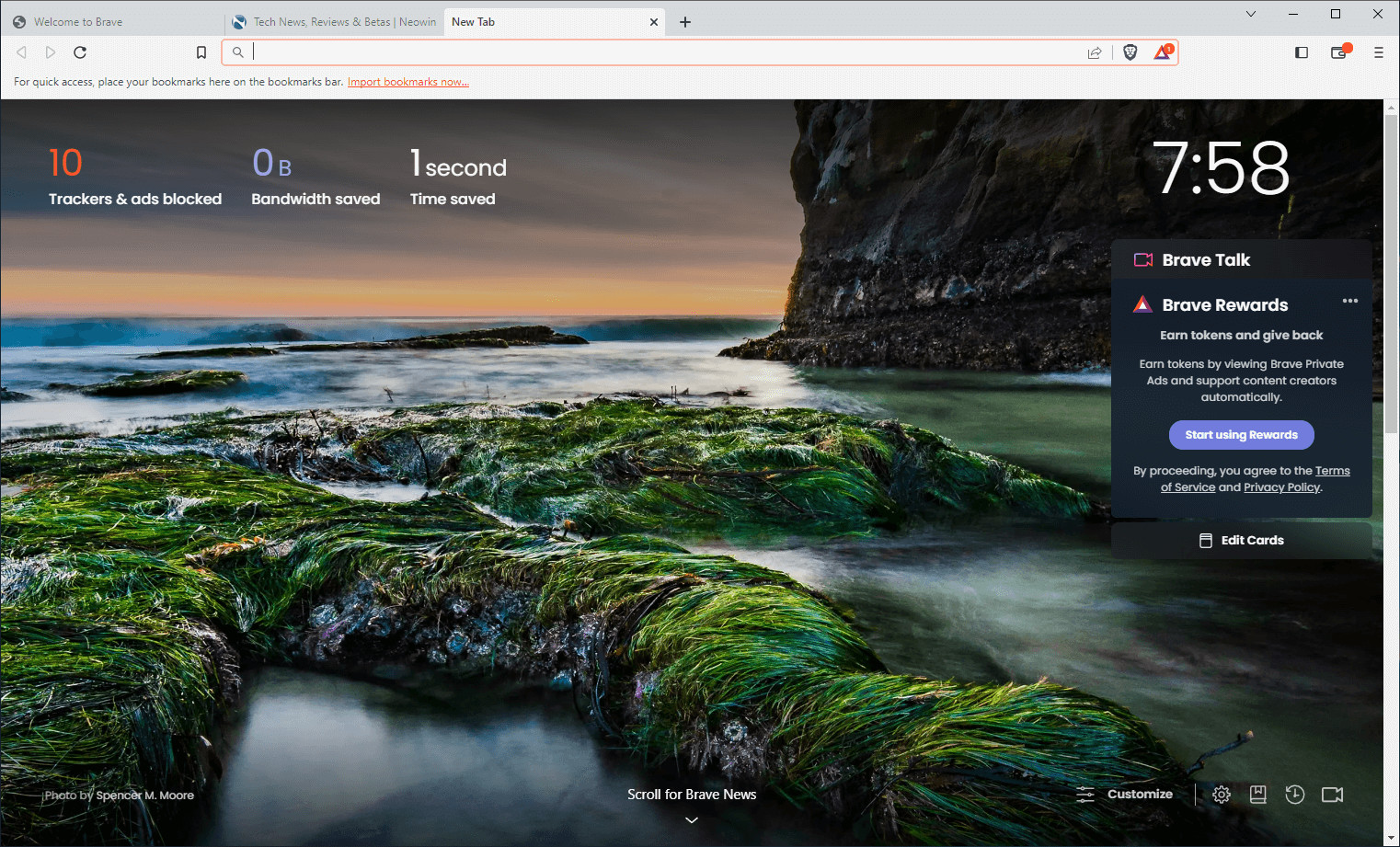
Brave Browser is a lightning-fast, secure web browser that stands out from the competition with its focus on privacy, security, and speed. With features like HTTPS Everywhere and built-in tracker blocking, Brave keeps your online activities safe from prying eyes. Brave is one of the safest browsers on the market today. It blocks third-party data storage. It protects from browser fingerprinting. And it does all this by default.
Speed - Brave is built on Chromium, the same technology that powers Google Chrome, and is optimized for speed, providing a fast and responsive browsing experience.
Brave Browser also features Brave Rewards, a system that rewards users with Basic Attention Tokens (BAT) for viewing opt-in ads. This innovative system provides an alternative revenue model for content creators and a way to support the Brave community.
Brave 1.87.186 changelog:
Web3
- Added separator for Testnet accounts in the “Create account” modal. (#51298)
- Added “Minimum amount” and “Maximum amount” warning message for quotes on the “Buy” screen. (#51498)
- Added support for Zcash deshielding (Shielded -> Transparent) transactions. (#45875)
- Improved performance on the “Edit Visible Assets” modal. (#51519)
- Improved Cardano transaction encoding. (#51477)
- Updated “Trezor Connect” support. (#50647 & #36575)
- Updated Cardano icon to display correctly in dark theme. (#46848)
- Updated Cardano minimum send value to 1 ADA. (#46753)
- Updated the Cardano transaction fee calculation algorithm. (#51121)
- Updated “Sign In With Ethereum” panel to new UI. (#51216)
- Updated “Sign In With Ethereum” error panel to new UI. (#51217)
- Updated the “Decrypt Message Request” panel to new UI. (#51338)
- Updated the “Provide Public Encryption Key” panel to new UI. (#51337)
- Updated the “Backup wallet” string in the settings menu. (#51507)
- Fixed page crash which occurred when Rabby Wallet and uBlock Origin extensions are installed. (#45871)
- Fixed unnecessary “Shield” and “Unshield” warnings. (#51762)
- Fixed issue where tokens may display empty icons in certain cases. (#52519)
Leo
- Added support for auto-discovery of Ollama Lists under BYOM. (#39492)
- Updated “Qwen” model labels and removed “Gemma” and “Deepseek R1” models. (#51790)
- Fixed consecutive citations not rendering correctly in Brave Leo responses. (#52497)
Rewards
- Added UI to help Gemini users migrate to other Brave Rewards payout account providers (Gemini sunsetted). (#50590)
- Updated the “Go to my Account” link for self-custody Brave Rewards users from Solana Explorer to Solscan. (#50517)
General
- Added the ability to “Copy download link” from the download panel. (#48436)
- Added “Show VPN Tray Icon” setting under brave://settings/system for Windows. (#50991)
- Improved adblocking. (#51063)
- Improved adblock performance by adding resource sharing support. (#50368)
- Improved scriptlet handling. (#51448)
- Improved pinned tabs layout when using vertical tabs. (#51055 & #50974)
- Updated the New Tab Page favicon to monochrome. (#51381)
- Updated mouseover target for the vertical tabs bar to allow for easier opening when vertical tabs are hidden. (#50847)
- Removed “Index other search engines” setting from brave://settings/search. (#51656)
- Removed known tracking parameter “syclid” from certain URLs. (#50532)
- Removed extra padding on left side window border when vertical tabs are hidden. (#51056)
- Fixed crash which occurred when trying to load https://www.yahoo.com in certain cases. (#52594)
- Fixed crash which occurred when selecting “Open here” button from the omnibox dropdown after enabling brave://flags/#brave-omnibox-tab-switch-by-default. (#51501)
- Fixed incorrect path being used when using UserDataDir policy on Windows. (#41854)
- Fixed unable to resize maximized window using top border when vertical tabs enabled on Windows. (#51554)
- Fixed tab names being blank on Linux in certain cases. (#51884)
- Fixed blank title bar being displayed in fullscreen on macOS. (#32549)
- Fixed hidden elements on the New Tab Page being clickable when the search widget has focus. (#51558)
- Upgraded Chromium to 145.0.7632.45. (#52554)
Download: Brave Browser 64-bit | 1.2 MB (Freeware)
Download: Brave Browser 32-bit
View: Brave Homepage | Offline Installers | Screenshot
 Get alerted to all of our Software updates on Twitter at @NeowinSoftware


















0 Comments
Load the comments and join the conversation!
Read the comments, ask the editors questions, show respect and join the conversation.