Over the last couple of years, we have seen governments in Australia, the UK, and beyond implementing stringent child-safety laws such as bans for under-16s on social media and complex age checks for people trying to access porn websites to prevent kids from getting access.
While all of these measures are well meaning, they are big risks to the open internet, quite dystopian in nature, and are generally too heavy-handed. They create a headache and security risk for adults who have to verify their age with sensitive documents and push children to unregulated corners of the internet and sketchy VPNs - or fake moustaches - just to bypass the restrictions.
The opposing view to all this age verification stuff is to say it’s the parents responsibility to protect their children; but let’s be real, many parents don’t possess the technical knowledge of how to block access to adult websites or monitor what their children are doing on their phones and computers.
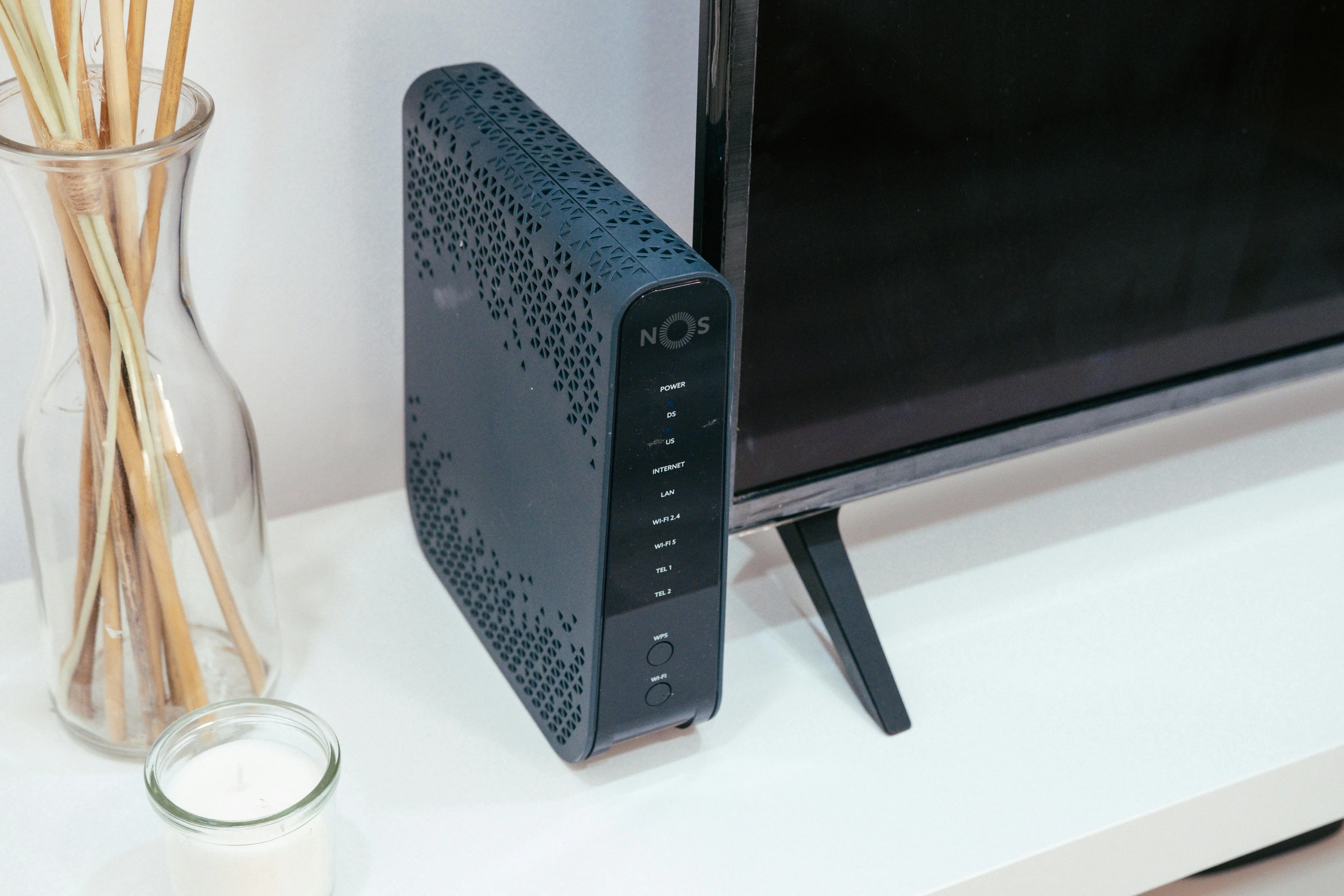
In this editorial I will expound on what I think to be the best solution, namely, ISPs being required by law to ship routers to customers with a family DNS pre-configured. Candidate family DNS services that I am thinking of include Cloudflare’s 1.1.1.3 and CleanBrowsing’s Family Filter - this is not an exhaustive list, but two popular ones that exist. I believe that this solution would help to offer a baseline level of protection for families, remove the risk of too much data collection by governments, and leave adults free to adjust their DNS settings if they want unrestricted access to the internet.
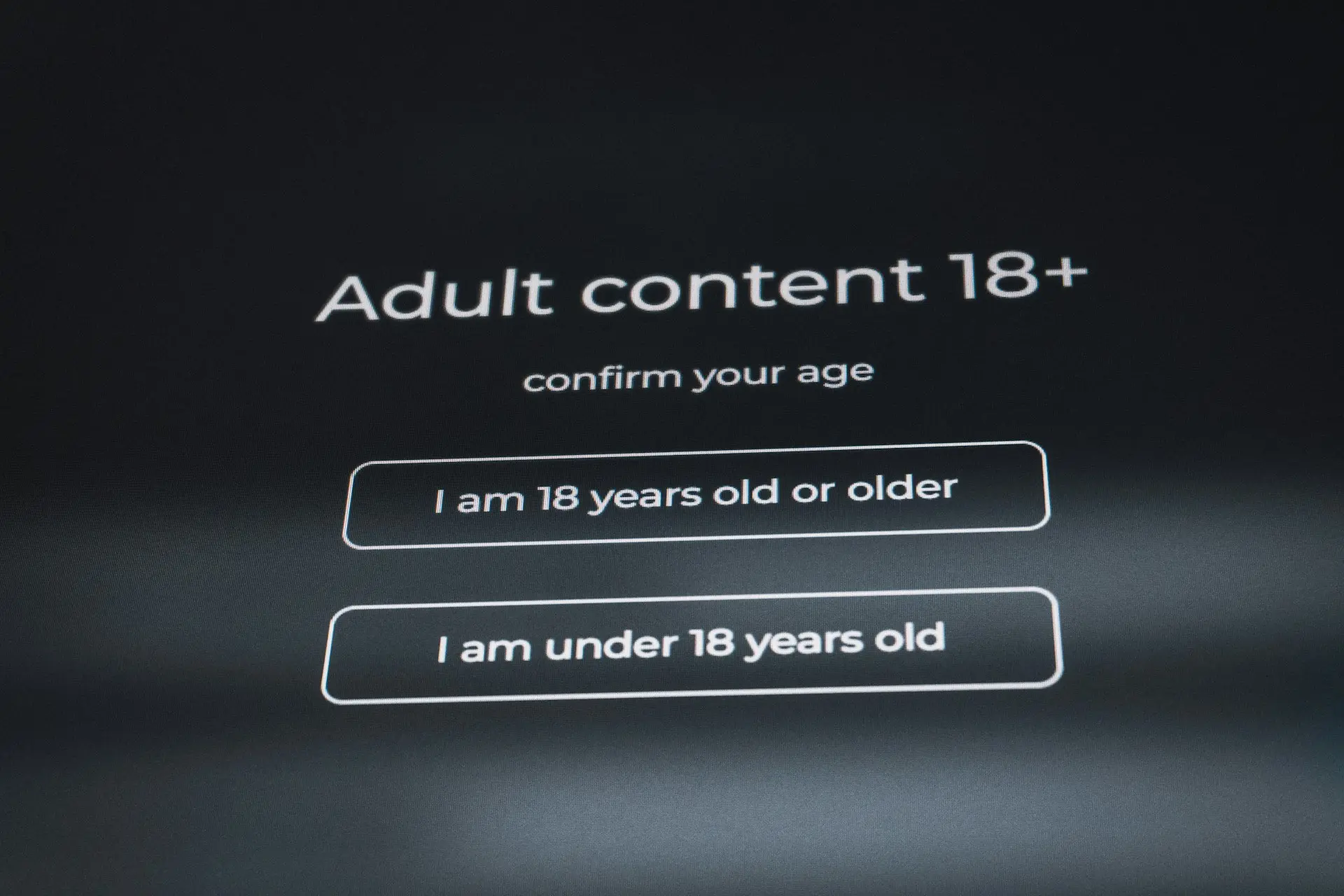
I think that part of the reason we have got the solution we have now - heavy-handedness from governments - is because they are obsessed with trying to prevent determined teenagers from hunting for adult content. Even with all the measures they are taking, these teens are still finding ways around the block. More importantly, it misses the fact that a lot of childhood exposure to explicit content is completely accidental via bad search engine autocompletes, typosquatting (malicious sites buying domains one letter off from popular kids’ brands), and malicious ad-network redirects from seemingly innocent gaming or streaming websites.
Accidental exposure to extreme content can be harmful to young kids that are not seeking it out and if it is adult material they come across, then it could be the start of future consumption, moving from accidental exposure to actively seeking it out.
The solutions proposed now, such as age-gates on websites do nothing to stop an accidental redirect or a malicious script from putting explicit content on the page a child is browsing. A filter that is blocking malicious pages and adult sites outright, on the other hand, could help to prevent these accidents.
As a bit of background to how DNS works, you can think of it like a phonebook for the internet. You type in your easy to remember URL, such as Google.com and then the DNS matches this with the IP address, to which your browser requests the page from and its then displayed in your browser. The family filtering DNS services are a bit different because they recognize if a domain contains adult material and will then refuse to resolve the IP address, preventing access while connected to that router.
By filtering at the router level, parents would quickly be able to protect all devices connected via the network, whether that be an iPhone, an Android tablet, a smart TV, a computer, or a game console. Also, unlike clunky parent control apps that can slow down devices, the DNS resolution happens in milliseconds at the packet level so you would never know it is there.

People who disagree with the heavy-handed government safety measures, such as the UK’s Online Safety Act, often say that protecting kids should be the responsibility of the parents. But if we are being real about it, there are plenty of reasons this is not feasible. Many parents are working multiple jobs and don’t have the time to sit around fighting with their gadget to turn on a family filter, others are not tech-savvy, and others don’t know how to login to their router and change the settings.
By shipping routers with family filtering on by default, the script gets completely flipped, parents wouldn’t need to worry about kids stumbling on adult content, because it is largely going to be blocked. As many of these DNS services are free, it also means that parents don’t have to pay monthly subscriptions like they do now for some parental control apps. It also removes the need to configure software or research software.
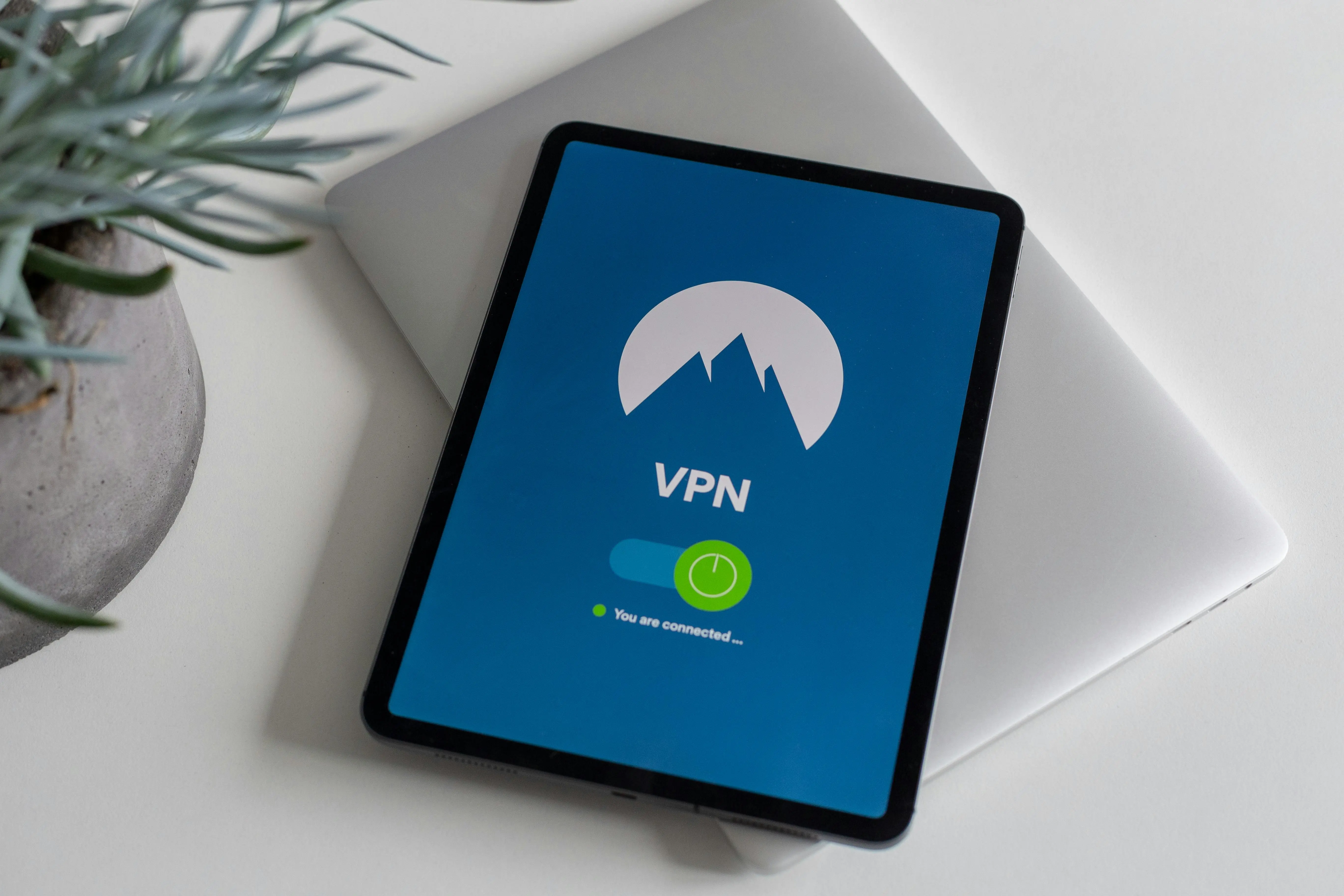
The heavy-handed approaches governments are taking to protect children are annoying for adults because it requires them to verify their age, this can also involve handing over sensitive data such as pictures of ID. With a family filter on by default, it shouldn’t be too difficult for a determined customer to switch to a different DNS by logging into the router or using a VPN service to get around the blocks.
It also gives parents more control over what their children are allowed to see. If they think their child is mature enough to access the unrestricted internet, then they can switch the DNS to an unfiltered one like Cloudflare’s 1.1.1.1 or Google’s 8.8.8.8 which do not block websites.
As there are several free private solutions for blocking adult content, governments wouldn’t even need to spend money building their own blocklist, making it a very lean measure while achieving good results and preserving user freedom.
On the path we are on now, we risk turning the internet into a place where you need to prove who you are and how old you are before you begin browsing websites freely. Collecting user data for these measures also creates security risks where data could be lost as part of a breach by hackers. It could also lead to kids discretely using VPN tools to bypass filters.
On the other hand, the solution I have outlined would set a baseline of security for every parent and would stop kids accidentally bumping into adult content they were not looking for. Sure, it is easy for a determined adult or kid to bypass, but so are the measures governments are enacting now. It would also maintain the freedom of users to turn off the filters if they wanted to.

The Online Safety Act requires a lot of enforcement from Ofcom, which has likely led to more hires to maintain the OSA regime. It also adds a big burden to companies who have to take on the role of verifying the age of users - these regulations are easily handled by tech giants with deep pockets, but for startups these regulations can kill. By just having a filter on a router, none of this age verification stuff would be required.
Places like Australia and the UK that have already opted to use heavy-handed measures to keep children safe are unlikely to change course now. For countries that have not started down that path yet, I think it would be more prudent to just force ISPs to ship their routers with family filters switched on by default, with the option for end users to alter the DNS later if they wish to. This would be a lot cheaper for governments and offers a decent level of protection for children.
If you have kids and would like to set up a family filter, follow these instructions from Cloudflare. You don't need to pick 1.1.1.3, you can follow the same instructions but use a different DNS from another provider.


















13 Comments
Load the comments and join the conversation!
Read the comments, ask the editors questions, show respect and join the conversation.