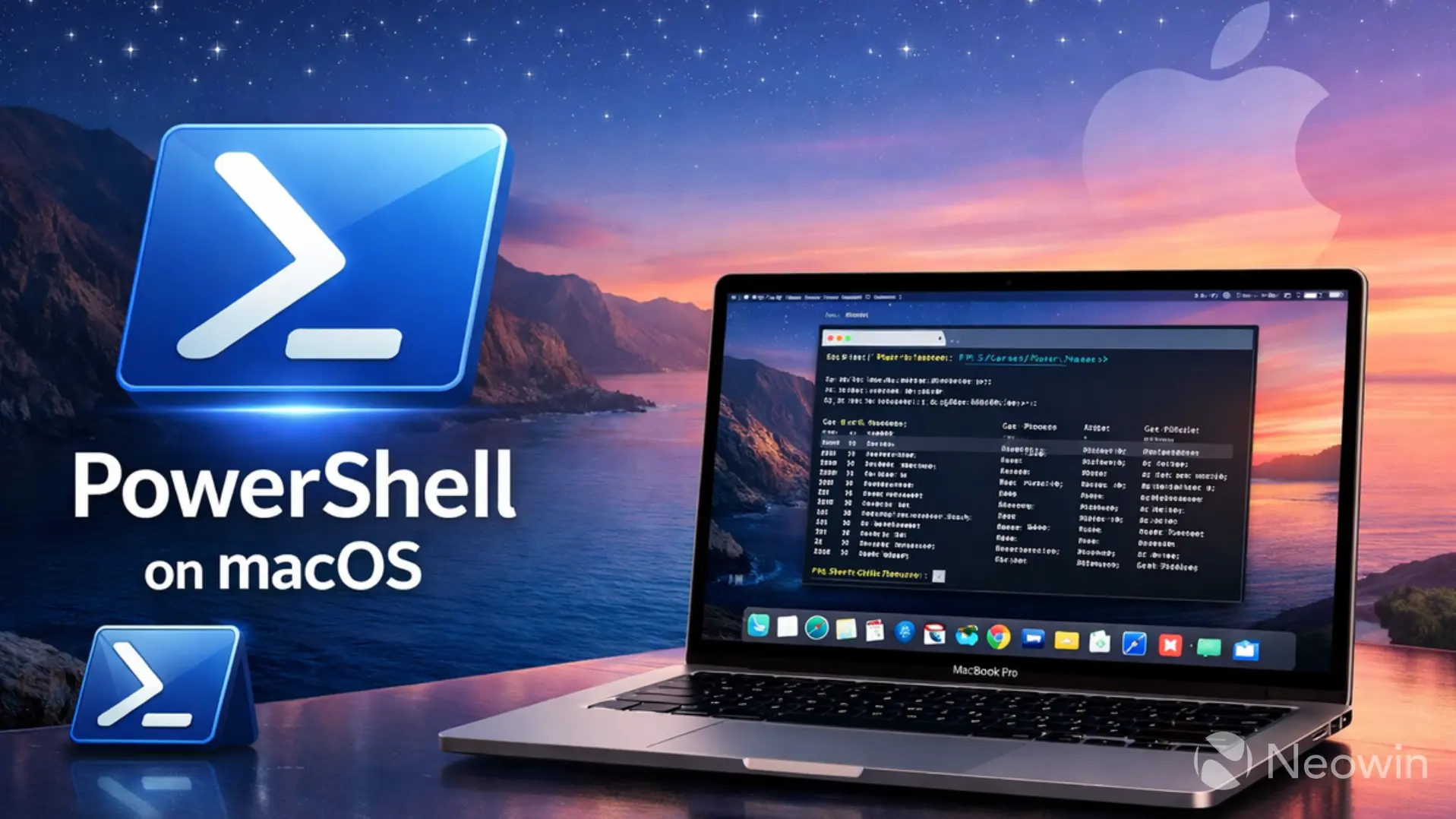
Although many of our readers may be familiar with the native version of PowerShell available in Windows, Microsoft offers the task automation solution for macOS as well. There have been a few longstanding issues with PowerShell for macOS, and Microsoft has now announced that it is finally fixing them.
With its next release, PowerShell package and tarball for macOS will be properly notarized by Apple. What this means is that you won't receive annoying notifications from your operating system informing you that PowerShell comes from an unidentified developer. In addition, the PowerShell libraries and binaries are being hardened so that they meet Apple's "security entitlements for distributed software" and also comply with Microsoft's internal requirements. Finally, the next release will also include a bugfix that properly sets the file permissions on files in the tarball.
Microsoft has highlighted that it had been receiving feedback about these issues for a long time, which means that the next maintenance release of PowerShell 7.4 (or higher) will please a lot of customers. They won't need to figure out wonky workarounds for GateKeeper warnings, modify security settings, run special commands, or explain to other users the process to reliably install PowerShell on macOS.
Earlier in the year, Microsoft had emphasized that 2026 is an important year for PowerShell as the firm is planning big changes for the software. This includes the development of PowerShell 7.7, which potentially introduces a breaking change in design, along with other improvements. However, above all, it noted that security will always take a precedence over flashy new features. To that end, it also retired the MSI package for PowerShell installation on Windows, in favor of MSIX. It explained that MSIX is a modern format that offers reliability and predictability compared to MSI, which is a legacy format that depends a bit too much on custom scripts which can lead to inconsistent behavior during deployment.














7 Comments
Load the comments and join the conversation!
Read the comments, ask the editors questions, show respect and join the conversation.