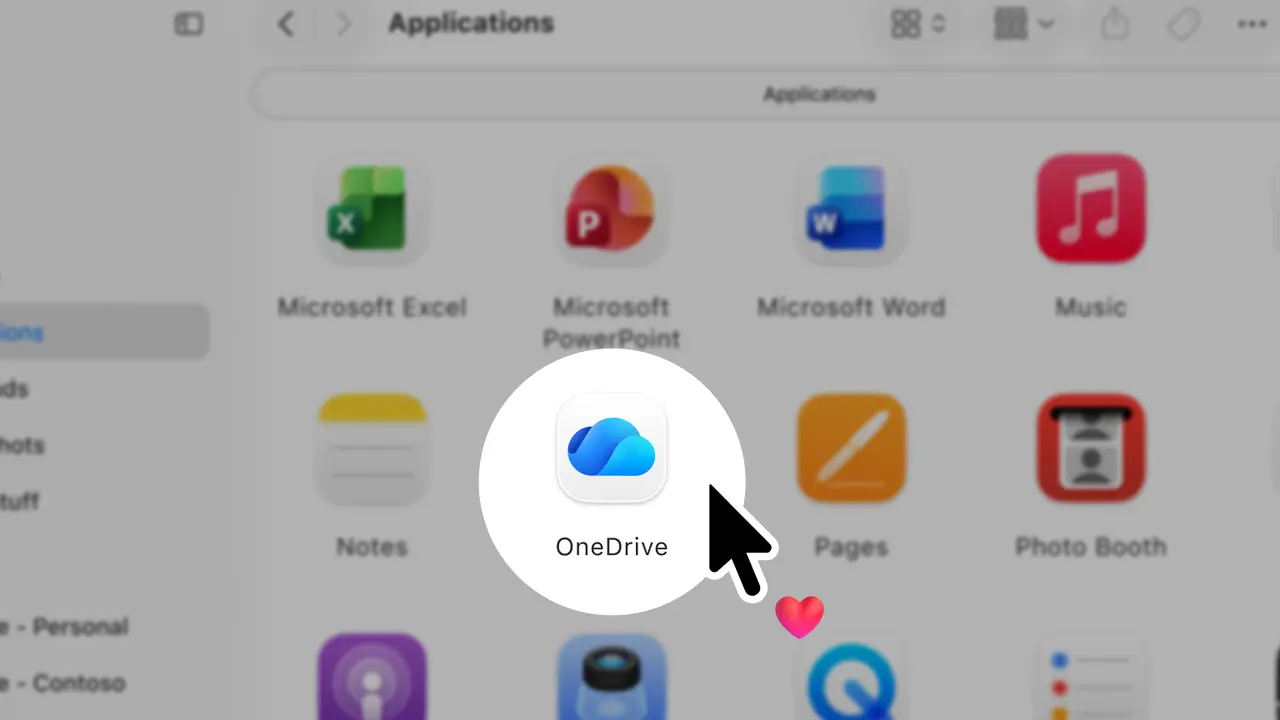
Microsoft has announced a major update for the OneDrive client on macOS. Today, the company released version 26.098, promising significantly faster sync, optimized CPU usage, a smaller memory footprint, and better energy efficiency.
In a newly published blog post, Microsoft acknowledged that changes implemented in OneDrive for Mac in 2022 brought some unwanted side effects. Due to architectural changes and the need to keep the OneDrive sync engine unchanged, Microsoft created a hidden cache folder. With time, it would cause reliability and performance issues for customers. Now, Microsoft is ditching the old engine for native sync, delivering a faster, more reliable experience.
As a result of this change, OneDrive for Mac now integrates more deeply into the operating system, offers about two times faster sync performance, and uses fewer system resources. While the hidden folder still exists, the app only uses it to store files that have not been uploaded yet, link file types, and macOS-related packages. In total, even when holding hundreds of files, the temporary folder does not take more than a couple of megabytes on the drive. Besides optimizations, the new sync engine enables external drive support, allowing you to keep your OneDrive folder on a removable drive (it should meet all the requirements).
Microsoft is now rolling out the updated OneDrive client for Microsoft 365 Insiders. To check if your Mac has the new sync engine, go to the About tab and check the app version. If it ends with something like 26H, you are on the new engine. If not, you are on the old one. Microsoft says it will take a few weeks to complete the rollout to Insiders, but it won't say when to expect the update in the stable channel.
Big performance updates for OneDrive on Mac came right after Microsoft confirmed it would soon kill document editing in Office 2019 for Mac due to expiring certificates. This change will force users to look for alternatives or switch to Microsoft 365.
















7 Comments
Load the comments and join the conversation!
Read the comments, ask the editors questions, show respect and join the conversation.