For the past six years I have been a dedicated Mac user. Yes, I'm sure it's a bit surprising, but the choice to purchase a Macbook came from the lack of quality in the Windows PCs market in 2009. While I initially hesitated due to the price, I made the leap and have not looked back. Since that time I have refreshed my notebook and currently produce a majority of my work on a Macbook Air with an Intel i5 1.3GHz processor, 4GB RAM and a 128GB of SSD storage.
While I'm not the type of person to update their computer every single year, I was hoping that Apple would announce a proper update to its 'Air' line of notebooks. Instead they announced the Macbook and I lost faith. Don't get me wrong, I think the Macbook is a good looking device, but it sacrifices too much in order to achieve its impressive physical specifications. While Apple has stagnated a bit over the past few years, the competition has either caught up or exceeded Apple in terms of quality and innovation.
When the Surface Pro 3 was announced, I wasn't entirely convinced, I liked the idea - power and excellent specifications in a thin and light body - but I didn't believe in Windows 8. Naturally, after mulling it over for a while, I decided that whenever the next Surface Pro was announced, I'd purchase it and make it my next PC.
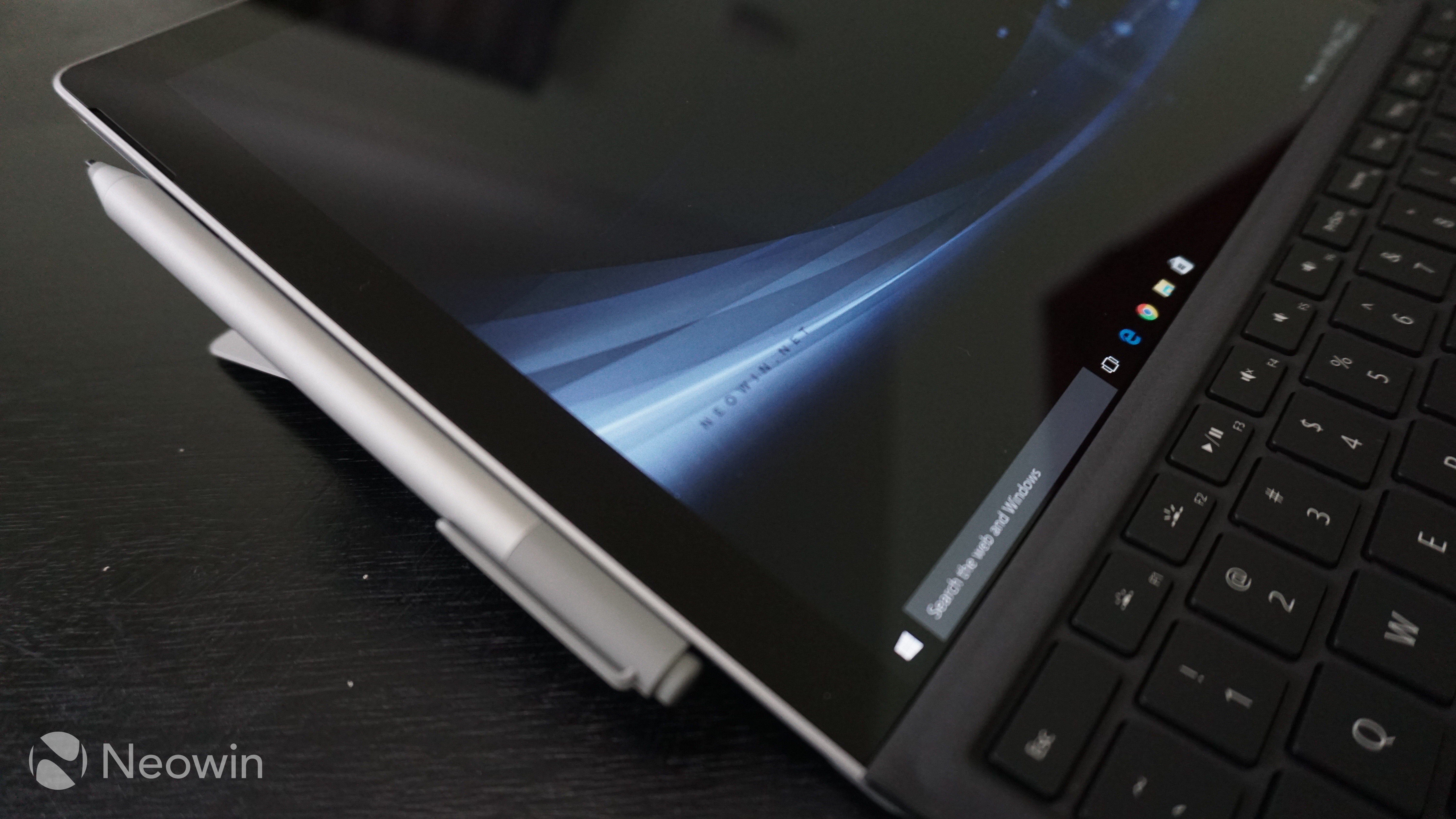
As you can guess from the title, I purchased a Surface Pro 4 and have been using it for the past couple of days. Naturally, just purchasing a Surface wouldn't do the product justice, so I also opted to purchase a Type Cover with fingerprint reader. The system is the middle of the road model with a Intel i5 2.4GHz processor, 8GB RAM and 256 of SSD storage.

Coming from the Macbook there are two things that automatically come to mind - the trackpad / keyboard interaction is not as consistent, but that the screen is absolutely amazing. As for the body of the device - it is thin, but not as thin or light as I imagined it would be, however, the construction is solid. For such a thin device the speakers provide incredible sound with reasonable depth. The touchscreen and stylus interaction take some getting used to, but I think it could become very interesting. Lastly for the size, I wish it had a full SD card slot (something I use quite frequently), and yes, it does nestle comfortably in my lap as I type this article.
I'll be exploring more of the Surface Pro 4 this coming week and next, with a full review due early next month. If you have anything you'd like me to cover or have questions, leave a comment down below.















114 Comments
Load the comments and join the conversation!
Read the comments, ask the editors questions, show respect and join the conversation.