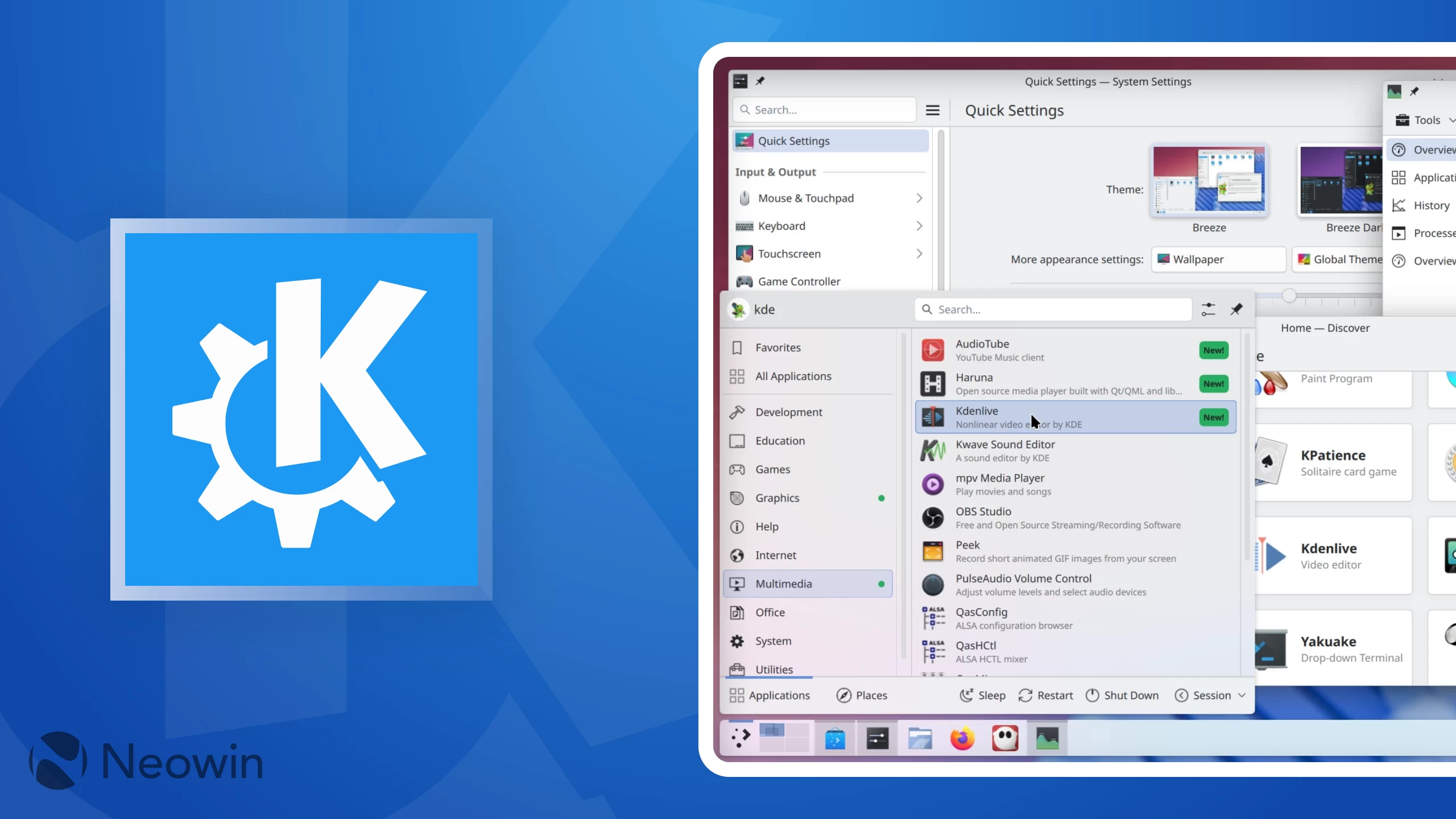
Back in June this year, KDE Plasma 6.4 was released with better window management, visual refinements, and a smarter notification system. Now, it is getting its final bug fix release, 6.4.6.
In KWin, there is a fix for the issue where users could not map their tablet to another screen. A code change had unintentionally created a situation where once you set a target display for a touchscreen or tablet, you could not change it again. This fix makes sure that KWin's input backend correctly updates the necessary device properties when you select a new display.
The KDE team also worked on a massive stability problem that was causing KWin to crash frequently on Wayland when monitors were disconnected or when the system woke up from sleep, leaving the user with a frozen desktop.
Discover got two bug fixes. The software center's end-of-session calls will now function correctly even when running outside of a Plasma session. KDE developers also switched Discover over to using the safer org.kde.Shutdown interface for handling system shutdowns and restarts.
It used to be possible for a notification to include malicious HTML that could, for example, reference file:///dev/random as an image source. This would cause the system to try and render an infinite stream of data, filling up system memory and crashing the desktop. Plasma 6.4.6 brings a patch that sanitizes these image URLs, adding extra checks to confirm that the source is a valid, regular local file before attempting to display it.
Other updates include a fix for the timer applet, which now makes its digits respect the active system color scheme. The KMenuEdit tool no longer crashes when it encounters a malformed command line or when you try to sort an empty selection.
The System Monitor's predecessor, libksysguard, had a crash fixed that occurred when saving a preset. For mouse users, the system settings page for remapping mouse buttons is functional again. And finally, the print manager received an update to correctly display marker levels for printers that only have a single marker.
You can check out the full changelog here.

















0 Comments
Load the comments and join the conversation!
Read the comments, ask the editors questions, show respect and join the conversation.