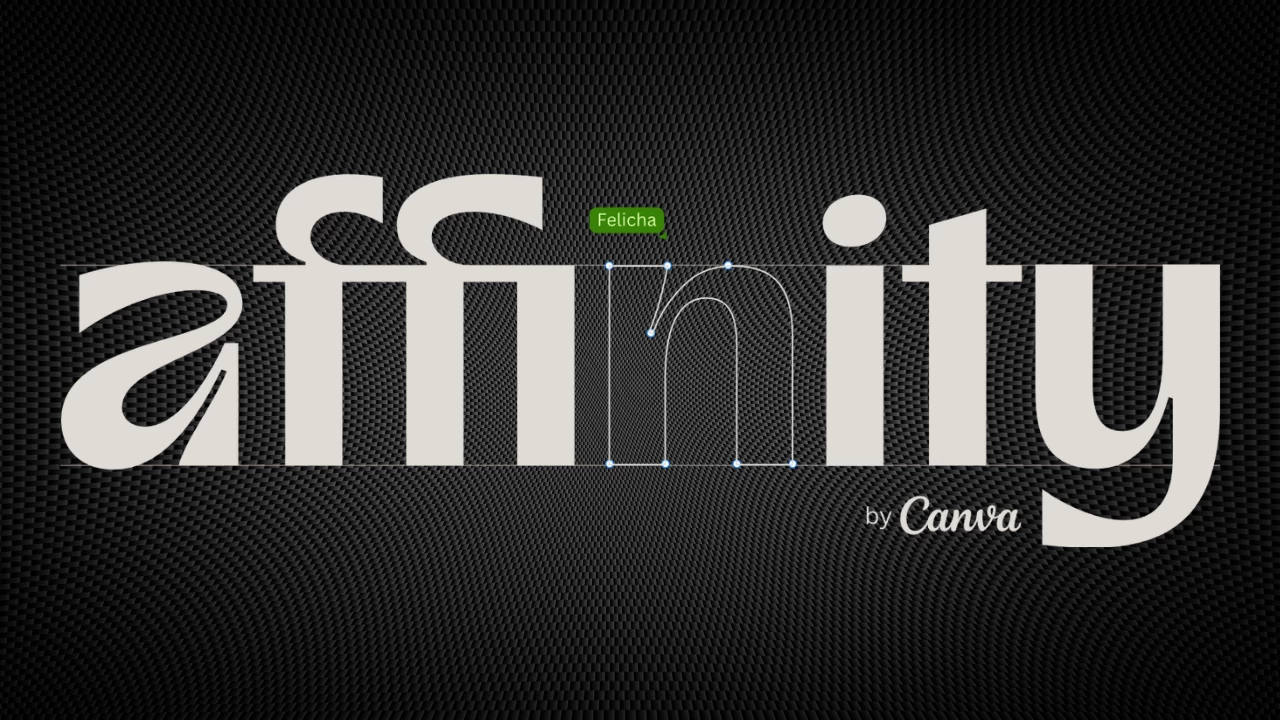
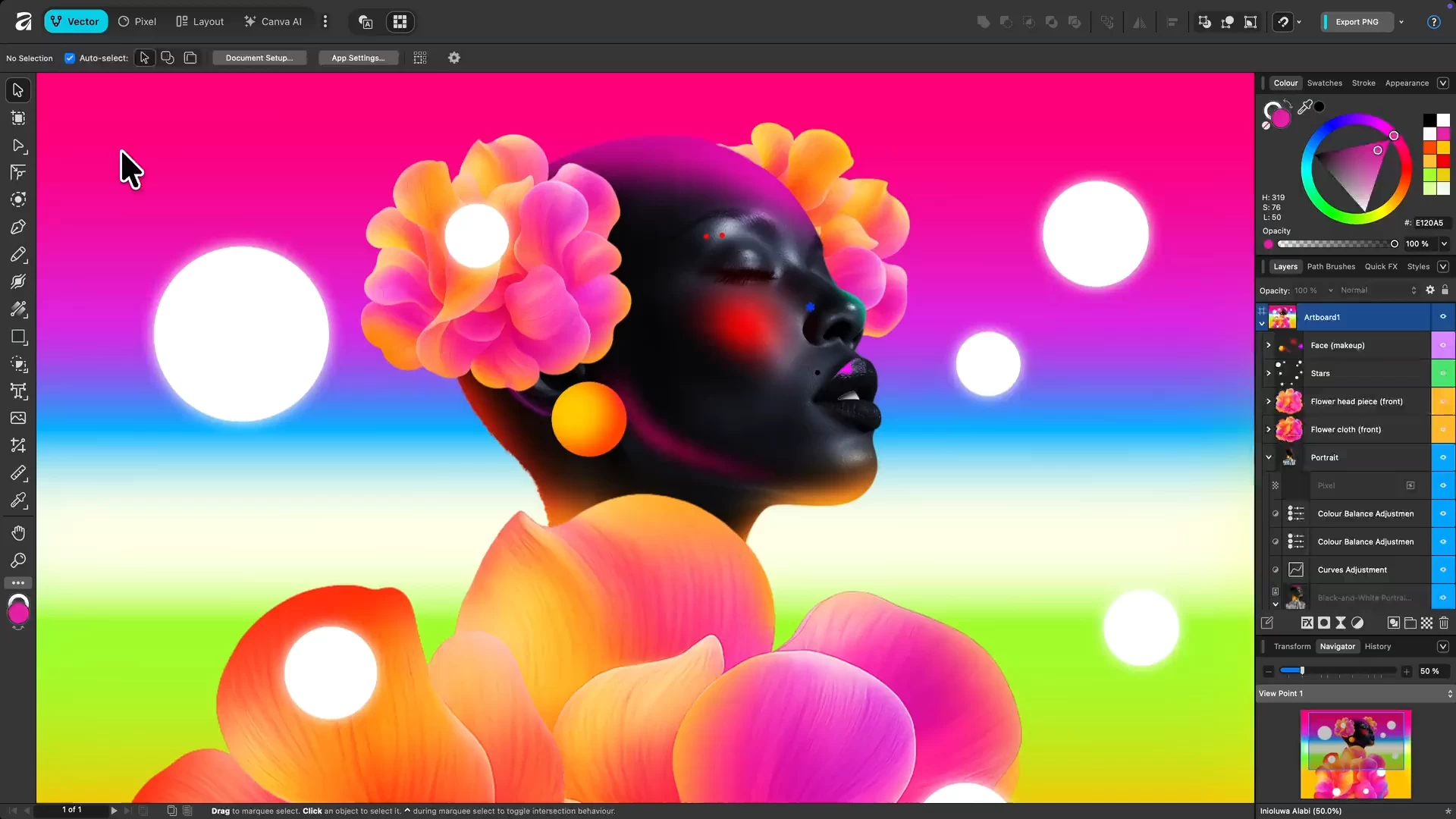
Affinity by Canva is a free, all-in-one creative app combining vector design, photo editing, and page layout in a single platform. Originally developed by Serif, it’s now under Canva, offering professional-grade tools without subscriptions. Users get full access to Pixel, Vector, and Layout studios, plus ongoing updates. Designed for Mac and Windows, it empowers designers, illustrators, and content creators to work faster, smarter, and more creatively than ever before.
Affinity is a unified, high-performance design platform combining vector, raster, and layout workflows. It offers fully non-destructive editing, advanced curve and shape manipulation, artboards, symbols, and seamless integration of pixel and vector content. The photo engine supports RAW editing, compositing, retouching, and batch processing with macro automation. Layout tools include long-form document support, typographic precision, navigational elements, CMYK-ready print, and Data Merge. Canva AI Studio adds generative tools (Fill, Expand, Edit), Depth Map, Super Resolution, and advanced portrait effects, accessible via Canva Pro or higher. Broad file compatibility and customizable workspaces ensure professional-grade efficiency.
Advanced AI features like Generative Fill and Expand are unlocked in Affinity through the Canva AI Studio for users with a Canva premium plan (Pro, Business, Enterprise, or Education).
Affinity is truly free.
Every tool in the Pixel, Vector, and Layout studios is fully accessible, along with all customization and export options—no limits, no payments required. The app also receives free updates with new features and improvements.
Your creativity remains yours.
Affinity stores all your work locally on your device. Canva does not use any Affinity content to train AI or develop features, including anything created with Canva AI tools within Affinity. If you export or upload your work to Canva, you remain in full control. Data preferences can be reviewed or updated at any time in your Canva account settings.
Why is Affinity free?
Curious how this is possible? Here’s the philosophy behind it and how it works.
Affinity – March 2026 Release Highlights:
New UI & Workflow Features:
- Document tabs now have context menus, float options, and light UI mode
- Automatic Vector/Pixel view assignment
- Pen Tool enhanced (new shortcuts, smarter nodes, Rubber Band on by default)
- Create curves directly from pixel selections
- Direct gradient/hatch editing in Swatches
- Object captions added with auto-numbering and metadata
- Brush settings instantly accessible via right-click
- New Tone Brush Tool + Live Tone Blend Groups for smoother composites
- Updated RAW engine with new camera support
Productivity & Quality Improvements:
- Clipboard copies objects as SVG by default
- Home screen tabs customizable
- UI accent colors on Windows; filters can be made destructive with Alt-click
- Better profile handling, resource management, and Data Merge behavior
Stability Fixes (All Platforms):
- Crashes resolved when opening/exporting documents, importing files, using Master Pages, panorama edits, Data Merge, and ABR import
- Numerous stability fixes on macOS (PDFs, EPUB, TOC, Frame Properties, floating windows)
- Numerous stability fixes on Windows (floating docs, panorama edits, PDF export, artboard duplications, V2 file handling)
General Fixes & Workflow Corrections:
- Linked file layer visibility, gradients, symbol colors, print tiling, alt-text tags, ruler behavior, snapping, wireframe view, path brush transparency
- Equirectangular projection non-destructive fixes
- Improved snapping, guides, margins, and color handling
- Improved text handling: style preservation, notes/footnotes, TOC, cross-references, find/replace, glyph handling
Platform-Specific Fixes:
- Mac: Pantone visibility, UI redraw issues, Studio behavior, toolbar clipping, dialog truncations, PDF issues
- Windows: HSL OpenCL issues, gesture binding conflicts, shortcut inconsistencies, brush behavior, UI jumps, missing icons, DPI issues, artboard scrollbars, Tools panel docking
Export & File Format Fixes:
- PNG/HDR misinterpretation, artboard bleed, transparency-to-PDF issues, export area memory, Quick Export inconsistencies
- SVG fill behavior, JPEG XL handling, EPUB/PDF export improvements across transparency, text frames, TOC, lists, cover images, embedded notes
Security Fixes (Windows):
- Multiple WMF/EMF vulnerabilities patched (CVE list included in full notes)
Internationalization:
- Many translation fixes for Spanish, German, Italian, French UI elements
- Corrected EPUB terminology and layout issues [full release notes]
Note: A free Canva account is required to use Affinity. Your account gives access to Affinity along with other Canva products and features.
Download: Affinity 3.1.0.4231 | ARM64 | ~600.0 MB (Freeware)
Links: Affinity Website | macOS | Screenshot
 Get alerted to all of our Software updates on Twitter at @NeowinSoftware















1 Comment
Load the comments and join the conversation!
Read the comments, ask the editors questions, show respect and join the conversation.