
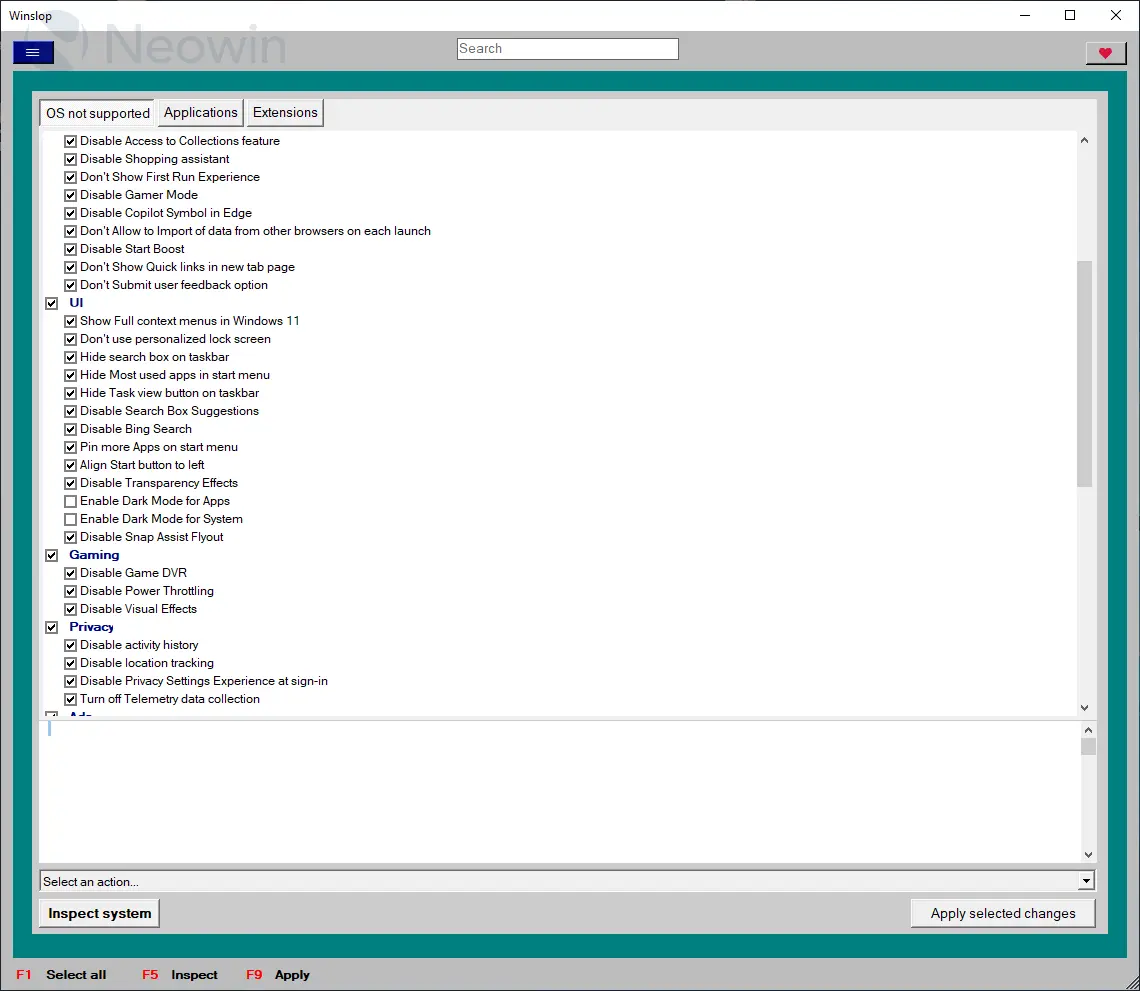
Winslop, developed by the creator of Flyoobe, is a lightweight Windows utility that removes unnecessary system slop, reduces bloat, and restores full user control. A focused, local fork of CrapFixer, Winslop shows exactly what changes will occur, allowing users to review and revert actions. It works entirely offline, with no AI, cloud, or telemetry. Perfect for users who want a cleaner, transparent, and minimal Windows experience, Winslop simplifies system maintenance, optimizes performance, and eliminates forced, opaque, or redundant features while keeping Windows itself intact.
Winslop key features:
- Removes system slop – eliminates unnecessary or redundant Windows components.
- Reduces bloatware – optimizes resource usage for faster performance.
- Full user control – all changes are transparent, reviewable, and reversible.
- Local and offline operation – no AI, cloud, or telemetry involved.
- Deterministic behavior – predictable, consistent, and safe modifications.
- Fork of CrapFixer – smaller, focused, and easier to maintain codebase.
- Improves system performance – reduces overhead and unnecessary processes.
- Targeted optimization – only removes opaque, forced, or optional slop.
- Visibility of changes – shows exactly what will be modified before applying.
- Lightweight tool – minimal footprint, no unnecessary layers or assistants.
Winslop 26.02.02 changelog:
This release marks the first stable milestone of the project and introduces a new versioning scheme.
- Changed: Versioning scheme updated from 0.x to date-based format YY.MM.Patch
- New format example: 26.02.01
- Patch number increases with each release within the same month
This release replaces the previous 0.60 development version and represents the first stable major update
- Added OS applicability system to prevent unsupported features from running on incompatible Windows versions. Non-applicable features are automatically skipped during Analyze/Fix/Restore operations
- Added even more robust Windows version detection (incl. UBR like 26200.7921) and helpers for Windows 10/11 checks
- Added: Taskbar: Always show all system tray icons (Windows 10)
- Added: Taskbar: Remove “Meet Now” button from system tray (Windows 10)
- Added: Taskbar: Disable Widgets (Windows 11)
- Added: Taskbar: Disable News & Interests (Windows 10)
- Added: Taskbar: Make taskbar small (Windows 10)
- Added: Action: Clean Taskbar (removes all pinned items; clears Taskband\Favorites)
- Improved: Analysis/Fix/Restore now skip non-applicable features to avoid invalid changes
- Changed: Versioning scheme updated from 1.x.x to date-based format YY.MM.Patch (e.g. 26.02.01)
- Added a Select profile... placeholder to prevent auto-loading on startup and ensure profiles are only applied when explicitly chosen
- Reduced memory usage and improved overall resource efficiency
- Updated docs
- Minor bug fixes
Download: Winslop 26.02.02 | 208.0 KB (Open Source)
View: Winslop Website | Screenshot
 Get alerted to all of our Software updates on Twitter at @NeowinSoftware

















0 Comments
Load the comments and join the conversation!
Read the comments, ask the editors questions, show respect and join the conversation.