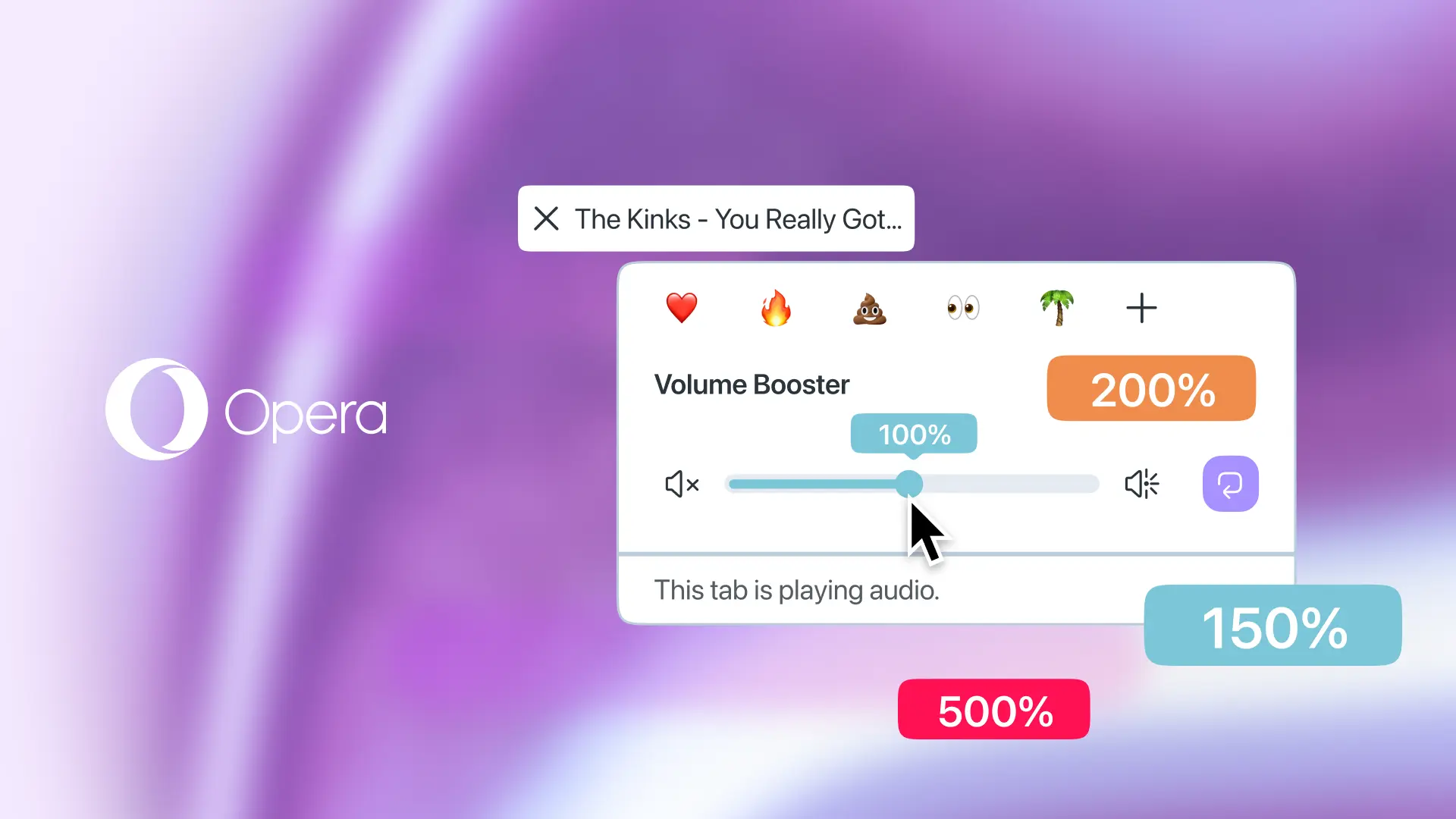
Opera announced a new browser update that aims at fixing those annoyingly quiet audio and videos on various websites. Now, instead of relying on third-party audio extensions for boosting volumes, Opera users can switch to the newly introduced native volume booster, and Opera promises some serious gains.
Today, Opera announced upgrades for its browser's media capabilities. Opera's sidebar now supports YouTube and Twitch, giving you one-click access to the most popular video services. And if your favorite streamer has something wrong with their mic, you can use the new volume booster to crank the volume by up to 500%.
The new feature offers per-tab controls, allowing you to keep one tab with your music at, say, 5%, with another tab boosted between 100% and 500%. Opera promises that there will be no full-screen playback issues, which sometimes plague users who rely on third-party volume boosters.
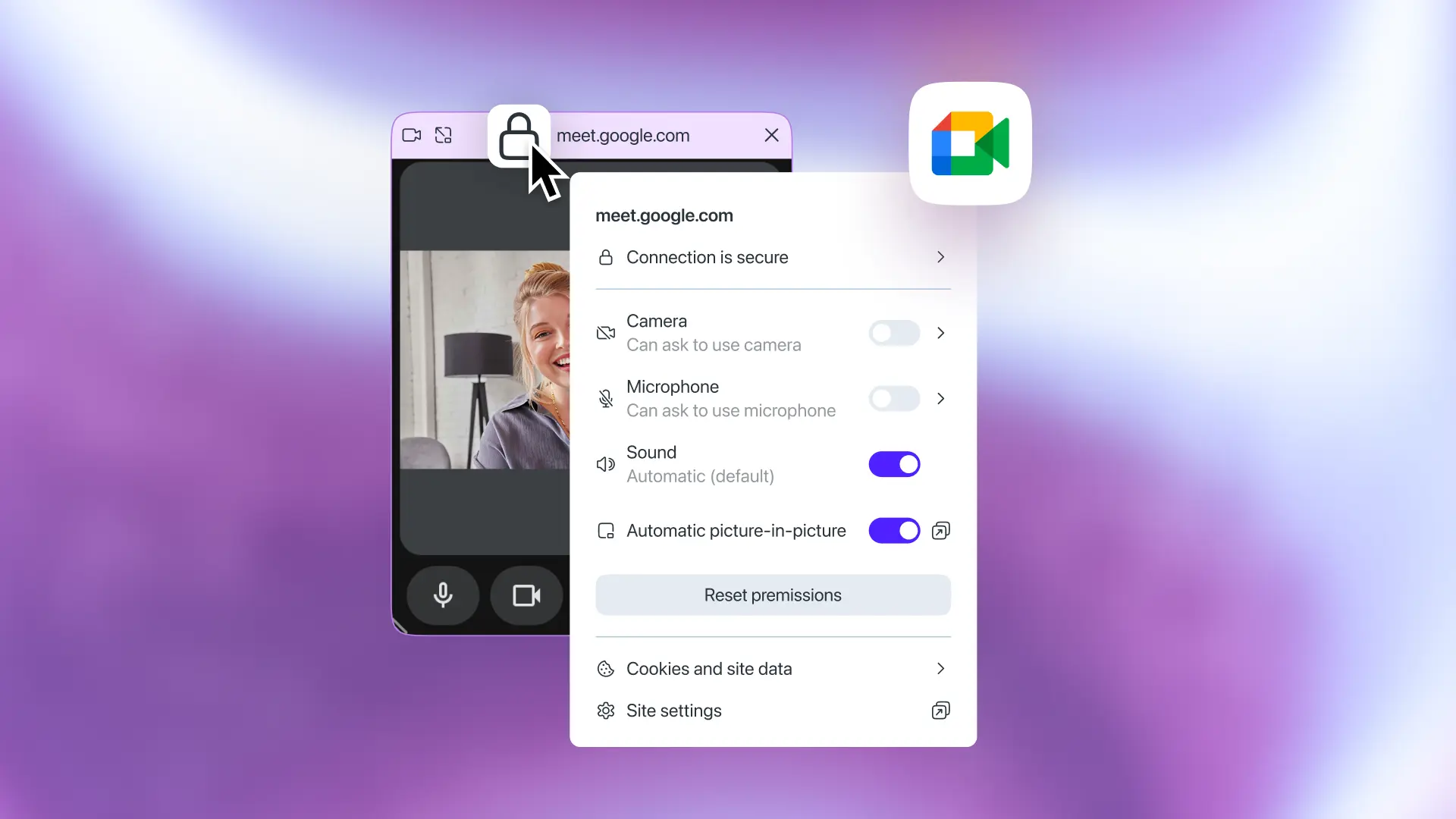
In addition to more streaming platforms in the sidebar and the new volume boost feature, Opera has reworked the browser's automatic picture-in-picture mode. Now, it supports video conferencing websites with PiP support (including Zoom), per-site controls for picture-in-picture, and improved aesthetics, with the popout window matching the current browser theme. To adjust per-site PiP permissions, click the lock icon and toggle the "Automatic picture-in-picture" switch.
Mohammed Salah, Opera's Senior Product Director, said the following about the update:
"If you like to work while watching a livestream or tutorial, this update is built for you. And if you want to hear that low-quality audio better without relying on glitchy extensions? We've solved that natively. Just try not to push your laptop’s speakers to the limit.”
You can download Opera from the official website. The browser is available on Windows, macOS, Linux, ChromeOS, iOS, and Android. However, today's new features are only available on desktop.


















0 Comments
Load the comments and join the conversation!
Read the comments, ask the editors questions, show respect and join the conversation.