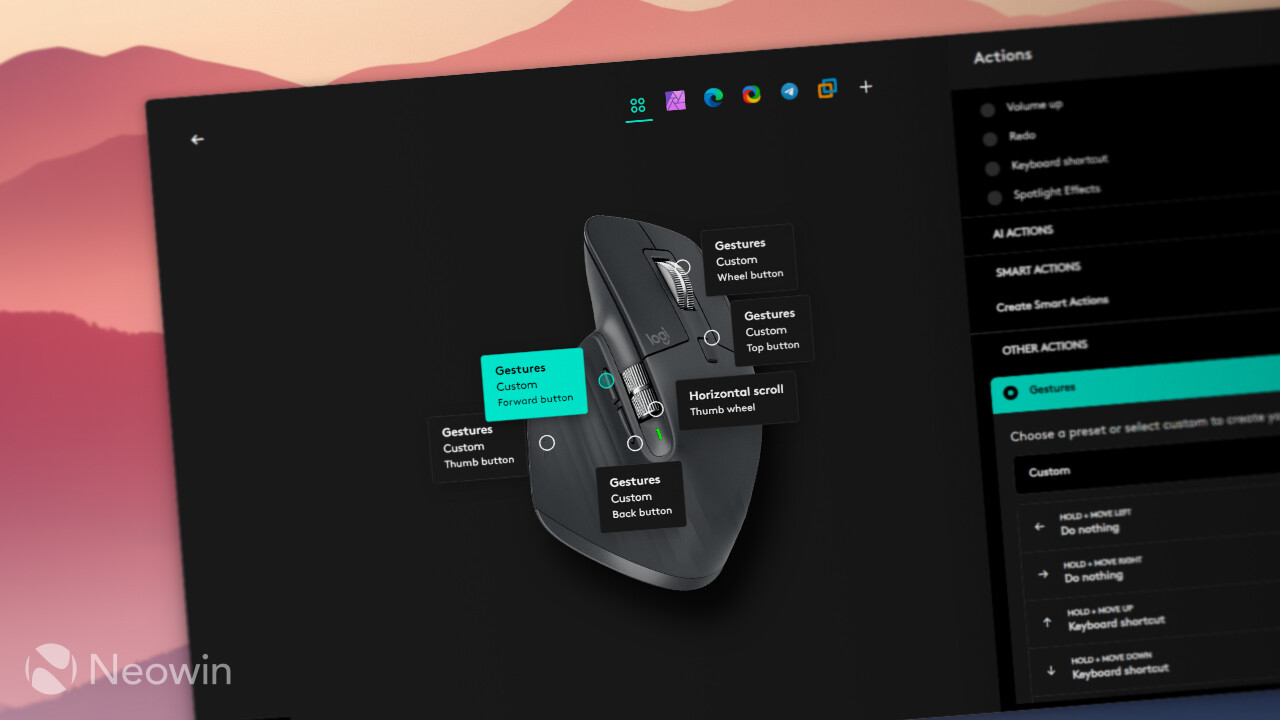
Logitech has released a new version of the Options+ app that upgrades the Easy-Switch feature, allowing easier accessory switching between PCs. Enhanced Easy-Switch is available in Logitech Options+ version 2.3.875545. The gist is simple: press one key on your keyboard and both the mouse and keyboard switch to another device.
Most Logitech mice have the Easy-Switch button located on the bottom, which makes profile switching much less convenient than pressing a keyboard key. Now, with Enhanced Easy-Switch, you can press a device key on your keyboard to switch both devices to your second or third computer.
Enhanced Easy-Switch is available on mice and keyboards that support Bluetooth and Bolt. Unifying and Bluetooth-only accessories are not supported. All mice with Bolt connection support Enhanced Easy-Switch, while compatible keyboards only include MX Keys S, MX Keys S for Mac, MX Keys Mini, MX Keys Mini for Mac, and MX Keys Mini for Business. As for supported platforms, the new feature is only available on Windows and macOS.
Enhanced Easy-Switch has a few other limitations, which you can check out in the official documentation. However, if you only use your keyboard and mice with PCs/Macs, it is a big convenience improvement, especially for MX Master 4 owners, who can definitely feel the increased weight of the latest generation.
Besides Enhanced Easy-Switch, Logitech Options+ 2.3.875545 contains a few extra changes. Here is the changelog:
- Enhanced Easy-Switch: Logi Options+ now supports enhanced Easy-Switch. With the enhanced Easy-Switch, your Logitech mouse will automatically follow your paired keyboard when you switch between computers. This simplifies your workflow by synchronizing your devices. This feature is now available with MX Keys S, MX Keys for Mac, and MX Keys Mini(All Variants) keyboards. Click here for the full list of supported mice and to know more about the enhanced Easy-Switch feature.
- Add a “Customize” button to the Camera Settings overview on the camera page for webcams.
- Update the field of view selector on the crop tab for webcams.
You can update Logitech Options+ to the latest version by clicking Settings > Check for Updates. The app can also update itself in the background.


















1 Comment
Load the comments and join the conversation!
Read the comments, ask the editors questions, show respect and join the conversation.