OneAdio is a brand we've tested quite a few headphones for here on Neowin, and now it is back with an upgrade on its "Studio Max" series of headphones; I never got a chance to test the original Studio Max, but then again, I'm not a DJ... so I'll be taking a look and listening!
Disclosure: OneOdio provided a free sample without any editorial input or review pre-approval.
As I said with the previous hands-on, I'm no audio buff, but I do know the difference between good and bad-sounding speakers and headphones. I currently own the Edifier 360DB speakers paired to my PC through a Toslink, which was an upgrade from the very much older Creative MegaWorks 250D-THX after they stopped working.
I switched to the Focus A5 that I reviewed for OneOdio back in 2024 from my own Audio Technica ATH-SR50BT with an impedance of 32Ω, simply because I think they sounded great (in my opinion). I use them with my computer when I don't want to disturb my neighbors late at night.
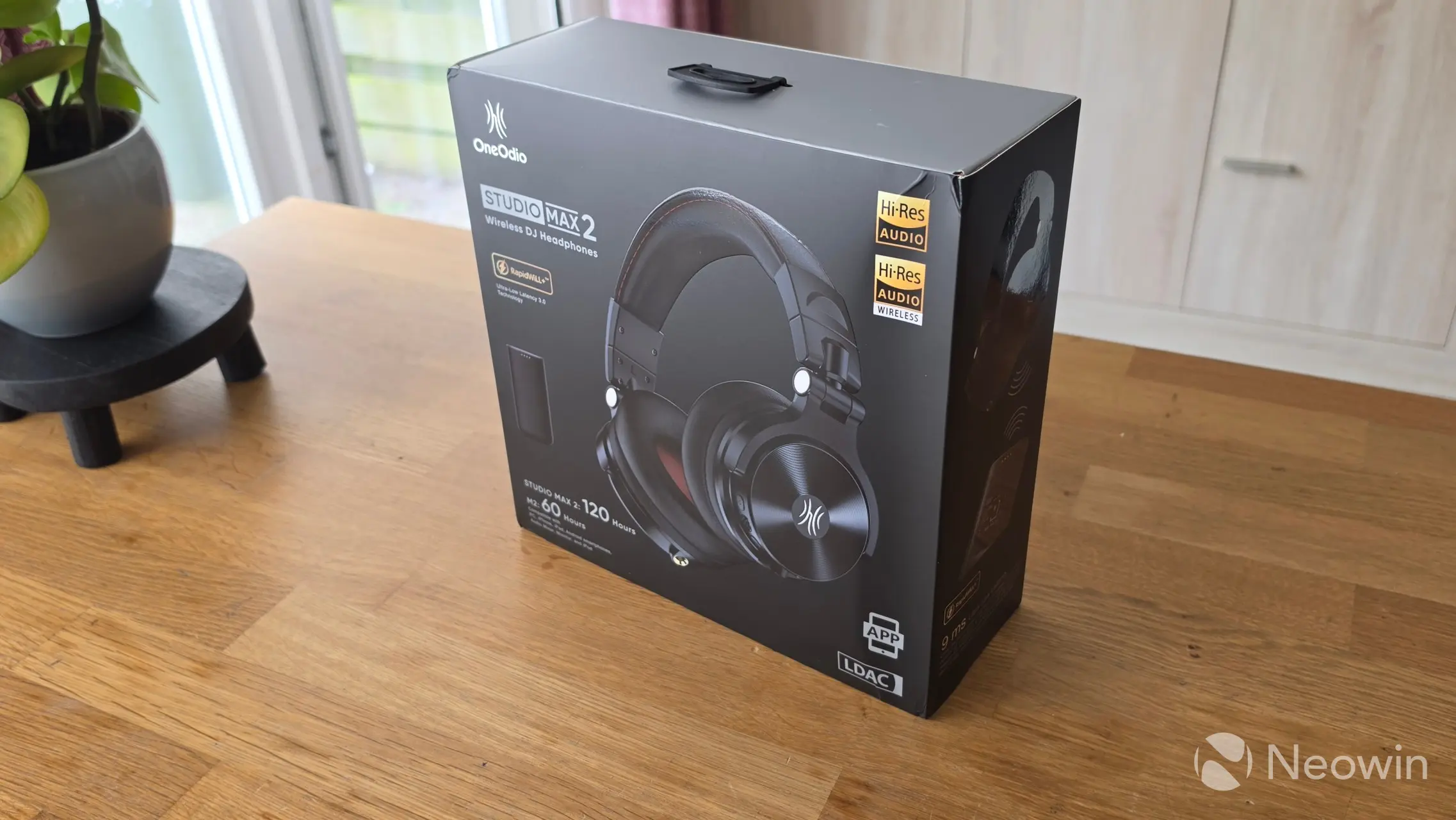
The packaging arrived unscathed this time, all the way from China. The packaging is black with some nice pictures of the headphones and their features. It's quite a premium experience, as the headphones are sitting inside a hard-shell carrying case.
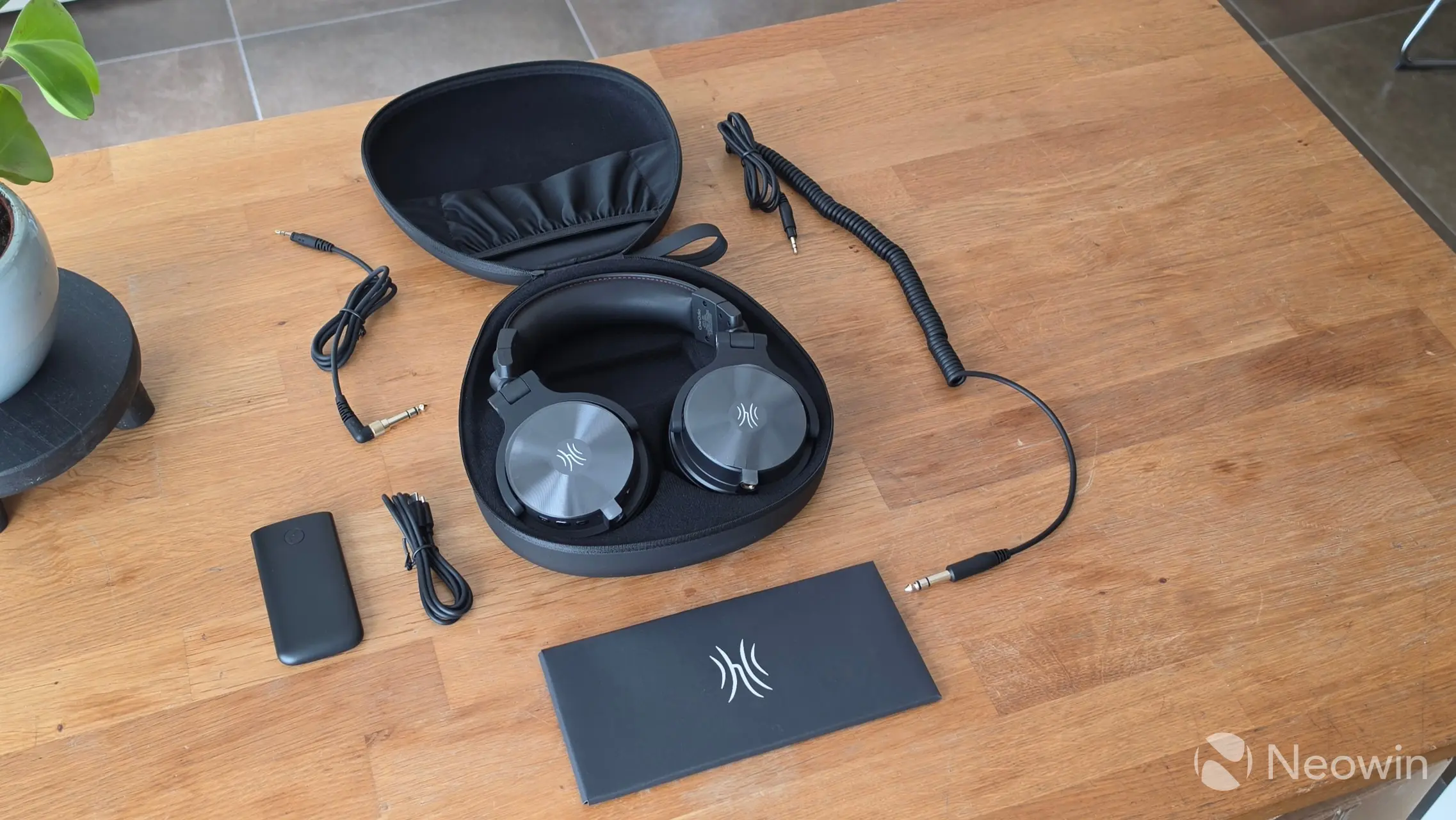
What's in the box
- OneOdio Studio Max 2;
- Transmitter M2;
- 1.2m 3.5-3.5 mm Straight audio cable
- 3m 3.5-6.35 mm Coiled Audio Cable
- 1m USB Type-C charging cable
- Carrying Case
- User Manual
- Safety Manual
With that out of the way, here are the specs:
| OneOdio Studio Max 2 | |
|---|---|
| Model: | SX2 |
| Driver: | 45 mm |
| Audio Technology: | AAC, sbc, LDAC |
| ANC | -48dB Active Noise Cancellation |
| Frequency Response: | 20 Hz - 40 kHz |
| Sample Rate: | 96kHz/24bit |
| Impedance Range: | Up to 34 Ω |
| Mic Sensitivity: | 98 dB ± 3 dB |
| Max S.P.L.: | 118 dB |
| Input Audio Ports: | 3.5 or 6.35 mm audio jack |
| Bluetooth Version: | 6.0 |
| Bluetooth Profile: | HFP/AVRCP/A2DP/BLE/SPP |
| Wireless Range: | >10 m |
| Operating Frequency: | 2402 MHz-2480 MHz |
| Battery: | Li-ion Polymer Battery (1000 mAh) |
| Charging Port: | USB-C |
| Input Power: | 3.7 V ⎓ 1000 mA (3.7 Wh) |
| Charging Time: | ≈ 2.5 h |
| Playing Time: | ≈ 120 h |
| Weight: | 353 g |
| MSRP: | $189.99/£179.99/€189.99 |
Design
|
|
|
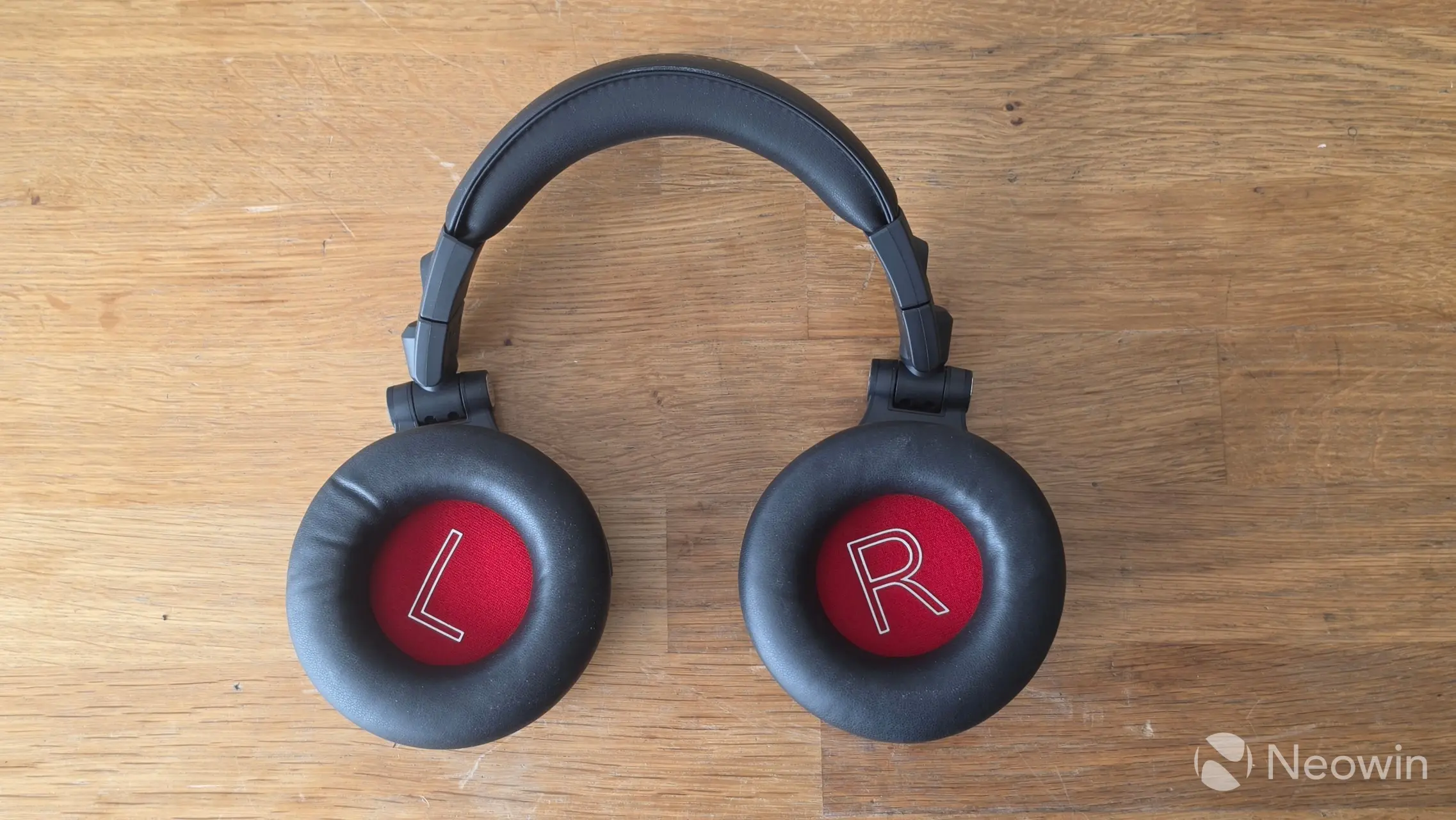
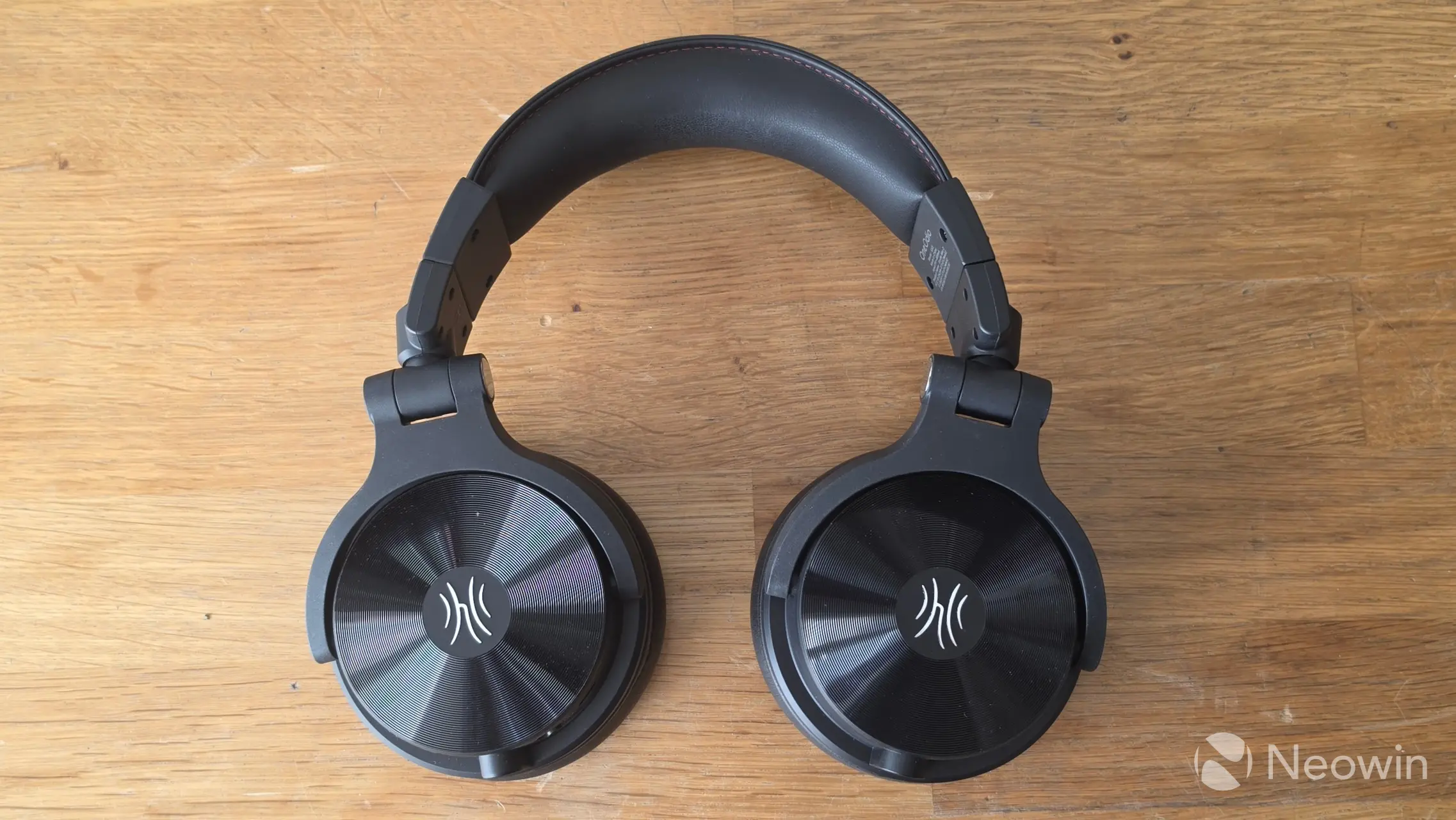
The outside of the Studio Max 2 is completely black except for the silver OneOdio logo on the outer ear cups. The whole outside of the ear cups surrounding the logo feels like a small vinyl record, which is both pretty cool and looks great. The inner earcups are red with a prominent L and R on each side, which means you won't be straining your eyes to find which way around the headphones are supposed to go.
All of the controls are on the right cup, with access to the volume controls at the bottom, which also double as prev/next track when holding down the volume up (next) or volume down (prev) for longer than 2 seconds. I would have preferred a double click on prev/next, as navigating through tracks can be time-consuming due to the two-second pause, with the rinse, repeat between each action.
In between the volume buttons, there is a Multi Function Button (MFB), which is also the power button; tapping once pauses or plays tracks, holding the button down for longer than two seconds powers the Studio Max 2 headphones on or off.
These headphones do not have Active Noise Cancelling (ANC).
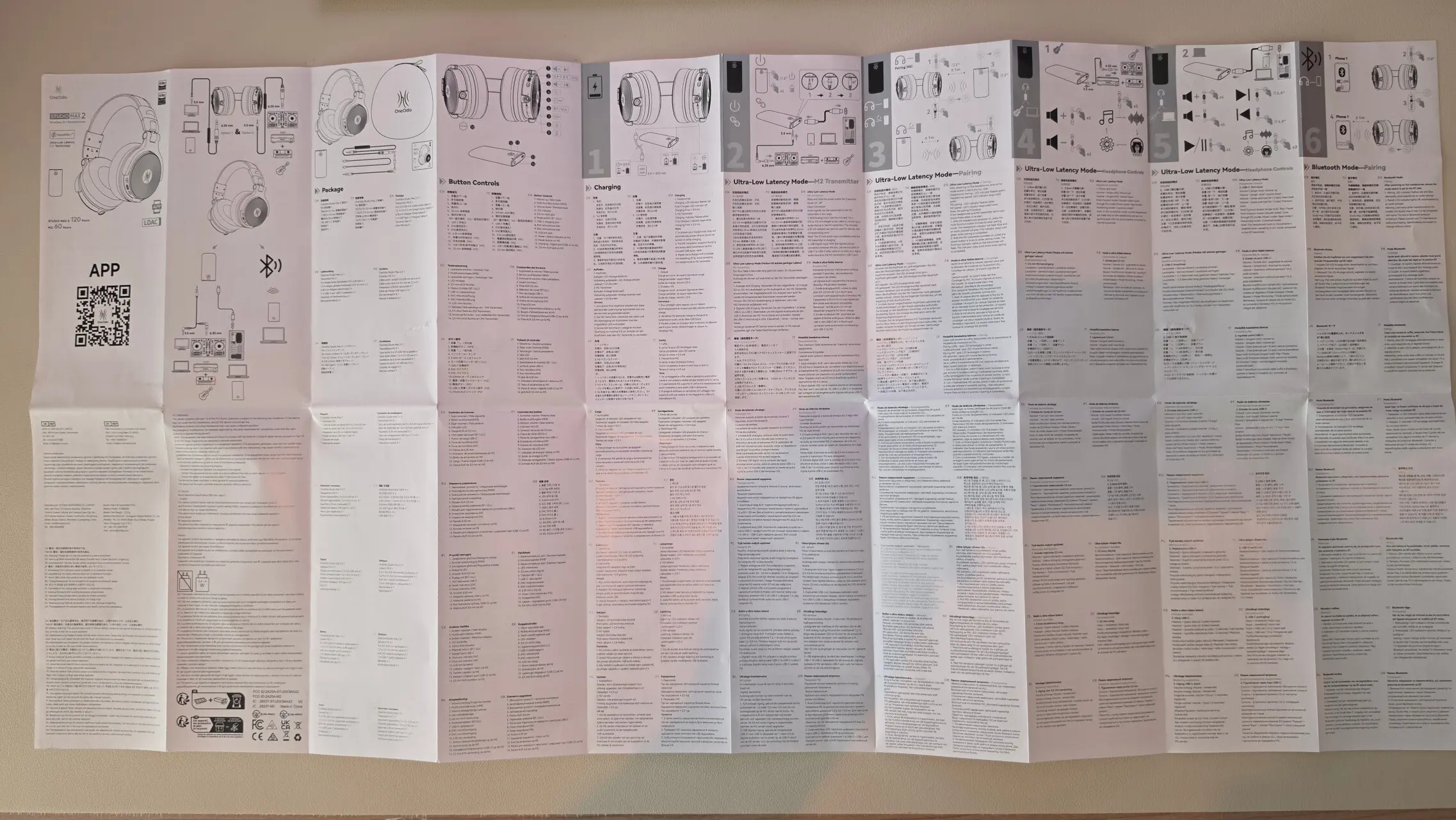
The user manual is not linked on the product page, which is something I also fed back to my contact at OneOdio.
Usage
First off, let me share the different functions of the buttons:
| BT/ULL + Type C port [L] | MFB + volume [R] |
|---|---|
|
|
|
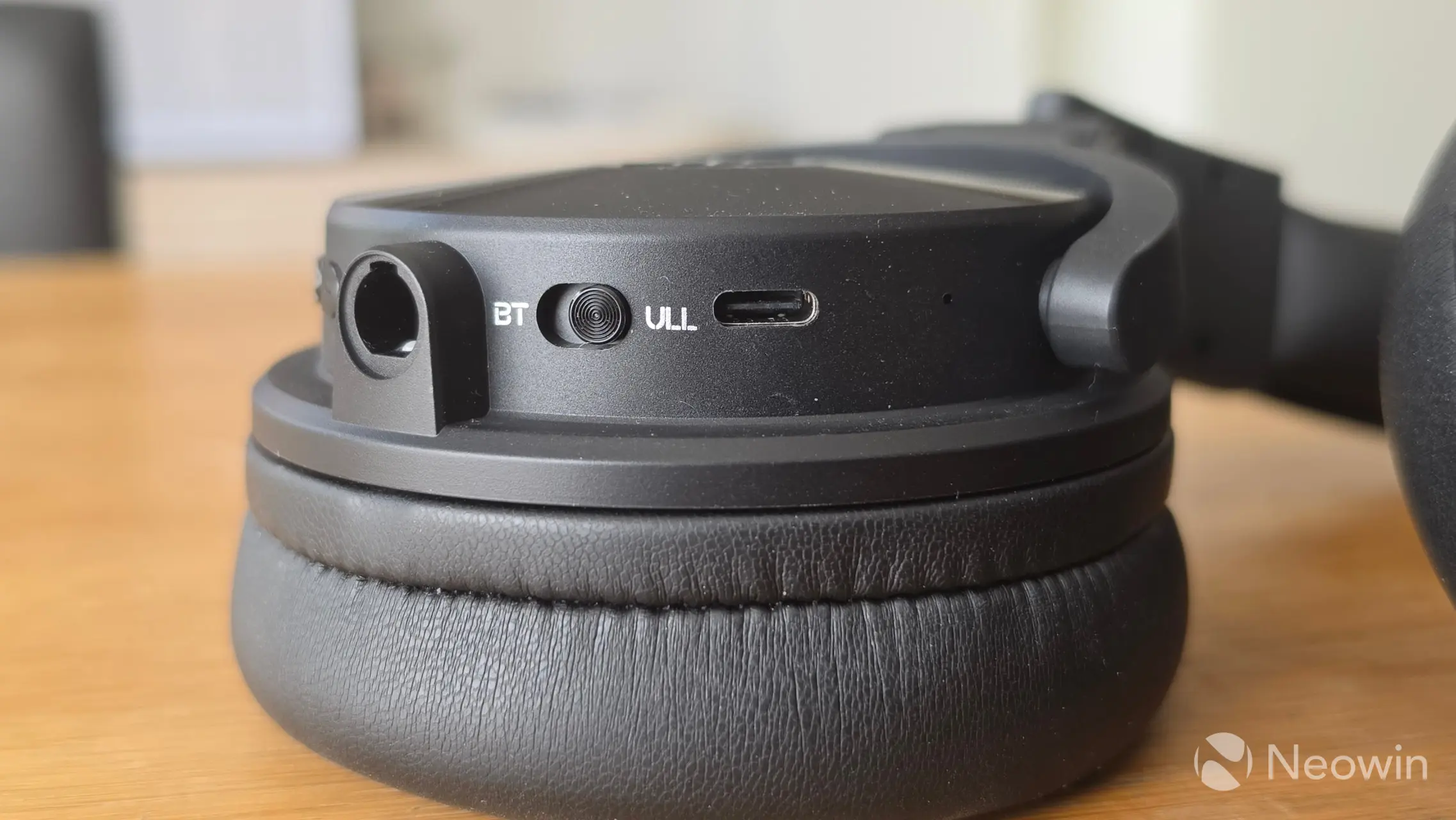
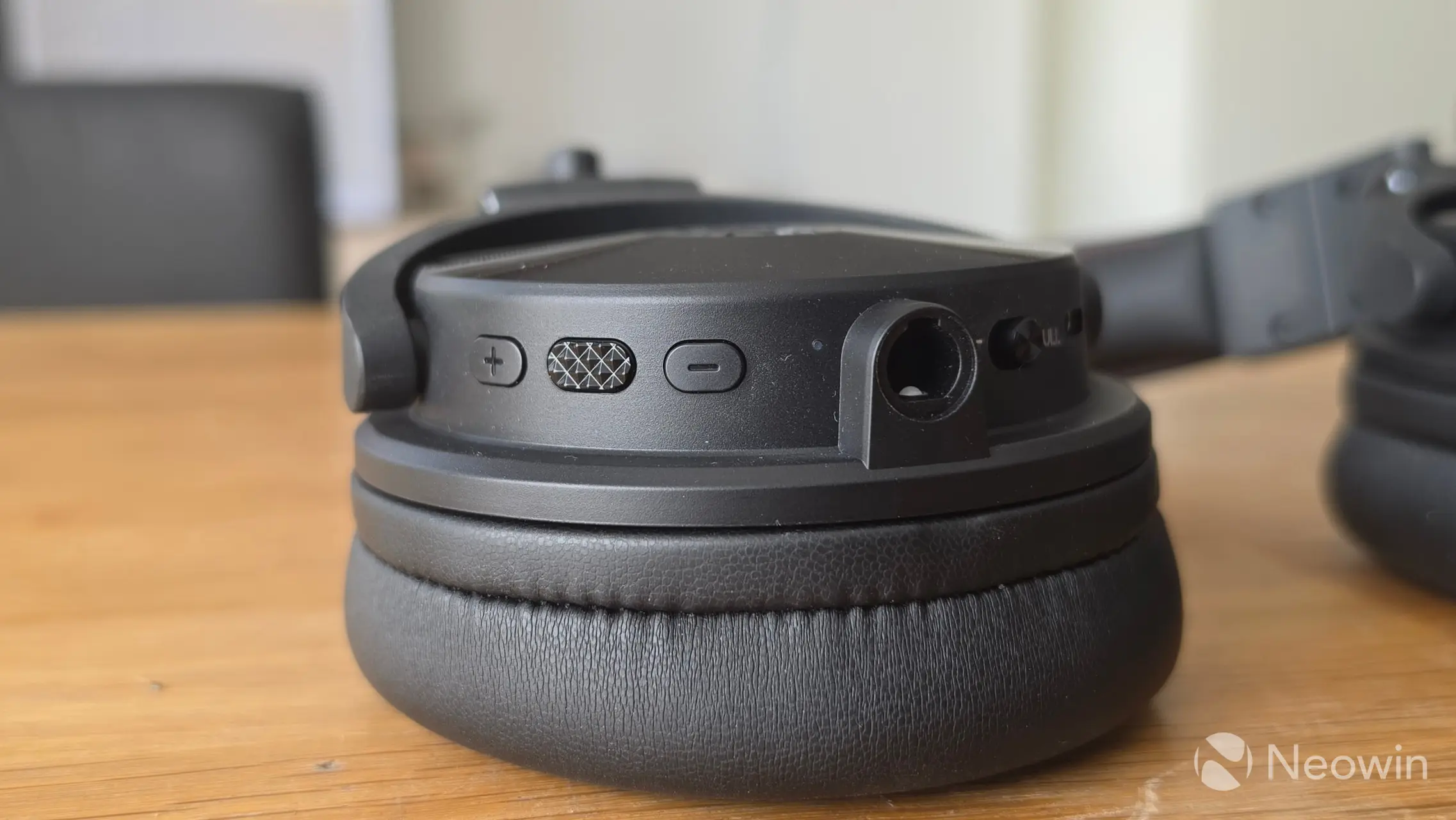
In addition to the control buttons and switch, on the left cup is a connection for a 3.5mm audio jack, and on the right for a 6.35 mm audio jack.
Controls on Studio Max 2
- Press and hold the MFB for 2 seconds: Power on
- Press and hold the MFB for 3 seconds: Power off
- Single-click the MFB: Play/Pause
- Double-click the MFB: EQ Switch (Music mode, Bass mode, Monitoring mode, Custom mode)
- Single click "+": Volume up
- Single click "-": Volume down
- Press and hold "+" for 1 second: Next track
- Press and hold "-" for 1 second: Previous track
M2 Transmitter:
- Press and hold the power button for 2 seconds: Power on/off.
- Single-click the power button: Display battery level status
| Mic [L] | Mic [R] |
|---|---|
|
|
|
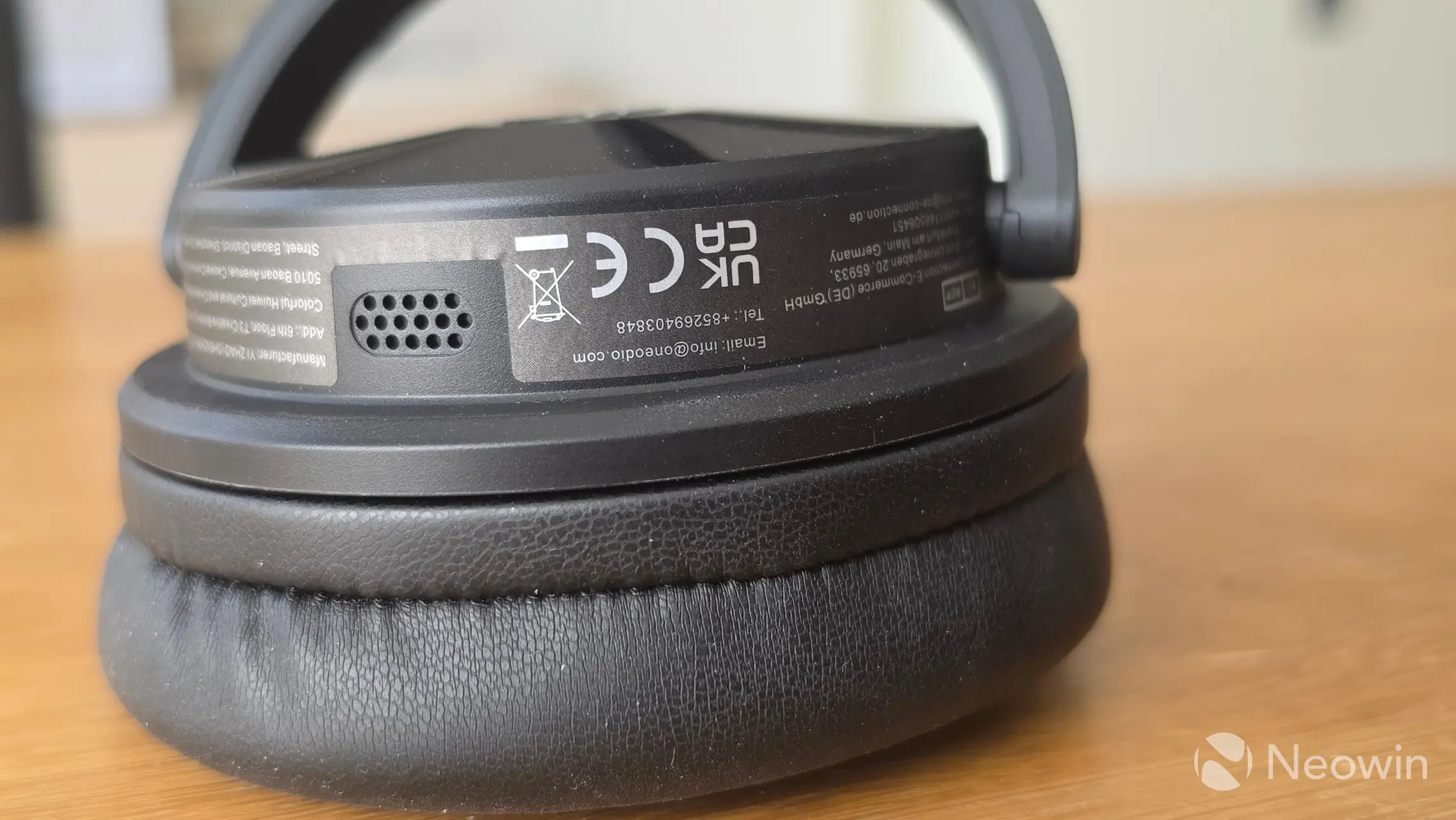
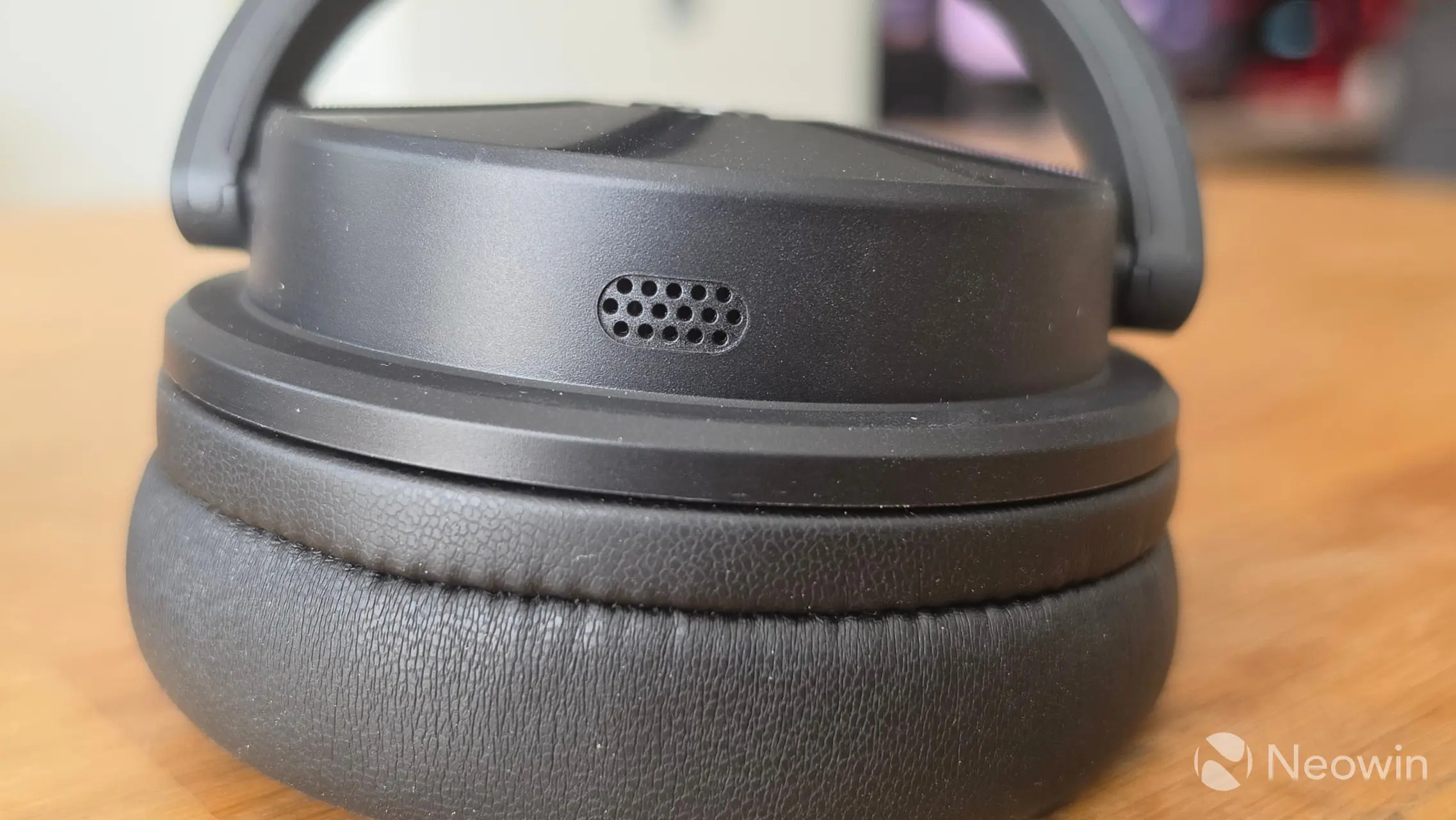
The mics on the Studio Max 2 are at the top of the cups while wearing them, as shown in the above pics. On the left cup is also a sticker of safety and certification info.
App
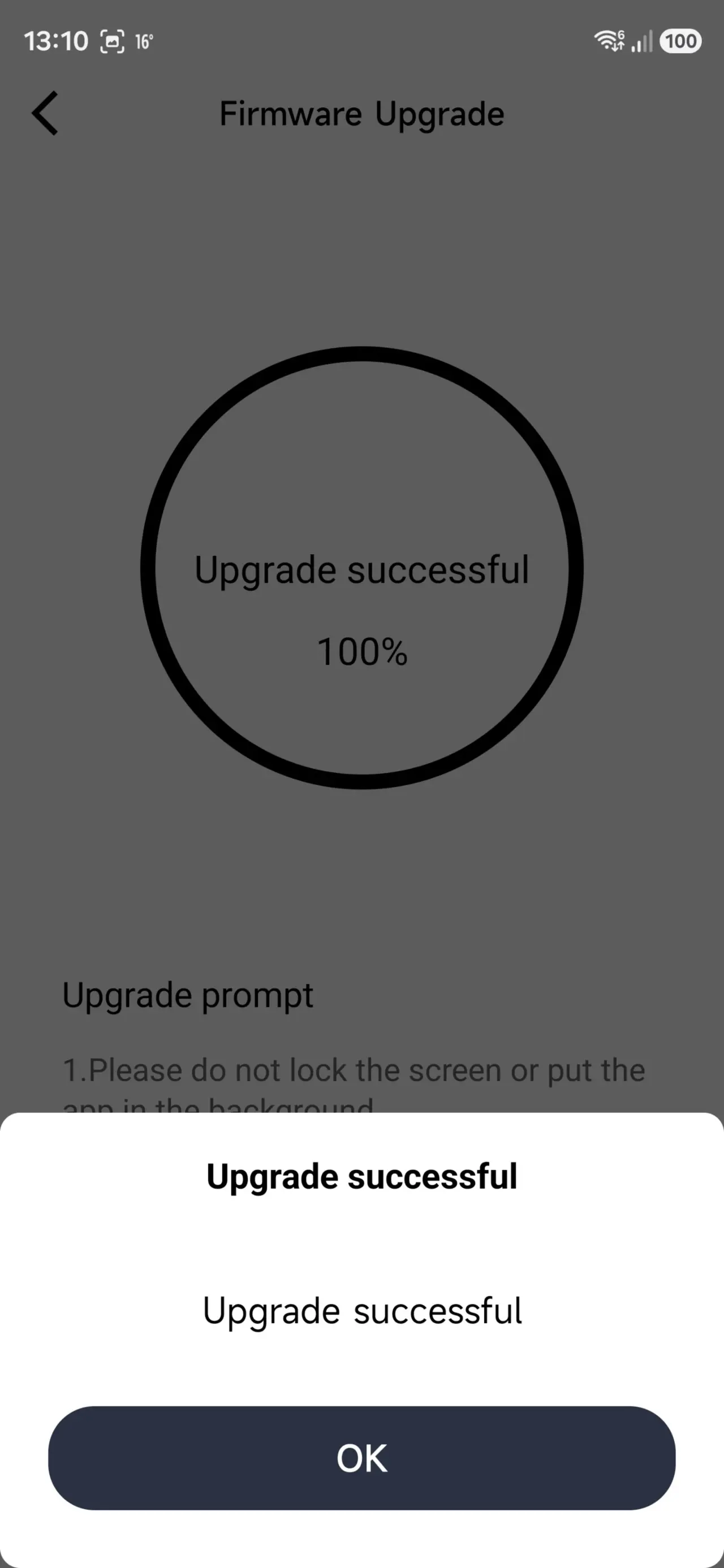
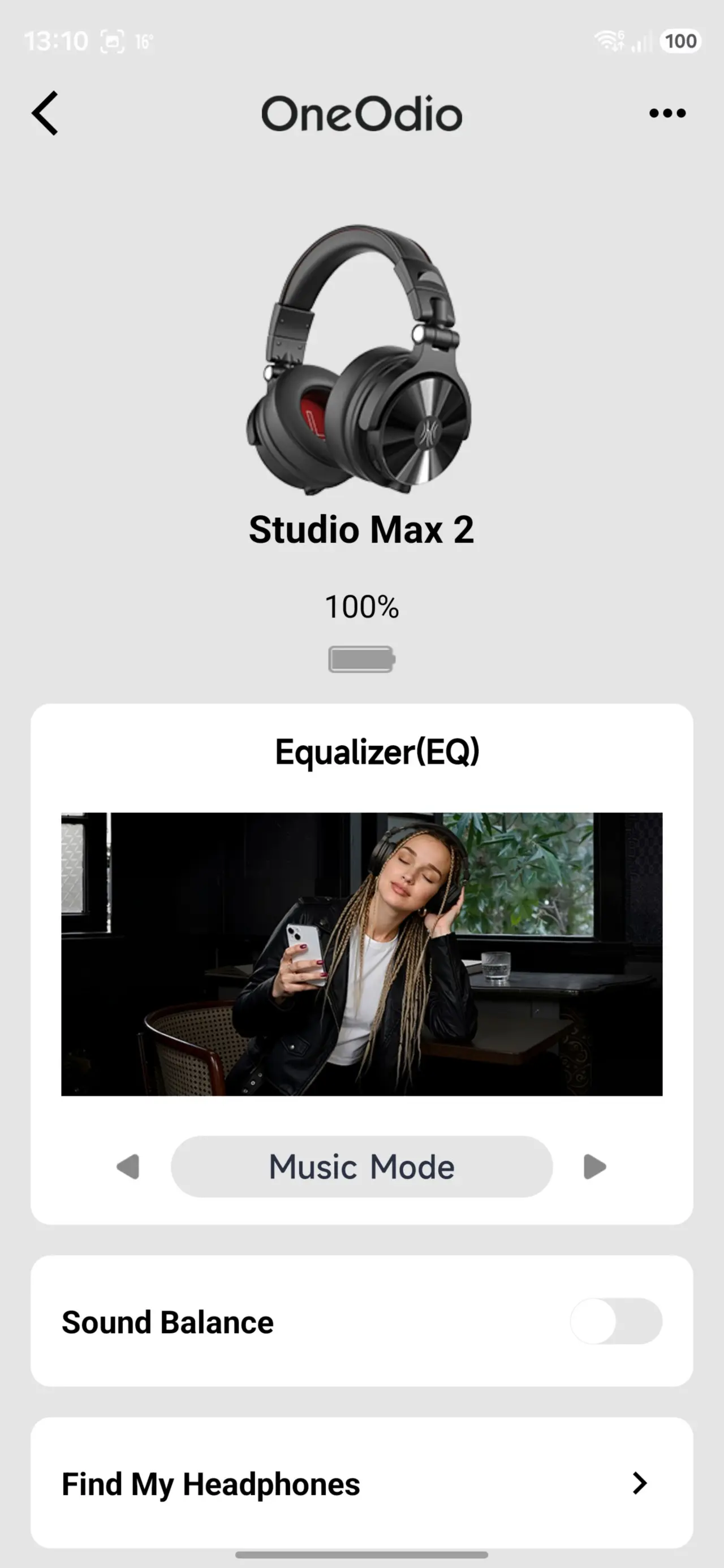
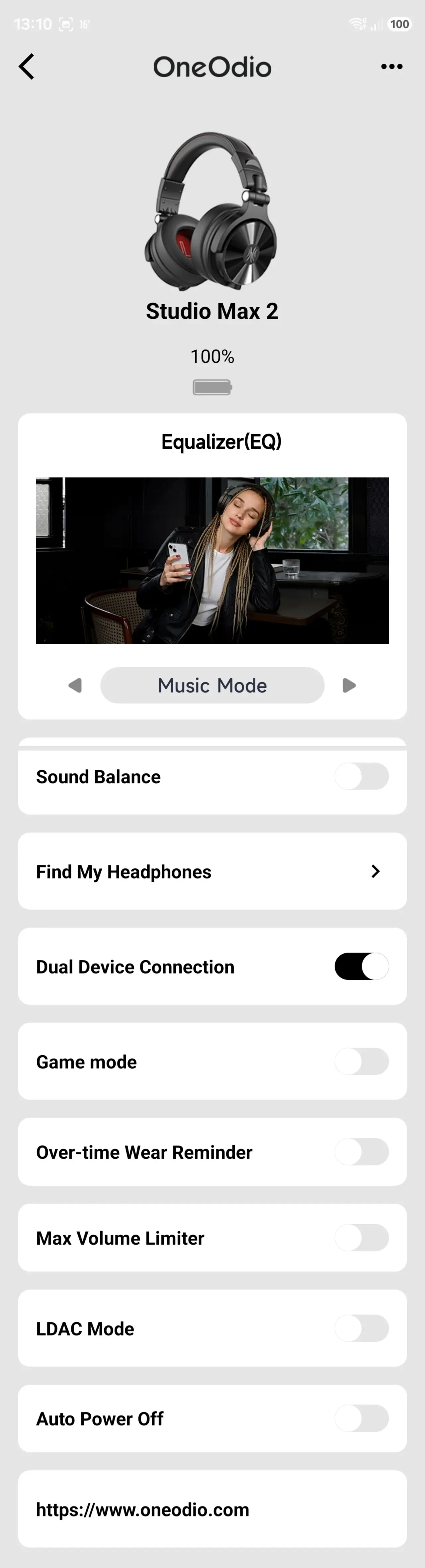
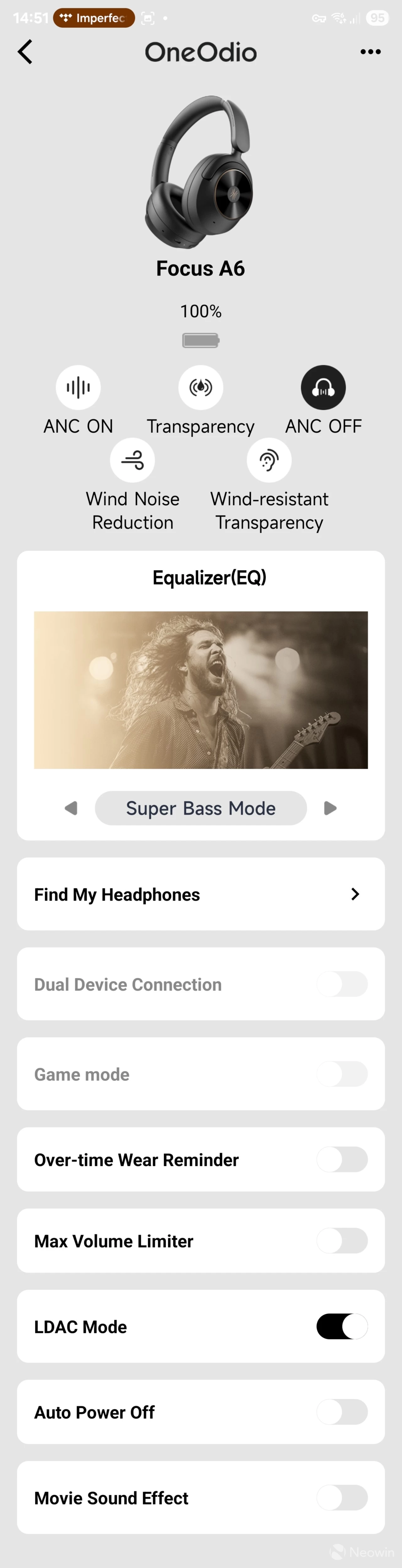
The app, which only connects when you have paired via Bluetooth on the phone, lets you control the headphones instead of fiddling with the buttons, which is always a bonus!
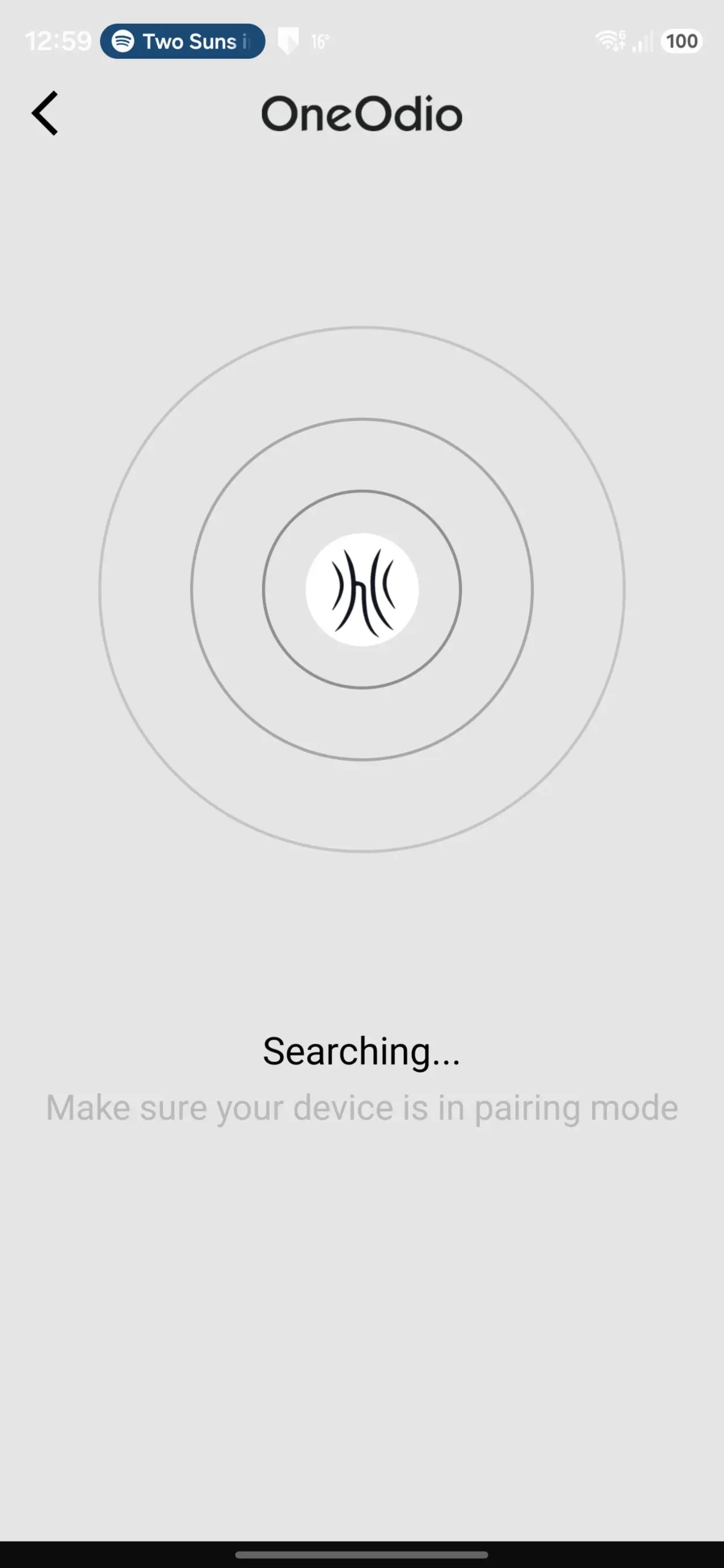
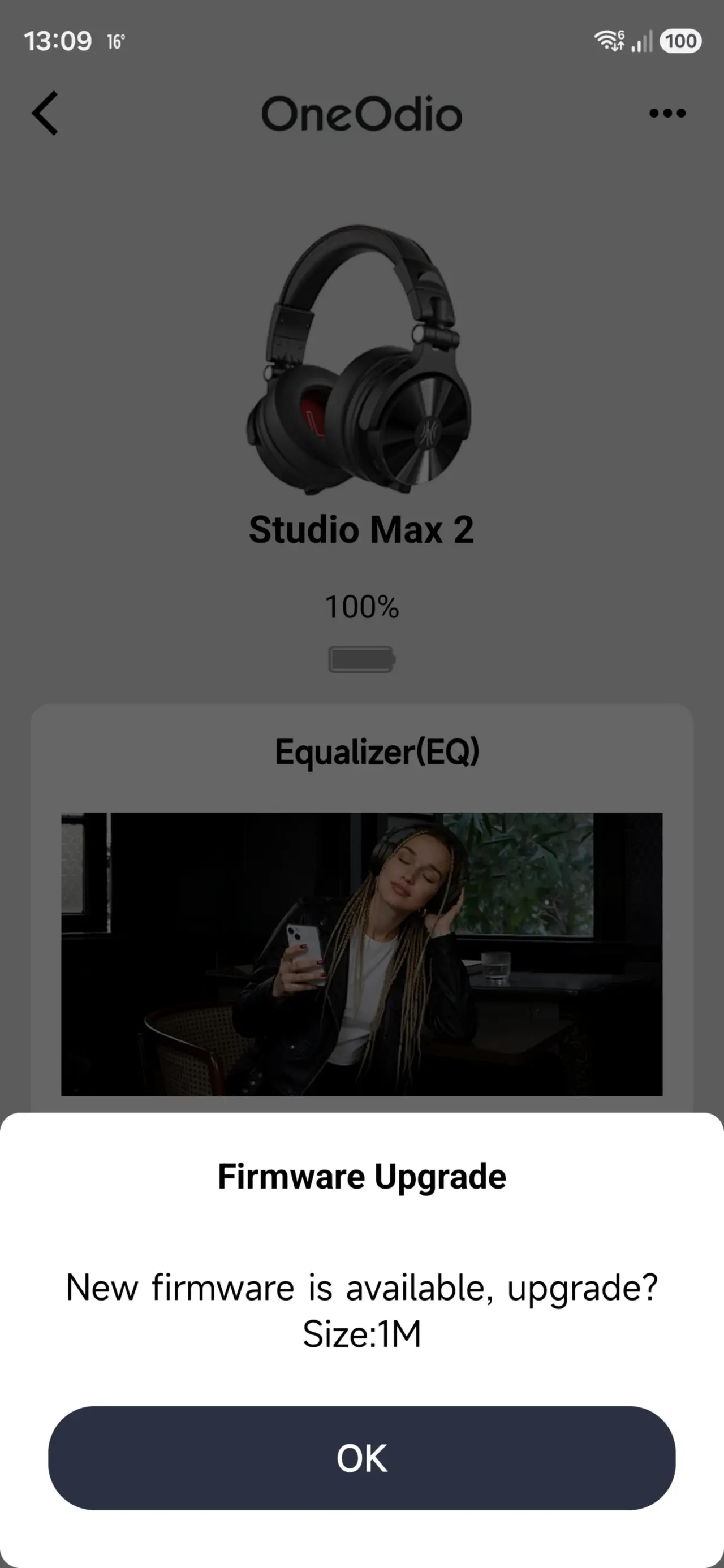
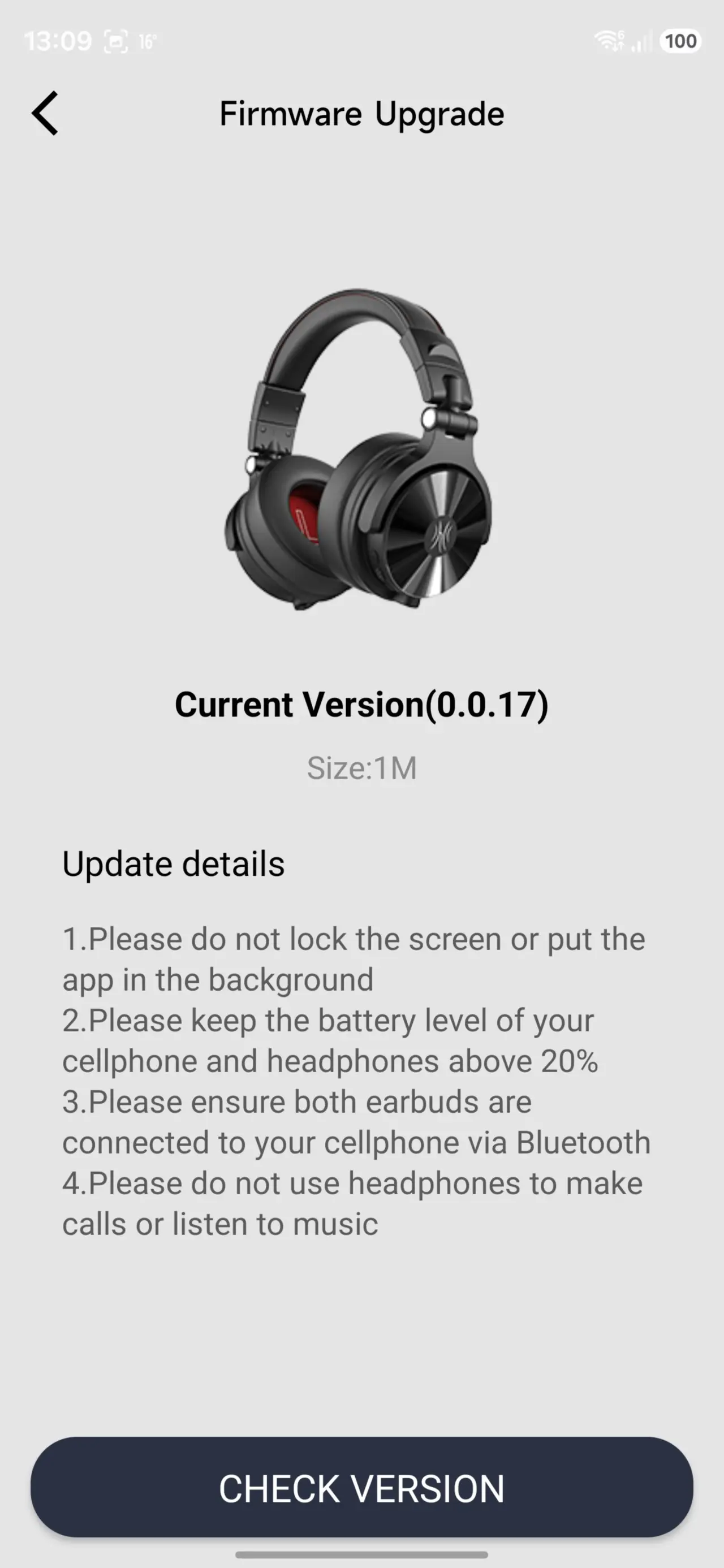
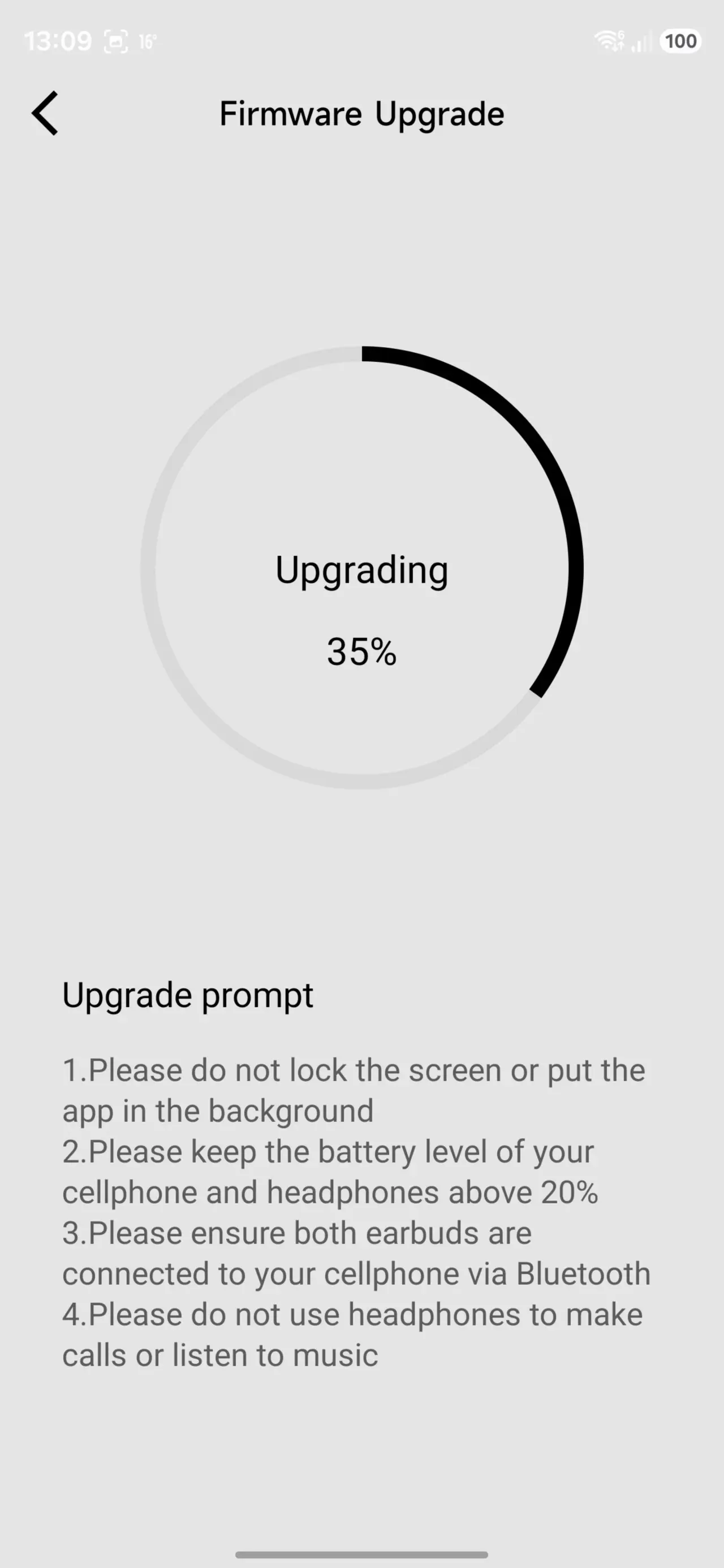
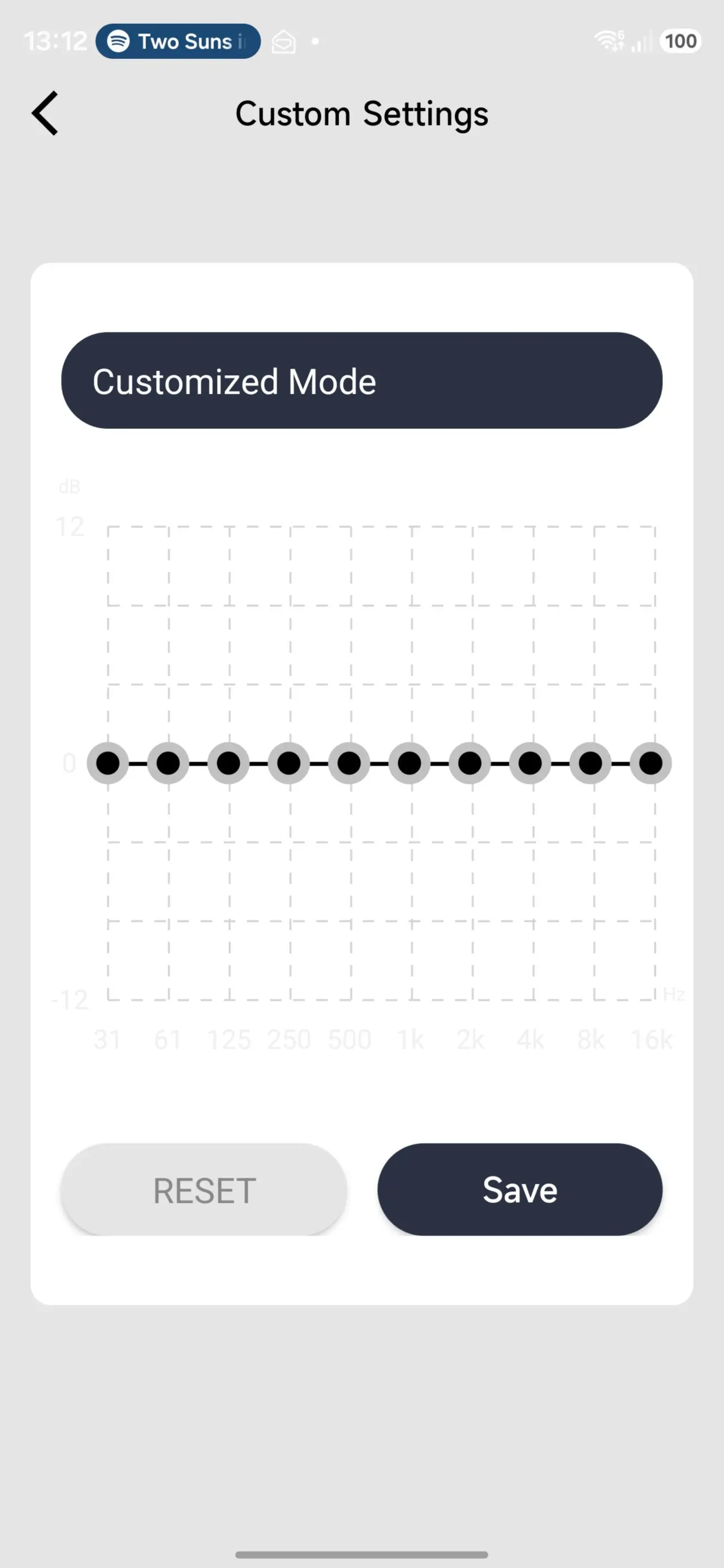
LDAC
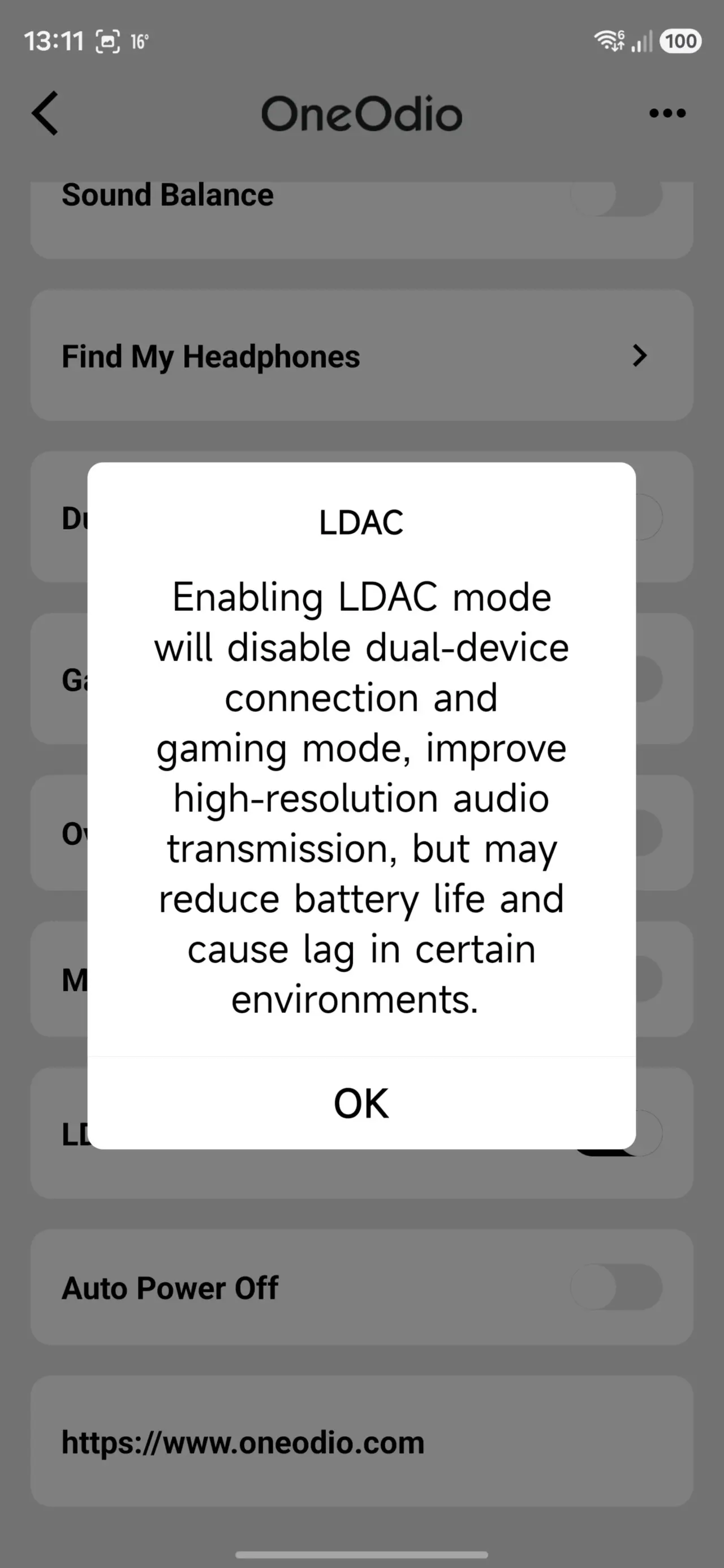
LDAC can be controlled through the app in Bluetooth mode, although I had trouble finding this in the user manual because of the tiny fonts (having to use a magnifying glass to even read it). Instead of a booklet, they decided to include 17 languages in each column, so even though the instructions look extensive, it is actually a tiny section per column. It is unclear if setting LDAC mode first through the phone app means it will be remembered when switching to a PC over Bluetooth, because OneOdio does not provide a Windows desktop app.
Monitoring mode is transparency mode
There is a Transparency mode included in the Studio Max 2, but this is called Monitoring mode, and it can be turned on via the MFB by double-tapping and cycling through the EQ. What might be less obvious is that if you need the transparent mode, this disables Music, Bass, and Custom modes.
No ANC
There's no Active Noise Canceling, and although over-ear cans more often than not don't bother to include this, it may rule out these being an option while traveling in high-speed rail or an airplane. I did some searching online and discovered that even over-ear headphones aren't all that suitable in aircraft and noisy travel options such as high-speed rail.
Listening
I found that these Studio Max 2 don't get quite as loud as the Focus A5 for some reason, considering they have even larger diameter 45mm drivers. I had to use the OneOdio app on my phone to sort of get them sounding similar to the Focus A5, which meant putting them on "Bass mode", yes, there's an app for that. Although it must be noted that the older Focus A5 headphones are not supported through the OneOdio app.
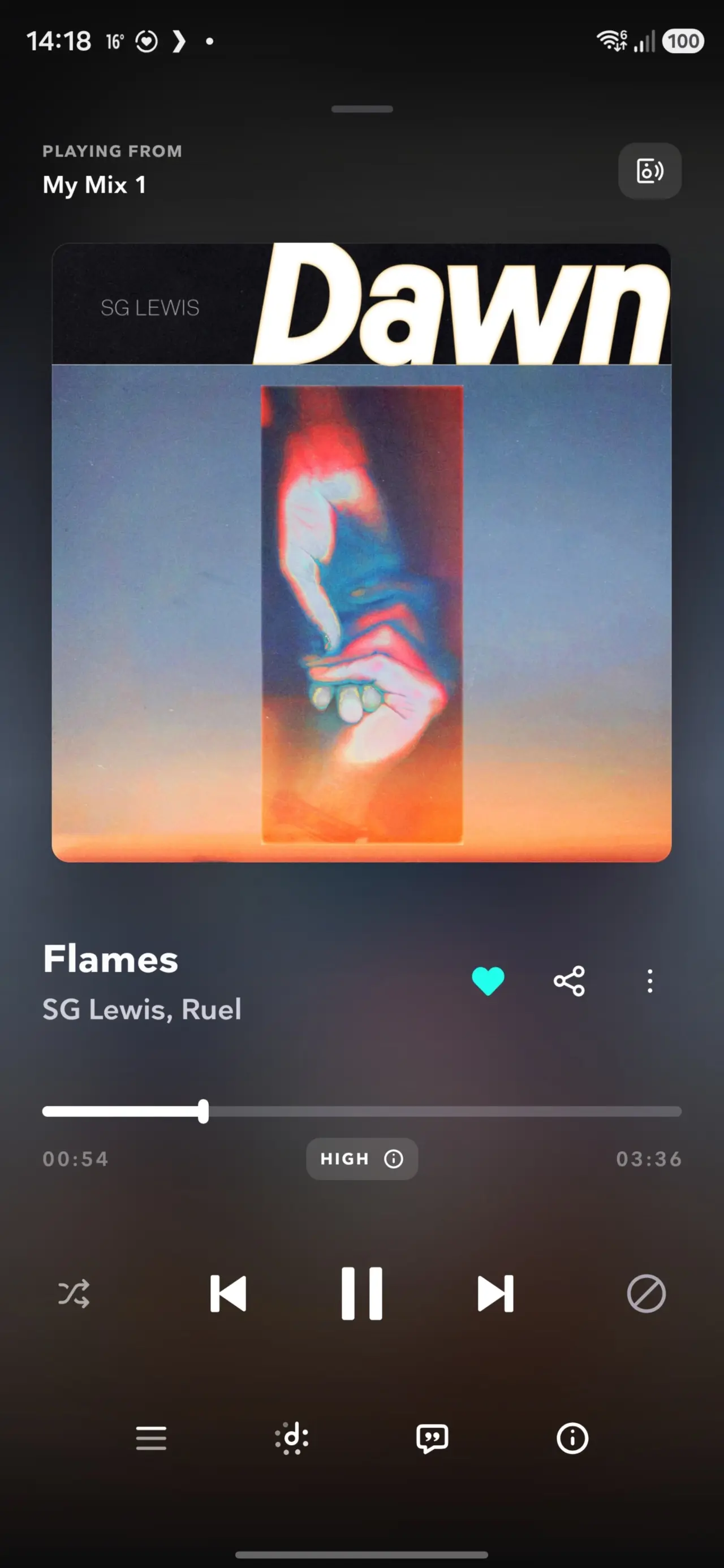
I used a combo of Spotify and Tidal for my testing on my PC, with the latter offering lossless formats, which is what I would need to really test out the LDAC performance of these "cans". I also used them with YouTube playback, which returned an acceptable quality with no noticeable lag.
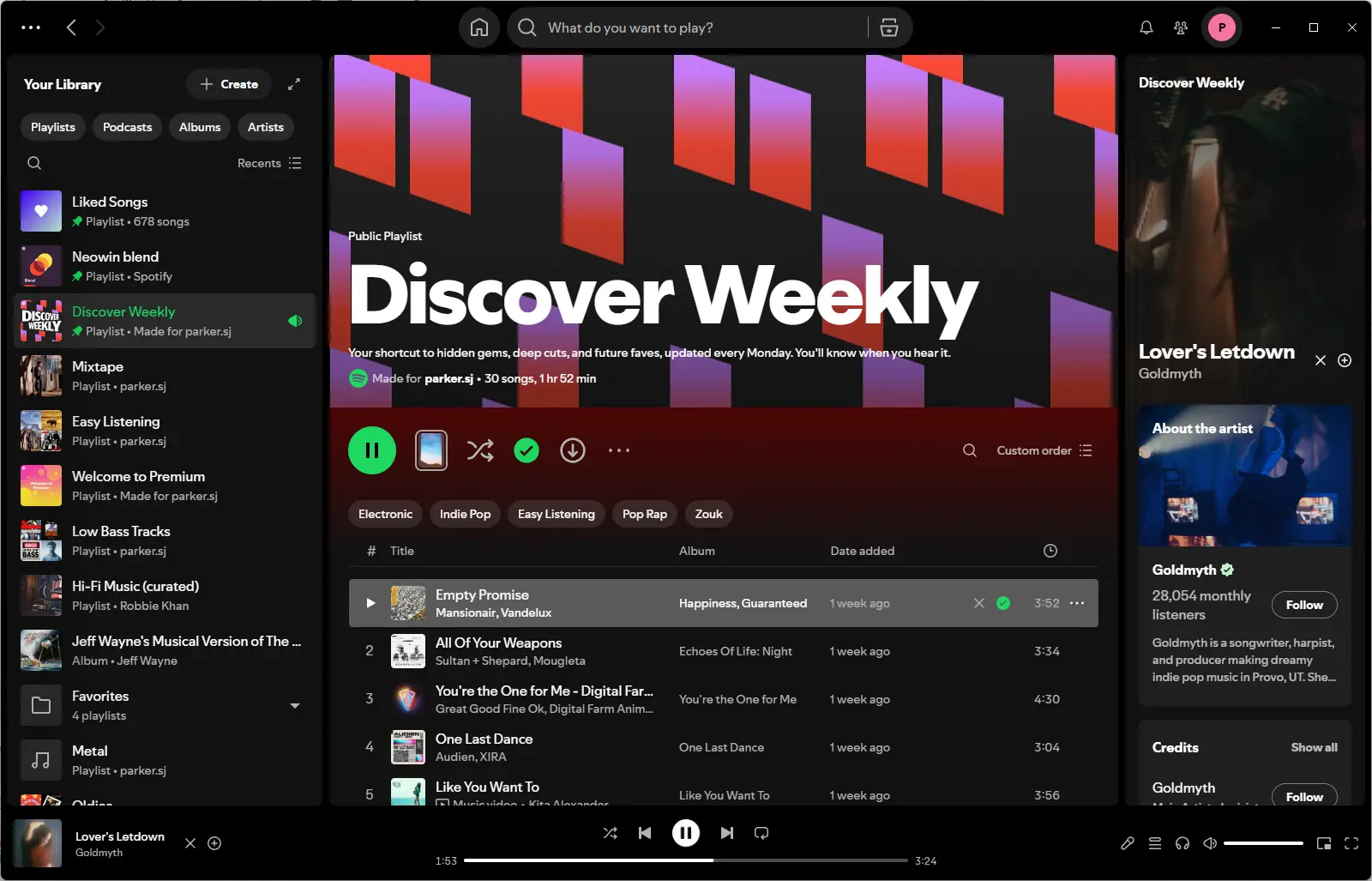
Controls verdict: Great! (in combination with the app)
Comfort
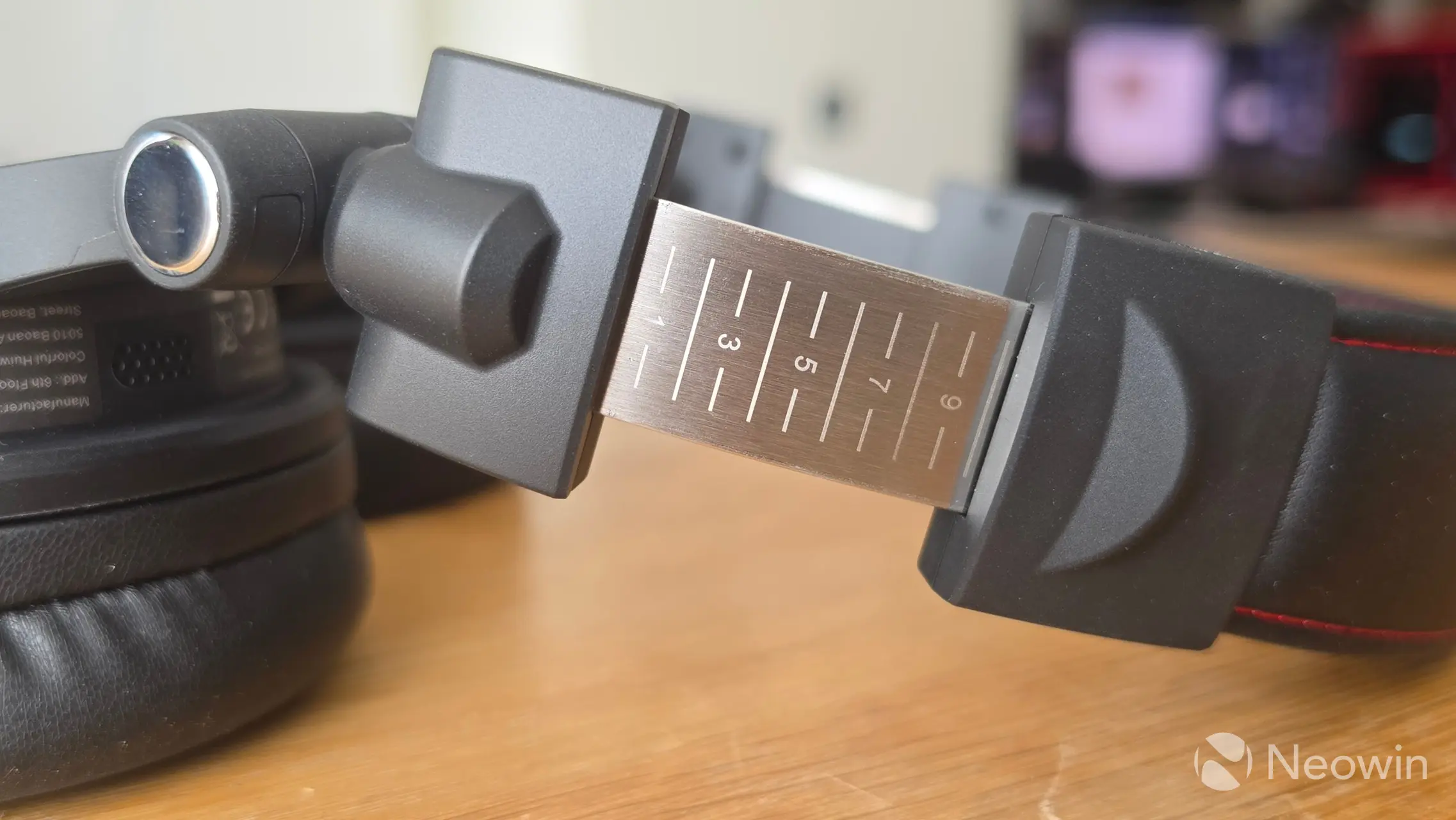
The first thing you notice with the Studio Max 2 is that they are quite large; I have a big head anyway, so this didn't bother me so much. I found them to be comfortable, and the headband is padded, so it didn't bother me at all.
After wearing and listening to music for over two hours while I am working, I wouldn't say that I "forget" I am wearing them at all, but perhaps more importantly, they don't bother me. The headset does not feel tight on my fat head at all.
Comfort verdict: Great!
tl;dr highlights:
- RapidWill+ 3.0 | 9ms Ultra-low Latency
- Exclusive KSHMR Sound Pack
- Hi-Res Dual Gold Label
- Sony LDAC @990 kbps High-Fidelity
- 45mm Large Driver
- 400 kbps Bitrate for ULL
- 120H Battery & Fast Charge
- 4 Modes Connectivity
- OneOdio APP Support
- Premium EVA Case
Transparency mode
Just like with the previous OneOdio reviews, I also tested the transparency mode by playing a YouTube video on my phone of Jimmy Carr roasting a South African heckler, and with the volume right up and holding it near to my left headphone, I could follow along as if I was listening to music through my computer speakers with someone talking. I also tried transparency mode while someone was visiting, and even with the volume down lowish that person had to talk quite loudly for me to understand them from about 1 meter (3 ft) away.
Transmitter M2
OneOdio has included something called the Transmitter M2 in the box. You can plug this into your musical instrument or DJ equipment to greatly extend the Bluetooth connection range. Of course, this is mostly useful in a professional situation, and not so much in a casual situation. The bonus here is that it also lets you plug into devices that don’t have on-board Bluetooth, like guitar pedals, certain DJ decks, and/or custom-built PCs that don’t have Bluetooth adaptors, since the transmitter can be wired over Type-C USB or 3.5mm audio jack. Needless to say, this didn't really align with my test setup since I do not own an electronic musical instrument or studio deck.
Overall verdict: Good!
I'm not a DJ, but these are definitely targeted to such use, including musicians for use with an electric guitar or studio equipment (hence the name). For me, not having ANC rules out using these to travel, and I also find them a bit too large for a travel bag.
At home, though, they are comfortable to wear (even after two hours of having them on, and while I am writing this mini-review), and they sound great. I like how the EQ can be controlled through the MFB, but the downside to that is that it gets disabled when switching to transparency mode. I also like the minimal delay between tracks; holding down + (next track) or - (previous track) was pretty much instantaneous, aside from the obvious one-second delay to trigger the action.
Right now, these headphones can be picked up with savings of $28.49 when applying the coupon below during checkout. The coupon works on Amazon and the official site.
- OneOdio Studio Max 2 for $161.49 at the official website (was $189.99)
- OneOdio Studio Max 2 for $161.49 at Amazon U.S. (was $189.99)
- Use STUDIOMAX2PR for 15% off
Please be aware that the above coupon expires after August 11th. You can always use neowin for 5% off any other OneOdio product.
As an Amazon Associate, I earn from qualifying purchases.


















0 Comments
Load the comments and join the conversation!
Read the comments, ask the editors questions, show respect and join the conversation.